


Buy QCY MeloBuds N70 Earbuds on Amazon
Please note that some of the links in my video descriptions are affiliate links where I earn from qualifying purchases. As an Amazon Associate I earn from qualifying purchases.
Intro

If you’re looking for a great sounding and energetic pair of earbuds, you have to check out the QCY Mellow N70 earbuds. They have a dual driver setup with a 10mm dynamic driver and a MEMS tweeter along with LDAC high-res wireless audio. There’s also Google Fast Spare adaptive ANC multi-point support to connect two devices up to 50 hours of battery life with the charging case, which also supports wireless charging. There’s wearing detection, QCY app support to dial in custom EQs, and an IPX5 rating. But how good do they really sound? And is it worth the upgrade if you have the previous QCY Mellows Pro? Well, let’s take a closer look. And a big thanks to QCY for sending these out for review. In
Package Contents

the box, we have the QCY Mellows N70 charging case along with the N70 earbuds, four additional ear tip sizes, a USB type A to type-C charging cable, and user manual. The QCY Mellow Buds
Design
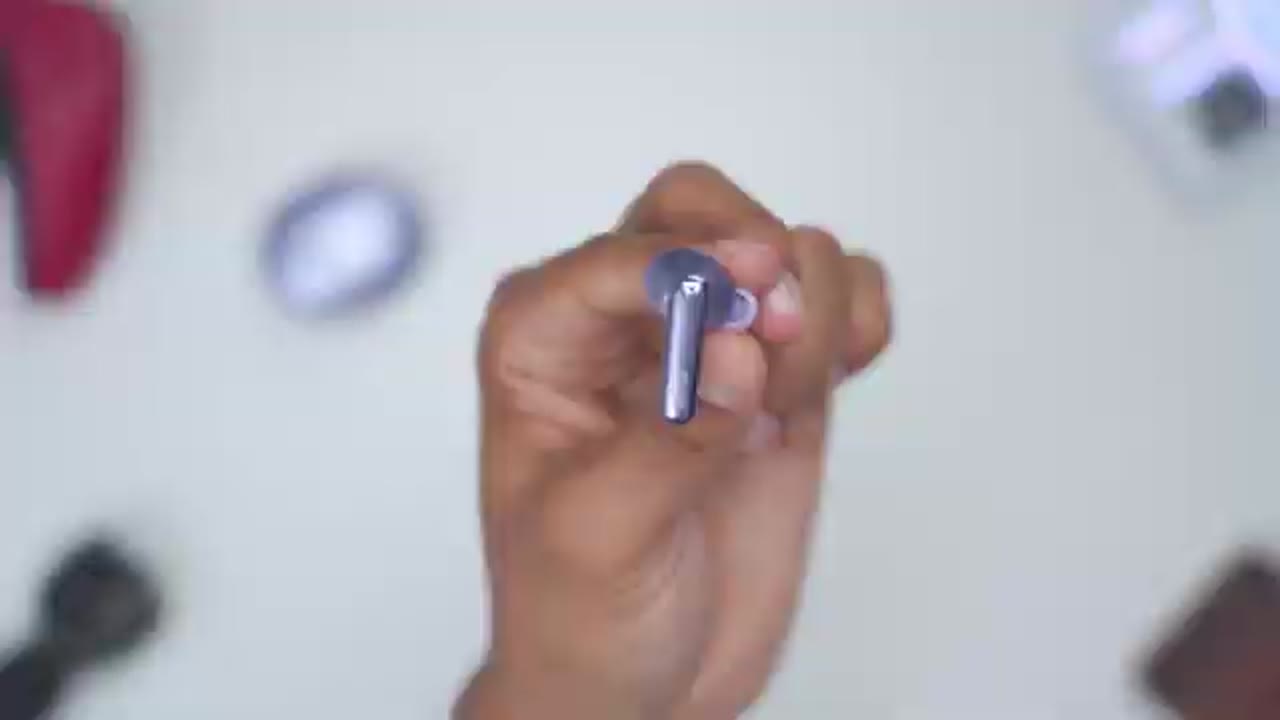
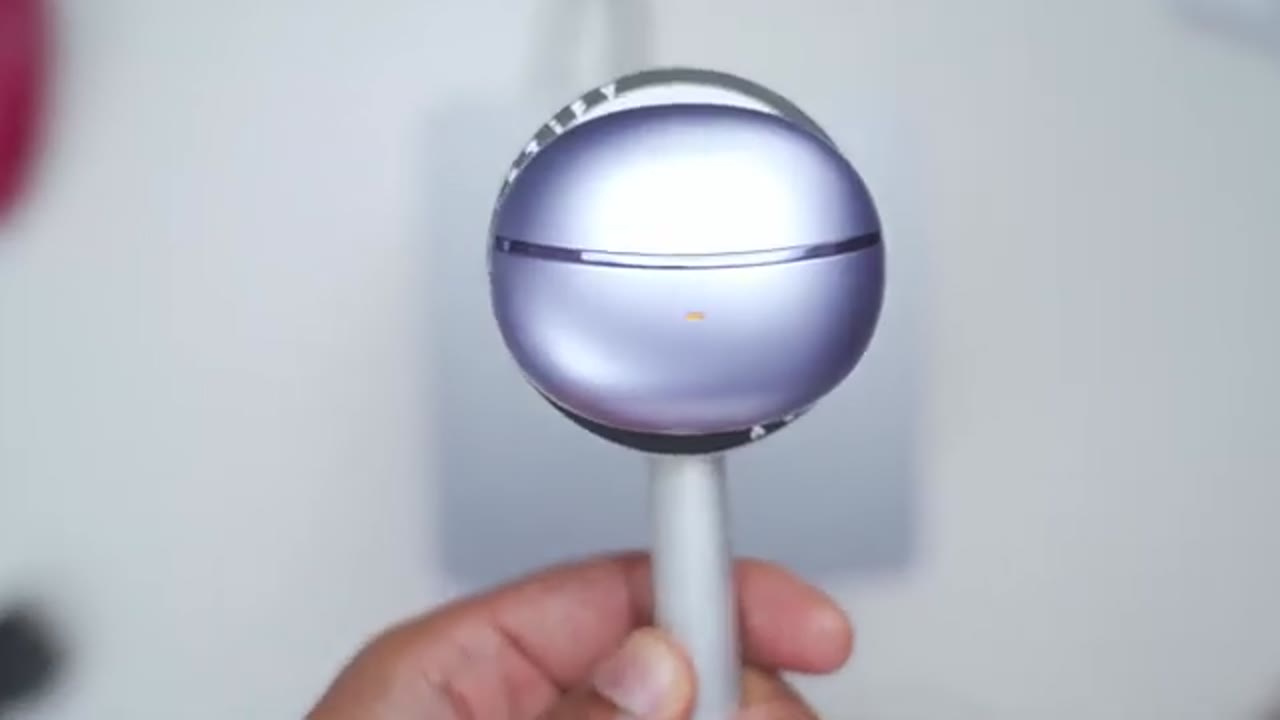
come in at around five grams each, so fairly lightweight. And once you add in the charging case, then it’s a total of 48 grams. Now, I have the purple color, but it also comes in a titanium and black color as well. But I think the purple looks stunning. We have a glossy portion on the stem along with the QCY logo. And this is the touchpad area. Now, the rest of the body is this matte type of finish, which plays really nicely with the light. We also have various microphone ports. At the very bottom, we have the metal charging contacts along with if it’s a right or left side. And then we have the ear tip. Now, they come with one pre-applied, but we also have four additional sizes so you can get the perfect fitment. Here’s a close-up view of the speaker grill. So, this is a dual driver setup.
We have a 10 mm dynamic driver and a MEMS tweeter. The ear tips are a soft dual layered silicone that feel really pleasant to the touch. It also has an IPX5 rating, good for, you know, light rain and sweat. And there’s also a 40 mAh battery in each earbud. The charging case also has that matte type of finish. And we have a glossy strip running along the side here. Now, there’s an LED indicator light here to show you when it’s charging, pairing, etc. At the very bottom, we have a USB type-C port to charge this back up along with a pairing button that doubles as the reset. And at the very back, we have the QCY logo in a glossy area as well. Now, once you open the case up, if we do the upside down test and shake it, the magnetic hold is extremely strong on here. No issues there.
Now, grabbing these out of here, it’s fairly easy once you, you know, make the adjustment due to, you know, the curvature of the body. But once you get used to it, very easy. Just take them out, pop them right back in. And the case has a 490 mAh battery to keep these recharged and topped up. Here’s a
Specs
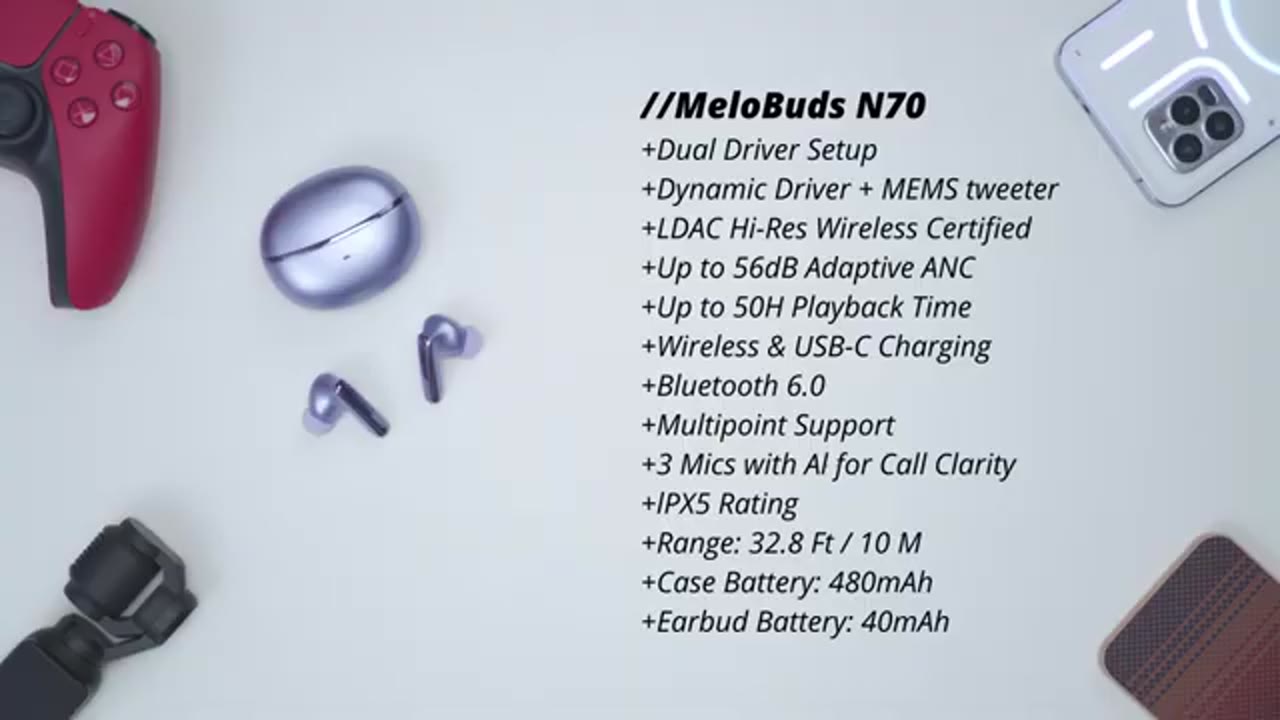
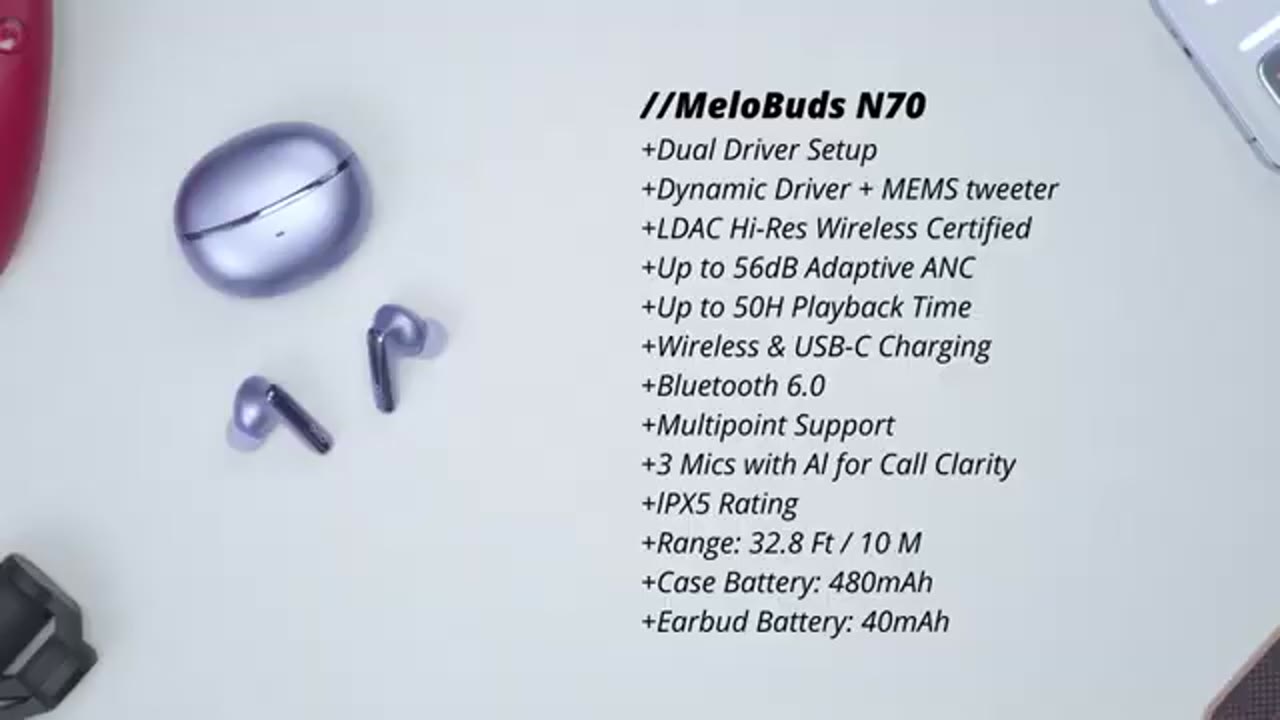
quick look at the specs. Feel free to pause and review or jump ahead to the
Bluetooth Pairing
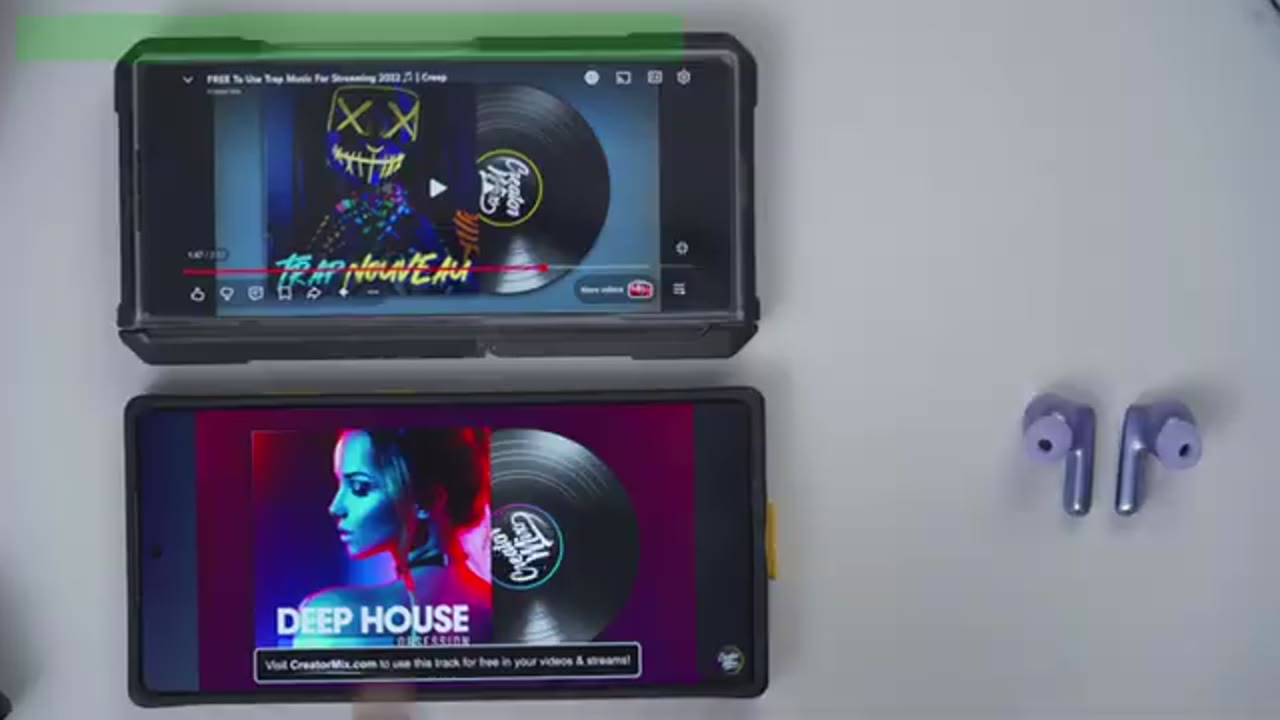
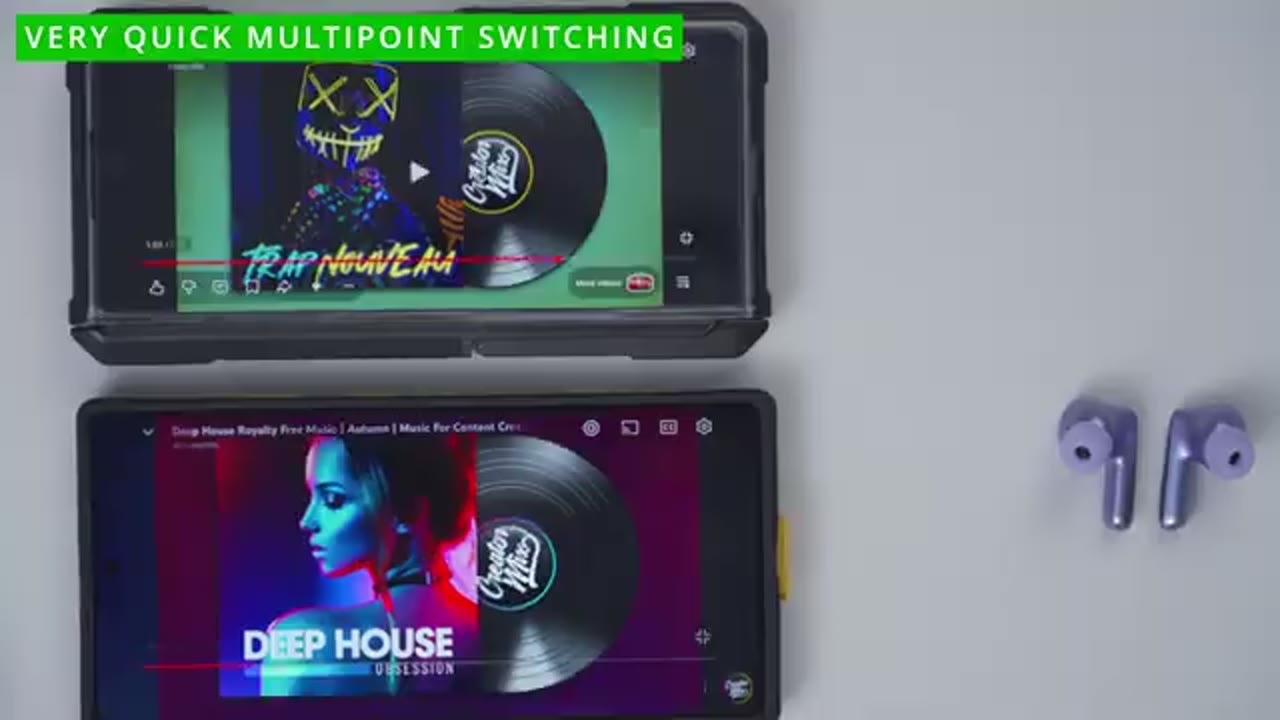
next section. I’ll now pair the N70 to my phone. So, I’ll just pop them out of the case. Automatically, Google Fast Pair has come up. I’ll just hit connect and wait for it to pair. And there we go. So, it’s automatically connected right now. If we tap into the N70, you can see it’s connected for calls, audio, and I can also see the battery life for the case, the right and left earbud, and we can also enable LDAC as well. I’ll also pair the N70s on my ZFold 7 since we have multi-point support, so we can connect two devices at once.
Multipoint Demo
No speech in this section.
QCY App
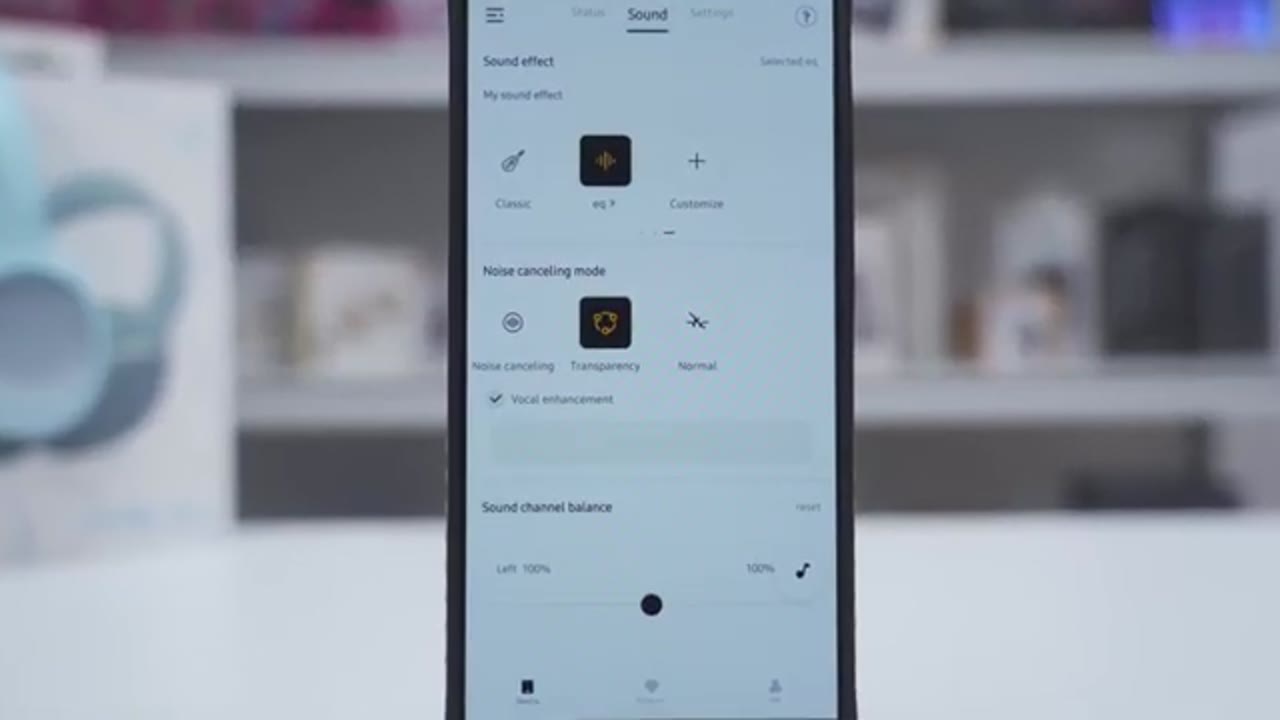
In the QCY app, you could see the battery life for each of the earbuds along with the charging case. And a really cool feature is you can actually pick the color of the earbuds that are shown in the app. Under the sound tab, we can set up personalized listening, spatial sound effects, and we have a default EQ, soft sound, stage, pop, heavy, bass, rock, soft, classic, and you can customize your own EQ. Under noise cancellation mode, you could set it to adaptive noise cancellation, indoor environments, commuting, and note that you can actually dial in the level or effect strength. You can also set it to noisy, anti-wind noise. And you can set the sound channel balance. On the settings tab, you can remap the controls for a single tap, double tap, triple tap, and a long press.
And these are the various options that you have. Now, you can also go ahead and turn on this find headset. It’s just going to find your location. You can also play a sound. And you can also set off the timing power off. So, if you were, you know, watching something before bed, you can go ahead and set that right here. You can also use fit detection, wear detection. If you turn this on, you know, whenever you take the earbuds off, it’s going to just pause music. And then when you put them back in, it’s going to resume music playback. And you can also set the sensitivity for that. Now, you can see you have a couple options here. So, take earbud off to pause and put on to play or take it off to pause. But when you put it on, it won’t play till you manually set it.
or this last option, take earbuds off to pause and put on both to play, not just one. Now, we also have this option for beep volume. You can set it to low all the way to high, but there doesn’t seem to be a way to turn it off. And you could just set the disconnection time from 5 minutes to 60 minutes. You can also turn on the gaming mode for low latency, wind noise detection, so it’ll automatically detect that. You can turn on the sleeping mode, turn on LDAC for the best possible audio quality, or you can turn on dual device connection or multipoint. And you can also update the firmware. If we jump into the bottom right mi tab here, you could tap into settings and you could set the assistive touch on or off. You can record the current location when the earbuds disconnect.
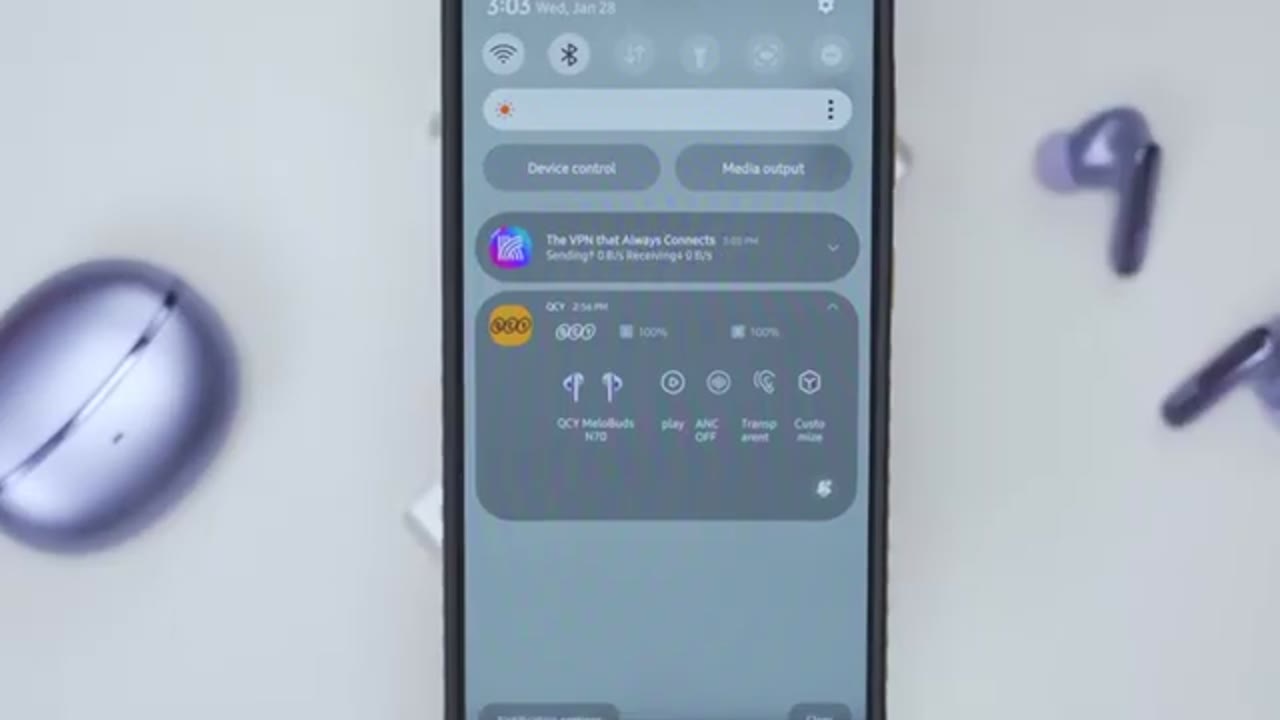
This could be handy if you ever lose them. You can easily see the last place they were at. And you may want to go into the QCY background app settings. If you go through all of the steps there, you could see that I have this kind of quick toggle section. when I pull down and if I expand that, I can go ahead and play, pause, I could turn A&C on or off, transparency mode or customize, and I could see the battery life without going into the app. So, something to keep in mind. Touch
Controls
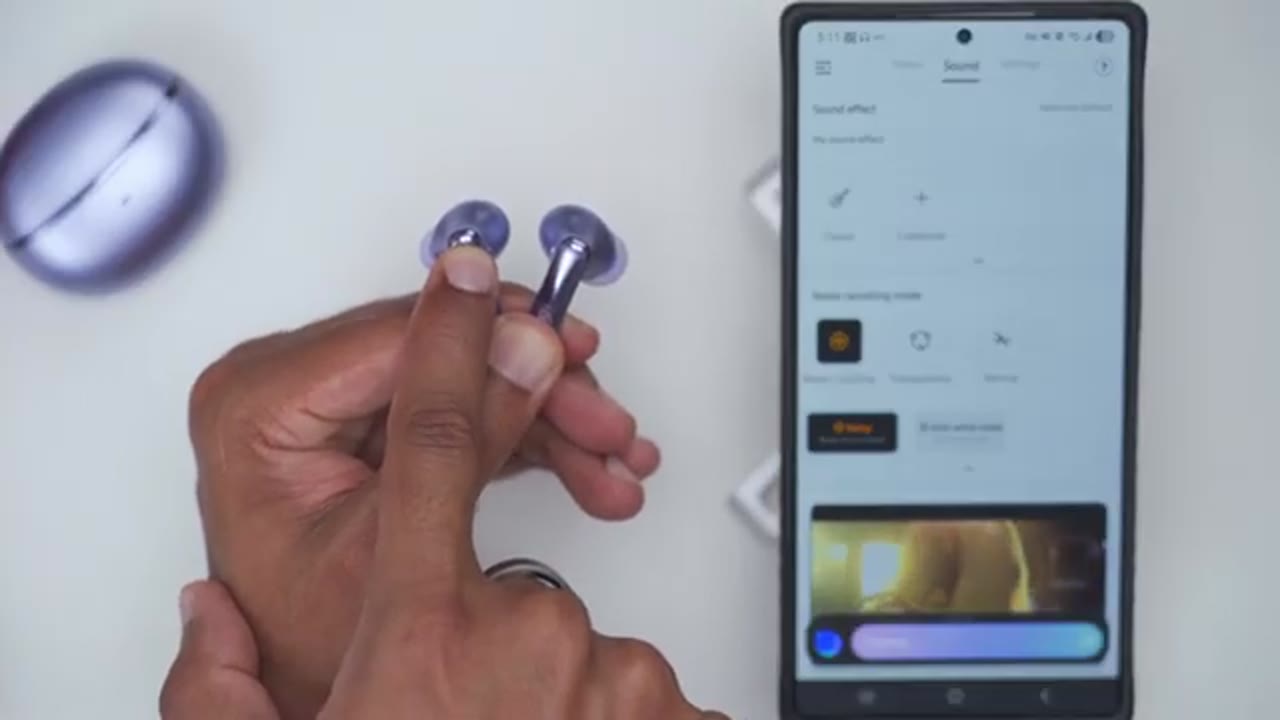
controls are responsive. I’ve set mine so that a single tap on right will increase the volume and a single tap on left will decrease the volume. I can also double tap on the right to pause music playback or double tap on the left to resume music playback. If I do a triple tap on the right side, it’s going to jump ahead to the next track. Give it a second to load there. And then if I do a triple tap on the left, it’s going to go back to the previous track. It’s also set so that a long press on the right side will activate the A&C mode. You can see it just jumped to transparency. If I press and hold on that again, I can switch it over into noise cancellation. And a long press on the left earbud is going to pull up the voice assistant. In
Sound
terms of sound, we have a dual driver setup. So, we have a 10 mm dynamic driver and a MEMS tweeter. When I listen, I had LDAC turned on on my phone and in the QCY app, I also had ANC on. And I was using the spatial sound effect mode, but I also would switch between the rock equalizer and a custom equalizer as well. And a quick note that I was able to keep LDAC on with that spatial sound effect mode. That’s something I couldn’t do with the previous QCY Miltuds Pro. First off, these get crazy loud. Now, I’m someone who likes to listen to music loud most of the times, but even at around 70%, it’s plenty loud for me. So, definitely louder than the QCY Melbuds Pro. If you love earbuds that deliver strong bass, you’re definitely not going to be disappointed with these.
Bass has great thump and you can actually feel that bass hit, but the bass can be a little bit boommy, which you may or may not like, but it does have a tendency to encroach a little bit into other ranges, but it’s still great overall for listening to most genres. When it came to mids, at first listen, it actually sounded a little bit recessed to me just using the default EQs. Luckily, using the custom EQs, I was able to dial it in where the vocals really came alive with a good amount of detail and clarity. Highs had great clarity and sounded bright and airy, allowing instrumentals to come through clearly with a sense of openness and separation.
Overall, these are just a fun and energetic pair of earbuds for listening to most types of music, but you will have to play around a little bit with the custom EQs to get them exactly how you want if you’re not happy with the default EQs. Here’s an
Mic
example of what microphone audio sounds like from the QCY Mellows N70. I’m in a very quiet room with little to no ambient noise. Here’s an example of what microphone audio sounds like coming out of the QCY Melob. I’m outside. Kind of a windy day. A good amount of ambient
Gaming Mode

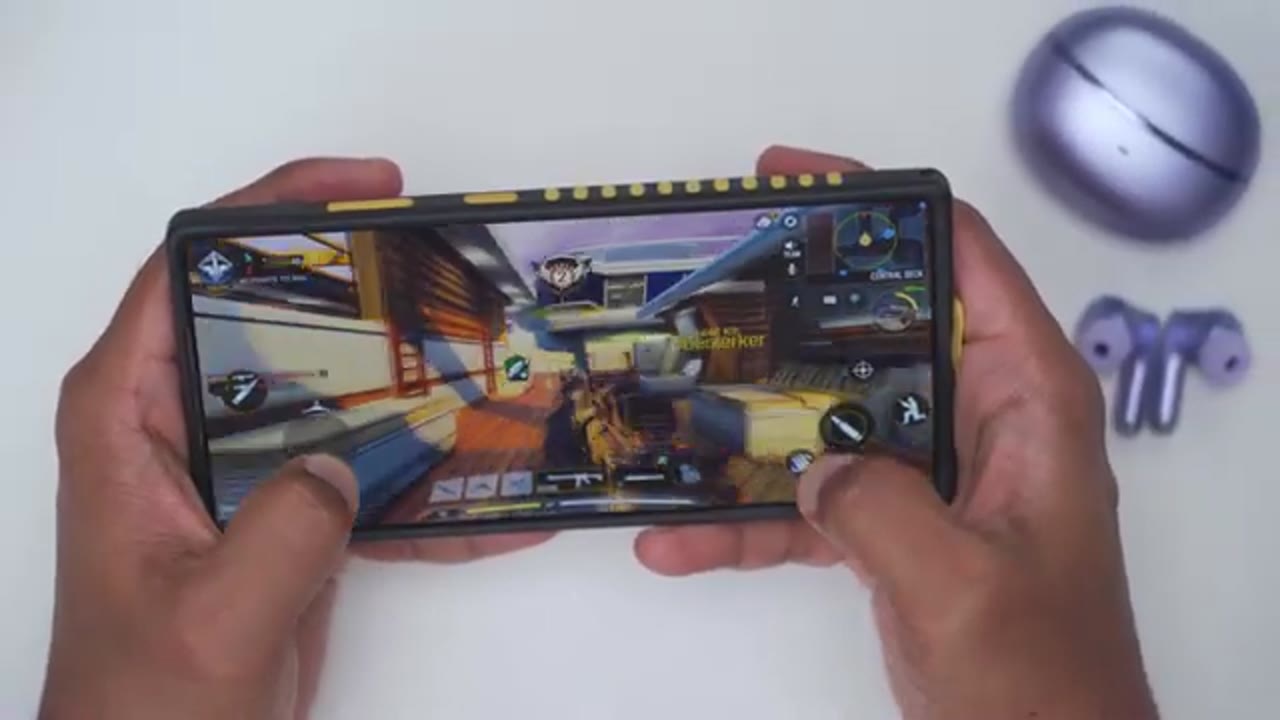
noise. Latency was pretty good when turning on the gaming mode, and I had no problems dominating in Call of Duty Mobile. The
ANC
ANC performance is better than I expected for the price, so it does a good job handling just background ambient noise, but of course, higher frequencies will still make its way through a bit. Of course, having, you know, just good fitment and seal with the ear tips goes a long way as well. The transparency mode works really great on these. It’s easy to make out whatever is going around you and to carry on a conversation. And you can also turn on the vocal enhancement feature as well.
Wearing Detection
I’m going to demo the wearing detection. So, I’ll take out the right earbud. Music’s automatically going to pause and then if I pop it back in, it’ll resume automatically.
Battery
Battery life is rated for between 7 to 10 hours depending on if you have&c on or off. And then if you factor in the charging case, then it’s between 35 to 50 hours again with or without& off. When you need to recharge these, a quick 10-minute charge is going to give you around 2 hours of playback. And to recharge the case, you can use a USB type-C cable or wireless charging. In
Comfort
terms of comfort, these have been super comfortable for hours of wear at a time. So, I definitely know they’re in my ear, but it doesn’t feel like they’re actually like expanding or stretching out my ear canal like some larger earbuds. And the soft silicone material also makes it really comfortable. And they also include, you know, four other ear tip sizes, so you’re sure to find something that’ll fit nice and snug.
N70 Vs. MeloBuds Pro

Now, if you own the QCY Mellow Buds Pro, which are a fantastic sounding pair of earbuds and one of my favorite, is it actually worth upgrading to the Mellow Buds N70? Well, the bass performance, I still find it to be, you know, a bit boommy on both of these. But in terms of the mids and highs, it’s a little bit crisper on the Melob N70. So, if you listen to a lot of vocals and instrumentals, you’re going to want to
Recommended?

get the N70. So, the QCY Melobuds N70 are a fantastic sounding pair of earbuds once you use the QCY app to really tune these how you like. You also get LDAC high-res wireless audio. There’s Google Fast Pair wireless charging, multi-point support, good ANC, decent battery life, all in a comfy pair of earbuds. So, if you want to get your very own pair of the QCY Mellow Buds N70, I’m going to leave links down below in the video description and pin comments. And if I have any type of coupon codes, I’ll leave those down below as well. and maybe check out this video next. And also consider liking and subscribing because outside of earbuds, I also review headphones, speakers, mice, monitors, keyboards. Really something for everyone. And I really hope you’ll join me in my next video
Buy QCY MeloBuds N70 Earbuds on Amazon
Please note that some of the links in my video descriptions are affiliate links where I earn from qualifying purchases. As an Amazon Associate I earn from qualifying purchases.

