


☑️ Get the S22 Ultra Phantom White on Amazon
Please note that some of the links in my video descriptions are affiliate links where I earn from qualifying purchases. As an Amazon Associate I earn from qualifying purchases.
Intro
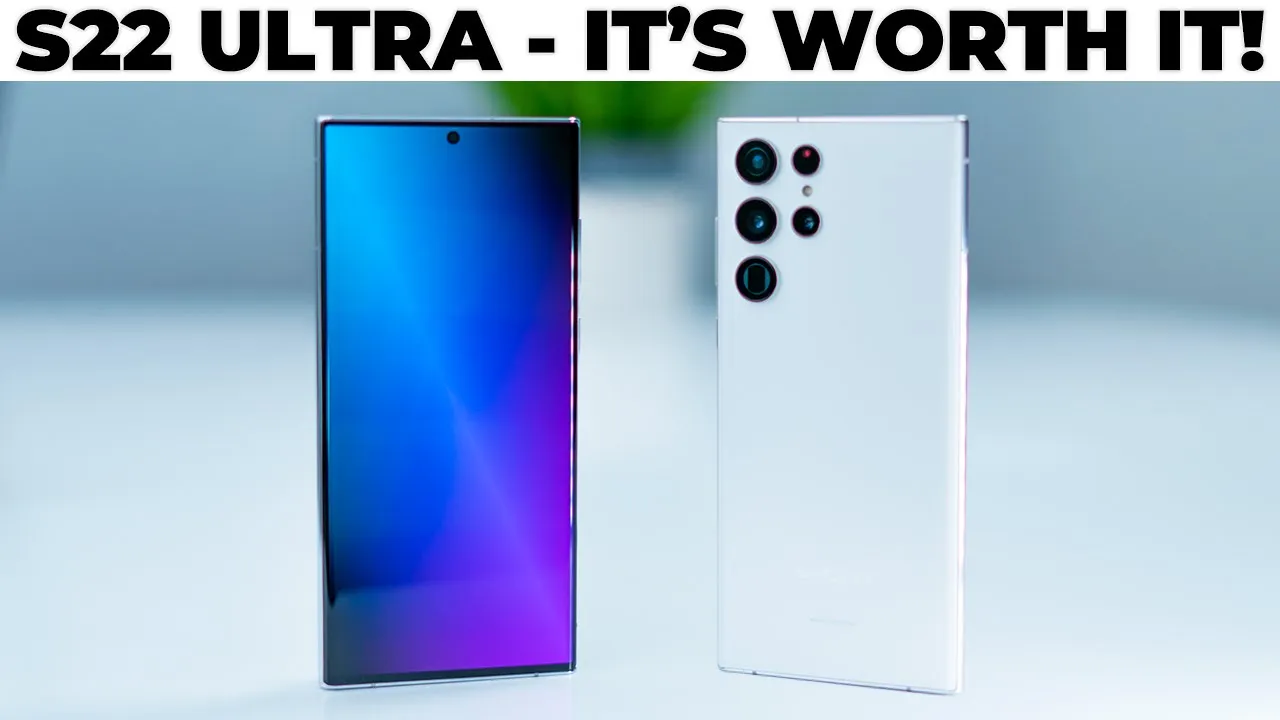
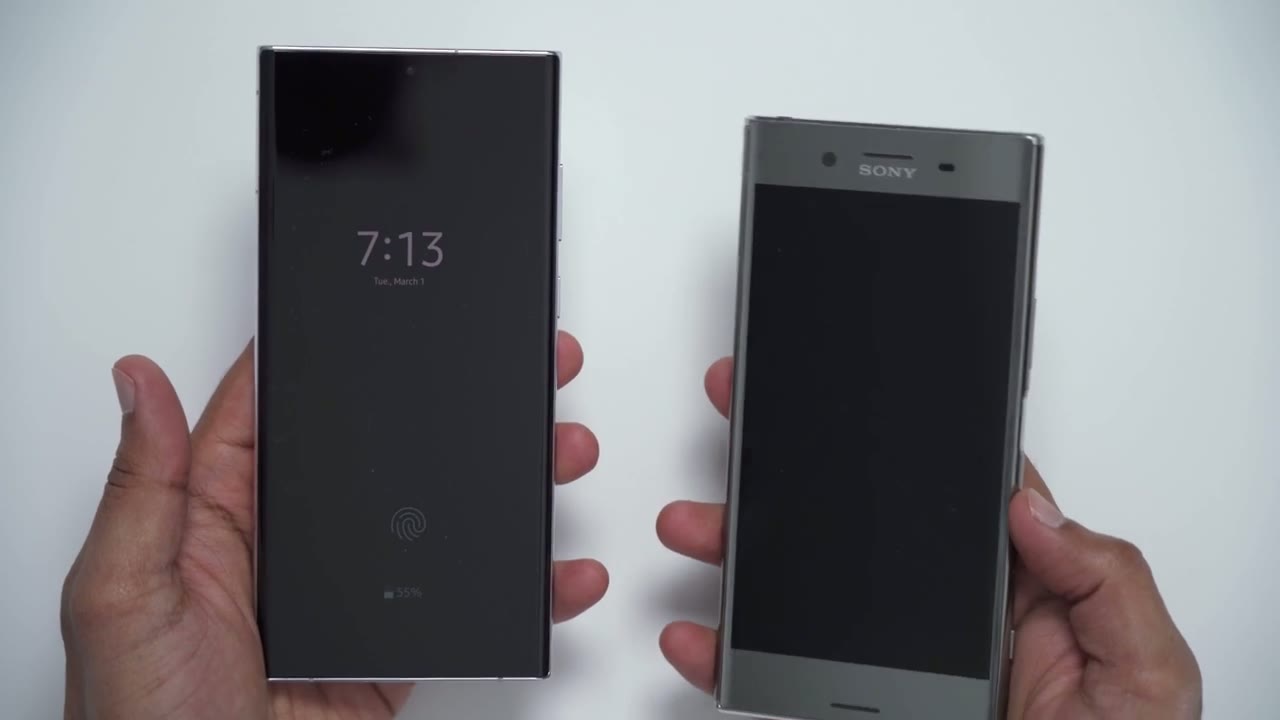
hey it’s adrian and today i’m doing a full review of the s22 ultra now this is an expensive phone but is it worth that high price tag so today i’m going to review it i’m going to look at camera performance battery life and just overall performance and you can decide if it’s worth spending that type of money so before i get into the rest of the review i am coming from a five-year-old sony xperia xz premium it’s pretty similar in terms of the boxy squarish type of look so keep in mind this is my first samsung product so my review is going to reflect that box you
In The Box
get the phone usb type-c charging cable sim card eject tool however there is no charger included in the rest of the
Specs
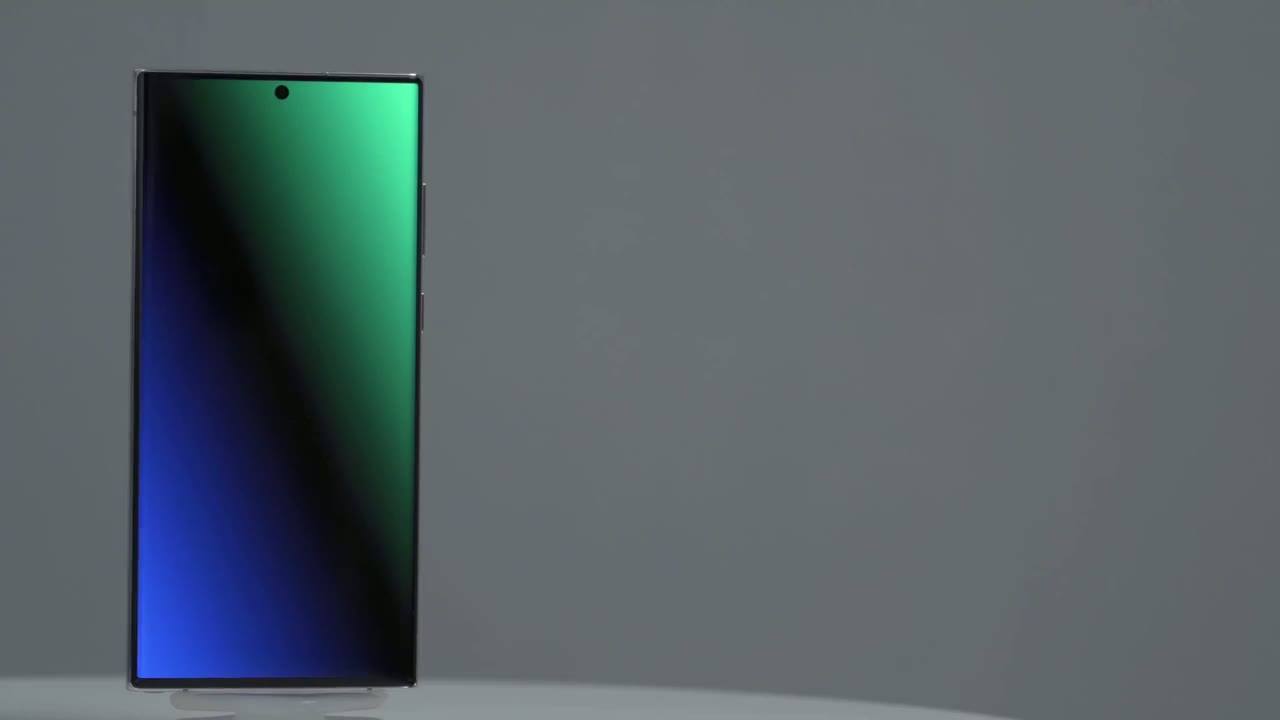
world you get the snapdragon 8 gen 1 cpu but in europe it’s the exynos 2200 the gpu is an adreno 730 in terms of the screen you get a 6.8 inch dynamic amoled screen that runs up to 120 hertz so it does have a variable refresh rate it also supports hdr 10 plus and there’s a max brightness of 1750 nits which is pretty impressive the max resolution on the phone is 1440 by 3088 pixels and you have a pixel density of 500 ram configurations are 8 gigs for the base model and 12 gigs for every model above that storage is ufs 3.1 and you can go from 128 gigs to one terabyte choose wisely because there is no expandable storage on this phone you also get the newest bluetooth spec so bluetooth 5.2 there are stereo speakers tuned by akg there’s nfc near-field communication for tapping to pay you have 15 watt wireless charging and 4.5 watts reverse wireless charging there’s a 5 000 milliamp battery usb type c 3.2 under display fingerprint reader fast 45 watt charging and the overall dimensions are 6.43 inches high 3.07 inches wide and 0.35 inches in height like with most other flagship phones you have an ip68 dust and water resistant rating and i’ll touch on the cameras when i get to that section the
Design
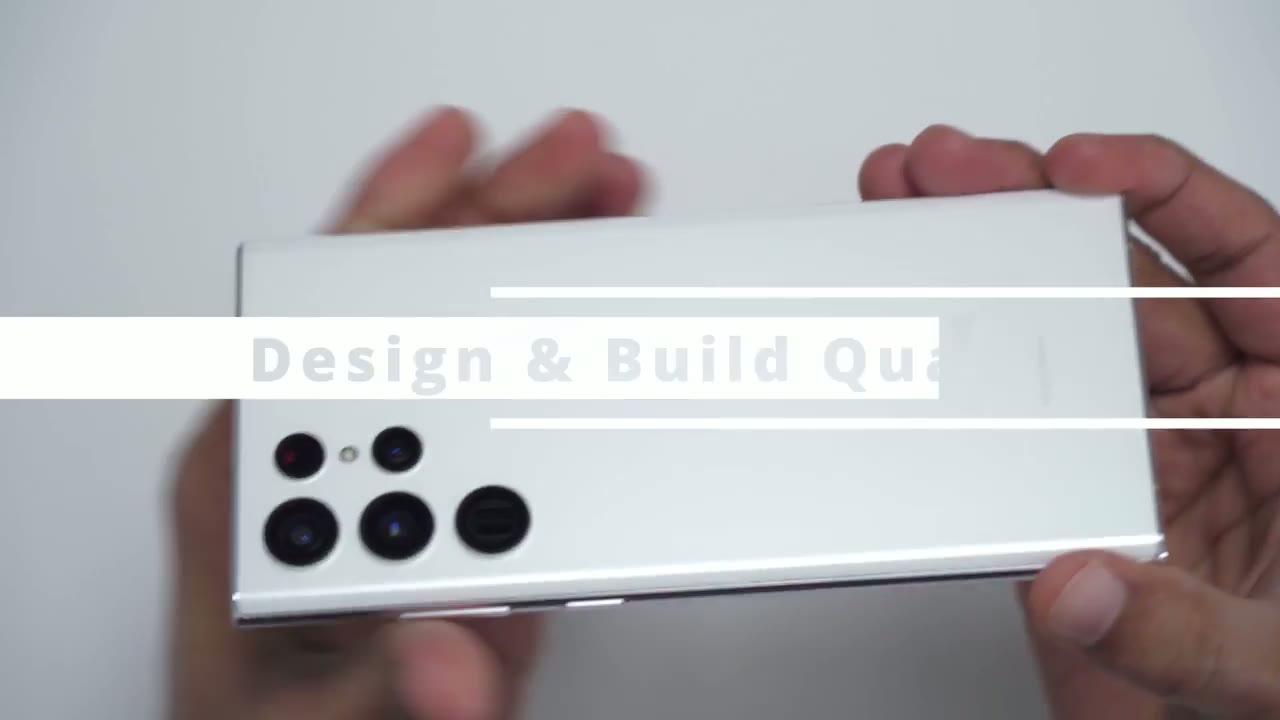
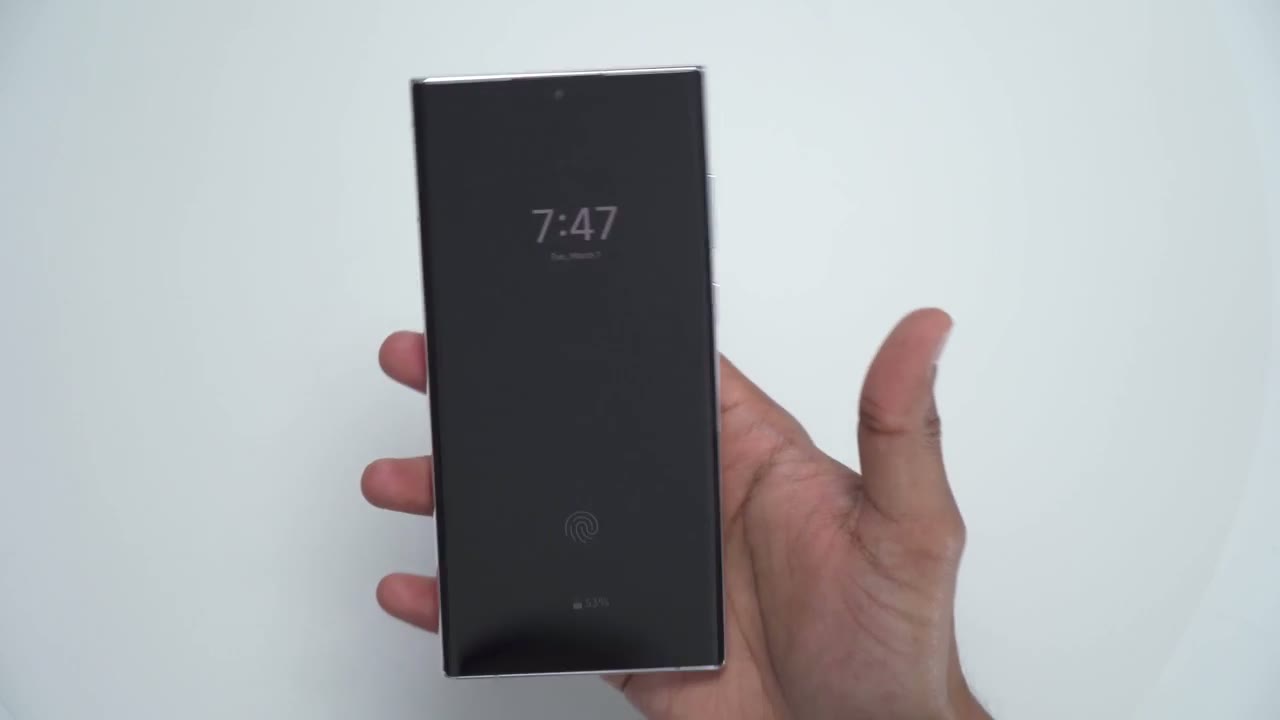
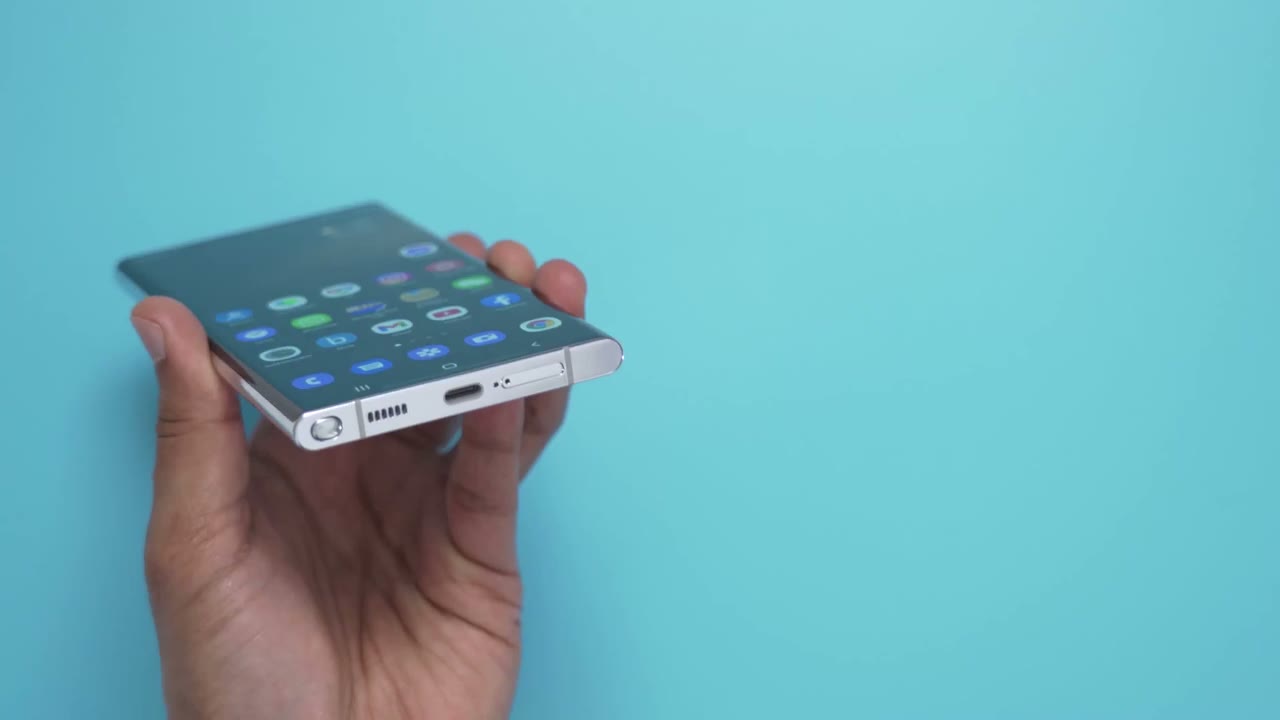
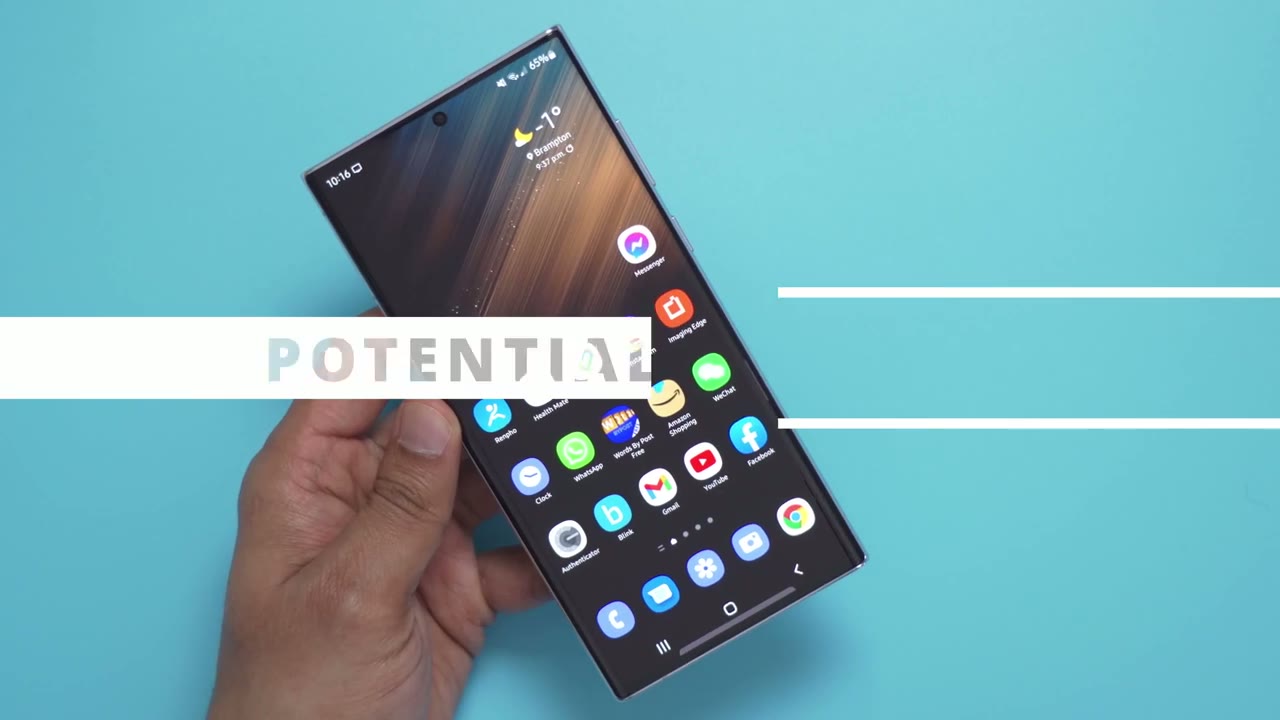
front and back of the phone are protected in gorilla glass victus plus so that’s going to help prevent it from any type of accidental drops or occasional scratches taking a closer look at the front of the phone you can see that the glass is mostly flat however when you angle it and view it from the side the glass does curve into that aluminum frame there also there’s a 40 megapixel selfie camera cutout right at the top bottom of the phone is where you find all the connections so you have the sim card tray microphone usb type-c charging port speakers and the ejectable s pen the phone does accept two nano sim cards if needed on the right side of the phone you’ll find the volume rocker and power button which can also be programmed to activate bixby top of the phone has an additional microphone and on the left side there are no buttons taking a look at the back of the phone you can see it looks really sharp so you have the samsung logo etched into the bottom there and the really standout feature here is this camera setup so you can see if i rotate the phone to the side these camera lenses they’re just protruding there’s no camera bump no camera module and it’s just a nice clean look the other thing that works really well with this is you can see these black rings for each of the camera lens so it contrasts really well so i’m going to do my best to show this on video however the white at the back it’s not a glossy type of light it’s a matte type of finish which helps to resist against fingerprints now this phone comes in at around 229 grams which works out to about half of a pound so it does have some heft to it which contributes to the premium feel of the phone now holding it in the hand and using it daily it’s pretty easy to manage and even though it’s such a long phone it doesn’t feel like it’s going to flip over taking a
Camera Specs
look at the camera so the front camera is a 40 megapixel camera it’s an f 2.2 aperture with a 26 millimeter focal length and it’s capable of 4k video at 30 frames per second or 60 frames per second and 1080p at 30 frames per second looking at the quad camera setup on the back so the first camera is the 12 megapixel ultra ride with an aperture of f 2.2 and a 13 millimeter focal length so that gives the equivalent of about 120 degrees field of view now the second camera is the 108 megapixel main camera it has a f 1.8 aperture focal length of 23 millimeters and that does have image stabilization the next lens is the 10 megapixel optical zoom which has an aperture of f 4.9 and a focal length of 230 millimeters with image stabilization the last camera is the 10 megapixel with 3x optical zoom it’s an aperture of f 2.4 and a 70 millimeter focal length with image stabilization as well and the last module here is just the laser autofocus and of course you have the flash for the video formats you can shoot 8k at 24 frames a second 4k at 30 or 60 frames per second 1080p at 30 60 or 240 frames per second and finally 720p at 960 frames per second for super slow-mo i
Photo Quality
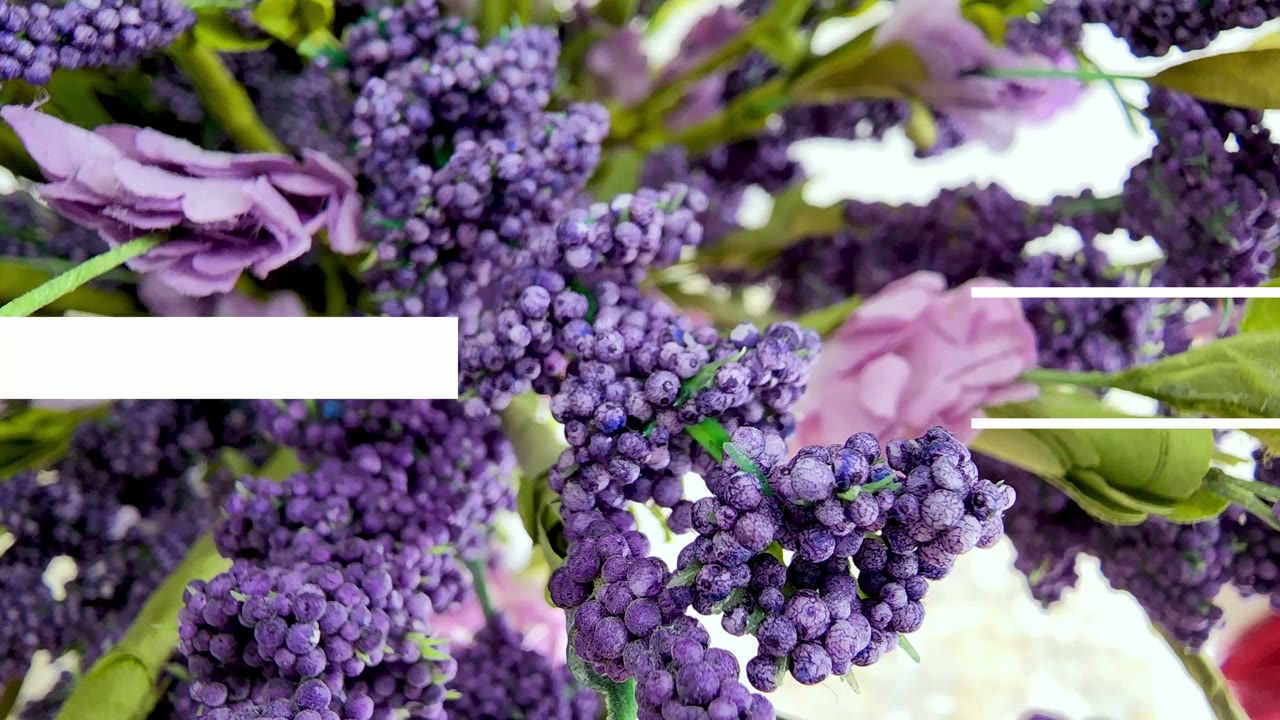
was really impressed with the camera performance so i really enjoyed taking photos and videos with the cameras indoor and outdoor photos were really quick to focus and take without having to play around with any manual settings so it was really accurate to just maintaining focus and taking the photo but there is also a pro mode if you want to set things manually like iso shutter speed white balance focus and so on now here’s a series of photos i took starting from the ultra wide lens to the main lens the 3x zoom 10x zoom then finally the 30 and 100 times zoom now by the time you get into the 30x zoom the quality is pretty questionable i would really use that to see something far away but not really to capture it at 100x you’re really just reaching you’re using it to see something but whatever you capture is pretty much not going to be usable for really anything i really did find myself using the ultra wide quite a lot on my previous phone i didn’t have that and i didn’t realize how much i prefer ultra wide shots versus just like a regular wide shot or a telephoto shot the camera does really well with close-up shots too so you can see as i get close to this watch it can really pick up the texture and knurling on that dial if i go to the 1x you could really see it there i’ll take a photo of that and if i go to 3x and i back up a bit again pretty pretty nice detail there 10x is a bit more crazy but let me see how close i can get and that’s that’s really a ton of detail right there i could see things that i don’t even want to see
Burst Photo Mode
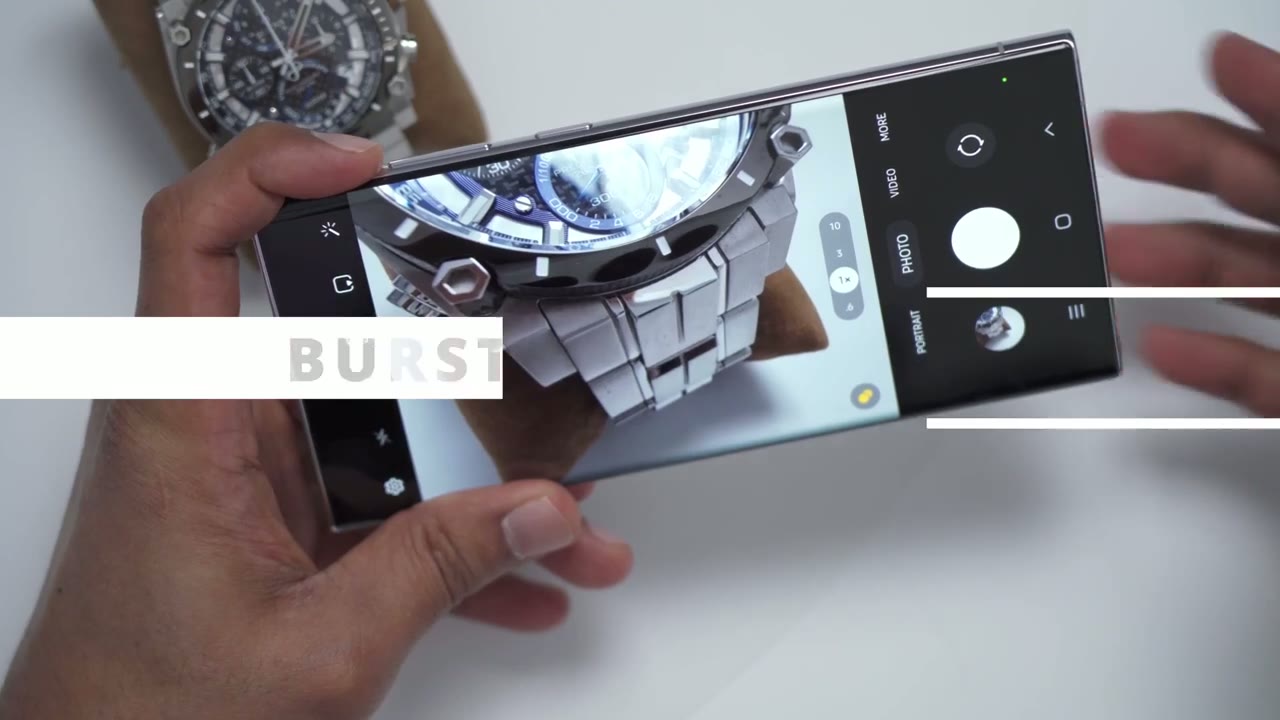
now in addition to just taking like single shots with the camera you can also take a burst photos up to 100 photos so to do that you would just swipe on the shutter and you can see i’ll just vary my camera around and it does max out at 100 images so if i go into my gallery you can see there it does show 100 images if i click on that these are the series of photos that i took and i could just like swipe through and then just pick whichever image i think is best in focus and then save that image pretty cool feature a quick demo of the selfie camera in the
Selfie Camera
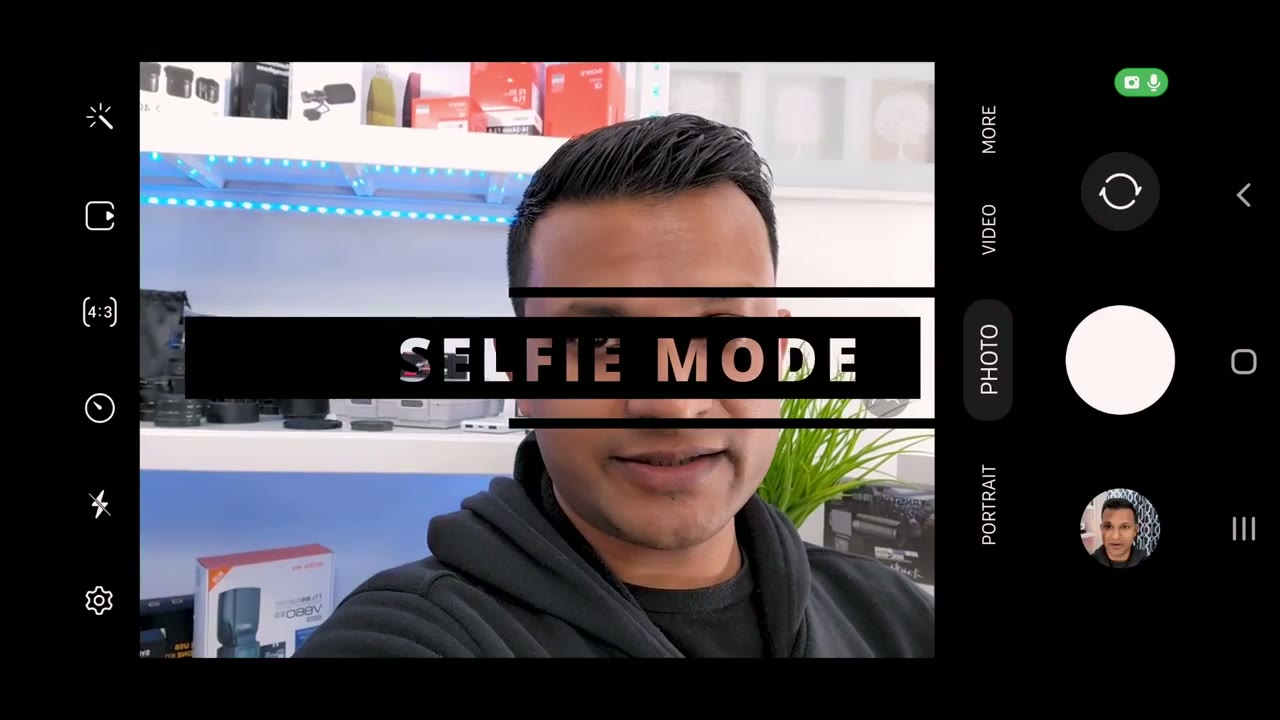
app so right now i’m in photo mode you can see i’m in focus my background’s in focus if i click on the portrait mode which activates like the beautify stuff you can see the background is automatically out of focus and if i click this little uh arrow sorry circle here you could see i could drag down the effect so the background can be super in focus or completely out of focus i also have an option to change skin softening so if i click on this little wand here there’s a skin smoothness slider and you can see i can slide it until it’s like really cartoonish or bring it all the way back very quick demo so if you get out of portrait mode and you go into regular photo mode if you click this little uh wand here you can see there’s an option that says face that’s selected if i click on the first icon it’s smoothness so i can drop the smoothness so it’s just my actual skin or i can crank it all the way up i’ll put it like maybe halfway just to show and there’s another option here for jawline so i can actually drag this slider and slim my jaw which is a pretty neat um but if only it was that easy there’s another option for eyes so you can see the eyes it does make them like larger like anime style or you could drag it down to reality and then all the way back up
Night Mode
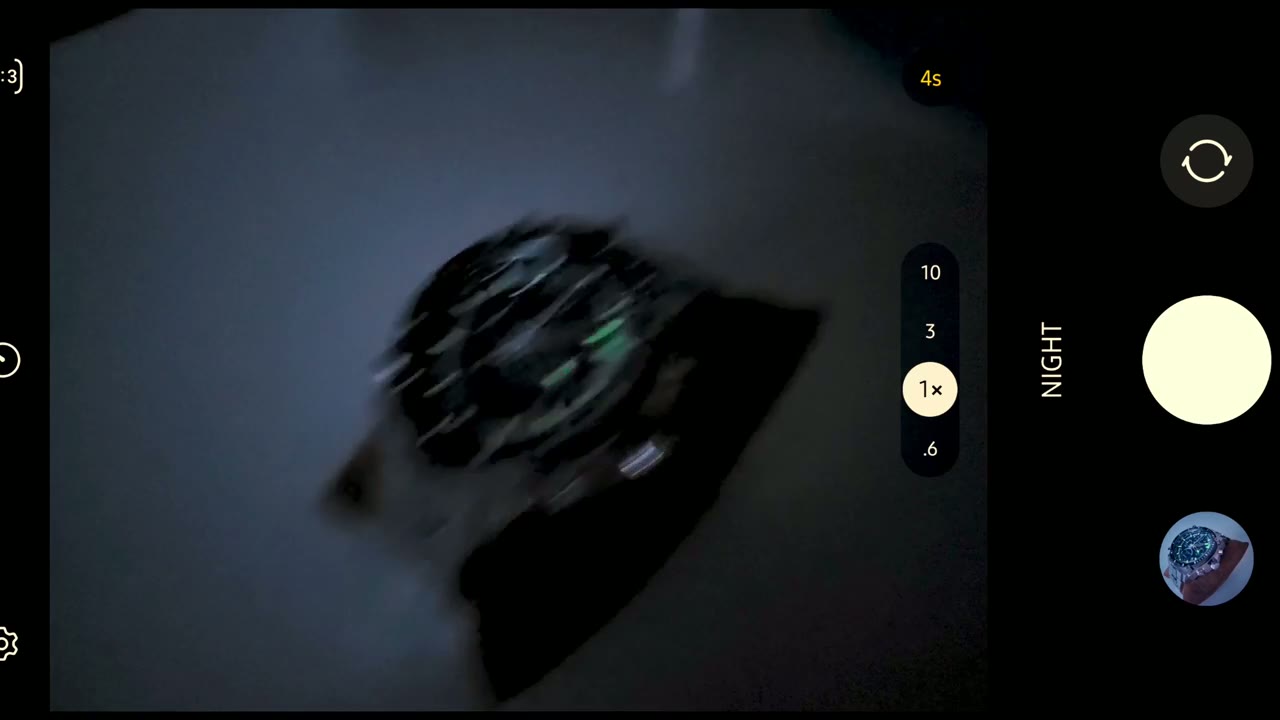
again so i’ve made it kind of dark in here i just have a really low ambient light to simulate like a street light so i’ll go ahead and take a photo now it says to hold the camera still for about four seconds so i’m doing that and let me just review that and wow that’s actually pretty well in focus that even captured the loom when it comes to video the
Video Quality
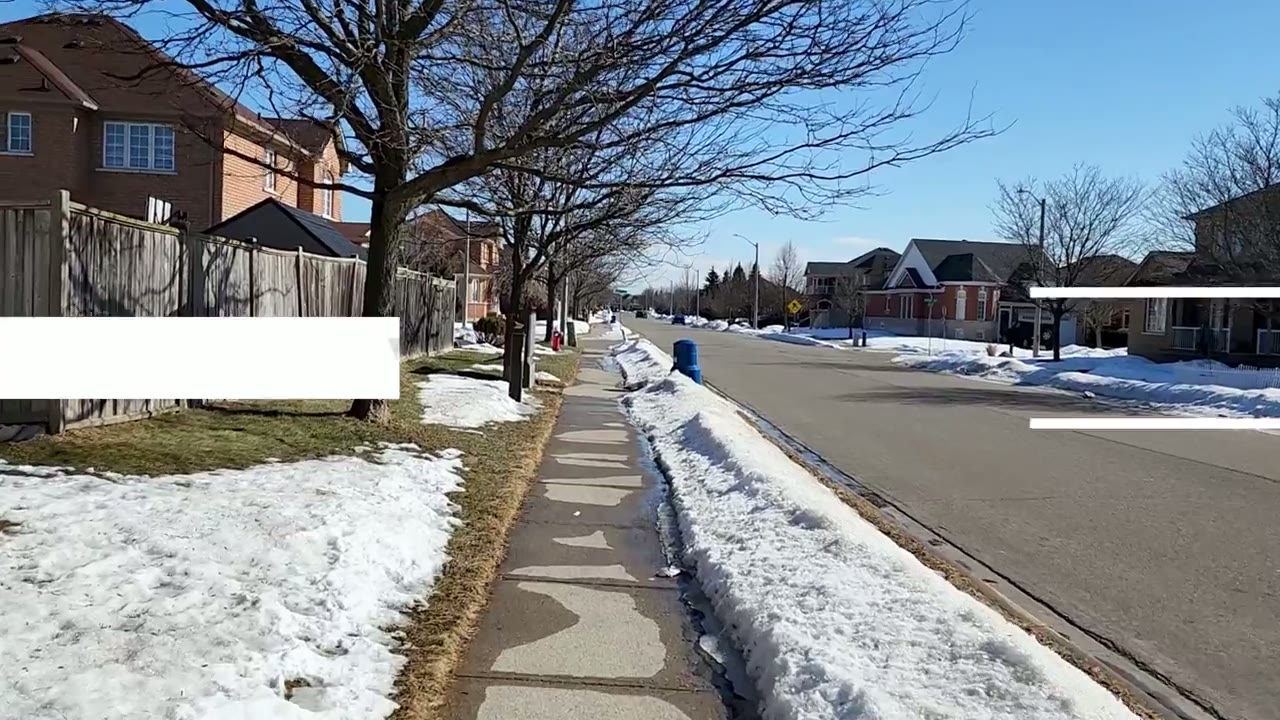
quality is just as good so the image stabilization works great whether you’re holding the phone with one hand or two hands while you’re walking 8k video is only at 24 frames a second and it uses the main camera there also is no optical zoom there’s only digital zoom and it doesn’t look that great stabilization is not as good here probably because there’s no room to crop in 4k video can be shot at 30 frames or 60 frames a second and the quality really is great and it is nicely stabilized you’re able to use any of the focal lengths from the ultrawide all the way up to the 10x optical zoom however when i did try the 10x optical zoom the stabilization was all over place and really wonky so i would say stick to 3x optical zoom or the wide or ultrawide stay away from the 10x if you’re going to be walking 1080p video can be shot at 30 frames a second or 60 frames a second but there is a noticeable quality difference when you go from 4k however it is still nicely stabilized so in
Director’s View
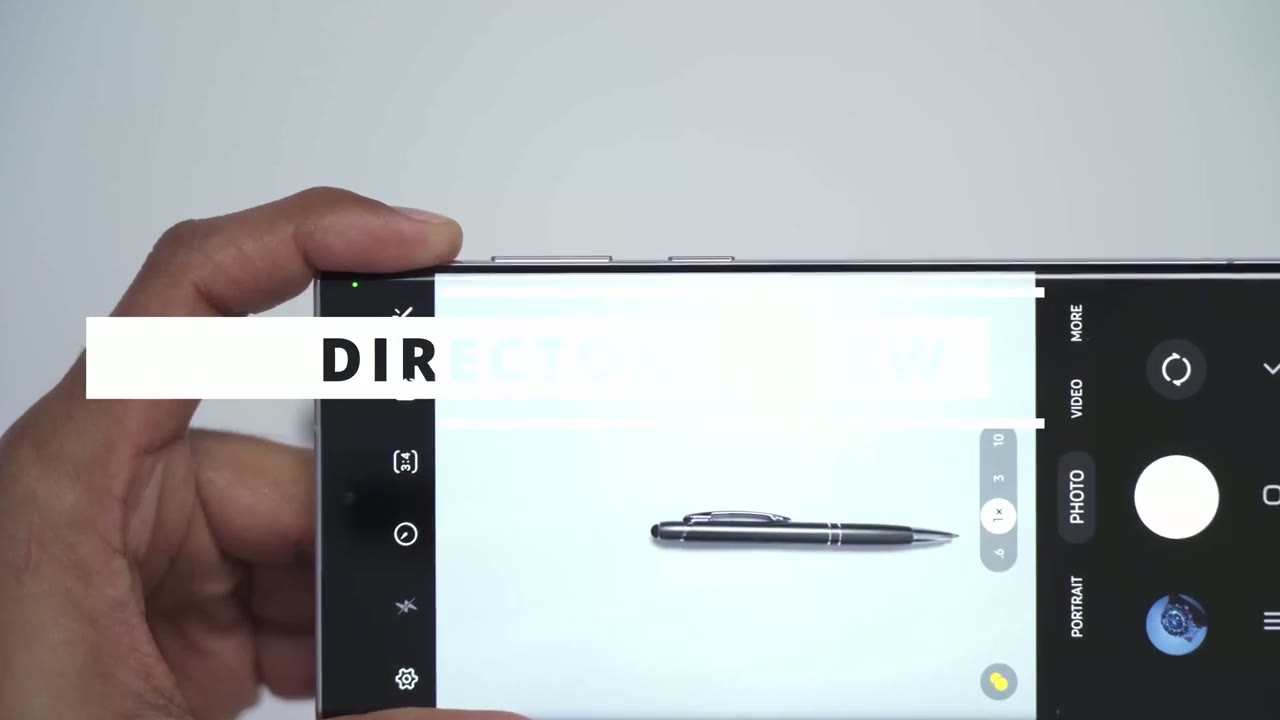
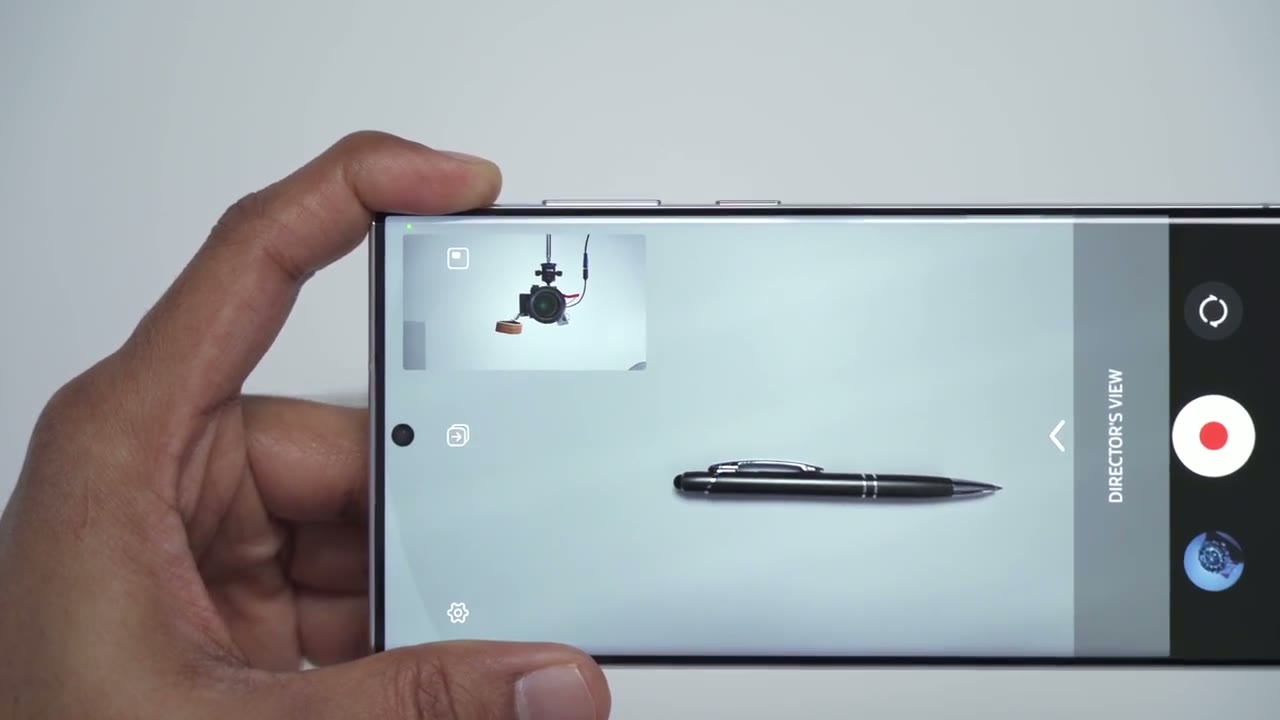
addition to the regular photo and video modes there’s also a section here called more and it has some pretty cool stuff in here so if you click on director’s view what that does is it uses both the front selfie camera and the rear camera at the back here and you can see this can be really handy for doing like a vlog style or a travel type video so it’s a really cool or anything where you’re giving commentary the other thing to notice is if you click on this icon up here it does a split view so you can have it then we’ll take 50 of the screen or you can just click back here so it’s kind of like a picture in picture mode now when you save the video you can save both camera feeds at the same time or you can save it so that each video will be a separate video file in your gallery and you can then edit that whenever you like in post-processing to you know layer this wherever you would like it so pretty cool and handy feature
Hyperlapse
there’s also a really neat hyperlapse feature which was a ton of fun to use and i think you can have a lot of uses for this actually but here’s a quick clip i took to demo it it’s also an
Super Slo-Mo & Slo-Mo
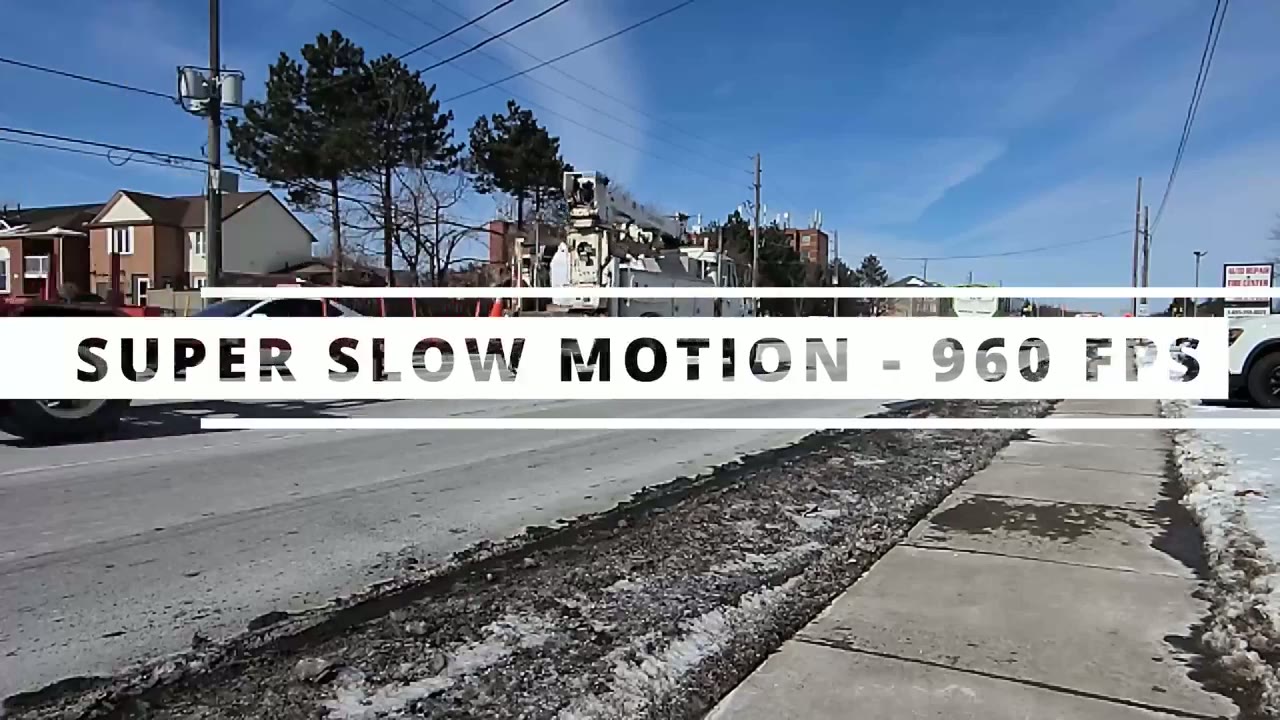
option for super slow-mo and anytime you record something in super slow-mo it records it at 960 frames a second however the video quality is only 720p the slow motion mode so this records things at 240 frames per second and it does record audio at the same time but the audio is going to be kind of slowed down to match the clip pretty cool but again the quality isn’t the greatest so with this five camera setup i think you can take on pretty much any situation you know you have the ultra wide say you’re gonna capture like an entire room or something like that and then you have the 10x optical if you really want to punch in so let’s talk about the screen
Screen
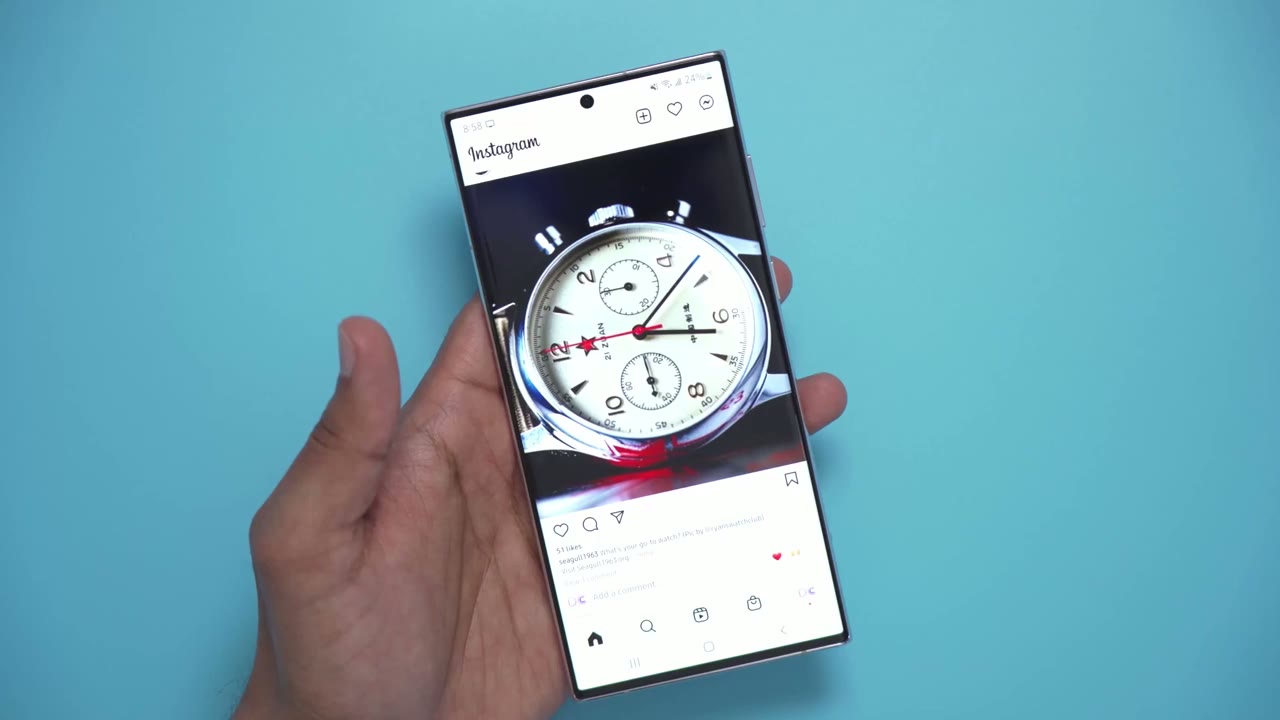
so it’s a 6.8 inch screen it’s an amoled and it is super bright so i was out in the sunlight here’s a clip of that and i had no issues reading the screen one thing i did do is i did go into display options and there was an option to enable extra brightness and i did enable that and it did bump the brightness up a little bit more so if you’re having problems even though you’ve maxed the brightness up in here just go in there try to find that setting and see if that helps in terms of resolution there’s three resolution options to pick from you can see i have mine on 3088 by 1440 so i have the highest resolution selected i found the colors to look really vibrant the video was sharp the motion was super fluid thanks to that variable 120 hertz refresh rate which brings me to that so even though the variable refresh rate is supposed to go from one hertz to 120 hertz i’ve only ever seen it go to 24 hertz now while i’m swiping through you can see it’s at 120 but once i stop it just goes to 24.
i’ve never seen it go lower than 24. if you have on your phone um leave me a comment down below i’m curious to see what kind of settings you have turned on or what you were doing another thing i’m really happy to have back that i missed having is having an always on screen so you can see i keep mine at maximum brightness all the time just so i could see where the fingerprint sensor is but there’s a quick way to change that at night when you’re trying to sleep if you just double click the clock you can click this little a icon here and then you can slide it all the way from the dimmest to the brightest in terms of overall
Overall Performance
performance this phone is no slouch like everything is quick i have a ton of apps open it’s just really quick to scroll through providing my internet can keep up of course but no complaints like you can have multiple apps open and just running in the background and then just pick anything and it’s ready to go in terms of gaming performance i played pub g
Gaming
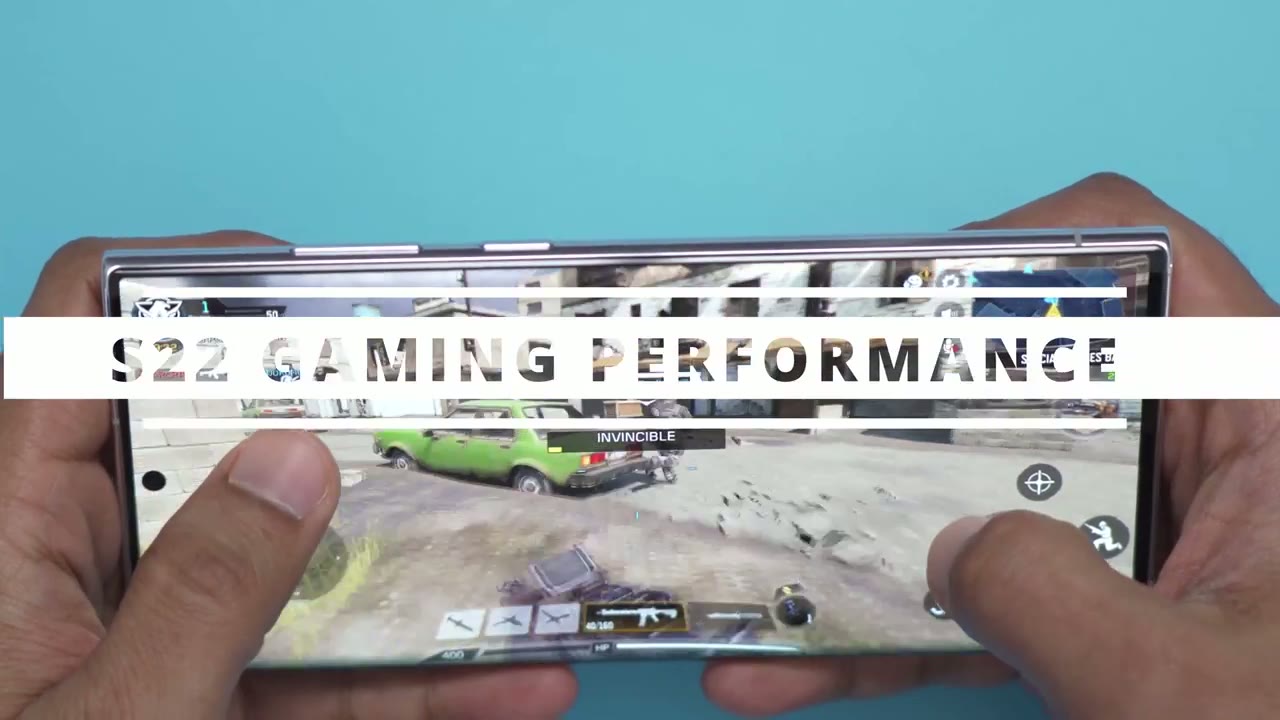
genshin impact and call of duty mobile and the phone had no problem keeping up it did get a bit warm while i was playing for extended periods of time but it was never too hot to hold and i didn’t notice any lag or slowdown even though it was getting warm so gaming wise you don’t have to really worry in terms of biometrics and
Fingerprint Sensor
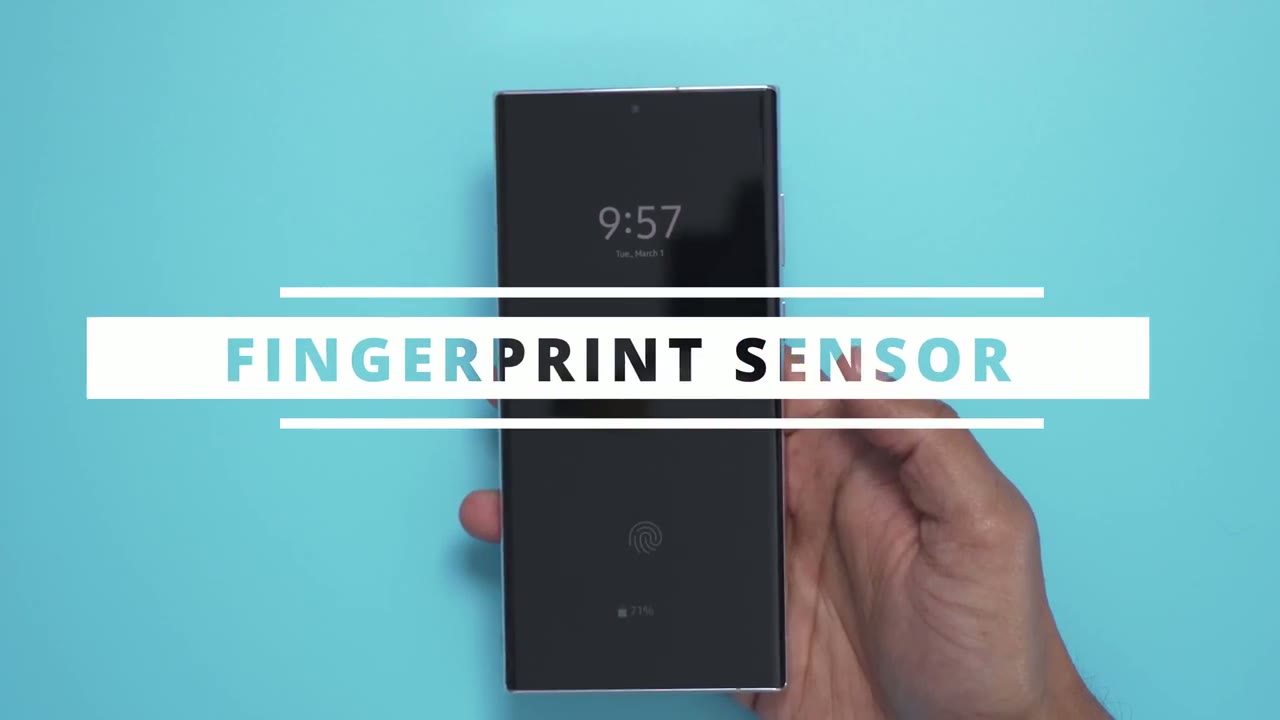
unlocking i’ve been using face unlock on the fingerprint reader so the fingerprint reader it does work you can see it doesn’t take too long once i see where i put my finger i just put it there and it opens it’s good it’s not as fast as on my previous phone where it was side mounted into the power button i still prefer that side button method but for now this will do in terms of the max
Sound Quality
volume i find it to be super adequate it’s really loud i’ll play a quick demo here just be careful about your speakers [Music] so here’s a quick demo of the fast
Battery
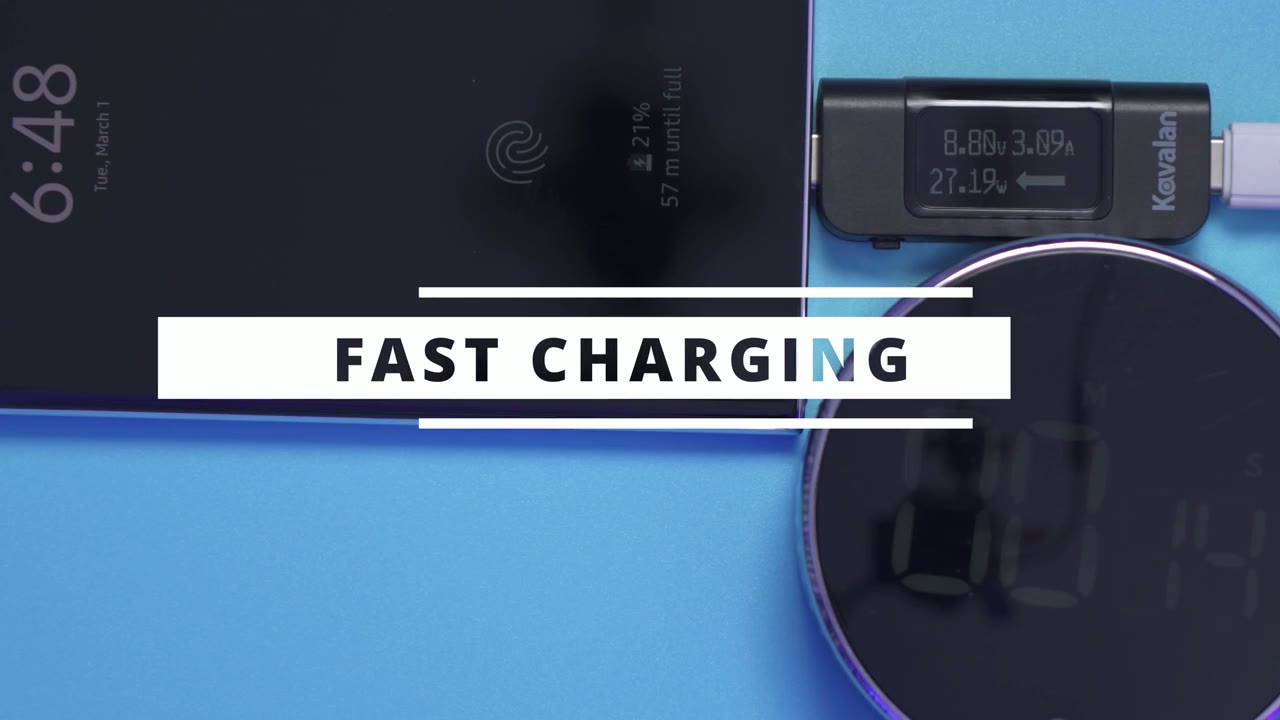
charge so right now i have a 45 watt charger plugged into the phone and you can see i’m averaging around 28 watts um the highest i’ve seen is around 30. i’ve not been able to get close to the rated 45 watts of charging now keep in mind i am using a third-party charger i wasn’t able to get the official samsung 45-watt charger because it was out of stock but the third-party charger i am using is a 45 watt charger as well on one of the gan chargers and i’m just capping out at around 28 29 30 if i’m lucky okay so
S Pen
let’s talk about the s pen now this was not one of the reasons i bought the phone so i kind of write for myself but let’s see if it recognizes it so it does have a response time of 2.8 milliseconds and it does really show when you’re using it so you can see that did um it did understand what i wrote i’m sure there’s a bunch of different tips when it comes to using this aspen but here’s one that i found so far in terms of photo and video so if i just click it once it’s going to take a photo you can see that in the gallery there and if i hold it down it’s going to do that burst shot where it takes 100 photos that i showed before pretty neat if you double click that middle button you can see it’s going to point to the selfie camera up here and if i double click it again it’s going to swap and go to the rear camera so this can be super useful if you have your phone on a tripod or if you’re sitting away from your phone i do wish there was
Deal Breakers
a headphone jack somewhere either on the bottom or on the top i know a lot of newer flagships they don’t have it however sony still manages to find a way to keep that 3.5 millimeter headphone jack which is super handy for those of us who still like using wired headphones the other thing is there’s no expandable storage on here so there’s no place to put in a memory card to expand storage there is wobble when you’re using the phone on a flat surface so you can see if i press here you can hear that wobble now easily remedied by putting on a case which i’ll show right now now this is a clear case that i bought it has a bit of a glitter thing that actually looks really nice on the sun but you can see if i angle it the camera lenses there is a bit of a lip there to protect them as well you can see all the ports are still at the bottom and accessible except the sim tray which is fine because you don’t really need access to that all the time but once i put it down and i’m pressing on the corners you can see the wobble is much less pronounced it’s not as loud and is way more usable so if you’re going to be getting a case just make sure you get a case with significant enough of a lip to cover those lenses to minimize wobble all right so can i recommend this phone
Worth It?
um initially at the start it was kind of hard to recommend it at the price but the more i’ve used it and the more i’ve thought about it um if you’re gonna keep the phone for a long time it makes sense you’re getting four years of android updates five years of security patches meaning that if you can hold on to this phone for four or five years the cost of ownership per year is much more reasonable like it works out to about say 260 and that’s if you get the 12 gig 256 gigabyte variant of the phone so if you were to replace this in you know two years or three years whatever your contract length is then it’s an expensive phone but if you can hold it to four or five years then it makes much more sense so just consider that before you get the phone right so if you’ve been looking for a new phone or if the design of this phone has caught your eye i say go for it i’m coming from a five-year-old android phone and the reason why is um you know i’ve been looking but none of the phones the designs never really caught my eye they’re all too rounded and kind of boring so again this is the five-year-old phone i’m coming from it’s a sony xperia xz premium and it’s such a beautiful phone like i i secretly do prefer the design of that phone over this but this is quite similar you know it has that squarish type of uh look it’s not too rounded i say go for this phone i haven’t encountered any crashes any bugginess really anything that would you know make me hesitate to recommend it to you all right if you have any questions or if there’s anything i missed in the review um just leave a question in the comments down below i do try my best to reply to every comment that i get if you’re interested in learning more about you know android tips or you know tips specifically for this phone please consider liking and subscribing you can check out my next video here where i have some tips and i’m always adding to that see you in the next video you
☑️ Get the S22 Ultra Phantom White on Amazon
Please note that some of the links in my video descriptions are affiliate links where I earn from qualifying purchases. As an Amazon Associate I earn from qualifying purchases.

