



Please note that some of the links in my video descriptions are affiliate links where I earn from qualifying purchases. As an Amazon Associate I earn from qualifying purchases.
Intro

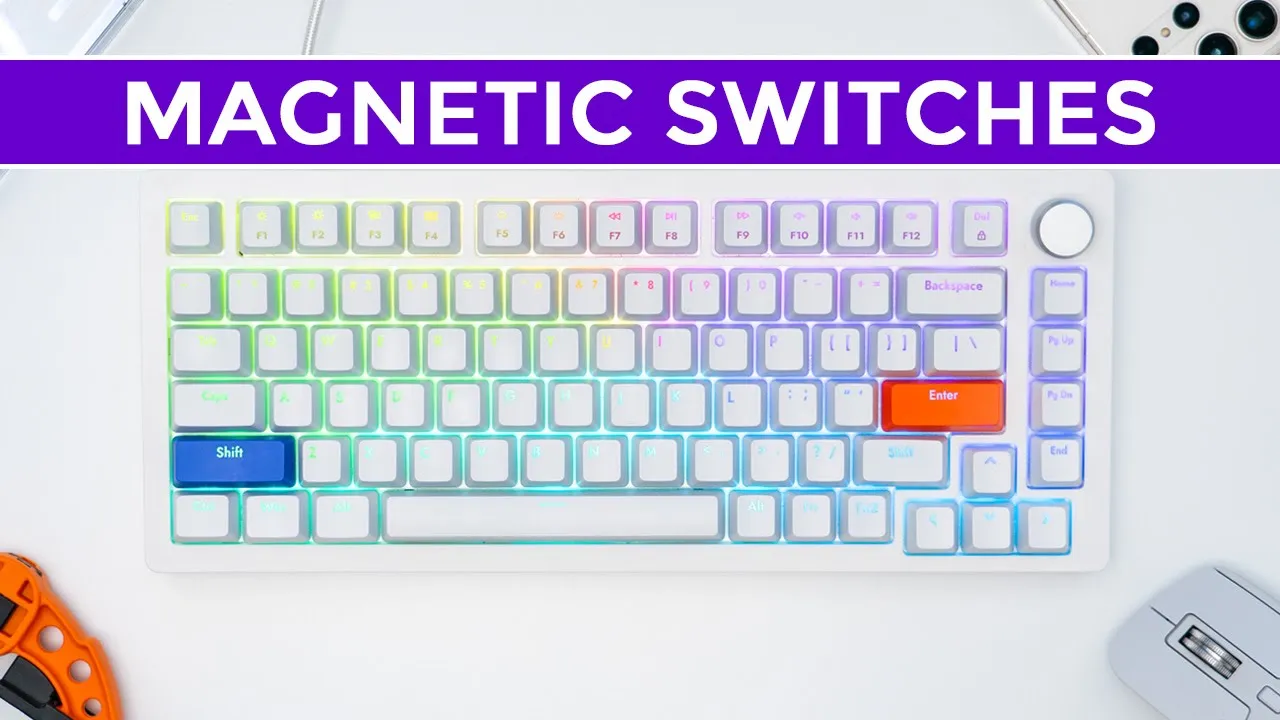
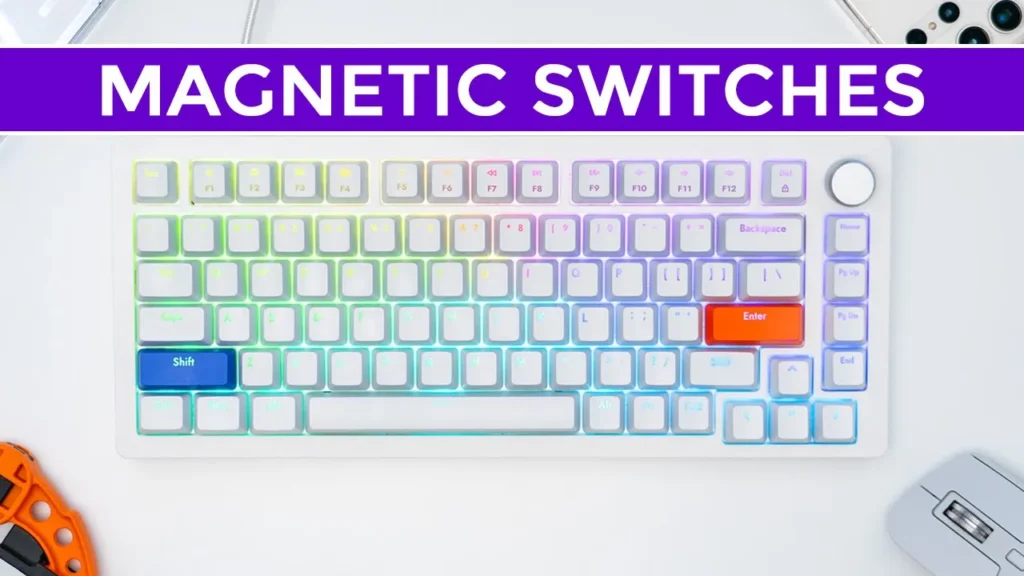
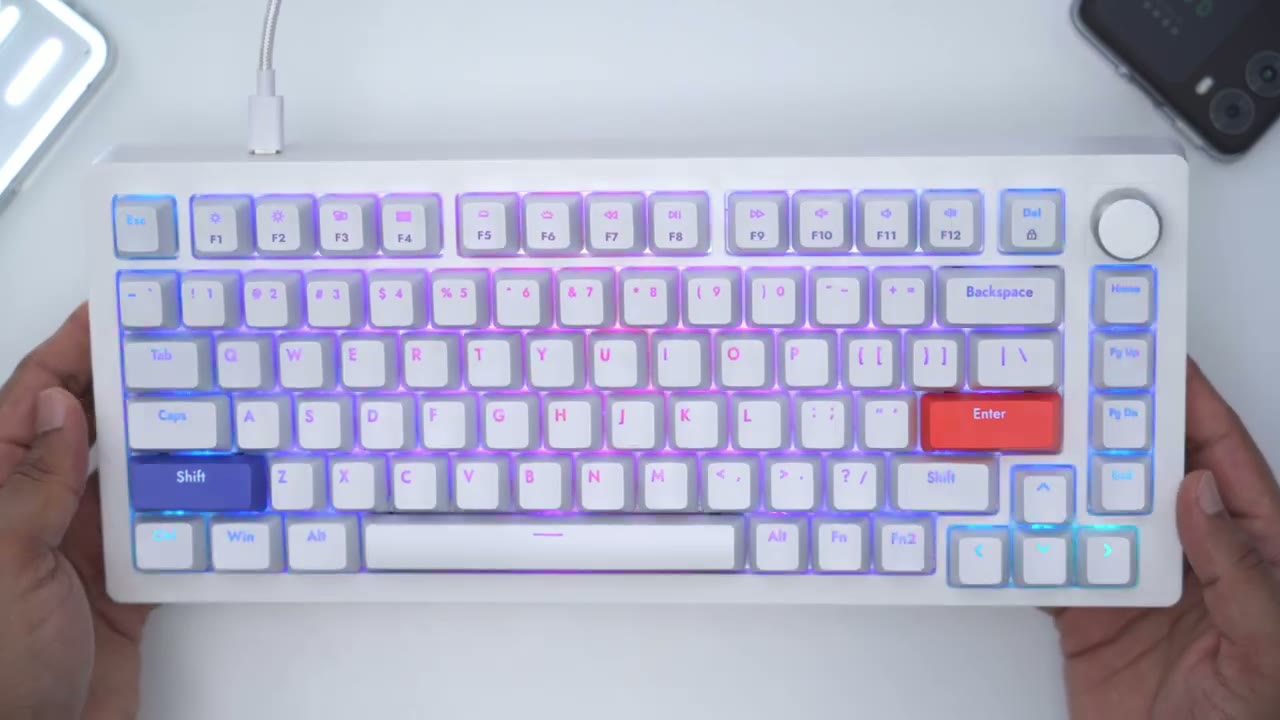
hey guys it’s Adrian and today I’m taking a look at a really unique keyboard This is the drunk deer a75 keyboard with Magnetic switches and yes I said magnetic switches not mechanical switches because this uses the hall effect to register key presses or actuations so why should you care that this keyboard has magnetic switches and what does it mean for you well if you’re a gamer it means that on the Fly you can adjust it so that you can have a key Press Register in as little as 0.4 millimeters of travel distance and then say you want to go and type afterwards you can set it so that your key press registers in 3.6 millimeters and that’s all on the fly without having to change any type of switches and that makes this a very unique keyboard I’d like to give a big thanks to drunkyr for sending the a75 over for review but let’s take a closer look to see if this could be your
Package Contents
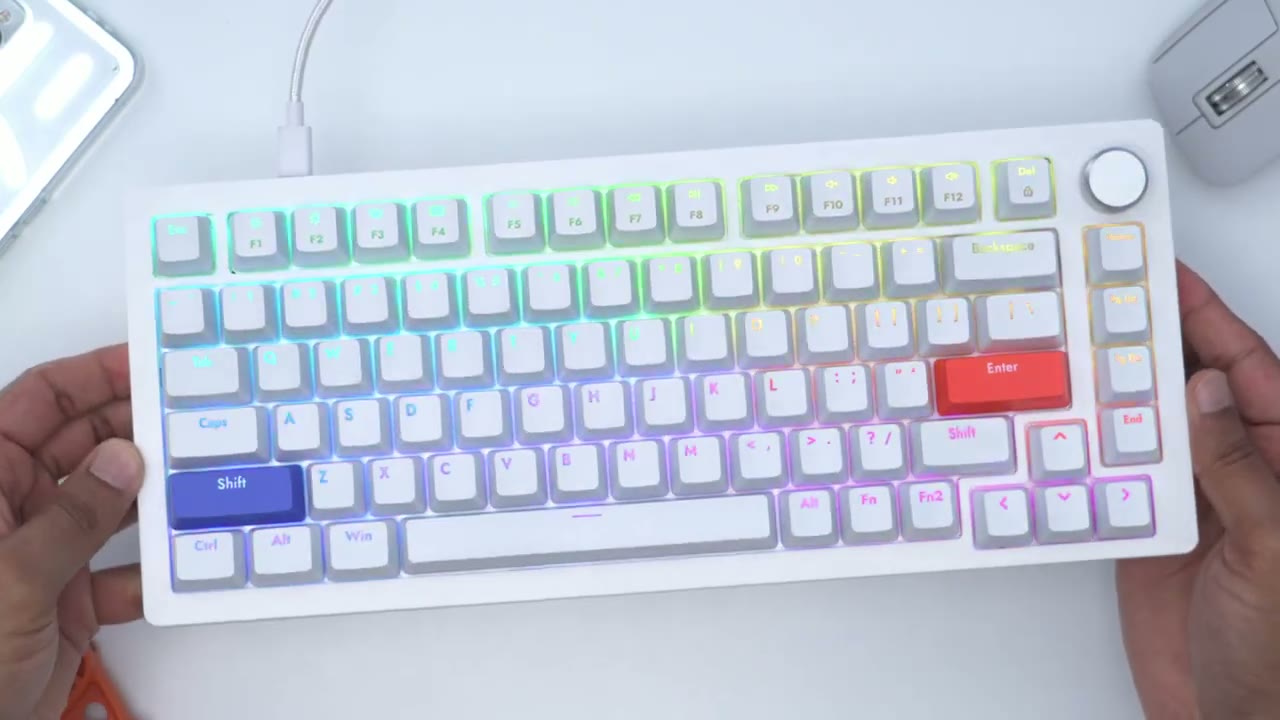
next keyboard in the package we have the a75 magnetic keyboard there’s three keycaps for Windows users and you can use those to replace the option and command keys that are on the keyboard there’s also a keycap puller there’s also a type c to type a braided nylon cable and this is only a wired keyboard there’s no Wireless option but you can also remove this type a connector here so you just have a type c to type c cable the a75 is
Specs
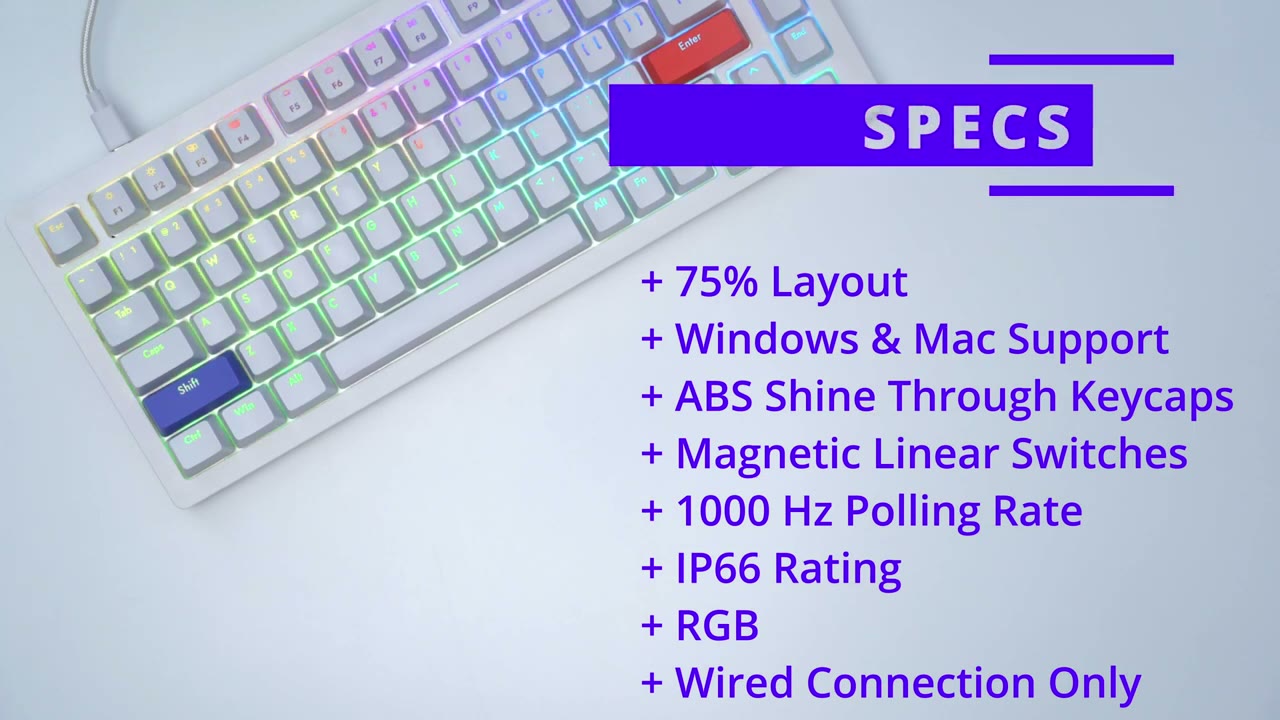
a 75 layout it is compatible with Windows and Mac it has abs keycaps and it does have magnetic linear switches which are adjustable it has an ip66 rating RGB but it is wired mode only the design of the a75 is pretty understated
Design
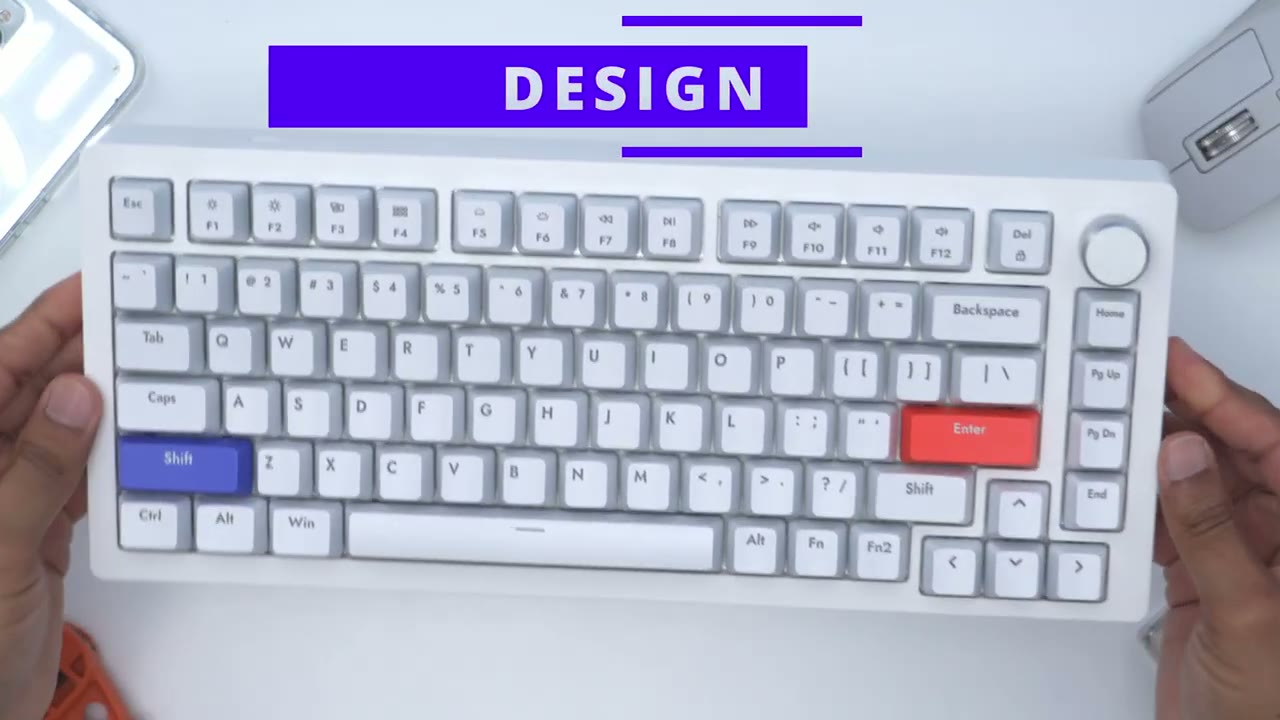
and it actually reminds me of a keyboard from my youth you know when I was in computer class at school which is why I requested the white version of this keyboard there is also a Black Version the only thing that really you know makes it pop are these couple of color accents here it’s also not a very heavy keyboard coming in at around one and a half pounds or 715 grams and that’s due to the ABS plastic build quality on the keyboard now that may be a good or bad thing for you depending on if you like heavier keyboards or not but you can see if I try to really apply pressure there’s a very minimal creaking if you take a look at the bottom here I can kind of get the plastic to flex but in general use there’s no way you’re going to have any problems with this there’s an aluminum knob which is knurled so it has really nice textures and it has hard stops as you rotate it and this can be used for volume control and if you press it down it can be used to play or pause music or video we have abs keycaps which are shine through and they’ve done a really good job with the RGB on here the rear of the keyboard has one USB type c Port which is used for the wired connection there’s also two adjustable feet at the bottom of the keyboard but these are only adjustable in one 10 degree increment and it does have you know rubber padding all around to keep the keyboard weren’t planted the keyboard also uses North facing LEDs
Magnetic Switches
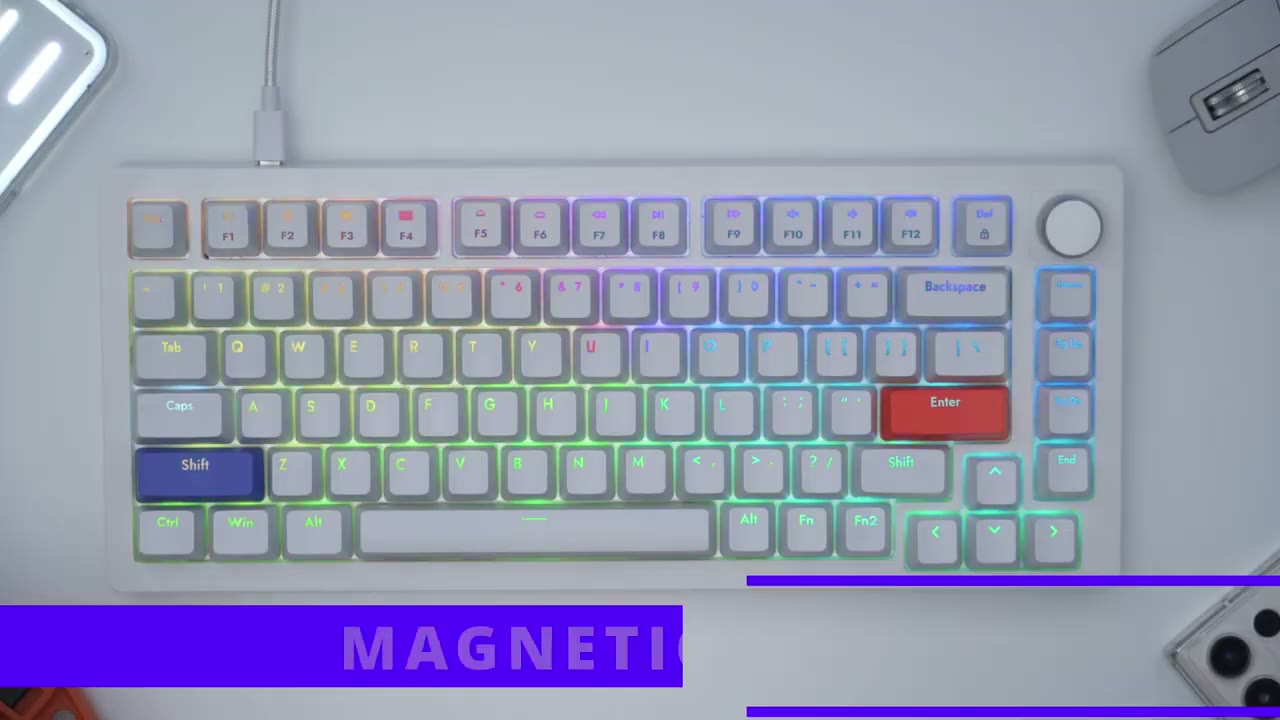
since the a75 uses that hall effect sensor to register key presses you can register a key press in as little as 0.4 millimeters to as much as 3.6 millimeters so if you’re a gamer and you really want you know really quick reflexes or really quick registered key presses you’d hit function two and one and that will set the travel distance to 0.4 millimeters if you’re going to be typing you could hit function to a 9 and that’s going to set it to 3.6 millimeters of actuation distance before it registers that keeper us so if you’re someone who has two separate keyboards one for gaming one for typing you no longer need that type of setup because in under a second you could go from level one through none by holding function two and cycling through from 0.4 millimeters to 3.6 millimeters so think about this scenario you’re a gamer you may want to have wasd as your most sensitive key so you know a light press would register a movement while the other keys are you know the normal actuation this sense or say you’re typing and you’re always extended ending your pinky finger over to enter or shift you can actually change the actuation distance of these Keys separately in software and leave everything else the same using magnetic switches brings a couple of unique advantages so one of those is that these switches don’t actually require physical contact like a mechanical switch which would have a metal Leaf pins and Optics so these actually last twice as long as traditional mechanical switches the switches are pre-looped and they do have stabilizers under the wider keycaps and it’s such a nice and smooth travel by the way these are also dust and water resistant by the way guys if you’re finding this review helpful or useful please consider liking and subscribing it really does help me out but let’s get back into the video I’m really enjoying the typing experience on the a75 and this is from someone who usually goes
Typing
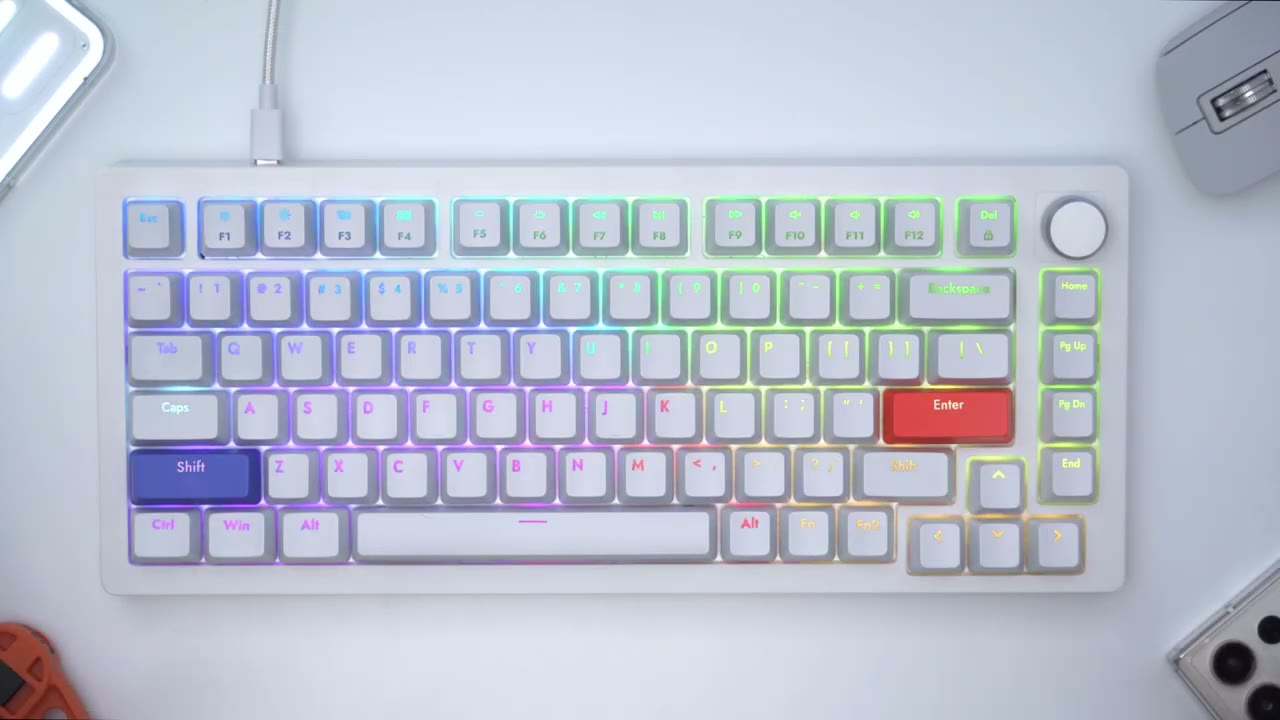
for you know quieter switches or you know low profile keycaps but this really takes me back to my early days on a computer and I just love the chiclet type of feel and noise that it’s producing movement is is really smooth the keys pop back up really quickly making it ideal for gaming or touch typing I also didn’t notice any type of wobble or unevenness on any of the keys so while I’m not a competitive PC Gamer there’s definitely an advantage for those of you who are the ability to set
Gaming

the key press travel distance to as little as 0.4 milliliters can really improve your responsiveness and speed in a lot of games so think about a game like Resident Evil 4 where you may have to spam a certain key multiple times to cut a rope or do some type of quick action it’s really easy to spam that key because you don’t actually have to bottom out as soon as you hit 0.4 millimeters it registers that key press and as soon as you let go it resets and it’s ready to go again so my microphone is about 14 inches away
Sound
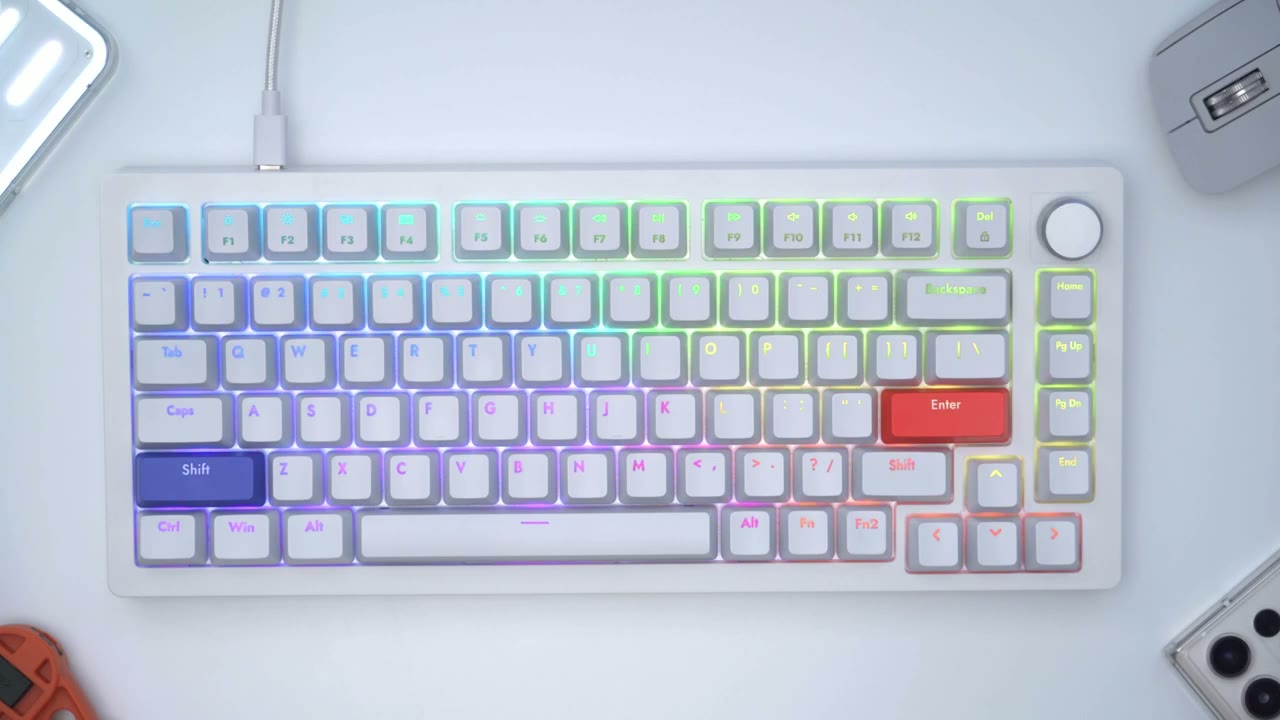
from the keyboard and while it may sound a little bit loud in this video when it’s in you know a natural environment like when I’m in my home office it doesn’t sound overly loud to me so I think if you work somewhere where you know you have your own office or your type of cubicle environment versus an open concept type of area it should be perfectly fine it’s definitely not the loudest keyboard that I’ve used one of the things that really helps cement if a keyboard is good in my books is how well the space bar is stabilized [Applause] so you can see anywhere that I hit this space bar the sound profile sounds exactly the same there’s no type of inconsistency and it doesn’t matter if I hit it at the edge middle or the other Edge it’s a perfectly flat and consistent type of key press another thing I look for is the amount of wobble on the space bar so you can see there’s a little bit of play here but it in no way affects the typing or sound experience it’s just a very consistent and smooth key press every time recommend disassembling this keyboard due to the makeup of the keyboard and the Magnetic nature of it but it does have sound absorbing EVA foam a bottom pad along with an aluminum plate to minimize noise and friction I’ve cut the lights to showcase the RGB and really they’ve done a stellar job and I’m really happy that they went with the
RGB
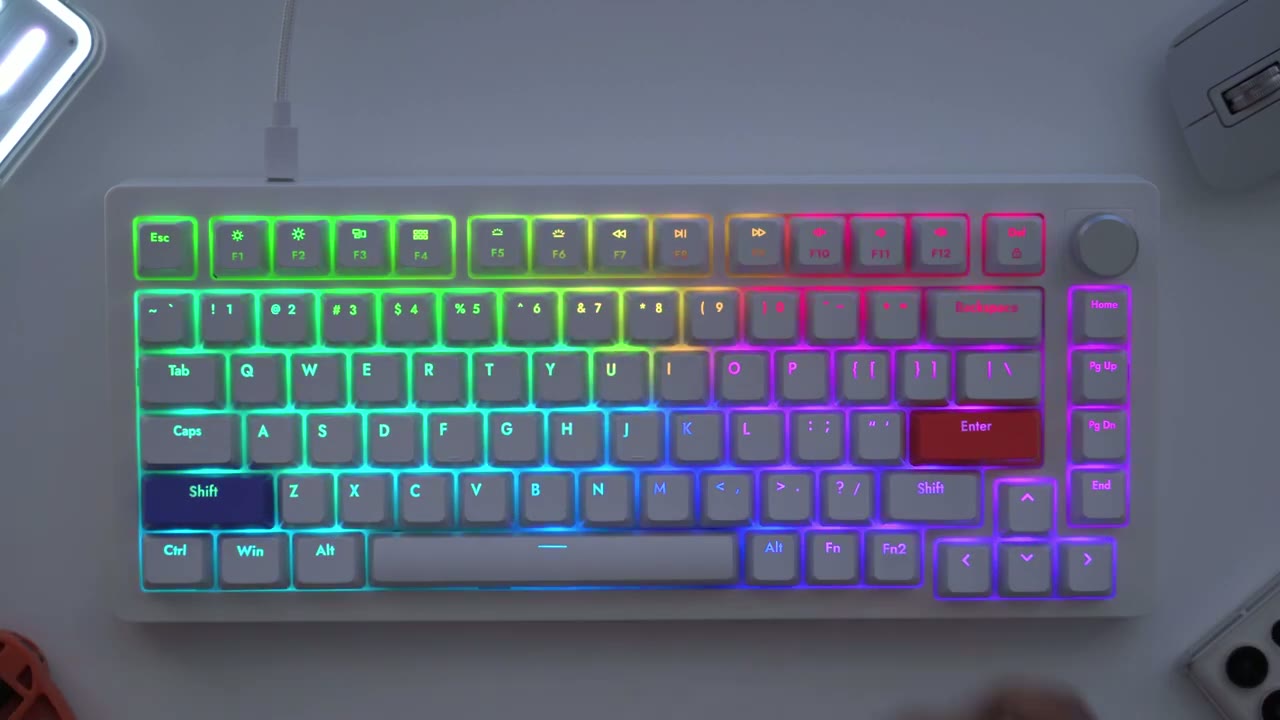
shine through keycaps so to modify the RGB it’s really easy you would hit function two you can actually use function one if you map it in the software but by default it’s function two so pressing function two and down just cuts it or lowers the brightness and up makes it the Max and then you can also change the effects you can go cycle through them this way or the other way so I’ll just go through all those right now [Applause] [Music] and these are the stock colors I can also change the speed of the effects so I can really slow it down or crank it really fast you can also completely cut the effect or say you see an effect and you like it a certain way you could go ahead and pause it the keyboard also appears to have onboard memory because I could easily take this plug it into another computer and it retains that RGB mode Let’s Take a look at the software for the a75 so this is the antler software and one thing I want to point out is
Software
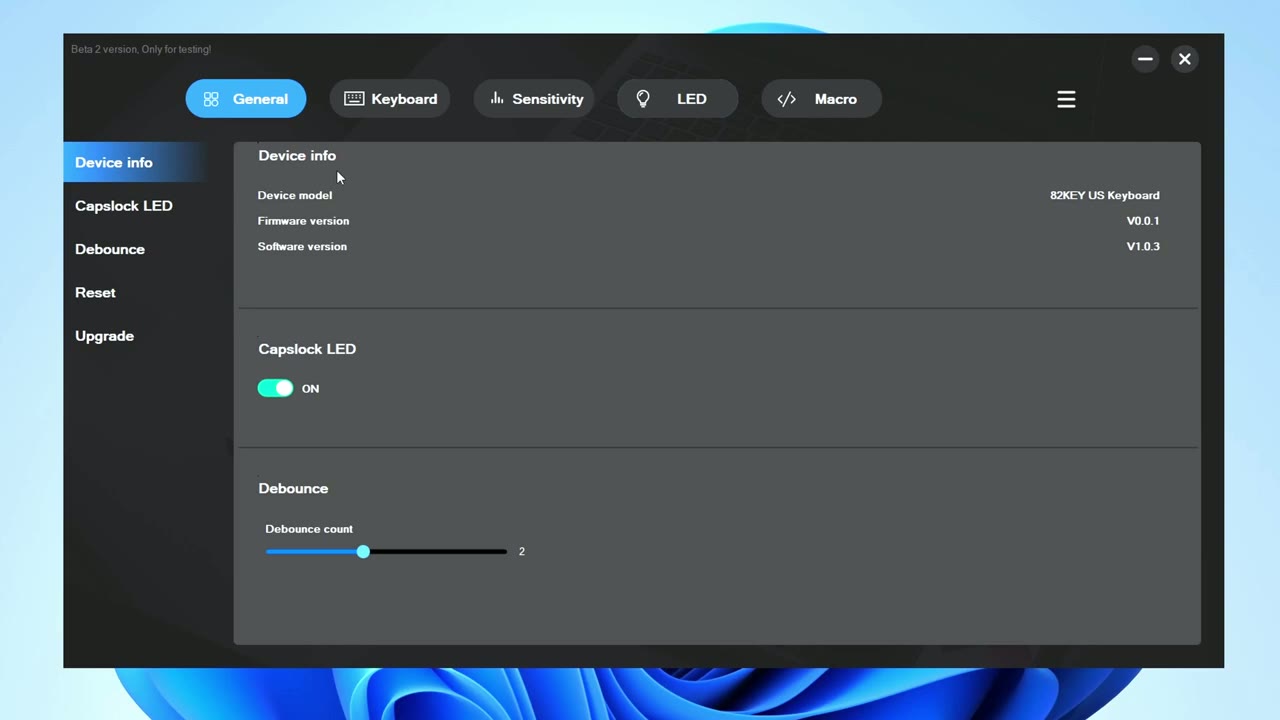
that this is the beta 2 version it’s only for testing so there is going to be a finalized version later down the road so on this General tab I did go ahead and I updated the firmware you can also reset the computer from software if you like but I just left everything pretty much where it is debounce was up to two and I did turn on caps lock LED but we can also go into the keyboard section here and this is actually pretty decent software for their first attempt much better than some of the other softwares I’ve used so again we can see that the keyboard is in Windows mode and like I mentioned if you do function 2 and hold down m is going to reset that you can see it says Mac mode just put it back into Windows mode for the rest of this and you can see you have all the keys there and you can go ahead and you know remap keys and then you know reset them and what have you and these are the options you have to pick from so there’s some mouse commands multimedia and so on but what I’ve done is in function one I’ve set it so that if I hit function one and Escape what it’s going to do is it’s going to lock the windows key so you can see right now on a computer I can easily go ahead and hit that however if I hit function and escape the Windows key is now disabled you know obviously that would be really handy if you’re gaming you don’t want to hit that function key and what I also use is print screen I use that a ton so I’ve said that so that if I hit function one and the right alt I can do a print screen so again just function and write alt that’ll take a screenshot in it you can see it’s very easy there are two keys side by side and that is so unique on this keyboard because you have two function keys not something I’ve seen before but let’s go into function two and you can see this is what was populated before just brightness up and down and changing the effects and I added in you know speed pausing and all that other stuff and again you know you have all these other Keys you can go through function one or function two so you’re really never gonna run out of keyboard shortcuts and then whenever you save something or sorry whenever you make a change you would just hit save and it applies it really quickly if we go into sensitivity so this is the part where you may want to play around a lot we can go ahead and hit from levels one
Switch Sensitivity
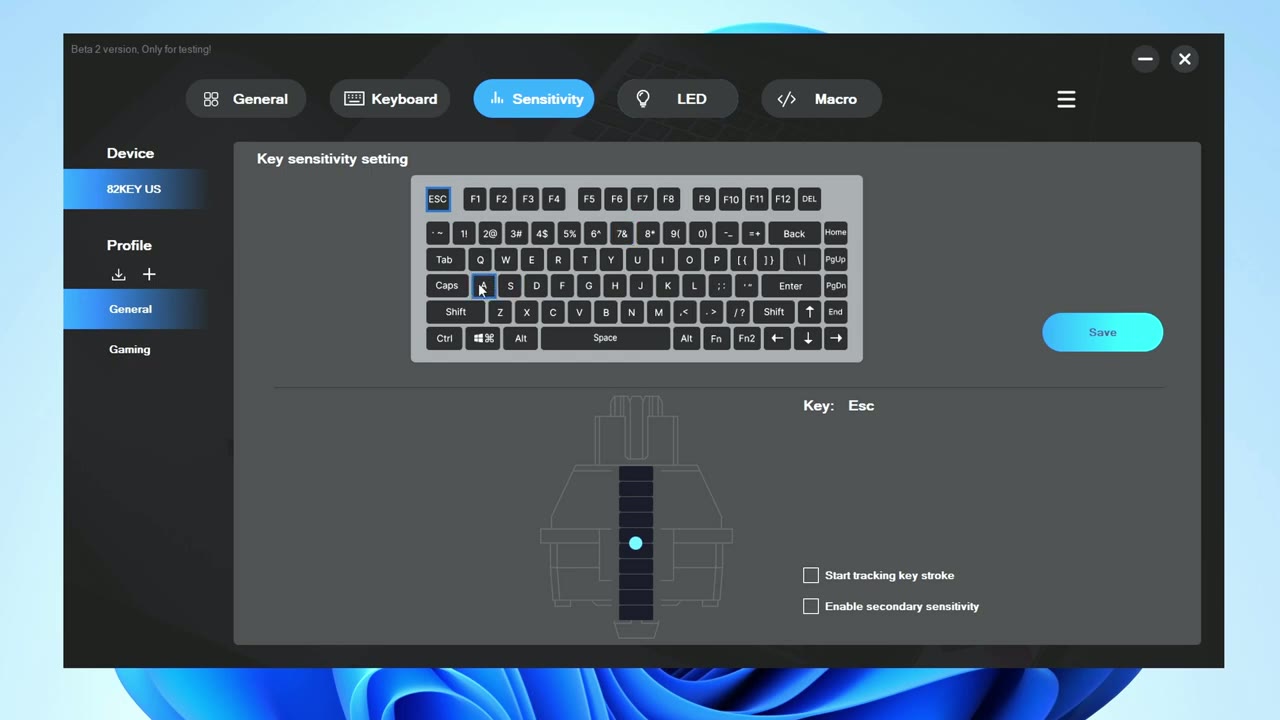
through nine to change the actuation distance but if I wanted to specifically say um change the wasd like I mentioned earlier well I could just do it on the general profile but I did create a gaming profile and I could hit W and start tracking keystroke I’ll just enable that and as I hit w you can see the blue dot is where I’m going to hit that actuation distance so I can just change that you know variable but if I want it really quick I’ll just leave that right at the top and the interesting thing here is that as soon as you hit it hit this W key and you let go it automatically just reset you don’t have to you know bottom out to get a reset it’s resetting as soon as you hit it that’s the reset so you can see the advantages that that gives you when it comes to gaming you can also have you know different profiles for say typing say you wanted to have shift to have a lower actuation distance you could go ahead and do that and save it and you know if you don’t want to you know mess around and do it perky again use function one through nine to have it set up where it’s you know across the board in the LED section we have a lot of control and we could do the same thing with keyboard commands so you could change the brightness speed same as you
Software RGB
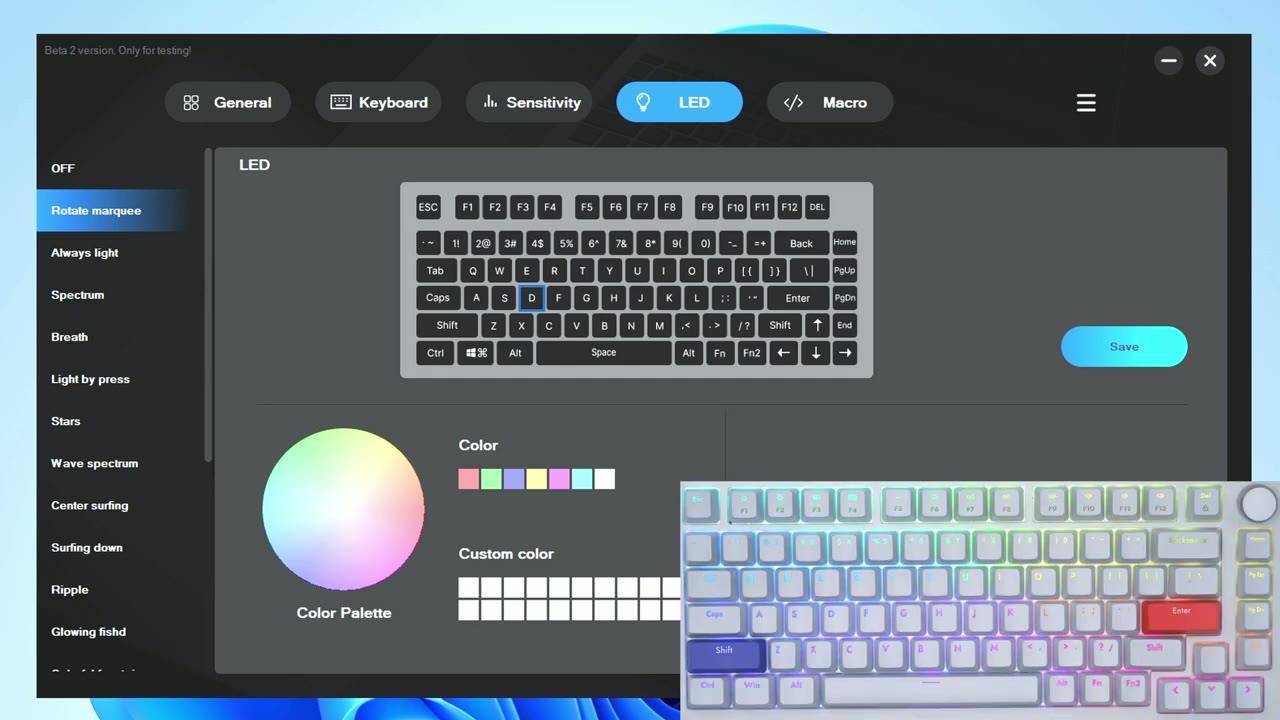
can with the keyboard but if you go all the way to the bottom there is a custom mode so you can see on here I’ve set it so that you know all of the keys are one color but wasd are different and if I go ahead and say that you could see that change takes effect there and then you could select you know and Change Your Colors by characters numerals big keys or just all very convenient very simple to do and then there’s also a macro option as well so they’ve thought about pretty much everything with the software you know for the first attempt it’s pretty good the only thing I didn’t see here was any type of control for this adjustment knob so this seems to be hard coded just for volume control or you could press it in or out to play and resume you know media the one thing that I wanted to mention though is that as you rotate this there’s no type of overlay or on-screen display that comes on to let you know kind of what volume level you’re at so that’s something I’d like to see in a future version of the software so while the drug dealer a75 may look like a lot of other keywords out there it is truly a unique keyboard that has something really special under
Ordering & Discounts
the hood and again I can’t overstate you know if you’re a gamer the ability to Just Adjust that actuation or travel distance on the Fly for your key presses and then you know just go back into a regular typing mode without switching any of the switches that’s really a game changer and you know there’s not a lot of other keyboards out there that’ll give you that type of competitive Etch in gaming also because these magnetic switches don’t have as much you know moving components to them they have double the lifespan of the traditional mechanical switch so if you’ve ever been curious about a magnetic keyboard the drag dear a75 is definitely the place to start and right now this keyboard is on sale but you can also get an additional discount if you use my coupon code DCT you can get an additional 30 off which brings it to around 104 USD and pre-orders are open right now for the a75 but yeah guys let me know what you think of the drug dealer a75 doesn’t offer enough to make you seriously consider going to a magnetic switch keyboard over a mechanical keyboard and if you found this review helpful please consider liking and subscribing I’m always doing these type of videos and I’ll see you in the next one soon
Please note that some of the links in my video descriptions are affiliate links where I earn from qualifying purchases. As an Amazon Associate I earn from qualifying purchases.