


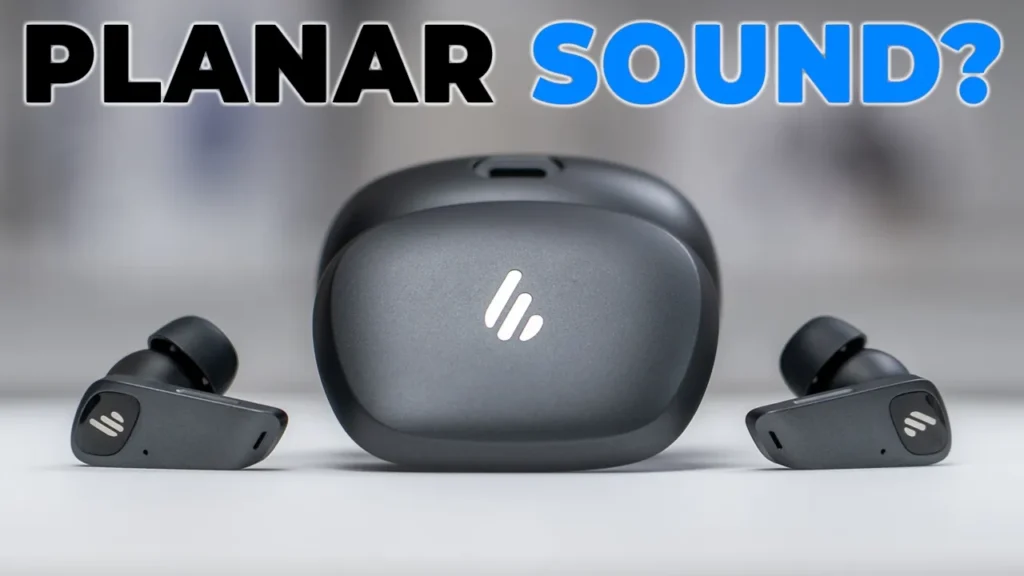

Buy Edifier NeoBuds Planar Internationally
Please note that some of the links in my video descriptions are affiliate links where I earn from qualifying purchases. As an Amazon Associate I earn from qualifying purchases.
Intro

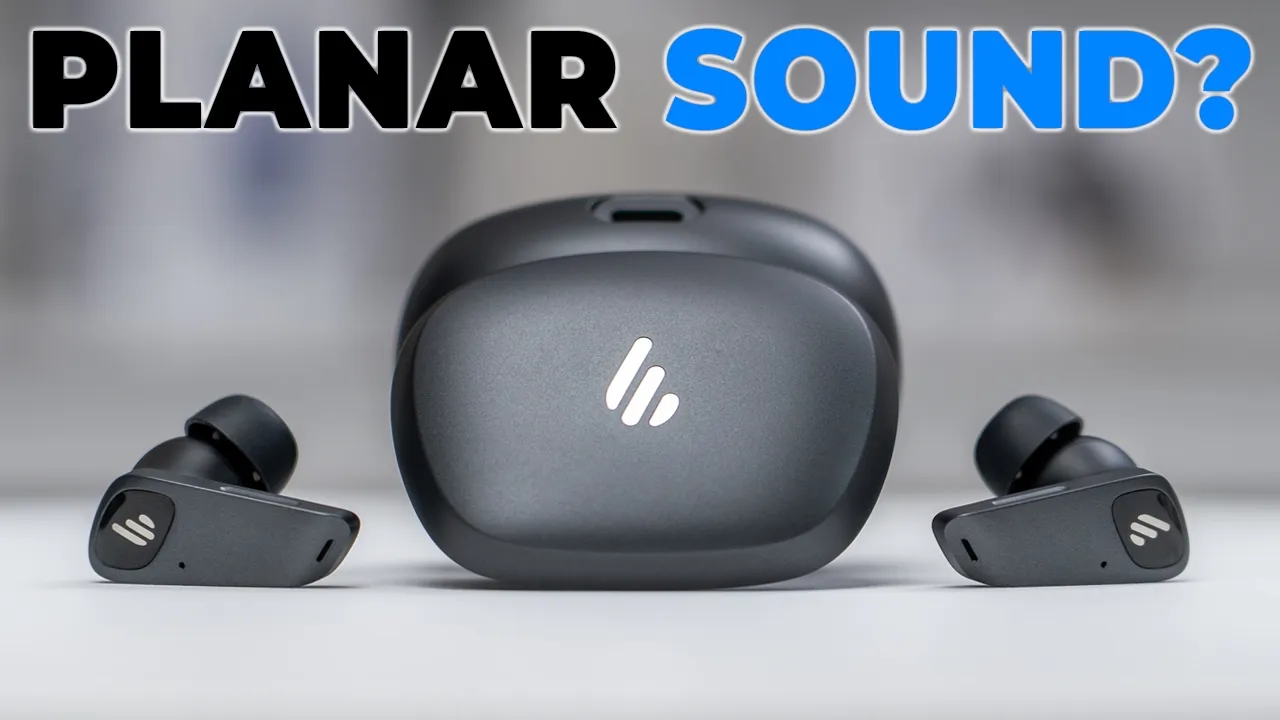
If your first focus is detailed sound, the Edifier Neobuds planer earbuds are worth checking out. They have 12mm planer magnetic drivers using Edifier’s second gen equal mass wiring technology. There’s also high-res wireless audio via LDAC and LHDC codecs and Snapdragon sound with APX codecs. There’s adaptive ANC, multi-point support, wearing detection, and 80 millisecond low latency gaming mode. Google fast pair up to 30 hours of battery life, wireless charging, and the ability to change LED lighting. There’s quick charge support, Edifier Connect app support, and an IP55 rating. But how good do they really sound? Is the tuning too natural to enjoy these? And do they have enough bass? Well, let’s take a closer look. And a big thanks to Edifier for sending these out for review.
In the box, we
Package Contents

have the NeoBuds Planner earbuds along with the charging case, additional ear tip sizes, carrying pouch with a soft interior, manual, and USB type A to type-C charging cable. The earbuds come
Design
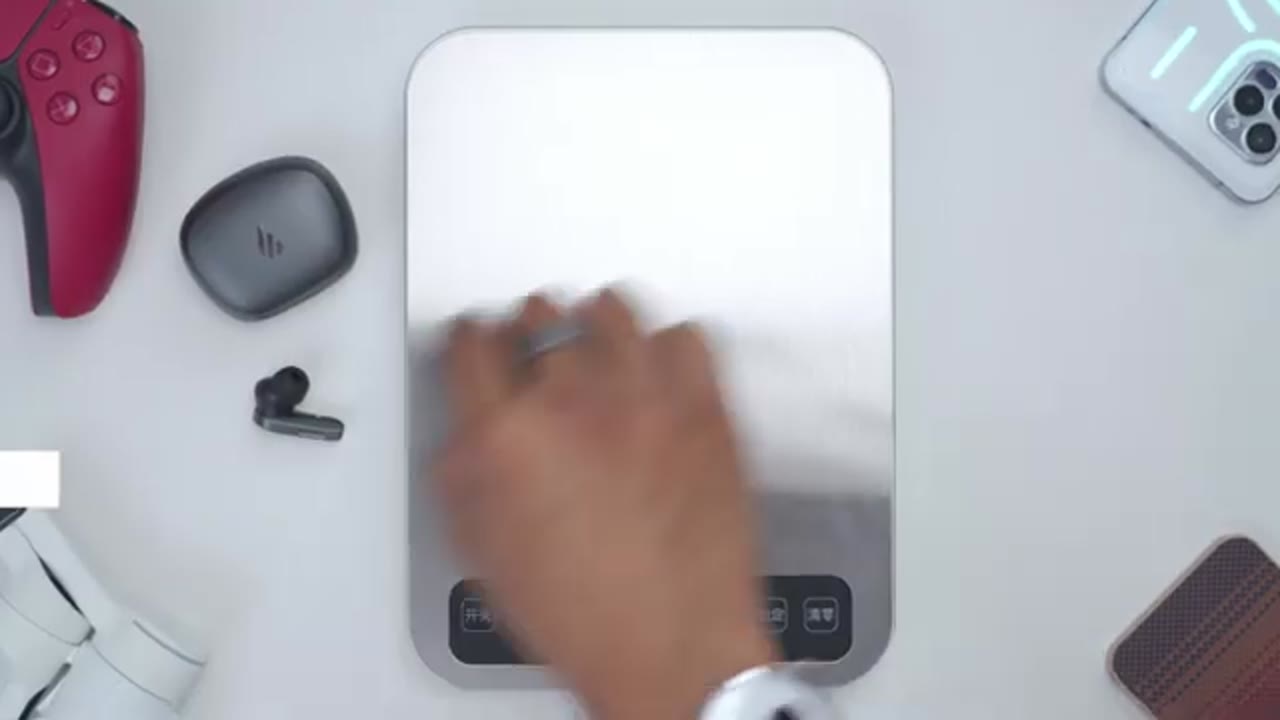
in at around 6.3 g. Now, we have a two-tone color scheme with matte gray on the front and matte black on the back. And the only glossy area is where we have the Edifar emblem. There’s various microphone ports around the earbud, and we also have controls on the side, which is why you could see that little indentation there. There’s metal charging contacts on the other side along with the speaker grill. And they have an IP55 rating to help against dust and water intrusion. The charging case comes in at around 48 g. Now, it’s a matte finish all the way through. Looks really nice. And we have a mirror or glossy finish where the Edifier emblem is. Looks really premium. On the back, we have the Edifier writing along with the USB type-C charging port.
And on the front, we have an LED indicator light. This also shows you when the earbuds are charging. And you can actually change the color of that in the Edifier Connects app. There’s also a reset/pairing button and it’s very easy to grab the earbuds out and then just pop them right back in. And if I do the upside down test and shake it, it’s nicely and magnetically held in place. There’s also wireless charging support if you don’t want to charge it by USBC cable. Here’s a quick look at the specs.
Specs
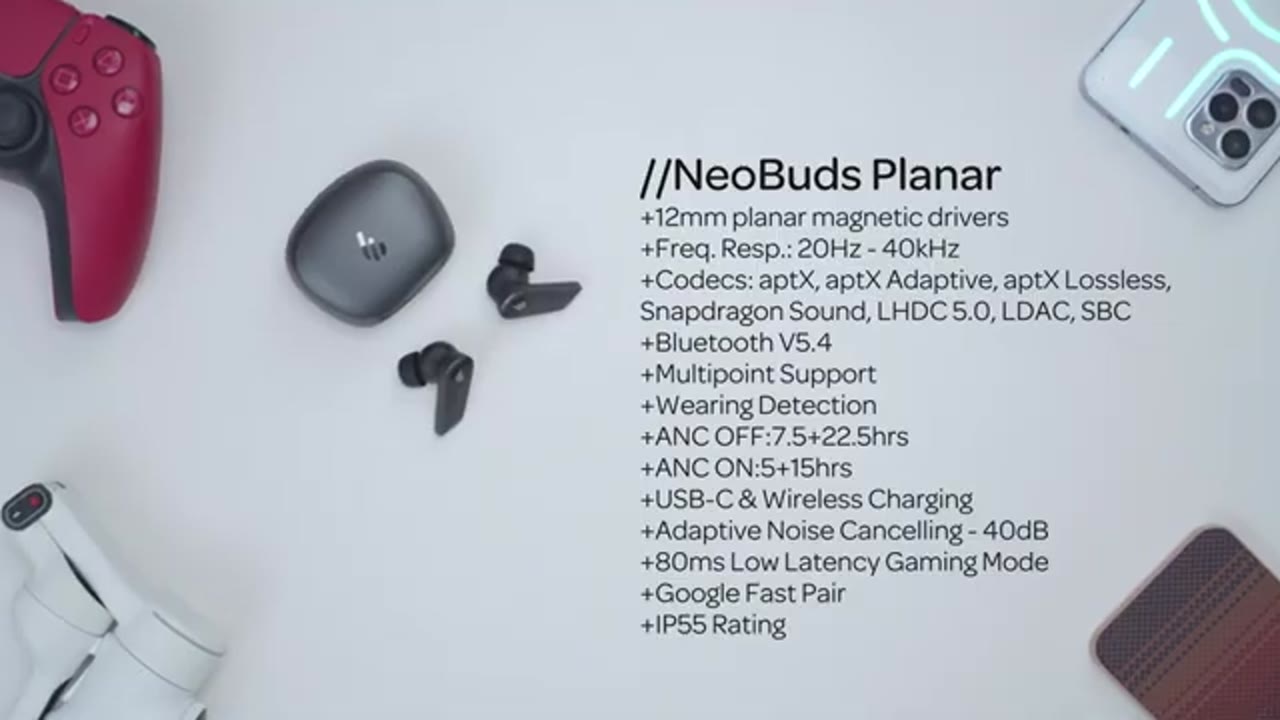
Feel free to pause and review or jump ahead to the next section. To pair the
Bluetooth Settings
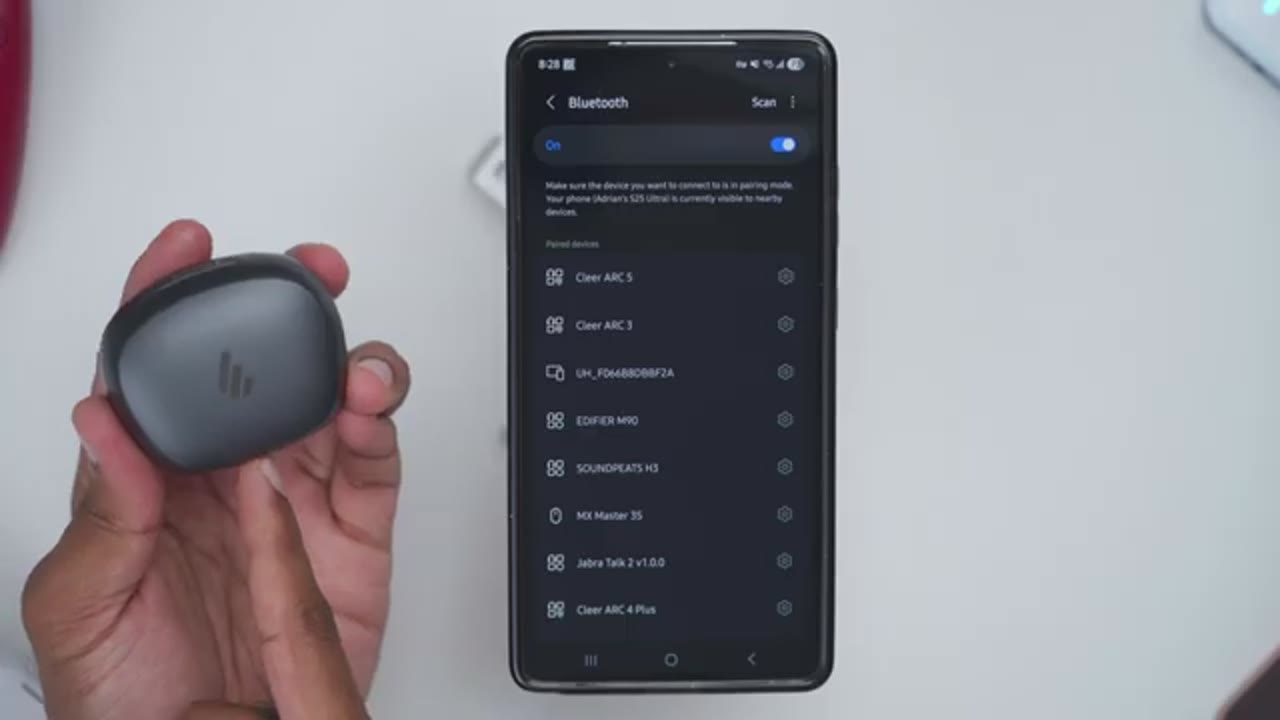
Neobuds Planner earbuds for the first time, open up the case, jump into your Bluetooth settings, and if you’re on Android, you’ll get the Google Fast Pair pop-up. Just tap on that and you’re done. I’ll repeat the same process on my ZFold 7 again using Google Fast Pair. And it’s that quick. And you can see that both of my phones are now connected to the Neobuds Planer earbuds.
Multipoint
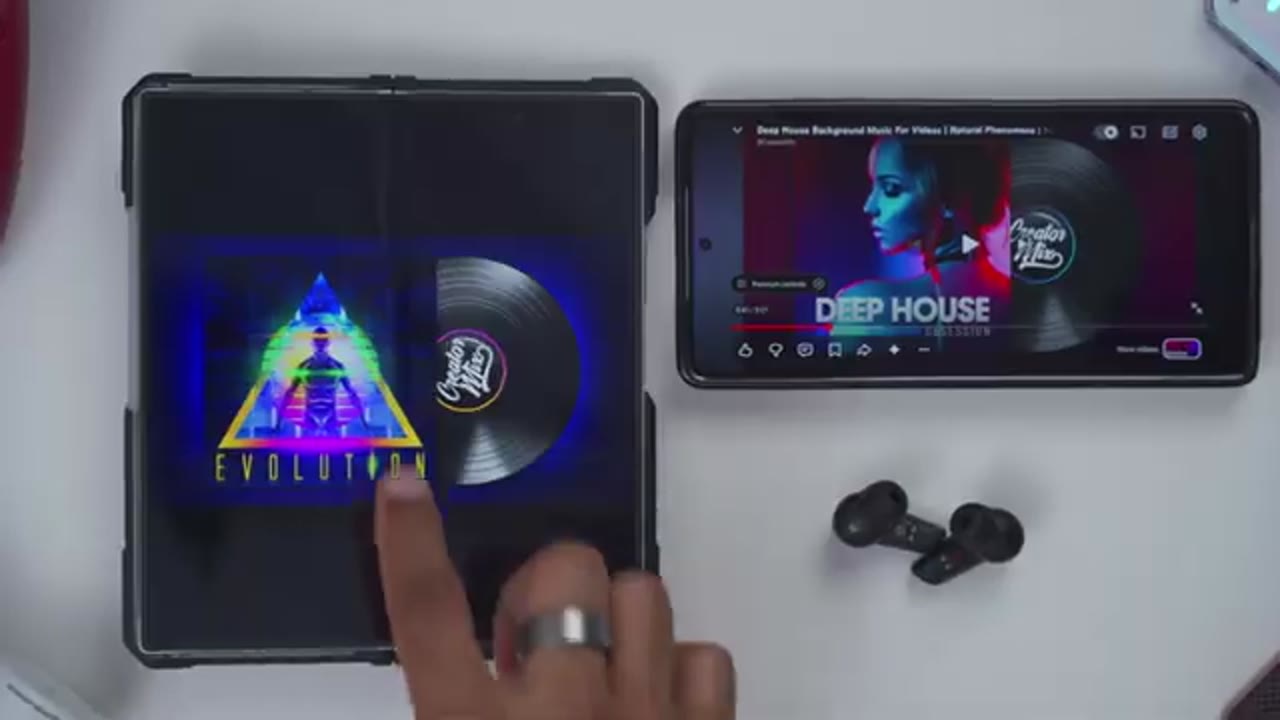
No speech in this section.
Connex App Settings
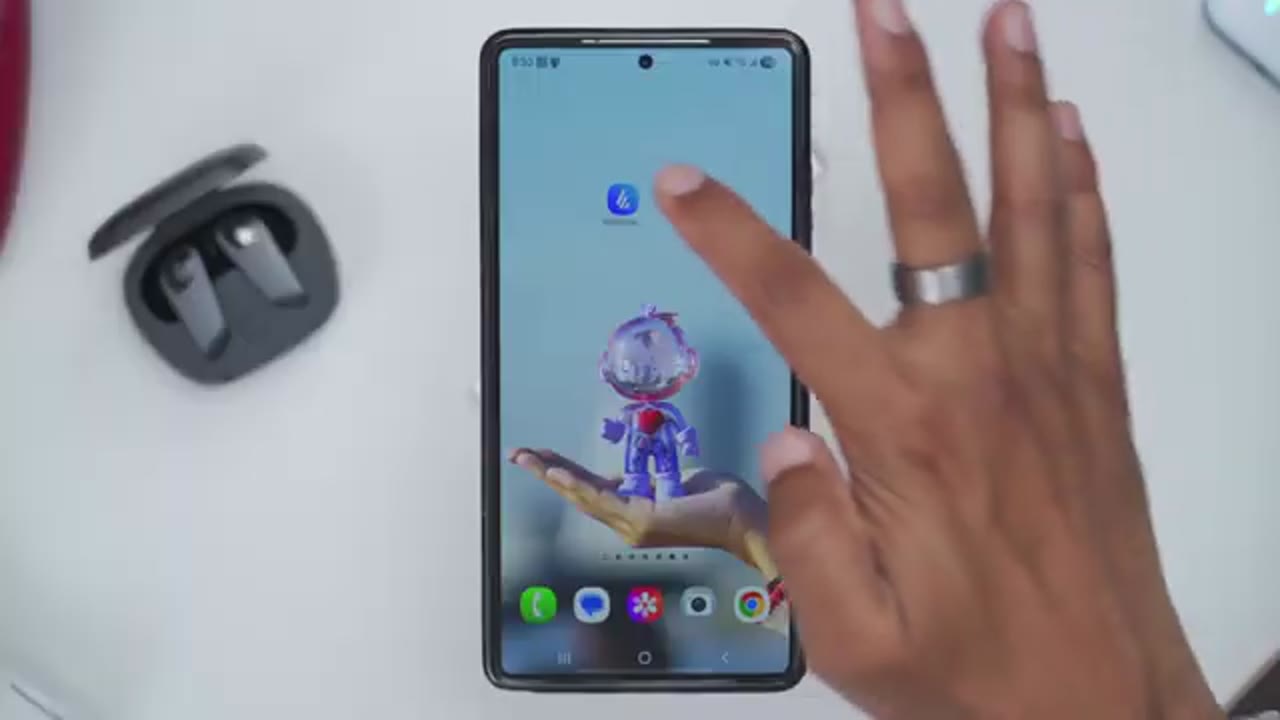
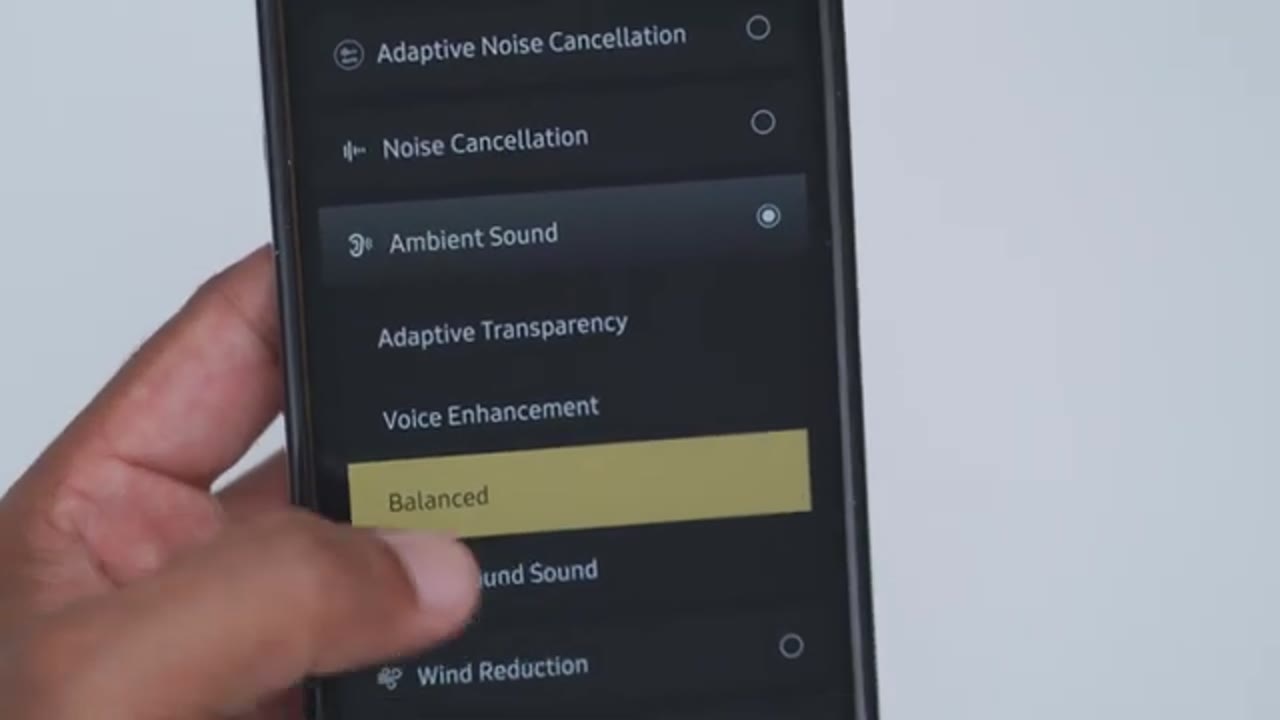
Looking at the Edifier Connects app settings. So, we can see the battery life for the right and left earbud along with the case battery life. And it does show that high-res wireless audio is enabled along with Snapdragon sound because we’ve enabled LDAC both in the app and in the Bluetooth settings. Note that noise cancellation is off by default. But if we jump into it, we can pick adaptive noise cancellation, regular noise cancellation, ambient sound, wind reduction, or leave it off. If you select ambient sound, you could pick between adaptive transparency, vocal enhancement, balance, or background sound. Under sound effects or equalizers, we could set it to original, dynamic, electro, static, or customized. And if you jump into customize, you could dial in your own custom EQs.
You can also enable the low latency gaming mode if you need it. And the lighting effects on the charging case can also be cycled through these various colors. In the full settings, we could take a look at the firmware version, read the user manual, or jump into control settings. Now you can set the controls independently for the left and right earbud. Now these are the available options you have here. A single press is already hardcoded to pause and resume music playback. Under HD audio codec, you could set the sampling rate independently for LDAC and LHDC. Under press sensitivity, I like having it on max settings here. And then under wearing detection, you could set it to pause audio when removed and do nothing when reinserted.
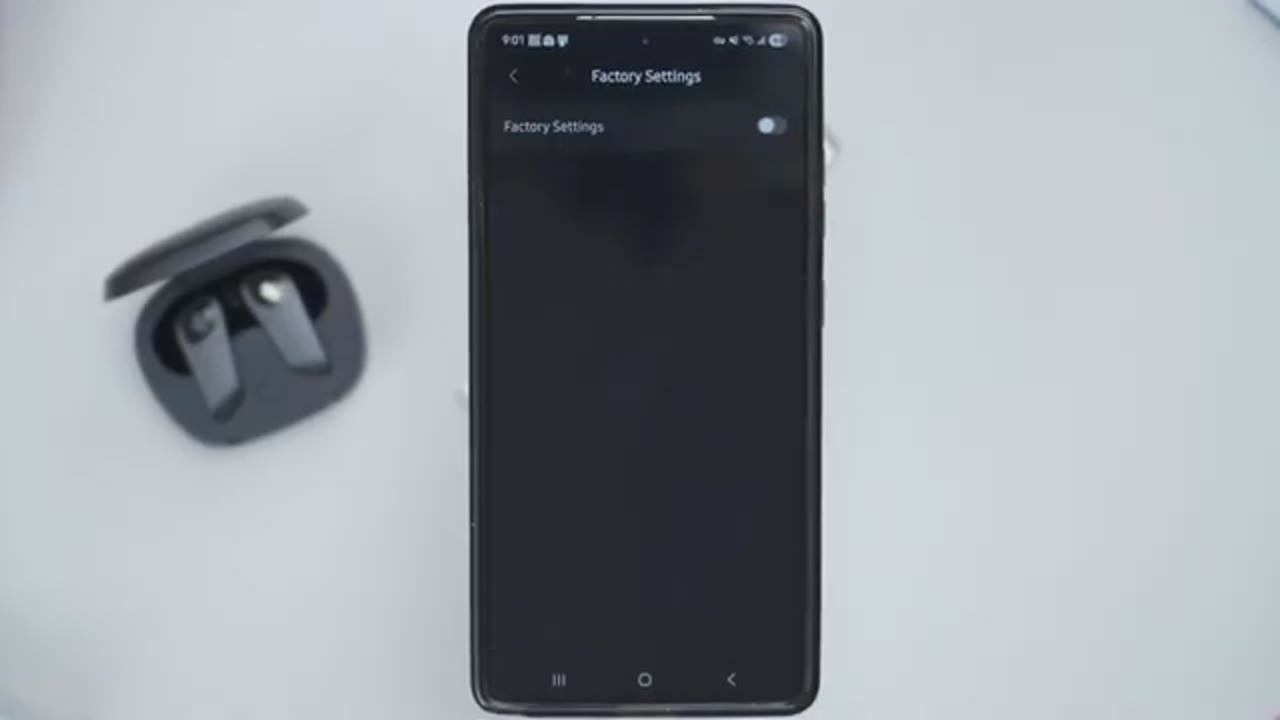
So you’ll start it back yourself or automatically start music when reinserted. Under multi-point connection, you can enable this to have two devices connected at once. And you can also use find my product to find the earbuds. They’re going to emit a high pitch noise. You can also set the prompt volume that comes across when you make settings changes. In the power off options, you can power them off manually here, or you can set a schedule power off from never all the way up to 1 and 1/2 hours. You can also repair them, disconnect them from Bluetooth, or reset to factory settings. The touch controls
Touch Controls
are pretty responsive on max sensitivity. So, a single tap on either earbud is going to pause or resume music playback. Now, I can also do a double tap to increase volume or to decrease volume. I’ve set it so that a triple tap is going to go ahead to the next track and a triple tap on the other earbud is going to go back to the previous track. I’ve set press and hold to cycle through the various noise cancellation modes. And a long press on the left earbud is going to put me in and out of game mode.
Sound

In terms of sound, so we have 12 millimeter planer drivers. We also have high-res wireless codecs like LHC, LDAC, their Snapdragon sound, and aptX codecs as well. I mostly listen to these with LDAC turned on. And in the other Fire Connects app, I was using the original equalizer and the volume level was at around 60 to 70%. Now, if I max out the volume to 100%, it gets plenty loud. Starting with bass. So, I was using the original equalizer in the Edifier Connects app. bass is nicely present and in line with what I expected for the tuning honor. There’s clear and quick kick and in songs like Humble, the subbase is more noticeable. And while I like the bass performance with the original EQ, if you want even deeper bass, you can set it to the dynamic EQ.
Not something I really used because I found that it made it a little bit too boommy for my taste. And thanks to the tuning on here, mids are exceptionally clear and sharp without ever being civilent. They sit nicely forward and create an immersive sound with no type of muddiness. Highs are detailed and airy with a clean and natural extension. Symbols have clear attack and you can hear that decay linger without rolling off too early. There’s a good sense of space creating a very immersive and layered listening experience. Now, I’ve seen some reviews saying that the bass is inadequate or it’s weak on here. That hasn’t been my experience at all.
And even with using the original EQ in the Edifier Connect app, not even the dynamic one which boosts the bass, I found it to be exactly where I want it. And if you’re used to earbuds or any type of headphones or speakers where it’s a more natural or balanced tuning, the bass sits exactly where it needs to. It’s not meek and it’s not overpowering. It’s just right. Overall, these provide a very clean and detailed sound signature that focuses more on precision and clarity rather than overpowering bass, making them perfect if you prefer detail and separation in your music. The
ANC

active noise cancellation on here is actually pretty good. Not the best that I’ve heard, but it was still plenty usable. So, when I just turn on active noise cancellation without any music playing, I could hear a little bit of what was going on around me, but it was much more diminished or reduced once I started playing music. as long as I kept that at 30% volume or higher, I really couldn’t hear anything at all going on around me. So, that combination plus having, you know, good seal and fitment on there makes these excellent for day-to-day use. And I mostly stuck to the adaptive noise cancellation when I was using these. Now, where these actually shined was with the wind reduction mode.
So, I was out on a very windy day and it did a surprisingly good job of canceling a lot of that wind noise out. And when I switch it back to active noise cancellation, either adaptive or regular, that wind noise was coming through. So, excellent wind reduction mode. And in terms of the transparency or ambient mode, that also works really well. And you have a bunch of sub toggles as well if you want to prioritize, you know, balance, noise, focal enhancement, or background
Gaming Mode
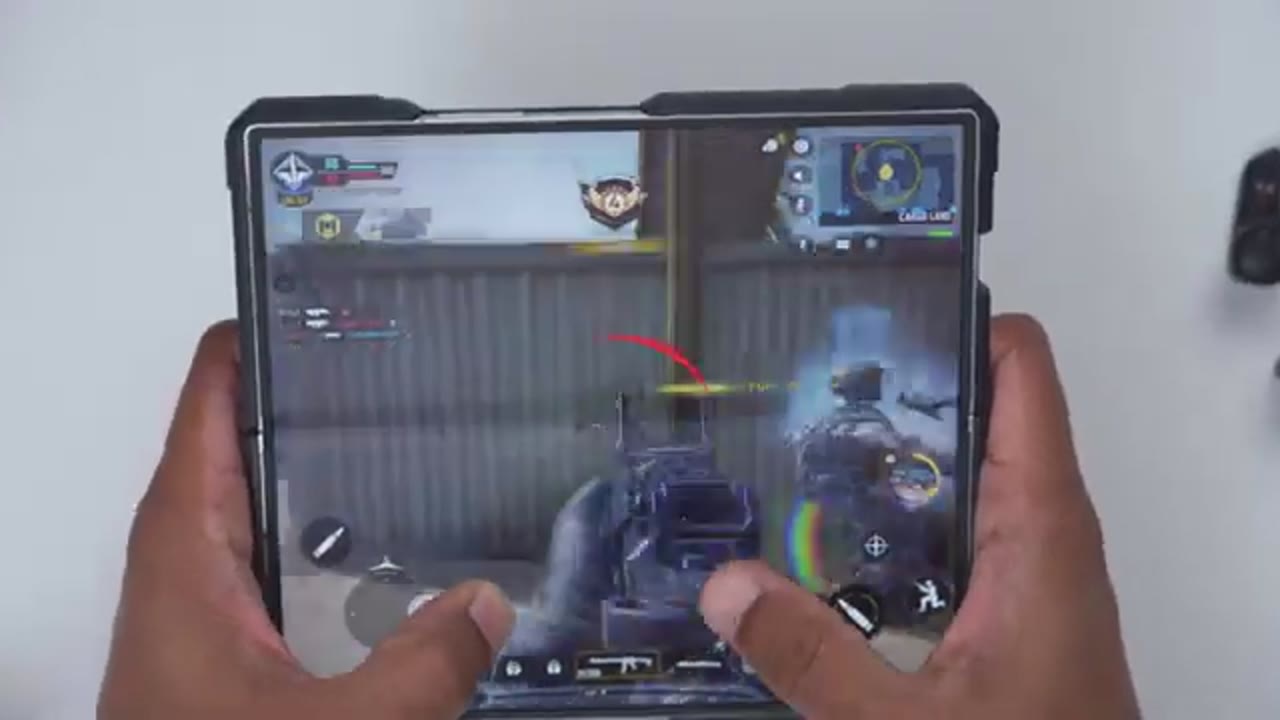
enhancement. Using the 80 milliseconds low latency gaming mode isn’t the lowest that I’ve used, but it didn’t prevent me from dominating in Call of Duty Mobile.
Wearing Detection
Wearing detection also works reliably and kicks in within a matter of seconds.
Microphone
Here’s an example of what microphone audio sounds like from the Neobets planer microphones. I’m in a very quiet room with little to no ambient noise. I’m outside. It’s an extremely windy day and this is how well the microphones on the Nebuts planer earbuds are handling all of this background noise. Battery
Battery Life
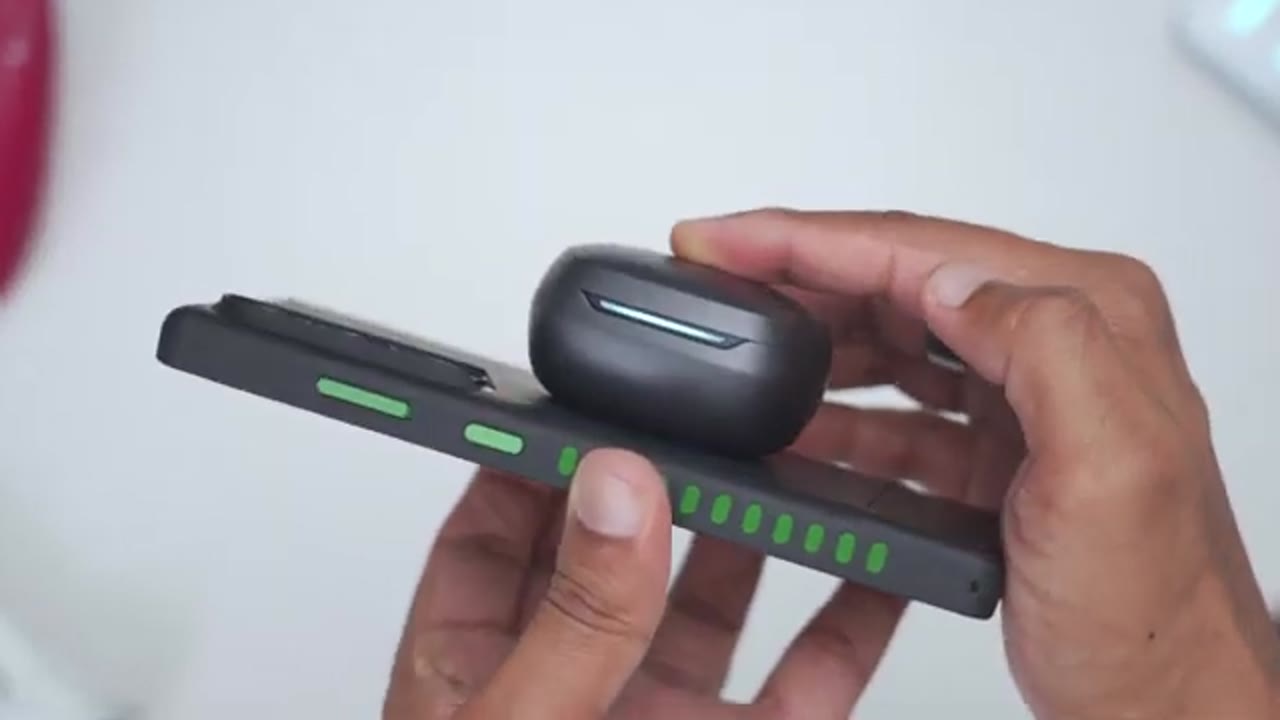
life is pretty average on here. So, it’s rated for between 5 to 7 hours depending on if you have&c on or off and about 30 hours if you factor in the charging case and you have&c off. A lot of that is going to come down to, you know, how loud you’re listening to these at though. Whenever the battery life goes down, a quick 10-minute charge is going to give you around 2 hours of playback. Now, when it comes to recharging the actual battery case, so you could charge it by USBC or wireless charging. So, you could just place this on your wireless charging pad or you can actually use reverse wireless charging on the back of your phone if it supports it. These have
Comfort
also been super comfortable for hours of wear. Now, I definitely know that I’m wearing them, but it doesn’t feel like it’s stretching out or expanding my ear
Changes

canal. It’s very comfortable. While I’ve loved using the Neobuds planer, there’s one small change I’d like to see, and that’s to move the controls from the side here to the outside of the earbud. Just from muscle memory, I naturally go here versus, you know, pressing here. And I find this to be much more fluid and responsive versus using this. Now, it’s not that big of a deal for me because a lot of the times I just adjust the volume while I’m using my phone or skipping tracks, but something to be
Recommended?
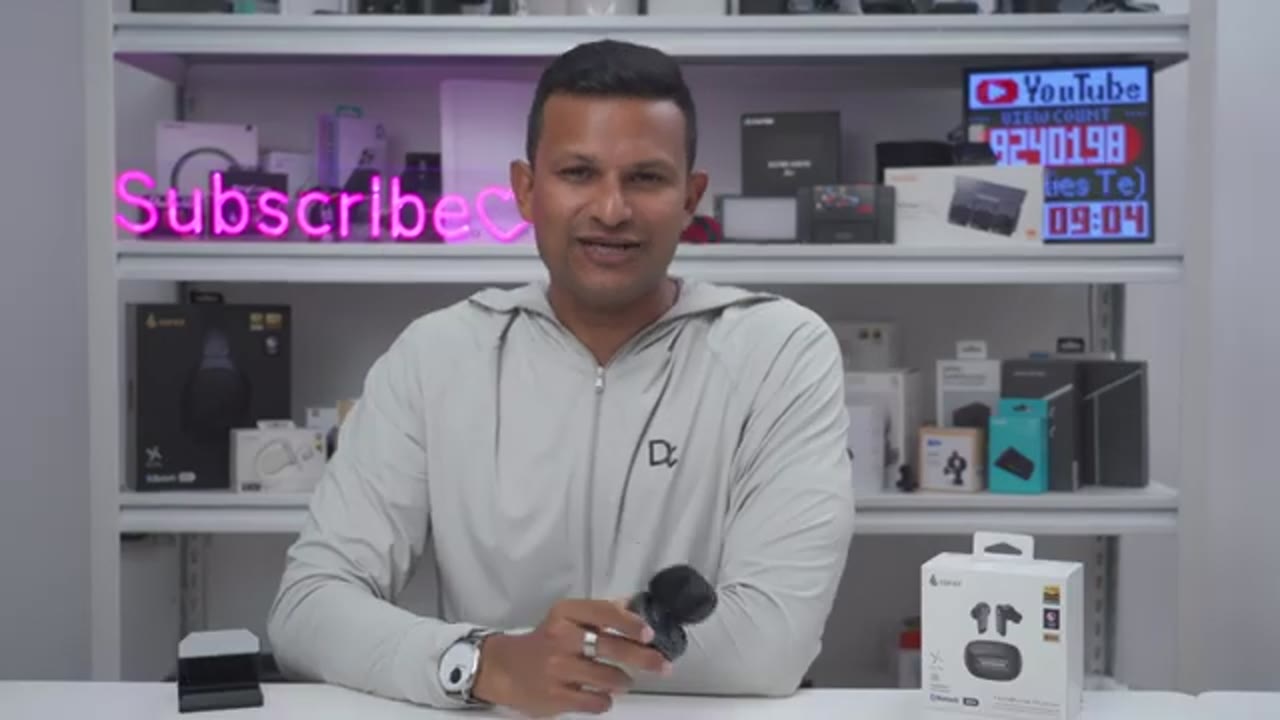
mindful of. So, if your first priority is detailed and natural sound, the Edifier Neils planer delivers that with their 12mm planar drivers and high-res wireless audio codecs. It’s also packed with features like wearing detection, active noise cancellation. There’s quick charge support, wireless charging support, multi-point support, Google Fastper, and more. So, if you’d like to get your very own Neil Wetsz planer, I’ll leave links down below in the video description and pin comments. And if I have any type of coupon codes, I’ll leave those down below as well. If you like this video, consider checking out this video next and even liking and subscribing because outside of earbuds, I also review headphones, speakers, monitors, mice, gaming keyboards. Really something for everyone.
And I really hope you’ll join me in my next video
Buy Edifier NeoBuds Planar Internationally
Please note that some of the links in my video descriptions are affiliate links where I earn from qualifying purchases. As an Amazon Associate I earn from qualifying purchases.