


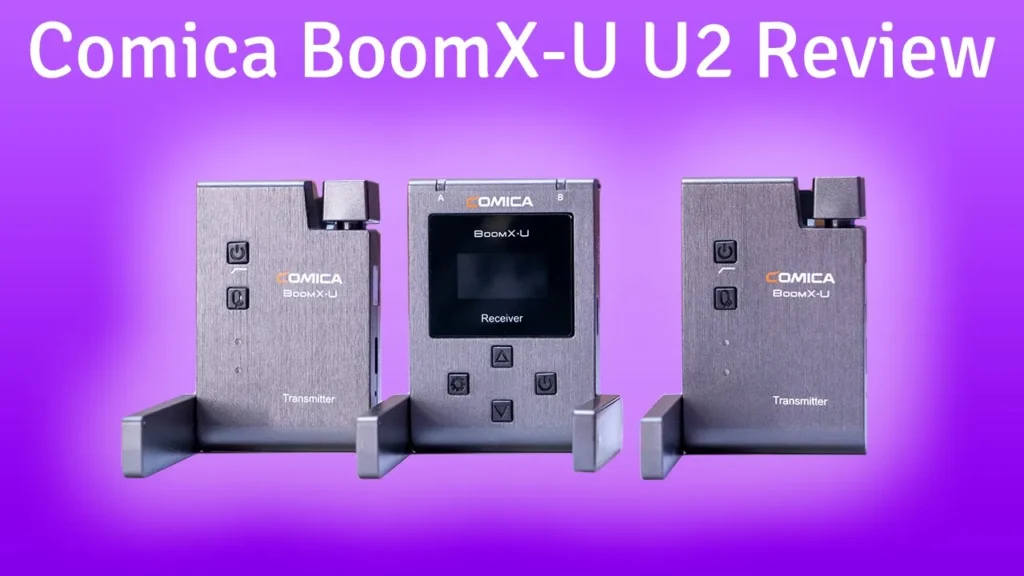

Buy Comica BoomX-U U2 on Amazon
Please note that some of the links in my video descriptions are affiliate links where I earn from qualifying purchases. As an Amazon Associate I earn from qualifying purchases.
– Intro

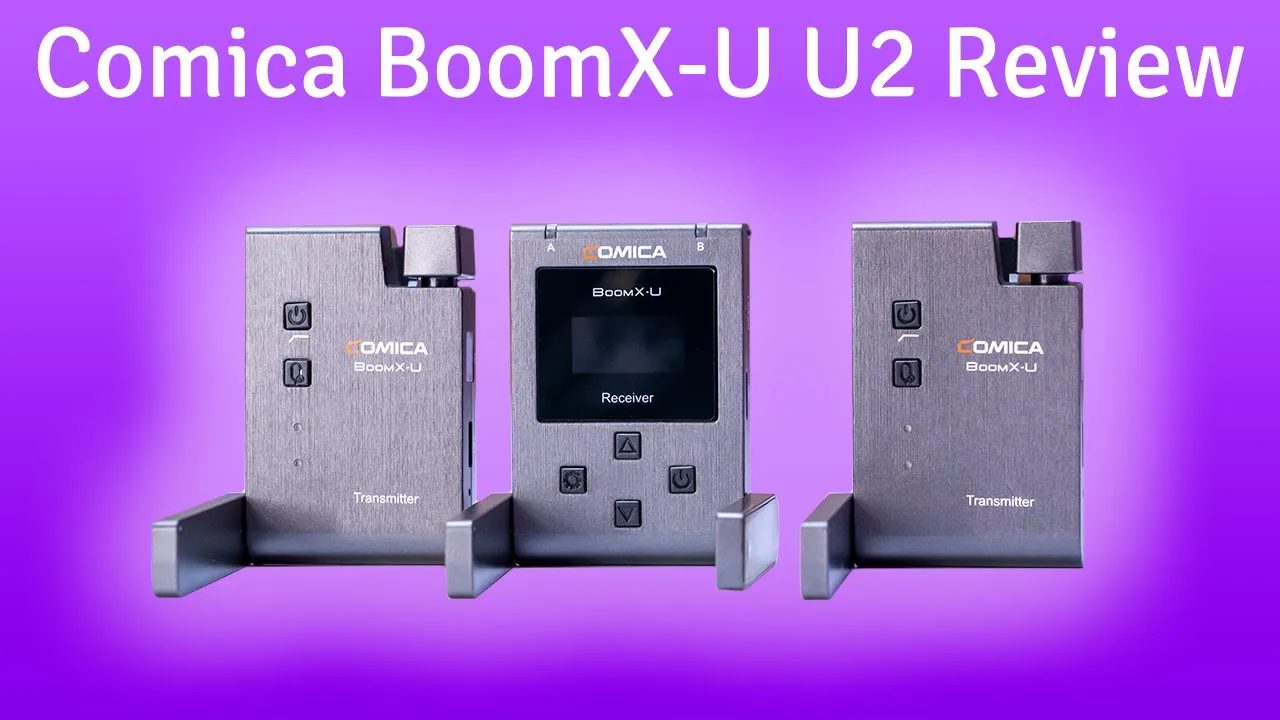
hey it’s adrian from them crumbly tech today i’m reviewing the comica boom x youtube wireless microphone system so this is a two um two transmitter one receiver unit so this is good if you’re going to be doing like an interview style video or if you ever need to record like two different sound sources at the same time so i’m just going to get into what it comes with what the sound quality is like and you can decide if it’s worth it for you or if you should try a different system like the road system the lens goes system so let’s get started okay so
Package Contents
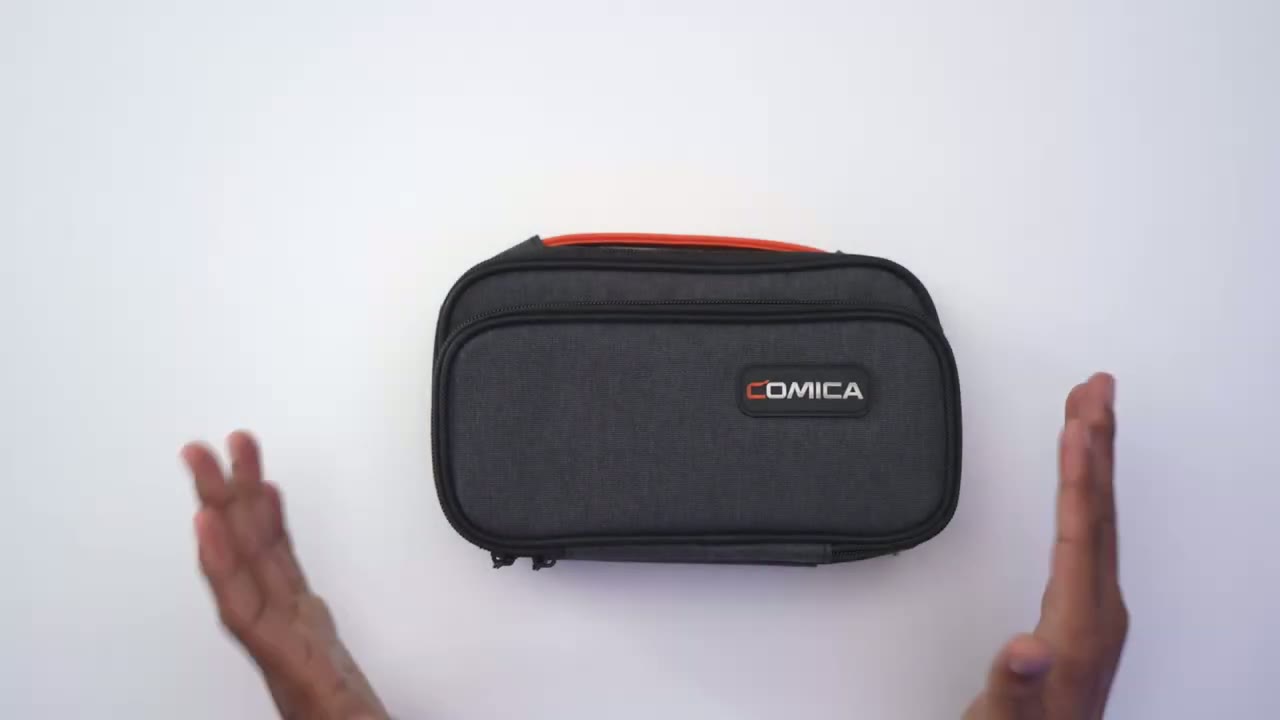
in terms of the package everything comes in this nice little pouch so i’ve already gone ahead and removed everything out of the packaging to make it go a bit quicker so in here you get an xlr cable these wind muffs here both a trs and trrs cable for smartphone and slr you also get charging cable one usb type c and two live microphones and you can see it has this special um lip here which makes it sit nicely in the um the transmitter so that’s good and these already have a foam inserts on them along with a lapel clip now in terms of the main unit themselves so i’ll go over the receiver first so here’s the receiver um it’s pretty much uh it seems like an all plastic build it has a little bit of weight to it but i you definitely don’t want to drop this dropping this is probably going to crack the plastic i would think so according to the manual you would pull these two antennas down and leave it here sorry 90 degrees for the receiver that’s what’s recommended in the manual now you can see here once you pull down this antenna here you get access to the type c charging port and the reset port there i’m just going to close these back up there’s also a belt clip at the back here and on the front you have two indicator lights for a and b channels and then you also have power so i’ll just turn that on right now give you a quick look and once you’re there and you turn on the other ones um these will all pop up to show you signal strength and audio levels then you also have some settings here you can see you can change the um the volume level and for a and b separately mono or stereo and screen flip if you’re going to have this upside down you can read the display upside down language and version i believe that’s it so let’s get back out so that is the uh receiver oh last thing i almost forgot so you also have a headphone jacker if you want to monitor the ir port here you’re going to need to have a line of sight with the transmitters to make sure it pairs properly and then you also have output here and that goes into your camera one thing i wanted to mention is when you turn on both transmitters in my experience actually one of them paired right away the other one did not and the manual does say if you have both of them too close you may have issues pairing so just pair one move it out of the way pair the other one so that’s the receiver now the transmitters they’re exactly the same so i’ll just go over one of them so you can see here’s that antenna arm and this is recommended to be a full 180 according to the manual nothing here once you pull it down you can see on the side of it you have the ir that you’re going to line up with the ir on the receiver uh type c charging port reset you have a built-in internal mic here and you can plug in the lav mic here and that’s the area where that little lip would go that i showed previously then finally a belt clip on the back okay so
Pairing
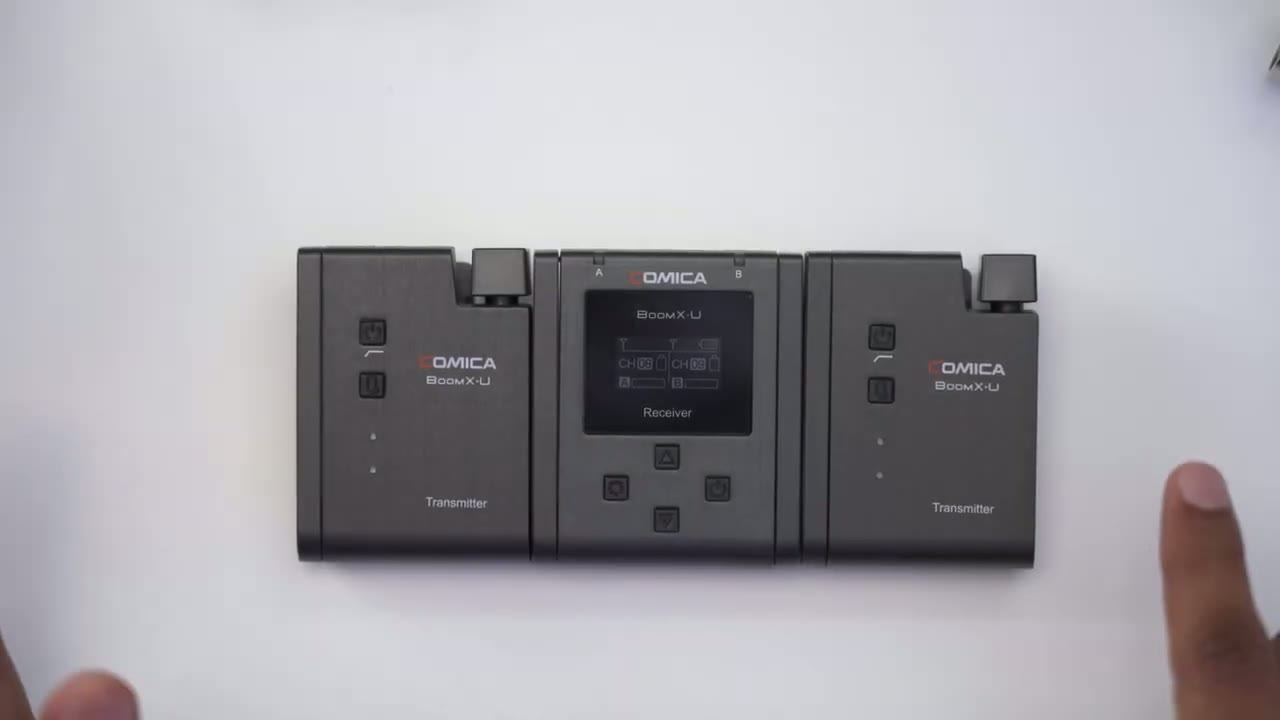
in terms of pairing i’ve already paired everything i’m just going to show you how quickly it is once you initially set it up so i’m just going to hit that power that on and i’m going to turn both of these on and you can see right away both um signal strength show up along with the battery levels and then the audio level so pretty simple system um the only part that takes up you know a couple of seconds extra is just when you first turn it on pair that ir with this one here move it out of the way do it with the other one but once it’s set you’re good to go once you turn it on any time after that back so the receiver
Sound Test – Internal Mic
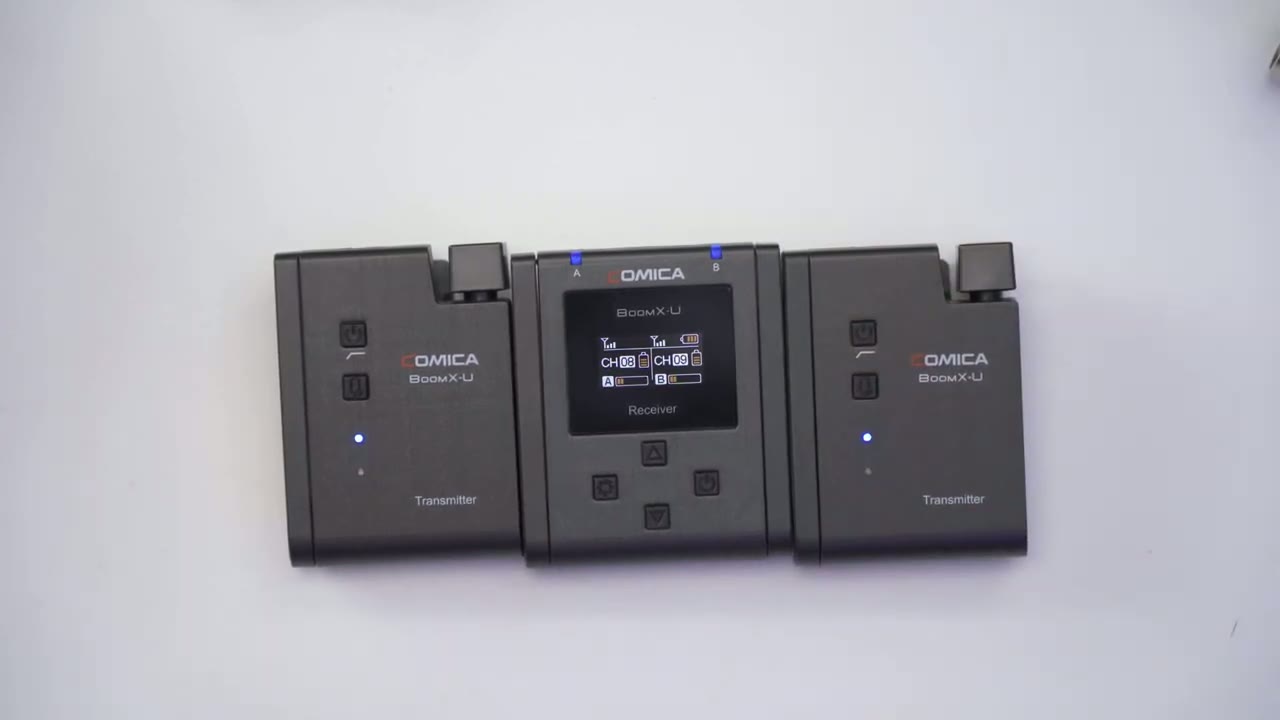
is on top of the camera to audio your hearing it straight from the two transmitters here so i haven’t run the lav mic it’s just the internal mic so just to give you an idea this is what it’s going to sound like if you just clipped it to your body kind of like if you were using the rode system so this is what the audio sounds like the audio level on the camera set to 12 and the audio level on these transmitters they’re both set to 12 as well and this is stereo mode i’m going to stop it review the audio then i’m going to hook it up with the lav mic see what that sounds like i’m back again so now
Sound Test – Lav Mic
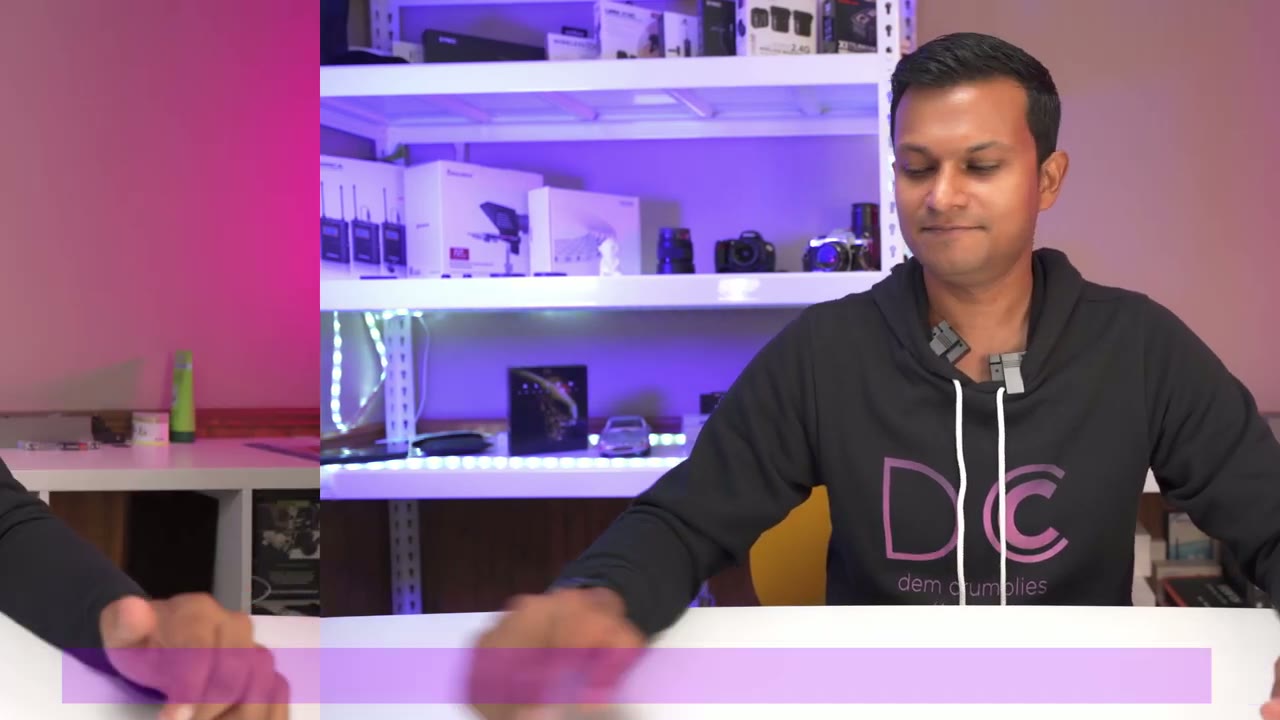
i have both lavalier mics hooked up to the transmitters and just wanted to show you what i was talking about so if you look right here there’s the area where the 3.5 millimeter jack goes in and then there’s also this plastic extension that clips into the top here and that’s really handy because if you have people miked up and they’re moving it’s easy for this to just pop out and with this additional clip here it makes it you know much more secure less lucky it’s going to pop up all right i’m back
Signal Strength Test
so um right now i have both receivers right here and this system is rated for 120 meters roughly 400 feet which is a lot now unfortunately i damaged my leg i can’t walk that far to test the range like i normally would but what i’m gonna do is another test where i’m gonna take this receiver go into another room put it there with a video playing on my phone and i’m going to close that door and the goal is while i’m talking here or going through the process we should be hearing sound coming from the other room um with the video playing on the phone plus me talking so it sound might get kind of messed up but i’m just testing to see you know can it go through a wall um you know not that you would actually need that you may not have a lot of situations where you need it but just to give an idea of how strong the signal strength is so i’m going to do that right now i’m going to walk over with this to another room so i’m just walking over there right now and now now i’m in the other room so i’m going to start the video on the phone let me turn the volume up a bit and the microphone is next to the phone speaker just gonna close that door now and i’m gonna be back in front of the camera a couple of seconds so right now you should be hearing my audio plus the audio from the what you know the video that’s playing on the phone so the sound may not be 100 clear but i can see by looking at my monitor i could see there’s two different um audio levels coming in so it should be working fine so i’m just going gonna stop the video here replay that all right i’m
Single Channel Test
back again now i only have one of the transmitters turned on which is this one so one of the channels is offline and i’m just gonna record the sound and see what that sounds like now it is still set to stereo mode on the receiver but i’m just curious how it’s going to handle it when only one of these is turned on okay so i’m back i was paying attention when i turned off one of the transmitters and i could see that it was only recording audio on one channel so when you’re editing if you want you know full sound right and left side you’re just gonna have to duplicate that audio track onto the um right or left side whichever one is missing to have that full sound it does mention in the manual that when you’re in single channel um you cannot have stereo functionality now they do sell this unit um with one transmitter and one receiver or one sorry two transmitters and one receiver so i’m assuming if you buy the other option where it’s just um the one transmitter and one receiver you won’t have that problem it’s probably calibrated or set up so that it’s automatically in stereo however with this version you are gonna have to run both of these at the same time like i’m doing right now or you’re just gonna have to duplicate that audio channel to have right and left sound just something to keep in mind all right so
Conclusion
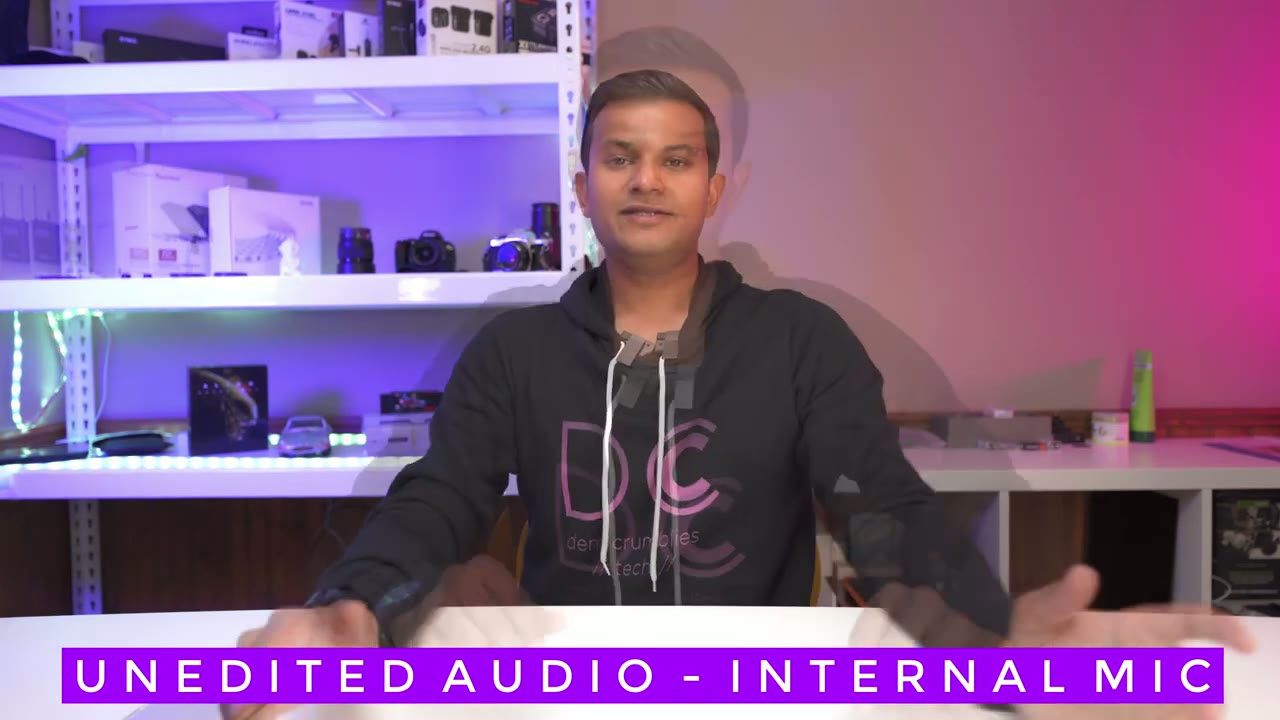
i’m back and i just want to share my final thoughts with the boom x u2 system so most important thing is the audio quality and i’m really happy with the audio quality when it’s used like this with the um internal mics i did notice when i was reviewing the audio with the lav mics the audio sound a bit more muffled i guess maybe it’s because of the windscreen or the foam insert or maybe the microphones on the internals are better than on the lav mics whatever the reason i just prefer it like this i’ve also used wireless systems from rode other road first generation which is a great system great audio as well lens go also good and i have used this comic wm100 plus but you can see this is a much bigger unit and it uses batteries it’s not rechargeable batteries so i much prefer this over that it’s just smaller easier to conceal the one really important thing i’m going to mention is this system is best suited for if you’re going to be doing interview style videos because once you turn off one of these you’re only getting audio on one one channel so if you just run with the audio like this in your video you’re just gonna have it coming out of either the right side or the left side so they have that full sound you’re gonna have to in post just duplicate that audio track so it sounds full from both speakers right side and left side now the workaround to that is wearing it like this which i don’t think anyone really wants to do now there is also another system from the manual where they sell it with one transmitter one receiver versus um two transmitters and one receiver and i’m just assuming i don’t have that system but if you get the one with the one transmitter one receiver it should be calibrated to work in stereo mode so if you’re mostly going to be using it just you you know then look at that one if you’re gonna need your videos mostly for the interview style then either get get this and then for the times where you’re just doing the solo videos duplicate that audio track all right so i really hope this video was helpful for you if it was please consider liking and subscribing it really helps my channel grow and i can get more of this type of equipment now if i miss something in the review please let me know and i’ll try to get that information i’ll add it to the comment section where i’ll reply to you directly you
Buy Comica BoomX-U U2 on Amazon
Please note that some of the links in my video descriptions are affiliate links where I earn from qualifying purchases. As an Amazon Associate I earn from qualifying purchases.