


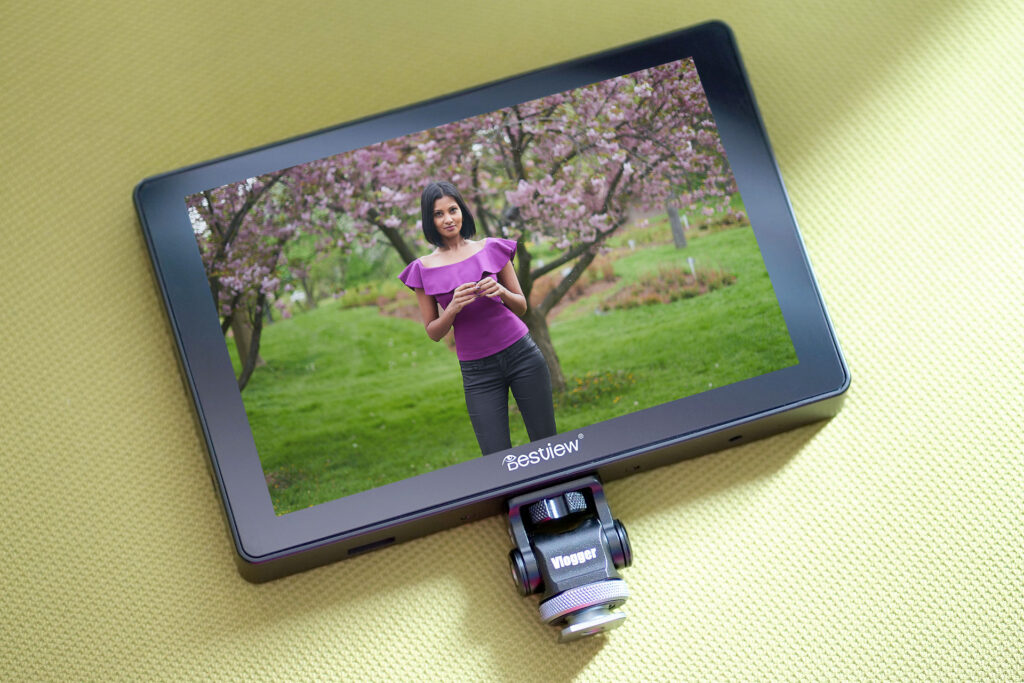
Don’t like reading? Check out my video review on YouTube instead.

Technical Specs
✅ 7 inch Touch Screen
✅ 1920 x 1080 Display
✅ HDR Capable Display
✅ HDMI IN & HDMI OUT
✅ 1000 Nit Brightness
✅ Custom LUT loading
✅ Easy To Use Adjustable Swivel Head
Value
The Desview R7P (Plus) camera field monitor has a ton of value for the price when you look at the features of the monitor and what is included in the box.
The box includes:
- 7″ Touchscreen Monitor
- Micro HDMI & Mini HDMI cables
- Adjustable swivel head cold shoe mount
- Allen Key To Adjust Swivel Head
- Rubber Protective Case With Sunshade (Optional Use)
- D-Tap Power Cable
- Soft Carrying Case
- USB Drive With LUTs Loaded
- Cleaning Cloth


Exterior Features & Build Quality
The exterior of the monitor is made of a hard plastic that is quite durable, and there is no noticeable play or looseness when pressure is exerted on opposite ends of the monitor – it is quite well made.

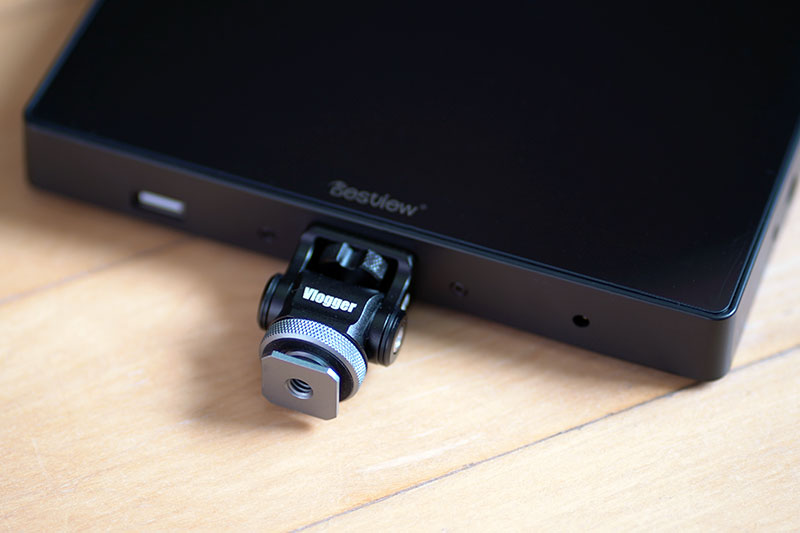
The bottom of the monitor also includes the USB port, headphone jack, and one of the 1/4 thread mount holes. The top of the monitor has the power button, which turns the touchscreen function on and off with short presses. The top area also includes a rotatable knob to navigate the menu screen and confirm the settings. Along with the rotating knob, there is also an exit button and two programmable function buttons labeled F1 & F2. The function buttons can be programmed to any of the menu settings without limitations. The Exit button can also be programmed.

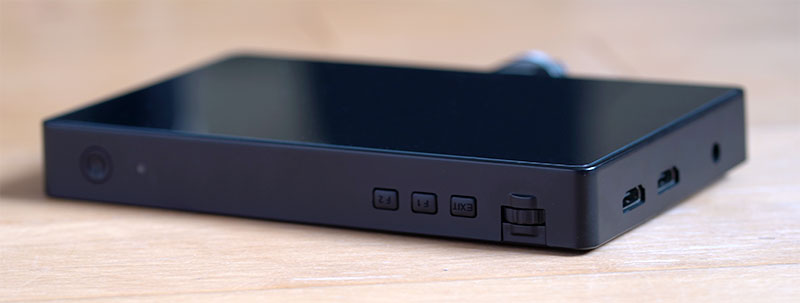
The left side of the monitor includes the HDMI in & HDMI out ports, along with a power port to plug in a power adapter if you do not plan on using a battery to power the monitor. The right side of the monitor only has a 1/4″ mounting hole.

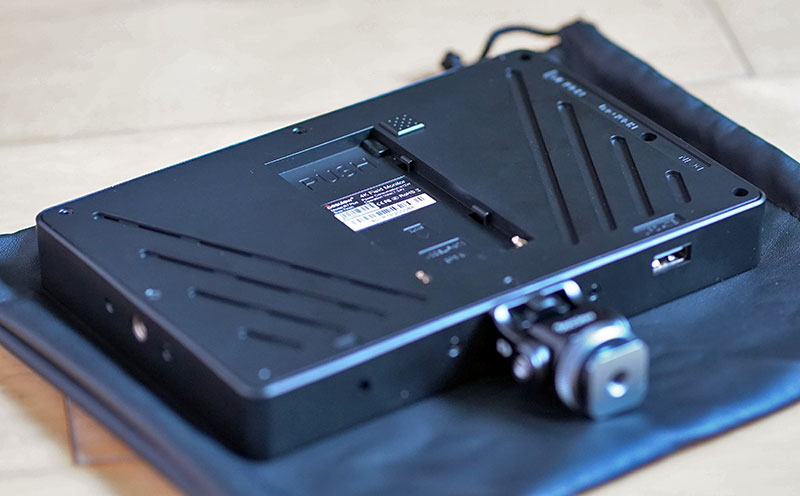
The back of the monitor has a recessed area to hold a Sony F style battery. It can accommodate an F-970 battery or smaller profile battery, such as the RavPower NP-F550 batteries if you want a light setup. If you want to use a power plug, the monitor has a power consumption of around 12 Watts and operational volts between 7-24 Volts.
Helpful Features & Menu Settings
One of the most significant advantages of using this monitor is using the touchscreen to zoom in to check focus and zoom back out quickly. This monitor allows you to use pinch in and pinch out gestures to zoom and to track around the image to any of the four corners of the image to check focus and composition. Some monitors lock a zoomed in image to the center of the monitor, however, you can pan around the image to check all areas for focus.
As mentioned above, accessing the menu settings allows you to program the F1 & F2 buttons to your most-used settings. I have my F1, F2 & Exit buttons programmed to use Focus Peaking, Horizontal Image Flip & Vertical Image Flip.
You are also able to take your custom-created LUTs, or downloaded third-party LUTs and load them into the monitor for a real-time view.
The included swivel head allows you to adjust the amount of pressure required to tilt the monitor if you plan on using heavy batteries on the back of the monitor. The swivel head design also allows you to quickly rotate the monitor front and back, very useful for talking head videos. Buying this type of swivel head separately will cost around $40, so it is great that Desview has included this style of camera mount in the package.
Here is a quick look at the menu settings available:


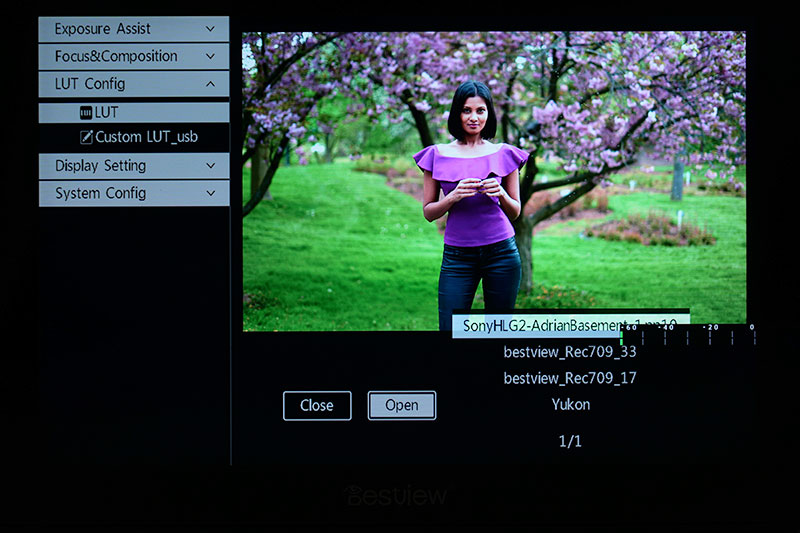

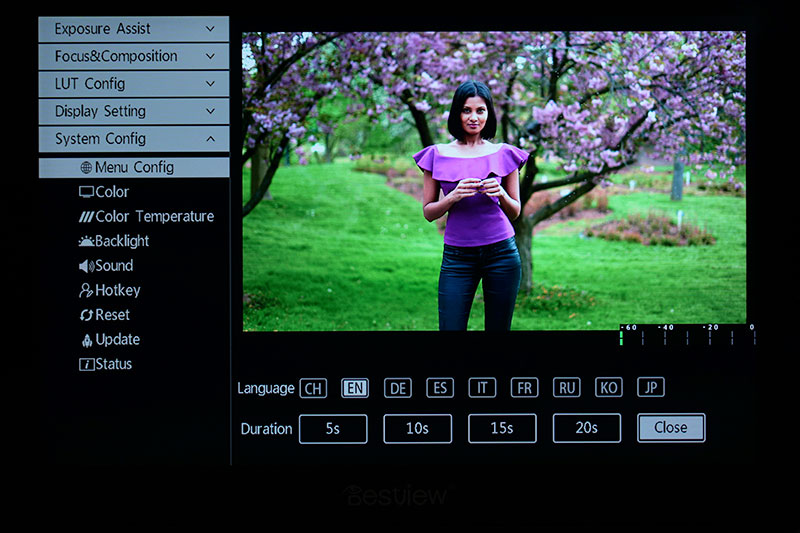
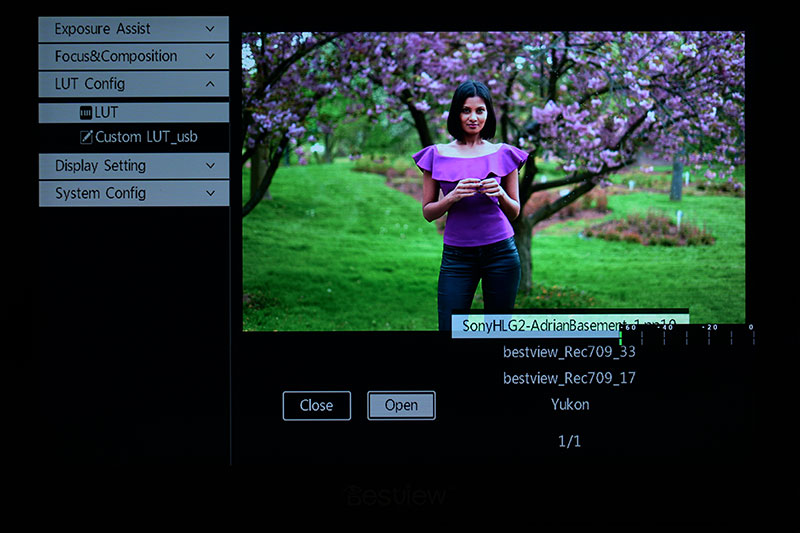
Want to see each menu subsection in detail? Check out the gallery below.




Summing Up
After using this monitor for a while, I can highly recommend it for those looking to improve their video-making process and photography process. While the monitor can get a little hot with continued use, it has not turned off or powered down from overheating in video recording use that has lasted for up to 6 hours while being powered by a power cable.
I often use this monitor for indoor and outdoor use, so I am constantly plugging and unplugging HDMI cables into the monitor without issue. There have been no connection issues, and the port does not show any signs of loosening.
I prefer to power the monitor by power cable when indoors. However, if you plan to use this monitor mostly outdoors, consider purchasing a couple of external batteries since the monitor can drain batteries quickly if you like to have the brightness at its maximum setting. Here is a link to the batteries I use without issue from RavPower.
If you have any questions about this monitor, its features, or if there is anything that I have missed, please leave a question in the comments below, and I will look into it and get back to you.