


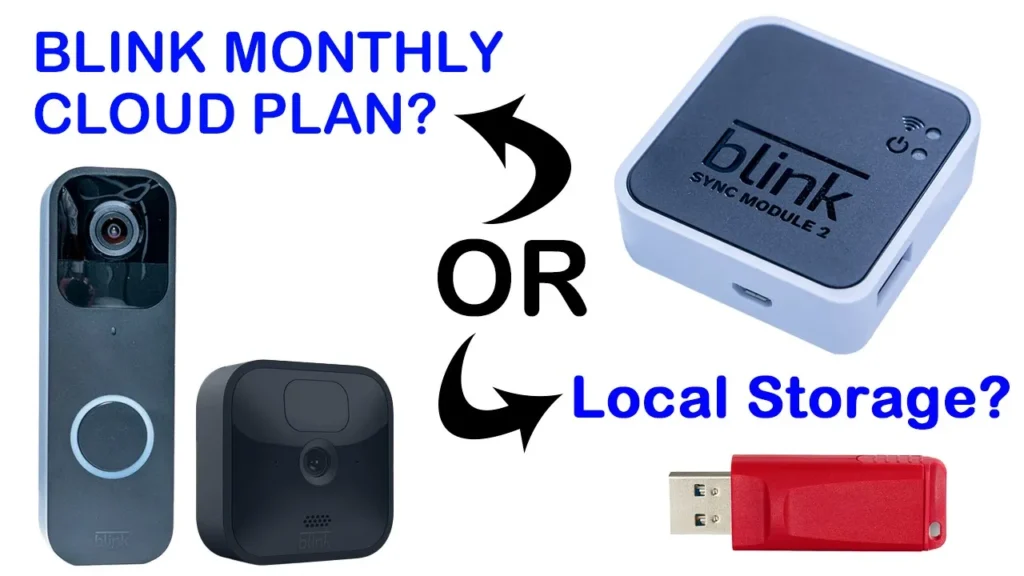
Buy Blink Doorbell Camera + Sync Module on Amazon
Please note that some of the links in my video descriptions are affiliate links where I earn from qualifying purchases. As an Amazon Associate I earn from qualifying purchases.
Package Contents / Unbox

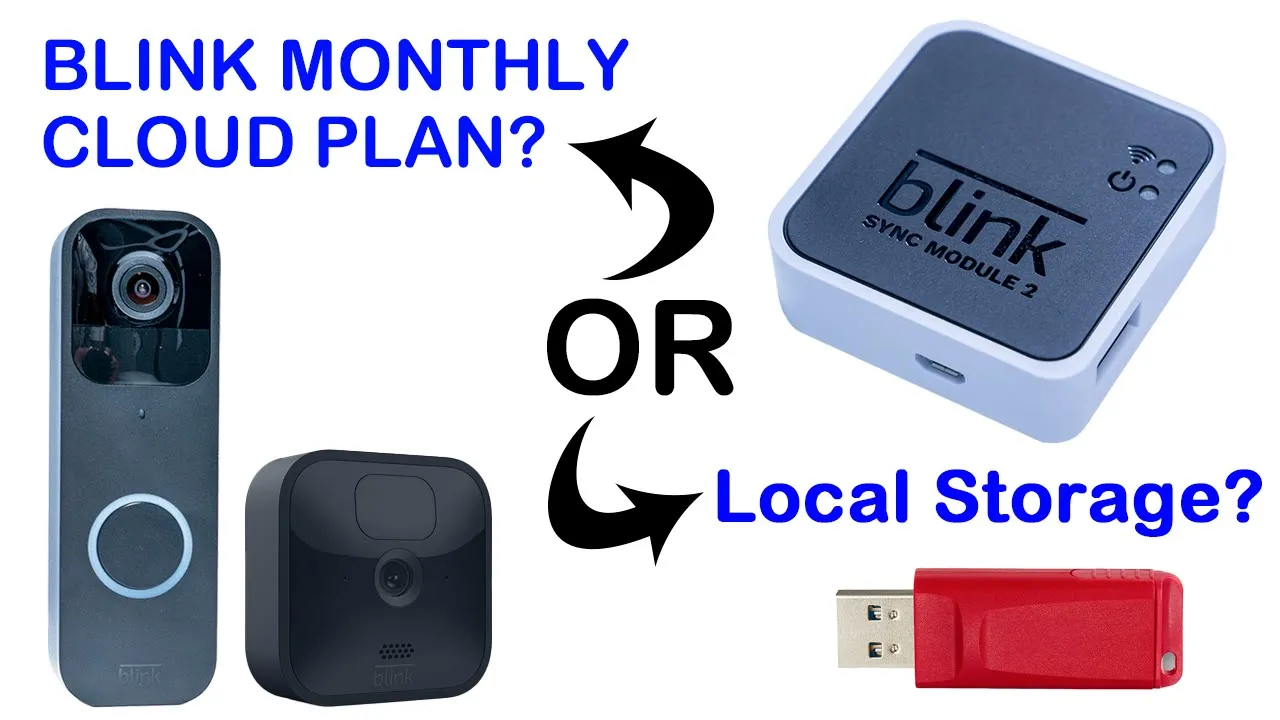
hey it’s adrian and you just got your first blink video doorbell or you’re considering getting one and there’s a monthly subscription plan that you’re supposed to pay now you’re probably wondering can you get away without paying that monthly subscription plan or are you missing out on a lot so i’ve gone through the settings and i’ll let you know what’s the pros and cons of that monthly subscription plan and a pretty good workaround if you don’t want to pay so let’s get started okay just in
What is the Blink Plan?
case you’re not aware anytime you buy like a newer bling camera you get a free trial to the blink cloud subscription plan and then when that plan ends you’re given two options one is to renew with a basic plan which is thirty dollars a year and covers one camera the other option is to pay a hundred dollars a year and you can cover more than one camera so if you have three or four cameras i think up to 10 cameras or 10 blink devices you’re covered for a year at 100 okay so what if you don’t want to
I Don’t Want A Blink Plan!
pay anything at the end of your trial well you have two other options the first option is to use the camera just as like a standalone unit without any cloud functionality at all i don’t recommend that option the next option is what i recommend and what i’m using right now which is to use the blink sync module two and this is about 35 and it’s a one-time payment now you’re probably wondering what is the sync module so let me explain that but if you have more
What is a Sync Module?
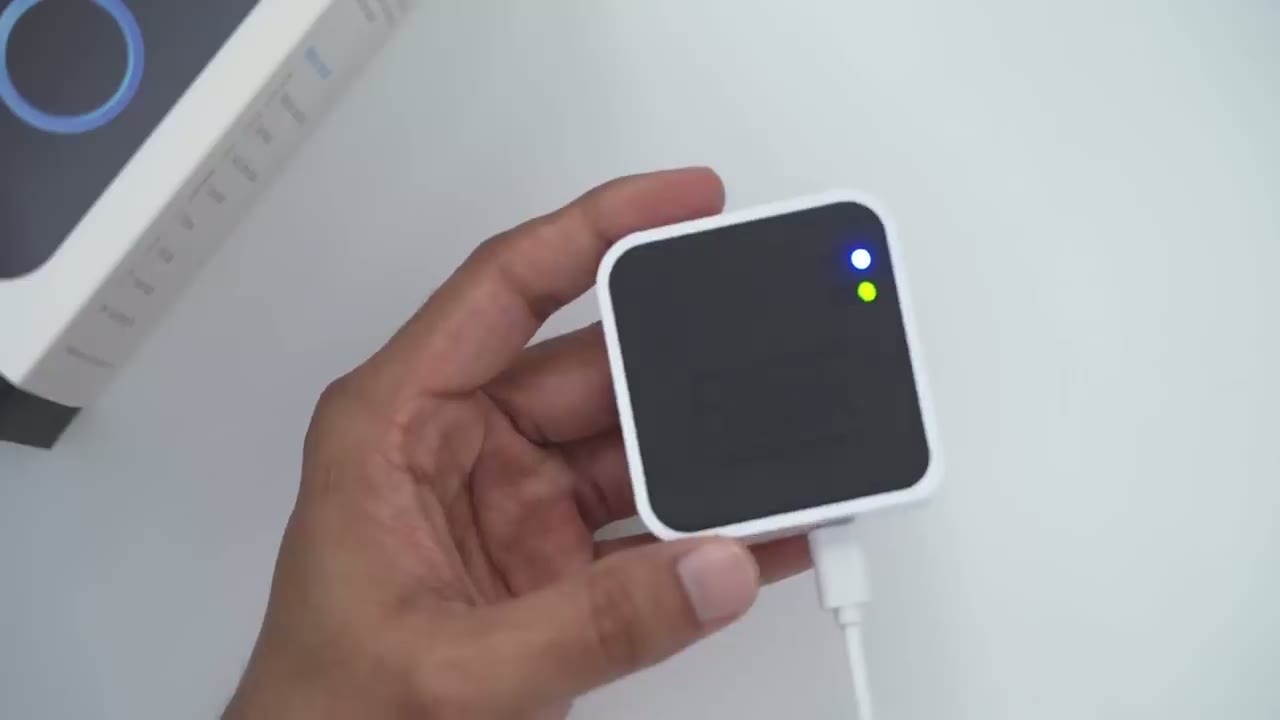
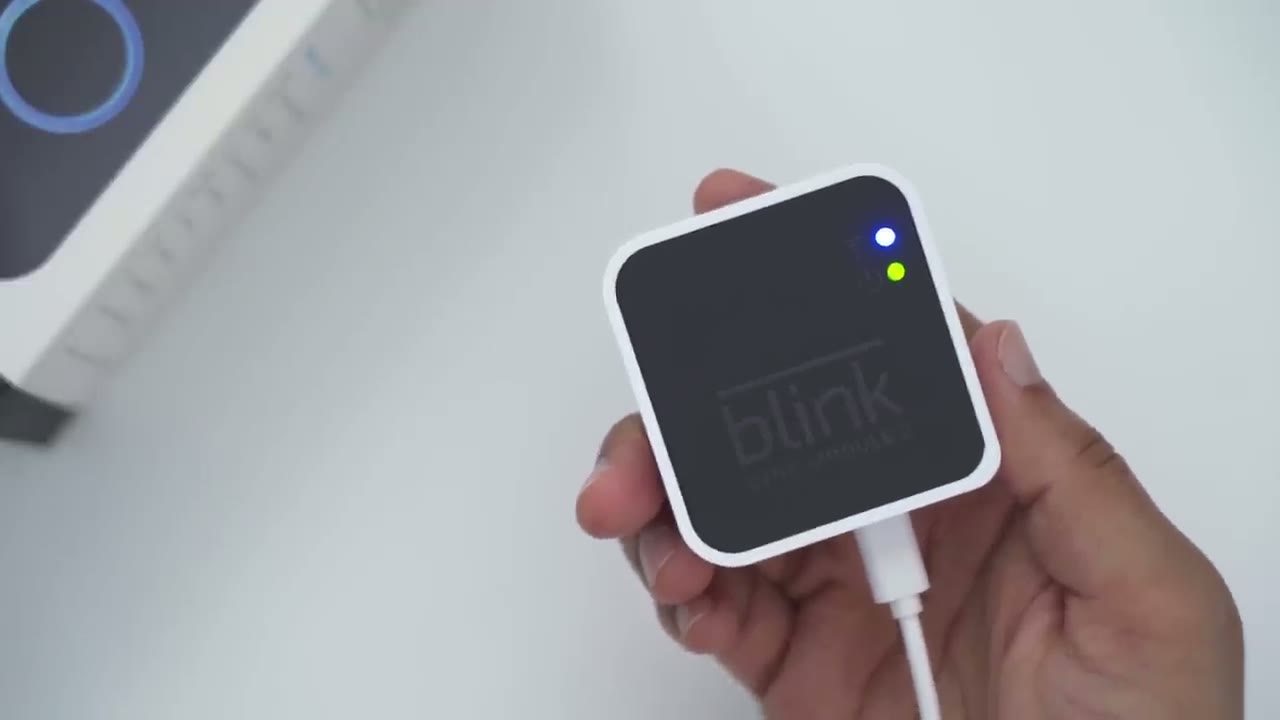
than one blink camera in your house then this also lets you manage all of them because you can kind of pair all of them and manage them using the sync module okay so let’s look at the sync module in detail so this is the sync module too and the way you know it’s two is because if you look at the side there’s a port here and that’ll accept any type of standard usb drive so that’s where you plug in to get local storage so this has a couple of things one of the things this does is it lets you save video locally to the usb drive once it’s plugged in pretty big benefit the other thing is it does handle some of the activities that the camera would handle by itself so in that way it does save battery life or prolongs the battery life for the camera when you have the sync module plugged in and you can see it’s powered just by a usb cable here and it just stays inside of your house and it does require wi-fi same as the camera so if
Blink Plan Benefits
you choose to continue with the blink cloud subscription plan after your trial ends these are the benefits that you get with that so one all of the video clips are automatically backed up or uploaded to amazon’s cloud where they’re saved for around 60 days before they’re automatically deleted now that varies by country i believe if you’re in europe then it may only be 30 days until they’re automatically deleted so another benefit of having the cloud subscription plan is that it’s really quick to play back clips and you get a preview of the clip so if i click the playback icon right here you can see right now it’s set to cloud that blue area here and i’m using 83 of my cloud storage space now if i scroll through the clips you can see they all have a thumbnail on them so i can tell which ones are in the day which ones are the night and of course i could see what time now if i click the first one you can see that pulls up instantaneously and it plays right away so it’s really quick with the cloud plan now if i compare playing a video from the usb drive i’m going to click on home and that accesses the clips from the usb drive now you can see i have no thumbnails anywhere on the videos so that’s one big difference between having a cloud plan and playing video clips from the local storages you lose that thumbnail ability so you’re just gonna have to look at the time code and then play a video clip now i’m gonna play a video clip from yesterday and you can see it’s taking a while to retrieve that video clip because it has to pull the data from the usb drive and then stream it over wi-fi and then play it on my phone so you can see it’s playing it right now and it’s it took a little bit longer than the cloud plan so if that’s going to bother you then stick with the cloud plan if it doesn’t bother you then doing the local storage option is no problem one more benefit that you get with the cloud plan is you see there’s an option here called enable photo capture and what that does is once an hour it’s going to take a photo and just save it in the cloud now right now it’s enabled however if i go into my profile and i cancel my free trial so i’m going to keep click end my free trial i go back into the options and you can see if i go back to photo capture that option it now says feature unavailable one major benefit of the cloud plan is while you’re looking at a live view of whatever is going on outside you’re also simultaneously recording that live view so for example if i click this icon here just to take a look outside my house whatever is going on if there’s a car if someone’s at the door while i’m looking at this live feed right now it’s being recorded to the cloud however if you go with the sync module option with the usb drive if you get an alert on your phone and you take a look at that video you can look at the video but it’s no longer being recorded to the usb drive so if you manage to click on the notification and you’re trying to talk to someone or you’re just taking a look at whatever they’re doing keep in mind that’s no longer going to be recorded so if someone steals your package or vandalizes your house you have no evidence of that unless you were quick to you know take a screenshot on your phone the workaround for that would be just to not click the notification when you get a motion notification and let the sync module just record whoever or whatever is going on out there now if you definitely need the ability to take a look at live view and have it recorded then you have to go with the cloud subscription plan lastly another benefit that amazon’s site mentions is there’s extended warranties if you get a cloud subscription plan and discounts on you know further blink products now that
Sync Module Benefits
we’ve gotten all the benefits out of the way if you get a blink cloud subscription plan let’s take a look at the benefits of having just the sync module plus a usb drive for local storage okay so the first benefit is price so the sync module 2 is going to run you about 35 u.s and that’s a one-time fee it is not a subscription fee so after the first year it’s pretty much paid for itself versus if you were to start with the basic plan on the cloud once you buy the sync module 2 the only other expense is going to be buying a usb drive now these can be as cheap as you know 7 to 10 dollars and you may already have one lying around your home so the sync module accepts usb drives that are anywhere between one gigabyte to 256 gigabytes so 256 gigabytes it’s quite a lot of storage and the video clips on the blink system are not that big so if you plugged in anything you know 64 gigabytes or larger it would be a really really long time before you ever needed to delete all those clips from it so another benefit of the sync module with the usb drive is that you can access a live video feed anytime you want same as the cloud subscription plan but like i mentioned anytime you access the live view feed with the blink module you’re no longer able to record that clip at the same time to the usb drive so if that’s a make or break for you then you definitely have to go with the cloud plan now if you just have the standalone camera no blink module no subscription plan then you can’t access live view at all you can only take a look anytime someone rings the video doorbell so i just want to demo again really quickly how long it takes to retrieve a clip and play it back when you’re using the blink module with a attached usb drive so as you can see again no thumbnails and if i go ahead and click a clip this is how long it takes now it may be a little bit quicker if you have a fast usb drive and your internet speed is really good um but this is how long it’s taking on my end with my setup so if that’s way too long for you then the cloud option is the only route to go another thing that the blink site mentions is if you plan to use a usb drive whenever it’s full the system does not overwrite the old clips and it doesn’t automatically delete them what you’re going to have to do is take the usb drive out pop it into a computer delete all the files and then plug it back into the blink module or just replace it with another empty usb drive if you want to keep those video clips however it’s pretty easy to take a look at the storage so you can see if i go into the sync module setting here and i click on local storage i can see that i’ve only used one percent of the storage on here because i have a combination of some of the clips in the cloud storage from when i had the free trial and this is just a really big usb drive so the clips aren’t big enough to fill it up now how does it work if you
Blink Plan + Sync Module?
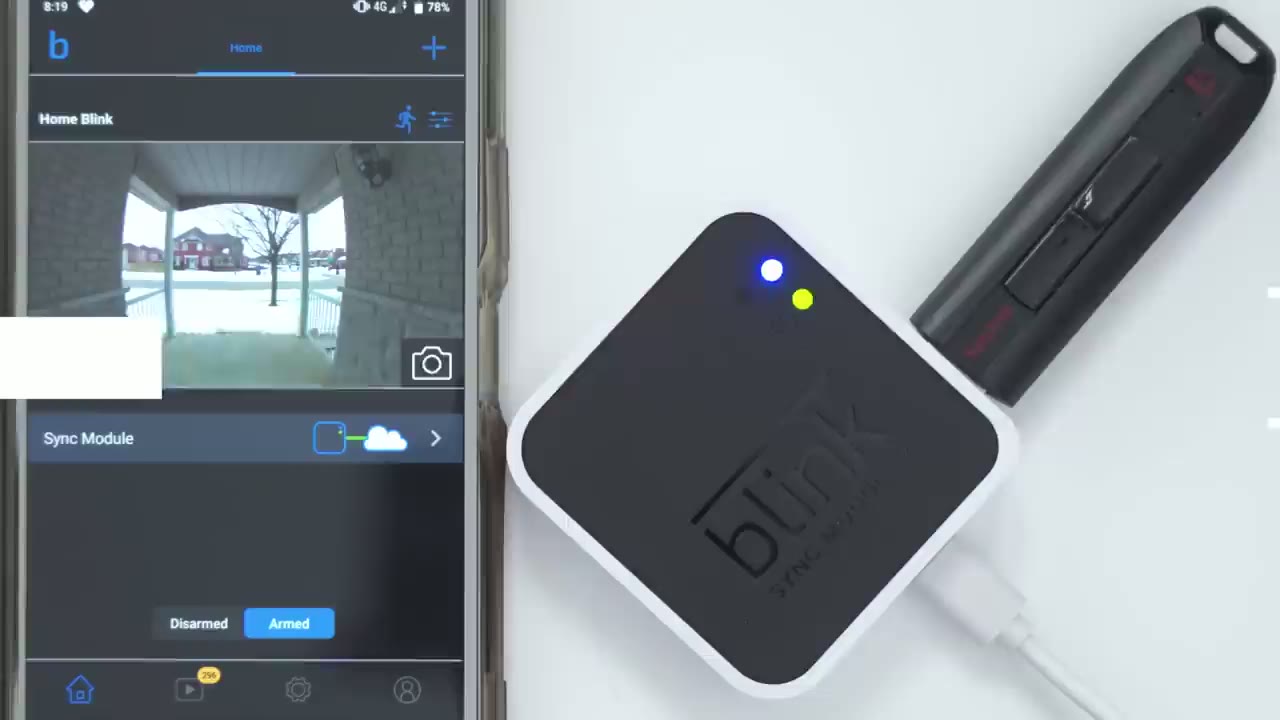
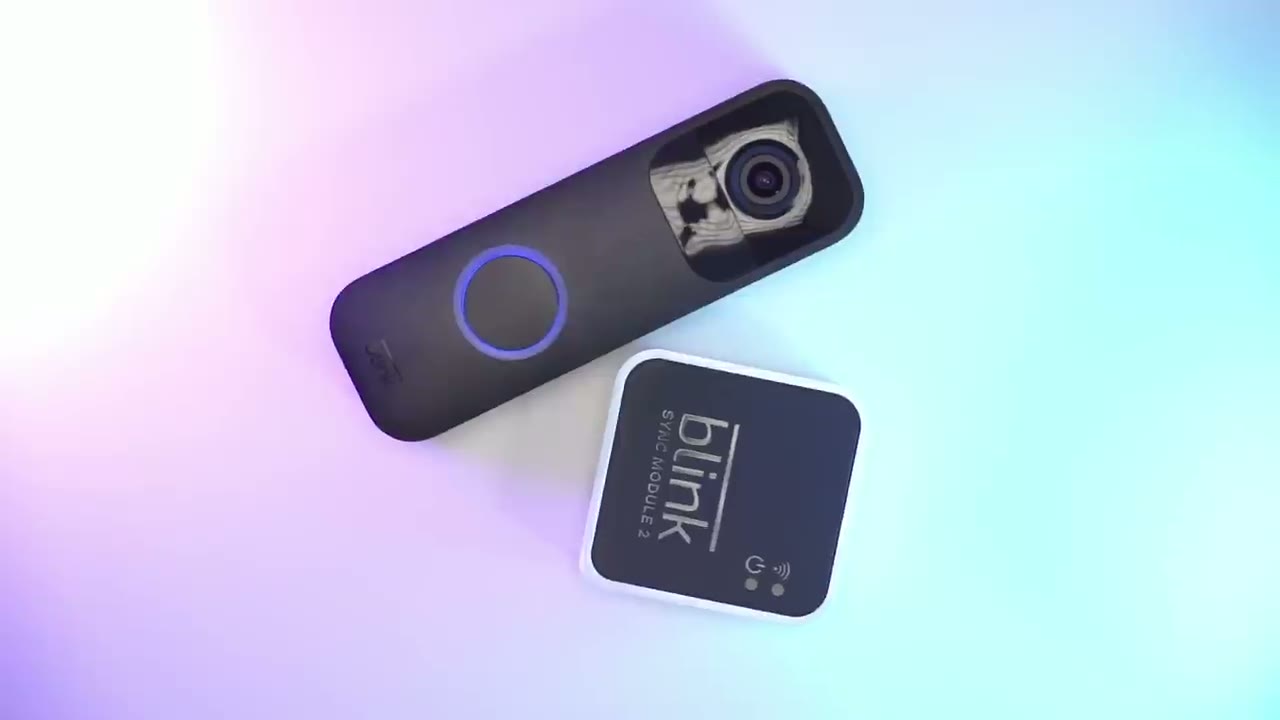
have both a blink subscription plan and the blink module locally with the usb drive and that is a possibility if you order something like this which is the doorbell plus the sync module too so in that case all your clips will still be backed up to the cloud however an additional backup will be downloaded to the usb drive that you have plugged in if you have one plugged in now you won’t be able to see that when you go into playback and you’re looking at the local clips here but it’s going to be hidden in there on the usb drive just not accessible from the app just as a secondary backup another benefit of having the sync module even though you’re going to have the cloud plan is that it will help with the battery life on the camera so instead of the standalone camera handling a lot of the activities the blink sync module does take over some of those activities so that you could prolong battery life on the camera so do
Do You Need A Blink Plan?
you need a blink cloud subscription plan to work with your bling devices not really if you can live with the limitations that i’ve mentioned then just getting the sync module 2 plus a usb drive that’ll take you way more than halfway there and the only cost is a one-time fee of around 35 for the sync module and then the fee for a usb drive and if you have one lying around a house then you’re set if you’re interested check out my other video here i unbox the blink module plus the video doorbell i go through the setup process and just how everything works if you found this video helpful please consider liking and subscribing if i missed anything just leave a question in the comments down below and i’ll do my best to get right back to you [Music] you
Buy Blink Doorbell Camera + Sync Module on Amazon
Please note that some of the links in my video descriptions are affiliate links where I earn from qualifying purchases. As an Amazon Associate I earn from qualifying purchases.