


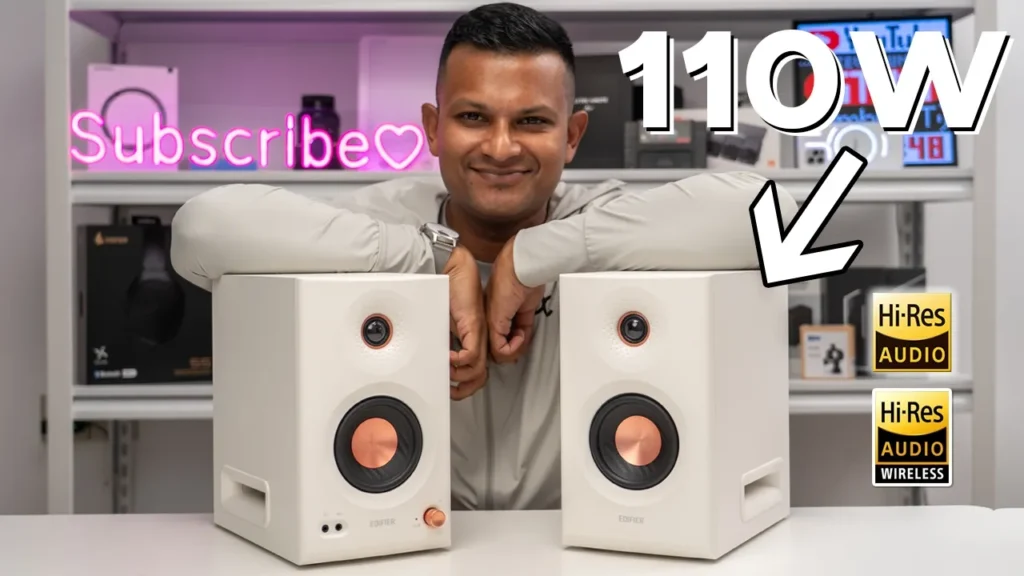

Buy Edifier MR5 Speakers on Amazon
Please note that some of the links in my video descriptions are affiliate links where I earn from qualifying purchases. As an Amazon Associate I earn from qualifying purchases.
Intro

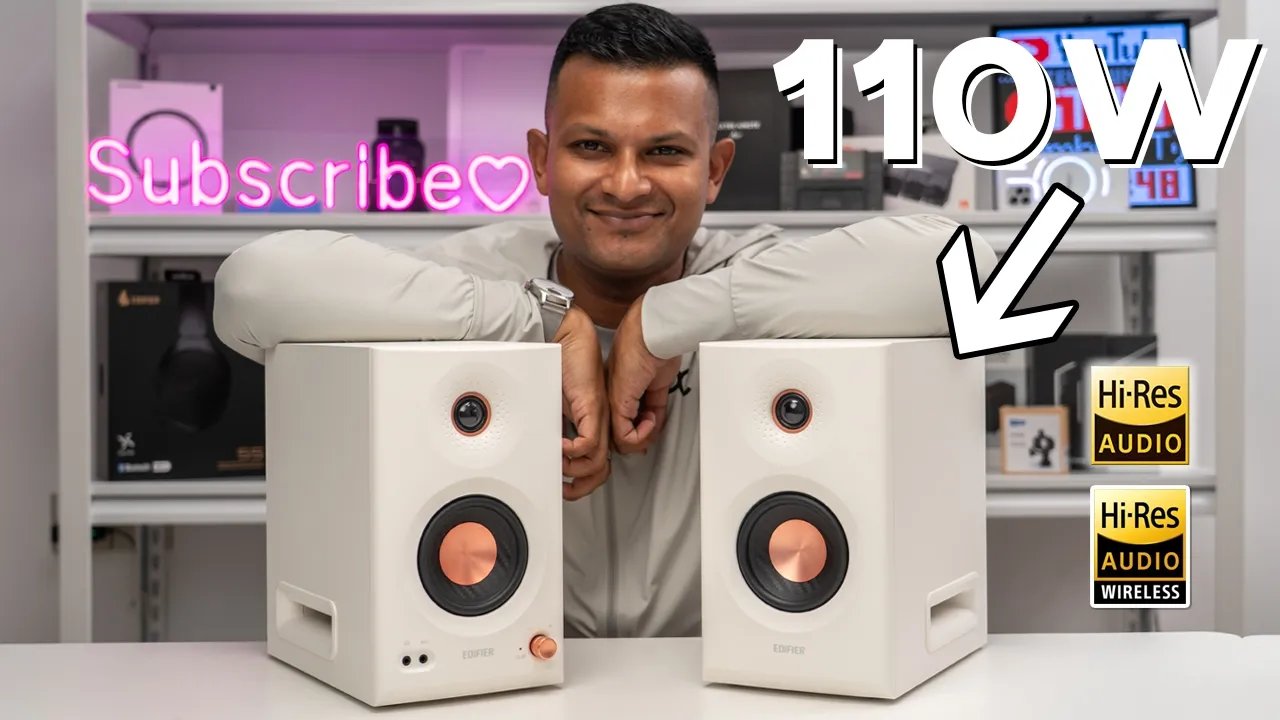
Hey, it’s Adrian. And if you want to take your audio listening experience up a few levels, you have to check out Edifier’s MR5 studio monitor speakers. These pack an impressive 110 watts thanks to three separate drivers which include a 1-in tweeter, a 3.75 in mid driver, and a 5-in long throw woofer. All powered by their own independent class D amplifiers. Basically, top-notch sound is what these deliver thanks to the high-res audio certification and the high-res wireless audio certification because these do support the LDAP codec. There are also running Bluetooth 6 and multipoint so you can connect two devices at a time. There’s a ton of connector inputs like XLR, TRS, RCA OX, and a handy headphone jack in the front.
You can also fine-tune these for the perfect sound thanks to the rear knobs in the back and the Edifier Connects app customization options. So, if your setup could use with a sound upgrade, should you get the Edifier MR5s? And what if you already own the Edifier MR3 or the M60, is it worth the upgrade to the MR5? Well, let’s take a closer look. I’ll help you answer some of those questions. And a big thanks to Edifier for sending these out for review.
Package Contents
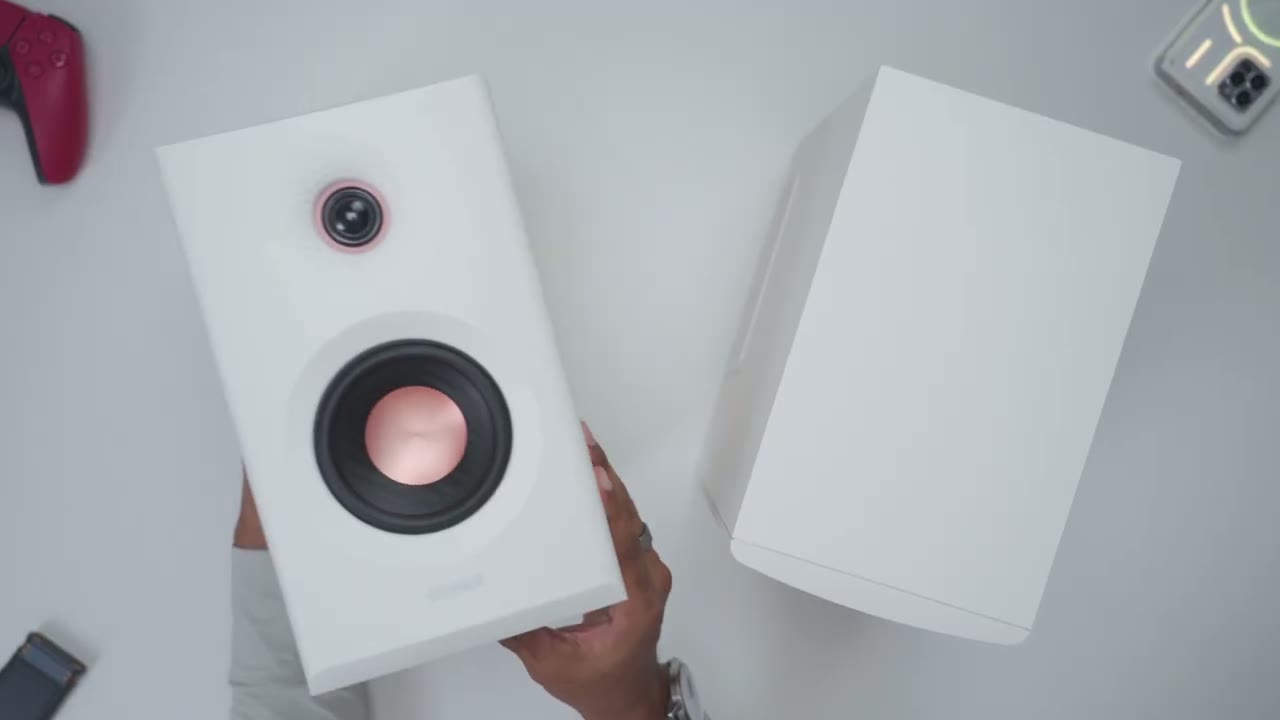
In the box, we have the very impressive Edifier MR5 studio monitor speakers. We also have a speaker connecting cable, power cable, RCA cable, and 3.5 to 3.5 mm cable along with a quick start guide. In terms of cable length, the power cable is around 5.9 ft or about 1.8 m, and the speaker connector cable is around 2.5 m or 8.2 ft. The design of
Design
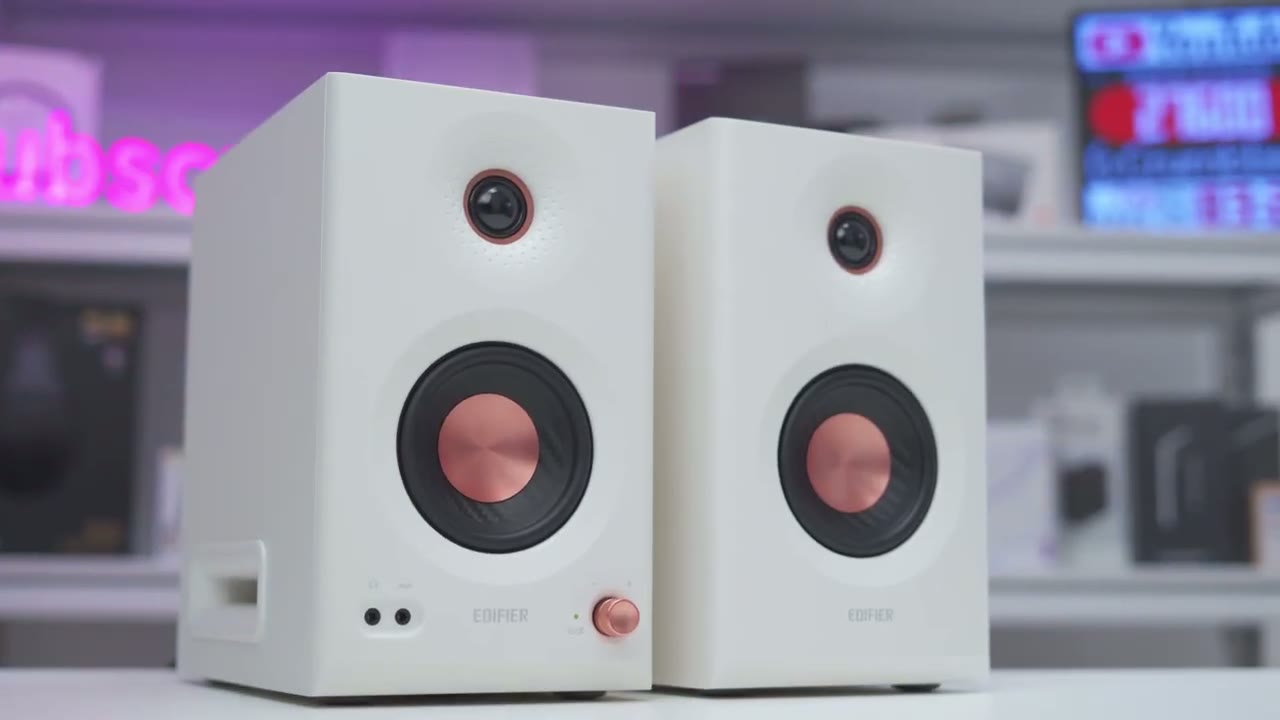
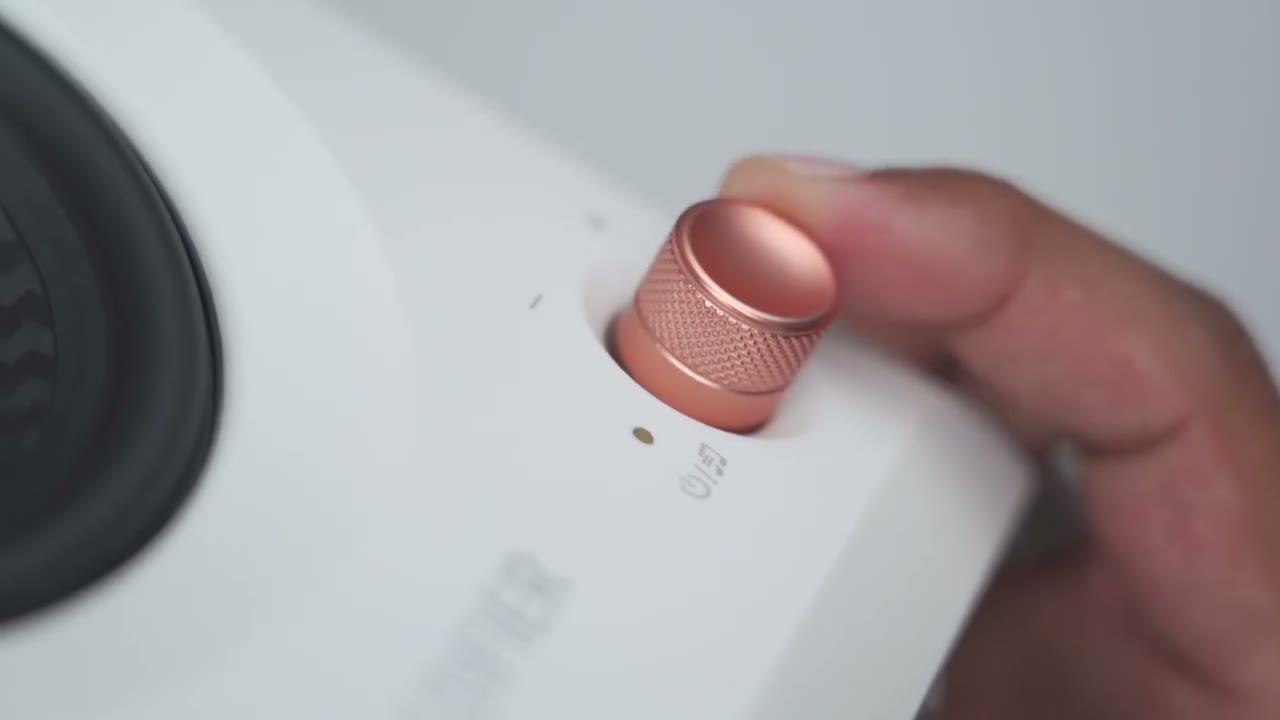
the Edifier MR5s is kind of similar to the MR3 except these are much, much larger. Now, to give you an idea, so wide, it’s about 6 in wide and about 9.9 in deep and about 10.2 in high. The MR5s are also fairly heavy. So, the active speaker is around 5.3 kg or about 11.4 lb. And the passive speaker is around 5 kg or about 11 lb. On the front, we have a 1-in tweeter with dimpled waveguides. And we have a 3.75 in mid driver. And if we take a look on the side, this is where we have the 5-in long throw woofer. On the front, we have a convenient headphone jack along with the ox input. And there’s also a LED indicator light. Now, the knob is a multi-function knob. So, as I rotate it, it has kind of hard stops.
And you can also click it in, and this is going to switch between the different type of listening modes. The rear of the speakers has the RCA input, TRS input, and XLR inputs. And there’s also a Bluetooth button that you can use to put this into pairing mode. We also have knobs for high frequency and low frequency. There’s also the speaker out port to connect it to the passive speaker and where the power plug goes. On the passive speaker, the only thing noteworthy is the speaker connecting port. And of course, at the bottom of the speakers, we do have these kind of rubber feet to keep these nice and planted. The right and left sides of the speakers have vented ports for the woofer. Here’s a quick look at the
Specs
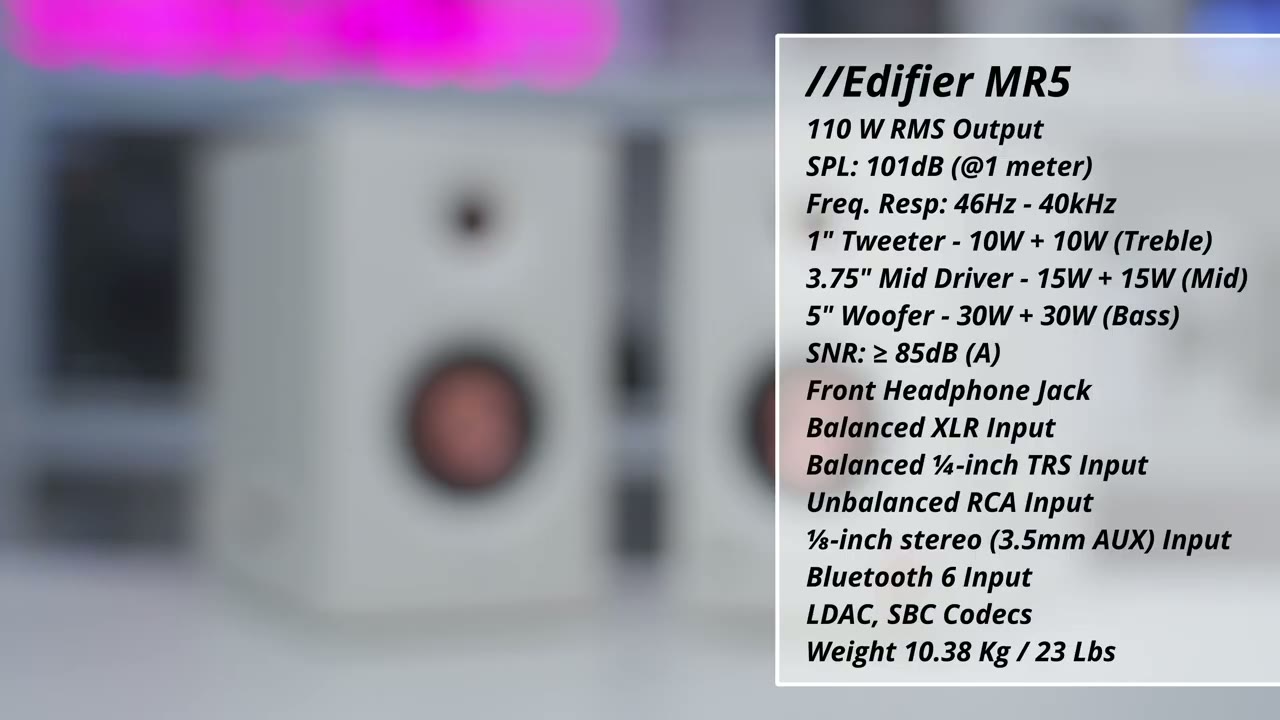
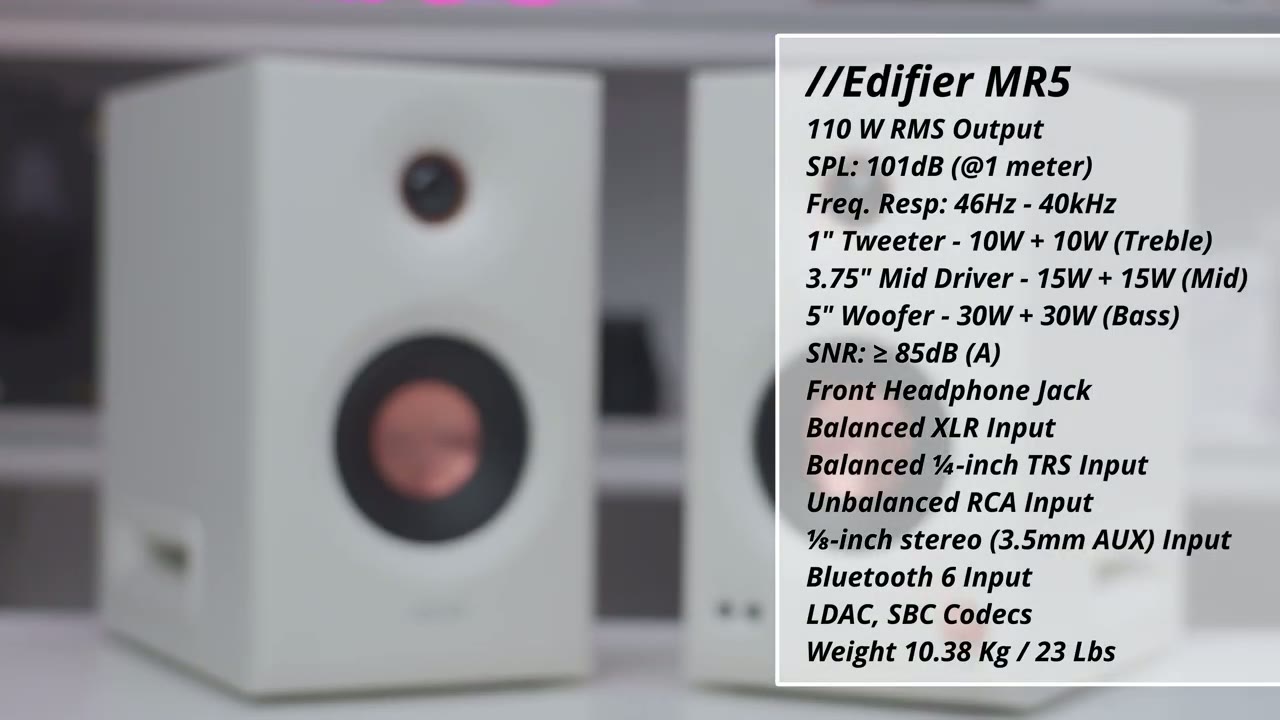
specs. Feel free to pause and review or jump ahead to the next section. All
Bluetooth Pairing
right, I’m going to connect the MR5 to my phone by Bluetooth. So, I’ll press and hold the Bluetooth button at the back just to put it into pairing mode and then I’ll just hit scan on my phone. Scroll down. I could see MR5 right here. Tap on that. Wait for the pairing request. And there we go. Hit pair. And you can hear it’s now connected. It shows connected for audio. Now, crucially, you do have to go into the settings and note that LDAC is currently off. So, if you want that high-res wireless sound, you will have to turn that on manually if it doesn’t on your phone. I’m now going to pair the MR5s to my ZFold 7 phone. So, I’ll just go ahead press the Bluetooth button again to put it into pairing mode. Hit scan and I’ll scroll down. I could see Edifier MR5.
Tap that and wait for the pairing request. Hit pair. And you can see it’s connected for audio. I’m now going to demo how
Multipoint
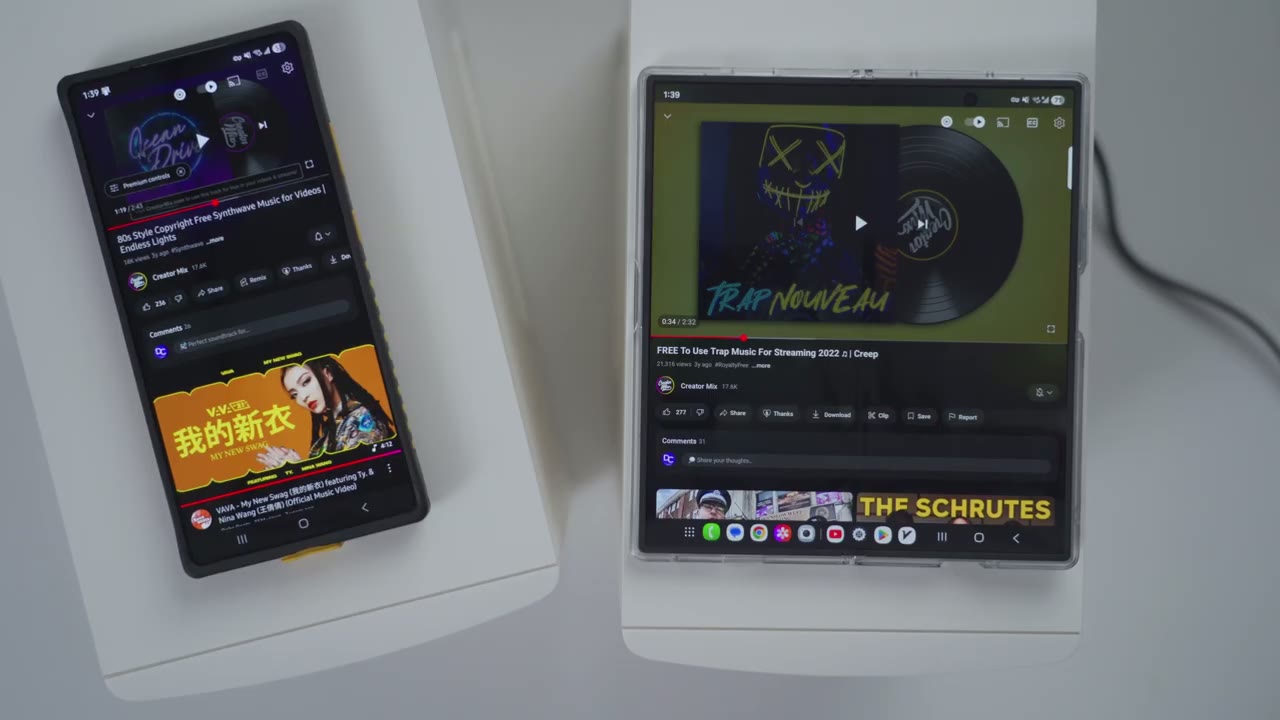
multipoint works. So I’m going to play music on the first phone and then I’m going to play it on the second phone. But it’s actually not going to kick over to the second phone till I pause it on the first phone. So here’s a demo. Now that I’ve paused on the first phone, it’s going to kick over to the second phone.
Controls
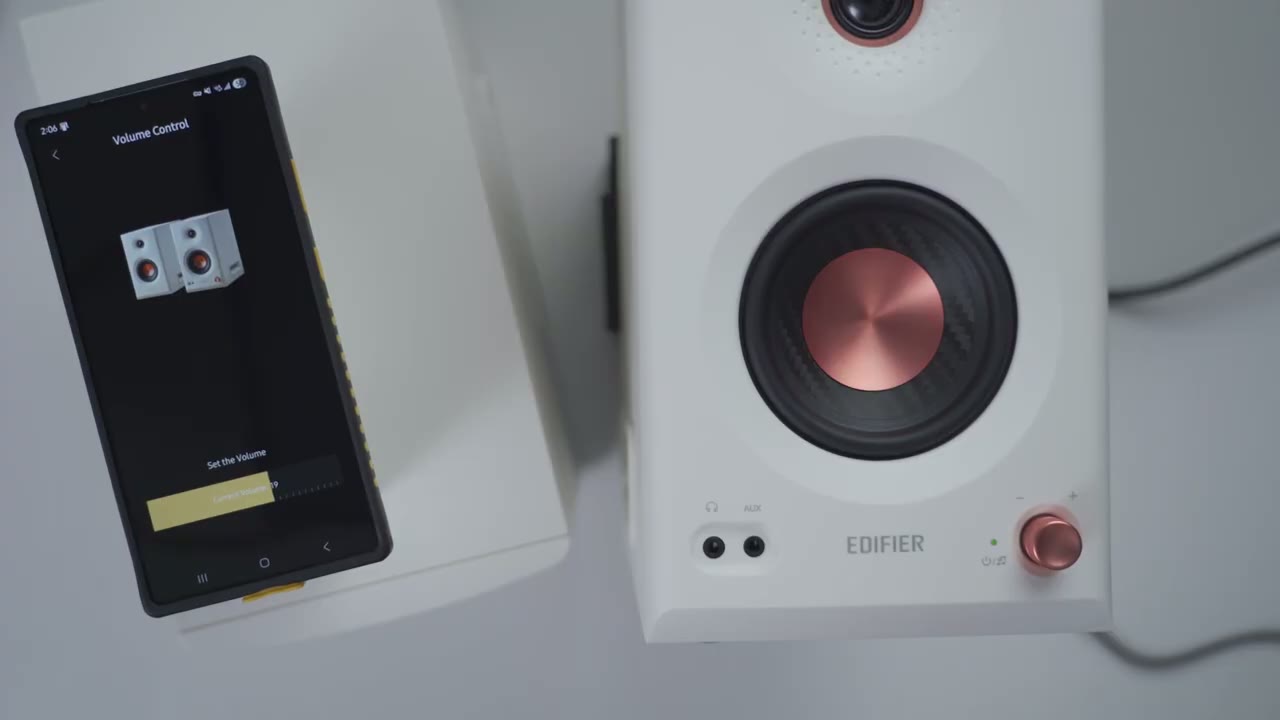
The controls are easy to use. So, I could just adjust the volume up or down in real time here. Now, note that the LED is currently set to green. That shows that we’re in music mode. If I click into this, it’s switched to white. And now we’re in the custom EQ mode. Click again, it’s red. And now we’re in the monitor mode. There’s a ton of
Inputs
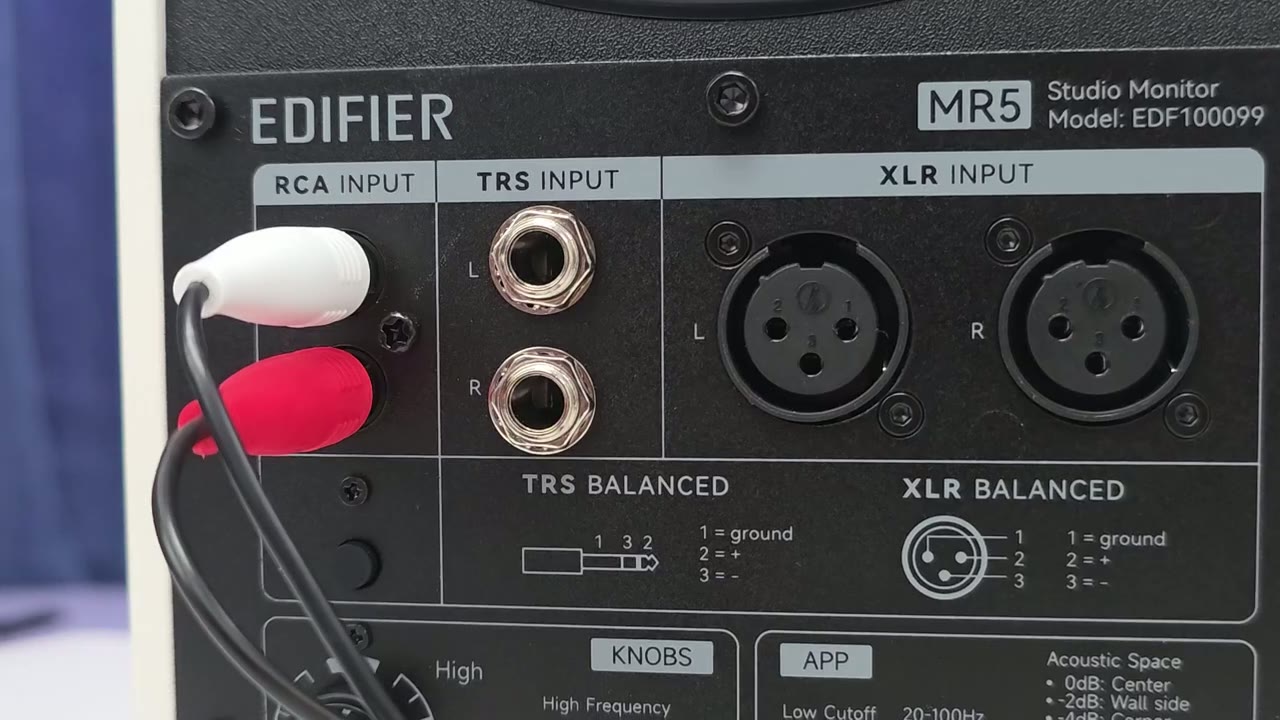
connection inputs on here. So, we have balance XLR, we have TRS, unbalanced RCA, and auxiliary inputs. There’s also a handy headphone jack in the front as well. There’s also input mixing, so you can actually output sound from multiple inputs at once. So, for example, you can have sound coming out both from your phone and laptop at the same time. Let’s
App Settings
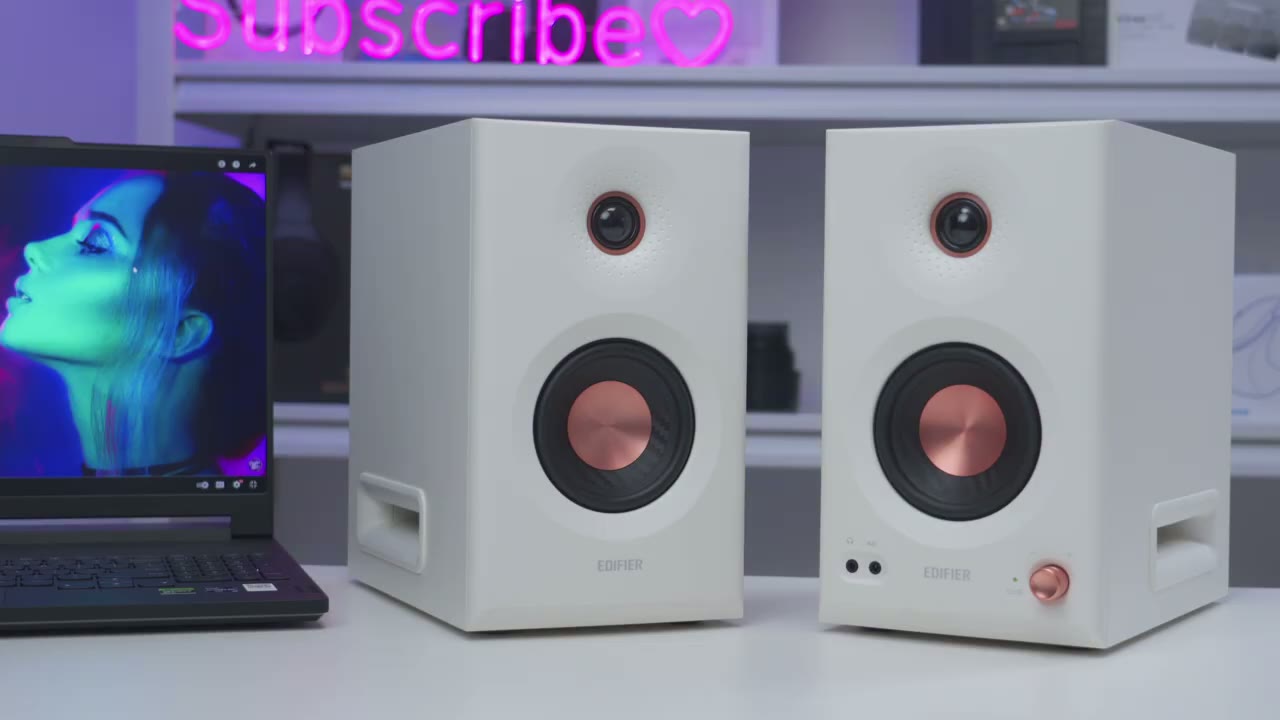
jump into the Edifier Connects app settings. So, at the top, it does show that high-res audio and high-res wireless audio are both lit up, and that’s because I did turn LDAC on on the Bluetooth settings on my phone. And I did go into the settings in the Edifier app, and I made sure it’s set to the highest sampling rate. But let’s jump into sound effects now. So right now it’s set to the music EQ. And the LED light on the speaker is green. And if I was to switch it to monitor mode, that LED light is going to switch to red. Now you can also go into the EQ mode. The LED light is going to switch to white, letting you know you’re in that. And then you can go ahead, you know, modify the EQ as you see fit. And then you can also go and click the plus sign here. You can also scan QR codes.
Under acoustic tuning, we could go ahead and switch the low cut off frequency from 20 Hz all the way up to 100 Hz. And then we can also change the slope as well from -6 to -4 dB. We can also adjust the acoustic space depending on where you place the speakers in your room. And we can also turn desktop control on or off if you’re going to be placing these on a desk. Let’s jump into the full settings. So you can rename the speakers. If we jump into audio channel setup, you can see that you can actually change the right and left channels depending on where you have these, you know, kind of positioned on your desk. You can jump into power saving mode. It’s just going to turn the speakers off after 15 minutes of inactivity. You know, kind of no input source.
You could jump into Bluetooth devices. These are my two paired phones currently. And then like I showed earlier under HD audio codec. This is where you would go to enable LDAC. You can also set it for, you know, kind of balanced audio and connection quality or you can disable LDAC completely if you know you’re going to be using multipoint. But for the best possible sound wirelessly, make sure you have the highest sampling rate. You can also go ahead and have, you know, kind of prompt tones to give you alerts when things are happening. And then you can power off the speakers from here, reset them to factory or disconnect devices.
Sound
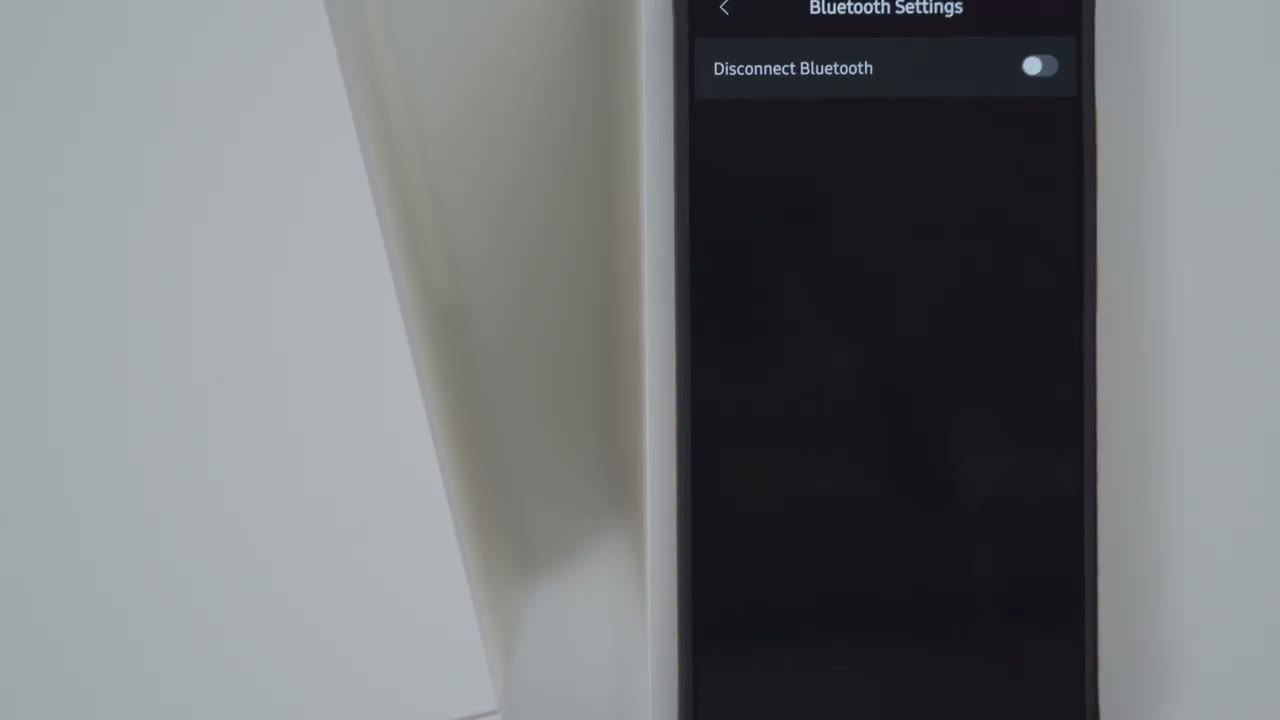
Let’s talk sound because the sound coming out of the MR5 is phenomenal. So, we have full digital signal processing on these. And we also have three dedicated drivers. So, we have the 1in tweeter here, a 3.75 in mid driver, and a 5-in long throw woofer, all powered by their own class D amplifier. Now, what does that mean, and how is it beneficial? Well, it means we have three individual drivers on here and each driver is responsible for its own frequency range, which means there’s going to be less frequency overlap or muddiness compared to speakers that have just one driver or two drivers, like for example the MR3, which has two drivers. The other benefit is that there’s going to be much less distortion with these. And I actually cranked these up to max volume.
It gets crazy loud thanks to the 110 watts on here, and I didn’t notice any distortion at all, which is very impressive. The MR5s have a frequency range of 46 hertz to 40 kHz. And because these are studio monitor speakers and they’re focused on kind of accurate sound output, they have a flat frequency response. Now, that doesn’t mean you’re giving up on an enjoyable music listening experience because we have three listening modes on here. So, we have the studio mode. You’re going to see a red LED when it’s in there and that’s for the most kind of, you know, accurate audio reproduction. There’s also a music mode on here that’s going to be a green LED and it’s kind of going to uplift a lot of the frequency. So, it just sounds a little bit more energetic and lively.
So, that’s great for kind of casual listening. And then you also have a custom EQ mode. You could just dial in your own EQ. You’ll see that with a white LED. And on top of that, you can really fine-tune the sound on there. So, we have rear control knobs on the back to adjust the low frequency and high frequencies to get it exactly where you want. And there’s also additional options in the Edifier Connects app. Bass performance is fantastic on these. And it has the right amount of bass locator where it actually doesn’t start mudding into other frequencies, thanks again to us having that dedicated long throw 5in woofer powered by its own amplifier. Subbase is really good on here considering the size of these speakers.
And like I mentioned, you could really fine-tune it with the knobs and with the Edifier Connect app. Now, if you found the MR3s a bit lacking in the bass department, you’re not going to have those issues there. Now, compared to the Edifier M60s, I did notice that the bass on the M60s was a bit more punchy than on the MR5s, but that’s to be expected because like I mentioned earlier, these are studio monitor speakers. It’s more of a focus on, you know, kind of accurate audio reproduction. Now, you can put it into the music listening mode and that’s going to kind of uplift things a bit more, but it’s not going to match the punch of the M60. Something to keep in mind if you know kind of bass is your thing.
Mids came through pristinely with the right amount of clarity without sounding harsh or introducing too much siblance. Instrumentals were also equally well represented with a good amount of detail and separation thanks to the fairly wide sound stage. It just added depth to the listening experience. The highs also came through lively and energetic with the right amount of sharpness added to increase sparkle, but it still remains smooth and without adding excessive siblance. And I really went back and listened to like a lot of songs I haven’t listened to in quite a while just testing these out and it actually delayed a lot of my other work. I just got so hooked on these. So, I think you will absolutely enjoy the MR5s.
And if you’re wondering if there’s any type of humming or hissing at max volume when nothing is playing, there’s absolutely no humming or hissing. Now,
Edifier VS
if you’re trying to decide between the MR5s, the MR3s, or the M60s, let’s talk about the most important consideration, which is going to be your desk size. because both of these speakers together are coming in at around 10.4 kg or about 23 lb. So, if you have kind of a weak desk or say your desk has your desktop computer on there, you need to make sure you have enough space and a strong enough desk to support the weight because again, these are also around 10 in deep. So, just keep that in mind. Now, comparing the M60 and the MR5, a couple of notable differences. The M60s do not have a physical knob that you could just adjust the volume or kind of click in to switch music listening modes. Instead, it has top-mounted touch control.
So, if you’re a fan of physical knobs, the MR5 is the better speaker. The other thing is there’s no headphone jack on the M60s and the MR5 has that right in the front. Very handy to have. So, if you like to plug in your headphones, definitely look at the MR5 instead. The other thing is the output on the uh MR5. This is 110 watts compared to 66 watts on the M60. Still very impressive. The M60 is a fantastic pair of speakers, especially if you have kind of a smaller desk. Packs a ton of power. The other thing is the M60 is lacking a lot of the input options that the MR5 has. So decide kind of what you need to connect and go from there.
Now, if you have the MR3s and you’re considering getting the MR5, I would say just go ahead and do it as long as your desk can fit the MR5s for a couple of reasons. These have LDAC support. So, if you’re using Bluetooth connections on your MR3, you’re not getting the best possible sound. You’re going to get that high-res wireless audio with the uh MR5s thanks to LDAC. The other thing is that these are outputting 110 watts of power compared to 33 watts on the MR3s. And of course, the sound is better on the MR5s. They do have three individual drivers with their own amps. And when you look at the MR3, it has two drivers. So, the midbase driver is pulling double duty on there. So yeah, definitely get the MR5 if you’re considering, you know, jumping
Recommended?
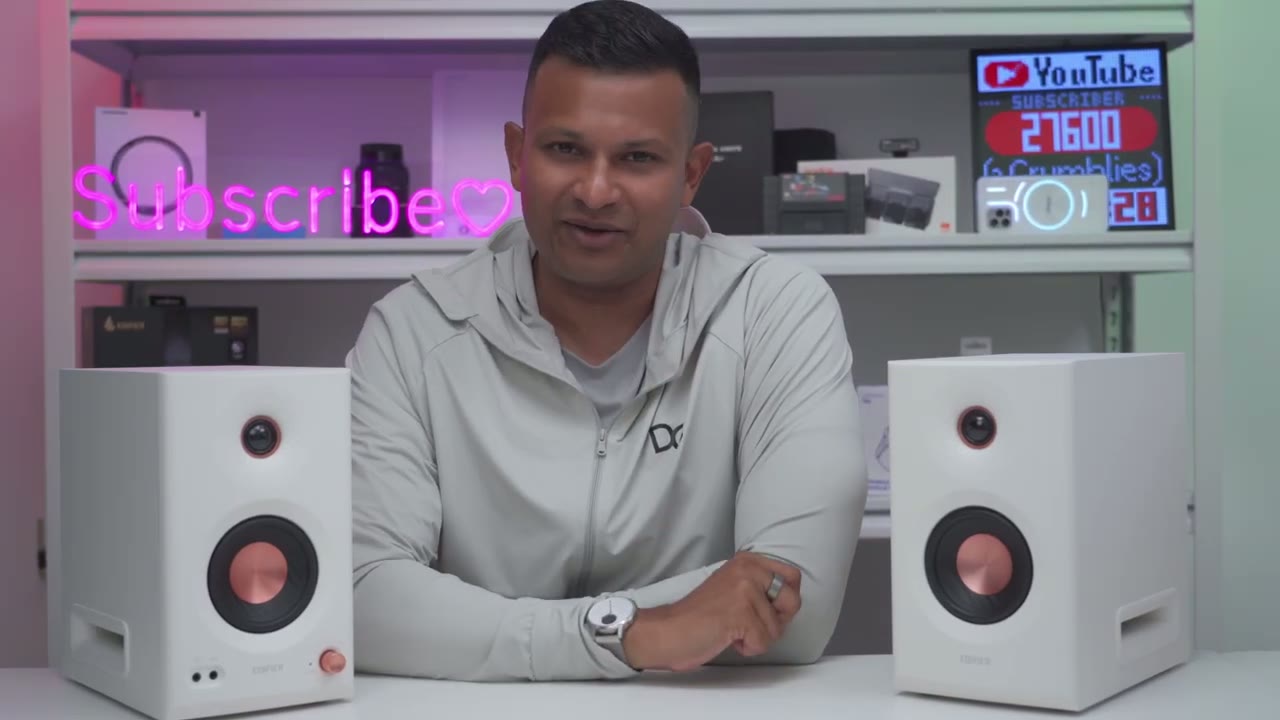
up from the MR3. I highly recommend getting the Edifier MR5s. I’ve loved having these on my desk. They produce fantastic sound for the price. And you have those three dedicated drivers with their own amps. There’s no distortion, even cranking these to max volume. You have a ton of input options. You have multipoint connectivity. You have LDAC. You’re just really getting basically everything for a fantastic price. So, I’ll leave links down below for you to get your very own MR5 either in white like I have here or black or to learn more. And if you’re interested in checking out my reviews of the Edifier M60, which again is another fantastic sounding pair of speakers, if you’re desking for the MR5s, get the M60s. I’ll leave that linked up here and in the description below.
And if I can ask a huge favor, if you found this video helpful, would you mind liking it? Subscribe. It really does help me out quite a bit. And don’t forget to check out some of my other tech reviews outside of speakers. I’ll review headphones, earbuds, monitors, gaming keyboards, laptops. Really something for everyone. I think you’ll find something you enjoy. And maybe check out this video that YouTube thinks you’ll like next. And I really hope you’re going to join me in my next video
Buy Edifier MR5 Speakers on Amazon
Please note that some of the links in my video descriptions are affiliate links where I earn from qualifying purchases. As an Amazon Associate I earn from qualifying purchases.