



Buy Edifier S355DB 2.1 Speaker System
Please note that some of the links in my video descriptions are affiliate links where I earn from qualifying purchases. As an Amazon Associate I earn from qualifying purchases.
Intro

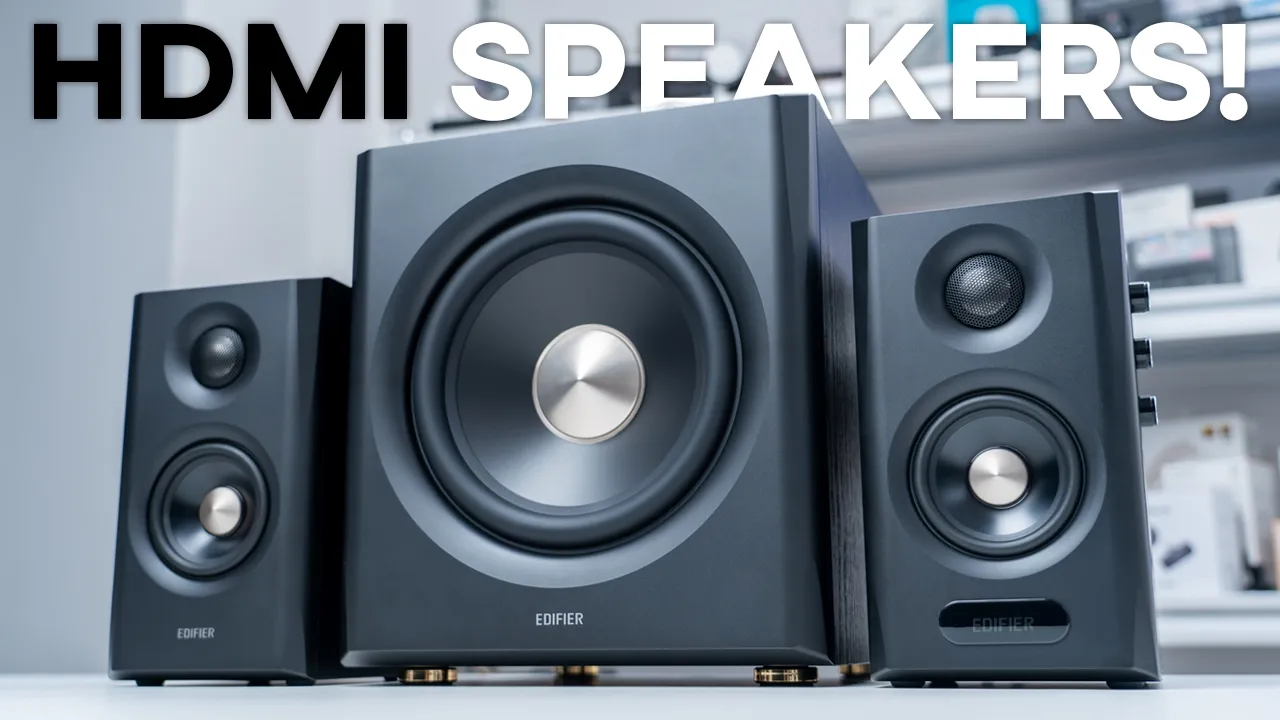
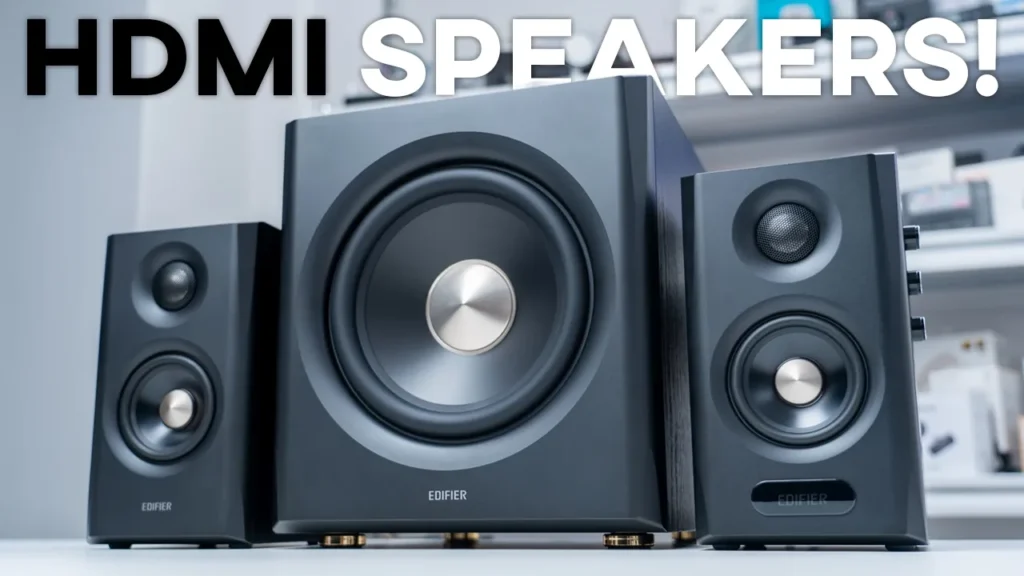
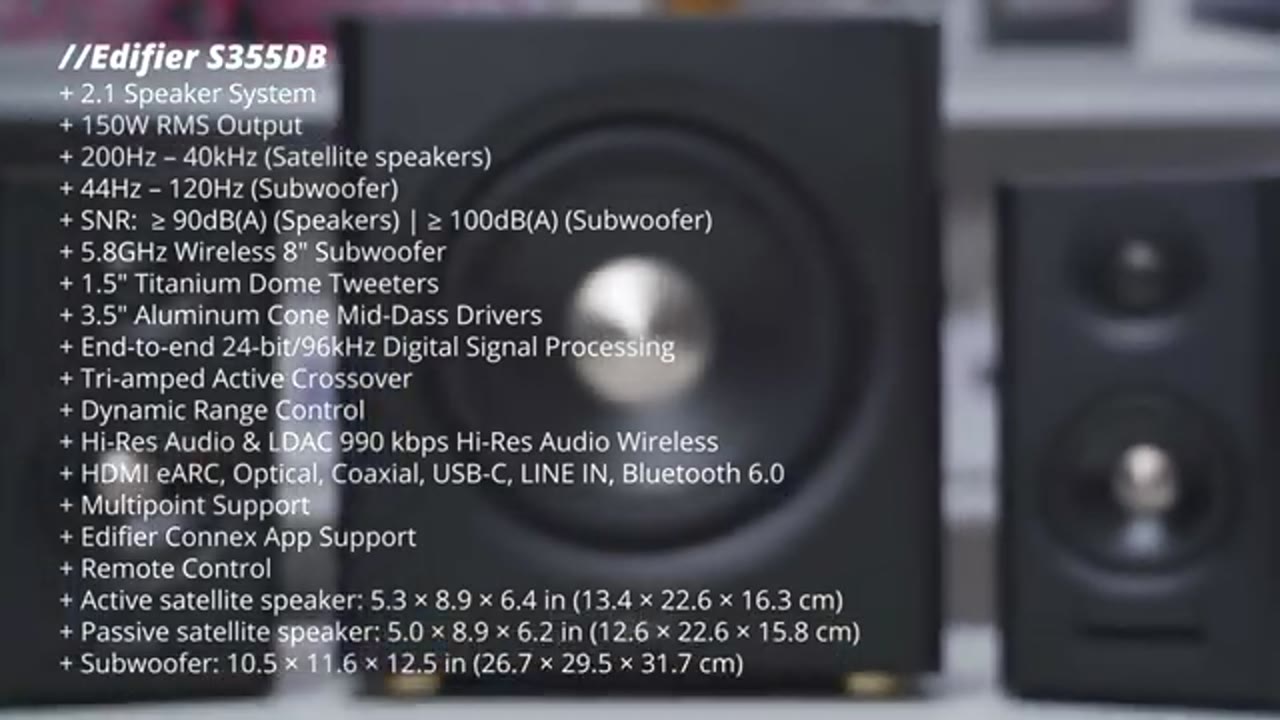
If you’re looking for a speaker system that’ll work with pretty much all of your devices, you should check out Edifier’s S355DB speaker system. This is a 2.1 bookshelf speaker system and it can output up to an impressive 150 watts RMS total output. Each speaker has a 1.5-in titanium dome tweeter outputting 15 watts and a 3.5-in long-throw aluminum cone mid-bass driver outputting 25 watts. There’s also a subwoofer with an 8-in driver and class D amplifier outputting 70 watts and it’s a 5.8 GHz wireless subwoofer, which means you can place it anywhere you like. There’s high-res audio, LDAC high-res wireless audio, and a ton of inputs like HDMI eARC, optical, coax, USB-C, line in, and Bluetooth as well running Bluetooth 6 and multi-point support, so you can connect two devices at once.
You can fine-tune the speakers using the control knobs to adjust bass and treble, switch inputs, adjust volume, and there’s also Edifier Connects app support to switch through different EQs, make your own custom EQ, and there’s even an included remote as well. Now, all of that sounds great, but how good do these actually sound? How well does the HDMI eARC feature work? Well, let’s take a closer look and a big thanks to Edifier for sending these out for review. In the
Package Contents
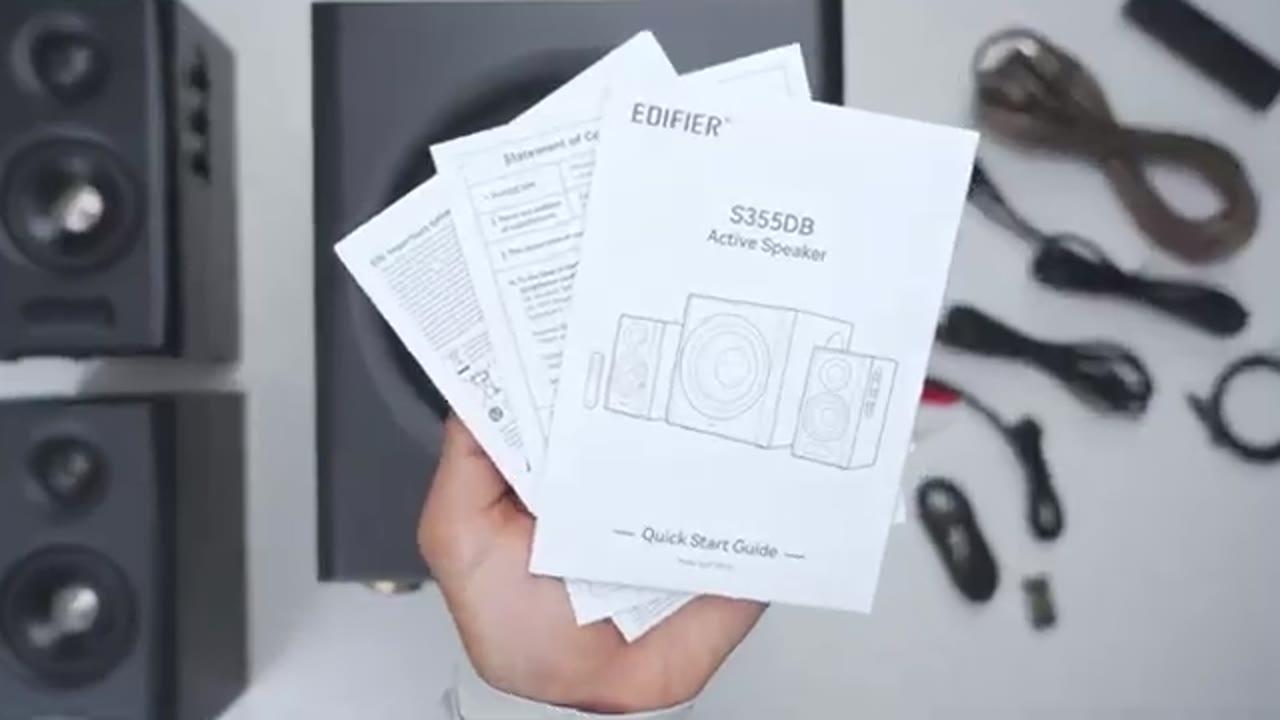
box, we have two satellite speakers, the subwoofer, there’s a long speaker connector cable that’s around 5 m long or 16.4 ft long, and there’s two power cables that are around 5.9 ft long or 1.8 m long. There’s also an RCA cable and optical cable, a USB type-C to type-C cable, remote control, two AAA batteries, and manual. In terms of
Design
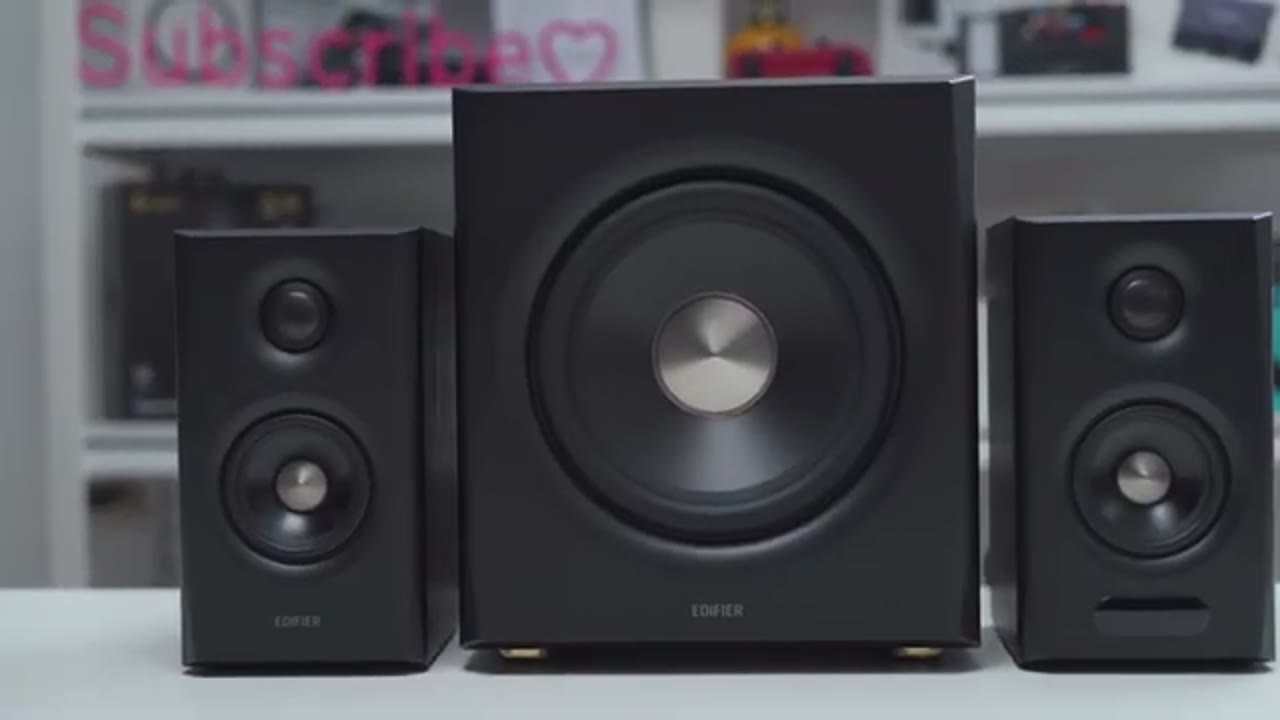
design, this is a really nice-looking speaker. Now, I have the black version, but it also comes in a walnut version as well that also looks sharp. The active speaker comes in at around 2.6 kg or about 5.7 lb and the passive speaker is around 2.2 kg or 4.8 lb. We have an MDF enclosure and on the front, we have this matte type of finish. Now, on the very top, this is where we have the 1.5-in titanium dome tweeter and we do have a protective metal grill right there. Under that is a 3.5 inch long throw aluminum cone mid bass driver. Below that is a handy display. On the right side we have a semi recess area for the control knob. So the first knob is the volume and source knob. So you can rotate it to change your volume and it does have hard stop increments.
You can also go ahead and click this in to go ahead and switch between the various sources and you can long press it to wake up the speaker or to power it off. There’s also a knob to adjust treble and bass and these have a nice smooth fluid motion when rotating them. On the back we have the bass reflex port along with a ton of different inputs. So we have line in, coax, optical, USB type-c and we also have HDMI eARC which I’ll demo later. There’s also a power switch you can toggle if you want to completely cut power to the speaker. There’s the speaker out area to connect it to the passive speaker and the power plug area. The bottom has rubber feet to keep these nice and planted and to minimize vibration.
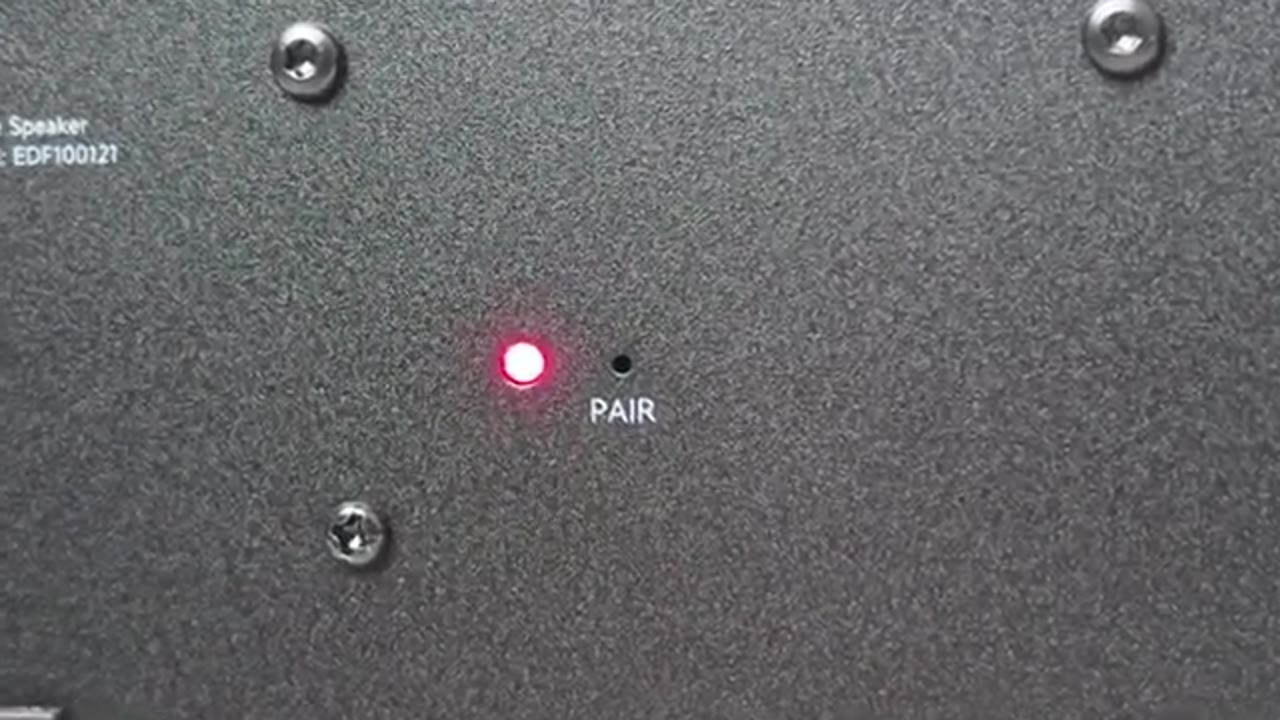
On the back of the passive speaker we have a bass reflex port along with the speaker connector port. The subwoofer comes in at around 9.5 kg or about 21 lb so it definitely has heft it. We have the same type of look with the MDF enclosure housing the large 8-in driver. On the right side we have the bass reflex port and on the back we have the power switch and power plug port. Now there is also a red indicator light along with an area where you could probably stick in a thin in case you ever have to troubleshoot any pairing issues. Here’s a quick look at
Specs
the specs. Feel free to pause and review or jump ahead to the next section. I’m
Bluetooth Pairing
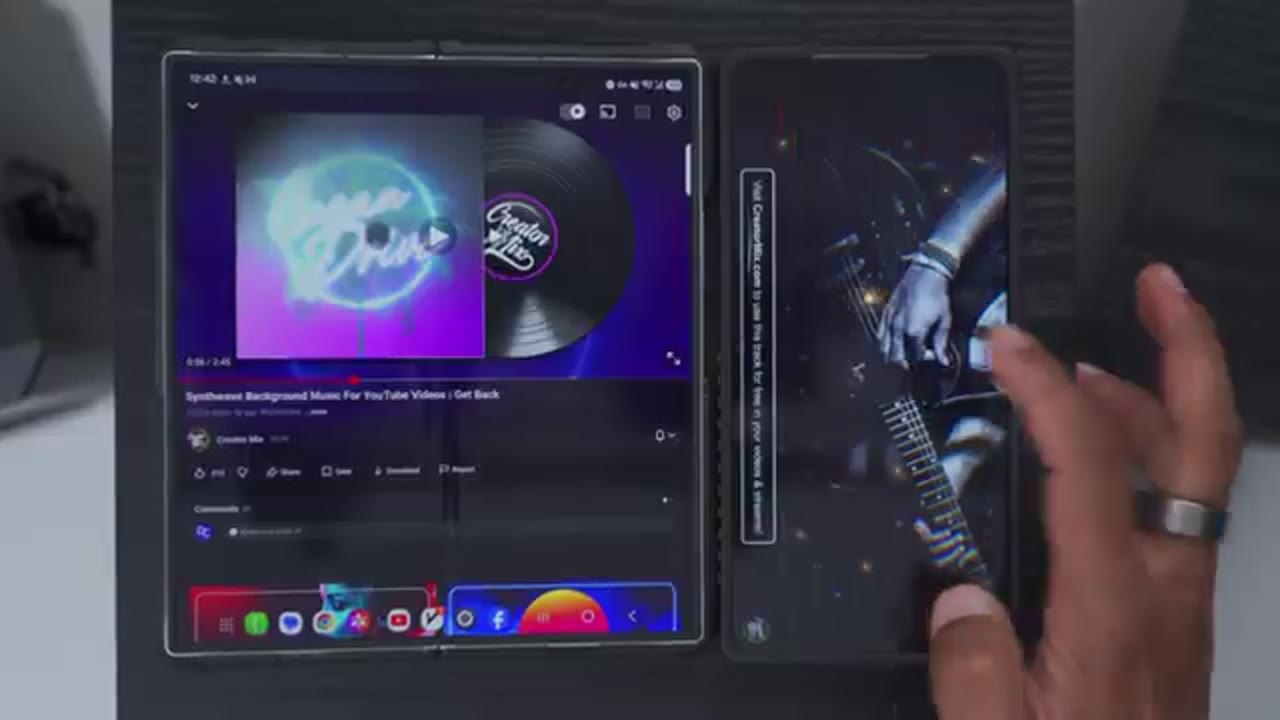
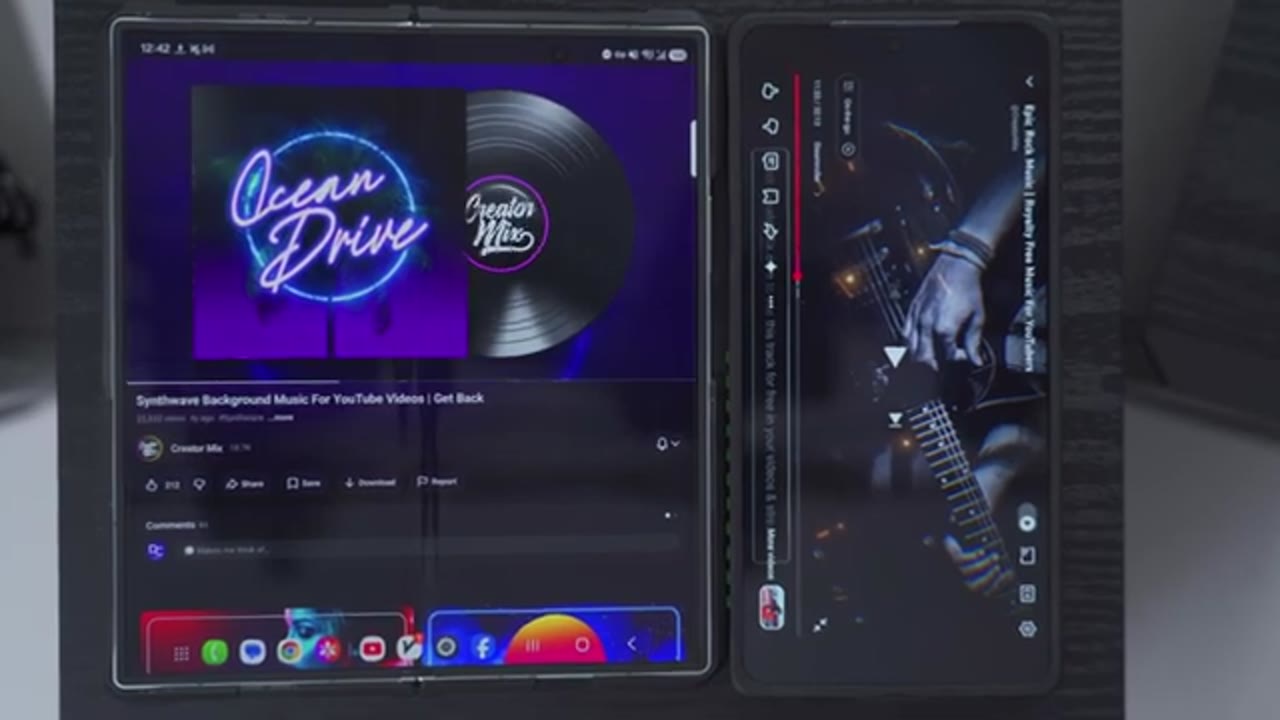
now going to pair the speakers by Bluetooth so I’ve plugged everything in and turned it on. So I’ll go ahead and hit scan in my Bluetooth settings and I can see it at the bottom here. So I’ll just tap on that. Hit the pairing request and you can see it’s now connected for audio. Now you will also want to tap into this gear icon on Android phones and you’ll see this additional toggle to enable LDAC so you can get high-res wireless audio. I’ll now repeat the same process on my Z Fold 7 since we do have multi-point support, and you can see that both phones are now connected.
Multipoint Demo
No speech in this section.
Connex App Settings
Let’s take a look at the Edifier Connects app settings, and you can see right away high-res wireless audio is lit up, and that’s because LDAC is turned on both in the Edifier Connects app and in the Bluetooth settings. Now, if I tap into input sources, we have quite a bit of inputs to choose from, and of course, you can switch inputs using the control knob on the side of the speaker as well. Under sound effects, we have four preset modes, so there’s a classic mode, monitor mode, dynamic mode, and vocal mode, and you can also tap into the customize mode, and you can dial in your own custom EQs. You can also tap on volume control and adjust the volume in the app. In the full settings at the top right, we can take a look at the firmware version, you can access the user manual.
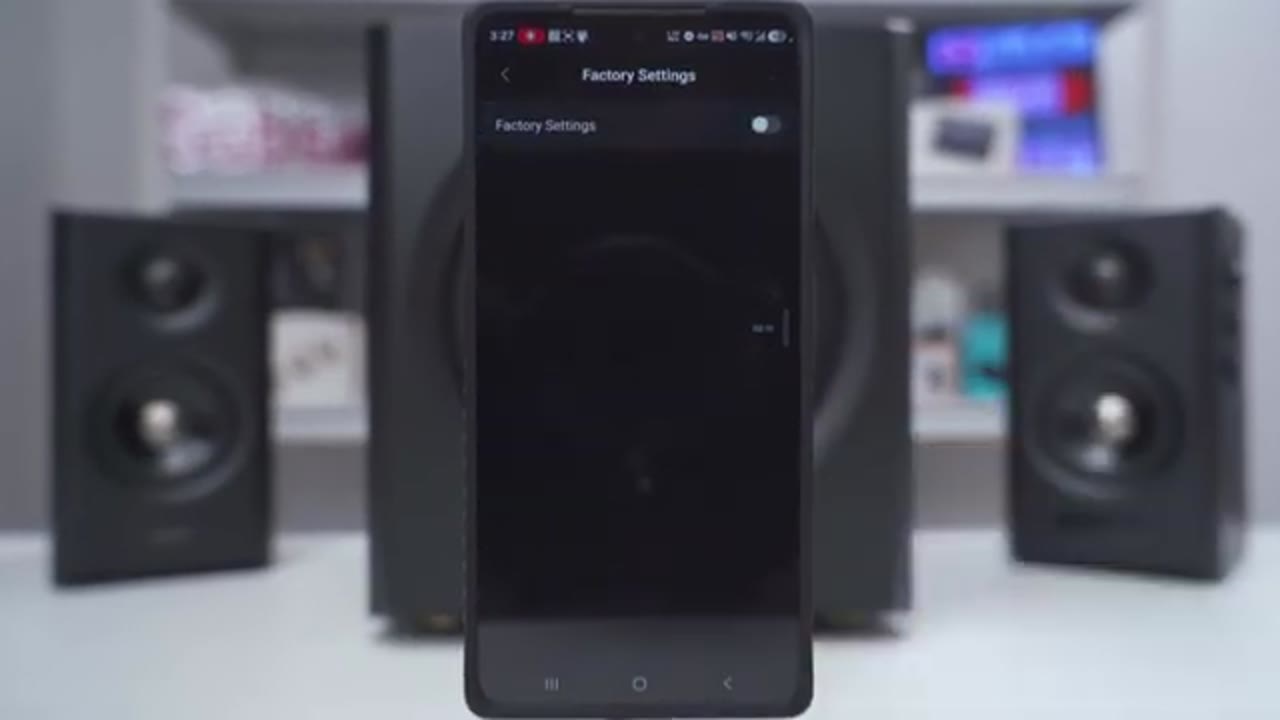
Under audio channel setup, you can go ahead and switch the right and left channels if you need to. And in power saving mode, so basically the speakers will go to sleep after about 15 minutes, but you can disable this if you like. Under Bluetooth devices, you can go ahead and see which devices are currently connected. Under HE-AAC codec, this is where you can enable LDAC. You can see right now it’s enabled, or you can go ahead disable LDAC. You can also go ahead and enable or disable the prompt tones when Bluetooth connects or disconnects. You can power everything off and reset to factory. You can also
Remote Control
use the included remote if you don’t want to use the Edifier Connects app. So, as I go ahead and press on the different types of input sources, you can see it’s switching in real time in the app as well. Now, under sound effects, we also have a button for that right here, and I could cycle through all of the various sound effects in order. And then again, we have volume control, so you can go ahead increase the volume, decrease the volume, or just go ahead and mute it. You can also pause and resume music playback, and you can skip forward or skip backwards to tracks
Control Knob
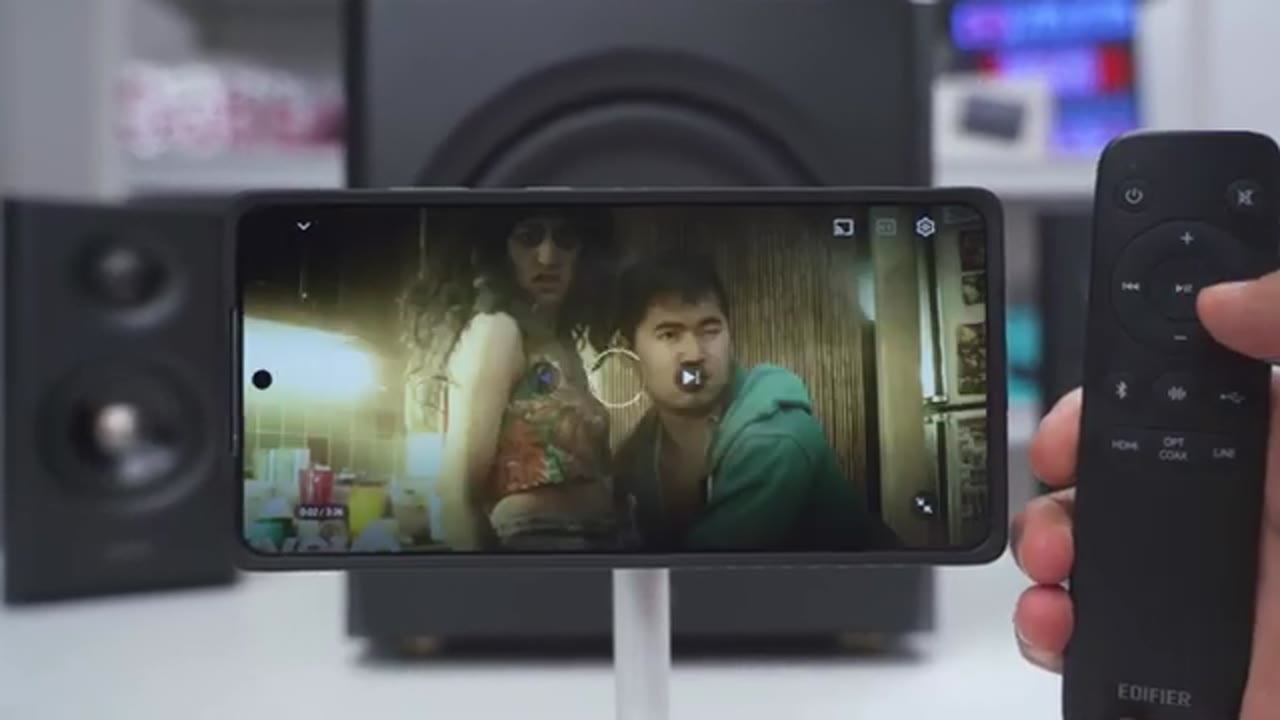
as well. You can also use the top multifunction knob to adjust the volume up or down. You can also switch between various types of input, and you can power the speaker off and power them
Inputs
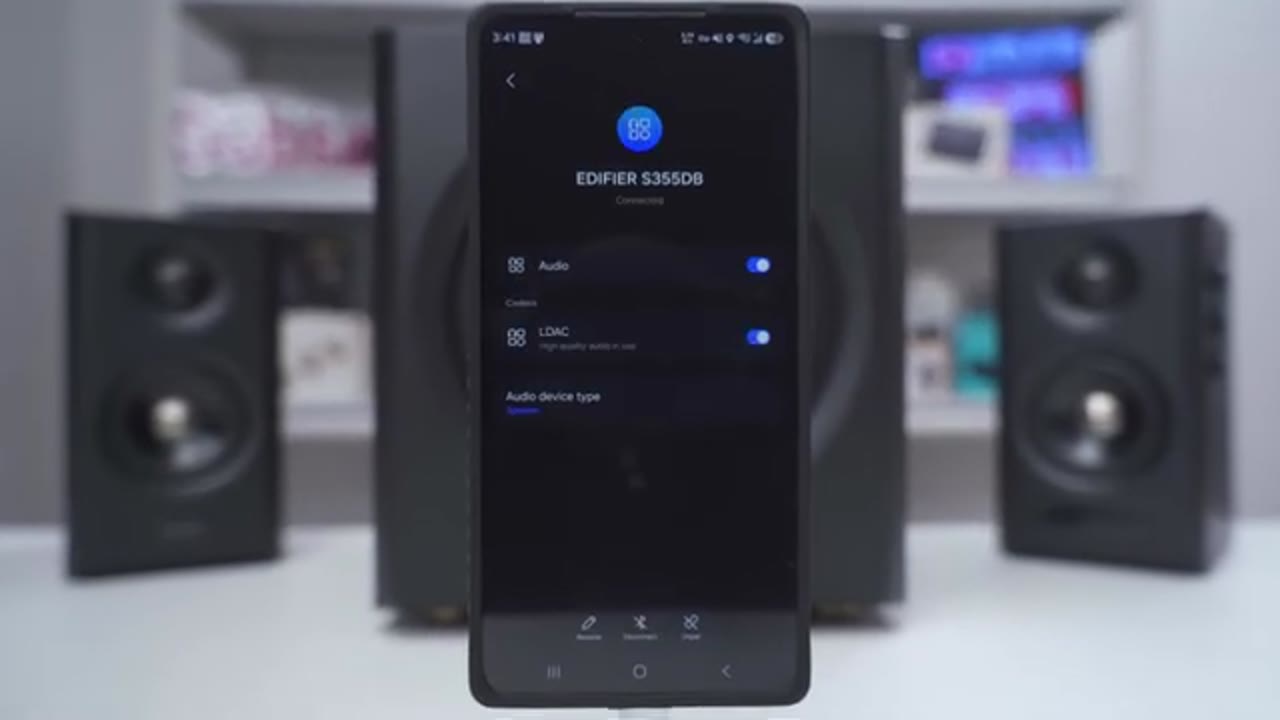
back on. In terms of inputs, you can connect pretty much any type of device. We have HDMI eARC, so you can connect this to your smart TV. You can also use Bluetooth to connect one or two devices since it supports multipoint. You have line in, you have optical, you have coax, and you can also use USB type-C to connect your desktop or laptop. Really, the only thing that’s missing is an aux in, and there’s no type of headphone
Sound
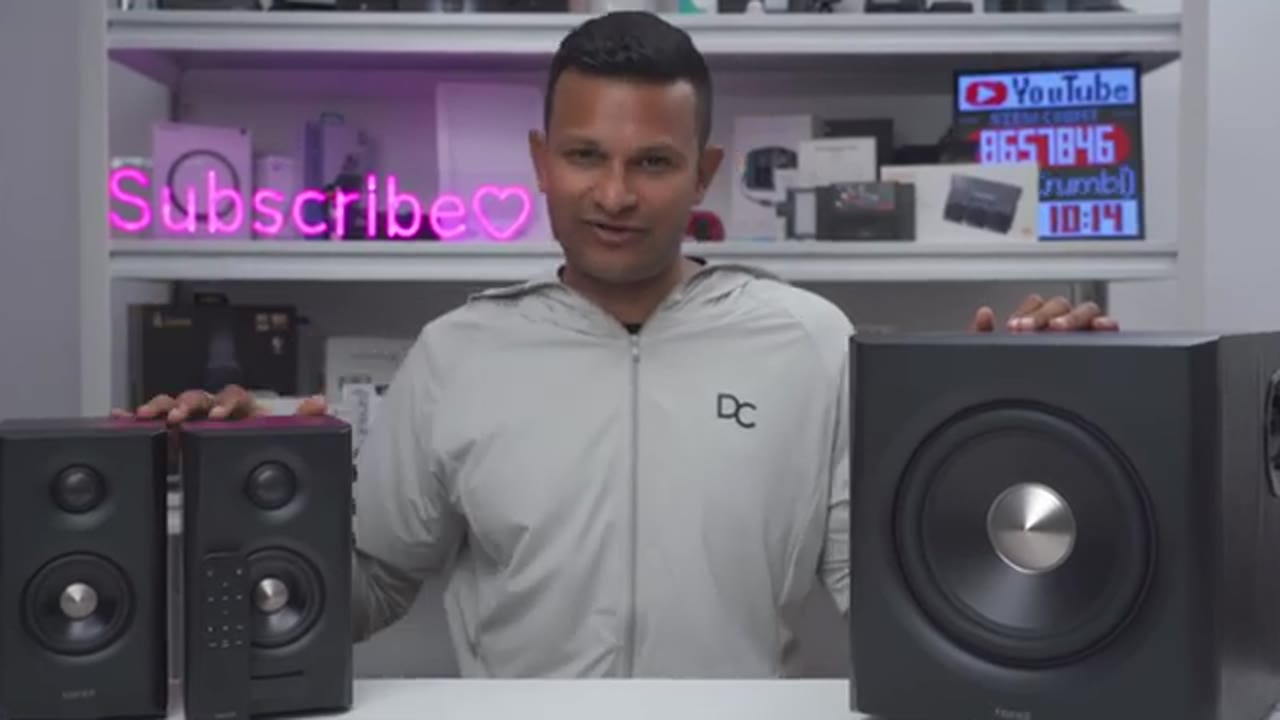
jack in the front as well. Let’s talk sound, and these can output an impressive 150 W RMS total output. Now, looking at each of the speakers individually, so the 1.5-in titanium dome tweeter can output 15 W, so it’s going to be 30 W between both speakers. And the 3.5-in long-throw aluminum cone mid-bass driver can output 25 W, so it’s going to be 50 W between both of these. The speakers have a frequency range of 200 Hz to 40 kHz, and the subwoofer can output up to 70 W. It has a large 8-in driver and a class-D amplifier and bass extension down to an impressive 44 Hz. I cranked these to the max with nothing playing. I didn’t hear any type of buzzing, popping, hissing, nothing at all. It was just clean.
These also get plenty loud, and even maxing these out, I really didn’t notice any type of distortion. For the most part, I used the dynamic EQ on these, but I also used a custom EQ. I’ll leave the settings for that in the video description if you’re interested. Moving on to bass, so the initial bass hits feel clean, well-controlled, and with good punch on impact. After that, you get a longer lingering low-end rumble, which gives the system a sense of depth and weight. And on bass-heavy tracks, that sustained low-end becomes more noticeable, especially as you start increasing the bass boost past around plus three or four dB. If you decide to push it to plus five or six dB, you do get more physical impact from the bass, but you do lose a little bit of tightness.
It becomes a little bit more muddy and less defined. So, I think the sweet spot is between flat and plus four dB. You still get impact and extension, and it’s still well-controlled with good separation. In the mid-range, vocals come through with good clarity and definition with a slightly forward presentation that helps them sit clearly in the mix. There’s also a nice sense of sharpness and detail without tipping into becoming overly sibilant or harsh. What actually surprised me though is just how well mids held their ground even when bass is active. On some other 2.1 systems, the low end can easily mask vocal presence, but here the mid-range remains fairly well separated and intelligible even in bass heavy tracks.
In the highs, the presentation is crisp and well defined with instruments coming through clearly and with good detail in cymbal work and percussion. Similar to the mids, there’s no noticeable sibilance and treble remains very well controlled even on very detailed and busy tracks. Another thing that stood out is the low level detail retrieval, so subtle background elements like faint snare hits and ambient textures remain clearly audible without being pushed too much into the background. And on instrumental tracks, the presentation actually doesn’t feel cramped. There’s a good sense of space and air between instruments and the separation is good enough that you can actually discern various elements.
There’s clear positional cues for accurate left to right placement and it actually makes it easy to identify where sounds are coming from. Overall, the sound is impressive on these. Initially, I was expecting the bass to just kind of overpower the rest of the mix, but the Triad active crossover system actually does a good job keeping everything well separated and balanced allowing each frequency range to breathe without feeling cramped. Overall, the sound is way more spacious and controlled than I ever expected to come out of a 2.1 system.
So, I think these are going to be fantastic for any type of use case really, whether you want to connect it to your laptop, your desktop, you want to connect it to your smart TV to watch movies, or if you want to game and I highly recommend getting these if you’re a gamer. It’s just a way more immersive
HDMI eARC
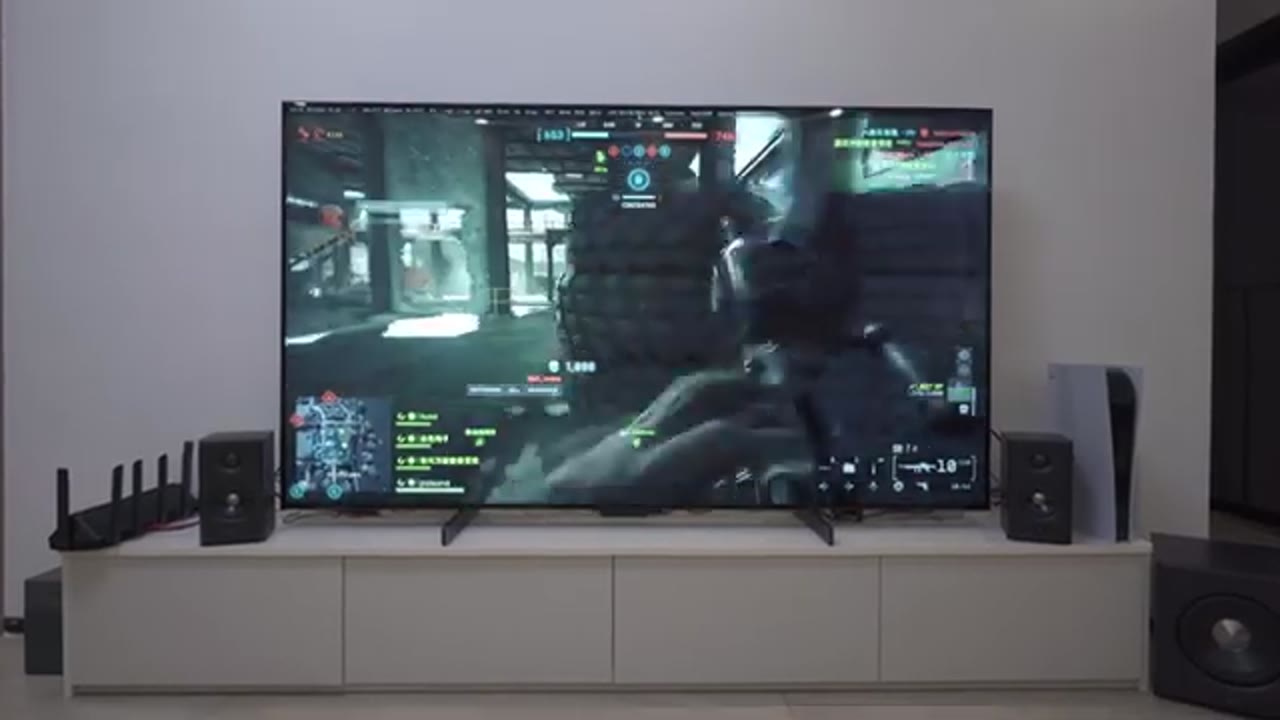
experience. Now, let’s talk about the HDMI ARC feature for those of you who want to connect these to your smart TV. So, I connected these to my TV. I made sure I was using the HDMI ARC port. I made sure HDMI CEC was on in the menu settings on the TV. I made sure I had all of the other settings turned on. With all of those settings turn on, anytime I was watching cable from my TV box, I was gaming on my PS5, or viewing video files from my NAS, all of the sound came out of the speakers no problem at all. There was no audio latency since these are connected by HDMI, and I can easily switch between the TV’s internal speakers back to the Edifier speakers with no delay. While all of that’s great, there’s some potential deal breakers you should be aware of.
So, the first thing is that you will still have to use Edifier’s remote to adjust the volume on these, or you could just use the Edifier Connect app. You won’t be able to use your TV’s remote to control these, just keep that in mind. Another thing is whenever I turn my TV off, the speakers wouldn’t actually power off in sync. Now, they do turn off after 15 minutes of inactivity since there is a power saving feature that’s on these by default, and you could toggle that in the Edifier app. Now, I waited till the speakers were completely off, I turned my TV back on, but the speakers didn’t power up at the same time in sync. So, I still have to use the remote to manually turn these on.
Now, that may be a little bit cumbersome, but after experiencing the sound coming out of these when gaming especially, I will [snorts] easily just manually press the power button on the Edifier remote and just have it turn on that
S355DB vs. M90

way. It’s that good. By the way, if any of you are trying to decide between these speakers or Edifier’s M90 speakers, which also have HDMI eARC, just get these. Even though the Edifier M90 sound fantastic, there’s no way they can compete with having a dedicated sub.
Recommended?
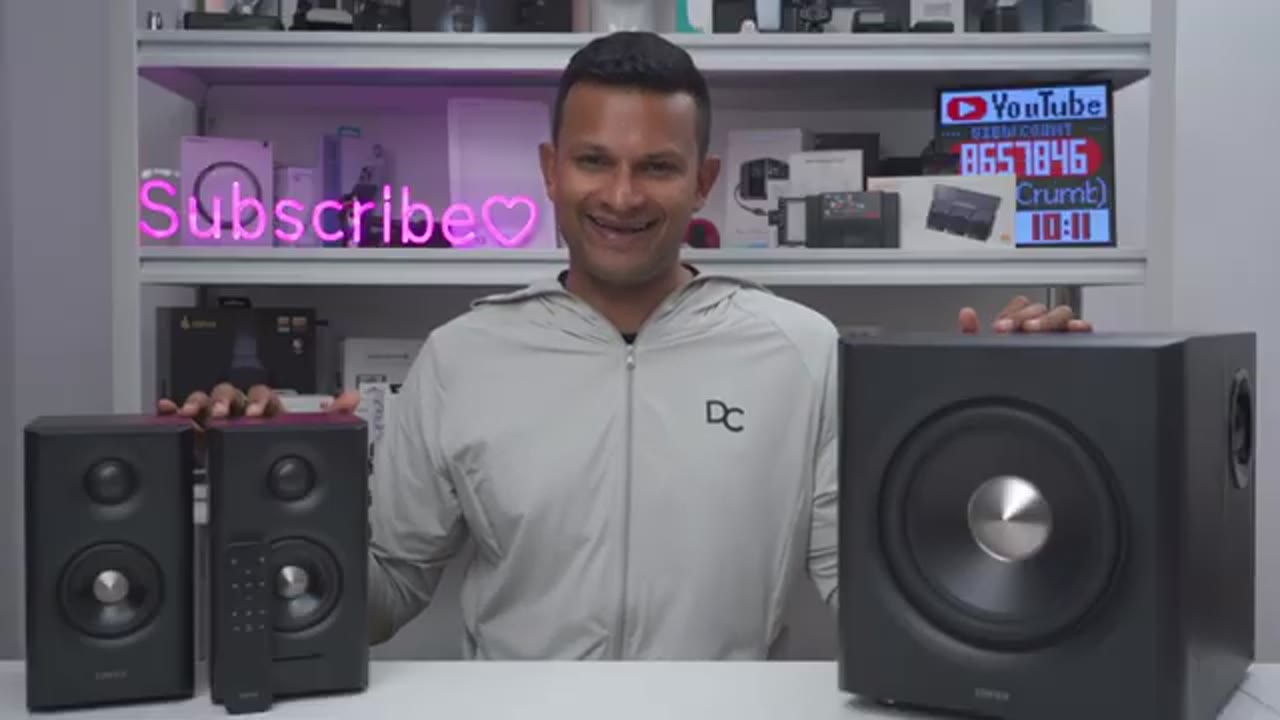
So, I have to say the Edifier S355DB speaker system is seriously impressive. It’s tuned well, plus you can dial in your own settings further with the control knobs or the custom EQs in Edifier Connect app. The bass is plenty powerful and can easily fill out your computer room or even a decent size living room, especially if you want to pair these with your TV so you can watch movies or to game on. Just a fantastic [music] sounding speaker system for any type of setup or use case. So, if you’re interested in picking up the Edifier S355DB 2.1 speaker system, I’m going to leave links down below for you to get yours or to learn more. And if I can ask a huge favor, would you mind liking and subscribing?
It truly does help me out quite a bit, and maybe even consider joining as a member where you can get early access to videos and other perks. By the way, I also review a bunch of other tech outside of speaker systems, which you may enjoy, and I really hope you’ll join me in my next video soon.
Buy Edifier S355DB 2.1 Speaker System
Please note that some of the links in my video descriptions are affiliate links where I earn from qualifying purchases. As an Amazon Associate I earn from qualifying purchases.