



Buy Edifier S355DB 2.1 Speaker System
Buy Silkland HDMI 2.1 8K Cable
Please note that some of the links in my video descriptions are affiliate links where I earn from qualifying purchases. As an Amazon Associate I earn from qualifying purchases.
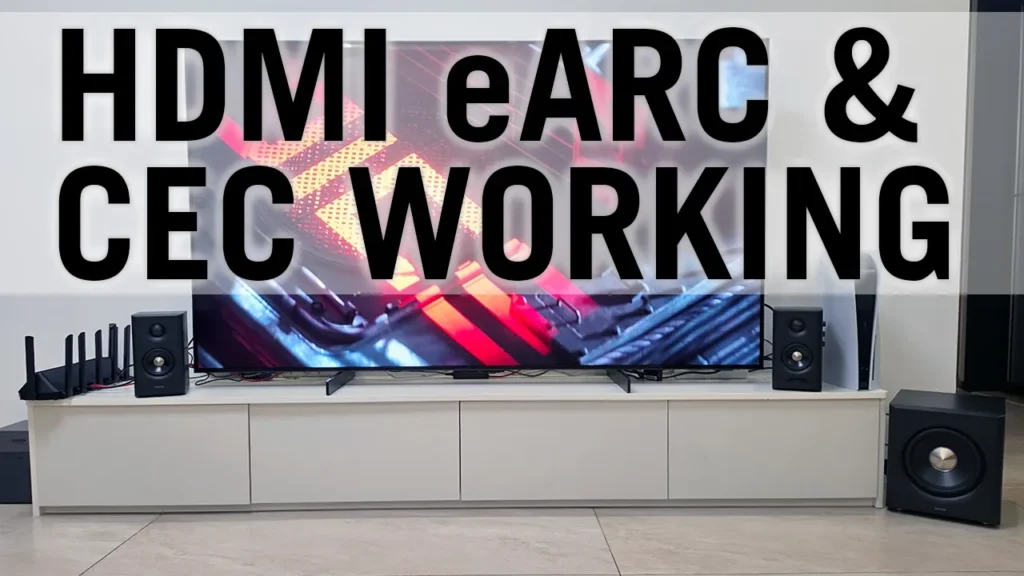
Hey guys, quick update on the Edifier S355DB system. So, the HDMI CEC is finally working as it should. There’s the native Edifier remote. I’ll go ahead use my TV remote, turn the TV on, and you can see in real-time the speaker is powering on as well, and it’s set to the correct input. So, everything is now synced with HDMI CEC, and the issue was was that I thought I was using an HDMI 2.1 cable in my review, but it was actually not an HDMI 2.1 cable. So, I switched to a HDMI 2.1 8K cable. Everything’s working great now. So, let me just show you on the remote, I’ll do a volume down, and in real-time you can see the volume sync is working. I can do volume up, uh volume down with my TV remote. I can hit mute. You can see mute on the TV.
Give this a couple of seconds, and it’s going to switch to mute uh on the speaker as well. Now, one of the things I noticed once I started using the HDMI 2.1 cables, if we go into the settings here, note that if I go under sound, and under audio input, it’s showing HDMI eARC, and it shows connected Edifier S355DB. Previously, it was not showing the name of the speaker. It was just saying like connected device one. So, if you don’t see the name of the speaker um once you plug it in, it’s possible you’re not using an HDMI 2.1 cable. Turn the TV off now, and you can see the TV, or sorry, the speakers are also going to power off in real-time. So, yeah, everything is now working pretty much as it should with the HDMI uh CEC enabled. Everything is powering on and off in sync.
So, I’ll go ahead turn the TV back on. You’ll see the speakers turn on by themselves. So, yeah, everything is really good. Um big shout-out to uh Hassan Iqbal in the comments for keeping on me to, you know, keep troubleshooting this. I’m glad he did because now everything is working as it should. Just a wonderful set of speakers. Now, I’ll leave links down in the um video description and pin comments to some HDMI 2.1 cables if you’re interested, but yeah, fantastic pair of speakers, guys. Only thing now is that like crackle or pop, you know, I may try switching cables further to see if that gets that out, but yeah, overall really happy with these.
Buy Edifier S355DB 2.1 Speaker System
Buy Silkland HDMI 2.1 8K Cable
Please note that some of the links in my video descriptions are affiliate links where I earn from qualifying purchases. As an Amazon Associate I earn from qualifying purchases.