


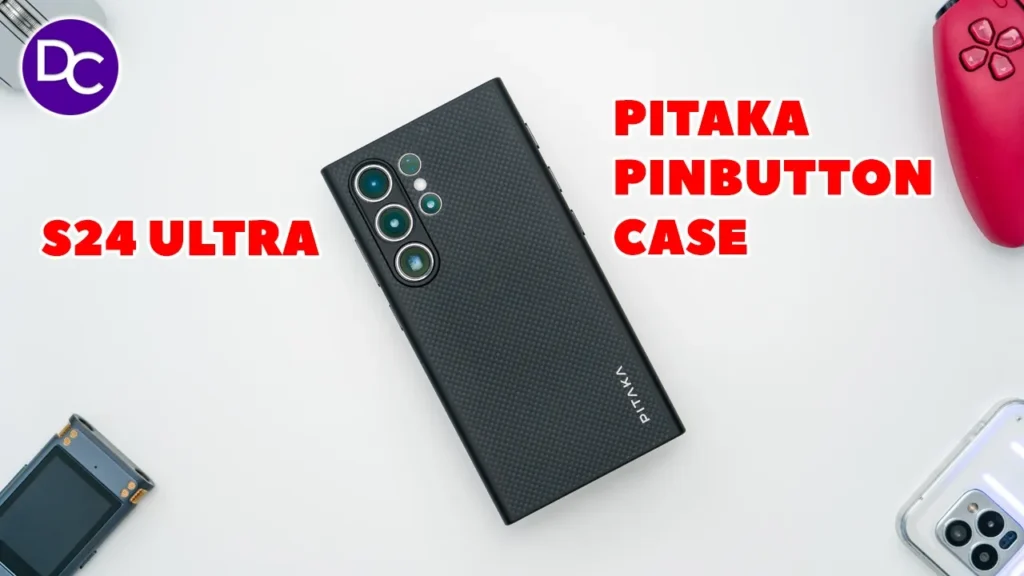

☑️ Get the Pitaka Pinbutton S24 Ultra Case
Please note that some of the links in my video descriptions are affiliate links where I earn from qualifying purchases. As an Amazon Associate I earn from qualifying purchases.
Intro

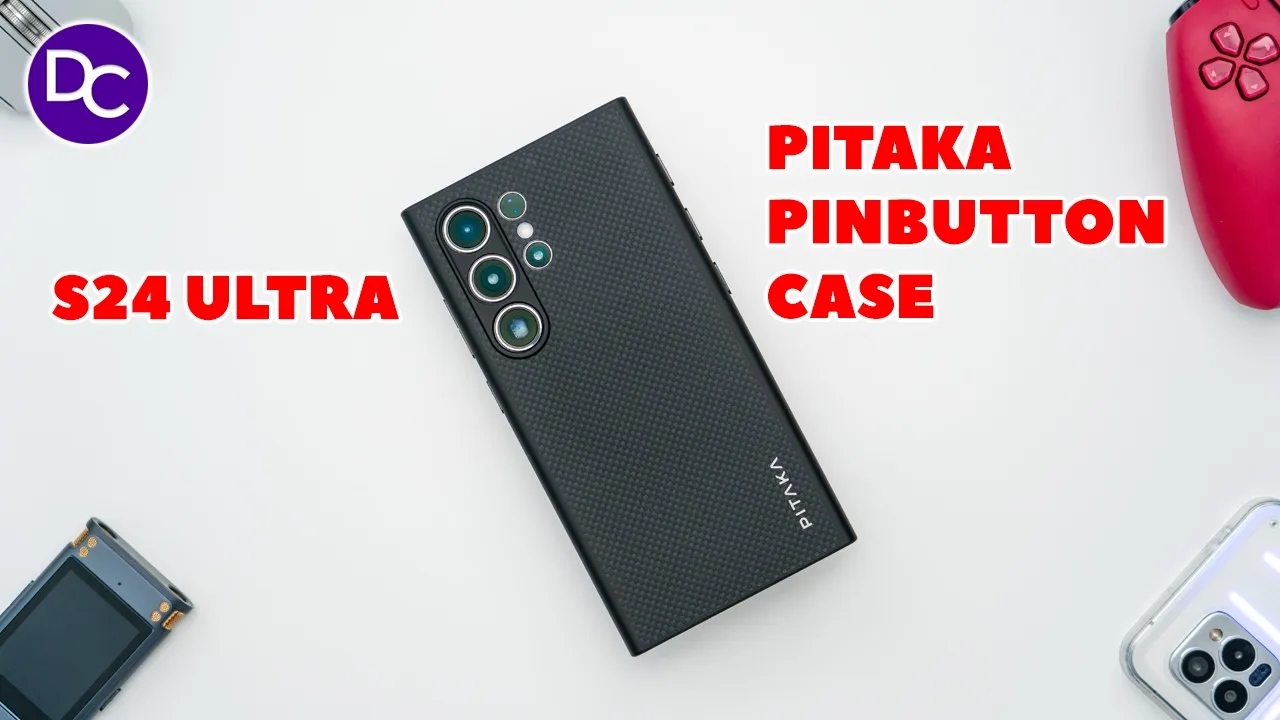
hey it’s Adrian and today I have a very unique case for the Samsung Galaxy s24 Ultra this is the Paka pin button case the pin buttons are these three NFC enabled buttons that let you quick launch any type of app such as YouTube the camera app maps and once you experience it it’s going to be hard to choose any other type of case on top of that the case is also very lightweight due to its airmid fiber built while still protecting your phone and you still retain Chi wireless charging and Max safe charging thanks to the strong embedded magnet so let’s take a closer look at the pataka pin button case for the s24 ultra to see if this could be your next case and a big thanks to Paka for sending this out for review in the
Package Contents
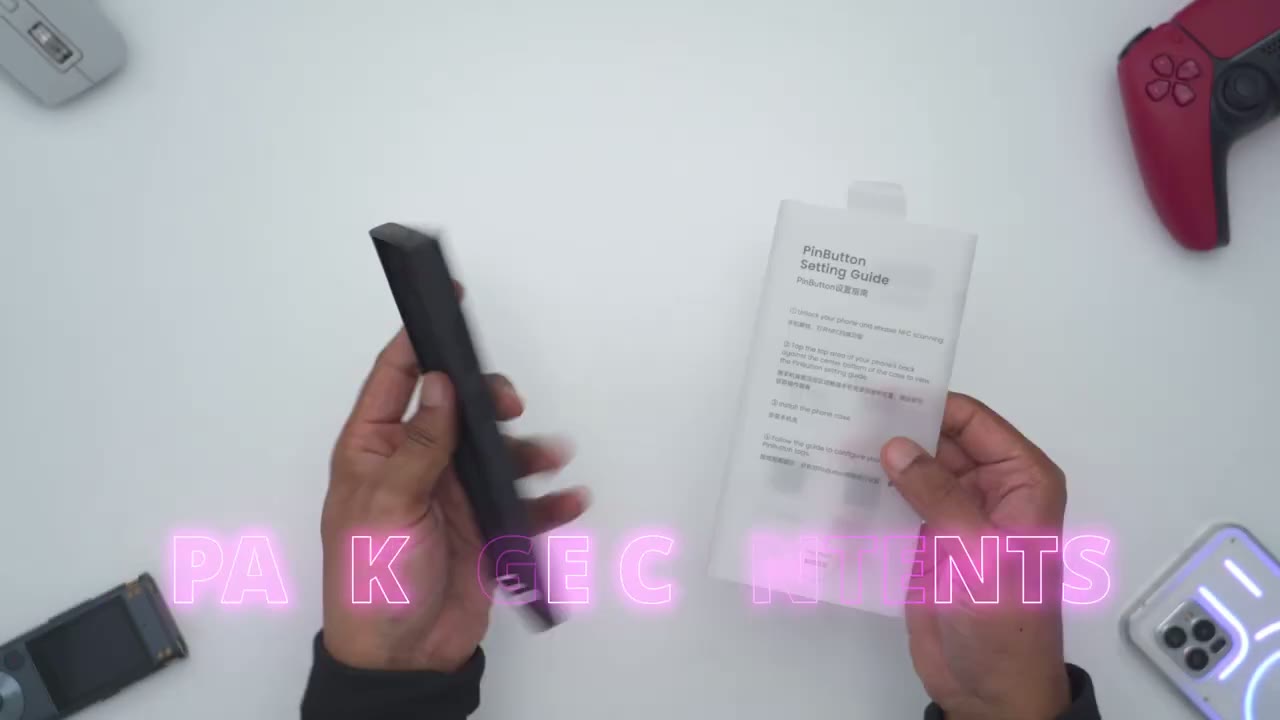
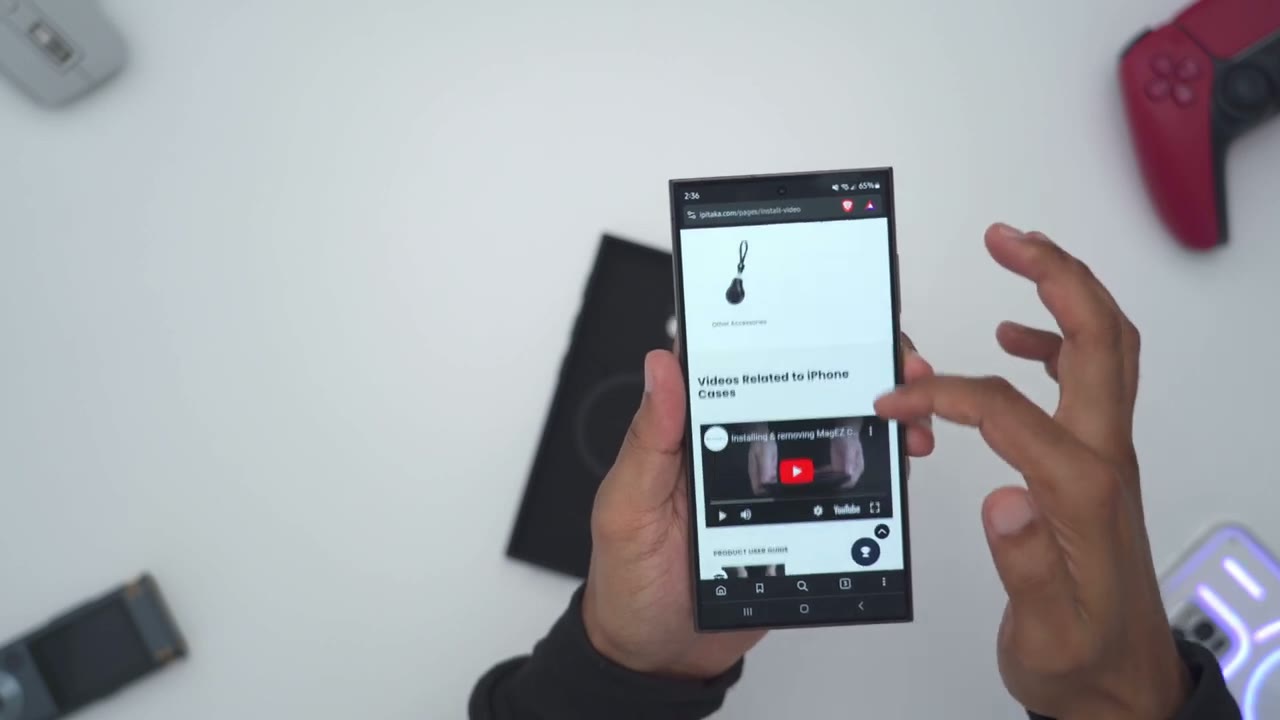
box we have the pin button case for the s24 ultra along with an instruction guide with how to use the NFC features the instructions mention turning on NFC on the phone and then tapping the back of your phone to the center bottom of the case which I’ll do right now and I can see that’s brought up this installation type of tutorial the case
Design
is super lightweight coming in at roughly 40 G and that’s thanks to the aramid fiber built we also have an embedded magnet in here for Mac safe charging and we have individual camera cutouts which is something that I always like to see instead of a huge cutout there’s a cutout on the top here and then we also have cutouts at the bottom for Spen access speaker Grill and USB type-c charging on the inside we have this very soft felt type material to to protect the rear of your s24 Ultra and on the left side this is where we have those three pin buttons which is what we’re going to use for quick launching certain types of apps or settings and on the other side this is where we have the power and volume buttons the s24 ultra comes in at around 233 G by itself and then once you add the pin button case it bumps it up to 274 so it’s only about an additional 40 G or so so it’s very lightweight all right let’s go ahead and
Installation
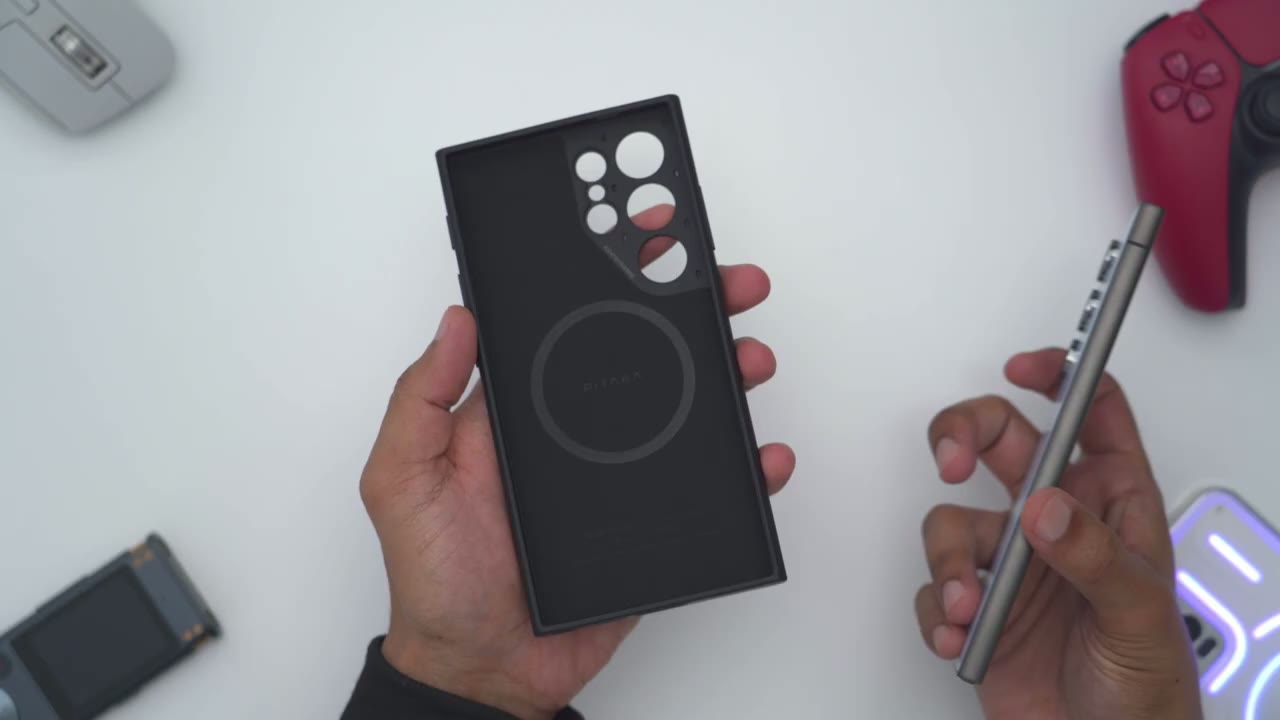
install the case which is super super easy so I’m just going to install it camera lens side first snap it into place and we’re done with the install very quick and effortless let’s talk
Fitment
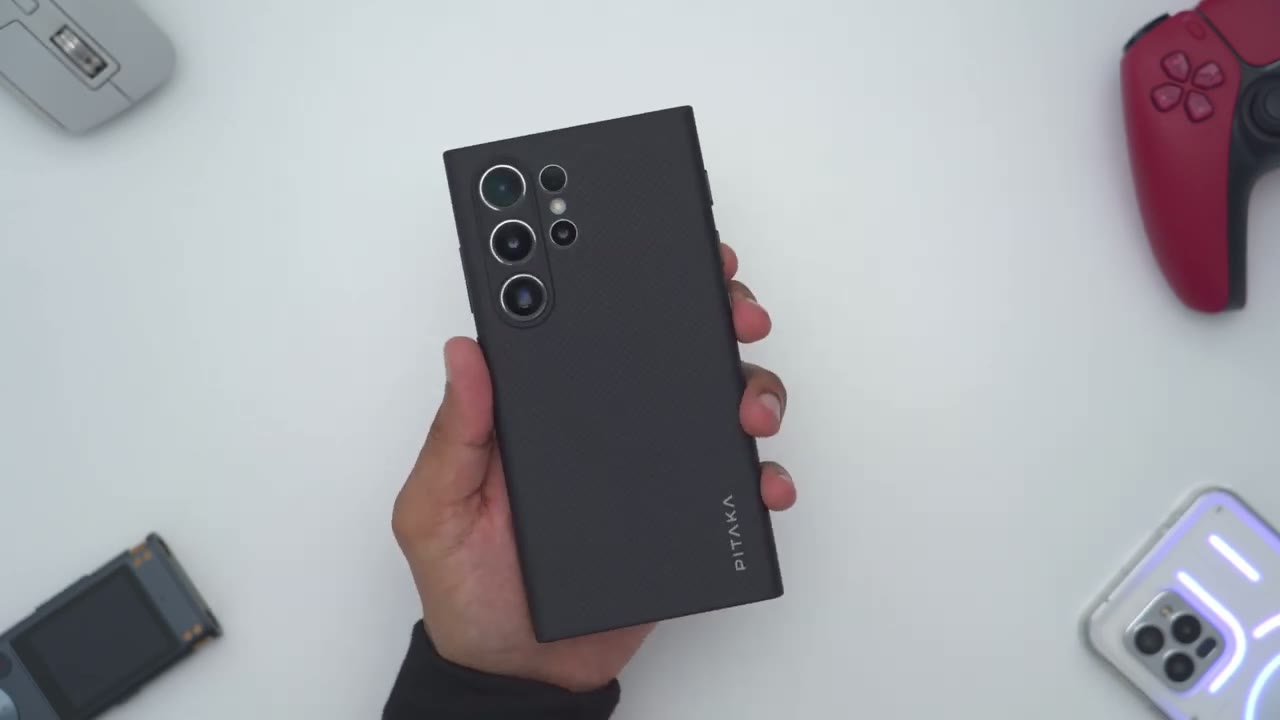
about how the phone feels with the case installed so it doesn’t feel like I’ve added you know much bulk or weight only about an additional 40 G in terms of hand field it still feels very manageable it doesn’t feel like it’s you know too wide or too thick like with some other cases so yeah hand field is really good and thanks to this textured type of pattern here the grip ability and you know just overall feel that I have on here is pretty solid now taking a look at the camera lens you can see if I just angle it to the side there that the module protection here does extend slightly above the camera lens so you’re ensure that you have enough protection anytime you place the foam down flat now in terms of a wobble test so you can see there’s minimal wobble again that’s because we have the camera bump here and there’s kind of nothing on this side to offset or balance that out but you know it’s pretty manageable actually overall the fitment on the case is really good we have easy access to all the cutouts and nothing is obstructed in terms of responsiveness so volume down volume up and the power button very easy to use the pin button case offers pretty good
Protection
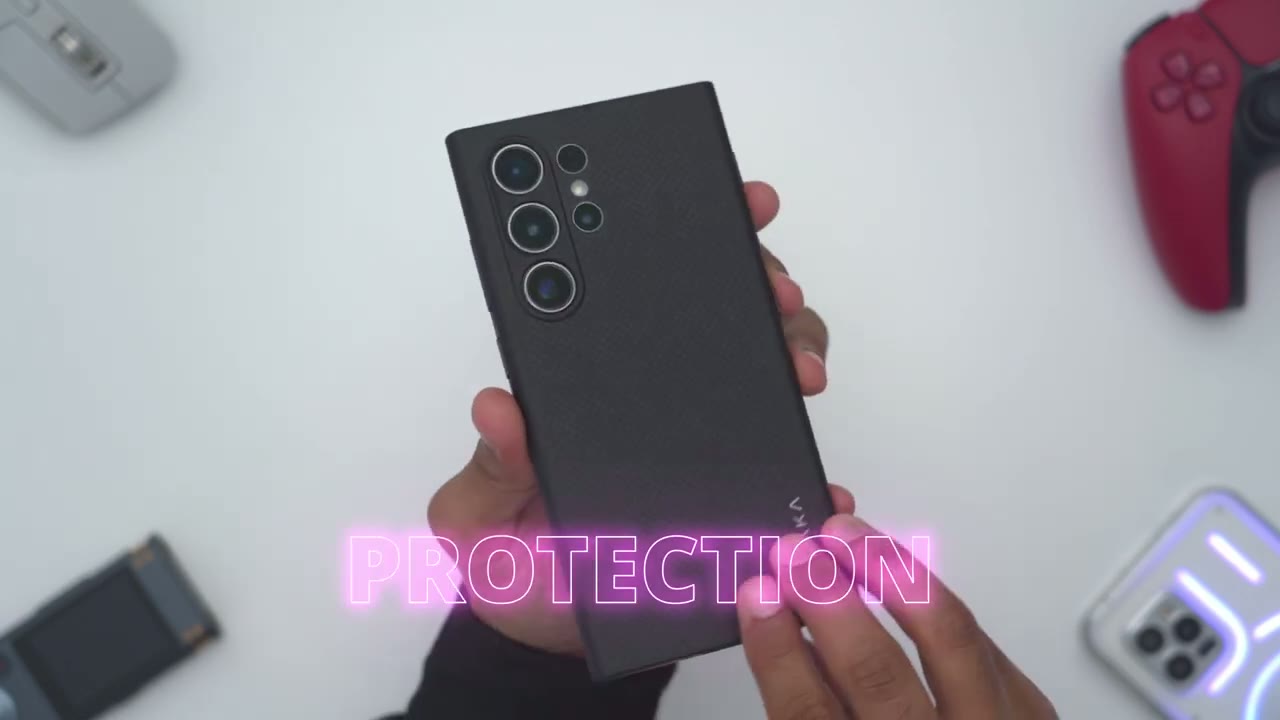
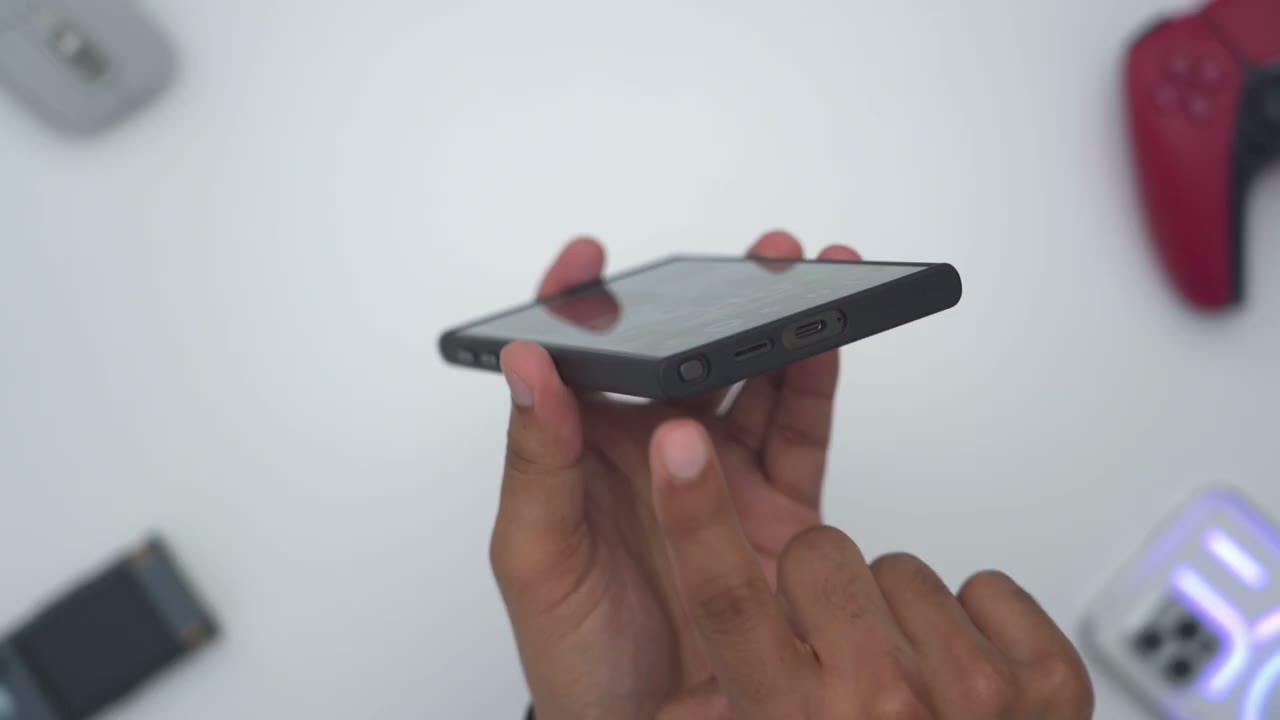
protection so anytime you place the phone flat down you’re not going to have to worry about your camera lens and you also have enough padding all around if the phone was supposed to be dropped on any of the corners now looking at the top here let’s do a side view and you can see that we have you know this raised type of uh lip right here on the top and at the bottom hopefully you can see that it just extends slightly more than on the screen so that anytime you put the phone flat down you know even if there was dust or anything here it’s not going to make contact with the screen your screen is going to be protected but one thing that I do want to point out is that if we look at the right and left side lips here I’ll go ahead and do that you know kind of on the side it’s basically flush with the screen so it doesn’t extend too much up now you may like or not like that but I believe the reason why Paka went with this kind of flush um lip on the sides is that if you use the edge panels where you can drag out kind of quick settings I don’t use Edge panels but if you use those you’re not going to have any kind of you know impedance or obstruction you can easily Glide your finger over and even though we have a top lip um or a r ra lip at the bottom I could easily just grab my credit card here for quick NFC payment so yeah overall protection seems pretty good on
S Pen
here it’s really easy to get access to the S Pen so even though it’s a nice covering here as soon as you pop it out you can see that it extends enough so you can just put your fingernail there and grab it out pop it back in and store it safely and then just pop it right back out very effortless no issues and if you’re going to be using the S Pen with the full just Place flat down this is about what you can expect so you can see the Spen use is pretty much unaffected by the magnet it seems very fluid very responsive and I don’t have you know much wobbling even though it’s not sitting perfectly flat for the most part very manageable if you love
Wireless Charging
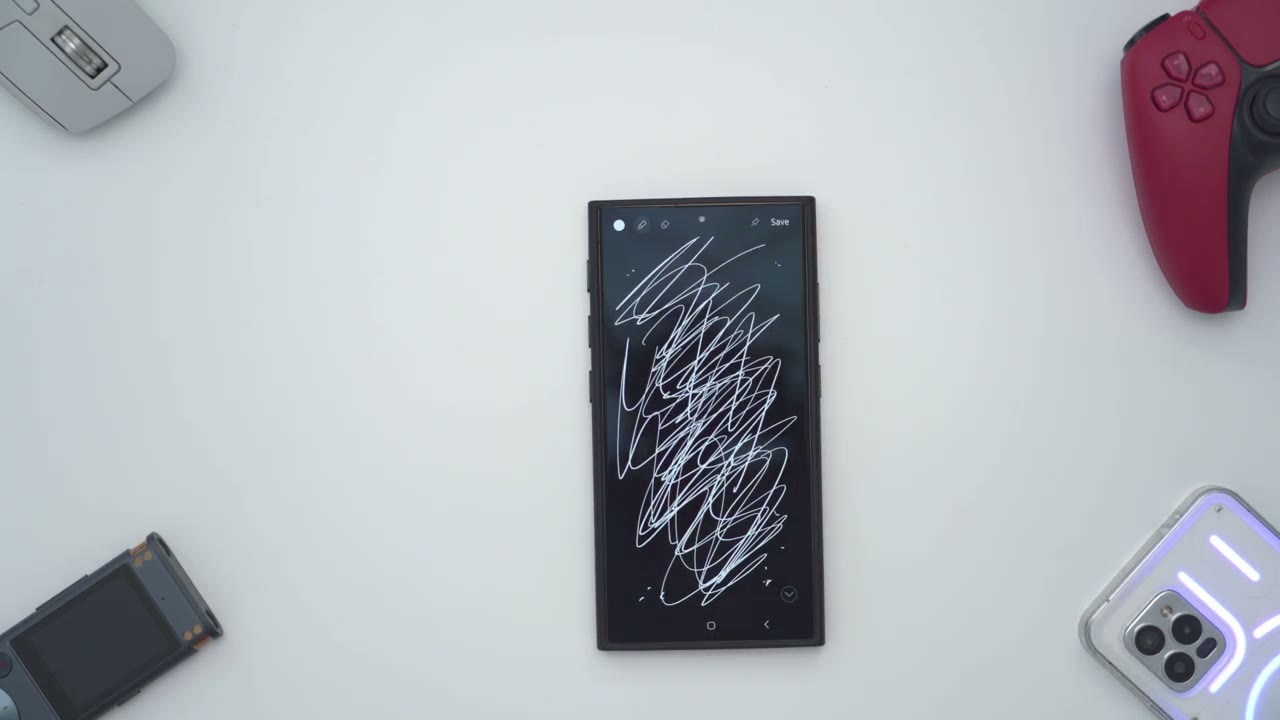
charging your phone wirelessly like I do you still have access to Chi wireless charging and Mac safe wireless charging as well let’s take a look at the
Pinbutton Setup
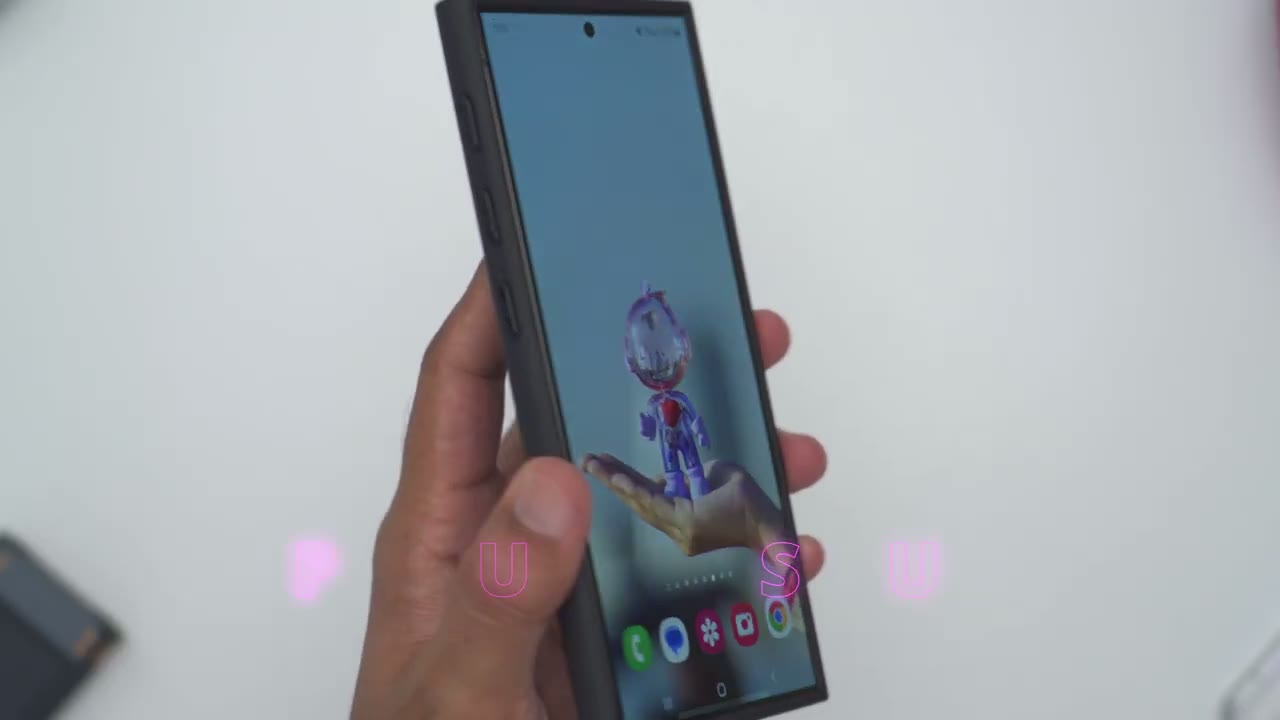
programmable pin buttons since this is the major draw to the case so the first thing we have to do is to set them up which is easy we’re going to pull down go into settings and then let’s go into modes and routines we’re going to go into routines and we’re going to add a new routine which is an if then routine so we’ll go if and then we’ll make sure NFC is turned on which it is on my phone I’ll go to NFC tag and I’ll long press on the first button here and you can see it pops up NFC taged and I’ll call this camera so I’ll say done and then so if I press that this is what I want the routine to do so we can open an app or do an app action run a quick command and you can see there’s a bunch of different options on here but let’s do something simple so I’ll say I want to open up the camera app since I use my camera often so I’ll go to search type in camera and I’ll say open camera click done and I will save it and I’ll just give it you know the default color here and let’s call this um camera right here camera launch let’s say and done okay so now I’ve added my first first uh NFC tag or button so if I go ahead and press and hold on here boom it just quickly launches the camera app and then you know I don’t have to actually double tap on my power button or I could reprogram the double tap on my power button to do something else one feature I use all the time is hotspot on the phone and unfortunately Samsung doesn’t give us quick access on here so what I have to do is to go into connections then into mobile hotspot and then I have to turn it on manually and turn it off now I’ve programmed the pin button to to just go ahead and turn mobile hotspot on and that works fantastic the only downside to the pin button setup is if you go ahead and long press it again it won’t undo that action so you still have to manually toggle that off same with the camera app if I long press it’s going to open the camera app but if I go ahead and long press again it doesn’t actually close it I just have to manually close it however one work around is to program one button to Launch a specific sequence and then you could program the other button to undo all of those sequences so you’re not manually undoing them now what I’ve done for the pin button 3 is I’ve given it a combo or you know a long routine so I’ve asked it to kind of maximize my screen brightness set my phone to a horizontal orientation and to increase my volume if I want to watch you know videos on YouTube Netflix Etc so let’s do a demo of that so long press and there we go so now the screen brightness is up I have a horizontal viewing mode I’ve also turned on do not disturb so I can just enjoy my media but when I’m done with this I will have to manually undo these settings because I can’t just long press to go ahead and undo it now one other thing to notice is that there is a you know 1 to 2 second delay once you press so I’ll go ahead and press pin button one right now and you can see it’s about a second a second and a half till it launches so something to be mindful of we truly have a ton of functionality not only can you open an app but you can also do an app action so you can see on certain apps instead of just opening it you could jump right to your account or right to messages so like with Amazon for example I could open the Amazon app or jump right into the deal section or to my order so there’s really a ton of flexibility and versatility on here so the pataka pin
Recommended!
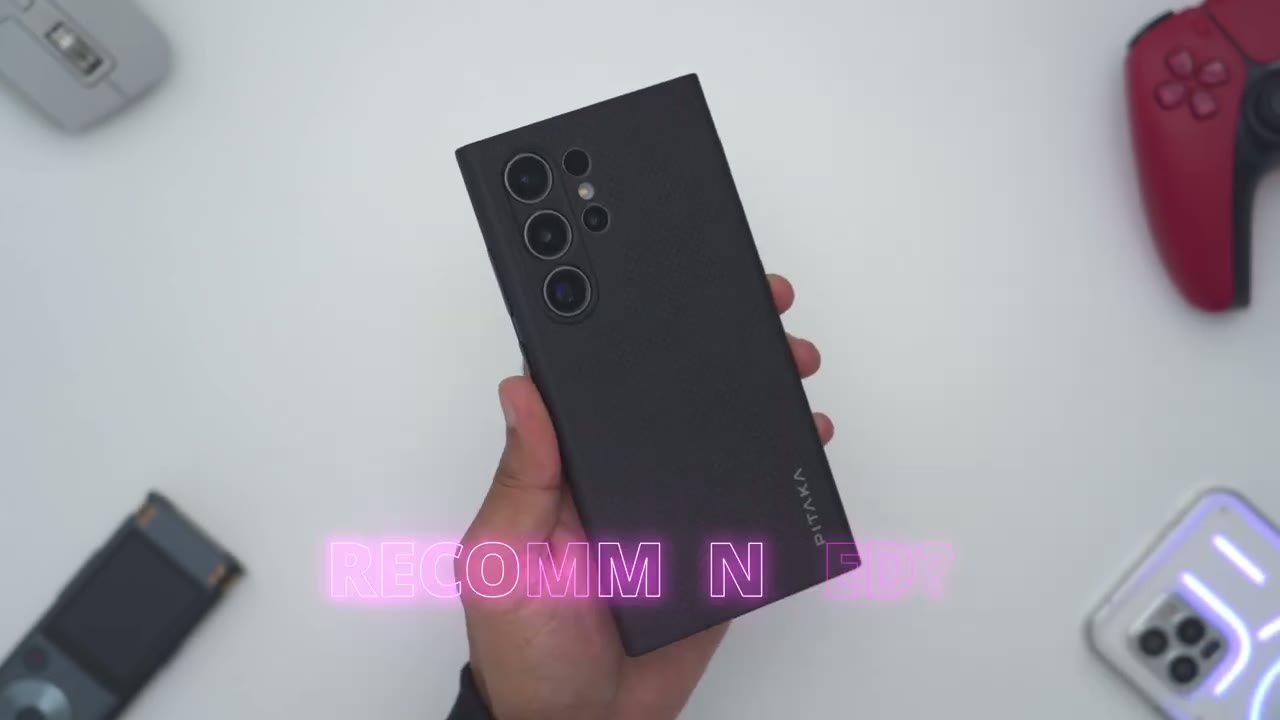
button case for the s24 ultra is a fantastic case there’s good grip ability it doesn’t add much more weight or bulk keeping your setup very lightweight camera lenses are protected no significant type of of wobble and of course the main draw is that we have these programmable pin buttons on the side here and just to demo that again so I could press and hold to launch the camera or for example the flashlight or to take a screenshot the possibilities are just endless with the three pin buttons so go ahead and explore the modes and routines on your s24 Ultra and basically any combination you could think of in there you can program it or map it to one of these buttons so if you’re interested in picking up the Paka pin button case for the s24 ultra or if you’d like to learn a bit more I’m going to leave some links down below this is truly one of the more unique cases I’ve seen for the s24 ultra and it’s a great implementation and don’t forget to also check out some of my other tech reviews I review a bunch of different Tech on this channel so I’m sure you’ll find something that you like and if I can ask a huge favor would you mind liking and subscribing it truly does help me out as a small and growing Channel and I hope to see you in the next one soon
☑️ Get the Pitaka Pinbutton S24 Ultra Case
Please note that some of the links in my video descriptions are affiliate links where I earn from qualifying purchases. As an Amazon Associate I earn from qualifying purchases.