



Please note that some of the links in my video descriptions are affiliate links where I earn from qualifying purchases. As an Amazon Associate I earn from qualifying purchases.
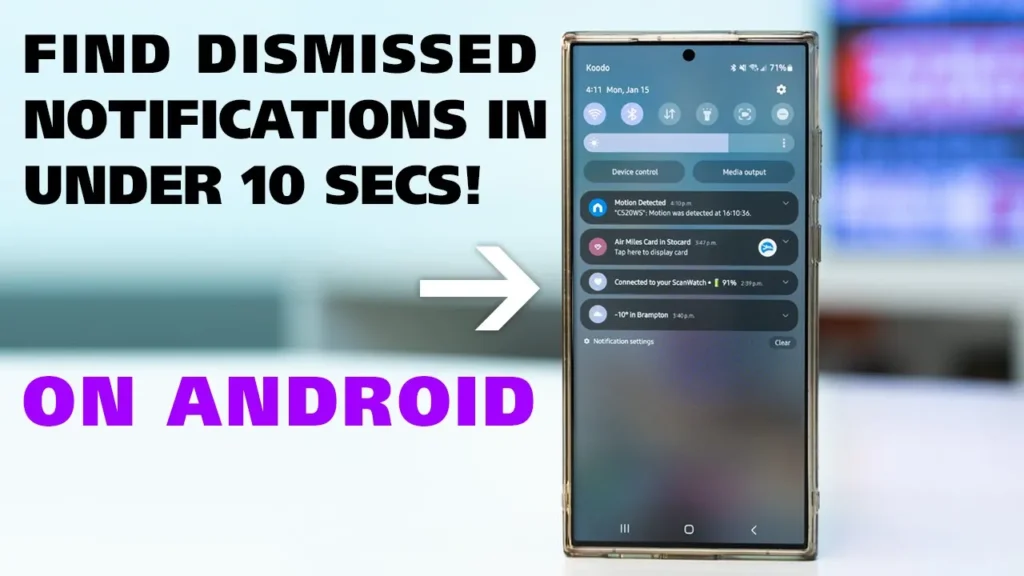
all right so you’re laying in bed swiping away notifications and you accidentally swipe one that you really needed to read or worse yet you press clear all and now they’re all gone well how do you get that back luckily this is easy to fix on Android phone so swipe down from the top tap on the gear or settings icon and then tap on the search or magnification icon and then type in the word notification once you start doing that you’ll see notification history go ahead and tap on that then tap on it again and then you could see all of the dismiss notifications and you can just go ahead and expand them and take a closer look at whatever you missed now if you have a Samsung phone like I do you can do the same thing but you have a second option which is to go into settings scroll down until you see notifications click on advanced settings notification history and it’ll take you to the same place if you found this tip helpful and you’d like to see a little bit more go ahead like follow And subscribe and I’ll see you in the next one soon
Please note that some of the links in my video descriptions are affiliate links where I earn from qualifying purchases. As an Amazon Associate I earn from qualifying purchases.