


Don’t like reading? Check out my video instead.
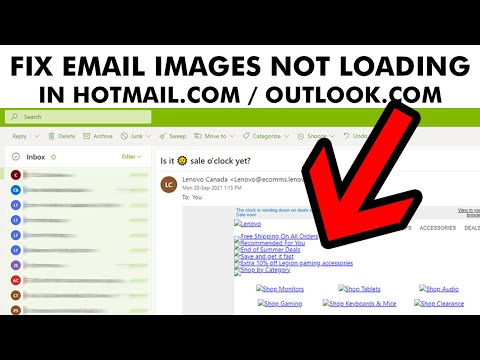
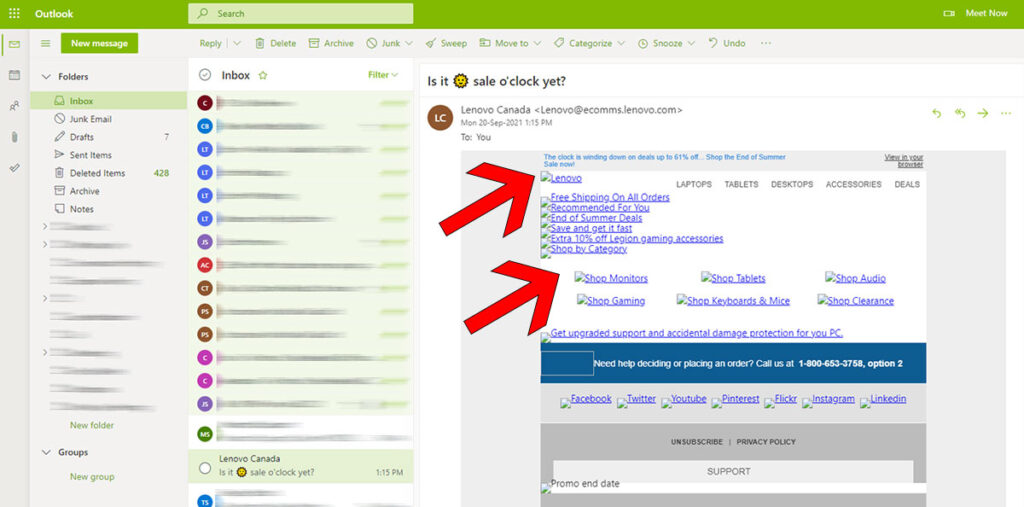
If your Hotmail.com or Outlook.com inbox is giving issues with images not showing or loading in emails and email newsletters, follow this temporary fix. The fix involves changing messages from being shown individually to being shown in group or threads.


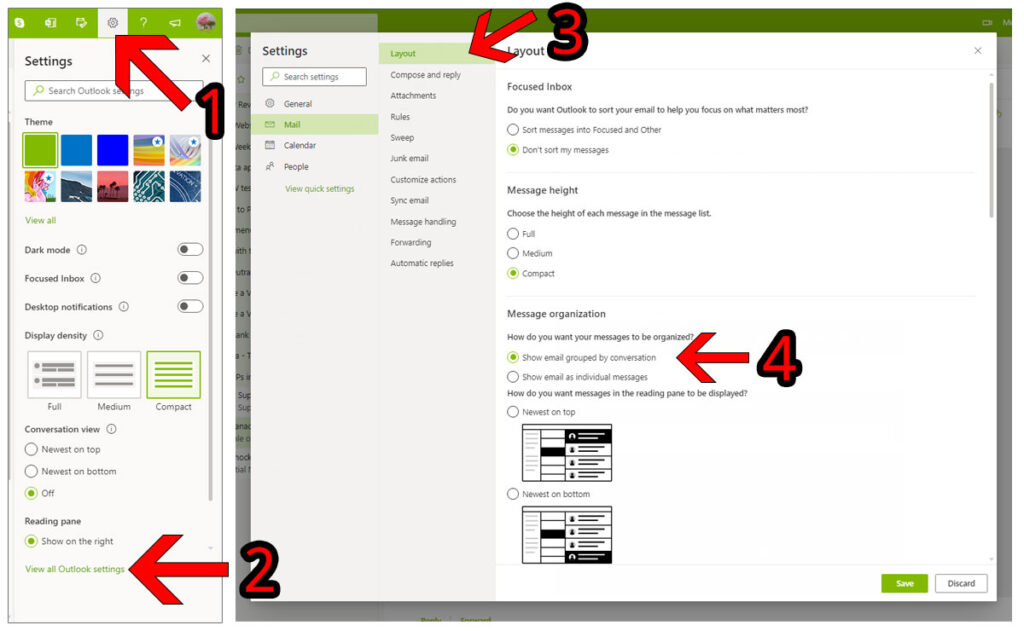
1) Look at the top right of the screen
2)Click on the Gear icon to access Settings
3) Click on “View All Outlook Settings”
4) Look at the left side of the pop-up window and click on “Mail”, under “General”
5) Make sure you’re on the “Layout” heading
6) Scroll Down to Message Organization
7) Click “Show Email Grouped By Conversation”
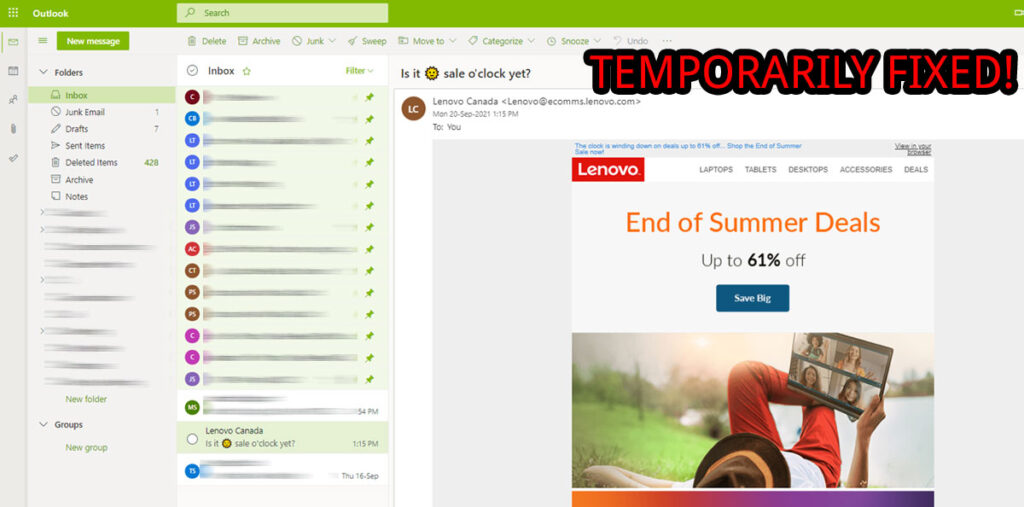
Now your images will show, but the emails will be in a grouped message view, not individual message view. Use this fix until Microsoft fixes the issue permanently.
Microsoft’s Recommendation
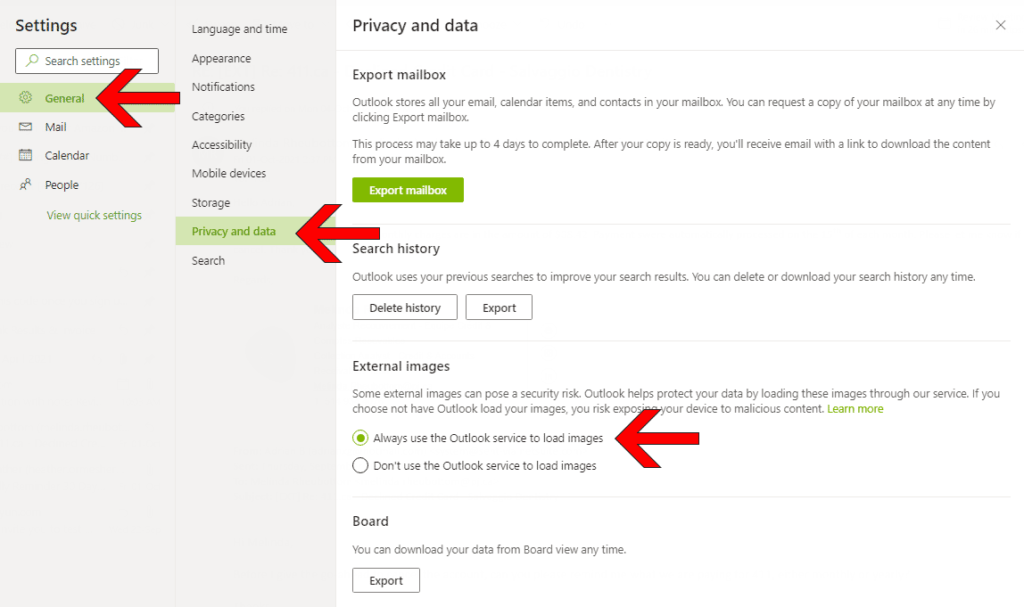
Microsoft recommends enabling “Always use the Outlook service to load images” under the External Images section in the Settings on hotmail.com or outlook.com

If You Can’t Stand Grouped / Threaded Emails
Another option is to hit the reply button or the forward button on the email, and the images will load. When you are done with the email, just delete it or discard it. This is an annoying workaround, but it’s another option if you don’t want to turn on grouped emails.
Good luck!