



Gets 30% off EaseGlowXP from LitONES Home Office Lighting
Please note that some of the links in my video descriptions are affiliate links where I earn from qualifying purchases. As an Amazon Associate I earn from qualifying purchases.
Intro

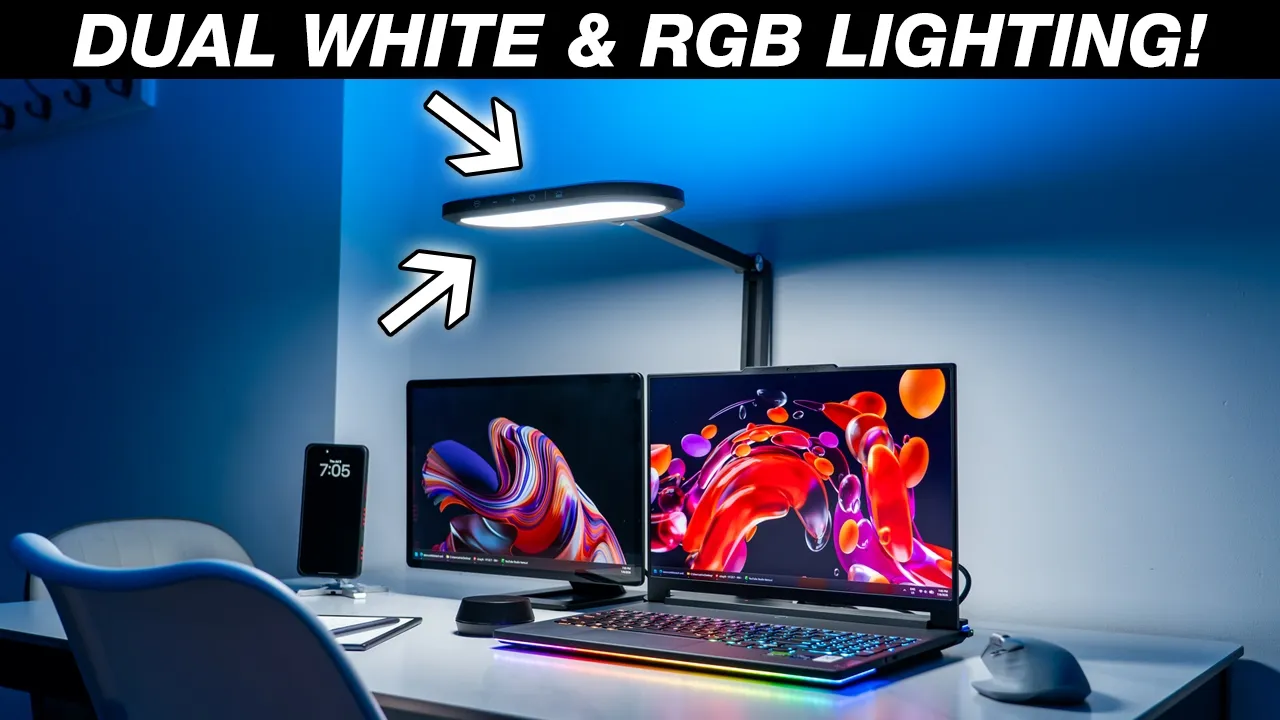
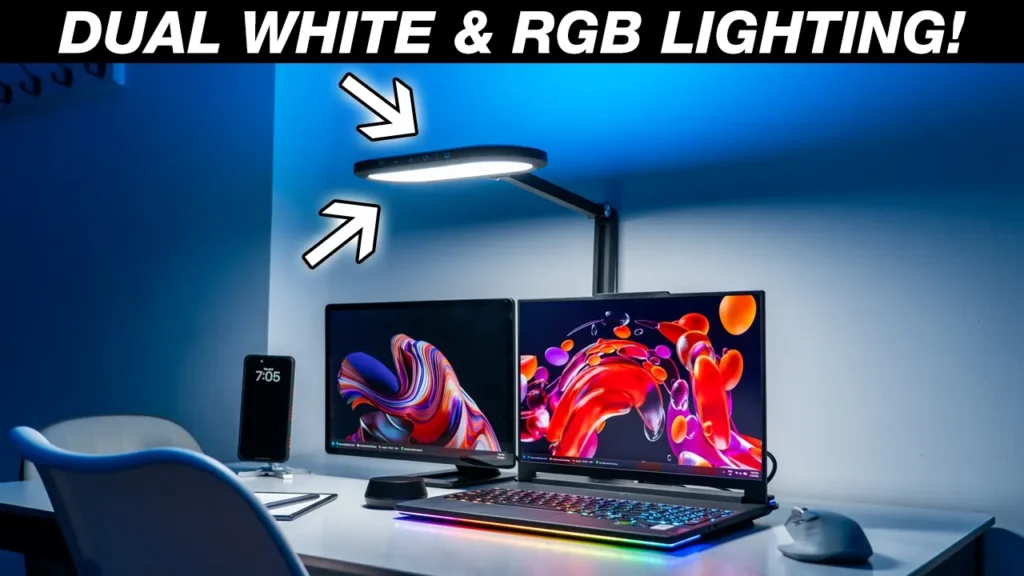
If you spend a lot of time at your desk like me, a great desk lamp is a must and the Lit Ones Eazeye Glow XPHO4 desk light is definitely worth checking out. It has a unique dual layer lighting setup with a soft glow task light at the bottom and an RGB mood light on top. You can easily adjust the light in various positions to match any type of setup and the large 11-in light head can be extended up to 28 in high for really wide light spread, great for an ultra-wide monitor or a dual monitor setup. You can adjust the brightness from 1% all the way to 100% output and you can change the color temperature from 2700K to 6500K. There’s soft diffuse lighting that’s really easy on the eyes helping minimize eye fatigue and it also looks great on video calls as well.
There’s responsive touch controls, onboard memory to remember your last lighting settings, a favorite preset and even a wireless remote control to make quick adjustments whether you’re at your desk or far away. So, could this be your very next desk light and can this replace your current desk light? Well, let’s take a closer look and a big thanks to Lit Ones for sending this out for review. Now, let’s
Lighting Performance
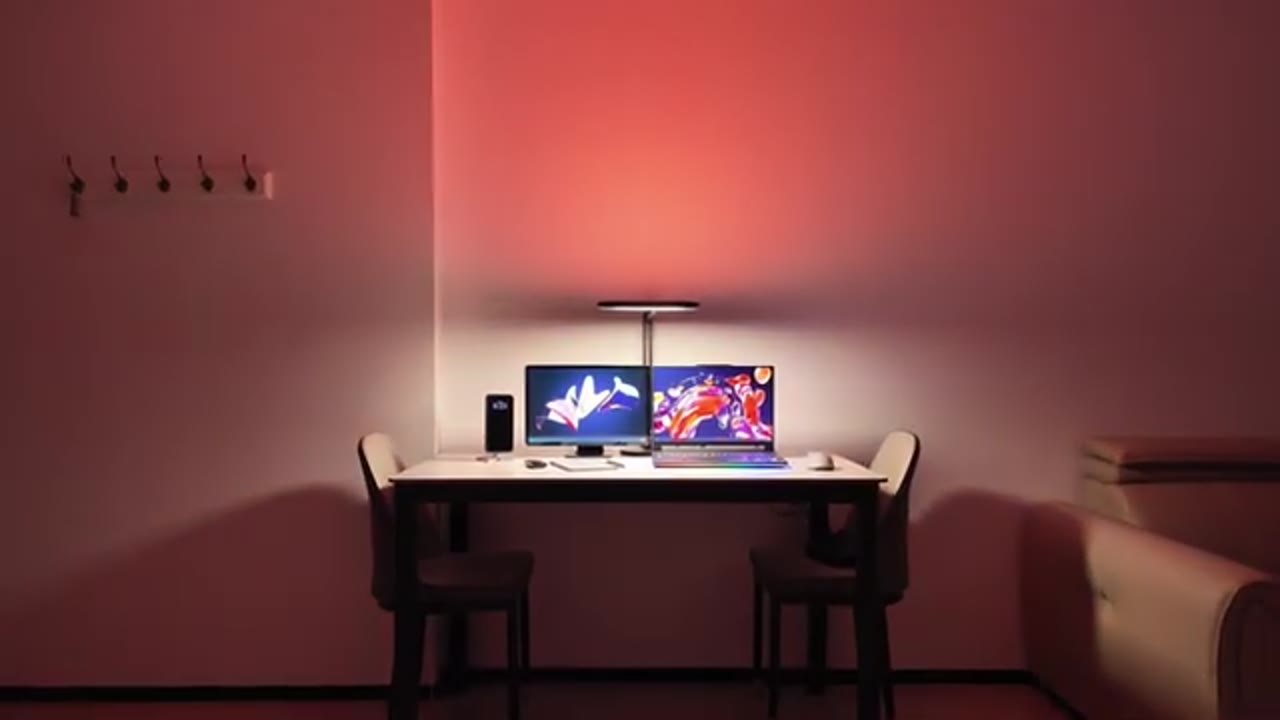
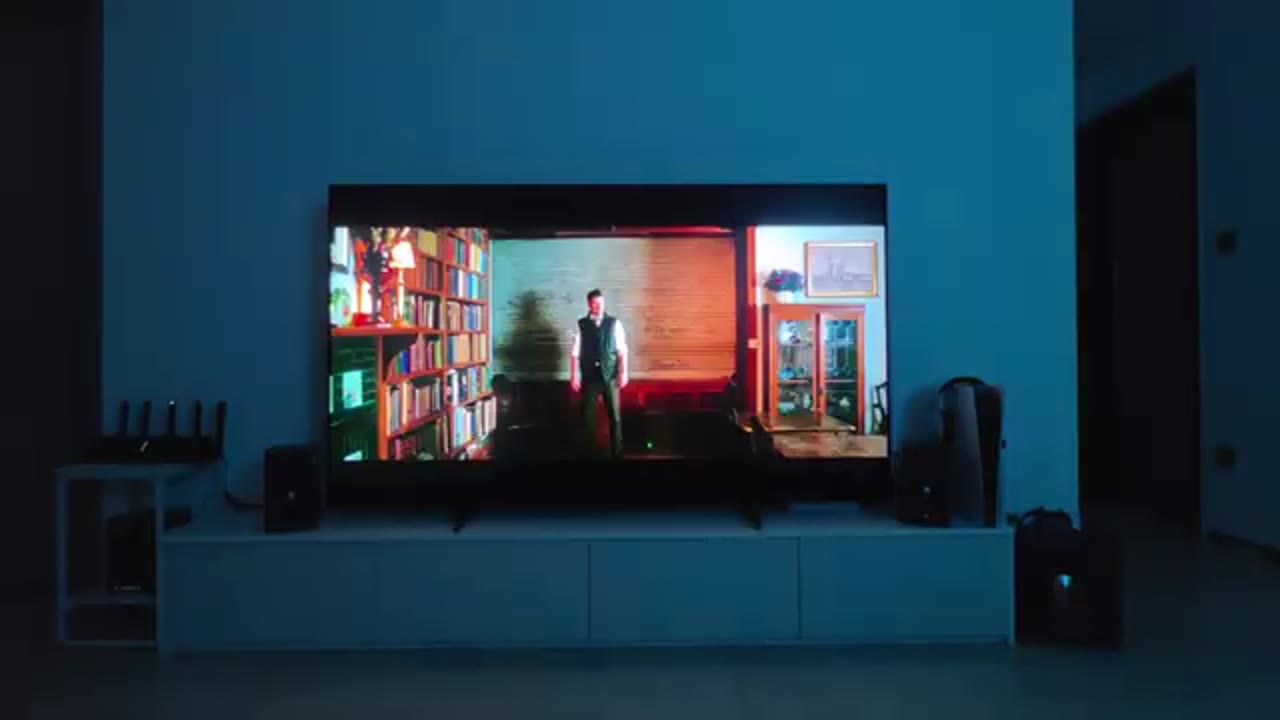
talk about the lighting performance and you have a ton of different lighting combinations thanks to the dual layer zone lighting. The massive 11-in light head can output up to 1,850 lux meaning you can easily illuminate a very dark room without any type of issues. You can adjust the light output from as low as 1% output to 100% output and you can go from 2700K to 6500K color temperature for daytime use or evening use. And because the lighting head has a diffusion layer, it makes the light soft without any type of harshness which helps minimize eye strain and it also makes it way more pleasing when using the light for video calls. And here’s a demo of what that looks like.
In terms of lighting combinations, so anytime you need to focus or study, you can set both the top and bottom lights to a white or daylight color temperature and then you can quickly switch to a warm color temperature for evening use. What I like to do is to switch off the bottom task light and just use the candle light mode on the top RGB light for a more soft glow when watching TV and you can actually position the light head against a wall to change how much light is reflected and the intensity. You can also decide to just use the RGB lighting on top for kind of ambient or mood lighting and there’s a bunch of different color modes. So, there’s a flow mode, there’s a cycle mode, there’s a static mode, there’s a daylight mode and a candle light mode as well.
It also has onboard memory so anytime you turn the light off and then turn it back on it’s going to remember the exact lighting settings you’re using both for the bottom light and the top light. This is hands down one of the most versatile lights I’ve used because at any point I can easily switch from just white bright light to fill out any type of room and anytime I want any type of mood lighting just for fun or just to relax and unwind, I can easily just activate the top lighting, dim the bottom lighting or just cut it off completely. Just endless possibilities. Compared to most other
Versatility
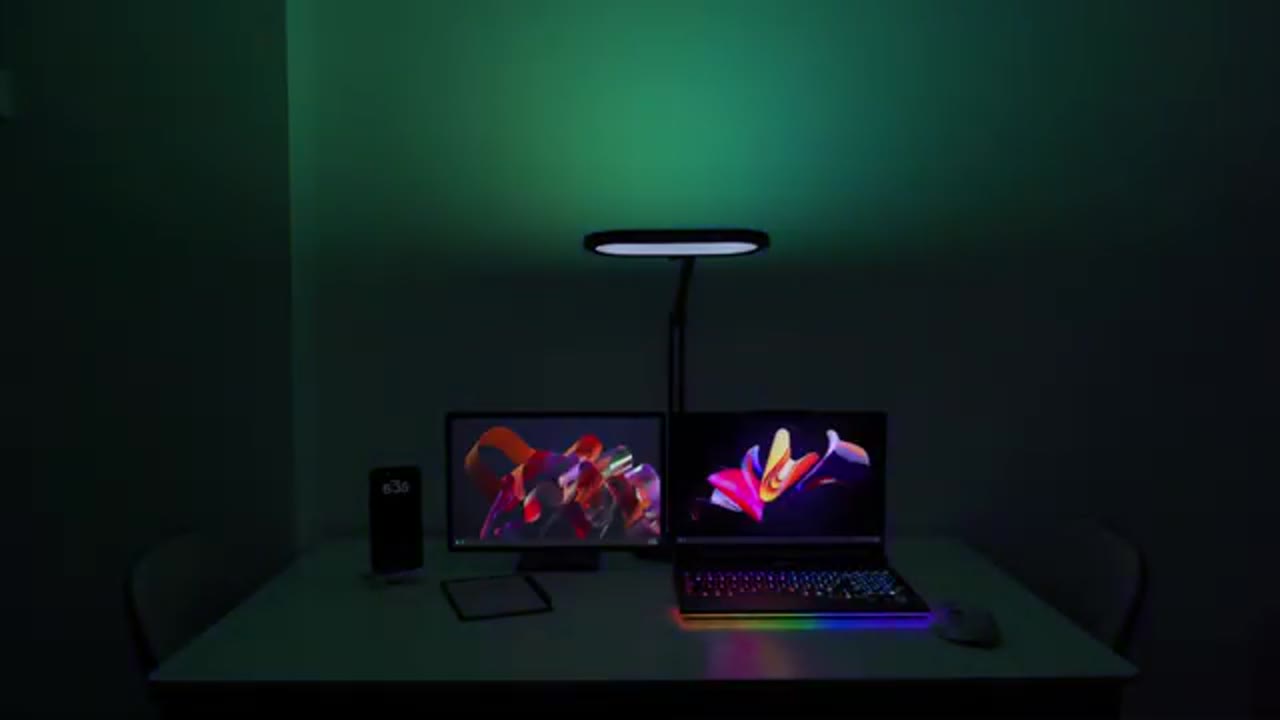
desk lights, this is far more versatile. So, I like to start my day early and I like to have the focus mode lighting on. That works great for getting me locked in and anytime I start to feel a little bit tired or I could use a little bit of a mental break, I easily just switch the top lighting to one of the RGB modes and there’s a bunch of modes on there. What I can also do is I could keep the bottom task light on or I could reduce the brightness or I could just turn it off completely.
If I want to watch one of my favorite shows then later in the day or towards the evening if I want to finish up my work or start a little bit of research, I could easily switch it from the focus mode lighting to the candle light mode which is going to give me that nice soft warm glow which is great on the eyes. And compared to a lot of other desk lights, all you can do is reduce the brightness. You can’t actually change the color temperature and this is one of my favorite things about this light because anytime I’m writing notes, it’s far more gentle on my eyes. Just a great overall desk light that adapts to you as your day goes on.
Controls

It’s also really easy to control the desk light so you have the front touch controls. So, just tapping on the first icon is going to turn the light on. Once it’s on, you can keep tapping it to switch through the various color temperatures. You can use the plus and minus icons to dim or increase the brightness and if you long press on the heart icon, that’s going to save it as a favorite icon and it’ll flash letting you know it’s saved. Tapping the RGB icon is going to turn on RGB lighting and once it’s on, you could keep tapping it to cycle through the five RGB modes. When you want to turn it off, you just long-press on that to turn off the RGB and you can long-press on the other icon to turn off the bottom light.
But, my preferred way to control the light is to use the wireless remote or wireless control puck. So, just doing a single press is going to turn the bottom task light on. Once it’s on, I can just rotate this to change the brightness output. And then if I want to change the color temperature, I’ll just press down while I rotate and that’s going to change the color temperature. Now, if I want to use the RGB lighting on top, I’ll just double-click on it. It’s going to turn it on. Once it’s on, you could just keep double-clicking to cycle through all of the various RGB modes. Now, when you’re ready to turn the light off, you’ll just long-press on here to turn off the top RGB lighting and then a quick press is going to turn off the bottom lighting. It’s that simple.
I’ve actually been using the light anytime I’m watching TV because my room lights are a bit too powerful. So, since I can sit on my chair from a distance away and use the wireless control puck, I can easily adjust the lighting. It’s really
Design
handy. The main light body has a large 11-in lighting areas. Now, do note this is a dual-layered or dual-zone lighting system. So, we also have another illumination panel here as well. There’s also a responsive touch control area on the light which I’ll demo later. And then looking at the arm, we do have an area. This is where you’re going to plug in the power cable. There’s a handy remote controller control puck and there’s a sticker on here showing how to operate this which you can remove. Now, you can use this. It has very smooth and fluid rotations. You can also click it in and this is going to help you adjust color temperatures, lighting effects for both of the light head zones.
And then on the underside, you can see it shows you you can actually go ahead and open this up and that’s going to give you access to the battery compartment. To
Quick Setup
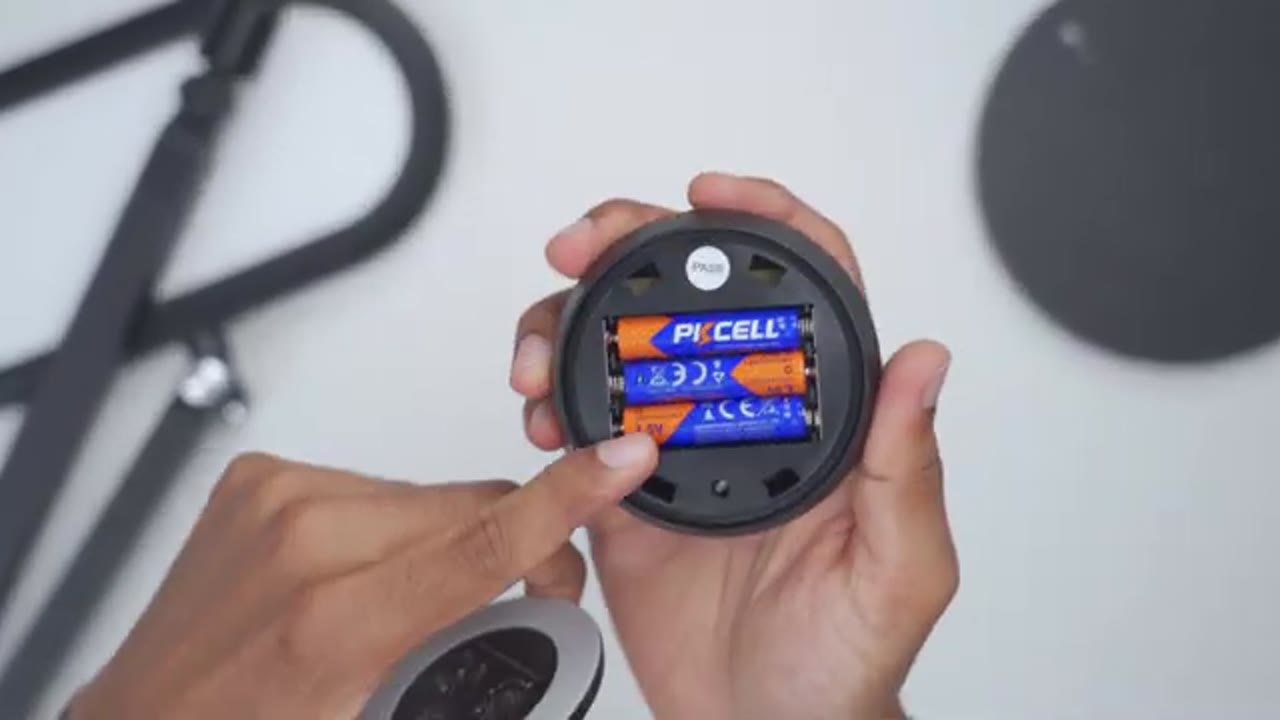
get everything set up, you’re going to attach the main light body to the metal base using the supplied screw and supplied Allen key. Tighten everything till it’s secure and then you’re just going to plug in the power cable, and you’re good to go. There’s also a ton of
Adjustability
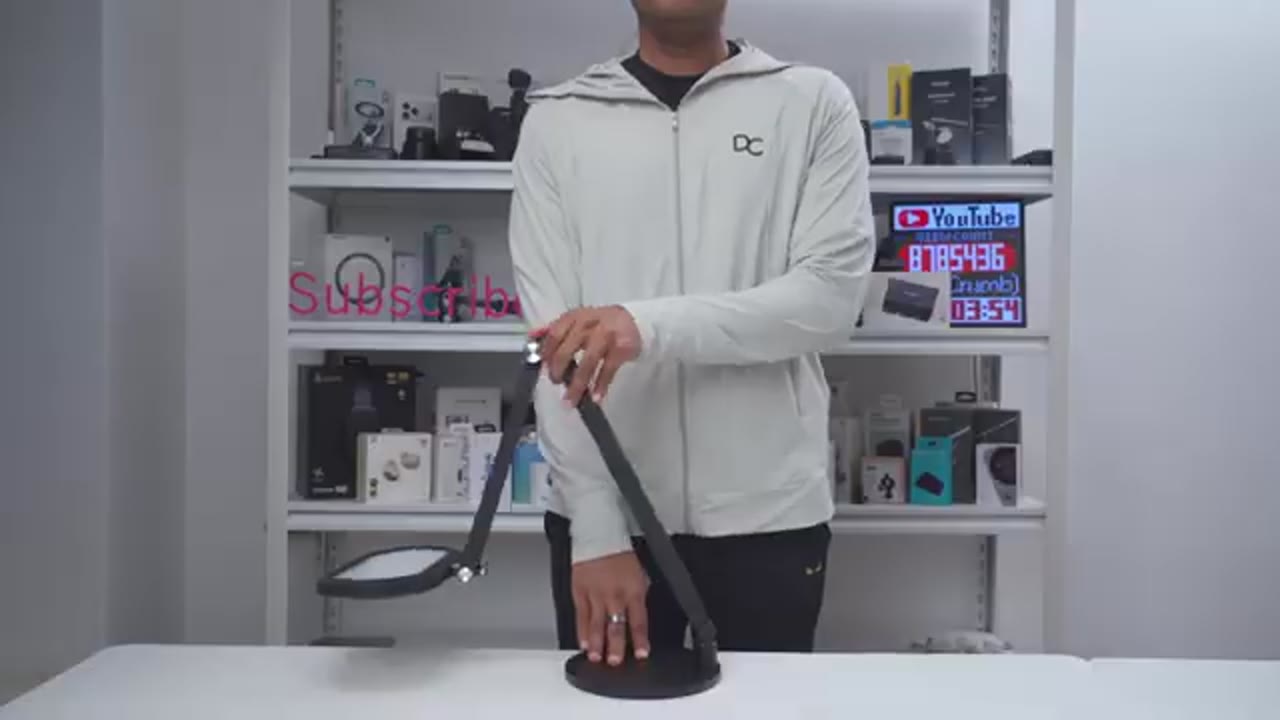
adjustability on here since we have three areas of angulation. So, the first area is near the base. There’s another angulation area midway up on the lamp body, and then the final area is where the lamp head or light head is. So, you can actually angulate the light upwards, downwards, and sideways as well. And you can raise this to a maximum height of up to 28 in. And you can also lower the light if you want more focus and intense lighting versus having it higher up and more spread out lighting. So, the Lit
Recommended?
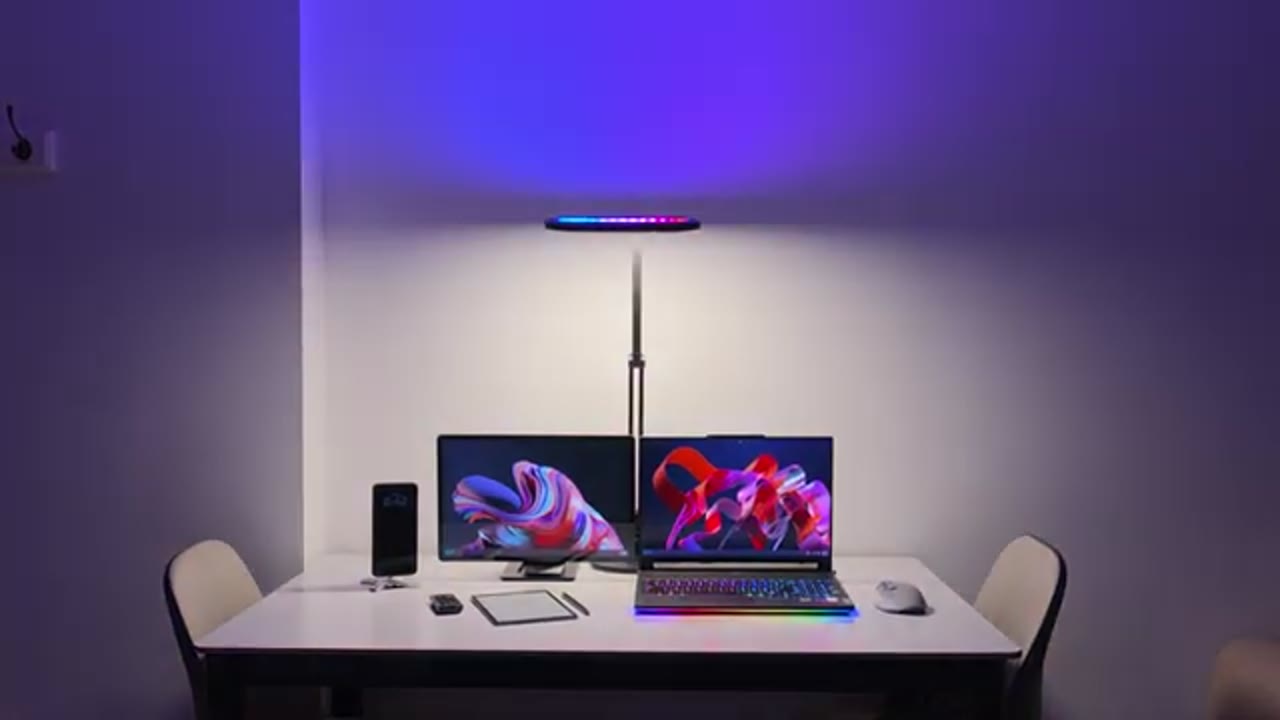
Ones E-glow XP H04 desk light is a fantastic desk light to match any type of setup or even any type of mood. The dual zone lighting setup lets you have both the top and bottom lights set to daylight anytime you need to focus on studying or working. Then you can quickly switch to the top ambient mood lighting anytime you want to relax, game, stream, or just watch TV, or have a little bit of fun. And of course, you can easily adjust it whether you have one monitor, an ultra-wide monitor, or any dual monitor setup. It’s also great being able to use the wireless control puck to adjust the brightness, and I really like the candle light feature on here because the soft glow really is pleasing to the eye, especially when you’re working late at night, and it does help to prevent eye fatigue.
It really is the best of both worlds because it’s like having two lights in one body. So, you’re actually saving a ton of desk space versus having two lights on your desk or having to run LED light strips, and you can control all of it with this handy remote puck. No type of apps or anything like that. So, if you’d like to get your very own Lit Ones E-glow XP H04 desk light, to leave links down below, and I’ll also leave coupon codes down below as well. And if you love this dual lighting type of setup, but you don’t really need RGB, then check out my review of the Lit Ones H01 and H02 up here. That has all of the same great features, but without the RGB.
If you enjoyed this video, consider liking and subscribing, and maybe even joining as a member where you’ll get early access to videos and other perks. I also review a bunch of other tech outside of lighting, so maybe consider checking those out as well, and I really hope you’ll join me in my next video soon.
Gets 30% off EaseGlowXP from LitONES Home Office Lighting
Please note that some of the links in my video descriptions are affiliate links where I earn from qualifying purchases. As an Amazon Associate I earn from qualifying purchases.