



Please note that some of the links in my video descriptions are affiliate links where I earn from qualifying purchases. As an Amazon Associate I earn from qualifying purchases.
Intro

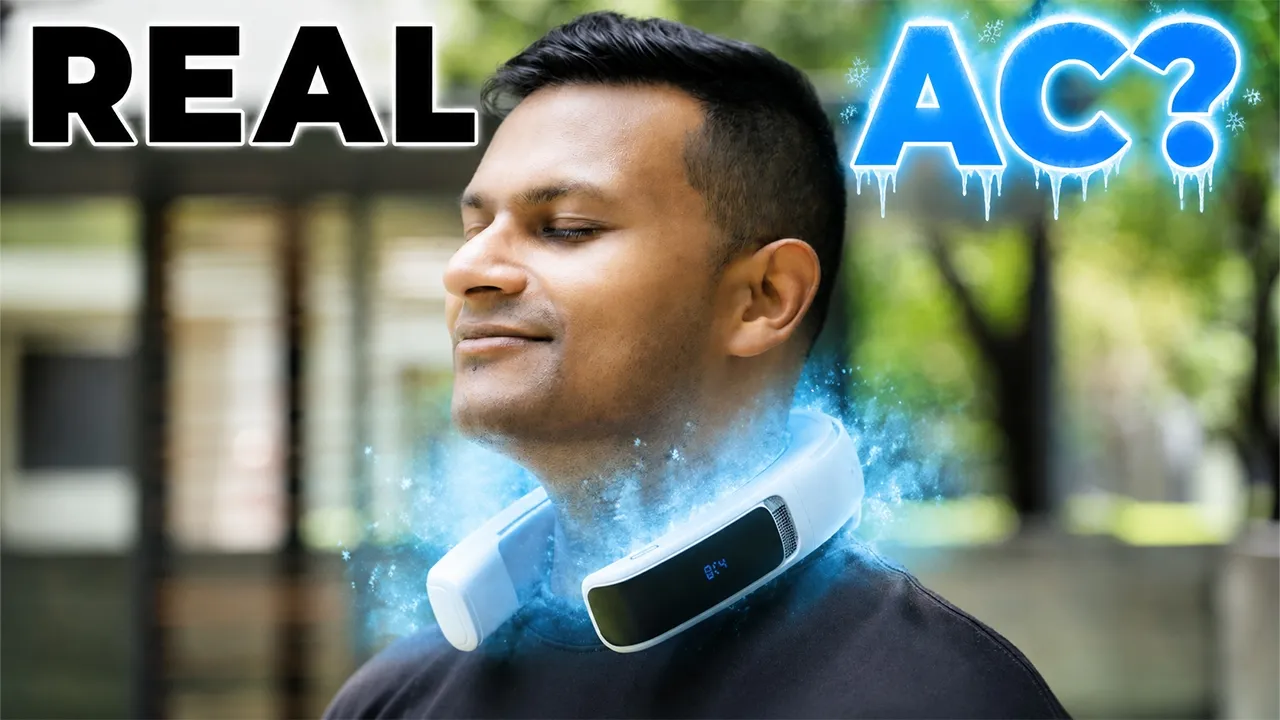
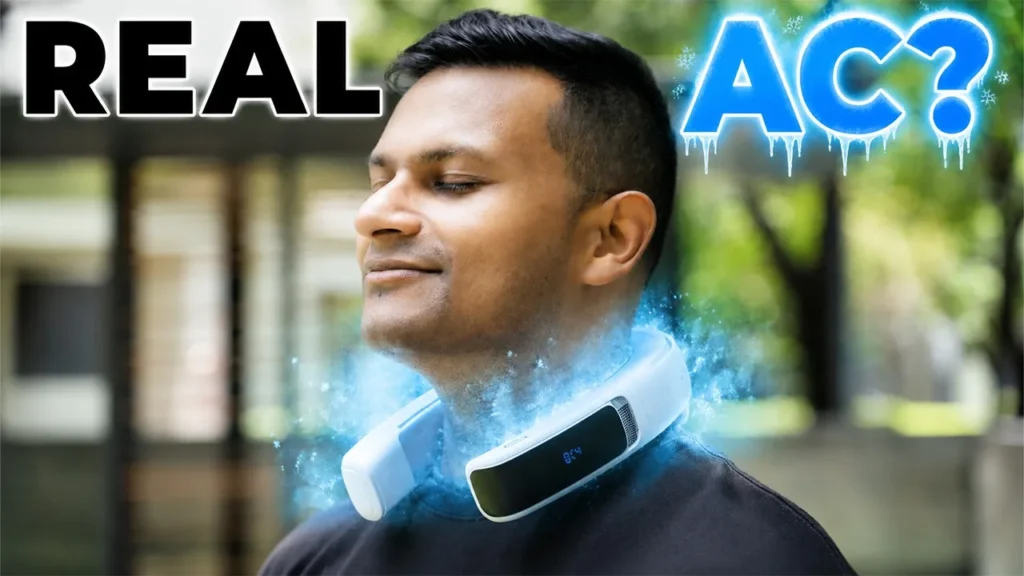
If you’re like me and you pretty much melt in the summer heat just standing around doing nothing, then the Ranvu AI ice like Max Neck fan might be what you need. It has a massive conductive metal cooling surface, kind of like having a mini AC wrapped around your neck. Powerful fans with up to 3.2 m/ second of air flow as low as 16° C of cooling, a huge 6,000 mAh battery with the ability to use pass through charging. There’s tons of cooling modes and AI auto mode and an easy app to control along with physical button controls and more. But how well does it actually cool? Does it really make a difference having this on, especially compared to other neck fans? Well, I’ve been using this for about a month.
So, let me share my thoughts with you and a big thanks to Ranvu for sending this out for review.
Package Contents
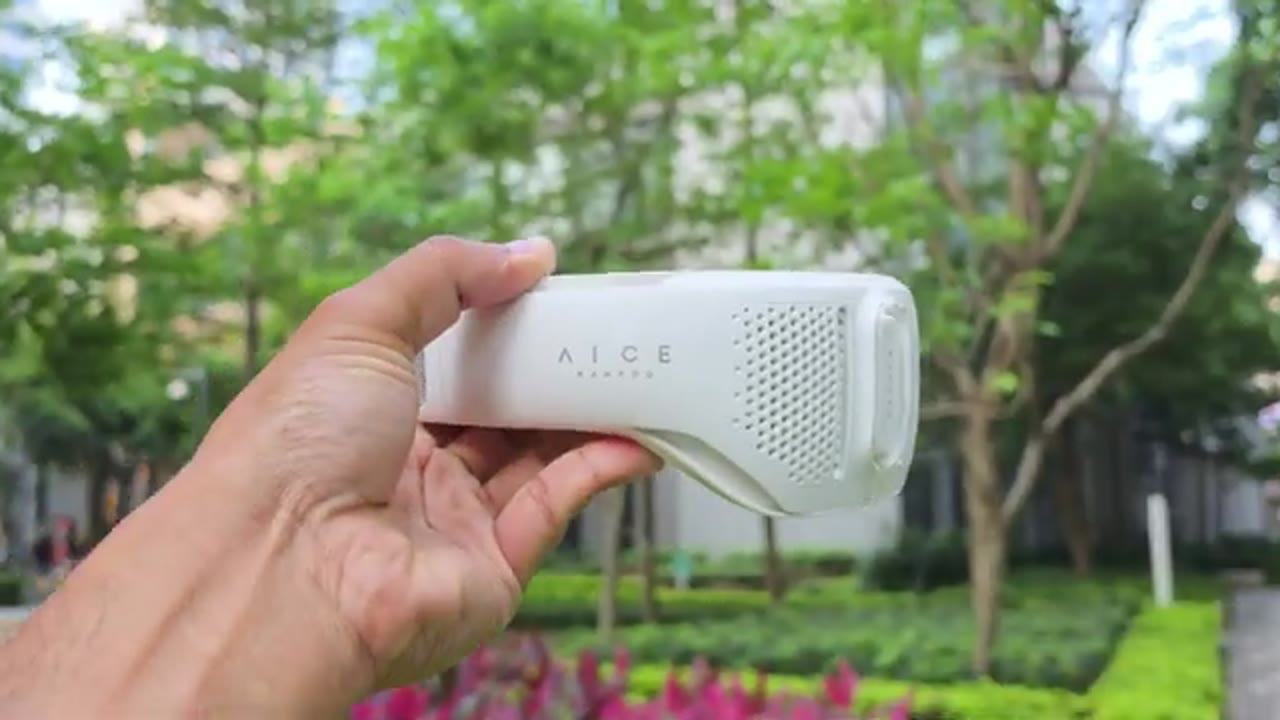
In the box, we have the AI Light Max neck fan along with a charging cable, manual, and quick start guide. So, the
Design

AI Light Max comes in at around 520 g or about 1.1 lb. So, first impressions, this is a really nice looking neck fan. It looks premium and it feels premium in the hand as well. The build quality feels really nice. Now, the exterior shell is a PC and ABS build. On the left arm, this is where we have the LED display, so you can take a look at the settings. At the bottom of that is the USB type-C charging port, reset port, and on the top is where we have the tactile button controls. So, there’s a power button with an LED ring light letting you know which mode you’re in. And then we have adjustment buttons as well. There’s an air outlet with a honeycomb metal grill to make sure nothing gets in there. We also have the Ramboo logo and the model name.
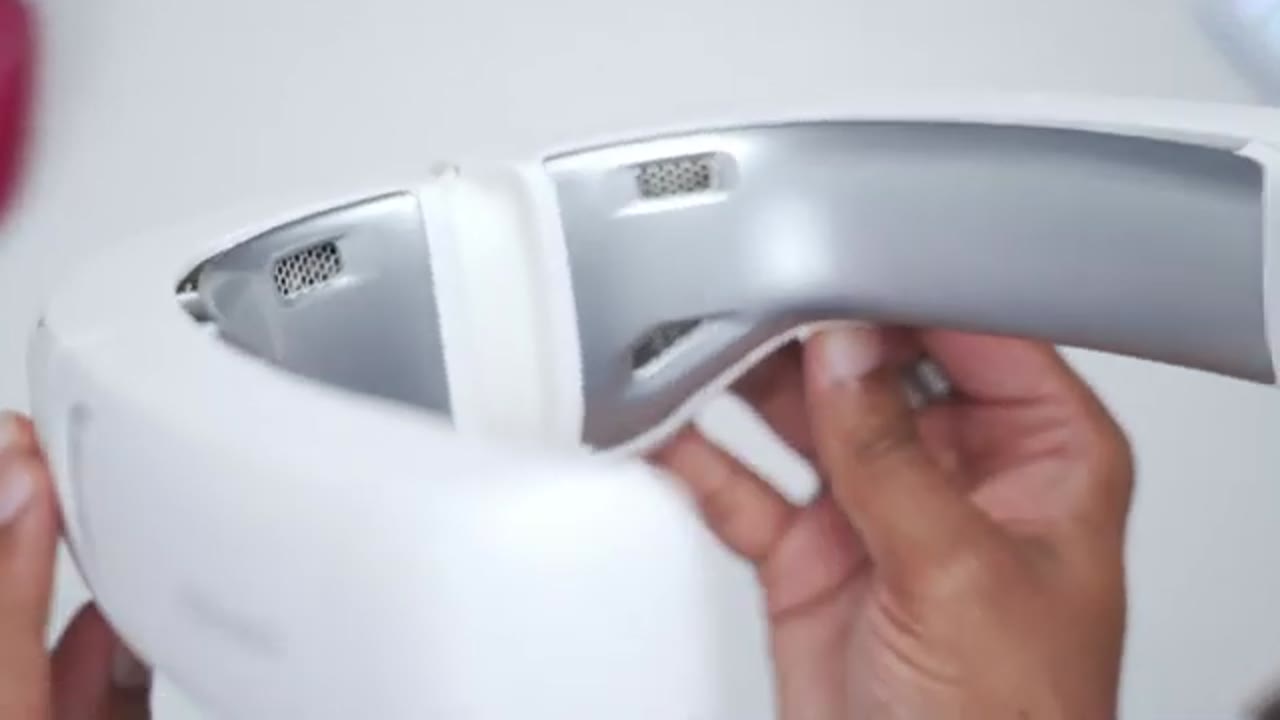
There’s an air intake here as well along with the Ramboo logo. And this is where we have the adjustment hinge which you could see right there. And then on the other arm, we have Icemax along with another air outlet. Looking at a top view. So, this is where we have the largest air outlet. And then we also have air outlets where we have the cooling pad. You can see 1 2 3 4. And we also have various smaller outlets as well. So basically from every angle you look at this from, there’s somewhere where wind is going to cool you down. And that cooling pad area is massive on here. You can see just how much surface area it takes up on the inside of the
Specs
neck fan. Here’s a quick look at the specs. Feel free to pause and review or jump ahead to the next section. Now that
App Settings
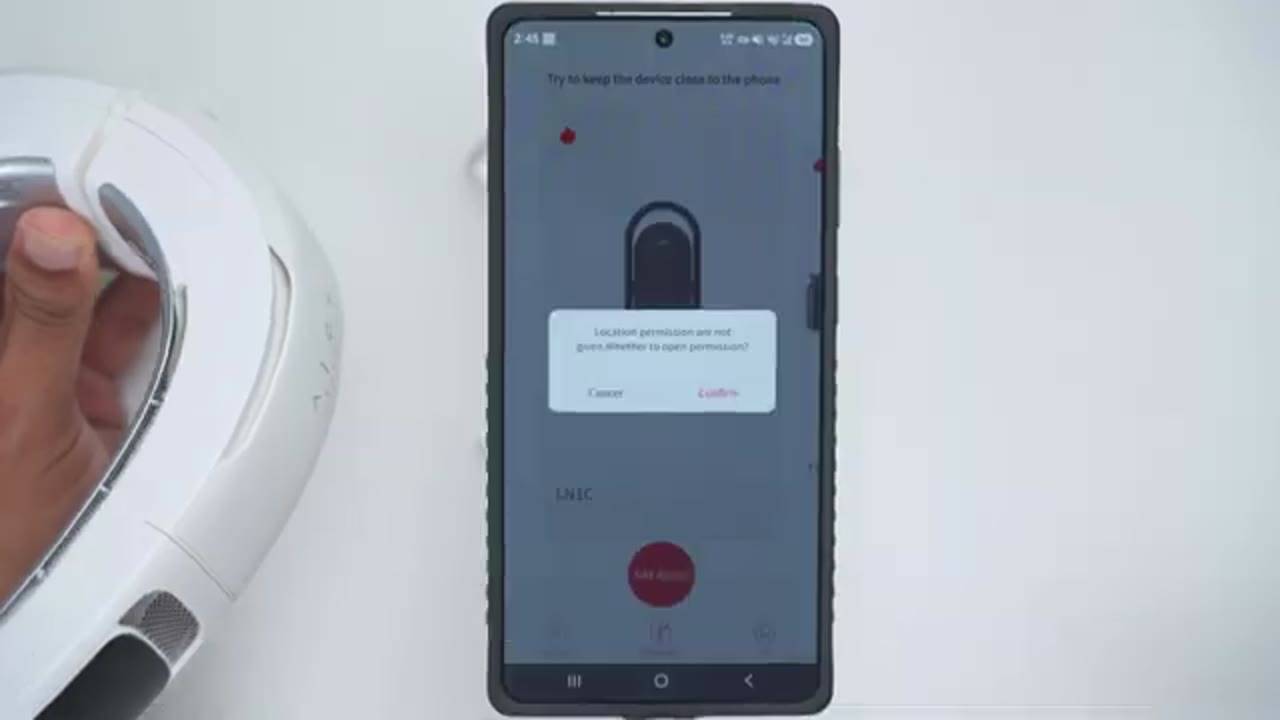
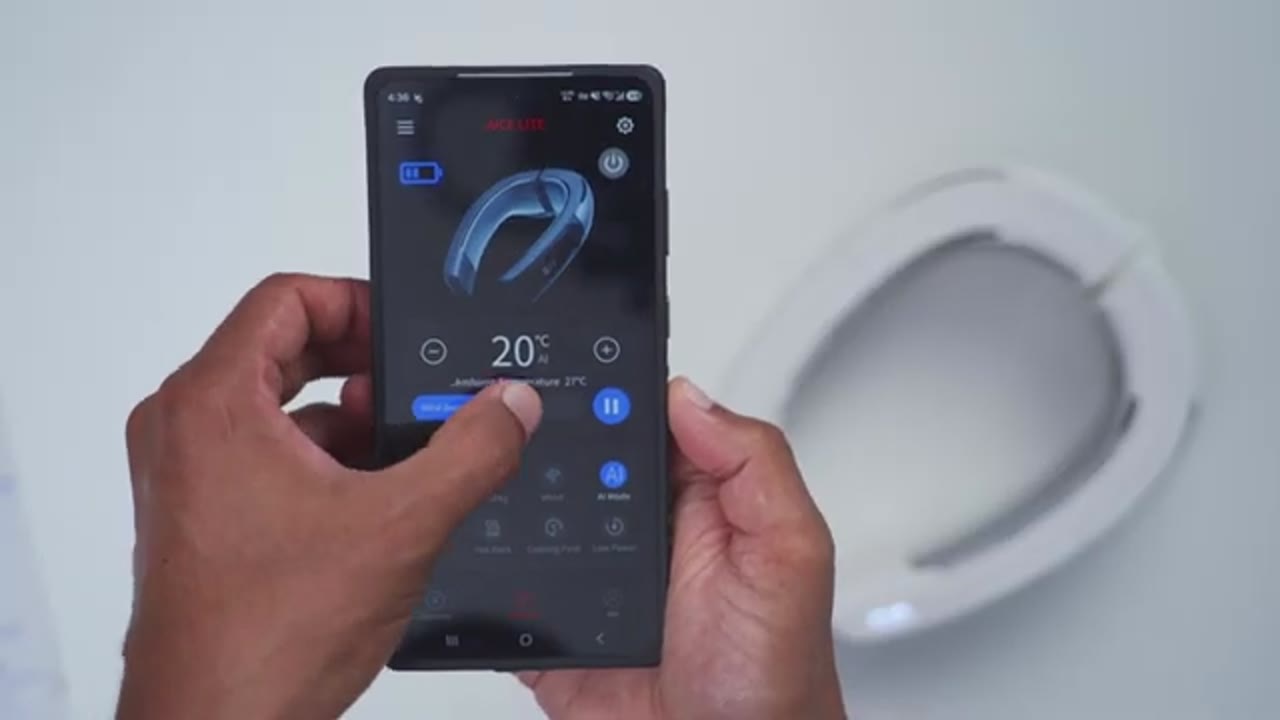
I’ve downloaded the RandVU app and paired it with the neck fan, I’ll open it up and you can see we have a ton of settings right here. But the first thing I want to take a look at is the main settings. Note that when you’re in here, you can actually disable the beeps on the neck fan if you find that distracting. So, I’m going to go ahead and do that right now. You can also disable the light that you see on there. You can take a look at the instructions. You can also change a unit from Fahrenheit to Celsius. And you can update the firmware, which I’ve already done. Back on the main dashboard, we could see the current battery life. We could also turn the neck fan on or off. Now, note that the four modes at the top, cooling, heating, wind, and AI mode are what you have default on the fan.
But if you want fine control, like the ones at the bottom, silent, hot pack, cooling, first, and low power, you will need the Randoo app. Note that in cooling mode, we have a blue LED. If I switch it to heating mode, it’s a red LED. In wind mode, it’s a green LED. And in AI mode, it’s a white LED. In the cooling mode, both the fan and the large cooling plate is going to be activated. Now, if you put it on heat, it’s going to generate heat. And then if you put it on wind, it’s going to give you the fan speed, but it’s not going to activate that cooling pad. Great if you want to prolong battery life further. And in the AI mode, the neck fan is going to dynamically or intelligently adjust both the temperature and the fan speed, but you can manually overwrite that. To use
Operation
the AI light max without the app, a short press on the power button is going to turn it on. You could see the current speed or intensity. Now you can press the minus button or adjustment button to lower that or increase that as you see fit. Now if I go ahead and long press on this power button that’s going to jump it into now wind mode. So it’s not going to activate the cooling plate but you are going to have access to the fan speed. And of course you can adjust that with a short press. Now if I do a long press again that’s going to put me into the heating mode. Again I can adjust the heating levels on here. And another long press is going to put us into the AI cooling mode.
Now, the really important thing to note about this mode is that a short press on here is going to change the fan speed. But if you go ahead and do a long press, that’s actually going to adjust the temperature or target temperature that you want in the AI cooling mode. Now, let’s talk about the
Cooling Experience
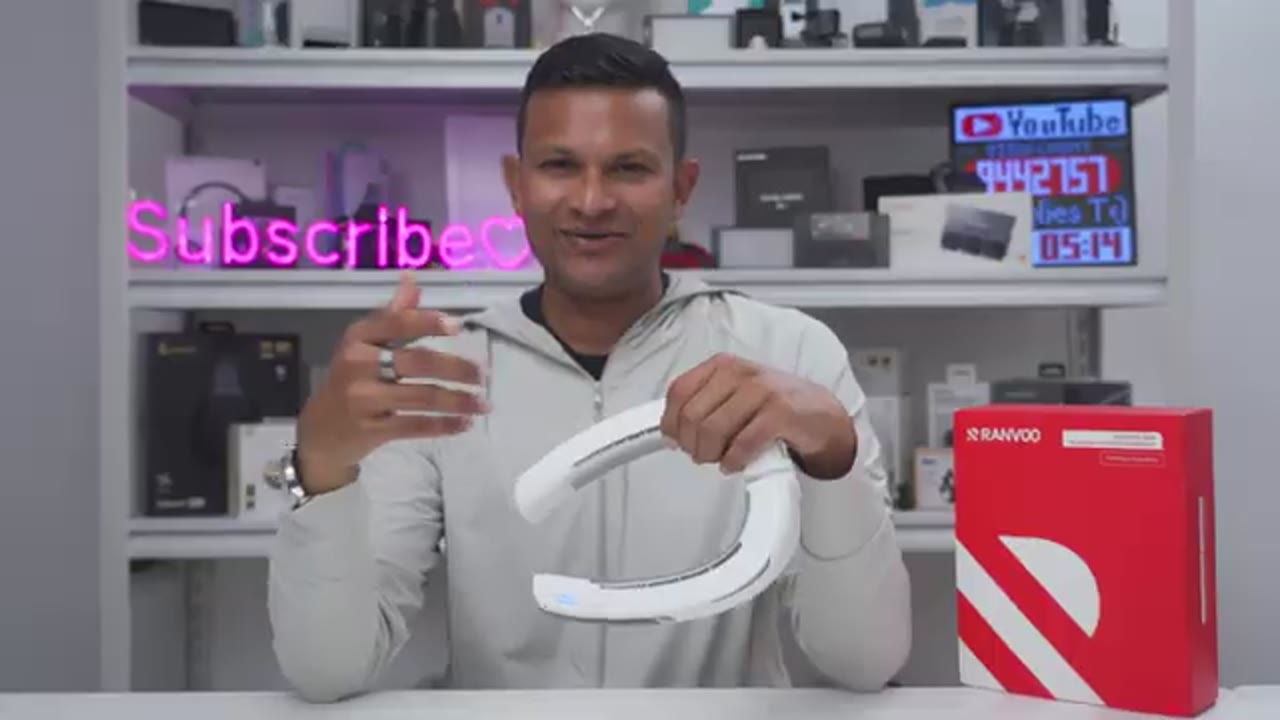
cooling performance on here. So, the lowest you can set this to is 16° C or 60.8° FHE, and it goes as high as 50° C or 122° F since it does have a heating feature. Before using the AI light max neck fan, I was using this neck fan here, which doesn’t have, you know, a conductive metal cooling pad at all. So on very hot days, all this was doing was blowing hot ambient air around me. So it wasn’t really effective. It was only if I went into an air conditioned space where I would get noticeable relief. So once I started using the AI light max, the difference was night and day compared to my previous neck fan.
So, I would just turn this on, put it in the default cooling mode, and I dropped the temperature to the lowest, which is 16° C, and I’d keep the fan speeds at around medium, maybe even a little bit lower depending on the day. And that was plenty enough to keep me, you know, just nice and comfortable during the day. And you can see just how large that metallic conductive cooling pad is. So, once this is positioned, you know, at the back of your neck, it’s wrapping around the sides of your neck where the corateed artery is running. It really is like having a mini AC right around your neck. So, I’ve been using this for about a month and it’s recently started warming up a lot where I am in Shenzhen, which is a city that’s pretty much hot all year round. So, I was out and about.
It was a 30° C day and it actually felt more like 34 67% humidity. Basically, my worst enemy in terms of a day and unlike previous days before I had this, you know, I was actually handling it pretty well. I just had, you know, a little bit of sweat glisting on my forehead. But the most important thing is my mind wasn’t on the heat. And I noticed that when I had my other neck fans, when I have my portable fans, even a portable fan with a small cooling area, a lot of the times my mind is on the heat and how hot I am. This was my previous arsenal of cooling devices. You could see I had that previous neck fan. I had this portable fan and another portable fan with its own kind of metal conductive cooling area because I really can’t handle heat well.
A lot of days I would go out with the neck fan on. Then I would carry this with me as well. And just with the AI light max, the cooling effect or chilling effect I get with this easily outdoes all three of these combined. And you can see in this demo that I was out on a hot day, so I took a temperature reading of the wall to just kind of show the ambient temperatures. Then I took a temperature reading of the AI light max once I turned it on and I set it to the lowest temperature. And you can see in real time how the temperature just easily drops and that’s what it’s doing when it’s wrapped around your neck. I’ve even started wearing this indoors because I can wear it for hours at a time with no issue.
And I can see other scenarios where you may want to wear this indoors versus outdoors all the time. So, for example, if you’re working in an office environment and they don’t keep the AC as low as you like, or if you’re in a car on a road trip with your friends and not everyone likes the AC that cold, you could just put this on and just leave it on the fan only mode. Set it to like a medium or low fan setting and it’s just going to, you know, recycle or just, you know, direct that already cooled AC air towards your face. Or you can even just turn on the cooling pad, disable the fan just so you’re getting that cooling effect as well. Or, you know, just use it regularly like when you’re outside to stay really nice and cool or chilly if you’re someone who can’t handle the heat like me.
So, to sum up the cooling performance, this is not going to chill you from head to toe. No neck fan or really any device is going to do that. But what it does do is provide significant cooling or chilling pretty much instantaneously once you factor in that you could drop this all the way down to 16° C. Plus the really powerful fans and just having that large conductive metal cooling area. All of those factors together can really make you comfortable even on hotter days. And that’s not something I’ve experienced with any other device or even combination of devices yet.
Noise Levels
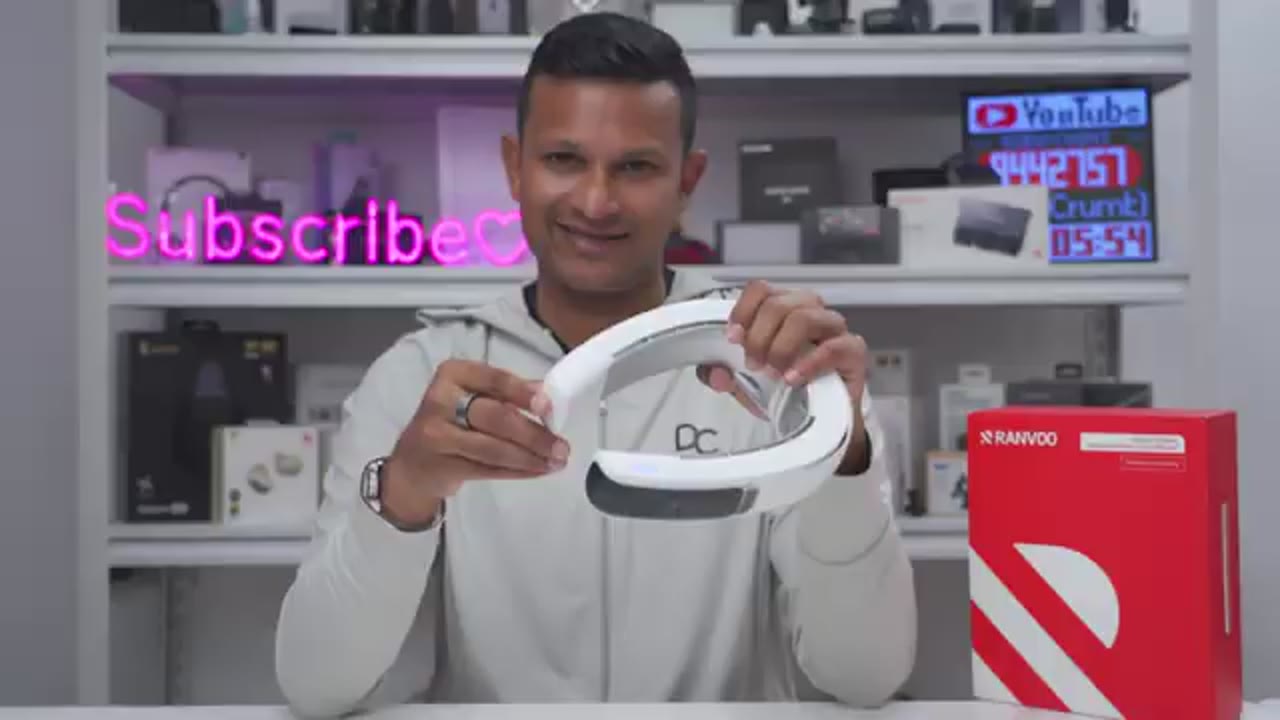
By the way, if you regularly wear earbuds, even with the fan speed set to the highest setting, it doesn’t introduce any type of wind noise. Keep in mind, if you have the fan speeds at medium intensity or lower, it’s easy to carry on a conversation, hear what’s going on around you. But if you start putting it to like 70, 80, 90, 100%, it’s going to be much harder to hear the other person than carry on a
Battery Life

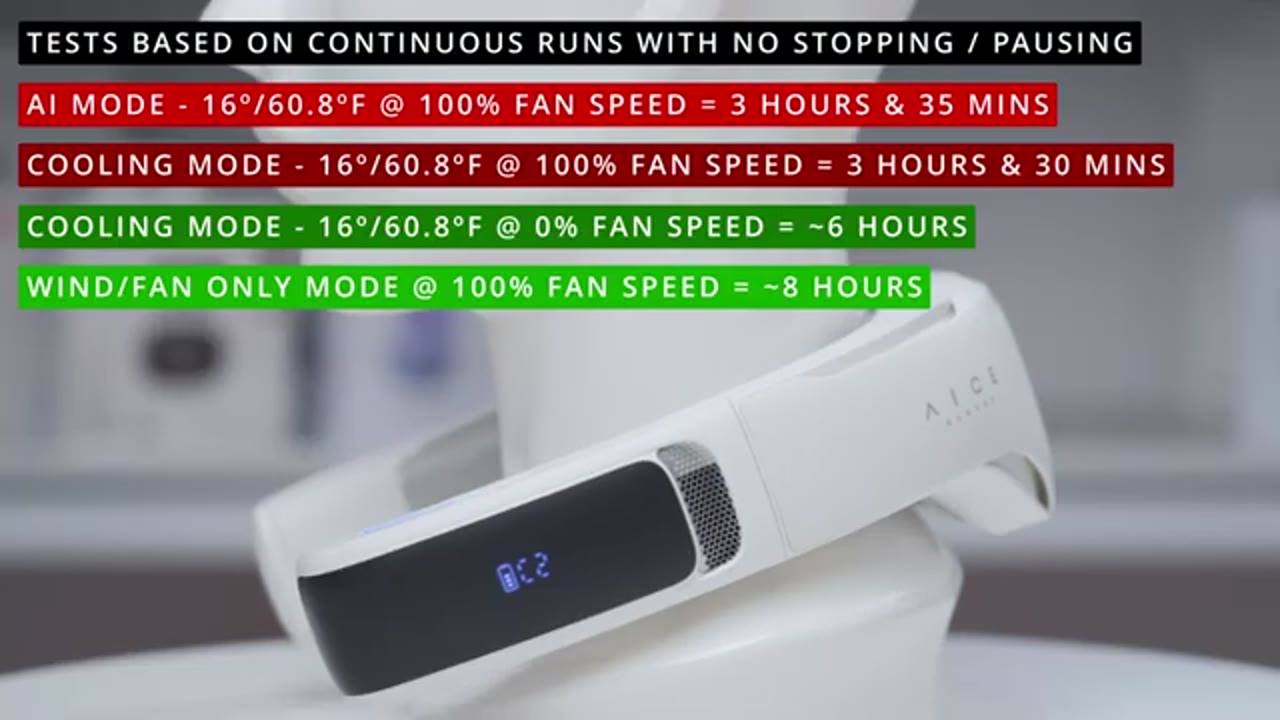
conversation. Now, let’s talk about battery life. And this has a massive 6,000 mAh battery in here. It also supports pass through charging. So, while the neck fan is actually running, you could plug in a USBC cable and charge this up while you’re actually using it. It took me about 3 hours to charge this from completely dead at 0% all the way at 100%. And it has a max charging speed of up to 15 watts. But you’re probably wondering, how long will this actually run? And it’s going to be hard to nail that down exactly because there’s so many different cooling modes. And it also depends on what you’re setting the temperature to and the fan speed as well. But I ran a couple of tests. I’ll put them on screen so you can get an idea.
Note that when you run it on the default cooling mode or the AI cooling mode and you set it to the lowest temperature, 16°C, it’s going to last about 3 and 1/2 hours. When I use the default cooling mode at the lowest temperature, 16° C, and I set the fan speed to the lowest setting, then it lasted about 6 hours. And if I turned off the cooling mode and I only put it to the fan mode, even at maximum fan speeds, it lasted an impressive eight
Comfort
hours. This has also been extremely comfortable to wear for hours at a time or even most of the day. There’s no type of sharp edges or rough areas to cause discomfort. And because the weight is nicely distributed, it barely feels like
Changes
I’m wearing anything at all. Now, while I’ve loved using the AI Slight Max, the only change I’d like to see is that on the very back there’s two vents that are angulated to blow air on your back or kind of like towards your shirt collar on the back. And I would have liked if that was, you know, angulated a bit more extreme or maybe even extended down a bit to more, you know, kind of directionally filter that air, especially if you’re wearing, you know, a more tight fitting shirt or a shirt where the collar is higher. However, since most of the air flow is directed upwards towards your face, it’s not that
Recommended?

big of a deal. So, would I recommend the Ranvu AI light neck fan? And after spending a month with this, it’s now part of my permanent everyday carry. I love that it has pass through charging because wherever I am, as long as I have my power bank on me, I’m good to go. So, if you struggle with the heat like I do, if your current neck fan doesn’t have a cooling surface area like this does, or if you’re running portable fans where, you know, one of your hands is always tied up, I think you’re going to love the AI Slite Max. So, if you’re interested in picking it up, I’ll leave links down below. And if I have any type of coupon codes, I’ll leave those down below as well.
If you like this video, maybe consider checking out this video next and even liking and subscribing because I have way more videos like this coming soon. And maybe even consider joining as a member. You’ll get early access to videos and other perks as well. I also review a bunch of other tech that you might enjoy. So, check those videos out and I’ll catch you in the next one
Please note that some of the links in my video descriptions are affiliate links where I earn from qualifying purchases. As an Amazon Associate I earn from qualifying purchases.