


Disclaimer: LAMJIE sent the J-2 Desk Fan for an unbiased review. Some links may be affiliate links, which means I earn a small commission for qualifying sales. There is no additional cost to you.
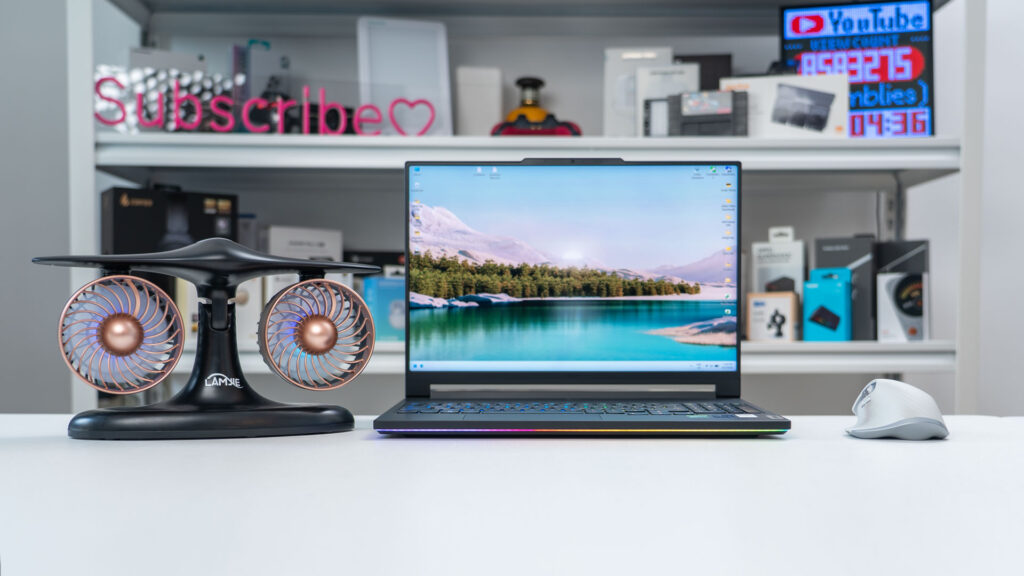
Living in a hot and humid city, I often rely on a small hand fan that can be opened up as a mini-tripod and set on my desk. However, the airflow is not the strongest and it doesn’t have the best battery life, which means I often have to recharge it. When LAMJIE reached out about their J-2 desk fan, I was interested since it has two fans vs. my small single fan. Let’s see how well it fared after a few weeks of use. You can check LAMJIE’s full range of products on LAMJIE’s Official website.
Package Contents
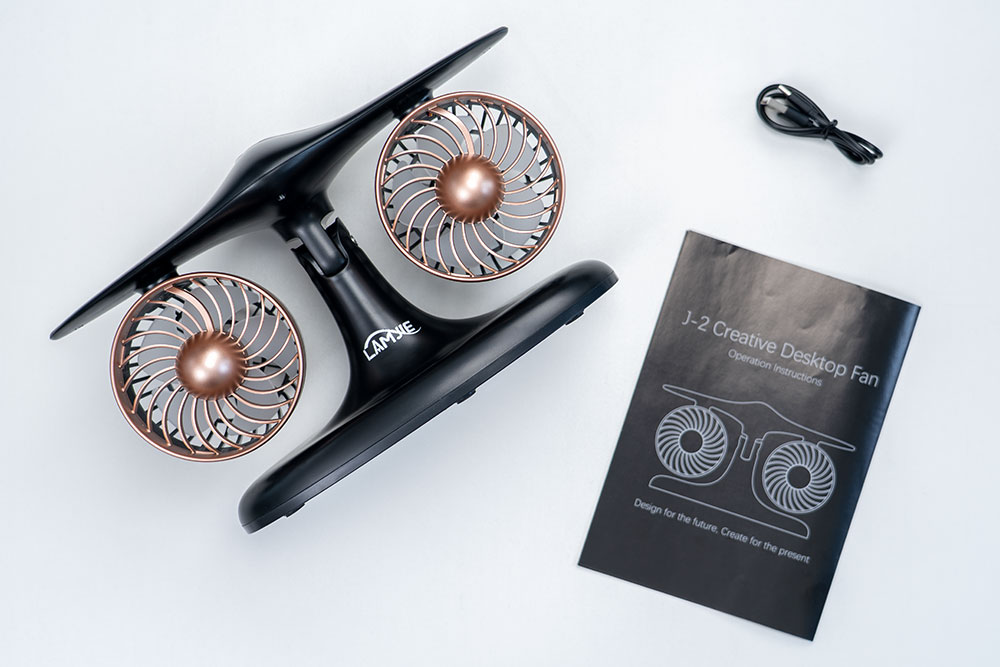
In the package, you get the J-2 desk fan, a USB type C to type A charging cable and a manual.

Design
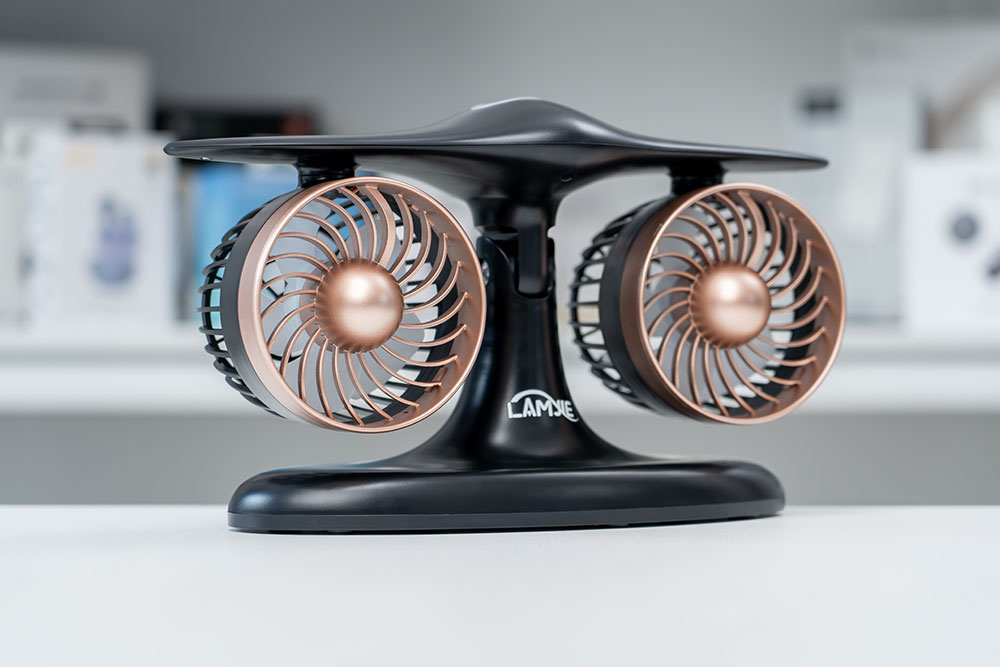
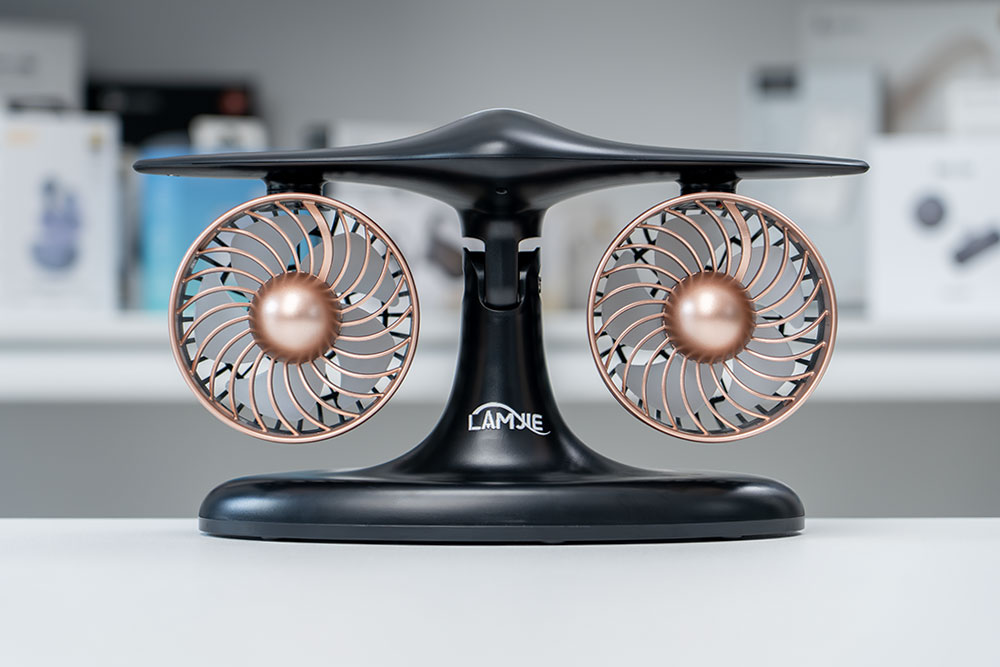
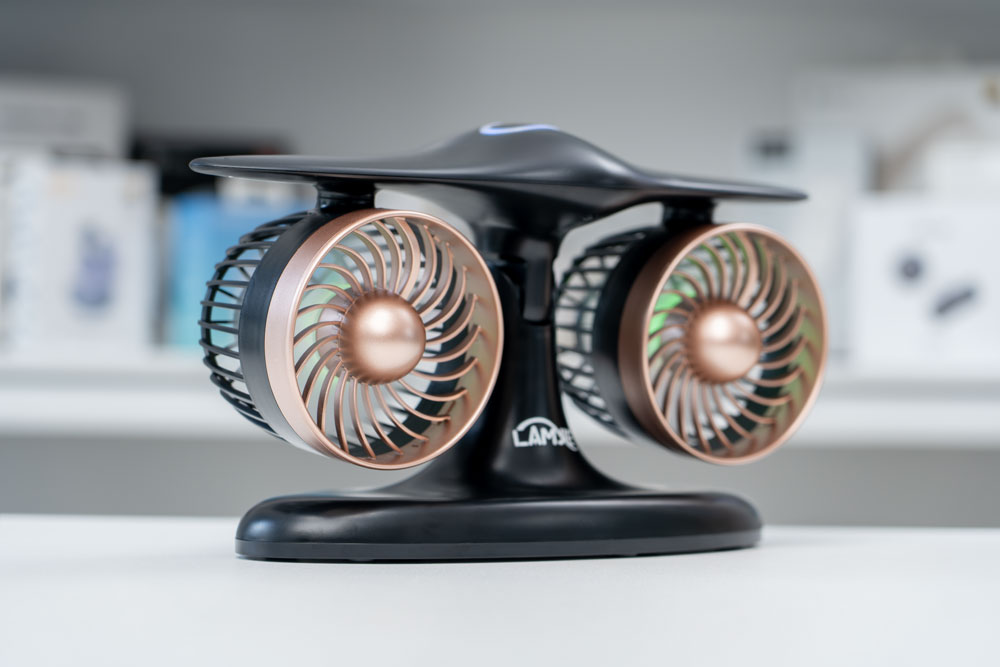
LAMJIE went for an aviation-styled design with the J-2 desk fan and it immediately shows, with the two fans housed in a turbine styled housing. I have the black version of the J-2 desk fan, but it comes in silver as well, which looks quite sharp and would match many desk setups.
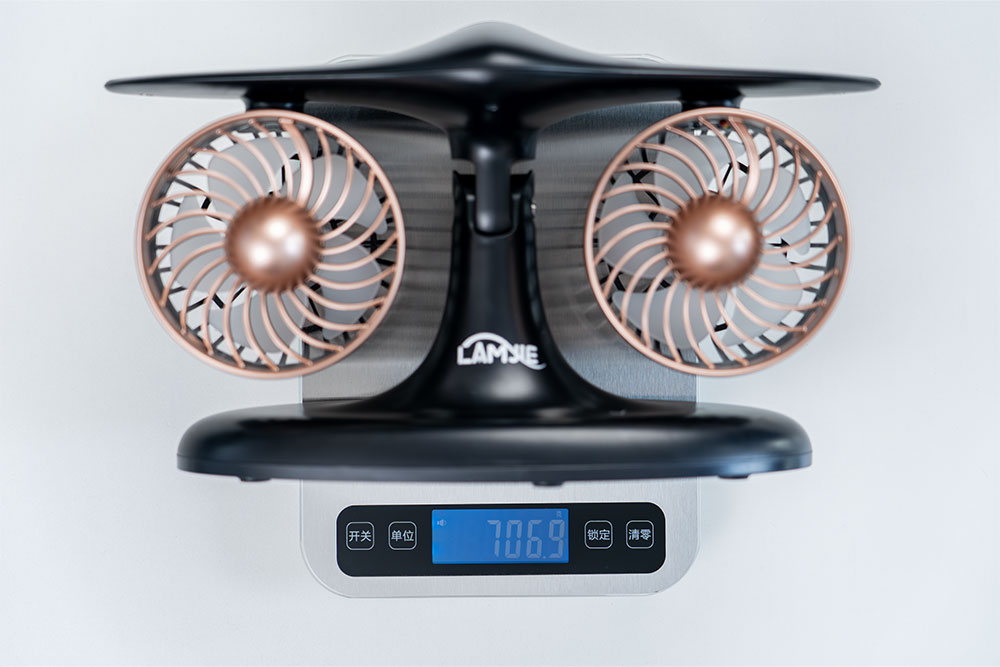
The J-2 desk fan comes in at roughly 707 grams or around 1.5 lbs, so it won’t add much weight if you have a less than stable desk already. It’s a mostly ABS plastic build all the way around, but it still feels solid and stable, with no noticeable creaking to the plastic.
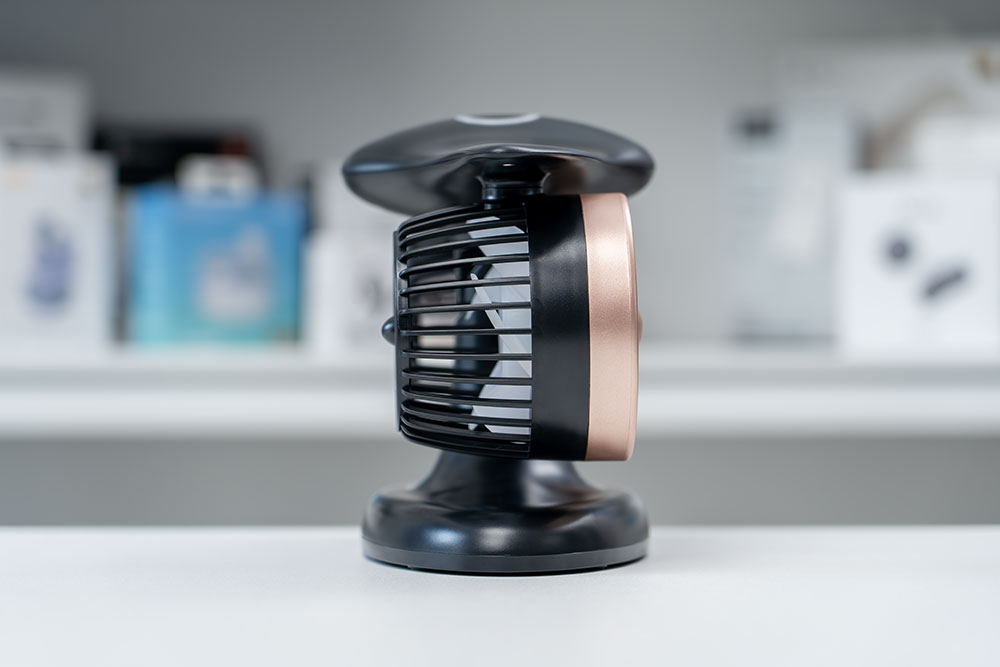
The dimensions are roughly 12 inches wide by 5 inches deep and 7 inches high, so it has some size to it. I had to extend the vertical height of my monitor slightly to ensure the top of the desk fan was not blocking the bottom of my screen. So if you have a smaller desk and you cannot adjust the height of your monitor, this may not be the ideal desk fan for your setup.
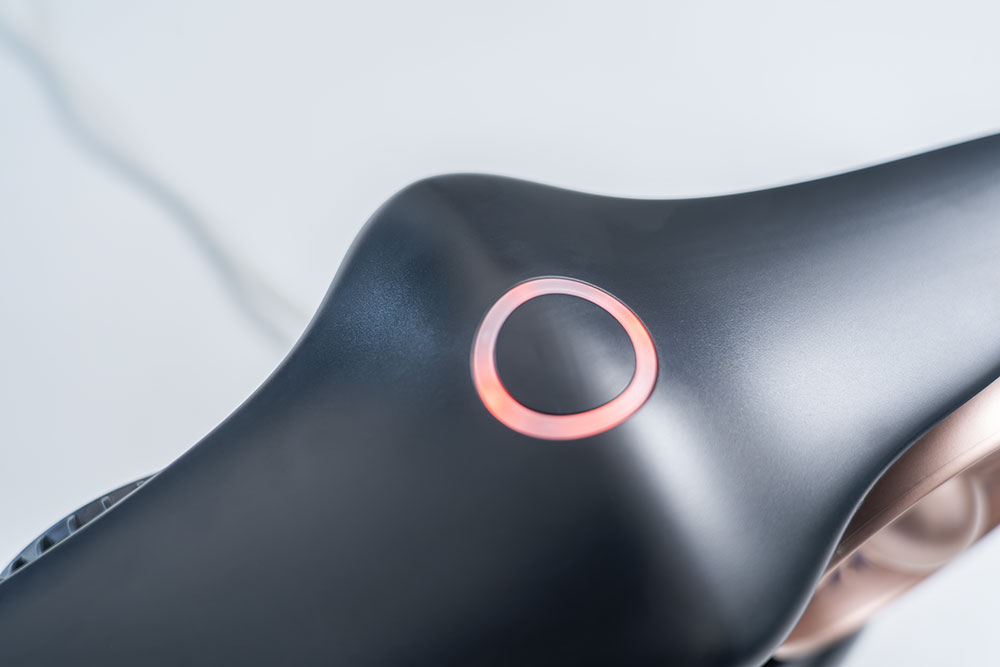
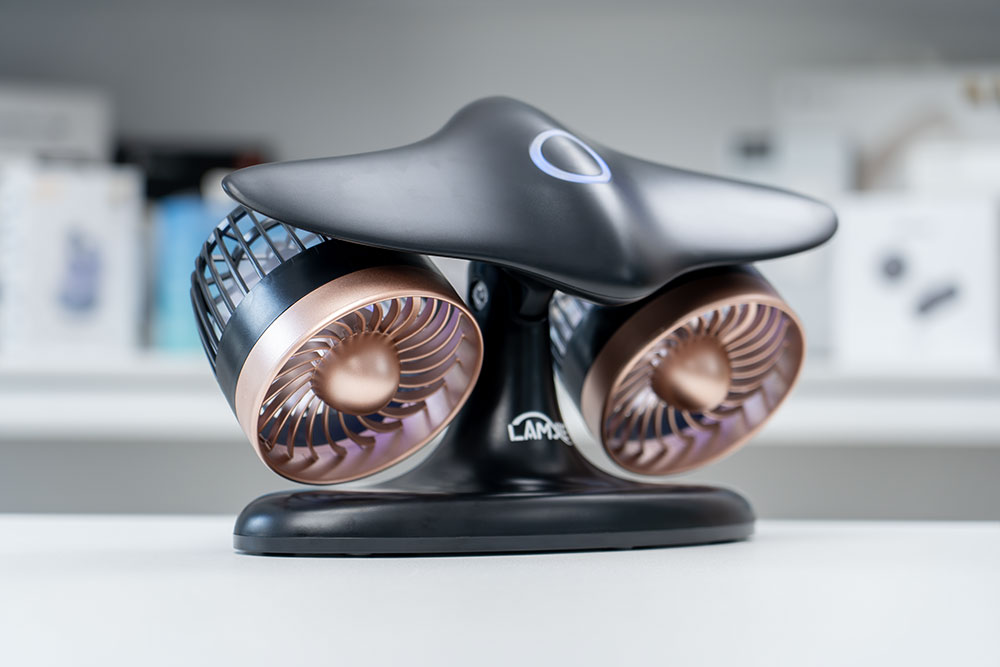
The top of the fan has a touch ring area that is quite responsive and is surrounded by and LED ring which indicates the fan speed mode you are in, and the charging status.
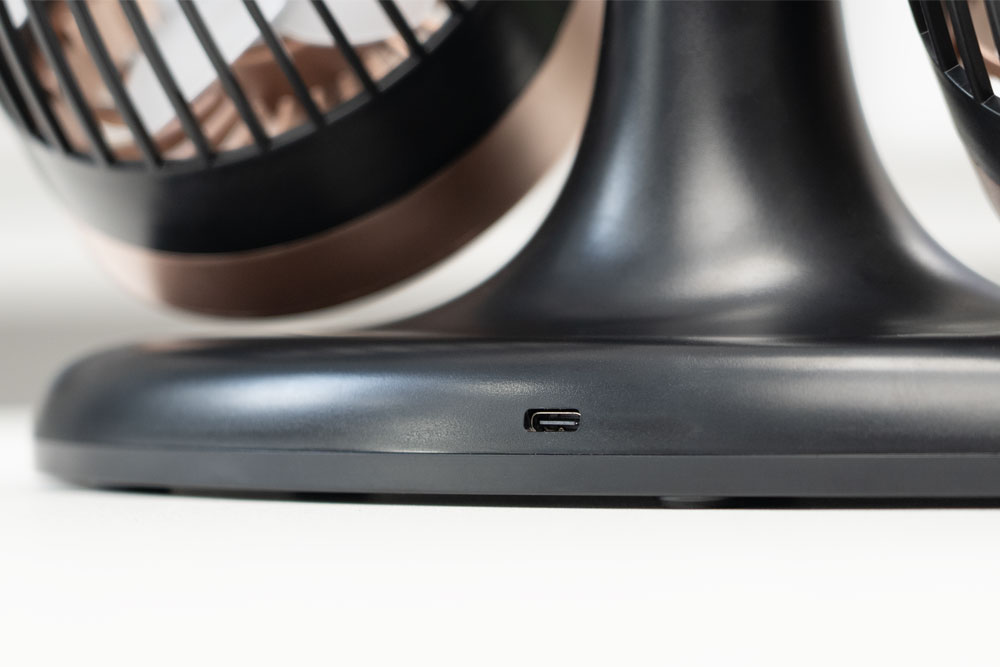
The rear of the desk fan has a USB type C port to whenever you need to recharge the fan.
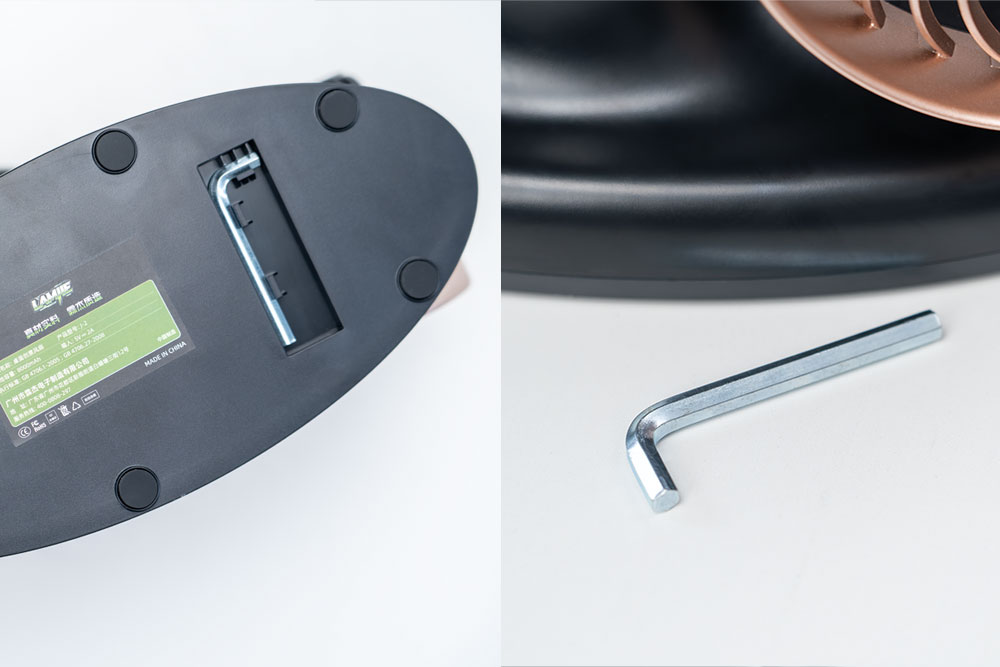
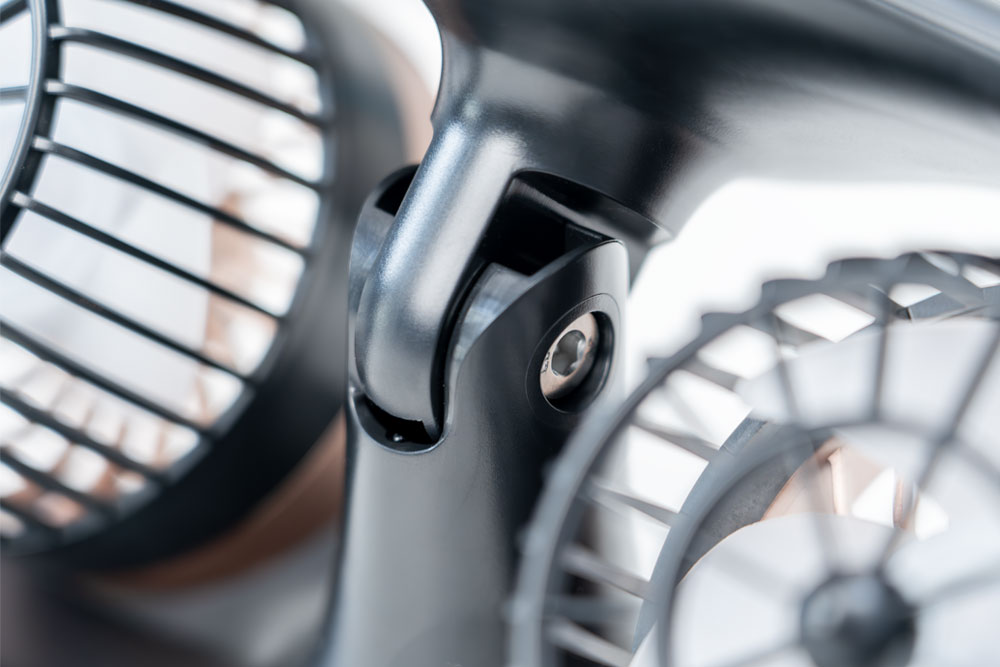
The underside of the fan houses an Allen key to adjust the tension of the hinge on the fan, but my fan arrived nicely tensioned and did not require any adjustment. There are also rubber feet to help keep it planted on your desk.
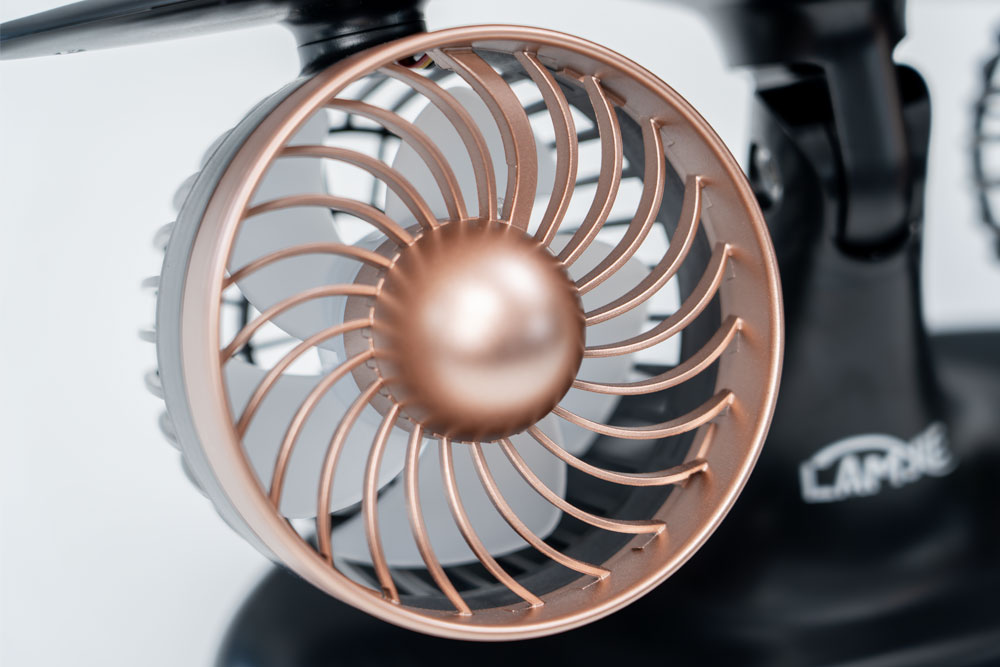
Here’s a close of the front and rear of the fan blades and housing.
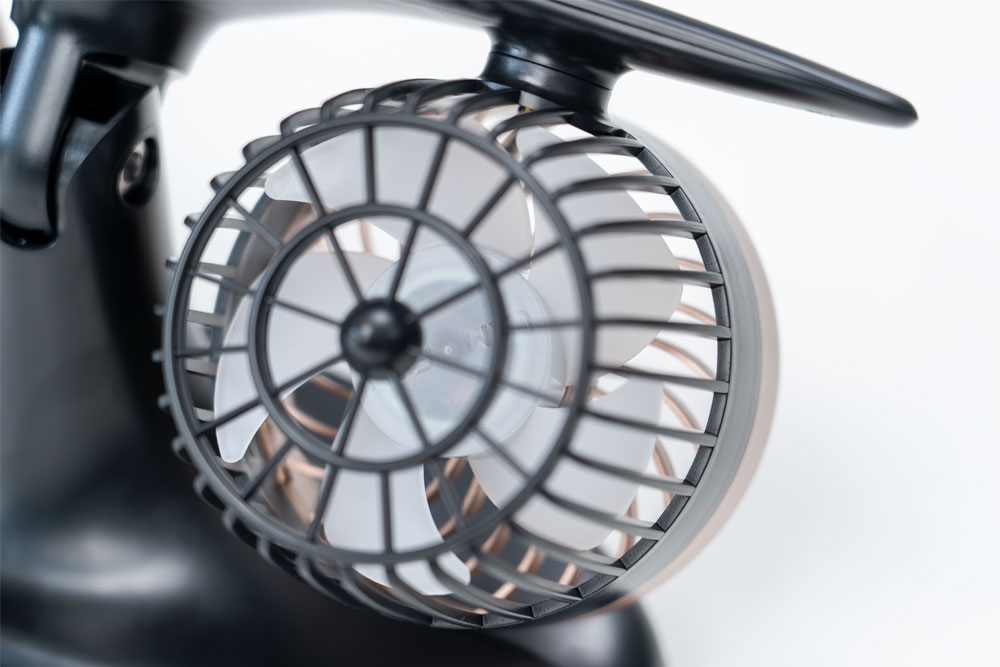
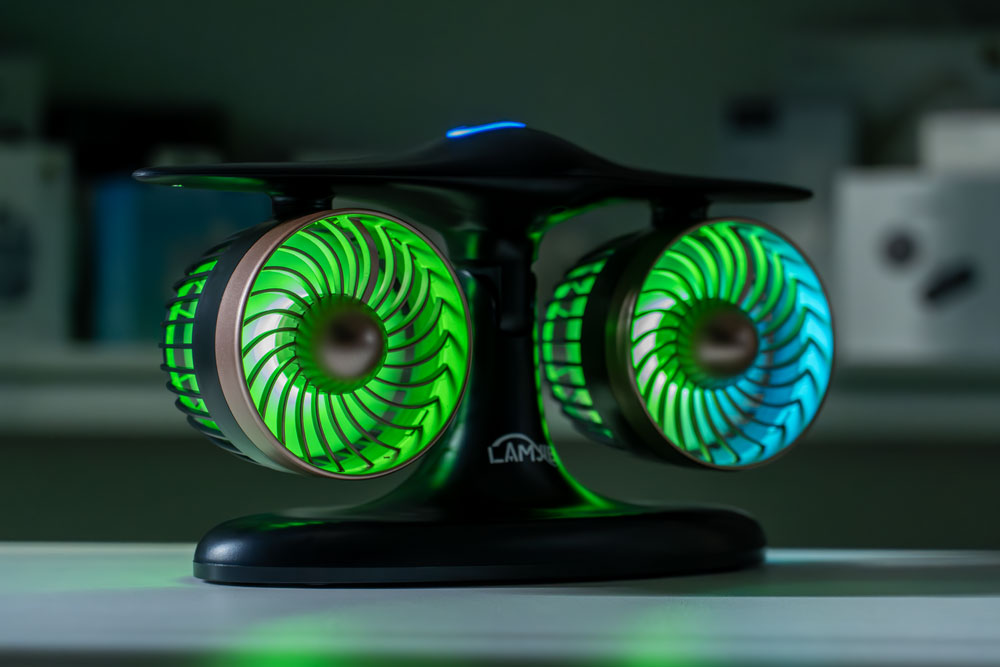
The rear area of the fan blade unit has an RGB light that gradually changes from color to color in a cycle. There is no option to choose a single static color, nor adjust the brightness of the RGB lights.
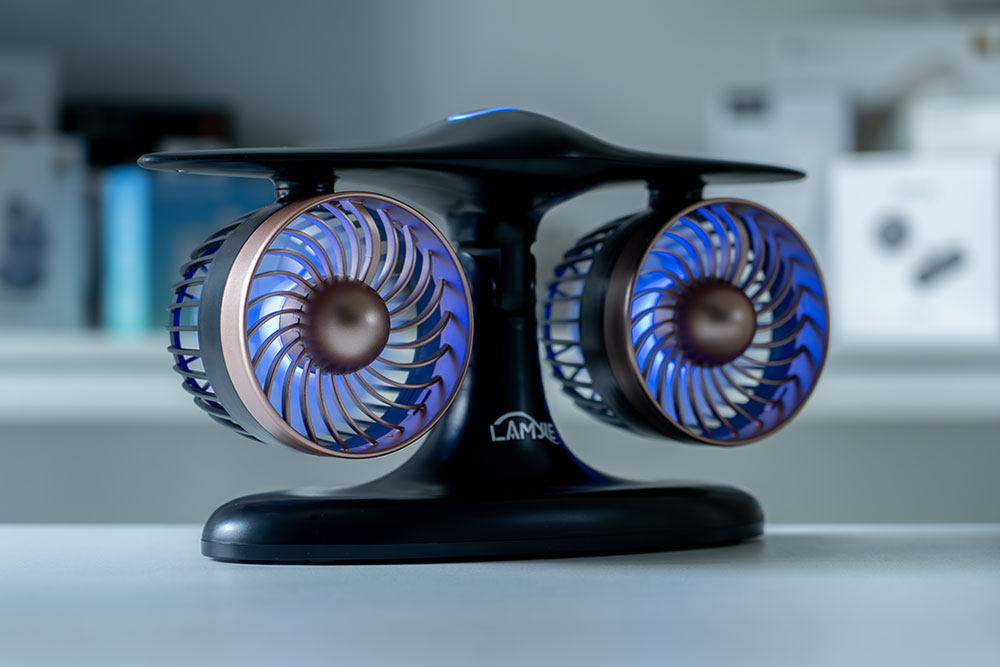
However, if you do not want any RGB, you can disable RGB from the fan blades by long pressing the touch control area until the RGB lights turn off. However, do note that the next time you turn the fan on, the RGB will be on, so there doesn’t appear to be any on-board memory to keep that setting.
Operating The J-2 Desk Fan
To turn the fan on, a simple tap or press on the touch area will start the fan on its lowest fan speed setting with a green LED light ring. Tapping on the same touch area again will put the fan at the next highest fan speed setting with a blue LED light ring and a third touch will put it on its highest setting with an orange LED light ring.
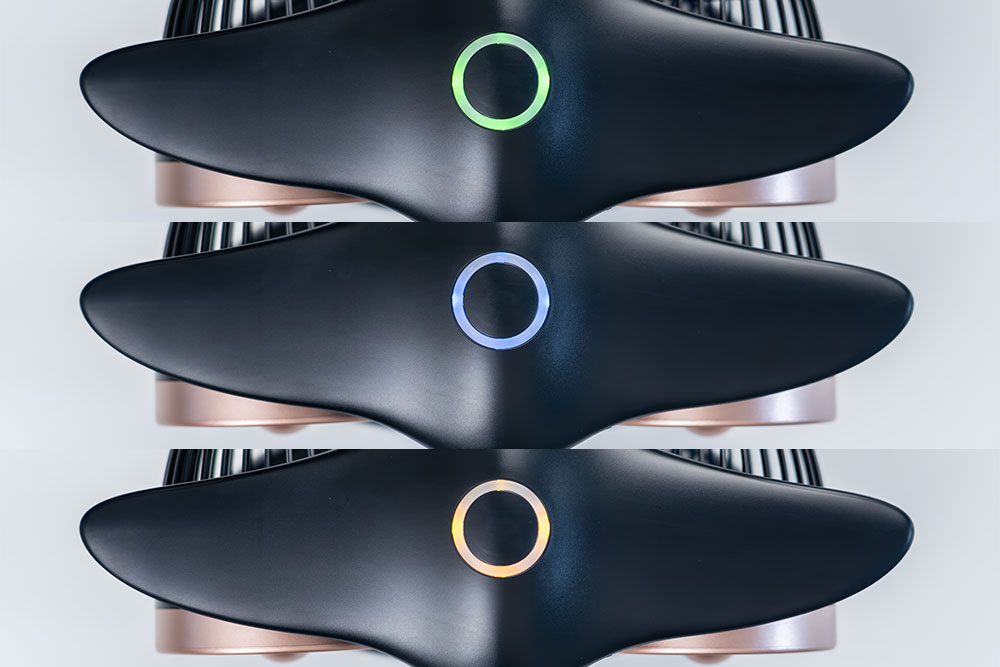
To turn off the fan, you must cycle through all of the fan speeds until the fan turns off. For example, if you’re on the first fan speed (green LED), you must tap an additional 3 times to cycle through the two other fan speeds, then the third tap will turn the fan off. If you were on the fastest fan speed (orange LED), then only one tap would be needed to turn it off. So a long press will only disable RGB, not turn off the fan.
Adjusting The Fan Tilt
To adjust the fan’s tilt, you simply use your hands to grab the top portion of the fan and angulate it either up or down.
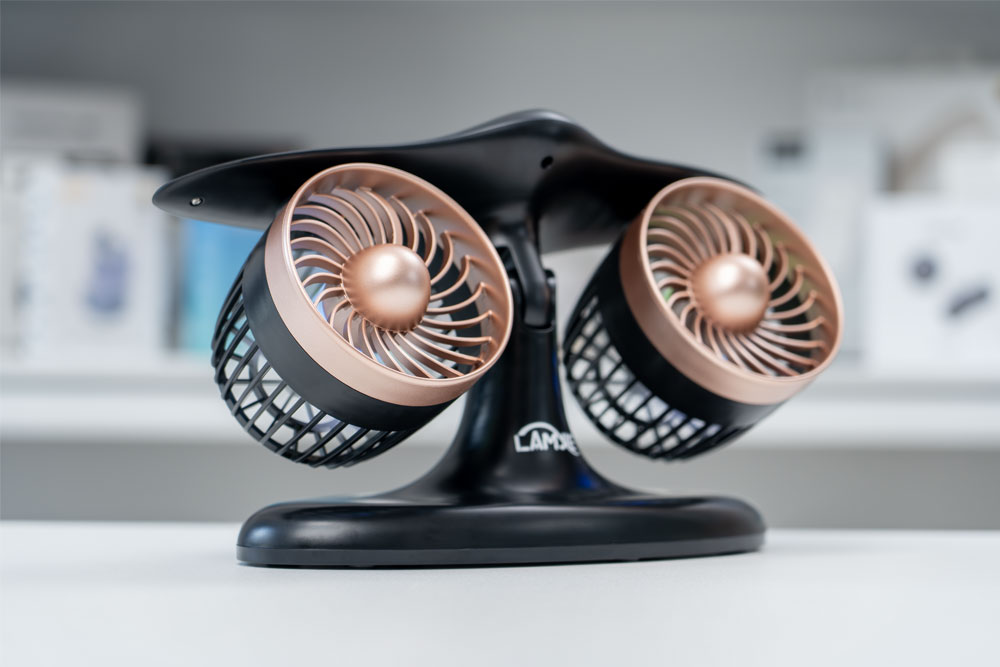
The J-2 desk fan can be adjusted either up or down within a 70° adjustable tilt range.
If you find the hinge tensioning to be too tight or too loose, you can use the supplied Allen key to tighten this area.
J-2 Desk Battery Life & Run Time
The J-2 desk fan has a massive 8000 mAh battery, which delivers a ton of runtime! LAMJIE reports an official runtime of around 15 hours, but I’m unsure under which conditions and speeds. I personally tested the J-2 desk fan at all of the fan speeds with RGB turned off, here are my results.
1st Fan Speed – RGB Off – 24 hours and 33 minutes of continuous runtime.
2nd Fan Speed – RGB Off – 12 hours and 6 minutes of continuous runtime.
3rd Fan Speed – RGB Off – 8 hours and 10 minutes of continuous runtime.
The battery life and runtime is just phenomenal on the J-2 desk fan. Even at the highest fan speed setting, which is too powerful for me, it lasted a little over 8 hours, which is enough to cover an entire work day. However, running it at the lowest fan speed, which was already plenty of airflow for my daily use, I got 24 hours and 33 minutes of runtime, seriously impressive!
For most users, this will easily last a few days of use, or even a week if you only use it on and off when you really need it.
To recharge the fan, it took me around 6 hours and 50 minutes from a completely dead battery, which is a significant time. Luckily, you can keep the J-2 desk fan plugged in by USB C to keep it continuously topped up or charged up if you like. While recharging, the LED light ring on top will glow red softly and change to solid red once fully charged.
Performance
LAMJIE reports up to 2582 RPM / 3.5 CFM and while I have no way to test that myself, I found the fan speeds to be more than adequate for my needs. I mostly kept the fan on the first or lowest fan speed setting, which provided enough air flow and comfort for most days. On much hotter days, I would use the second fan speed until I was sufficiently cool, then drop it back down to the first fan speed. I never found a need to use the highest fan speed because it was much too powerful for me and it increased the sound noticeably, compared to the first two fan speeds.
The first fan speed adds minimal background noise when on and it’s something I stop noticing after a while because it just blends in with my work environment. You can easily use the first fan speed in a work environment, and it should not bother your colleagues, nor introduce wind if you’re taking phone calls. LAMJIE reports as low as 30dB during operation on the first fan speed setting.
The second fan speed does amp the background noticeably where it’s likely to affect your work colleagues if they’re sitting next to you, but I could still handle it without much issue.
I also found that I could keep the air conditioning temperature in my room at a higher setting and at a lower fan speed and rely on the J-2 desk fan to work in tandem with my air conditioner to keep me cool while saving money.
Changes?
Overall, I’ve enjoyed using the J-2 desk fan, but I think it could benefit from two changes. The first change would be to have on-board memory to remember to keep RGB off. The second change would be to have the ability to actually rotate or swivel each of the fan heads because it’s so powerful, I can actually see this being used for two people at the same time.
Is It Worth It?
If the airflow from your current desk fan barely makes it way to you, you will not have that problem with the LAMJIE J-2 desk fan, due to its powerful airflow output. It also has the longest runtime of any desk fan that I’ve used so far, and as a result, it has now replaced my previous desk fan.
It’s great not having to regularly charge it back up as I had to do with my previous desk fan, so it’s a great option for busy individuals that just want to sit at their desk and have their gear just work. I’ve also been able to save money on my air conditioning bill by using the J-2 desk fan in tandem with my air conditioning set to a higher temperature than I would usually set it at.
I highly recommend the LAMJIE J-2 desk fan if you’re on the hunt for a desk fan or table fan! Just be sure your desk setup can accommodate it and you’ll be sitting comfortable all day long.
Some links may be referral links, which means I earn a small commission for qualifying sales. There is no additional cost to you.