


Get Botslab Video Doorbell 2 Pro on Amazon USA
Please note that some of the links in my video descriptions are affiliate links where I earn from qualifying purchases. As an Amazon Associate I earn from qualifying purchases.
Intro

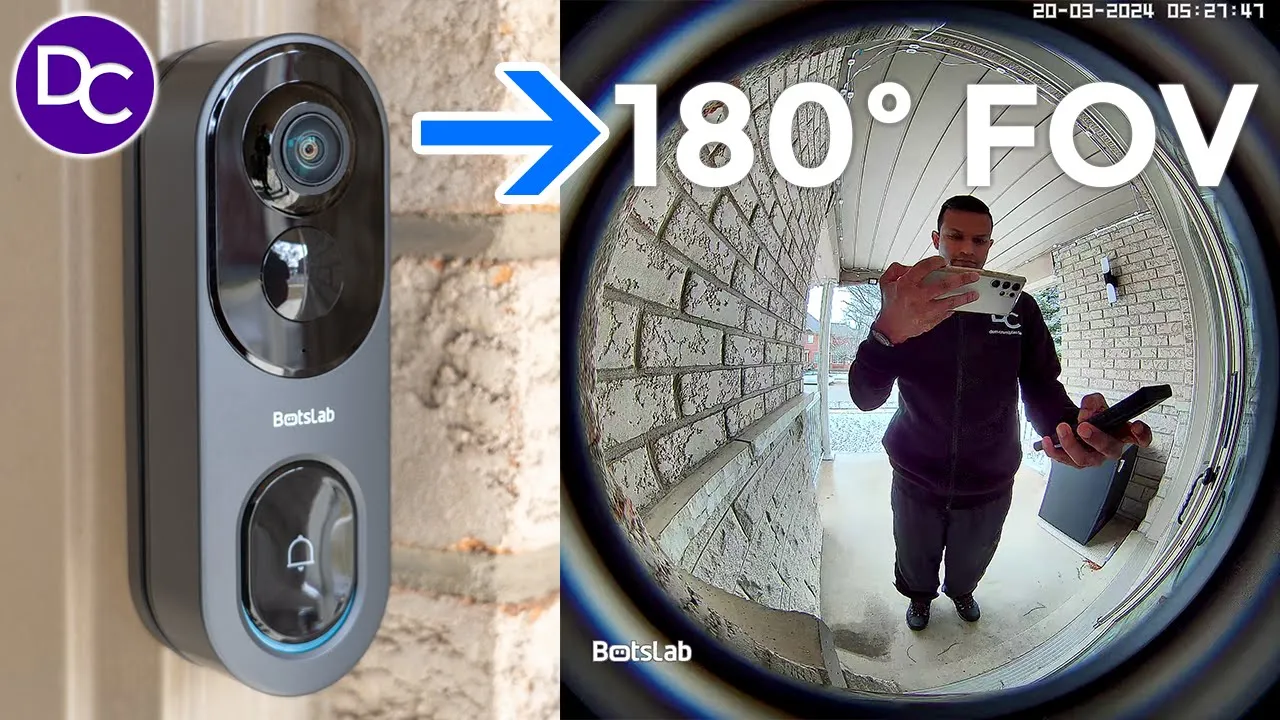
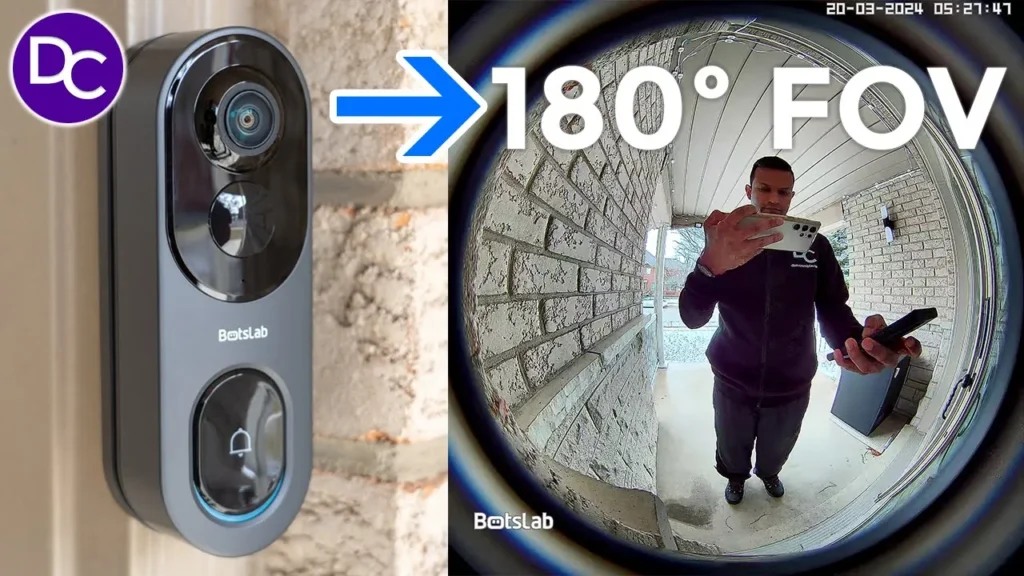
hey it’s Adrian and today I have a very impressive video doorbell this is the botlab video doorbell 2 Pro and what makes this so unique is it’s impressive 180° field of view both horizontally and vertically that means you’ll be able to see every visitor from head to toe and you’ll be able to see your packages anywhere it’s placed outside your door on top of that we also have an included chime unit which functions as a home base that has local storage there’s also free included cloud storage and ip66 rating and more so stick around to find out if this could be your next video doorbell and a big thanks to bots slab for sending this out for a review in the
Package Contents
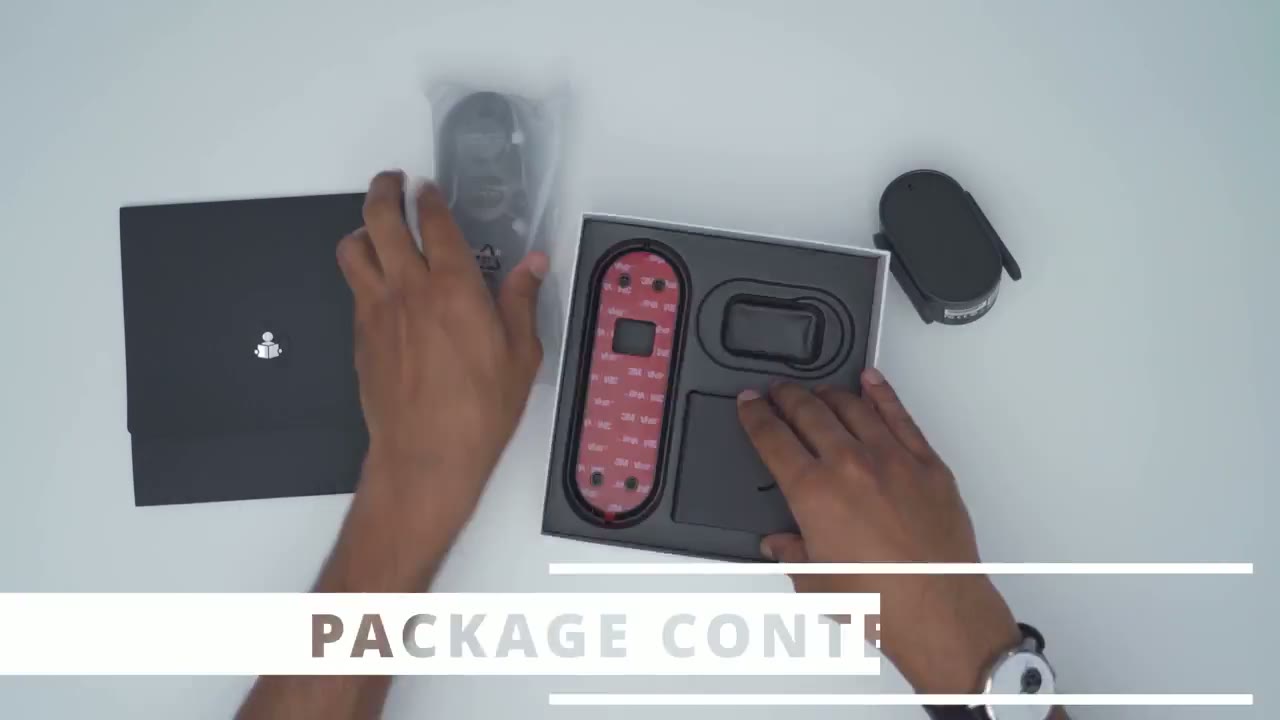
box we have the video doorbell an optional 15° wedge with 3M tape pre-applied to it and a mounting bracket again with 3M tape applied if you don’t want to use the supplied screws on your door or door frame there’s also wiring I’m not sure if this is for chime functionality or to provide Power I’ll find that out later there’s USB type a to type- c cable to top of the battery in here uh ejector tool just to separate the doorbell from the brackets so no one walks off with it the chime unit slash Bas station and manual we also have positioning stickers if you’re going to be using the screws and we also have some handy stickers to just let people know to ring the doorbell or to place your delivery there so the video
Design
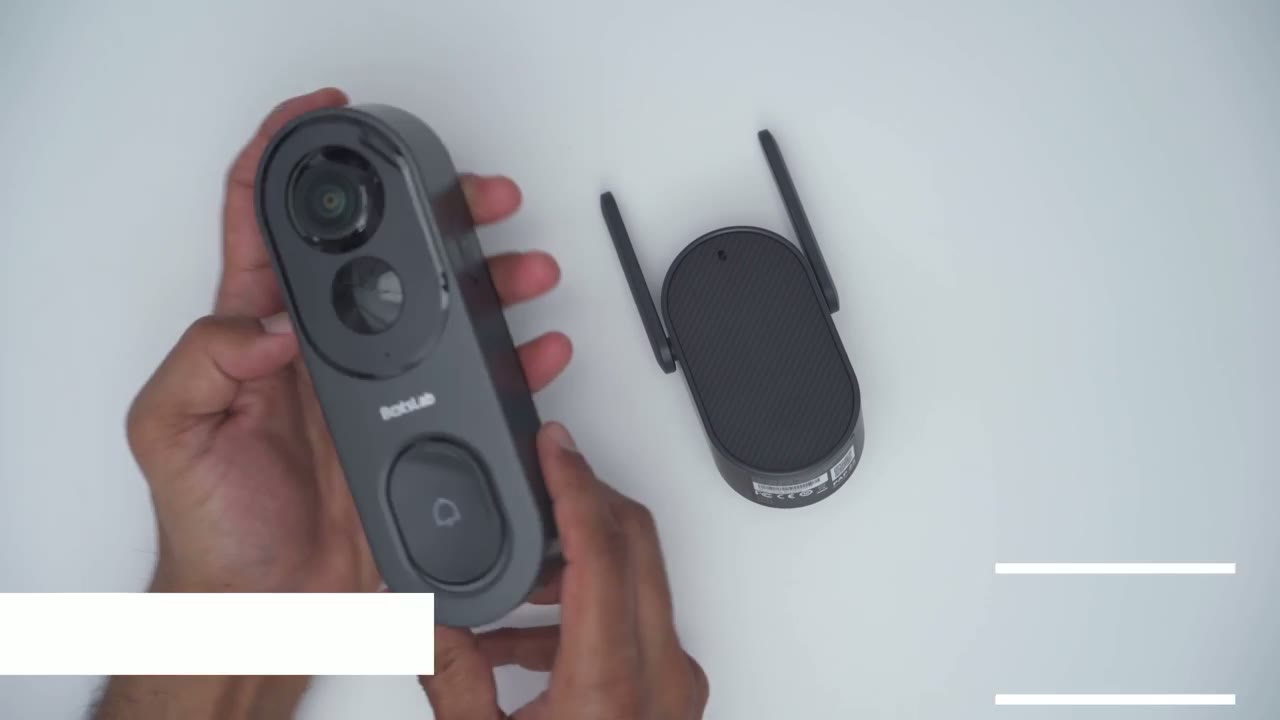
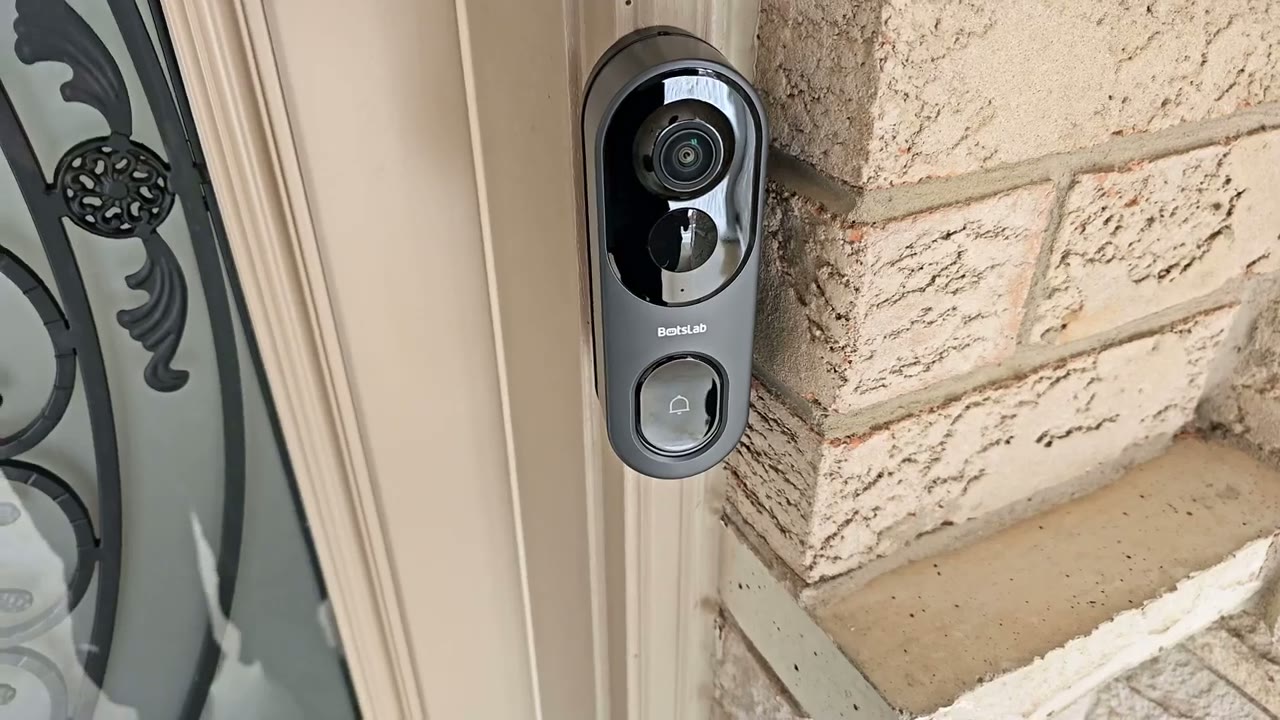
doorbell 2 Pro actually does feel quite Pro in the hand because this comes in at a hefty 253 G or half of a pound and the build quality feels good on here you know everything is nicely sealed and even if I squeeze and you know kind of place pressure and twist it there’s no flexing or creaking it is actually quite well made and we do have a two tone colors came pretty much all matte all the way around now we have the main camera lens we also have the sensor area with the p and radar sensor microphone and then we also have a huge ringer button that has a tactile press along with an indicator ring light surrounding it then we also have another sensor at the bottom here the speaker Grill and if I take a look at the back this is where we have a clip for the mounting bracket at the rear uh area for wiring the power button and at the very top this is where we’re going to put in the Sim ejector tool to press down this area to detach it so if no one can just walk off with it and on the right side this is where we have the USB type-c port just to Top This up anytime it’s needed the base station and chime unit is fairly Compact and lightweight there’s an LED indicator light at the front a connection or pairing button and then we have adjustable antennas at the back there’s a speaker Grill and then we have the power plug which is swappable if you live in a different region specs include
Specs
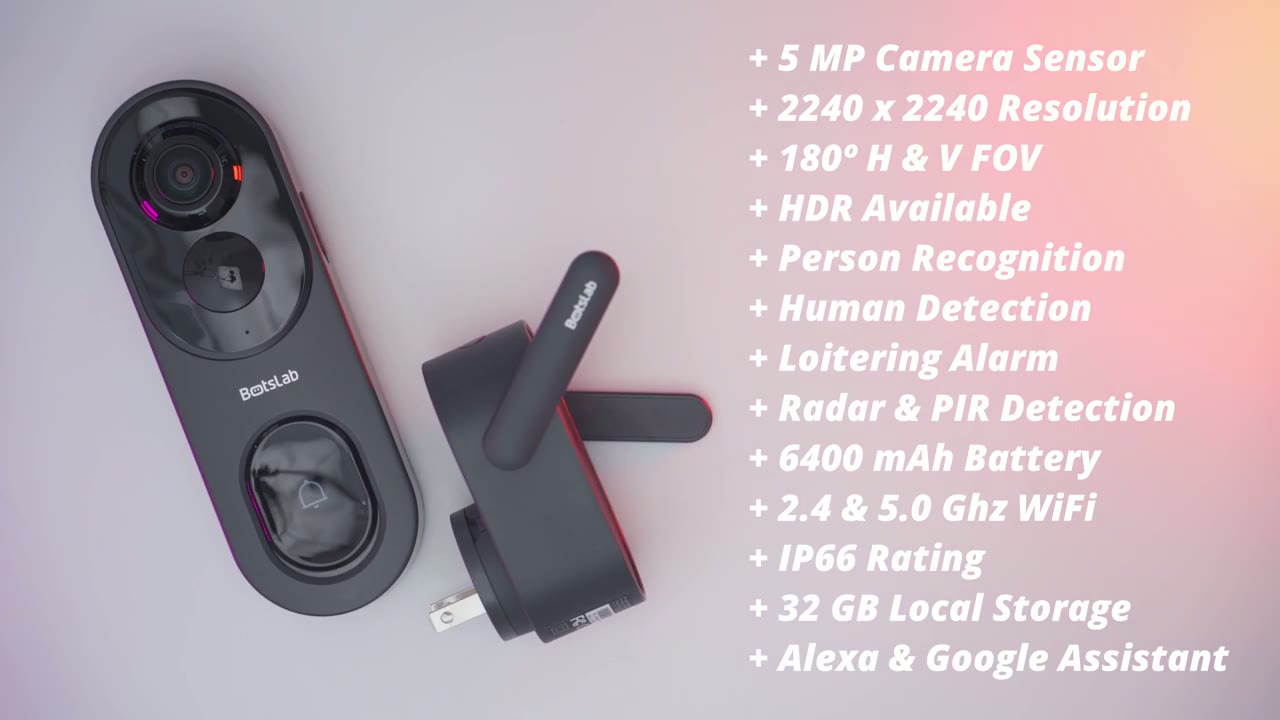
a 5 megapixel sensor with a resolution of 2240 X 2240 there’s an impressive 180° field of view HDR we have visitor recognition via the AI chip and there’s also human detection and loitering and a staying alarm there’s radar and PR detection a 6,400 milliamp hour battery 2.4 or 5.0 Wi-Fi support an ip66 weatherproof rating 32 GB of Max local storage I’m going to add the video
Setup
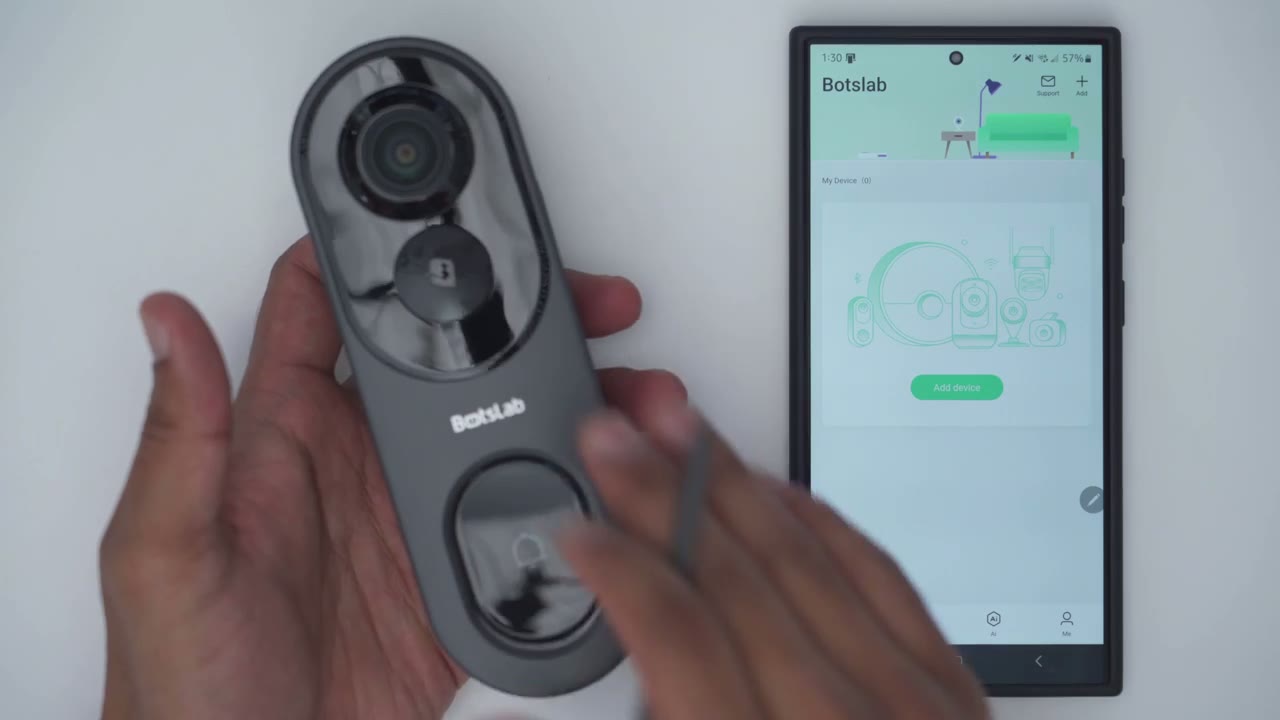
doorbell 2 Pro to the Bots slap app so I’m going to click on ADD device and then I’m just going to scan and the QR code located at the very back of the doorbell that’s done and it’s asking me if I want to connect by bluetooth or by AP hotspot mode so I’m going to pick AP hotspot mode I am connected to a 5.0 GHz Network right now on my phone and next I’m going to go ahead and plug in the base station so let me do that now waiting to receive network configuration information the lights now flashing I’m going to go to the Next Step I’m going to press and hold the power button for at least 5 Seconds welcome to buslab video doorbell please hold your cell phone close to the base station I think I’m close enough I’m just going to go ahead and click next enable everything okay and it’s found the video doorable I’m going to configure the network just going to put in my Wi-Fi password Wi-Fi information received wify connected to install we have the option to just use this as a battery power doorbell or with it being hardwired so setup was really easy I’m just going to start live view before I go ahead and permanently mount it so I’ll give that a second to load up let’s take a look at
App Settings
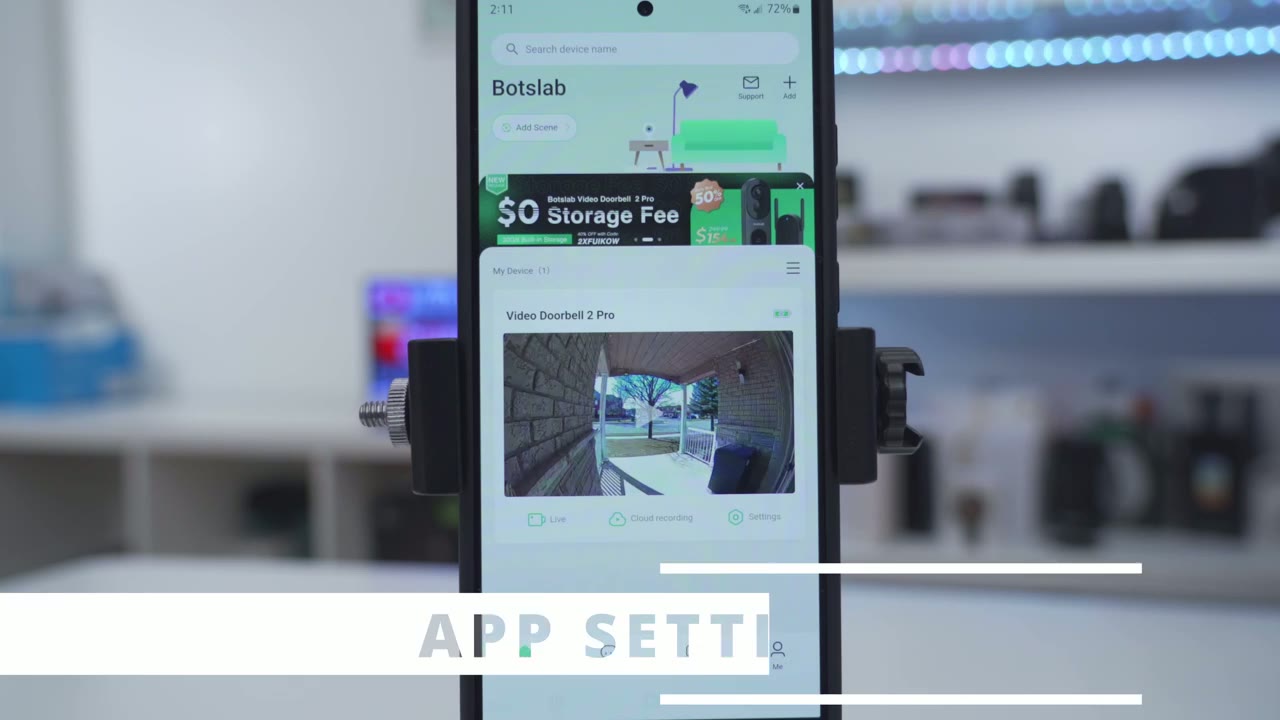
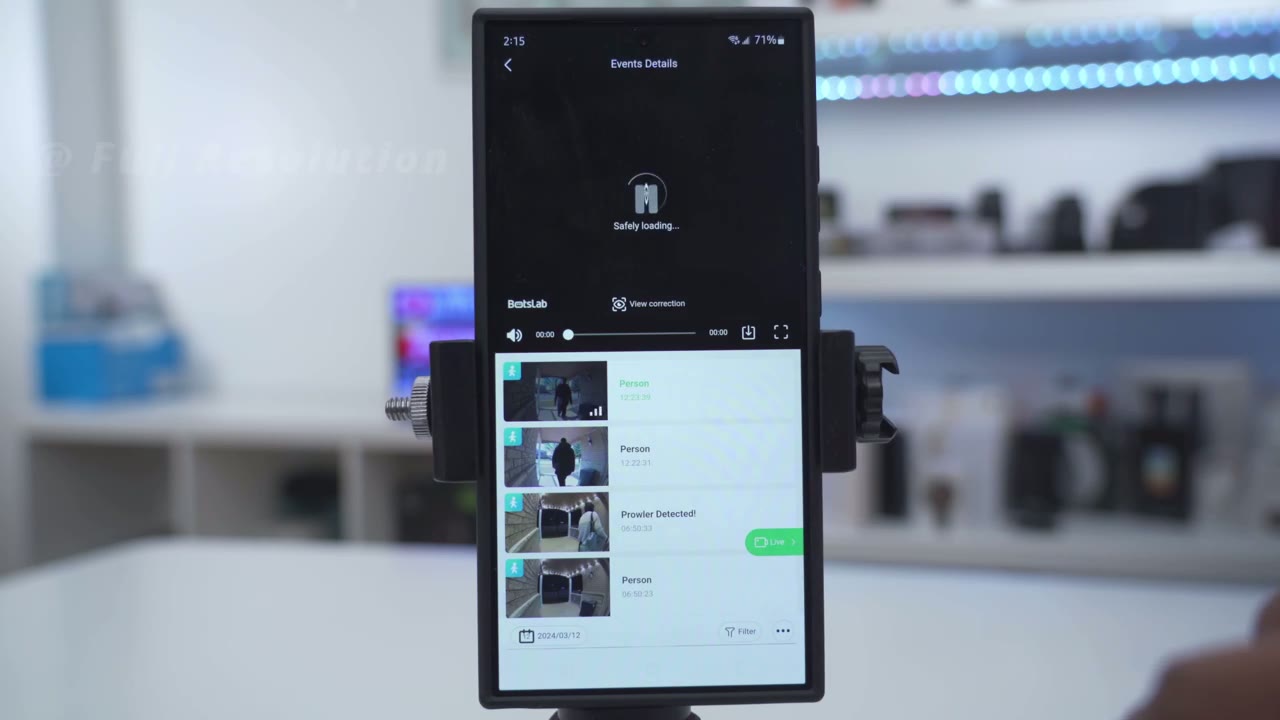
the botlab app so right away we could jump into live view into Cloud recording if you have a cloud plan and into settings and then there’s some tabs at the bottom here for events Ai and me but first let’s jump into live view all right so you see that loads up very quickly and at the very top right I can see that I’m at 100% And and you can hear that car going by you can hear the car going by so the microphone pickup is really good I’ll just lower that but yes we’re at 100% And I have the option here to switch from UHD streaming to HD or fluent if I had lower bandwidth now what’s really cool on here is actually this horizontal correction so you can see I can cycle through you know to Vertical correction and then into this 180 by 180 view which just shows everything you can see this person walking there I could kind of zoom in on them let’s go back into VR mode now and this is where I can actually do a digital kind of look around and see exactly what’s going on so say I had a package at the bottom corner here I could just go ahead and look at that instead of being in that 180 by 180 View and then you have horizontal correction vertical correction and view correction so yeah ton of options really cool and of course you can always jump into um full screen mode and of course when you go to horizontal view that’s going to make a bit more sense now let’s get out of that and I will switch it to the view correction mode just so we could see that 180 by 180 now at the very bottom we have options to take a manual recording if you saw something interesting and when you stop that it’s just going to save to your phone you can also take a screenshot and then you can also initiate 2-way talk with whoever is outside and then you can also cut the volume so when you open the app up you know it’s not going to be very loud and if I tap on the three dots here I have additional options to trigger the alarm manually I could send a pre-recorded reply like one moment please you know we’ll be right there Etc but I didn’t see an option to add my own reply and then you can also go ahead and pick a voice filter so you can leave it on normal or pick a mail filter or a funny filter if I tap on cloud recording it actually does show Cloud recordings on here now I’m not sure why I believe this is maybe a trial because I don’t remember signing up for the cloud plan and then you can also filter this by you know if it was a ringer if it was a person if it was a Prowler like someone lingering or just you know motion for example now if I go into local this is where it’s reading from the 32 GB of onboard storage in the chime unit and you could see I can just cycle through that that’s for uh today and if I go into yesterday you know couple more options here as well and that all loads up very quickly and with thumbnails which is great and to review video it’s really easy you’ll tap on events and then you have a bunch of different clips I’ll tap on the first one here and then I could just download that and of course you can also do the view correction as well and just that heads up whenever you download the clips it is going to download it in that 180x 180 field of view and it doesn’t matter if you’ve switched it to you know the horizontal view or vertical view it always downloads in that 180x 180 view by the way if you’re finding this video helpful please consider likeing subscribing but let’s get back to it let’s take a look at the full settings so we could see the doorbell name and then it also shows the idid and the power level as well now you can also share the device by putting in an email address but what you can also do is change the level of access which is not something I’ve seen on another camera system so that’s really cool now we can also turn on or off motion recording same with ring alerts for the Do Not Disturb period you can be not Disturbed for as low as 30 minutes all the way up to 4 hours and then if we go into message settings I’ve enabled it to give me you know images uh human detected and if a person is staying or loitering under Prowler alarm this is a cool feature so once you turn this on you have access to some additional options so if someone’s loitering or lingering in front of your doorway you could play this prompt you know please leave right now please on the way or you could play an alarm or a dog barking now what you can also do is set how long until that’s triggered so it could just be if they’re standing there for you know 8 seconds to 15 seconds which is really good it would have been good to you know maybe make that even a bit longer cuz sometimes people do ring your doorbell and they may stay a little bit longer to see if you come and then you could at the Active time so you know if you’re not expecting anyone past midnight then go ahead and activate it for you know uh midnight onwards there’s also an anti- theft siren so if someone is trying to remove the doorbell that will also trigger so good feature to have under detection Zone this is where we can set how far out we want to be notified or when we want notifications triggered so I click on next and I can see that the default is at about 10 ft but I can switch this all the way up to 25 ft away and then you could set the sensitivity from low to high image night vision and sound so if I go into audio settings this is where I could choose the volume and I notice if you put it all the way to the max it kind of gets a bit distorted so you know about 75% is good and you can also change the volume for the base station or chime unit and you can also change the type of ringtone now what you can also do is have silent recording so all video recordings will be without audio if you like and then we can also go to picture and night vision and you can enable HDR if you need that for the most part it’s been working fairly well for me without it so I’ve left that off and then you could pit me Vision to you know always off automatic switching or always on if you enable the doorbell button indicator you’ll have a soft LED glow under battery saving mode I’ve set it to 60 seconds maximum clip length and with a 0 second re-trigger time now mine is wired to my existing chime so it is receiving power and it will trigger my indoor chime now if you were just using this with battery mode only and your not going to have it wired then this is going to be more beneficial to you under device health this is where we can see the current battery level and the Wi-Fi signal under storage I could see that I’m only utilizing about 220 MB of the total 29 Gigs available to me if you connect the doorbell to your existing indoor chime you could go into the option here and go ahead and change the current type under Cloud recording you can see it’s not subscribed even though I did see the option and it does show me some clips so it may be a trial or just a limited free option but plans start at $30 a year or $5 a month to
Installation
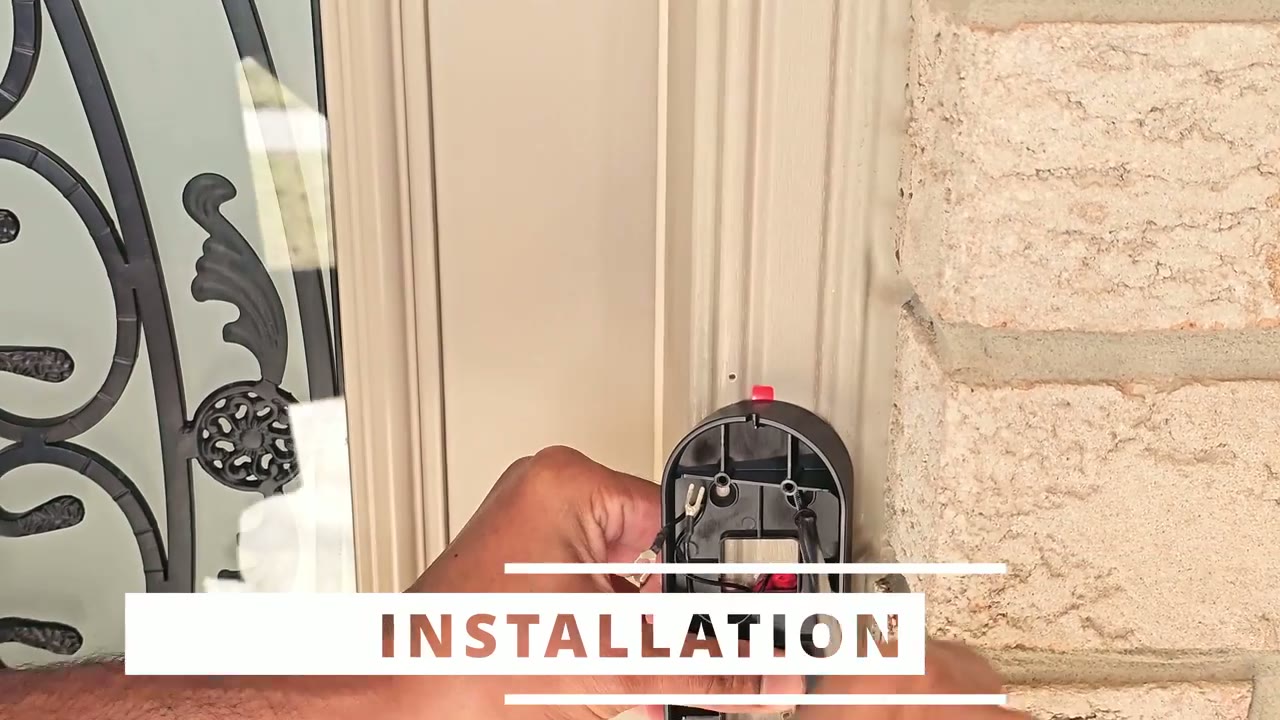
install decide if you’re going to use the angle wedge or not if you are going to use the angle wedge go ahead and secure that first then secure the mounting plate to the angle wedge next connect the wires to the rear of the doorbell if you are going to be using it in wired mode versus just battery mode then finally snap the doorbell into the mounting plate and you’re
Video Quality
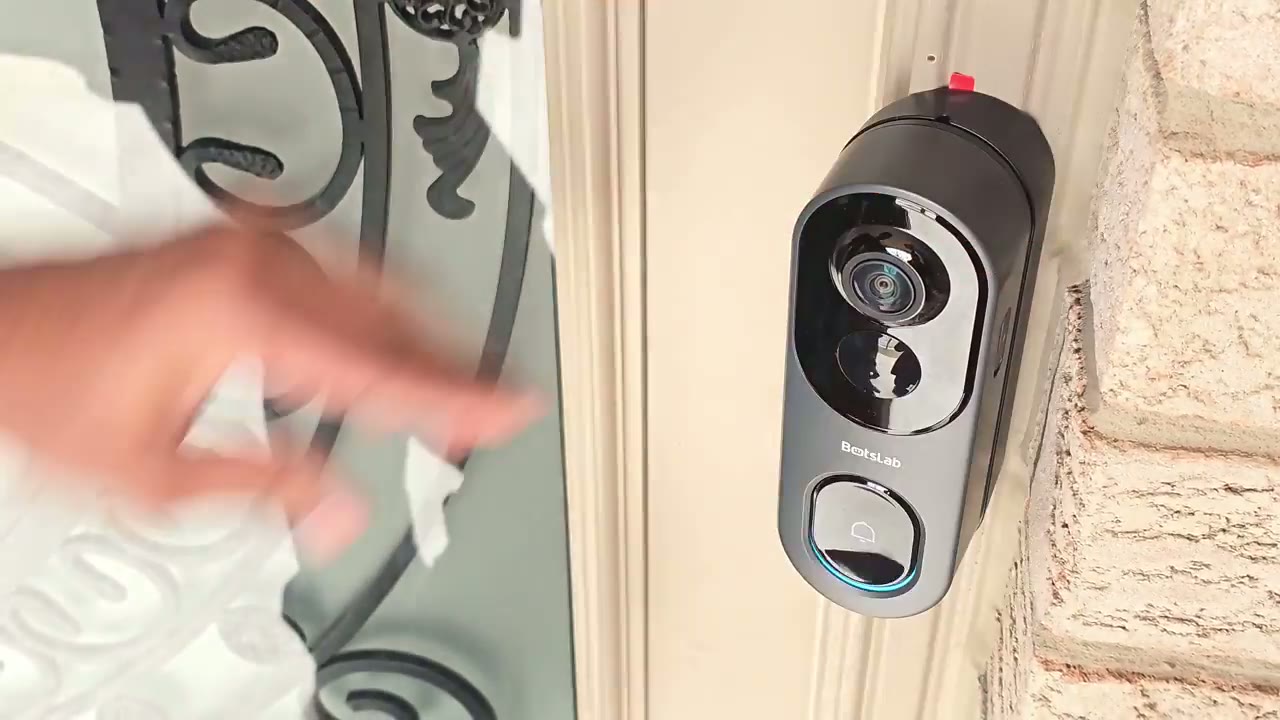
done the video quality is great on here thanks to that 2240 by2 240 resolution now because it is that resolution the videos are going to be presented in this fisheye type of view while you’re in the app you can use view correction and it’s going to kind of simulate a vertical view horizontal view or VR view but the native video recording is still in that 2240 X 2240 resolution now it’s still easy to make out faces when they’re close enough to the video doorbell I had mine mounted to the side and you know even when I had a delivery person you could still make out their face obviously if I mounted it directly on the door facing them it would be even easier so video was clearer during the day and at night and one thing I want to point out is that I have a covered entryway so I don’t get a lot of direct light coming in anytime someone’s standing there but even with that said you know it was still easy to make out faces much easier than with other brands that I’ve used which you know have a hard time making out dark details night vision video was also very good and it didn’t matter if you use the Black and White Night Vision or color night vision now in my Clips I did have a lot of ambient light because I have like kind of like a porch light or overhead head light that really made a big difference but if you didn’t have that and you had kind of like no ambient light you’d have to use the black and white feature instead of the color KN vision and that really wide 180° field of view really came in handy for figuring out where my packages were delivered there’s a lot of video doorbells that also have a wide F of view not 180° wide but the problem they have is that anytime it packages placed like directly under the video doorbell you may just see a little bit of the package or you may not see it at all and this I didn’t have any problems
Motion Detection
the doorbell was also really quick and responsive at detecting motion and once it detected motion it was only a few seconds till it would send me an app alert on my phone which usually included a thumbnail which is really handy because you know then you can decide do I need to actually tap on this or can I just ignore it because it’s someone who I know who’s coming and going now once you tap on that you know it pull up the app easily and you can easily see what’s going on in terms of a live view video
2 Way Talk
and it was just as fast once someone pressed the doorbell ringer and you wanted to initiate a 2-way talk would just pop up on your phone and you could see a preview of the person’s face before you decided to answer and initiate two-way talk or
Loitering Alarm
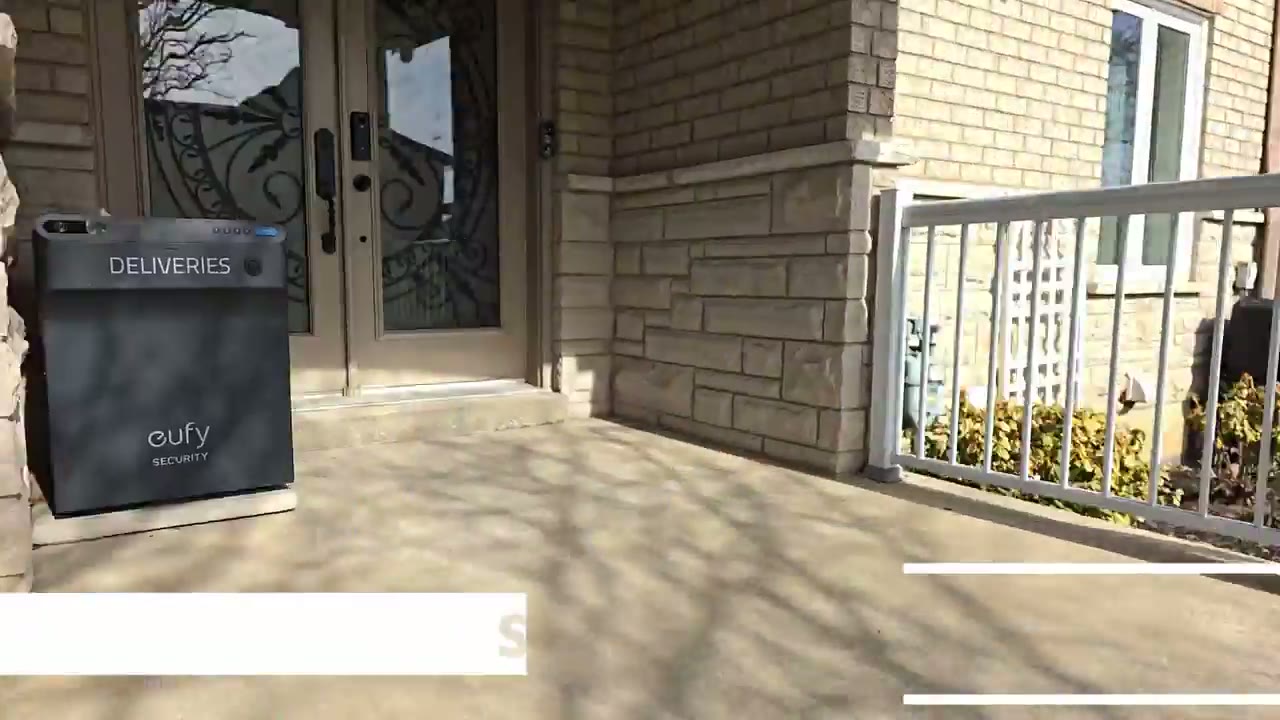
not please leave right now police on the
Speaker & Chime
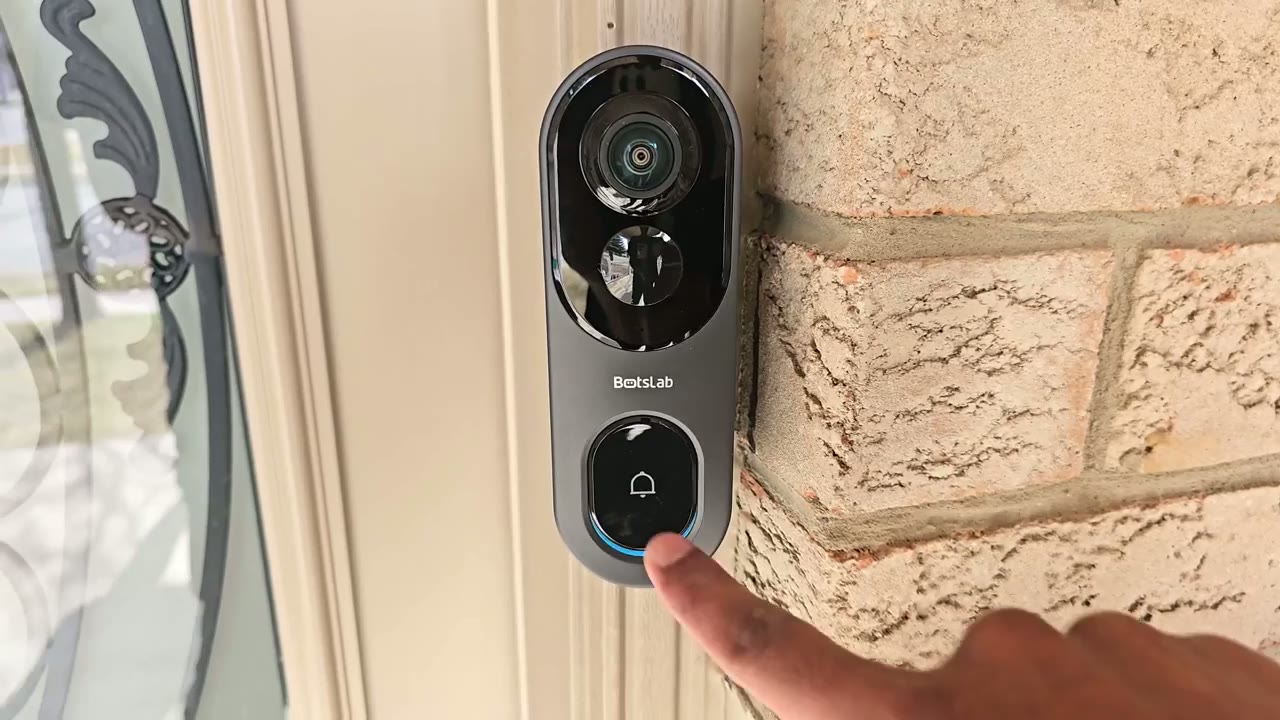
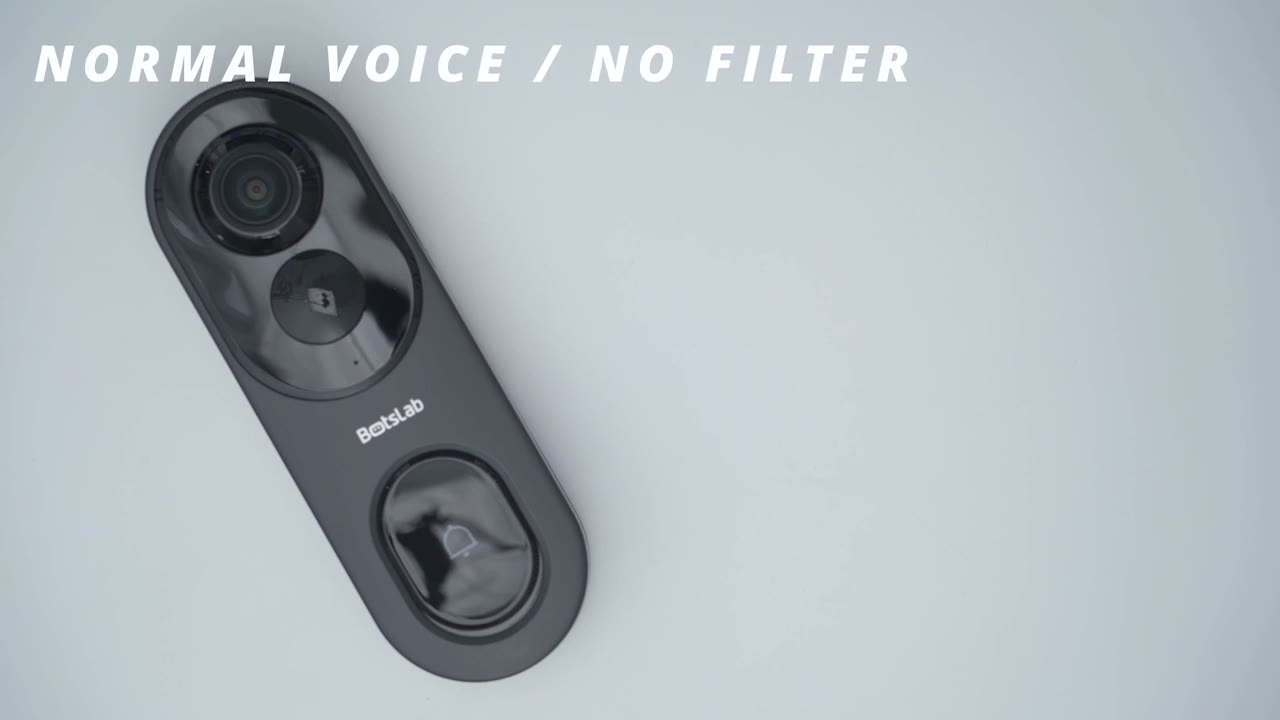
[Music] way the speakers on here are also very impressive they’re to date the loudest speakers I’ve heard on a video doorbell now it does come with a plug-in chime unit which also functions as the local storage Hub and that is a nice touch because there’s bigger Brands out there that don’t include a chime unit which is a huge oversight but it’s great that we can also wire it which I did do that helps keep the battery topped up and it triggers my home’s existing [Music] chime one moment please the door will be opened for you soon please leave the p is at the door thank you sorry no one can come to the door we will be right there welcome home you can leave it thank you this is the fell voice filter this is the male voice filter and the normal voice filter I’m estimating that
Storage
I’ll get at least half a year of video playback history and that’s because this is not a 24/7 recording video doorbell it records motion based or event based
Battery
video clips so my battery life has remained topped up the entire time because I hardwired it to my my home’s existing chime and that’s charging the battery at the same time it’s triggering my home’s chime so I can’t really comment on how well the battery life is but it does have a large 6,400 mAh battery and it is very easy to recharge it anytime you need to do that but if you do have the option to wire it I highly recommend doing that so yeah
Recommended?
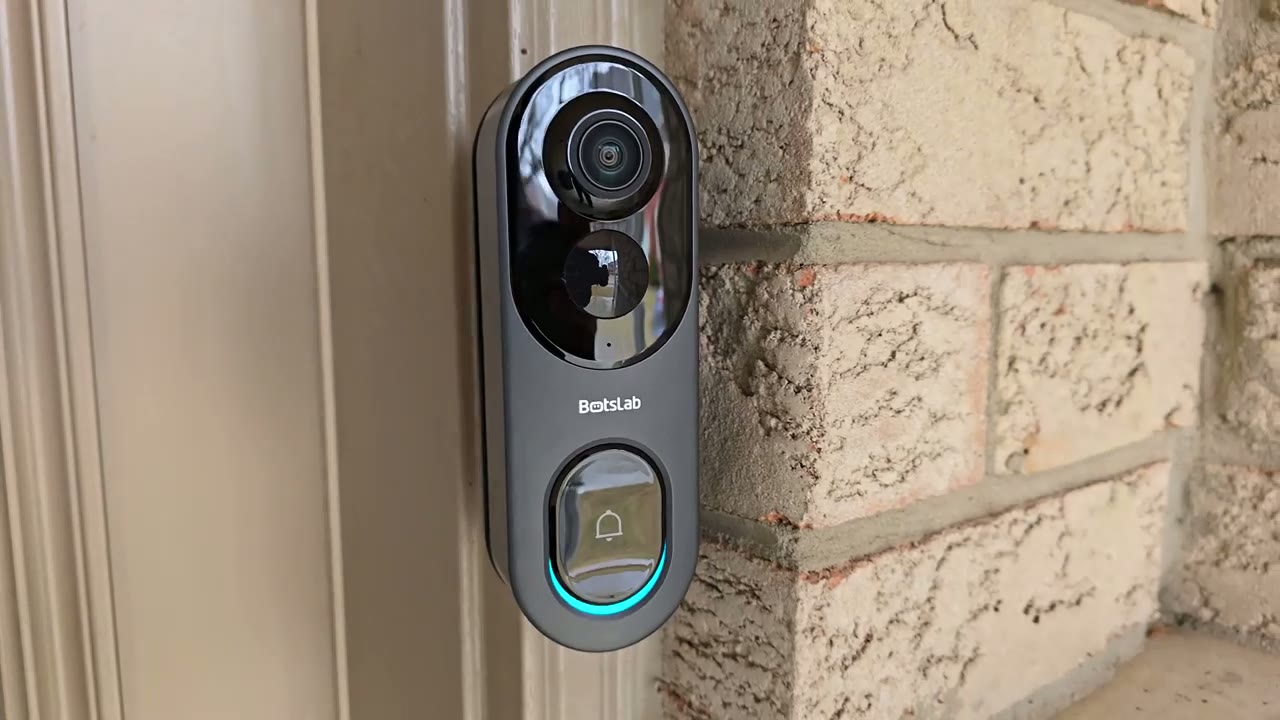
overall the Bots app video doorbell 2 Pro is a solid option I’m really loving the 180° field of view once you’ve experienced that and then using that kind of simulated VR view where you can just take a full look around right left up down so you can see packages um it’s really hard to go back to you know basic doorbells but just you know measly you know 130° field of views the motion detection and app alerts are also really quick on here and I really like that we have an included chime unit and unlike some other large Brands you don’t have to pay any monthly fees to get proper functionality out of this system so if you’re interested in picking up the Bots slab video doorbell 2 Pro I’m going to leave some links down below for you to check it out for yourself and as always if you found this video helpful please consider liking and subscribing it truly does help me out and I’ll see you in the next one soon
Get Botslab Video Doorbell 2 Pro on Amazon USA
Please note that some of the links in my video descriptions are affiliate links where I earn from qualifying purchases. As an Amazon Associate I earn from qualifying purchases.