


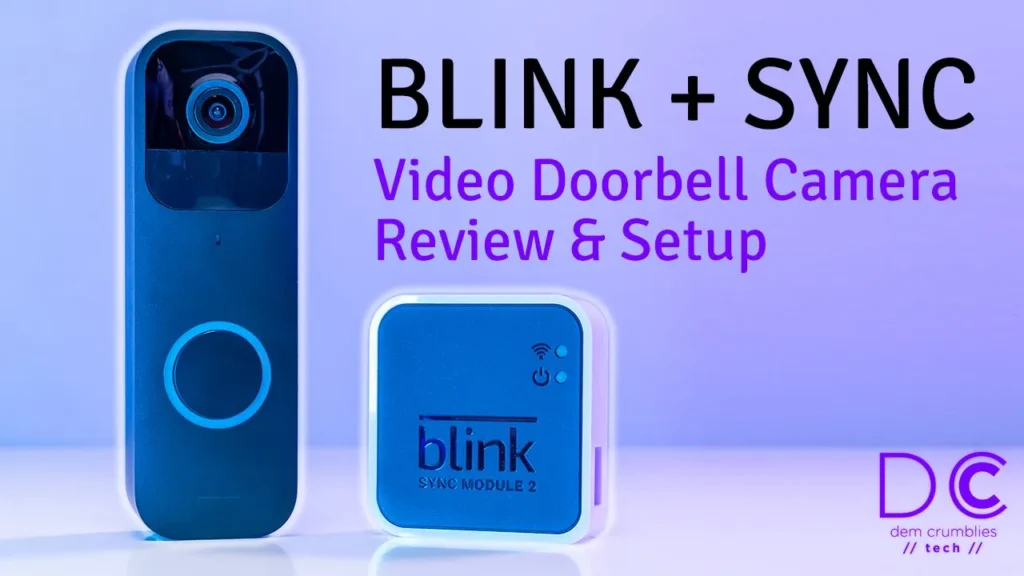

Buy Blink + Sync Doorbell on Amazon
Buy Batteries Again For Your Doorbell Amazon
Please note that some of the links in my video descriptions are affiliate links where I earn from qualifying purchases. As an Amazon Associate I earn from qualifying purchases.
Package Contents / Unbox

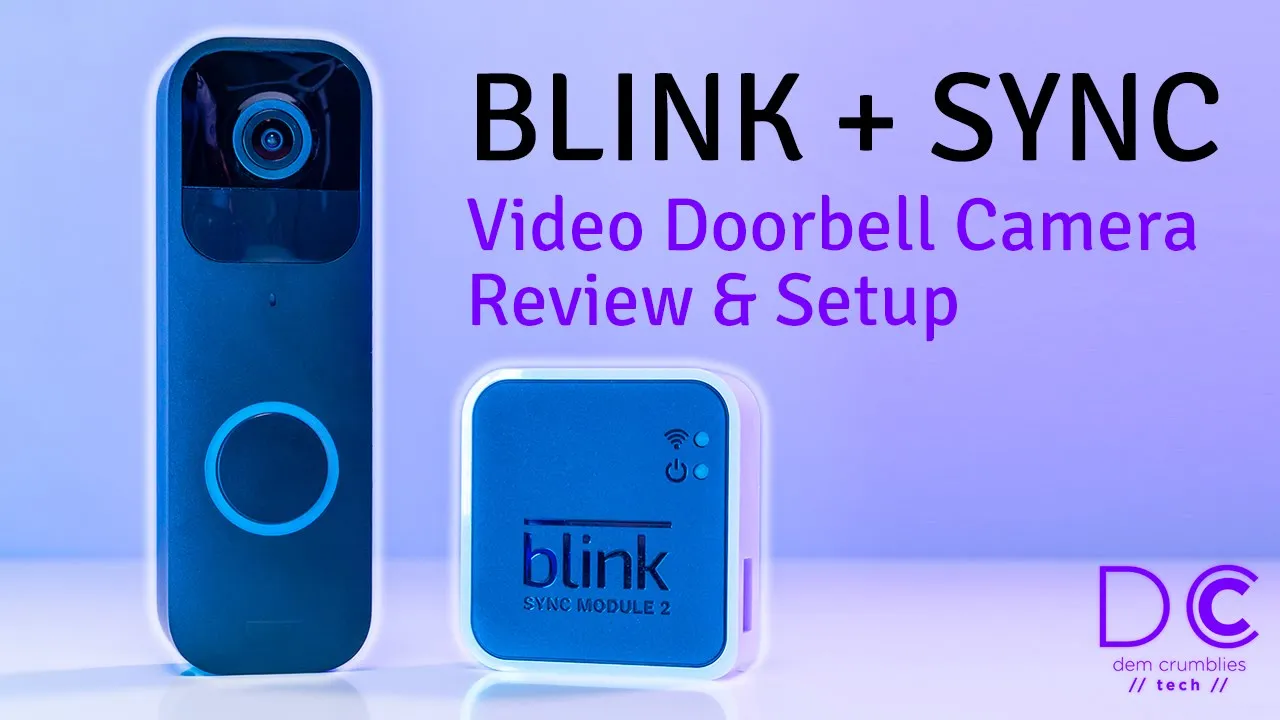
all right today i’m taking a look at this blink video doorbell and sync module 2.
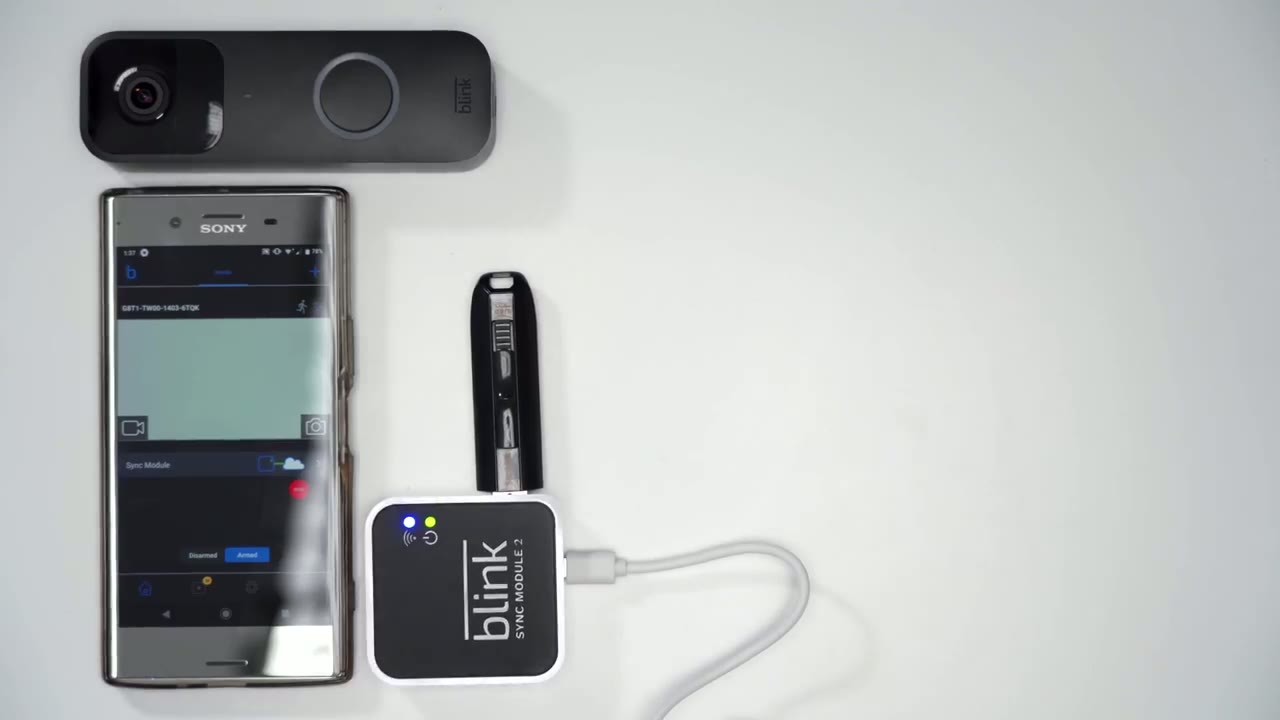
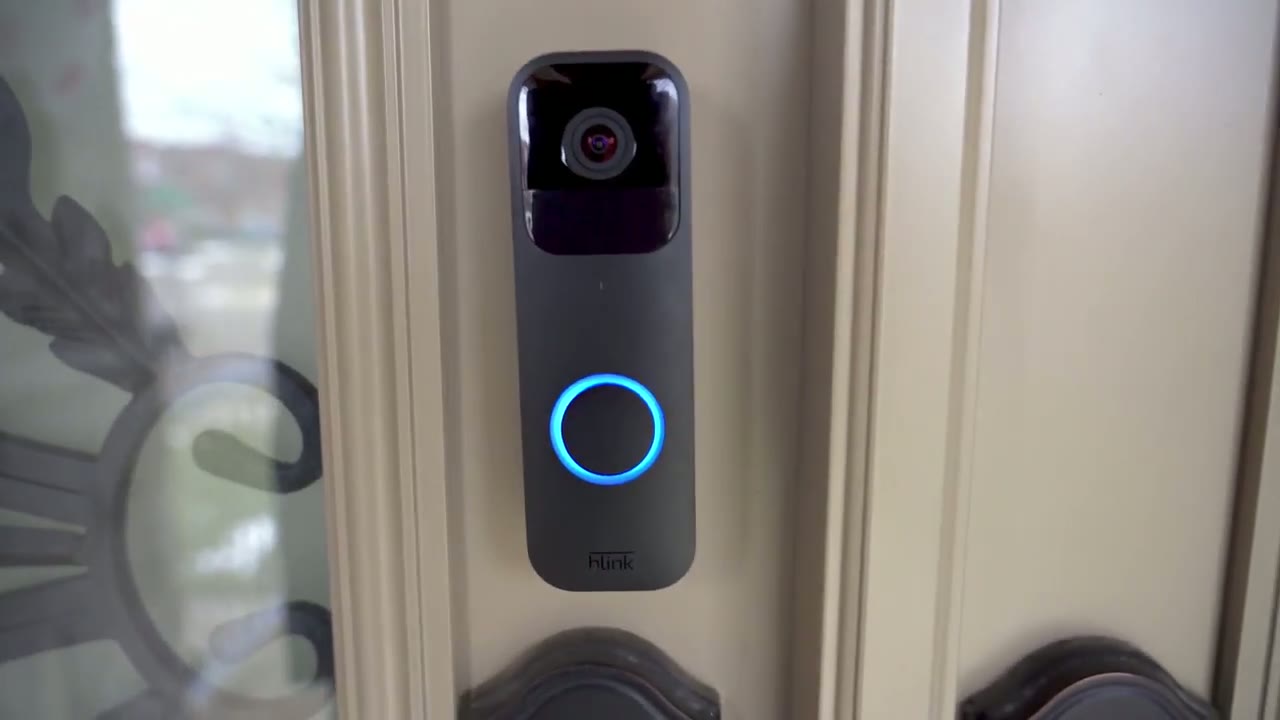
um if you are interested in it i will leave a link so you can get it okay so you can see um this one does come with the sync module too which lets you record uh to a usb drive locally and i believe it comes with a subscription like a subscription trial so you can have it like it says here battery or wired i’m probably just going to have it battery powered i don’t want to go through the hassle of wiring it and it will work day and night there’s two-way audio charm alerts and roughly a two-year battery life there is a option to download the app here here’s what the sync module looks like so it is powered by uh usb sorry that’s where your usb drive would go um and you have like a micro usb there and there’s the unit itself so you have the doorbell button here pretty good travel distance takes two double a batteries and then this is the back plate for it and you can see you have mounting options here i’m probably going to take the lazy way and just use an adhesive pad for this okay so power brick for the sync module two batteries and here’s the mounting hardware screws okay so that’s uh to power the sync module and then this plate here it’s kind of angled if you just want the doorbell angled instead of just flush depending on your door so there’s a little uh tool there and that is to depress this part here um to take the black back plate off once you put it in so now that i have everything out i’m just gonna assemble the batteries pair it with the app and then the last step is going to be to mount it
App & System Setup
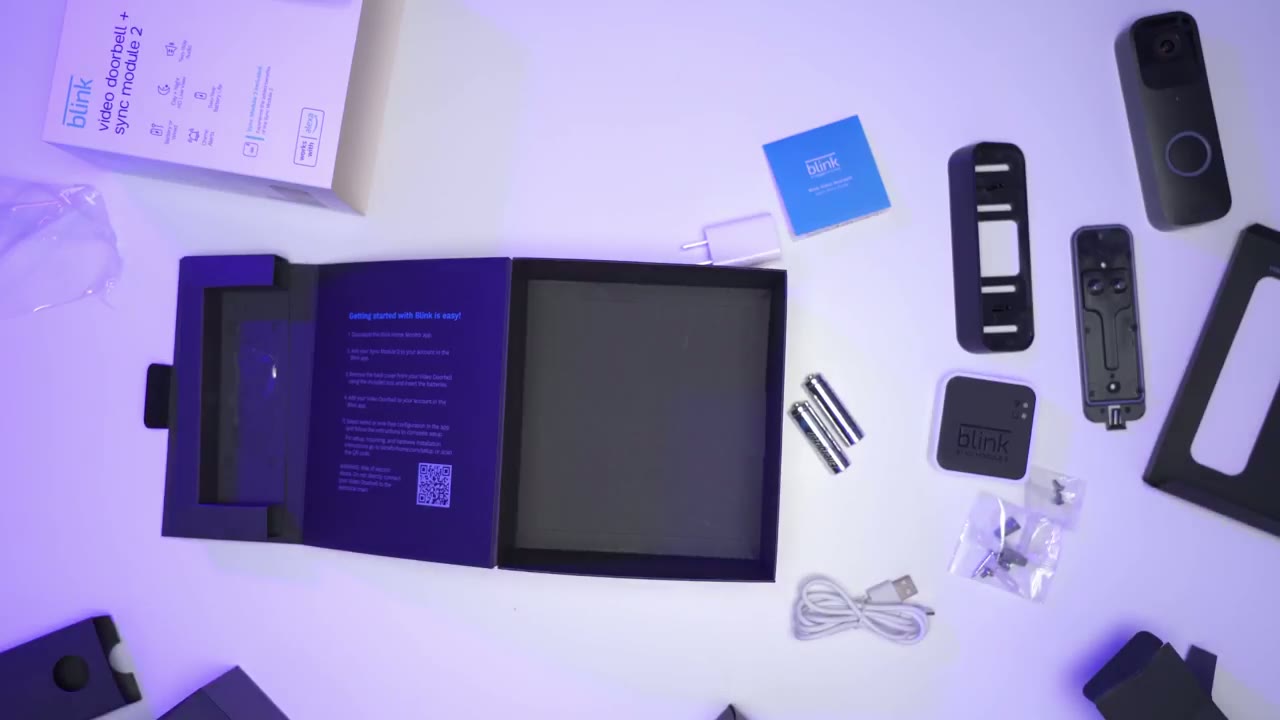
okay so i’m back i have everything ready to go i downloaded the blink app on my phone so i’m just going to set everything up so first step is to add a blink device and the first option says start with the sync module and then add your camera so since i have the sync module here i’m going to add that first if you don’t then you could just start with the second option so if i click start with the sync module it does say to scan the qr code and there’s a qr code at the back here and i’m just going to add it here now it says plug in the device wait for it to be ready so i’m just plugging in the micro usb here plugging this into my power bank and it’s saying that when ready the lights will display steady green blinking blue so i’ll hit discover device on the phone okay so i’m just gonna pick my wi-fi and pop in my password okay so passwords in and it’s still blinking green it does say it’s connecting to blink servers now okay it looks like both lights have went off now and it’s updating the firmware now okay so the next step is to add the camera module so i’m just going to click to add the camera there is a qr code at the back here also then i’m going to add it to the existing network that i set up the sync module so i’m going to pop the batteries in and wait for the lights to blink red alright so i just saw it blinking red hit continue okay so same as with the sync module it says it’s updating the firmware okay so looks like it’s done so your blink video doorbell has been added to your app do you want to mount the blink doorbell to your door frame i’m going to say maybe later just because i know i’m going to use adhesive i’m not going to actually go through their instructions the next part is to connect the usb
Adding Sync Storage
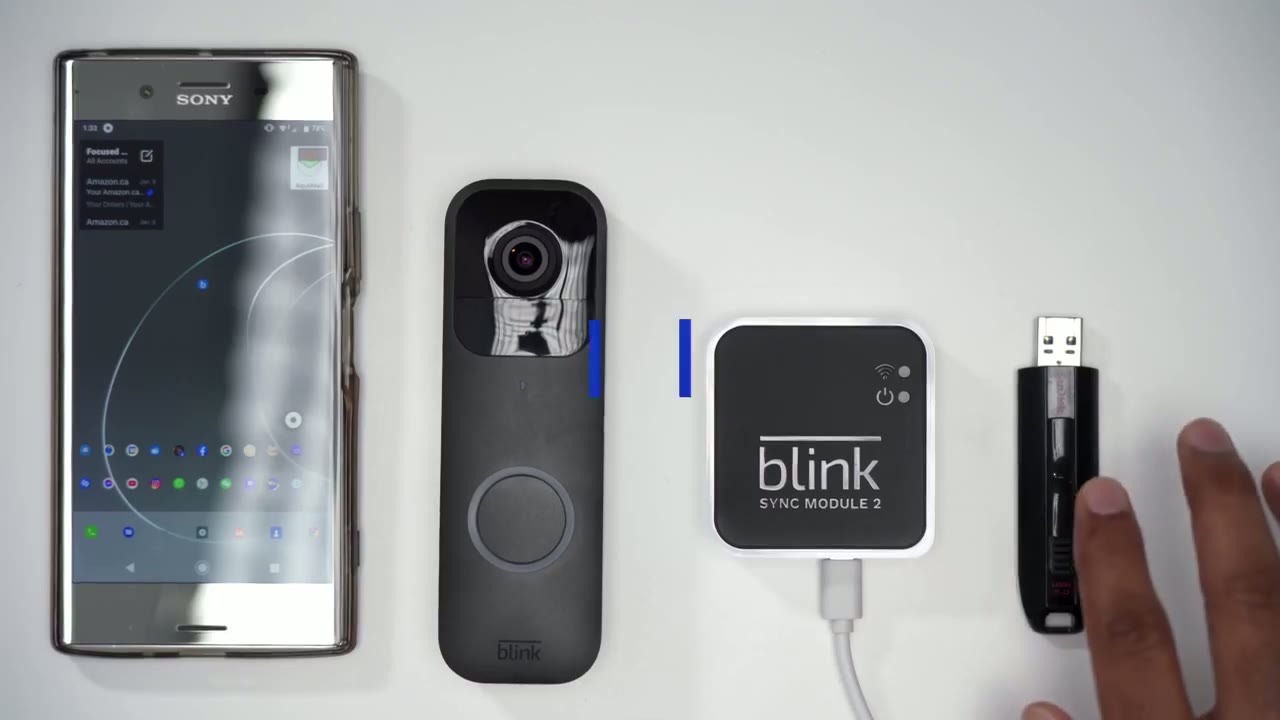
drive to the sync module for local storage i’m not going to be going with the subscription plan after it expires so you can see there’s a slot here for usb drive so next thing i’m just going to plug in the usb drive and there’s a notification that a usb drive is inserted i can click that so it says it’s not connected to the blink cloud which is fine i don’t want to go through cloud storage anyway now in terms of checking the playback if i click this play button down here i can see there’s a storage bar and that shows how much storage is left on here this is a 64 gigabyte usb drive and the amazon blink page shows that it supports from a one gig to a 256 gig drive so you know you can get way more storage on here
App & Camera Settings
so i just want to do a quick run through of the options available for the camera itself so if i click that you can see there’s options here try to zoom in a bit more so there is a battery monitoring which shows as okay there’s enable motion detection i’m going to leave that off right now just because it’s going to keep triggering right now while i’m doing this review there’s also an area for zones so that you can set with zones that you want enabled for privacy i’m just going to keep all of them open for now there’s a re-trigger time the default is 10 seconds and the sensitivity is set to 5 clip length 20.
i believe the default was 10 seconds and as you move it up to the max of 30 seconds it does tell you that longer clips will affect battery life and also how much storage you can put on your usb drive so i think i’ll leave mine at around 15 seconds say and there’s an option to end the clip early if motion stops that’s enabled in terms of night vision options there’s a on off and then auto i’m going to leave it to auto and then the ir sensitivity set to low i’m going to leave it there and just monitor it over the coming days to see if any of that needs to be adjusted there is also an option to enable audio and then there’s the speaker volume and the ringer volume and for video options i’m it was set to standard as the default i’m gonna pick it at best and then there’s also enable fo uh photo capture and then there’s other you know other options like how to mount it with or without wiring and to update firmware so pretty basic in terms of the options
Motion Detection Test
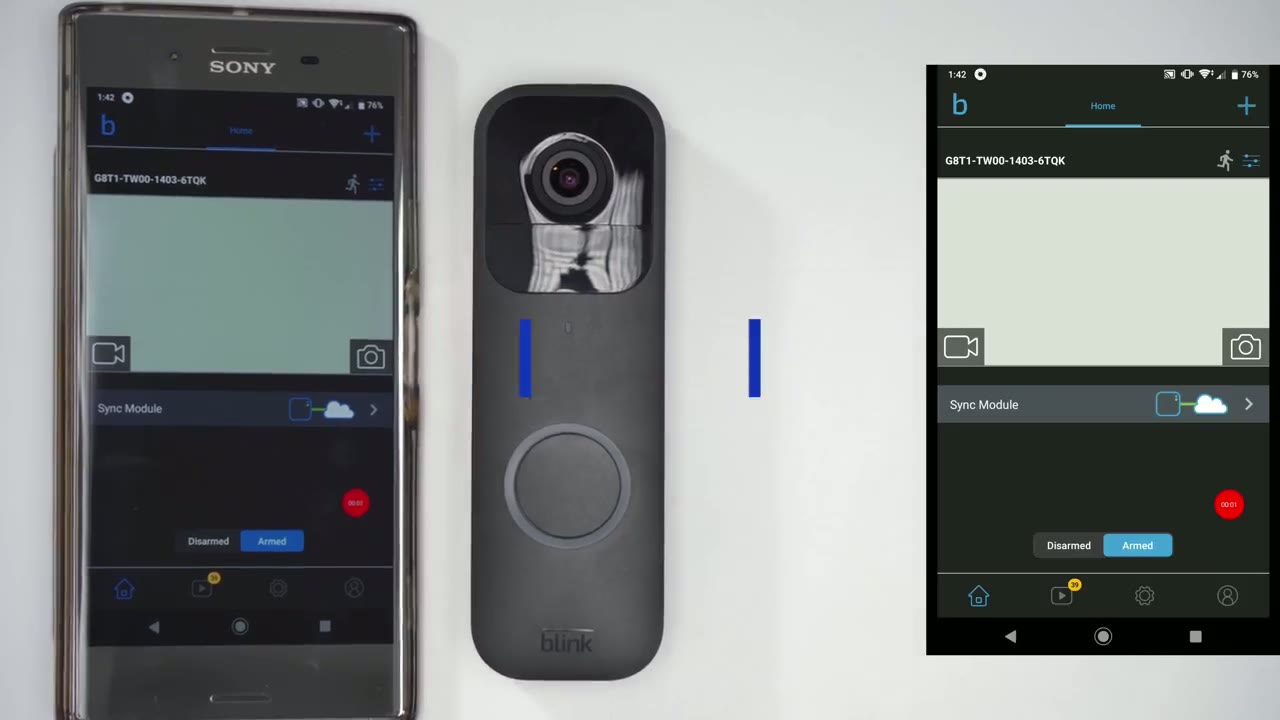
okay so now that i’ve gone through the app settings what i’m going to do now is i’m going to enable motion detection by clicking this icon of a person running and it should pop up on the phone that it is enabled and now when i move my hand over the doorbell you can see it says motion detected if i click that notification it’s going to pull up a live feed from the doorbell camera along with audio i’m in the basement so the signal is a bit weak down here in terms of the wi-fi so it takes a little bit to pull up okay so there we go okay so i have to close that because the audio will just keep looping but basically when it pulls up that live feed you can hear the audio outside and then there was an option on there to tap to talk so you could have a two-way conversation and you can see it keeps detecting motion even though my hand isn’t directly above it so it is quite sensitive with the settings now and it would actually be triggering notifications all the time if the read trigger wasn’t set to 10 seconds okay so
Installation
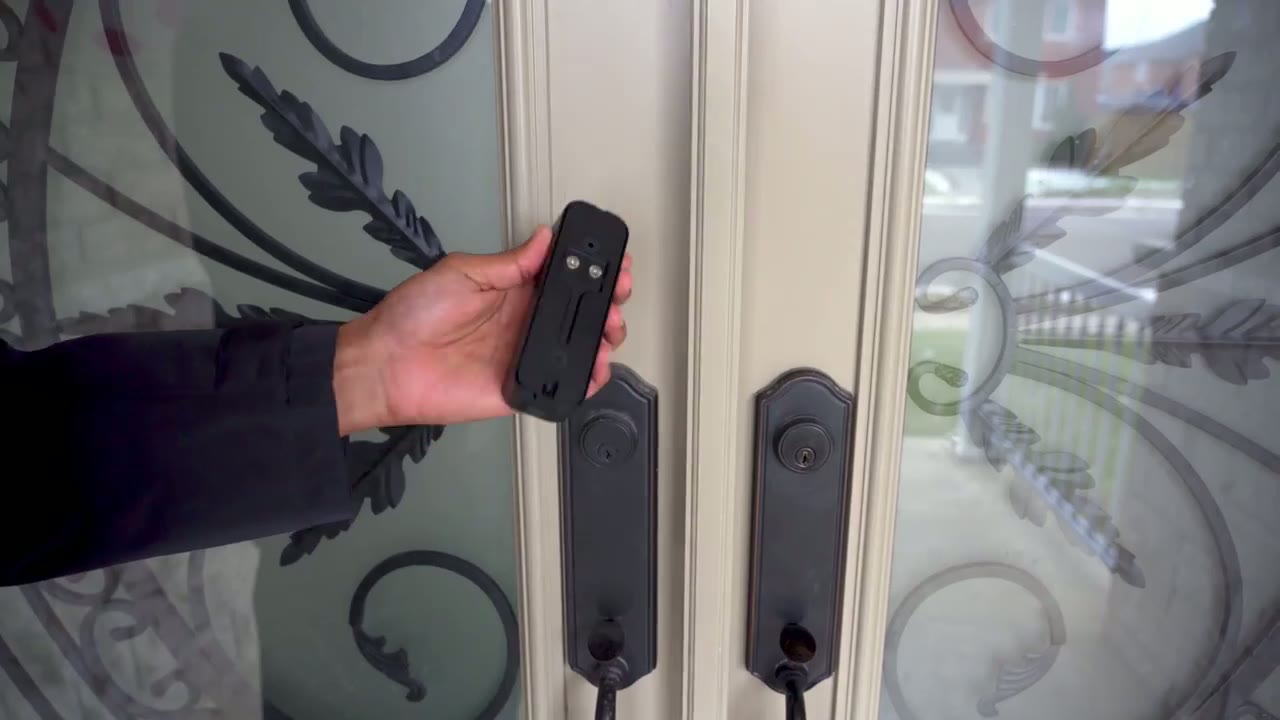
i’m going to be lazy i’m going to just use this adhesive strip on it
Door Bell Test
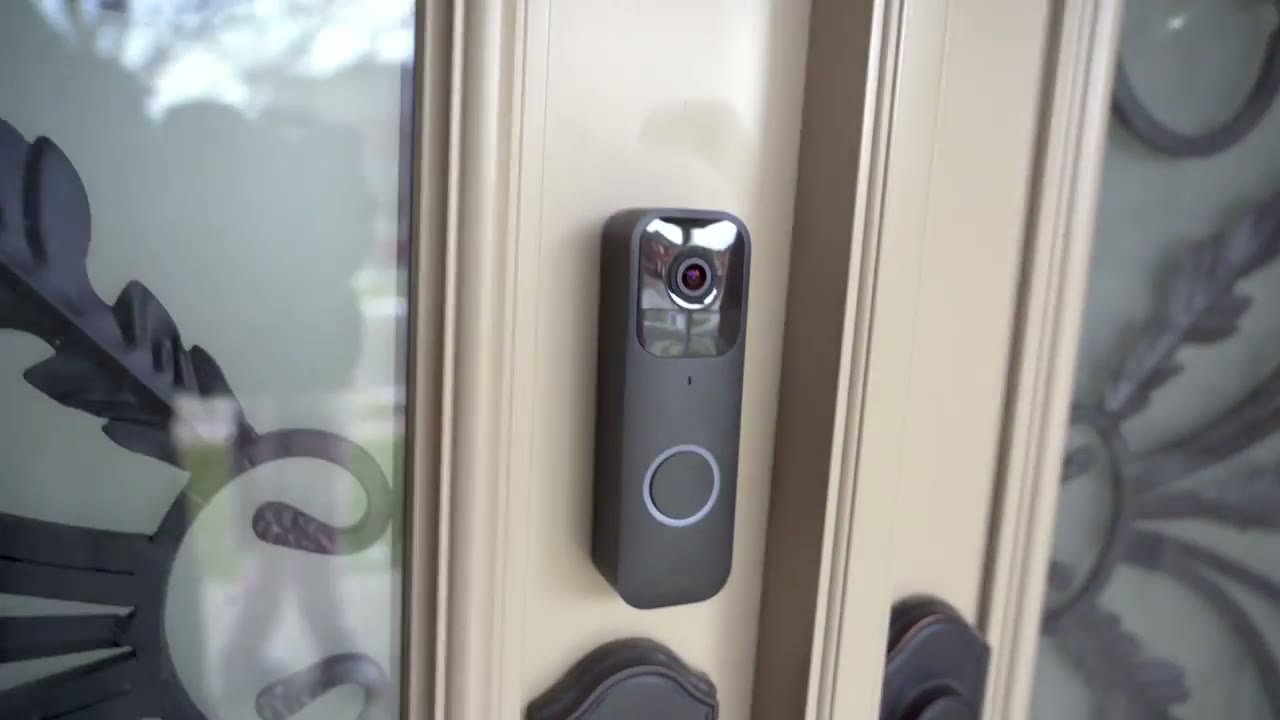
okay so now i’m going to demo the 2a talk so my girlfriend’s inside so i’m just going to press that so it should be coming up on my phone and then she’ll be talking on here hello who’s there perfect
Video Quality
No speech in this section.
Worth It?
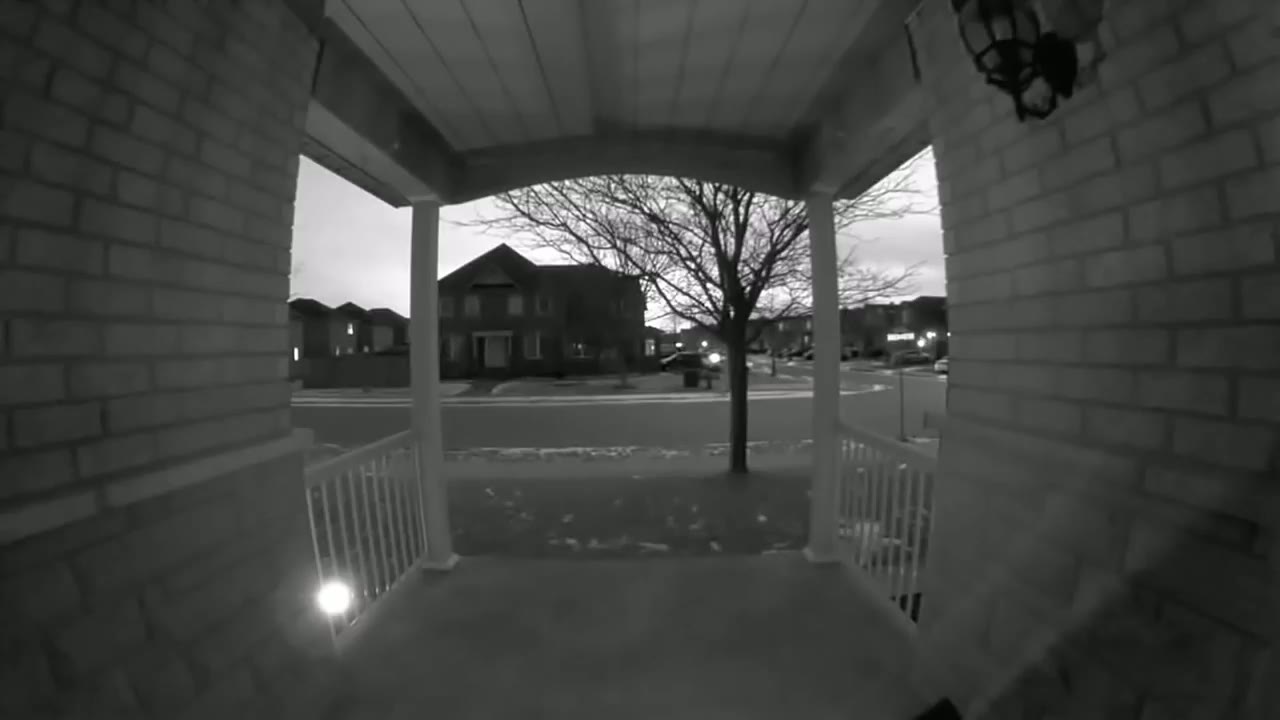
okay so summing up i think this is a pretty good unit because it doesn’t require a lot of technical setup or know-how i was able to just pop the batteries in at both the sync module and the camera to the app it updated the firmware connected to the wi-fi easy so in terms of setup it’s pretty easy one thing i will mention is if you’re going to get this i highly recommend getting it with the sync module the sync module allows for increased battery life and it does add more functionality versus having this stand alone camera so one big thing right off the bat is you can record locally without having to have a subscription and you can actually record a lot depending on the size of the drive you attach this is a 64 gig but you can go up to 256 gigs for the usb drive the second thing you should know is this requires wi-fi to work everyone has wi-fi but if your wi-fi goes down because the power goes down then you’re not going to get notifications on your phone and you’re not going to have any video safe the bell sound that’ll still work if someone touches it or presses it but that’s about it the other thing to note is it is water resistant not waterproof so just make sure you have it as flush up against your door wall or whatever and you know it’s kind of shaded or covered from elements or rain dropping down on it the other thing that you should know is that even though it requires two double a batteries and you may think that wiring it would um prevent you from having to use two batteries it always uses two batteries like i said earlier in the review the wiring only applies to wiring it to your existing door chime so that you can hear that inside the house if you do have like a echo device or an alexa device it can be paired so that if someone rings the doorbell here it’ll play on your speaker indoor as well alright so i hope this review is helpful if there’s anything i missed or if there’s anything i didn’t cover or if you have any questions at all please leave me a comment below and i’ll do my best to get back to you and if this video was helpful please consider liking and subscribing thanks and have a good one bye you
Buy Blink + Sync Doorbell on Amazon
Buy Batteries Again For Your Doorbell Amazon
Please note that some of the links in my video descriptions are affiliate links where I earn from qualifying purchases. As an Amazon Associate I earn from qualifying purchases.