



Please note that some of the links in my video descriptions are affiliate links where I earn from qualifying purchases. As an Amazon Associate I earn from qualifying purchases.
Intro

hey guys it’s Adrian and today I’m taking a look at lenovo’s brand new Legion 9i gaming laptop now this is considered their Halo laptop and it comes with up to an I9 13980 HX CPU and up to an RTX 4090 but I do have the 4080 model right now now I also own the Lenovo Legion 8 generation desktop and it has an I9 3900 KF and an RTX 480 so later on I’m going to just show some gaming benchmarks between both computers and then you can see exactly how much of a difference there is now Lenovo did not
Not Sponsored
send this laptop to me for review I had to pay for this full price with my own money so let’s take a closer look and you can see if this is worth it for you
Package Contents
as well in the box we have the Lenovo Legion 9i laptop 140 W charging brick with a USB type-c connector in there’s also a 330 W charger for more power along with some ceramic key cap scissors a removal tool and cleaning clo the
Specs
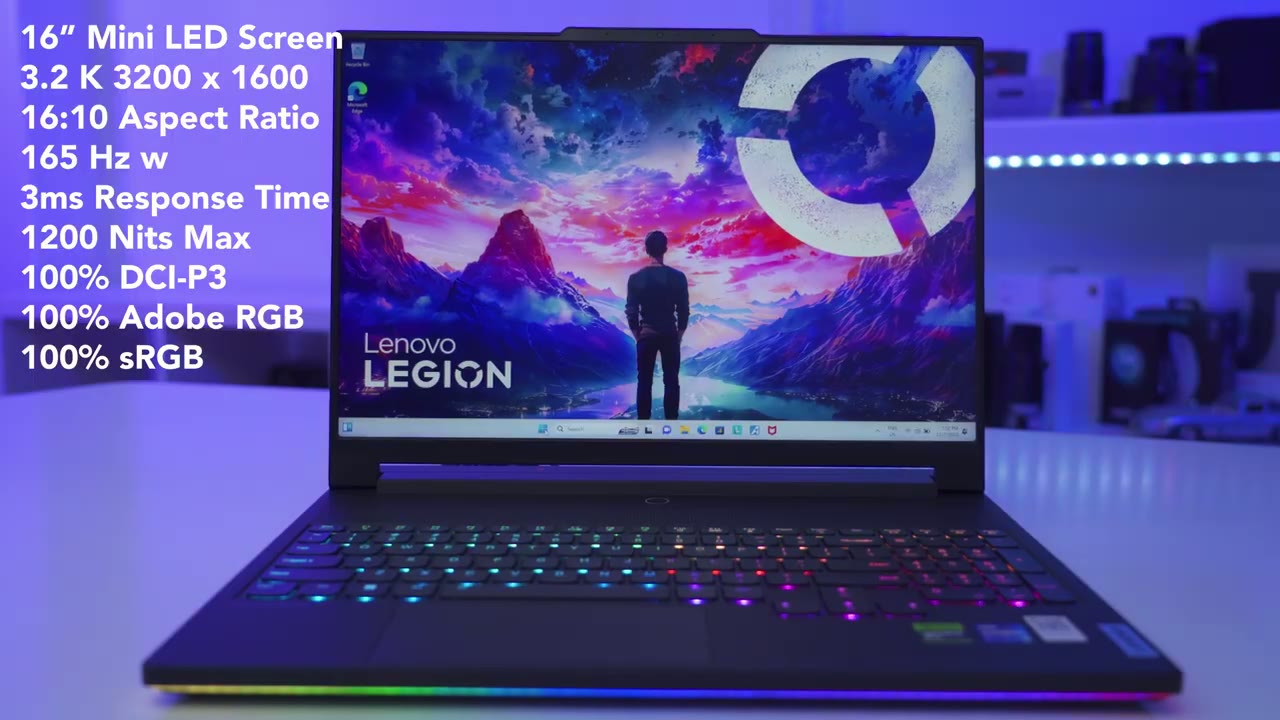
legion 9i laptop comes in two configurations but both configurations have the Intel I9 1398 HX and you can get it with either an RTX 490 or the RTX 480 which is the model that I have you have two Ram configurations out 32 gigs or 64 gigs and it is dual Channel RAM and currently mine is running at 5600 megat transfers now you can have up to a 2 TB Gen 4 SSD as well there’s also only one screen option which is the 16-in screen with a 3.2k resolution it is a non-touch mini LED screen running at 165 HZ with 3 milliseconds response time now
Design
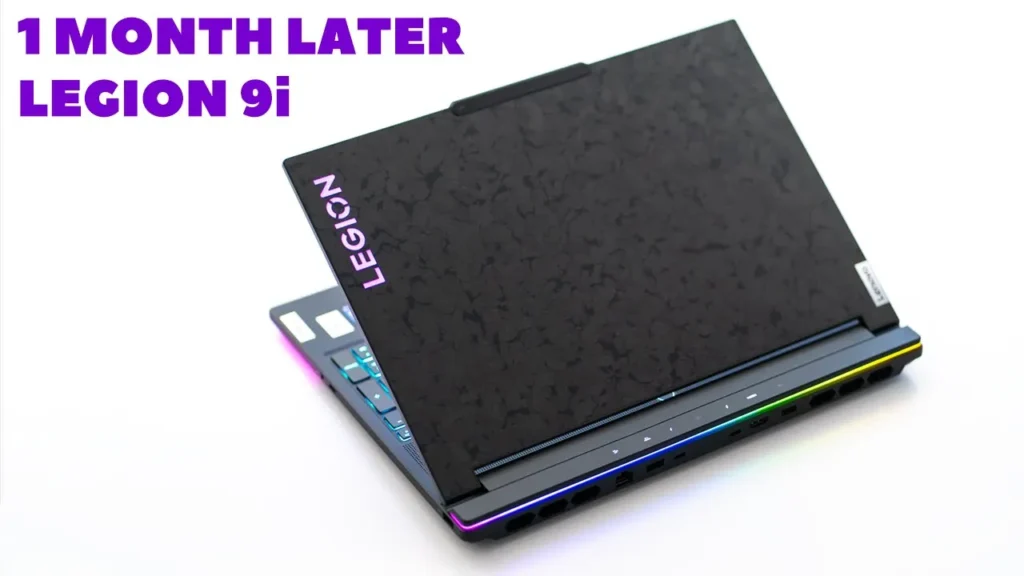
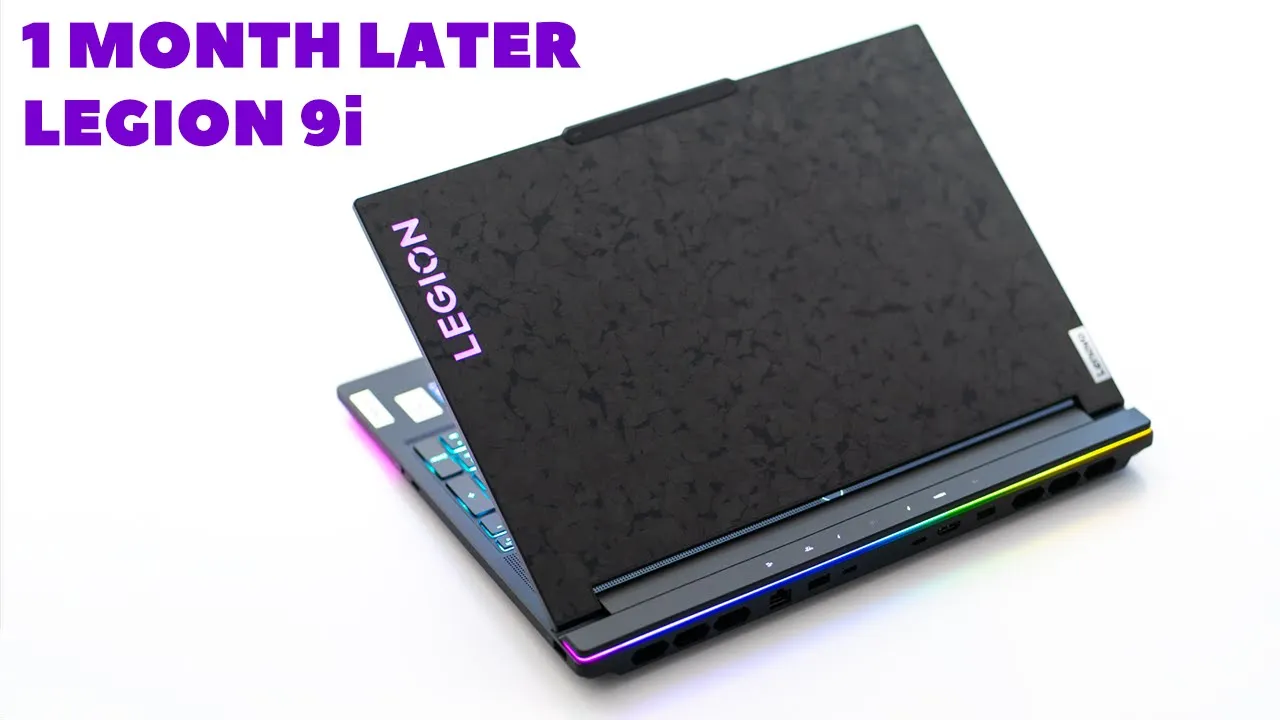
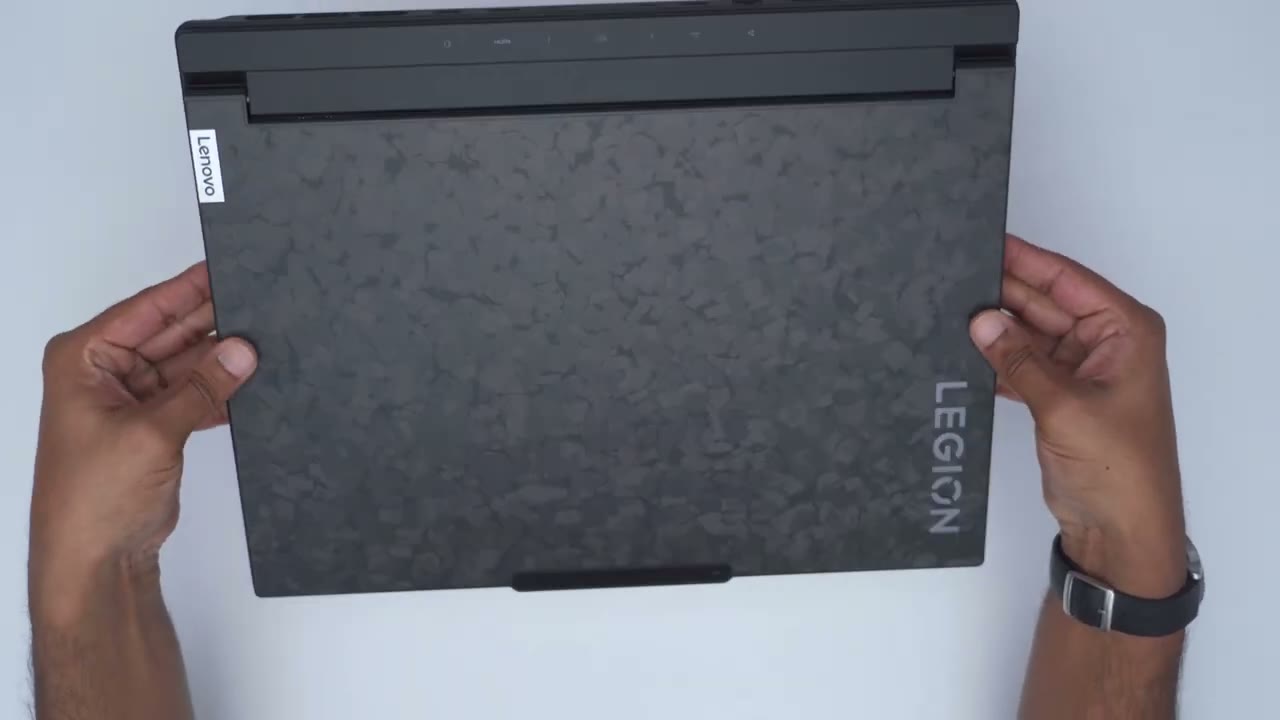
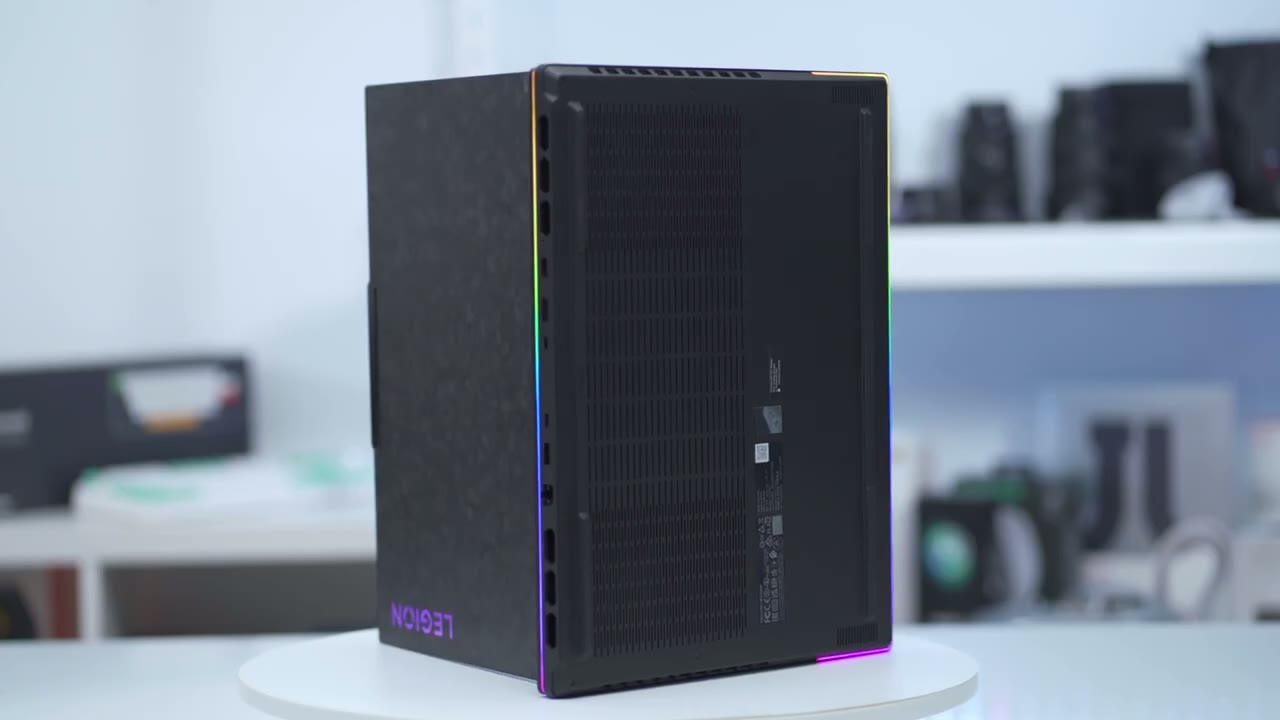
the design of the Legion 9i is a pretty standout design you know there’s not a lot of laptop Lids that look like this so we have an aluminum top case along with an aluminum magnesium bottom case and then this you know forg type of carbon fiber lid which again you know has a really unique look either you’re probably going to like it or you’re going to hate it now I do like it um it’s better than it being just all black I think and you know it’s a pretty matte type of finish on here and it doesn’t really pick up fingerprint so that’s a plus on the right side of laptop we have a privacy switch to disable the webcam there’s also a USB type-c port located right next to it and further along we have a USB type a port the left side of the laptop has an SD card reader along with a 3.5 mm headphone jack the rear of the laptop houses the ethernet port we have another usba a 3.2 gen 1 Port we have two Thunderbolt 4 ports capable of display port 1.4 with power delivery 3.0 up to 140 WS there’s an HDMI 2.1 port for those of you who need to power separate displays you can power up to three additional monitors using the HDMI 2.1 port and the USBC ports as well the rear Port icons can also be turned on or off just to make it easier when you’re plugging in things in a dark room the top LD of the laptop has both the Legion logo and Lenovo logo located at diagonal ends now the Legion logo can be lit up or you could just turn it completely off for a more stealth look the webcam housing sticks out just slightly which makes it really easy to open and close the lid with just one finger once the laptop is open at the very top we have a large venting area along with the power button which doubles as a fingerprint scanner we also have a full-size keyboard along with a numpad thank God for that because I can only ever consider a laptop that has a numpad and it’s fairly nicely spaced out and then at the very bottom towards the left we have that glass touchpad now it’s wide enough but the vertical height is a little bit you know it’s a little bit narrow it may not be for everyone but I generally just use my laptops with a mouse anyway the unders side of the laptop has race feed to help with ventilation along with eight screws allowing you access to the internals if you wanted to add additional RAM or storage since the power button also doubles as a fingerprint scanner if you press and hold the power button while you’re turning the computer on is just automatically going to pass that credential to log you into Windows automatically by the way there’s no type of cutout anywhere on the laptop if you wanted to use any type of laptop lock now the weight is also fairly manageable coming in at around 2.5 kg or 5.6 lb you can see it’s really easy for me to just you know manipulate it even with one hand to just kind of slide it into a bag all right so I’ve removed the eight screws remove the back cover and we can see that huge 99.99 W hour battery now there is a covering here for the SSD drive I’ve removed four screws and once you do that you have access to add in additional storage if you like the ram six are actually on the other side of the motherboard here so you would actually have to pull everything to get access to that so really is an ideal just order it with how much RAM you would like while the
Benchmarks
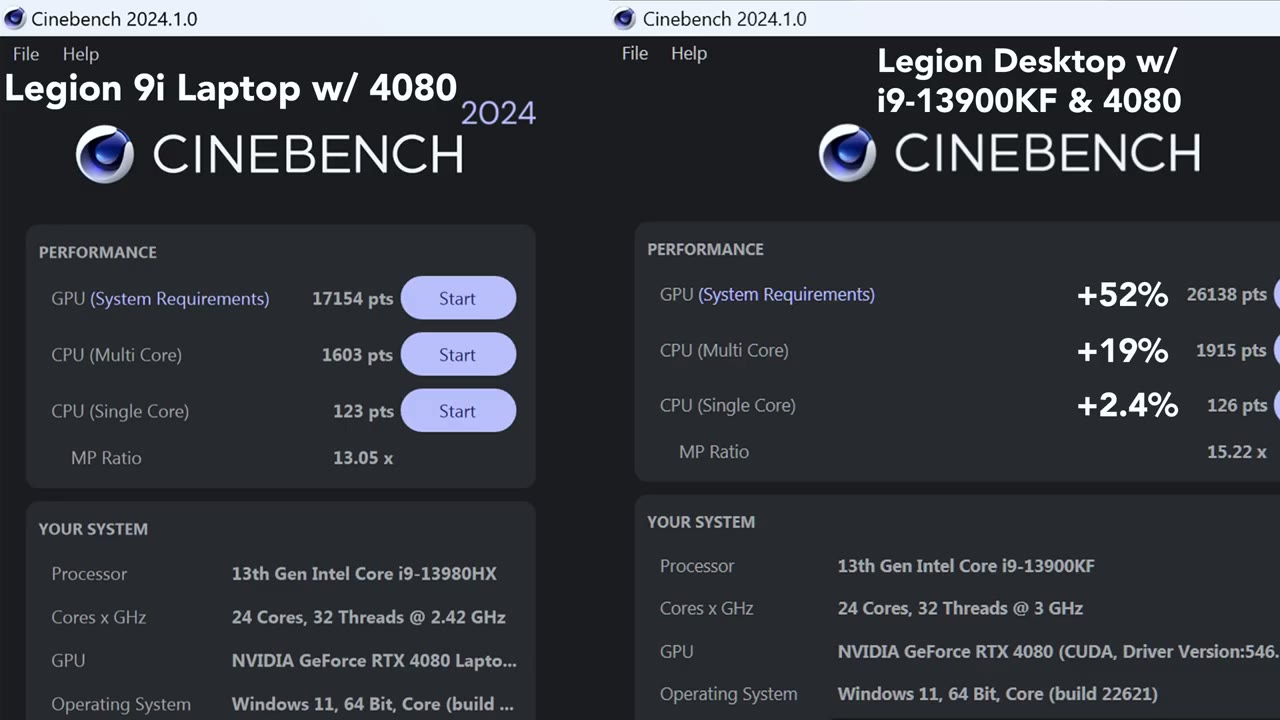
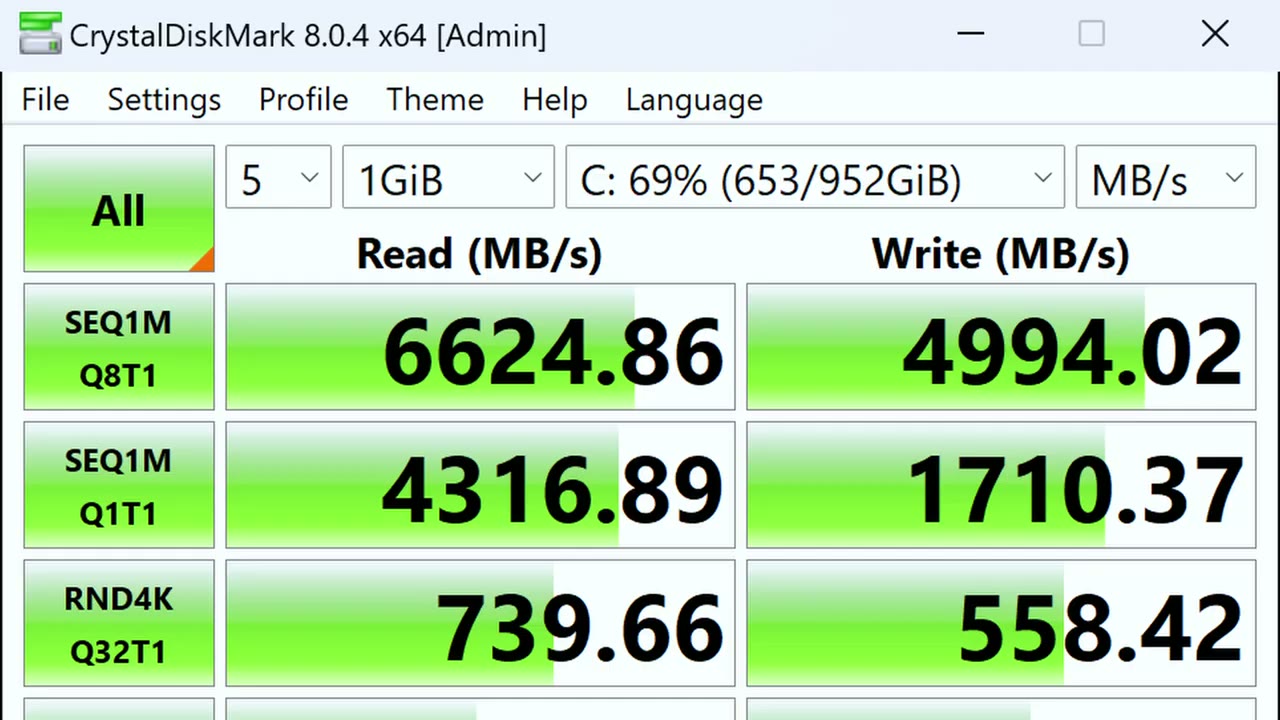
legion 9i laptop scored well in cin bench obviously on the desktop version it did much better coming in at a 52% Improvement for GPU 19% Improvement for multi-core and 2.4% for single core the pet score for D Vinci resolve had the luner legion desktop version performing 43% better in 3D Mark the legion desktop also scored higher in Max threats for the CPU test coming in at 29% % better in the speedway score the desktop version scored about 49% better and in Port Royal it scored about 48% better and time spy extreme coming in at 43% better running Crystal mark on the 1 terb Gen 4 Drive I had a read speed of around 6,600 mb per second and a read speed of around 5,000 mbytes per second
Gaming
so the legion 9 I performed wonderfully for gaming and I was able to play pretty much every game at Max settings or close to Max settings without any issue running at the native 3.2k resolution and the mini LED screen on here gets super bright games just look really amazing on here so here are a few benchmarks in a couple of popular games and I’ll also put the benchmarks from the Le and desktop so you can see just how much of a difference there is en overall the legion 9 I did fantastic at gaming you’re pretty much going to be able to run any type of game that you want at Max settings or close to Mac settings now the only thing that I noticed is that yeah it did get a little bit warm when I was gaming for extended periods and it does get loud is it the loudest laptop I’ve heard no not by a long shot but let’s take a closer look at you know kind of The Thermals and what the noise level sound like by the way if you’re finding this review helpful please consider liking and subscribing it truly does help me out a ton guys but let’s get back into it the
Thermals
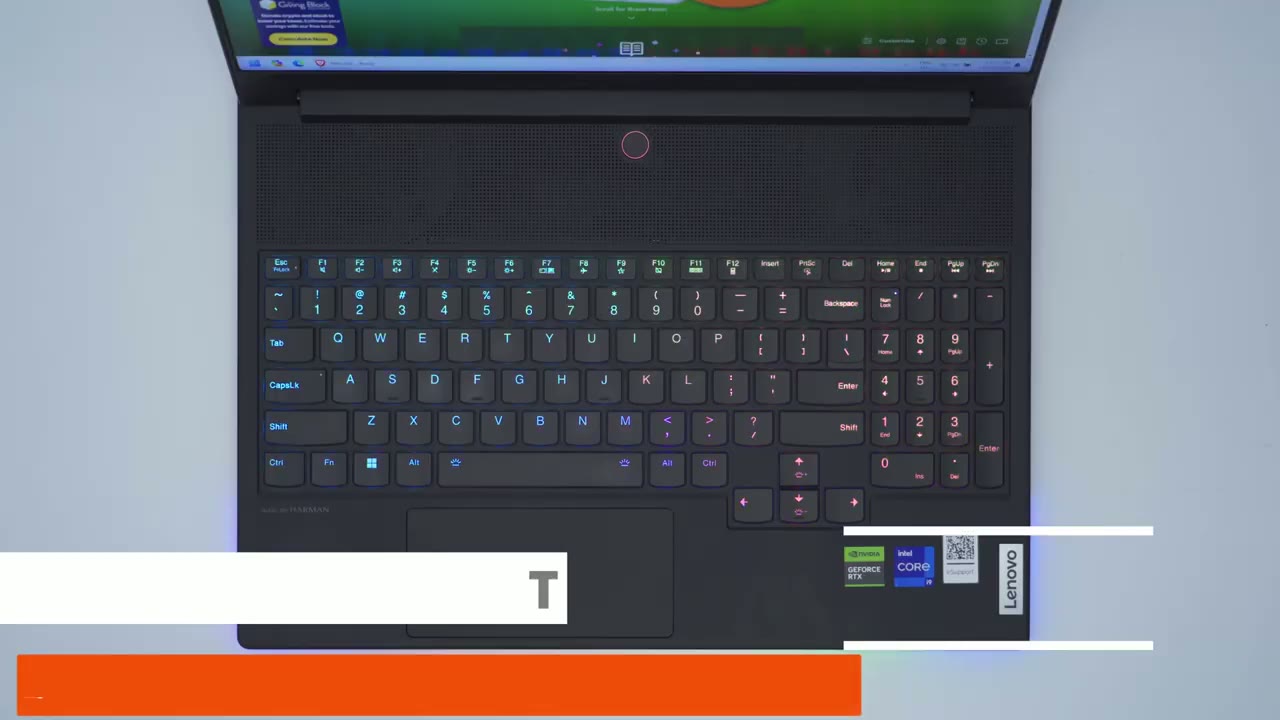
laptop’s been on for about 15 minutes it’s on the performance mode and it’s plugged in and here’s just a look at what the ambient temperatures look like as I go over the keyboard then the touchpad here you can see it’s noticeably cooler at around 25 26° and then just a little bit hotter of course up here the noo mentions that the laptop does have liquid cooling but it’s only applicable to the vram on the GPU and it only kicks in if the GPU temperature goes over 84° C now I don’t know how much of a difference it actually makes from what I’ve seen online people are saying you know it makes a bit of a difference or the difference is fairly negligable but from just what I’ve seen in terms of the gaming performance whatever they’ve done um whether it’s a big difference or a slight difference you know the gaming performance is really good on
Noise Levels
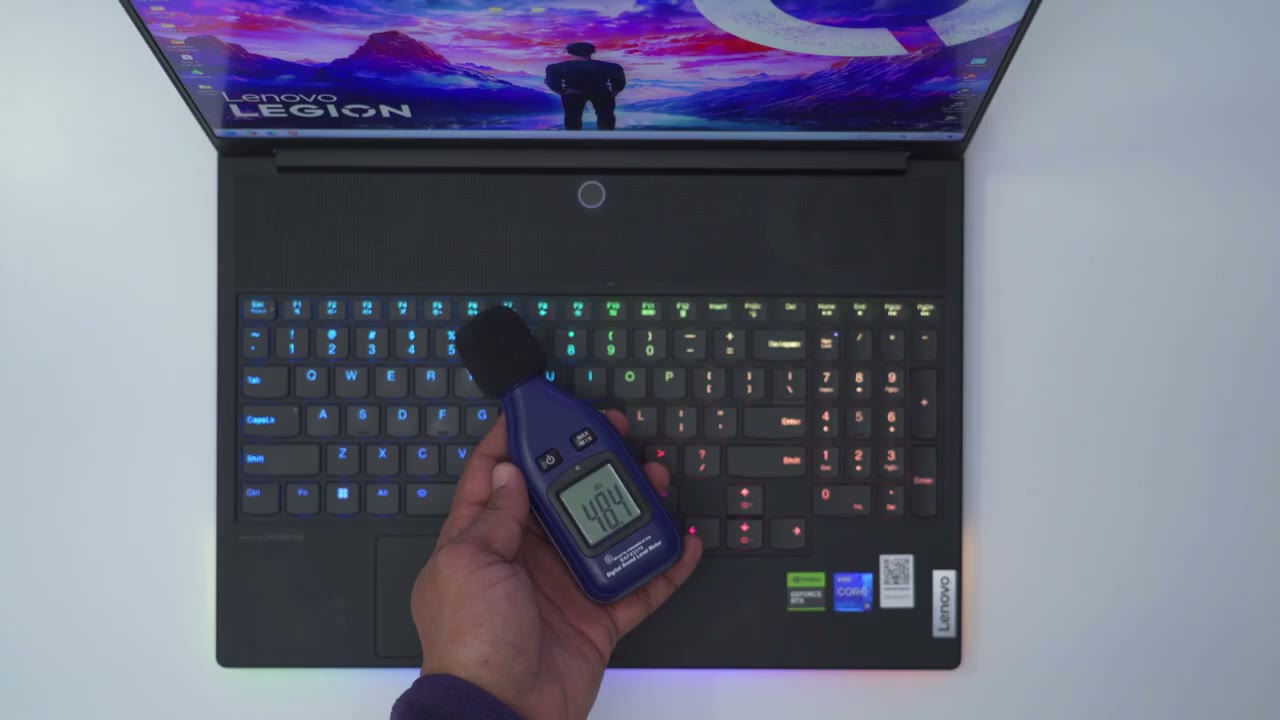
here the laptop’s on and it’s up to the balanced performance mode and there’s really not much fan noise every once in a while the fans will ramp up just slightly but it’s very quiet now by contrast when you’re gaming it gets quite loud here’s what that sounds like the 16-in mini LED screen was just
Screen & Hinge
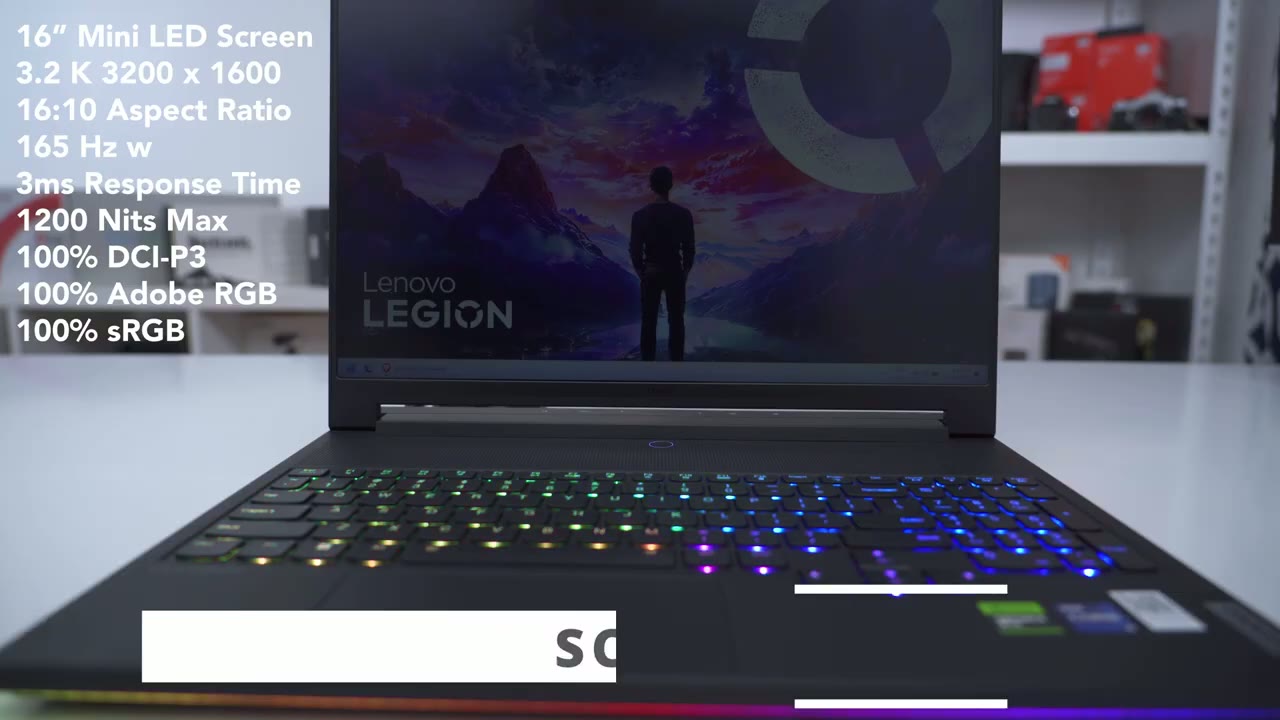
a pure joy to use and it gets plenty bright coming in at a Max of 12200 nits now it’s capable of 10 bit it’s 165 HZ while there is a little bit of screen Flex anytime I was opening or closing the lid it didn’t feel wobbly at all it felt very planted they’ve also done a pretty good job with the friction on the hint so you can see I could just set it to any type of angulation and it pretty much just stays now if I go all the way back you can see that’s about the limit till the entire laptop rocks again you know it’s plenty enough I don’t really need the screen to go that much further back but something to keep in mind in
Vantage Software
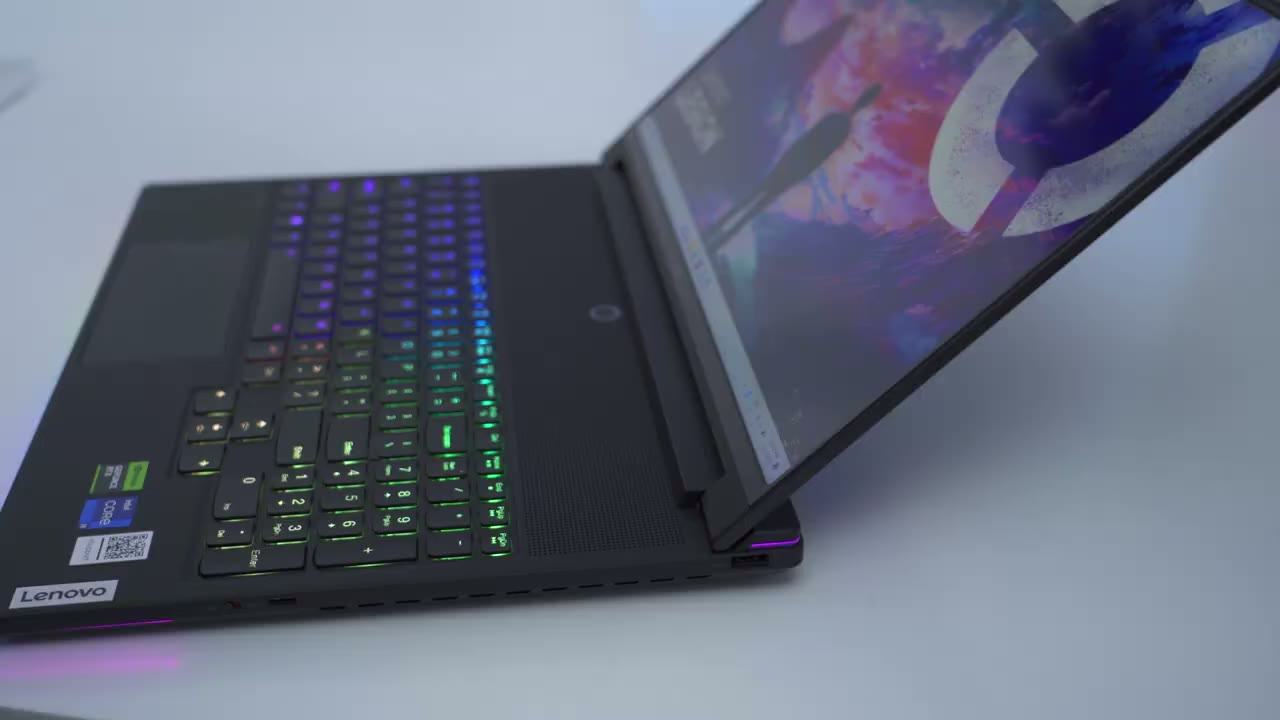
the vanted software you have three preset modes to pick from in ter terms of performance so there’s a quiet mode where it’s going to be you know very quiet it’s on this mode right now so the fan noise is very low and it’s just going to give you you know kind of less power draw there’s also a balance mode and then finally a performance mode which is where I usually have it now you’re going to get Max performance but it does require you to have the laptop plugged in at all times you can always tell which mode you’re in because you could just take a look at the power button so if the ring around the power button is blue well you’re in quiet mode if it’s white you’re in balce mode and if it’s red you’re in performance mode and you actually don’t need to go into the Advantage software to change it you can just hit the function key and Q to cycle through them super handy I also
Lighting
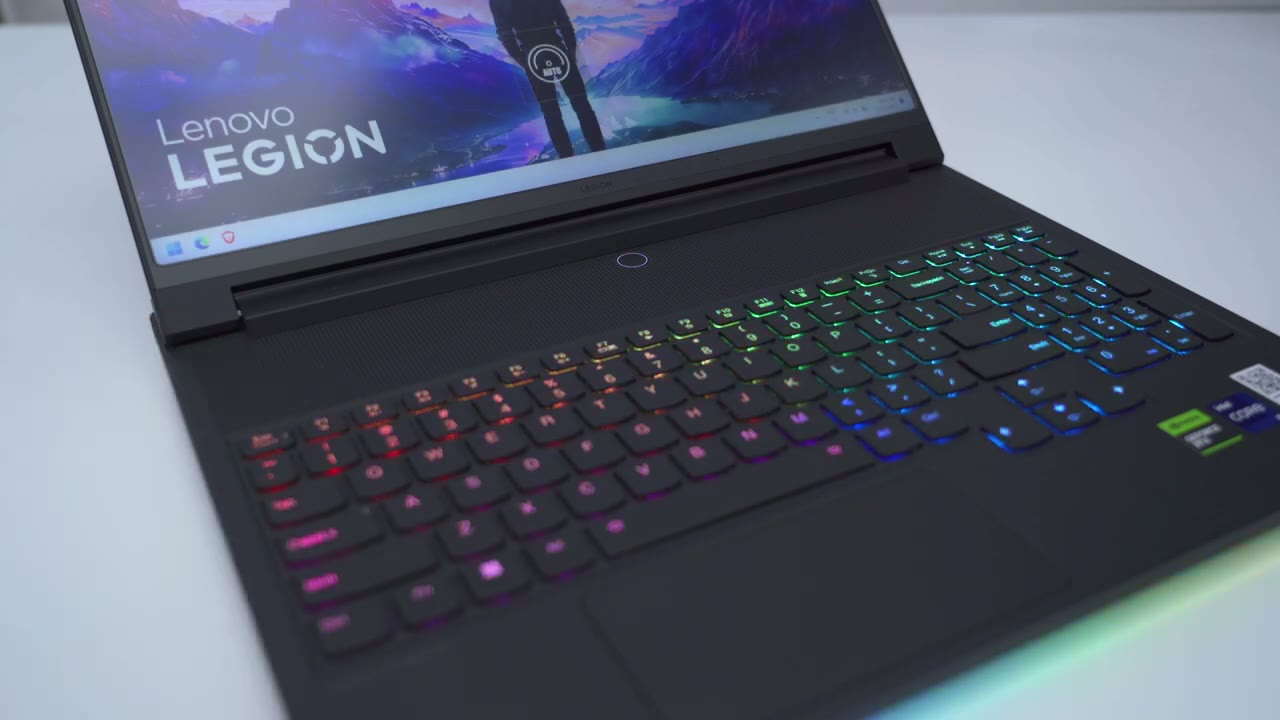
think they’ve done a fantastic job with the lighting and I know some people love RGB and some just hate it I always like having the option because I could just turn it off if I don’t want it and the laptop looks great with it on or off and of course in the vanted software you can go ahead and customize you know different RGB zones or you could just have you know a fully uniform color but it’s very well done you know it’s a nice soft glow and effect and I just like having it on all the time and just like like with changing the performance mode you can easily cycle through the different lighting modes using the function key and the spacebar key per key RGB lighting is available if you really want to customize the keyboard lighting whenever you hit the function key you can see that it only lights up the keys that you can actually use which is super handy to
Typing
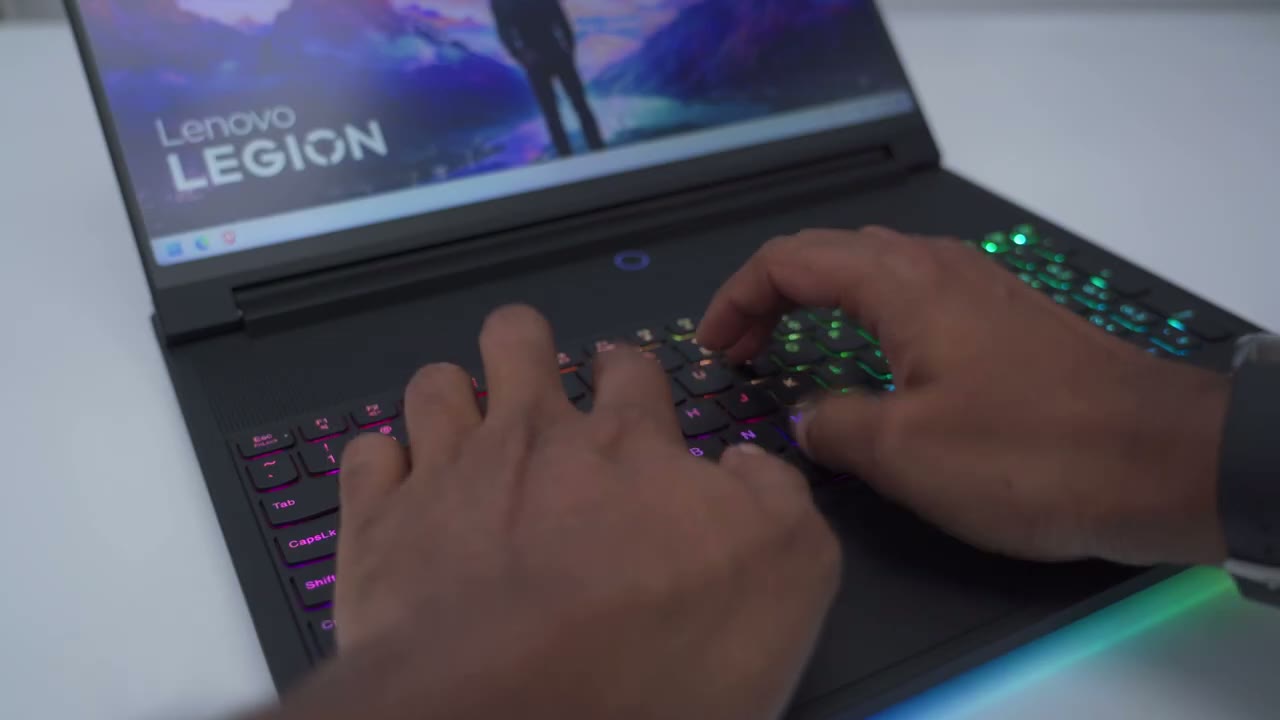
have the typing experience on here is something that really surprised me because I generally use a low profile mechanical keyboard and I’m a little bit picky about the typing experience but actually with the 1.5 mm TR travel distance on here it felt very satisfying to type on here you know just really Pleasant I don’t think you’re going to have a problem with this keyboard lovo also includes eight ceramic key caps that you can use to swap out if you want to change the look of your keyboard and there’s also 16 switches if anything goes wrong now realistically I’m probably not going to use these these seem a little bit slippery for me and I kind of like the consistent look of the keyboard but it is there if you want it let’s talk about battery life and this
Battery Life
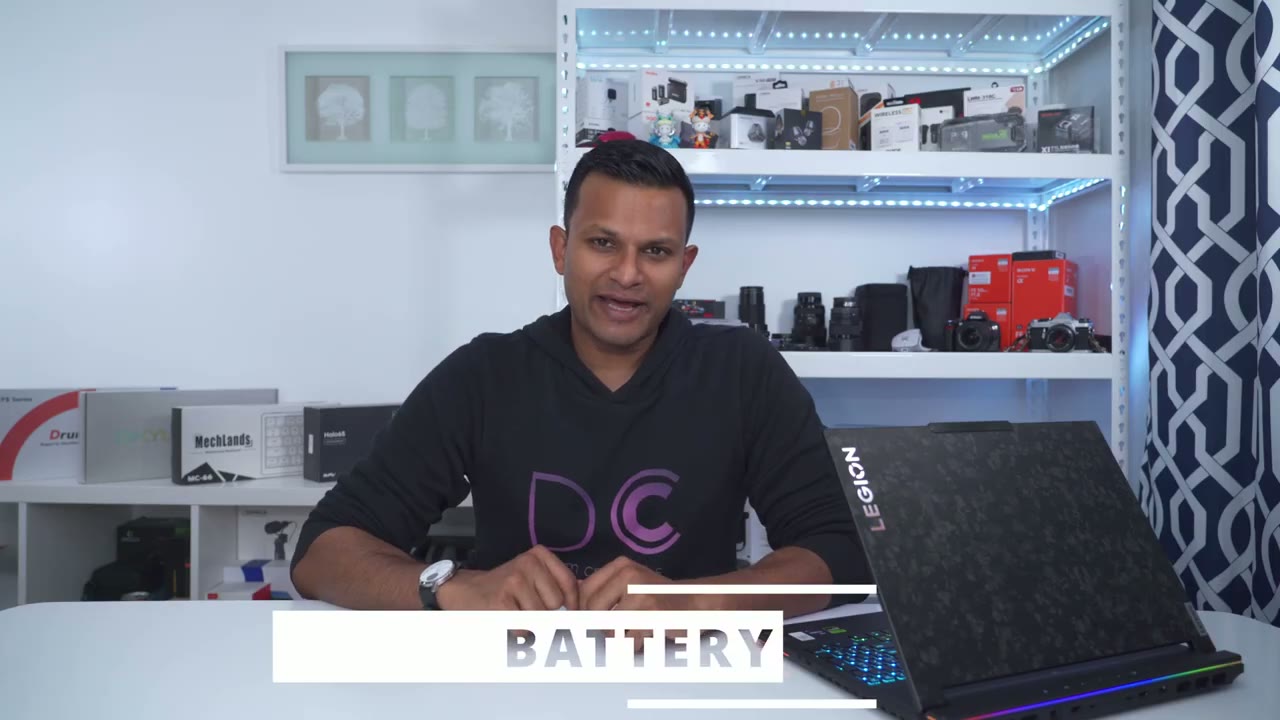
is one area where this doesn’t Excel so it has a 99.99 W hour battery which is the largest you can get if you still want to take it on an airplane now I don’t know about you guys but if I’m buying a laptop with these type of specs I want to run it at Max specs you know Max performance you know High screen brightness I always have Wi-Fi on Bluetooth on and because of that you know I’m really lucky to have you know between like 1 to 2 hours depending on what I’m doing you know if I’m mostly browsing watching YouTube whatnot yeah I would say between 1 to 2 hours and if I’m going to be gaming then it’s going to be way less than that maybe even under an hour again depending on screen brightness obviously you can improve it by you know changing it to a lower performance mode but then you’re kind of handicapping it I mean what’s the point then just buy a laptop with you know medium type specs that’s going to sip power but this just drinks it now if you enable the rapid charge feature in the Vantage software you can go from 0 to 70 in about half an hour and it takes you know closer to a full hour to get all the way to 100% there’s a couple other options in the Vantage software so you do have an option to extend the laptop’s battery health and this is especially helpful if you’re someone who’s going to have it plugged in all the time when you’re using it which is how I use it and it’s going to limit the battery charged to about 75 to 80% to keep the laptop battery topped up we have two included power brakes so there is a smaller 140 WT which is great for you know taking on the go and then there’s also the larger 330 W which is what’s going to give you maximum performance out of the laptop by the way you can also go into the bias and set the laptop up so that you can just plug in any type of USB cable while the laptop is off and it’s just going to charge your phone up which came in super handy for me while I was on vacation waiting in the airport the speakers are also not too bad on
Speakers
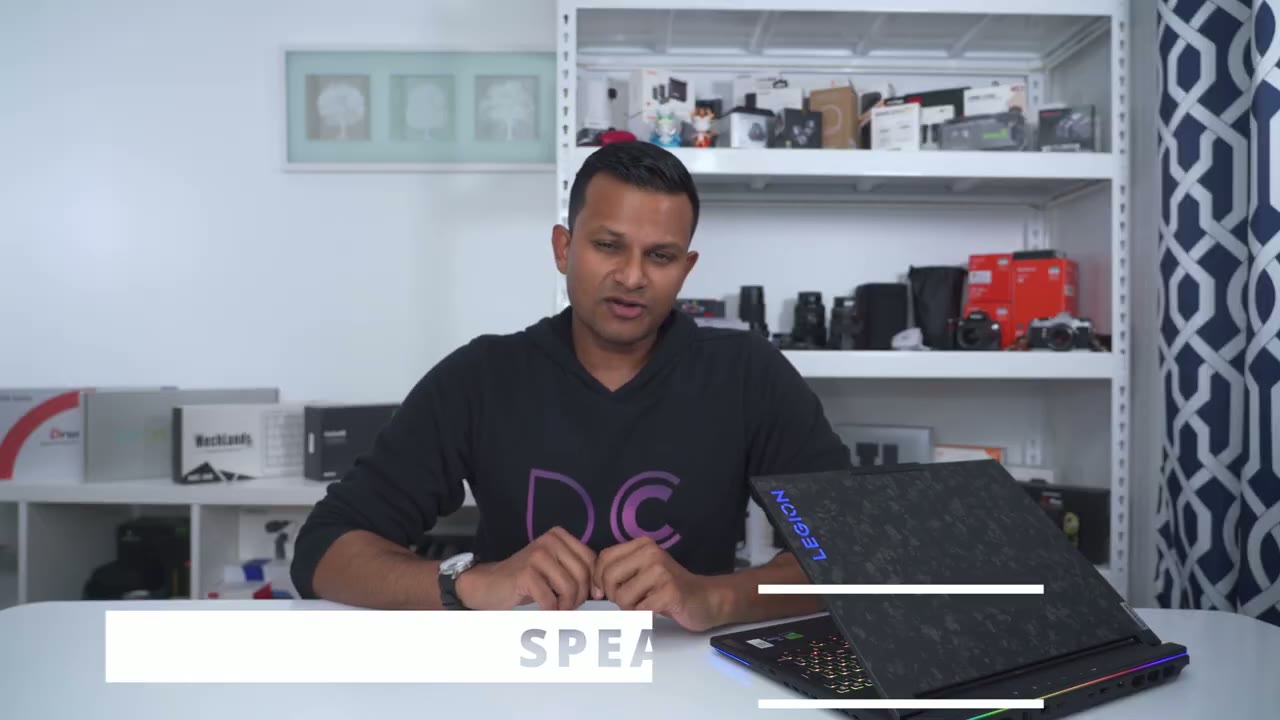
here so there’s two two watt speakers and they actually get fairly loud without too much Distortion but here’s what that sounds like all right this is what the webcam
Webcam
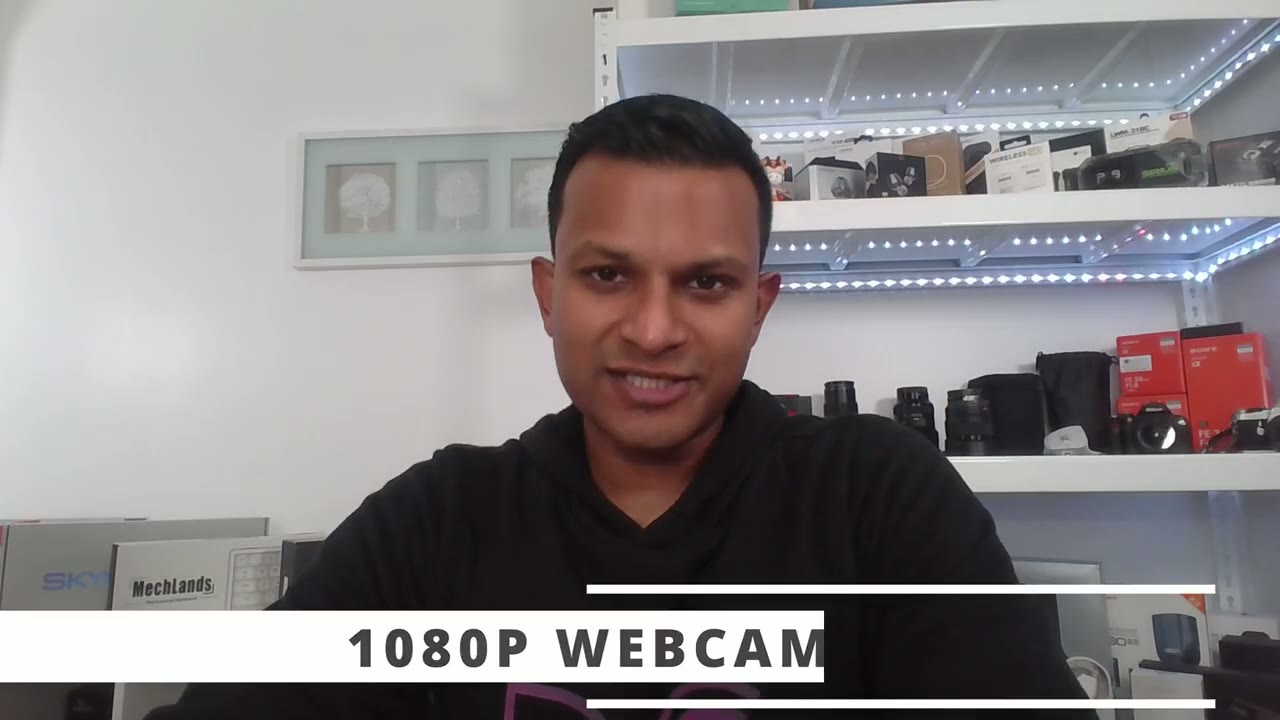
and the microphone pickup sounds like now obviously I’m in a well lit room so it’s ideal lighting conditions but I’m just going to go ahead cut all the lights to give you an idea if you were to use this somewhere a little bit more dimly lit all right so I’ve gone ahead and cut all of the you know really bright white lights so I just have you know regular overhead lights on my ceiling and it’s actually not that bad you know a little bit more grainy in terms of the footage but still very usable one thing I do wish the laptop
Shortcut Key
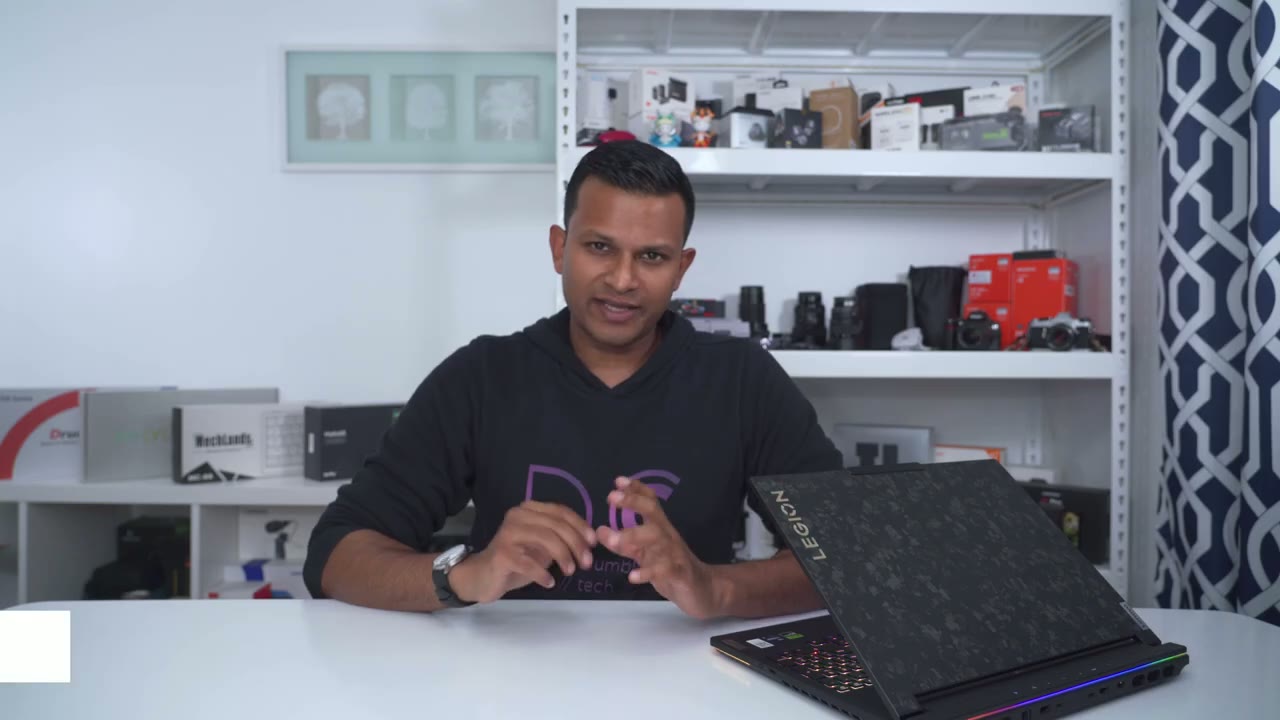
had was some kind of shortcut keys now while there isn’t room for that they do give us the option to you know hit function and F9 and there’s you know three different apps that you can select for quick selection but you can also set it so that if you just hit function and F9 really quickly it opens up you know an app of your choosing I just have it open up notepad because I like to take notes so pretty nice touch even though we don’t have you know dedicated quick launch keys so the legion 9i gaming
Recommended
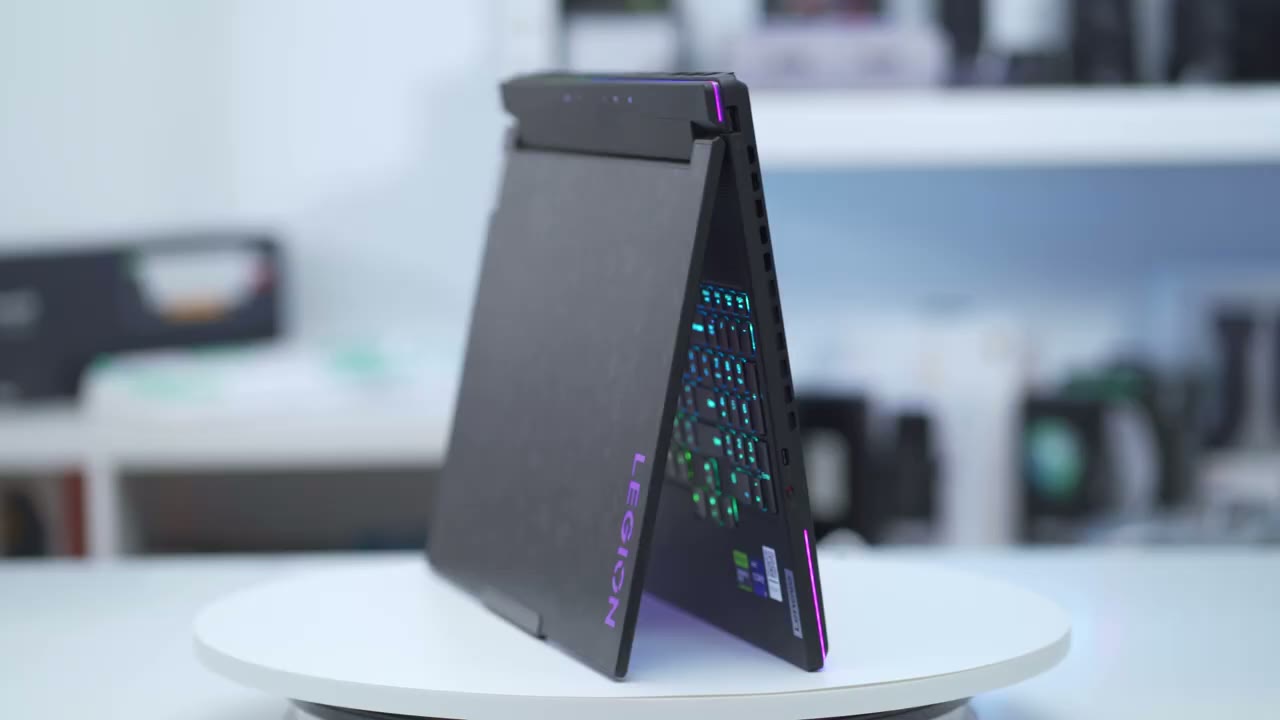
laptop really does well in pretty much every area that I look for because anytime I’m looking for a laptop I’m usually happy with you know 80 to 90% of the features but then there’s always one thing missing like you know maybe it doesn’t have a numpad and I need a numpad or maybe the port selection is just not as punful as I would like and this seems to be the perfect balance of pretty much everything if I really had to nitpick something obviously battery life that’s going to always be an issue anytime you have you know something high performance like this but that’s kind of similar to me buying you know a high performance sports car and complaining about the gas mileage I kind of know what I’m getting myself into with this and I’m perfectly fine with you know just having this plugged in all the time kind of like a desktop rep replacement now at the time of this video the 4080 version that I have here that comes with 32 gigs of RAM and a 1 tbte Gen 4 Drive comes in around 3,150 us if you wanted to get the 4090 version it’s going to be closer to 4,000 us and I do believe that comes with 64 gigs of Rim so yeah it is a pricey laptop hopefully it goes on sale a little bit for you know boxing day or maybe sometime early in the new year but I’m going to leave some links down below for you to check it out and if you are interested in picking this up please consider using my affiliate thingss it really does help me out a lot and it’ll take this thing out of paying full price for this thing yeah overall I’m super happy with the performance so far has been very reliable the typing experience on here is awesome I’m Blown Away about the screen it’s not an olette screen but it’s very very good considering it’s not an OLED screen but I’m curious to hear what you guys think of the Legion 9i gaming laptop would you ever consider something like this you know are you a fan of the look do you find it you know just way too overpriced for what it is initially that’s what I thought but you know after using it a bit more um I just really appreciate the reliability design the portability um it’s really an awesome laptop now if you’re considering the desktop version of this I’m going to leave a link to my review up here and as always guys if you find this video helpful please consider liking and subscribing it really does help me out quite a bit and I truly do appreciate it but I’ll see you in the next one soon
Please note that some of the links in my video descriptions are affiliate links where I earn from qualifying purchases. As an Amazon Associate I earn from qualifying purchases.