


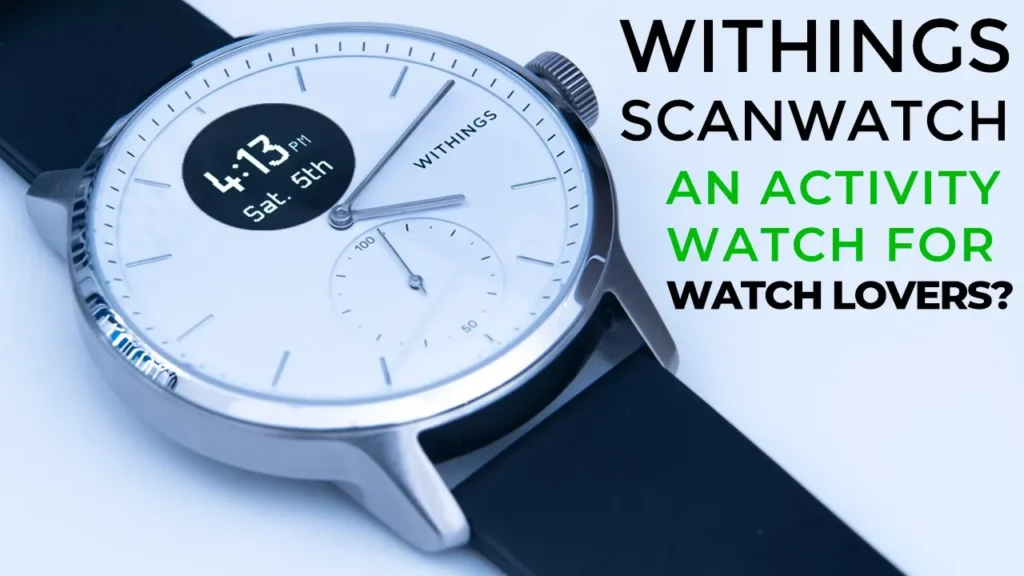

Buy Withings ScanWatch on Withings
Buy Withings ScanWatch on Amazon
Please note that some of the links in my video descriptions are affiliate links where I earn from qualifying purchases. As an Amazon Associate I earn from qualifying purchases.
Intro

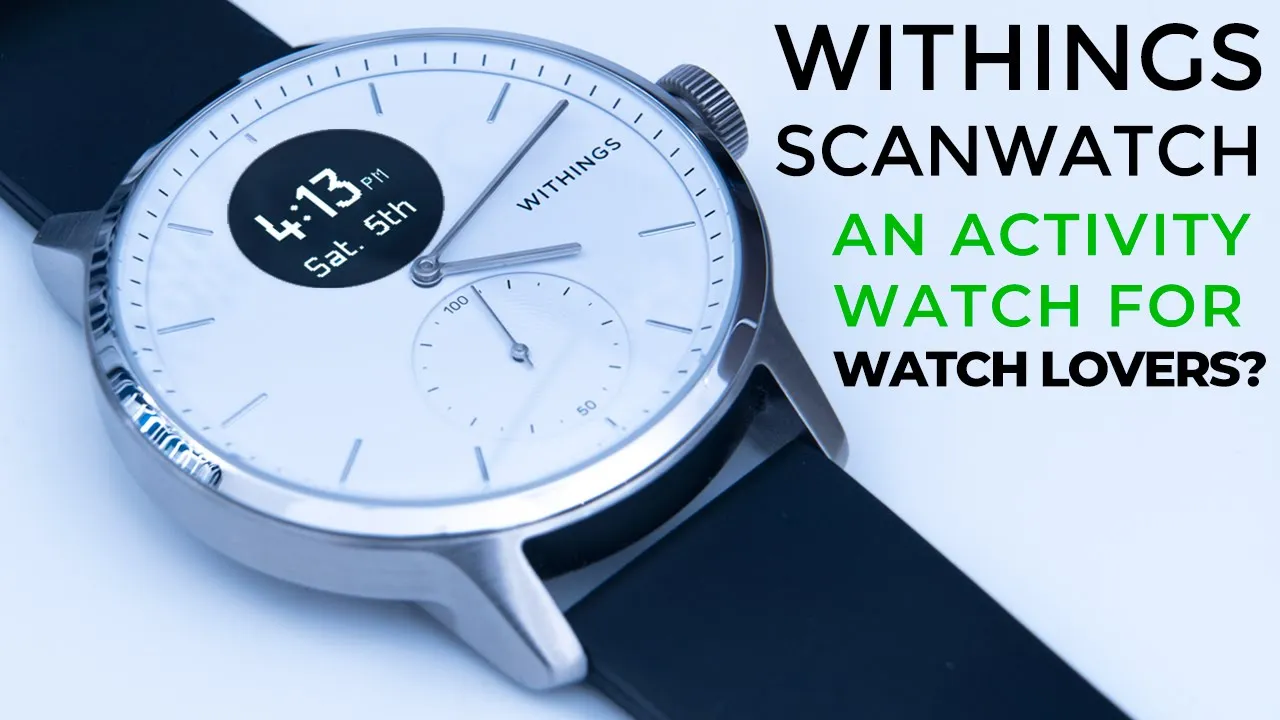
hey it’s adrian and if you’re anything like me you like the idea of having an activity watch but you’re not happy with how they look they all kind of look the same luckily there is the withings scan watch which does all the things an activity watch does but it doesn’t look like an activity watch so today i’m just going to go over my experience with it for about a week and i’ll let you know a few things that you should consider before you get one for yourself so let’s get started this watch i got from amazon
Important Note
uk and the reason that’s important is because i looked at ordering it from amazon canada because i’m in canada however some of the features on the watch are disabled due to health regulations in canada um i have seen online that other people are having the same issues depending on the country they’re from so i’m going to leave a link in the description to the within site and it shows you which countries have all the features enabled
Package Contents
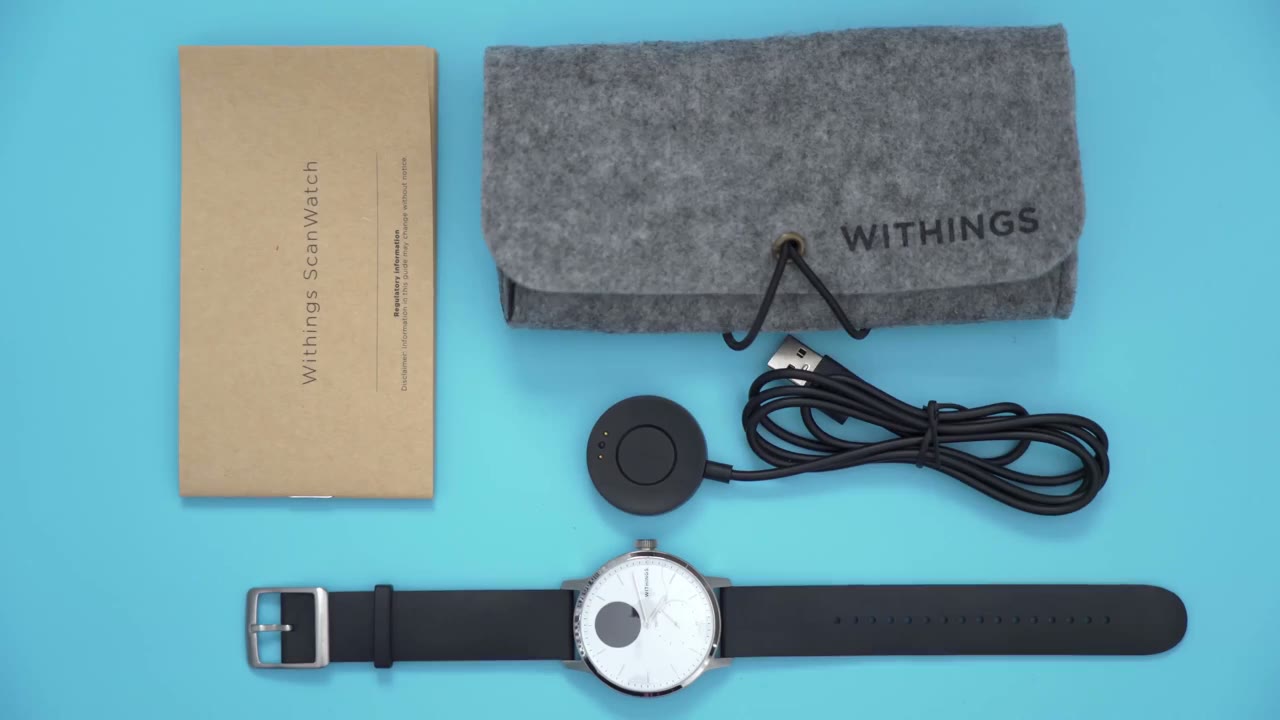
terms of what you get in the box so you have a manual here you have this type of soft cloth carrying case with room for the watch and the charger in the back here now the charger is pretty simple to use so it charges by usb so you just connect these metal contacts here with the metal contacts at the back of the watch and then that just sits right in so it’s a pretty simple system to use so the
Watch Design
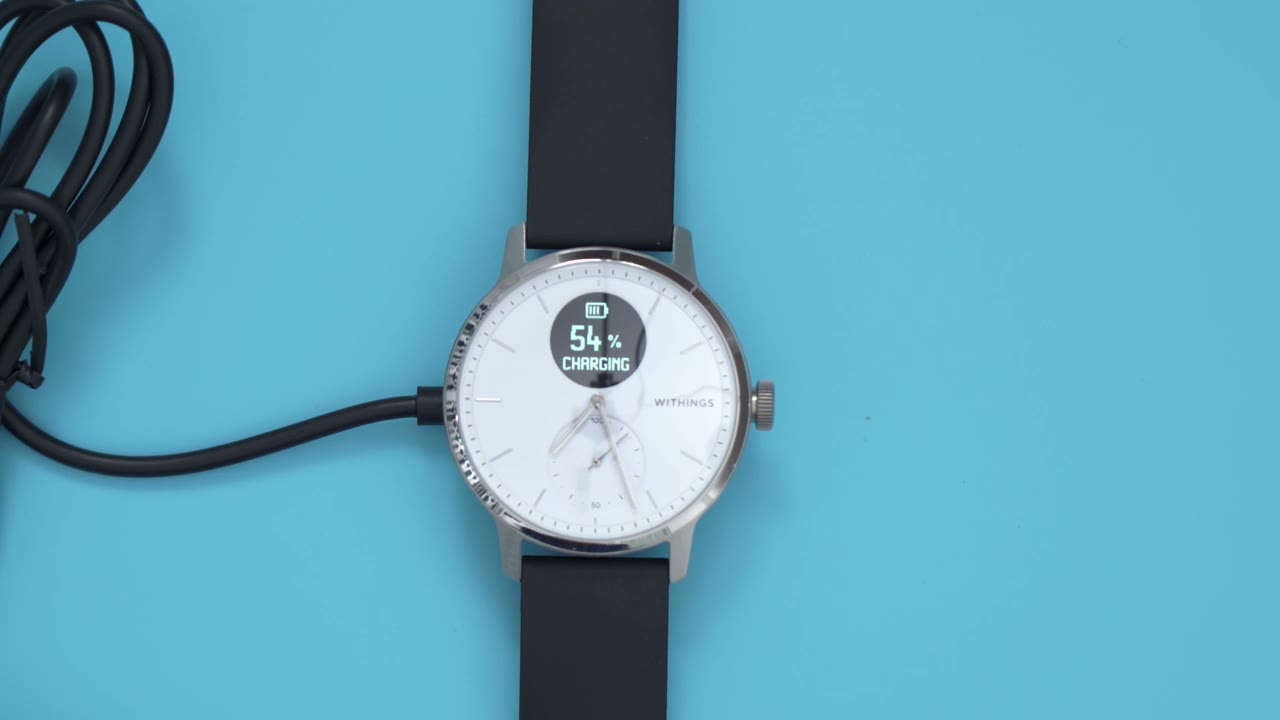
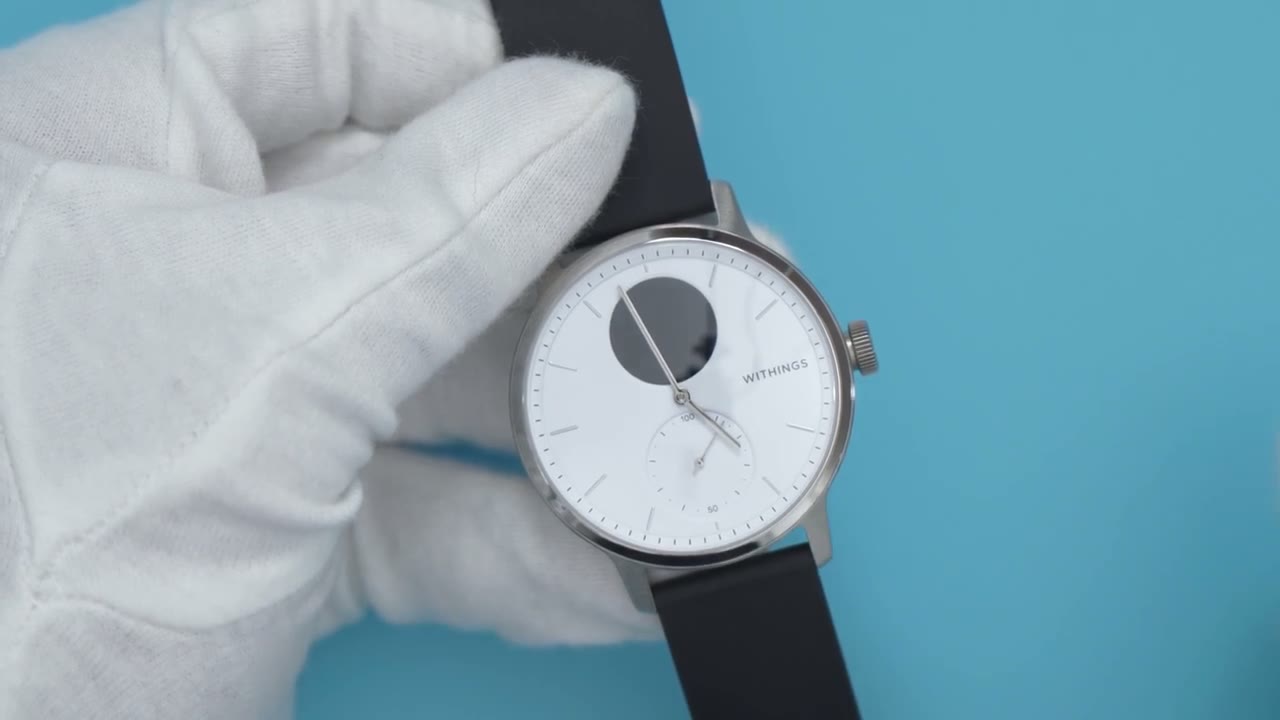
first thing i want to take a look at is the design of the watch so you can tell right off the bat it really doesn’t look like an activity watch at all um it’s a really beautiful looking watch and the light really plays nicely with the polished parts of the watch taking a look at the dimensions of the watch so this watch is the 42 millimeter version and there is also a 38 millimeter wide version as well if you have smaller wrists the watch thickness is about 13.7 millimeters so it’s it has a decent amount of depth to it but when you’re wearing it it doesn’t feel uncomfortable taking a look at the front of the watch if i rotate it to the side you can see it has this domed type of appearance here so it doesn’t sit exactly flat however it doesn’t really affect the legibility or sharpness the dial covering is sapphire crystal which is what’s found on higher end watches so you’re not going to have to worry about small scratches and dings and things like that and it is really sharp it is really clear when you’re reading the watch and because it is sapphire i’m sure that’s part of the higher price tag on this watch as well taking a look at the top sub-dial so this is the oled screen do you would use to just get quick information at a glance and this can also be used for call message app notifications right now it’s set to the brightest setting and when i’m outside in the sunlight i have no issues reading the display taking a look at the dial details so the bottom sub-dial that’s the activity tracker minus set to about 7 000 steps and as i continue throughout the day that activity tracker will continue to go down all the way until it hits 100 if you meet your goal for the day so the crown has this rip texture which makes it easy to just grab and rotate now when you rotate it without the screen on nothing happens when you click into the screen and you rotate it the watch vibrates very gently just to give you some feedback the back of the watch is where you would find the sensors of course the charging port and just some other information about the model number where it was designed and the atmosphere rating on the side of the watch right below the crown is where you would find the altimeter sensor so that just measures changes in atmospheric pressure to tell you how many floors you’ve gone up or down so the side of the watch and the back it is this brushed type of finish and the only polished part is this outer rim surrounding the dial here and then of course the hour markers in here in the hands taking a look at the wristband so it’s a 22 millimeter wristband if you ever need to replace it and the material is this synthetic rubber type of material and it is quite comfortable to wear to show how long the strap is so again my wrist is about a 6.5 inch and you can see that the excess of this trap ends around here which is kind of close to the lug at the top there so just keep that in mind if you have a smaller wrist let me know what you think of this watch’s design and if you’re a fan of the white version or the black version through the full
Health Features
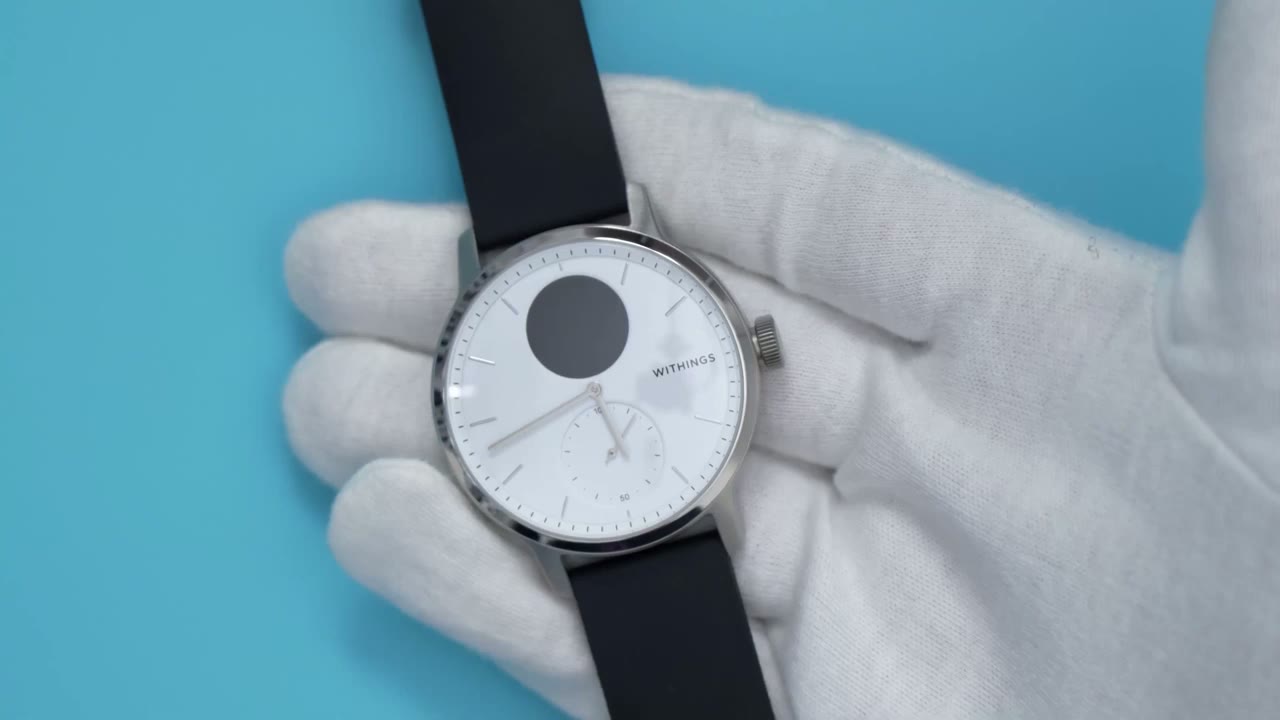
activity feature set on this watch so it does breeding disturbances detection heart rate tracking every 10 minutes irregular heartbeat detection recreational oxygen saturation through the oximeter reading advanced sleep tracking and 24 7 activity tracking the one thing it doesn’t do is blood pressure monitoring can look at the
ECG Test
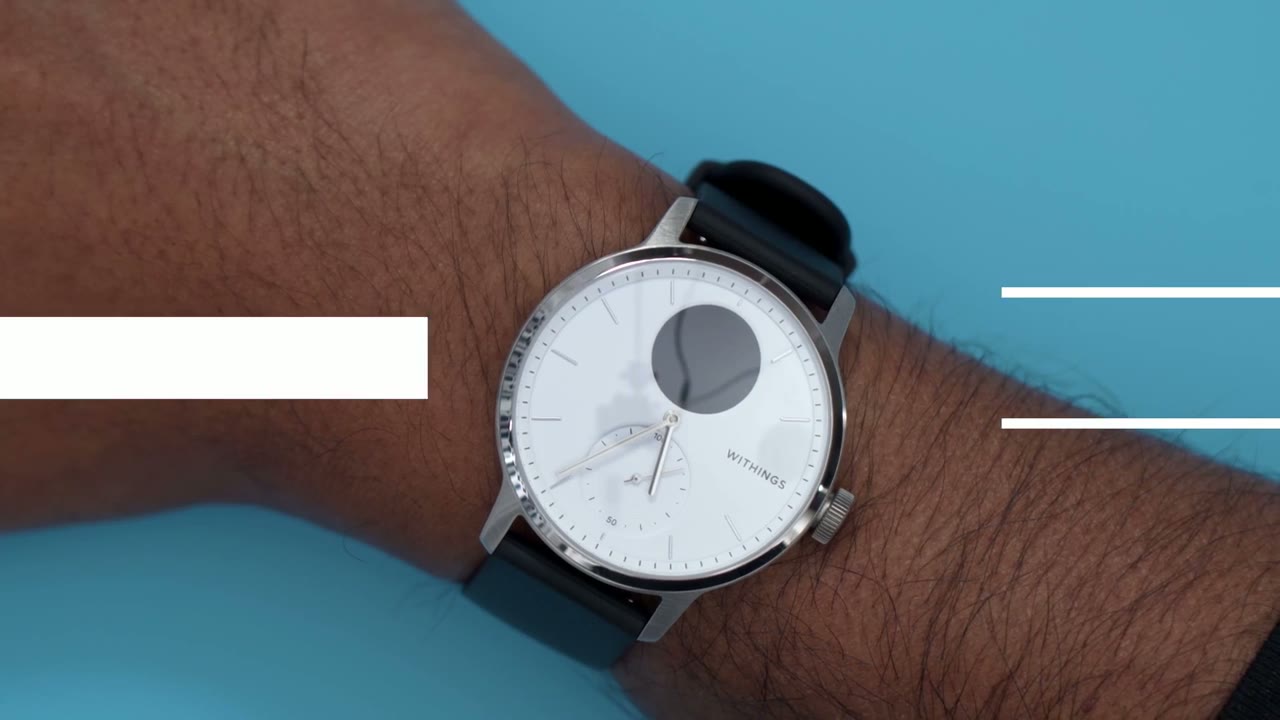
activity features of the watch so the first thing to do is to learn how to navigate the watch so you would click in the crown and then you could rotate to whatever setting you would like on the watch now the two features i want to highlight which are unique to this watch are the ecg reading and the oximeter reading so i’ll start on the ecg so you can see there’s this little uh animation showing that you can click in further so i’m going to click that in and i’m supposed to put my finger here so you can see that reports normal the
Oximeter Test
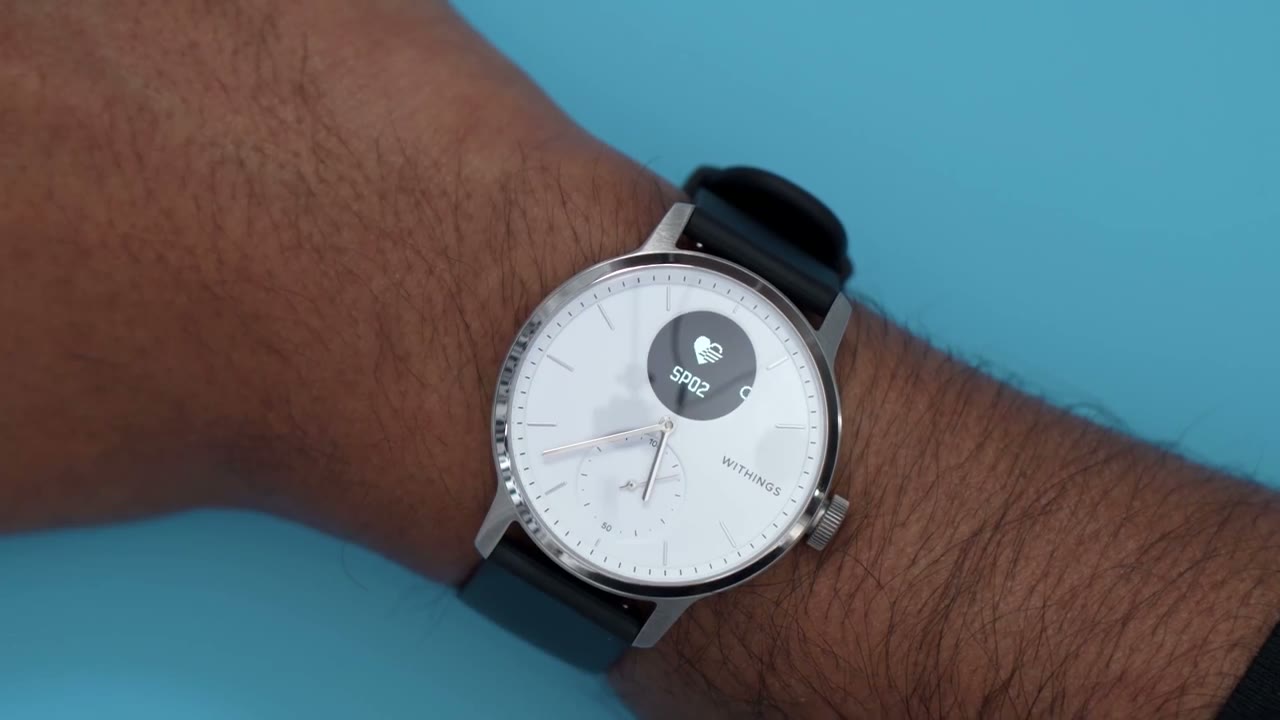
next thing i want to test is the oximeter so i’m going to go ahead and click in put my hand again [Music] and that shows a normal reading as well
Healthmate App Settings
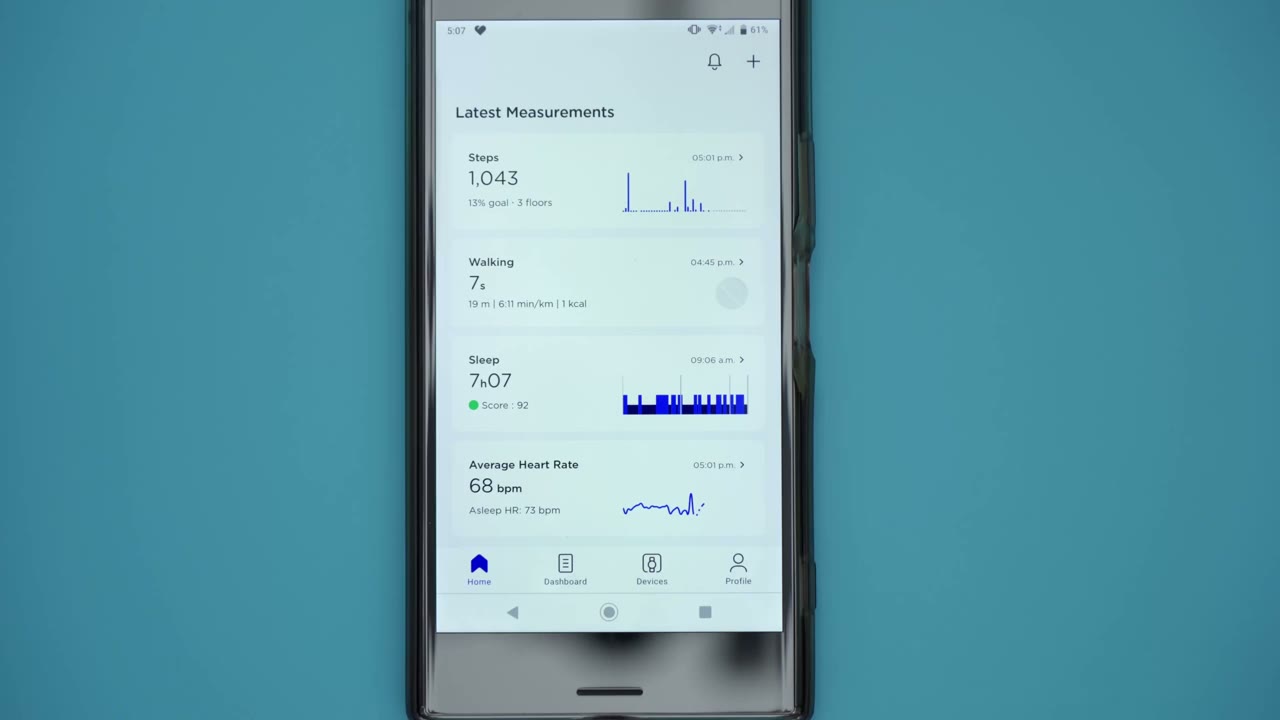
looking at the healthmate app which is what you would download to pair with your watch so you can get full functionality out of your watch it’s a pretty simple to use app and pretty helpful i find so you can see as soon as you go to the home screen you have some quick information so how many steps a sleep score how much activity was done average heart rate ecg reading breathing disturbances oxygen saturation level and one thing i wanted to point out is this signs of afib so it did detect three events on three separate days but i noticed every time my hand was on a mouse when it detected it and then i would take my hand off the mouse run the manual test and it would come back normal so i did search online and at least one other user reported that they would be getting false positives when they were using a mouse so i’m chalking it up to that for now but it’s something i’ll monitor and see looking at the dashboard tab so it’s kind of the same thing just a bit more basic information so it’s not a tab that i ever look at the devices tab is where you would add your scan watch or any other within smart product that you may have now i have the watch added index show the battery life and it is connected by bluetooth and i also use the notifications and that’s actually been pretty handy so you can see i have my notifications enabled for messages but not calls so anytime i get a text message it’ll turn on i also have it enabled for certain apps so for example amazon if i order something if i get a delivery it will vibrate on my watch so i can check it right away that’s super handy one thing i found myself using a lot is the alarm so you can see i have my alarm set to 9 00 am from monday to friday just in case i end up over sleeping and that’s been working very well it vibrates very gently on your arm one thing i want to mention though is it vibrates once and then it just turns off so you don’t actually need to turn it off so if you’re a heavy sleeper and you sleep through that vibration then that’s not going to be very helpful now clicking on settings is where you really get all of the features of the watch unlocked so you can set the time manually but by default it does grab the time from whatever showing on your phone again you can go into the notifications here you also have an option to long press the crown and to launch um whatever you’d like so on mine i have it set to launch workout so if i’m gonna go for a walk i could just long press on the crown and it would do that your other options are to do ecg or oxygen saturation you’ll look at the display options so this quick look option is pretty handy if you turn it on and you just flick your wrist the screen comes on i ended up turning it off just to save battery life brightness is another setting that you may want to change and you have to go through the app so if i click on brightness right now it’s at the max brightness if i put it all the way to the bottom that’s it at the dimmest setting and then at the brightest setting and of course you can just set it to auto brightness if you want to save battery life even further you can also customize the screens that you cycle through on the watch so by default you have to have the date as the first screen so if i click in the crown that’s the first screen then the next screen is going to be heart rate steps and you can see that’s corresponding on here and you can also uncheck any type of info that you’re not interested in seeing when you cycle through and look at the health features settings on the watch you can see it does mention right wrist here so the readings are affected by the wrist that you wear it on so if you’re going to wear it on the left make sure it’s set to the right wrist and the oxygen saturation minus at the on demand but you see there is an option to monitoring it during sleep and that is going to affect battery life a lot so i have it turned off there’s also the signs of afib that’s turned on there’s a respiratory scan it’s at the automatic now there is an option here to keep it on all the time and again that is going to affect battery life which is why i have it turned off so i want to demo how this activity dial works so you can see right now it’s right here and my daily step goal is eight thousand however if i was to reduce my daily step goal to something like uh three thousand you can see once i hit confirm this activity dial hand is just gonna really jump so i’m going to go back and you can see it’s now jumped down here looking at workout customization if you know you only do a certain type of activity you can just enable that and all the other ones you could deselect which is what i’ve done here it’s also an option to keep the display on while you’re doing an exercise but it does let you know it is going to reduce your battery life the last tab which is the profile tab this is where you would edit your information you also have an option to share a pdf report with a doctor or some other type of health professional it also shows achievements and it also has integration with a few other apps so there’s google fit strava run keeper myfitnesspal if this then that nest and samsung health so
Recommended?

what i recommend this watch the watch is pricey at 300 us but i think if you look at the materials it comes with it is a sapphire crystal on the dial so you know that’s usually found in higher end watches it’s the only watch that i know of with a medical grade oximeter if that’s important to you and it does take the ecg rating so i believe it is the first watch that has both of those features i do enjoy using the healthmate app that comes with the watch so it’s not like a ton of info but it’s enough info where you’re not overwhelmed and you still have an idea overall of how you’re doing i haven’t had any disconnects or crashes with the app as well so that’s a plus for me all right let’s talk about
Battery Life

battery life so with things as advertising a 30-day battery life but like with anything that depends on the settings that you’re using on the watch so based on the settings that i have and i’ve played around for a bit to get the watch where i want it i’m estimating i’ll end up at around two weeks of battery life now that i’ve kind of got the settings dialed in where i want it i’ll probably get a bit over two weeks but on average i would say two weeks is pretty safe so if you’re interested in picking one of these up for yourself i’m going to leave some links in the description below keep in mind that depending on where you order it from that’s going to determine which features are enabled on the watch so i’m still in canada but the watch is fully unlocked because i got the uk version if you’re trying to decide if
White or Black Dial?
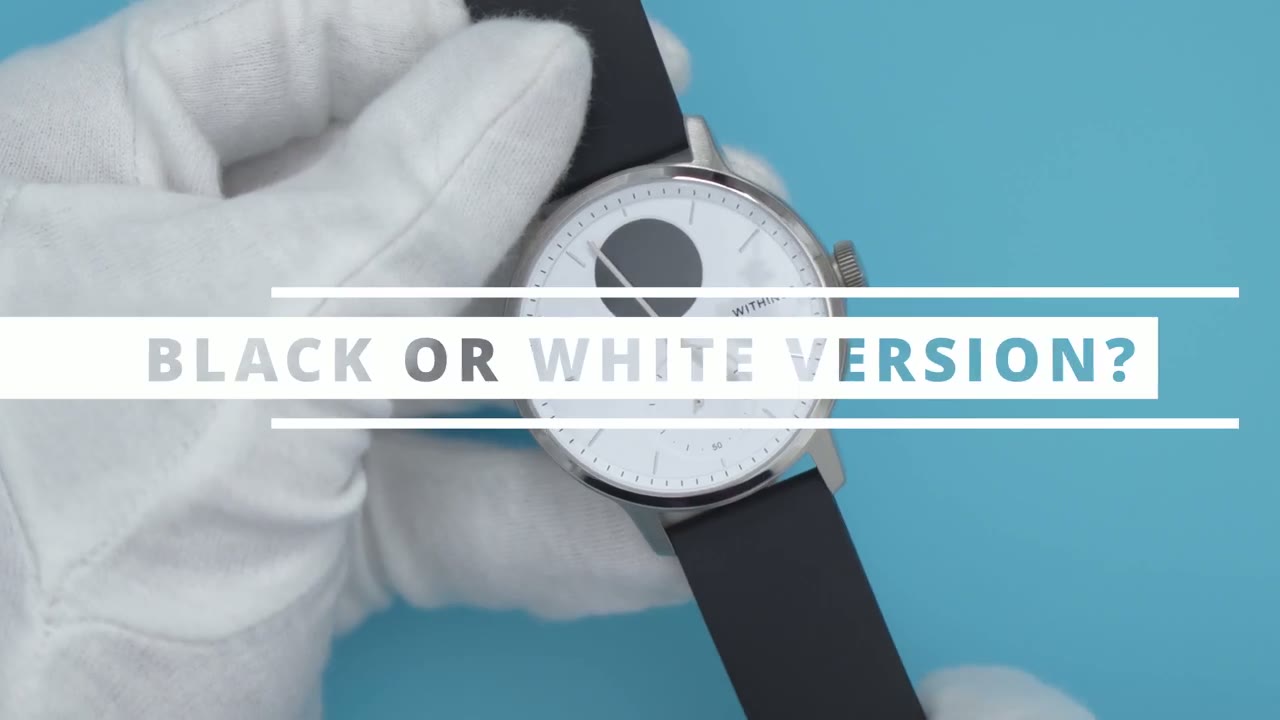
you should get the white version or the black version of this watch in the 42 millimeter here are the differences that i found but there could be more one is because the hands are so narrow on the white version there is no room to apply loom so if you’re going to be looking at the watch at night you’re going to have to use the screen if you don’t have enough light the second thing is because the black version of this watch the hands are so thick because of the loom it is possible that when both hands are near the 12 from 11 to 1 they may obstruct the view of the lcd so when you turn on the lcd those hands jump out of the way however on the white version because the hands are so narrow they just stay in place
Connect With Me!
lastly let me know what you think about the review if i missed anything let me know i’d be happy to take a look and respond to you if you do have this watch let me know what settings you’re using i’m getting around two weeks of battery life i’d be curious to know if any of you guys are getting more than that and if you are which settings do you have turn on and off if you found this video helpful please consider liking and subscribing i’m going to be doing more of these activity style watches so that’s your thing stick around and i’ll see you in the next one bye you
Buy Withings ScanWatch on Withings
Buy Withings ScanWatch on Amazon
Please note that some of the links in my video descriptions are affiliate links where I earn from qualifying purchases. As an Amazon Associate I earn from qualifying purchases.