


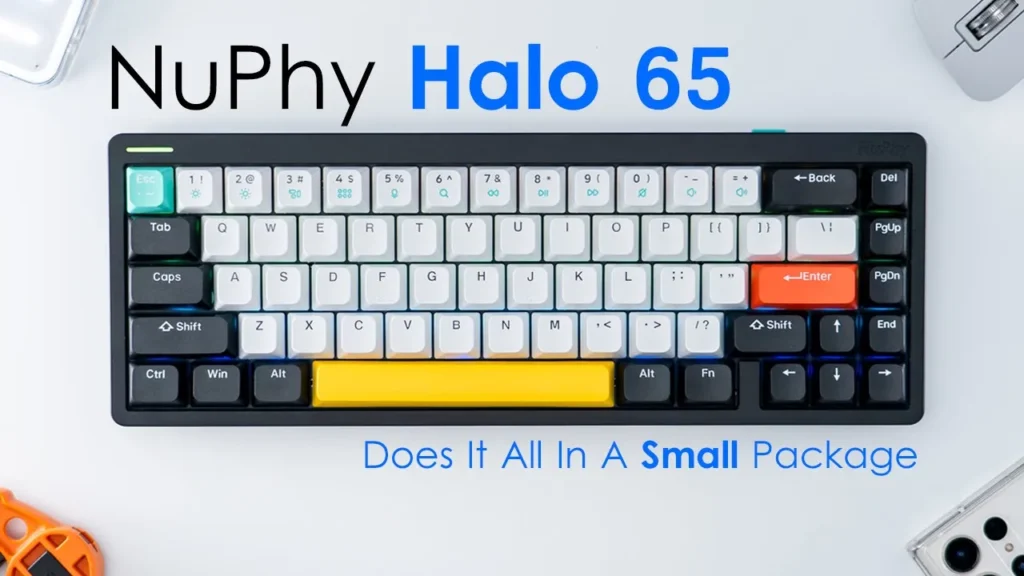

Please note that some of the links in my video descriptions are affiliate links where I earn from qualifying purchases. As an Amazon Associate I earn from qualifying purchases.
Intro

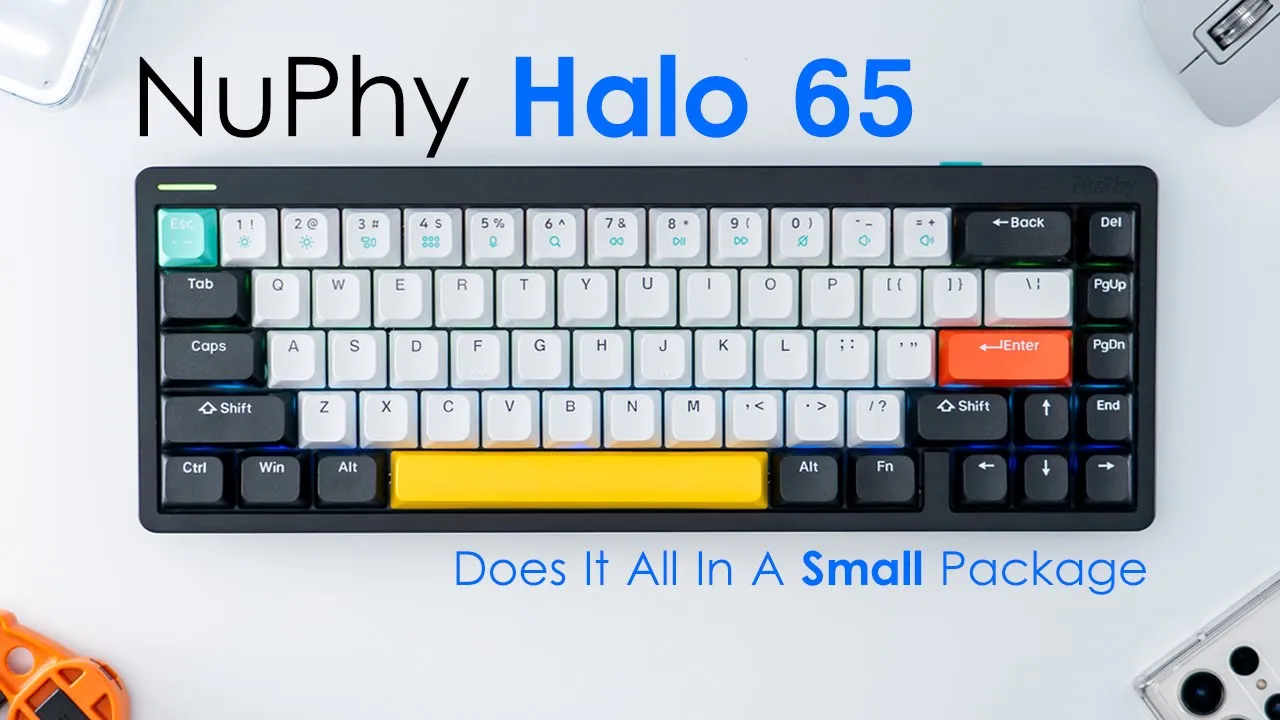
hey it’s Adrian and today I’m taking a look at the new Phi Halo 65 mechanical keyboard now I’ve previously reviewed the new 5 Hill 96 and 75 both are wonderful keyboards well built and beautiful and the new 5 Halo 65 carries on that tradition just in a smaller form I’d like to give a big thank you to keep a tech for sending out the Halo 65 for an unbiased review keeping attack is a new Phi authorized partner so if you’re interested in picking up any of Nephi’s keyboards check eBay Tech out especially if you’re in Canada they offer fast and free shipping now let’s take a closer look at the new 5 Halo 65.
Package Contents
in the package we have the new five Halo 65 keyboard with a handy removable dust cover we also have additional keycaps we also have a keycap switch puller additional switches and a braided USB type-c to type a cable for Wired mode and for charging we also have a manual some stickers and we have a list of keyboard commands and if you flip that over it doubles as a poster I also have an optional set of shine through keycaps generously sent by key Bay Tech the Halo
Design
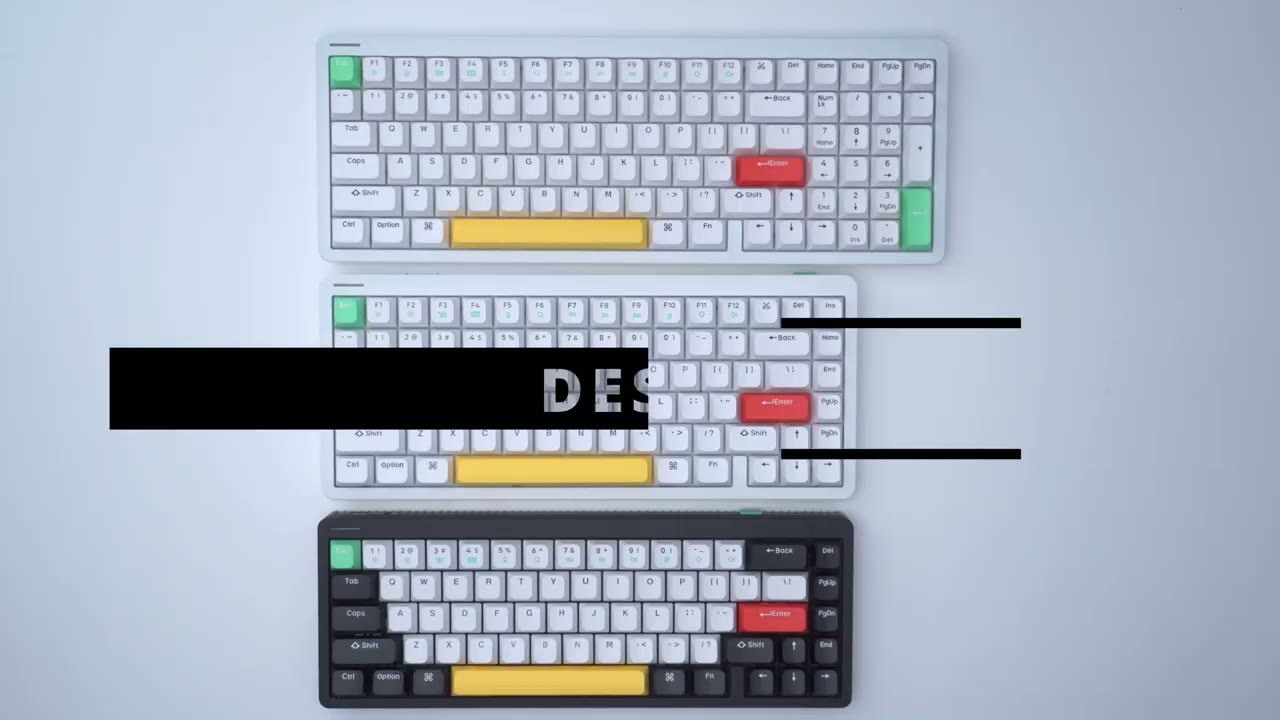
65 is the smallest out of the HALO Series and you can see that it’s actually the same width as the hill 75 it’s just that this top row of f Keys is missing on the 65.
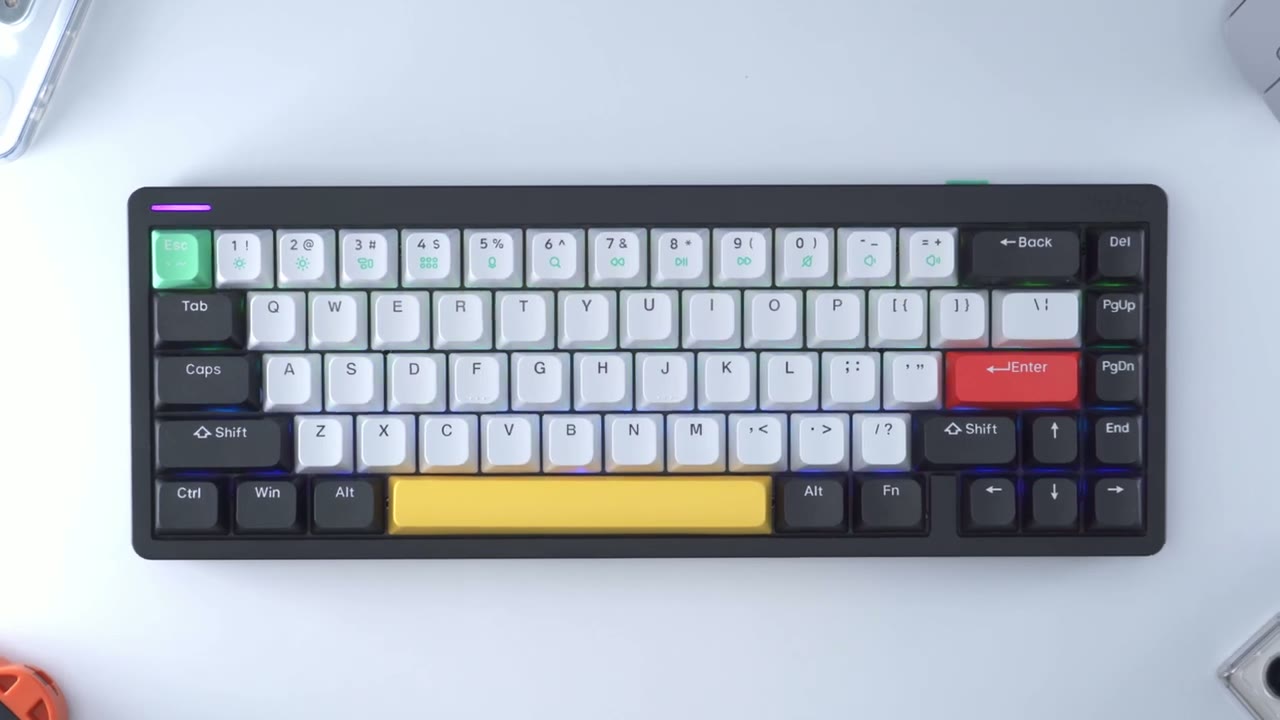
I ask eBay Tech to send the Black version of the Halo 65 because I have the white version in this 75 and 96 and I have to say that the Black version is really beautiful the contrast between the black and the white keycaps really makes it pop and actually I think the block may look a bit better than the white version even though the Halo 65 is much more compact than the Halo 75 it still has a pretty impressive have have coming in at around 2.2 pounds or 1 kilogram I have the matte black version but it also comes in a white version as well the top is an aluminum frame and the very bottom is this ABS plastic now you can see where the top and the bottom meet there’s a really cool Halo light effect that wraps around the entire keyboard there’s also a really handy side light to help show things such as caps lock and pairing status the keycaps are double shot pvt and their new fives own kop style of keycaps so they have rounded corners and a flatter profile the rear of the keyboard has a USB type-c port and that’s used to charge the keyboard up or to use it in wired mode there’s also a switch here to turn the keyboard off put it into wired mode or put it into Wireless mode on the other side we have the USB wireless adapter if you’re going to be using it in the 2.4 gigahertz wireless mode while new calcula left these elements here just black or white they’ve chosen to match it to the Escape key and that’s just the level of detail you find in their keyboard if we compare the Halo 65 to Halo 75 you can see that there is a switch missing to switch from Windows to Mac mode on the hill of 65.
the rear of the keyboard has four rubber feet which are nicely color matched to other elements on the keyboard we also have two stage adjustment feet and these can be angulated to five and a half degrees 8.5 degrees and 11 degrees we also have the new Phi logo nicely embossed on the rear of the keyboard we also have the new file logo nicely embossed at the top right corner as well so yeah overall this is just a beautiful keyboard no matter which way you look at it or from which angle there’s just always something going on with the design you know to have this nice type of rip texture going along the side here and at the bottom just to keep things nice and fresh but yeah let me know what you guys think below you know do you prefer the look of the black or of the White Version I mean coming from White for a lot of my products the black just really stands out to me the Halo 65 is a
Specifications
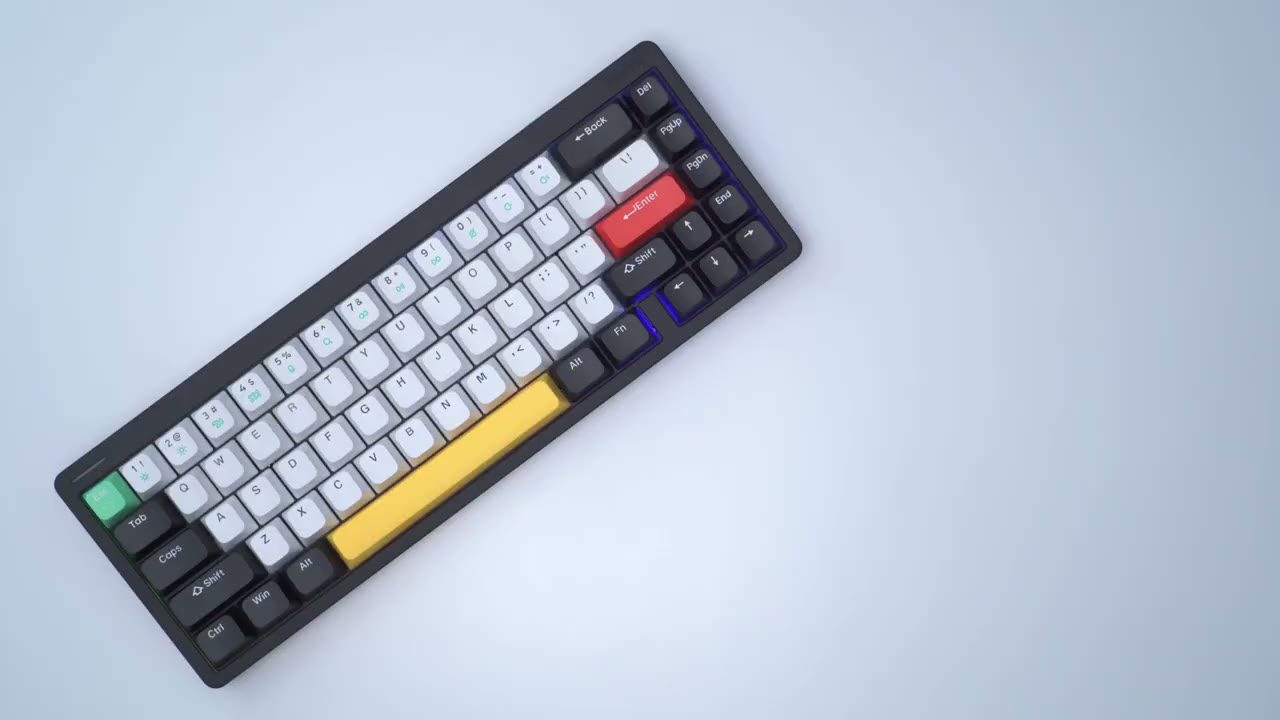
65 layout but 67 Keys which are double shot PBT they are hot swappable it has n key rollover support there’s multiple RGB modes connections are with 2.4 gigahertz wireless Bluetooth 5.0 or wired there’s a 4000 milliamp hour built-in battery it’s compatible with Windows Mac Android iOS
Typing Experience
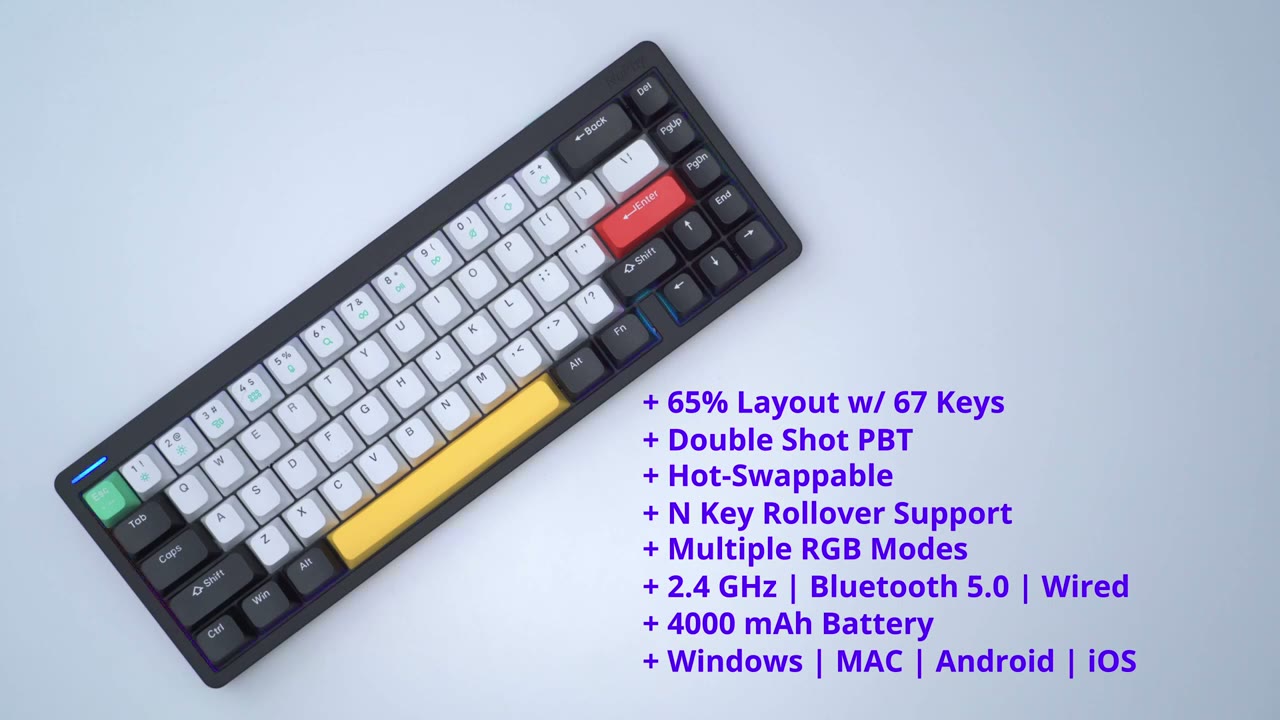
I’ve been enjoying the typing experience on Halo 65 with the brown switches I normally don’t go for tactile switches but it kind of reminds me of what I used to use you know kind of older style keyboards where you had that crisp type of response in terms of sound and the ways the keys bounce back the keys have nice travel distance and there’s a little bit of a tactile bump as you bottom out so that’s something you may enjoy or may not I don’t mind it at all coming from my experience using the Halo 75 and 96 for gaming the Halo 65 is also an awesome option for gaming especially with the brown switches and the NK rollover support
Sound Profile
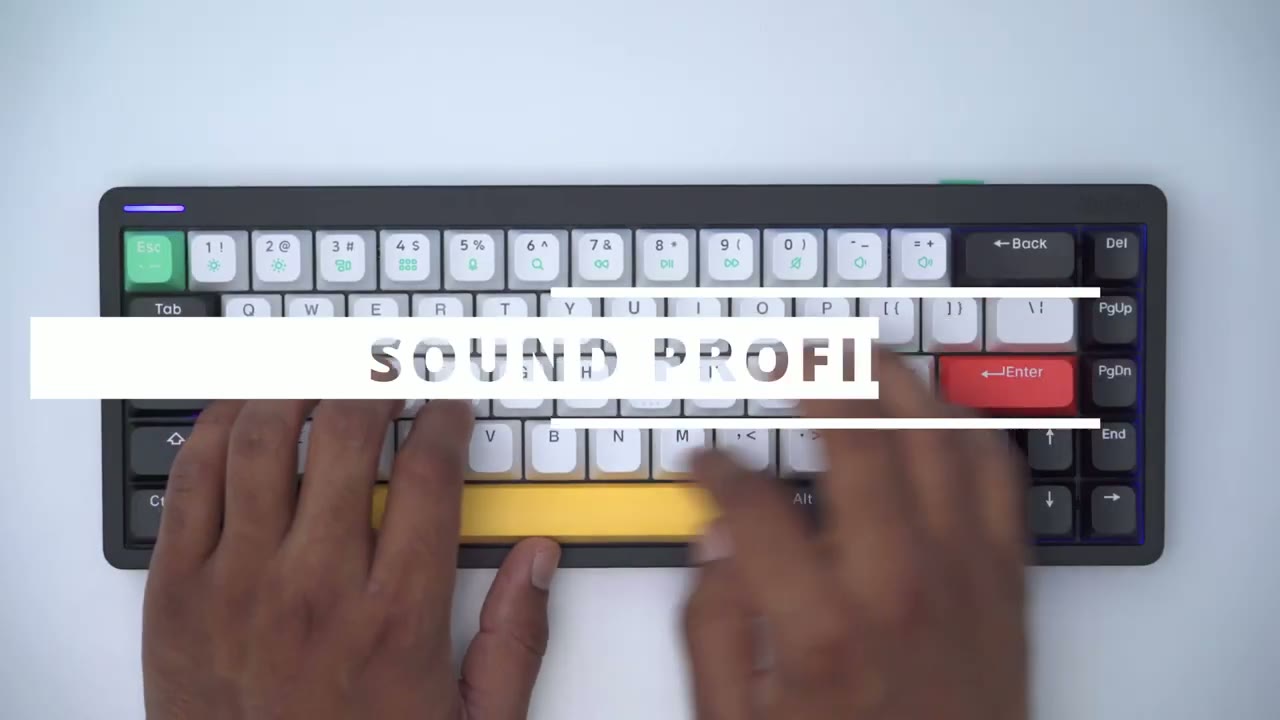
[Music] the sound profile of the brown switches is definitely a bit more crisp and sharp especially when compared to new 5’s Coast bar which has more of a dull type of noise [Music] so you can hear there’s a pretty big difference between the brown switches and the noise that the ghost bar produces now that may be something that bothers you or something you may not even notice for me personally I do notice it quite a bit when I’m going from typing here and I’m pressing the space bar so I think in the future I would probably pick switches that are a bit more muted sounding to kind of complement and have an overall even sound profile now if you don’t want to use the ghost bar Nephi also ships with a standard space bar in all of their keyboards so here’s what that sounds like wobble is there but it’s pretty minimal and in no way does it affect the sound coming out of this so you can hear pretty much anywhere I press on the spacebar is just an even type of Sound by the way if you’re finding this review helpful please consider liking and subscribing it really does help me out a ton but let’s get back into the video while the Halo
Lighting
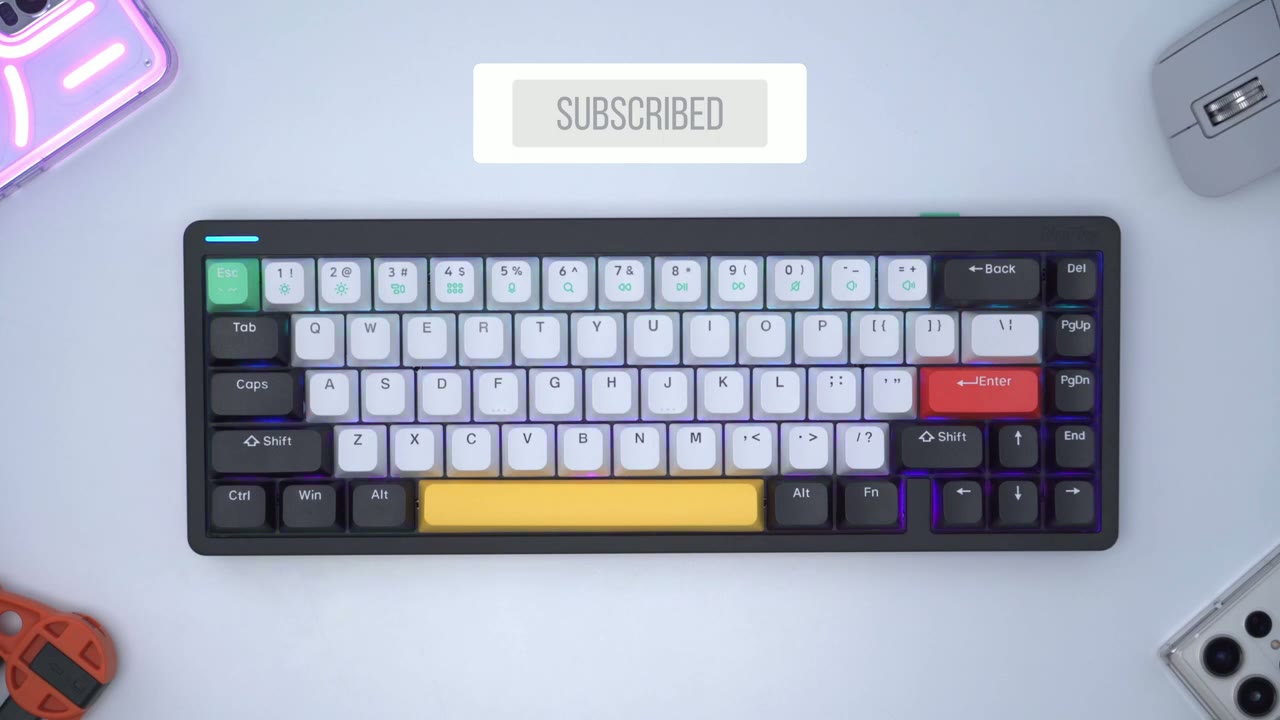
65 doesn’t ship with shine through keycaps I’ve gone ahead and replaced the right side of the keyboard with them just to give you an idea of what you can expect if you went ahead and bought the optional keycaps the Halo 65 features North facing LEDs I’ve gone ahead and cut the lights just to showcase the RGB so it’s really easy to modify if I hit function in the down arrow I can just lower the backlight brightness so they’re completely off and then function and up to put the brightness to the max now I can also change their Primary Colors by doing function and write and it’ll cycle through the preset colors until we go back to the rainbow mode and I’ll just leave it right there now to cycle through effects we would hit function and left and you could cycle through a bunch of different effects here now we can also change the speed of the effect by slowing down or increasing it we can also modify the side light by hitting function question mark and left and we could cycle through a bunch of different effects now what we can also do is to increase or decrease the brightness so function down will cut it all the way and then function up for maximum brightness we can also modify the Halo light that wraps all the way around the keyboard by hitting function H and D corresponding arrow keys so let’s take a look at that
Software
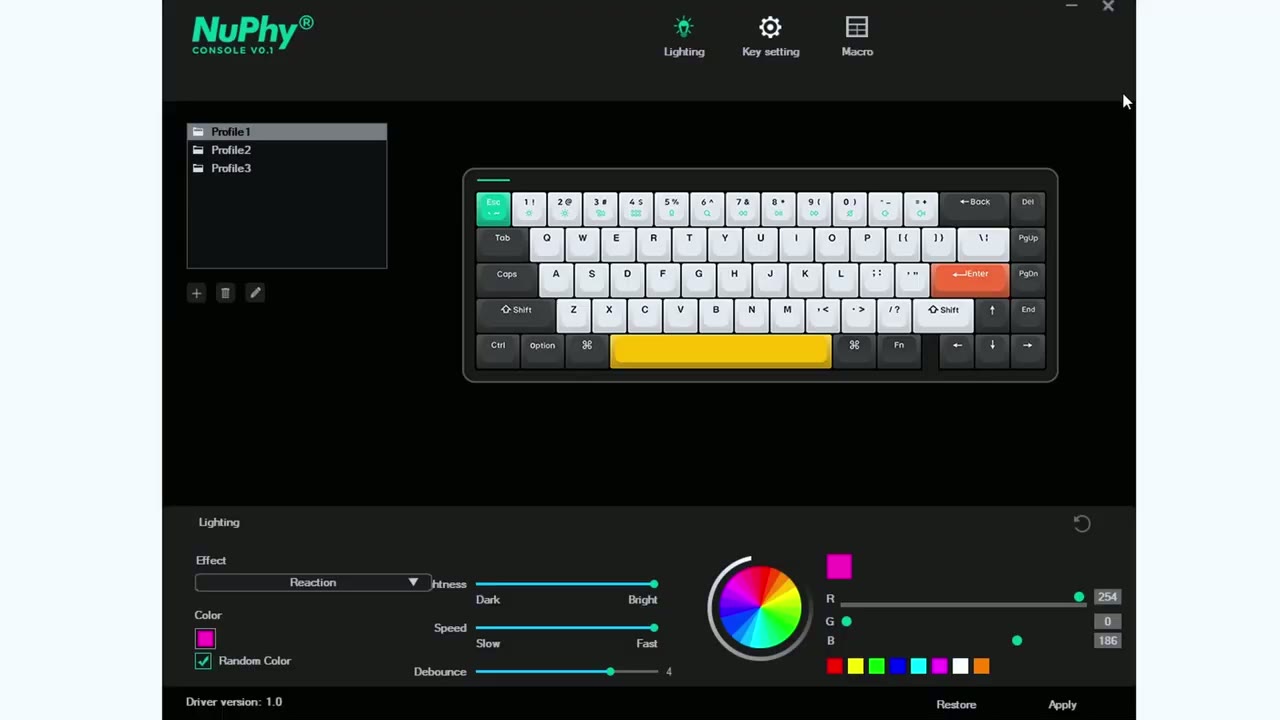
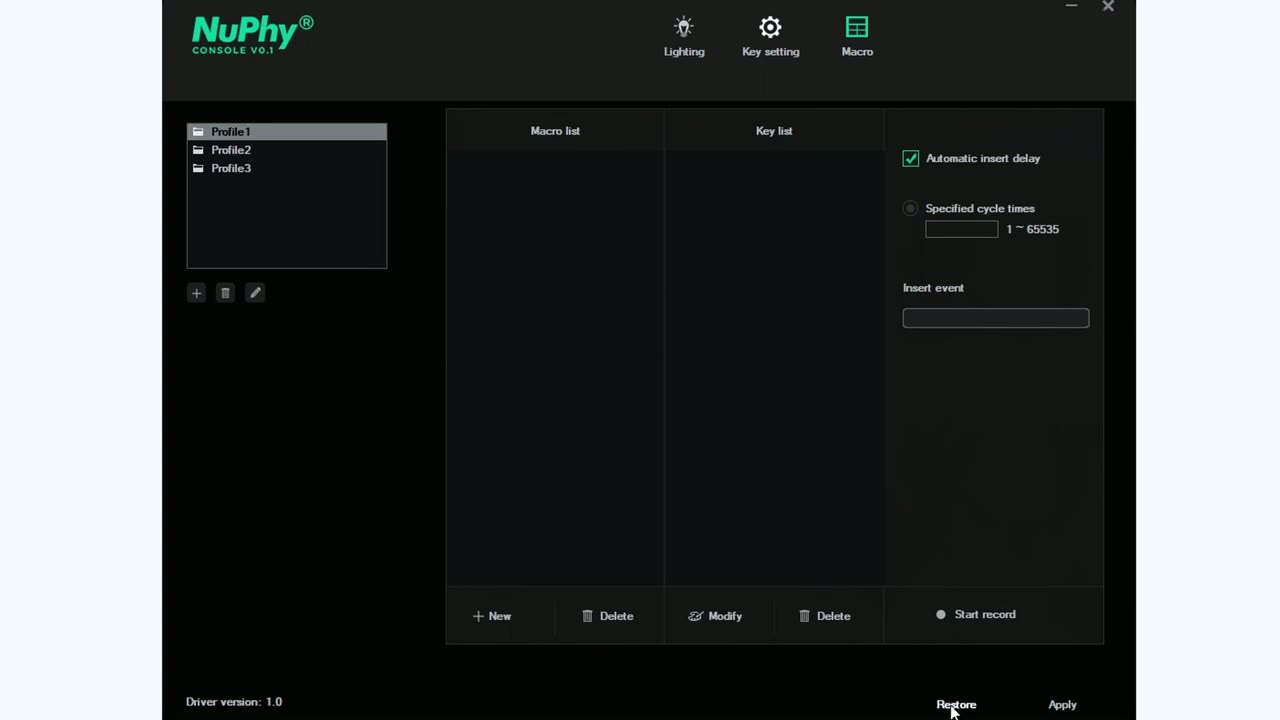
Nephi’s console software is really easy to use so you can see right now it’s in the lighting tab we can also switch between different profiles but in the lighting effect we can go ahead and switch any of the modes we like we can have it set to random color or we could pick a preset color of our own choosing we can also change the brightness the speed now if we go to the next tab which is key setting it’s at the default we can also go to keystroke multimedia or macro now if we wanted to rebind the key we would hit this keyboard icon right here and we can go ahead and rebind we can also go into macro and if you mess anything up you can also easily just hit restore and you’re back to where you started so pretty easy to use if you’re
Keyboard Shortcuts
going to be using the keyboard on a Windows computer you could hit function X and S and you’re going to see that update right there and on a Mac you could hit function X and A and you’ll see that update there as well you can connect up to four different devices so we would hit function q w and E for Bluetooth device one two and three and then function and R would be to enable the 2.4 gigahertz wireless mode pressing function and the number Keys gives you access to the multimedia controls however if you hit function X and F it switches it so that you could use these as the F keys to check battery status you would hit function in the pipe key and you can see up there that the color changes and that shows me that I have between 20 to 80 battery life to stop your keyboard from entering sleep mode you can hit function X and c and to enable it again you would hit function X and V if you always hit the windows Key by mistake while gaming you can hit function in Windows to disable it and the sidelight indicates out change and function in Windows to re-enable it again if you’re looking for a 65 layout
Recommended?
keyboard this is probably one of the best options out there and it’s not really going to require any type of modding you just take it out of the box and it’s good to go so if you’re interested in the Halo 65 check out keybaytech’s official website or check them out on Best Buy Marketplace and if you’re in Canada they offer really fast and free shipping all so let me know what you guys think of the Halo 65 in the matte black or do you prefer the ionic white I’m usually a fan of you know white or light colored keyboards but now that I have the Black Version in front of me it just looks so sharp with these contrasting colors and as always if you found this video helpful please consider liking and subscribing and check out some of my other keyboard reviews if you’re interested I’ll see in the next one soon
Please note that some of the links in my video descriptions are affiliate links where I earn from qualifying purchases. As an Amazon Associate I earn from qualifying purchases.