



SAVE 35% With Early Bird Pricing SoundPeats UU2
Please note that some of the links in my video descriptions are affiliate links where I earn from qualifying purchases. As an Amazon Associate I earn from qualifying purchases.
Intro

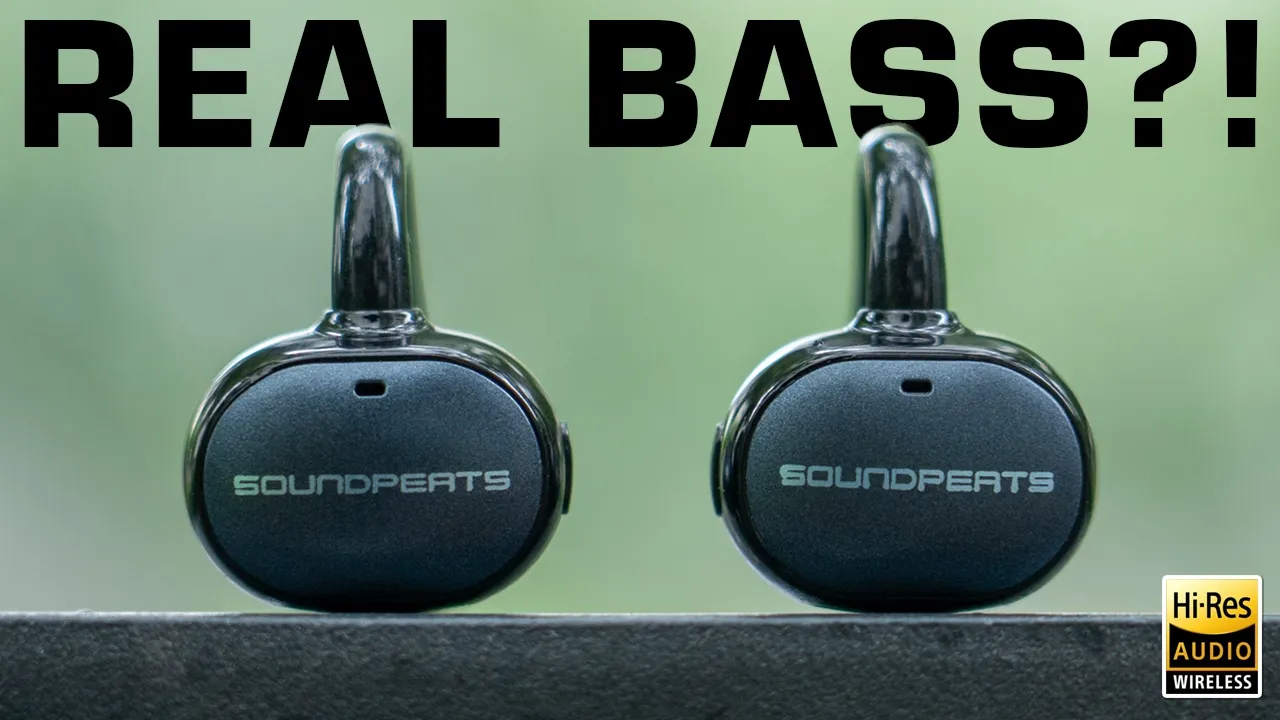
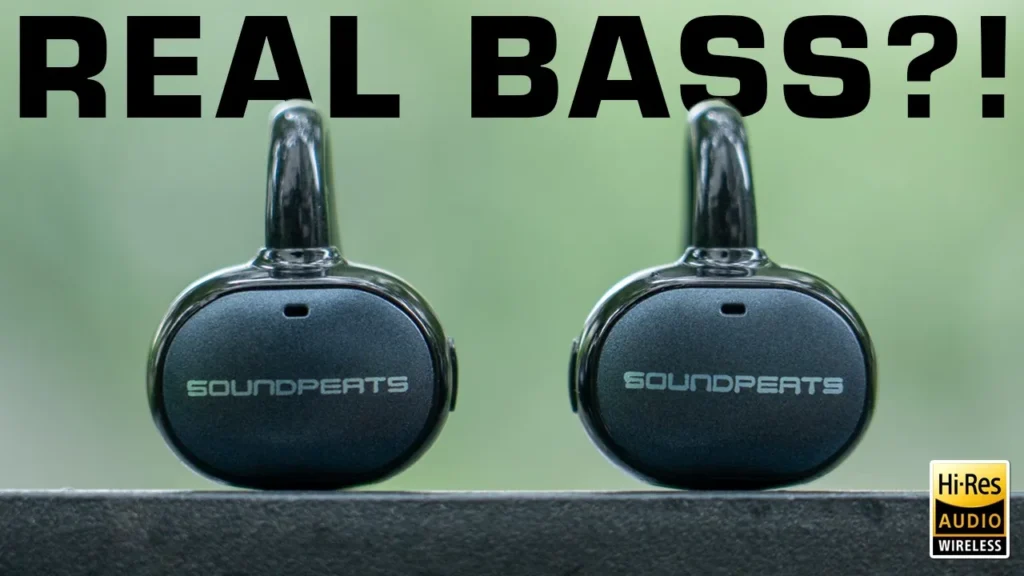
If you’re looking for open-air earbuds that don’t compromise on sound, the SoundPEATS U U 2 might be what you’re looking for. They have powerful 12 mm titanium-coated dual magnet drivers, LDAC Hi-Res wireless audio, tons of equalizer presets and custom EQs along with spatial audio in the SoundPEATS app. There’s responsive tactile button controls, a privacy mode, a low latency gaming mode, Bluetooth 6 and multipoint support so you can connect two devices at once. There’s up to 52 hours of playtime with the charging case, quick charge support, all in a lightweight pair of earbuds with an IPX5 rating. But can these actually deliver satisfying bass for open-cell earbuds? And is it worth the upgrade if you have the previous Clip 1?
Well, let’s take a closer look and a big thanks to SoundPEATS for sending these out for
Package Contents
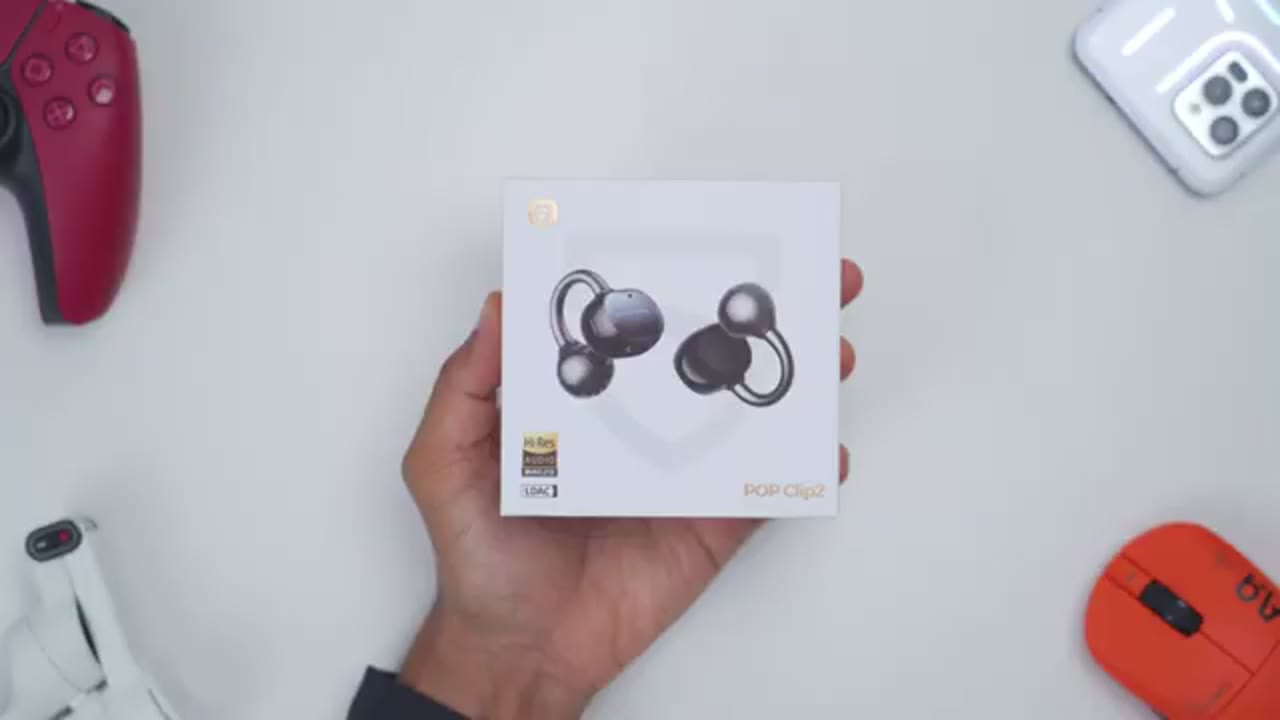
review. In the box, you get the U U T open-air earbuds, charging case, USB Type-A to Type-C charging cable, user guide, and stickers. In terms of design,
Design
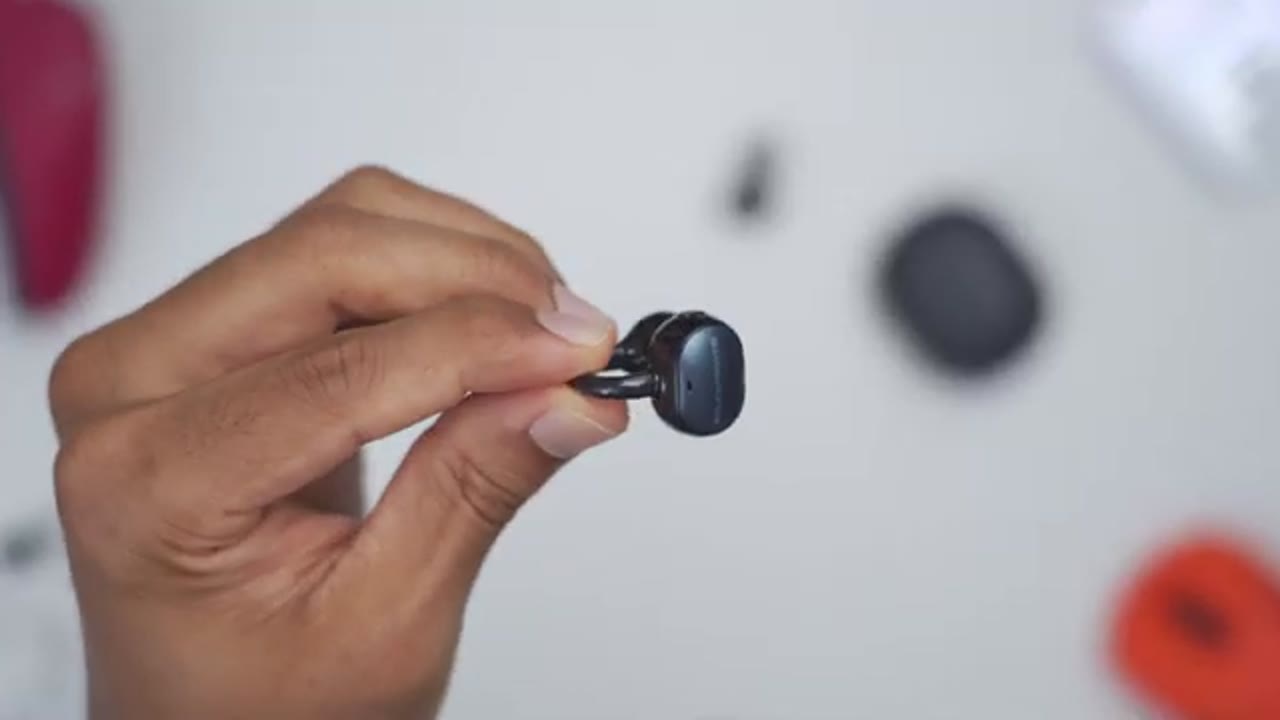
so the SoundPEATS U U 2 or Pop Clip 2 comes in at around 5.4 g. So, on the front, we do have the SoundPEATS text right there. And then on the side, we do have a tactile button. At the bottom, we have metal charging contacts. We have the speaker grill. And this is housing that 12 mm titanium-coated dual magnet dynamic driver. And we also have this titanium nickel memory wire. And you can see it’s very flexible and just snaps back into place. So, this should fit a lot of different ear sizes. There’s a couple microphone ports along the body. And we do have this skin-friendly type of material that actually feels pretty pleasing to the touch. The U U 2’s also have an IPX5 rating, so they should be fine for sweat or light rain. The charging case comes in at around 37 g when empty.
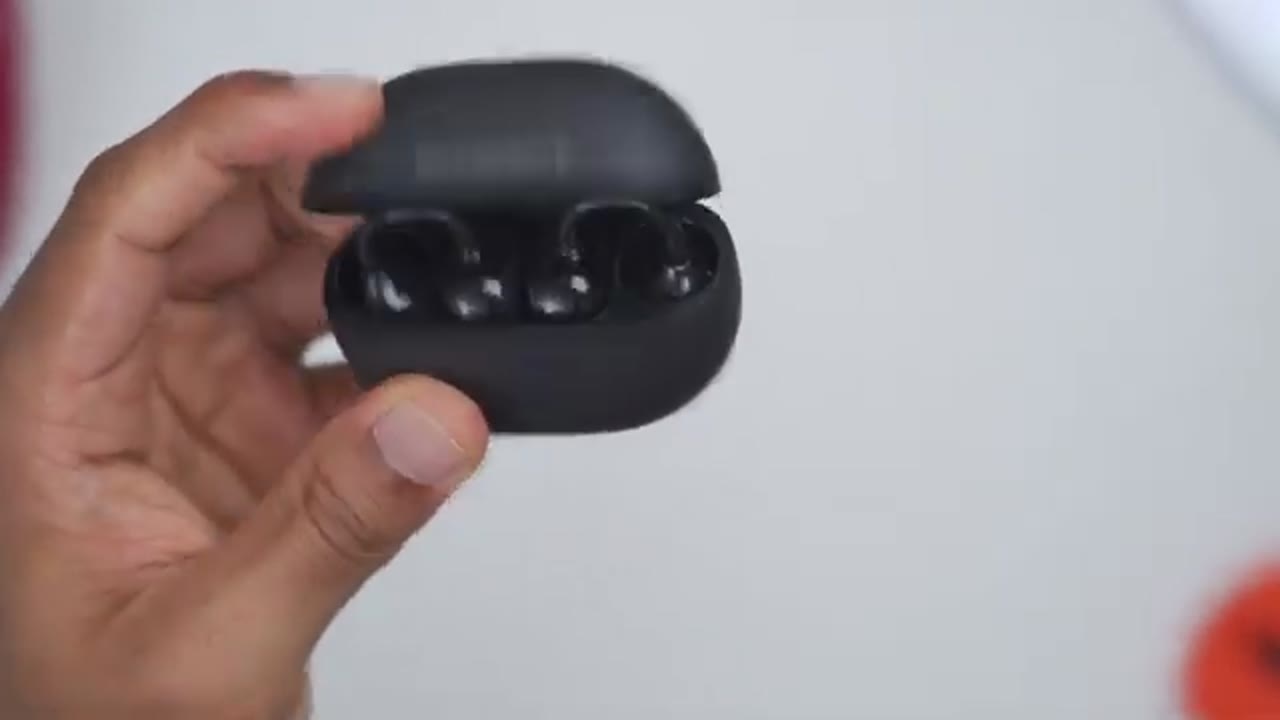
Now, even though it looks like it has a matte type of finish, as I run my finger along here, it actually feels really soft and smooth to the touch. Now, on the top, we have the SoundPEATS text. And if I open that up, you can see we have an LED indicator light to show you battery life and pairing status. And both of the earbuds are in there. And you can put these in interchangeably. It doesn’t really matter. You can see the metal charging contact there. Now, if I do the upside down test, you can see it doesn’t fall out, so it’s nicely, you know, magnetically retained in there. On the side, we have a reset button right there. There’s a USB type-C charging port, and we have the Hear the Difference slogan on the other side. Overall, really nice-looking case and easy to use one-handed.
Here’s a quick
Specs
look at the specs. Feel free to pause and review or jump ahead to the next section. To pair the earbuds by
Bluetooth Pairing
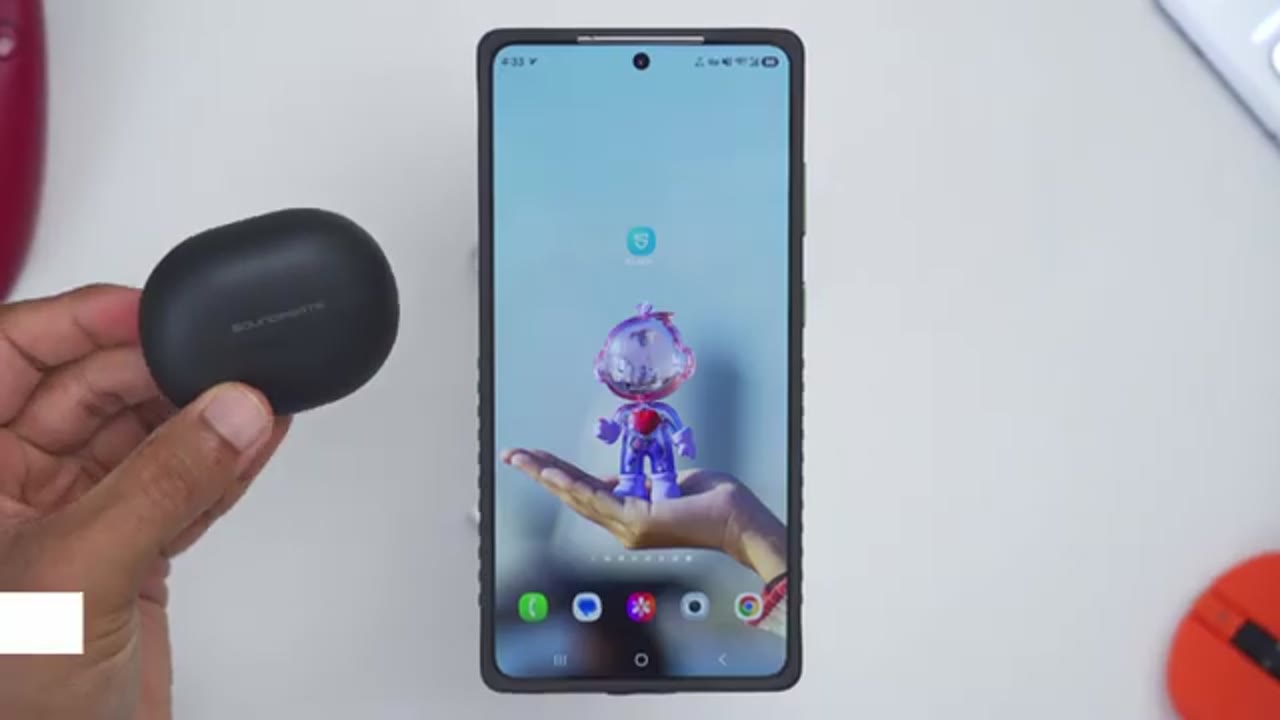
Bluetooth, I’ll go ahead and open up the case, jump into my Bluetooth settings on the phone, and I’ll wait for it to find it at the bottom here. It says SoundPEATS Pop Clip 2. Tap the pairing request, and you can see that we’re successfully paired. Optionally, if your phone supports it, you may want to tap into the Bluetooth settings and enable the LDAC high-res wireless codec. I’ll repeat the same process on my Z Fold 7, and you can see that the U U 2 is now connected to both of my phones simultaneously, since we have multi-point connectivity or multi-point support. And here’s how
Multipoint
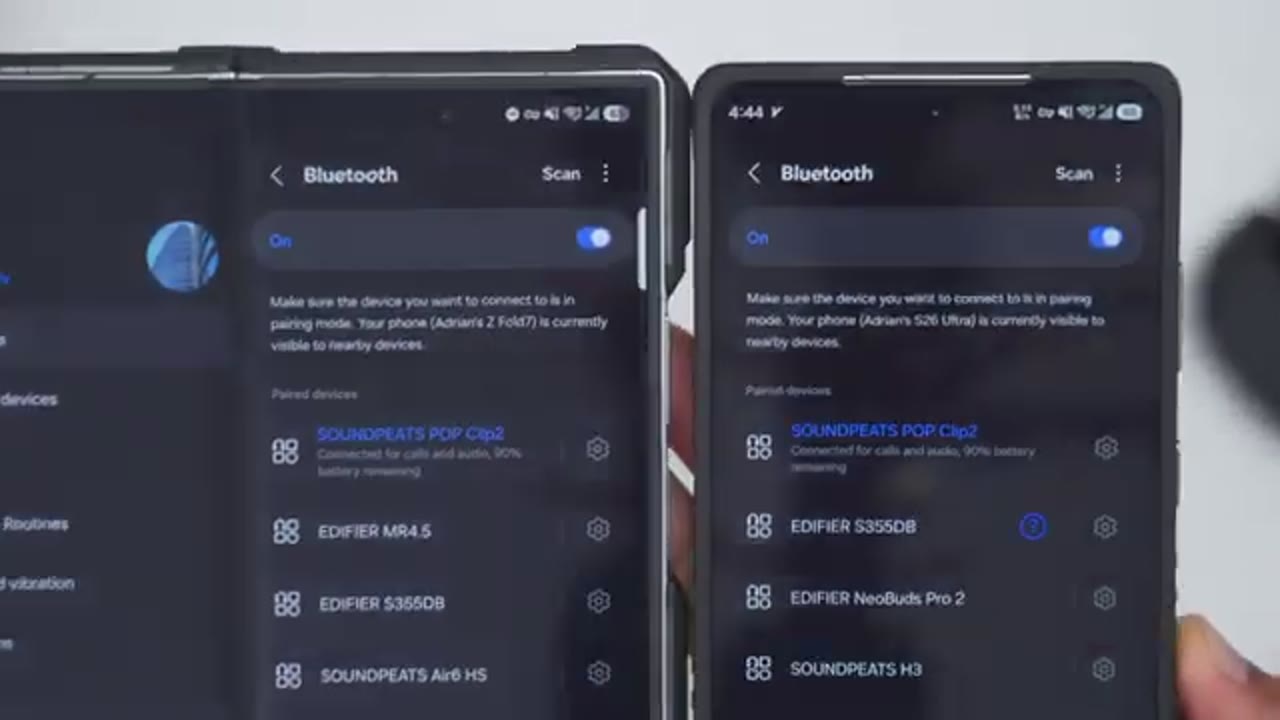
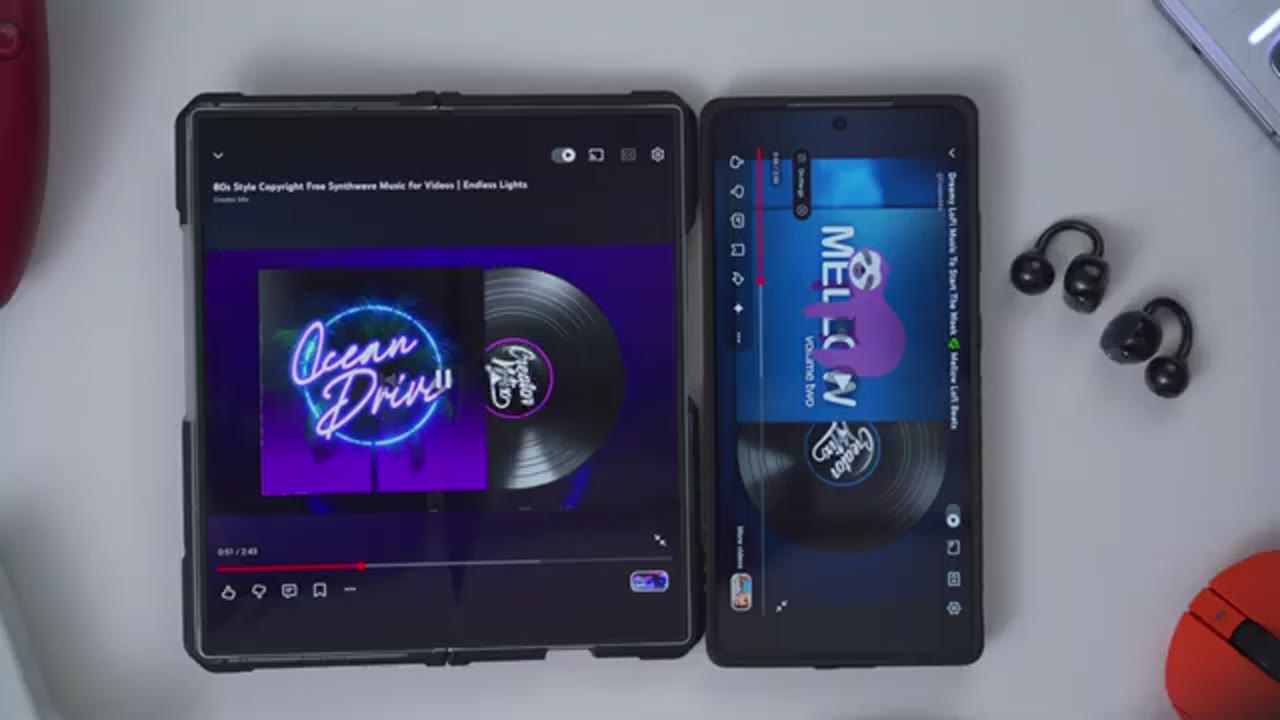
quickly multi-point switches over.
Soundpeats App Settings
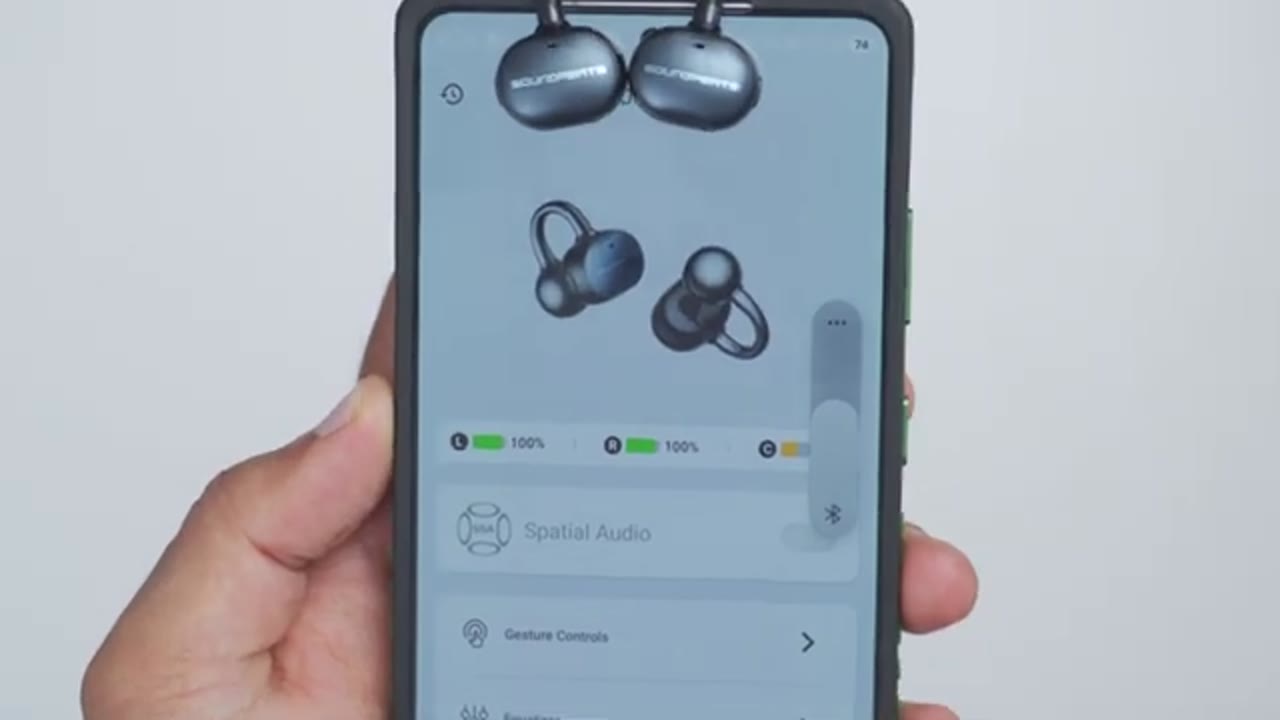
Now, let’s look at the SoundPEATS app settings. So, as soon as you open the app up, you can see the battery life for the right and left earbuds along with the charging case battery life. You also have an option to turn on spatial audio, and you can set it to music mode or movie mode as well. Now, under gesture controls, you can remap what the physical button does on there. So, a single tap, you can either do volume up and volume down for right or left. But, if you tap into that, you can see you have other controls like play, pause, game mode, previous track, next track, voice assistant. Under equalizer, so we have the general presets. You can see you can swipe over, or you can see all of them at a glance. So, these are what you’re used to with most SoundPEATS earbuds.
You can also do an adaptive EQ test, if you like, and you can also create your own custom equalizers, as well. Under dual device connection, this is a toggle to enable multi-point, so you can have it connected to two devices at once. Now, instead, I’ve chosen to just have LDAC on for high-res wireless audio, so it’s one or the other. Under prompt sound guide, so you can actually change the volume output of those callouts you get with the earbuds, and you can actually change the language as well. There’s also a low latency gaming mode that you can enable, and you actually have an option for dynamic EQ, which is outside of the general equalizer area. There’s also a drainage function to, you know, clear up dust build-up, and then there’s also a privacy mode, which I’ll demo later as well.
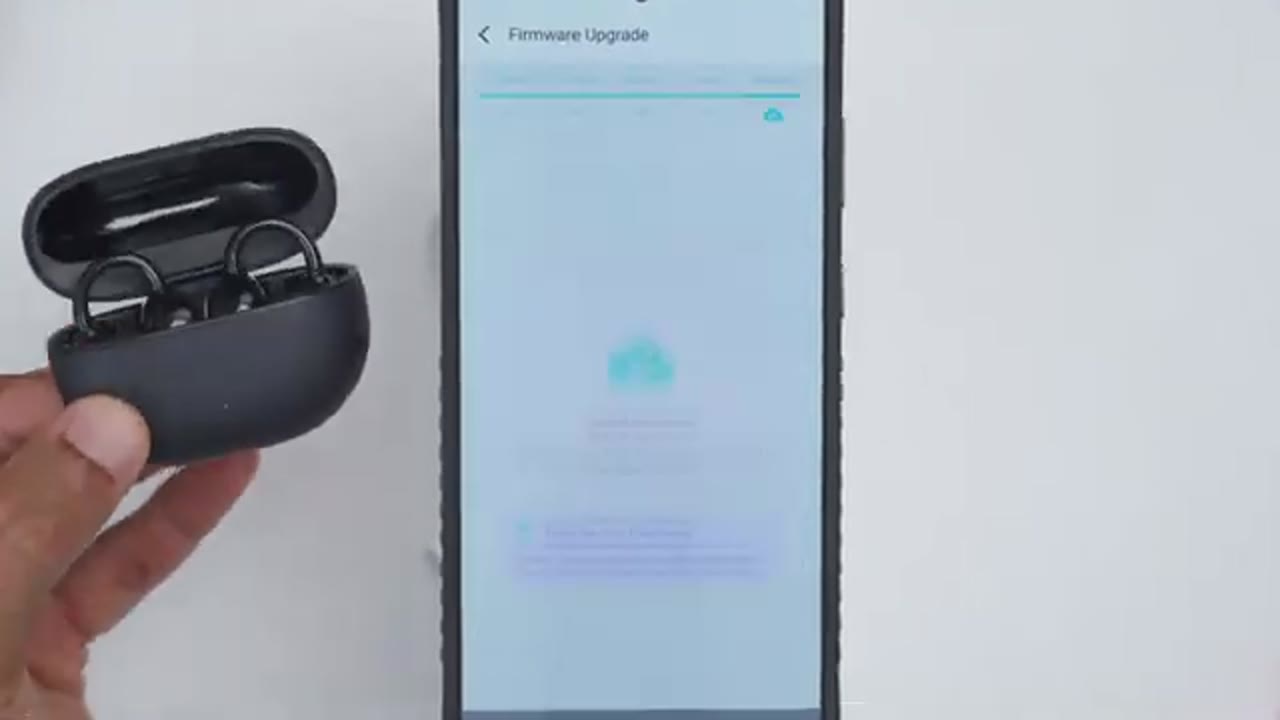
There’s a find my earbuds option, and if you go into firmware upgrade, this is where you can upgrade the firmware, which I’ve already done. The
Button Controls
button controls are also very responsive and tactile on here, so a single press will increase volume or decrease volume. You can also do a double press on either of these to pause music playback or resume music playback. And if you do a long press, it’s going to go ahead and jump either forwards or back to the previous track. Now, you can also set what a triple press does, and you can set it to, you know, activate a voice assistant, or you can remap it to whatever you see fit, or just disable
Sound
them completely. Now, let’s talk sound. So, these are using 12-mm titanium-coated dual magnet dynamic drivers, and these do get quite loud. So, for the most part, I mostly only listen to these at around, say, 40 to 60%. That was plenty loud for me, but they can get very loud if you need it, or say you work in very loud environments. But one thing I noticed is that once you get past, say, around like 80 to 90% volume, the sound signature does change slightly, and the bass becomes less impactful. So, if you want just kind of like the best balance, stay at around 80% or less. In terms of the equalizer, so there is a dynamic equalizer. Now, I did enable that, but I found that it boosted the bass way too much for my taste, to the point where it became kind of bloated and it wasn’t as punchy.
So, for the most part, I stuck to the electronic EQ. I found that was kind of the best balance, and I had LDAC wireless audio on as well. So, I’ll base the rest of my thoughts on those settings. There’s a respectable amount of low end for open-ear earbuds, and the bass hits have nice quick attack without feeling slow or bloated. After the initial hit, the bass has just enough body before naturally fading away, so it doesn’t bleed into the mids or muddy up the mix. Now, if you’re listening to music with a lot of sustained bass or sub-bass, it actually can carry those notes convincingly without sounding like it’s rushing through them. Overall, I’m just really impressed with how present and impactful the bass is considering these are open-ear buds.
Moving on to the mids, so I think SoundPEATS actually did a really good job here. Vocals have good clarity and sit nicely forward in the mix, making them easy to follow without being overly pushed. However, if I listen critically, I do notice that there’s a slight limit to their overall definition, meaning that while they’re still clear, you don’t get that last bit of micro detail or crispness that you’d get from more premium in-ear earbuds like the SoundPEATS H3. That said, for everyday listening, vocals come through clear and articulate, and never sounds veiled or muffled. Moving into the treble, I had no issues picking out cymbals, hi-hats, and other subtle background details. The highs sounded clean and well-defined with enough detail to keep the presentation engaging.
And if I’m listening critically, the only thing I think is missing is that last bit of airiness and shimmer in the upper treble that you’d get in more premium in-ear earbuds. Now, it’s by no means dull. I actually think the treble performance is above average for open-ear style earbuds. It’s just missing that last bit of extra sparkle. Overall, the sound quality is much better than I expected from a pair of open-ear earbuds. The bass has good impact and control, the mids deliver clear and natural vocals, and the treble provides good detail without sounding harsh. But let’s get into the differences between the Clip 1 and the U U 2 or Clip 2. So, after listening to
Clip 2 (UU2) VS Clip 1
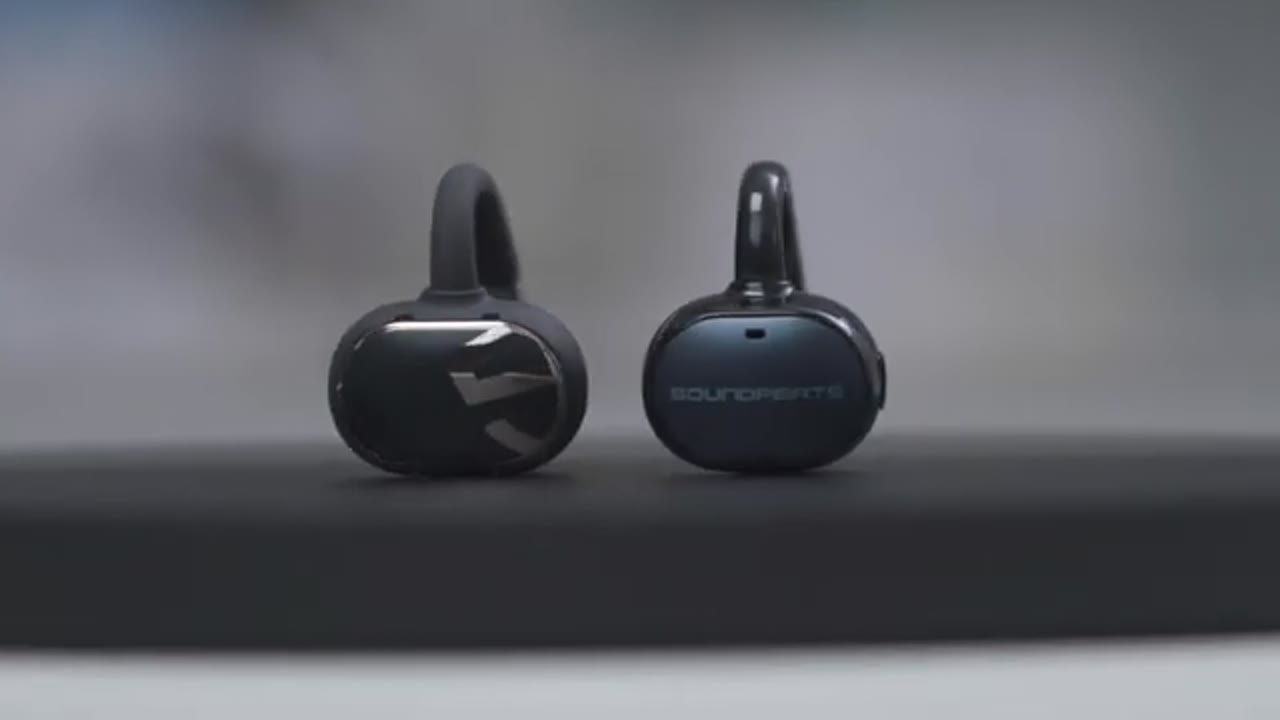
both the Clip 1 and the Clip 2 or U U 2, there’s a significant difference in sound quality on the U U 2. So, the U U 2 delivers noticeably more impactful and fuller bass, and it just gives music a better sense of weight without sounding overbearing. On the Clip 1, highs could occasionally come through as a little bit sharp, but on the UUU 2, they came across more smooth, more natural, while still preserving good detail. The UUU 2 also has a louder max volume than the Clip 1. As well, this also has an additional privacy mode. Now, the Clip 1 does have in-ear or wearing detection, which the UUU 2 does not have. Not that big of a deal, since again, these are open-style earbuds. The Clip 1 also uses touch controls, whereas the UUU 2 uses button controls.
Now, a lot of the times, I don’t say, “Hey, just rush out, get the new model, because it has a few upgrades.” But in this case, the sound improvement on the UUU 2 is so impactful and significant, I’d say it’s worth the upgrade just on that alone. Here’s an
Microphone
example of what microphone audio sounds like from the Soundpeats Pop Clip 2 or UUU 2. I’m inside in a very quiet room with little to no ambient noise. Here’s an example of what microphone audio sounds like from the Soundpeats UUU 2 open-ear earbuds. So, there’s a lot of background ambient noise and a little bit of wind. Now, let’s talk about sound leak in the new privacy mode. So, I’m going to play music at different volume increments with and without privacy mode turned on, and you tell me if you can hear a difference. Hopefully, you could hear the difference when I had privacy mode turned on and off, and it does make a difference having it on. So, what it does really is just attenuate higher frequencies that could be more easily heard.
Of course, at the expense of compromising, you know, kind of sound clarity or fidelity. But if you really need privacy, you can use that. It actually does make a difference. And in terms of sound leak, I don’t think it’s really going to be a problem, unless you’re somewhere very quiet and people are very close to you.
Privacy Mode & Sound Leak
For the most part, you’re going to be in environments where there is some level of background or ambient noise. As long as you don’t have it like cranked up,
Gaming Mode
you should be plenty fine. With the low latency gaming mode turned on, it’s actually pretty low latency and I had no problems dominating in Call of
Battery
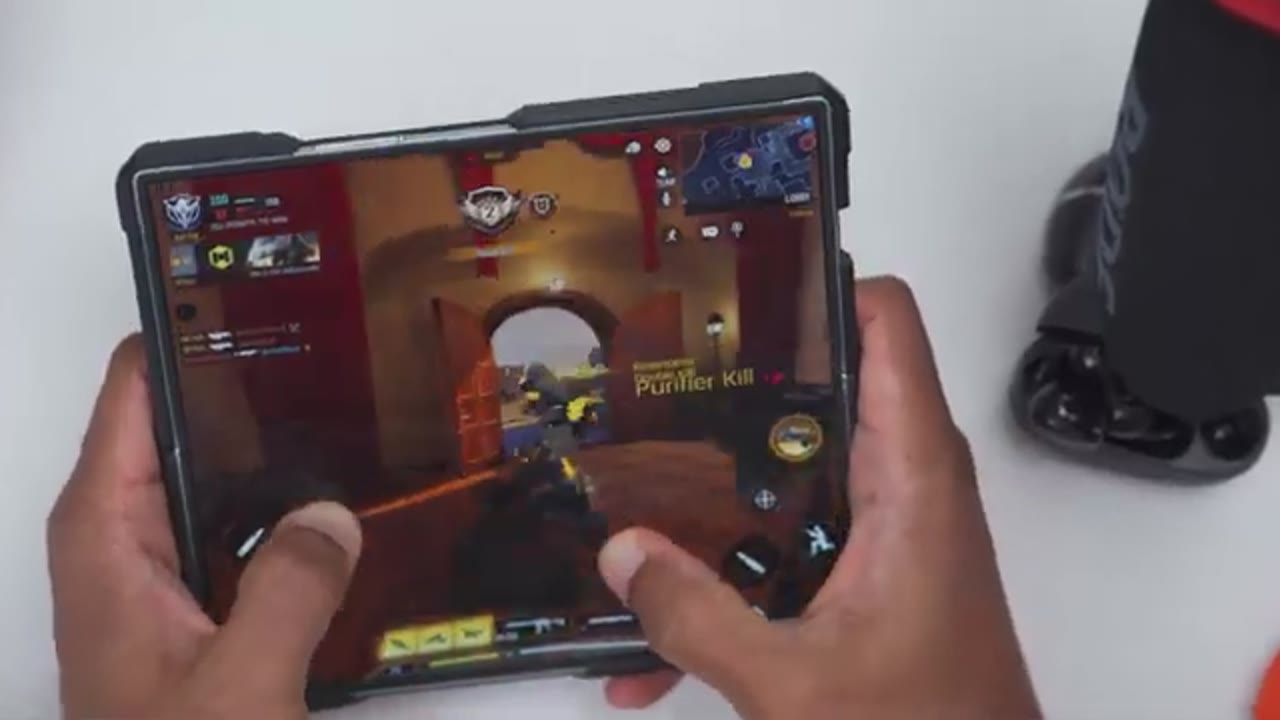
Duty Mobile. In terms of battery life, it’s really going to come down to how loud you’re listening to these out. Now, these are rated for up to 10 hours of battery life and if you factor in the charging case, then that bumps it up to 52 hours. Now, whenever they do go down, a quick 10-minute charge is going to give you about 2 hours of play time since these do have quick charge
Comfort
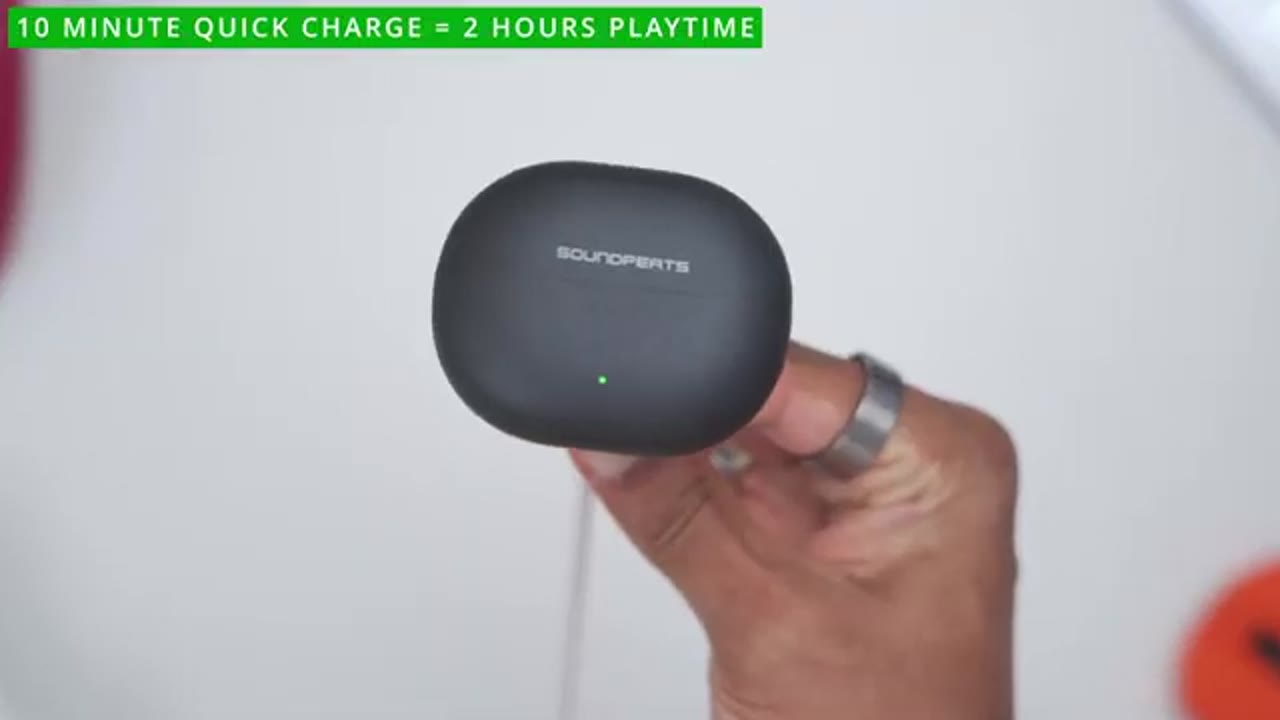
support. These have also been super comfortable for wearing hours at a time. You can wear these the entirety with no issues. In fact, I’ve been doing the review with them on and you could say it’s easy to just pop it out of the case, kind of situate it in your ear, right or left side, it doesn’t really matter. Same with when you put them back in, it’s like automatic right and left channels. And you could see, it looks good. It’s coming in at around 5 g, so I barely feel like it’s there at all. And because we have kind of that flexible fit with the memory wire plus the skin-friendly coating on here, it’s actually quite comfortable and makes a huge difference. It doesn’t feel like it’s tight or it’s impinging on
Recommended?

anything. So, if you’re looking for a great sounding pair of open-ear earbuds that’s comfortable for all-day wear, the SoundPEATS Air3 is easy to recommend. You get well-tuned sound with actually impactful bass, tons of equalizer options to dial them in, LDAC Hi-Res Wireless codec, long battery life with quick charge support, multi-point support, a low latency gaming mode, privacy listening mode, and IPX5 rating, and they’re comfortable as well. So, if you’d like to get your very own pair of these SoundPEATS Air3 open-ear earbuds, I’ll leave links down below and if I have any type of coupon codes, I’ll leave those down below as well. And if you prefer touch controls and in-ear or wearing detection, check out my review of the Clip One which I’ll link up here.
If you like this video, please consider liking it and subscribing. It truly does help me out quite a bit and maybe even consider joining as a member where you’ll get early access to videos and other perks. And maybe even consider checking out some of my other tech reviews which you may find interesting and I really hope you’ll join me in my next video soon.
SAVE 35% With Early Bird Pricing SoundPeats UU2
Please note that some of the links in my video descriptions are affiliate links where I earn from qualifying purchases. As an Amazon Associate I earn from qualifying purchases.