


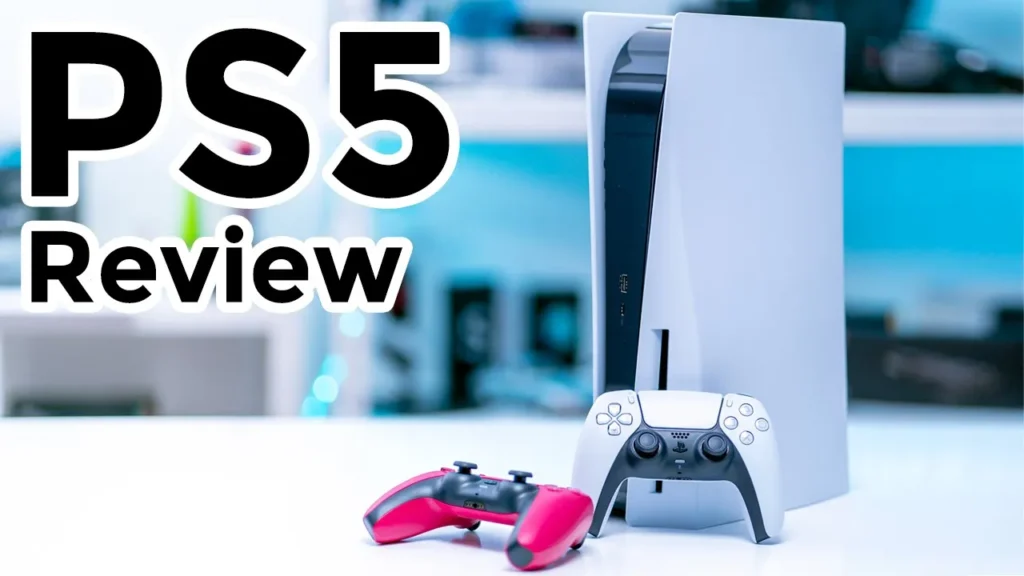

☑️ Get the PS5 on Amazon (Almost Impossible)
Please note that some of the links in my video descriptions are affiliate links where I earn from qualifying purchases. As an Amazon Associate I earn from qualifying purchases.
Intro

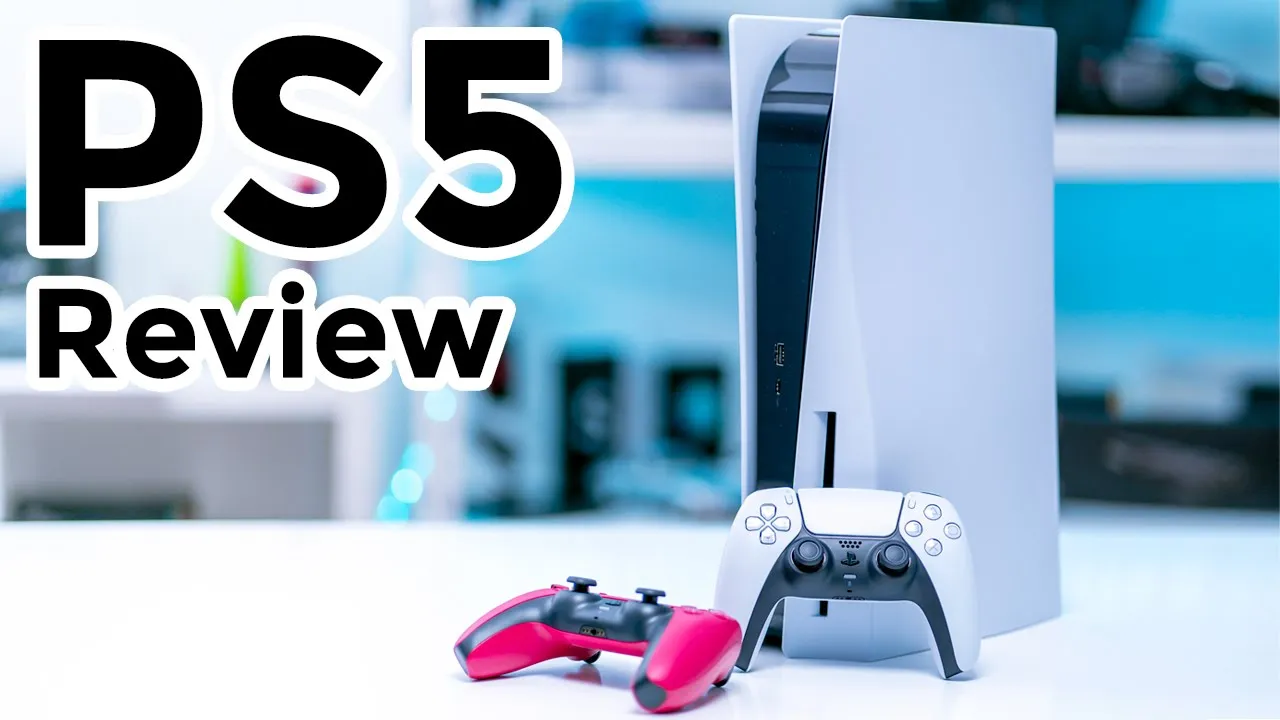
hey it’s adrian and today i’m pretty excited finally after over a year of trying to find a ps5 i finally got one so i did end up buying the horizon forbidden west bundle that’s all i could find online on walmart but let me go ahead and unbox it
PS5 Unboxing
alright so this bundle came with the playstation 5 console controller and this is the disc version which i prefer over the digital version it came with the cosmic red controller and the horizon forbidden west game of course so let me go into what comes in the accessories so this is the new controller looks really nice feels really good in the hand it actually doesn’t feel too much bigger than the current one so there’s also a power cable and this is a charging cable from the for the controller so it’s a type c end with a type a connector at the other end some manuals the base for the playstation so this can be used vertically or horizontally and lastly and a high speed hdmi 2.1 cable so uh be sure to use this cable to get the best performance on your tv or gaming monitor so if you get the horizon forbidden west bundle this is what you’ll get so the disc version of the playstation everything that comes with that a cosmic red controller that may change depending where you are and the game all right
PS5 Design
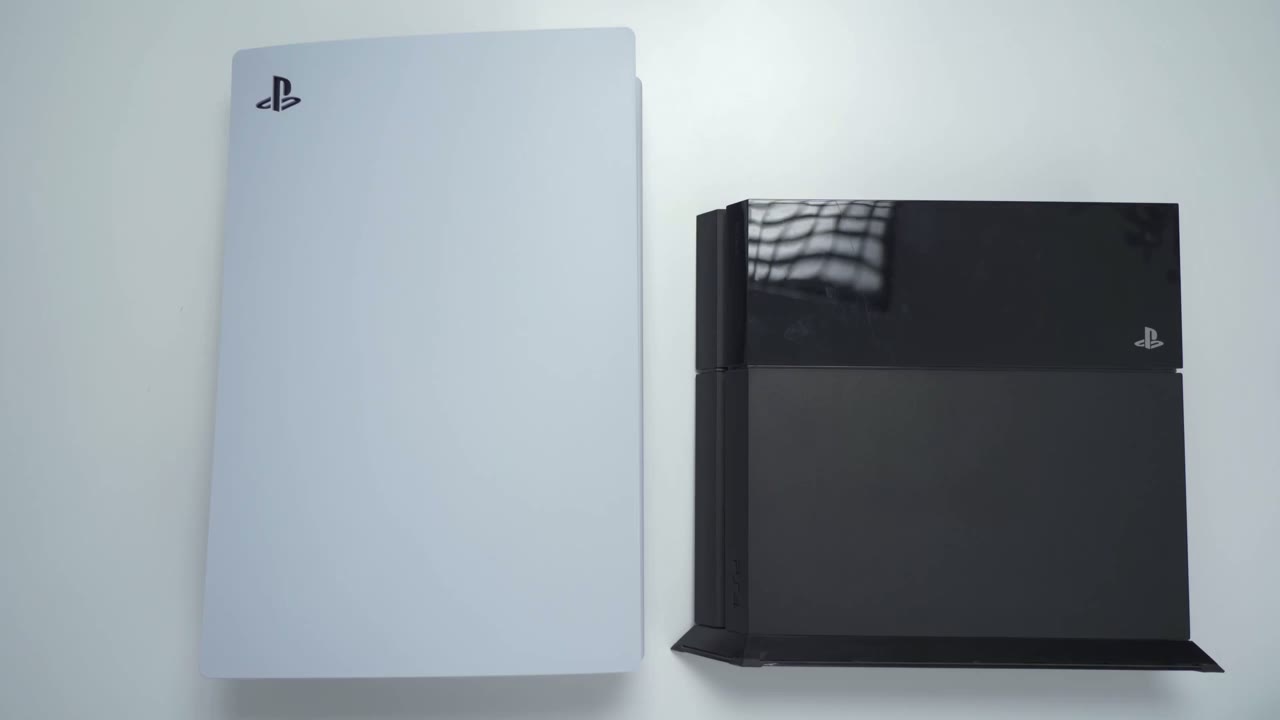
taking a closer look at the console so you can see this thing is pretty massive it’s about uh 15 inches high 10 inches wide and about um four inches thick or four inches deep and in terms of the playstation 4 which is what i’m coming from you can see um it’s a pretty big size difference now if you look at these from the top this is not not that big from the top and if you look at this one you can see like it’s like a giant compared to the ps4 the old playstation that comes in at about six and six and a half ounces and the playstation 5.
that comes in just over nine pounds so almost a full three pound difference taking a closer look at the design so you could see as i rotate the playstation there’s not too much of a glitter because that is a matte type of finish not shiny and at the very top you can see there’s the playstation logo and if i kind of angle it you can see that there’s a cutout there so the black that’s at the bottom there it pops out contrasts really nicely with the white actually now looking at the front of the unit so the front has a type a charging port there’s also a type c charging port there now since this is the disk version there’s an eject button there and the power button down there of course and then you have the disc tray on the side all right taking a look at the back of the unit so you can see you have the power port at the bottom there hdmi port rj45 port to hardwire it which i highly recommend and then two type a ports right there and then right at the very top there’s a little cut out there and that’s for like a kensington lock so you can lock it securely in place if i angle it at a certain way you can see the heat pipes in the back there behind this plastic uh grill here so that’s gonna help with all the heat dissipation bottom of the unit has this little removable piece of plastic here and that comes out so that you could thread in a screw and that’s if you want to use um this base here you can see there’s that hole that will align with that and then of course you have these little slots to let heat out for heat dissipation and since this is the disc version there’s a little imprint here that says ultra hd blu-ray at the top of the unit it’s just plain it’s just this type of glossy plastic nothing to write home about and then on the other side of it um just again that same matte finish so i don’t know how well this is coming across on camera but you could see on the inside of the console there’s the sony logo there and you can see it’s adorned by a bunch of little um triangles x’s circles squares like you would find on the playstation controller so that’s a pretty cool detail and cool touch that they’ve added to it all right
PS5 Dualsense Review
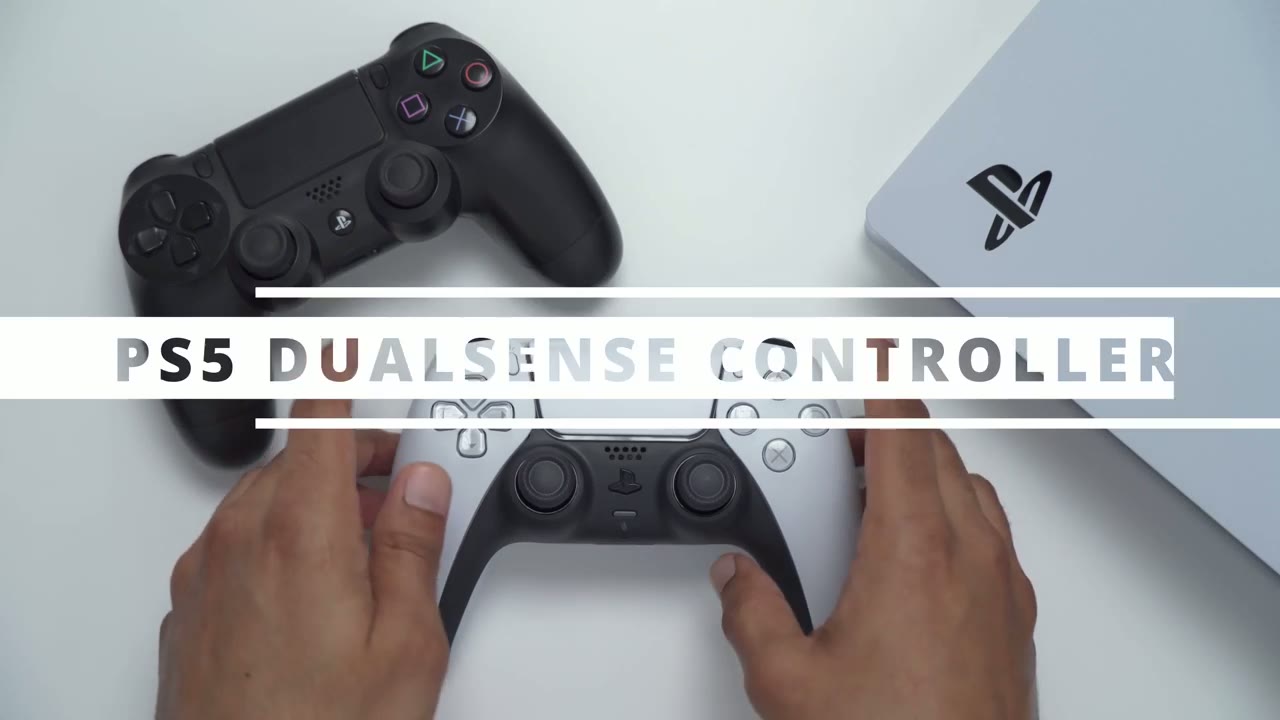
so taking a look at the playstation 5 controller um right out of the gate this feels good in the hand um like for my first time really holding it and using it this feels really good and i was actually a bit worried about the size of this coming from the playstation 4 when i saw the photos it did look significantly bigger but now that i’m holding it in my hand it’s very manageable it doesn’t feel too big or unmanageable at all so again this is the playstation 4 controller and you can see if i kind of overlay them on top the grips at the bottom here do extend just a bit more slightly but it’s nothing crazy where it’s going to feel foreign to you and taking a look um side by side if i kind of line up the triggers you can see um you know it does extend a bit more towards the bottom otherwise it feels really good in the hand actually when i hold this now this actually doesn’t feel that great anymore and i’m actually pretty surprised that how how quickly i’m taking to the feel of this in the hand in terms of the weight difference between the playstation 5 and 4.
so the playstation 5 controller 279 grams and the playstation 4 controller 214 grams 15 grams give or take i can see there’s a speaker at the front there um the playstation logo and that is depressible you can see it’s flashing right now now there is a microphone icon right there and then a little input for the mic and if you press and hold down on the microphone that does mute the headset and if it you have the playstation connected to your tv it’ll mute that too at the bottom you have a standard on 3.5 millimeter headphone jack and then looks like a metal contacts to charge if you’re going to be charging with a dock at the top of it you have a c port so that’s where you would use the included cable and that’s all i could see on the controller now on the back of the controller here i do see i’m assuming that would be the reset hole and then there’s another port there not sure what that is for if you know leave it in the comments for me looking at the buttons i really like how they did the design on the buttons actually it looks like they have the designs printed and then you have this kind of like glossy clear plastic on top of it it actually looks pretty pretty nice again as you’d expect with any type of playstation controller pretty good feedback as soon as you press it the triggers at the back these also feel good and these are supposed to be adaptive so that they can vary the intensity depending on the game you’re playing and the actions you’re doing um can’t wait to try that out the joysticks feel good um you know if you’re coming from any playstation controller they’re gonna feel natural to you they are sufficiently uh textured so they do feel pretty grippy and if i look at the playstation 4 controllers the joysticks on that these feel much more grippy than the playstation 4 joysticks d-pad also very good they have that same type of design printed at the bottom and then you have your share play menu buttons and then of course the touch pad here which acts as a button and for touch inputs all right so i don’t want to spend a lot of time since it’s the exact same controller just a different color so this is the cosmic red i wasn’t a big fan of it when i saw the photo online but now that i have it in hand the color is much better than it looked online and it does contrast nicely with the black so if you’re interested in the cosmic ray this is what that looks like now i’ve seen people going off about all the little details on the controller and i can confirm there are textures on the back of it and they’re in the shape of the square x triangle and circle super cool if i take a look at the red controller you can actually see those little textures better and clearer than against the white so one thing i want to point out on the controller there’s actually a mute button so if you press and hold it down you can see it’s cut the audio to the speakers and even to the microphone so if you know you’re getting a phone call or something you can take care of that and then when you’re done you just press it once and you’re back in business really nice looking controller but more importantly really comfortable to hold great ergonomics doesn’t feel too heavy definitely a huge step up from the playstation 4 controller now if you’re
PS5 Mounting Base
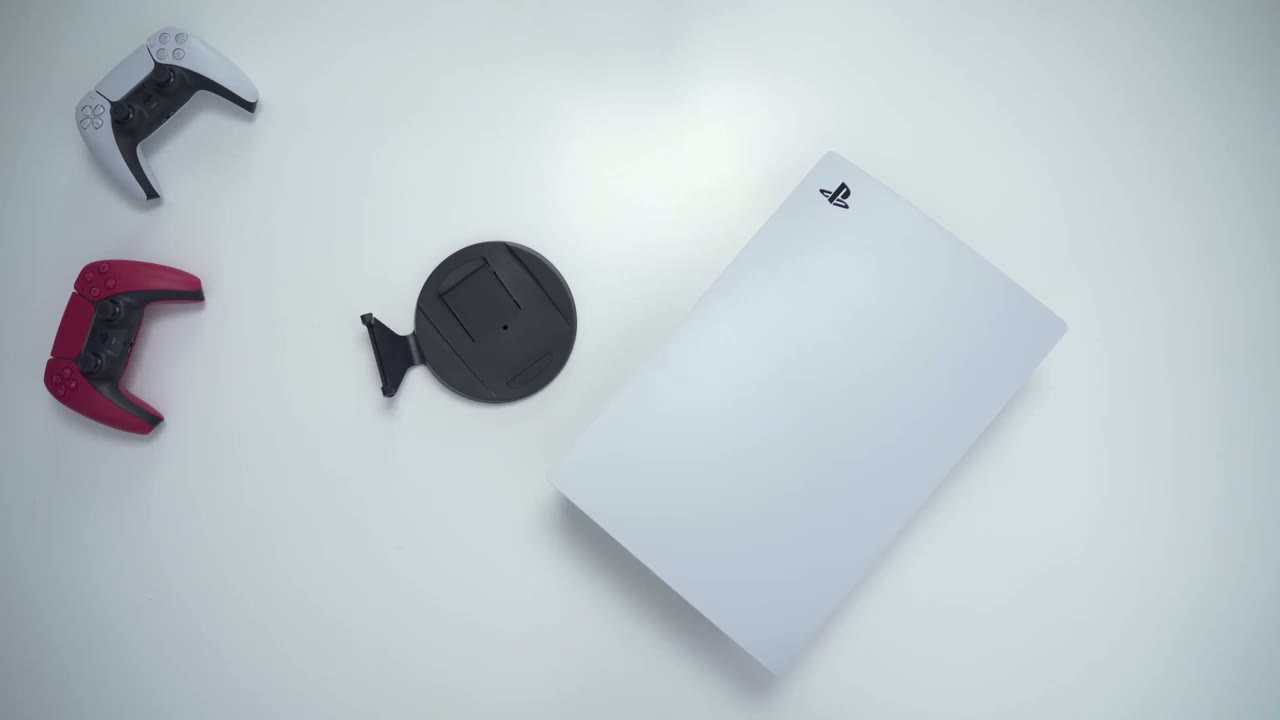
curious about the mounting option so you can see when it’s on the side there’s a lot of wobble so you definitely need to use the supplied stand for that so you can see if you look at this closely there’s two little areas here that hook so you just put it on the side and then push that down until it catches and then you just drop it on the side and you can see now that it’s there there’s not really any wobble now if you want to put the playstation um vertically you’ll have to use this supplied stance so what you would do is just rotate this plastic piece here there’s a screw there and you would thread that screw through this hole here pop out this plastic piece that’s right there and then thread it right through here into there all right here’s what it looks like if you set it up vertically so if i kind of put some pressure you can see it’s not really going to drop over or fall over it is such a heavy unit that it’s pretty well balanced now i prefer having it vertical just because i have easy access to the disk drive and i notice when you clip on the base at the side of it that this drive is at the bottom which you know makes it a bit harder to get access to so i think vertical is the way to go if you’re going to use the base all right i’m going to turn the playstation 5 on for
First Boot
the first time all right so one really neat thing that
Quick Menu Settings
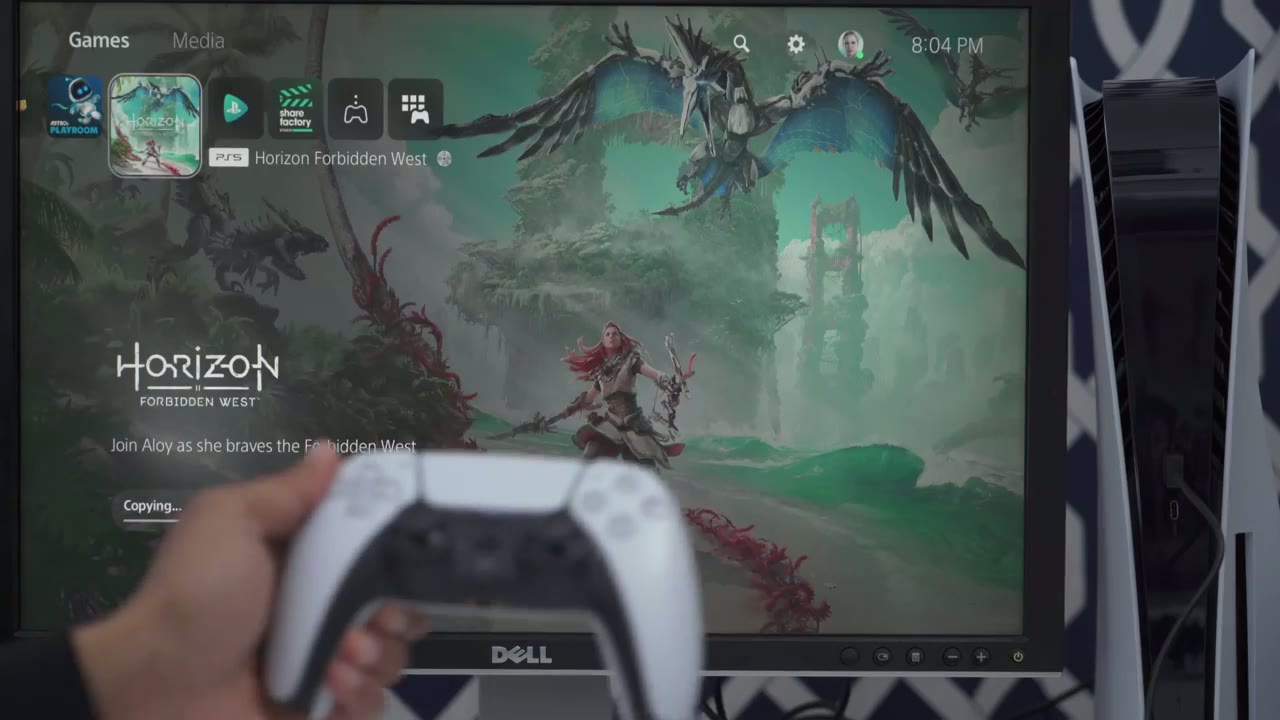
i want to point out is anytime you press the playstation button in the middle there you can see there’s like a bottom menu there and that’s actually pretty handy because when you go here you have a switcher so if you had a bunch of games open you could just switch between games you have a notification so you can just scroll through if you ever missed like a pop-up notification you wanted to know what that was then you also have like what your friends are doing um so you can see who’s online what they’re doing and you also have this area where you could see all the current like downloads or uploads so if you’re ever playing and then like your game starts getting laggy this would be a good place to check to make sure no games are being updated while you’re playing so i really like that they have this at the bottom here you can see when you go into audio there’s a lot of stuff like just really quickly um that you can modify very very easily without going into the main system settings same with the mic you can mute it adjust the mic level you don’t have to go all the way into the settings you could check your um battery life and you know set your status to on off busy whatever or even log out so it’s a pretty cool feature um having that and all it is is it’s just a quick press you don’t even have to hold it down and you have that quick little dock at the bottom there really cool okay so i’ve set up the playstation and everything is ready to go now so
PS5 SSD Storage
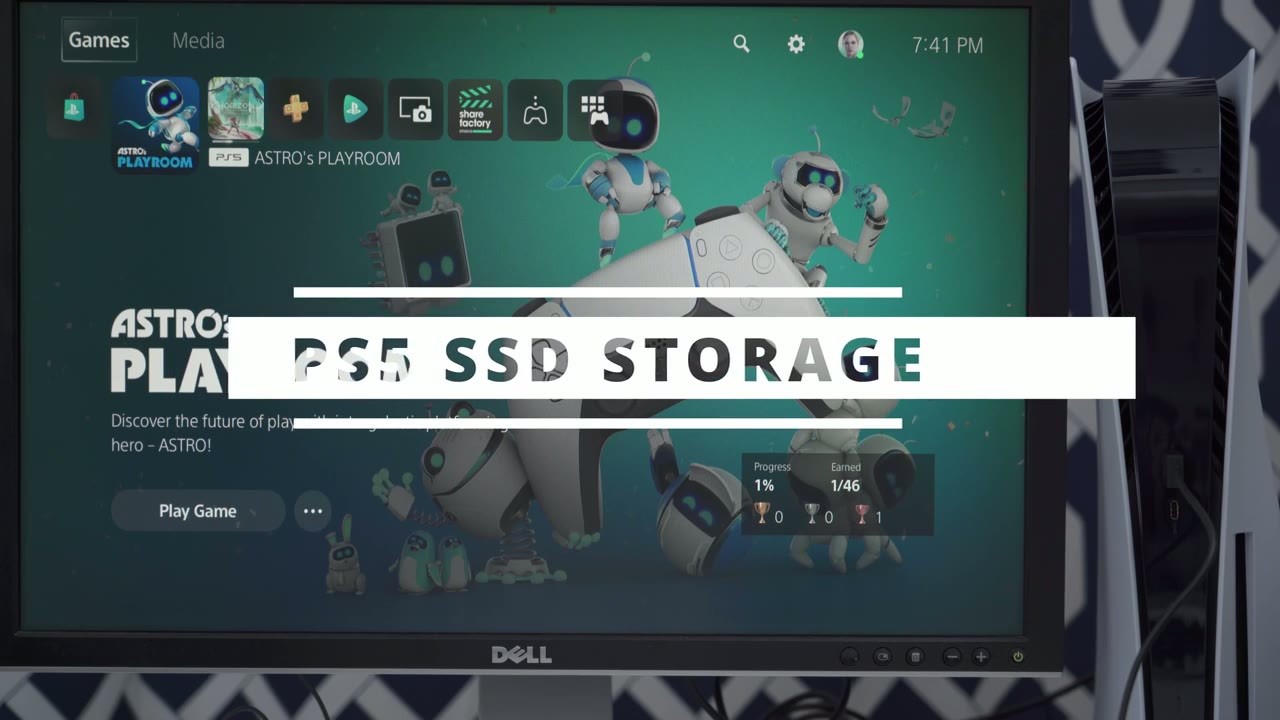
i’ve signed into my playstation account and if i go right to the settings and storage so i forgot to mention but um the playstation i believe it comes with 865 gigabytes but you could see here in terms of the console storage 667 gigabytes are available to you mine shows 553 only because i’m copying um the horizon forbidden west right now
Dualsense Demo
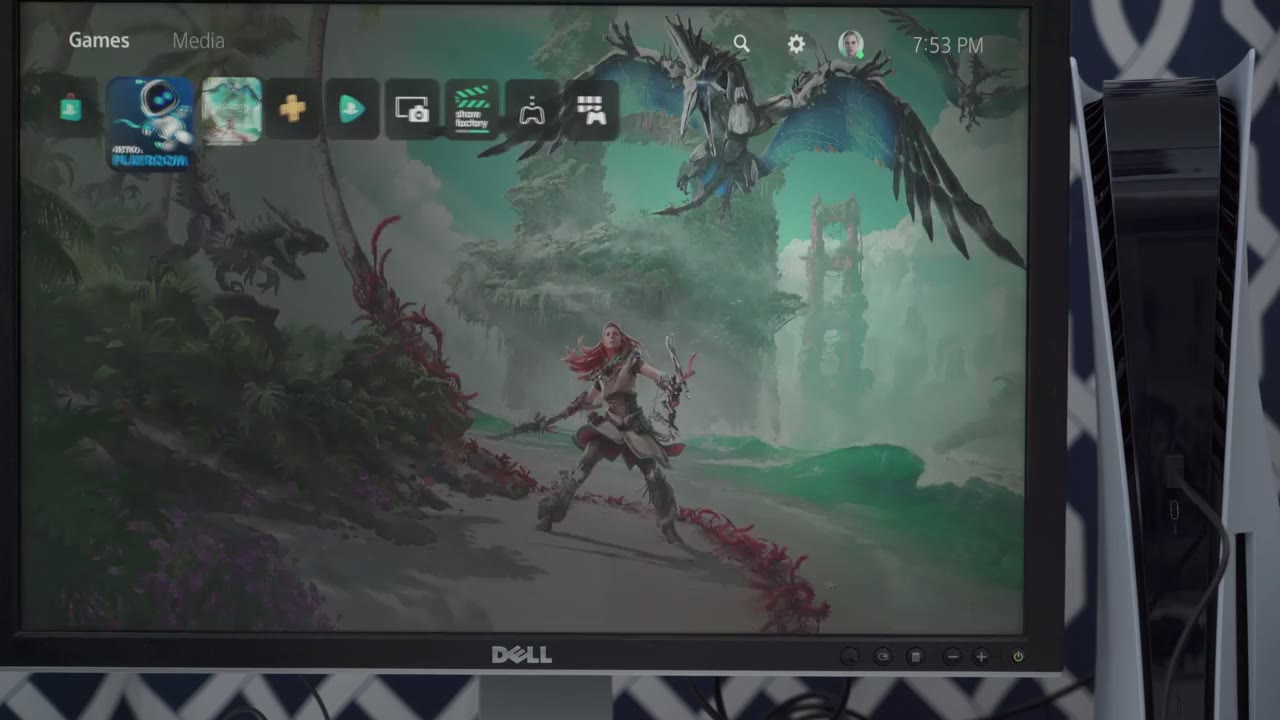
so i was playing around with this astros playroom and i just want to show some of it right now because it does a pretty good job of highlighting some stuff on the controller so you can probably hear that music it’s coming from the controller and it’s getting picked up on my microphone that i’m wearing so the sound coming out of the controller is pretty clear so if i go to controller demo and you can hear as i cycle through there’s a vibration and the sound sound is pretty sharp it sounds good [Music] [Music] so [Music] so right now here’s a demo of the adaptive triggers on here so the l2 and r2 when you press them there’s actually a bit of resistance before they come all the way down and that’s pretty cool because in games depending on the action you’re taking it takes you know a different amount of effort to actually press that down so it’s it’s a pretty pretty cool feature instead of just like a standard um pressure every time now the touchpad you can see that’s very responsive like if i make a triangle or a square circle it’s pretty accurate so while those things are dropping it’s actually rumbling here and as you rock the controller side to side it feels like the vibration is moving from you know right to left so it’s a pretty pretty realistic uh type of feeling and of course there’s a microphone all right in terms of gameplay everything
Gameplay Demo
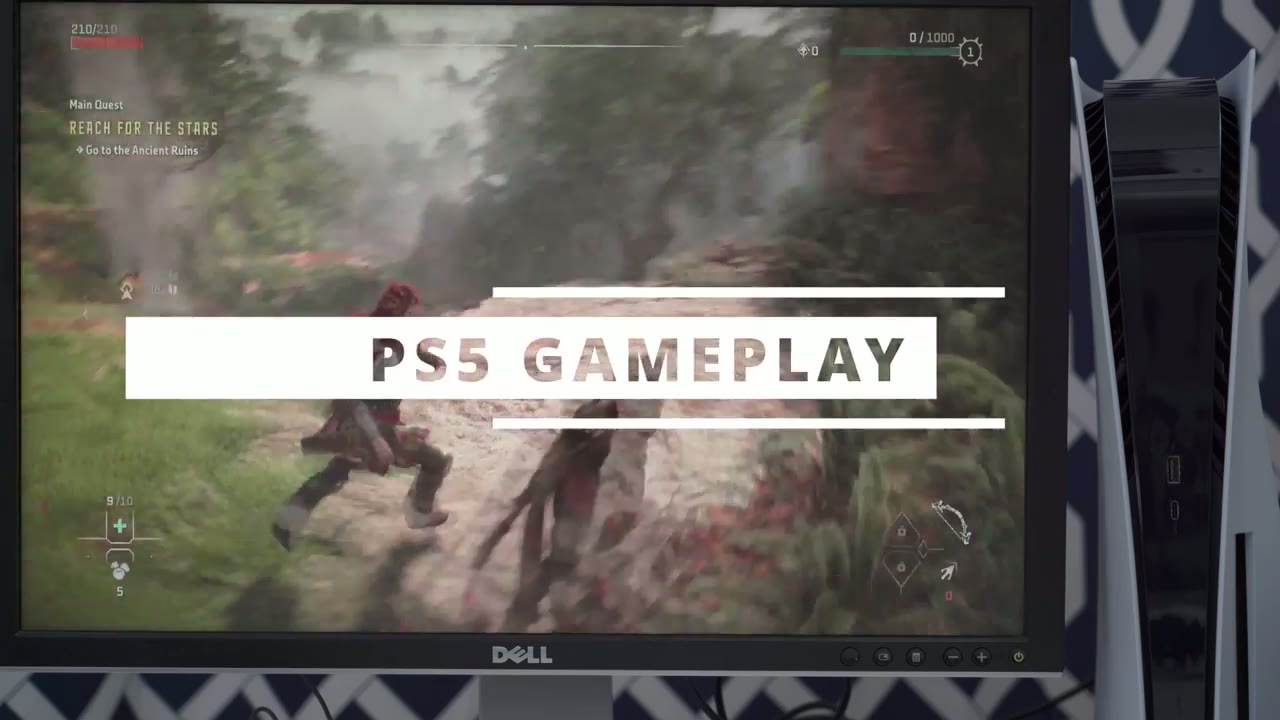
loads really quickly like the loading screens are really fast and it gives you the option to press a button to continue probably because it’s loading so fast there’s no hiccups no glitches nothing like that game just runs fluid and the playstation is not it’s not allowed at all i haven’t heard the fans kick in high or anything like that so so far pretty good all right so i just
Backwards Compatibility
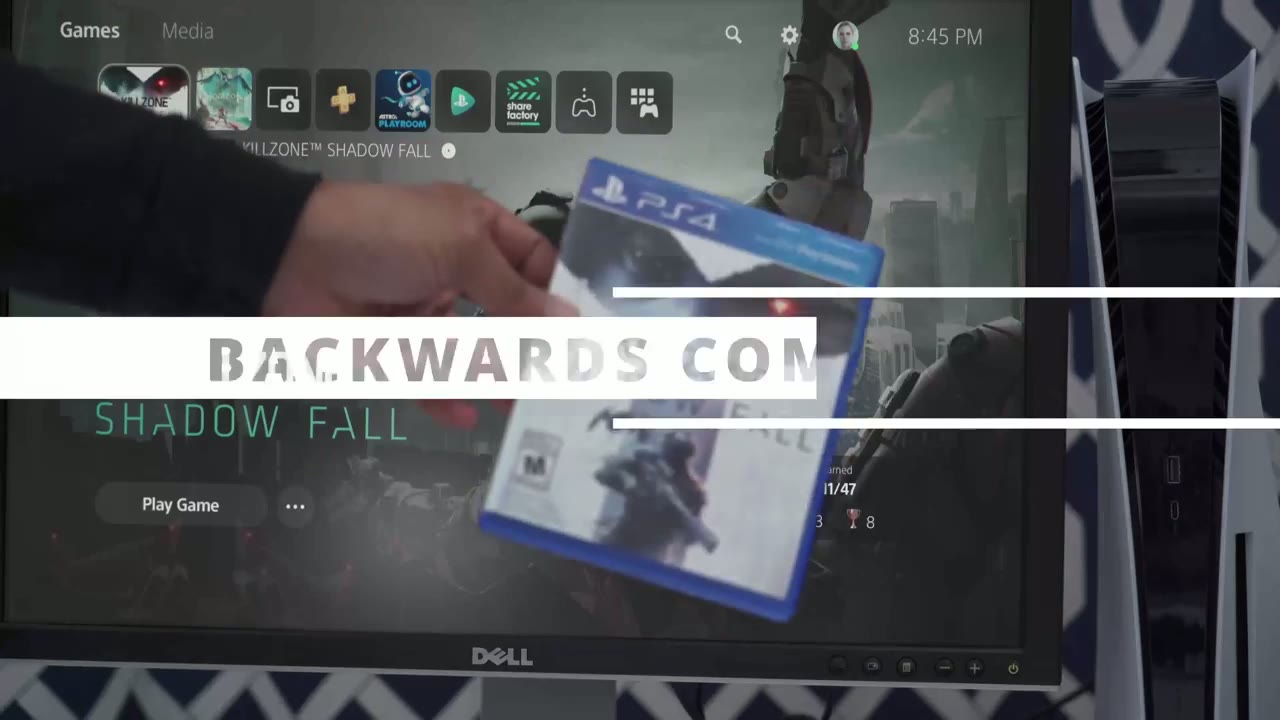
want to demo the backwards compatibility so you can see this is a playstation 4 game and i’ve already tested this and it works but i just want to demo it so i’m just going to pop the disc in and then i’ll go to play game you can see it’s downloading some updates i’m just going to skip that i’m going to start without updating and you can see it launches right into the game and i can just go into the campaign i can start a game and everything’s good so backwards compatibility no issues all right so coming from the playstation 4 um this is a big update like in terms of the speed like how quickly things load it’s much quieter the controller is much better to hold way more comfortable the vibration haptics everything is just all around um a way better experience coming from the playstation 4.
so if you’re thinking about getting a playstation 5 if you can find one mind you i’d say definitely go for it now i am going to be making like a follow-up video with some quick tips and settings that you should change on your ps5 to get the most out of it if that sounds like something you’d be interested in please consider liking and subscribing and i’ll see you in the next one bye
Summing Up
No speech in this section.
☑️ Get the PS5 on Amazon (Almost Impossible)
Please note that some of the links in my video descriptions are affiliate links where I earn from qualifying purchases. As an Amazon Associate I earn from qualifying purchases.