


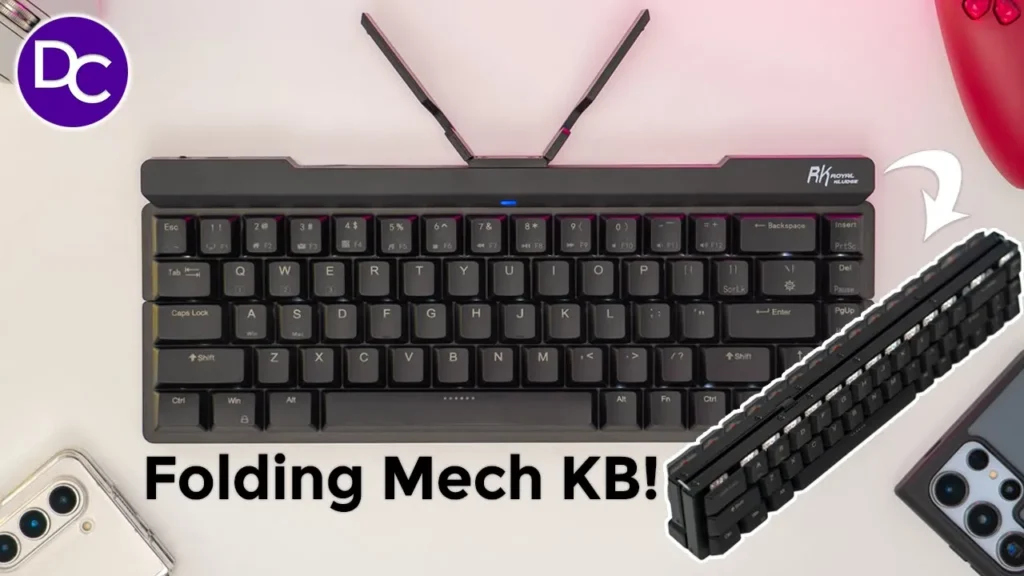

☑️ Get RK F68 Folding Mech Keyboard on Amazon
Please note that some of the links in my video descriptions are affiliate links where I earn from qualifying purchases. As an Amazon Associate I earn from qualifying purchases.
Intro

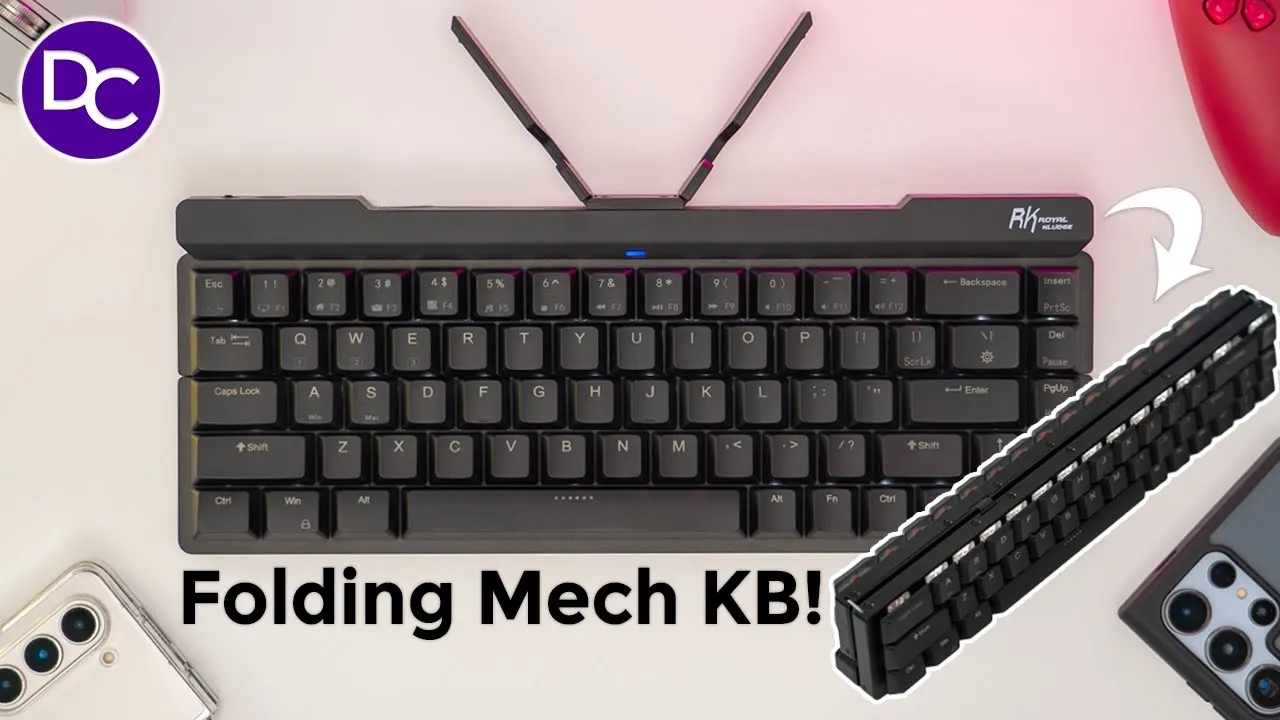
hey it’s Adrian and today I’m taking a look at the Royal clu f68 foldable keyboard now this is a 65% layout keyboard with low profile keyc caps and that makes it ideal for carrying it on the go anytime you’re on vacation or going to a meeting it also has a fold out Mount that you can use to put your phone or a tablet in so let’s take a closer look and you could decide if this is worth it for you in the box we have a
Package Contents
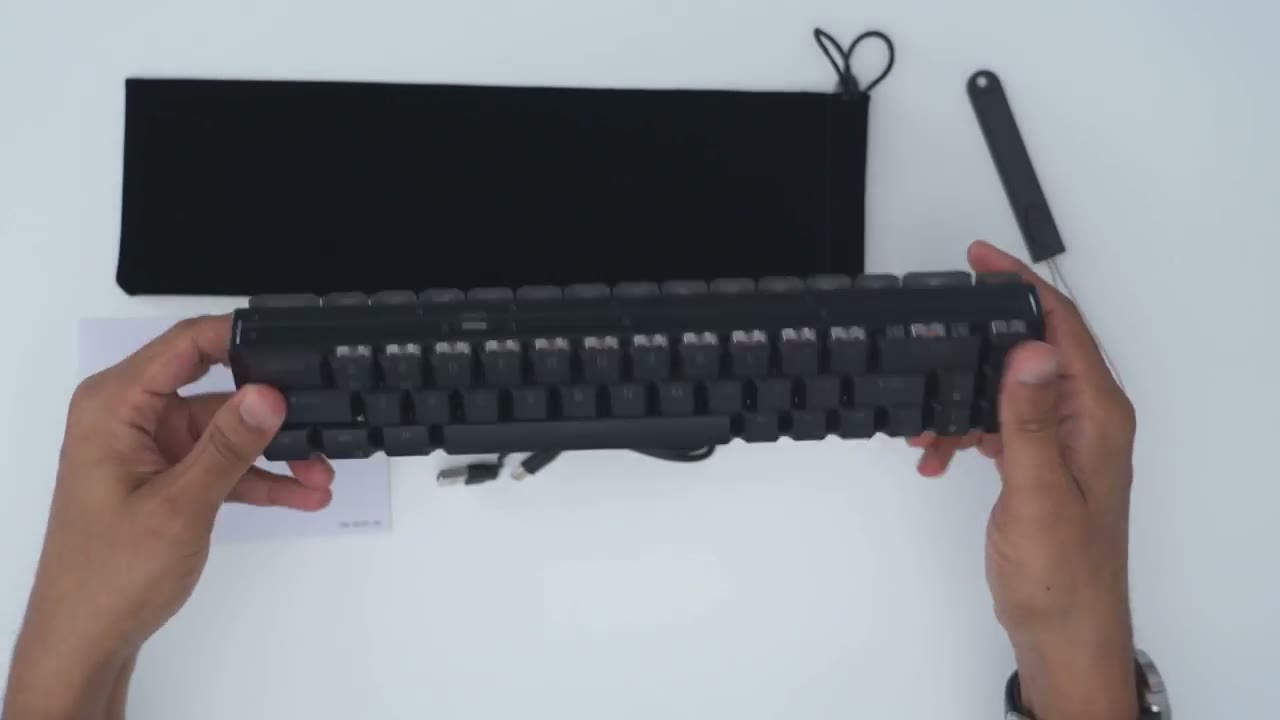
carrying sleeve for the keyboard there’s also a user manual key cap puller now there’s also a USB type-c cable with a type-c connector in and an adapter with a type a connector in and of course the Royal cludge f68 mechanical keyboard which folds and unfolds effortlessly so the design of
Design
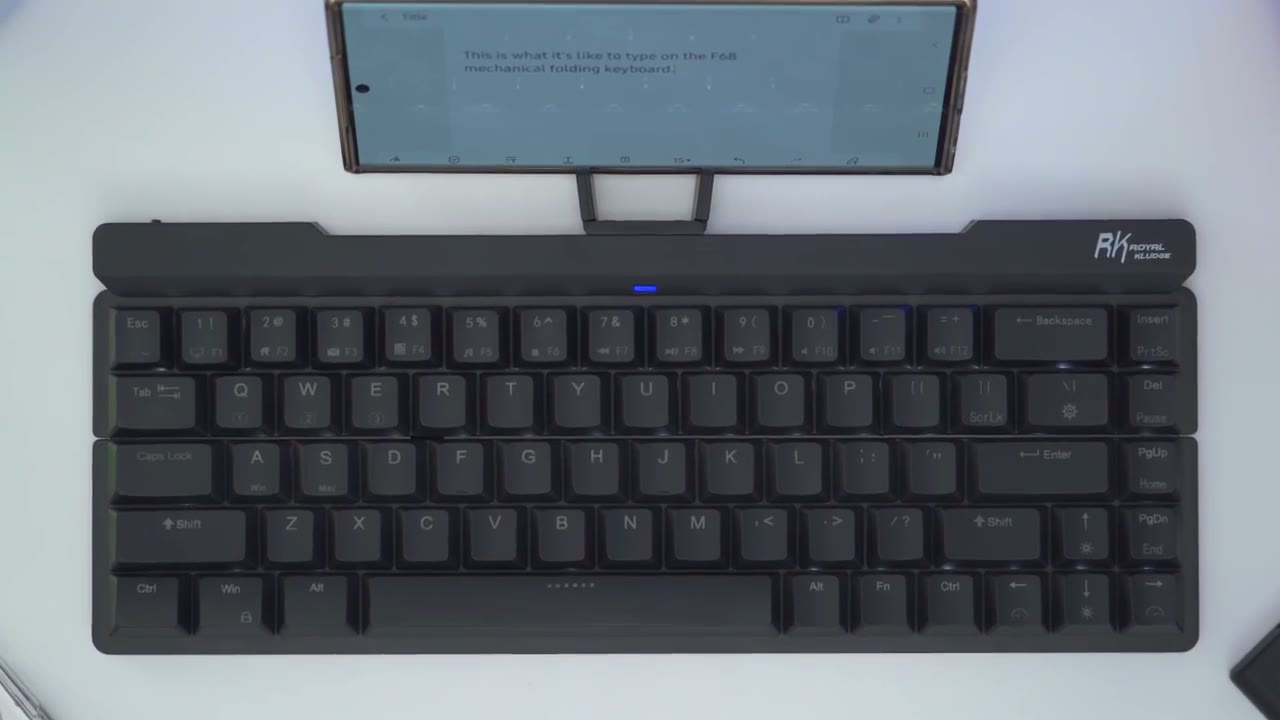
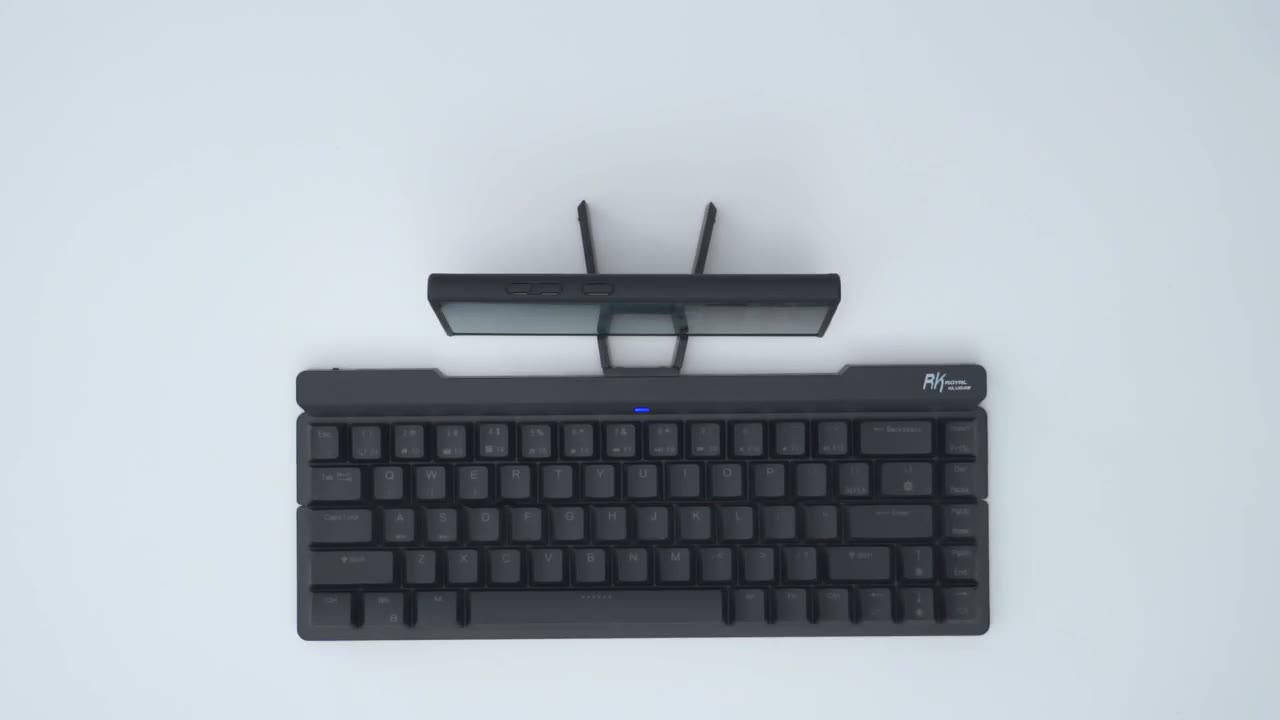
the royal clu f68 is actually quite impressive given this very compact size so it comes in at around 1.1 lb or around 525 G when completely folded it’s 12 in wide by 2.3 in deep and about 1 and 1/2 in thick when fully opened up it’s 12 in wide by 4.6 in deep and about 0.6 in high at the highest point since the keyboard has a foldable design once it’s fully closed and flush you could see there is still a small horizontal Gap there and as I angulate it you could see my table under and my hand moving at the bottom there and this is what it looks like from the rear the f68 is a 65% layout keyboard now we do have an LED indicator light there and you can see that we we have white LEDs for the backlight the key caps are shine through so you can see them come right through which is a nice touch we have an aluminum top board which adds to that overall about 1.1 lb or 525 G and it feels very premium and high quality in the hand and you can see if I try to go ahead and twist it you know there’s very minimal creaking and flexing which is pretty impressive on here and when I open and close the keyboard you can hear there’s not any type of creaking or anything with the hinge mechanism so that works really well and of course we have the power ribbon right there and then the hinge attachments on the side along with a bunch of screws screwed into the frame here’s a side view of the keyboard so you can see that we have screws on both sides now it does look a little bit curve but of course once this is placed down flat it’s not going to show up like that and here’s the key cap profile my f68 has the red switch which has an actuation distance of 1.2 mm and a switch height of 13 mm now you can also get the brown switch which has an actuation distance of 1.5 mm and the same switch height of 13 mm and on the rear left of the keyboard is where we have the USB type-c port to keep this permanently powered on or connected to your computer if you don’t want to use the Bluetooth connection and there’s also an on andof switch at the top of the keyboard we have these fold out type of wings which you can use to mount your phone either a phone or a tablet and you could see that these are actually magnetic so if I just bring them kind of close they snap into place and they stay flush and then if I just turn the keyboard upside down and just kind of you know jiggle it like that it just stays nicely in place and you can see once they’re folded away everything is fairly nice and flush and they are screwed in here with two screws so you can’t actually remove it unless you going to remove both of these screws the rear of the keyboard has rubber feet on the right and left side along with a strip at the top however there are no angulation or adjustment feet where you can just you know adjust the height or have a couple increments of height adjustment so something to keep in mind if you like to type with your keyboard a little bit elevated the Royal clu f68 is
Specs
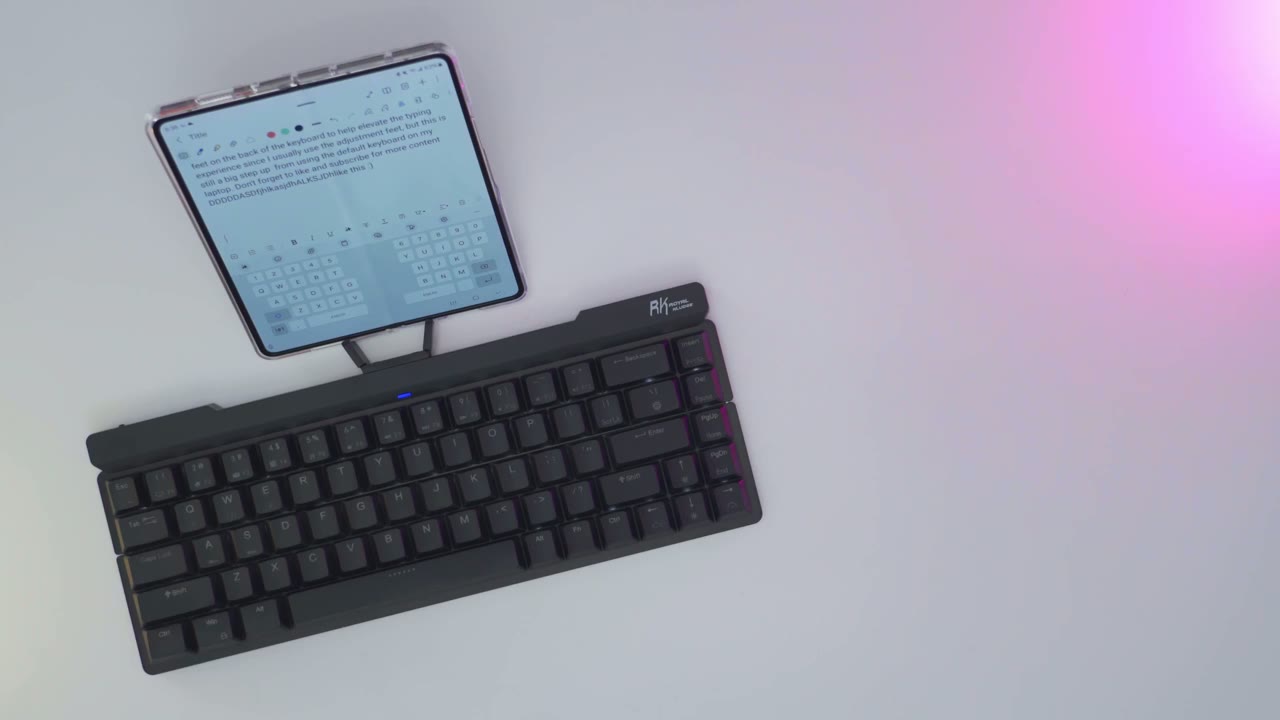
a 65% layout keyboard that’s foldable with low profile Keys it weighs roughly 1.1 lb or 525 G it has a 600 Mah rechargeable battery there’s 68 Keys the switches are not hot swappable we have white LEDs that are North facing and it is compatible with Windows Mac and Android pairing the keyboard with a
Pairing
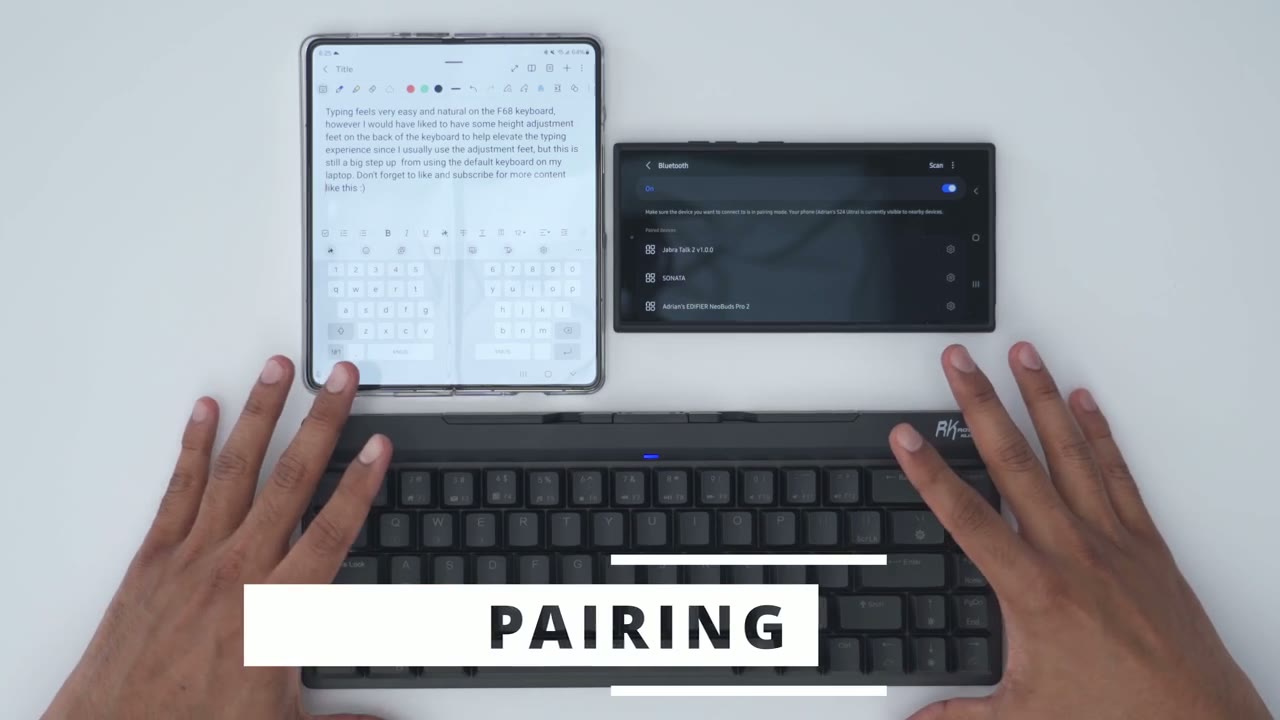
phone laptop or any devices easy so you can see right now it’s paired to my zold 5 now to pair it with my s24 ultra I’m just going to hit function and I want to pair it say with connection 3 which is e so I’m just going to press and long press on that till I see it flashing which means it’s ready to pair so I’ll just scroll down here hit scan and I’m going to look for it and I found it RK f68 hit pair and I’m good to go now that the keyboard is paired to both phones if I hit the Windows key is just going to pull up my app list on my s24 ultra and if I switch from function to one to pair it with my zold 5 I can just go ahead and start typing so it’s effortless to switch between devices you can pair up to three Bluetooth devices using function key 1 2 or 3 or qw and E and you can also use it in wired mode I have
Keycaps
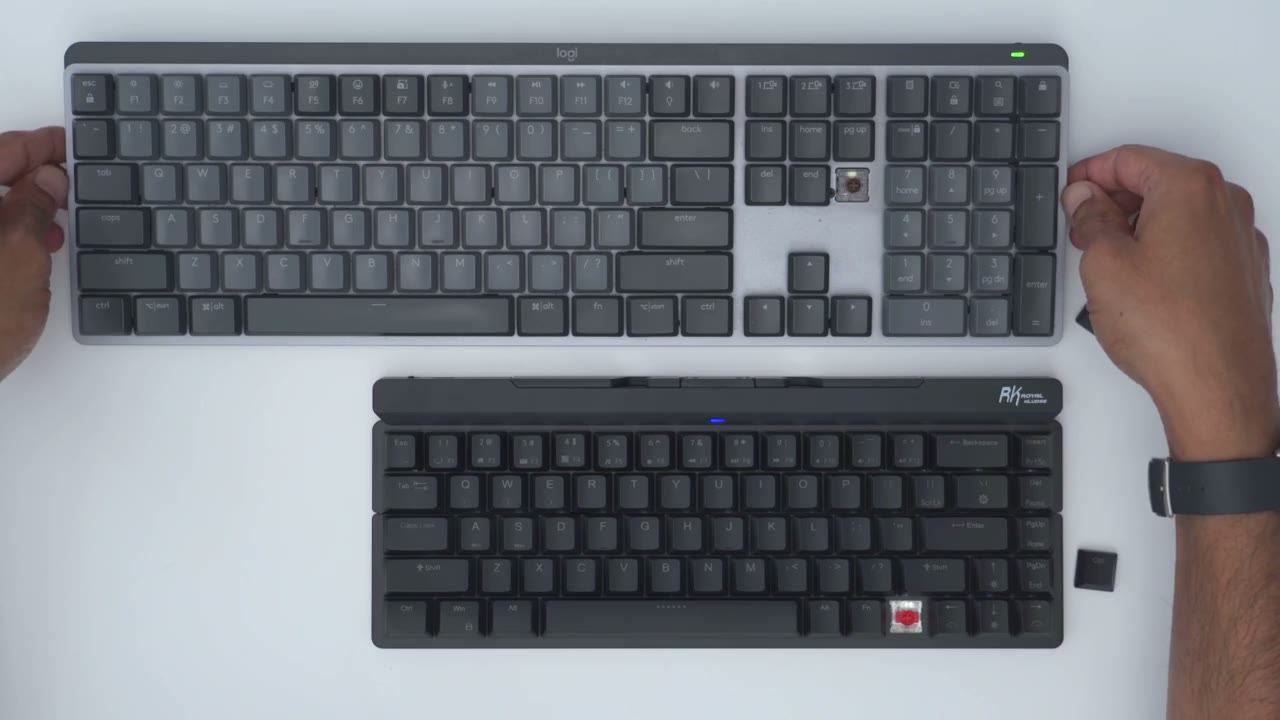
my Logitech MX mechanical keyboard which has another low profile keyboard and it’s challenging to find replacement key caps for this and the reason for that is you can see if I yank this out the stem on the key cap actually protrudes out a little bit more than the edge of the key cap and that’s exactly the same with the f68 you could see same type of deal where the stem on the keyc cap extends out but it’s even a little bit more on here than on the MX mechanical so I’m just going to pop this key cap in and see if it takes it which it does and and if I just pop this on my MX [Applause] mechanical it takes out as well so if you happen to own both of these keyboards hey you have some options of course you’re not going to be able to just Swap all of the key caps you can see the control key cap on the MX mechanical is much wider than on the f68
Sound
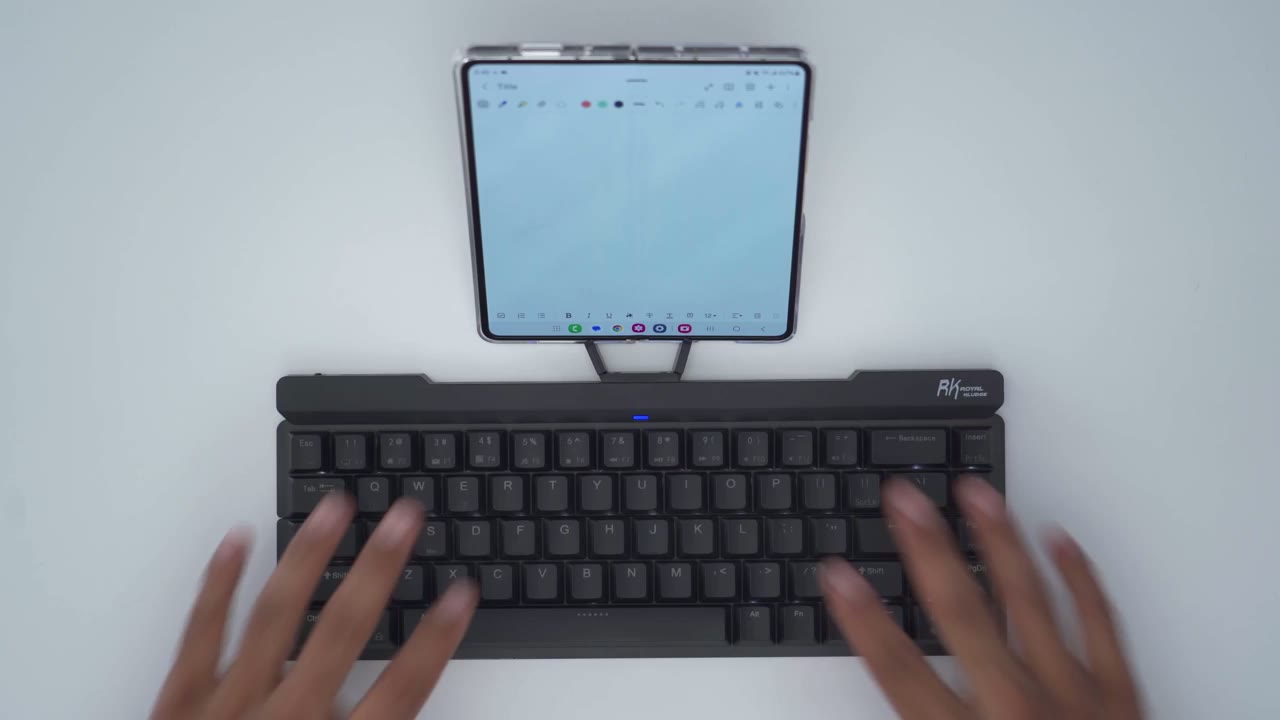
this is what it sounds like to typ on the f68 it’s not the loudest keyboard out there but it’s also not the quietest as well and my microphone is about 32 in away [Applause]
Typing
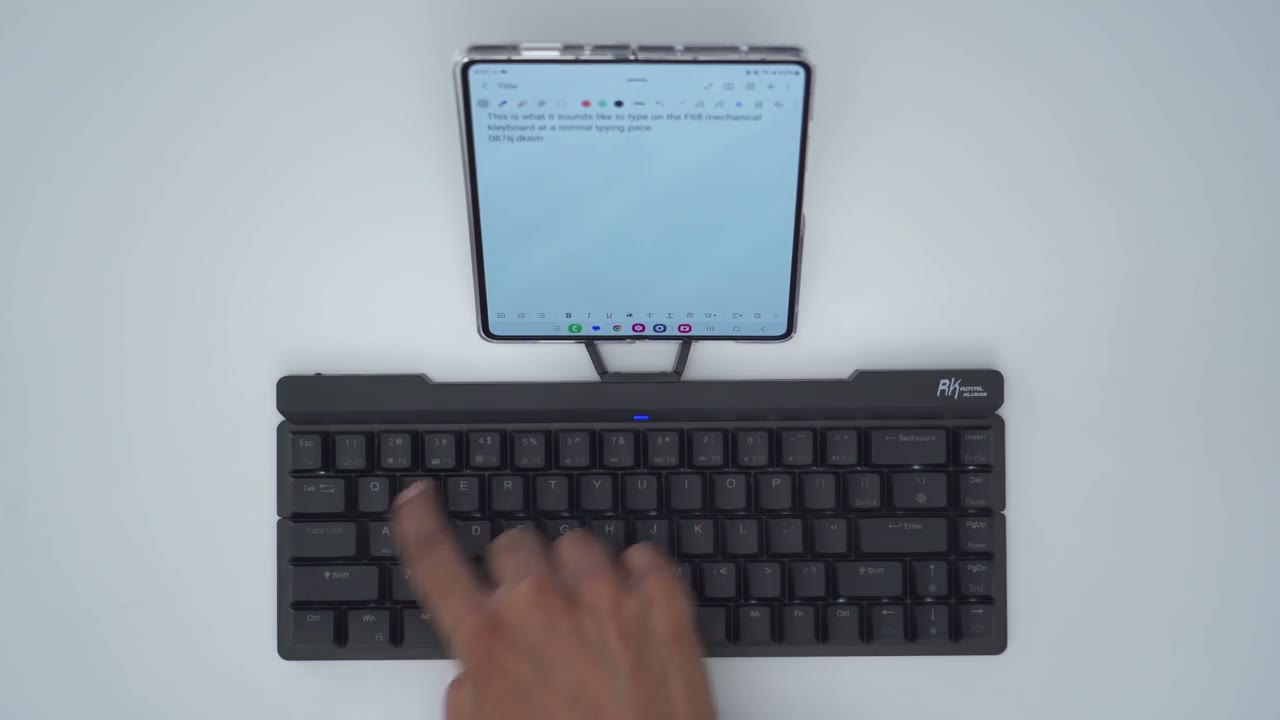
the typing experience has been Pleasant on here so far once I got used to not being able to you know kind of angulate it and adjust the keyboard a bit higher now in a pinch I guess I could just slip something under here you know maybe I could fold up the carrying pouch and then just put it at the bottom here as a kind of a hack while I’m traveling but overall the timing experience has been great you know the key travel is very pleasant on here very satisfying same with the actuation distance and no matter what type of keyboard you have on your laptop this is definitely going to be a step up from that I also use the
Gaming
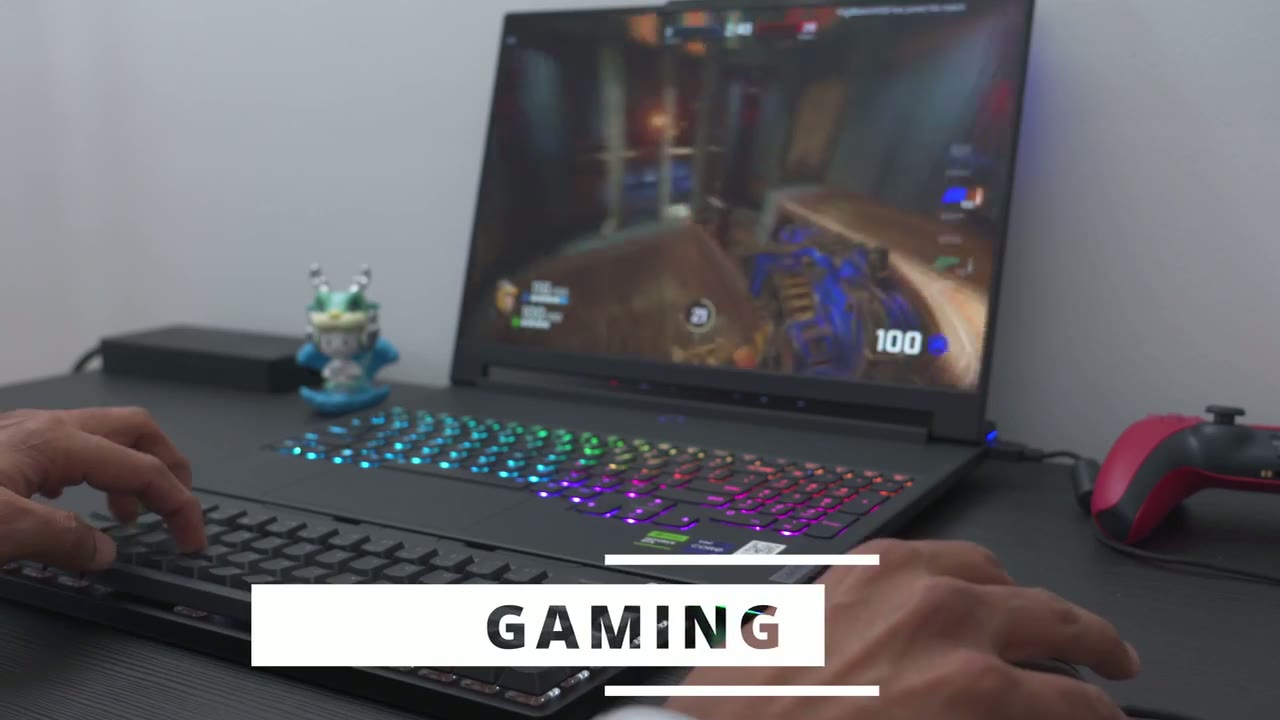
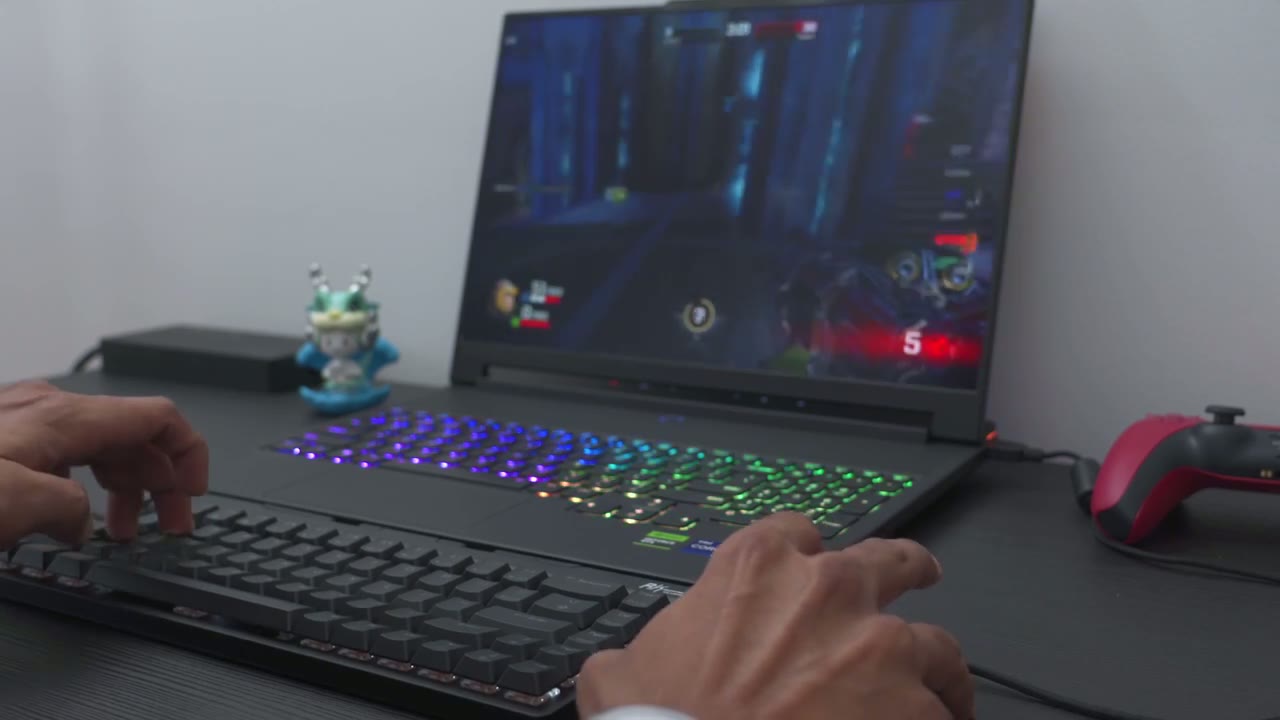
f68 for a little bit of light and Casual gaming instead of using my keyboard’s laptop and it was much more enjoyable to use but keep in mind that the pulling rate on here is not going to be very high so if you’re looking for any type of Competitive Gaming you’ll have to skip this if you’re planning on using
Mount
the f68 with your phone or a tablet you can see it works perfectly fine with my zold 5 both in the portrait orientation and Landscape orientation here’s my s24 ultra and it has a very thick case on here but even with that said I can still fit it into the phone holder or phone mount I just can’t you know angulate it as much as I would like so just keep that in mind if you have a phone with a very thick case you may run into a little bit of issues in terms of you know how much you can actually angulate it and spread the feet out to get it exactly where you want it the switches
Lighting
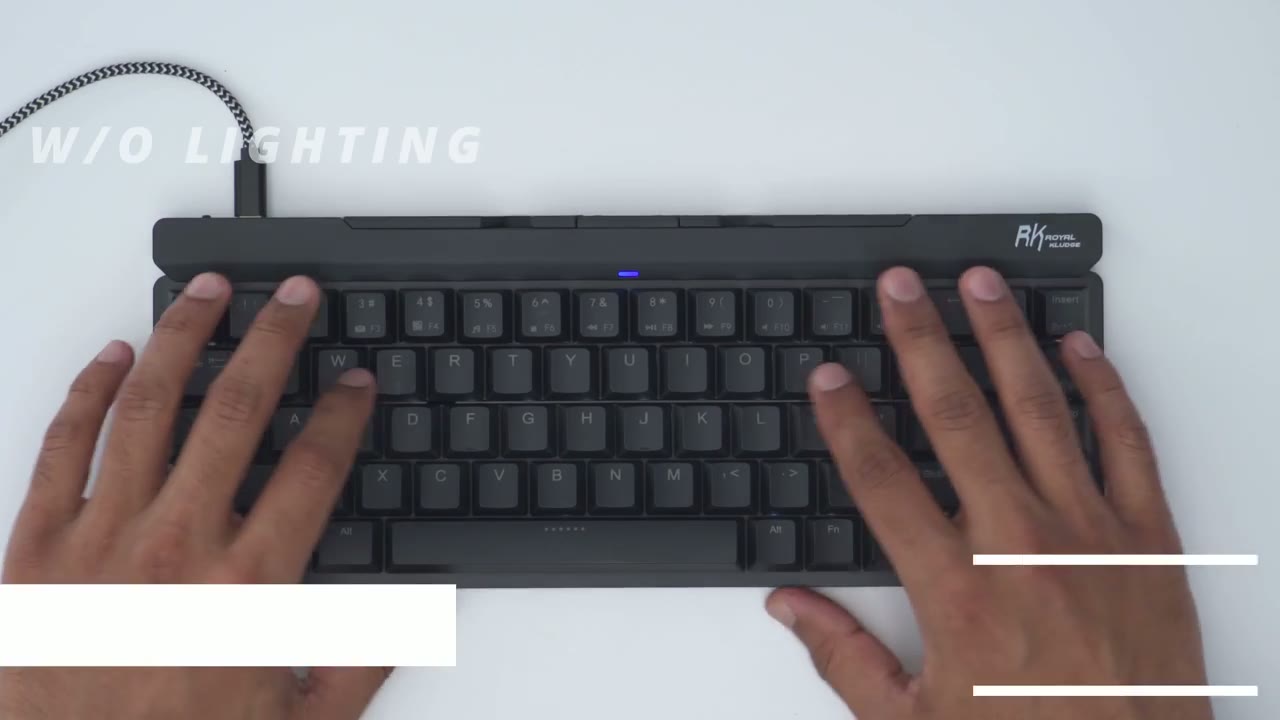
contain north-facing LEDs let’s take a look at backlight controls so right now it’s on the breathing effect and I can hit function and down to just lower the brightness or function and up to crank it to the max I can also slow down or speed up the effect by hitting you know function and left or function and right to speed things up and then to switch between the different backlight modes I’d hit function and pipe that just cuts the backlight off completely and then you can hit function and pipe again and it just keeps it completely static function and pipe again just puts it back to Glow so there’s basically three
Shortcuts
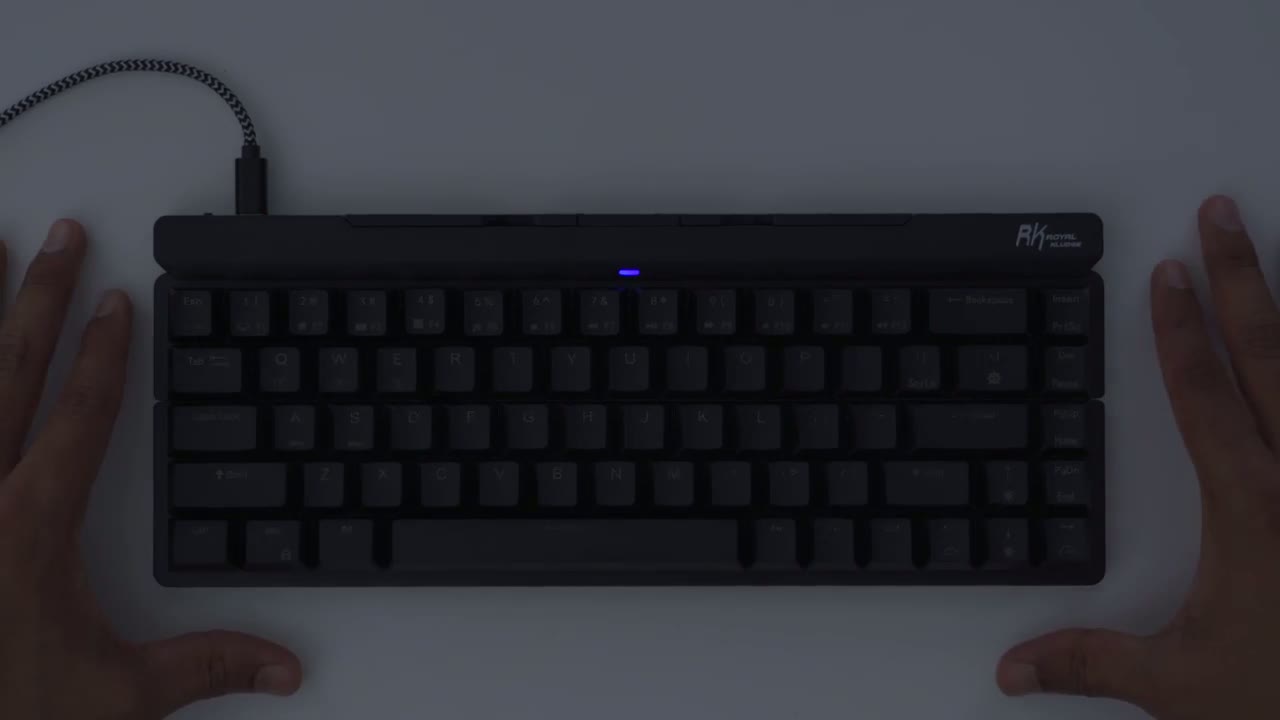
modes you do have the option to disable the Windows key if you’re going to be gaming and you don’t want that tripped and you could see some other secondary functions as well as backlight controls and thankfully we do have a command for print screen something that I use quite a bit and we also have special function keys now this is compatible with both Windows and Mac so we do have multimedia controls for both battery life is rated
Battery
for up to 30 hours if you don’t use the backlight now once a keyboard is fully depleted it takes about 2 hours to fully charge it now if I turn the keyboard off you’re going to see the LED indicator light it’s going to switch to red indicating it’s actively charging once it’s fully charged the red LED goes off and anytime it’s in need of charging the red LED will flash so I think this is an
Recommended
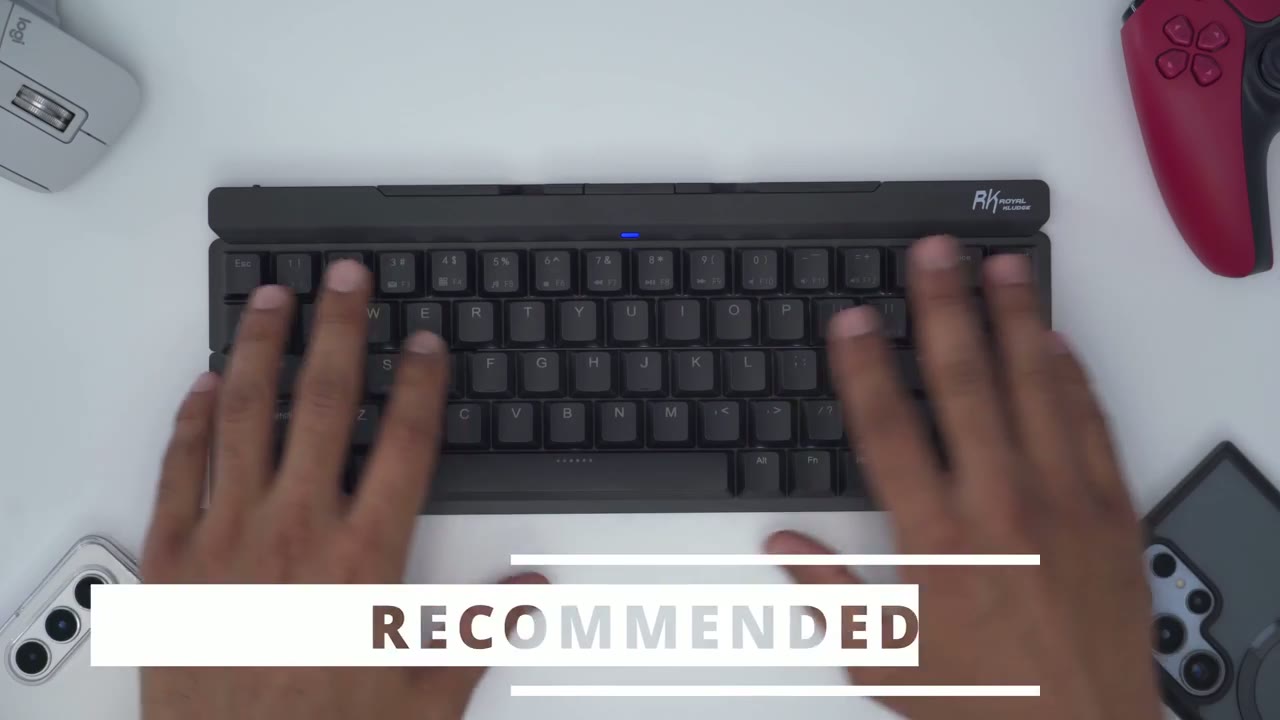
awesome option if you’re constantly on the go or if you’re on vacation and you want something that’s going to elevate your typing and gaming experience there’s a bunch of times where I’ve been able to use this I got an email that came in something kind of lengthy and instead of inste of having to wait till I went back home or to go to my office you know I could just put this on the kitchen table kind of just leave it there or use this on a coffee shop compose that email and then it’s back in my bag and I’m good to go really the only thing that I’m missing is some height adjustment feet on the back of the keyboard overall it’s a wonderful keyboard I know some have commented that it would have been good to have some way to kind of lock the keyboard into position when you lift it up but for me it’s not really an issue because I just use it you know pretty much flat down all the time and the only time I’m going to lift it up is when I just want to fold it up compactly into store I’m not you know usually repositioning it a lot and if I am I’m just kind of sliding it I don’t lift it up to reposition it so if you’re interested in picking up the Royal clu f68 folding keyboard I’m going to leave some links down below for you to check it out or to learn more and as always if you found this video helpful please consider liking and subscribing and don’t forget to check out some of my other Tech related videos and I’ll see you in the next one soon
☑️ Get RK F68 Folding Mech Keyboard on Amazon
Please note that some of the links in my video descriptions are affiliate links where I earn from qualifying purchases. As an Amazon Associate I earn from qualifying purchases.