


Please note that some of the links in my video descriptions are affiliate links where I earn from qualifying purchases. As an Amazon Associate I earn from qualifying purchases.
Intro

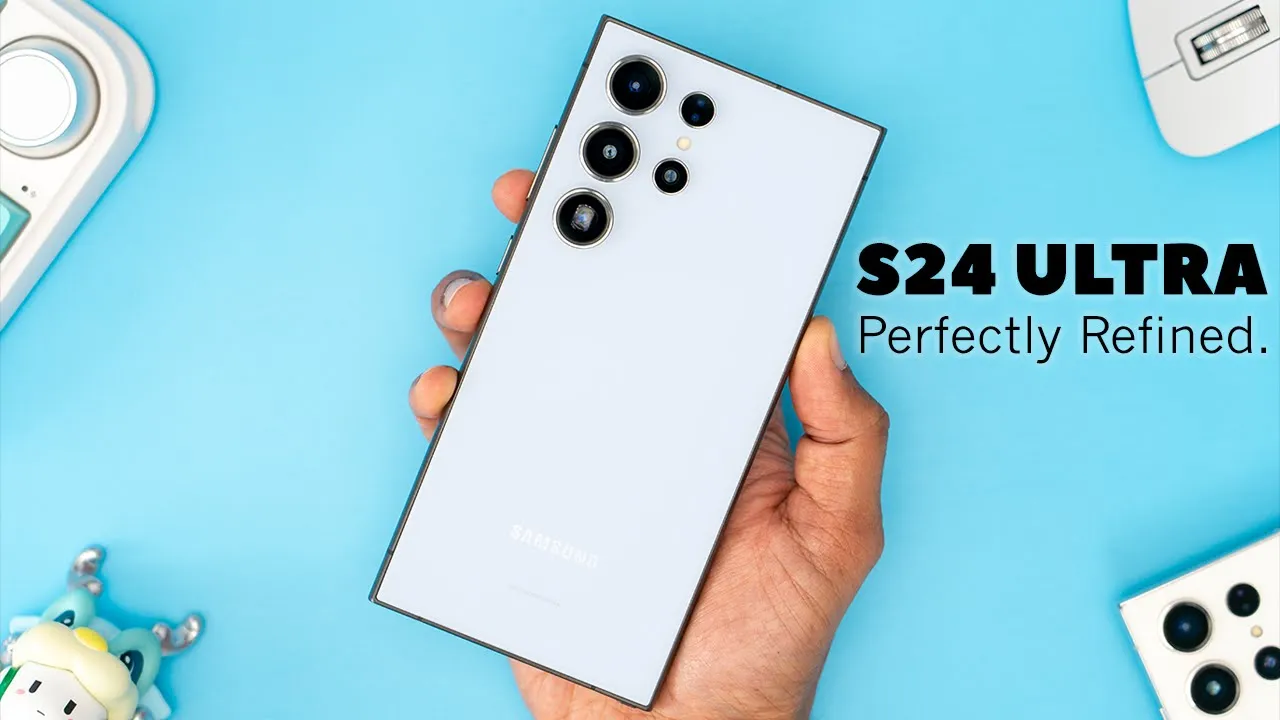
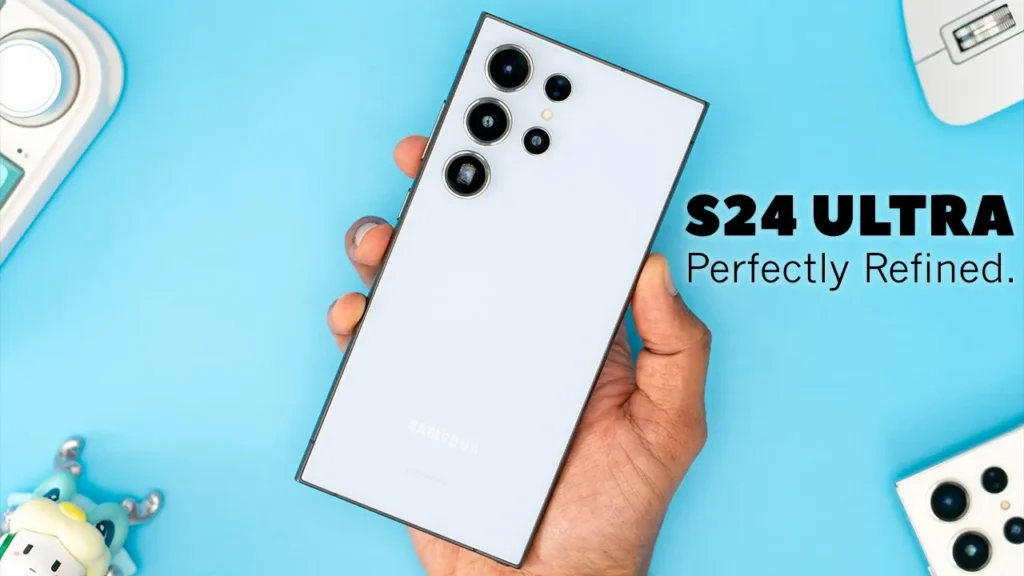
hey it’s Adrian and I’ve been using the s24 ultra and really enjoying the AI functionality and 5x optical zoom now before that I was using the s23 ultra and I was super happy with it but I think this offers enough meaningful changes to upgrade from the s23 ultra so let’s get into that and you can decide if you agree or not the design of both
Design
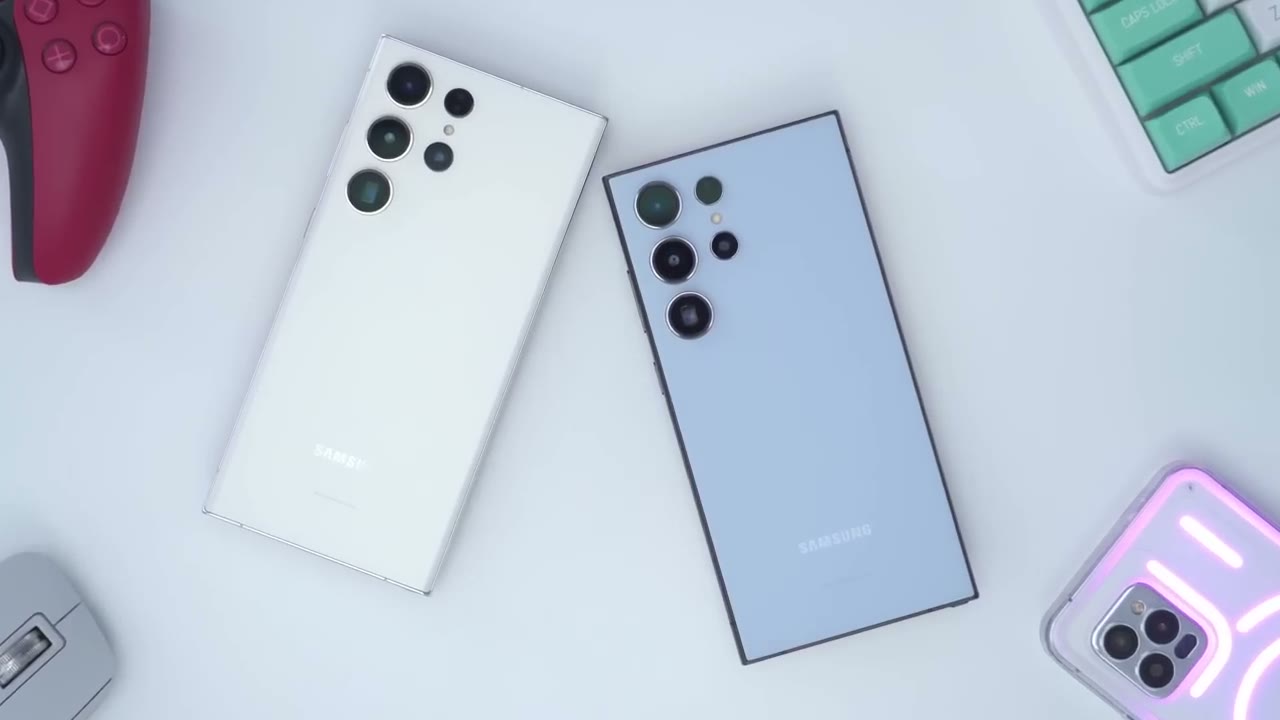
of these phones is so similar that once you put a case on here probably no one is going to be able to tell which phone is which however the s24 ultra does now offer a flat screen instead of the curved screen found on the s23 ultra and that’s something I really like for me that’s probably enough of a reason to upgrade is just a better hand feel overall even though maybe ergonomically more people would prefer the curve screen on the s23 ultra I just love the look and feel of a flat screen outside of the flat screen we also have a titanium frame that feels slightly more grippable than the aluminum frame and we also have a full-size speaker cutout instead of a grill the specs have also
Specs
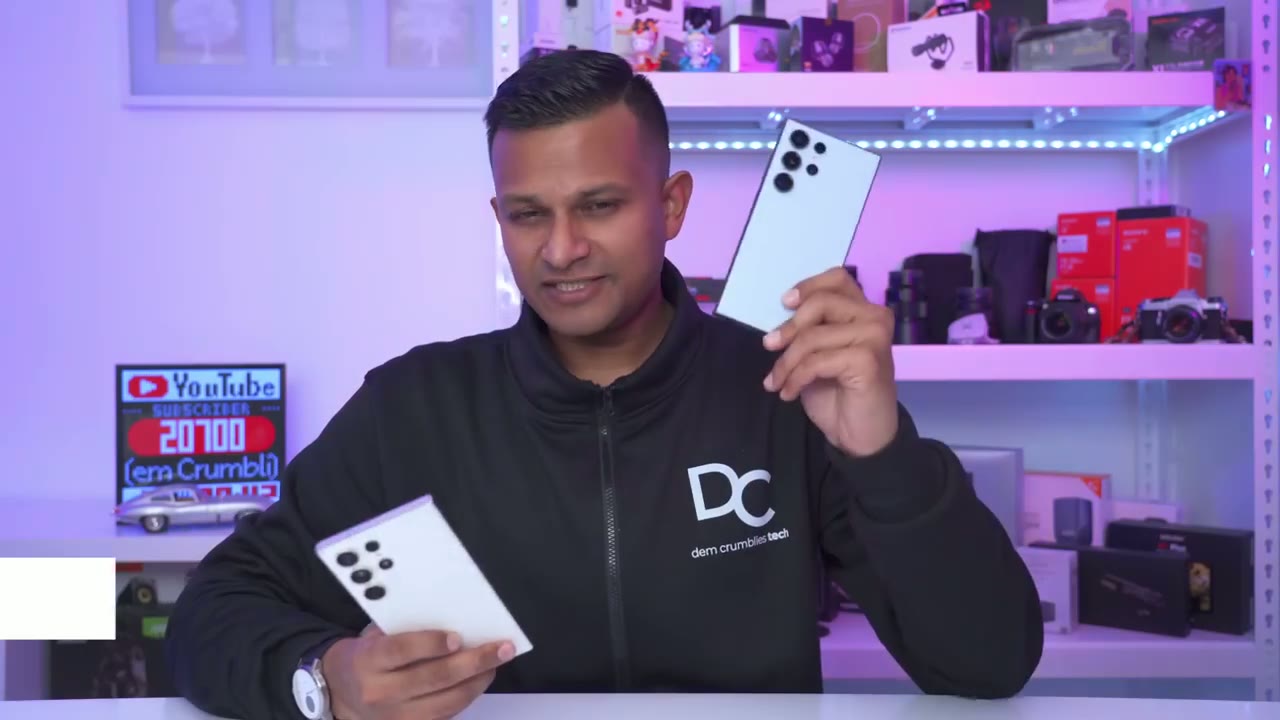
been upgraded on the s24 ultra so we have a Snapdragon H gen 3 versus the Gen 2 on the s23 ultra there’s also an adreno 750 versus an adreno 740 on on the s23 ultra you also have Corning Gorilla armor which is much better in terms of anti-reflective than on the s23 ultra’s Corning victus 2 and of course the biggest and most controversial change is that we have a 5x optical zoom on the s24 ultra at 50 megapixels and on the s23 ultra we have a 10x optical zoom at 10 megapixels and when I first heard those rumors I was a bit disappointed but after using the s24 ultra I’m no longer disappointed but I’ll get into
Screen
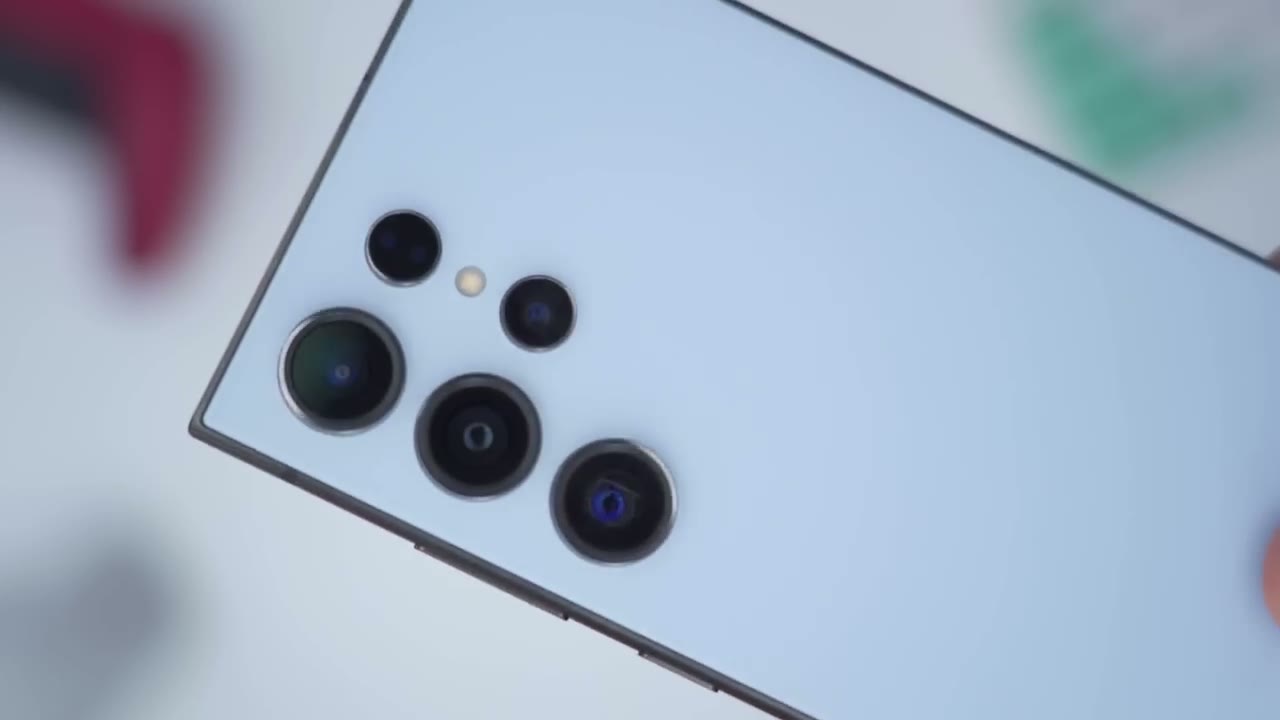
that later the brightness on both of these phones is plenty bright for indoor use however the s23 Ultra comes in at 1,750 nits Peak brightness versus 2600 Peak brightness on the s24 ultra so if you’re someone who’s frequently out during the daytime or you film a lot outside or you kind of use your phone for a vlog in sunny weather the s24 ultra definitely has the edge now a lot of people have commented about the anti-reflective nature of the screen on the s24 ultra and of course when I go into the phone you can see that is a lot of reflection going on on the s23 ultra and of course boat screens are plenty fluid thanks to the 20 HZ refresh rate they’re very fast very Vivid although I did notice a little bit of a color cast on the s24 ultra which Samsung did say that they’re going to look into later
AI Features
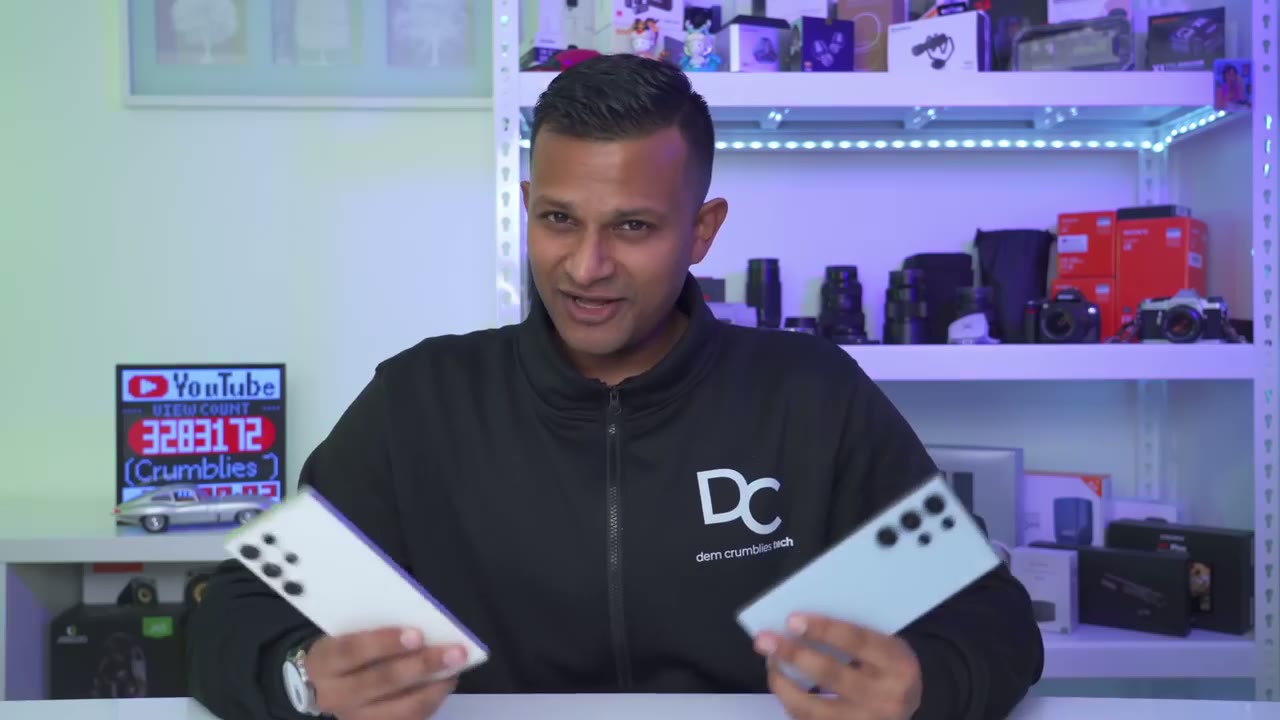
but let’s talk about the AI component of the s24 ultra and this is the feature that I really didn’t think that I was going to find much value in when they first started advertising it as an AI phone I thought it was going to be a little bit of a gimmick if I’m being honest because a lot of companies just try to add on like an AI component now those AI features are supposed to come to the s23 later but if you want to experience them right away you have to get it on the s24 Ultra but here’s a demo of some of those AI features and some of the hits and misses the generative video frame is a pretty cool idea so you can see you could just tap on a video and it just slows it down but it’s a temporary edit you actually have to click on the pencil icon and go into adjust speed to edit it but here’s a full demo of that I’m now going to put the s24 ultra through a pretty challenging test so I’m going to start the stopwatch and you can see there’s actually two hands there and they’re moving so fast you can’t really tell now I’m just going to let that go go and I’m going to take a video with the s24 ultra so I’m just going to review this video I’m going to tap on the pencil icon and I’m going to go to adjust speed and I’m going to put this at 18 speed and let’s play that and see exactly how it handles it and you can see the hands have now slowed down dramatically Circle to search is definitely one of my favorite features on here but it was a bit hit and miss with something that I didn’t think it should be because anytime I had text in an image sometimes it would pick the text out clearly but other times it would completely mess the text up and that should be something fairly simple by the way here’s a quick translation tip so just take a photo of something and then just long press on the text like so and then go ahead and hit translate and you can see it says free dedicated access and the translation here says Lane for passengers with free passes so fairly accurate you know just to get you around here’s an image I took on my s23 ultra what I can do is tap on the pencil icon then I can tap on this you know more area here and I can go into Face Effects and from here I can actually adjust the smoothness of my skin actually go in adjust my jawline I can give myself like anime eyes really you have a ton of options on here now what you can also do is just when you’re on here you can just swipe up go into remaster and the phone’s just going to think about it and then give you a proposed new look so here’s the before and then the after now I definit at least still prefer the before and then you can just zoom in to see kind of like what that’s going to look like but you can also go ahead and add background blur after the fact so it’s just going to add it here you can see it’s on level five and then you could just go ahead completely blow the background out so here’s a shot I took I don’t really like having the car in the foreground here so what I can do is tap on the pencil icon then go ahead and tap on the AI feature and then I’m just going to tap and hold till it selects the car and then click on this erase icon here and then go to generate and what the phone is going to do is it’s just going to intelligently fill in the area that the car occupied now this is a bit hit and miss sometimes it does a fantastic job at it and other times it fills it in with you know kind of weird and strange things and you can see it’s done a fairly good job I mean just at first glance if I didn’t know there was a car there before I wouldn’t really think there was anything off about this image so here’s an example of where the generative fill sometimes acts a bit stange so I’m going to go tap on the AI icon here and I’m going to say I want to remove this set of chairs here in the foreground and then the set of chairs here as well so I’m going to go ahead hit Erase here hit Erase here and do the generative fill and basically I just want to have you know a wide open space without any type of chairs in there anywhere but let’s see what it comes up with because it’s been just replacing it with other chairs so you can see here we have some other chairs I mean yeah it’s a little bit open but here before and after so yeah it’s a bit hit and miss it would be good if we could actually have some kind of text prompt where we can explain the type of effect or look we’re going for but you know it’s not bad for a first iteration here’s an image I took on my s23 ultra using the 10x optical zoom I was a bit slow by the time I got the plane and focus it was close to the building but on the s24 ultra I could play with that a bit so I’ll go into edit tap on the AI icon I’ll grab the plane and I’ll just move it over a little bit here hit generate and let’s see what it comes up with now this isn’t too challenging for it because it is a solid Blue Sky so let’s see how well it does and here is the original and here is the remastered image so you can see you know in terms of composition it looks much better with the plane further away then I’ll just go ahead hit done save that as a copy and of course we do have the icon down there letting everyone know that this image was altered but I can always just erase that or just go ahead and crop that out and then just save it so you know there’s easy ways to get around that by the way if you’re finding this video helpful please consider liking and subscribing but let’s get back to it I’m going to demo the live interpreter feature that’s the most interesting to me when I go on vacation next I’m going to tap on interpreter I’ve set it to Chinese arguably one of the hardest languages to learn according to most people so I’ll start the recording here or the [Music] microphone a man is reporting on the company’s sales performance at a meeting which two charts did he use in the report so that seems fairly accurate to me I’m just going to reply back really quickly he used the green and blue chart okay so I don’t know how accurate that is and I’m not sure if this is using you know Google translate or Samsung’s own type of translate but for a say double confirmation if it was using Samsung I could go into resents scroll down here and copy the Mandarin I could go into my Google translate on the browser paste that in and I can see yeah that’s what it’s saying now one other thing to notice is that with this interpreter feature you can actually hit this toggle here and you can see it just flips the writing so you’re not handing the phone back and forth between you and the person you’re speaking to they can see it in real time so you know it’s a well thought out AI has also made the notes app really handy to you so I’m going to start a recording here and I’m just going to talk you know kind of freely about nothing in specific just a test it to see how accurate it is at picking up my voice and you know the content of what I’m speaking about and this can come in handy if you’re having a meeting or a conversation and you need to email a recap of that so let me stop it right here like so and it’s already recorded you know fairly accurately at what I’m talking about now I’m going to tap on the AI icon I can go into Auto format and just say you know meeting notes and it’s just going to kind of summarize app with bullet points really handy but what I can also do is go back into ai go into summarize and you know it’s kind of summarizing exactly what I was talking about then the last thing of course that you may find Handy is just to go ahead and translate that and you could pick any type of language you know that you’ve downloaded to see all of the AI enhancements when you’re in settings you could tap on Advanced features advanced intelligence and these are all the supported areas of the phone so either real-time translation when you’re having a call with someone speaking another language with the Samsung keyboard with the live interpreter notes like I showed the voice recorder the Samsung internet browser and of course the photo editor which I demoed and of course if you’re privacy-minded you do have a toggle in the settings to perform the AI functionality locally and on your device of course it’s going to be limited but again you shouldn’t have to pay any fees since it’s being processed on device so you can see from those AI demonstrations that Samsung has done a really good job it’s a good first effort and I’m glad they didn’t go overboard you know they’ve picked a couple couple of key areas on the phone where they can kind of you know stably or predictably control the outcome of how well the AI performs so let’s talk about the new 5x
Camera
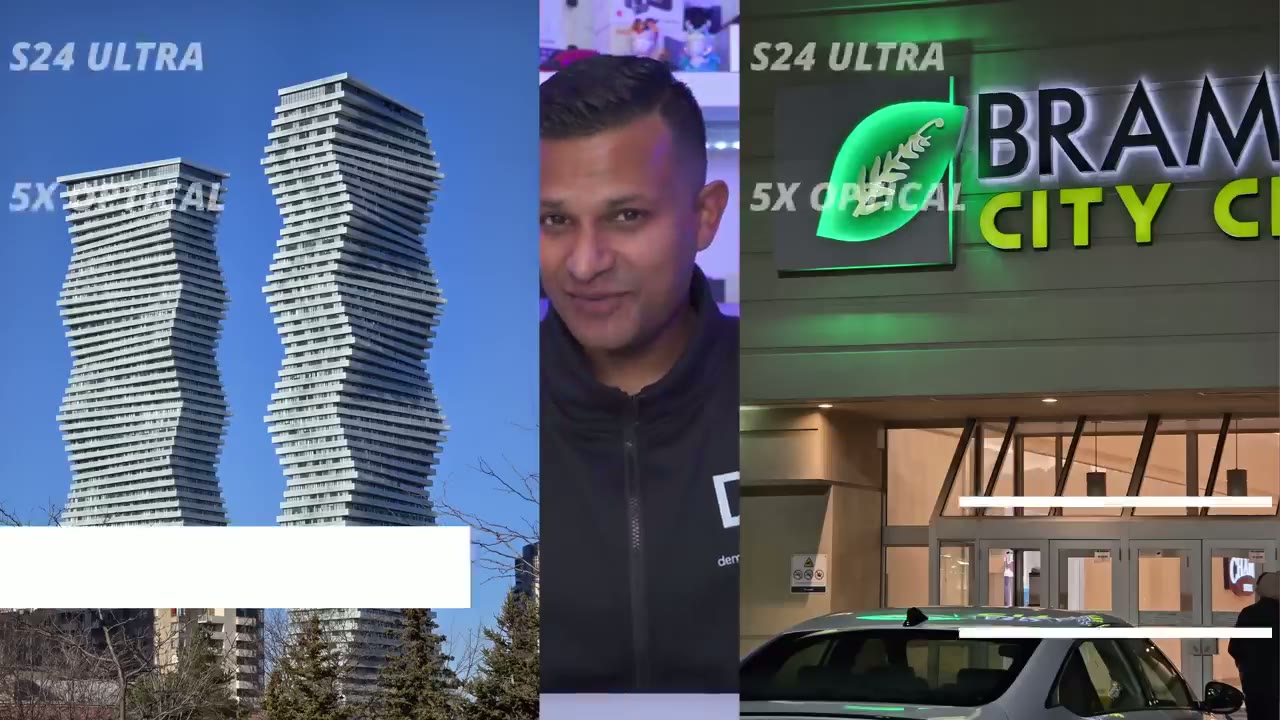
optical zoom on the s24 ultra compared to the 10x Optical on the s23 ultra since we now have a 50 megapixel 5x Optical lens on here versus a 10 megapixel 10x Optical we have so much room to just crop in with 50 megapixels and the results of the 10x digital crop for me it feels better than on the 10x Optical with 10 megapixels on the s23 ultra and you can see in the sequence of photos you know the text seems a little bit sharper a little bit clearer even with the digital crop so if that was one of your main reservations like it was for me it’s not an issue at all the focal range on the s24 ultra is also way better than on the s23 ultra so if you remember from the s23 ultra you know maybe mid year they gave us the option to have a 2X between the 1X and and the 3x on the s23 ultra so with the s24 ultra by default you know you have the ultra wide the 1X 3x 5x and then 10x with the digital crop but if you download the goodlock app you can also add in the 2x on here so essentially you’re getting Ultra wide 1X 2x 3x 5x 10x way more versatility and just better photo quality I know some of you may not agree with me on that that the photo quality is better now I took a look at both of these phones and in some photos yeah they did kind of trade blows but overall it’s just you know a better looking photo on the s24 ultra at least to my eyes the saturation seems better you know the colors just seem a little bit deeper it feels a little bit more washed out on the s23 ultra the s24 ultra also takes a lead when it comes to video because we can now switch between all five lenses when recording 4K video at 60 frames per second the s23 ultra does allow you to switch between the different lenses but it’s capped at 4K at 30 frames per second maybe that’s not that big of a deal to you but the other change is that on the s24 ultra when you’re recording 8K at 30 frames per second you can pick between the 1X lens or the 3x lens however on the s23 ultra if you’re recording 8K at 30 frames per second you’re Capp to the 1X lens outside of those changes videos still look great on both phones stabilization seem pretty much identical selfie performance is also great on both phones I didn’t see any meaningful upgrade on the s24 ultra the s24 ultra also took
Gaming
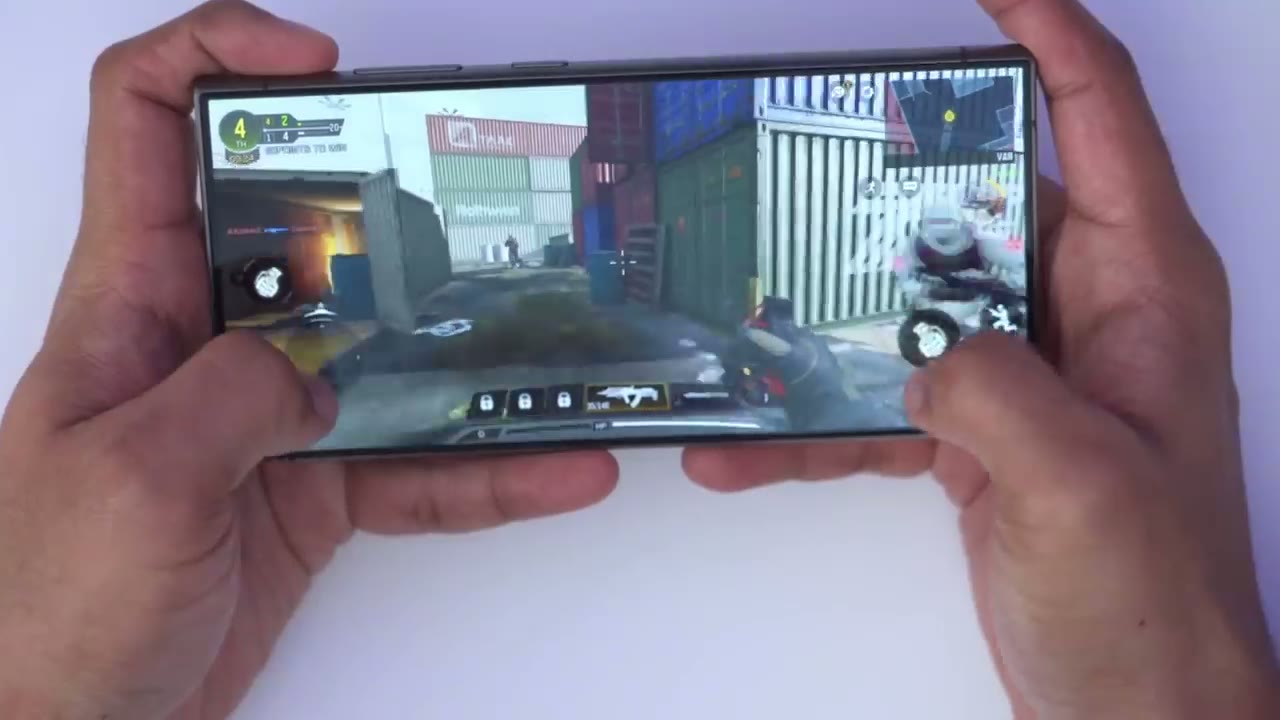
the gaming Crown one compared to the s23 ultra thanks to that adreno 750 and just enhanced or better thermal management because after playing games for about 30 minutes I noticed that the s24 ultra was on average about 1 to 3° cooler than on the s23 ultra the s24 ultra also had better frame rate so on average it was about 2 to 6 frames per second higher but that’s not to say that the s23 ultra is a bad performer at all because it was still able to play the same games as the s24 ultra on the highest settings and running benchmarks in 3D Mark and geekbench also confirm the same findings I had when gaming the s24 ultra always finished the benchmarks earlier and it had a higher score now by the time of all the stress testing I noticed that both phones were in and around the 40° Mark so they did get a little bit toasty when stress tested for about 20 minutes
Battery
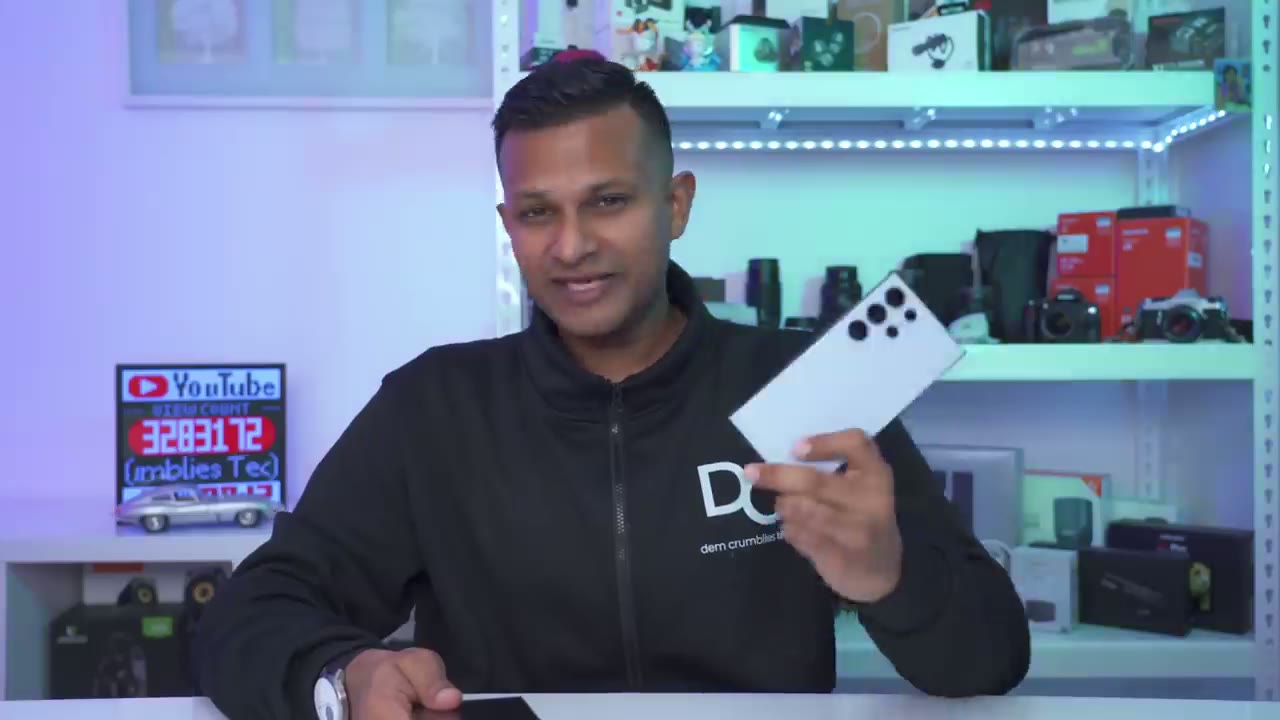
now with the s24 ultra it’s still better than the s23 ultra but the difference is not that much I think it’s about a 10% difference regardless there are both phones where you can have you know a full day of use mixed use a little bit of gaming you know social media productivity emails and you’ll be good even though we have a modified speaker
Speaker
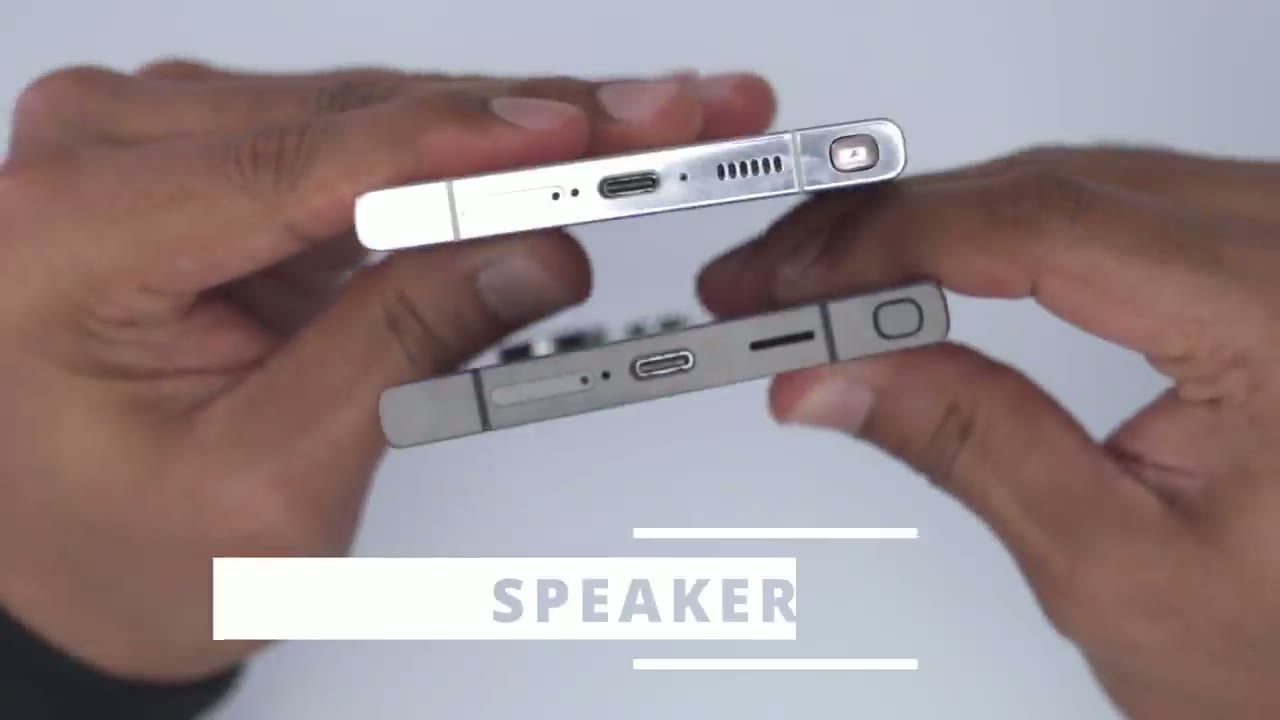
cutout on the s24 ultra I didn’t notice any difference in The Sound Performance or max volume but let’s get back to my
S23 Ultra or S24 Ultra?
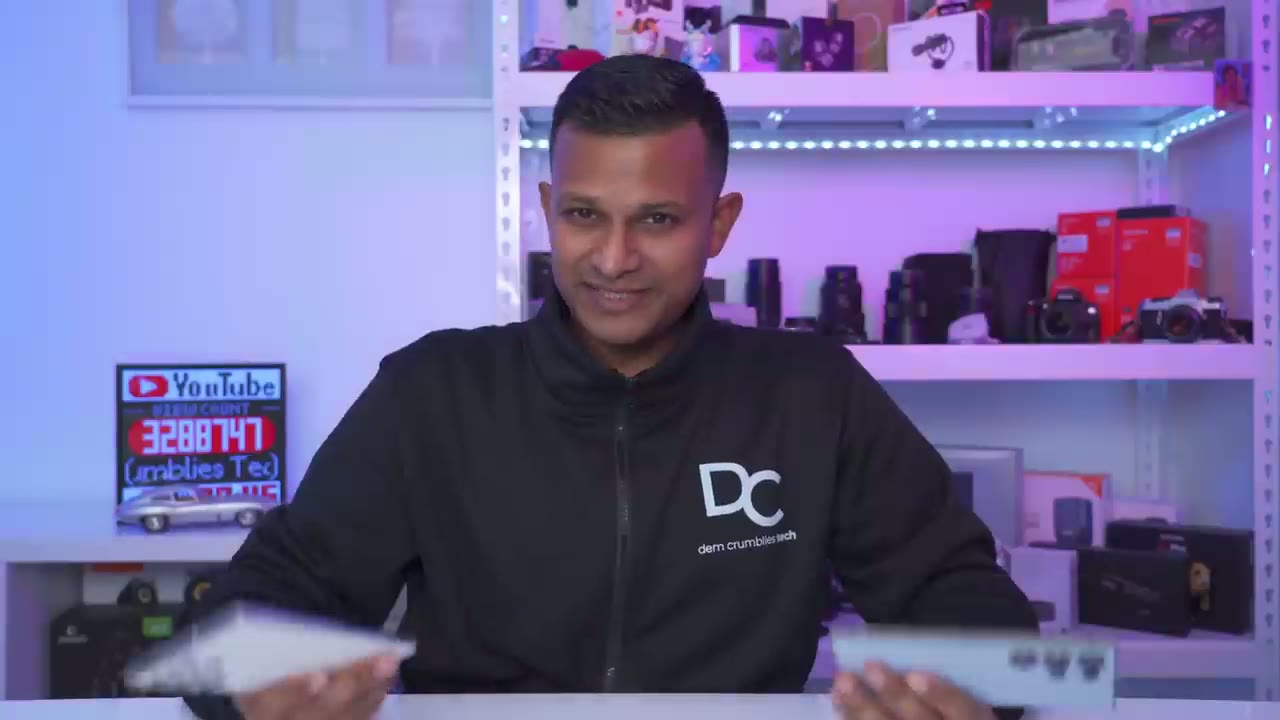
original question which is should you upgrade from the s23 ultra to the s24 ultra and if I was to return the s24 ultra I would definitely feel like I’m missing out or losing out on the experience just being with the s23 ultra for a couple of reasons the main reason is having the 5x optical zoom it’s a focal link that I found myself using way more and of course I still have the ability to go 10x with digital crop and it still looks better I think than the 10x optic liner the second thing is the flat screen just feels like I’m back at home I come from a history of using phones with fat screens the anti-reflective nature of it and just how it minimizes glare it just looks way more premium than on the s23 ultra so I’m definitely going to be keeping my s24 ultra I’m just not sure if the titanium blue The Violet and the gray kind of look tempting to me let me know what you guys think so let me know what you guys think of the s24 ultra is it bringing enough changes to make you consider upgrading and I also made a video on 25 tips that you can change on your 24 series of phone I’ll link that up here and as always if you found this video helpful please consider liking and subscribing it really does help me out a lot and I’ll see you in the next one soon
Please note that some of the links in my video descriptions are affiliate links where I earn from qualifying purchases. As an Amazon Associate I earn from qualifying purchases.