


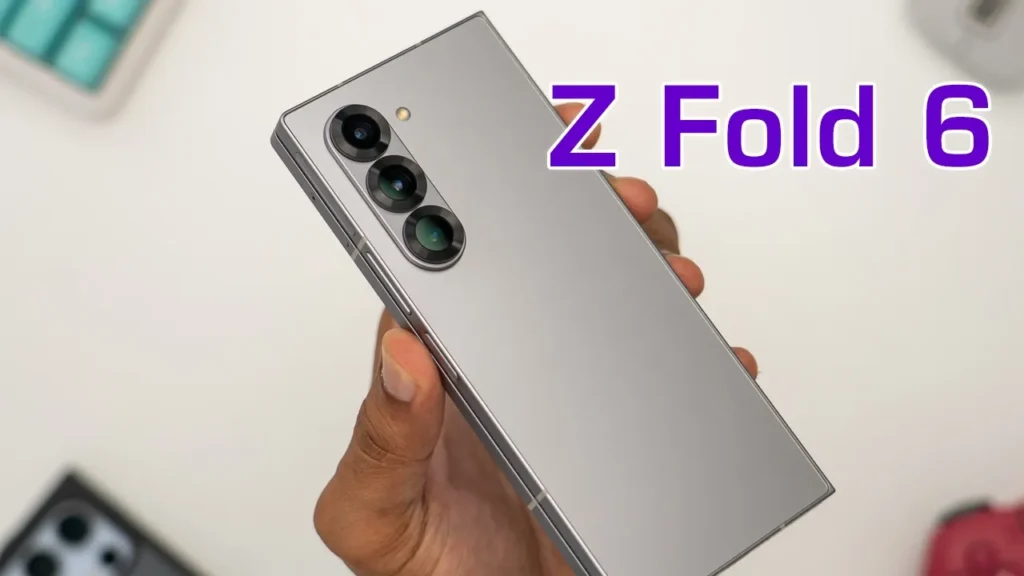

☑️ Get the Z Fold 6 on Samsung
Please note that some of the links in my video descriptions are affiliate links where I earn from qualifying purchases. As an Amazon Associate I earn from qualifying purchases.
Intro

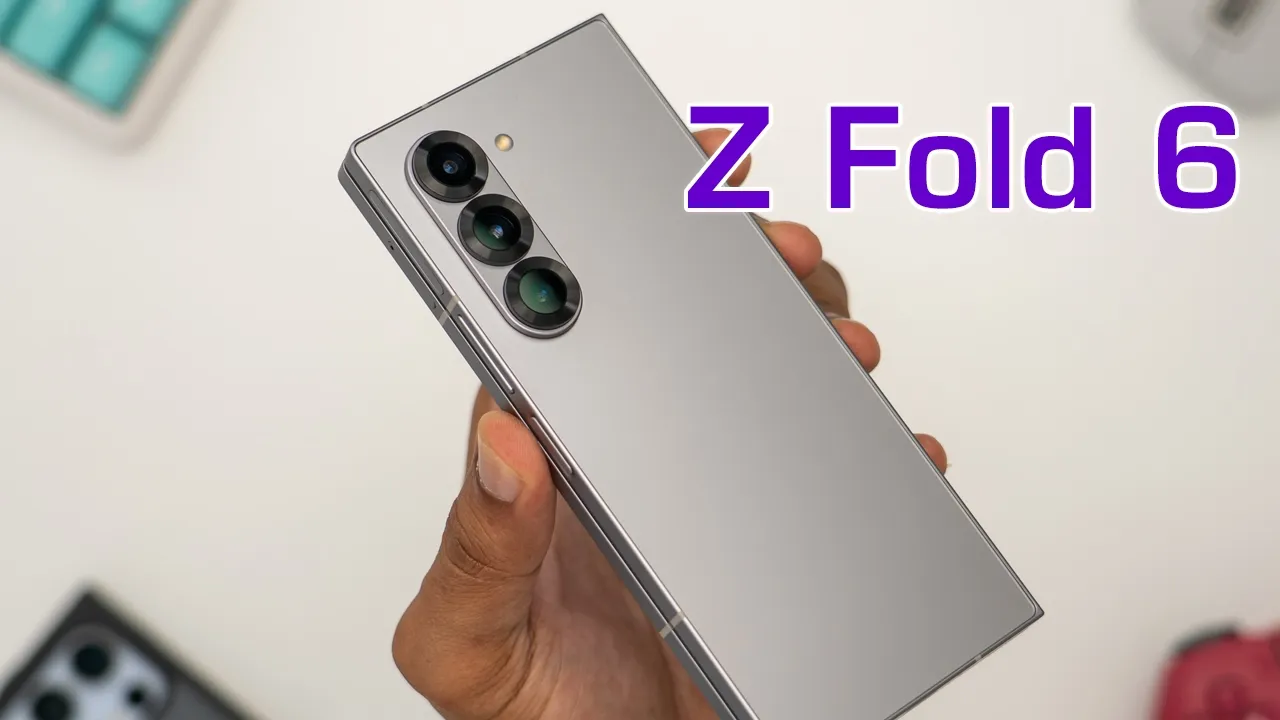
hey it’s Adrian and today I have the brand new Samsung Galaxy Z fold 6 so I’m just going to take a quick First Look let you know of any changes compared to the zold 5 which I have here and you can decide if it’s worth the upgrade for you or not so let’s get started the Box
Package Contents
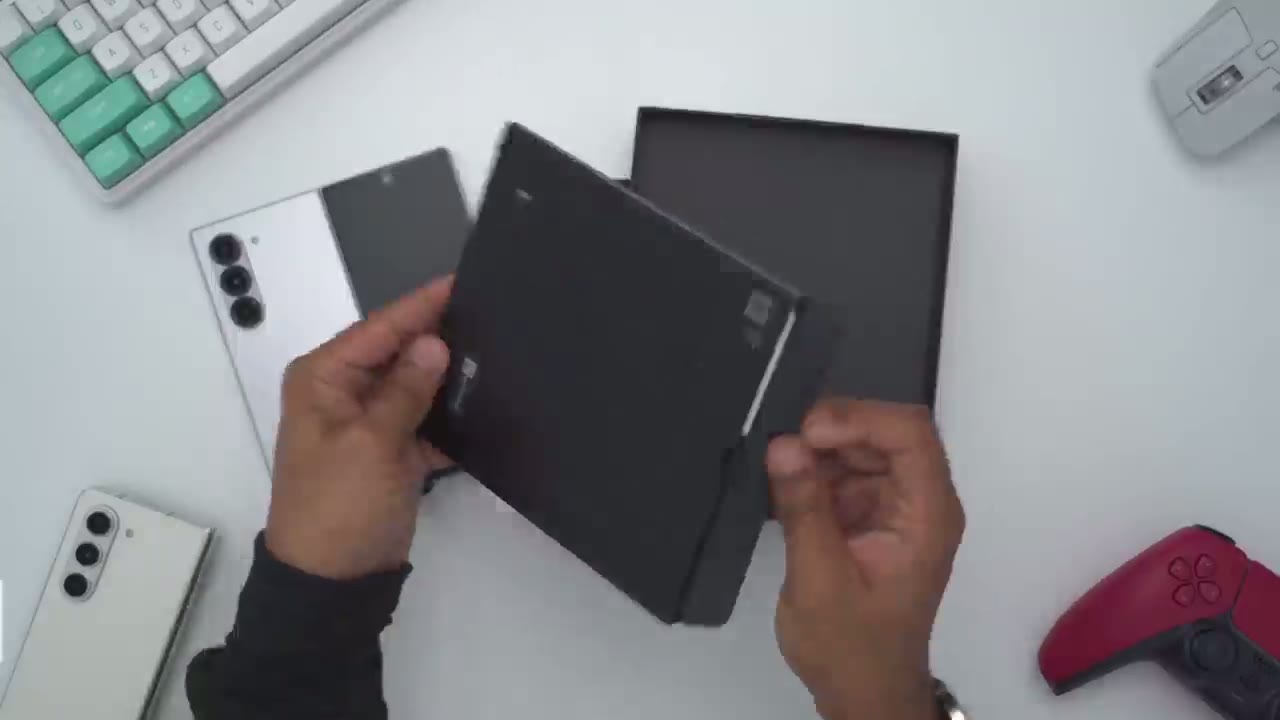
comes with the zold 6 quick start guide USB type-c to type-c charging cable Sim eject
Design Changes
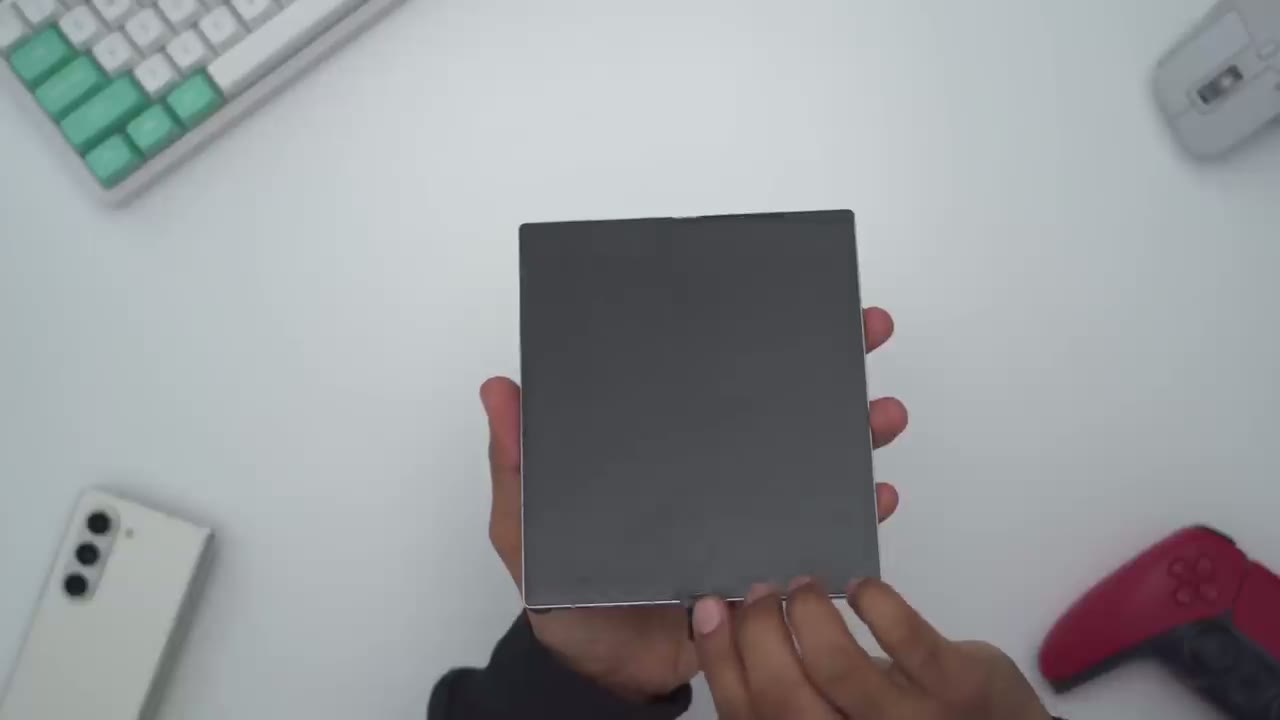
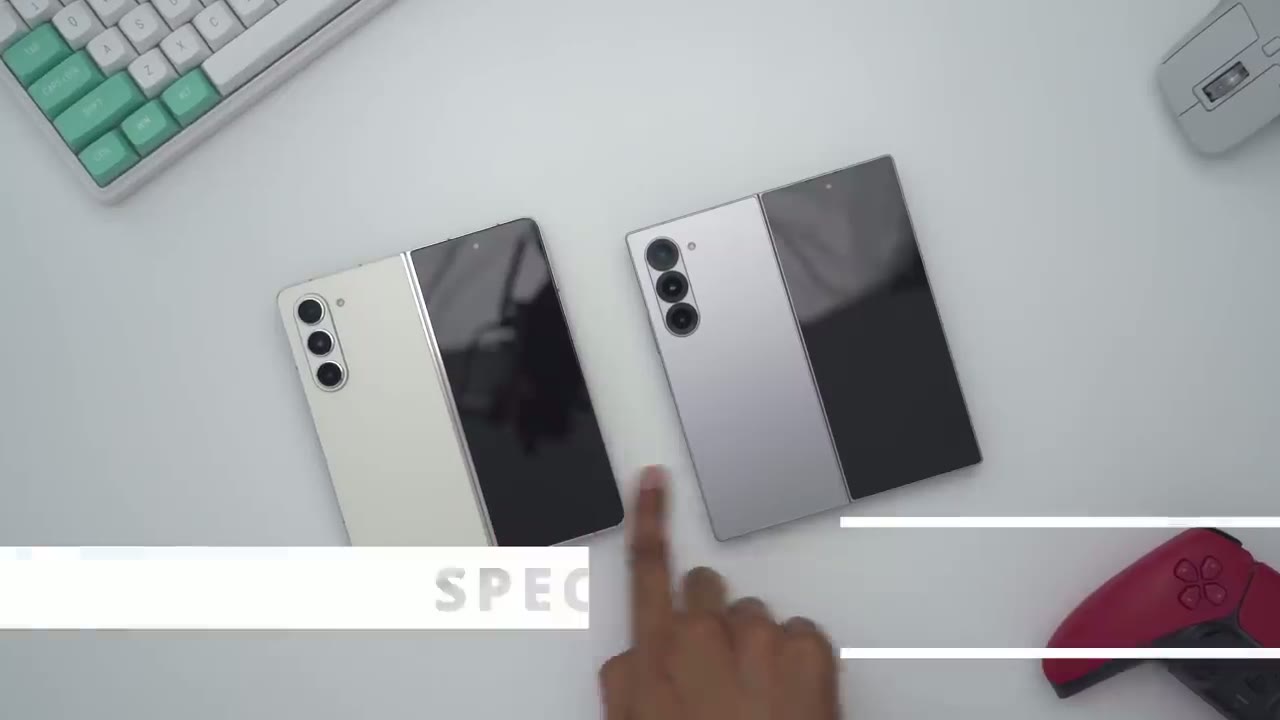
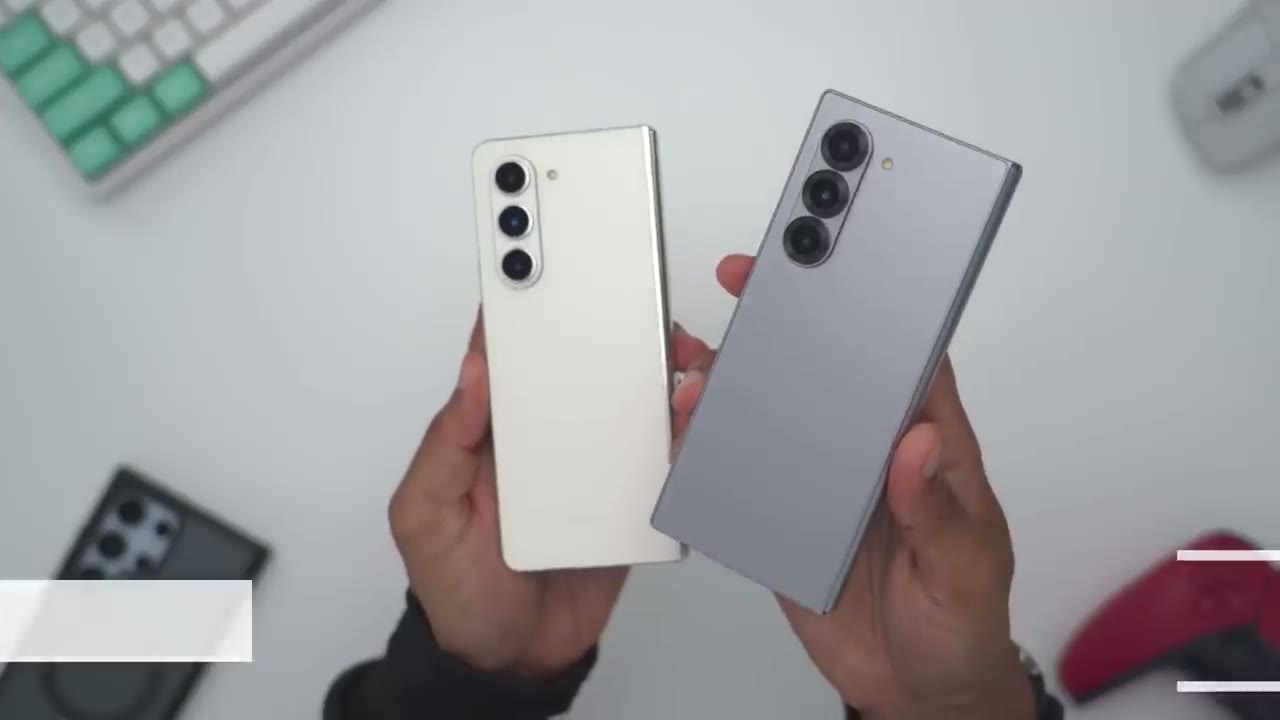
tool I have the zold 6 in this Silver Shadow color so it’s a matte type of finish that almost acts like a gradient when light hits it now if I put my fingers on here which are a little little bit oily I can see a little bit of residue on there but definitely not as much as on the front glass so I have the zold 5 at the bottom here and one of the quick ways to identify them is that on the zold 5 the corners are much more rounded but on the zold 6 it’s a much more boxier and squarish looking design the camera housing is a little bit different on the zold 6 so the rings around each of the lens looks a little bit wider than on the five but the flash unit remains exactly the same and taking a look at it from the side so they both look like they protrude out at about the same height button placement and size remains pretty much exactly the same and taking a look at a top view again all the ports are pretty much the same except the speaker Grill it is much narrower and not as thick on the zold 6 and this is something I noticed when I reviewed the zold 5 and 4 it seems that that speaker Grill just gets smaller with every generation and looking at the other side exactly the same in in terms of where the SIM card is held and at the very bottom exactly the same again except the speaker Grill is narrower and not as high there’s a dual SIM card tray plus eim with the zold 5 on top of the zold 6 we could see the corners is jetting out a bit because of the squish look however if I take a side view I could see that the zold 6 is a little bit shorter in height than on the zold 5 and the zold 6 seems to be a little bit wider than on the zold 5 when laid on top of each other the hinge also looks slightly narrower on the zold 6 making it less thick and we also have the Samsung logo etched on the hinge the zold 6 also closes much tighter when folded and you can see if I move this light on the zold 5 at the bottom you can see a lot of the light coming through however on the zold 6 much less light is making its way through in terms of hand field even though the corners are a bit more squared off on the zold 6 it still feels just as comfortable as when I hold the zold 5 looking at the front screen on both phones so you can see on the left side here this is a fairly wide bezel and if we look at it on the zold 6 the bezel is almost non-existent so the usable screen space on the cover screen is a little bit wider than before on the zold 5 however I still find it not as wide for my liking I still find that I would have to open up the phone instead of just using this cover screen it’s still challenging to type and I’ve seen a lot of comments online where people prefer this narrower front screen instead of having it wider like on competitor Brands but let me know what you guys think I definitely would prefer if it’s wider that way I can always use it without using two hands to open the phone up if I’m somewhere where it’s not super convenient to do so and here’s how it sounds when you close both phones so zold 5 zold 6 so the zold 6 sounds a little bit louder when closing the zold 6 is also a little bit stiffer when closing the phone and that’s probably because it’s brand new and I haven’t really used the hinge that much and compared to the zold 5 it’s a little bit smoother once you get past the halfway point for it to close just because I’ve owned this for much longer you can definitely see the crease on both phones when the screen is off now I can barely feel it on the zold 6 but it’s definitely there and on the zold 5 it’s more prominent but I would not say it’s a reason to really upgrade to the zold 6 unless it really did bother you on the zold 5 now once the screens are turned on both phones you know you can still see it there but it’s definitely way more prominent on the zold 5 the zold 6 comes in at roughly 243 G and the zold 5 comes in at 256 G so a roughly 14 G difference and the s24 ultra comes in a 234 G so it’s pretty impressive that the zold 6 is just marginally heavier than on the s24 ultra the unders screen camera is still fairly prominent when the screen is on or off the speaker Grill at the top of the cover screen is also more pronounced than it was on the zold 5 so to recap the zold 6 is about 1.2 mm thinner than on the zold 5 and it’s also about 13 to 14 G lighter the matte finish is also a bit more resistant to fingerprints because you could see on the hinge I’m leaving kind of a lot of fingerprints on the finish here whereas it’s mapped all the way through but not really any type of significant design changes the
Spec Changes
battery capacities and charging speeds Remain the the same on both phones and that goes for the camera modules as well the only notable changes are that we’re running the Snapdragon H Gen 2 on the zold 5 and the new Snapdragon AG gen 3 on the zold 6 we also have a brighter screen at a Max of 2600 nits on the zold 6 compared to 1750 on the zold 5 all versions of the zold 6 come with 12 gigs of RAM however on the zold 5 if you got less than 512 GB storage capacity it was only 8 gigs of we have that super bright AMOLED
Screen
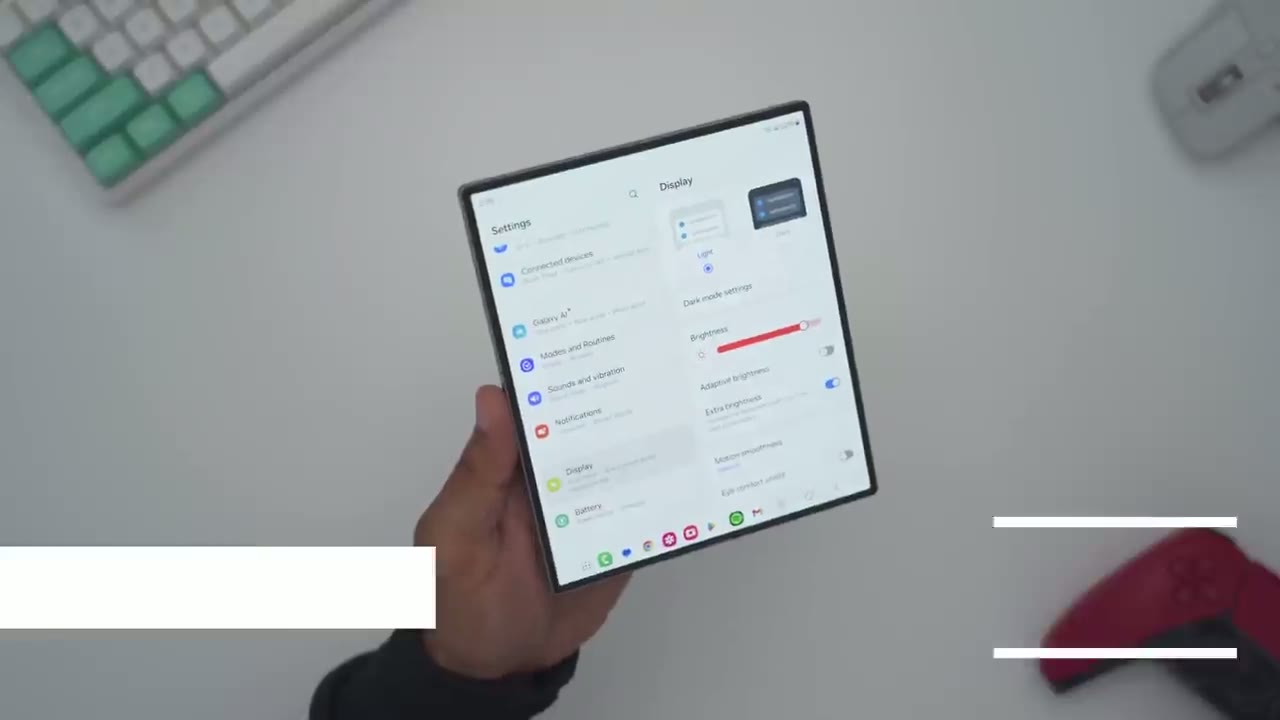
screen now running at 2600 nits Peak brightness and it’s just as fast and fluid as on the zold 5 another thing you’ll notice if you’re coming from a slap phone is every time I go into one of these settings like say modes and routines I have to go into one of them and then click back to get out however on the zold 6 or zold 5 when I go into modes and routines it just opens it on this other column here so I actually don’t need to click back I can just cycle through each of these and see everything at once so it’s much more efficient and quicker to make changes on the zold 6 there’s an option you won’t find on the s24 ultra and that option is called screen layout and zoom now if I tap into that it’s set to multiv view and that’s where I have these split columns now if I go the standard view I’ll give it a second for the UI to change and now it’s going to act exactly like the s24 ultra now I can also go ahead and make this larger in terms of the screen zoom so I’ll just set that right now but if I go back here you could see now I’m in display I have to go back out and I have to go into each of these items one by one like on s24 Ultra so this is actually great because if you have a difficult time seeing phone screens even when you’re using something as large as the s24 ultra well you could use a zold 6 and just make it super large and easy to navigate through I’ll leave it on multi view since I prefer that but you can see as I adjust screen zoom down I’ll be able to see much more information on the left side than if I had it all the way up right now I’m in Spotify this is the layout now what if I wanted to just kind of navigate here pick a song and then close the phone but if I look at the front screen here it’s not continuing Spotify on the front now the way to fix that is we’re going to pull down go into settings and then we’re going to search for continue and it says continue apps on the cover screen we’ll tap on that and make sure that this option is turned on so I’ll just go down into Spotify right here and now when I go back back into Spotify and I close the phone it’s going to continue it on the cover screen and a huge benefit of the large screen is being able to use things like remote desktop so that while I’m away from home I could just go ahead and monitor whatever I have on my computer using touch controls and if you have a handy Mouse like I do I can also go ahead and use that to go ahead and remotely manage my computer and here’s
Flex Mode
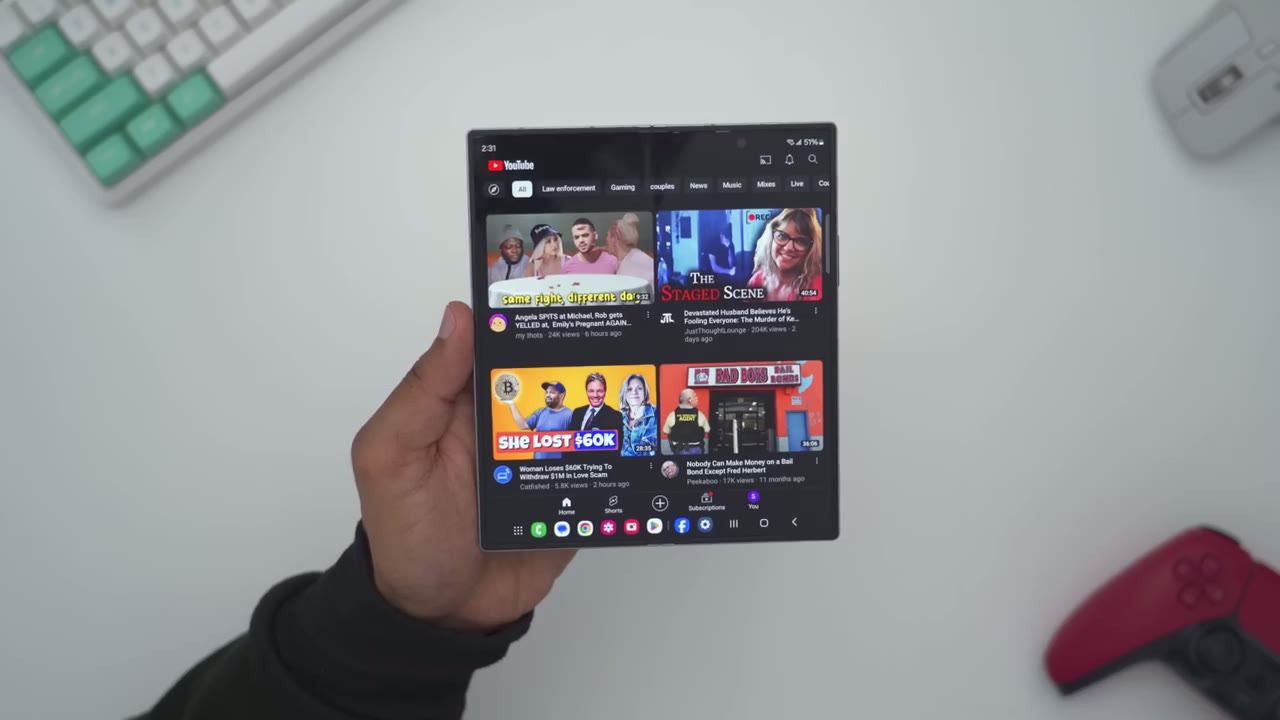
what YouTube looks like on the zold 6 so fairly big layout you can see a lot at once now once you tap into a video of course you have the default layout and then you could read through comments what you can also do is go ahead and fold it and that’s going to give you this Flex mode so you can see once it’s normal like this this is the layout you have you have videos on the side here you can take a look at the comments but as soon as you fold it it puts you into this Flex mode and from here you can pause video skip ahead and the benefit of this is you don’t actually have to touch the screen say you had it sitting down like this while you were eating um you’re not going to rock the screen you could just use the touch controls right at the bottom here now there’s also a flex mode icon at the bottom left if you tap into that you get access to some more quick control so you can see this opens up a kind of touchpad and you have a mouse pointer going around there you can also go ahead and take a snapshot right from here we can also go ahead and slide down the notification panel right here so you’re never really touching that top screen the other thing we can do is tap on these three buttons we can change the display brightness volume and settings and lastly we can do split screen so I can just go ahead tap right on here and pick one of these apps so I’ll just pick Chrome here so I could just be looking at a website while I have YouTube video playing at the top there so pretty handy in terms of functionality note that I have up to 10
Taskbar
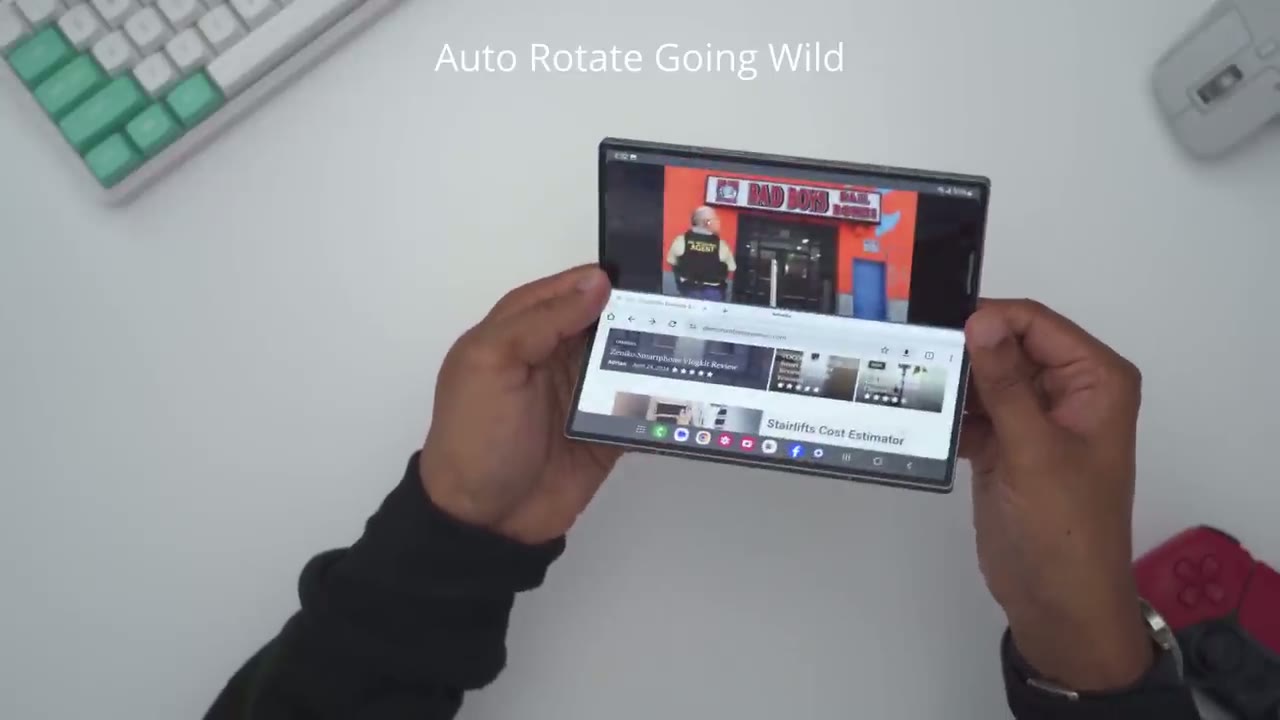
different apps showing at the bottom so it makes it really easy to just switch between apps effortlessly and of course I could tap on this icon to see all the apps that are installed now the way to get that is under show recent apps I’ve turned this option on and I have it set to show up to four apps so everything to the right side of this vertical line is going to be those four recent apps now I can just go switch into Spotify but one really cool thing is note that this icon here shows YouTube and chrome vertically stacked and if I tap on that that’s exactly the layout or split screen layout I had saved when I showed YouTube so it actually remembers window configurations or layouts so that makes it really easy and effortless to keep your work kind of on the screen and to switch between different apps and if you like to cycle through various social media platforms you could just have them all living at the bottom area you can go through YouTube X Instagram Tik Tok Etc
Multi Window View
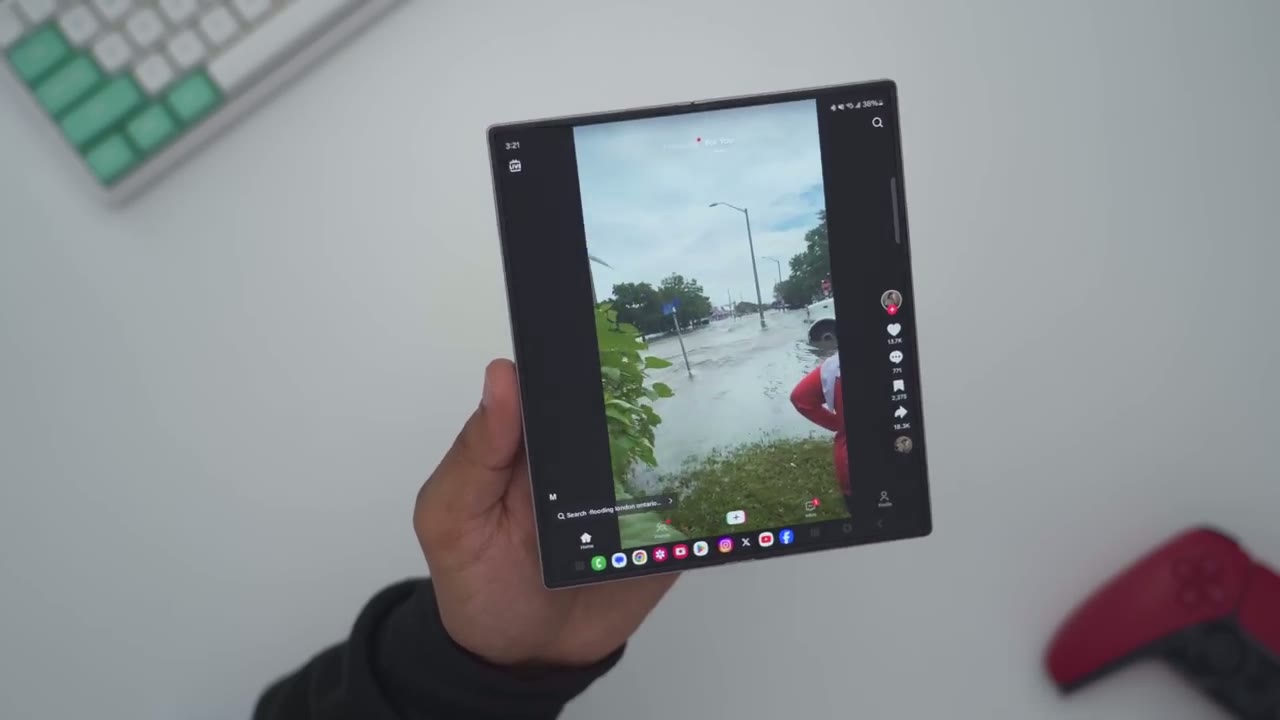
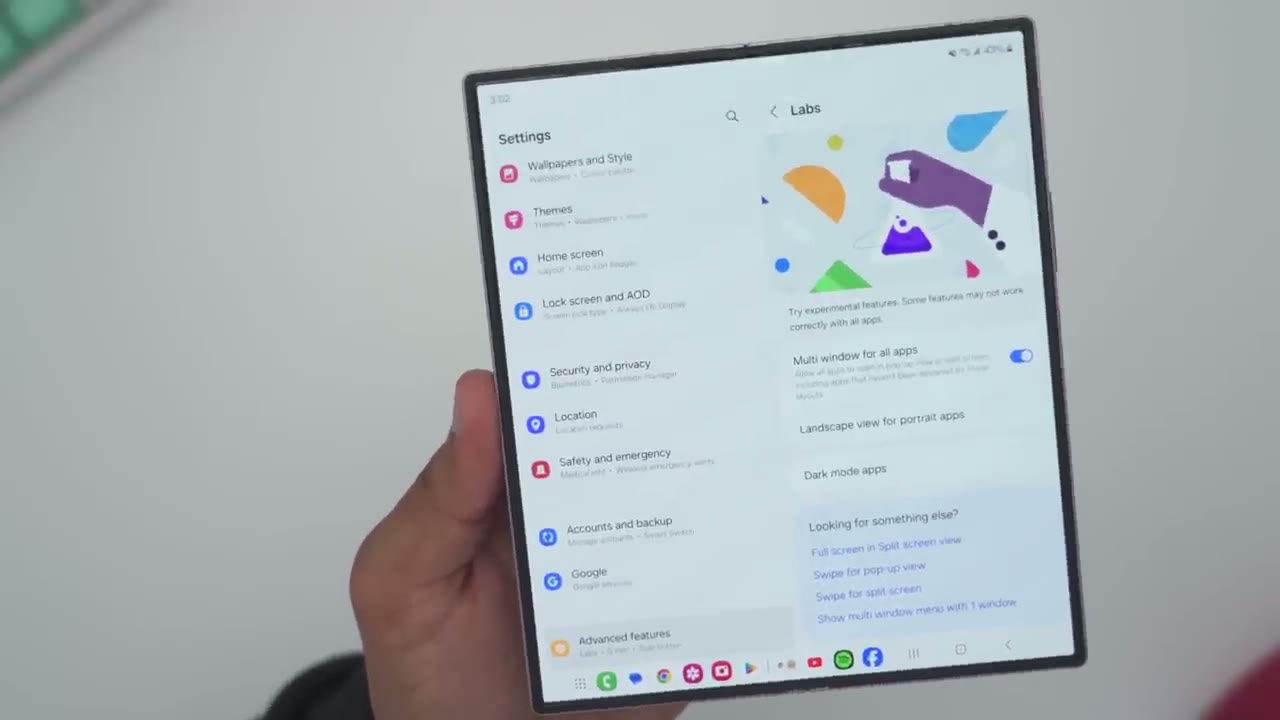
How about if I’m listening to music on YouTube I like what I’m hearing I want to buy this CD vinyl while press and hold the Amazon icon drag it in the corner and what if I want to check out concert dates will I’ll press the Chrome icon drag it down there and I can take a look at Ticket Master and if I want to get more information while I could just call I’ll drag the call icon into this popup feature here and I have all of that going on at once now from here what I can also do is I can tap on this icon here and I can actually change the opacity on here so it’s not as prominent with whatever I’m doing and I can also drag this around with the handles the other thing I could do is I can kind of pop it right here let’s go right there I can pop it in there even though it’s not natively meant to do that I’ll just pop it out and then the other thing I could do is I could just kind of have it floating around and then wherever I want access to it I can easily just tap and make a call so the amount of flexibility and customizability on here that Samsung gives us with one UI that is actually uh quite impressive and to get that functionality you sometimes have to go into Labs under Advanced features and enable this option called multi-window for all apps and this will force apps to act in a multi- window even though they weren’t natively coded or designed to do
Fingerprint
so the finger print sensor is also lightning quick just like it was on the zold 5 and it doesn’t matter if the phone is in the folded orientation or unfolded it still works just as quick we
Cameras
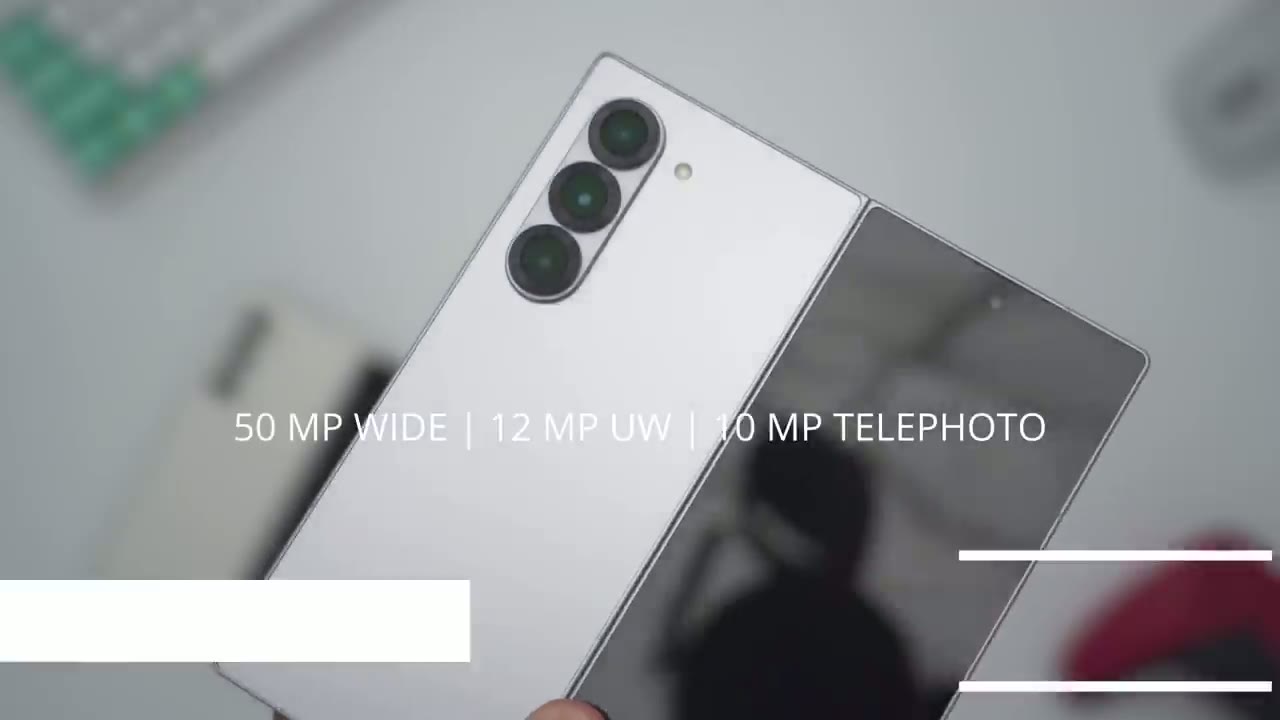
have the same 50 mapel wide Camera 12 map Ultra wide and 10 map telephoto the front camera is a 10 map wide camera and the under display camera comes in at 4 maps both phones have the same option so on the zold 6 we can switch from 12 map to 50 map and if we go into the image aspect ratio everything is the same except we have 5 to 6 on the zold 5 and 6 to 7 on the zold 6 for the video settings the aspect ratio is also a little bit different so we have 5 to 6 on the zold 5 and 6 to 7 on the zold 6 and if we go into the frames per second they’re exactly the same 8K at 30 UHD at 60 and3 same for full HD 60m 30 and then HD at 30 the camera UI is also much better on the fold phones than on the ultra so we have this capture view here and what it’s going to do is as I go ahead and take photos you can see I’m getting a live preview of every photo that I take and in that way I actually don’t need to check Focus like to go into my gallery I could see it in real time the other thing I can do is just fold the phone up like this and again I’m getting that same type of camera view at the bottom here and it’s also much more stable holding the phone this way I can also just set it down kind of like a makeshift tripod and take photos and here’s a look at some of those photos so you can see that comes out very sharp pretty good saturation for just really quick snaps and let’s review that video now I did start panning really quickly so once I do that I’ll press and hold to slow the footage down here we go and this is one of the really neat features where you can kind of slow it down into slow motion and let go by but yeah everything is really sharp nice colors you know right out of the box while you can take a selfie with the unders screen camera there or the one on the front you may want the rear cameras since they’re a higher megapixel so you could turn on this option cover screen preview on and that way whatever the rear cameras see you’ll be able to see it on the cover screen so you can use this for taking you know higher resolution selfies or you can use these for group shots or group photos where everyone can kind of frame themselves without you telling them to get into place once again I
Speakers
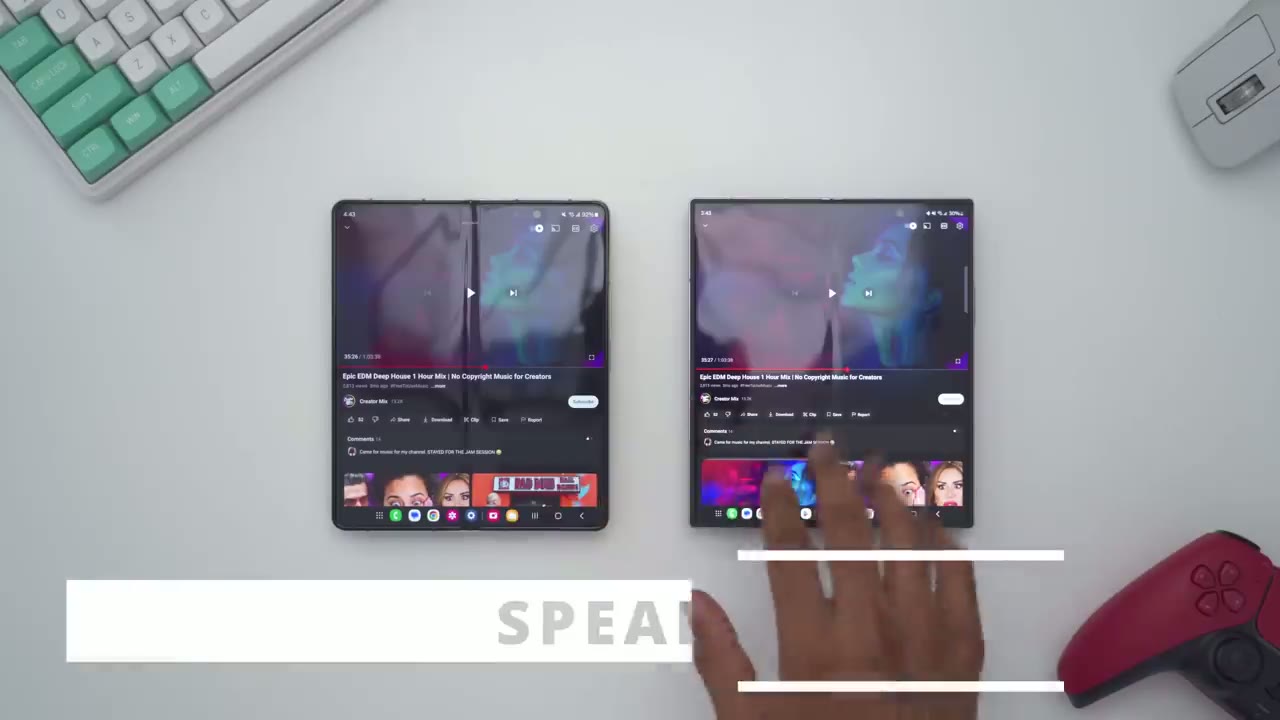
don’t know how Samsung’s done it but even though the speaker Grill is much smaller on the zold 6 the base performance the frequency range just sounds a bit more expansive here’s I listen [Music] again so on the zold 5 the sound sounds a little bit thinner a bit more tinny than on the zold 6 so I think I’m going
Stay Tuned For More!
to wrap the video up there for now I just wanted to do kind of a quick first look at what’s different on the new Samsung Galaxy zold 6 compared to the zold 5 and I really don’t think there’s much of a difference unless you care about it being you know around 14 G lighter about 1.2 mm thinner there’s really not much else that makes this a worthwhile upgrade and as much as Samsung is pushing you know the AI functionality I just don’t think it’s polished enough for mainstream use however do stick around because I will be putting the zold 6 up against the s24 ultra in a variety of areas such as you know camera performance gaming thermals and so on also battery life so do stick around for that because that’s going to be you know a more helpful review if you’re considering upgrading to the zold 6 from the s24 ultra since they are running the same processor and stay tuned because I’ll also be reviewing cases for the zold 6 I have a couple from spec I have the official Samsung case some thirdparty cases and if you learned something you didn’t know before while I went through the menu settings check out my tips and tricks video because there’s much more to learn in there and if I can ask you a huge favor if you did find this video helpful please consider liking it subscribing it really does help me out a lot since Samsung does not send these phones out to me I get them later than all the other top reviewers so it really does help me out a lot if you could show your support and love
☑️ Get the Z Fold 6 on Samsung
Please note that some of the links in my video descriptions are affiliate links where I earn from qualifying purchases. As an Amazon Associate I earn from qualifying purchases.