


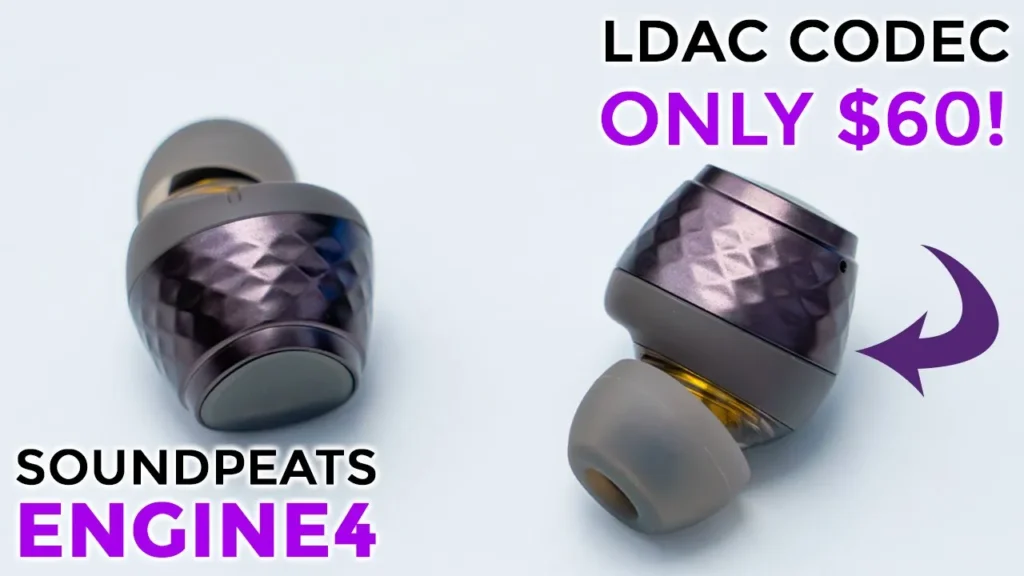

☑️ Get the Soundpeats Engine4 on Amazon
Please note that some of the links in my video descriptions are affiliate links where I earn from qualifying purchases. As an Amazon Associate I earn from qualifying purchases.
Intro


hey guys it’s Adrian and today I’m taking a look at sound Pete’s brand new wireless earbuds so these are their engine fours and I normally don’t review wireless earbuds on this channel but when some people send these out to me and I actually tried them out I was super impressed with the audio performance on these for the price because these just come in at around 50 U.S now if you’re looking for active noise cancellation or transparency mode these do not have them the focus here was an awesome sound quality for a reasonable price and they’ve definitely nailed it this has the ldot Bluetooth codec and it also has multi-point connection so you can seamlessly switch between two devices without missing a beat thanks to sound Pete for sending these out but let’s get into the review
Package Contents
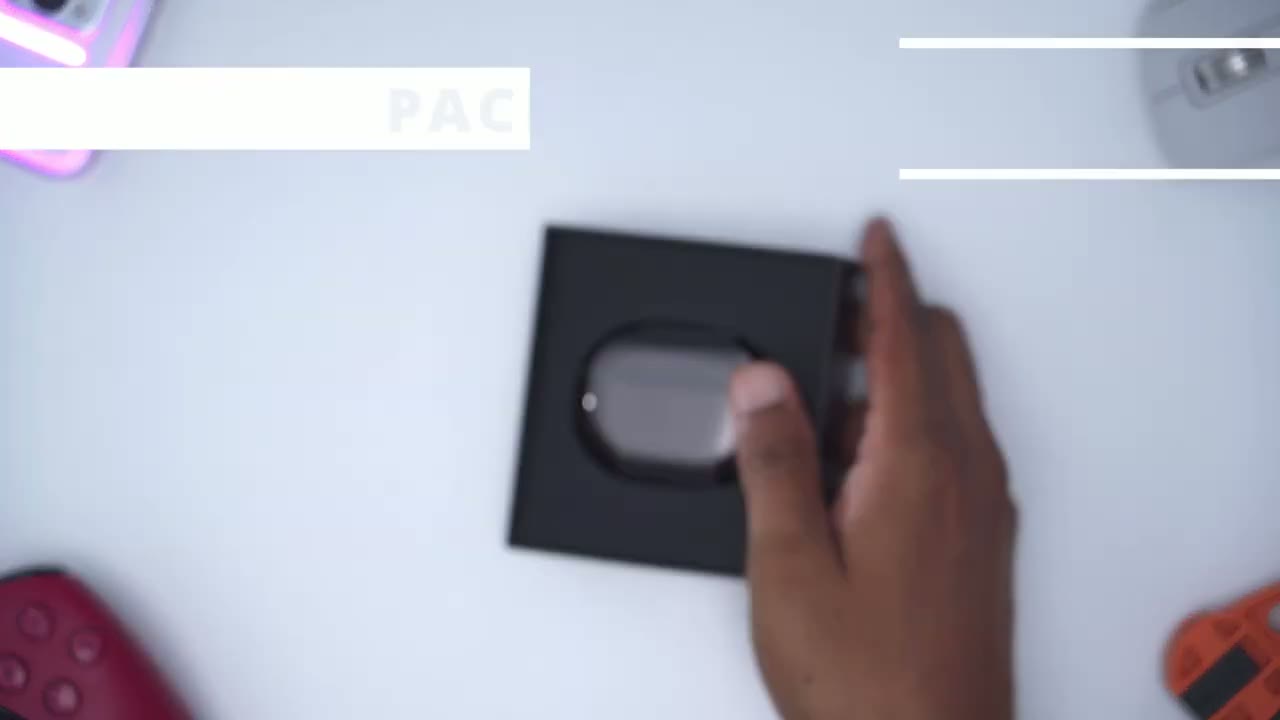
in the package we have a manual extra ear tips we have a USB type A to type c charging cable we have the charging case and the engine Force the soundpage
Specs
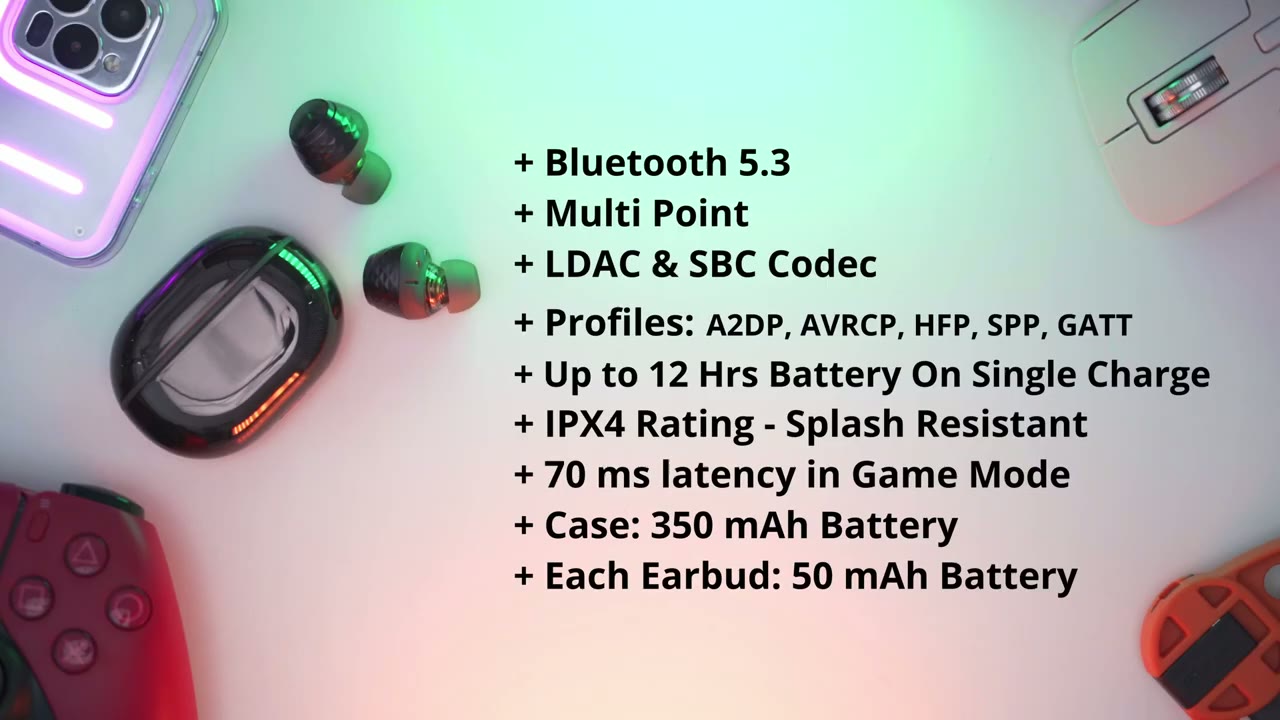
engine 4S are running Bluetooth 5.3 and it has multi-point connection it has the ldac Bluetooth codec along with SBC and a variety of different profiles you can get around 10 to 12 hours of battery life it has an ipx4 rating which makes them Splash proof you can get as low as 70 milliseconds of latency while using the gaming mode the case has a 350 milliamp hour battery each earbud has 50 milliamp hours the charging case for the
Design
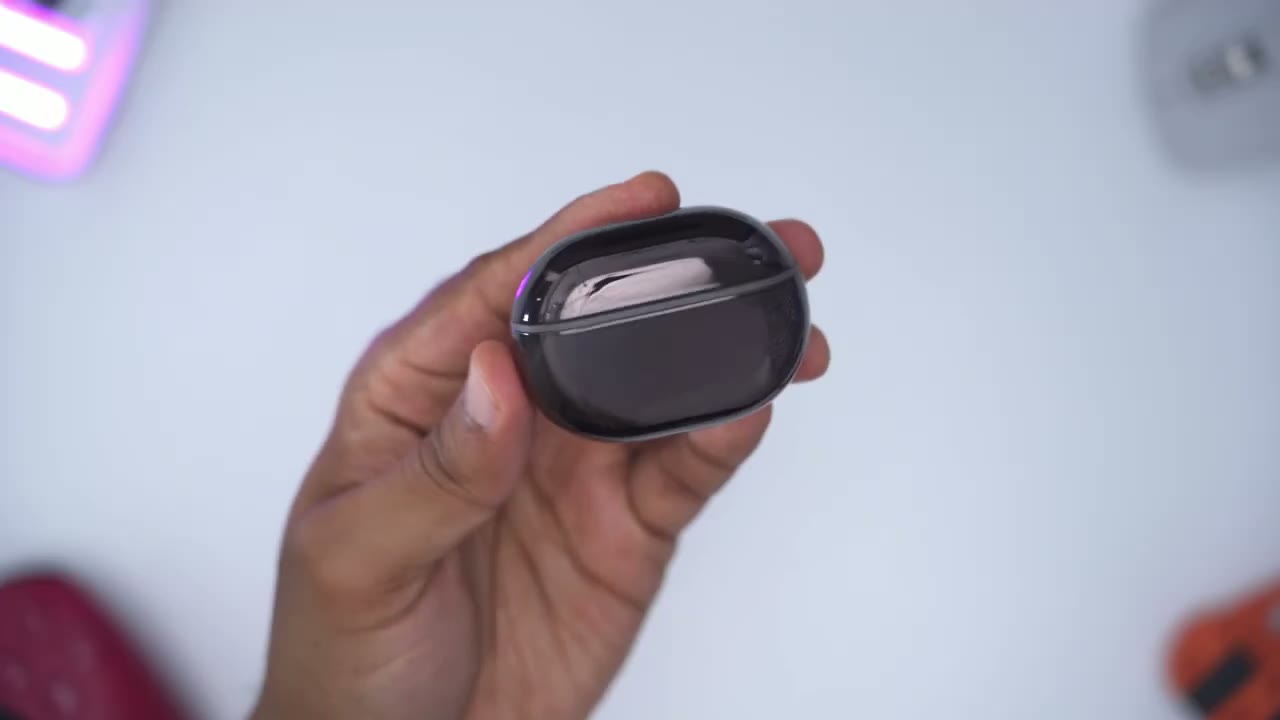
engine 4 has a very shiny type of finish and it is a bit of a fingerprint magnet now if you look at the very bottom this is where we’ll find the USB type-c charging port Gavin LED indicator light to show the battery level and charging status and then we have a button that puts it into the pairing mode now if we look at the very back they do have the sound Pete’s logo right there now popping it open we could see the engine fours and then we have a green light there as well to show the battery level now taking a closer look here you can see that’s a really nice type of finish on there now one thing I noticed with these is it’s a bit challenging to take these out because of how strong the magnets are with those contacts so what I’ve been doing to kind of make it easier is to just twist it and pull it up versus yanking it out all the way and then you could see it’s quite deep in there so you can actually fit in you know other type of ear tips in case you don’t like these and you know you have enough room to still fit them and close them in the case now because those magnets are so strong like really really strong I can actually put this upside down and you could hear they’re kind of shaking in there but they actually didn’t fall out so that’s how powerful these magnets are but let’s take a closer look so you can see that on the right one it’s marked with an R to let you know it’s far right and the left one is marked with an L to let you know if it is for the left you can see that we have a nice geometric pattern it goes all the way around it makes the design really stand out and this is more of a matte finish now if we look at the very top here you can see this is where we have the s for the Sound Beats logo and these are where we’ll find the touch controls there’s also a little microphone Port there and then another one at the bottom there and then we also have the charging contacts there and then we have the two dual stock drivers a six and ten millimeter pairing the
Pairing
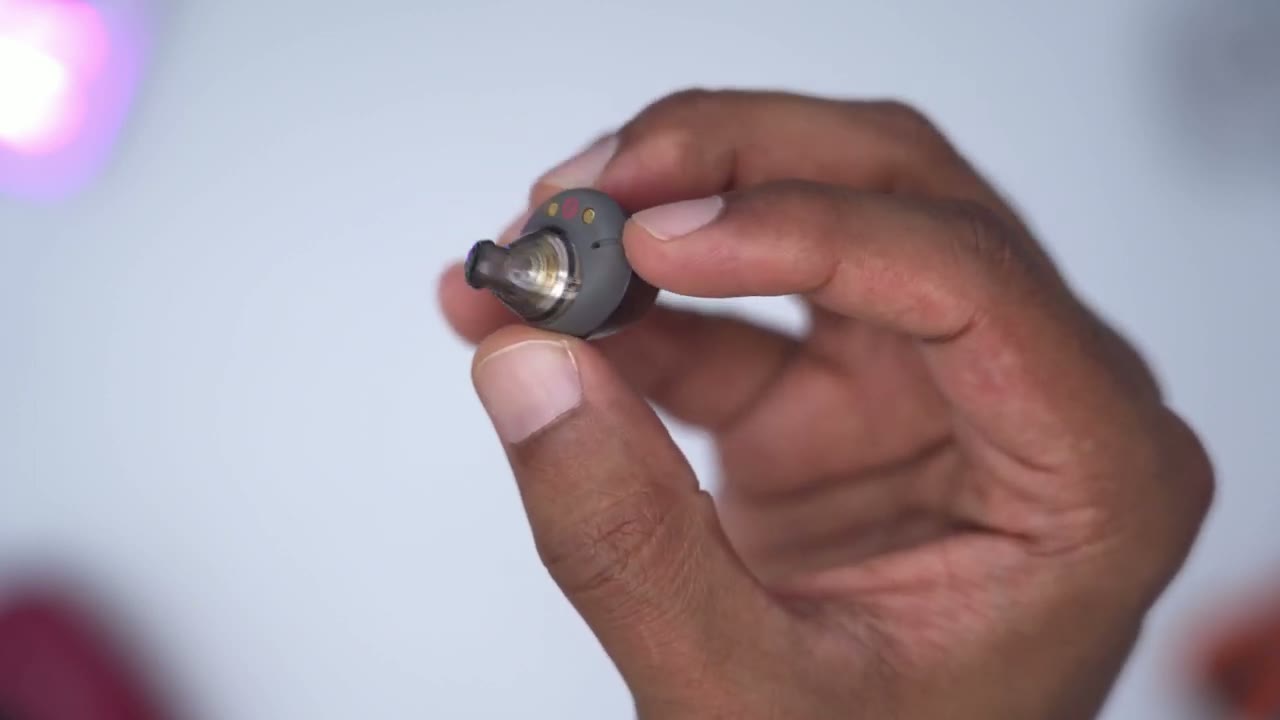
engine force is quite simple so you just lift open the case you’re going to press and hold the button at the bottom here for about three seconds and then when you see a flashing white light you know it’s in pairing mode after connecting the engine Force for the first time the next time you open up the case and take them out once it’s connected to the phone if you did have the sound piece app open it’s going to detect that pairing and then just pop it up in the app just like that all right so the sound
Sound
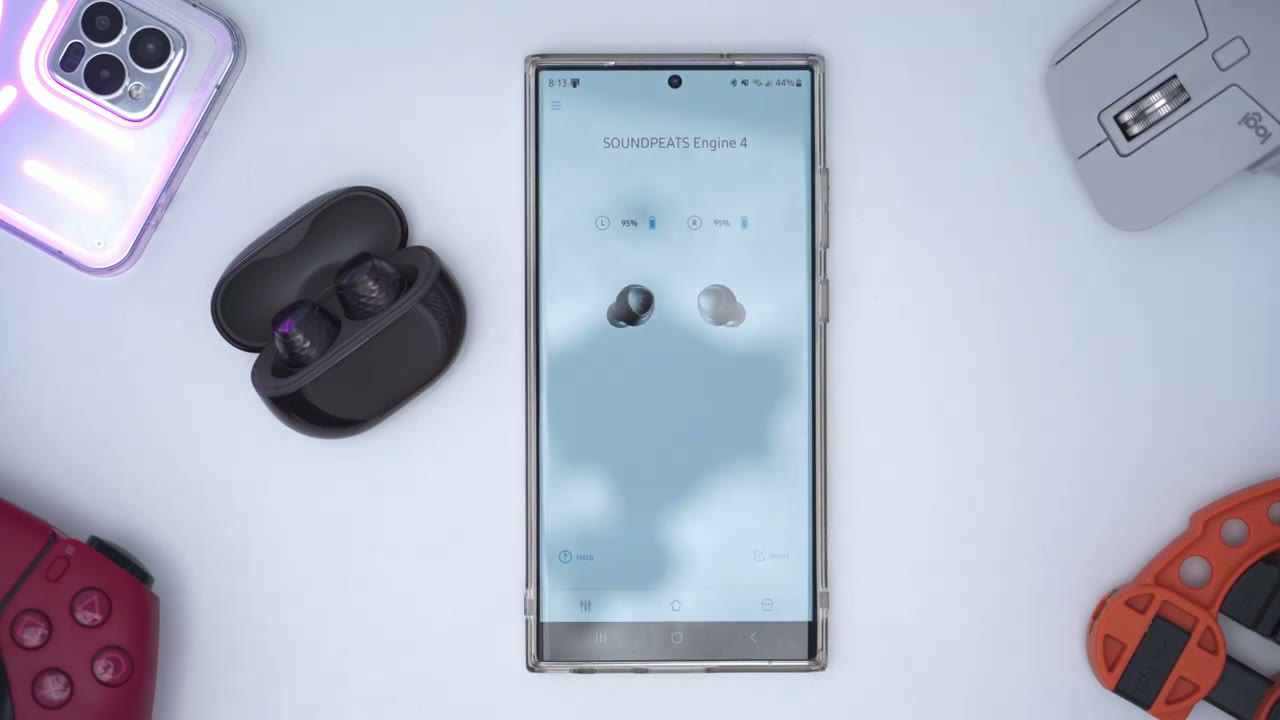
quality and that’s the real reason I wanted to share my experience with these because I didn’t think it was possible for earbuds to sound this good at just 50 so these are using dual stack drivers 10 and 6 millimeters and the sound range is just it just feels really full really complete and when it came to the base the base is really you know Punchy it’s not too like sharp it’s just like really crisp punching base but it’s not that nasty type of Base where it’s like kind of Muddy sounding and then in terms of travel you know I listen to a lot of um just kind of like solo singers without a lot of instrumentals and that came through really clear as well and this was with using the classic equalizer now there are equalizers to kind of like you know uh do bass boost or treble boost um I found those to be a bit too powerful just the Classic work really well but if you really want the fine tune there’s also a custom equalizer with a 10 band that you can go ahead and modify as well if you want to preserve battery life you could easily pop one of the earbuds out and you know it’s gonna automatically power off and the other one keeps playing so you have that functionality now one thing I did note is that when you take out the earbuds it doesn’t automatically pause music just something to be mindful of additional thing to note about the ldoc playback so you can see I have music going on here now I’ve actually enabled developer options on my phone which is something that’s you know optional that you can do now if I scroll down into the Bluetooth section on her you can see that HD audio is selected and take note that it says streaming ldac now if I turn off HD audio you can see that it defaults to the SVC audio codec I’m going to turn HG audio back it’s going to put it to ldac now if we go into Bluetooth audio l.codact it’s set to playback quality and you can see it’s set to best effort so we’re going to have an Adaptive bit rate now we can also set it to optimize for audio quality so we’ll have 990 kilobits per second so I’m going to go ahead and pick that and this is where I’m going to get the best possible audio quality this is
Mic
what the microphone pickup sounds like but these sound page Engine 4 so it’ll definitely work for calls in a pin and she can definitely hear the other party I didn’t notice any type of sound or audio dropouts neither did the other party but it’s definitely not the crispos type of sound so it’ll work in a pinch but it’s not ideally suited for a
Comfort
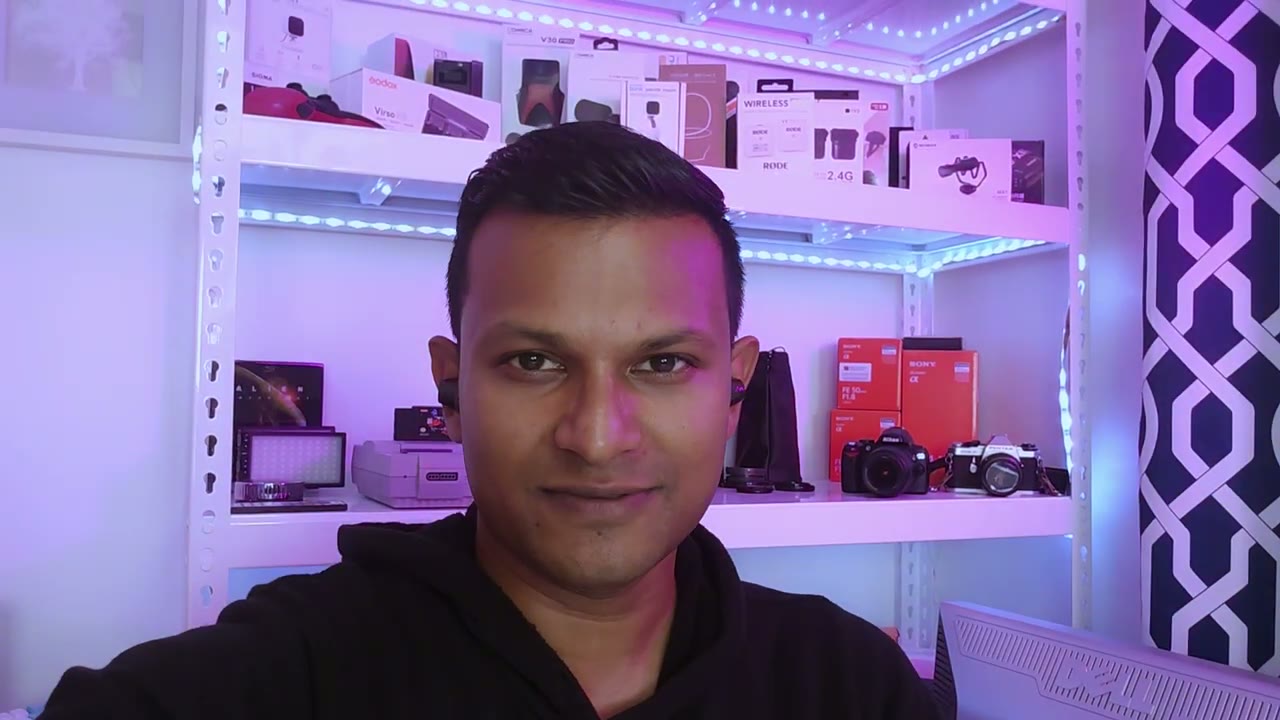
call so worried about Comfort these are fairly comfortable even though they may look a little bit larger in appearance they actually fill out my ear really well and I could wear them for about three to four hours without any issues I can actually go ahead and just you know move them around and they still stay in there pretty easily if you’re going to
Gaming
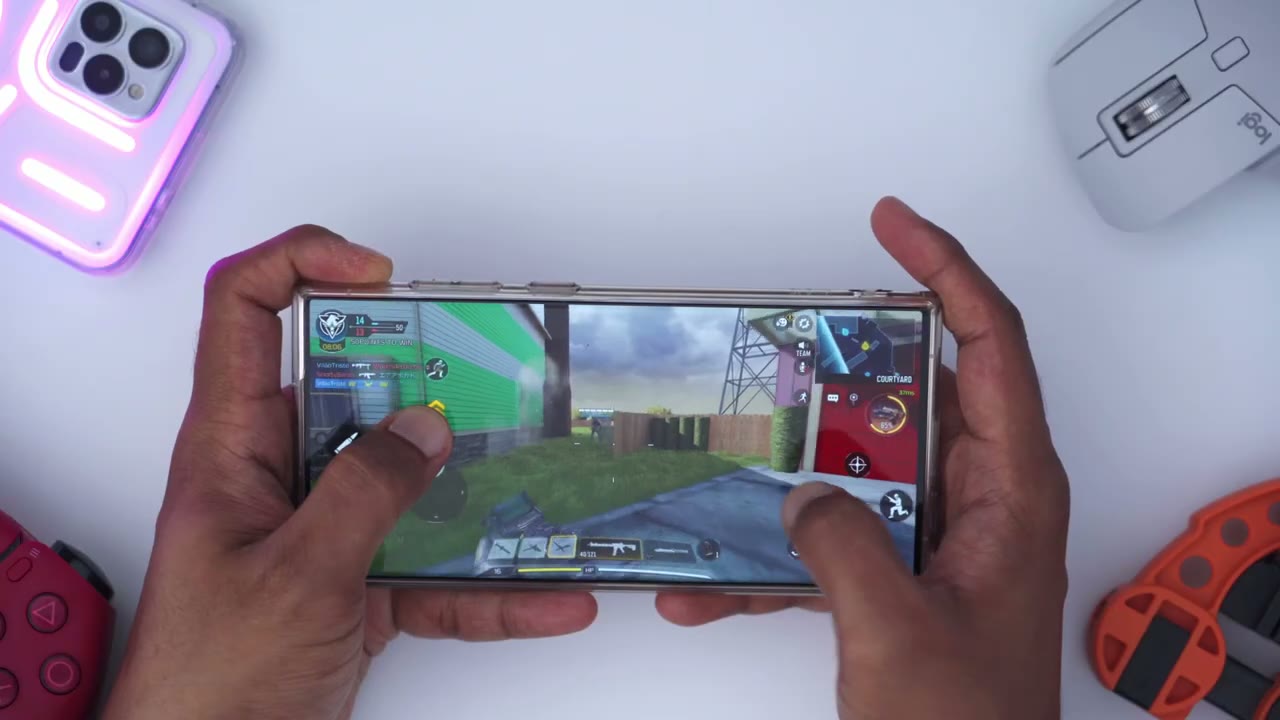
be gaming you can also use the gaming mode where you can get as low as 70 milliseconds of latency now I play Call of Duty mobile on my phone and I didn’t notice any type of audio delays or anything like that even with the gaming
Multi Point
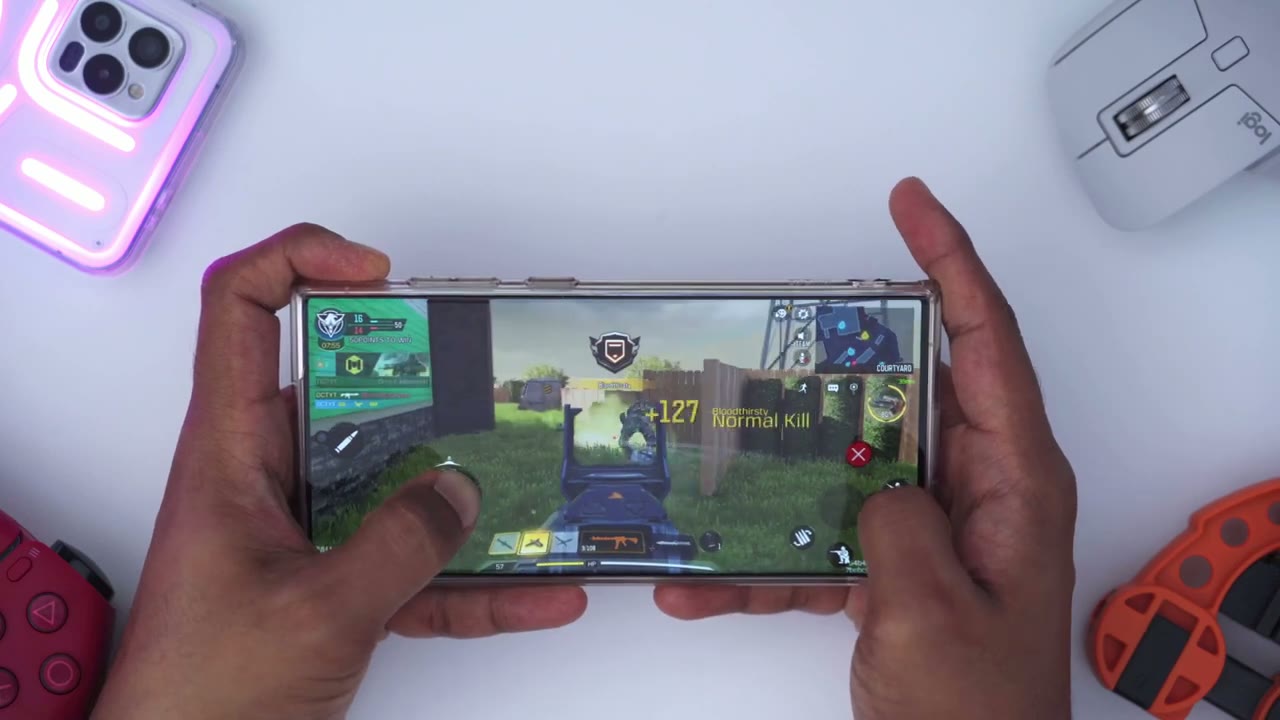
mode off multi-point is really easy to use so you can see right now the Sound Beats 4 connected to this phone and they can also be connected to this phone as well so what I’m going to do is I’m going to go into YouTube and I’m gonna play and I’ll bring this closer to the camera so I think you could hear that audio there then what I’m going to do is I’m just going to go to YouTube on this phone press play and now it’s automatically pause on this phone and the audio is coming through on the earbuds again we also having so you can see it’s super easy to use multi-point all you have to do is pair it with your first phone turn off Bluetooth on the first phone put it back in the case pair it with your second device and then you can switch between
App Settings
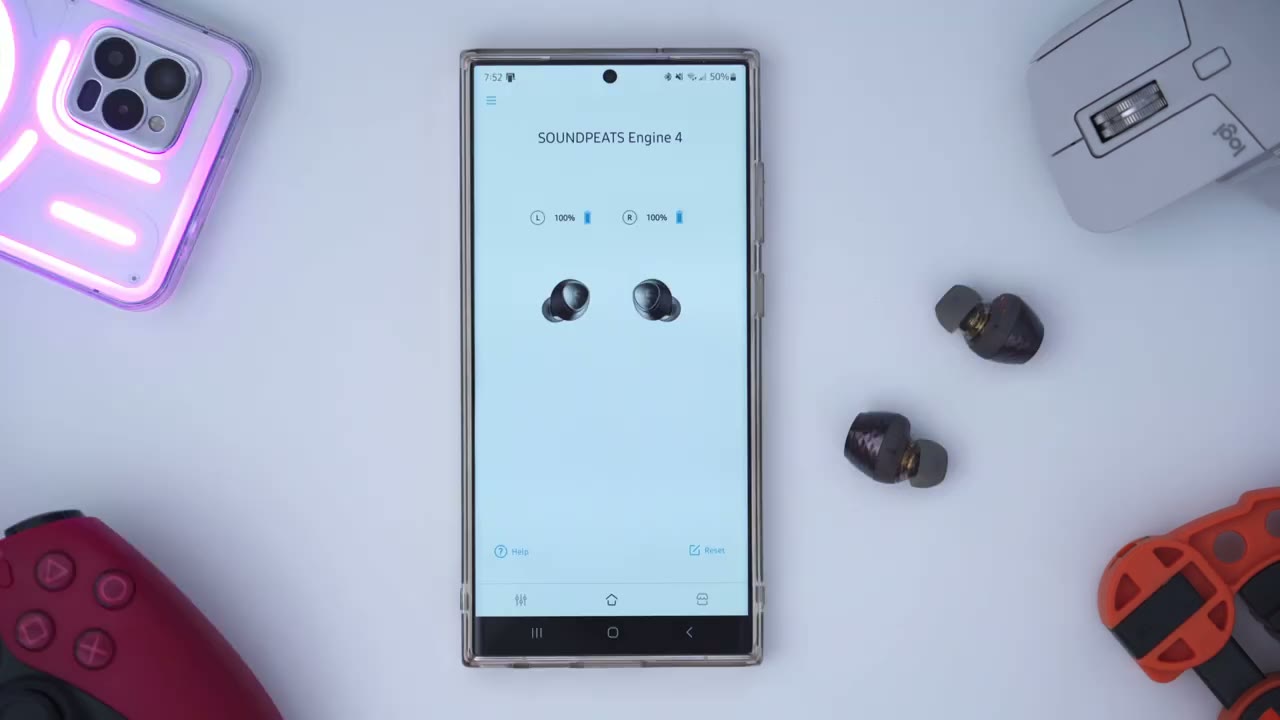
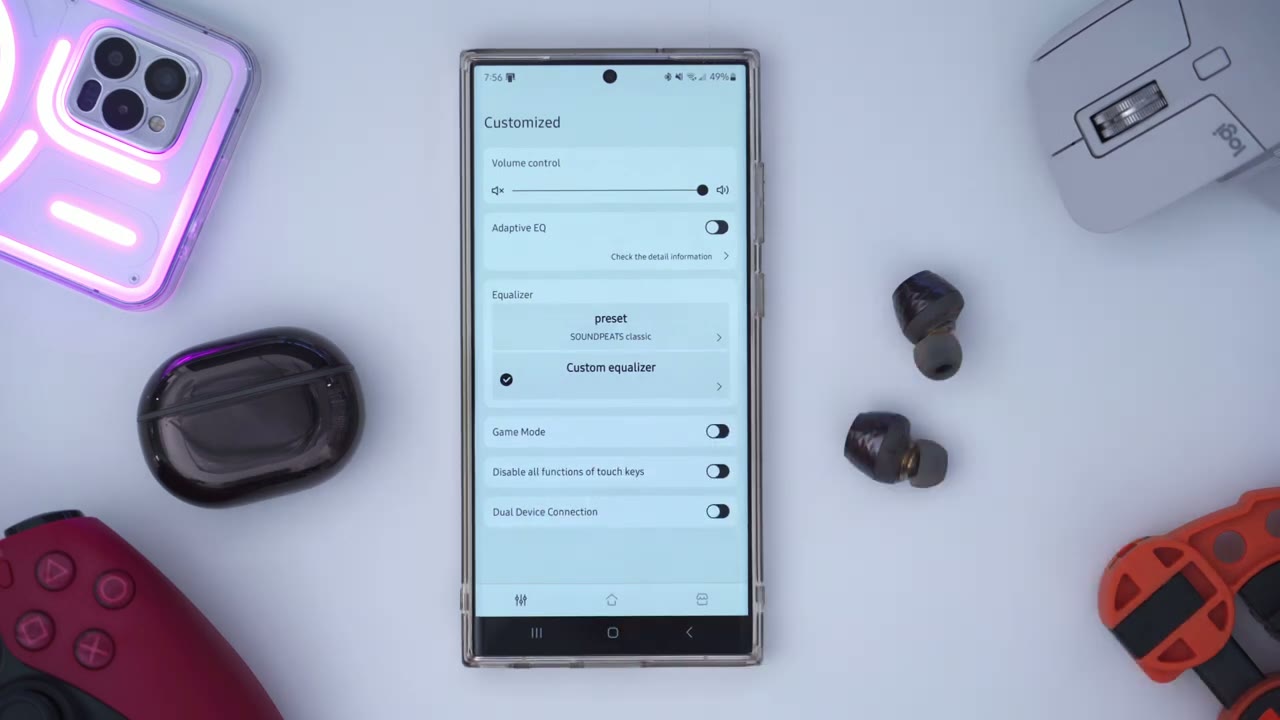
very important to note is that if you want to use dual device connection you can see I’ve turned it off but if I go ahead and turn that on which is the multi-point it mentions turn on Dual device connection function and ldoc function will be turned off and the headset will restart so basically you can either only choose do you want to have ldac playback or do you want to have dual device or multi-point you can have both simultaneously so what I’m going to do is I’m going to keep this not enabled because I’m going to just prefer to use the ldac playback for right now by the way guys if you’re finding this review helpful please consider liking subscribing it really does help me out a lot but let’s get back into it this is what the dashboard of the soundpeeds app looks like so you can see as soon as you open it up you can see the battery level for each earbud you can also click on the menu up here and this is where you would go to upgrade the firmware and I highly recommend you do that if you buy this and you can see I’m on the newest version 0.1.8 now we can see that both earbuds are connected if I was to open up the charging case and pop in one of the earbuds see and then close that it may take a bit of time but it’s gonna you know kind of refresh and figure out that this is not connected and you can see right there it shows not connected and this means you can also use one of these earbuds by itself to play music if you wanted to preserve battery life and then you could just use the other one when the first one is depleted but let’s go to the main settings there and you can see this is where we have volume control we have an Adaptive equalizer I went ahead and went through that and I used it but I didn’t really find that it was that beneficial for me so I ended up going back to the classic preset so right now it’s at the classic preset that’s what I’ve been mostly using and enjoying but you have a bunch of other different presets here as well and of course you can make your own custom equalizer too and then you just hit that Arrow there and then you could go ahead and adjust as you like and then just save that preset I’m gonna go back now we also have the option for game mode and this is where it’s going to go up to or as low as 70 milliseconds of latency and we also have an option to disable the function of you know the touch controls if you don’t want to mistakenly hit that what is missing for me in here is the ability to just like remap the touch Taps you know I like having the tops to control the volume up or down with a single tap which is how these are programmed right now but if you’re someone who doesn’t then you’d prefer to have you know audio skip or audio uh previous track you know there is no option right now to modify those
Controls
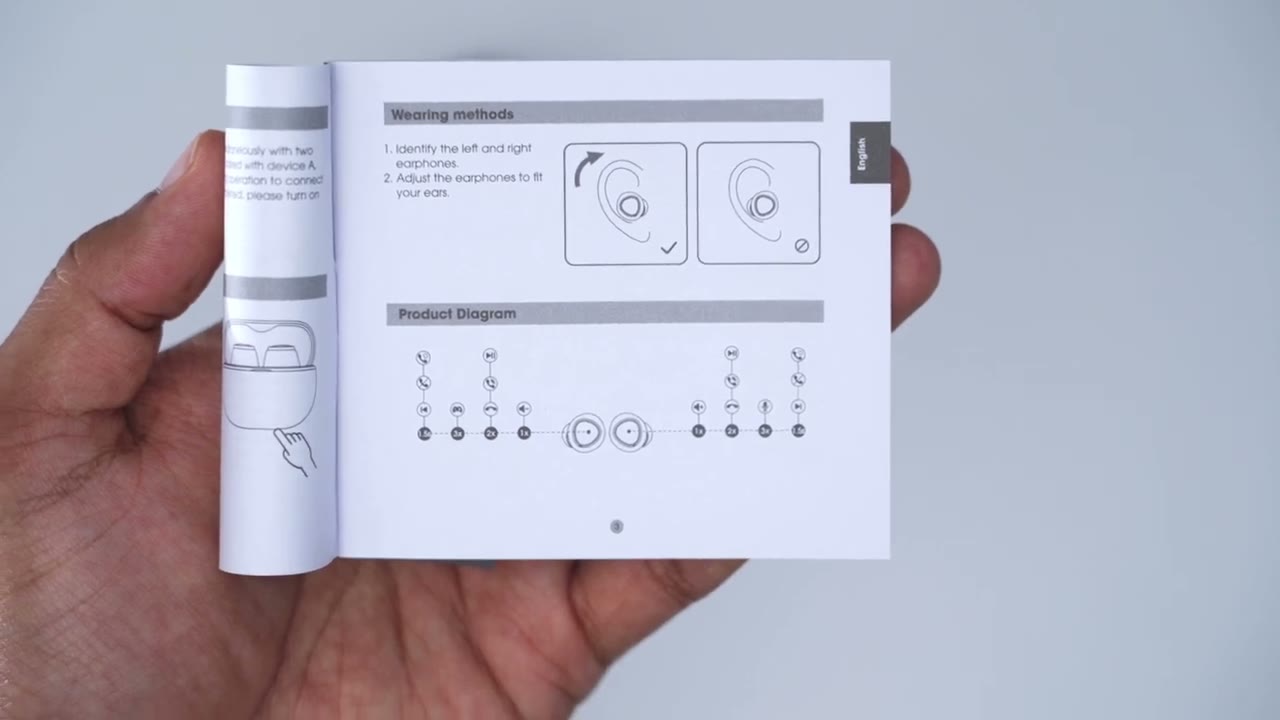
controls the touch controls are super simple to use so a single tap on either right or left side will increase or decrease volume a double tap will be used to pause or resume playback triple tap on the left is going to put it into the game mode and a triple tap on the right side is going to launch voice assistant and of course you can also skip or go back into tracks battery life
Battery Life
on here is pretty good as well now I normally listen to music pretty loud maybe around the 80 to 95 range and even with that I can easily get around you know six seven maybe eight hours and that’s also with the ldac Bluetooth codec now if you go ahead and turn off ldac you’re probably going to get a little bit longer battery life maybe around 10 to 11 hours can I recommend
Recommended
the sound Pete’s Engine 4 and this is such an easy recommendation for me I’m still super impressed with the audio quality it’s all I’ve been listening to for the past week or so and I have other earbuds that cost you know triple or more what these cost but these just sound fantastic to get earbuds that have ldac playback you know you’re easily spending over a hundred dollars maybe more so for the price that these cost around 50 us it’s an absolute steal if you’re interested in picking up the sound piece Engine 4 I’m going to leave a coupon down below so you can get a discount and if you end up picking these up let me know what you think about them I want to know if I’m on the Mark or not I know there’s some of you who listen to music way more than I do you know many hours a day you probably go through more earbuds and I do and I want to know if you agree or disagree with me I’ve just been super impressed with these you know some pizza is not really a brand that I’m familiar with I know all of the other top brands so I was kind of hesitant like okay you know would this actually be worth it or not and once I tried these on like the first day I knew I wanted to review these because these are one of those gem over products where you know it’s a great price and you’re getting excellent performance and as always if you found this video helpful please consider liking and subscribing check out my other videos below if you’re interested and I’ll see in the next one soon
☑️ Get the Soundpeats Engine4 on Amazon
Please note that some of the links in my video descriptions are affiliate links where I earn from qualifying purchases. As an Amazon Associate I earn from qualifying purchases.