


Buy Mech-style MagSafe Phone Stand
Please note that some of the links in my video descriptions are affiliate links where I earn from qualifying purchases. As an Amazon Associate I earn from qualifying purchases.
Intro
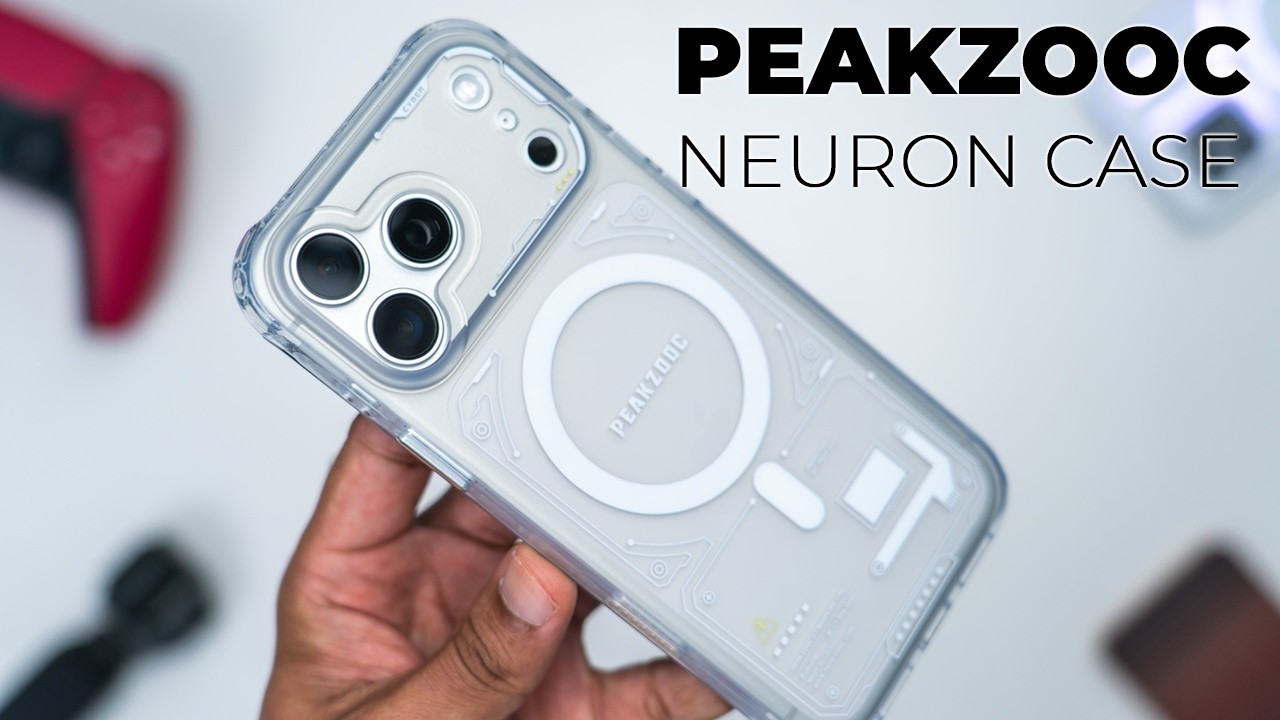
If you want to protect your iPhone 17 Pro Max in style, check out this Neuron case from Pixuk. It has up to 10 ft of drop protection thanks to the front and rear bezels, airback corners, along with an MLS STD 810G rating. It has a strong magnetic hold thanks to the N52 strength magnets whenever using Maxave charging or using Maxafe accessories such as the Pixuk power bank or their robotic arm table stand. There’s metal button covers and you retain full access to the capacitive shutter button. There’s precise cutouts and it’s all housed in a premium looking frosted finish. So, let’s take a closer look at how well it performs. And a big thanks to Pikuk for sending this out for review.
Design
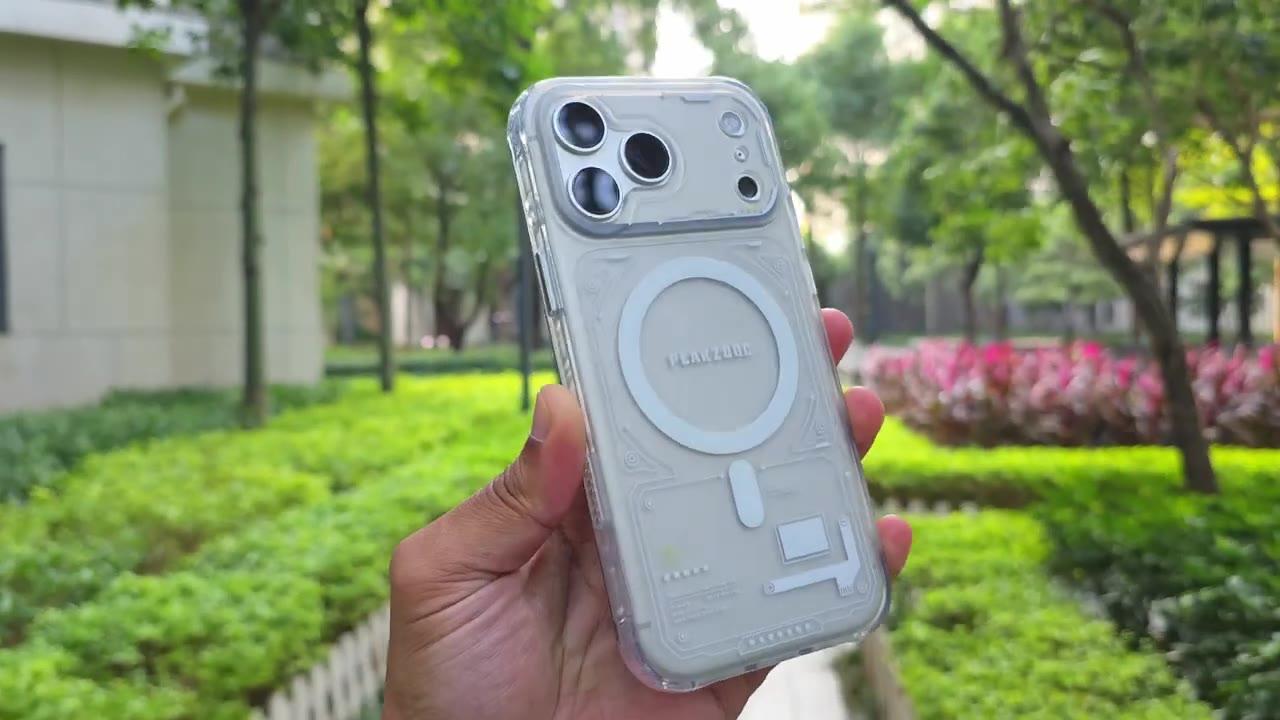
Design-wise, the Pixuk Neuron case is coming in at around 50 g and about 1.2 mm thin, and that’s thanks to a PC and TPU build. On the rear, we have this kind of frosted look going all the way through. So, this is going to be good at resisting fingerprints. Now, we have a triple lens camera cutout instead of a massive cutout for the entire camera plateau. Something you may or may not like. Now, if you take a look at the side here, this is raised, so we have race camera bezels. There’s also a Max Safe charging ring. And if we look on the side here, so we have a metallic button cover, a lanyard cutout here, and a touch capacitive button.
The other side has the same type of metallic buttons, and it actually contrasts really well and looks, you know, kind of sharp against the matte frosted type of material going on. The other side of the buttons have protective pads to prevent any type of scratching to your phone’s frame. We have thickened air back corners for additional protection. At the very bottom, we have cutouts for the USB type-C port and speaker grill. And if you take a look at the side, we do have some kind of patterning going on there, right side, left side, and at the top. But if you run your fingers, it’s completely smooth and flush. But those patterns do have textures on the inside
Install
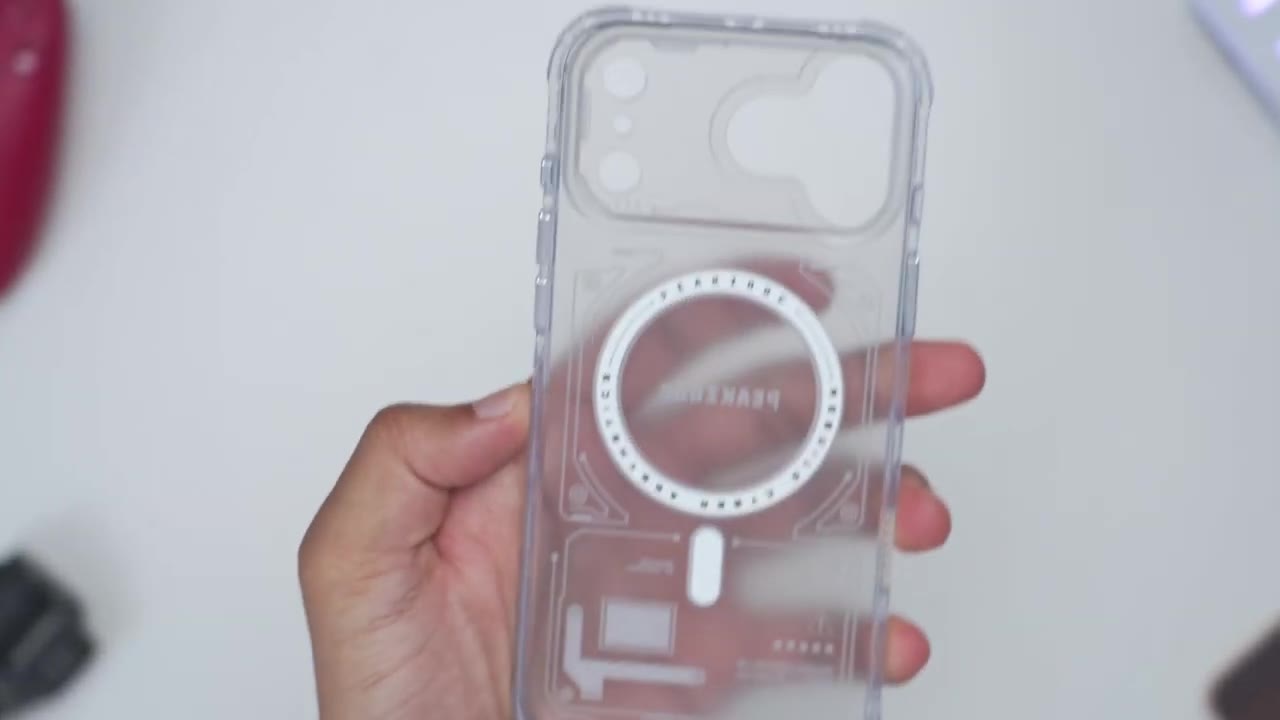
of the case. I’ll go ahead and install the iPhone 17 Pro Max in the Peak Zuk Neuron case. Now, notice that I do have a privacy screen protector on her, but we should have no problems just kind of popping this in from the top, going at the bottom, and just like that, we’re
Post-Install
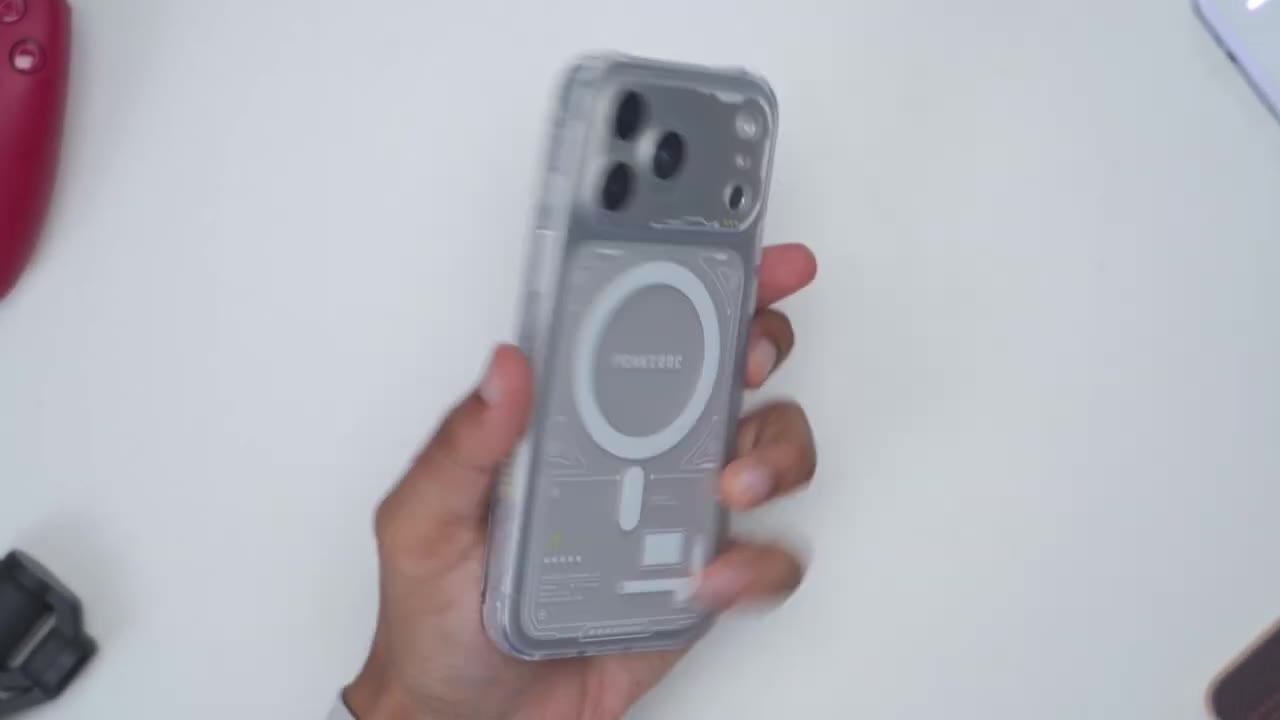
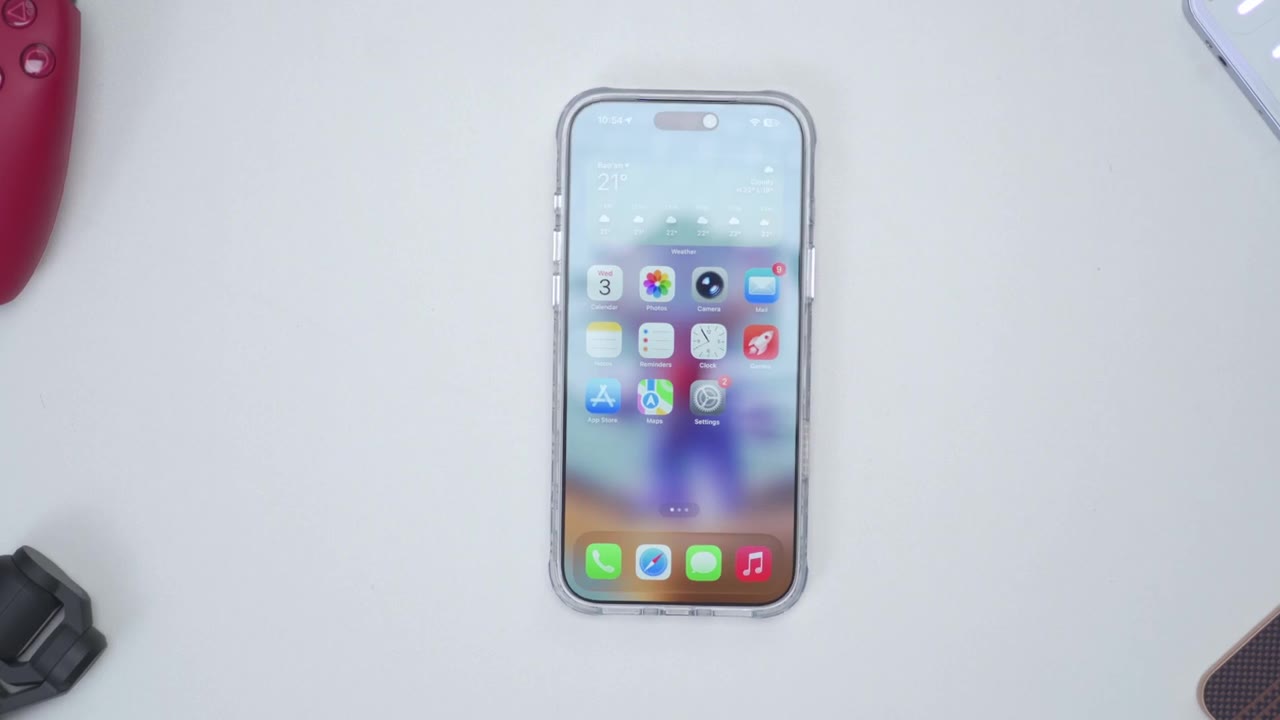
done. So, first thoughts with the case installed on, and this actually looks pretty sharp. I’m liking the amount of detail going on in the back of the case. It’s not overly busy, and it kind of blends in thanks to the matte or frosted type of finish. The hand feel remains very manageable on here. It’s very easy for me to just kind of rotate the phone up, down, top, bottom. really no issues at all thanks to the matte or frosted type of finish. It makes it fairly grippy without any type of issues. I have kind of oily or smudgy fingerprints. I’m kind of running it along here and I’m not seeing much in the way of fingerprints. So, this is doing a good job of resisting those. Now, in terms of the camera lens cutouts, you can see everything is nicely cut out.
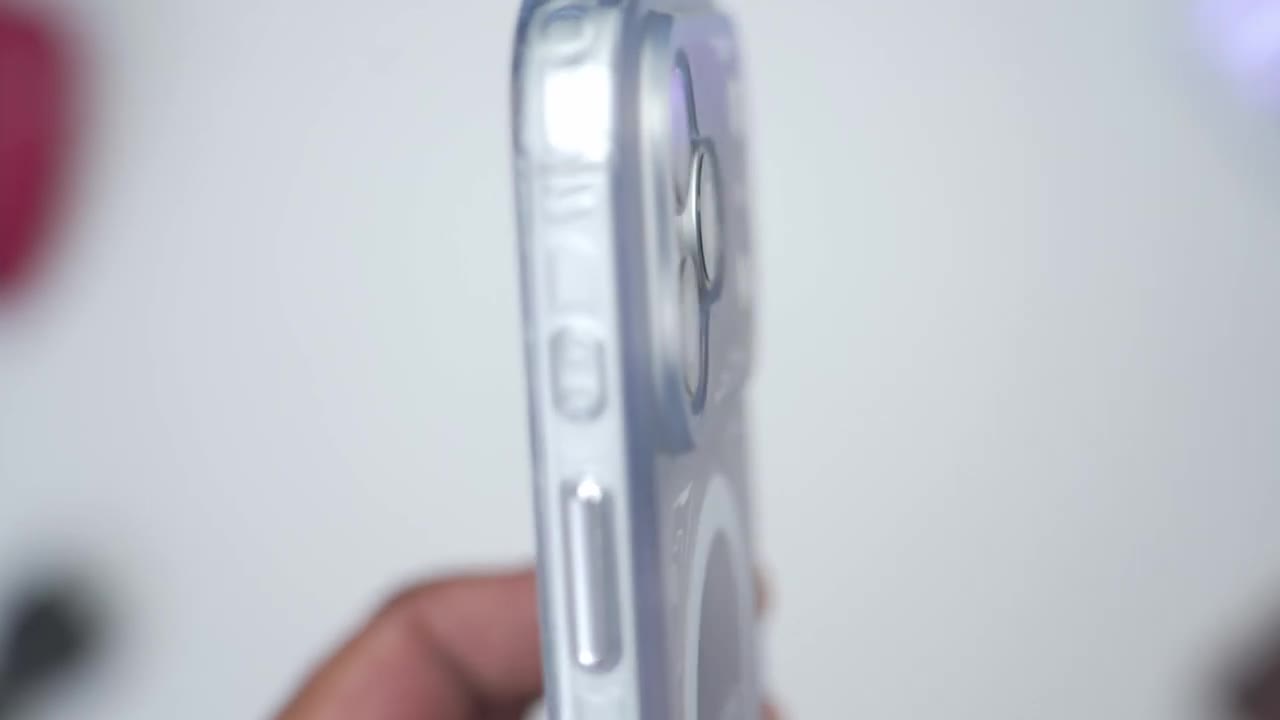
Uh the camera lenses are not touching in any way, so it’s nicely separated. Both speaker grills and the USB type-C port are also unobstructed. Now, let’s go ahead and take a look at the button tactility. So you can see volume up, volume down, no problem. And then this button I’ve remapped for translation, no problem there. Power button on, off, again, no problem as well. Even with the touch capacitive button cover, you can see it’s still easy to go ahead and switch through various focal lengths, no problem, and just take a photo. In terms of fitment and the front screen protection, so if I do a side view, you could see that the case bezels actually increase slightly higher than where the screen protector ends.
So, if you were to place your phone, you know, screen side down, it’s not going to get scratched in any way, even if you didn’t have a screen protector like I have here. But, yeah, the fitment is great overall front and back. Looking at the rear camera protection. So, the raised lips or bezels extends just slightly above where the actual lens ends. So, if you were to place this camera side down, it still will be protected, but it’s not the thickest rear camera bezel that I’ve
Wobble Test
seen so far. Let’s do a quick wobble test. So, I’ll place the camera side down. And as I tap on various parts of the screen, you could see the wobbling is very well controlled. So, very minimal, almost non-existent. There’s
NFC
also zero issues using NFC or tap to
Drop Protection
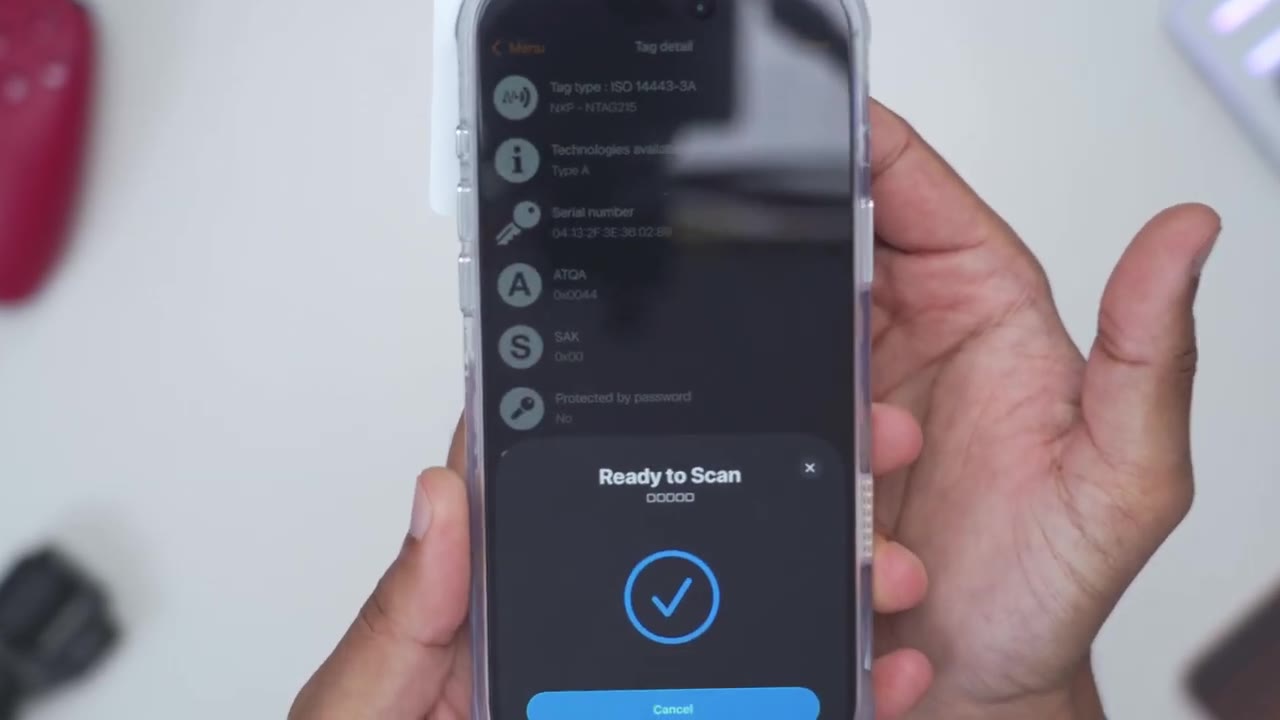
pay. I dropped my phone from about 4 to 4 1/2 ft camera side and screen side down, and there was no damage. However, this is actually rated for up to 10 ft of drop protection thanks to the ML STD810G
Magsafe Charging
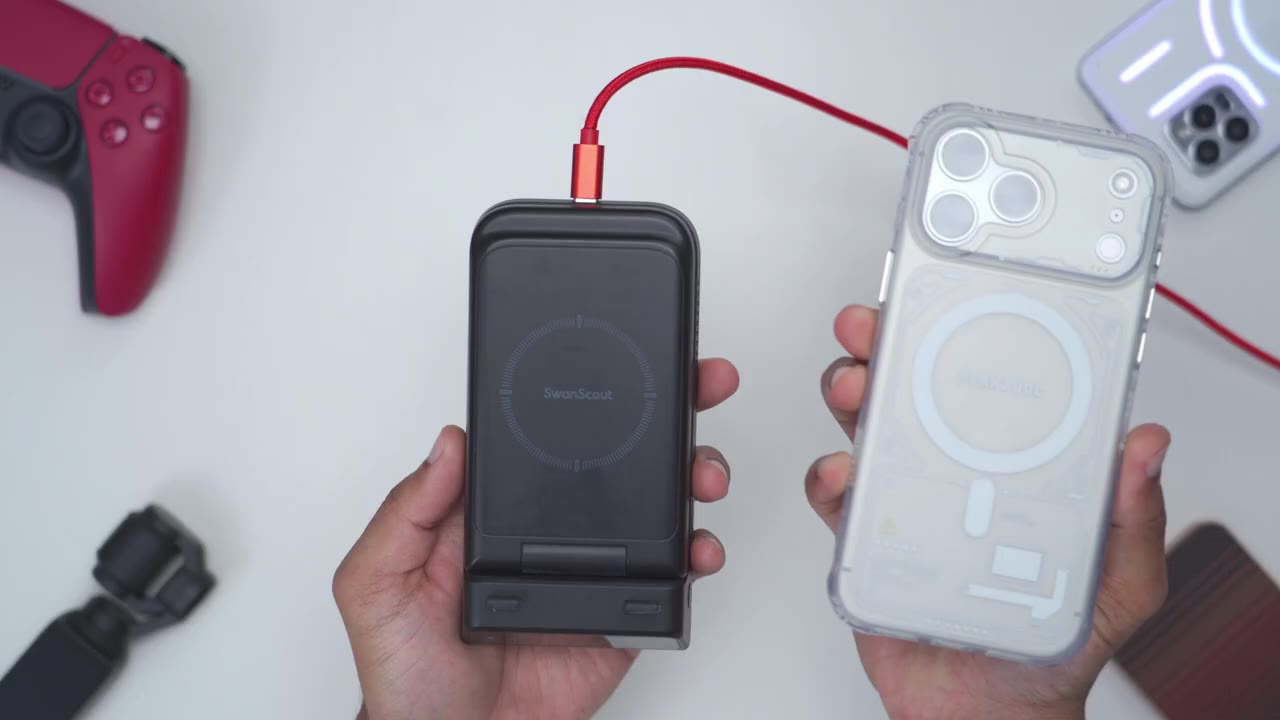
rating. You can use CHI wireless charging or Maxafe charging as well. And Maxafe charging has a very secure hole thanks to the N52 strength magnets. You
Peakzooc Magsafe Accessories
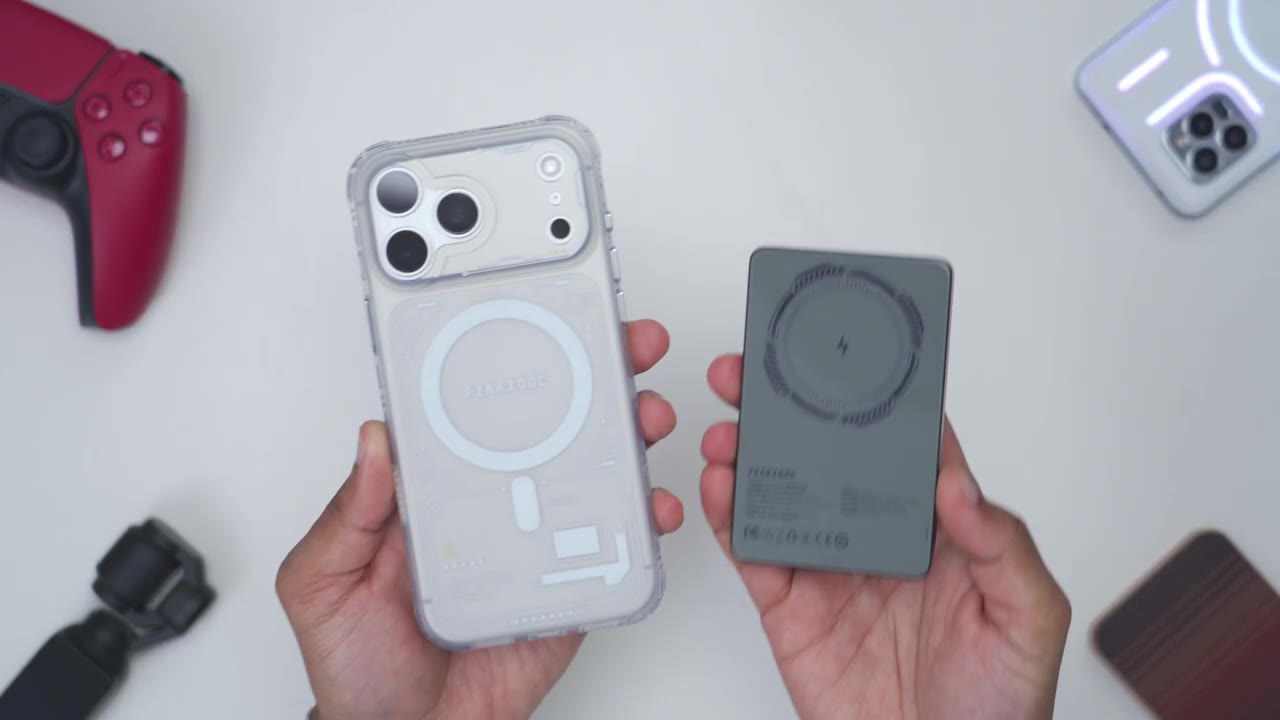
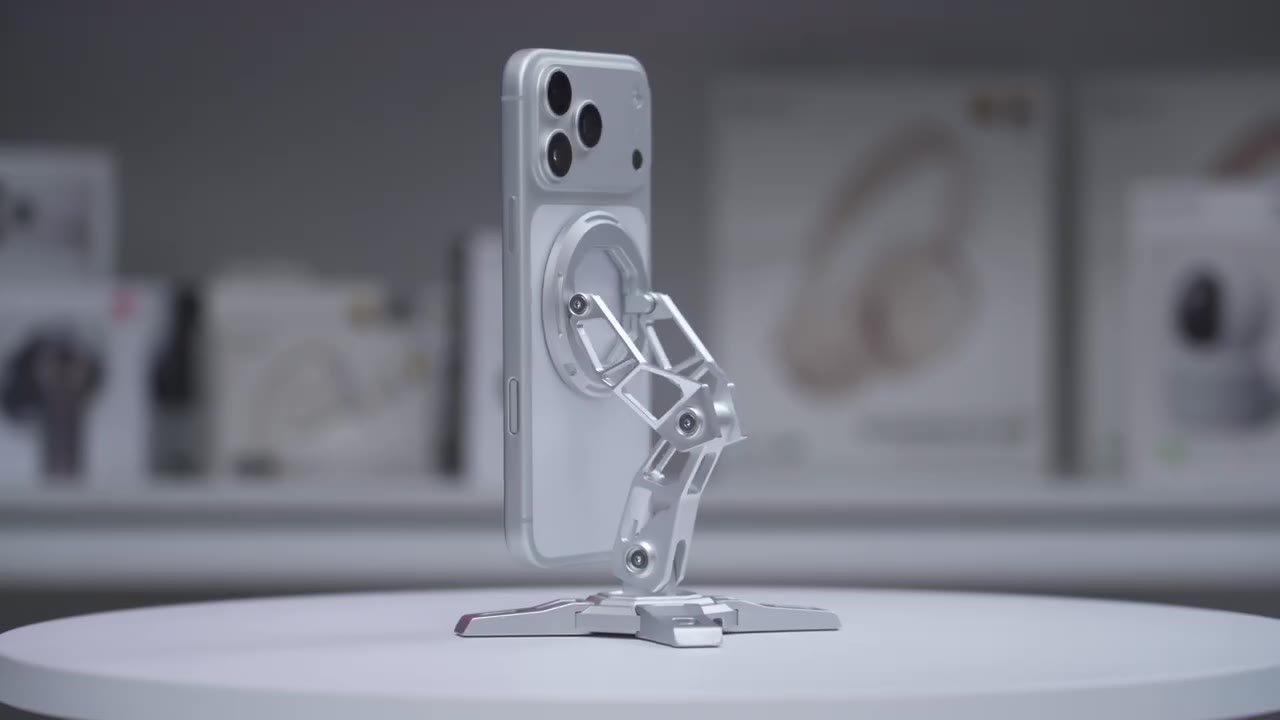
can also use Maxafe accessories like this Peak Zuk power bank. So, this is a 5,000 mAh power bank. Has this kind of armor glass on the back. I’ll just snap it on here. You can see it’s just automatically going to begin charging. I didn’t have to press any type of buttons. And the secure hold is very strong on here. I’ll leave a link to it in the video description if you want to pick it up. It pairs nicely with the Neuron case. It does have a power button here to stop charging. USB type-C port to use it with wire charging or just to top this back up. And LED indicator lights to show the battery life. I’m going to use PZO’s robotic arm magnetic stand. So, I’ll just go ahead snap this into place. And you can see I can shake this, you know, kind of pick the phone up from the table.
really no issues at all thanks to those strong N52 strike magnets. And this is actually a very versatile and really unique stand. We have three adjustment points here. So one at the bottom here, another here and then at the top where we have the magnetic ring. So once you have this set up, you know, you can have it kind of, you know, angled towards you. You can, you know, swivel it so it’s, you know, kind of more upright. And of course, you can just go ahead and make this horizontal, you know, really cool just to have this on your desk. If you have a phone that doesn’t have a max safe ring, it actually comes with a ring in the box. So, you could just add that functionality if you really want to use a stand like this. So, if you want a
Recommended?
stylish case that resists fingerprints, has a strong magnetic hold for maxive charging and maxive accessories, and offers good overall protection, the Pix Neuron case is worth checking out. I’ll leave links down below if you want to get your very own. And don’t forget to check out their power bank and the robotic arm stand, which pair really well with it. I’ll also leave any coupon codes if I have them on screen and down below. Check out this video next because this is one of the coolest iPhone 17 Pro Max accessories I’ve used to date. And while you’re at it, consider checking out some of my other tech reviews outside of phone cases and accessories. I also review headphones, earbuds, mechanical keyboards, monitors. Really something for everyone.
And I really hope you’ll join me in my next video
Buy Mech-style MagSafe Phone Stand
Please note that some of the links in my video descriptions are affiliate links where I earn from qualifying purchases. As an Amazon Associate I earn from qualifying purchases.

