



Buy Cleer ARC5 Gaming on Amazon
Please note that some of the links in my video descriptions are affiliate links where I earn from qualifying purchases. As an Amazon Associate I earn from qualifying purchases.
Intro

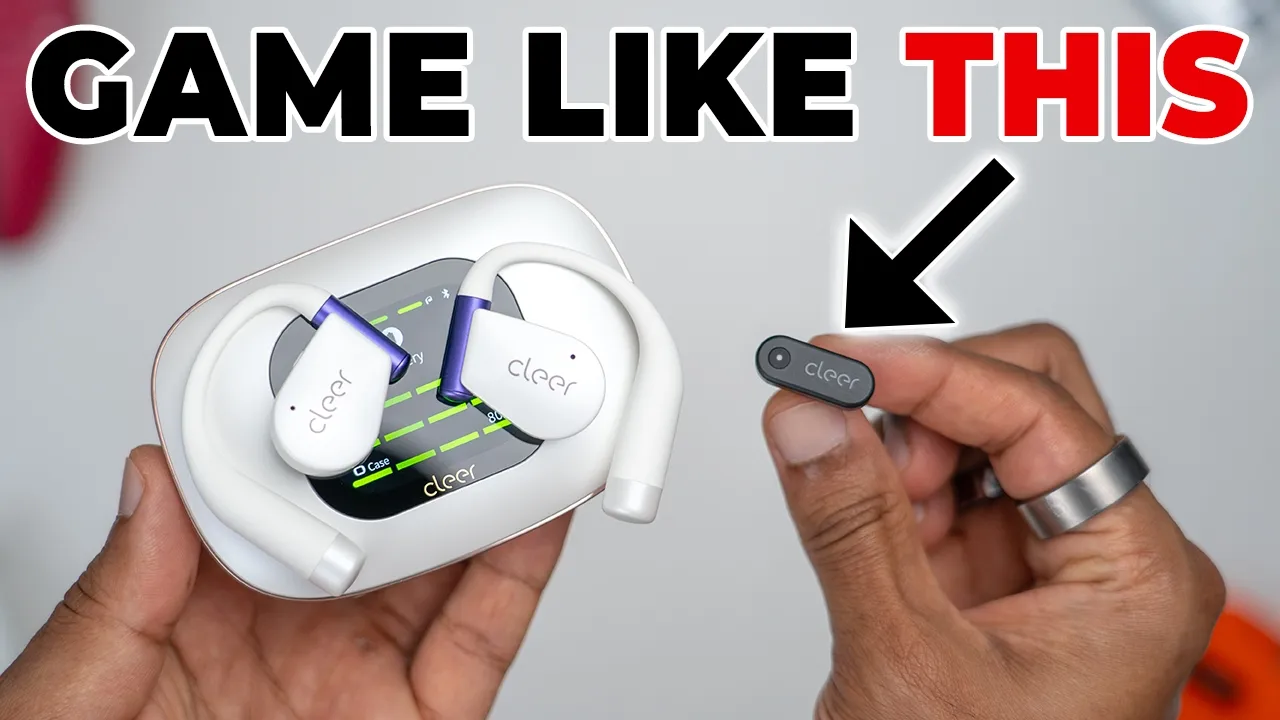
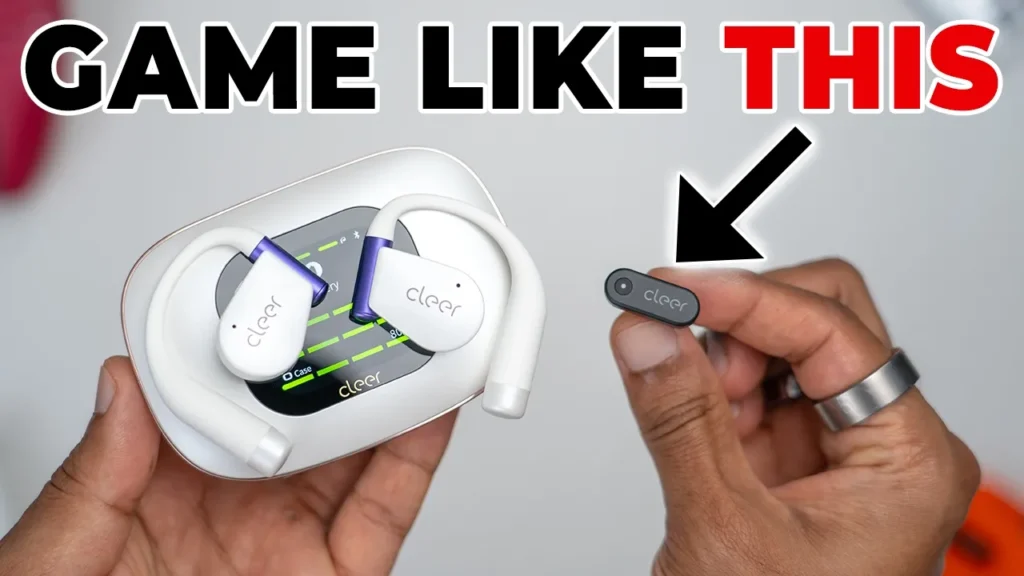
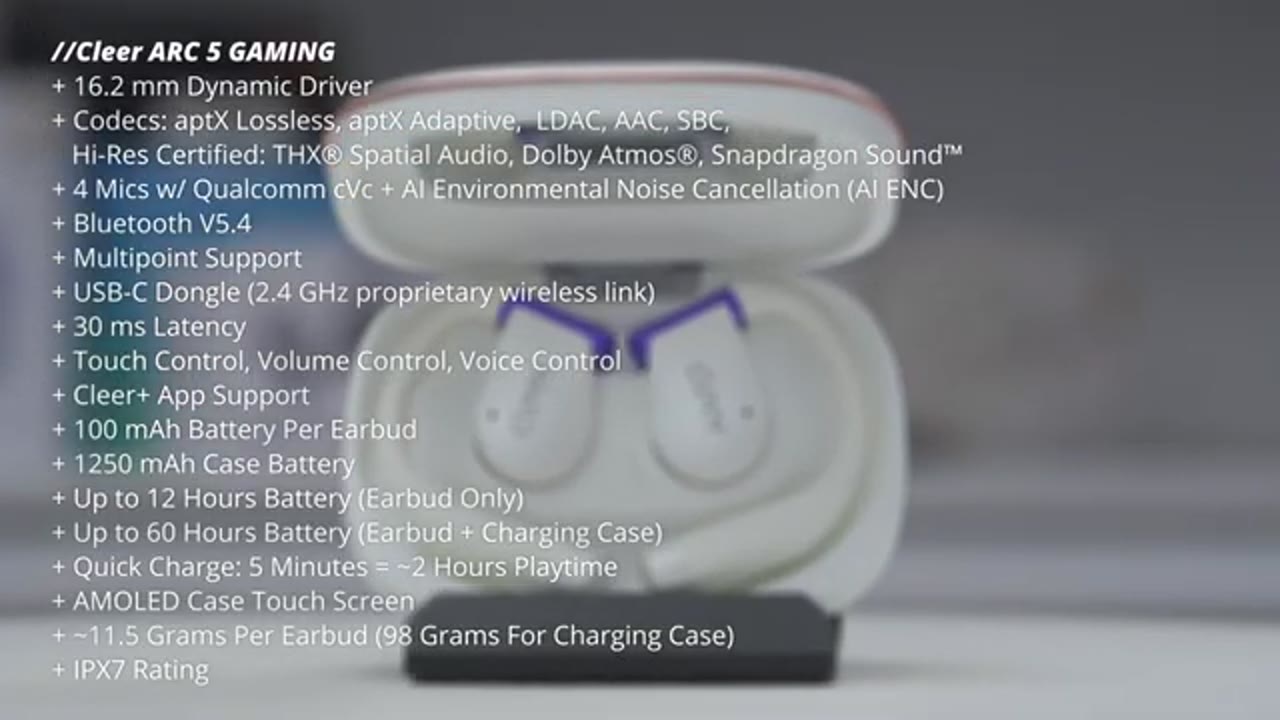
If you’re looking for a solid pair of gaming earbuds that sounds great while you’re gaming or listening to music, you have to check out the Clear Arc 5 gaming openair earbuds. It has a wireless USBC dongle with sub 30 millisecond latency that you could plug into your gaming laptop or PC, your game console like a PS5 or even your phone for mobile gaming. On top of that, it also has massive 16.2 mm dynamic drivers for rich loud sound, impactful bass with their DBE 4.0 technology. There’s THX spatial audio with a dedicated gaming mode, Dolby Atmas support, Bluetooth LE audio, LDAC high-res wireless audio, aptX support, and Snapdragon sound. There’s six access head tracking for 3D audio and even using head gesture controls to chain songs.
There’s a responsive touch controls, voice controls, and four mics with clear voice capture and an IPX7 rating. You can get up to 60 hours of battery life with the included battery charging case, which also has a touch responsive OLED screen to adjust tracks or to change settings. Plus, it even has UVC sterilization and even a mirror along with Clear app support. But is there noticeable latency when gaming? How good does the gaming audio even sound like? And how about when listening to music? Well, let’s take a closer look. And a big thanks to Clear for sending these out for review. In the
Package Contents
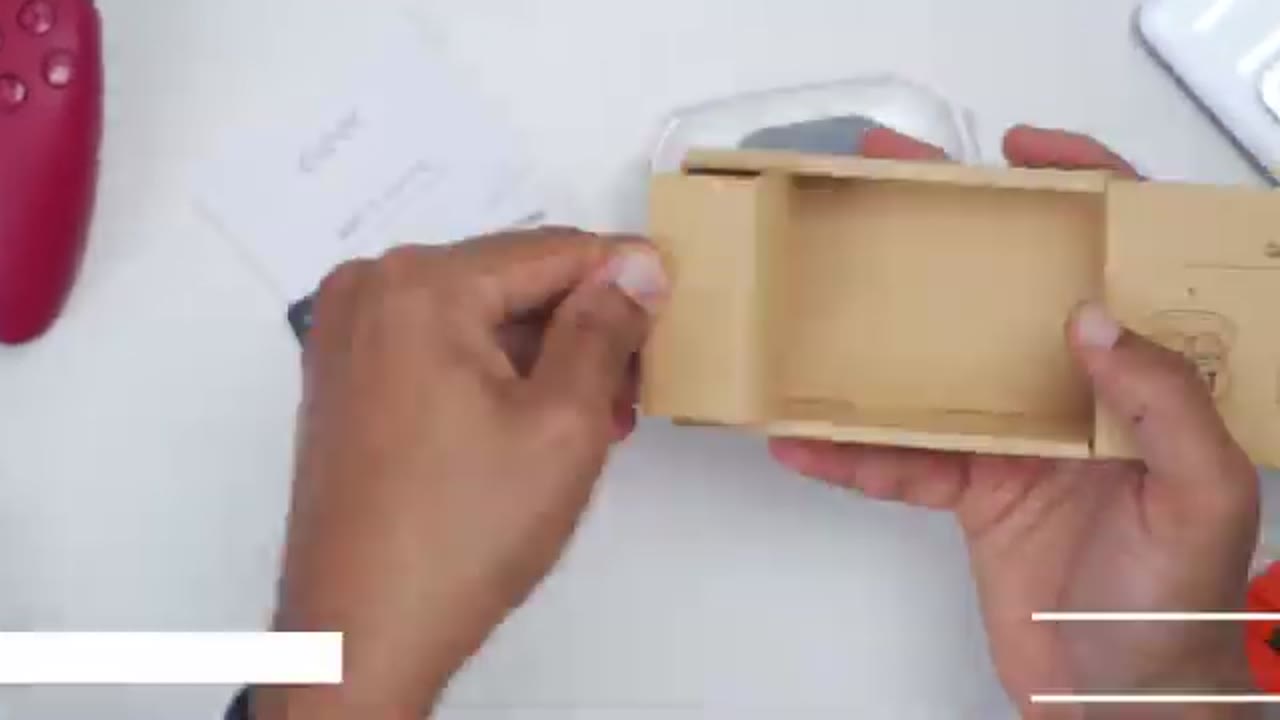
box, you get the clear R5 gaming openstyle earbuds along with a charging case, a USB type-C wireless dongle, USB type A to type-C charging cable, manual, and a thank you card. In terms of
Design

design, the Clear R5 gaming model comes in white, which I have here. And there’s also a black version as well. In terms of weight, each of the earbuds comes in at around 11.4 g. Now, you can see on the outside here, this is where we have the touch area along with the clear logo. There’s also an LED indicator light there as well. We have the metal charging contacts along with that large speaker grill housing the 16.2 mm dynamic driver. Note that there’s actually a power button at the top here to turn these on or off which is super convenient. And this has an IPX7 rating. So this will be good in most types of environments. And we also have this skinfriendly silicone material. And you can see this is very flexible to ensure comfortable fitment for any ear size.
Each earbud also has two microphones with environmental noise cancellation which I’ll demo later. The charging case comes in at around 98 g when it’s empty. And once you have both of the earbuds in there, that bumps it up to about 121 g. The battery case or charging case has a beautiful OLED screen that you can actually use to have touch controls. You can adjust a bunch of settings, which I’ll get into later. And it also houses a 1,250 mAh battery. Now, on the back, we have a USB type-C port. You can see we have this nice little metallic looking lip going all the way around. And then once you open it up, you have access to both of the earbuds along with a manual charging button or reset button. And then it actually has a mirror as well on top.
The USB type-C dongle actually has an LED indicator light here. And this actually functions as a multi-function button as well to put it into the low latency gaming mode or HD audio mode. While there’s no space in the case for the USB type-C dongle, you could just plug it into the back of the case. And that’s easy for portability and to make sure it doesn’t get lost. Here’s a quick look at the
Specs
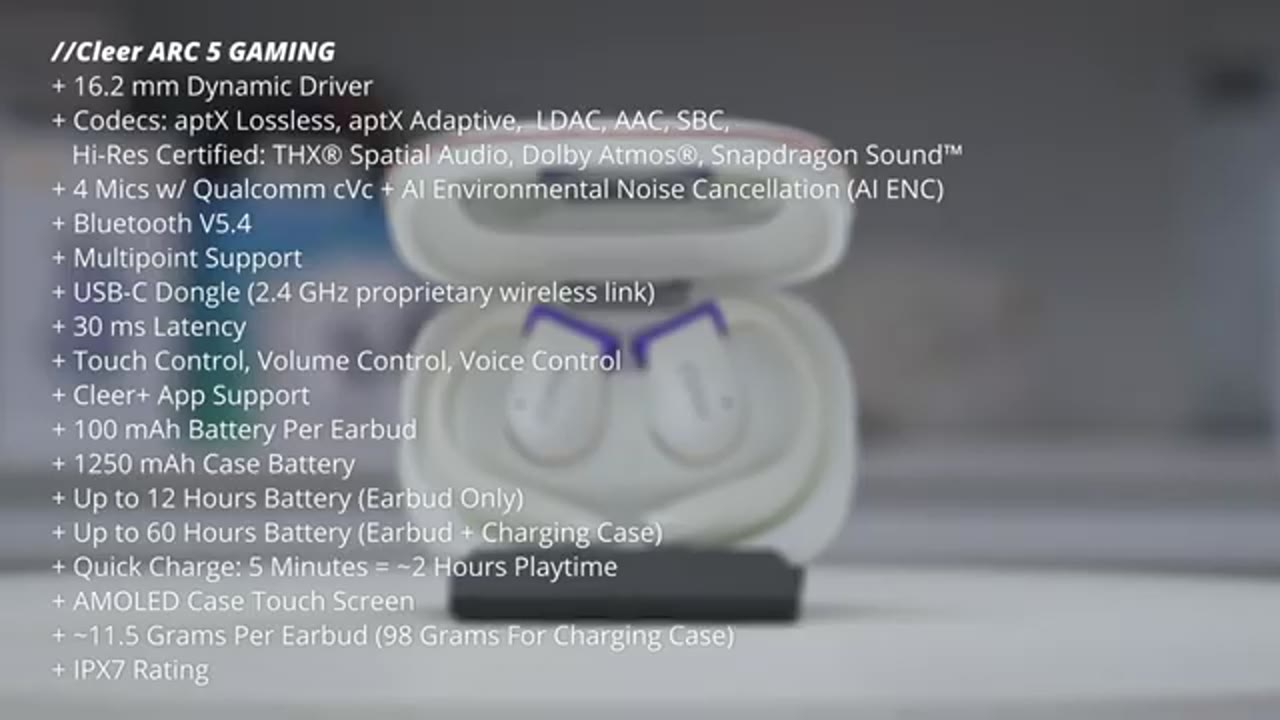
specs. Feel free to pause and review or jump ahead to the next section. I’ll now
Bluetooth Pairing
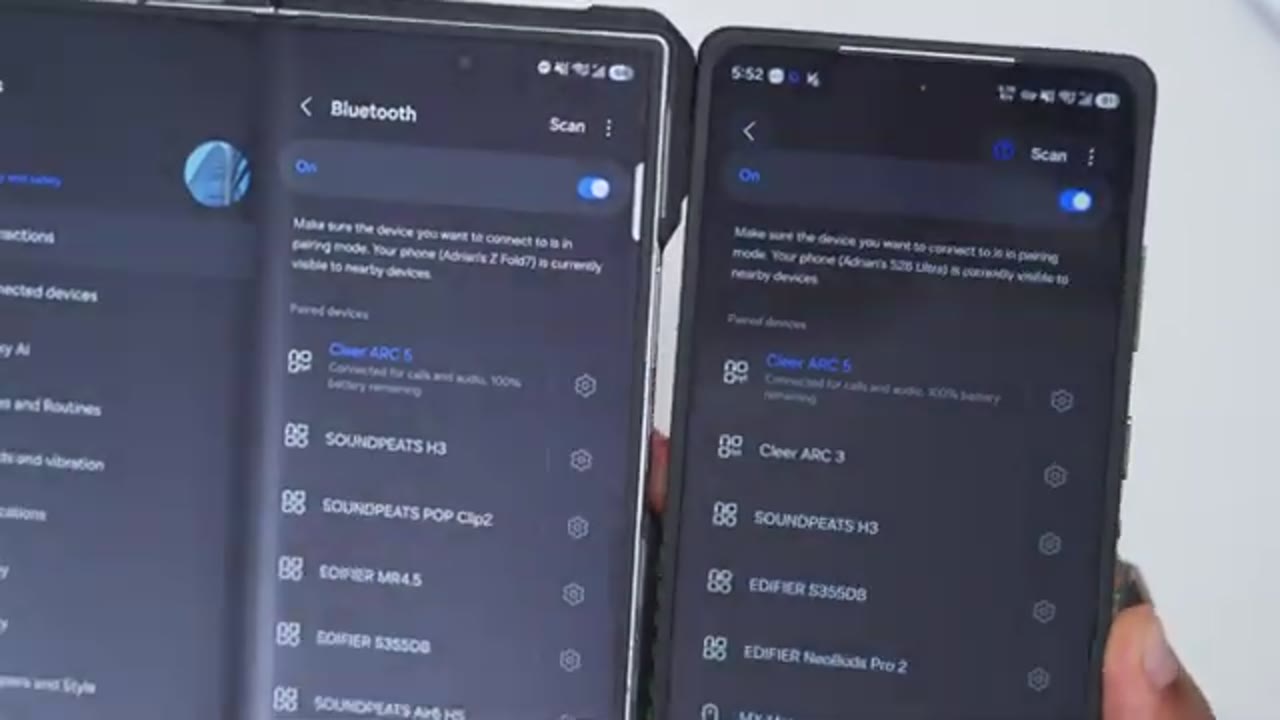
pair the Clear Arc 5 gaming model to my S26 Ultra. So, I’ll go ahead press and hold the pairing button until I see the flashing lights. I’ll hit scan on my phone. I’ll just wait for the Clear R5 to pop up here, which you can see right there. Hit pair to accept the pairing request. And you could see that it’s now paired and connected for calls and audio. Additionally, if I tap into the Bluetooth settings, you see I have the option to actually enable Bluetooth LE audio as well. And do note with Bluetoothle turned on, you will lose access to some of the call controls and audio controls. I’ll repeat the same pairing process on my ZFold 7 since we have multi-point support. And the Clear Arc 5 gaming model is now connected on both of my phones since we have multipoint support.
And here’s a demo of
Multipoint Demo
that.
Cleer App Settings
Let’s take a look at the Clear Plus app settings. So, on the first tab, you have access to the various different equalizers on here. You also have an option to dial in your own custom equalizer as well. Now, under automatic volume control, you could have this enabled or disabled. And note that there’s an option here to turn on spatial audio. If you tap on that, it mentions that you have to have Dolby Atmas turned on on your phone. If I go into my settings on my S26 Ultra, I do have that turned on. So, just be mindful, you know, that your phone has that. So, you can take advantage of spatial audio. And once that’s on, you can have it set for music mode, movie mode. And you can also turn on head tracking as well. You can also switch from Dolby Atmas to THX spatial audio.
And you have presets for music mode, game mode, and movie mode along with head tracking as well. And then tabbing over, we have options for motion control. We do have sixaxis sensors in this. So you can actually turn on call control. So you could just nod your head to answer or reject calls. And you can also do that for music control as well. You can see you can set it for a 1x or 2x. Now you also have an option to use the touchpad control. So you can change what it does for the right and left earbuds independently. Now a single tap is just hardcoded to play pause on both right and left. And then a double tap you can either do you know previous track, next track. And you again you could set these independently for right and left.
If you hold you can either trigger the voice assistant uh spatial audio and then you can do a double tap and hold and that’s hard locked or hardcoded to do volume up and volume down. You can also use voice controls and these are the available voice controls you can issue and I will demo that later. On the next tab there’s some health features. So you can do a cervical spine health status. You can also enable hearing care. It’s not going to go past 85 dB and you can also turn on a sedentary reminder. On the next tab, you can customize the case. So, if you jump into wallpaper settings, you can have up to eight custom wallpapers, and you can actually choose from the system wallpapers, or you can upload your own custom wallpaper from your phone’s gallery.
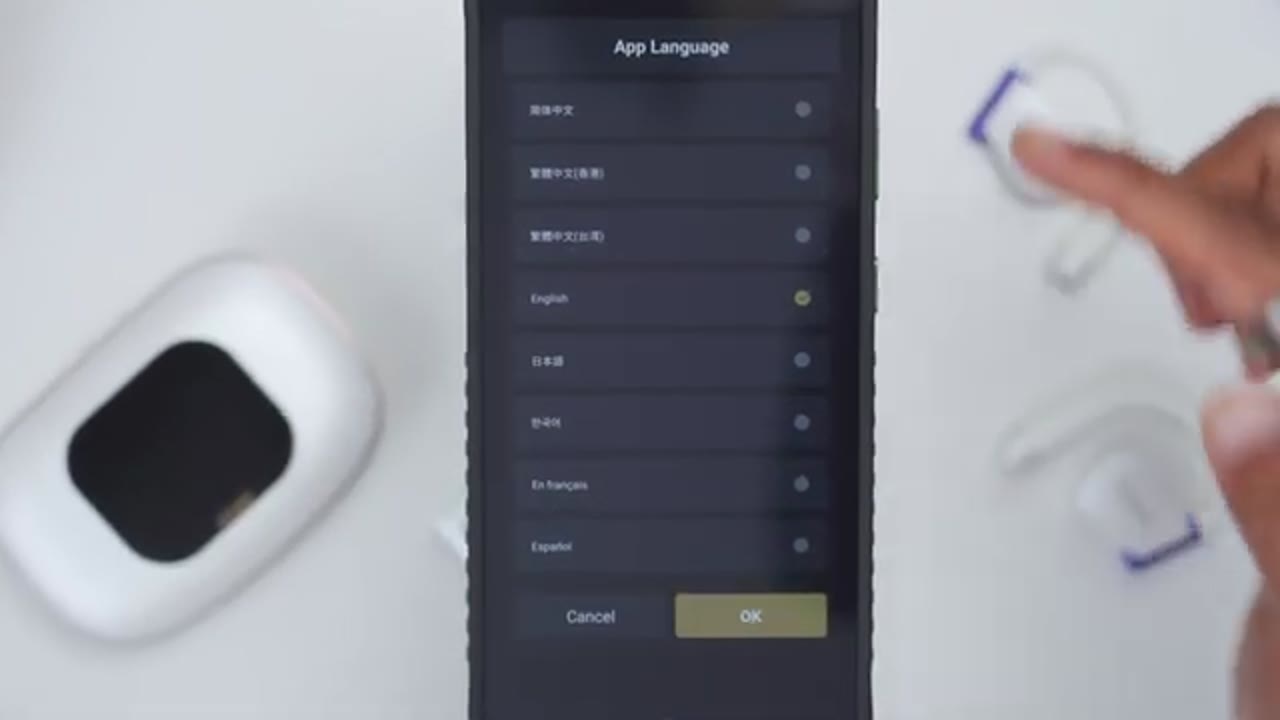
Now, you can also go ahead and update the firmware on the charging case. And under feature management, you can enable which features you want to access on the case or disable. On the next tab, you can look at the user manual, frequently asked questions. On the next tab, you can update the earbud firmware. You could set the auto power off to never all the way up to 60 minutes or 1 hour. And the voice prompt language is either English or Mandarin. You can actually do a factory reset. Enable LDAC if you want that turned on. In the main app settings in the bottom right tab, you can tap into settings. And this is where you can actually change the app language. The
Touch Controls
touch controls are extremely responsive. So, a single tap on either of the earbuds will pause or resume music playback. Now, if I do a double tap on the right earbud, it’s going to jump ahead to the next track. and a triple tap on the other earbud is going to go back to the previous track. To adjust the volume either up or down, I’ll go ahead double tap and hold on the right earbud to go ahead and increase the volume. And a double tap on hold on the left earbud is going to decrease the
Button Controls
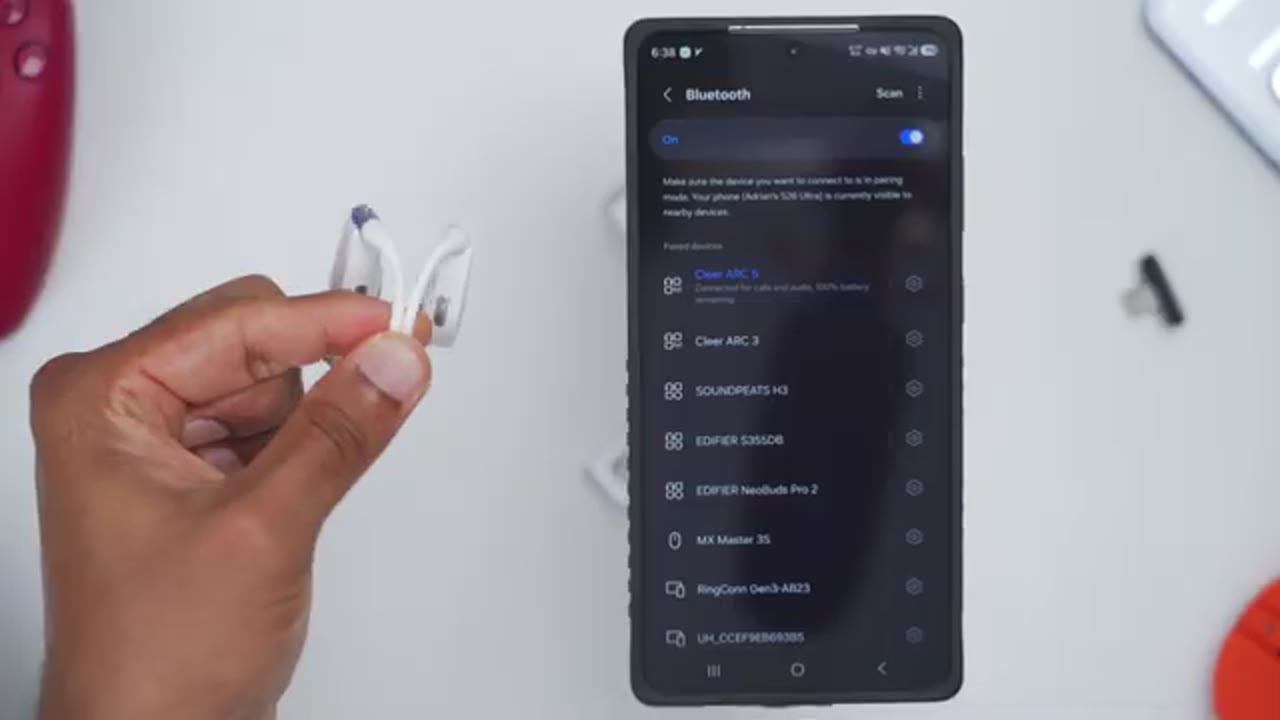
volume. When it comes to the physical buttons on here, so pressing either the button on the right or left side is actually going to power both of the earbuds off at the same time, like you can see there. Now, you can actually independently turn each of the earbuds on. So, you can just have one on or you can turn both of them on at the same
Head Gesture Controls
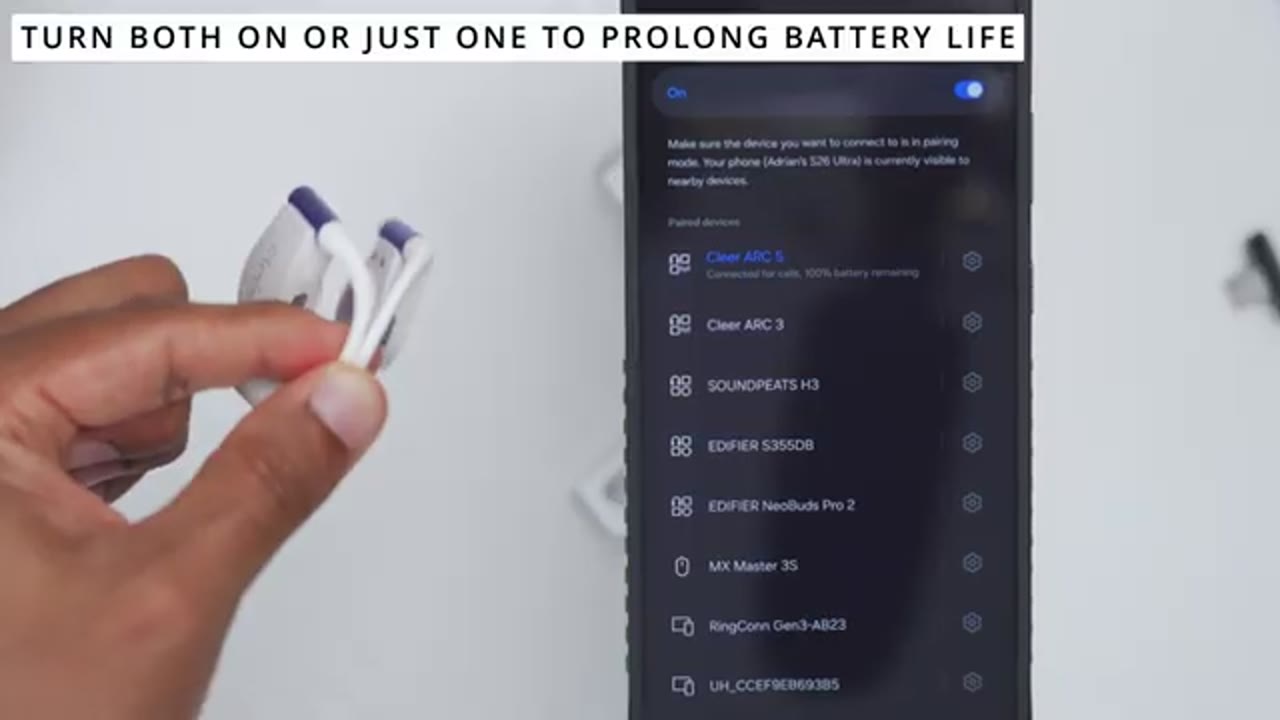
time. And here’s a demo of the head gesture control. So you can see if I go ahead and rotate my head that way, it’s going to skip forward to the next track. And if I do the opposite direction and I rotate my head back, it’s going to go back to the previous track. Now, there are times where you may mistakenly, you know, kind of rotate your head and it switches tracks. Well, Clear’s thought about that in the Clear app. You can go ahead and set it to a 2x head knot instead of a 1x. And you could just disable that feature if you don’t want to use it at all, but I find it really
Voice Controls
handy. Volume up. Volume down. Volume down. Pause music. Play music. You can see so far pretty responsive. Next song. Previous song.
Case Touch Screen Controls
In terms of the case control. So, a double tap on the screen is going to wake it up. You can see the date and time along with the battery life on the case. Now, if I go ahead open that up and I just remove the clear rock 5 gaming earbuds, you can actually see the battery life for both earbuds. Now, now you can swipe up to unlock everything. You have access to music or media controls. You can go back, forward on tracks, play, pause, adjust the volume. And if I swipe up, you can also enable spatial audio, Dolby Atmas. Right from here, you can also go into the full settings. You could cycle through the various types of equalizers as well. You can take a look at the full battery life. You can actually activate the camera on your phone.
In the full settings for the case, you can actually change the screen timeout from 10 seconds to 45 seconds. You can do a restart, shutdown, or factory reset. You can also change the language from English to the various other languages. You could take a look at the version, pair both earbuds, use the find my earbuds feature. You can also adjust the brightness on the case if you need it brighter. You could cycle through the various wallpapers. You can also enable
Wireless Dongle Pairing & Settings
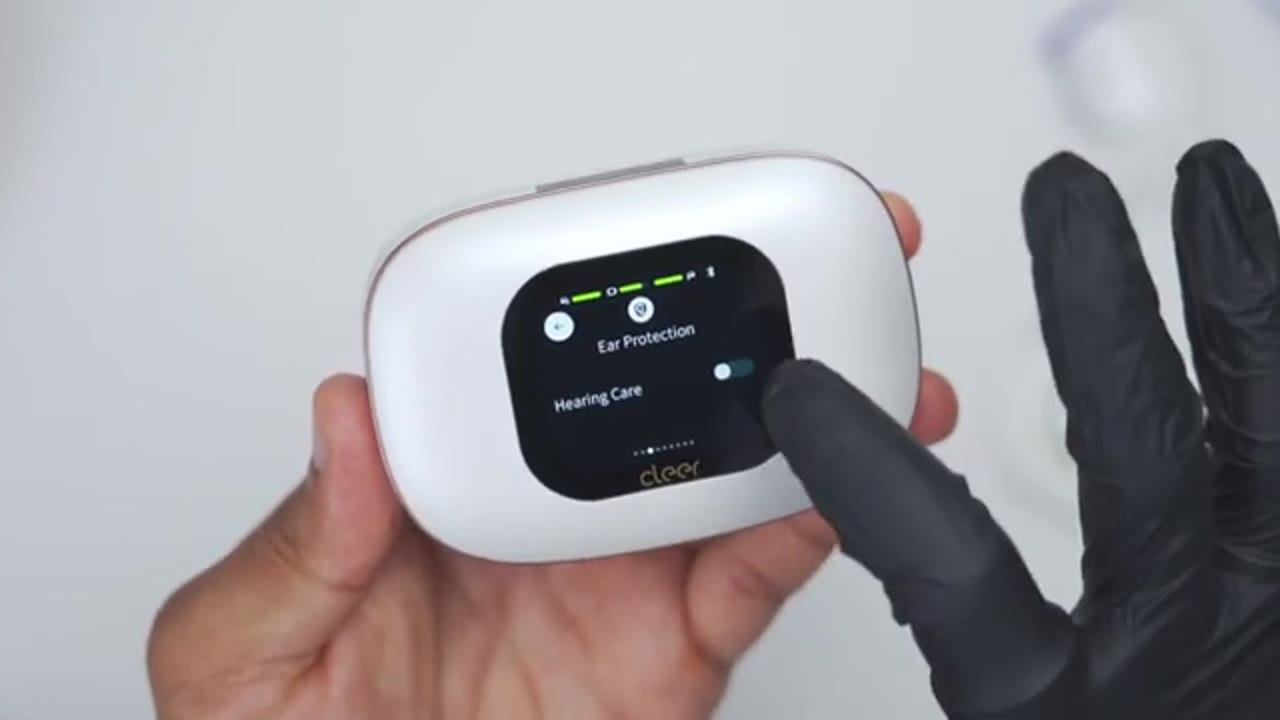
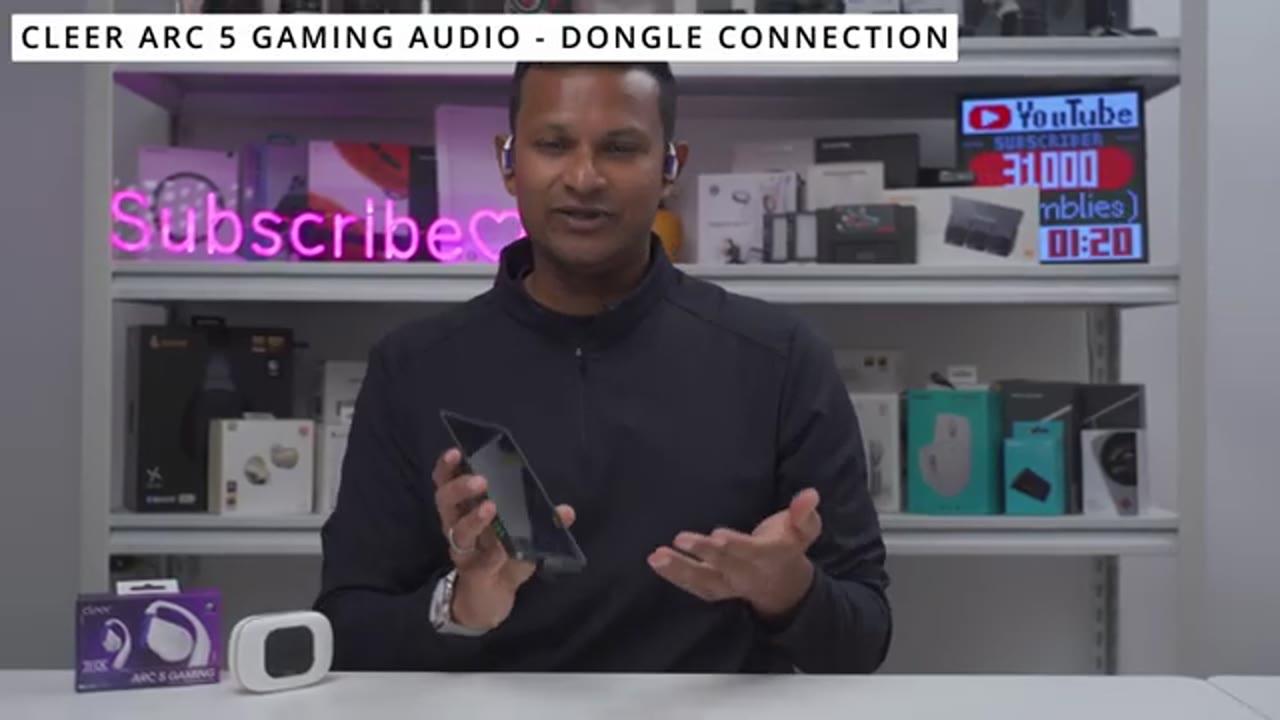
hearing care protection. Now, let’s demo the wireless dongle, which is going to give us that low latency gaming mode. So, I’ll go ahead plug it into my ZFold 7, and you’re going to see the flashing light there. Now, what I have to do next is to just tap five times on the earbud. That’s going to put it into Bluetooth pairing mode, and then this light is going to turn solid, which you could see right there, meaning it’s now connected to the earbud, and we’re good to go. Once the dongle is connected to the Clear R5 gaming, the next time you want to use the earbuds for gaming, you don’t have to bring them close to the dongle again. So, I set about, you know, 7.2 ft, maybe around 2 m away from my PlayStation 5.
And I just take the Clear Arc 5 gaming out of the case, pop them on my ears, and it automatically connects with the dongle every single time. From here, if I double tap on this multi-function button, it’s going to put it into the HD audio mode. And if I double tap again, it’s going to put it back into the low latency gaming mode. And to confirm that the Clear R5 gaming is actually connected to the dongle plugged into my phone, if I actually adjust the volume, you could see the icon here shows it being plugged in as a wired pair of earbuds. In terms of
Wireless Dongle Latency Demo
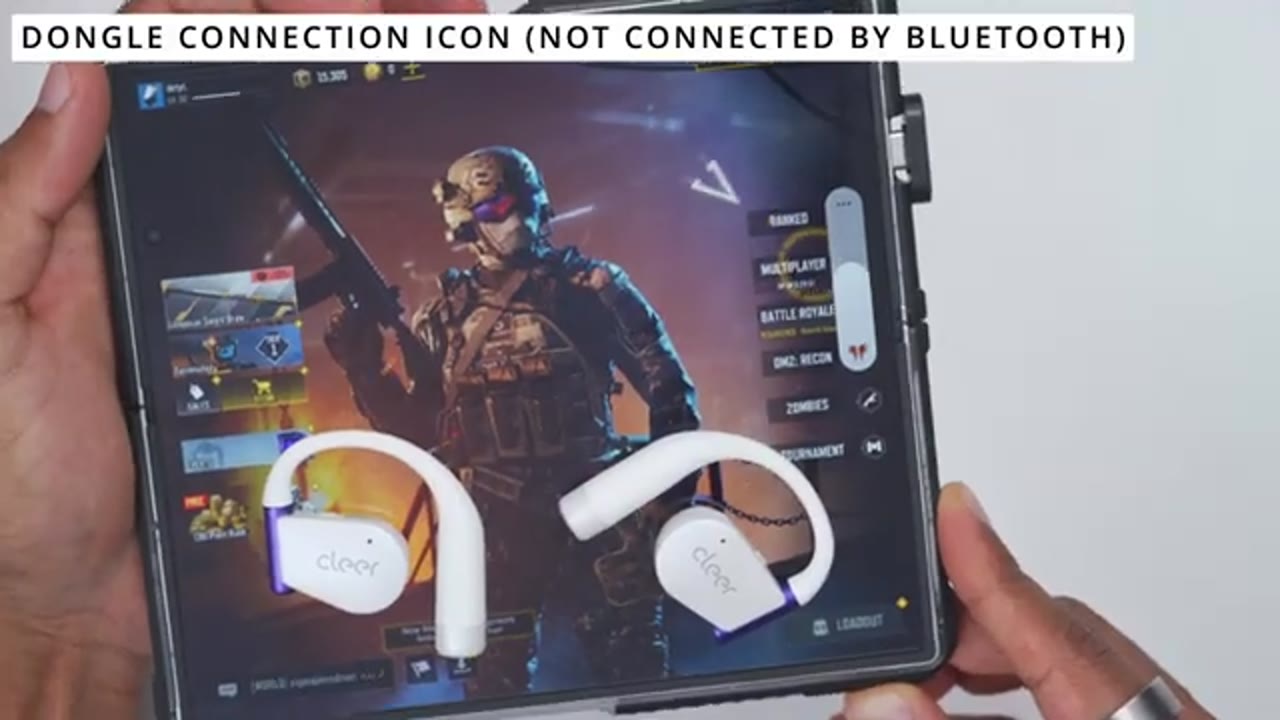
gaming on my phone, there was really no latency once the wireless dongle was plugged in. Here’s a demo of what that sounds like. And you could see from that demo, there’s really no type of noticeable latency. As soon as I shoot, I could hear the sound and I was easily able to dominate in Call of Duty Mobile. No issues at all. But let’s test this on my gaming laptop and PlayStation 5 next.
Gaming Experience
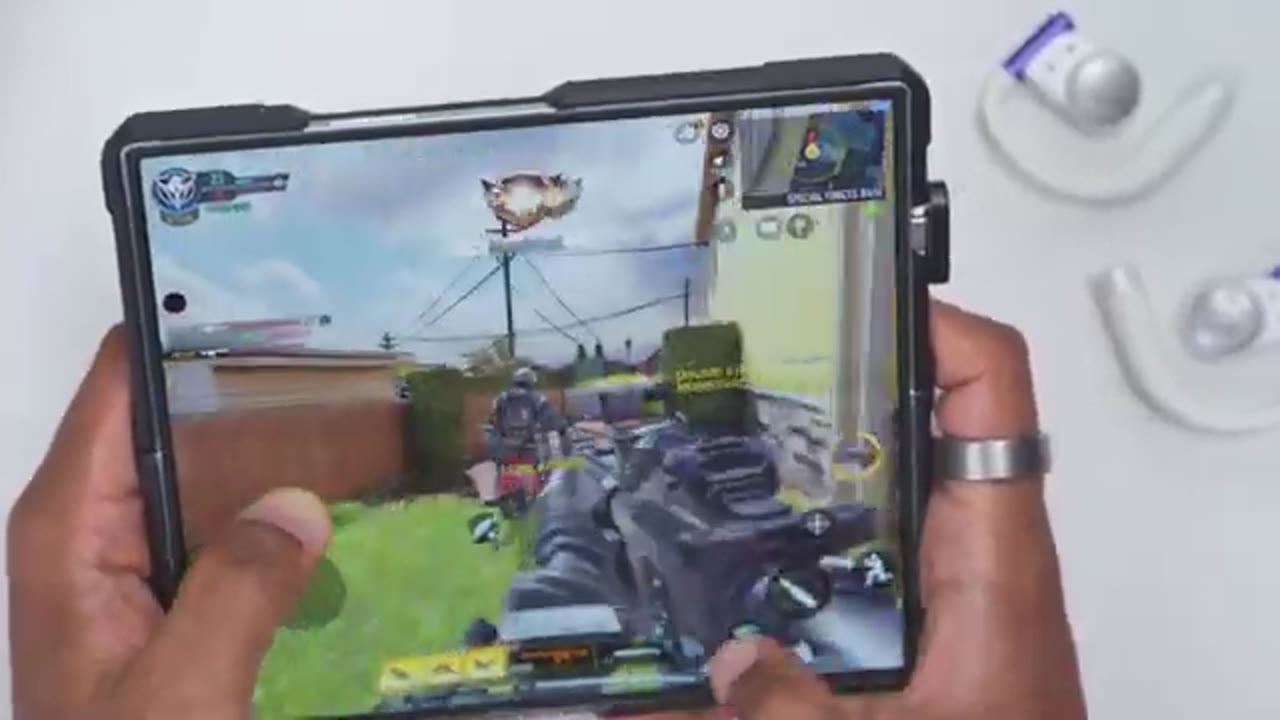
Now, let’s talk about the gaming experience using the clear dongle. So, the first thing to note is that if your phone is already connected to the Clear R5 gaming by Bluetooth, you actually don’t need to disconnect them first. As soon as you plug the wireless dongle into your console, like your PS5 or your gaming laptop or PC, all of the audio is going to be routed through the dongle. So that takes priority. And you can see in this clip, even though I’m trying to play this song on my phone because it’s connected by Bluetooth, it’s just going to pause every few seconds because again, the wireless dongle takes priority.
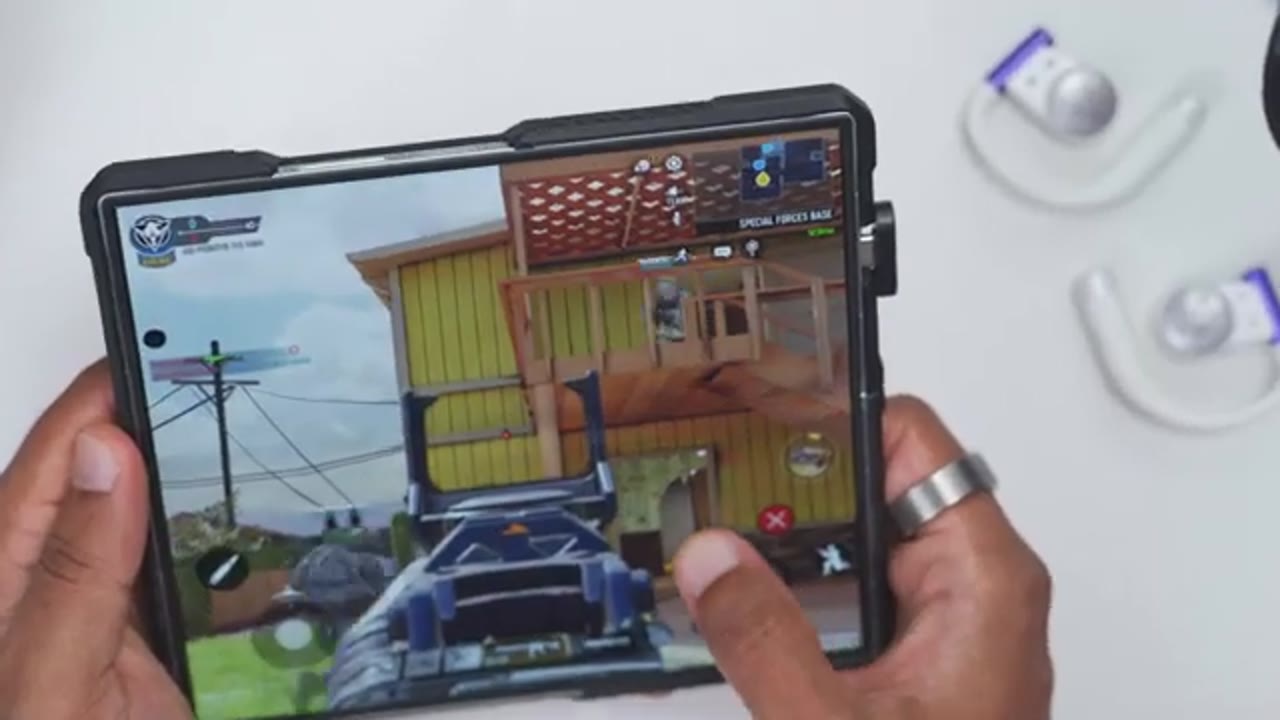
And in terms of audio latency or audio delays when gaming, so it didn’t matter whether I had this plugged into my PS5 or my gaming laptop or even on my foldable phone, there was no noticeable delay, at least not to me, between what was happening on screen and what I was hearing. So the claim 30 milliseconds or less of latency seems pretty in line with me. I didn’t notice any type of issues and I was easily able to dominate in a variety of games. It really didn’t feel like I was missing a beat at all. The Clear Arc 5 gaming also supports THX spatial audio and in the Clear app, there’s even a game mode preset that you could choose. What it’s supposed to do is to take standard game audio without spatial information and just, you know, automatically spatialize that.
Now, when I was gaming on Battlefield 6 on my PS5, I did enable the THX spatial audio on and off. With it on, it did seem to slightly boost or amplify certain sounds. You know, it’s easier to hear footsteps and whatever is going on around in the map, but it didn’t make a night and day difference because I feel like I could still hear a lot of that stuff in Battlefield 6 already. Maybe it’s something you may notice more than I did. I also noticed that with the clear rock 5 gaming paired to the dongle, you still have access to touch controls, which is really handy because on the PS5, rather than going into the menu to adjust the headphone volume, I just cranked it to the max and then I would just adjust the volume on the headset.
And with the dongle, I highly recommend just using the default low latency mode where it has the breathing white LED. I did try the HD audio mode, which is supposed to bump the latency up significantly, and I didn’t find that the HD audio actually sounded better than the low latency audio. it just sounded, you know, more flat, more neutral, just not as pleasing. So, just stick to the default low latency gaming mode. That sounds the best and it’s the best latency as well. And whenever I plug the dongle into my gaming PC or gaming laptop, it remembered the last settings that I was using in terms of like the volume level. But if I plugged it into my PlayStation, it always seemed to default to like medium volume. It didn’t matter whether I was at like high volume or low volume.
So, just keep that in mind. But again, you know, the PS5 doesn’t play nicely with a lot of third party devices. So, this is going to be my preferred way to play whenever I’m on my PS5 or gaming laptop because I could ditch my gaming headphones which are kind of big, you know, heavy. They clamp on my head and they make my ears sweaty at the same time. With the Clear Rock 5 gaming paired with the dongle, I have none of those issues. So, yeah, using the wireless dongle for gaming has been a wonderful experience so far. It pairs effortlessly once I plug it into my PS5, my gaming laptop, and I have great quality audio, very low latency, and
Sound Experience
there’s no wires at all. And whenever you’ll be using these to listen to music or for general use, they’re still going to sound fantastic. Just like the Clear R5 model, because we still have those large 16.2 mm dynamic drivers along with Clear’s dynamic bass enhancement 4.0 technology. You also get Dolby Atmas support, THX certification, Bluetooth LE audio. There’s LDAC high-res wireless audio, APX sound, and Snapdragon sound as well. So, a pretty impressive feature set. I mostly use Bluetooth LE with Dolby Atmas turned on in the Clear app and on my phone as well, and I made sure I set the Dolby Atmas equalizer to music. Starting with bass, there’s actually a surprising amount of low-end presence here, especially for open style earbuds.
You get that nice bass punch along with smooth subbase, and you also have relatively quick attack and a clean decay, so it doesn’t linger around and muddy up the mid-range thanks to the DB 4.0 tech. Moving into the mids, vocals sound clear and well- definfined without ever sounding harsh or overly sibilent. The treble’s equally as impressive. There’s a ton of detail again with nothing sounding too harsh or sibilent and instruments are well separated. There’s also a good sense of openness and air with just a touch of sparkle towards the top end. And when it comes to sound stage, these feel surprisingly spacious for an openear design. I especially noticed this with jazz tracks where the wider presentation and instrument presentation really work well.
Flat out, these are just some of the best sounding open style earbuds you can get. And especially when you considered it with in-ear earbuds where you have that perfect fitment and good seal, the amount of bass, like actual impactful bass that you get with these is just remarkable for open style earbuds. And these are kind of like the king or pinnacle for me and what I use to benchmark other open style earbuds. They sound that great. So, if you’ve always avoided open style earbuds because you think you’re compromising or sacrificing on audio quality, you’re not going to have that issue here. And especially if you’ve been considering open style earbuds for gaming, I don’t think you’re going to find a better option than these.
And these are going to be my new go-to, especially when I’m gaming late at night or I’m having a long gaming session. These are just way
Microphone

more comfortable than wearing headphones. Here’s an example of what microphone audio sounds like from the Clear Arc 5 gaming openear earbuds. So, I’m in a very quiet room with little to no ambient noise. And this is via Bluetooth connection. Here’s an example of what microphone audio sounds like from the Clear Arc 5 gaming open style earbuds. I’m outside. A little bit of wind noise, just background noise. It’s playing. Here’s how well the microphones are handling that. And this is what the microphone audio sounds like when you connect the Clear R5 gaming to the wireless dongle. So, Bluetooth is turned off on my phone. It’s not on here. So, if you’re going to be gaming online, whether on your laptop or your console, this is going to give you an idea of
Battery
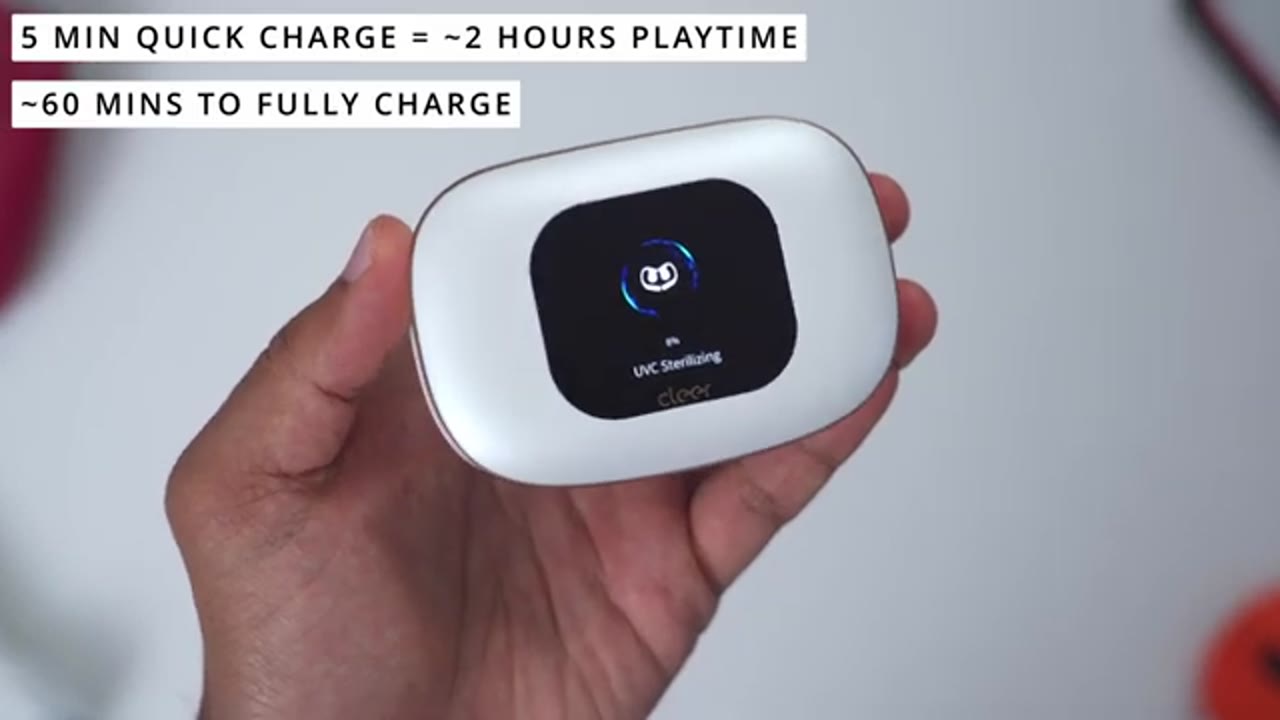
what the microphone is going to sound like. Battery life has been really impressive on these. So, you can get up to 12 hours on a single charge. Of course, it’s going to be dependent on how loud you’re listening to these at, but you can also bump that up to 60 hours once you factor in the battery charging case. There’s also quick charge support. So, a 5minute quick charge is going to give you 2 hours of playback, and it takes about an hour to fully charge your earbuds back up. These are
Comfort
extremely comfortable. I can easily wear these for hours at a time with no issues because they’re very lightweight and they just really hang on the ear and it just distributes that weight nicely. A lot of the times you just forget you’re wearing it. Now, when it comes to gaming, that’s where these really shine because previously I would just use a gaming headset and that just kind of puts a lot of clamping pressure on the side of my head and my ears do get sweaty if I’m gaming for hours at a time. With these, there’s no issues like that. There’s easy air flow on here. It doesn’t clamp. And as well, I actually have situational awareness.
If I have headphones on or in-ear earbuds and they’re kind of sealing everything, if someone enters the room or is standing next to me, sometimes you may get surprised because you’re not expecting anyone to be there. With these, you could hear everything that’s going on around you while you’re still focused on gaming. So, it’s kind of the best of
Recommended?
both worlds. So, should you get the Clear Arc 5 gaming openair earbuds? Well, if you like to game wirelessly and you game for hours at a time, these are some of the comfiest earbuds I’ve ever used. The wireless USBC dongle also worked effortlessly with all of the devices that I plugged it into, and I was easily able to dominate anytime I game because there was no noticeable audio latency. On top of that, they also just sound fantastic whether you’re gaming or listening to music. So, if you’d like to get your very own, I’ll leave links down below, and if I have any type of coupon codes, I’ll leave those down below as well. If you want all of the benefits of open style earbuds along with that great sound, and you don’t need the gaming features, check out my review of the Clear R5 model.
I’ll link that up here. And can I ask a favor? If you did find this video useful or helpful, would you mind liking and it subscribing and maybe even joining as a member to get early access to videos and other perks? I also review a bunch of other tech outside of earbuds. Maybe you’ll like some of those videos, too. And I really hope you’ll join me in my next video
Buy Cleer ARC5 Gaming on Amazon
Please note that some of the links in my video descriptions are affiliate links where I earn from qualifying purchases. As an Amazon Associate I earn from qualifying purchases.