


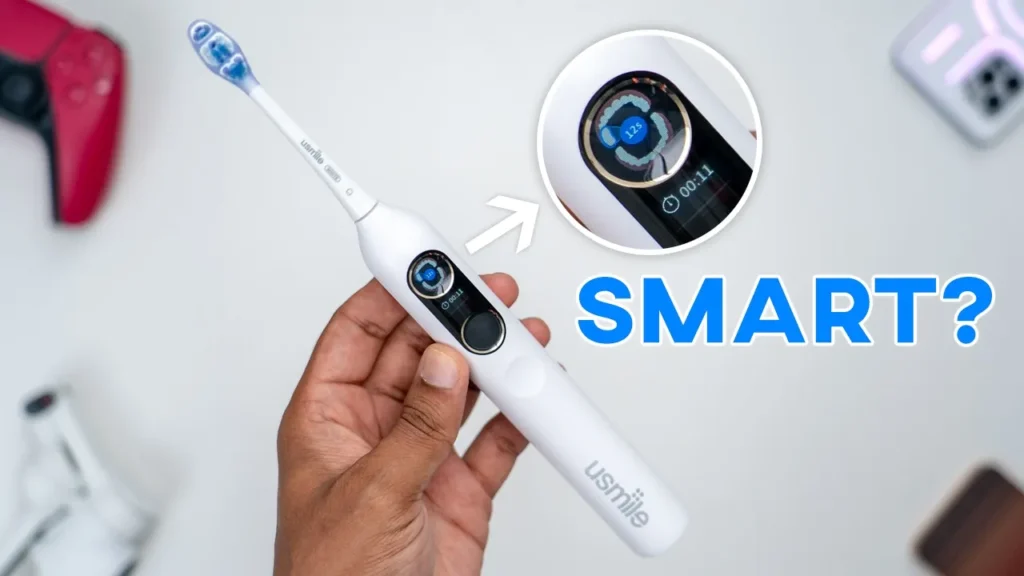

Buy usmile Y20 Pro AI Electric Toothbrush
Please note that some of the links in my video descriptions are affiliate links where I earn from qualifying purchases. As an Amazon Associate I earn from qualifying purchases.
Intro

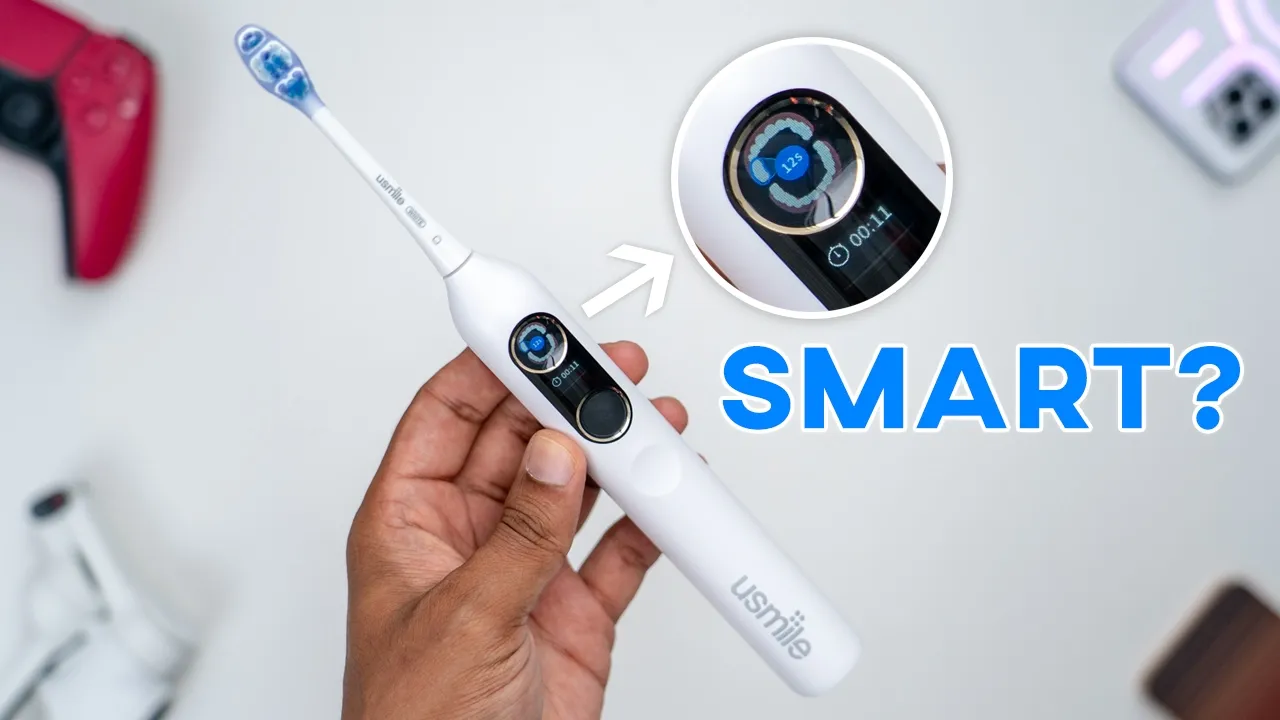
Okay. >> If you’re looking for a fullfeatured electric toothbrush at a reasonable price, the U Smile Y20 Pro might be it. It has up to 3 months of battery life with a large 2500 mAh battery. There’s smart brushing modes and an app to fine-tune your brushing experience along with tracking your cleaning data. There’s even bone conduction voice prompts to guide you while brushing and IP68 rating and more. Now, that sounds great, but how well does it actually clean? And are those smart features actually worth it? Well, as a former dental professional, let me share my thoughts with you. And a big thanks to US Smile for sending this out for
Package Contents
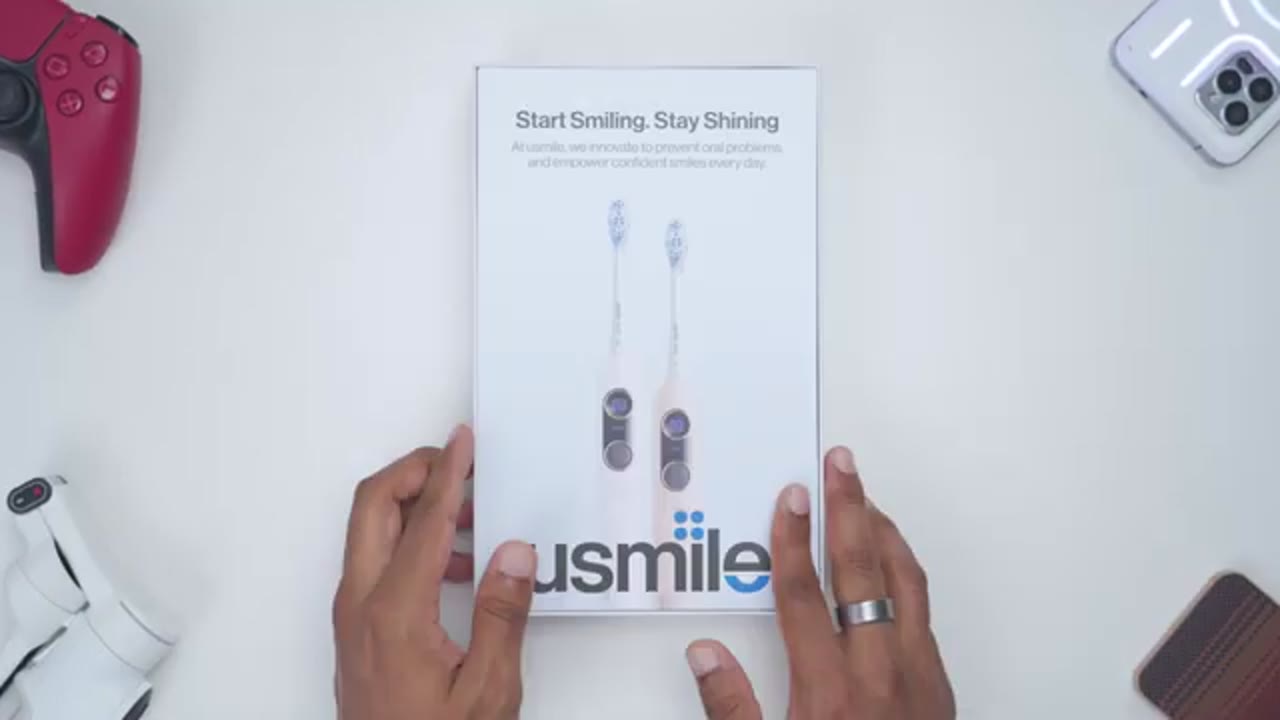
review. In the box, we have the Usmile Y20 Pro toothbrush along with two brush heads, a wall mount holder, USBA to type-C charging cable, and manual. The
Design
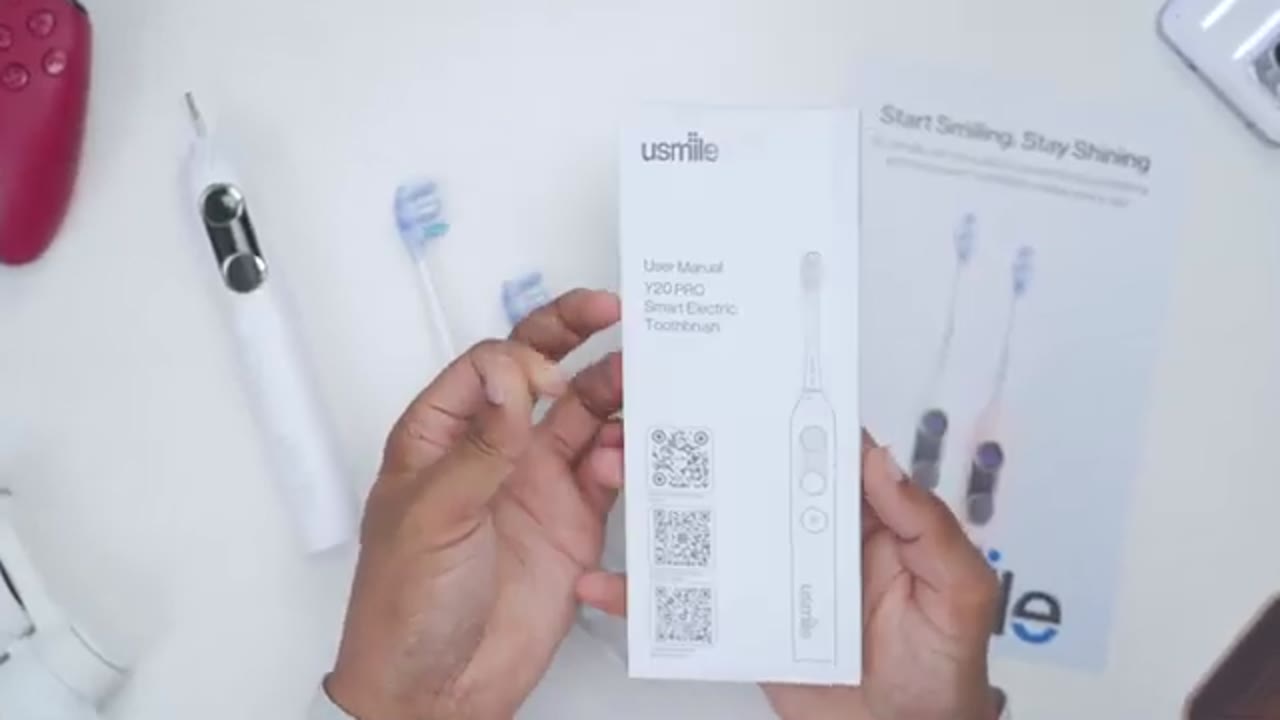
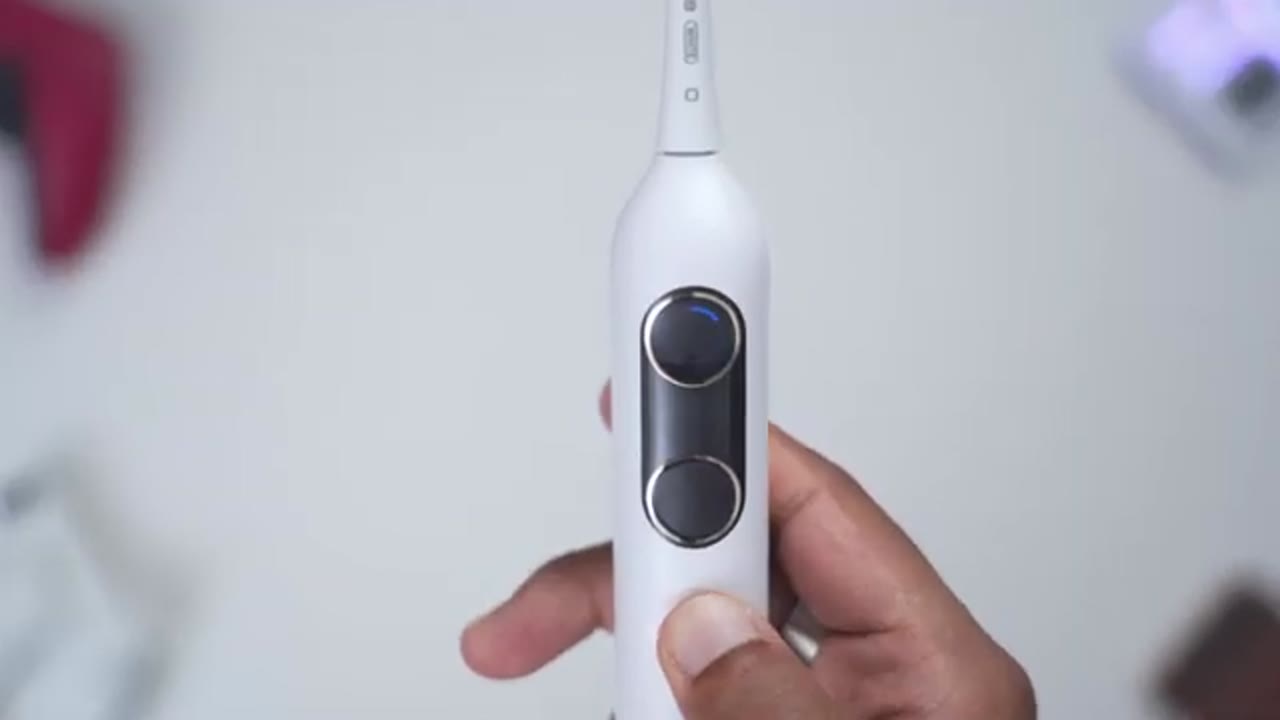
Y20 Pro comes in at around 143 g with the brush head. Now, looking at the design, so it’s very slim, really sleek in the hand, feels very ergonomic to hold. Now, on the front, we have a screen area along with a power and mode button. And there’s also another touch area here to access the menu settings. On the top, we have the attachment stem for the brush head. And the body is this type of matte finish, so it doesn’t feel slippery. It feels pretty good in the hand. And at the very bottom, this is where we have the USB type-C charging port anytime you need to top this up. There’s a massive 2500 mAh battery in here, giving you up to 3 months of battery life. And this actually has bone conduction voice prompts to guide you while brushing, which is going to be interesting to try out.
The brush heads have soft tapered bristles, which is what you want to see to preserve your gum health and your enamel. And on the back, we actually have this silicone material here. This is going to feel gentler in the mouth, and you’re not going to have those kind of scratches and nicks that you would see with hard plastic backs of toothbrush head. And we actually have 8° of flexion as well. So, that’s going to help a little bit with reach when you’re brushing further back. The bottom of the brush head has the attachment area. So, I’ll just attach it to the Y20 Pro, and it snaps into place nice and securely. By the way, if you’ll be using the wall mount holder, it does have an adhesive layer at the back.
You could just unpeel that, stick it to your wall, wait 24 hours, and once you’re done, you could go ahead and just hang the toothbrush right from the wall
Operating The Y20 Pro
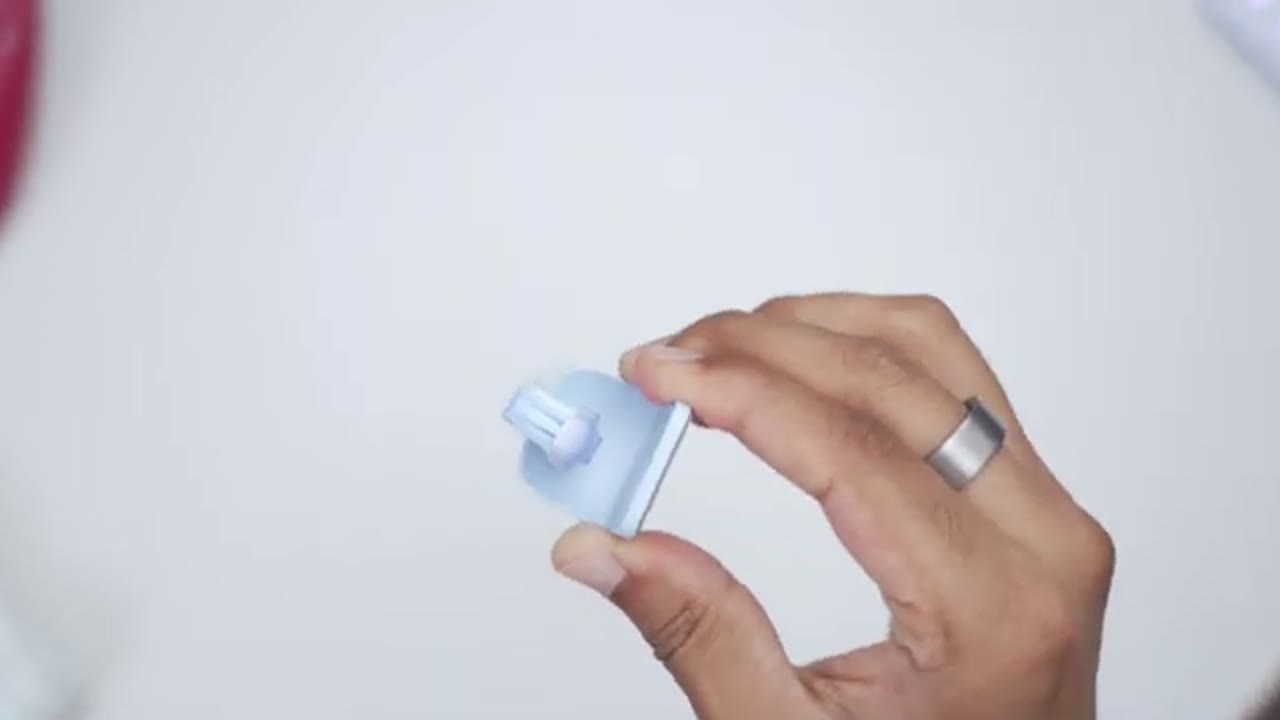
mount. Using the toothbrush, it’s really simple. So, first you’ll quick press on the main power button, remote button. You can see it’s in gum care. And within 4 seconds, I could go ahead and cycle through to the smart brushing mode, stain removal, morning mode, or I could just pause everything. Now, if you leave the toothbrush alone for about 10 seconds or so, it’ll power off automatically. You could change the settings directly on the toothbrush if you don’t want to use the app. So, if I just tap on the settings icon here, and then I just long press on here, it’s going to boot me into the full settings. And you could see I can customize the smart mode. So, if I go ahead long press again into that, I can go ahead and switch it from low, medium to high.
So, once I pick on high, I’ll just long press again to confirm that change. Just like that. And then if I cycle through, I could turn the voice prompts on or off. I can also go ahead turn Wi-Fi on or off. I could go ahead and take a look at the languages. So, let me just tap into that. And the available languages are going to be Chinese, English, Spanish, Dutch. So, we can also reset the brush head. If you put in a new brush head, you could turn on mode, you could reset everything and you could just go to back. To connect the Y20 Pro
usmile App Pairing
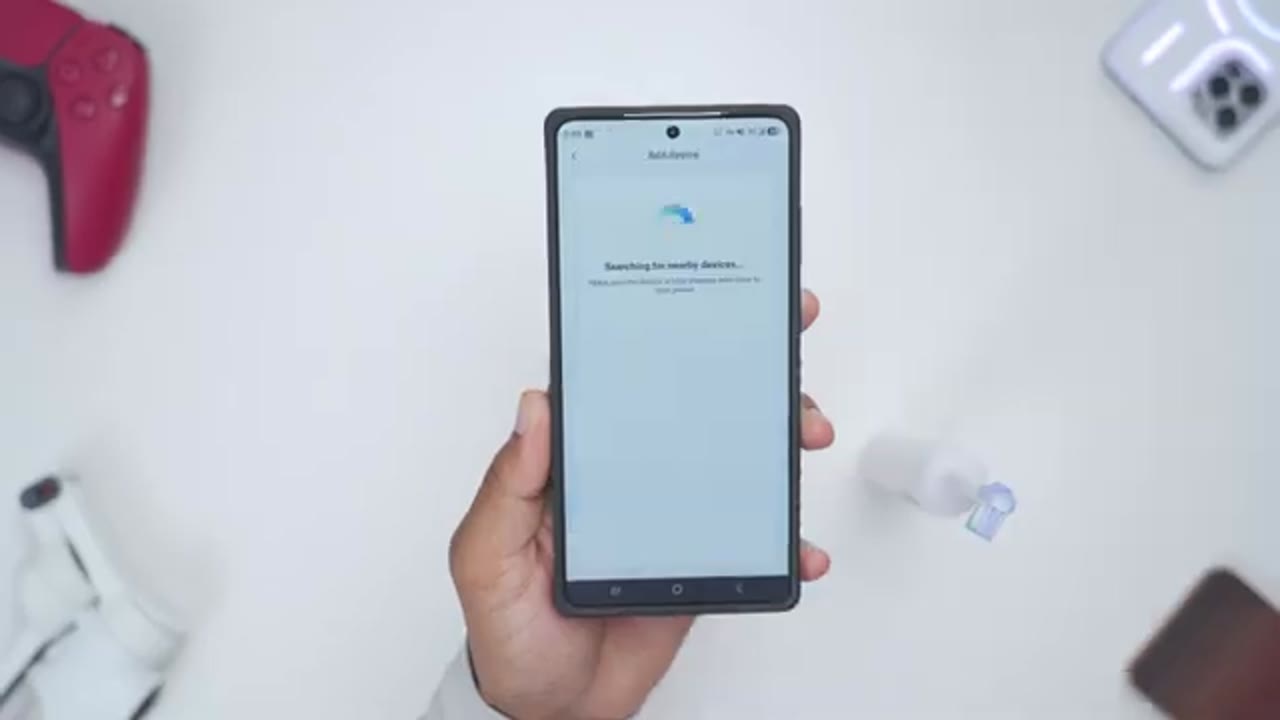
to the Usmile app, just make sure Bluetooth is turned on and you enter your Wi-Fi details correctly and it should connect without any issues. Let’s
usmile App Settings
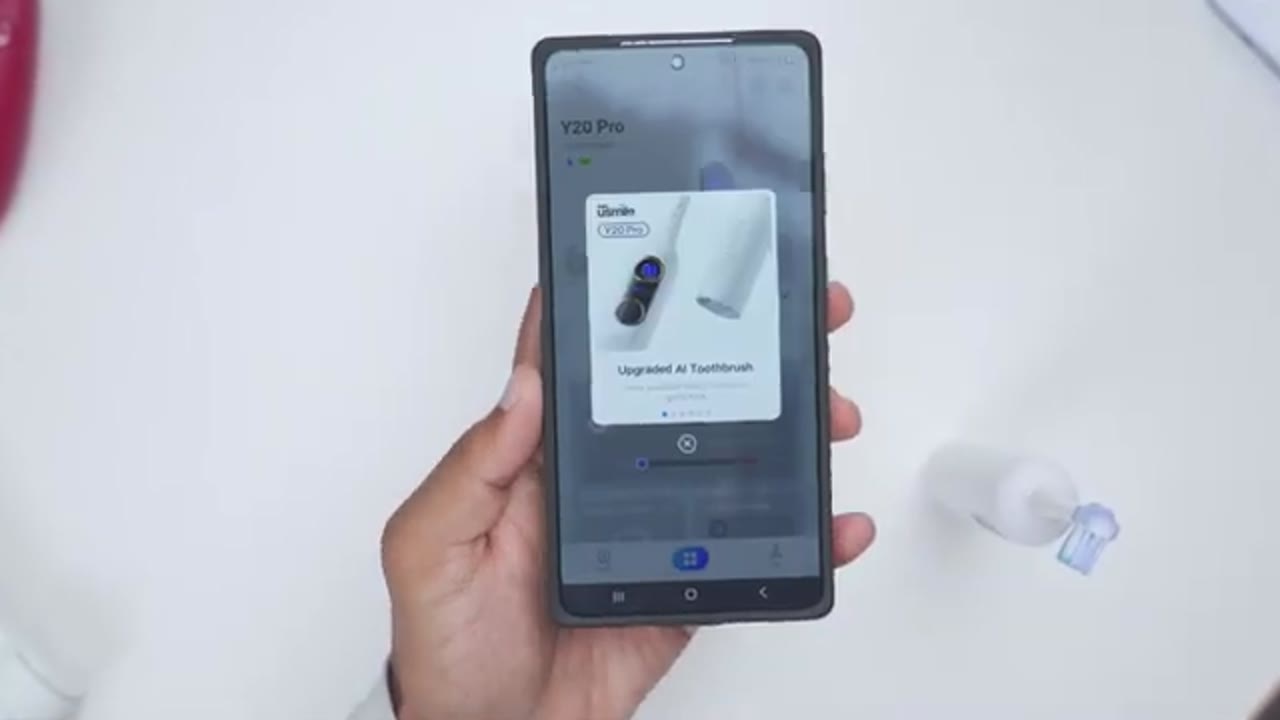
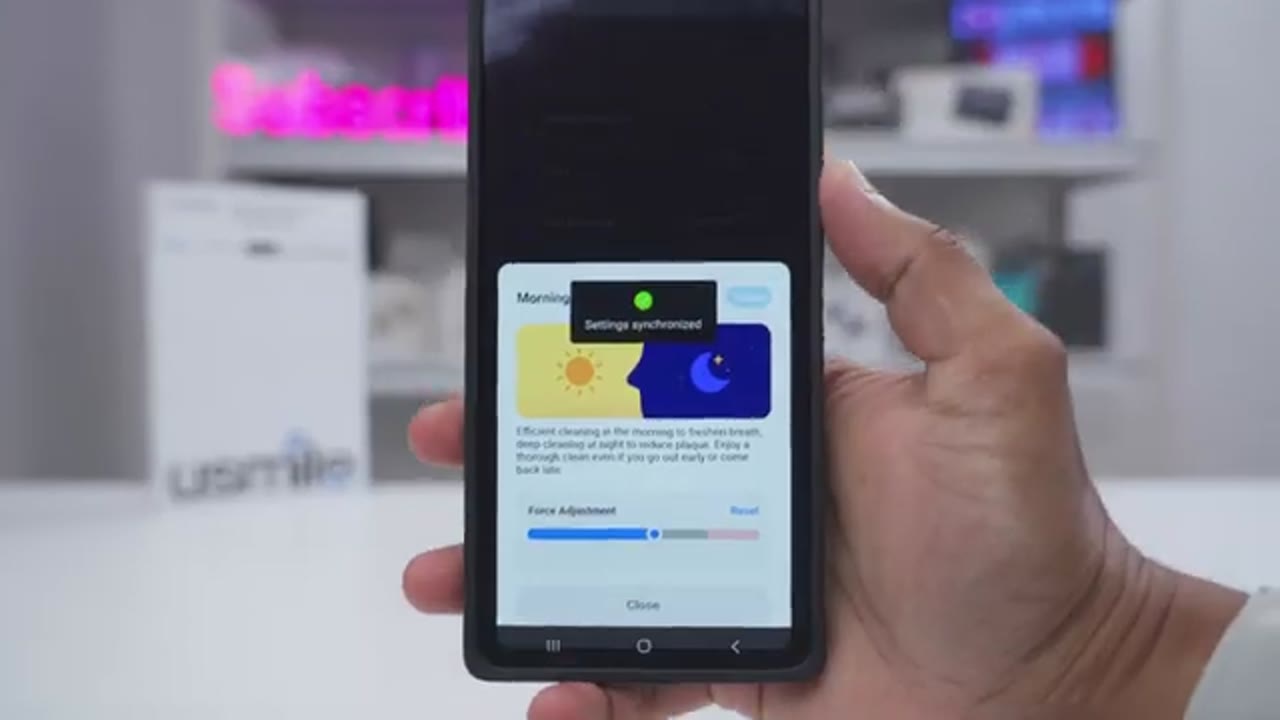
take a look at the Usmell app settings. So, once you open the app up, you can see the current battery life. I can also see that it’s connected by Bluetooth and Wi-Fi. If you press the airplane mode icon, it’s going to turn off Bluetooth and Wi-Fi if you don’t want that on your toothbrush. Now, if you tap under settings in this mode section here, you can go ahead and view details of what each of the brushing modes do. And you can also add additional brushing modes if you need them. Under oral health records, you can actually drag indicator icons. So, I’ve dragged that I have sensitive teeth in these areas and stain in these areas here. And once I do that, it actually generates kind of a 3D map, which I could tap and load up right here.
And I believe that the toothbrush actually uses this data when it’s using the smart brushing mode to adjust the intensity intelligently. Under toothbrush display, you can set what you see on the screen before you brush while you’re brushing and postbrush. So pre-brush means as soon as you press the button, you can either see nothing on the screen. You could see the areas that you missed the last time you brush or you can see the brushing time for your last brushing session. While you’re brushing, you can take a look at, you know, which quadrant or section of your mouth you should be brushing in. Or you could see an elapse, you know, kind of running time.
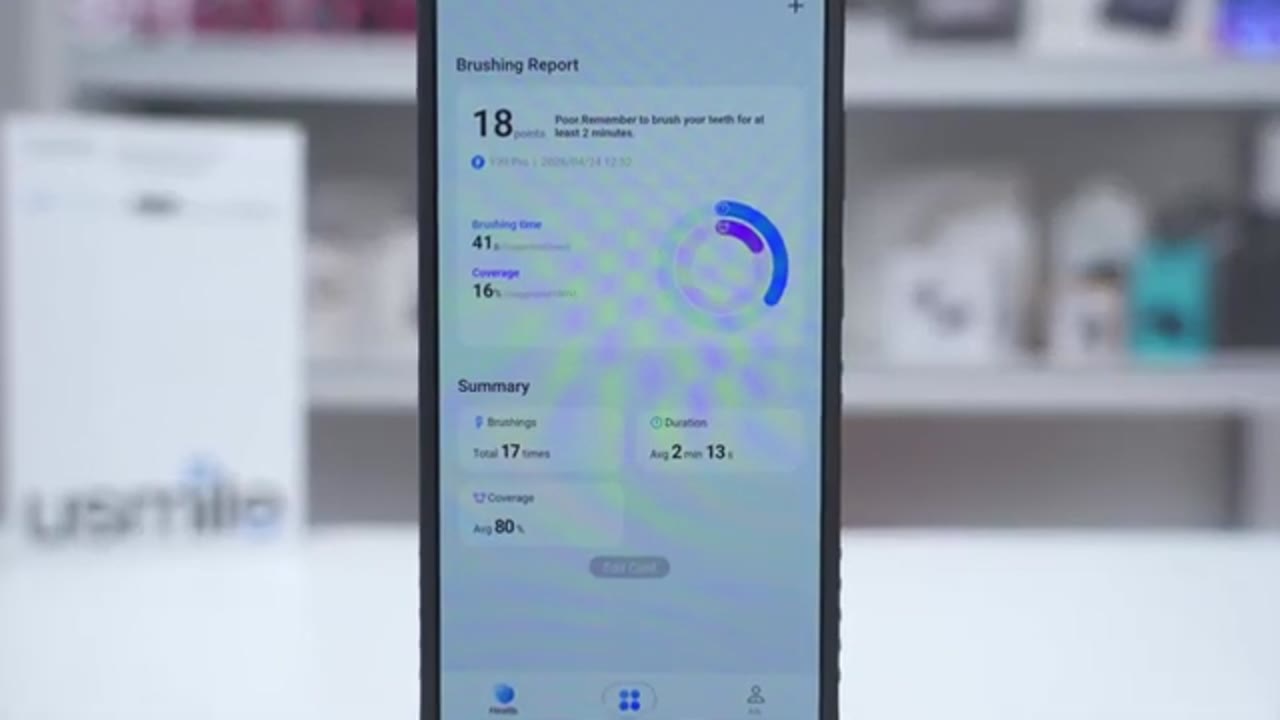
And then for postbrush, you can see the total time, you know, again, you could see this uh smart brush or rebrush guidance, or you could set the display off on all of these areas. Now, you can also set the brushing time from 2 minutes all the way up to 4 minutes. You could see the usage days, and you can also have it send you kind of a reminder when you need to replace your brush head. You can also go into voice reminders and turn on the conductive voice prompts for all of these or you could just disable these completely as well. Looking at the health tab at the bottom left. So it’s showing that on average I’m brushing for about 2 minutes and 13 seconds with about 80% coverage. Now do note if you tap into that it breaks it down by week and by month.
So you can see if I do it by month that number goes up slightly. It shows my shortest brushing time, my longest brushing time as well. So you can really follow the data. Make sure you’re getting 100% coverage and you’re brushing for the recommended amount of
Water Test Demo
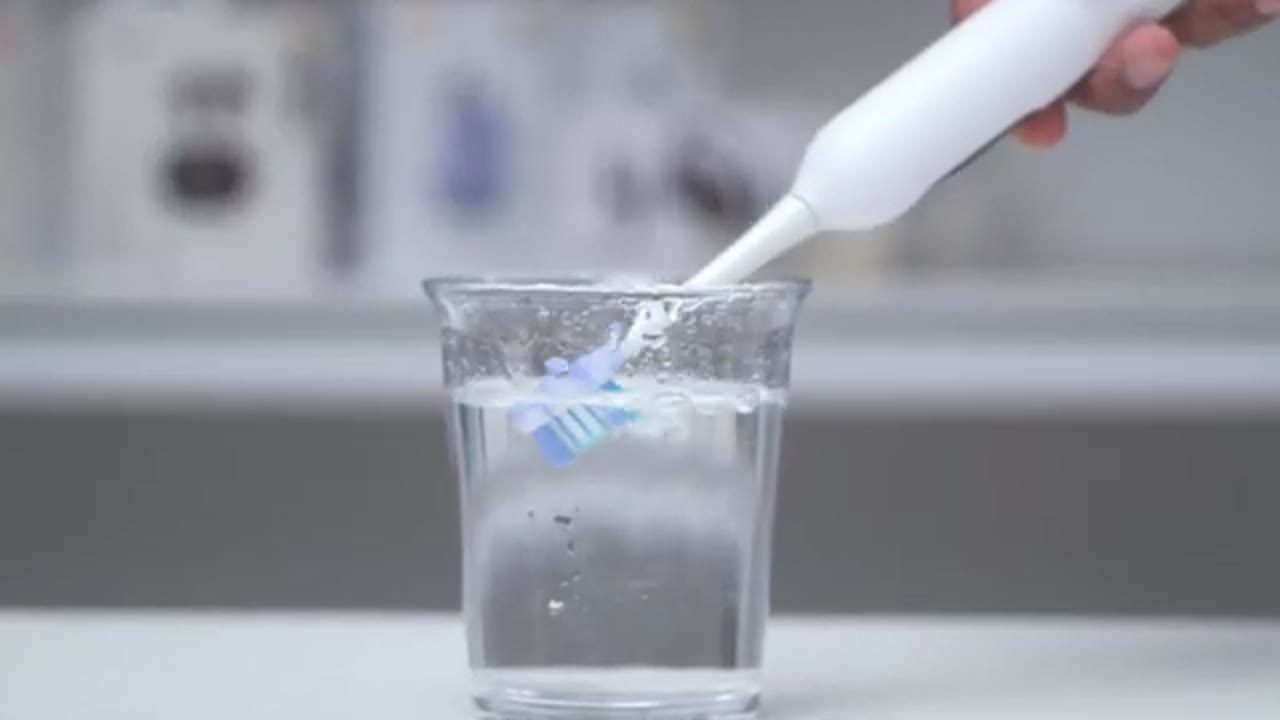
time. Notice that when I place the toothbrush head near water or in water, it actually displaces and disrupts a lot of that water. And that’s exactly what you want to see because when you’re brushing, this is what the toothbrush head is going to be doing to that plaque bacteria on your teeth. And while manual toothbrushes can clean effectively with the right technique, a lot of people don’t practice that. So jumping to an electric toothbrush like this is a great
Cleaning Modes
option in terms of the cleaning mode. So there’s four preset cleaning modes on the toothbrush, but you can go into the Usile app and drag additional cleaning modes in there. And you can also adjust the intensity of each of the cleaning modes when applicable. Now I mostly stuck to the smart cleaning mode and the morning evening cleaning mode. More the morning evening cleaning mode. And the difference with that is that with both of the modes, the toothbrush will automatically adjust the intensity based
Cleaning Experience
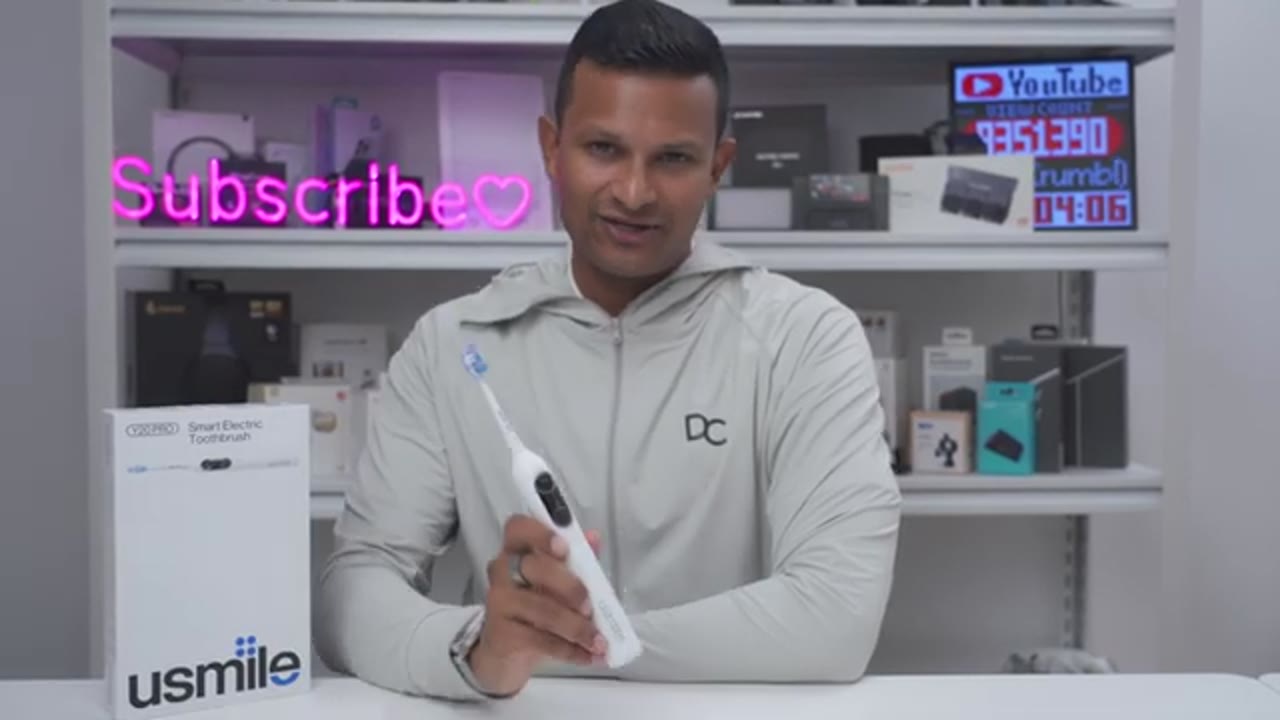
on the mode. Now, let’s talk about the cleaning experience on here. So, when I used this, I actually went into the app and I manually adjusted the intensity to be the maximum intensity when brushing during the mornings and at night. And even at the max intensity, this was still a very pleasant and gentle cleaning experience. Compared to a lot of other electric toothbrushes that I’ve used, however, that in no way affected the cleanliness of the cleaning experience. My teeth still felt very squeaky clean. So, if you’re someone who has sensitive gums or you find a lot of electric toothbrushes to be, you know, just a bit too powerful or too intense, this is probably a great option for you. And you can even dial the intensity back
Smart Features
more if you like. So, are these smart features on here actually worth it? Well, if you’re someone who’s actually going to go into the app and use it, the smart features are worth it. It actually shows you the coverage areas, how often you’re brushing, how long you’re brushing for, and you can really customize, you know, what the screen is showing. You can see the total brushing time. You can see areas that you’ve missed, you know, currently. You can see areas that you missed during your last brushing period. So, it can really help you, you know, kind of develop a routine and make sure you hit all areas of your mouth without missing anything. Now, what if you’re someone who really hates smart features? You don’t want Bluetooth and Wi-Fi on your toothbrush.
You just want a traditional toothbrushing experience. Turn it on, brush your teeth, and turn it back off. Well, you can have that as well. So, right on this settings button right here, you could just put this into airplane mode. is going to turn off Bluetooth and Wi-Fi
Bone Conduction Voice Prompts
conduction prompt. >> In terms of the bone conduction voice prompts, I actually found it pretty useful. So, whenever it had short phrases to say like good morning, good evening, all done, I could easily make that out. It was only if it was saying, you know, kind of a longer sentence where I wouldn’t be able to make everything up. However, the thing I found most useful is that in certain brushing modes, it would actually play a ding tone or chime, letting me know to move to the next section of my mouth. and that helped me kind of develop a routine and stay on track with brushing, so I wouldn’t actually miss any areas.
Ergonomics
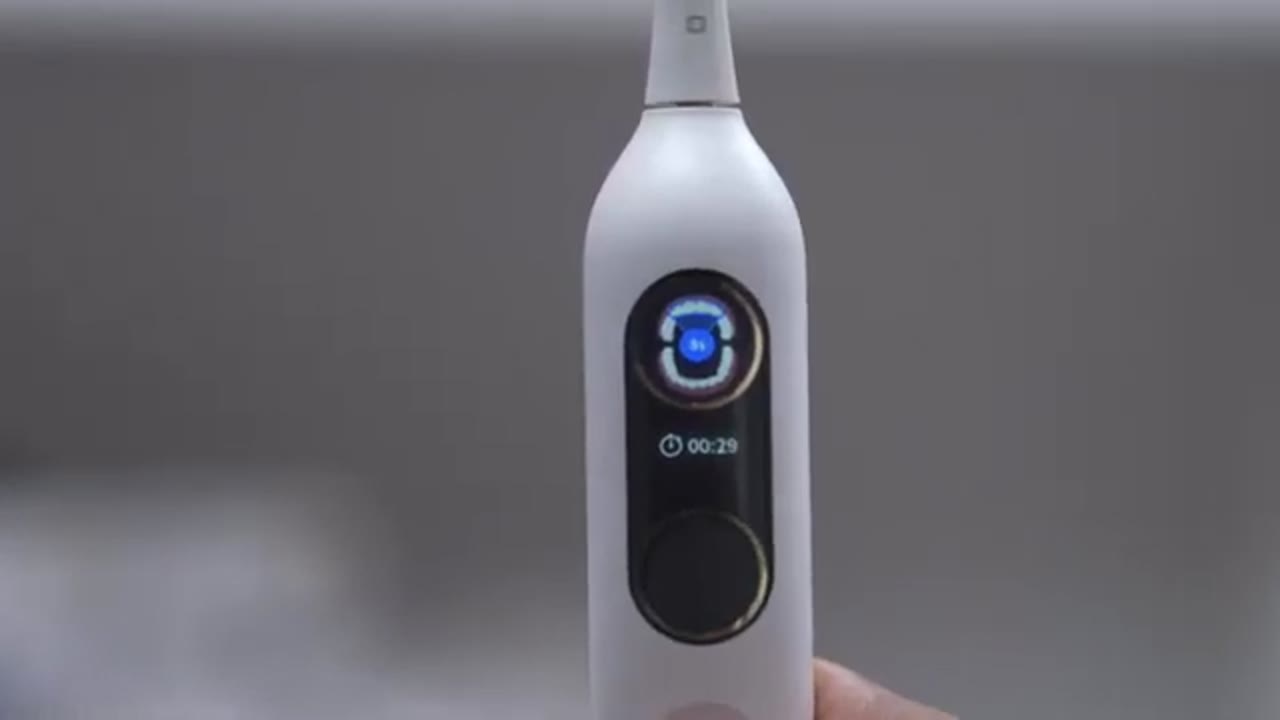
In terms of hand feel and ergonomics, so this feels really good in the hand. It doesn’t feel slippery even though it doesn’t have like a ton of texture, but it is a matte type of finish. And in terms of the grip and hold on here, it’s not a super wide body, so it’s very easy to hold, angulate, and manipulate while
Battery Life
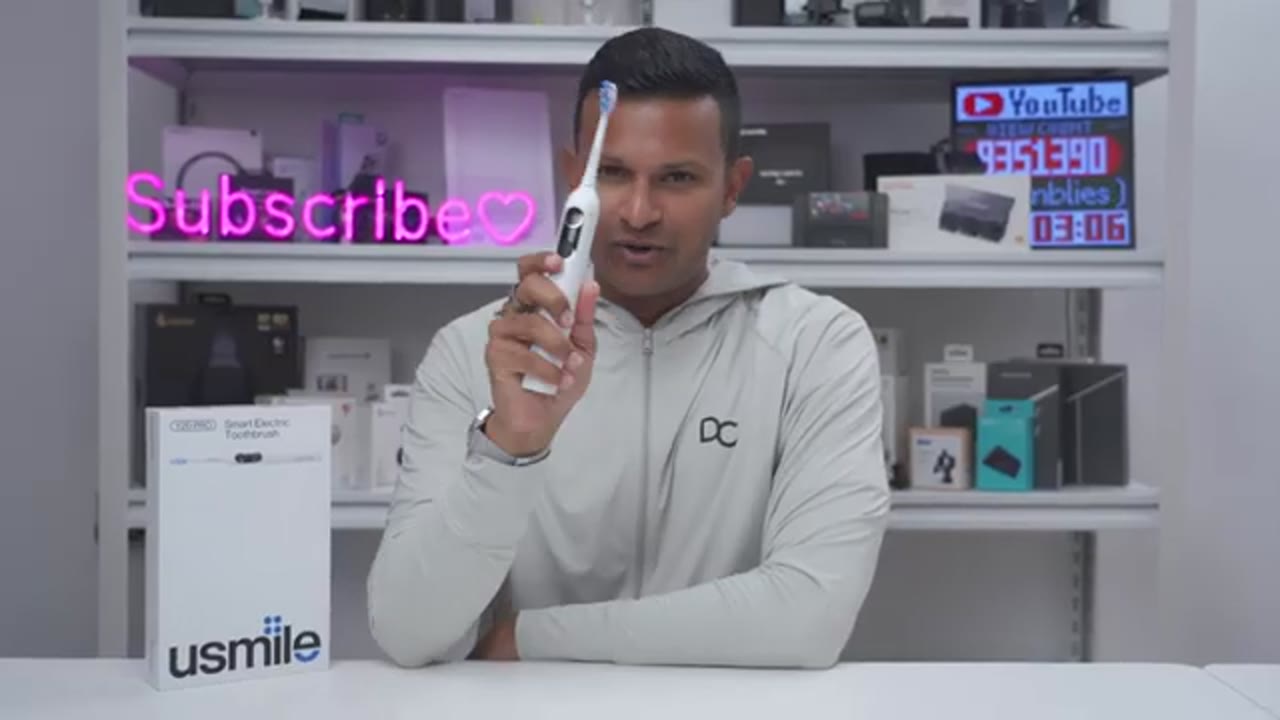
brushing. In terms of battery life, this is rated for up to 3 months of battery life since it has a large 2500 mAh battery in here. Now, it’s really going to come down to how often you’re brushing. Are you brushing just once a day, twice a day, more than that? How long are you brushing for? And at what intensity? So, all those factors are going to come into play. What I can say is that I’ve used their previous model, the Um Smile U3, and the battery life was fantastic on that. I was easily getting over 2 months. So, the battery life on here should be just as good. And
Changes?
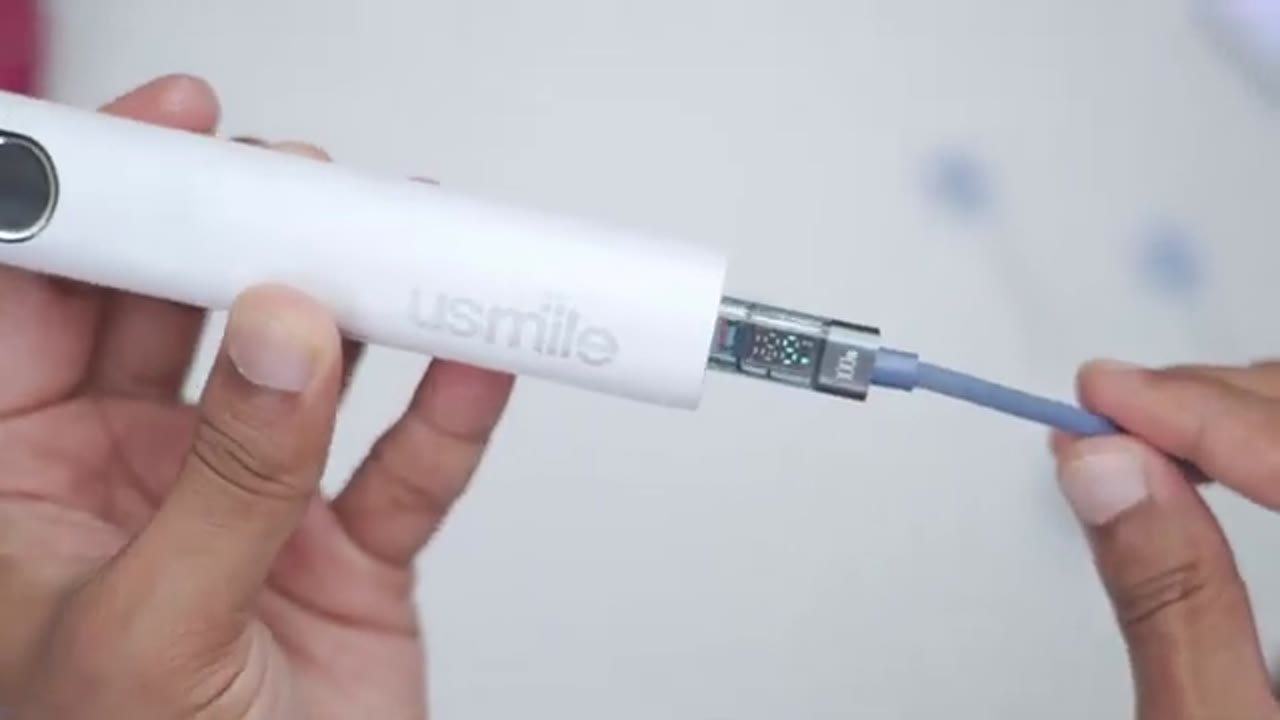
while my experience has been great with the Y20 Pro, there’s two small changes I would have liked to see. and one is to remap the settings button on here so that I could just set it to change intensity. And I would have liked if I could actually remove cleaning modes that I know I’ll never use on her. It seems I could add cleaning modes, but I just can’t remove the default for the come on here. But really minor complaints for an otherwise great
Previous Experience?
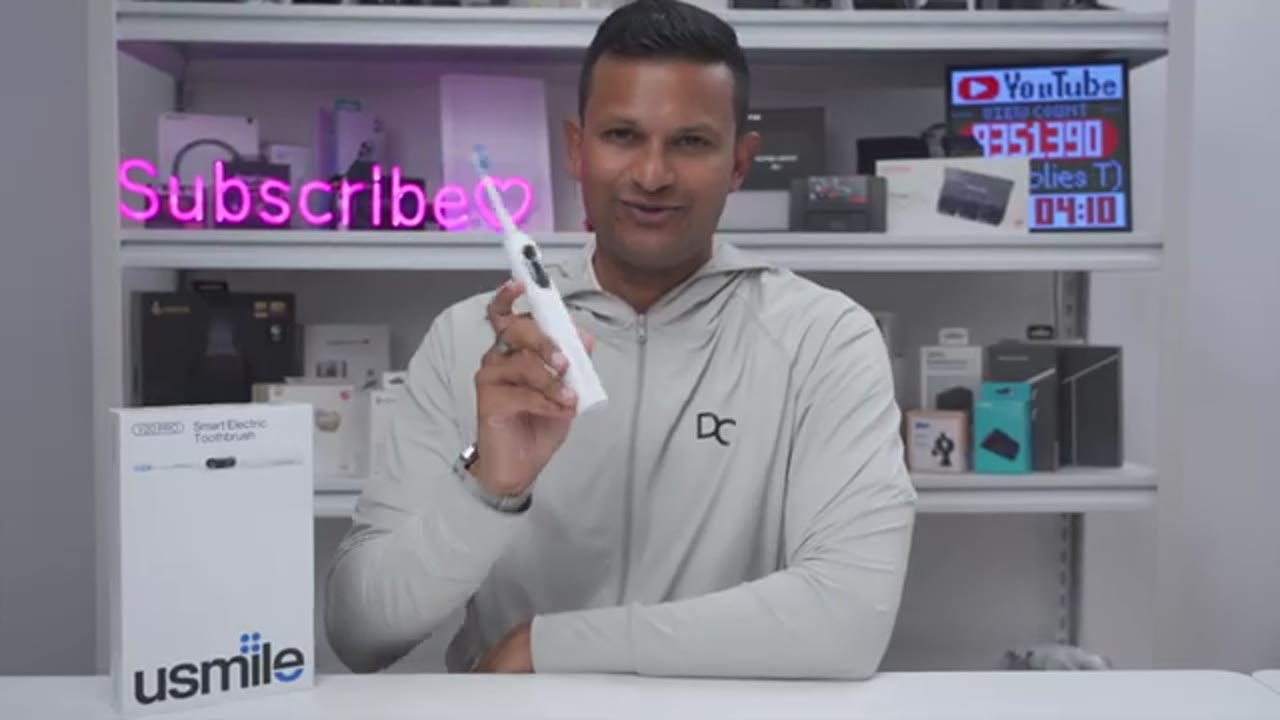
toothbrush. And just a quick note, before Usmile actually sent me the Y20 Pro, I had purchased the U3 on my own. And this is what I was using as a replacement to my Philips Sonic Air toothbrush because the head or attachment stem on there got loose. It really wouldn’t work. And this is still going strong and still ticking. The only reason I stopped using it is was that I was reviewing other toothbrushes. So, I have really no issues about, you know, long-term reliability and longevity. So,
Recommended?
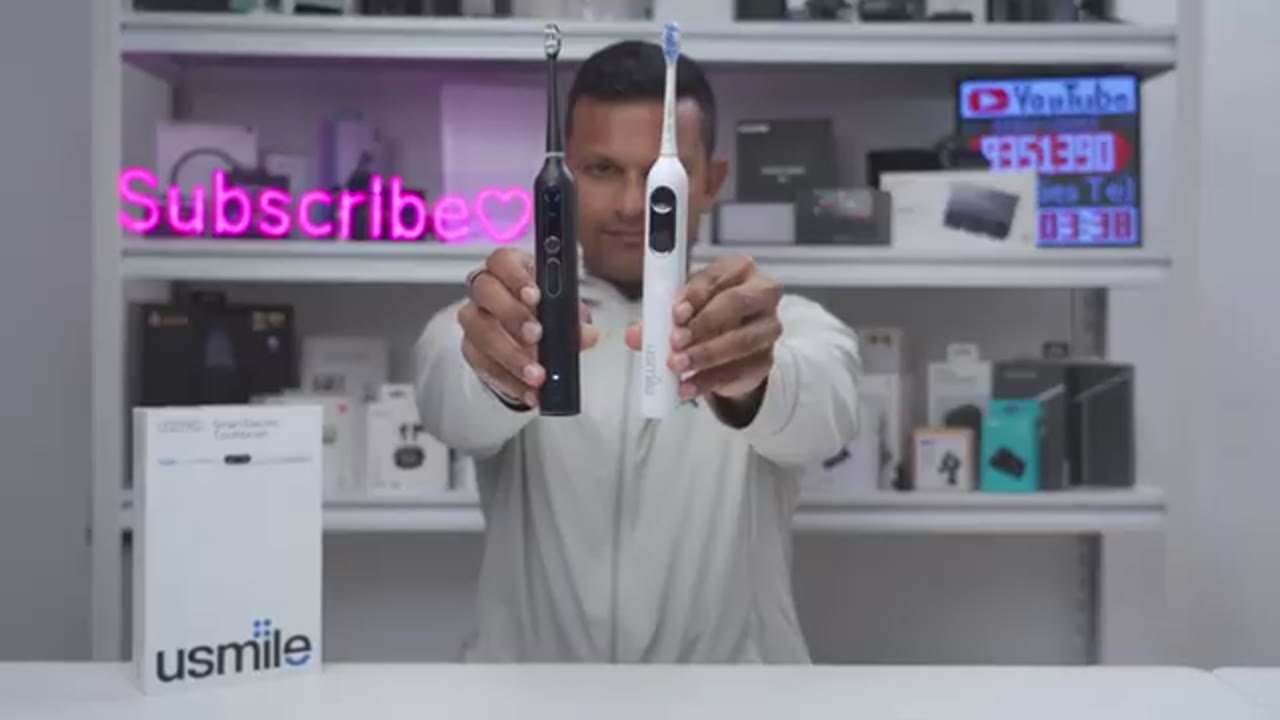
if you’re looking for an effective toothbrushing experience with a ton of features, the Usmell Y20 Pro is hard to beat. You get an effective clean in a toothbrush body with an ergonomic handle. There’s excellent battery life at up to 3 months. Smart features like voice guidance. There’s brushing data showing you which areas you miss, how long you’re brushing for, and the ability to fully fine-tune your toothbrushing experience in the app, or turn off all of the smart features for a more traditional brushing experience. So, if you’d like to get your very own Y20 Pro, I’m going to leave links down below. And if I have any type of coupon codes, I’ll share those down below as well. If you like this video, maybe consider checking out this video next and maybe even liking and subscribing.
I review a bunch of different tech. I’m sure you’re going to find something you like.
Buy usmile Y20 Pro AI Electric Toothbrush
Please note that some of the links in my video descriptions are affiliate links where I earn from qualifying purchases. As an Amazon Associate I earn from qualifying purchases.