


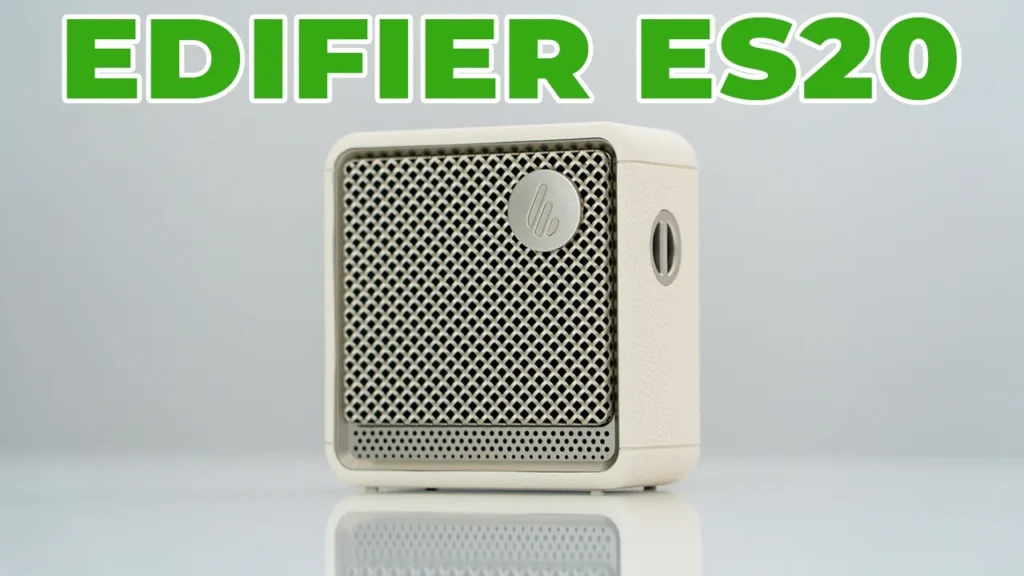

Buy Edifier ES20 Speakers on Amazon
Please note that some of the links in my video descriptions are affiliate links where I earn from qualifying purchases. As an Amazon Associate I earn from qualifying purchases.
Intro

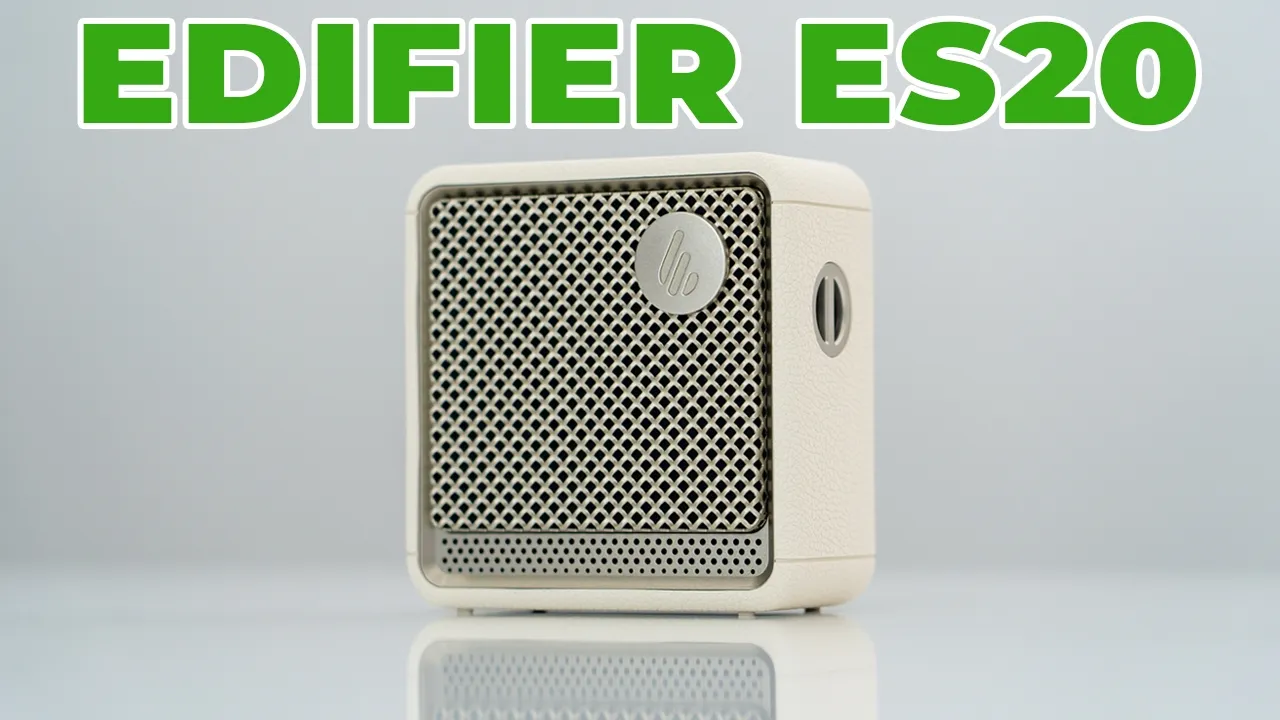
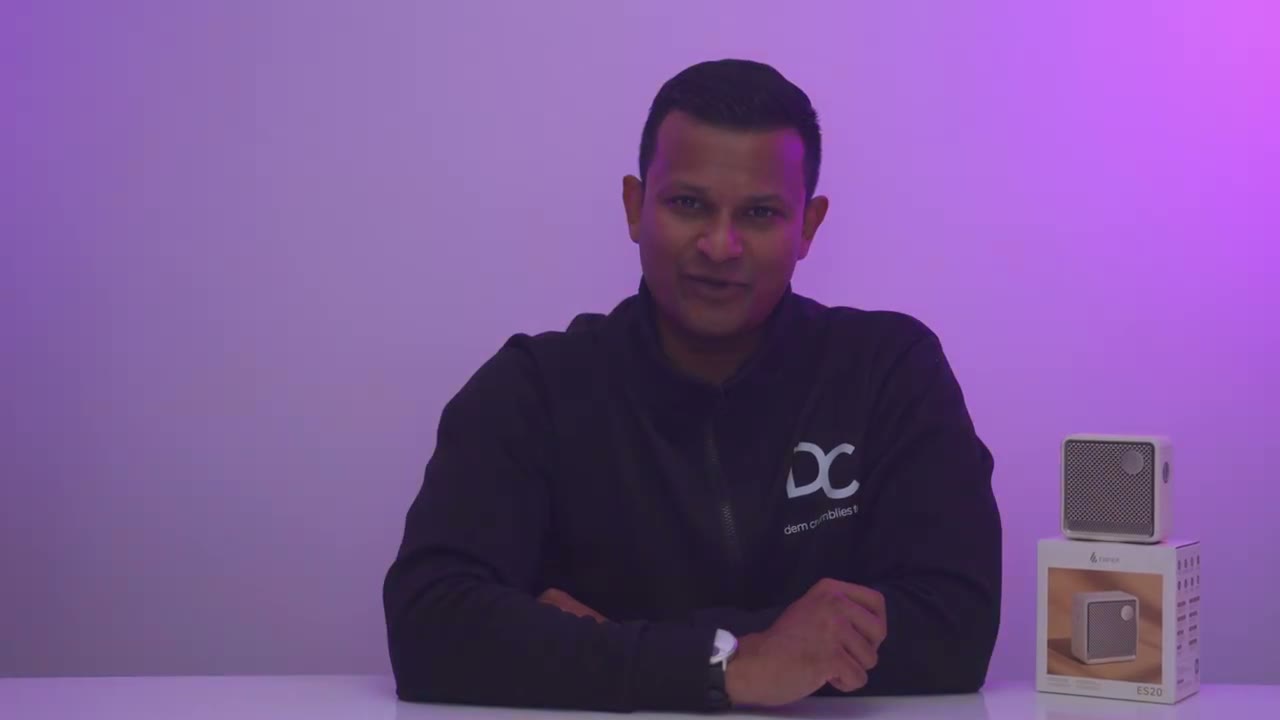
Hey, it’s Adrian and if you want loud sound for your desk setup or to take with you on the go, you have to check out Edifire’s ES20 portable Bluetooth speaker. It has a class D amplifier outputting 6 watts of power with a 55mm passive base driver and a 43mm fullrange driver. It lasts up to 15 hours for dayong use. It has an IP67 rating for indoor and outdoor use. There’s Bluetooth 5.4 for multi-point connectivity to connect two devices, rear lit ambient lighting, physical button controls, the built-in lanyard slot, the ability to take calls, Edifier Connects app support, and the ability to pair two speakers in stereo mode. But how good does it sound? Well, let’s take a closer look at Edifire’s ES20 portable Bluetooth speaker. And a big thanks to Edifir for sending this out for review.
Package Contents
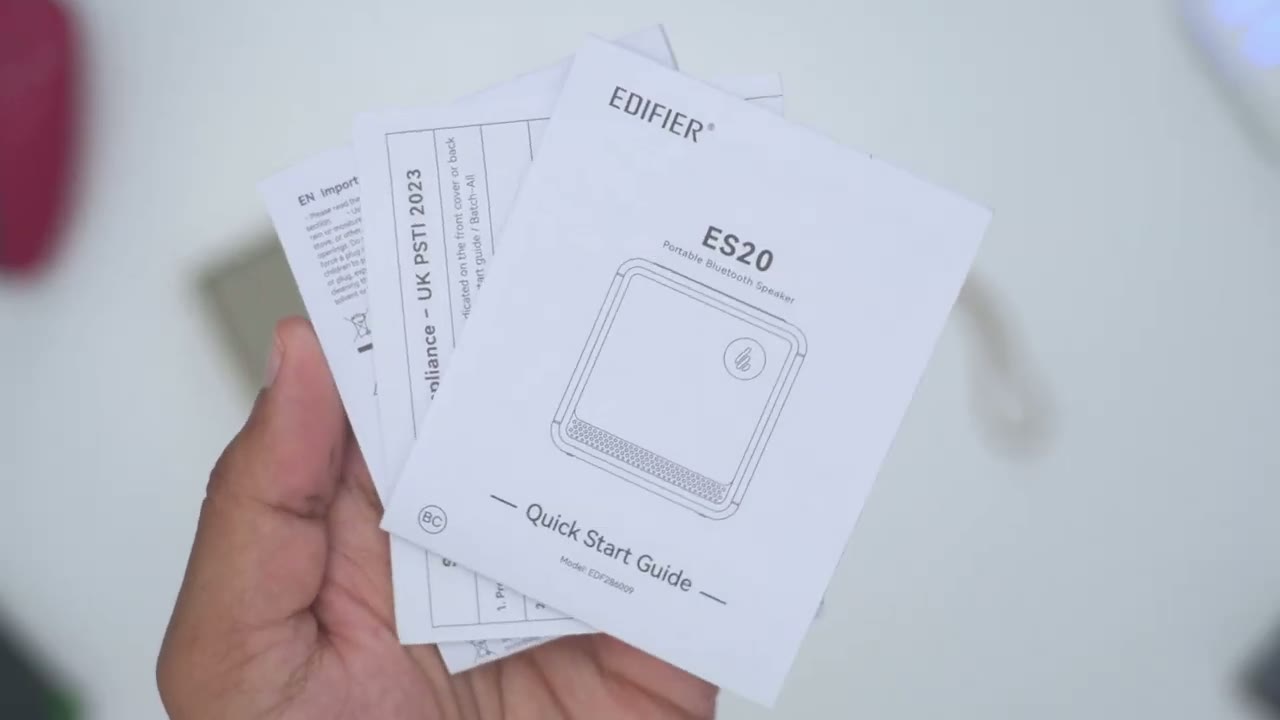
In the box, we have the Edifier ES20 portable Bluetooth speaker, USB type-C to type-C cable, lanyard loop, and quick start guide. Looking at the design, the
Design
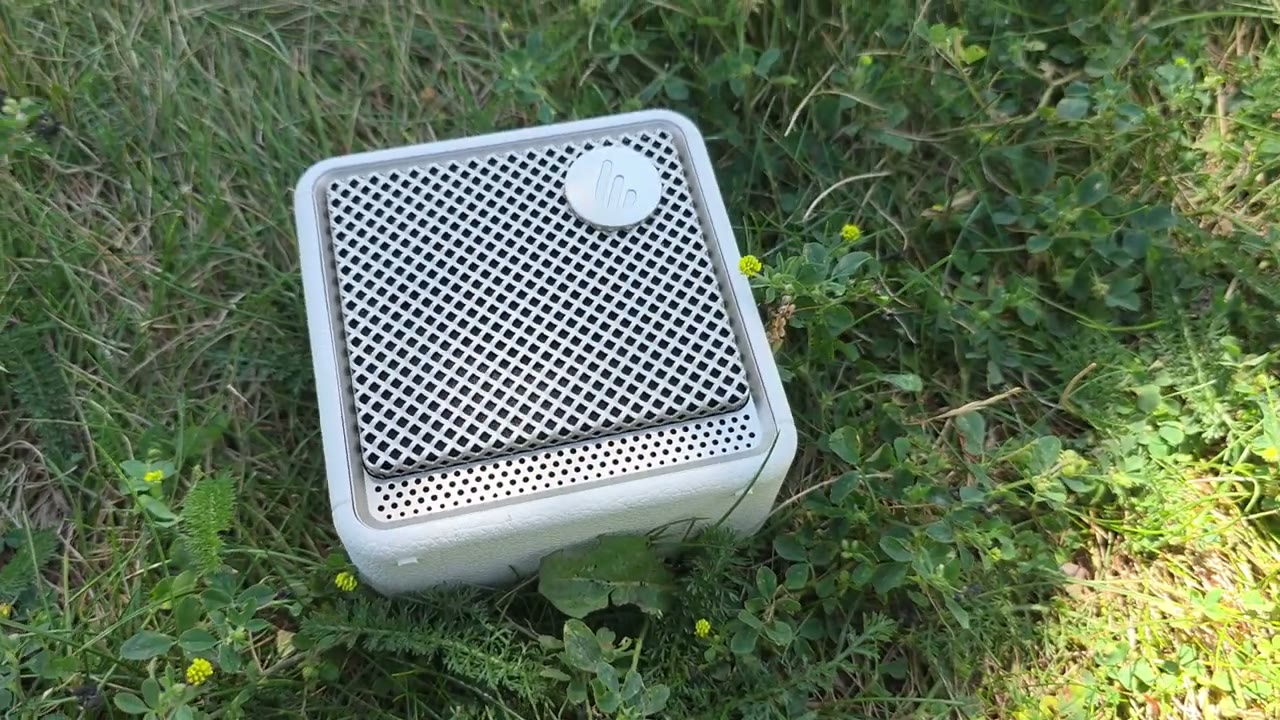
ES20 is a super portable and compact Bluetooth speaker. Pretty much fits in the palm of my hands. Now, this comes in at around 330 g or about 0.7 lb. So, it does have a little bit of weight to it, and it actually feels really well built. There’s no type of creaking or anything like that. It feels solid in the hand. Now, I have the white version, but it also comes in a black version as well. On the front, we have this speaker grill along with the Edifier logo. And this is actually housing a 43mm driver and a 55 passive base radiator. And the very top, this is where we have tactile button controls. And these are kind of soft fuel buttons. We also have a battery LED indicator lights along with an LED indicator. And we also have a microphone port because you can take calls on this as well.
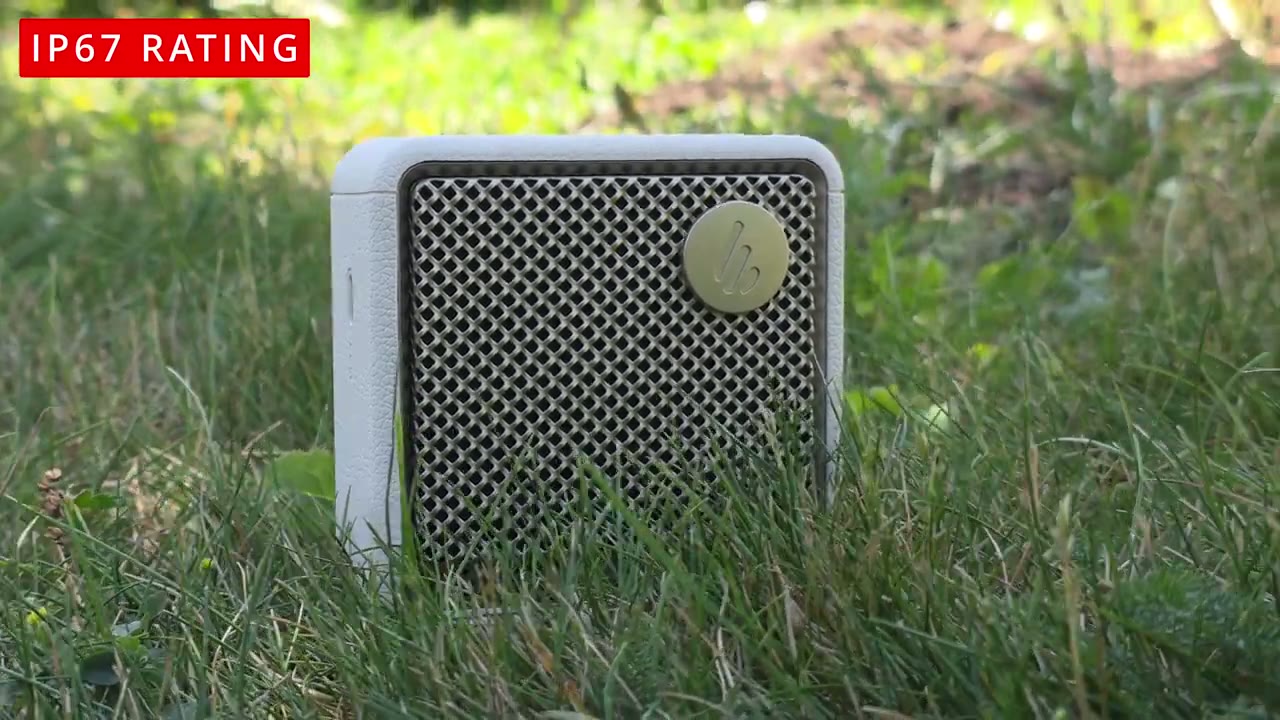
On the side, we have a lanyard port. So, we could thread in that included lanyard strap. There’s a USB type-C port on the side to keep this topped up anytime the battery goes down, but it doesn’t support USB streaming. And then at the very bottom, we just have these kind of little nubs or feet here to just keep these nice and planted. On the rear, we have an LED light strip that wraps all the way around. It gives out a nice soft diffused glow. And we also have a light button here that we can go ahead and cycle through different type of effects on here. And you can use this around water. It does have an IP67 rating, making it dustproof and water resistant.
Specs
Here’s a quick look at the specs. Feel free to pause and review or jump ahead to the next section. I’ll go ahead and
Bluetooth Pairing
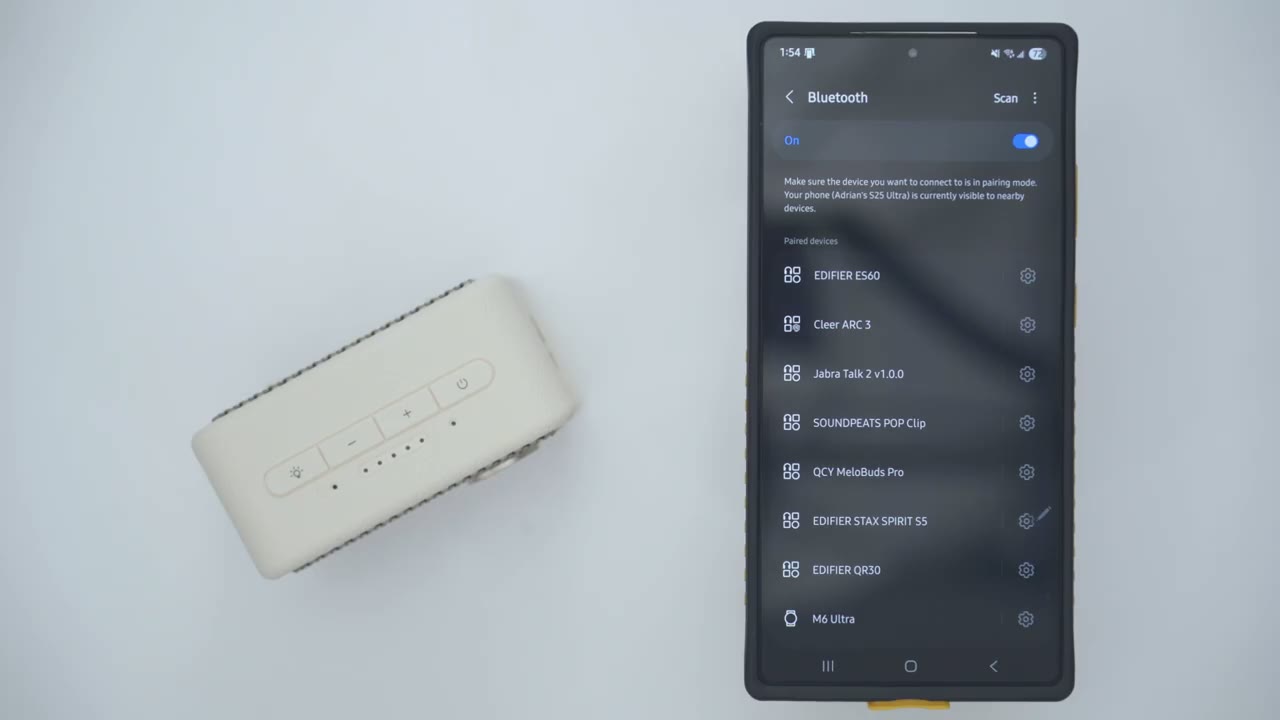
pair the ES20 to my phone. So, I’ll just go ahead press and hold the power button and I can see it’s already in Bluetooth pairing mode, hit scan, and I’ll just wait for it to pop up. There we go. ES220. Wait for the pairing prompt. Hit pair. And you can hear it’s now connected. If I tap into this, it’s available both for calls and audio. I’ll now connect it to my ZFold 6 using multipoint. So I’ll just wait ES220. Wait for the pairing prompt. And there we go. So it’s connected for calls and audio as well. The way
Multipoint
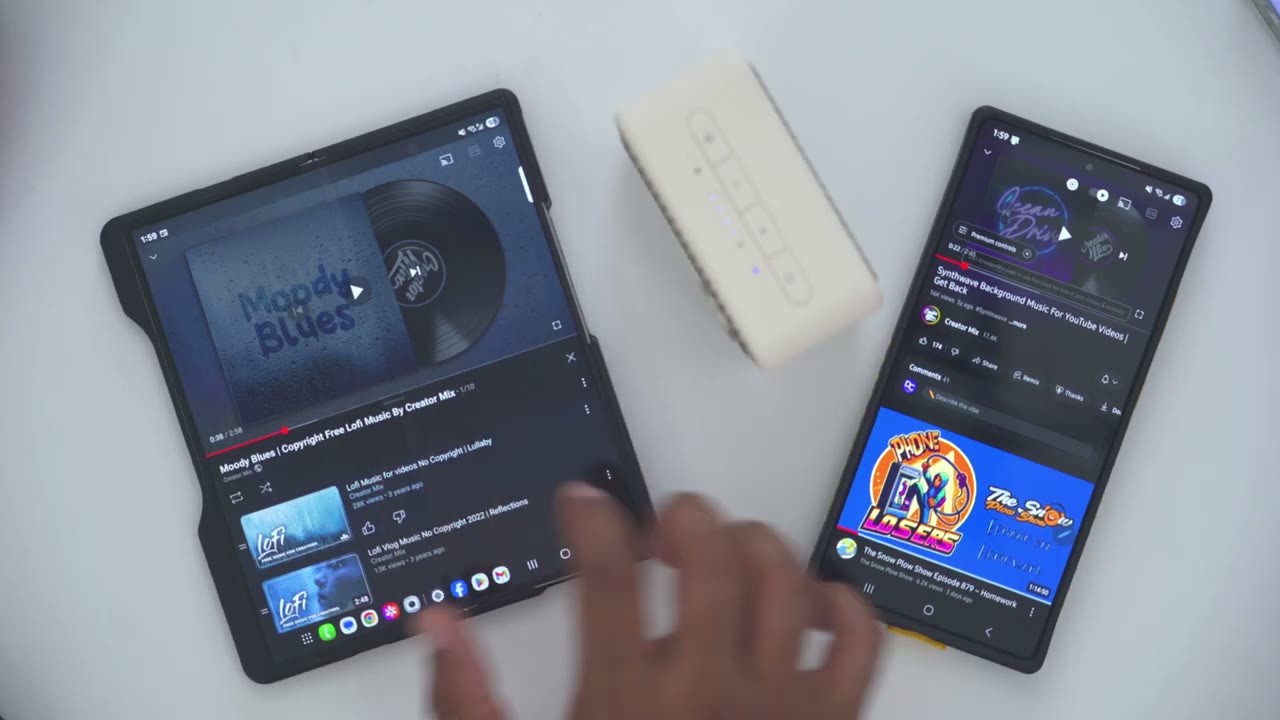
multipoint works is whichever device is playing music first takes priority. So, even if I play music on the second device, it’s not going to switch over until I pause it on the first device. Here’s a demo. [Music] Now that I’ve paused it on this device, it’s going to kick over here.
Button Controls
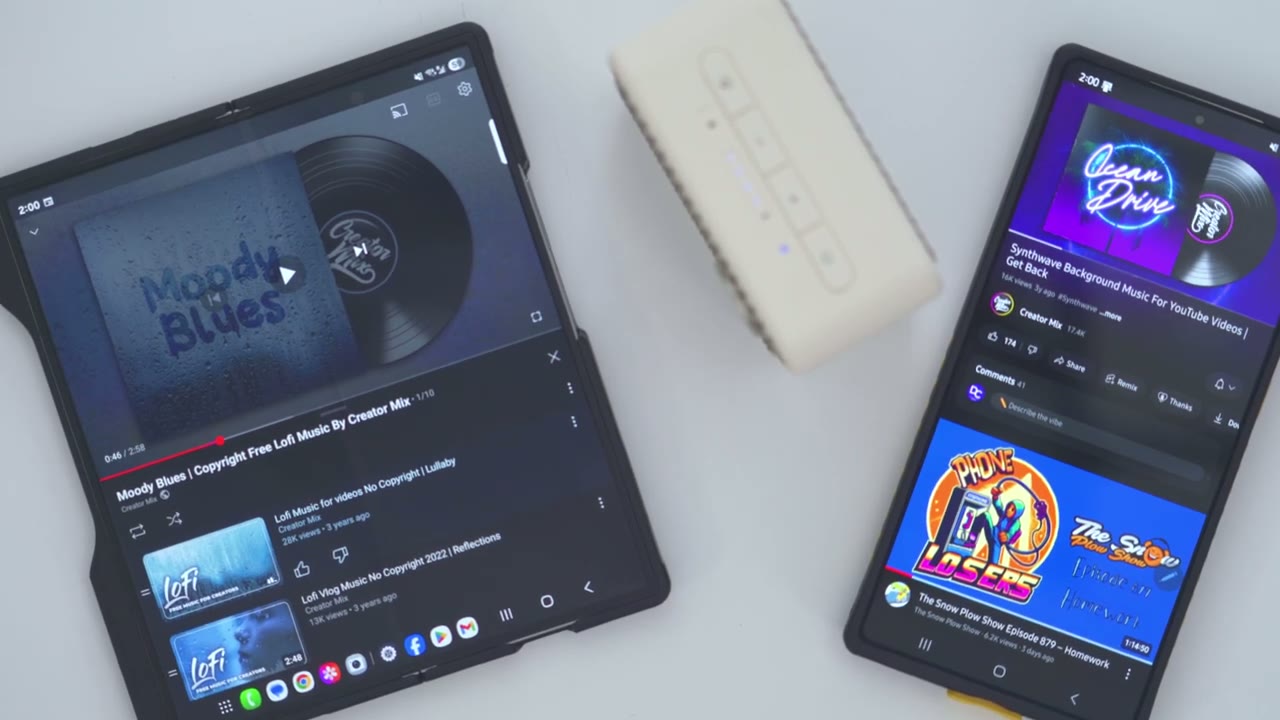
The button controls are super easy to use. So, volume up is of course going to increase volume and volume down will decrease volume. Now, if you long press on volume up, it’s going to jump ahead to the next track. And a long press of the volume down is going to go back to the previous track. And anytime you want to pause music, you could just press the power button once to pause and press it again to resume music playback. You can also accept or reject calls using the power button. In the Edifier Connects
Connex App
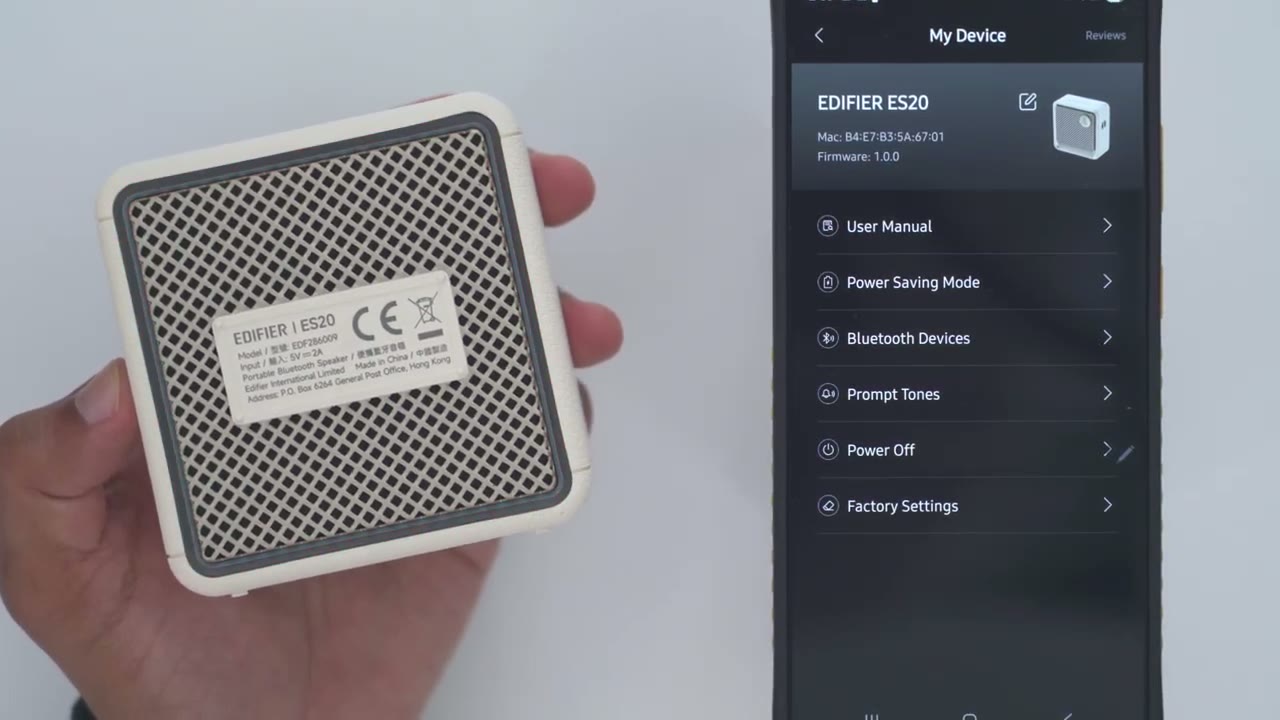
app, I could see that the ES20 is connected with about 80% battery life. If I jump into sound effects, I can switch between the music EQ, game EQ, movie, or outdoor EQ, but there’s no custom EQ setting. Now, if we jump into light effects, we have different options. So, I’ll just go ahead flip this over. So, you can see right now it’s set to static, but you can actually jump in and go ahead and, you know, kind of dial in whichever color you want. So, you do have more LED options here compared to the ES60. Now, you can also set it to this kind of rainbow RGB mode. You could set the light modulation rate so it goes a bit faster. And you can also change the brightness intensity as well. You also have the option to set it to breathing.
And notice that you always have this option on some of these where you can go ahead and kind of, you know, dial in the color exactly as you like. Now, you can also set it to glittering and colorful like you see here. And then, of course, you can activate that emergency light that I showed earlier, which you can also activate by double clicking this. you know, if you’re really in an emergency and you can’t pull up the app quickly. And of course, you can always cut the lights off completely if this is not your thing. Now, you can also go into volume control and just change the volume there if you don’t want to use the top mounted controls or the controls on your device. You can take a look at the firmware, the user manual.
If you jump into power saving mode, if you turn this on after 30 minutes of no music playback, it’s going to shut itself off. You can also take a look at the devices that it’s currently connected to and disconnect them. You can also go ahead into prompt tones and set if you want it to actually, you know, make a noise when you reach max volume or when the Bluetooth is uh connected to your device. And of course, you can just power it off and factory reset
Connection Input
everything. In terms of connections, this only supports Bluetooth connection with multipoint, so you can’t actually use USBC audio streaming. If you want to have that feature, you’ll have to step up to the ES60. And you can check my
Sound
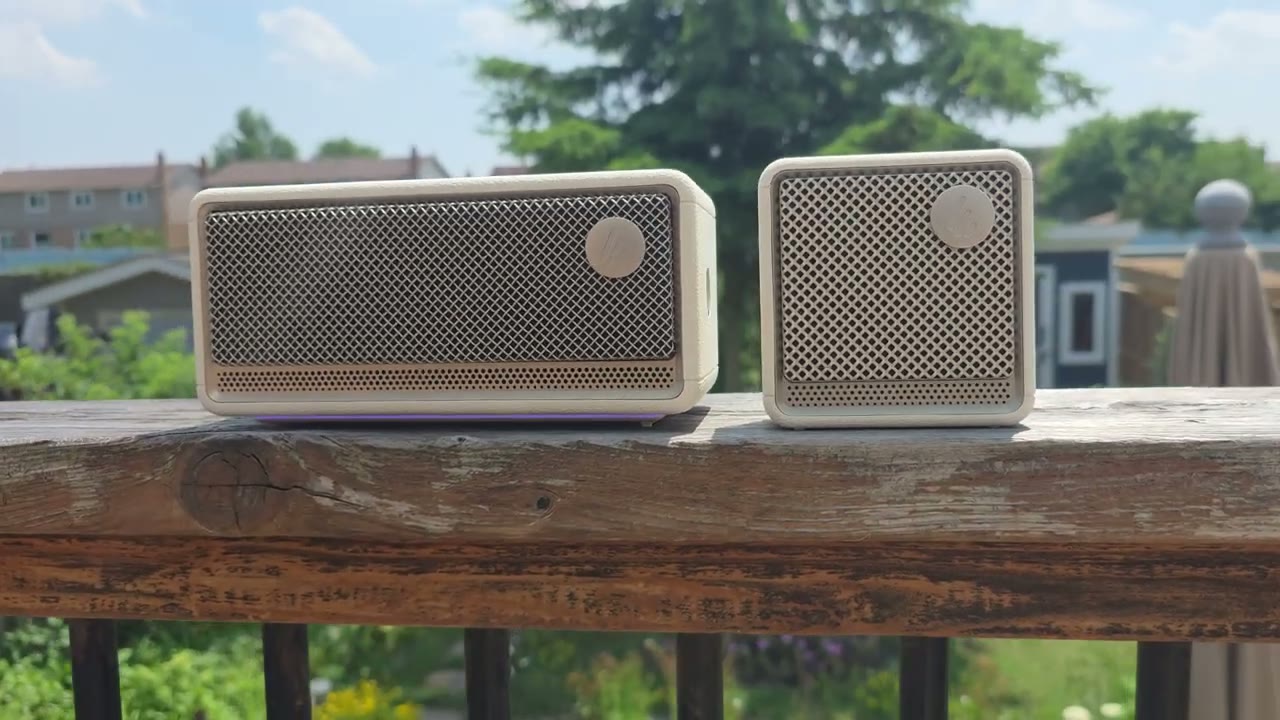
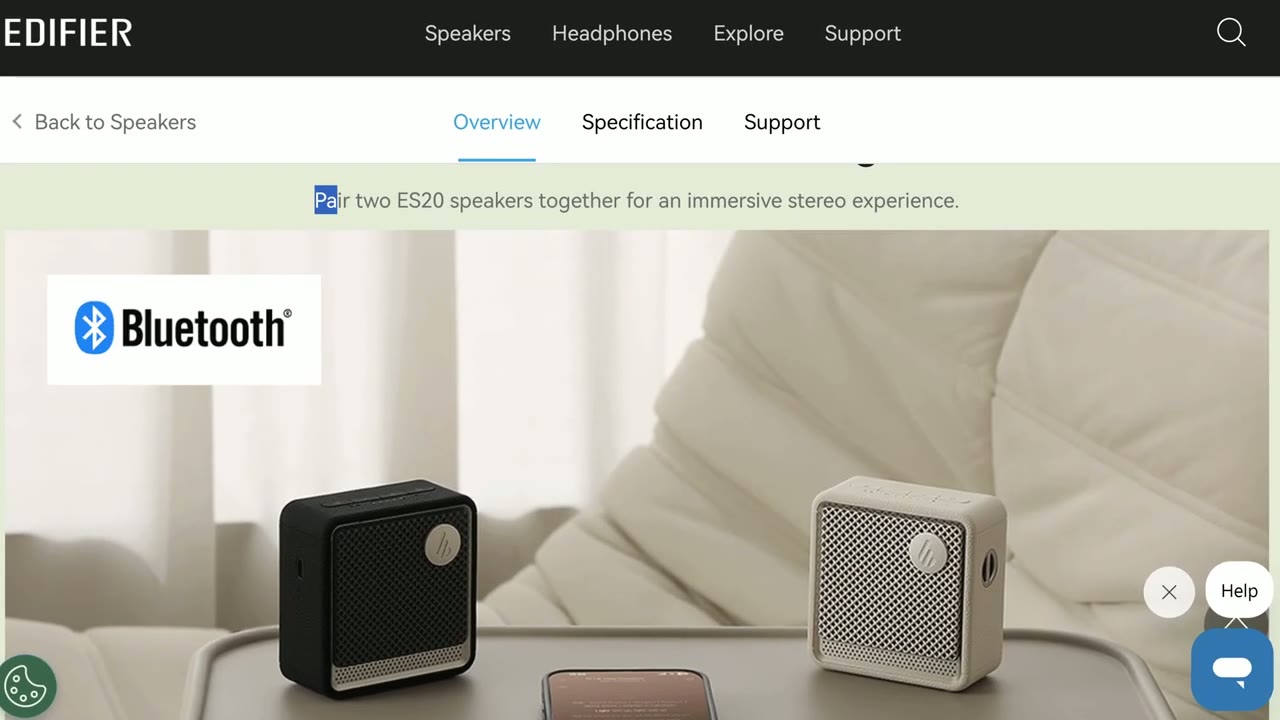
review of that up here. All right, let’s talk sound. So, this is using a class D amplifier outputting six watts of sound, which is pretty impressive for the size. We have a 55 mm bass radiator and a 43 mm fullbased driver. I mostly cycled between the music and outdoor equalizer. That sounded best to me. And in terms of volume level, I kept it from, you know, 30% all the way to 80% volume at the higher end. And that was plenty loud for me because, you know, these are kind of near field speakers. you’re going to have them on your desk or really close to you, you know, ideally. Now, you can also pair two of these to have them in stereo mode, but I only have the one. Now, if you do crank the volume to the maximum, I did notice a little bit of distortion.
So, you know, ideally, you’re going to want it under the 90 to 80% volume range. In terms of bass delivery, it’s actually pretty good. So, you do get a little bit of that bass thumb thanks to the 55 mm bass radiator, which is pretty impressive for the compact size. That said, it isn’t super tight and punchy base. Yeah, you get the bass thump, but there’s a little bit of kind of, you know, prolonged bass trail off that can kind of muddy into other frequencies. On other portable speakers that I’ve tried in the same size, the bass is just really lifeless or just really not well controlled. And on here, they’ve done a fantastic job tuning it for the size. Mids had good clarity and they’re definitely above average when you compare them to other similarly sized portable Bluetooth speakers.
Now, I did also review Edar’s ES60 speaker at the same time, and I noticed there was a noticeable difference in the highs. So, the highs were definitely more crisp on that. The ES20 also sounded best when you’re around, say, the 80 85% volume mark or lower because if you got to the higher or maximum volume ranges, you would notice a little bit of distortion and a little bit of harshness as well. I also felt like the bass trailoff lingered around a little bit too long for my liking where it would kind of encroach on the mid-range and that was even more prominent at higher volumes. Highs were more energetic and lively for the most part, but I still felt it was a little bit recessed in some songs.
Again, this is something where you can’t really crank this to max volumes because you’re going to introduce a little bit of distortion and harshness. Now, having said all that, I am critiquing the sound coming out of the ES20 very critically. And that’s because recently I reviewed Adafar’s ES60 speakers, their M60 speakers, the QR30s, and the MR3s. And those are in a different league completely. I mean, look at the size of that compared to those. But just considering the ES20 on its own, the sound is surprisingly capable and nicely tuned for the size. This is portable. You can actually take it indoors, outdoors, or move it from room to room, and you still have pretty good sound. But if space is a premium on your desk, you’ll be plenty happy with just one of these.
or even two in stereo mode. I did
Microphone
notice compared to the ES60 microphone audio that the audio on here sounded noticeably lower and not as good. Now, I don’t know if that’s something that could be fixed with a firmware upgrade or if I just had, you know, a slightly
Battery
faulty unit. The ES20 is rated for up to 15 hours of battery life, and that’s if you listen to it at 50% volume with the LED lights off at the back. Now, realistically, you’ll probably get between 12 to 15 hours. Again, really depending on how loud you listen to it and if you keep those lights on, which is already still quite impressive. If
ES20 vs ES60
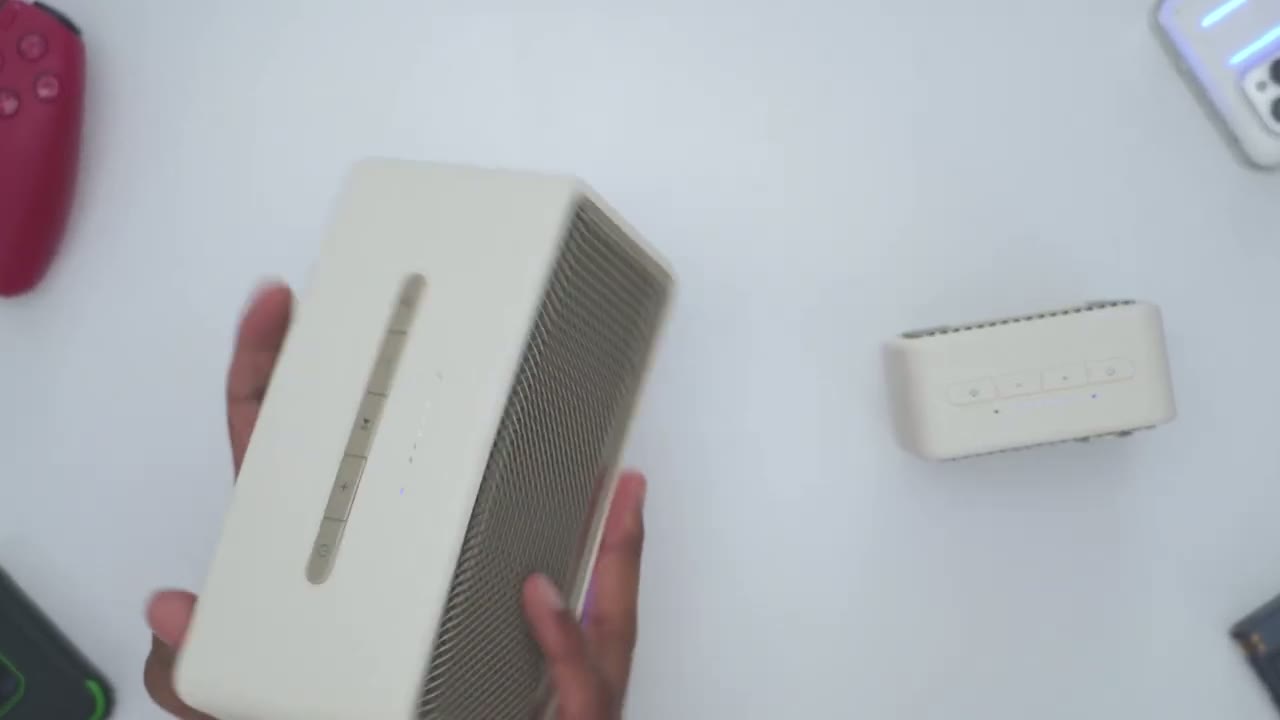
you’re trying to decide between the ES60 or the ES20, you could see there’s a noticeable size difference in basically every aspect of these. Now, the other thing to note is that the ES60 outputs 34 watts of power compared to 6 watts on the ES20. So, it’s going to be a night and day difference in terms of, you know, just how loud and how much uh power output you can get. The other thing is that we have this, you know, really large LED light stripper and it’s kind of smaller um on the ES20 and it is rear mounted as well. Now, with the ES20, you only have Bluetooth functionality. You can’t actually connect USBC for audio streaming. However, with the ES60, you can connect a USB type-C cable to connect this to a
Recommended!
laptop or desktop. So, the Edifir ES20 portable Bluetooth speaker is a fantastic option if you really value compactness and you want a lightweight setup where you could take it on the go or move it from room to room. The sound is tuned well overall and it has pretty good bass performance as long as you’re not cranking it to max volumes. Add in the multi-point support to connect two devices, the ambient LED light strip, the IP67 rating both for indoor and outdoor use, and Edifier Connect support, and you’ll be good for most setups. So, if you’ve been let down by other small portable Bluetooth speakers, you won’t have that issue with the ES20. And I’ll leave links down below for you to get your very own or to learn more.
Now, if you want way more power without moving to a two speaker setup, check out my review of the Airfire ES60. And I have a huge favor to ask. If you found this video helpful, would you mind liking and subscribing? It really does help me out quite a bit as a small and growing channel. And maybe consider checking out some of my other tech reviews. Aside from speakers, I also review headphones, earbuds, laptops, monitors, gaming keyboards. Really something for everyone.
Buy Edifier ES20 Speakers on Amazon
Please note that some of the links in my video descriptions are affiliate links where I earn from qualifying purchases. As an Amazon Associate I earn from qualifying purchases.