



Please note that some of the links in my video descriptions are affiliate links where I earn from qualifying purchases. As an Amazon Associate I earn from qualifying purchases.
Intro

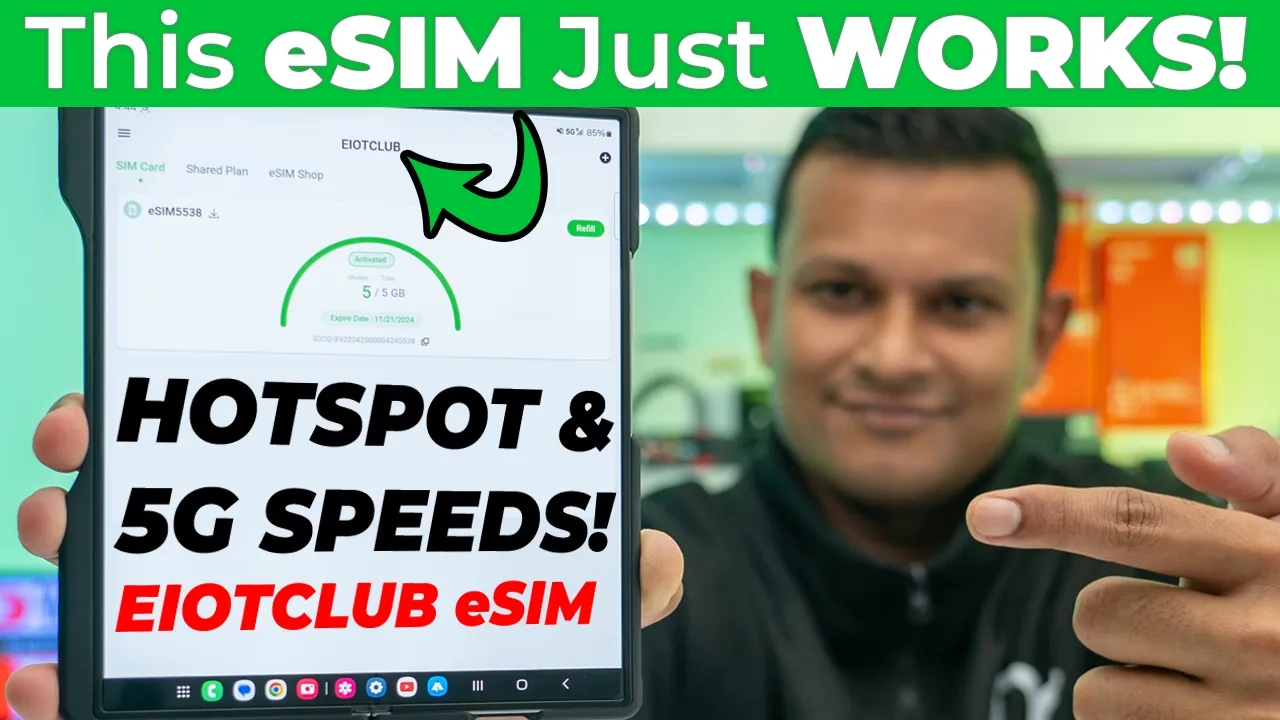
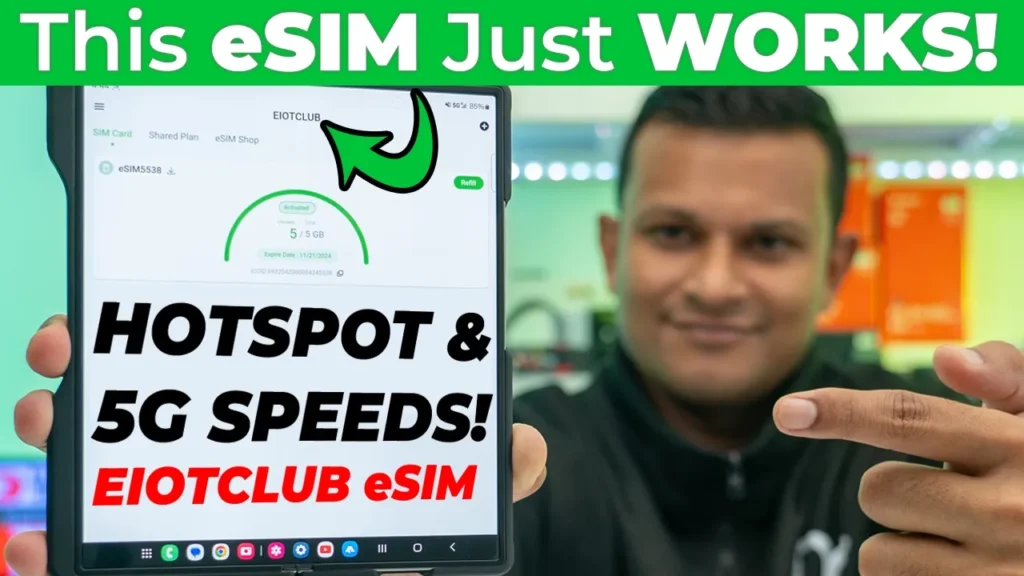
hey it’s Adrien and if you’ve been spending a lot of time online looking for a reliable and trusted eim provider before you go on vacation or even if you just need one for a burner phone you’re going to want to check out the offerings from eot Club I’ve previously used their physical SIM cards without any issues at all now there’s a lot of horror stories online of people you know ordering eims online not getting it till you know a couple days later or not getting anything at all but with eot Club I just placed my order online and within minutes I had the instructions sent to my email in the eim added to my phone and with the eims from eiot Club you’re going to have access to up to 5G speeds like I have on my phone right now you also have the option to turn on Hotspot or you could just share your data with your laptop or with your travel partner one thing to note though is you’re not going to be able to make calls so this is mostly if you just need to have internet connectivity and you can always make voice calls or video calls using Whatsapp telegram messenger any of those apps so if you’ve been searching and researching eims and you landed on this video you could probably stop your hunt right there let me walk you through how to go ahead order it on the eot club website add it to your phone get it set up and if I have any coupon codes I’ll also leave those down below as well the
Order eSIM
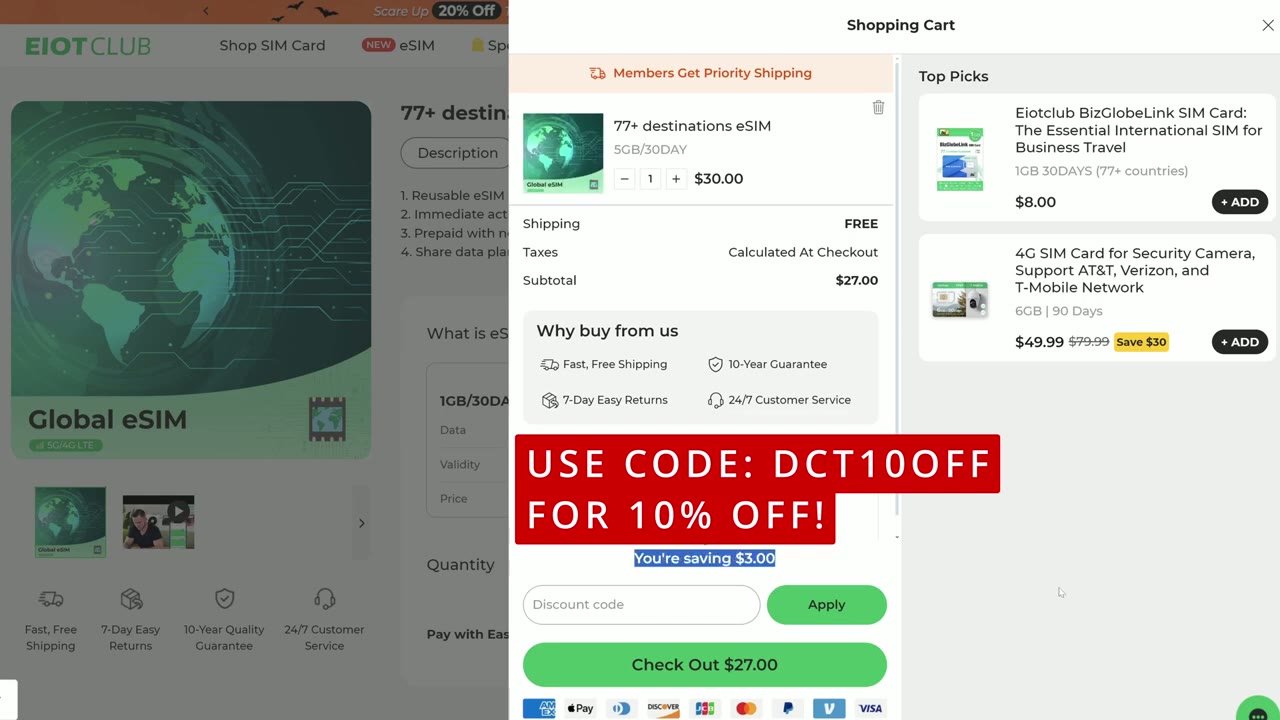
first thing we’re going to do is we’re going to go to eiot club.com which is their official site and notice at the bottom left I’m going to see prices in us now I’ll click on the top where it says eim which is their newest offering and this has broken down into three options local eims Regional eims and Global eims now most of you are probably going to want to pick the global eims version since you’re going to be traveling abroad and you don’t want to pay you know like really exorbitant prices once you get to the airport you can get this well in advance now there’s two options here Global 77 or Global 200 if I click on global 77 this is going to take me to the option where I could pick um this eim which will work in 77 countries so it says reusable eim and 77 plus destinations um immediate activation on an unlocked eim compatible devices and prepaid with no extra fees or roaming charges and you can also share the data on here so you could have hotspot which is Handy if you want to you know kind of share that to your laptop or you know another partner who’s traveling with you now there’s two options 1 gab for 30 days at $7 or 5 GB for 30 days at $30 and if I scroll down it shows that these are the 77 countries if you pick that option or you can go with the 200 plus destination and uh that’s quite a long list of countries now I will be going into local eims because unfortunately I can’t hop on a plane to test out the global eims so they’ve sent me a local eim for Canada I’m in Canada it does show uh reusable eim for Canada and this is going to support Rogers and Bell which are like two of the big networks that we have here so I have the same type of options so 1 gig at 30 days for $10 or 5 gigs at 30 days for $20 $5 or 24 gigs at 360 days for $150 which is like basically a year so you would just go to at to cart you know kind of input your details and everything and then you’re going to check out once you check out you’re going to get an email pretty instantaneously with your order number and all of the steps to um add it to your phone your eim compatible device but you do need to make sure your device is capable of using eim so if you scroll down here are the topup options I was talking about so you can recharge it um with these different types of gigabyte capacities or you know kind of bandwidth capacities so it asks um or it says you know how does eim card operate so check compatible so you’re going to want to check this so let’s go ahead we’re going to click on check compatible and once that loads up it’s going to show you a list of Apple devices that will accept eim and then if we scroll down we could take a look at Google devices Samsung devices and you could just go through this list on the side here once you add the eim to the cart and order it you’re going to get an email within a matter of minutes and it’s going to look something like this you’re going to get two emails one with your order number and one with the steps with how to add eim to your compatible device this is going to have a QR code uh that you can scan and you can see I have the Canada esim 5 gigs for 30 days so as soon as I add this to my phone and activate it and it connects next to a local carrier in Canada it’s going to start counting down from the 30 days and then if you scroll down it shows you how to do this on the eiot um app and then also if you have an iPhone how to do it and if you have an Android phone how to do it so let’s go through those steps
Setup eSIM
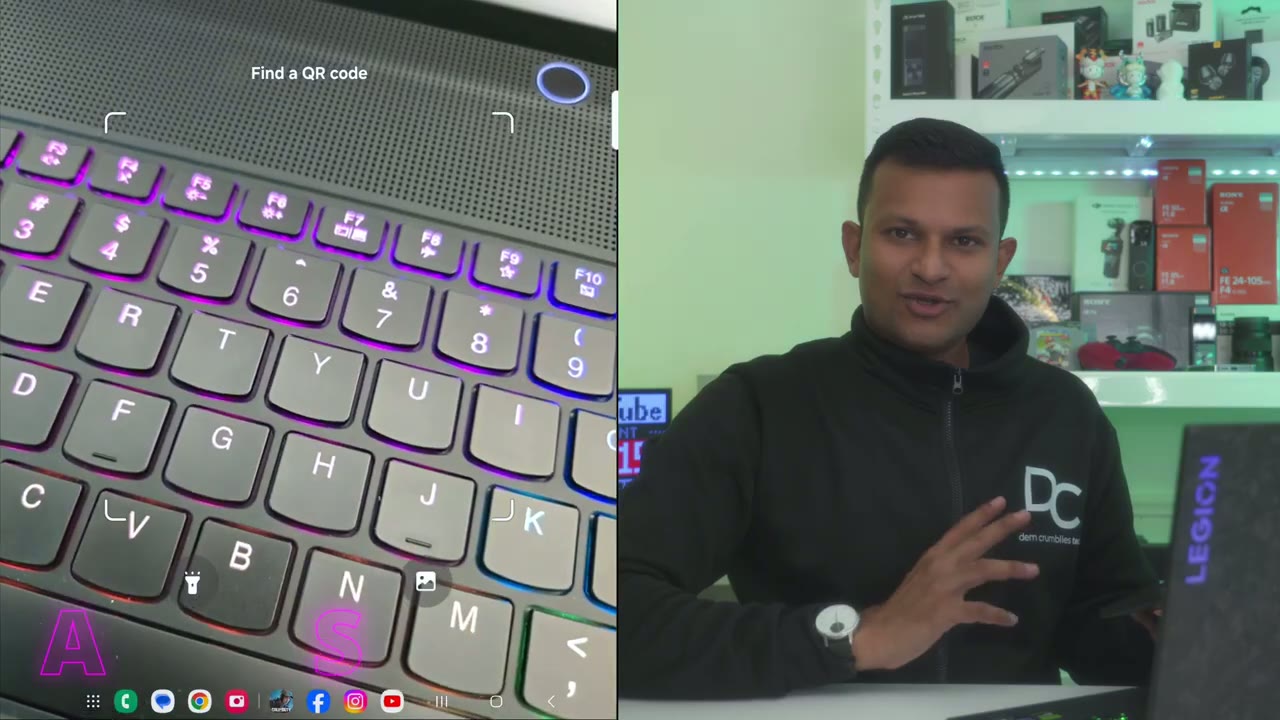
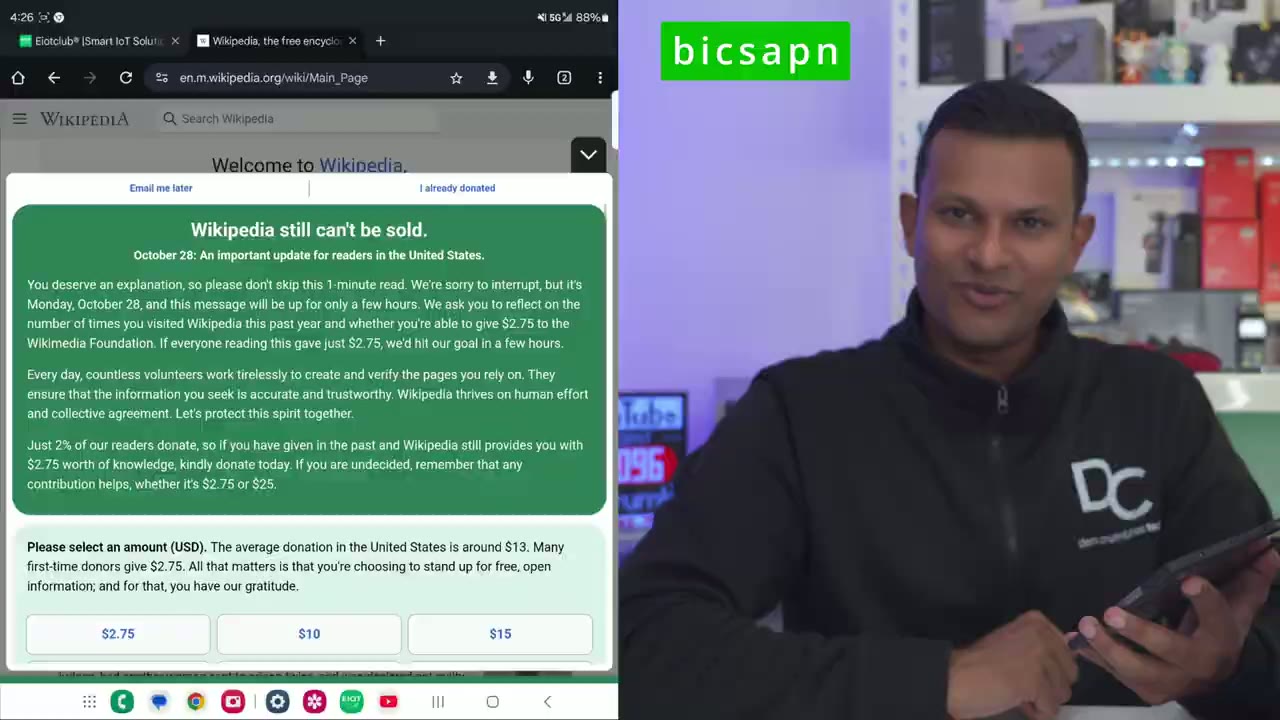
now so I’m going to try to do the easiest step which is just to scan the QR code that was sent in the email so I’m going to go ahead and do that right now so I’ve scanned it and it says add this plan to connect to a new mobile network so I’ll just go ahead tap on that option it’s checking the Sim information and it says this is going to connect my phone to the Bix Network sure click on ADD so it’s at about 92% and it says it’s now ready so it says set up your Sims so I can see here sim1 unknown number and then I have eim one all right so it’s Adrien from the future so I added the eim to the phone I turn on the data roaming which it does say to turn that on but I couldn’t connect to the internet no matter what I tried and I just realized I’m missing one step uh so you’re going to want to pay attention you may run into this issue but it’s very simple to solve so you can see right now if I go ahead and refresh my browser it’s not loading so what I’m going to have to do is go into the settings on my phone go into mobile networks and then I’m going to tap on access point names and you can see nothing is populated there right now I’ll go ahead and click add and then under APN it says not set you’re going to tap in there and you’re just going to type in Bix APN so bics APN and then you’re going to press okay just like so I’ll just go ahead give it the same name Bix APN and then I’ll go back and I can see that it’s now selected uh Bix APN on here now if I go back into my browser refresh now I have internet no problem so follow the same step so I followed go ahead scan the QR code add the eim on here turn on data roaming but if you’re having a problem go ahead into APN atbi ICS APN or Bix APN and you’ll be good to
When To Activate eSIM
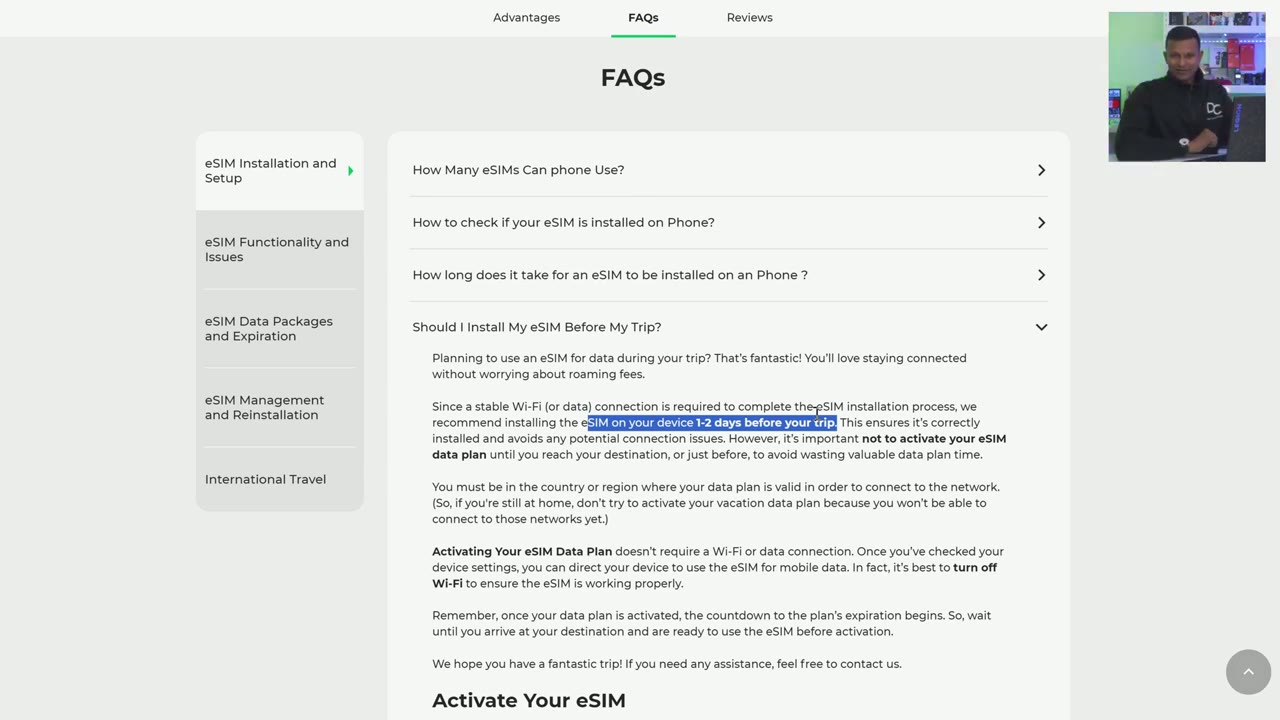
go now one really important thing to think about is should you install the eim before your trip or when you’re in the country so if you scroll down on the page they have actually answered this in the FAQ or frequently Asked question section so it says um they recommend installing it on your phone the eim on your phone 1 to 2 days before your trip the reason is is because um you don’t want to be at the airport and trying to go through this uh type of steps you want to make sure it’s already on your phone and all you have to do is activate it once you land in your country now it’s not recommended to activate it before you get to the country one it’s probably not going to connect to network so no worries there two whenever you do activate it it’s going to start counting down towards you know whatever days were on the plan you chose whether it was the 30-day plan or like the 360-day plan so yeah you’re going to want to install the esim on your phone but only activate it once you land in the country and you’re connected to one of those you know like low local uh carriers in that area the
EIOTCLUB APP
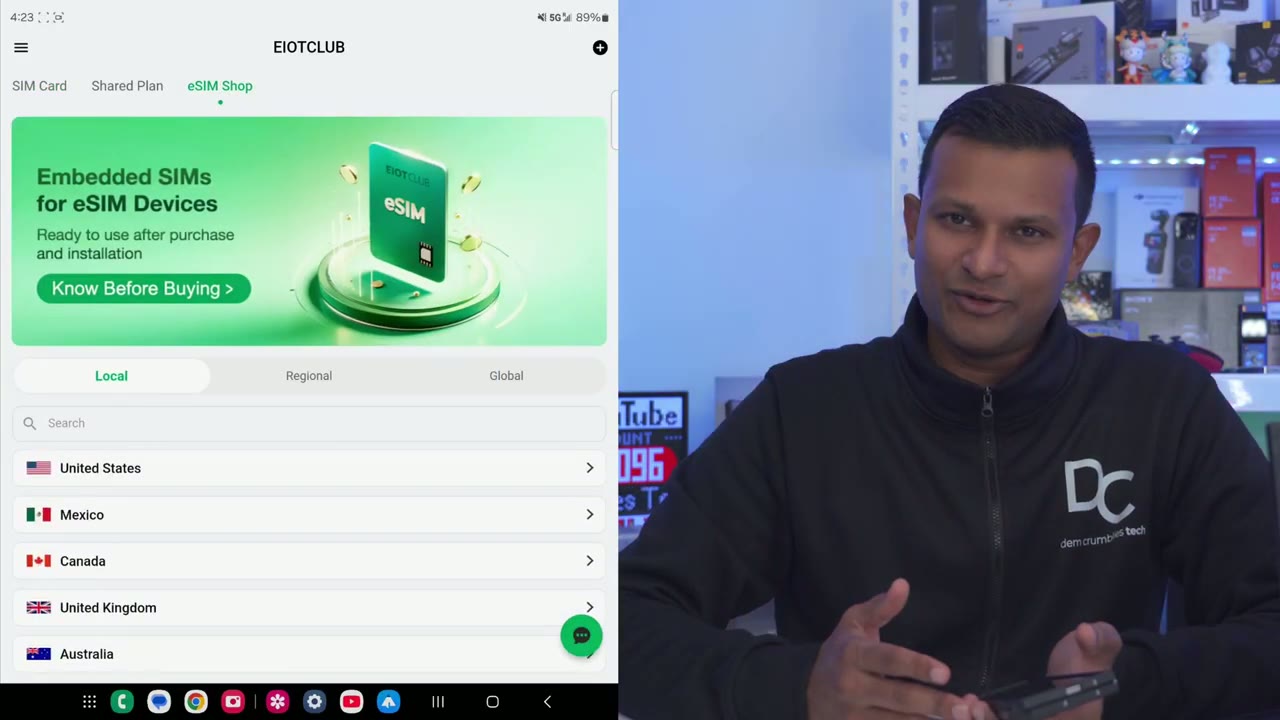
next thing we’re going to do is to download the eiot club app this is going to simplify our life anytime we want to top everything up or just to take a look at how much data we’ve used so I’ve downloaded the eiot club app on my Android phone and I could see right now there’s one sim card like a physical SIM card but I’m going to click on the plus icon at the top right and it’s asking for the icci ID number now this number was in the email that I received from them so I’m just going to input that manually one thing to note is that once you add the ICC ID to the eiot app you may get a message saying it’s registered to and it’s not going to say anything else now you may think that’s an error which is what I initially thought but then when I checked again later I noticed that the eim was added successfully and it shows the 5 GB of data that I have on here now it’s only showing um 5 GB of 5 GB used because it just hasn’t updated yet I have used this and I will put a short video clip to show like the updated utilization but right from here we can go ahead and tap on this little refill icon in the top here and then we could see that I could just go ahead and buy a $10 plan which is going to be 1 gig for 30 days $25 for 5 gigs for 30 days which is what I’m on and then 24 gigs for about 360 days or about a year if you plan on traveling to a bunch of different countries you could get their Global eim you know you could start in one country and easily at other destinations and manage it all through
Recommended?
the eot club app so if you’re interested in learning more or picking up a physical Sim or the eim that I tested out here I’m going to leave links down below and if I have any type of coupon codes at all I’ll leave those down in the video description and pin comments as well and if you find out that your phone isn’t compatible with eim and you need a physical SIM card you can check out my review here I also use iot’s physical SIM cards without any issues by the way if you found this video helpful would you mind liking and subscribing it truly does help me out quite a bit and if you found this video helpful consider checking out some of the other tech reviews on my channel I review a bunch of different Tech I’m sure you’ll find something you like and I hope to see you in the next one soon
Please note that some of the links in my video descriptions are affiliate links where I earn from qualifying purchases. As an Amazon Associate I earn from qualifying purchases.