


Buy FNTCASE for S26 Ultra on Amazon
Please note that some of the links in my video descriptions are affiliate links where I earn from qualifying purchases. As an Amazon Associate I earn from qualifying purchases.
Intro
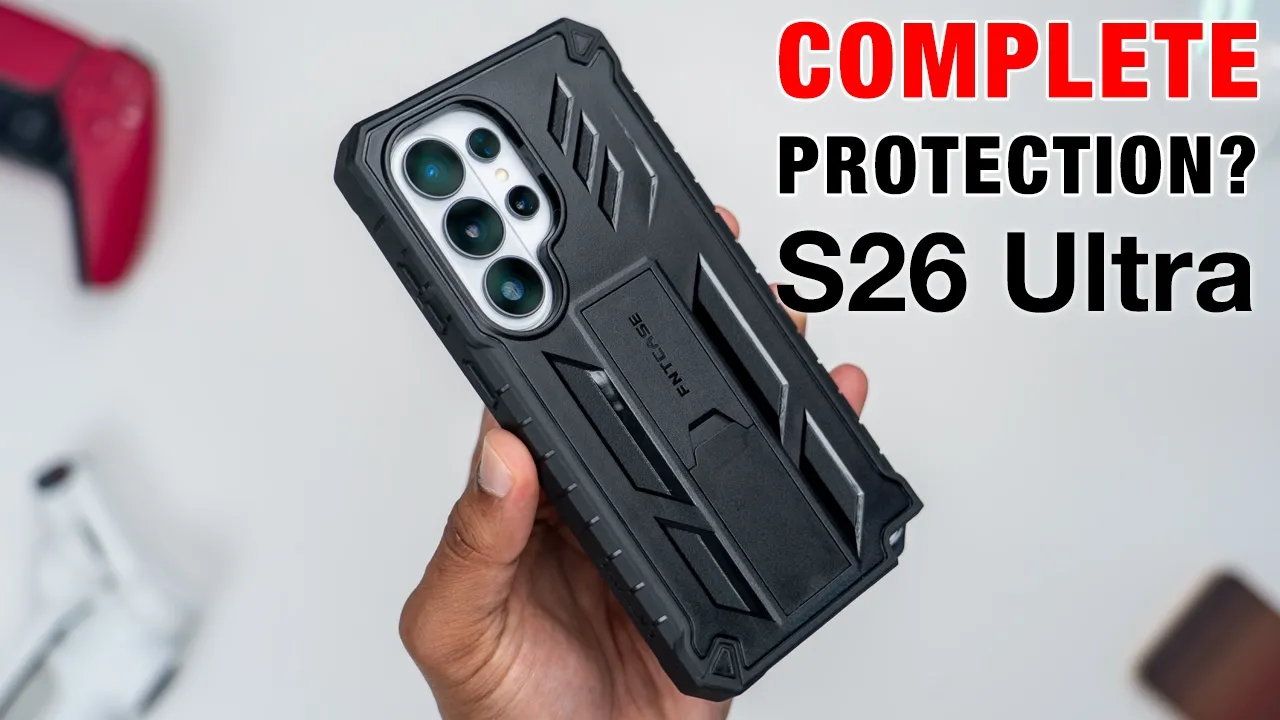
If you just got your S26 Ultra and you’re looking for all-around protection, this FMT case is worth checking out. It’s a two-piece case design, letting you install it with a built-in screen protector or without one if you already have your own screen protector. There’s a built-in kickstand for a stable horizontal or vertical viewing along with a 360° rotating belt holster as well for optional use. Chi wireless charging is unaffected along with NFC use or tap to pay and SPEN use is also unaffected. However, it is lacking one feature you may or may not care about. So, let’s take a closer look. And a big thanks to FNT Case for sending this out for review.
Package Contents
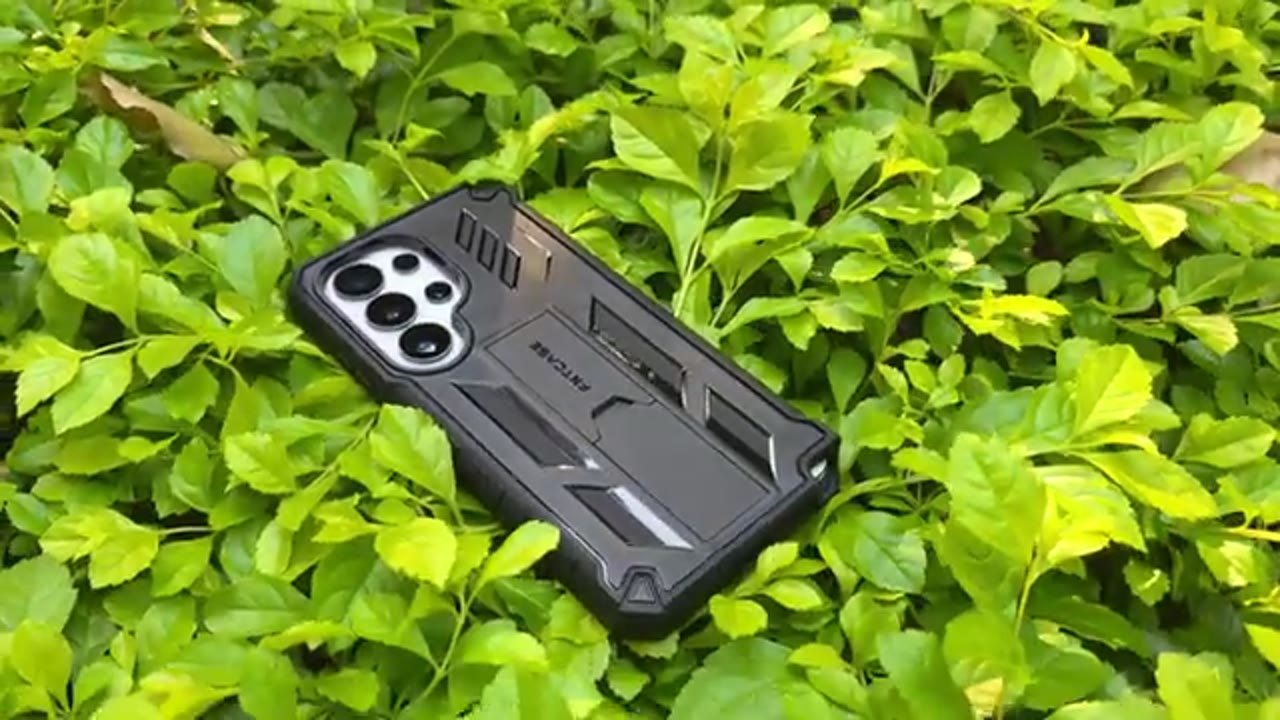
In the box, you get the rear case cover, a front case cover with a screen protector, front case cover without a screen protector, and a belt clips or holster along with a manual. So, the FNT
Case Design
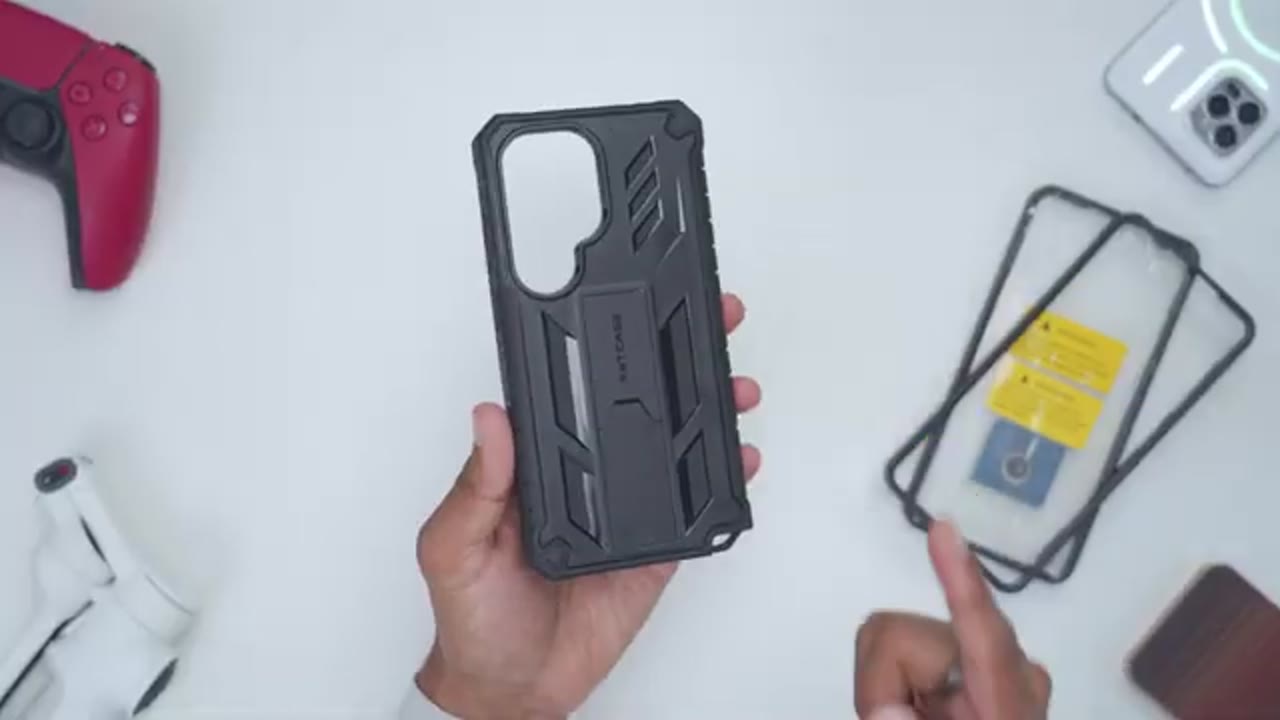
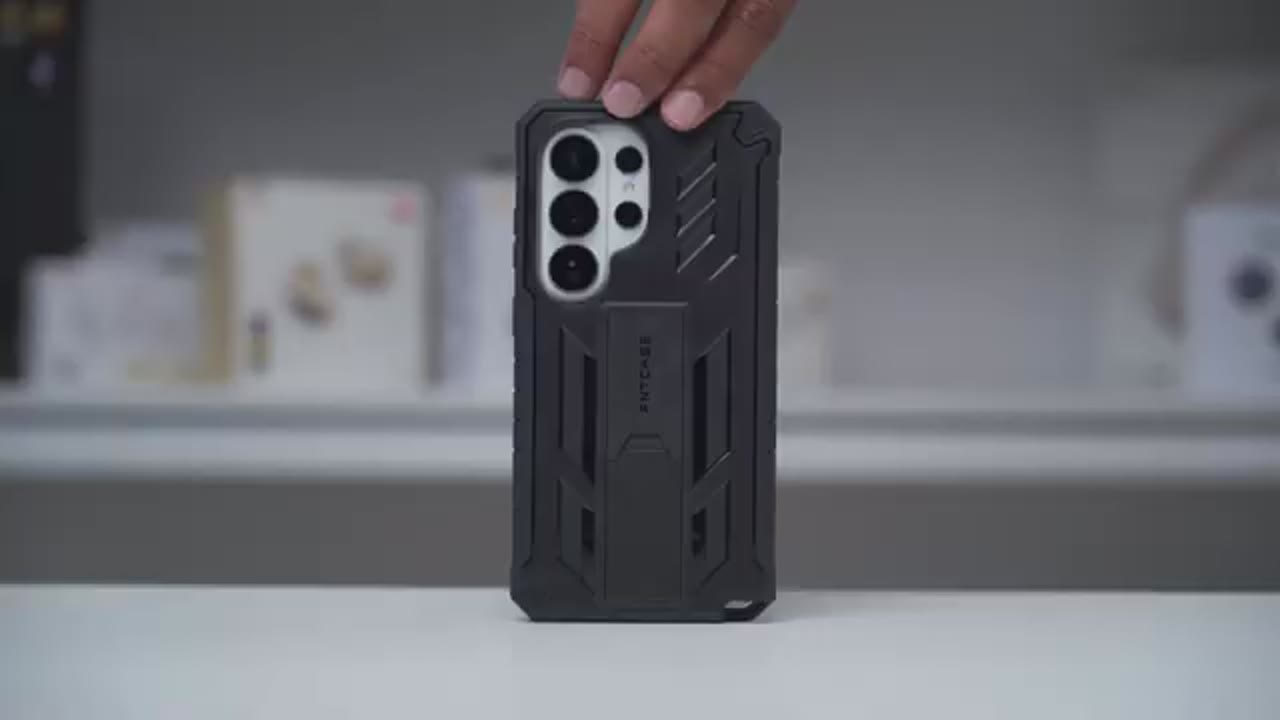
case for the S26 Ultra is a two-piece case design. So, you have the rear case cover and the front case cover. Now, if you run it with the front case cover that has a screen protector, it’s 84.5 g. And if you run it with the front case cover that doesn’t have a screen protector, it’s around 78.5 g. The build is a PC and TPU combination. Now, we have a large rear lens cutout. Now, we also have a built-in kickstand. So, you can see there’s a little indent right here. I can just put my finger there, pop that up, click it into place. You can hear that click. And then this can be used for horizontal and vertical viewing. And then when you’re done with it, just collapse it back, snap it into place, and you’re done. The back also has various design elements. So, it’s not a completely flush back.
You can see that we do have kind of indentations here, and it is a matte type of finish, so it is fairly textured for grip. On the right side, we have protective button covers along with the FMT case logo. And this is the TPU part, so it’s a little bit flexible. And this is, you know, more grippy than on the hard plastic part on the back. There’s also slight indentations that help with grip both on the right side and on the left side. There’s a cutout on the top of the case along with cutouts at the bottom so you can have easy span access since we have this very recessed area here. The inside of the case is a smooth type of finish with some dimpling patterns going on here.
And on the other side of the button covers, we do have a smooth and soft finish to ensure that your phone’s buttons don’t get scratched. The front screen bezel or lip extends about two millimeters high and the rear lens bezels extend about 2.5 millimeters high. The belt holster comes in at around 71 grams and is an all PC build. Now, we have retention clips all the way around. And on the back, we have the 360° rotating belt clip that has hard
Case Install
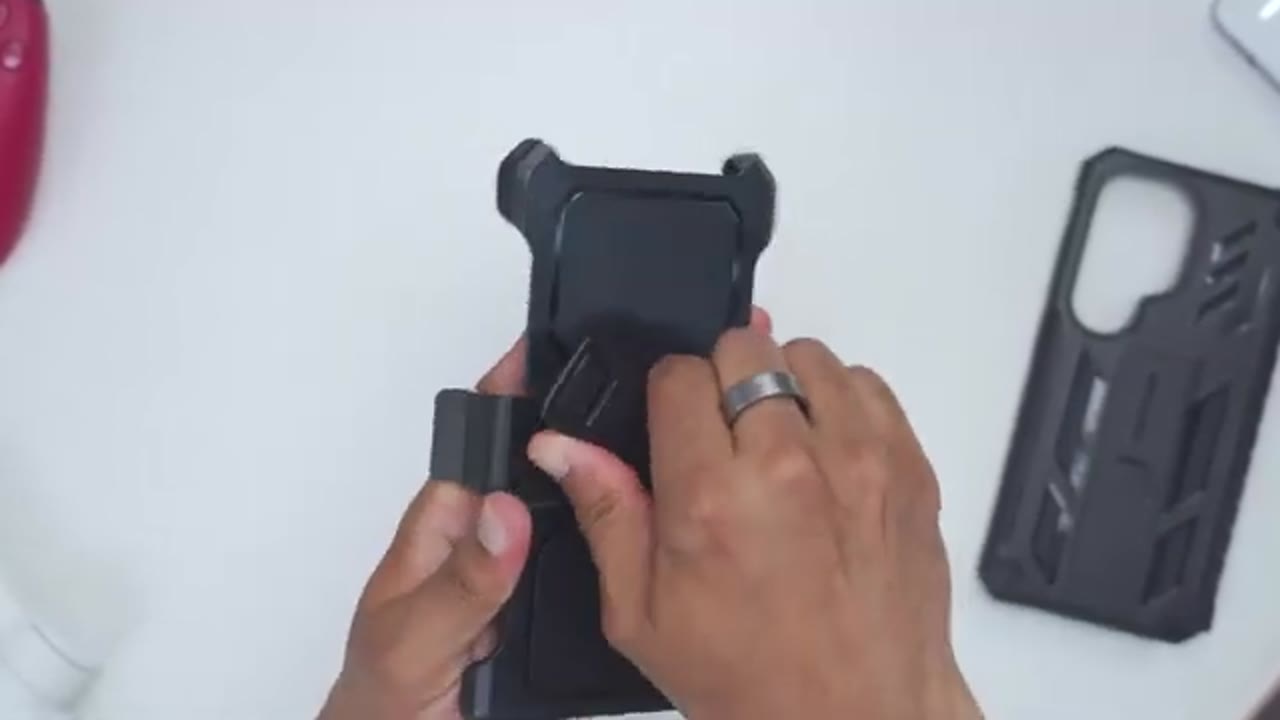
stops. To install the S26 Ultra, first I’m going to detach the front part of the case from the rear part. So, I’m going to put my fingernail right in this indentation here. Pull down and then lift the frame up to separate it. I’m going to install the S26 Ultra on the frame that doesn’t have the built-in screen protector to start. So, on the side, we do have button cutouts here. So, I’m going to line up the buttons on the S26 Ultra with the cutouts and then snap this nicely into the frame so it’s secure. Then, I’ll take the rear case cover and start at the top right corner here. Push it in on the left side all the way on the sides. Then finally at the bottom and we’re done. And this is what the S26 Ultra looks like in the FNTK case.
So you can see pretty stealth type of look with the all black contrasting with the white of the S26 Ultra. And you can see that large cutout again is going to let you run lens
Case Post-Install
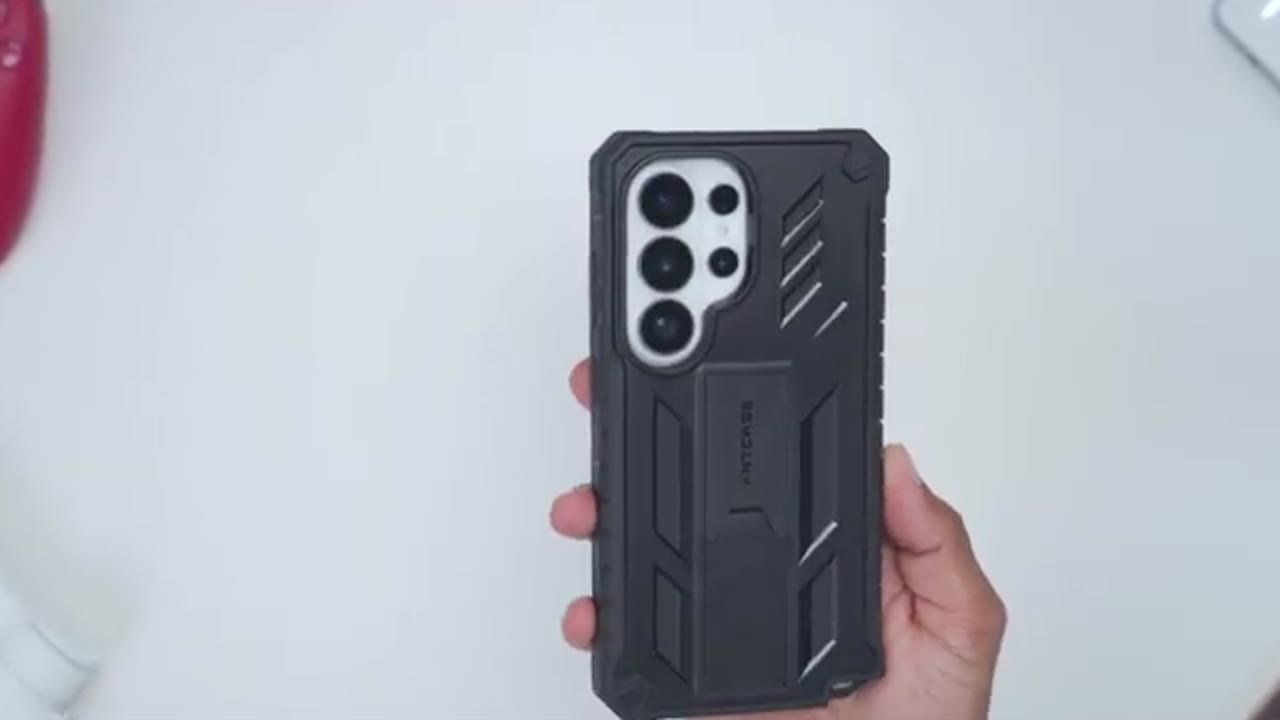
protectors. The rear lens bezels extend quite a bit higher than the actual lens so that if you were to place the case lens side down, there’s no chance of your lens getting damaged. but at the same time it does open it up for, you know, dust accumulation and things like that. The front screen bezel or raised lip extends high enough as well so that if you were to place the phone screen side down, there’s no chance of the screen getting damaged. And of course, you could run the frame with the built-in screen protector for added protection. The top cutout is nicely aligned, and that goes for the bottom cutouts as well. And it’s very easy to grab access to the SPEN due to the large recessed area.
While the large cutout or recess area exposes the bottom corner of the phone, even if this was dropped, there’s no chance of it actually getting scratched since we have thick protective bezels all the way around it. And all of the buttons remain fully tactile as well. Even with the thick raised bezels, it’s still easy to swipe out access to the quick panels. The fitment is also really precise on here. There’s no type of gaps or visible openings on here. Everything seems nice and securely held
Hand Feel
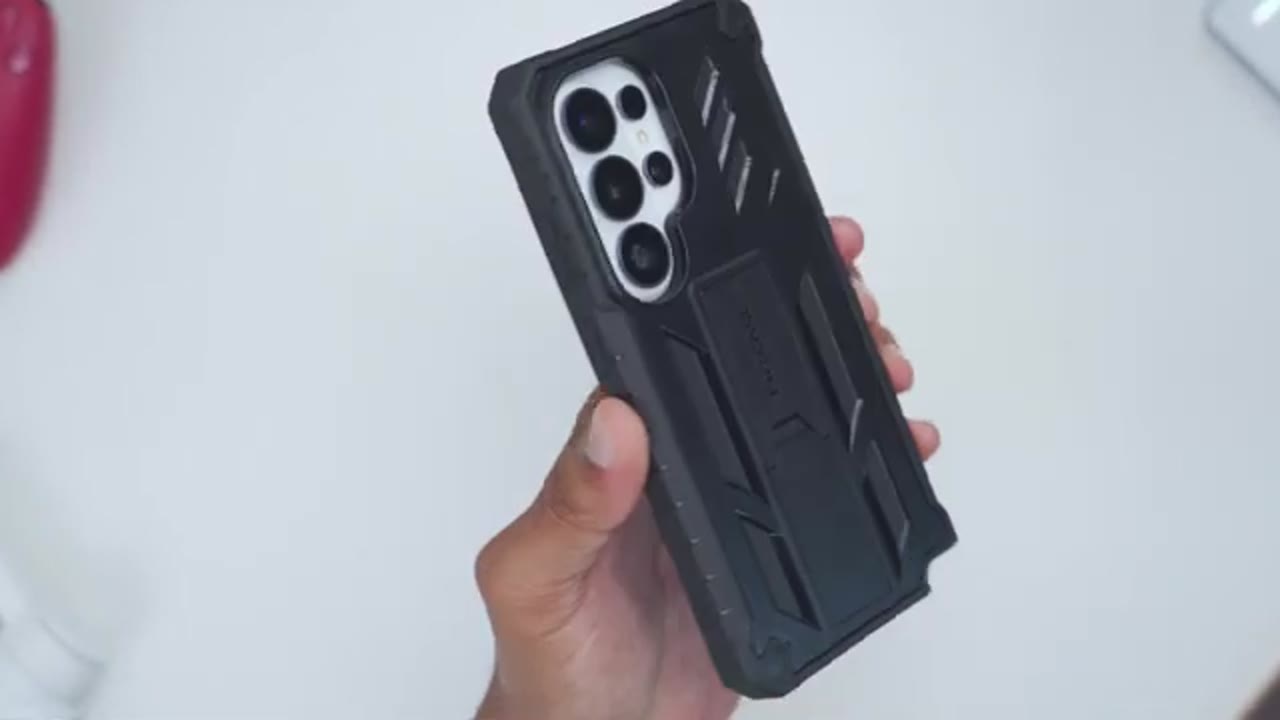
in place. In terms of hand and ergonomics, it definitely feels like I’m holding a larger case. you know, it’s a larger frame throughout, but it doesn’t feel particularly heavy coming in at around 78 g. It’s still fairly easy for me to, you know, kind of rotate it side to side, uh, top and bottom and, you know, anywhere in between. Still very manageable given the size. And that’s because it is, you know, this matte type of finish at the back there. And then these side grips still makes it pretty secure in the hand. And when I’m holding the case, you could see the corner here is nicely rounded off so it doesn’t feel like it’s pressing or digging into my
Qi Charging
skin. You’ll also be able to useqi wireless charging without any type of issues. Now, the one compromise I mentioned at the start of the video is that when it comes to using Maxafe charging and Maxave accessories, you’re not going to be able to do that since the case doesn’t have any built-in
NFC
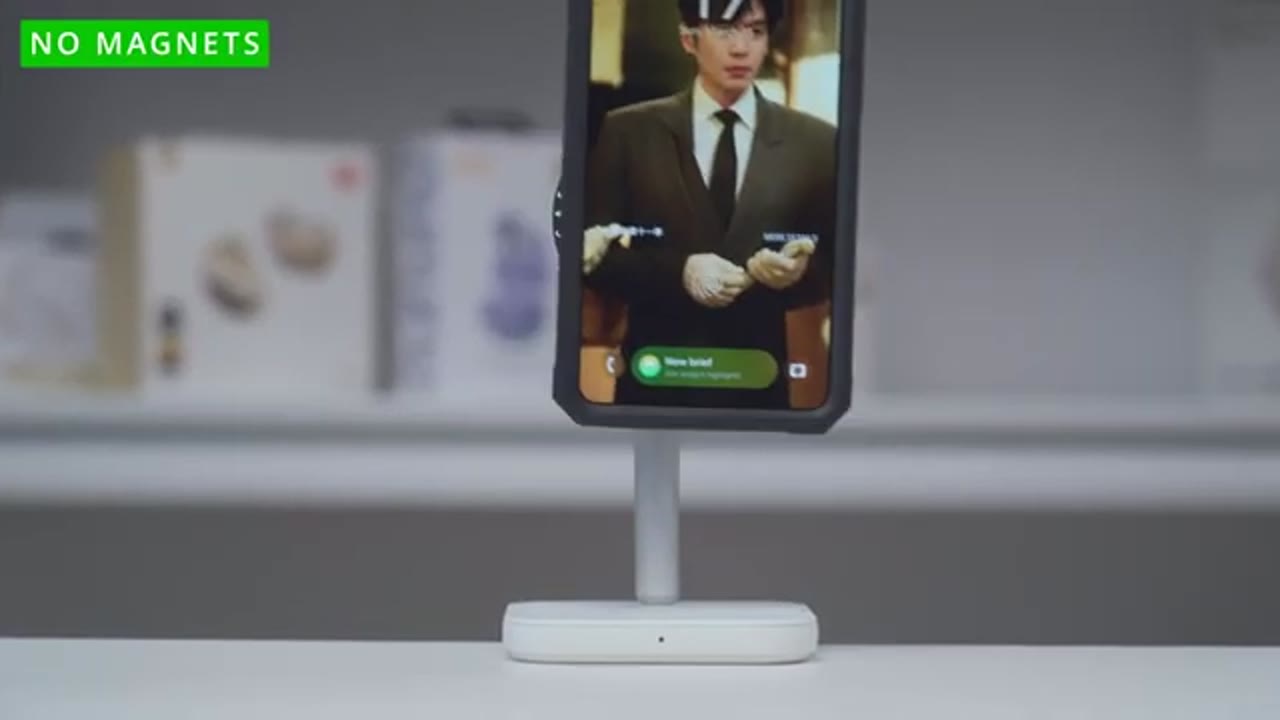
magnets. NFC use or tap to pay is also completely unaffected even with the thicker case. SPEN use is also
S Pen
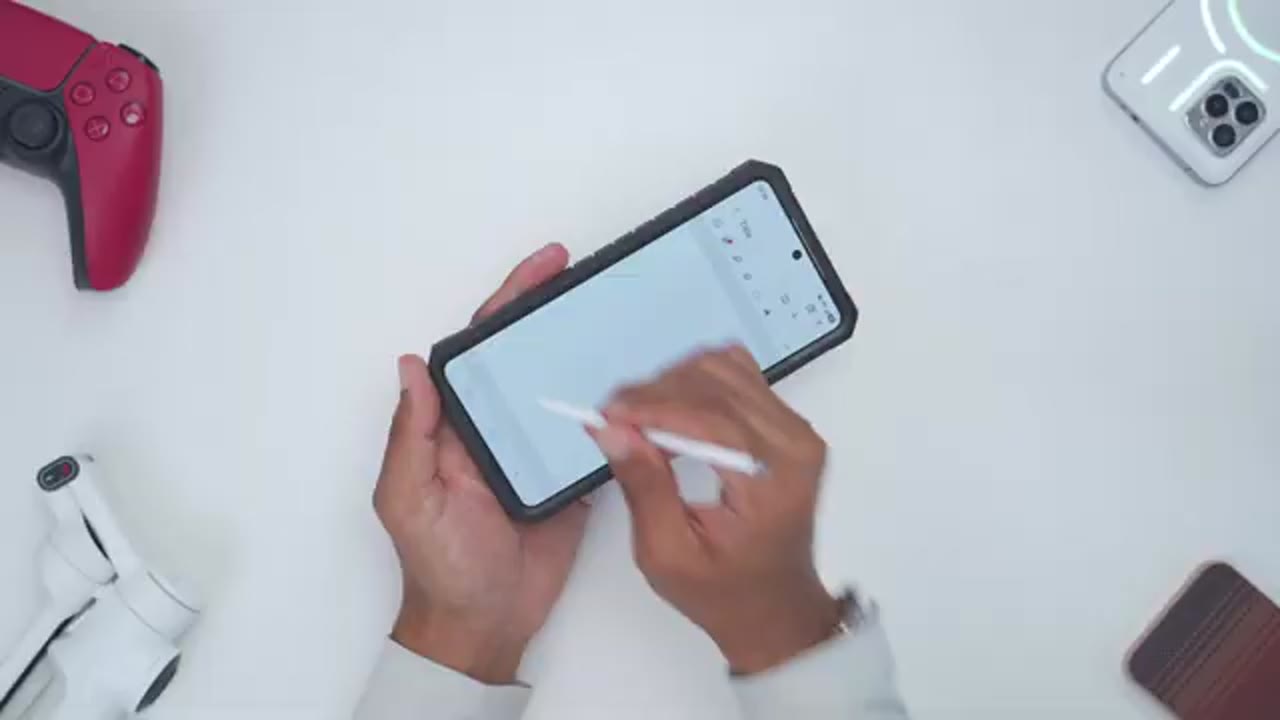
completely unaffected. The kickstand is
Built-In Kickstand
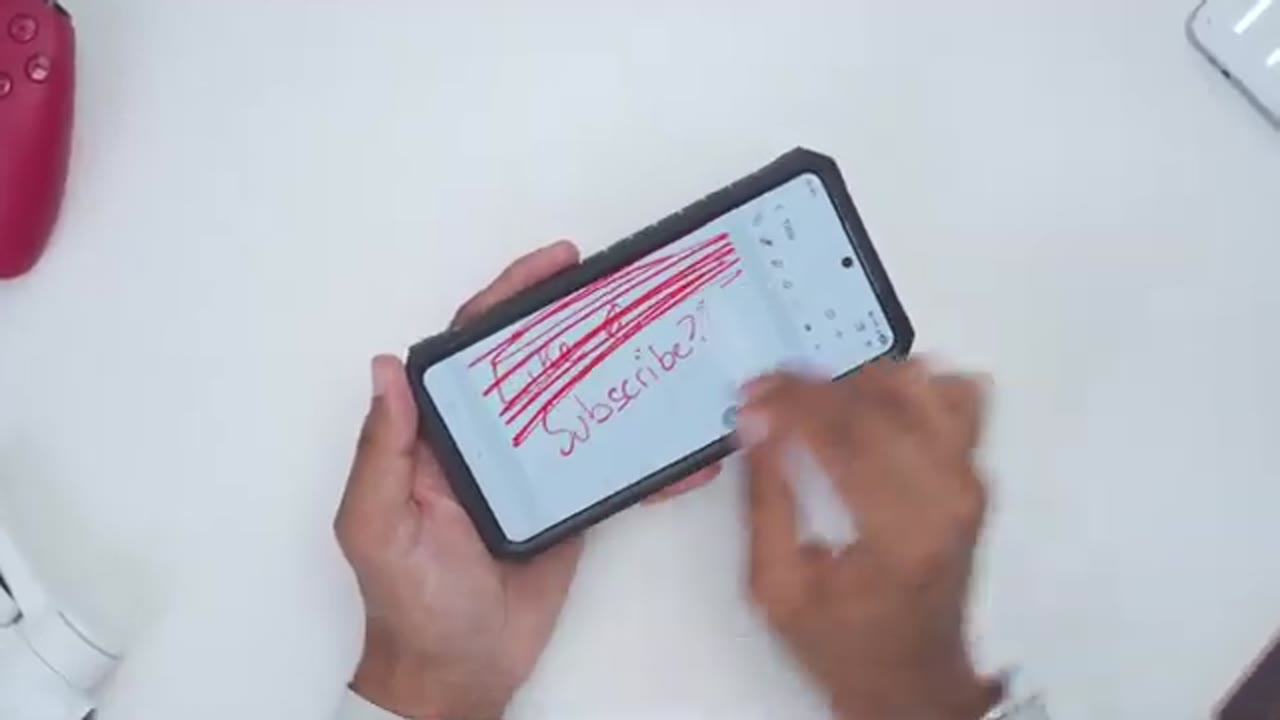
also very stable. So, I’ll pop it out, snap it into place, and if I use it for vertical viewing and I bang on the table while the phone moves, it actually doesn’t fall over or buckle. And if I use it horizontally, again, same thing. Very nice and planted
Wobble?
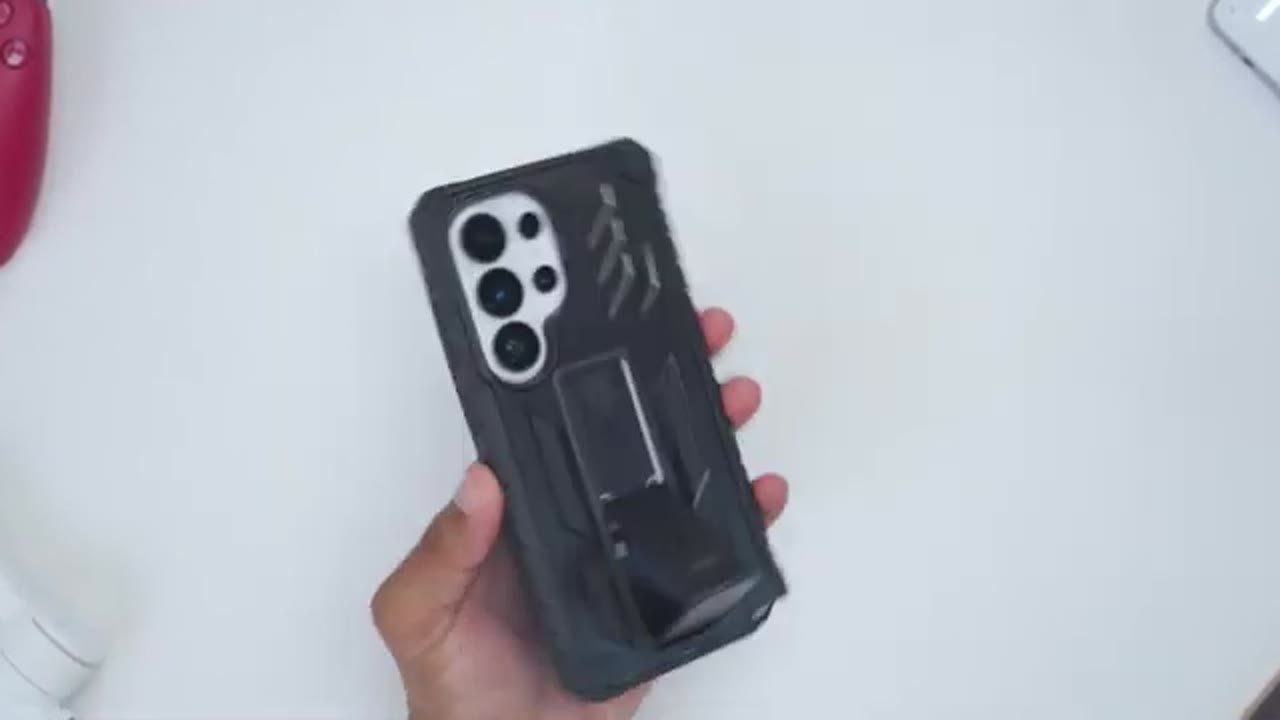
viewing experience. Wobble is pretty well controlled since it’s almost flush at the back of the case. It really only happens if you tap very strongly in a
Protection
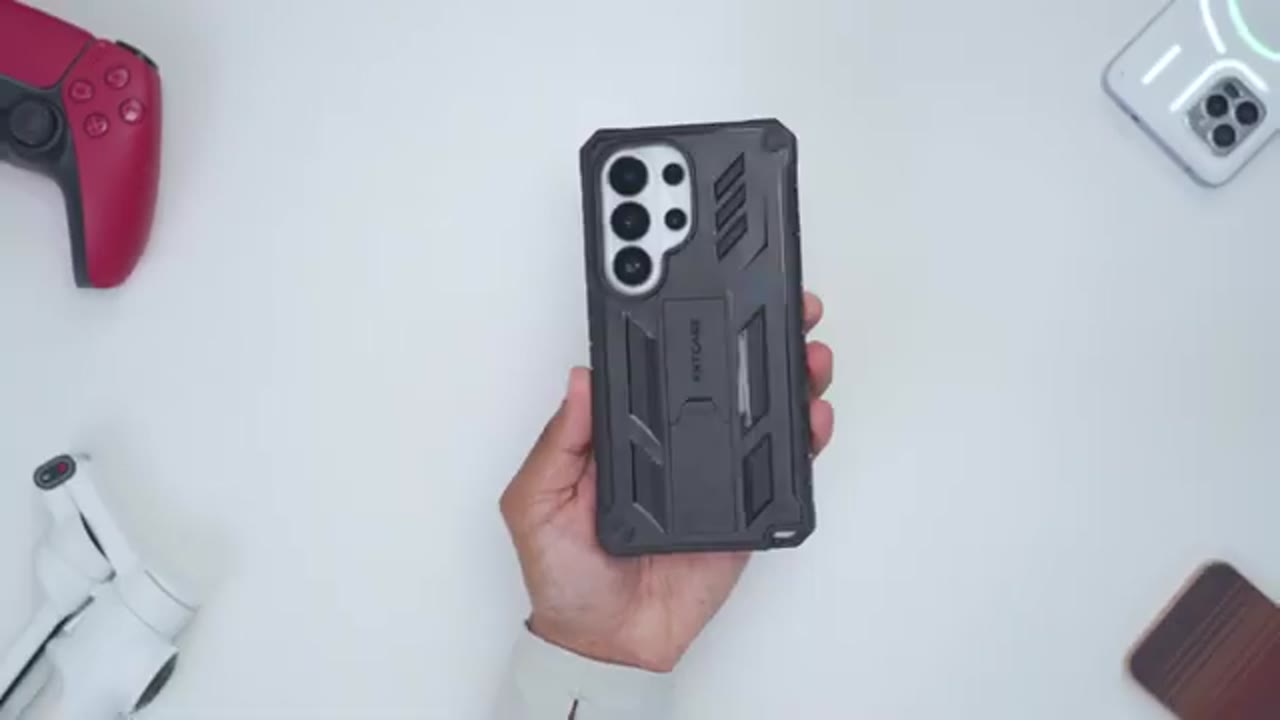
corner. In terms of protection, this should be great for everyday wear and tear and the occasional drops since we have the thick front bezel, the thick rear bezels along with the shock absorbing frame and corners. If you
Screen Protector Frame Install
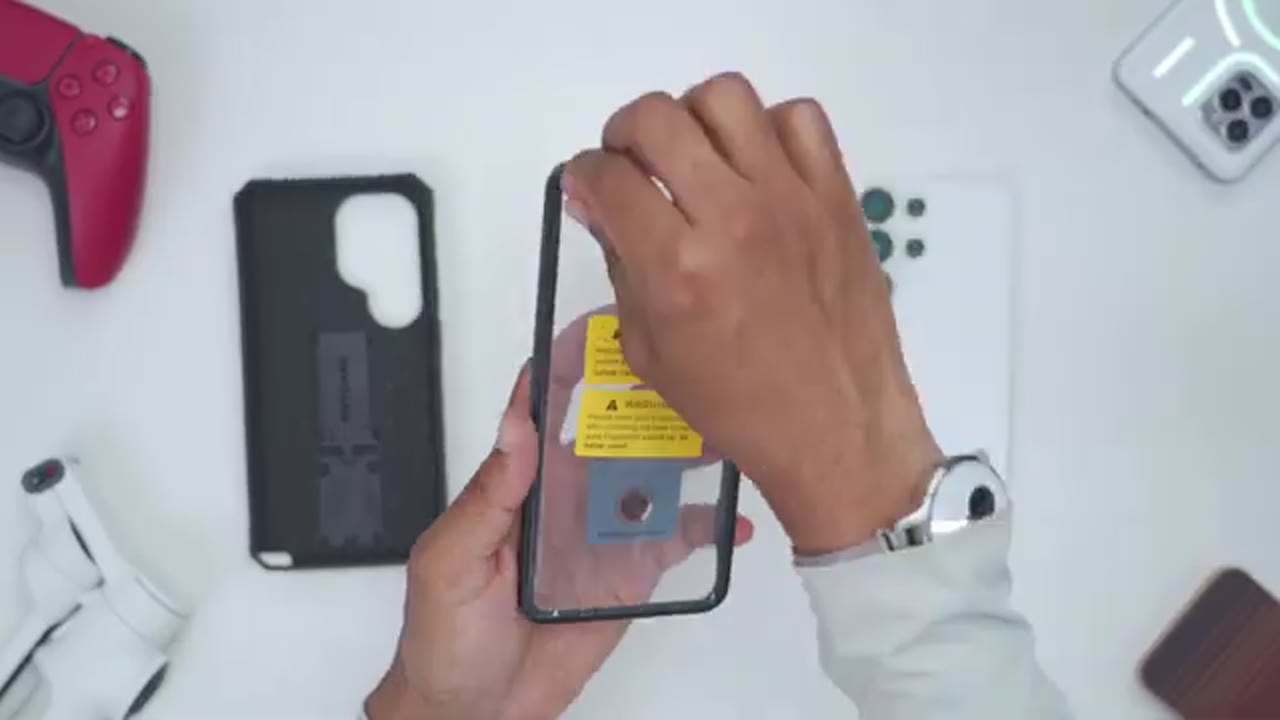
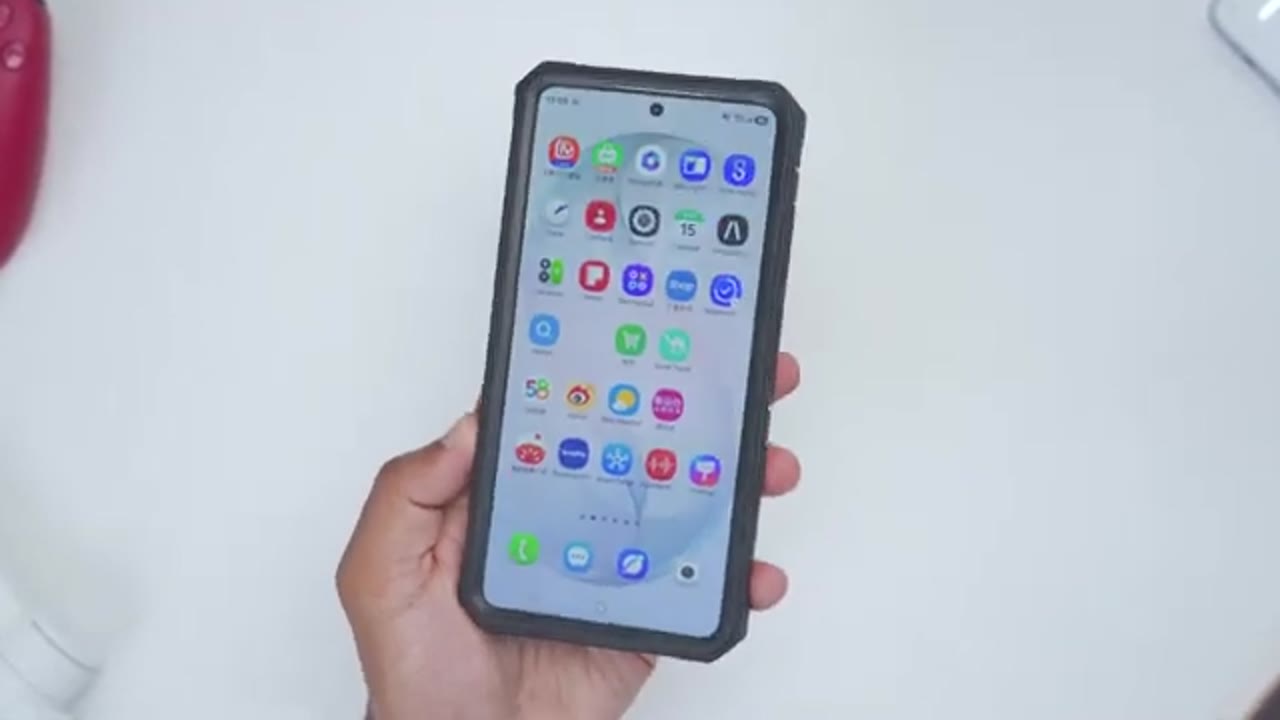
install the S26 Ultra with the built-in screen protector, once you do that, you’ll just have to go into the settings and read your fingerprint. The front speaker grill has a perforated type of cutout instead of one large cutout. And here’s a comparison with and without the built-in screen protector, so it’s still easy to unlock the phone. The colors still look pretty good on here. Same with the screen brightness. Text is easy to read and the privacy screen feature seems to be unaffected. However, there is more noticeable glare with the built-in screen protector. And if you have OCD, the round small circular cutout there may be a bit of an eyesore for you. But you always have the option to run this without the built-in screen
Belt Holster
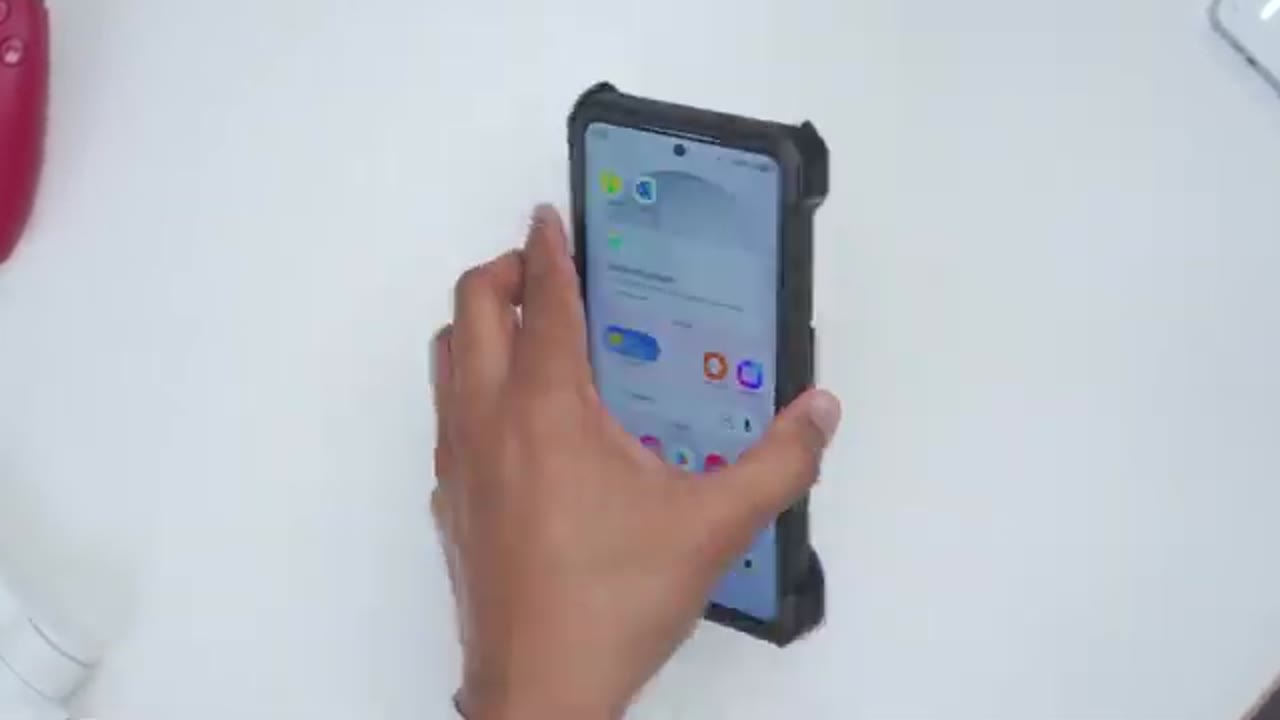
protector if you want to. To put the phone in the belt holster, the correct way is screen side down. So, I’ll go ahead angle it in right in these corners here. Pull back on the retention clip and it’s nicely situated in there. And you can see if I go ahead and shake this in any direction, the phone stays nice and locked into place. To get access to the phone, you’ll just pull back on this retention clip and then rotate your phone outwards and you could take a look at your phone screen and notifications. Now, if you try to put the phone in camera side down, this is what’s going to happen. So, it’s still going to actually retain the phone nicely in place. You can see I can still go ahead and shake it.
But if we look at a top view, the rear camera lens or bezel is almost pretty much flush with this back plastic cover. And of course, you can rotate the belt clip in any orientation you need. I also notice that if I put the phone on the wrong side, so the screen is facing out, and I keep the belt clip angulated like this, I can actually use this kind of as a makeshift stand. And again, if I bang on the table, you can see that’s nice and secure. So, you can actually use this kind of as a built-in viewing stand
Recommended?
as well. So, if you want all-around protection for your S26 Ultra, the F&D case is worth checking out. You get secure fitment, plus the ability to use the built-in screen protector or your own screen protector with the two-piece case design. There’s a built-in kickstand for a stable horizontal or vertical viewing. You still retain access to chi wireless charging along with NFC use and SPEN use as well. Plus, there’s a 360° rotating belt holster if you need it. So, if you want to pick up the F&T case for the S26 Ultra, I’ll leave links down below. And if I have any type of coupon codes, I’ll leave those down below as well.
And maybe consider checking out some of my other S26 Ultra case reviews and even liking and subscribing because I have way more case and accessory videos coming very soon. Maybe consider checking out this video next. Outside of phone and phone accessories, I also review speakers, headphones, monitors, keyboards, mice. Really something for everyone. And I really hope I’ll see you in my next video
Buy FNTCASE for S26 Ultra on Amazon
Please note that some of the links in my video descriptions are affiliate links where I earn from qualifying purchases. As an Amazon Associate I earn from qualifying purchases.

