


Buy Blink + Sync Doorbell on Amazon
Please note that some of the links in my video descriptions are affiliate links where I earn from qualifying purchases. As an Amazon Associate I earn from qualifying purchases.
Intro
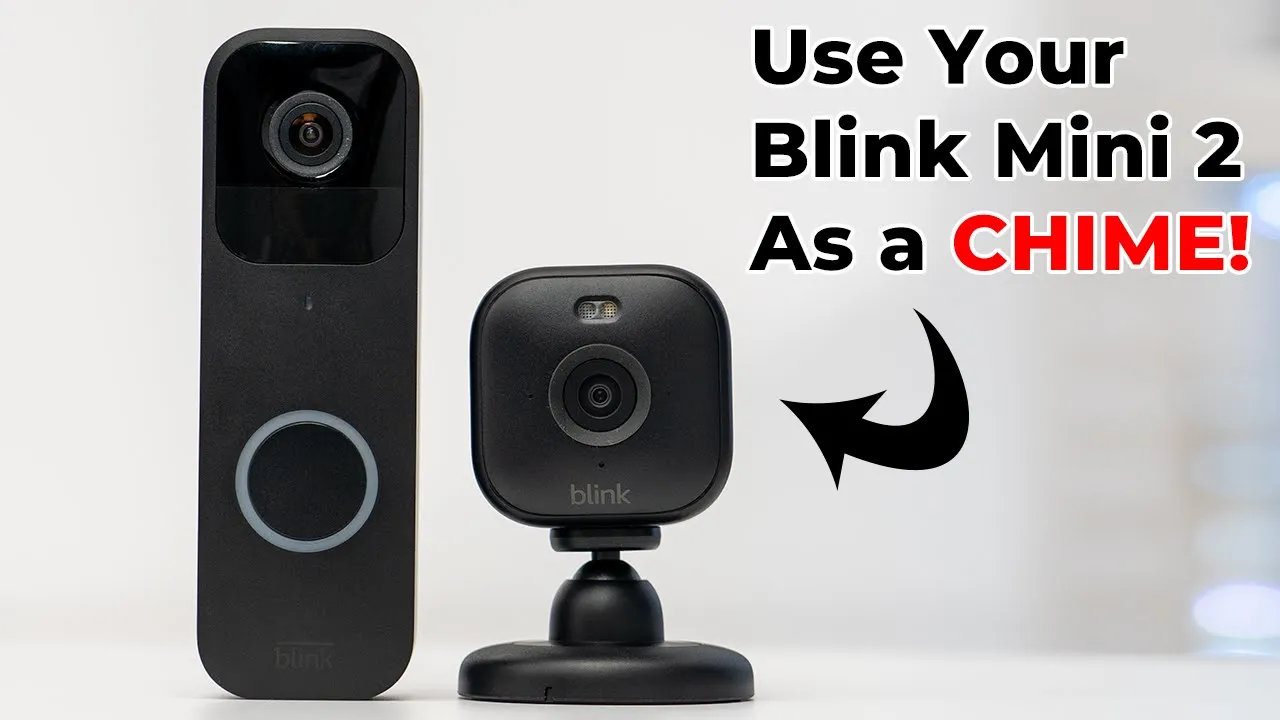
if you’ve just purchased the brand new blink Mini 2 and you want to use it as a chime unit for your blink video doorbell it is super simple to do what you’re going to do is launch into your blink app find the blink video doorbell you’re going to tap on the little dots here and then you’re going to go into device settings once you’re in there go into doorbell and chime settings and then you’re going to click on the option use Blink mini camera as a chime and then you can see I have two options here I have the blink mini the first generation but today we’re focusing on the new one which is the Mini 2 so I’m going to click on that and click on Save next we can go back and then we’ll go into the blink Mini 2 settings now so let’s go into the options for that and scroll
Package Contents

down till you see audio settings and we’re going to adjust the mini as chime volume because we want the mini to chime
Design

as loud as possible so just crank it all the way to the top hit save everything is saved now what we can do is we can test that so I’m going to press the ringer here you’re going to hear it from
Setup

the blink video doorbell then you’ll hear it secondary to from the blink Mini 2 [Music] and there you have it so I think you heard the distant chime of this in the other room and then this chimed in now you can hear it’s not super loud even though I crank the volume to the max so just be careful where you place this you’ll still want to place it somewhere kind of close by to you so you can hear I hope you found this video helpful and if you did please consider checking out some of my other blink related videos and other security camera videos as well and please consider liking and subscribing it really does mean a lot to me and I’ll see you in the next one soon
Chime Test
No speech in this section.
Buy Blink + Sync Doorbell on Amazon
Please note that some of the links in my video descriptions are affiliate links where I earn from qualifying purchases. As an Amazon Associate I earn from qualifying purchases.

