


Buy GOHHME Z Fold 5 Case on Amazon
Buy INIU Wireless Charger on Amazon
Please note that some of the links in my video descriptions are affiliate links where I earn from qualifying purchases. As an Amazon Associate I earn from qualifying purchases.
Intro
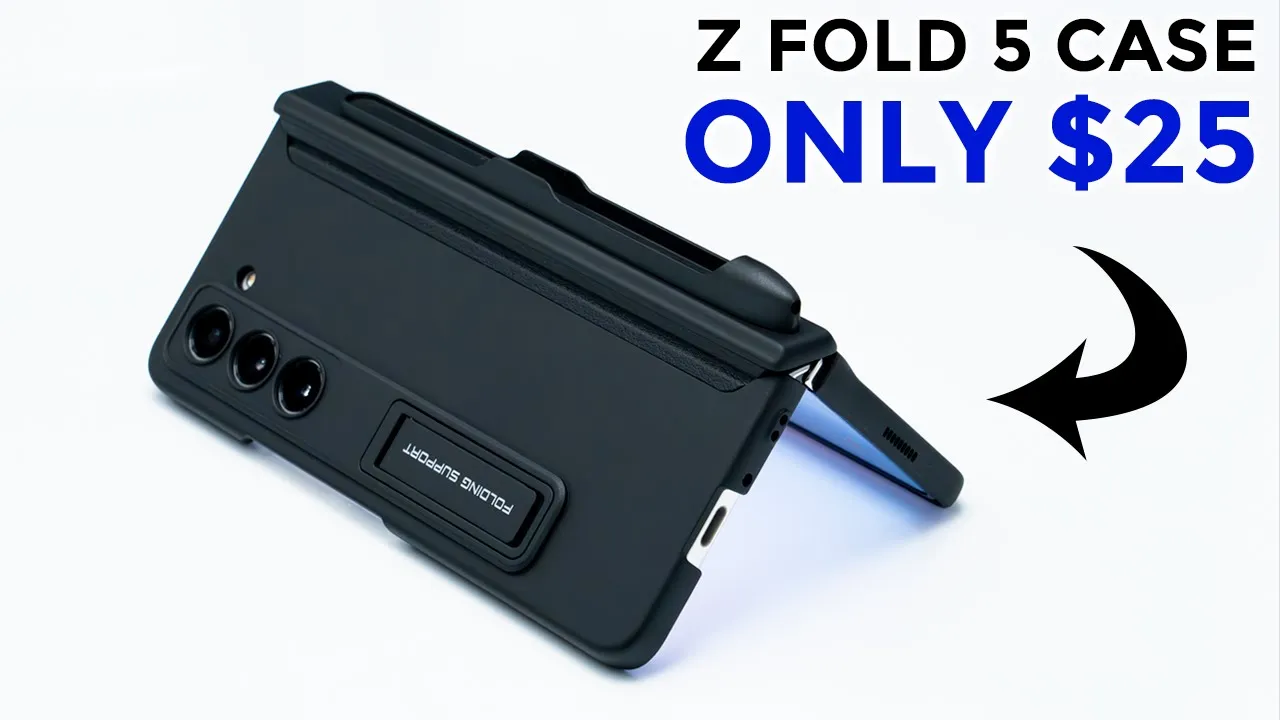
so you’ve just picked up your brand new Galaxy Z fold 5 and you’re looking for a case to protect it but you don’t want to spend more than you have to well this golden case for the z45 may be a good option so it offers magnetic hinge protection you have a holder for the Galaxy z45s pen and you also have a kickstand as well so let’s take a closer look and see if this could be your next case so the
Package Contents
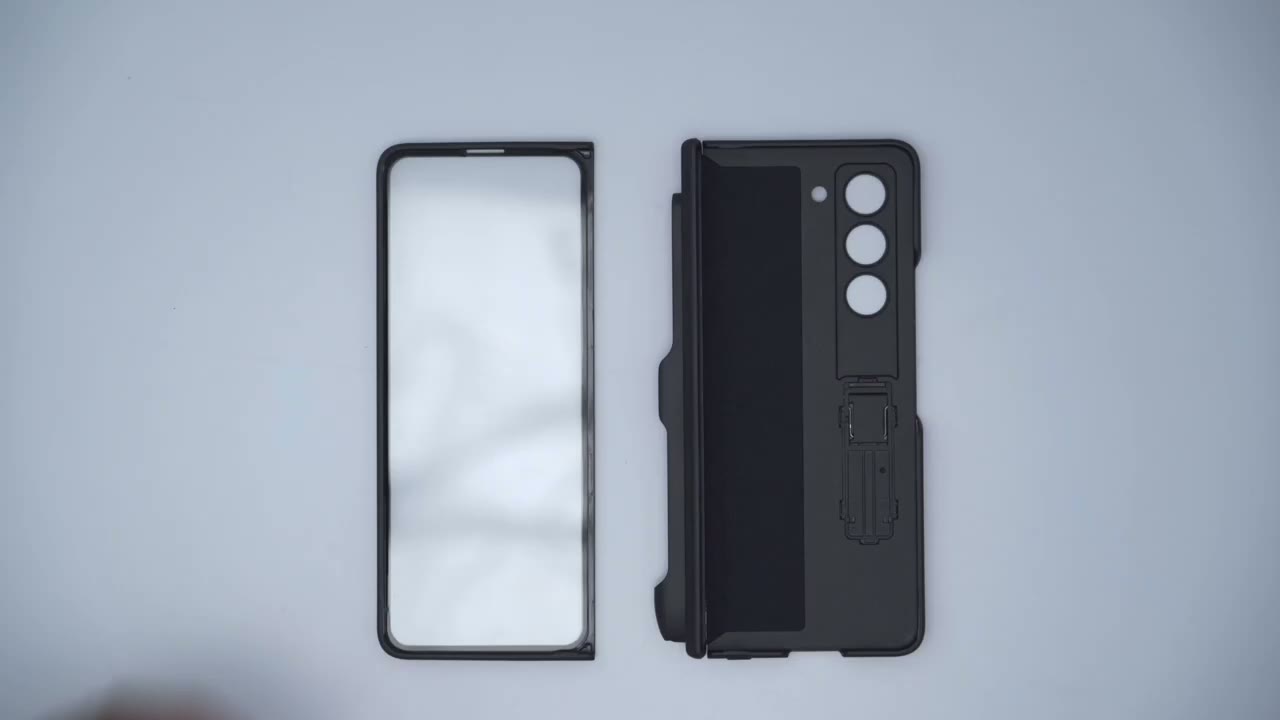
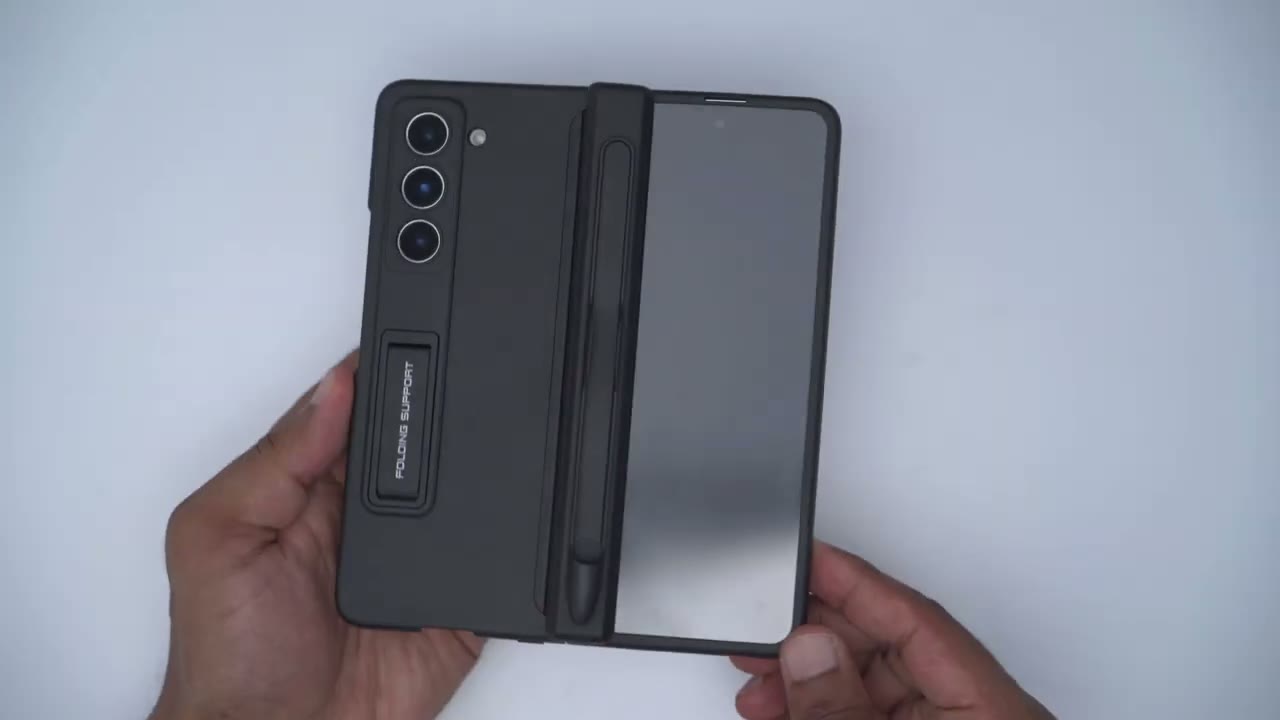
package just comes with this front case which has a built-in screen protector for the front and then the rear portion of the case which has this type of felt material just to protect the phone attaching the front case to the phone is really simple so you just snap it on but before you do you would peel off this blue adhesive strip that runs along the side and snap it into place I’ve just left it on just so I could show in this review the rear of the case has another one of those adhesive strips that you would just peel out snap it into place to have it adhere to the foam body there’s also a small plastic look at the top there and at the bottom here that helps the case snap onto the phone frame you can see that same plastic lip at the top and at the bottom of the front case
Installation
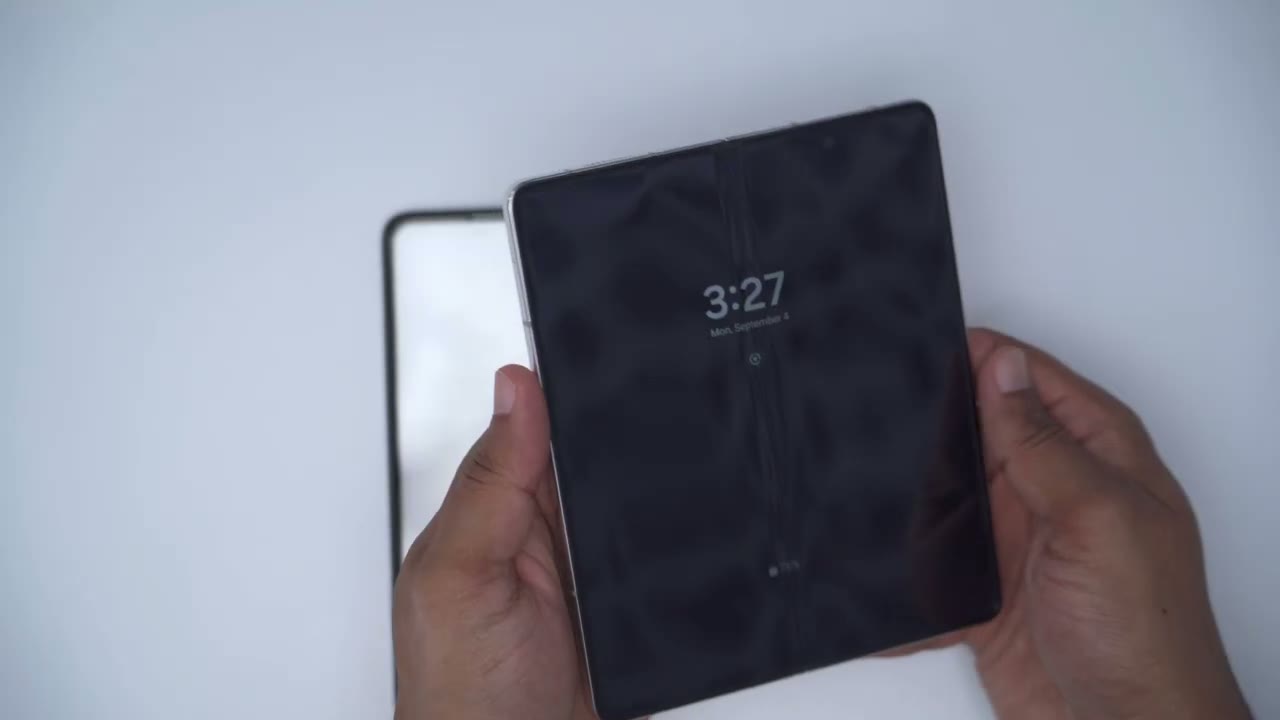
installation is super simple so you would just snap on this front case after you peel out this adhesive strip and I’m not going to do it right now because I have a couple other cases to review so once you have the front part in you would just snapping the back part so I’m just going to retract this magnetic hinge here and then snap that into place like so and that’s it so the case is put on and it’s really simple to install and remove
Design
so design wise this is actually a pretty nice looking case for something that comes in under 30 U.S and maybe a little bit cheaper on sale now if we take a look at the front you can see we have you know decently thick bezels around here and just looking at the cover screen you can see this is the cover screen bezel here and there’s a bit of a gap now if I take a look at the bezel on the left side you can see if I slide this out that’s where the bezel is and if I slide that back in it pretty much sits flush with that bezel now you won’t be able to slide this out this is only because I haven’t removed that adhesive strip protective covering because I’m going to be reviewing some other cases later but let’s take a look at the magnetic hinge if I retract that back you know that snaps into place pretty easily and it’s pretty secure if I was to grab DS pen holder say and just shake it you know it’s not really coming out I don’t really have a good grip up guys but you know it’s pretty secure on there now to show you what it looks like when you unfold the phone so take a look that hinge is just gonna slide over and rest on these bezels at the top and at the bottom so it doesn’t actually make contact with the screen but even if it did you do have that protective screen covering now one thing I wanted to show is imagine if you wanted to run the phone without say this front case here well when the hinge is just closed like that you can see the magnets don’t make contact with anything you know not with the hinge and not with the screen or anything like that however if you were to unfold the phone fully you know and then snap these magnets let me get a good angle here into place you can see that’s going to make contact with the screen which is not what you want so you will have to run it with the front case on here but yeah it offers pretty good hinge protection and you can always retract it you know just clean out any type of dust or anything that accumulates and snap it back into place if we look at the rear of the phone so you can see we have a bunch of things going on so for the most part the phone has this matte finish that has a soft touch feel to it so it doesn’t feel slippery it feels good and solid in the hand the only exception to that is this portion right here where it swivels out this is this type of you know kind of a textured material a bit more rough but again it still has a soft feel to it but again it feels nice in the hand and of course we do have the S pen holder here which widens you know the grip of the phone and if you’re someone who finds the z45 a bit too narrow like me you know I wish I had a wider screen this extra your width on the case really gives it a little bit more ergonomics and a better hand feel now the one thing that I do wish is that this S pen holder was removable I don’t have an S Pen for this and you can see if I try to you know I can kind of pry up a little bit of this you know it comes up a little bit but it seems to be pretty much super glued in here and it doesn’t seem to be removable unless you wanted to you know do a little bit of damage here in which case the finishing may not be as nice so you can see taking a look at the top and the bottom all of the ports are unobstructed except the SIM card slot and again you know you probably won’t need access to that now we also have a
Kickstand
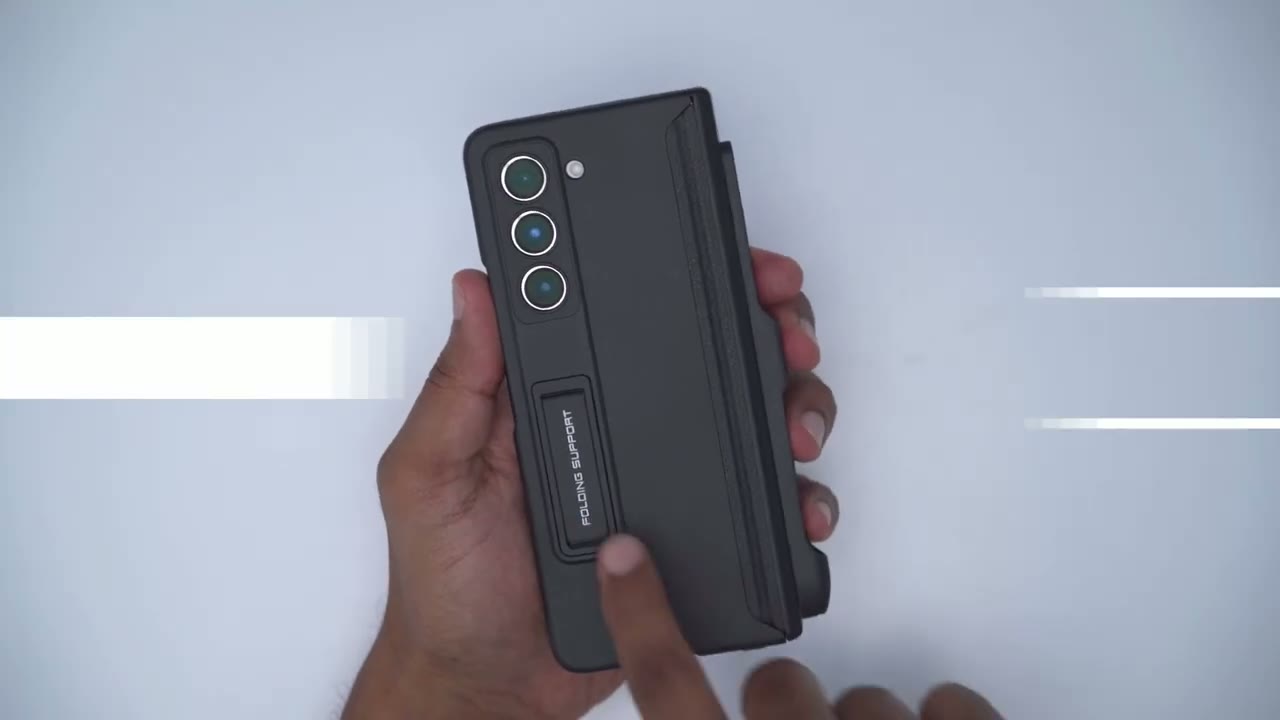
kickstand that comes out and I find that you have to retract it or open it up to the maximum setting here for the most ability and once you you know open the phone completely unfolded you can just set it down like that and you know watch content or what have you and you know for the most part it’s pretty stable you can see I can hit it you don’t it kind of rocks but it doesn’t fall over at all and again you could do the same thing just leave the phone unfolded open it up and then you know watch your content on the front there in terms of bezel
Protection
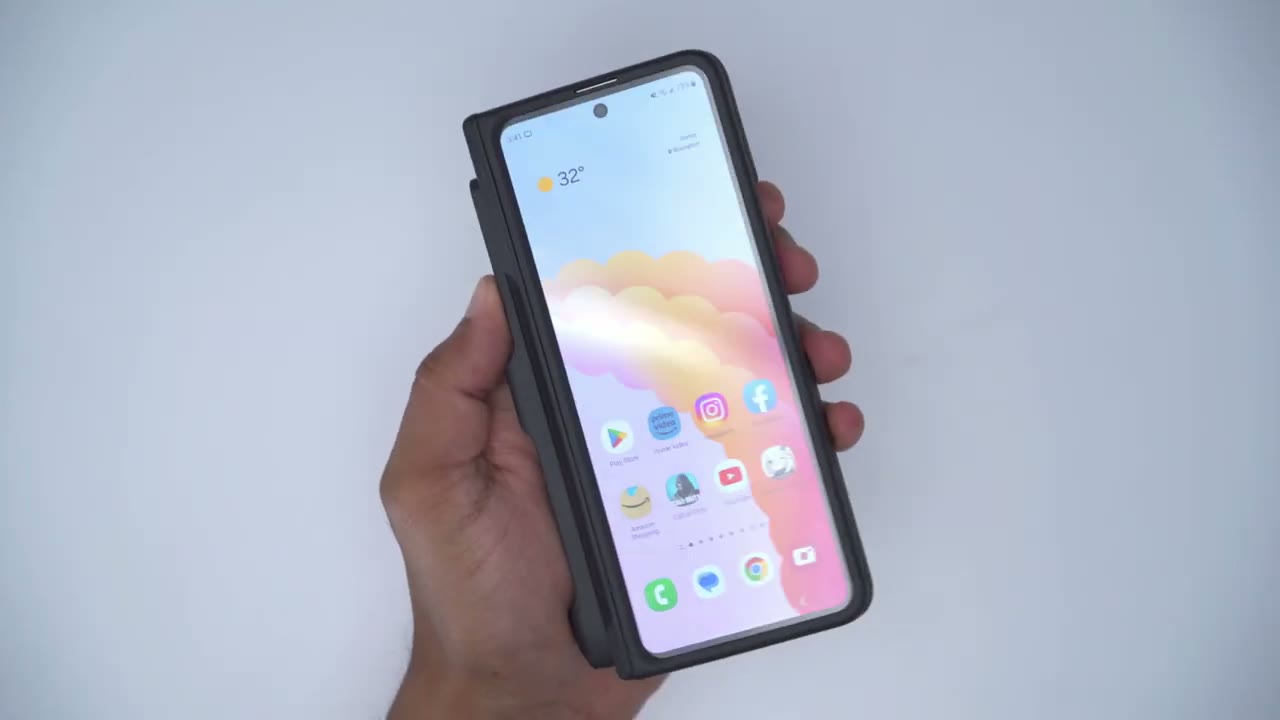
protection so if we take a look at the front you can see it is raised you know higher than the protective screen so you could just sit this down and the screen will be protected but again it does have a built-in screen protector right there now the same is the case for the rear you can see if I angle it you can see the camera lens there and they do have a raised lip as well allowing you to just drop the phone down and you know the camera lenses are going to be completely fine now there is a little bit of rocking you can see here a little bit very slight not too bad at all where the problem is is once you fully open the phone up take a look at that you know if that S pen holder wasn’t there we wouldn’t have this problem here take a look at that that’s really bad um I do wish they gave us the option to just completely remove this S pen holder it would sit you know a little bit more flatter and flusher allowing you to use this so you know you’d have to live with it at an angle or just always hold it in your hand now one thing that I have been doing I don’t really recommend it is I’ve just been retracting this part here kind of gripping it like this and holding the phone like this and you know for the most part that seems to work you know I can hold it do what I’m doing read and it hasn’t given away yet I mean it may so just a word of caution if you decide to do the same thing as me so one thing I don’t recommend doing is if you were to unfold the phone you know don’t just drop it down completely flat on a table or anything I mean you shouldn’t need to but you could see if you take a side view look at any of these you know the lip on here is not really that much higher than on the phone it actually seems kind of flush with it so not something I recommend if you’re worried
Touch Screen
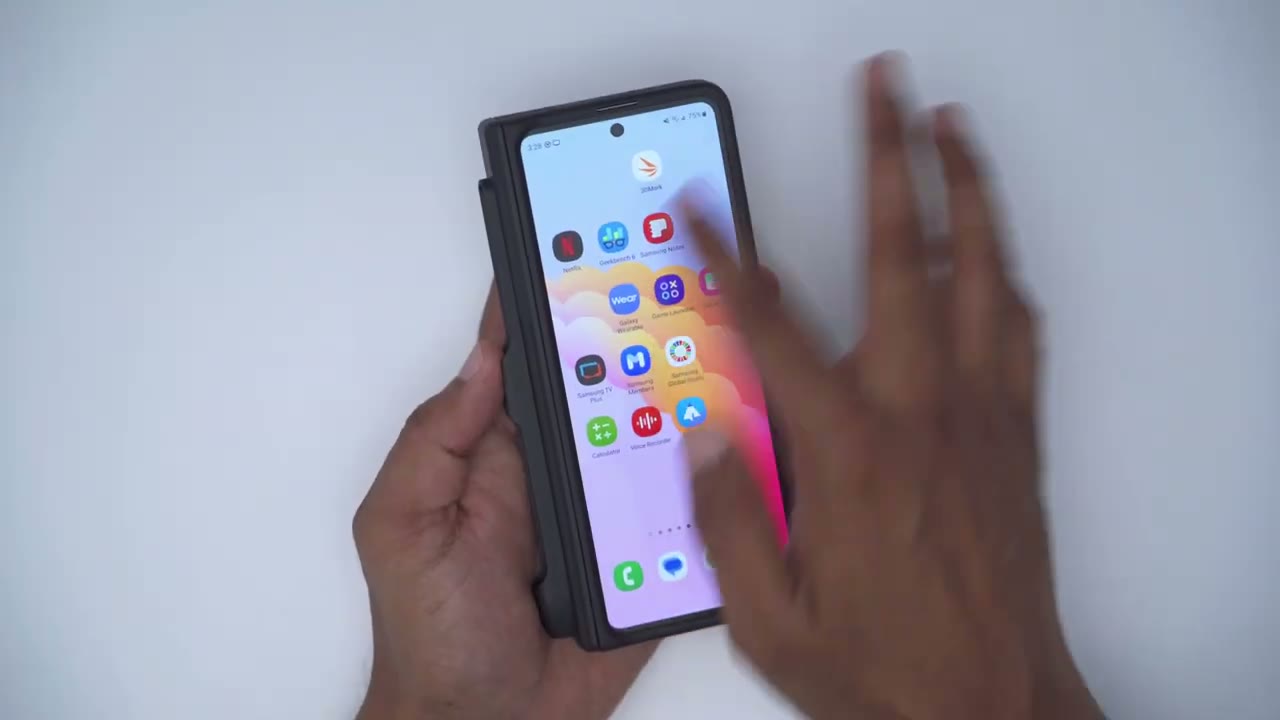
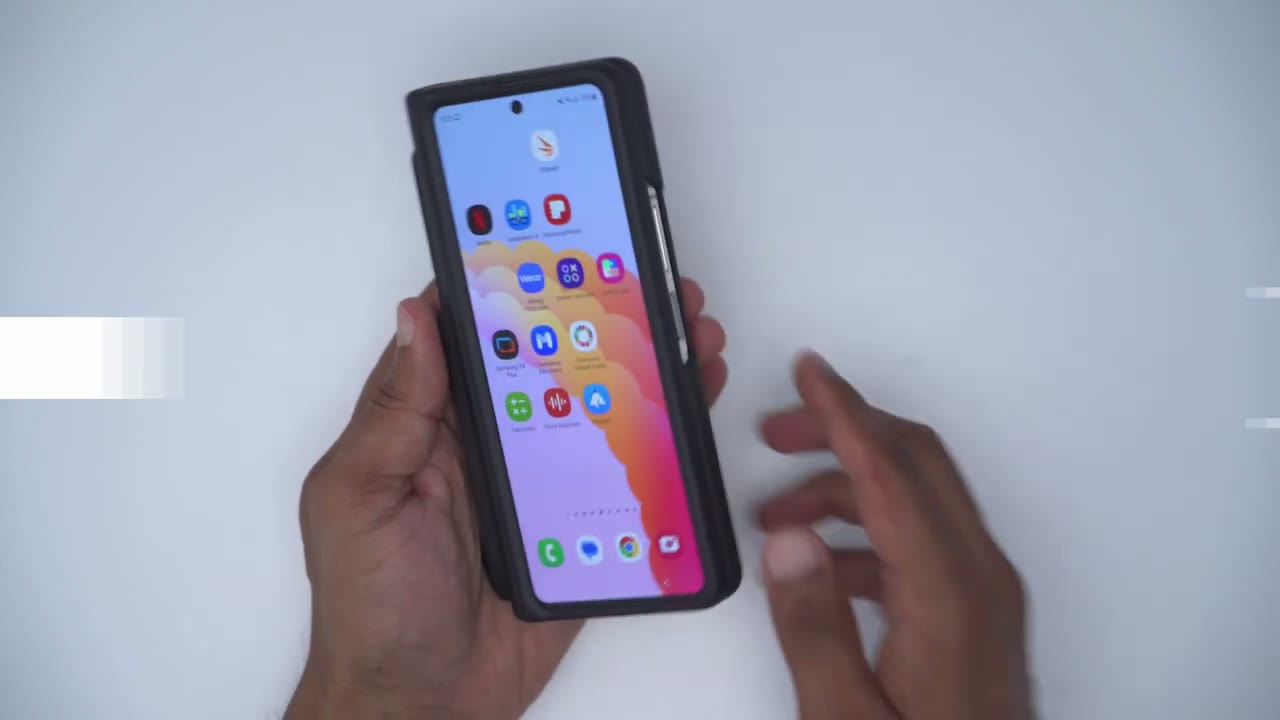
about the touchscreen functionality with this hard case applied on the front here you can see I could easily just navigate around and it doesn’t really affect anything and I don’t even have the touch sensitivity setting turned on by the way
Wireless Charging
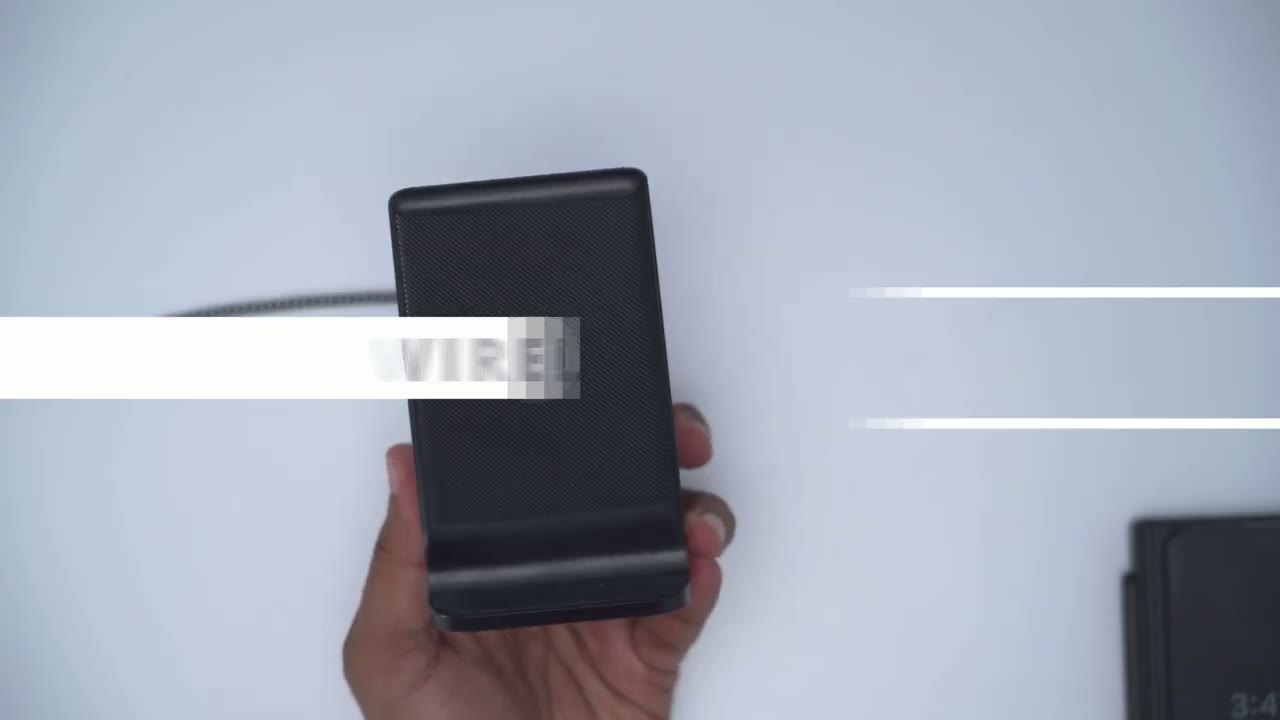
if you love to wirelessly charge your phone like me you’re not going to have any problem with this case you could say I could just drop it on there and it starts charging no problem and I’ll leave a link down to this Wireless case I’ve been using it for about a year on my Ultra Series phones and folds and I’ve had zero problems at all with it so
Interested?
if you’re interested in checking out this case for the z-fold 5 I’m going to leave a link down below and when I purchased mine it was around 25 us they have a 35 coupon on there and I mean hopefully it’s on there still because it’s a pretty decent case for the price by the way I am going to be reviewing some higher end cases for the z-fold 5 that offer a bit more protection than this case does so if you’re interested in that please consider liking and subscribing and I’ll see in the next one soon
Buy GOHHME Z Fold 5 Case on Amazon
Buy INIU Wireless Charger on Amazon
Please note that some of the links in my video descriptions are affiliate links where I earn from qualifying purchases. As an Amazon Associate I earn from qualifying purchases.

