


☑️ Get the S23 Ultra on Amazon
Please note that some of the links in my video descriptions are affiliate links where I earn from qualifying purchases. As an Amazon Associate I earn from qualifying purchases.
Intro
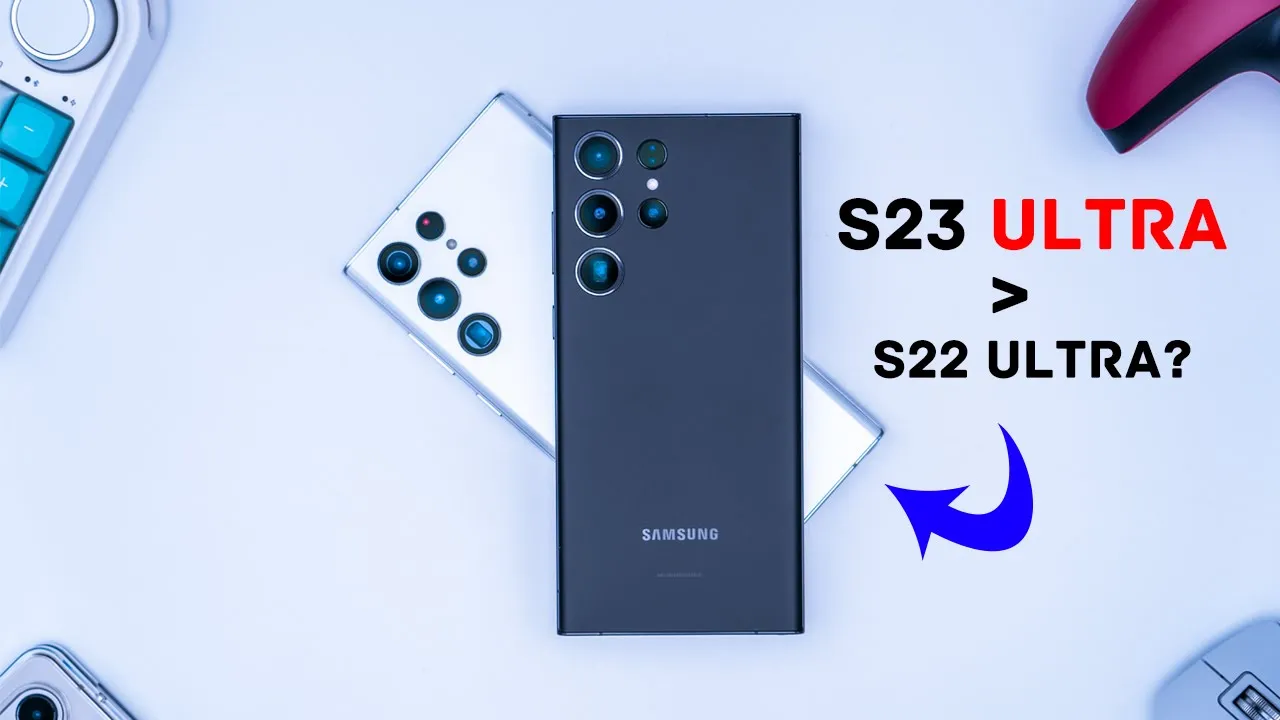
hey it’s Adrian today I’m taking a look at the all-new Samsung Galaxy s23 Ultra so I am coming from the s22 ultra so I am really curious to see if the camera upgrades and chipset upgrade is worth that price I got it in the Black Version I’m not 100 sure I may change your color later but let me know what you guys think is the best looking color so far
Package Contents
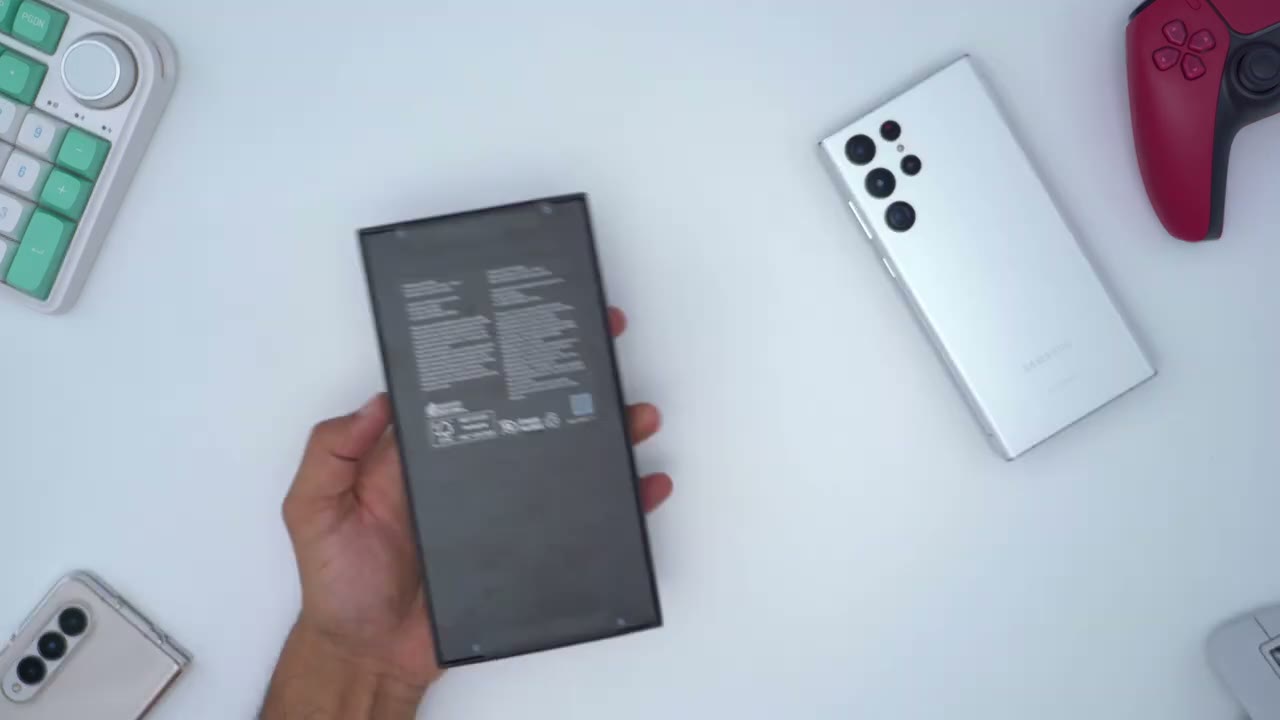
and the rest of the package we have the cinema jack tool manual and type c to type c charging cable there is no power brick all right so here’s a quick first
Design
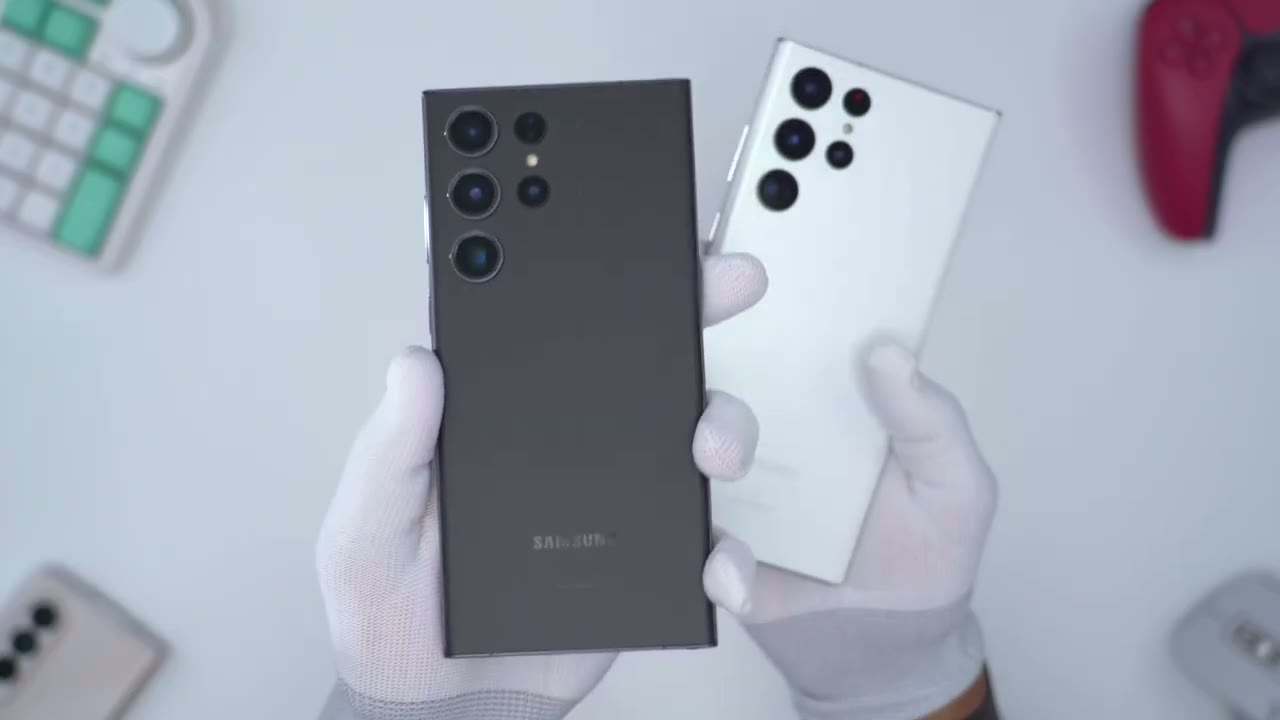
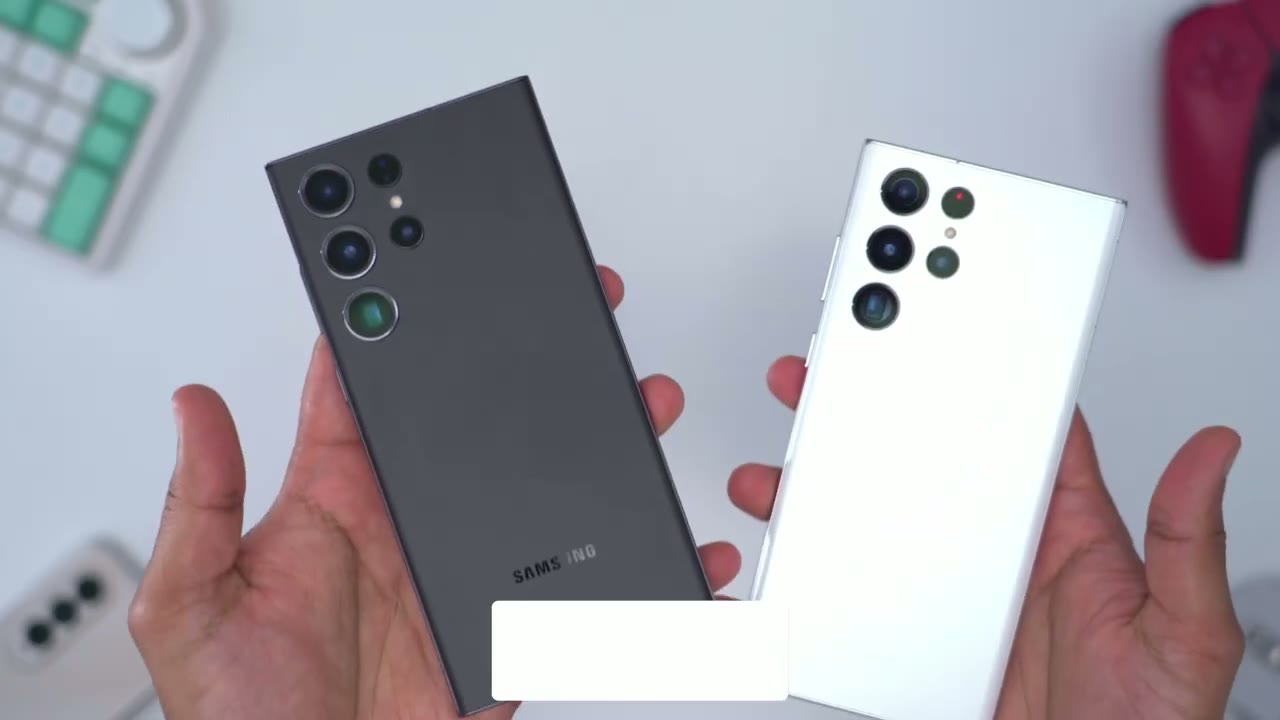
look of the s23 ultra in Phantom black and I do have the s22 ultra right nearby and you can see they look pretty much the same from the back however if you look at the s23 ultra the camera lens do have a thick bezel or a silver type of ring that goes around them which is not found on the s22 ultra so that’s how you can tell my Park really quickly now taking a look at the other features or other areas of the phone you can see it’s pretty much the same in terms of the buttons the side top and finally at the bottom of the phones you can see everything is pretty much a mirror match one of the other small design changes between the s22 and s23 Ultra is the curve so you can see on the s22 ultra it’s much more rounded and on the s23 ultra it’s much less pronounced so due to that curvature I pointed out the screen also follows that same type of design so you can see on the s22 ultra that this screen rolls off into the side frame much earlier but on the s23 ultra the screen takes a little bit longer before it drops off into the frame might be hard to see on the black but it is there for those of you who are considering the Phantom black if you have you know kind of oily fingerprints like me just be mindful that this is showing up very easily on the s73 ultra so you may want to run it with a case
Camera Performance
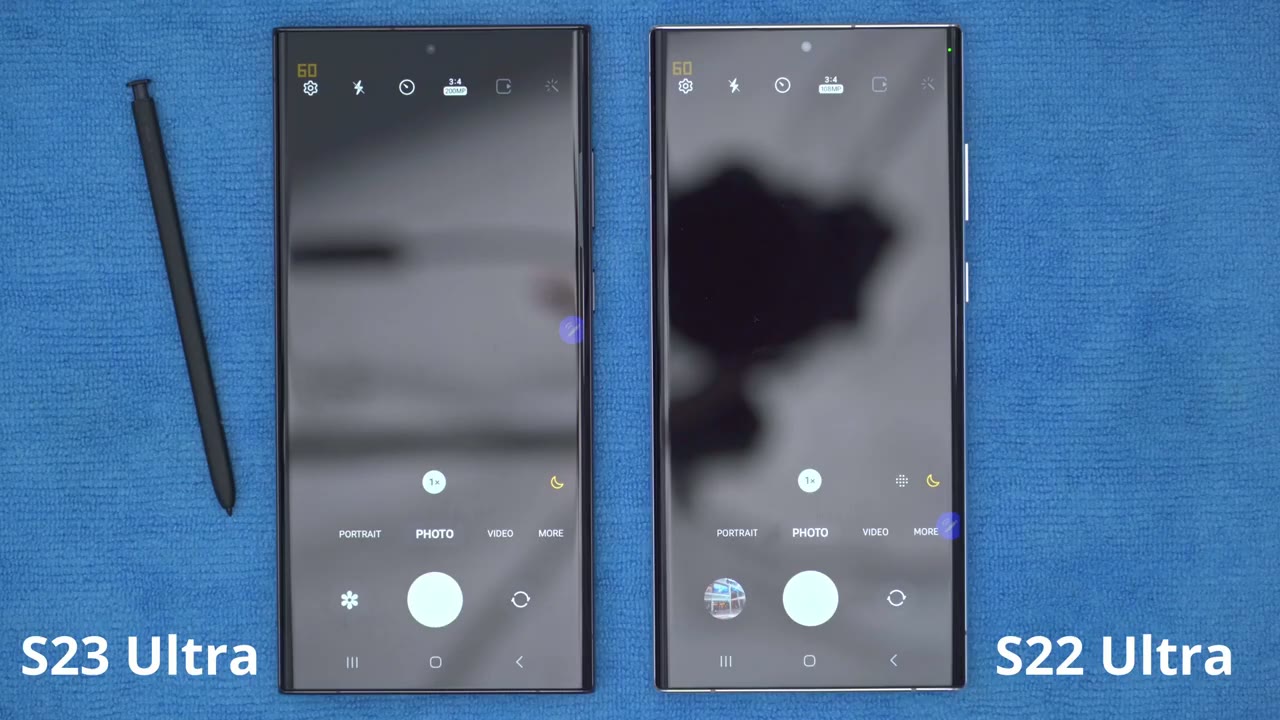
camera performance is going to be one of the big differentiators between the s23 and s22 Ultra so you can see on the s23 when I’m in photo mode I I can cap out at 200 megapixels with the main lens and on the s22 ultra I cap out at 108 megapixels still respectable but I’m going to be testing the 200 megapixel to see how much more of an improvement that is however one really important thing is that when we’re in video mode and I go into the video frame rates and resolutions I can go up to 8K 30 however on the s22 ultra it caps held at 8K 24. now the ak-24 option is not here in video mode however if you go over into the pro video mode you can see you can cycle through and there we have 8K 24 as well and on the s22 ultra you can see that there is no 8K 30.
so for those of you who you know really need that 8K 30 the s23 ultra is definitely where you want to be so one thing that I noticed with the s23 ultra that I don’t really notice on the s22 as much is that whenever I take a photo and I’m using that main camera or the main lens with the 200 megapixels so you can see when I take a photo it actually has the load and thing before it resolves that image and I’m ready to take the next photo if I go into the camera Gallery you can see that it’s actually loading the image so I can actually zoom in right now I have to wait till that loading screen is gone or that loading icon and I can now take a look at the photo so just to demonstrate that again I’ll go into the camera mode I’m going to take a photo right now I’m gonna wait for it to finish loading there and when I go in here again I can’t actually zoom into it until that loading icon is gone and now I can take a look at the photo now when I’m in the camera Gallery I just want to point out that I did set it to raw and JPEG and high efficiency is turned off I would I just want to get the best quality of photo now if I do set it to jpeg only and I take the same photo you’ll see it doesn’t seem to make much of a difference it still does have to load until I have can go into the gallery and again I’m waiting on that loading icon so just something to be mindful of I’m only pointing this up because you can’t really use this mode in a burst type of capacity obviously you’re taking a very high resolution photo and it’s not going to be possible so let’s demo what happens if I try to just hold this down or quick fire it so I can’t actually quick far I have to wait until the camera lens is available to me again by comparison you can see with the s22 ultra I’m also going to be using the main lens and at the maximum megapixel 108 which is you know almost half of what the s23 is doing so let’s take a photo and you can see that that pops up almost instantaneously in the camera roll and when I go into that you know right away I can just go ahead and zoom into it so it’s much faster if I was going to try to you know take a burst series of photos with the s22 ultra now if I go into the options just to show that everything’s calibrated right now it’s up to raw and jpeg high efficiency is turned off so I’m going to set it to only JPEG and I’ll run that same type of test and you can see it pops up pretty much instantaneously and I can go into the camera gallery and take a look at that photo so again this is not you know any type of short coming on the s93 ultra it’s resolving you know an image that’s about twice the resolution of the s22 ultra but something to keep in mind all right here’s just a really basic camera test so this is a photo of a watch I took in a fully lit room which you can see and both phones you know they resolve the image no problem now in night mode on the s22 it had a really hard time making out you know a lot of the details that the s23 did pick up and this was a pitch black room so the s23 definitely has a better night mode these next set of images are all unedited so the s22 ultra is on the left s23 Ultra on the right and what do you guys prefer so if you take a look at the s22 ultra and you take a look at the sun you can see there’s a bit of discoloration you know haloing with the sun on the s23 ultra it manages the sun much better and this is a challenging scene for a lot of cameras to shoot into the Sun and you do see a bit more detail in the s23 ultra the photo’s a bit lighter but you can also argue it’s a little bit more washed out so it kind of is personal preference on this I think in this image both cameras are taking really sharp photos but if you look at the wall the wall on the s22 seems you know really brightened up and on the s33l trade looks more true to life on this image it’s a bit harder for me to pick an image that I prefer but I think I’m leaning towards the s22 ultra overall it seems to be a Brighter Image and if you take a look at the chair at the bottom right of both photos on the s93 ultra it seems maybe a little bit more saturated and the overall tone of the image is a little bit warmer now you do see a little bit more detail in like the flower petals because there’s not as many bright or highlighted spots so again I think personal preference here I’ll be cropping into these images to get a bit more detail in my full review but for now what do you think of the s23s cameras compared to the s22s cameras is there enough of a difference to make you consider the s23 ultra when it comes to 8K video you could see that the s22 ultra looks a little bit more choppy compared to the s23 ultra and that’s thanks to the s23 ultra’s ability to record in 30 frames per second both
Screen Performance
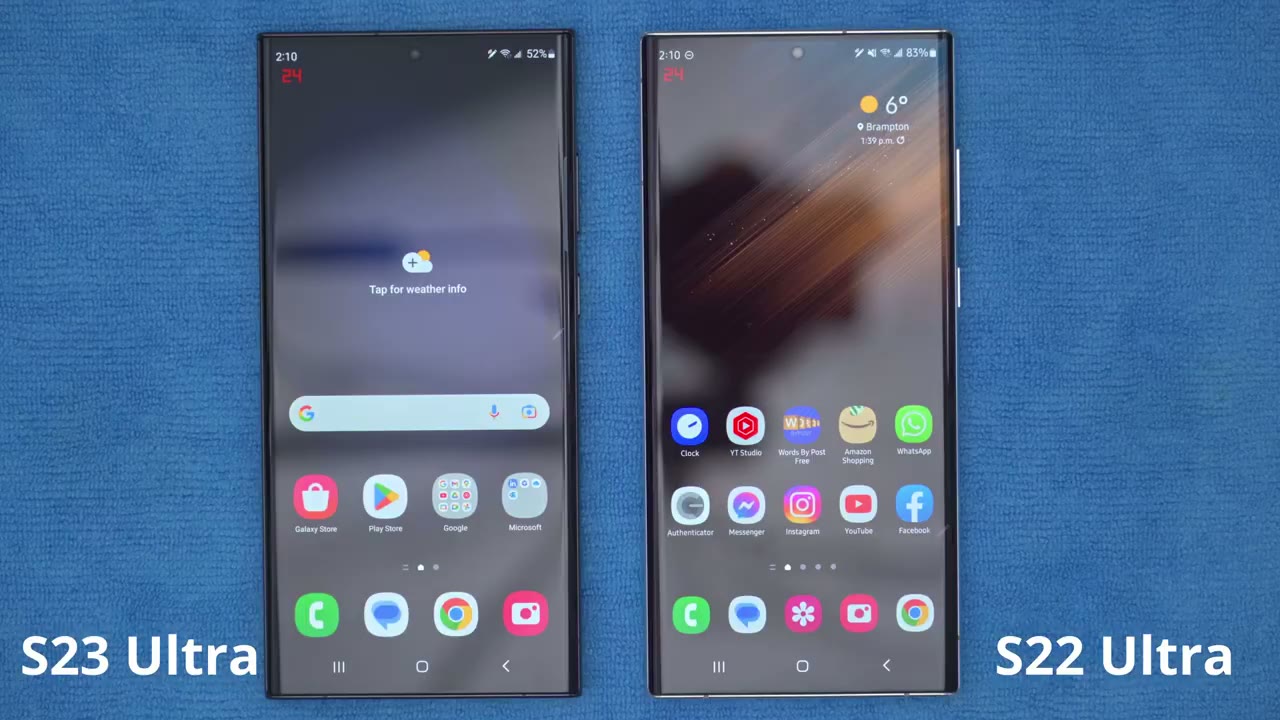
screens are very sloppy and you can see they look pretty much indistinguishable from each other all right so I have the s33 just set up kind of like a first boot so I’ve noticed a couple of things so the refresh rate seems to be pretty much in line with the s22 ultra so you can see as I’m going through the different menus they’re kind of reacting the same way one thing that does look a little bit different though is if I go into these settings on the s22 and then on the s23 for some reason it looks like the color temperature is a little bit different than on the s23 ultra it looks a little bit warmer to me and I’ve gone into the display options for both of them and I’ve confirmed that you know the iComfort Shield mode is off you can see it’s off on both of them as well the screen mode it is set to Vivid on both and the temperature setting is the same if I go into advanced you can see everything is at the default now if I move the s23 ultra to the coolest temperature then it’s a bit more in line with what I’m seeing on s22 but when they’re exactly in the same same area it does look a bit warmer here now let’s just go to the extreme end and even looking at it in person I’m not sure how it’s coming across in camera but looking at it in person directly this is still a little bit Bluer and this is still a warmer color tone since the s93 ultra
App Loading Speed
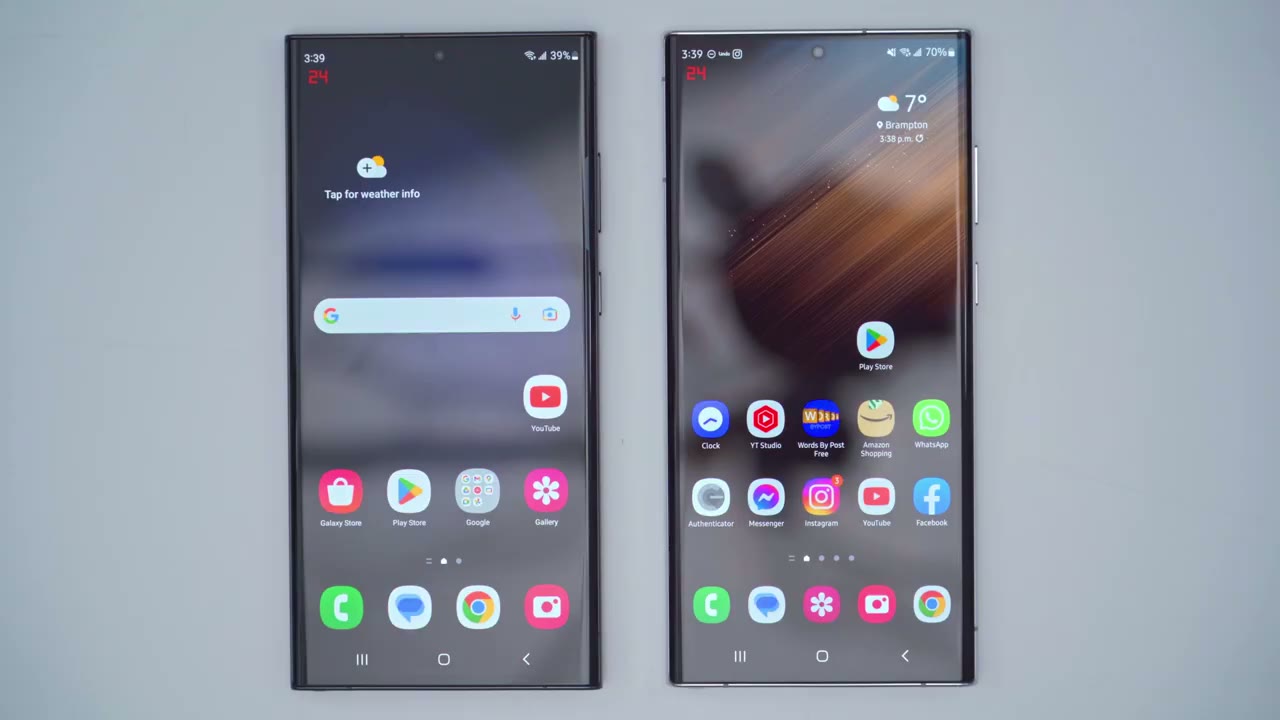
does have a faster chip set than the s22 ultra it should be quicker at the launching apps so let’s do YouTube for a test and you can see it did load up here a little bit quicker than it’s loading up on the s22 ultra now that could be due to you know the internet connection so let’s try that again so YouTube and you can see it just loads a little bit quicker on the s23 ultra now let’s try another app so for example let’s do the Play Store and again it loaded a little bit quicker than on the s22 ultra over here so yeah not the most scientific test but you can see a desk scene that you know at early glance the s23 ultra is opening apps a little bit quicker which makes sense but in my full review I will test that with games and a bit more apps so stay tuned for that alright guys so please do
Sub For Full Review
remember to stay tuned for my full review of the s23 ultra versus s22 Ultra obviously this is just a really quick video to highlight some of the quick differences but I will go more in depth in my full review and I’ll be comparing The Thermals gaming performance battery life camera so if that’s interesting to you please hit like and remember to subscribe now if there’s anything you want me to cover in particular in the full review please leave a comment down below and I’ll do my best to get around to that as well thanks again and I’ll see you soon bye
☑️ Get the S23 Ultra on Amazon
Please note that some of the links in my video descriptions are affiliate links where I earn from qualifying purchases. As an Amazon Associate I earn from qualifying purchases.

