


Please note that some of the links in my video descriptions are affiliate links where I earn from qualifying purchases. As an Amazon Associate I earn from qualifying purchases.
Intro
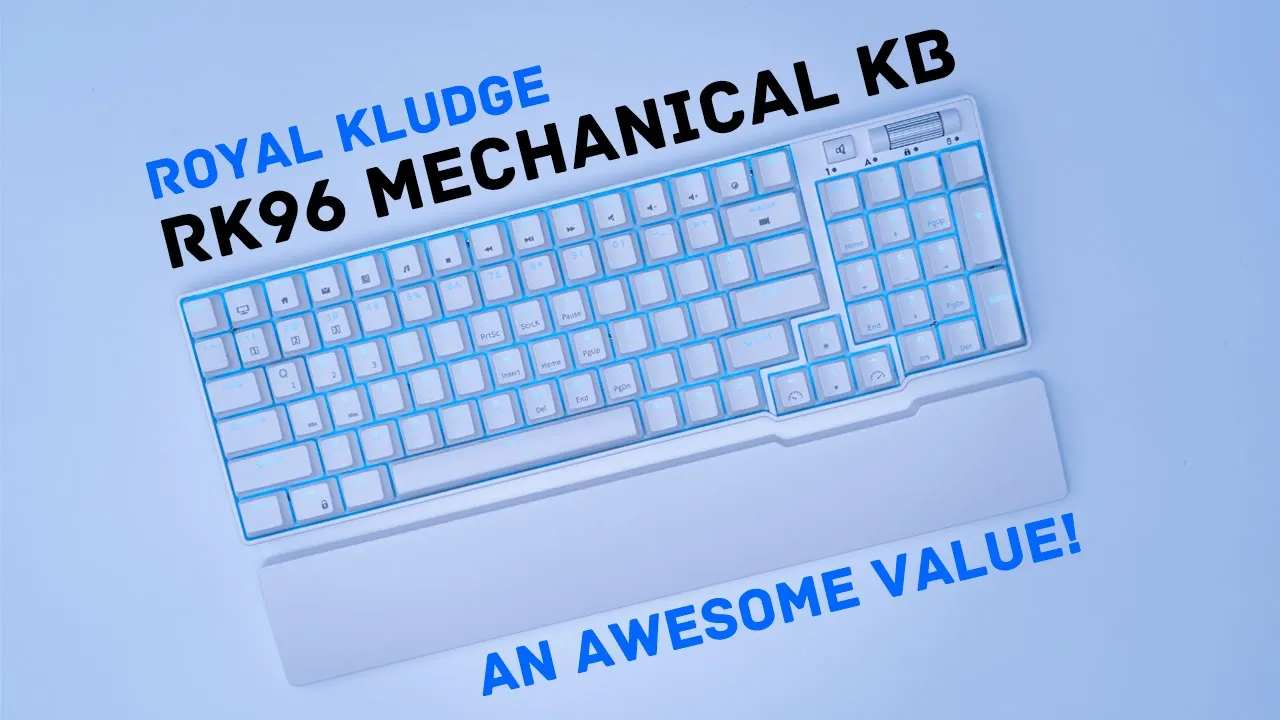
hey it’s Adrian today I’m taking a look at the Royal Coach RK 96 mechanical keyboard with brown switches now I did recently review the rk84 keyboard but for those of you who prefer a fuller keyboard layout or a keyboard with a numpad like myself the rk96 is worth considering I will send the rk964 review but I’m going to share my uninfluenced thoughts with you so let’s get started
Package Contents
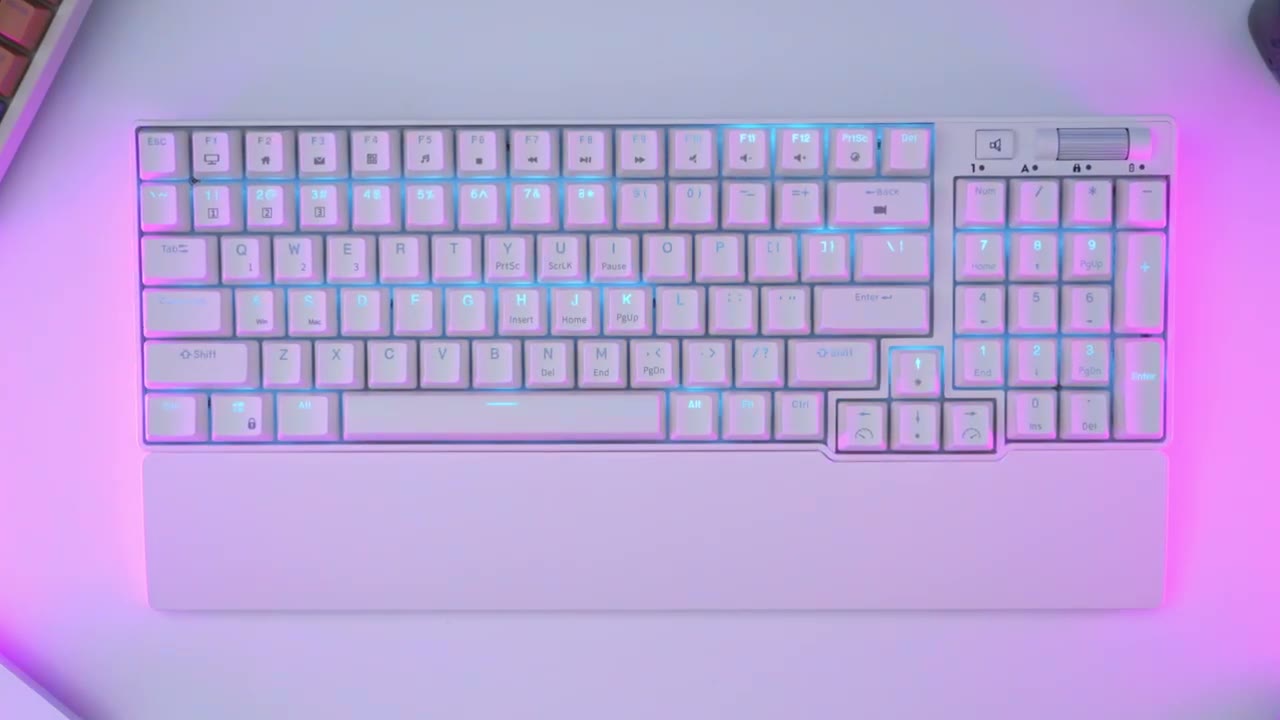
in the package we have the rk96 mechanical keyboard we have a Magnetic wrist rest a six hook long USB type c to type a cable we also have four replacement switches a key Capital switch puller and the manual the design
Design
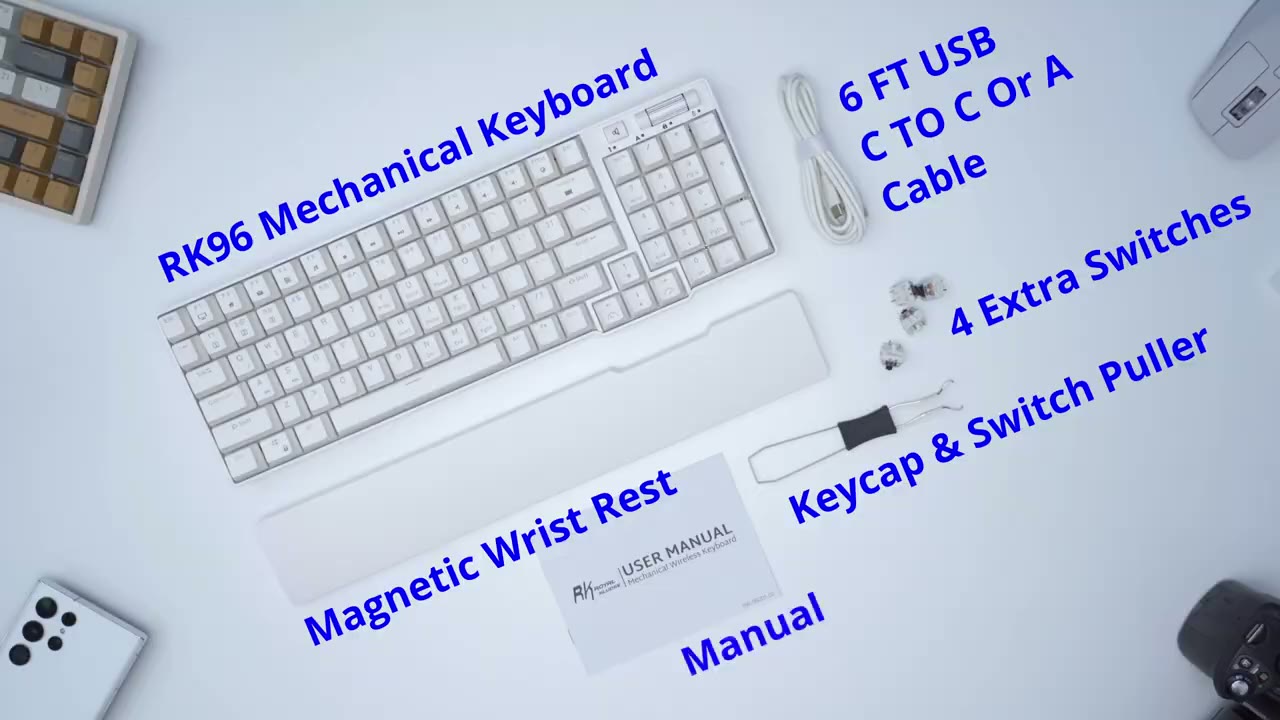
of the rk96 looks really good so it’s a pretty much you know white type of build so it’s going to suit any type of light or white colored setups now one thing I’m really happy is that they’ve included a matching wrist rest and you can see because of the shape of the keyboard you know it would have been challenging to find a compatible wrist rest because of that kind of cut out there so you can see this is magnetic so it easily snaps into place and you know follows the keyboard around however it’s not powerful enough if you were to lift the keyboard and move it somewhere else on the best you can see it’s coming apart there but you know it stays in place for the most part once you have everything set up looking at the underside of the Magnetic wrist rest you can see that we have four rubber feet here just to keep everything in place taking a close-up look of the rk96 so you can see from this front angle here if you don’t have the Magnetic wrist rest you can see the logo right there now one thing else to notice is that some of the keys do have the secondary functions printed on the top of them now depending on you know what you prefer you may find that a little bit busy at first I thought it was going to be busy but I’m not really noticing it right now the rear of the keyboard has a type c port for charging or to use it in wired mode and you also have two USB a pass-throughs on the back of the keyboard it’s a pretty much all clean white type of look so we do have a switch here to put it from on or off and we do have a switch to switch it from Bluetooth to wireless mode the wireless adapter is magnetic like on most keyboards and we do have two stage adjustable feet foreign right there and we also have rubber feet as well to keep everything nicely in place there’s a side view of the keyboard so you can get an idea of the keycap profile we also have a volume control roller at the top here and you can see that it’s ridged or ribbed and we also have a mute button here that provides tactile feedback now at first when I looked at the photos of this it looked a little bit cheap to me but in person actually looks kind of nice um I’m kind of wondering if it would look better you know just all white to match the rest of the keyboard but let me know what you guys think about it one thing you might have noticed with this keyboard is that some of the keys are repeated so you can see that we have the delete page down keys for example but we also have them replicated on the other side so you do have the option to use you know the side of the keyboard that you find preferable for those of you who prefer to use type c all the way you can go from either USB Type A two USB type-c just like that there’s a comparison of the rk84 Against The RK 96 so the rk84 pretty much ends in line here so right around where the right arrow ends and you can see that the bezel on the rk84 is much thicker than the bezel on the rk96 so if I line them up side by side this way you can see that the rk84 is deeper than the rk96 the keyboard has a little bit of heft to it so it comes in at about 2.4 pounds or one kilogram and that’s what the Magnetic wrist rest included when it comes to lighting
Lighting
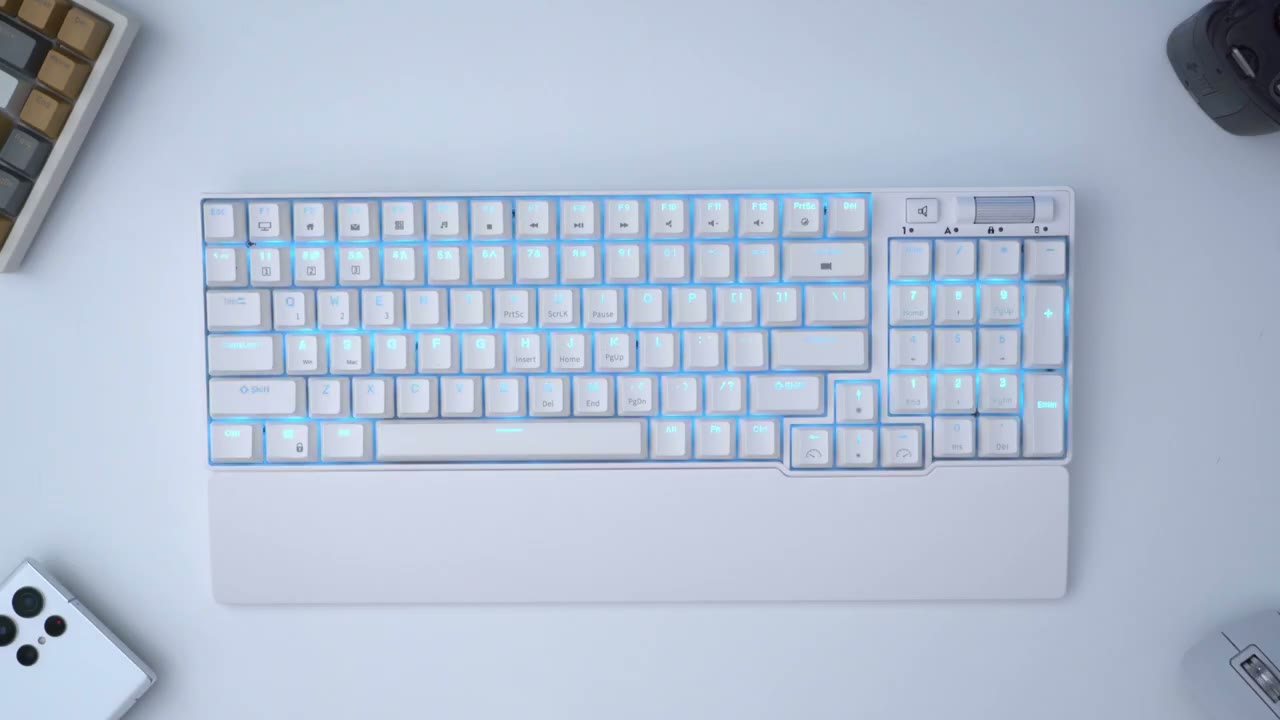
they’ve just done a phenomenal job on the rk96 now there is only one preset color which is this kind of light blue or baby blue there is no full RGB and at first I have to say I was a little bit disappointed that I wouldn’t have the option to switch to you know white or green or whatever I wanted to but now that I’ve seen how well this light blue works and pairs with the keyboard and just how well it shines through with the keycaps I’m not disappointed at all there’s 20 preset lighting modem I’m just going to cycle through those right now so you can see we have certain Keys lit up and there’s a way to program that and I’ll get into that later which is super handy we also have glow foreign effects on here and you’re not going to get bored of course you can adjust the lighting effects to your liking so if I go all the way down that cuts it completely that’s the first level so you can see it’s very dull and then you can go all the way up to the brightest you can also slow the effect down or speed it up the keyboard has North facing LEDs and that pairs really nicely for the most part because you can see on a lot of these keycaps the transparent portion is towards the top end however if we look at the end key for example the one is illuminated nicely however the secondary illumination on end you don’t get to see that as well unless you press it down you know you get a little bit more light output but for the most part you know you’re only seeing whatever is illuminated on the top end of the keycap if at any time you want to reset any of the lighting effects you adjusted function and long press on the spacebar and that takes you back to the default for reference this is what the keyboard looks like with everything turned off and then back on again so if you’re on defense about just having this one preset color kind of like I was I would say I don’t think it’s going to be a problem for you the way that they’ve implemented you know the color just the fact how well and how nicely everything comes through and shines through from the keycaps you know I think you’re gonna be really pleased and happy with how it looks so if you’re playing a specific game and you only want you know wasd and whichever other Keys you use for that game it’s so easy to do that so first you would hit function one and you can see that takes us into the first color profile and you can have up to three color profiles for you know three separate games or applications so now that we’re in the first color profile we’ll hit function back and that puts us into this type of editing mode so I’m going to hit wasd you know those are the keys I always use maybe R for reload space for drum control for Crouch whatever and whenever I’ve set my keys how I want it I hit function and back to save that profile and that’s now saved to the keyboard now if I’m in you know a regular lighting mode and at any time I want to launch that game and access that profile I would just hit function one and it’s
Typing Experience
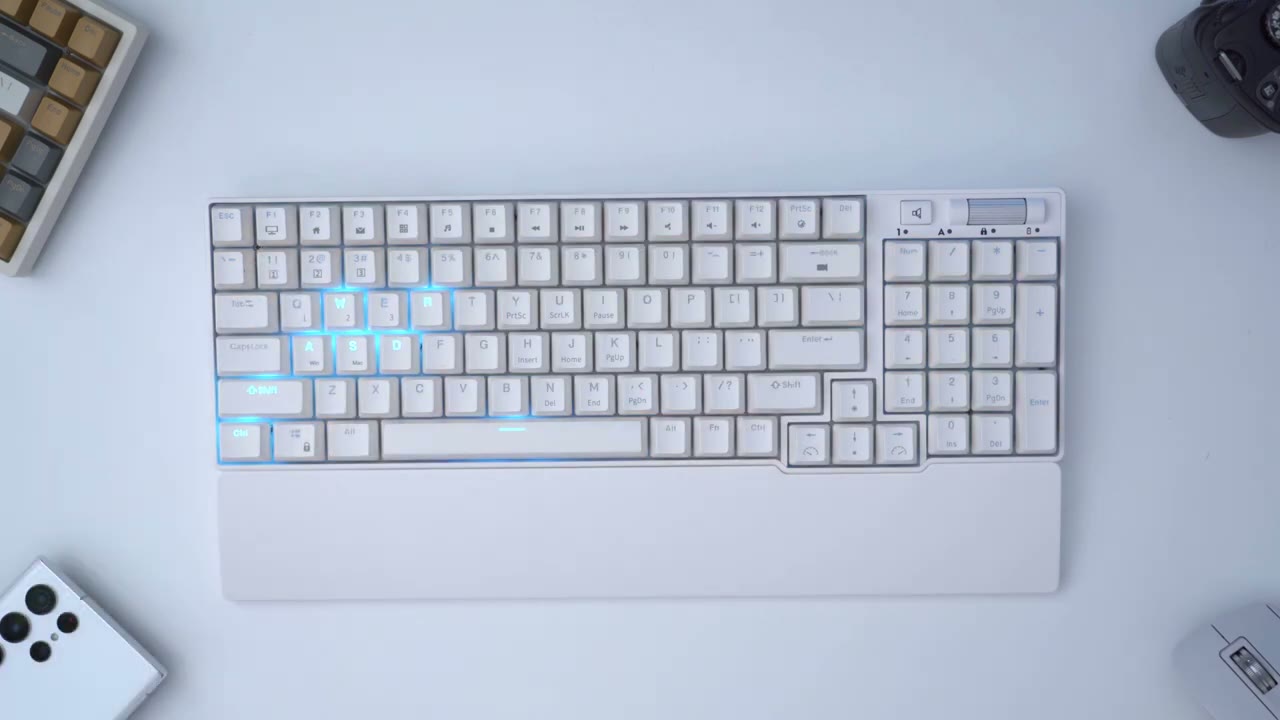
ready to go the typing is experience on the rk96 has been pretty enjoyable so far again partly due to having this included wrist rest that just really adds to the typing experience for me now I did get this with the brown switch and it does come in blue and red switches as well now one of the characteristics with brown switches is that when you’re hitting the actuation point there’s a slight bump that you can feel and I do feel that when I’m pressing the keys down slowly however when I’m typing and I’m you know I’m just going at it in the zone it’s not something that I’ve noticed I would say that the keys do have a little bit more wobble than on the rk84 so let me demonstrate so if I just Place pressure on the edger you can see that it does wobble a bit over on the rk84 the Wobble it seems a little bit less pronounced now it’s not anything I’ve noticed or it’s not anything that’s impacted my typing because I’m never hitting it on the corner it’s always in the middle of the keycap so not an issue if you’re planning on using the rk96 for gaming as well I don’t think you’re going to have any issues the brown switches are very responsive so they pop back up very quickly and it also does offer and key rollover support there’s a lot of tactile feedback when you’re typing and I’ll let you be the judge of you know the sound or noise level I don’t think it’s too loud considering that there are brown switches so I think you can get away with this and then you know an office type of environment but here’s a quick test again
Sound
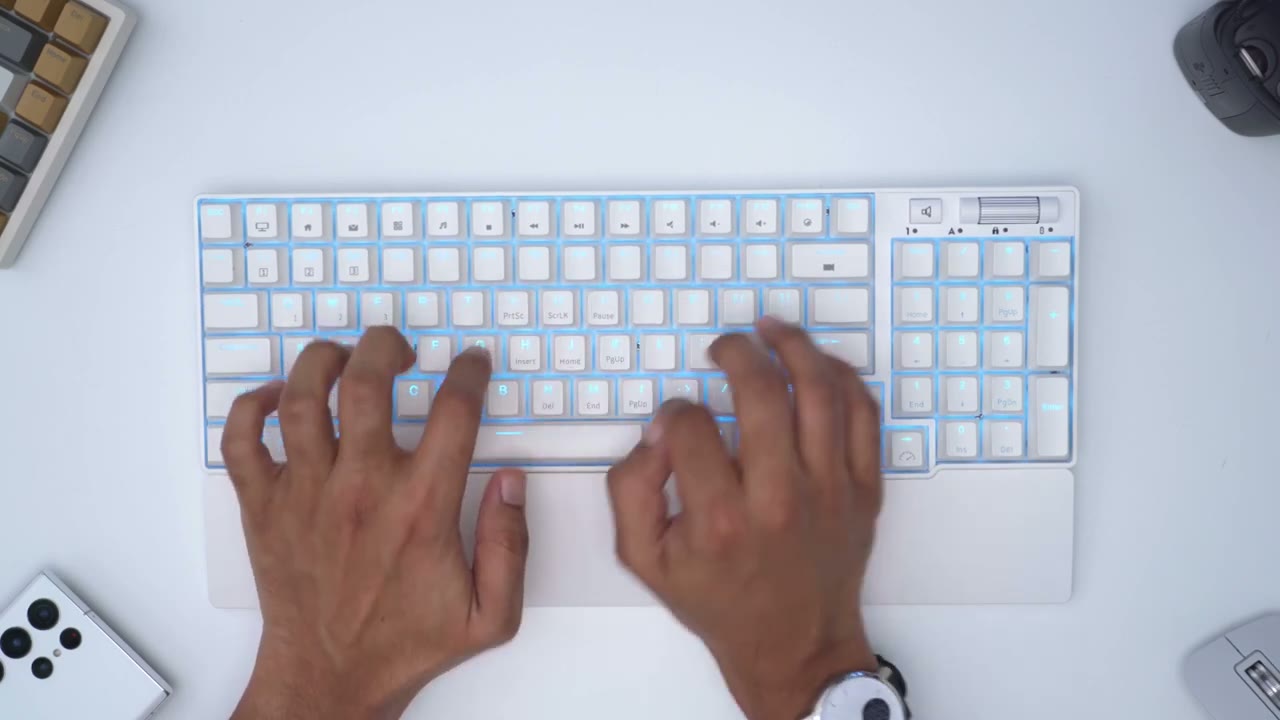
the sound profile from the rk96 is actually pretty good for the price so you can hear if I go across the keys foreign consistent type of sound obviously the space part it sounds a little bit more Hollow just because it’s a much larger keycap but there’s nothing really glaring or obvious that really sticks up when it comes to the sound there’s two layers of high density silencer foam in the keyboard which helps with vibrations and the overall sound profile to check
Keyboard Commands
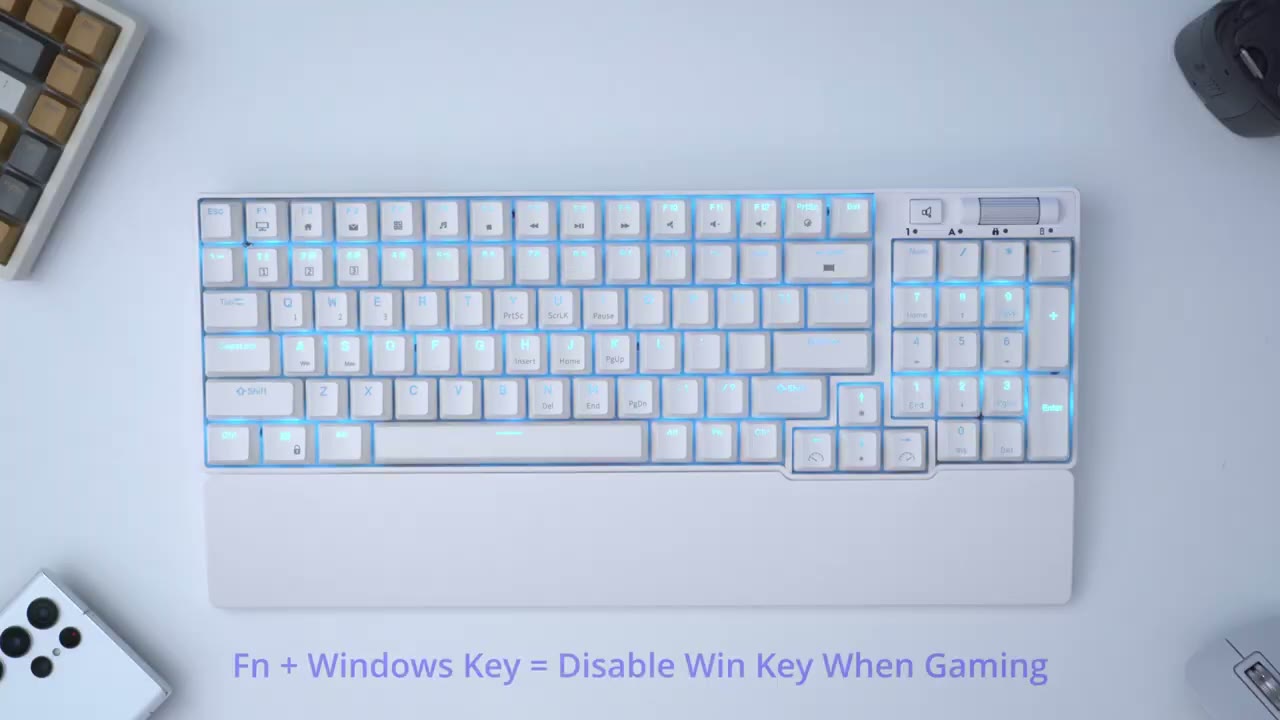
the battery level on the Fly you would just hit function and enter and you can see that I’m at about 80 right now The
Specs
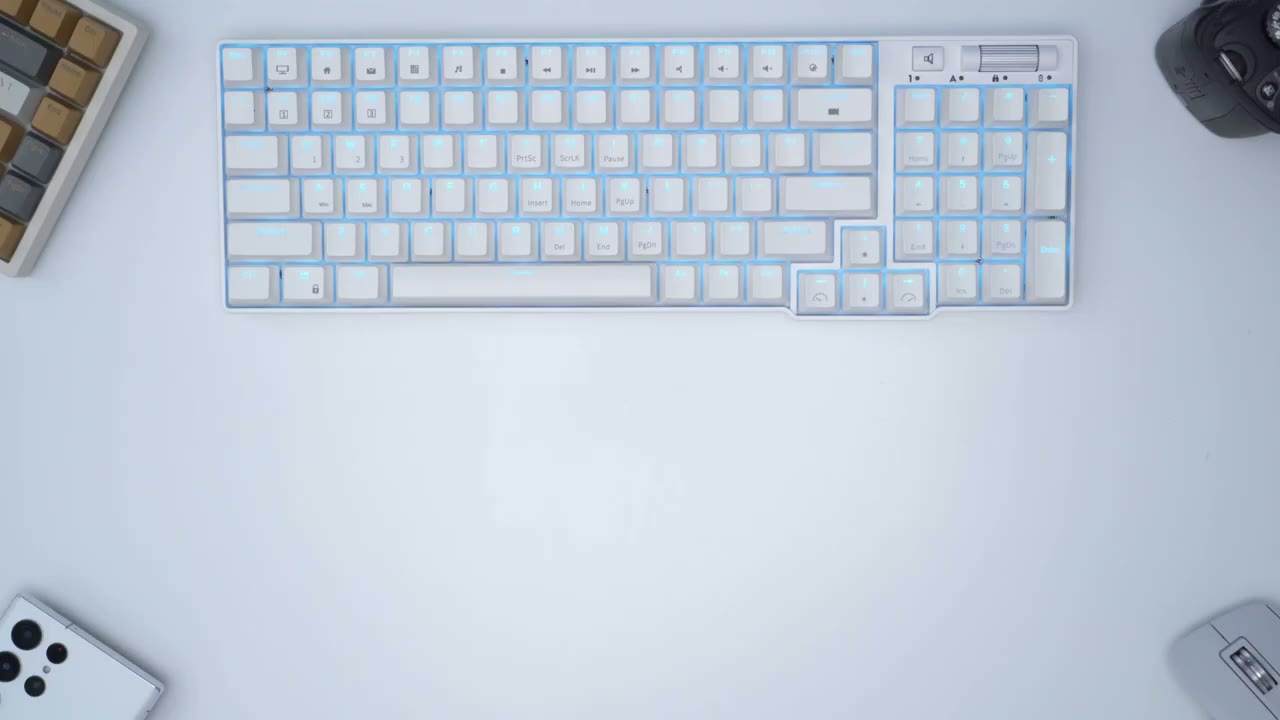
RK 96 comes in white or black there are 96 Keys which are ABS double shot keycaps switches come in blue red or brown and the switches are hot swappable for three or five pin the built-in battery is 3750 milliamp hours Bluetooth 5.0 2.4 gigahertz wireless and wire mode are supported there are two built-in USB pass-throughs the software is compatible with Windows only there is n key rollover support alright so I’ve
Software
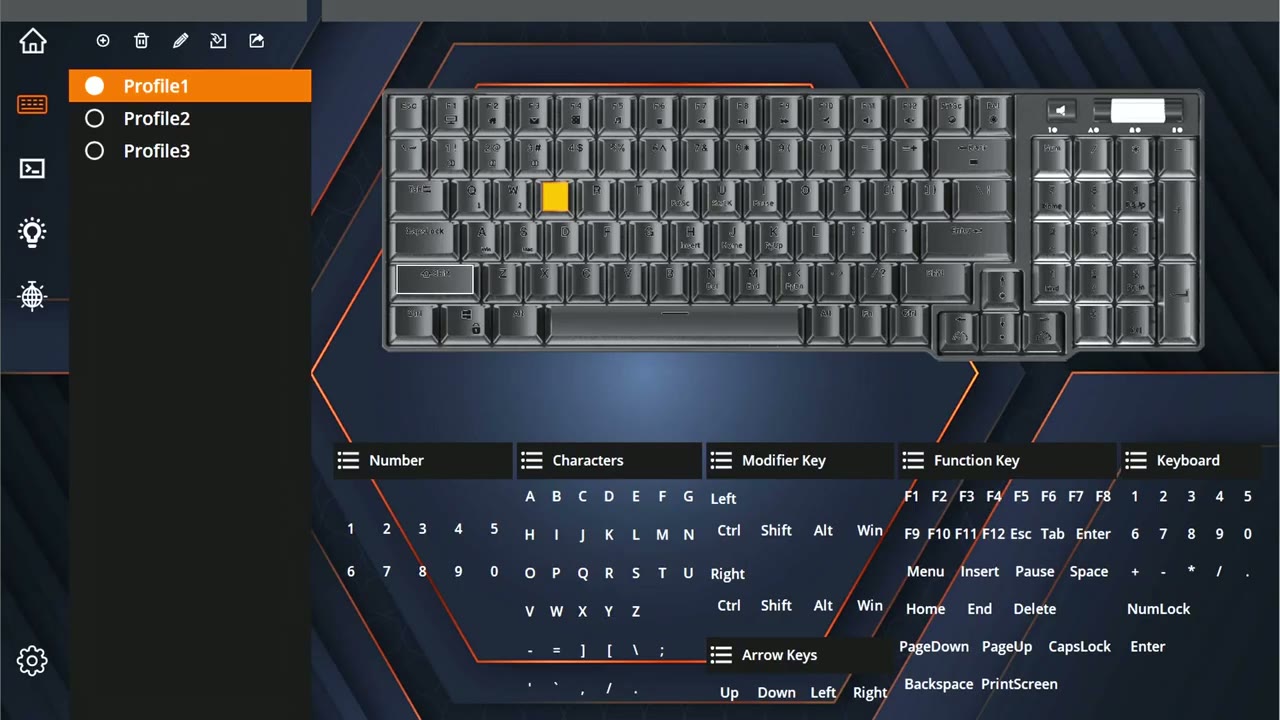
downloaded the rk96 software and you can see here there’s some preset profiles you can also add additional profiles as well if you need it and you can remap is and whatnot there’s also a macro section if you use that and of course you have the lighting section now there is a really important setting here which is sleep time the defaults five minutes but you can set it to no sleep so if you’re gonna leave your keyboard plugged in and you never want to go to sleep you can adjust that in the software I haven’t found a command for the keyboard to do this it would be really handy if that existed but for now you would have to use software you can also go and set up custom lighting effects if you want but you can do that with the keyboard commands like I showed and there was a firmware update for the keyboard I did apply it I’m not sure what kind of fixes you know accompanied that firmware update but you know it is here if you want to do that so if you’re considering
Recommended?
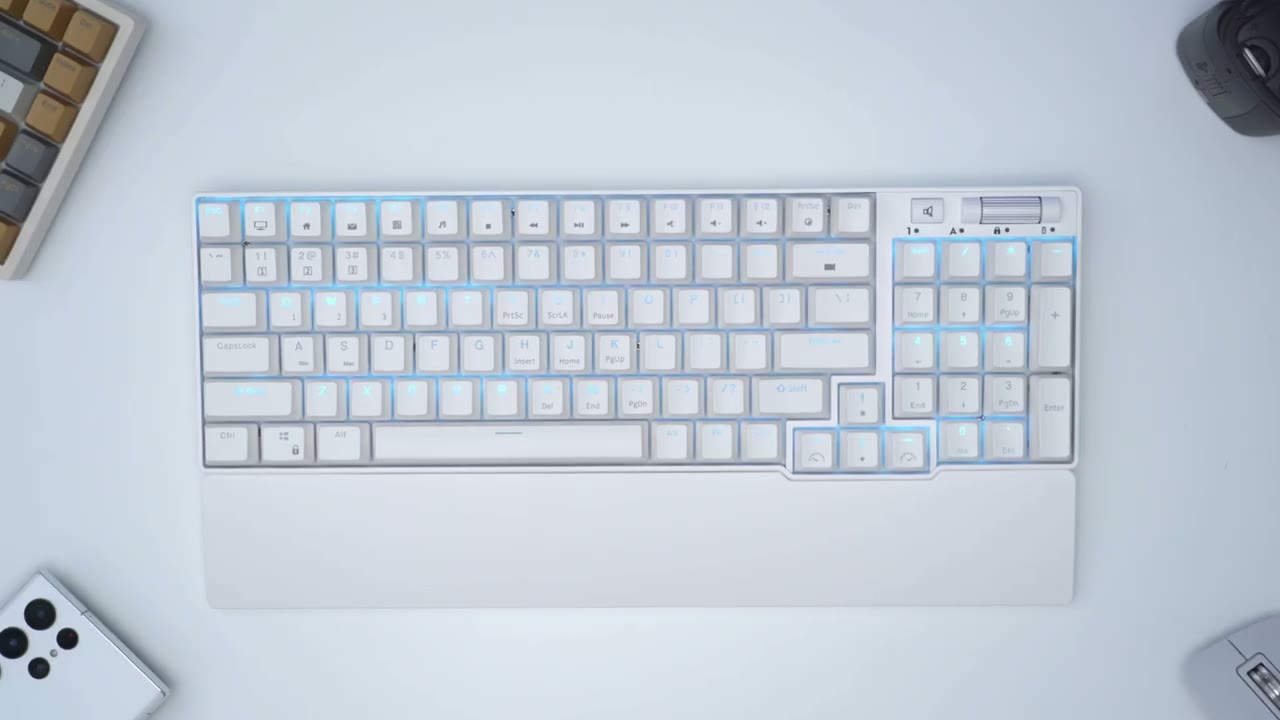
the RK 96 I think it’s a great option you know build quality is excellent I mean there’s nothing super standout about the keyboard but it’s solid it performs well typing experience has been good so has the gaming experience as well I’m happy that it comes with you know an included wrist rest you don’t have to go out and get that at this additionally and of course you also have you know m key role over sport I think the biggest thing you have to ask yourself is if you’re going to be okay with having you know this light blue uh color instead of having you know full RGB but like I said it’s been implemented really well it looks sharp it just looks really really well done and it comes with a ton of different color modes so I don’t think you’re going to get bored with it and if you decided to just use this keyboard with it you know completely off keyboard also looks really nice just as is I’m going to leave a link below so you can grab this keyboard if you’re interested and you can also use my affiliate code DCT for 10 off keep in mind this does come in black or white if white isn’t your thing and as always if you found this video helpful please consider liking and subscribing it really does help me out a lot guys and I’ll see you in the next one soon bye
Please note that some of the links in my video descriptions are affiliate links where I earn from qualifying purchases. As an Amazon Associate I earn from qualifying purchases.

