


Buy the Nooie 360 Cam 2 on Nooie’s Site
Buy the Nooie 360 Cam 2 on Amazon
Please note that some of the links in my video descriptions are affiliate links where I earn from qualifying purchases. As an Amazon Associate I earn from qualifying purchases.
Intro
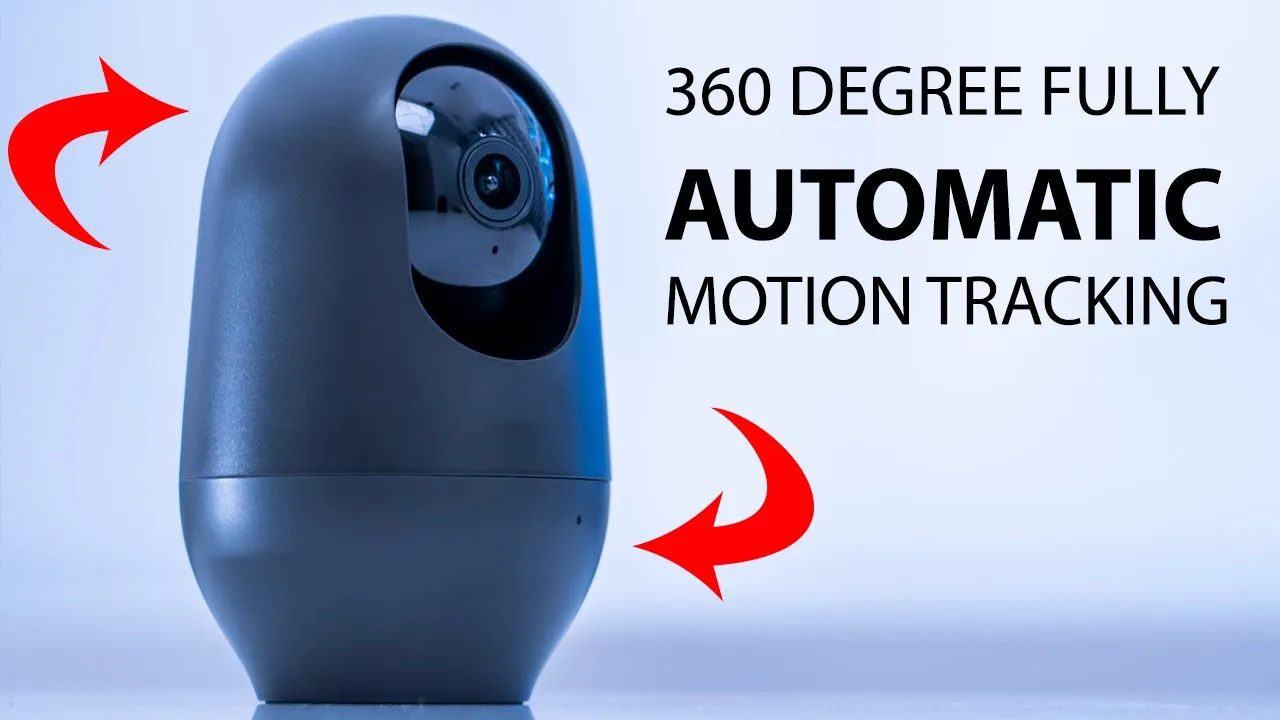
hey it’s Adrian today I’m taking a look at this Nui indoor 2K camera with motion tracking so I’m going to see how the motion tracking performs you know how accurate it is how sticky it is and I’m going to let you know my thoughts now I knew we did send this out to me for an unbiased review so let’s get started
Package Contents

in the package we have mounting hardware power cable power brick a sticker a manual and the Nui 360 cam 2 which is the second generation the colors came on
Design
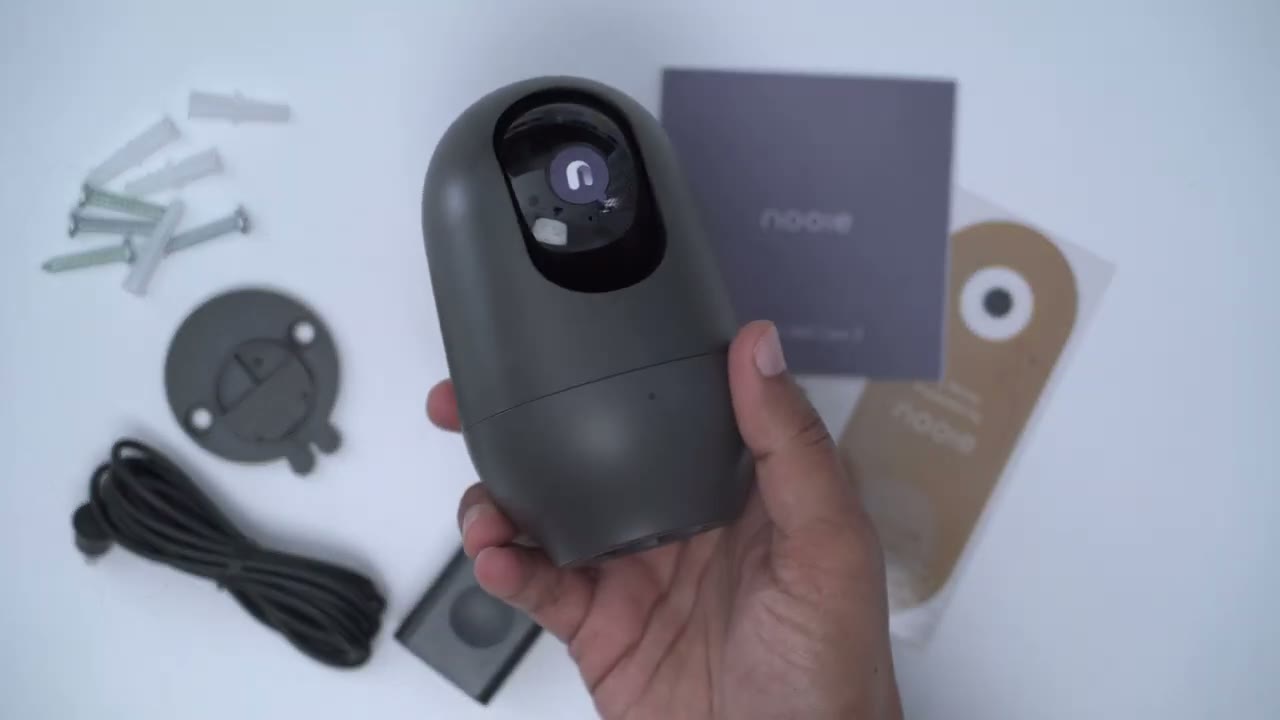
this is pretty muted and neutral so it’s going to be able to stand out anywhere now you can see if we look at the bottom there there’s an LED indicator light we also have a microphone port and then the camera lens and this whole housing kind of Scrolls up or rotates up vertically so that you can get access to the micro SD card on the side we have the speaker and then finally at the back there is a micro USB port and then a reset hole this camera can be used two ways so you could just have it sitting down here and I’ve already attached this optional clip which allows you to screw in so that it could be ceiling mounted and then you have a little bracket or a little clip area where you could run the cable through but I’m just gonna pop that off since I am not going to be using it ceiling mounted I’m just going to have it resting this is a 2K camera you also
Specs
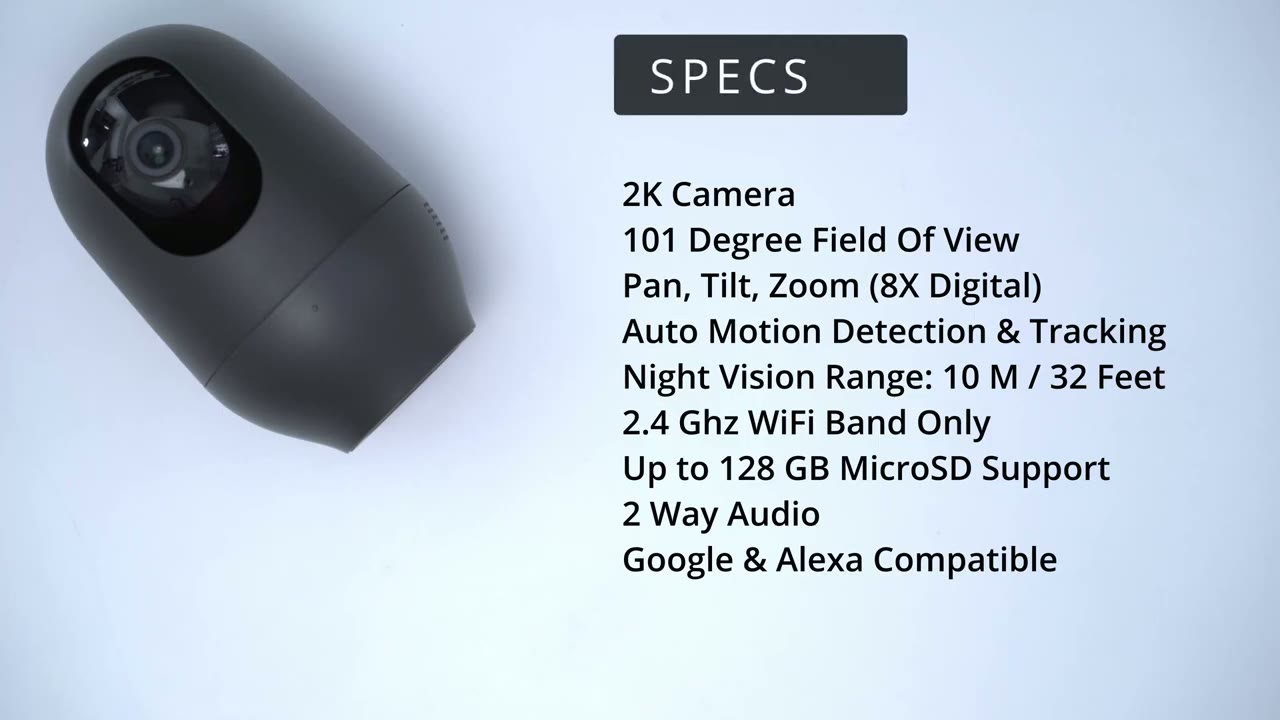
have 100 1 degrees field of view there is pan felt and zoom functionality but the zoom is only 8X digital Zoom there is no optical zoom you do have motion detection and tracking the night vision ranges up to 10 meters or 32 feet it runs on the 2.4 gigahertz band and you can install a Micro SD card up to 128 gigabytes in storage you also have two-way audio and it is Google and Alexa compatible and
Setup
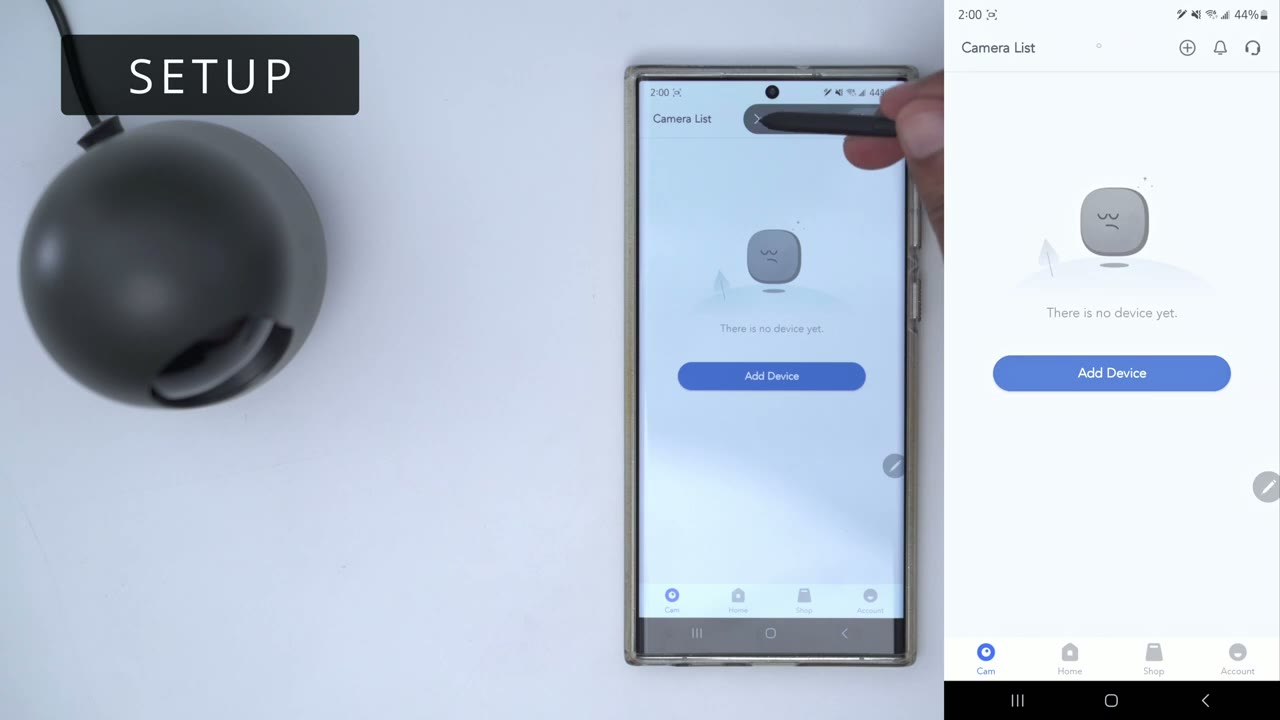
go into add device and I’m going to add the 360 camera now it says please make sure the camera’s powered on and within Wi-Fi range and then wait approximately 15 seconds until the LED indicator light is flashing red I can see that it’s flashing red right now while it’s calibrating so I’m going to go ahead and click red lights flashing now turn on location I’m just going to go to settings and I’m just gonna put in my password right now now I’m going to scan the QR code I’m just going to put it in front of the camera foreign I got the audible alarm her alert that it’s ready so we’re just gonna let it pair all right so we’re connected I’m just gonna pop in the micro SD card now so I’m just going to slide that up pop the card in and make sure it clicks and there we go all right so let’s go
App Settings
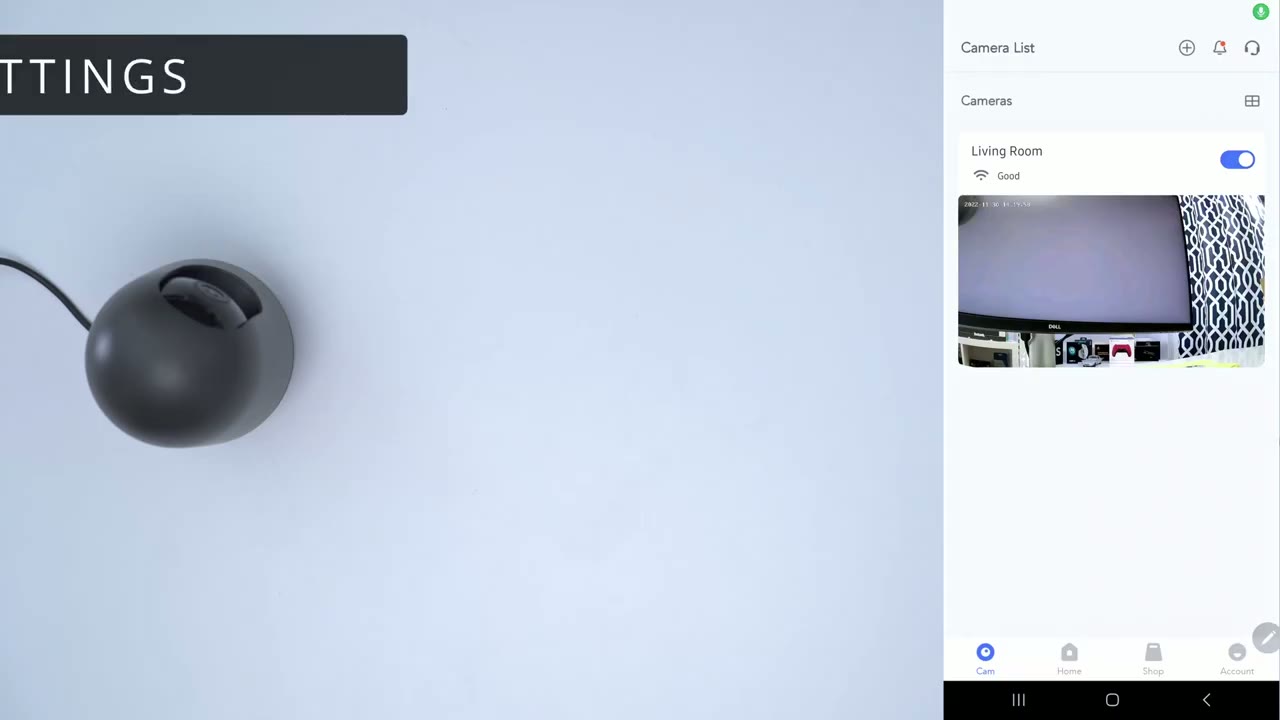
into the app option so you can see this is the last thing the camera saw and I also have an option here to toggle the camera on or off you know if I’m in the house and I don’t want it to be recording if I’m you know moving around a lot but on the main dashboard or this live view screener you can see we have the option to just record video if we were looking at something and you know we saw something interesting you can also take photos you also have two-way talk and then you could just hear you know audio live from the camera so I’m going to go ahead and click that just increase the volume here and you’ll hear some feedback so let me just take that off now you also have two-way talk so I’m just going to enable that right now and you can hear that comes through pretty clearly okay so the next thing is obviously the pan tilt and zoom so you can see I can go ahead and manually rotate the camera [Music] and that’s the hard stop that’s as much as it goes in that direction and of course I can go all the way up and it’s hitting the plastic housing at the top here or I can go all the way down so that’s about the range you have so obviously you have you know 360 visibility based on the field of view here now let’s go into the settings and you can see under General we just have basic info you can update the firmware here now we can also go into audio and video and I have set it to record audio obviously that’s going to take up a bit more space on the memory card but I think it’s good to have you can also rotate the image and that’s if you’re going to be ceiling mounting it and there’s also a startup sign up disable that and I’ve set night vision to auto you can see I have the option here for motion tracking and that’s the major selling point of this camera and what I’m going to do is I’m just going to dangle my hand you know kind of in front of it within its field of view and you can see you know within about a second or so it reacted and it moved where it pinned so I’m just going to do that again off to the corner I mean I need to go a little bit further out just so we can detect that motion so you can see again you know it is adjusting and tracking as it’s supposed to so it’s pretty decent and I do have my sensitivity set to high which you could see um right there so it’s at the high of course motion and texture is on you could also set detection zones if you have an area you don’t want to track and you can also set a schedule I’m leaving mine you can see it says here every day and you know the full day so if there’s days where you don’t need it you do have that option now there’s an option called sound detection I’m going to turn that on and if it hears sound it’s actually going to send you an alert so let me go ahead and clear this and while I’m talking it’s probably going to pop up somewhere on here that it’s detected some now there is also an option here for Crime detection if it hears a baby it’s gonna detect that now you can see it says right there sound detected I’m going to turn that off but that could be helpful you know if there’s some kind of blind spot or say there’s movement behind the camera as long as there’s sound it’ll still let you know so that could be beneficial to you now you also have storage you can do a cloud storage 14 day free trial I’m going to leave it off I’ve just popped in a 32 gigabyte SD card all right so from that demo you can
Motion Tracking
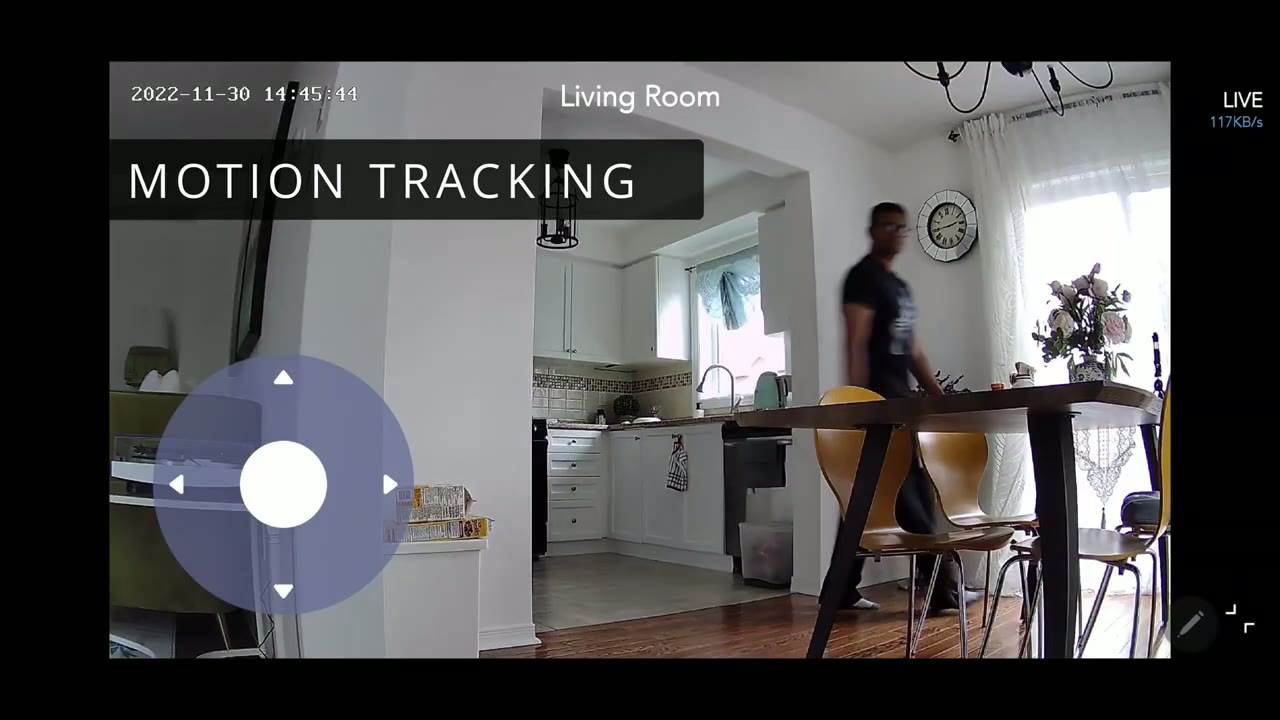
see it did a pretty good job overall you know it tracked me as I was moving kind of normally throughout the house but right at the very end there I kind of walked in really fast pace back to the left of it and it couldn’t track me quick enough obviously if I was a bit further out it would have been able to track me because I would have been you know kind of further in the background and easier to track but once I’ve moved right in front of it it can track me anymore so here’s a test of the night vision tracking and you can see it performs excellent it was Pitch Black up there guys so I turned off all the lights I closed all the windows and you could see me stumbling around I actually hit the table with my leg and it shook because I really couldn’t see anything up there and it kept pretty good track of me one thing that I would like to see
Improvements
change on a future generation is since I was able to kind of slip it up with tracking If It Moves really fast you know it does have a microphone it would be good if it had you know maybe two or three microphones so that way if it doesn’t detect the motion if it hears sound it could react based on sound as well but overall it’s still a great system as is so can I recommend this Nui
Recommended?

360 cam 2 and I think it’s a great option if you need to track automatically so if you have kids pets and elderly parents or any of those type of situations this is going to work really well it tracked very well during the day and I tracked at night almost in you know complete darkness when I was fumbling around and it did an excellent job the only time I was able to get this to slip up was when I moved really fast on purpose right in front of the frame where it probably couldn’t focus or detect that you know emotion was going through in time so that’s the only thing where potentially it can slip up is say you have a pet that moves really fast or a child that runs really fast it may not be able to track but then you always have the option to go into the software manually pan around until you get back control and then the camera can take over from there so if you’re interested in picking this up or checking it out I’m going to leave some links in the description down below let me know if I missed anything in the review or if you still have any question and as always if you found this video helpful please help me out by liking and subscribing and I’ll see you in the next one soon bye
Buy the Nooie 360 Cam 2 on Nooie’s Site
Buy the Nooie 360 Cam 2 on Amazon
Please note that some of the links in my video descriptions are affiliate links where I earn from qualifying purchases. As an Amazon Associate I earn from qualifying purchases.

