


Buy The Dell S3221QS from Dell
Please note that some of the links in my video descriptions are affiliate links where I earn from qualifying purchases. As an Amazon Associate I earn from qualifying purchases.
Intro
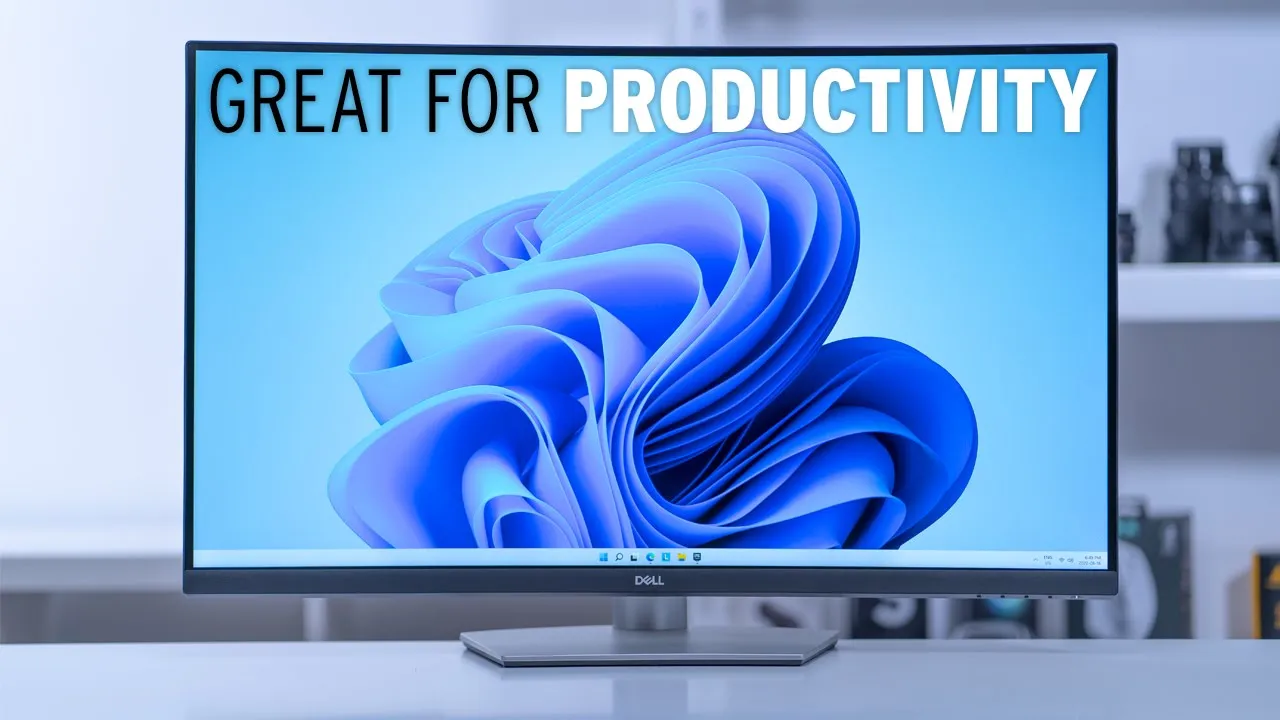
hey it’s Adrian and today I’m really excited I just got my first 4k monitor so this is the Dell s3221 Qs monitor so it’s a 4K 32 inch curved display and it’s true 4K so 3840 by 2160 and it’s running at 60 hertz so I didn’t want to spend too much for my first 4k monitor and this is coming in at around 450 us on sale right now and I’ll mostly be using it for productivity 4K video editing and maybe some light gaming so if that sounds like something you’re interested in please stick around
Setup
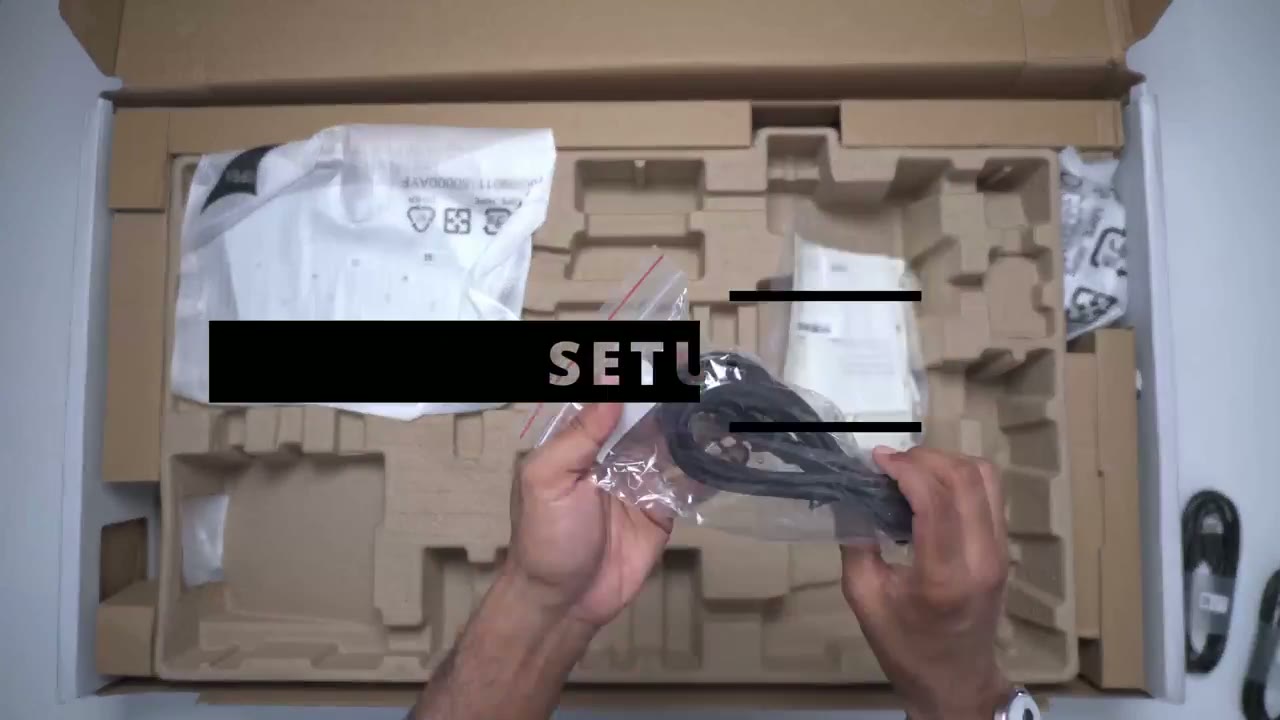
the base that comes with this monitor is actually really impressive though so it has a good amount of weight to it so this is an all metal plate and you feel it and then to secure it to this top stem here you would just screw in this area here and it has a little um holder here for you to rotate so it’s completely tool-less now moving on to the stem of the base so this is completely plastic but on the inside there is a metal channel in here I don’t know how much I can get that on camera but it is there and then this is where you would just snap this part into the monitor into the base amount area installing the stand is really easy so once you attach it as a bottom metal plate here to the top you just angle it into the holes and you wait for that satisfying clip and you’re done the build quality is
Design
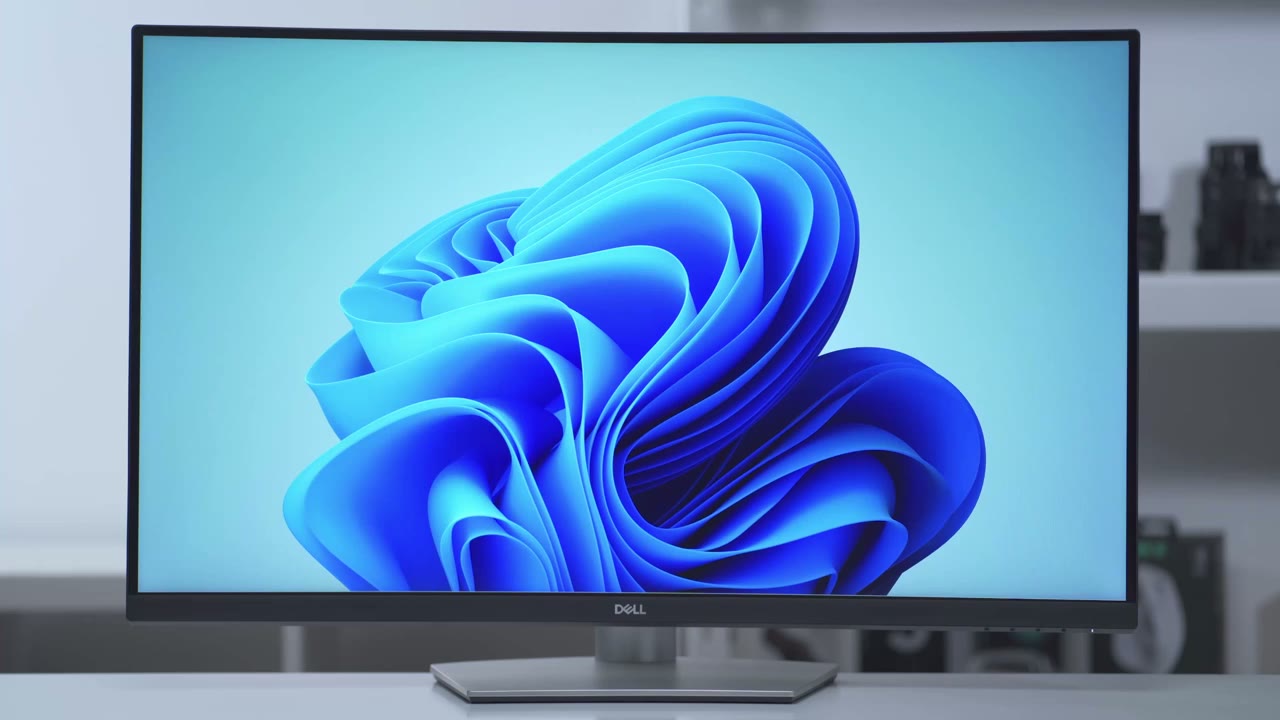
pretty good on this monitor especially considering the price when it goes on sale so overall it’s a pretty planted monitor it comes in at around 16 pounds or 7.2 kilograms and that’s due to this really heavy metal base now you can see if I just hit it or bump into it there is some wobble otherwise you’re not going to have any wobble if you’re on a very sturdy desk or if you’re typing or you know gaming pretty aggressively it’s pretty planted the back of the monitor looks really nice I’m a big fan of this type of off-white clean look so you have the Dell logo up here and then this material here is actually textured it’s not a smooth finish and it’s actually not reflective it’s matte it may look very reflective that’s just because I have a lot of lights pointed at it now there’s also the vase amount here you could just remove the base and wall mount it if you like and there’s a cut out here so that you could run all of your cables for a nice clean setup here’s an idea of what it looks like without all those lights pointed at it so you can see it’s not a very reflective surface the curvature of this monitor so it’s 1800r and I’ve laid it down flat so you can see just how much it curves now at the start I was a bit worried that it was going to be too much of a curve but now that I’ve been using it for a couple of weeks I’ve actually grown used it and I actually like it now so you can see you have some grills at the top of the monitor just to dissipate heat taking a look at the inputs at the bottom of the monitor so you have the lock here if you want to secure it at your desk you have a power port HDMI one HDMI 2.
there’s a button here that you could press down if you want to remove the stand there’s a display port 1.2 you have an audio out and Upstream Port so that whatever you plug into the monitor can communicate with your computer you also have a type a port here and another type a port there and that one is for battery charging now these are all 3.2 gen 1 and they support speeds of up to five gigabits there are no USB type-c ports anywhere on the monitor the bottom of the monitor has two downward firing speakers which can be found here and here the bottom right of the monitor monitor when you’re looking at it face on is where you’ll find the controls so there’s a power button menu button and then just general adjustment buttons and some of these can be programmed for shortcuts for features that you like to use often the depth of that bottom stand is about eight inches so just keep that in mind if you’re going to put this all the way up against the wall as long as you have the monitor height high enough you should be able to accommodate a sound bar or some speakers if you lay it down horizontally right now I have the
Adjustability
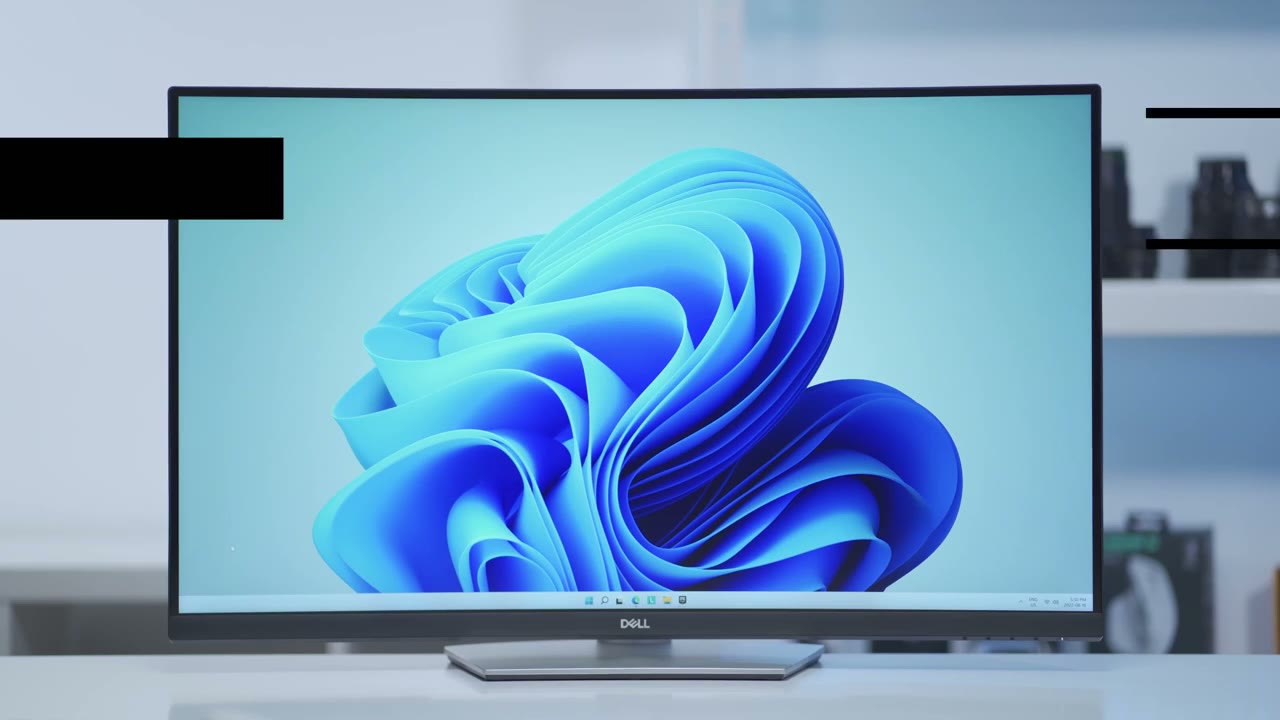
monitor at its lowest setting and there’s only about a half inch gap between the bottom of the Monitor and the desk now if I increase the monitor all the way to the highest setting that’s how high it goes and there’s about a three and a half inch Gap from the bottom of the monitor right to the desk when it comes to angling the monitor so I can angle it back and that’s about a negative five degree difference or a positive 21 degree difference while the monitor can’t be rotated vertically you can make some minor adjustments right or left just to get it where you want it
Specs
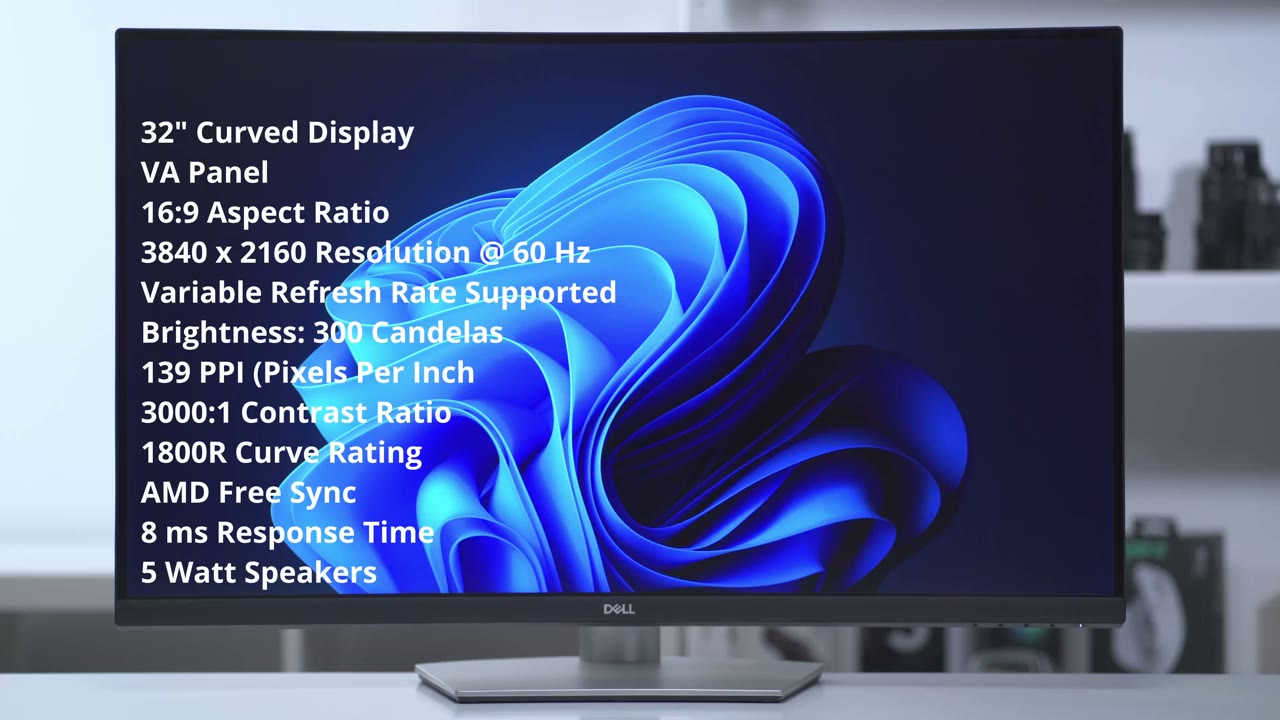
this is a 32 inch curved display it is using a VA panel it’s a 16 by 9 aspect ratio and it’s a true 4K resolution at 3840×2160 at 60 hertz and it does support variable refresh rate Max brightness is 300 candles and it’s 139 PPI the contrast ratio is 3000 to 1 and the curve radius is 1800 R the monitor supports AMD freesync it has a 8 millisecond response time and there are five watt speakers there’s two HDMI ports and one display port is DisplayPort 1.2 there’s no DVI or VGA in terms of USB connectivity there’s no type c ports on this but there are some 3.2 gen 1 type a USB ports it’s also Visa compatible and you can adjust the Tilt and height sharpness and Clarity on
Image Quality
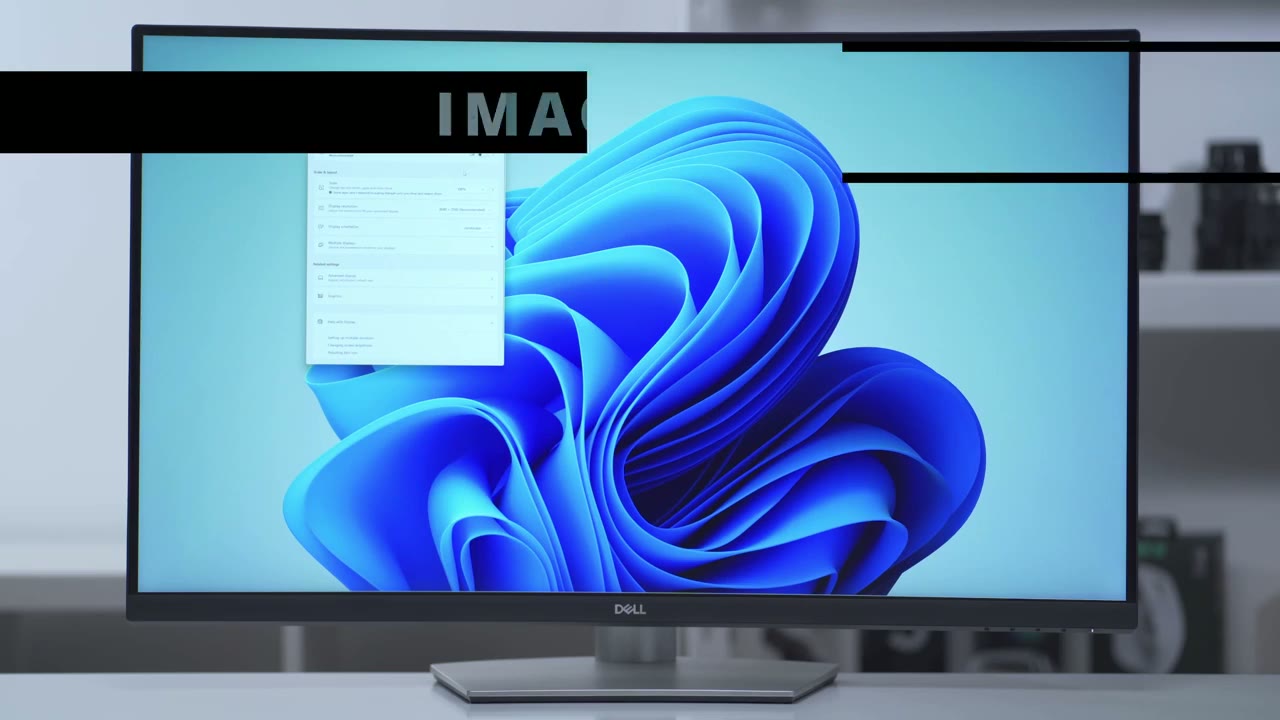
this monitor are really excellent considering that it’s a true 4K resolution now at 100 skill you can see everything is quite small it’s going to be difficult to use day in day out but if you put it at 150 which is what’s recommended it it’s much more manageable and this is what I’ve been using it at now while this monitor covers 99 of the srgb color gamut and 90 of DC ip3 when I first powered the monitor on I noticed that the color was a little bit off the white balance it was more on the yellowish side I would say and what I did is I went to the arting site which is an excellent site you should check it out and I downloaded their color profile for this Monitor and as soon as I applied it it completely fixed the white balance issue and now everything looks really awesome and it’s excellent to edit on for viewing angles I’ve rotated the monitor just a little bit because most people aren’t going to be going you know at the very extreme of the Monitor and you can see it does get a little bit more dim towards the size but it’s actually not that bad I’ve seen much worse on other monitors so in terms of viewing angles it’s a pass for me so browsing around on Instagram I have increased the zoom on the browser just so it shows up on camera and you can see everything is really sharp really clear brightness levels are great I have it set to 100 right now normally it’s at 75 but for the purposes of this video you I’ve set it to 100 and contrast is at 75 as well and really it’s just a joy to use when it comes to reflection so I have it on a completely black screen and I’m about I would say 10 feet away from the Monitor and I have the flashlight on my phone and you can see that it’s pretty noticeable even though it’s a matte finish it really does reflect however since no one is going to be staying at a perfectly black screen here’s the same type of thing and I’m using the LED on my cell phone you can see a little bit of a reflection but it’s quite manageable I think when the screen is set to a white color so you can see the center of the screen is pretty bright but the corners of the screen are a bit dim kind of like a vignette type of look on a black background there doesn’t seem to be any noticeable or major backlight bleed a
Features
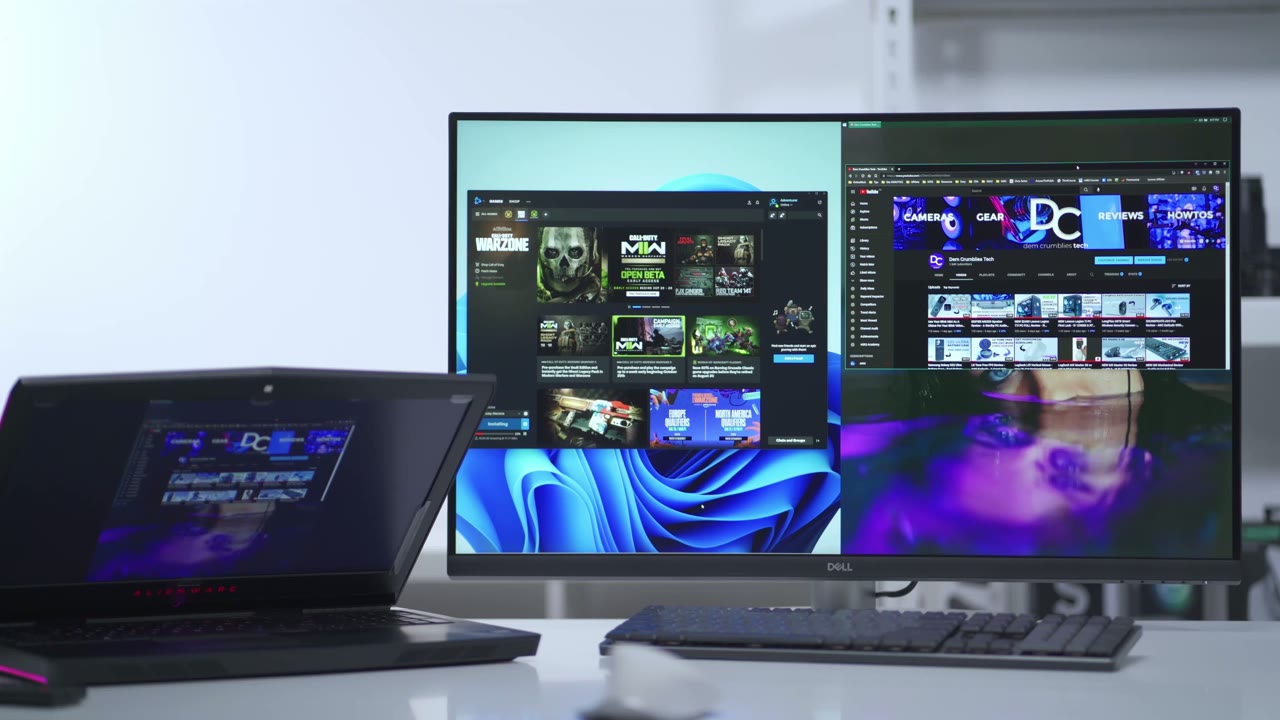
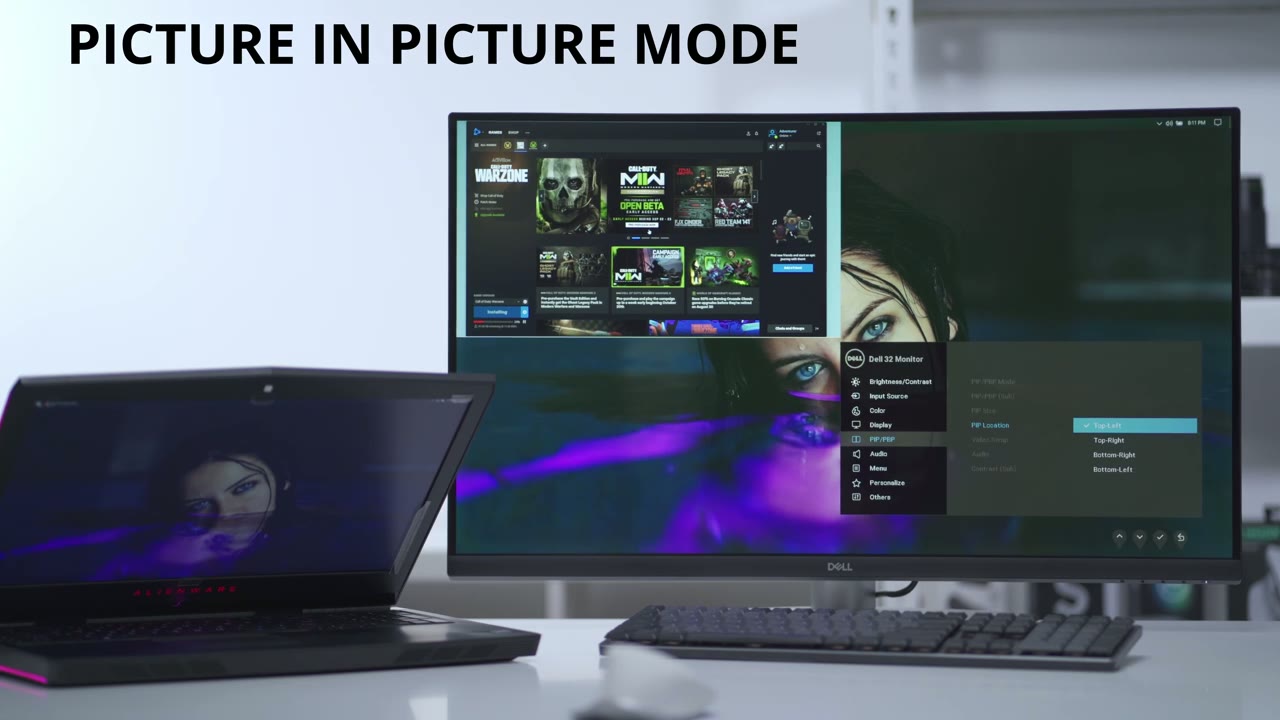
really cool feature with this monitor is that you could do picture by picture or picture in picture so right now I have it set to the picture by picture mode and you can see if I go ahead and use the mouse I’m controlling the desktop display on my gaming computer and if I go ahead and use my laptop I’m controlling this display on my laptop so that’s really handy because you can have you know One display or one side of the display for work one side for personal or while you’re working you could have like a game playing or you know a console sports game what have you so it’s a really cool feature to be able to do that now I haven’t found any options where you can have the display split horizontally it’s always vertically and you can change the order that the displays appear in the monitor menu options when it comes to the picture in picture mode you have a bunch more options so let me just access those and I’ll go through them really quickly so right now it’s at the picture in picture and I can also go and change the size so I can go ahead and make it a large picture in picture so you can see now the bottom left display is much larger I also have an option to change the position so I can decide that I want it say top left and it’s top left you know the the other options you have are top left top right bottom right and bottom left and of course you can do video swap
Productivity
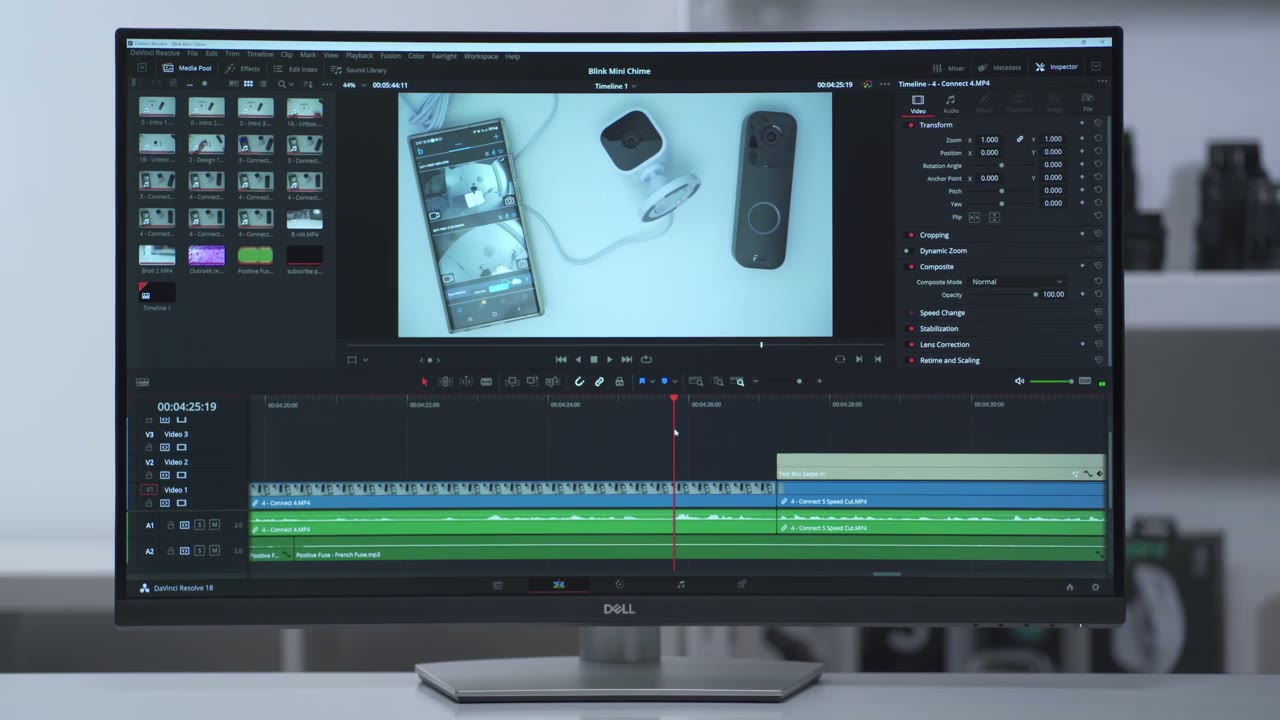
again so A major benefit of having a larger screen is the ability to kind of segment the screen however you like to suit your workflow so if I just Mouse over to the minimize window here I can set this screen so it’s you know half and half and I can go back here and I could set it say I want you know two small screens flanking on the side and then one main display you have that ability and I’m not using any special type of third-party software this is natively supported in Windows feel free to skip past this part if you have zero interest in video editing but for those of you who do Video Edit having a larger screen especially a 4K screen really does make life easier so you can see I have my entire timeline and full of you and I have all the timeline tracks or video tracks audio tracks I have my assets over here and then the inspector and very easily I could just scrub through and if I want to cut anything trim I can easily just expand it and scrub through the timeline and it’s really a joy to use and it’s really effortless on this monitor in fortnite
Gaming
so the resolution is up to 4K and all the settings are pretty much on high so let’s just see how that goes I’m not a competitive gamer and I doubt I’ll be using this monitor for much gaming but while I was gaming I didn’t have any problems where I felt like the monitor response time wasn’t quick enough for me to react in terms of audio
Speakers
performance it’s actually not that bad considering that it’s a monitor speaker so there are about five watts and what I’m going to do is I’m going to put the microphone about say 15 16 inches away and I’m going to play it at 50 volume then 100 percent [Music] [Music] so you can hear that these get quite loud at a hundred percent I normally listen to them at 60 to 70 percent and that’s plenty loud for me at 100 it really does fill out the room and the sun might travel to another room now in terms of the audio performance obviously you know with monitor speakers you can only expect so much but I think for most people it’s probably going to be fine if you don’t want to invest in a sound bar
Recommended?
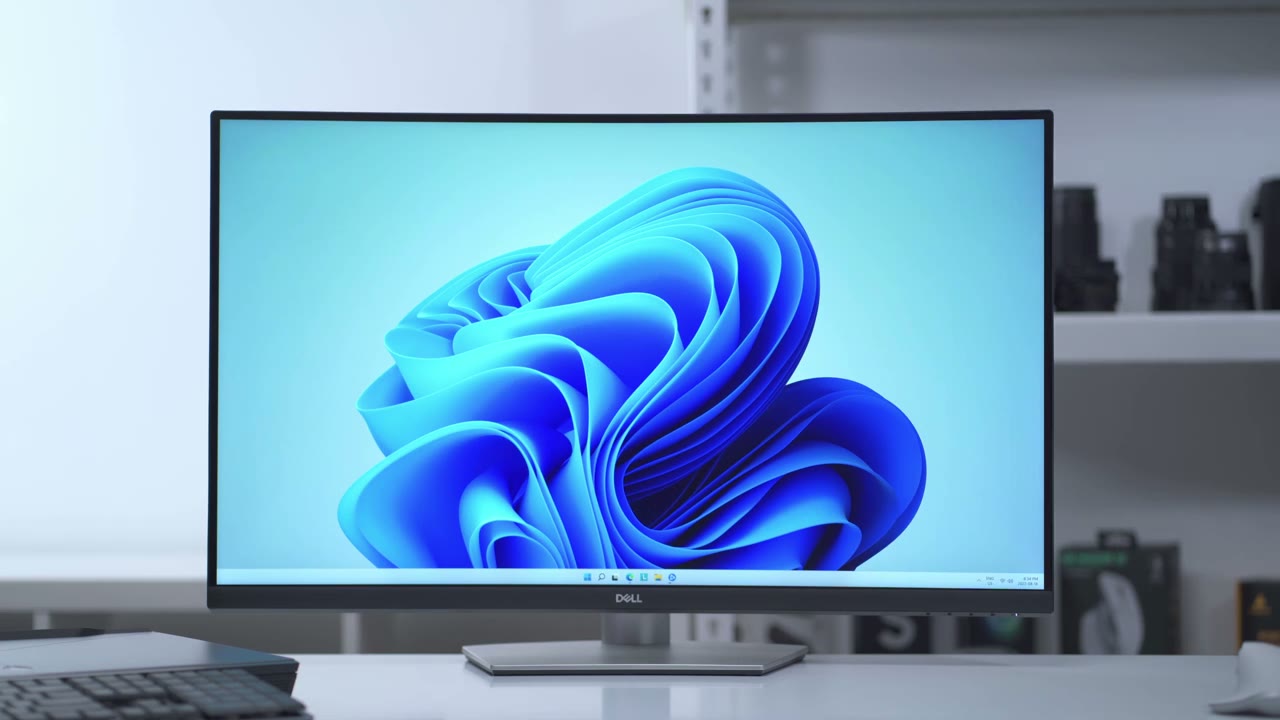
overall I think this is an excellent monitor if your workflow is mostly geared towards productivity this is going to do pretty much everything you want for those of you who are going to be editing photos or video you can have your entire video or the entire photo in full view for you to edit if you’re going to be doing any type of office work you can have an Excel file Word file multiple files open so you can cross-reference data or copy data back and forth and if you’re going to be doing gaming you know obviously it’s not the ideal monitor it doesn’t have a high refresh rate but it’s pretty okay for occasional use or you know light gaming if you’re bored and if you’re going to do any type of media consumption like YouTube this is excellent It’s a 4K display it gets sufficiently bright the built-in speakers they’re they’re decent they’ll definitely do the job I’m really glad I got this monitor I did research a bunch of other 4K monitors and I got to the point where it was like analysis paralysis it was just so many specs so many things to think of and I had narrowed it down to a couple of Brands but this ended up going on sale and I have used Dell monitors in the past with great results so I decided to take a chance on this and I’m really glad that I did it’s an excellent monitor I haven’t been let down with any part of it so far especially since I’m not really using it for gaming so if you see this on sale and and you’re looking for a 4k monitor definitely go for it if you’re worried that it’s curved similar to how I was I don’t think it’s going to be that big of an issue it looks like a big curvature but it really isn’t I got used it within you know two or three days and now I don’t even notice it and I actually like it if I missed anything in my review which I’m probably sure that I did just leave a question in the comment down below and I really do my best to reply to all comments and as always if you found this video helpful please consider liking and subscribing it really does help me out a lot and I’ll see you in the next one bye
Buy The Dell S3221QS from Dell
Please note that some of the links in my video descriptions are affiliate links where I earn from qualifying purchases. As an Amazon Associate I earn from qualifying purchases.

