


Please note that some of the links in my video descriptions are affiliate links where I earn from qualifying purchases. As an Amazon Associate I earn from qualifying purchases.
Intro
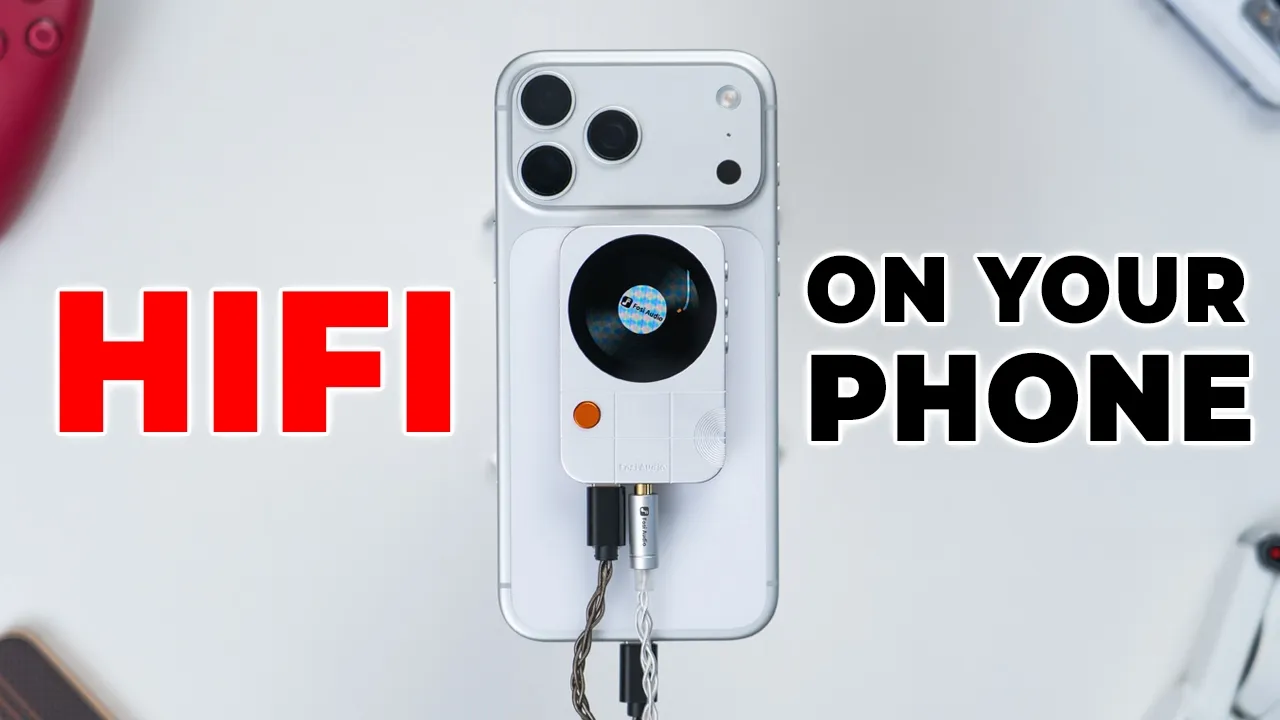
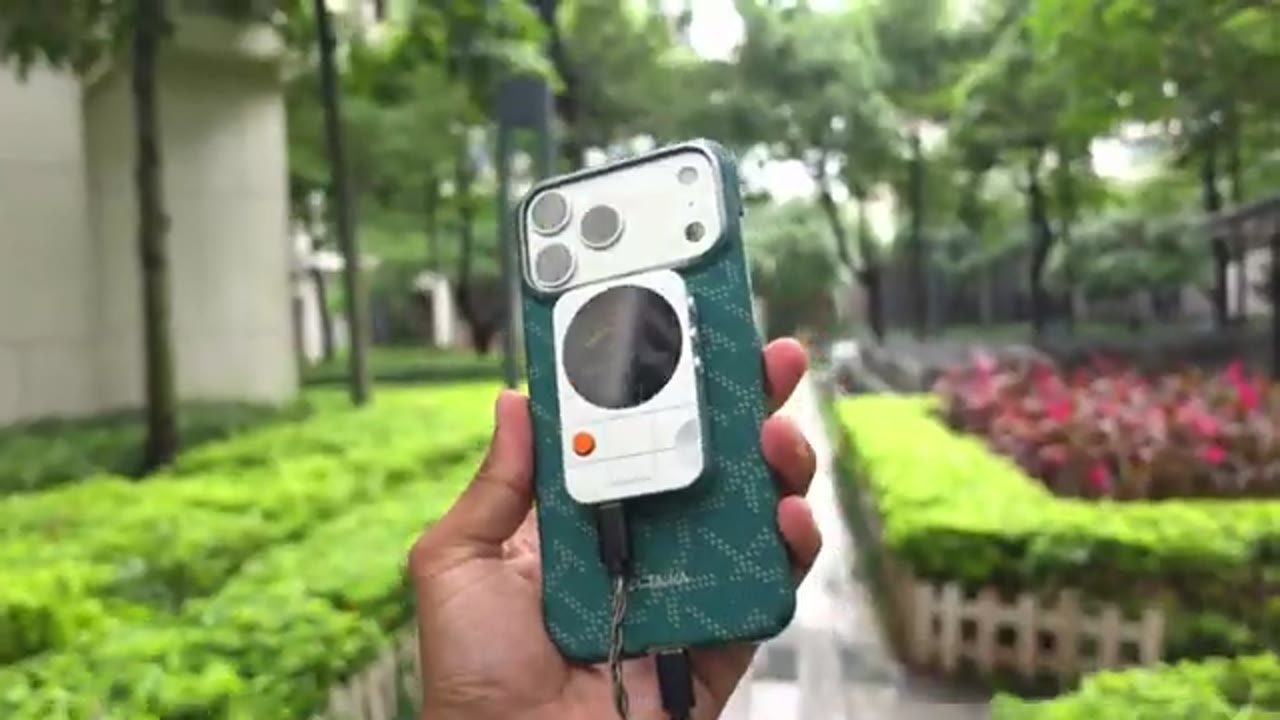
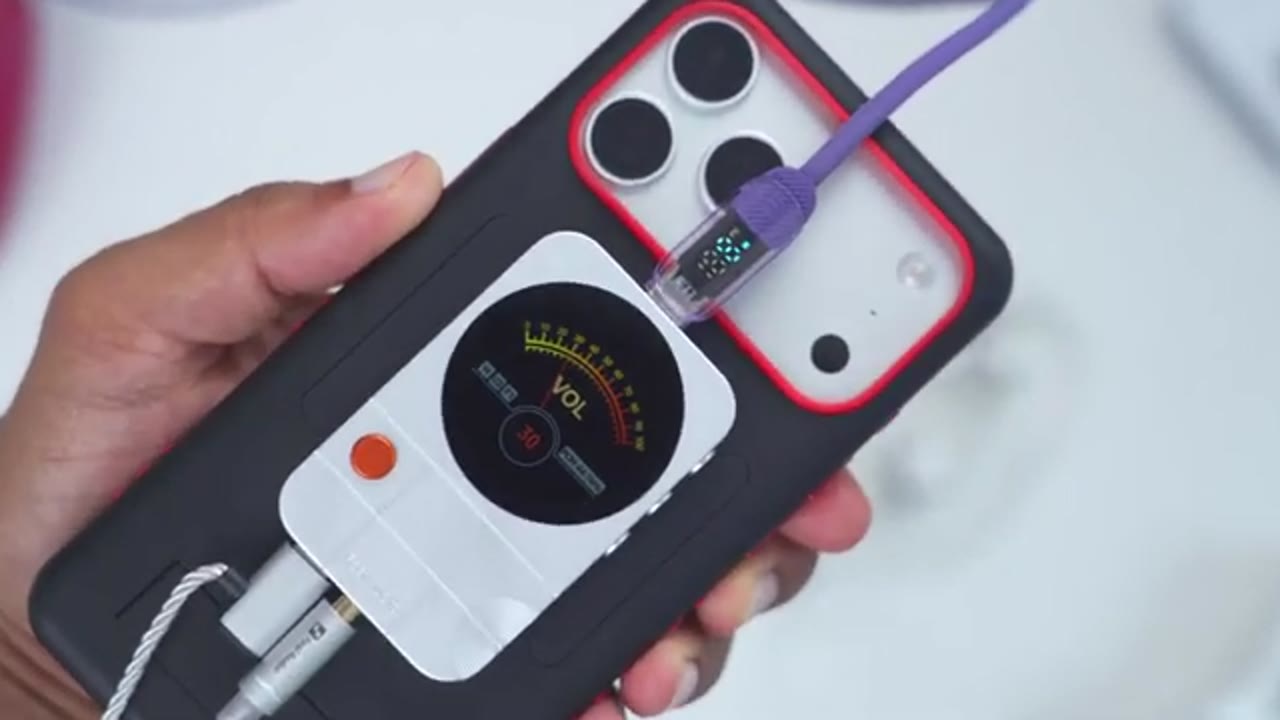
If you’re like me and you still enjoy wired audio on your cell phone, the Fuzzy Audio MD3 portable magnetic D can give you a way more convenient setup because it’s securely and magnetically attaches to the back of your iPhone or really any phone with a magnetic case such as my S26 Ultra for example. It pairs great with AM. Plus, there’s a handy LCD display to dial in your settings or to have animations. And it also uses an ES939Q2M DAC chip paired with four ES9603Q amplifier chips as well. There’s a USBC port, 3.5 millimeter and 4.4 millimeter port at the bottom. And there’s also a top USBC port so that you could actually use pass through charging so your phone stays topped up. But how well does it actually perform? And is this a meaningful upgrade to your setup?
Well, let’s take a closer look. And a big thanks to Fozzy Audio for sending this
Package Contents
out for review. In the box, you get the MD3 magnetic deck, a USB type-C to type-C cable, and a second L-shaped USB type-C to type-C cable. There’s a USB type A to type- C adapter, a magnetic ring with adhesive on the back and
Design
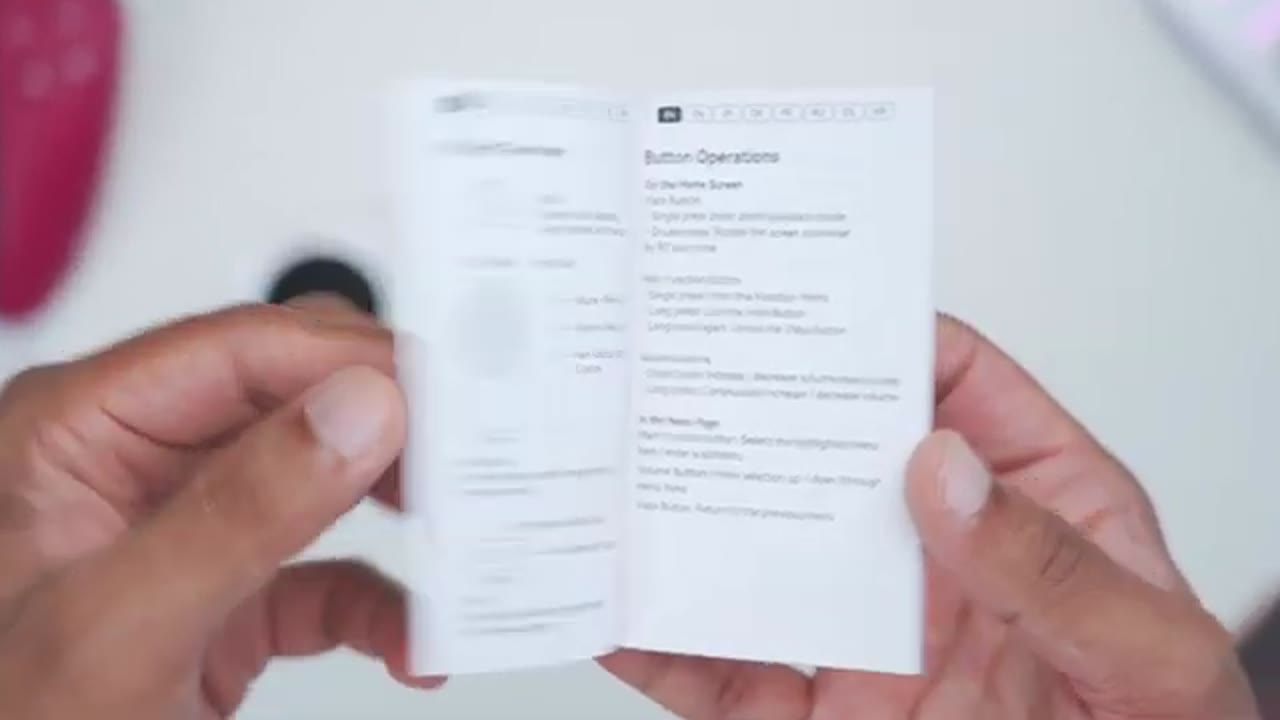
manual. The MD3 magnetic DAC comes in at around 48 g. And it’s a beautiful looking device, nicely machined all the way through. And it feels really premium as well. We have rounded corners making this comfortable to hold. And we have CNC engraving on here. You can see we have concentric circles originating on the corner here. There’s also the Fozzy audio logo debossed in here. And we also have this orange vista button which is a tactile button. On the other side we have the Fazio audio writing and this is raised if you run your fingers along it. And on the other side we have buttons as well. So there’s a menu button, a volume down and volume up button and these are all tactile presses. The USBC port on the bottom is used for charging, transferring files, audio decoding as well.
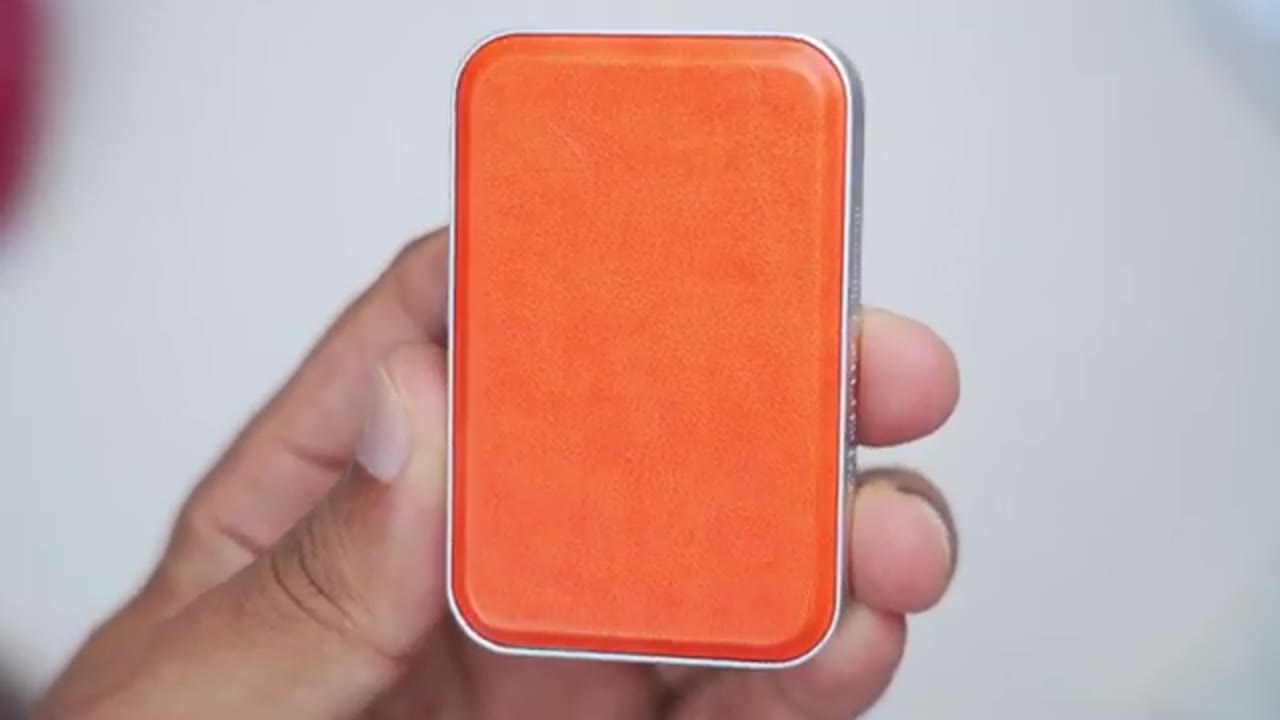
And we have a 3.5 mm headphone jack and 4.4 mm port as well. There’s a soft textured leather back to ensure that your phone or phone case doesn’t
Specs
get damaged. Here’s a quick look at the specs. Feel free to pause and review, but some noteworthy things is that it’s using an ES939 Q2M DAC chip and there’s four of the ES9603Q amplifier chips. Let’s look at the
Screen & Settings
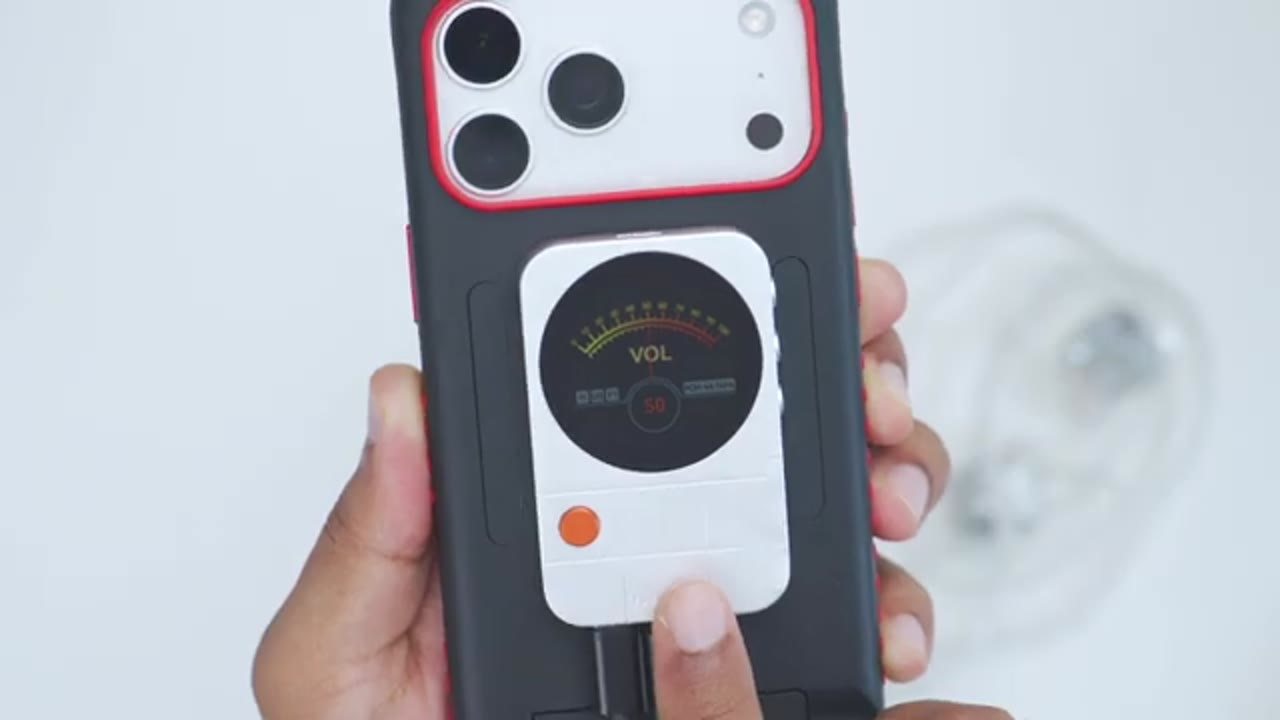
controls on the MD3. So, on the front, we have this orange Vista button, which functions as a home button. So, if I go ahead and click on that, it’s going to take me into a record playing. If I click it again, it’s going to be a cassette tape. And if I press it again, it’s going to loop back to the record player. Now, if I double click on this, it’s going to take me into another series of animations. So, here’s the first one. Here’s the next one. And if I click on that, that should be the last one before it loops back. Like you can see there, I’ll double click again. It’s going to take me into another type of slideshow. So, here’s one animation. There’s the other animation. And if I press that, it’s going to loop back.
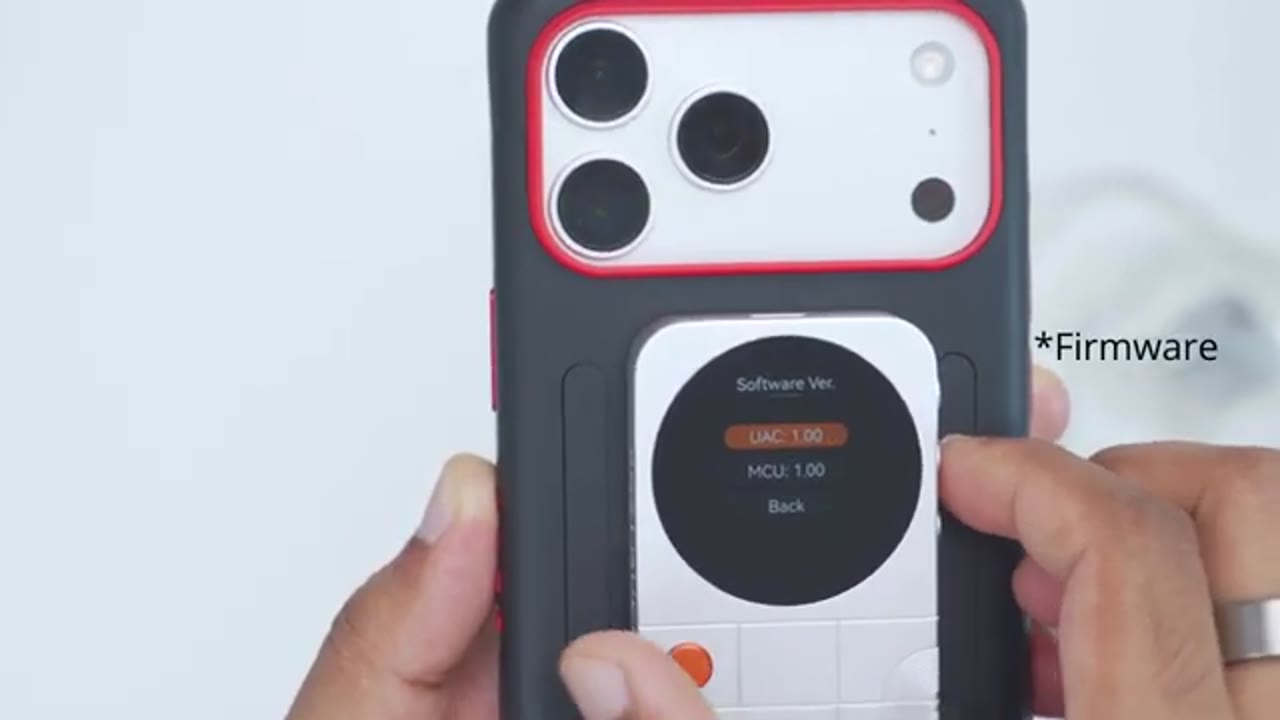
To adjust the settings on the MD3, I’ll press the menu button on the side, and I could use the plus and minus buttons to navigate around. So, let’s jump into USB mode right now. And right now, it’s set to audio DAC, or you could set it to photo sync as well. Now, you can go down to the bottom here and then hit back. Or you could use the Vista button to go back. Next option is output gain. You could set it low, high, and then we have UAC mode. It’s set to two. You could set it to one. And then under source volume, you could choose to have the DAC handle the audio or your device. Uh, under digital filters, here are the various filters you could choose from. And under brightness, you could set it to 20% brightness. You could see it’s going to be very dim.
And then you could go ahead and turn on a screen saver if you like. Uh, saver mode, you could have a user image that you can upload or you could just have the screen off. And then we can go under a slideshow as well. And then you could also rotate the screen. Here are the various options. Under languages, these are the available languages. There’s English uh and Mandarin. And then you can also update the software if you need to. In terms of
Magnetic Mounting
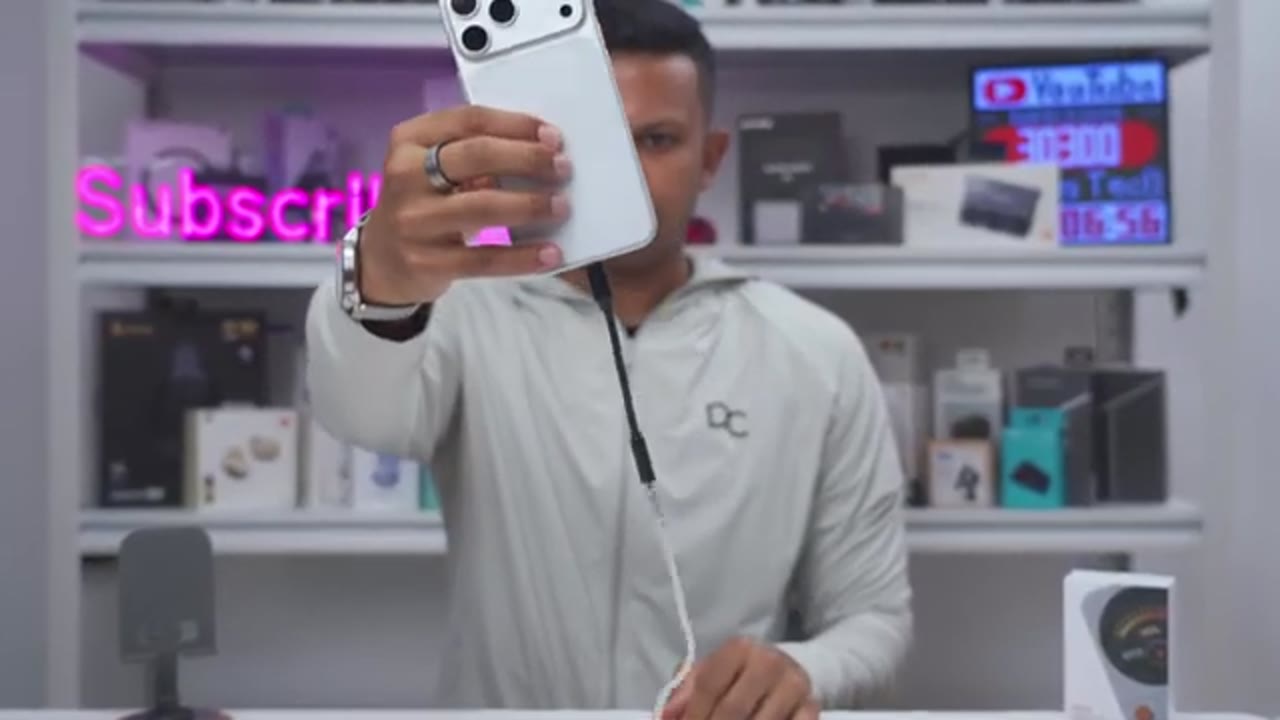
the magnetic mounting strength, so it’s on the iPhone 17 Pro Max right now. And you can see if I hold the phone upside down and shake it basically in any direction, it stays locked into place. So it’s fairly secure on here once you magnetically attach it. Now I can push it around. You can see if I just nudge it on the side there, it can move around, but it’s still sufficiently strong enough so that when you’re putting this in and out of your pocket, it should still stay in place. It’s not going to just pop off. And that goes the same with if you have, you know, a magnetic case on here, provided the case has strong enough magnets. I was able to put this on my iPhone 17 Pro Max with two different cases and on my S26 Ultra. Note that if I press the menu button, I could get into the menus.
But if I start pressing the plus and minus sign, it does shift around enough where I do have to hold it on the other side to ensure that it doesn’t shift out of place. The other thing is that if you’re going to be unplugging or plugging in your headphones, it will also move out of place. So, I’ve had to, you know, just kind of press it down while I’m plugging or unplugging headphones. Still, I much more prefer this type of magnetic setup versus having a dongle just kind of dangling at the bottom. This was very
Portability
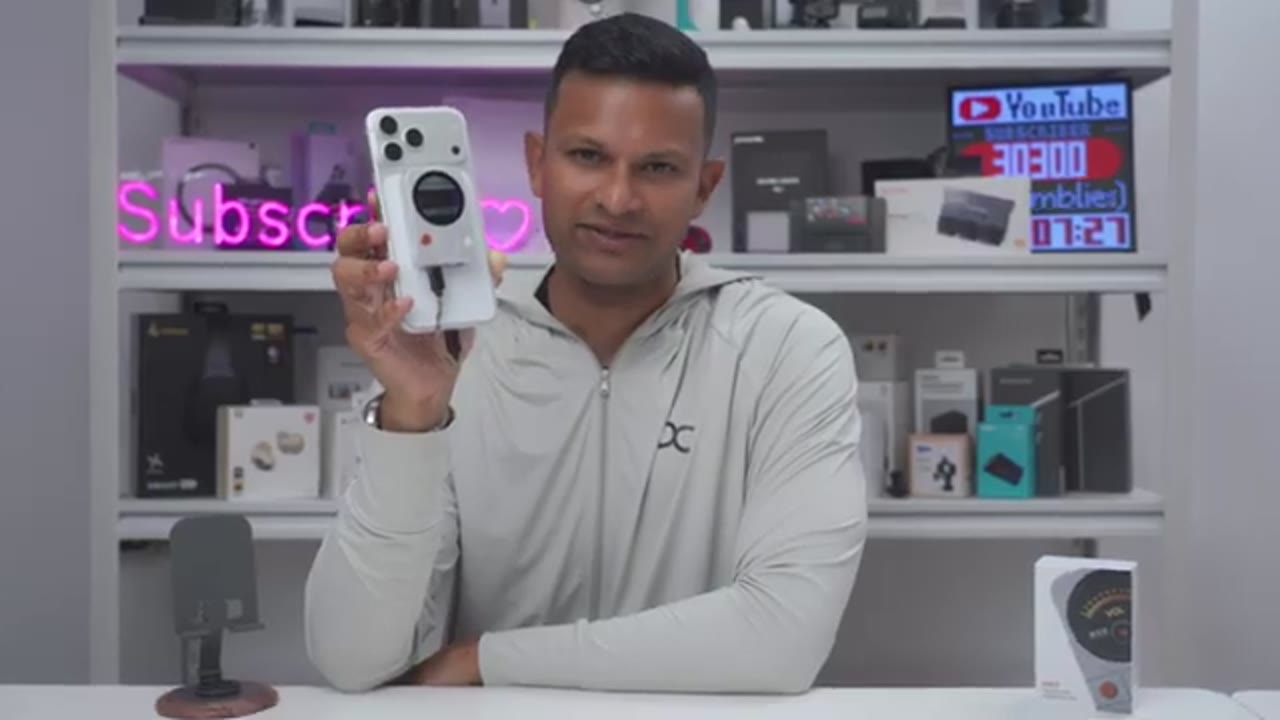
convenient for everyday carrying and portability. And because we have this very short cable at the bottom here, and the fact that this stays magnetically locked into place for the most part anytime I was putting this in and out of my pocket, I didn’t have a bunch of tangled or messy wires. So, I really love having this type of system. Let’s
Sound

look at the sound performance. So, I paired the MD3 DAC with Fozy Audios IM4 open back IM, which pair great with this by the way. And when it came to the noise floor, there wasn’t any type of hissing, any type of static, even at max or higher volumes. And the same goes with the USB connection or interface. There wasn’t any type of interference and no type of static or buzzing or anything like that when I was touching the phone. So, it’s a pretty black background. Compared to my previous deck, the MD3 made music more enjoyable. Audio just sounded less compressed and with far more volume headroom. The MD3 also gave the IM4 slightly tighter bass control with a cleaner low-end presentation.
It also gave me a slightly better sense of stereo separation, especially in instrument heavy tracks where elements felt easier to distinguish. Vocals sat a little closer, but instrumentals didn’t play second fiddle either. There was excellent detail and clarity without anything sounding harsh or sibilent. Just overall a more dynamic feel when listening with nothing sounding overly exaggerated. So, the MD3 DAC will easily power any M. And I only needed to go as high as 50% volume on here, and that was already plenty loud for me, especially on certain tracks. However, if you’re going to be pairing these with really power hungry headphones, you’re probably going to want to look for a deck with a little bit more output power. The MD3 also
Temperature

builds up a little bit of heat, but it’s nothing crazy at all, and it’s still very comfortable to hold. So, after about 30 minutes of listening to music, it was at 34.5°C, and after an hour of music, it was 35.5°C. Very manageable. Nothing to write home
Pass-Through Charging
about. My favorite feature on the MD3 DAC is not actually the screen. It’s the fact that this actually has pass through charging. And I do have to commend Fuzzy Audio on thinking about that. With a lot of other DAXs, you do have to unplug it from the phone, top your phone back up, which really, you know, takes you out of the music listening experience. With this, it’s very convenient to just, you know, plug in another USB type-C port at the top, connect it to a power bank, connect it to your laptop, and you never really have to break your music listening flow. You’re not going to get fast charging speeds on here, but I saw between 8 to 9 watts of charging. So, it’s plenty enough to keep the battery topped up or to fully charge your phone if you’re going to be sitting a while at
Changes?
work or at your desk. While I’ve loved using the MD3 DACK, there’s just one small feature I would like added on here, and that’s the ability to have a quick mute option. Because if you’re actually using the DAC to control volume and not the phone, you do have to hold down the volume button till it goes down to zero or pop your earbuds out or just pause music playback on your device. If you long press on the menu button, it’s just going to lock all of the button controls, but it would have been great, you know, to double press on the volume down button to quick mute or press the plus and minus buttons to quick mute,
Recommended?
but not really a dealbreaker at all. So, if you’ve been on the hunt for a portable deck that makes your everyday carry and just general usability way more convenient without compromising on sound quality, the MD3 deck is a solid option. The magnetic mounting, short cable setup, handy screen to dial in settings with a clean presentation, black background with IM, and fairly refined sound signature makes in an experience I think most of you are going to enjoy. I’ll leave links down below for you to get your very own. And if I have any type of coupon codes, I’ll leave those down below as well. While you’re at it, maybe check out this video next and maybe even consider liking it, subscribing, and maybe even joining as a member to get access to videos early and other perks.
I also review a bunch of other types of tech, so maybe check that out as well. and I’ll catch you in the next one
Please note that some of the links in my video descriptions are affiliate links where I earn from qualifying purchases. As an Amazon Associate I earn from qualifying purchases.