


Buy Neewer Cage for DJI Pocket 3 on Amazon
Buy Neewer Phone & Camera Metal Cage on Amazon
Buy Neewer Cold Shoe Adapter on Amazon
Please note that some of the links in my video descriptions are affiliate links where I earn from qualifying purchases. As an Amazon Associate I earn from qualifying purchases.
Intro
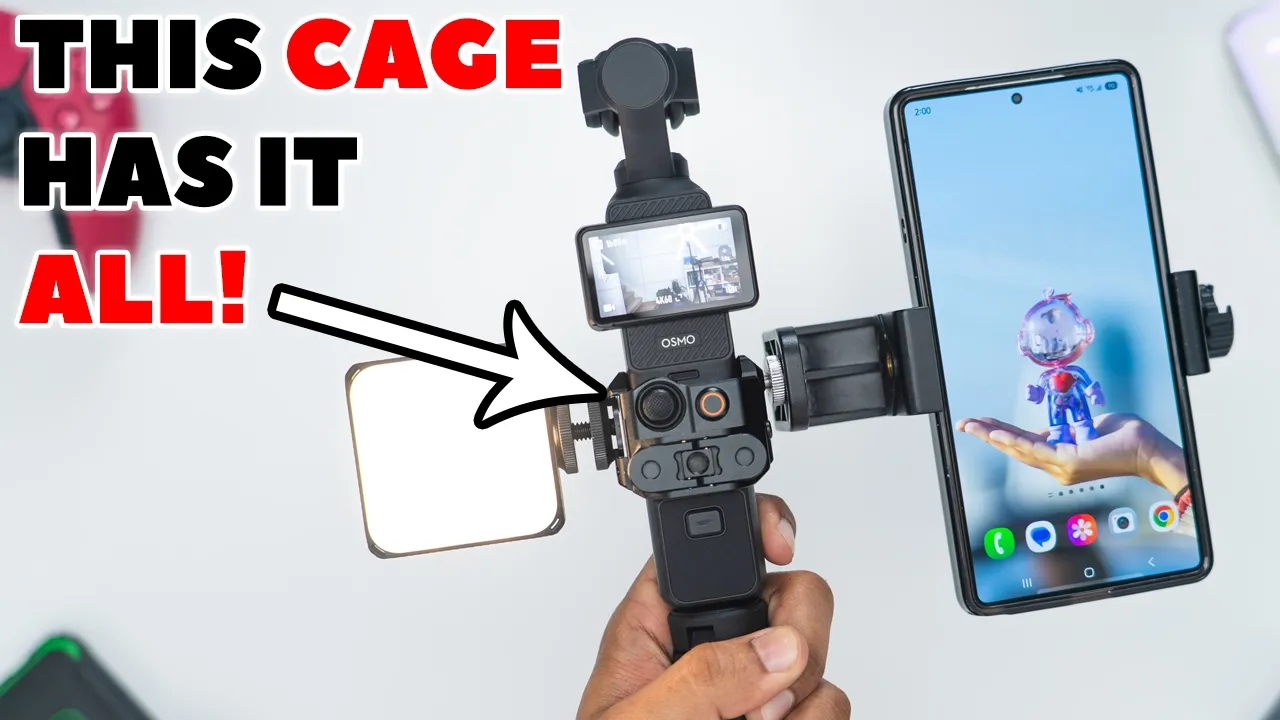
Hey, it’s Adrian, and if you’re looking to add a bunch of versatility and attachments to your DJI Osmo Pocket 3, you should check out this metal cage from Newer because it has top-notch build quality made of aluminum alloy while remaining fairly lightweight. There’s a ton of quarterin screw ports that let you attach anything you want or to use it for mounting. There’s also a cold shoe mount to attach mics, lights, or any other type of accessories. There’s also front and rear GoPro mounting arms that actually stow away flat and stay magnetically in place for a sleek setup. This is one of the best metal cages out there for the DJI Osmo Pocket 3. So, let’s take a closer look to see if this could be your next Osmo Pocket 3 accessory. And a big thanks to Newer for sending this out for review.
Package Contents
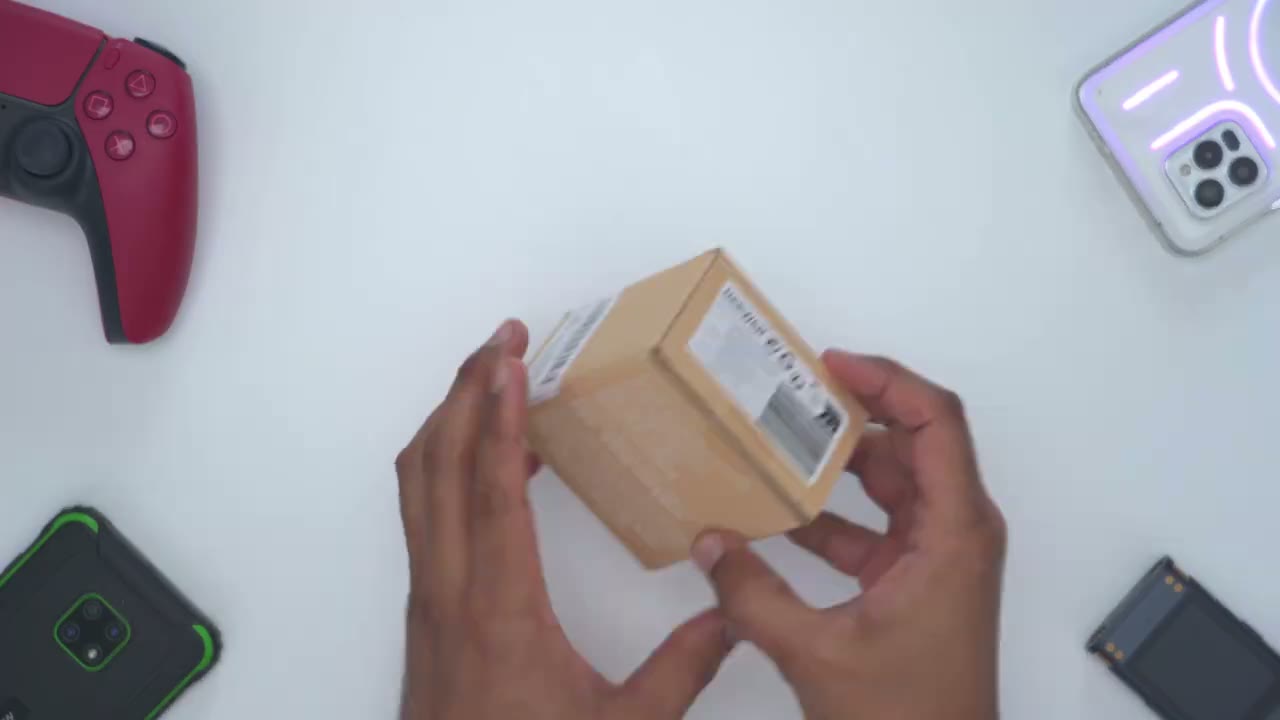
In the box, we have the metal cage for the Pocket 3 model AC9. We have a manual and an Allen key. Let’s take a quick
Design
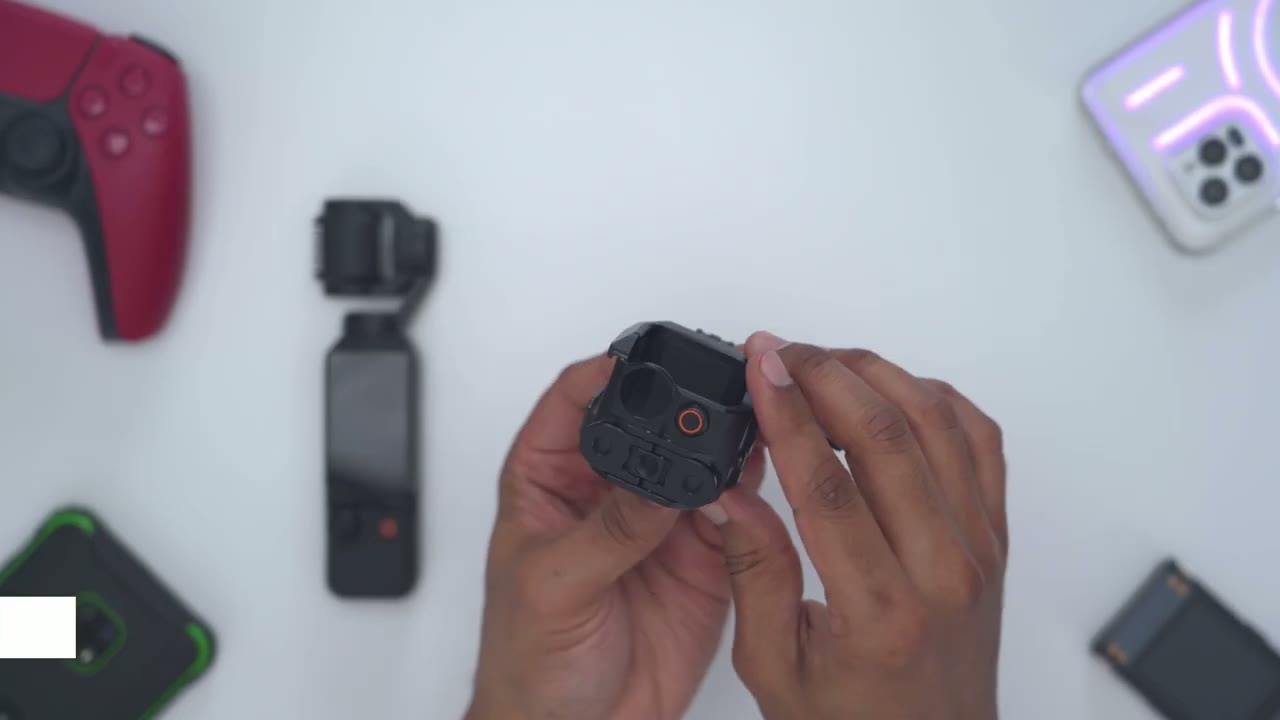
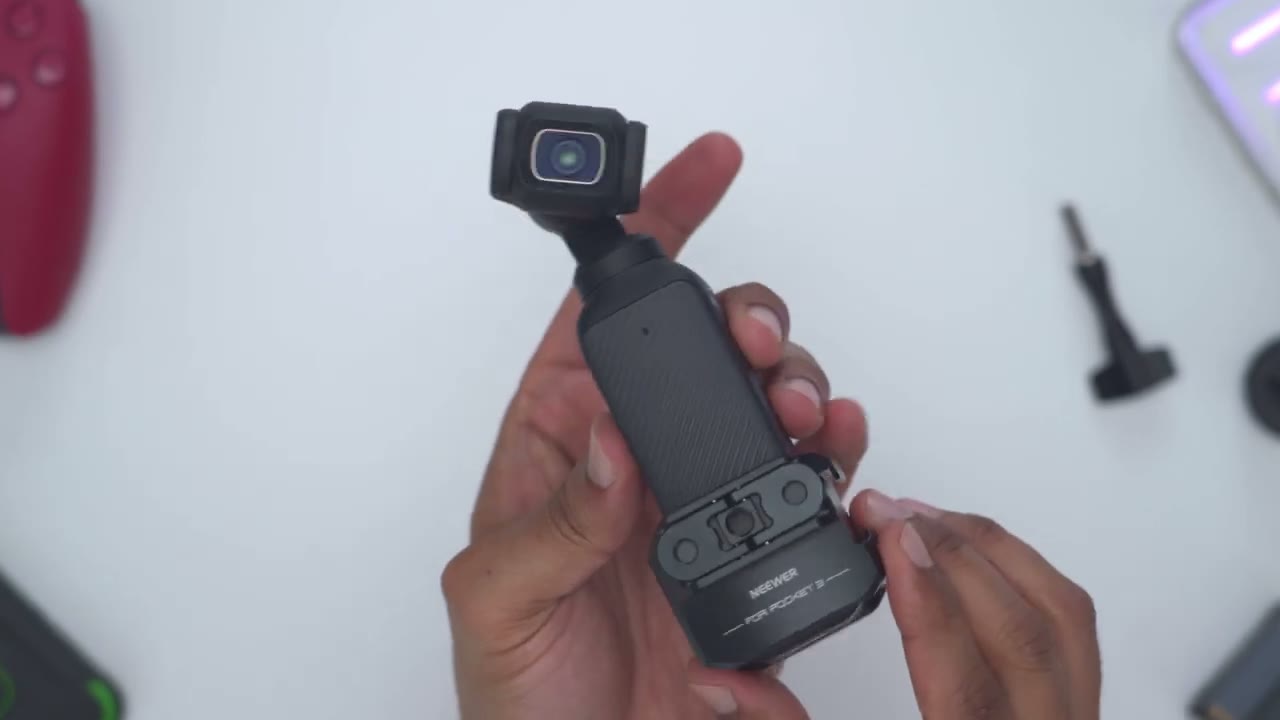
look at the newer metal cage. And the first thing I notice is that this feels really premium in the hand. It’s nicely machined. There’s no sharp edges. Everything is nicely rounded about basically everywhere you look on here. Now, this is made of an aluminum alloy build coming in at around 92 g. So, it’s not very heavy and it’s not going to add much bulk or weight to your Pocket 3. On the side, we have a retention slider here. So, if I slide that up, I could swing out this front arm and then I can go ahead and pop my Pocket 3 in here. Now you can see on the front here we have this kind of like felt material to really protect your Pocket 3 from scratches. And then on the inside we have rubber pads on the back here and on the right and left sides.
And just to demo, you would slide the Pocket 3 till it hits this type of hard stop. Click it into place and you’re good to go. And once you swing the front arm in, you can hear that satisfying click letting you know everything is securely in place. And on the same right side, this is where we have three of the quarterinch screw holes and an airy positioning hole. Now, if we take a look at the opposite side, we have another quarterinch screw hole. And we also have a cold shoe mount as well. On the front, we have two GoPro mounting arms. So, these actually swing out and then we could transfer the GoPro mount from here all the way to the front as well. And you can see that we do have metallic buttons right here. So I can just easily pop these down and they stow away nicely in place.
And if I go ahead and shake that upside down, you can see it’s magnetically held in place. So this is a really nice design choice. There’s also another 1/4in hole on the front. On the rear, we already have a GoPro mount attached here with the cold shoe mount as well. And we can also go ahead and, you know, just kind of clamp this down. But I’ll just remove this right now. So, now that the rear GoPro mount has been removed, these can also fold away nice and flush. And again, these are also held magnetically in place. And the last thing to note is that we do have two lips that protrude out so that anytime you slide your Pocket 3 down there, it’s going to kind of hard stop on this and it won’t go further. All
Install
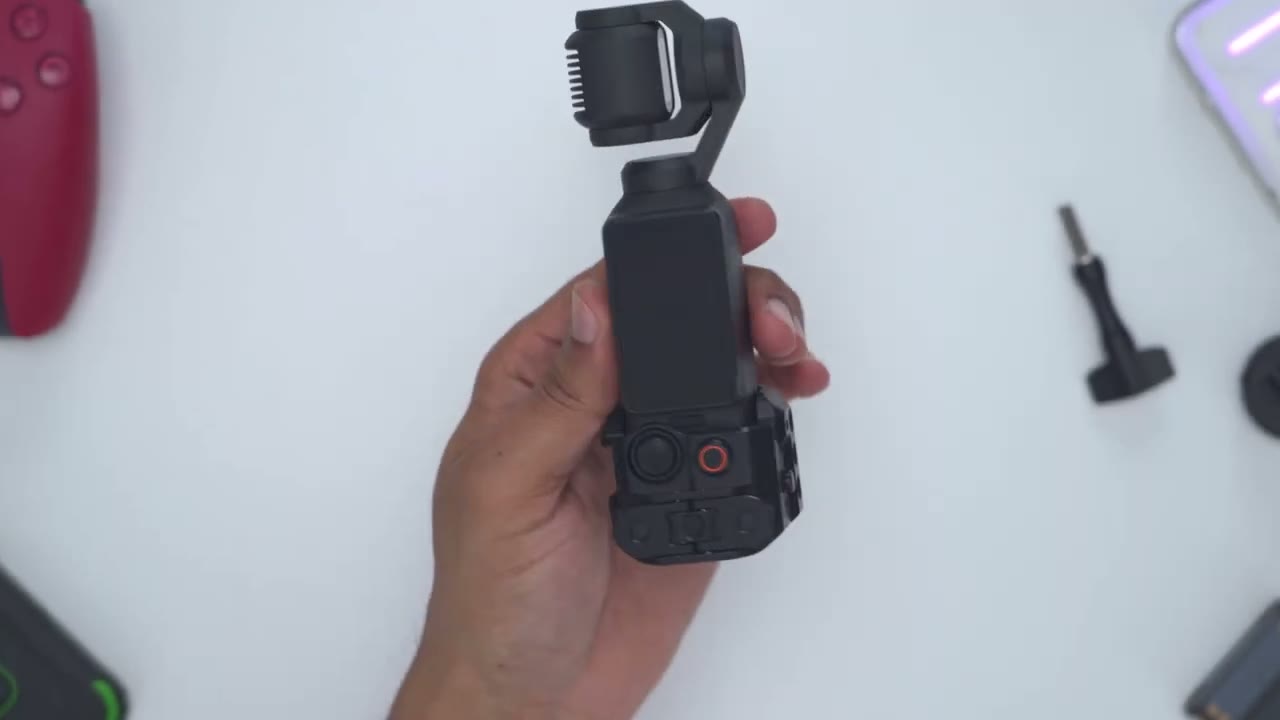
right, I’m going to attach the metal cage to the Pocket 3. And it’s literally seconds. So, I’ll just slide it down. It hits the hard stop. Press in the front here and it’s nicely and securely in place. Now, I can just go ahead swing the screen out to start it up, but I could also long press on here if I wanted to do kind of vertical. You could see that’s really very quick. And I also retain full access to the joystick controls. That’s really no problem. And then if we take a look at the bottom here, we do have access to the USB type-C port, completely unobstructed. So, if I was to take the type of grip extension here, I could just pop that right in. You hear the satisfying click. And if we look at the side, it is in no way impeded by the metal cage.
Everything is nicely and securely held in place. This is a really well thoughtout cage. If you want access to the micro SD card slot, you will need to remove the metal cage. Now, one other thing that I noticed is if we open this back up, this is where the lanyard would be looped through if you do use the lanyard. Now, take a look at what happens as I close this from a top- down view. There’s actually a spacer gap right here. so that you don’t have to remove the lanyard. So, you can actually leave the lanyard here and there’s enough of a gap to let that just kind of hang down. Again, just another example of just the type of thought that went
Stability
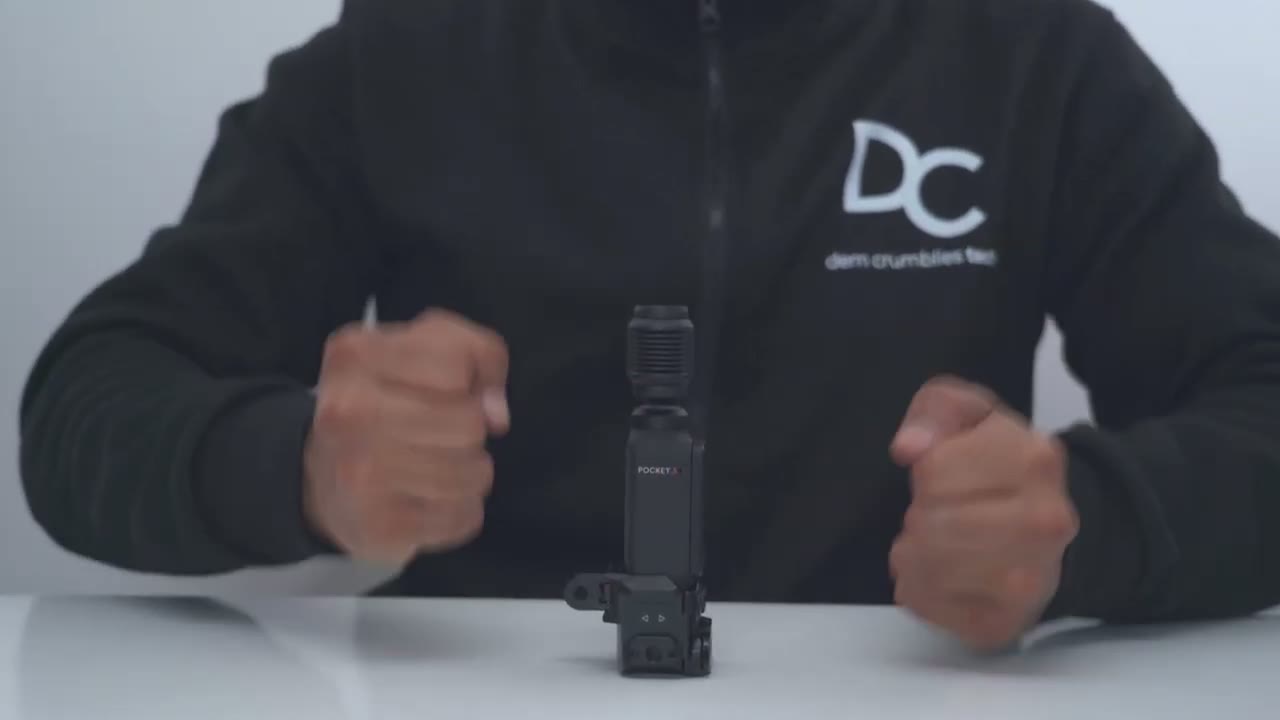
into this cage. Another benefit I noticed with the cage is that I can actually sit the Pocket 3 on a table and it’s flat and very stable. See, I’m banging. It’s really not moving much at all. And if we take a side view here, it’s flat and flush at the bottom. That’s a side view here. So, this actually functions as a tabletop tripod. And if I go ahead and just hit it and nudge it, you could see it’s kind of shifting, but in no way is it going to just tip over. So, you can actually forego adding this, you know, grip attachment just to screw in the included tripod. So, just for people who want a very slim and sleek setup, this one cage can fulfill a ton of uses. Let’s talk
Ergonomics
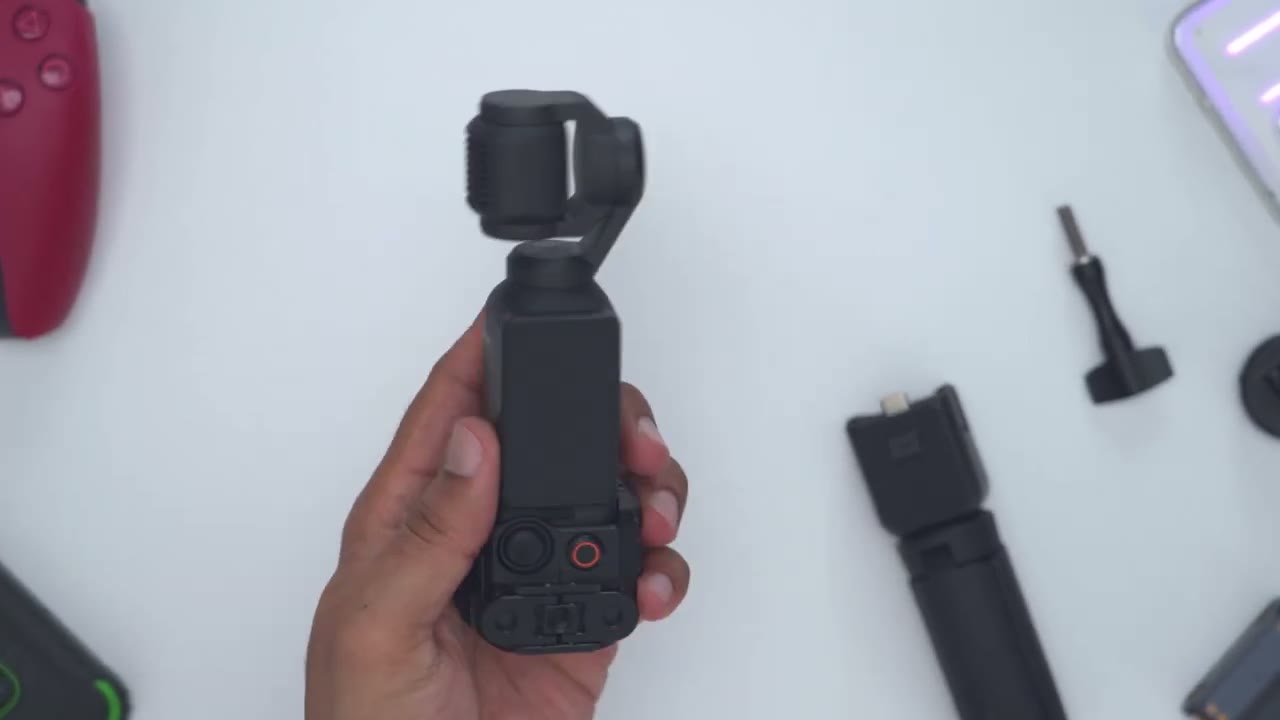
ergonomics and comfort. So, if you were going for a sleek setup or a slim setup and you were holding the Pocket 3, you kind of have like this very low grip because you want easy access to the controls and this can get very fatiguing holding it because it’s already such a compact body, which is why a lot of people will go and add in this type of grip attachment so you just have more room to work with. Now, one thing that I noted is that once the camera or sorry, the Pocket 3 is installed on the mount, this actually widens the grip enough where this is actually much more comfortable to hold. Even though I am taking this lower type of grip, it’s beefed up enough so that it’s, you know, more surface area, I guess, to grab on and hold.
So, this is actually pretty comfortable to hold if you didn’t want to run the grip extension. And like I mentioned earlier, there’s no sharp edges anywhere on this. So, it’s still
Mounting Options
very comfortable to hold. So, let’s talk about the mounting options first. So, like I showed, we do have these swinging arms right here, and you could use these with GoPro accessories. Now, let’s take a look at the included GoPro accessories. So, this actually came with the metal cage. So, I’ll just go ahead screw this in. Now, this is, you know, full aluminum alloy body. And you can just go ahead, you know, really tighten this down. This is not going anywhere. This is, you know, very rigid, very securely in place. And like I showed, we do have the cold shoe mount here. And then you can just rotate this to clamp it down. You know, everything is just nicely machined, nicely flowing. You have a ton of versatility either with front or rear mounting for GoPro accessories.
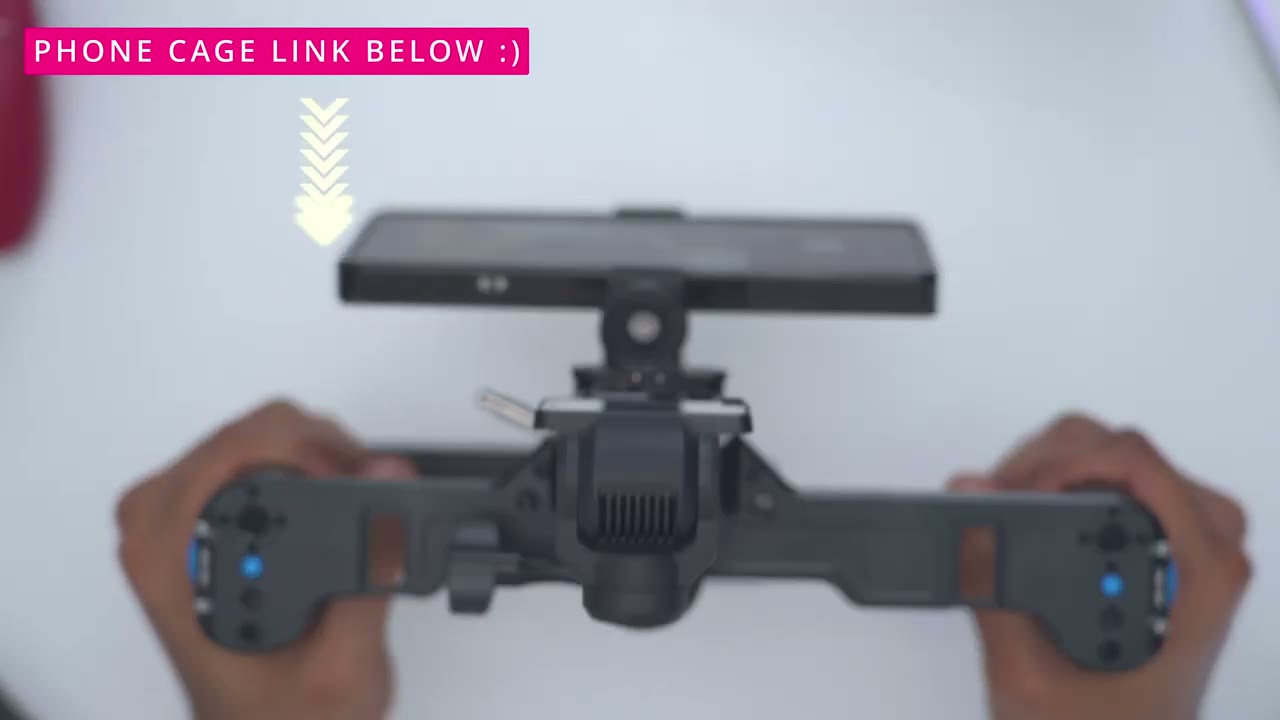
And because we have so many quarterin screw ports, so there’s one on the back here, there’s three on the side. So that’s a total of four. another one on the other side, so five. And then finally, another one. So, six quarter inch screw ports. So, with options like a monopod, I have both options to mount it right on the front here, thanks to the 1/4in screw hole, and on the rear as well. And if I wanted additional cold shoe mounts, I could use something like this newer adapter here. Just use another 1/4in connector. And then I can attach a bunch more accessories like a microphone, an additional light, etc. You can really attach any type of accessory combination to really outfit your Pocket 3. So, if
Recommended?
you’re currently using a cheap plastic holder or a subpar cage for your Osmo Pocket 3, you can’t go wrong with the newer metal cage. It’s wellb built. It fits securely. It’s well thought out. There’s a ton of different accessory and mounting options, whether it’s quarterinch accessories or GoPro accessories as well. And it also lets you sit your Osmo Pocket 3 very stably on any type of flat surface without the need for a tripod. I highly recommend it if you have a Pocket 3. And I’ll leave links down below for you to get your very own Earth to learn more. And I’ll also leave coupon codes down below if I have them as well. I’ll also leave links to some of the accessories I used in this video.
And if you’d like to see more accessories for the DJI Osmo Pocket 3, let me know in the comments down below because I love doing these accessories type of videos. By the way, if you found this video useful, please consider liking and subscribing. I have a bunch more reviews coming up and I review a bunch of different things like headphones, earbuds, monitors, laptops. Really something for everyone. And I’ll leave a link up in the corner for another video that you might find interesting. And I hope to see you in my next video
Buy Neewer Cage for DJI Pocket 3 on Amazon
Buy Neewer Phone & Camera Metal Cage on Amazon
Buy Neewer Cold Shoe Adapter on Amazon
Please note that some of the links in my video descriptions are affiliate links where I earn from qualifying purchases. As an Amazon Associate I earn from qualifying purchases.

