


Buy Edifier ES60 Speakers on Amazon
Please note that some of the links in my video descriptions are affiliate links where I earn from qualifying purchases. As an Amazon Associate I earn from qualifying purchases.
Intro
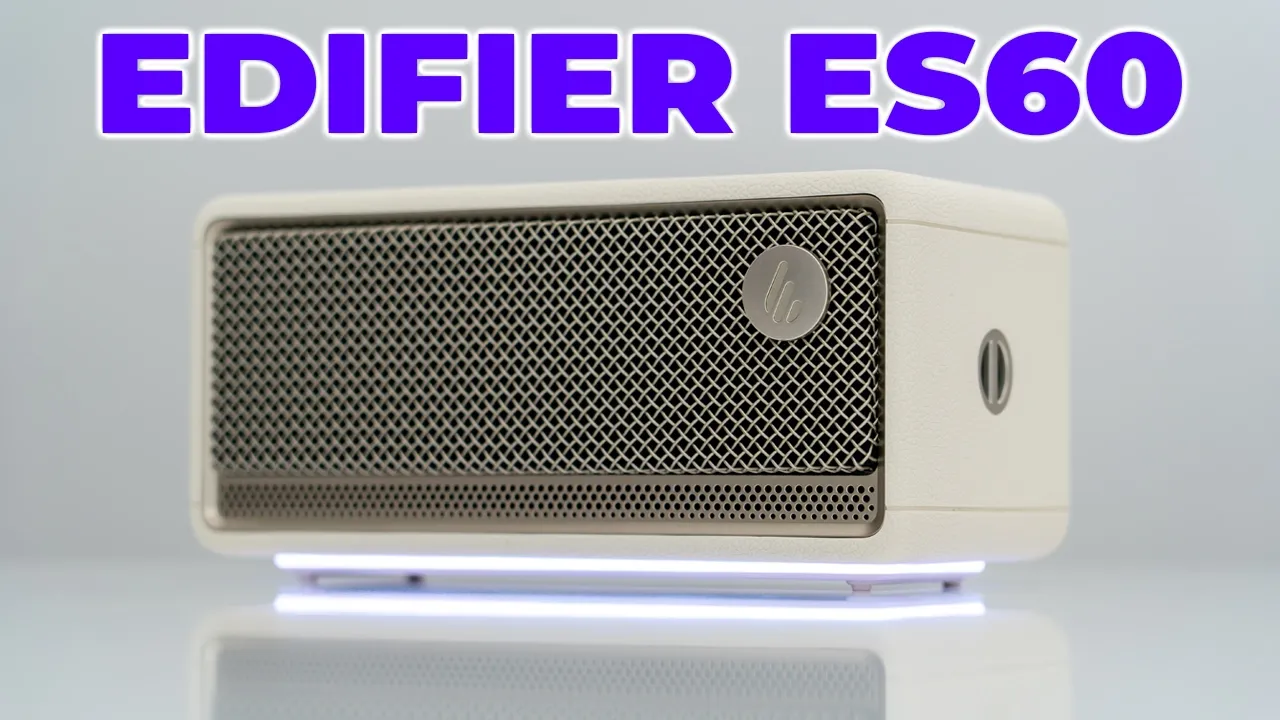
[Music] Hey, it’s Adrian and if you want loud, and I mean loud, booming and rich sound, whether you’re at home or on the go, you have to check out Edifier’s ES60 portable Bluetooth speaker. It has a class D amplifier, dual 22mm tweeters, and a mid-base driver outputting 34 watts of power. There’s Bluetooth and USBC audio streaming, Bluetooth 5.4 for with multipoint support to connect two devices, up to 9 hours of battery life, ambient LED lighting, physical button controls, a built-in mic to take calls, a built-in lanyard slot. It has an IP67 rating, Edifier Connects app support, and more. And with those 34 watts, this gets super loud and it can actually go toe-to-toe with some two speaker setups.
So, let’s take a closer look at the Edifier ES60 to see if it could be your very next portable speaker. And a big thanks to Edifier for setting this up
Package Contents
for review. In the box, we have the Edifier ES60 portable Bluetooth speaker USB type-C to type-C cable, lanyard, and manual and
Design
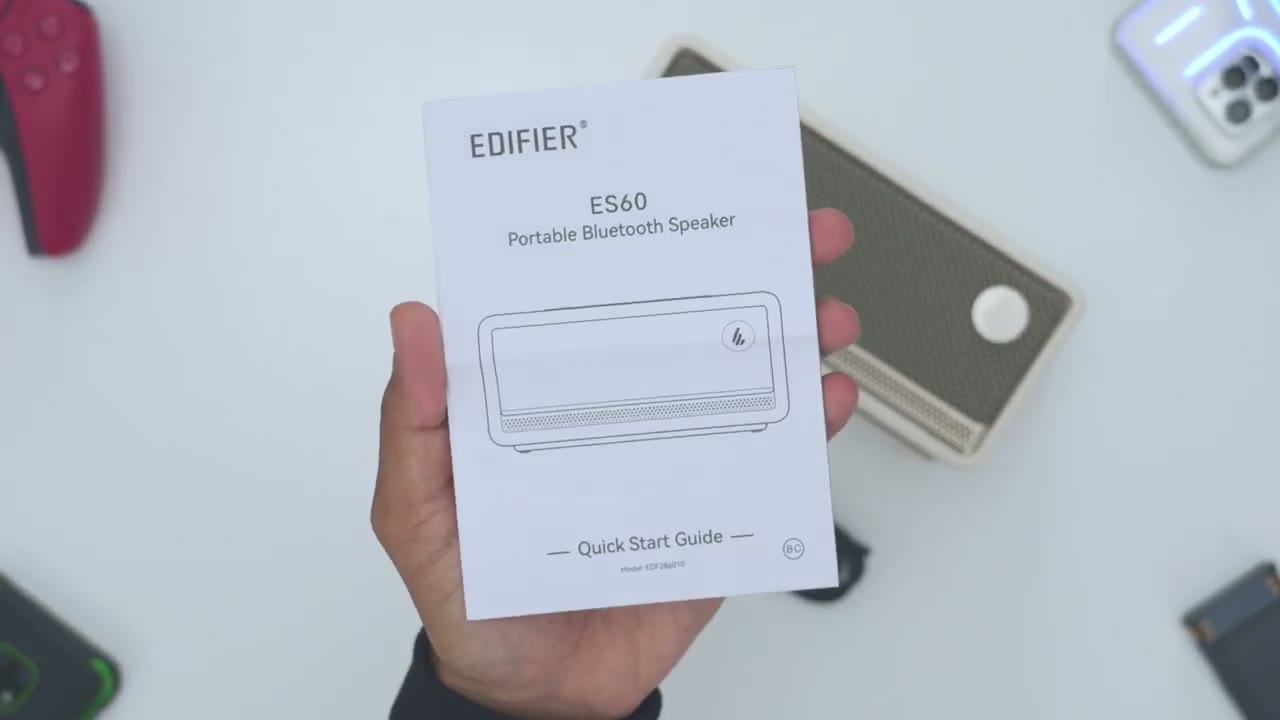
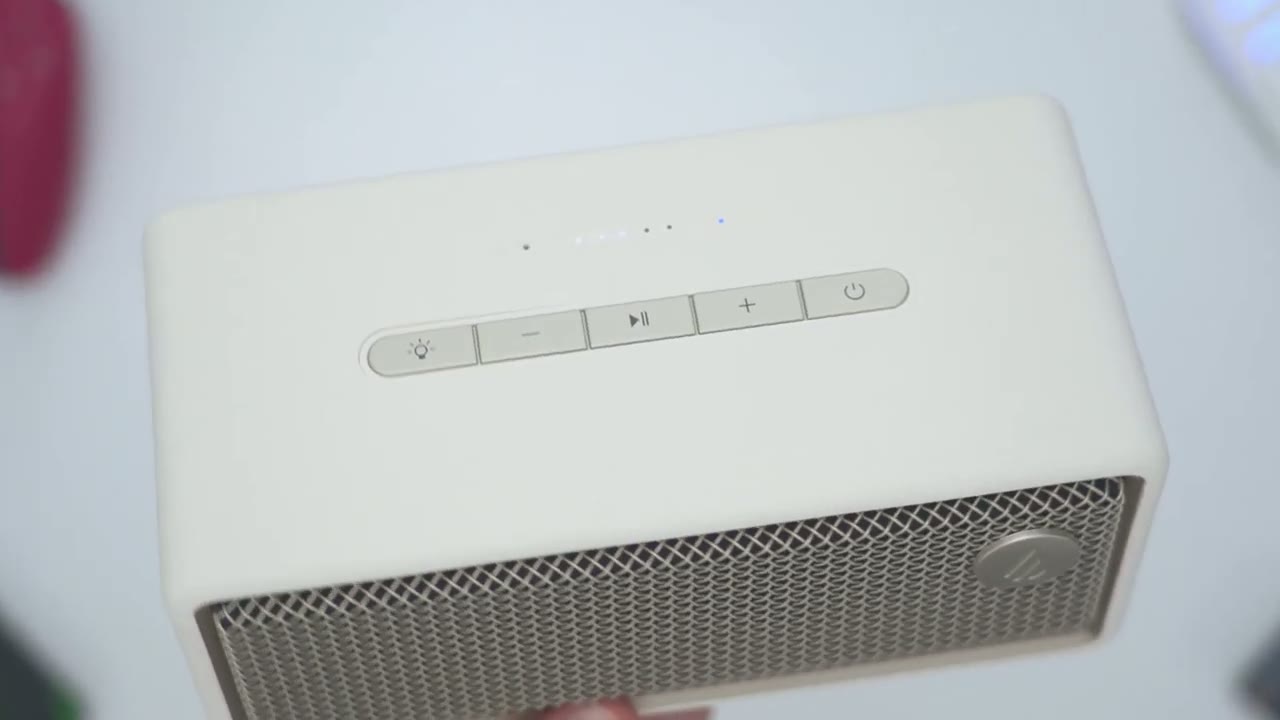
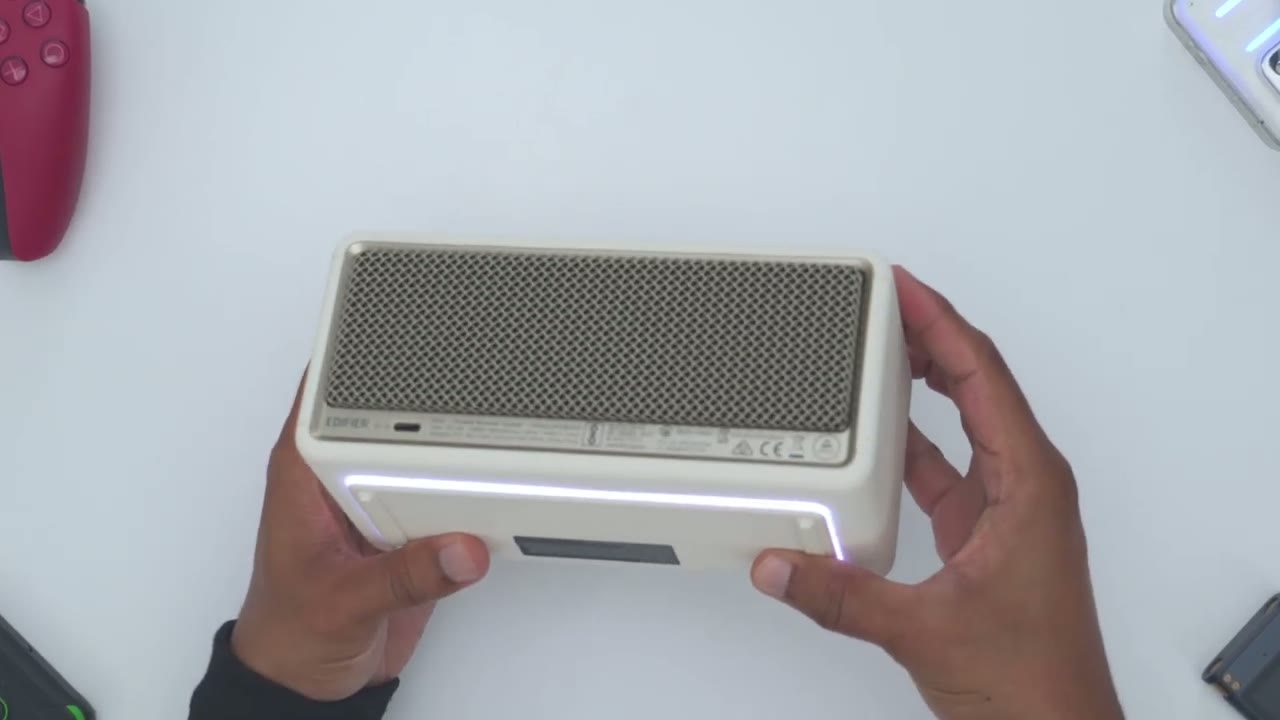
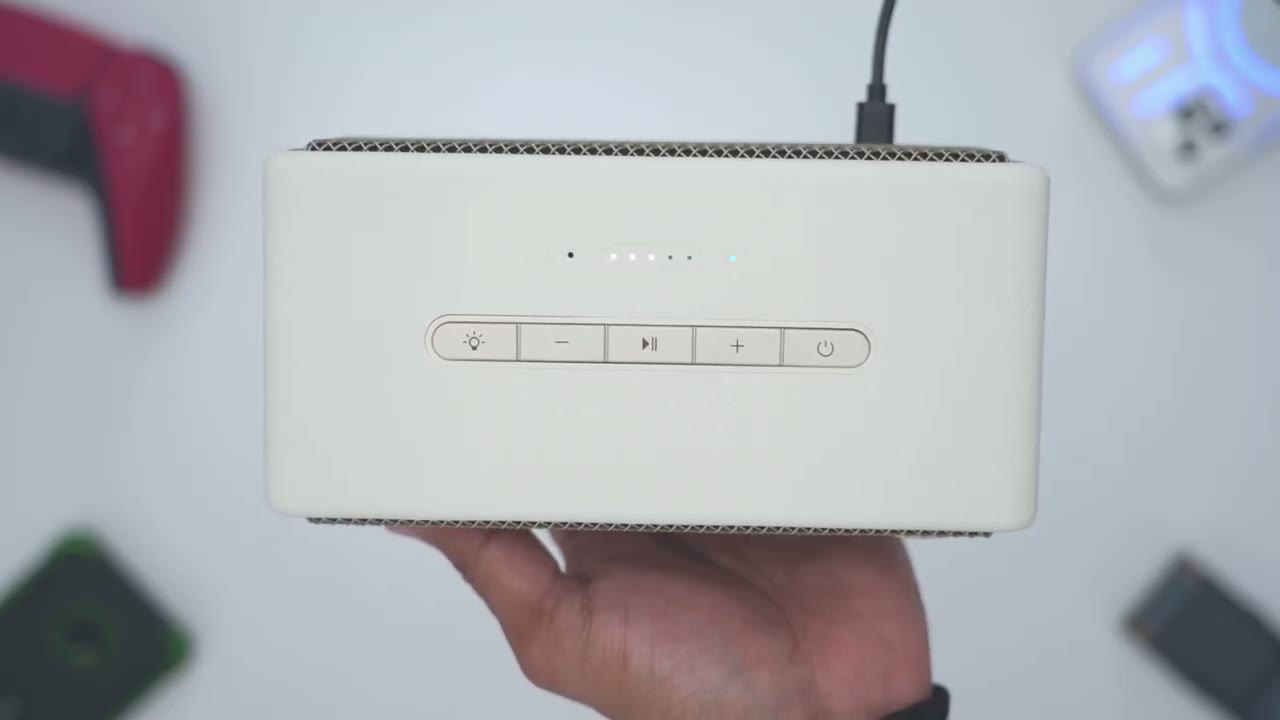
quick start guide. So, the Edifier ES60 Bluetooth speaker looks really beautiful, and this feels just so good in the hand. Now, this does have a little bit of heft, coming in at about 1 kg or about 2.2 lb, and it feels really wellmade. So, I have the white version here, but it also does come in a black version. So, we do have a front speaker grill here along with the Edifier logo. And we have front and rear-facing 22 mm tweeters and one midbase driver. Now, on the very top, this is where we have tactile buttons right here. So, you can see I can press it and we have a little bit of click. Now, these are kind of a soft feel button. They’re not kind of like hard plastic. We also have LED indicator lights at the top to show you the current battery life. So, I’m at around 60%.
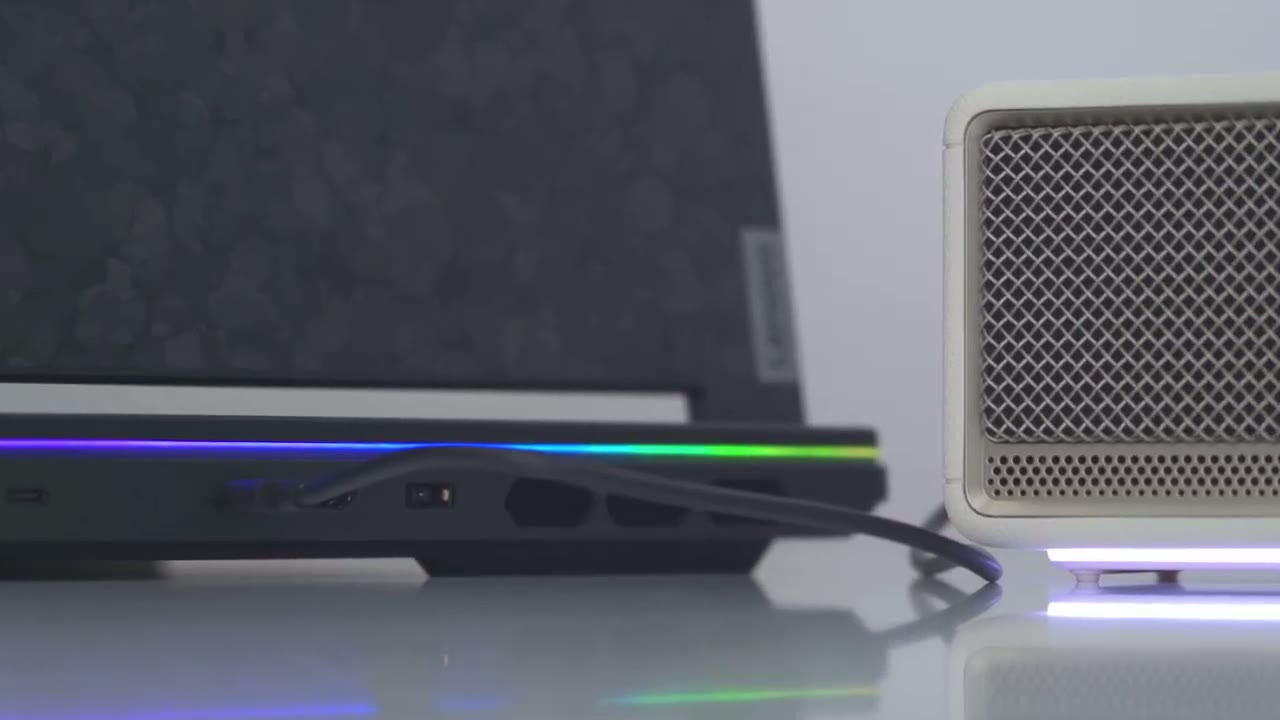
Now, on the very side, this is where we have a little area here where we could thread in that lanyard or carrying strap. And then on the other side, there’s nothing. The bottom has rubber feet to keep this nice and planted on your desk or wherever you place it. There’s also a USB type-C port in the back so you can connect this to your laptop or desktop. Once we turn the ES60 on, you can see that we have a beautiful looking LED light strip that goes all the way
Specs
around. Here’s a quick look at the specs. Feel free to pause and review or jump ahead to the next section. I’ll
Bluetooth Pairing
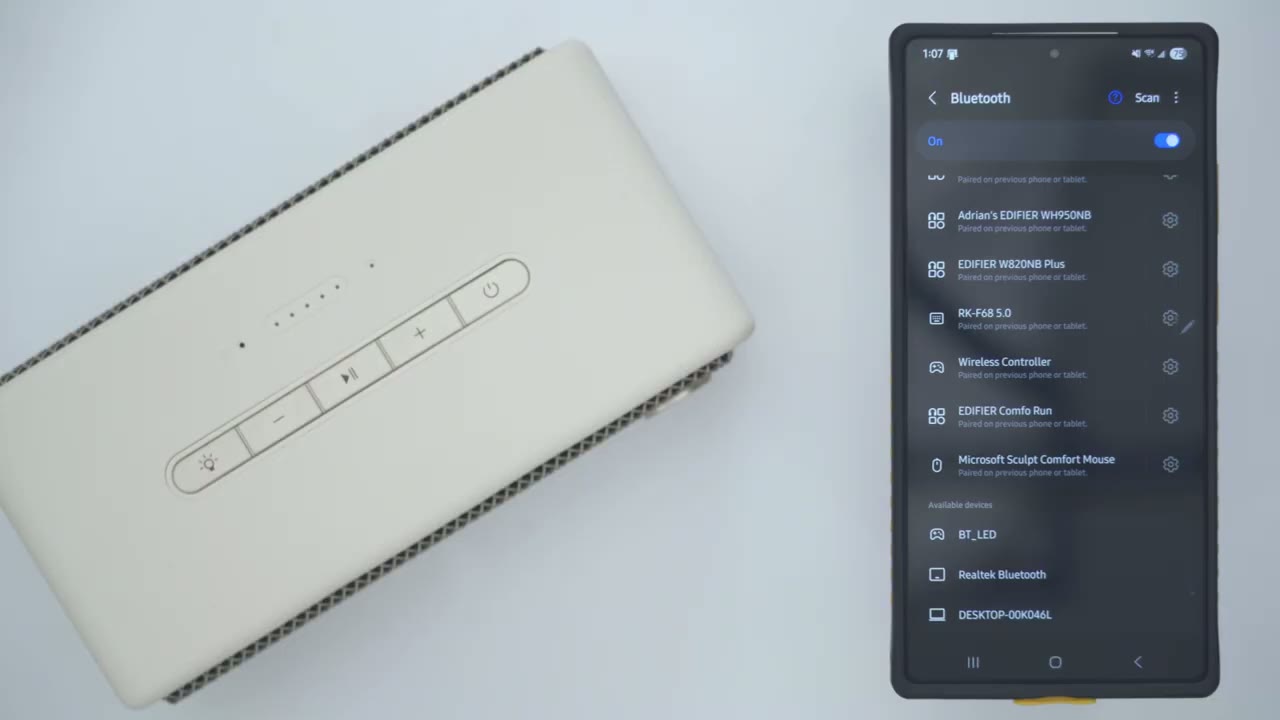
pair the ES60 with my phone. So, I’ll just press and hold the power button till it boots up. And then once it’s booted up, you’ll just go ahead press this button again to put it into Bluetooth mode. We can see the flashing LEDs. So, I’ll just go ahead hit scan on here. And I can see there Edifier ES60. Wait for the pairing prompt which we’ll see in a few seconds here. Hit pair. And you can hear that it’s successfully connected. So now I can jump into it. And I can see that this is ready for both calls and audio. I’ll go ahead and do the same process on my ZFold 6. Now
Multipoint
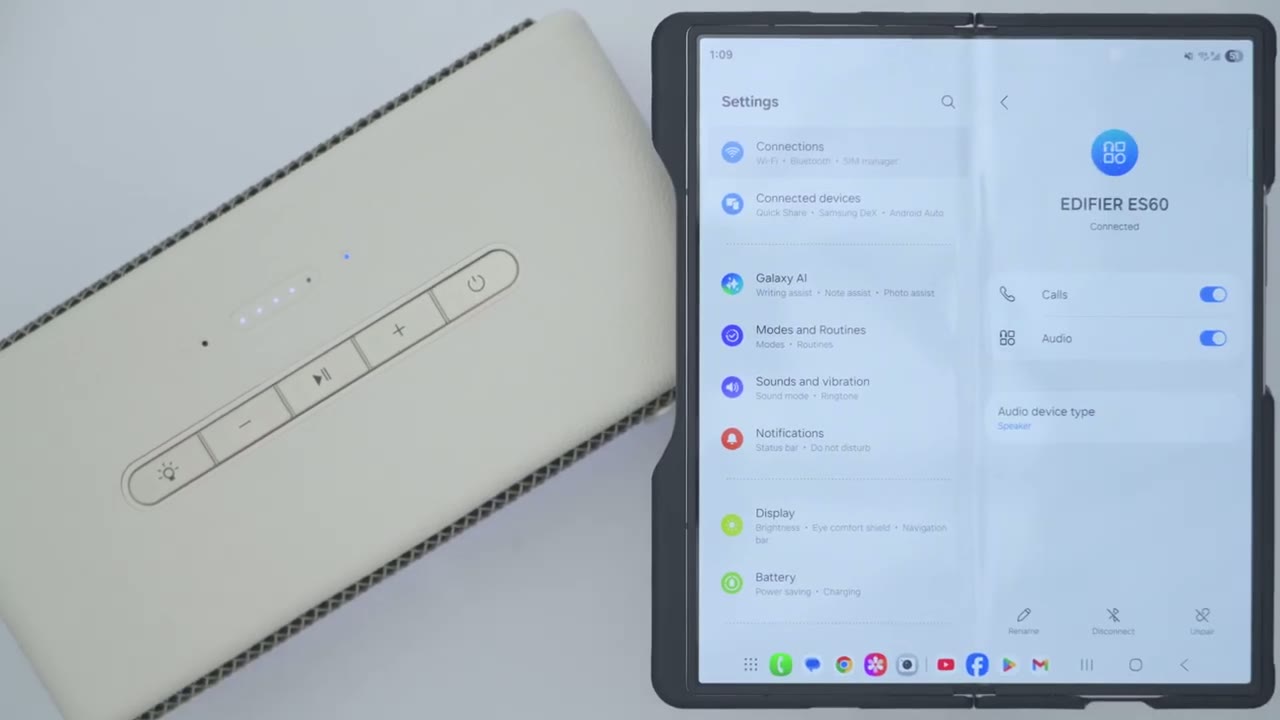
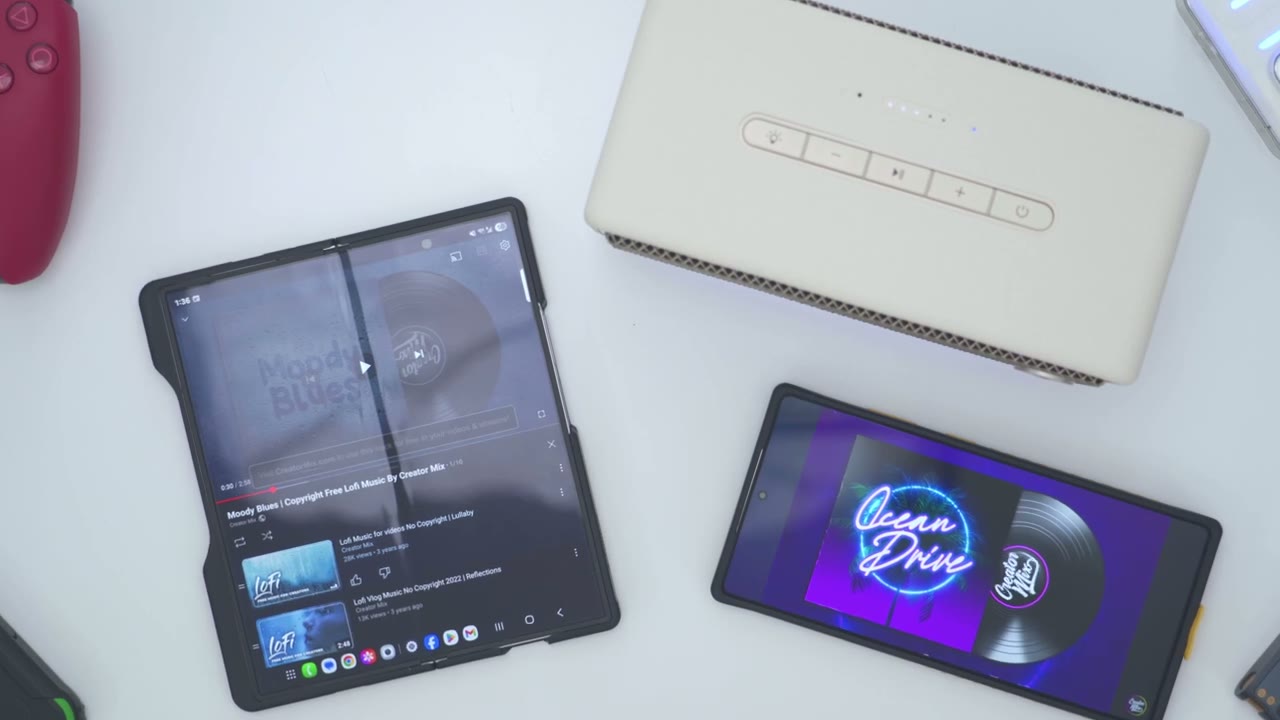
when using multipoint, as long as you pause music on your first device, it’s going to kick over to the second one. Here’s a demo. Now that I’ve paused music here, it’s going to kick over here.
Input Sources
In terms of connections, so of course you have Bluetooth connectivity along with multipoint support. And you also have a USB type-C port, so you can connect this to your laptop or desktop or any other device that supports USBC.
Button Controls
The button controls are super easy to use. So, of course, volume up is just going to increase or decrease volume. A long press is going to jump ahead to the next track. And then a long press on volume down is going to jump us back to the previous track. And of course, you could go ahead and pause or resume music playback. Now, if you go ahead and press the power button, this is going to switch it from Bluetooth mode to the USB type-C input if you have this connected to a laptop, desktop, or any other type
Lighting
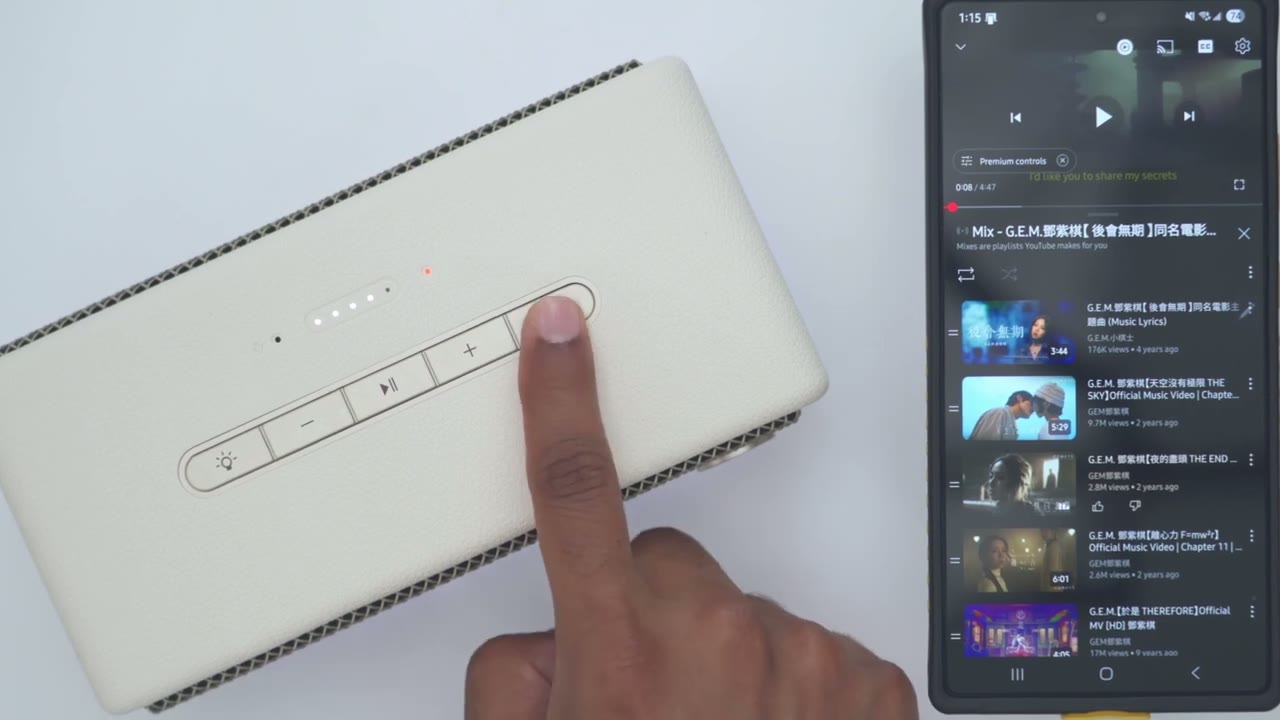
of device. On the top here is where we have the controls for this. So, a single press is going to switch between this kind of static mode and this type of breathing like mode. You can see it’s kind of breathing in and out. Now, you could just cycle through both of these at will. Now, if you go ahead and you double tap on this, so two clicks, it’s going to put it into this kind of SOS um emergency light mode. And then two clicks will take it back out of that. Now, if you want to cut the RGB or sorry, the LED completely, you’ll just press and hold till that cuts off. And then you could just press and hold again to turn it on. In the Edifier Connects
Connex App
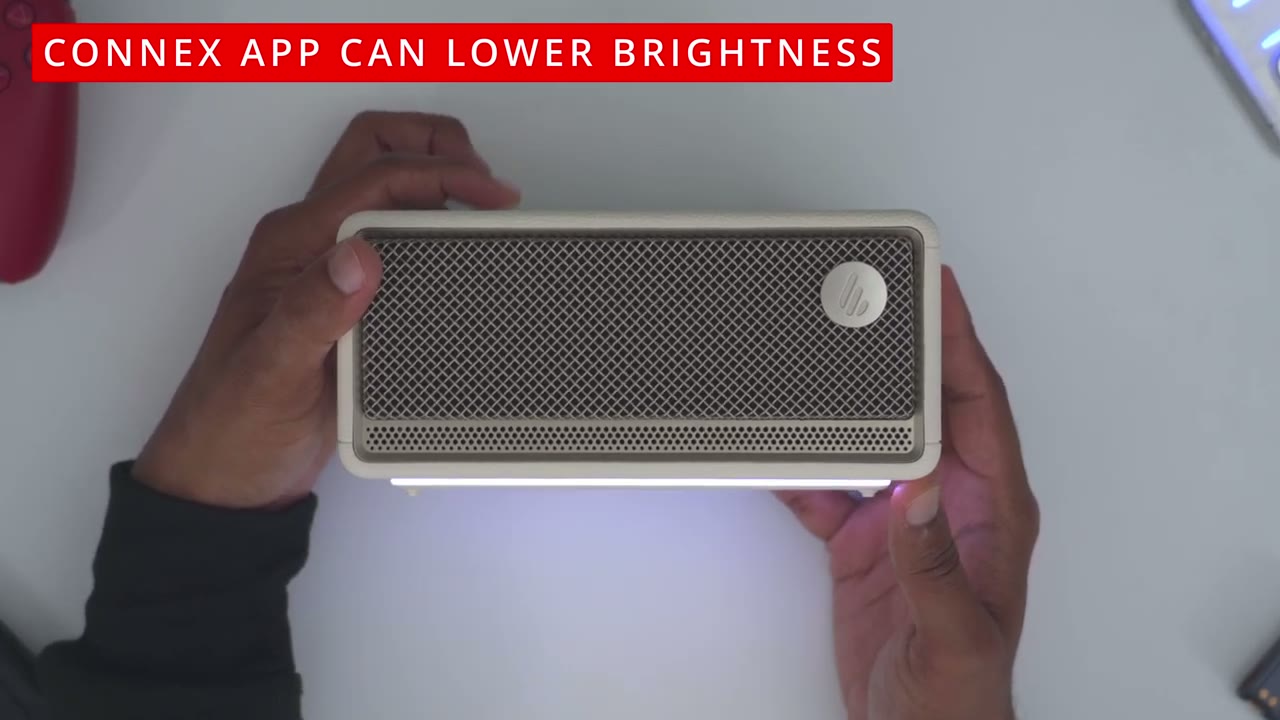
app, I could see that the ES60 is connected with about 60% battery life. Now, you can switch the input sources from here from Bluetooth to USB audio streaming if you don’t want to use the power button here. Under sound effects, we can switch from the music EQ, game EQ, movie, and outdoor EQ. But there is no custom EQ setting. Now, under light effects. So, you can see it’s currently set to static, and you could toggle between this yellow color or the white color, um, which kind of has a slight purplish hue, uh, in real life. Now, you can also go ahead and switch this to this type of breathing effect. It also has an emergency light, so I guess it’ll do kind of like an SOS. And then you could just cut it completely if you just want it, you know, kind of stealth.
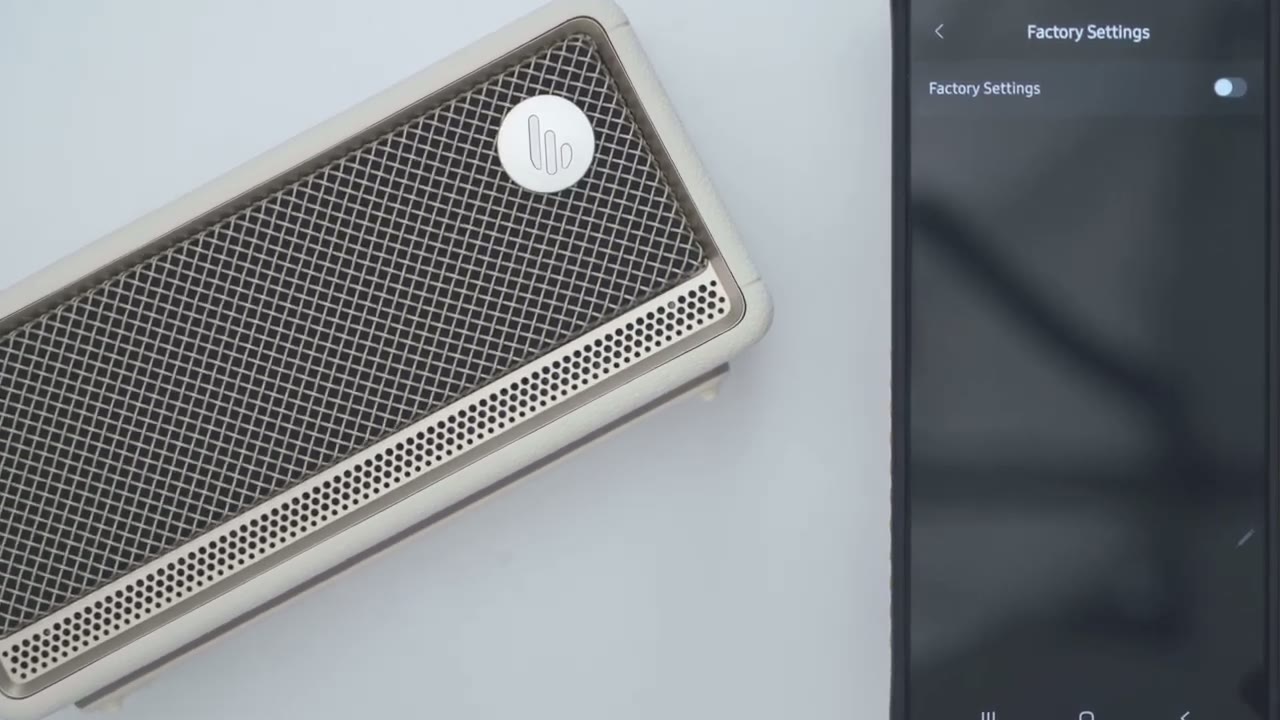
under volume control, you can go ahead and increase or decrease the volume if you don’t want to use the button controls on top or on your device. And then if we go into the full settings, so you can go ahead, take a look at the manual. You can go into audio channel setup and then you can set it up for front tweeter for left channel and rear for right or front tweeter for right channel and rear for left. Now, we can also go into the power saving mode and decide when we’re going to actually turn this off. So, it says uh it’s going to turn off after 30 minutes of no playback. You can also go into the Bluetooth settings here and see which devices are connected. Disconnect them from there. And then you can also go ahead and turn on or off the prompt tones.
And of course, you can go ahead and power these off or jump into the factory settings.
Sound
[Music] All right, let’s talk sound. And this is where this really shines. And it really did surprise me that such a compact speaker can output the sound that it’s outputting. So, this is outputting a total of 34 watts. You heard that correctly. That’s thanks to a class D amplifier. We have two 22 mm tweeters and a mid-base driver. Now, one of those tweeters is frontfacing and the other is rearfacing. And this helps to create kind of a 360° like audio immersion. Now, it’s not the same as when you’re wearing headphones, but you can definitely feel that the sound is kind of like encompassing and surrounding. So, I cycled between the music and the outdoor equalizers. Now, in terms of volume level, I was listening between, say, 50 to 70% for most of the time, and that was plenty loud for me.
But when I wanted things a little bit more lively, I was cranking it between, you know, 80 to 85%. That was plenty loud for me and well enough to fill out this room. But I also did crank it to 100% on, you know, some really bass heavy songs to test that out. And there was no noticeable distortion. So you could live in any of those ranges. This just sounds great. It has a nice bass trail off that doesn’t linger around too long, so it’s bleeding into other frequencies. It’s just nicely controlled and well tuned. Just super punchy and powerful bass. And again, that’s without me actually cranking this to max volume. even around the, you know, 40 to 50% mark, you’ll still get that bass delivery, but yet once you get into the 70 80 range or higher, that’s when it really comes alive.
Mids also came through with good clarity. And again, that’s because even with the great bass performance on here, it’s not really muddying into other frequencies. It really makes for enjoyable listening, and I listen to a ton of different type of music. This fared well with basically everything. Highs were also energetic and dynamic without sounding too harsh or piercing. This is just really well controlled. And again, thanks to the dual tweeter setup where they have one in the front, one in the back, and then we have that mid-base driver, it really does give you kind of, you know, the feeling of a wider sound stage. And with that 360° kind of audio experience, like you can actually feel that when you have this directly in front of you. So yeah, the sound experience is standout on here.
I’ve not heard any other type of portable speaker output the sound that this does and the quality and tuning of the sound at the same time. Now, if you’re looking at Edifire’s MP230 speaker, don’t even look at that. These are not in the same league, not even in the same dimension. The sound coming out of this just dwarfs what the MP230 could do. I would say just, you know, scratch out Opulus, just get the ES60. And to drive home just how powerful the ES60 is, I recently reviewed Edifar’s QR30 speakers. You could check that review up here. And those output a total of 30 watts. Now, this is outputting 34 watt. So, you can see the power coming out of these can actually go toe-to-toe with some two speaker setups. Now, I’m not saying it sounds better than the QR30s.
The QR30s still sound fantastic, especially since we have, you know, kind of a dual speaker setup versus just this single speaker setup. But if you were tight on space, this would come in so clutch. You could just place this right onto a monitor. And the benefit of this is it’s portable. You can leave it at home or take it on the go, especially with that IP67 rating. And if you were
Microphone
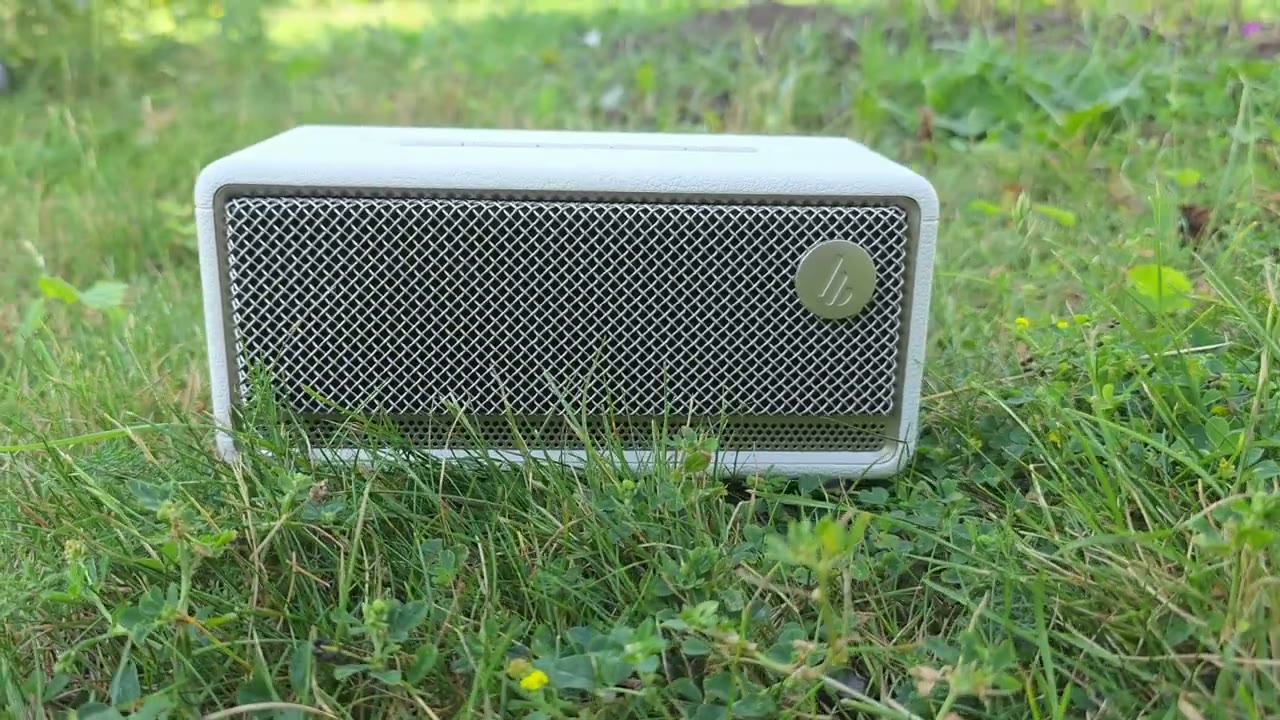
going to take calls on the Rare ES60, this is an example of what microphone
Battery
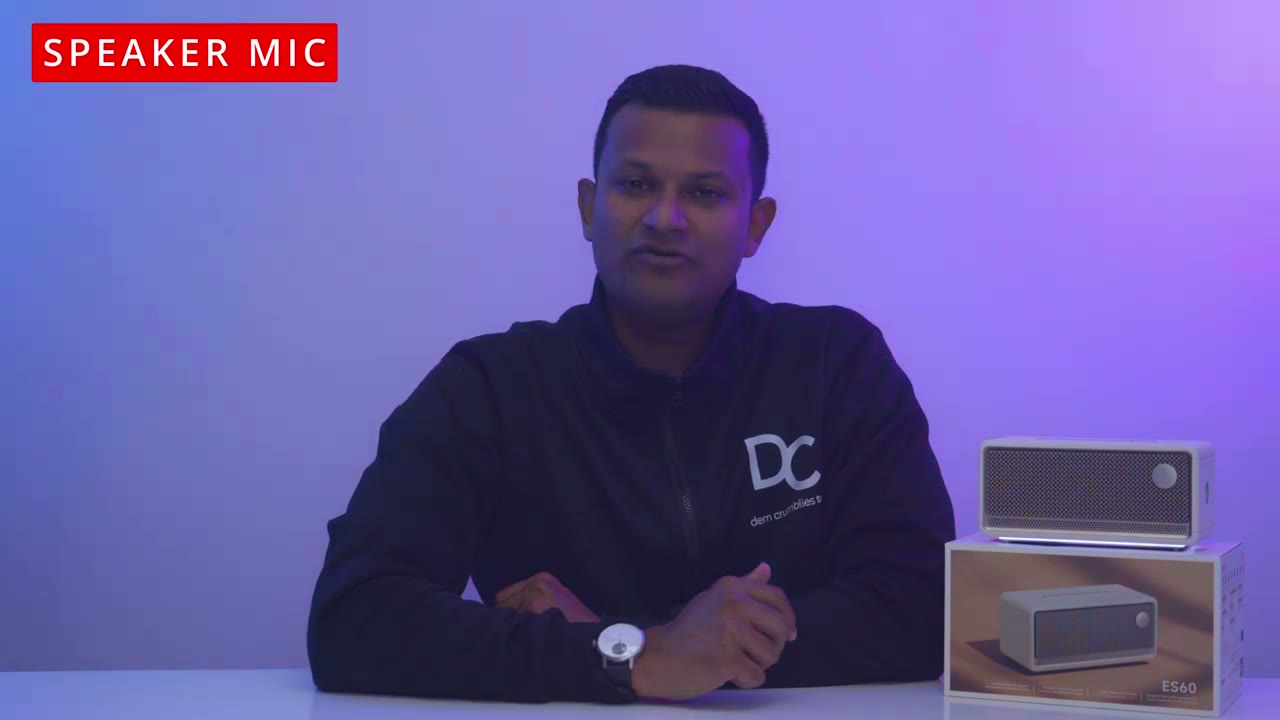
audio sounds like. This is rated for up to 9 hours of battery life, and it’s based on you listening to the volume at 50% and with the LED indicator light off. And at 50% volume, this is already plenty loud. I had it on the desk, you know, kind of in front of me when I was working. And that was plenty loud for me. I could even go a little bit lower. So, realistically, you could probably get between 7 to 9 hours. If you use USBC audio streaming, well, it’s going to stay constantly topped up while it’s
Recommended!
streaming audio. So, the Edifier ES60 portable Bluetooth speaker has booming, rich, and loud sound that’ll fill out pretty much any room and even give dual speaker setups a run for their money. On top of that, you’re getting Bluetooth 5.4 4 with multipoint connectivity so you can connect multiple devices a built-in mic to take calls you have Bluetooth and USBC audio streaming up to 9 hours of battery life that IP67 rating for indoor and outdoor use edifier connects app support and ambient lighting. This is hands down the best sounding portable Bluetooth speaker I’ve ever used. And if you want to get your very own ES60, I’m going to leave links down below in the video description for you to get your very own or to learn more.
Now, if you’re looking for a two speaker setup, check out this video here. I have a huge favor to ask. If you found this video helpful, would you mind liking and subscribing? It really does help me out a ton as a small and growing channel. And maybe consider checking out some of my other tech reviews. Aside from speakers, I also review earbuds, headphones, gaming keyboards, monitors, laptops. Really something for everyone. And I really hope you’ll join me in my next video
Buy Edifier ES60 Speakers on Amazon
Please note that some of the links in my video descriptions are affiliate links where I earn from qualifying purchases. As an Amazon Associate I earn from qualifying purchases.

