


Please note that some of the links in my video descriptions are affiliate links where I earn from qualifying purchases. As an Amazon Associate I earn from qualifying purchases.
Intro

Hey, it’s Adrian. And if you’ve been disappointed by open air earbuds before, or if you don’t think they can sound as good as in-ear earbuds, well, the Clear R3s are ready to accept that challenge. The Clear R3s are hands down the best open air earbuds that I’ve tried so far, and it even rivals some in-ear earbuds, which I didn’t think would ever be possible. And the reason they sound so good is because they have 16.2 2 mm drivers, Snapdragon sound, LDAC high-res certified audio, and Dolby Atmas optimization. They also have an IPX7 waterproof rating, up to 10 hours of battery life, and up to 50 hours if you factor in the charging case, which also has wireless and wire charging.
The case also has a responsive touchcreen with full controls, the ability to upload custom photos, UVC sterilization. There’s also app support and voice controls as well. Now, that’s quite the feature list, but is it actually worth the price? Well, let’s take a closer look at the Clear R3. And a big thanks to Clear for sending these up for
Package Contents
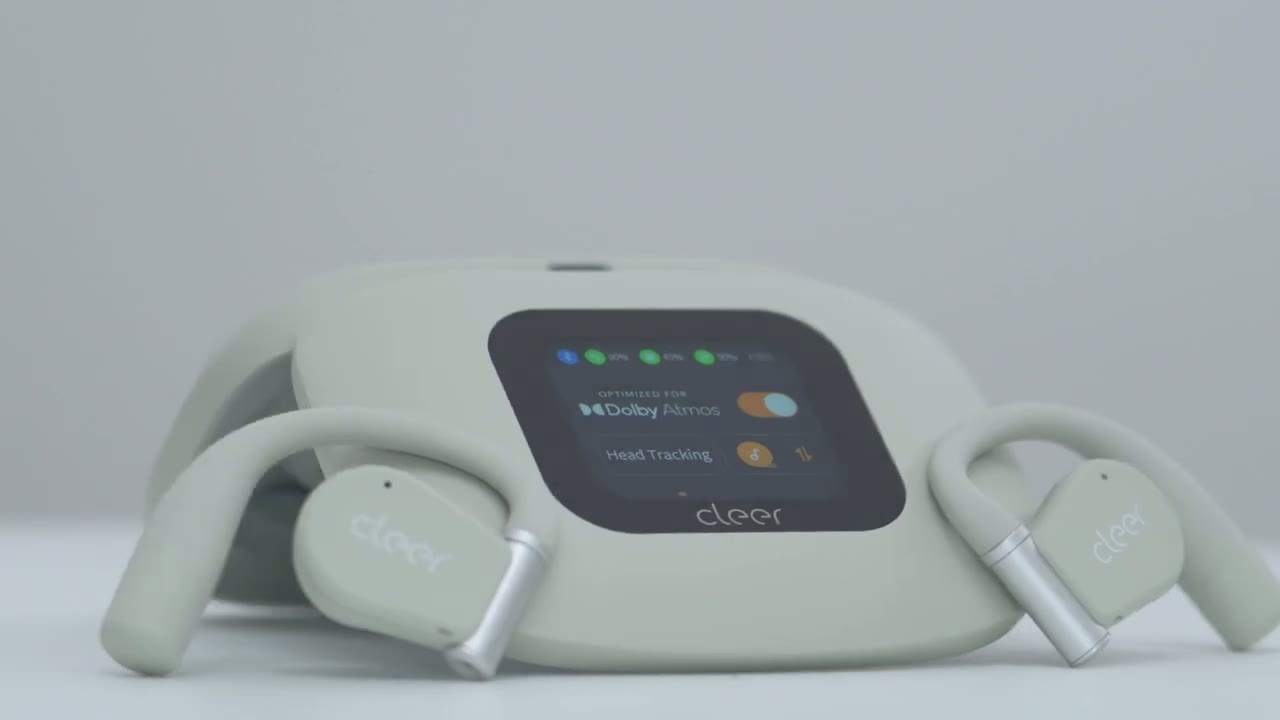
review. In the box, we have the Clear R3 charging and carrying case. We also have the Clear R3 openear headphones, a cleaning cloth, USB type A to type-C cable, and manual. All right, let’s take
Design
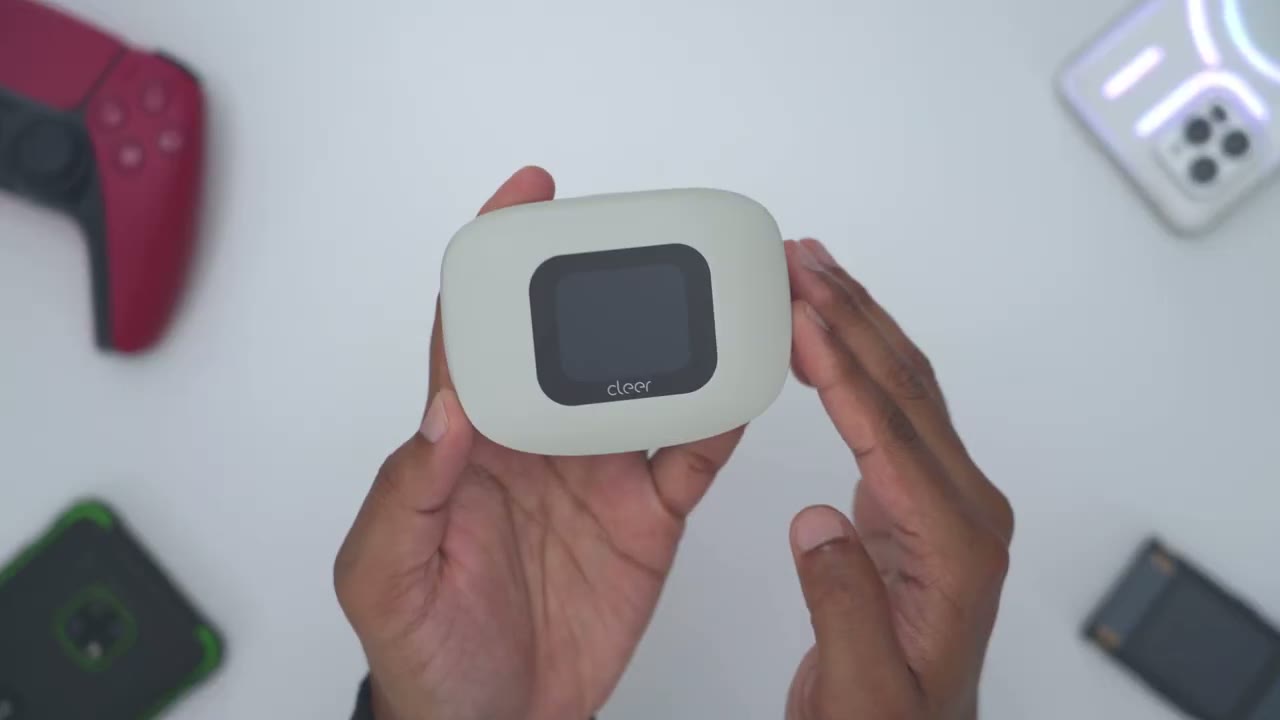
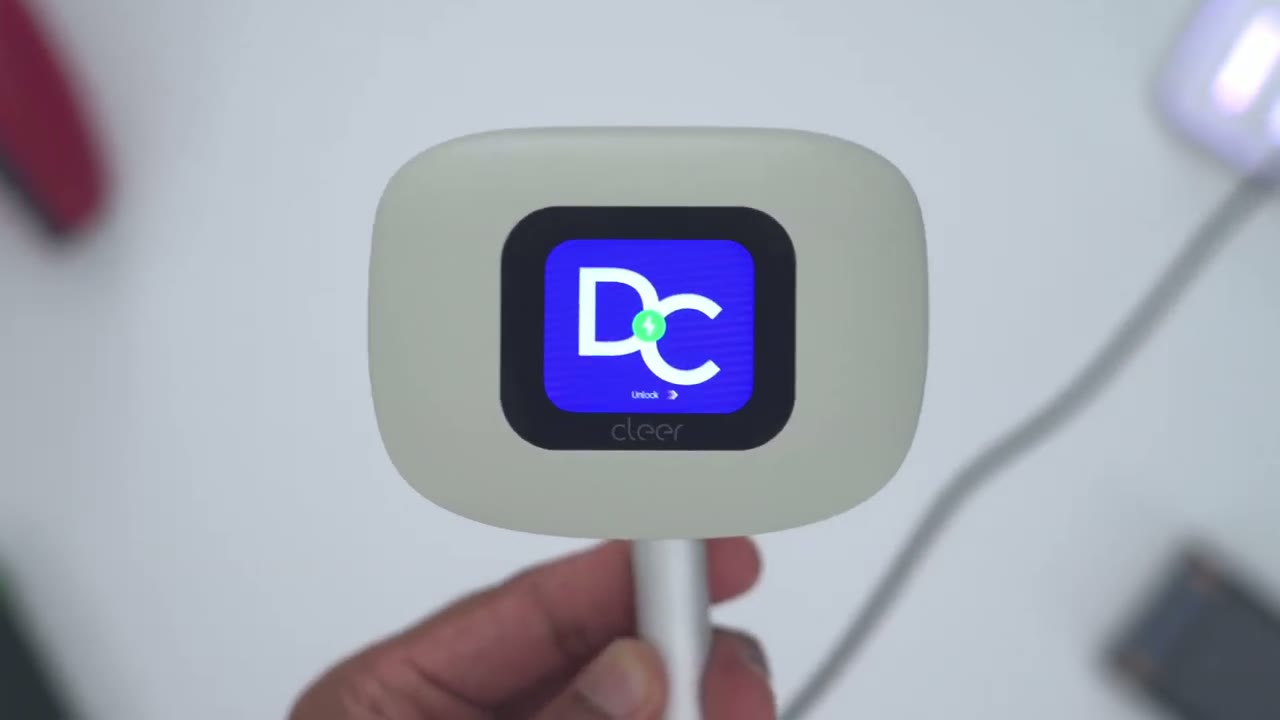
a look at the design of the Clear R3 openear headphones. And straight up, this is one of the most premium looking and feeling openear earbuds that I’ve held. So, this is the gray color, but it also comes in various other colors as well that also look really nice. Now, the entire setup, meaning the headphones inside themselves, plus the case, is 136 g, so about.3 lb. You can see it’s also fairly thick. And, you know, it’s kind of pretty much filling out my hand. So, you know, you’re going to need kind of big pockets for this. Now, each individual uh earbud or headphone, if you want to call it that, comes in at around 12 g. And you’ll notice on top of the case, there is an actual touchcreen on here with the clear logo.
And then on the very rear, we have a USB type-C port to just charge the charging case up. And this also is capable of wireless charging. So, you have pretty much every feature on here. Opening and closing the case is really easy. So, if we do a side view, you can see we have a little bit of a lip here. It’s easy to just get your finger under here, lift it all the way up, and you could see it just kind of lock into place. So, here it is kind of just loose, and boom, it’s locked into place. nice and securely. And then if you actually take a look here, take a look at this. This is an actual mirror that we have on there. And it’s very sharp. So, you know, before you go ahead put these on, you could just go ahead check yourself, make sure you don’t you have nothing on the sides of your lips.
Really nice uh design choice there. And then we have both headphones, so the right and left side. And we also have a pairing button in the middle here, which is a tactile button. Now, once you go ahead remove the headphones, that gives you access to the metal charging contacts. And if I do the upside down test, so I’ll go ahead and shake this. You can hear it was wobbling and then I lost one of them. So, just keep that in mind. It’s not the strongest magnetic hold if you were to have these upside down. And looking at the headphones individually. So, here we have one of the sides. So, we have the clear logo on here. And this is also the area that functions as the touch control area. We also have a status LED light. You can see it flashing. It’s in pairing mode.
And then we have this kind of soft feel material which is just going to go ahead and kind of wrap or sit on the top of your ear. Now, in terms of the actual adjustability on this, so you can see I could kind of swivel this out like so. And then this can actually be elevated a little bit. You can see I could adjust the height of that to kind of accommodate different ear sizes. And then taking a look at the other side of it. So, we have the speaker grill here and then the metal charging contacts and then this is saying it is the left side and basically the exact same design on the right. There’s also various noise reduction microphones on here and I will demo that when I test the microphones
Specs
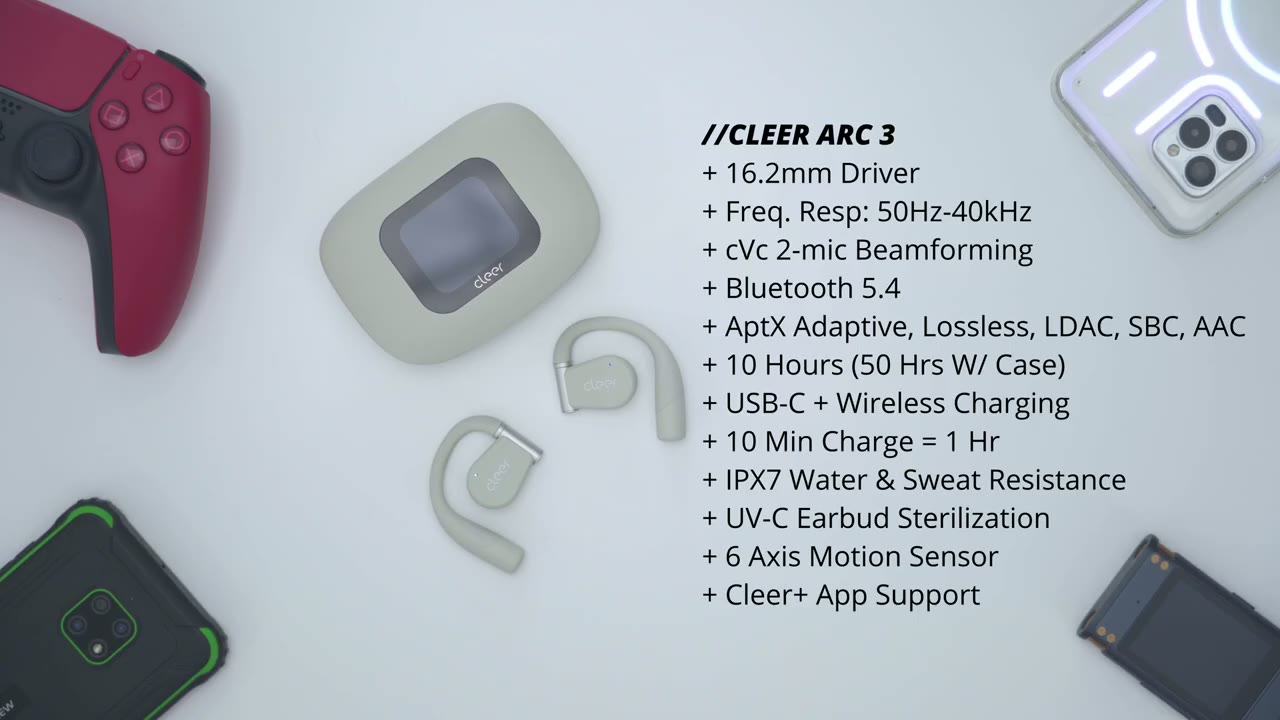
out. Here’s a quick look at the specs. Feel free to pause and review or jump ahead to the next section. I’ll go ahead
Bluetooth Pairing
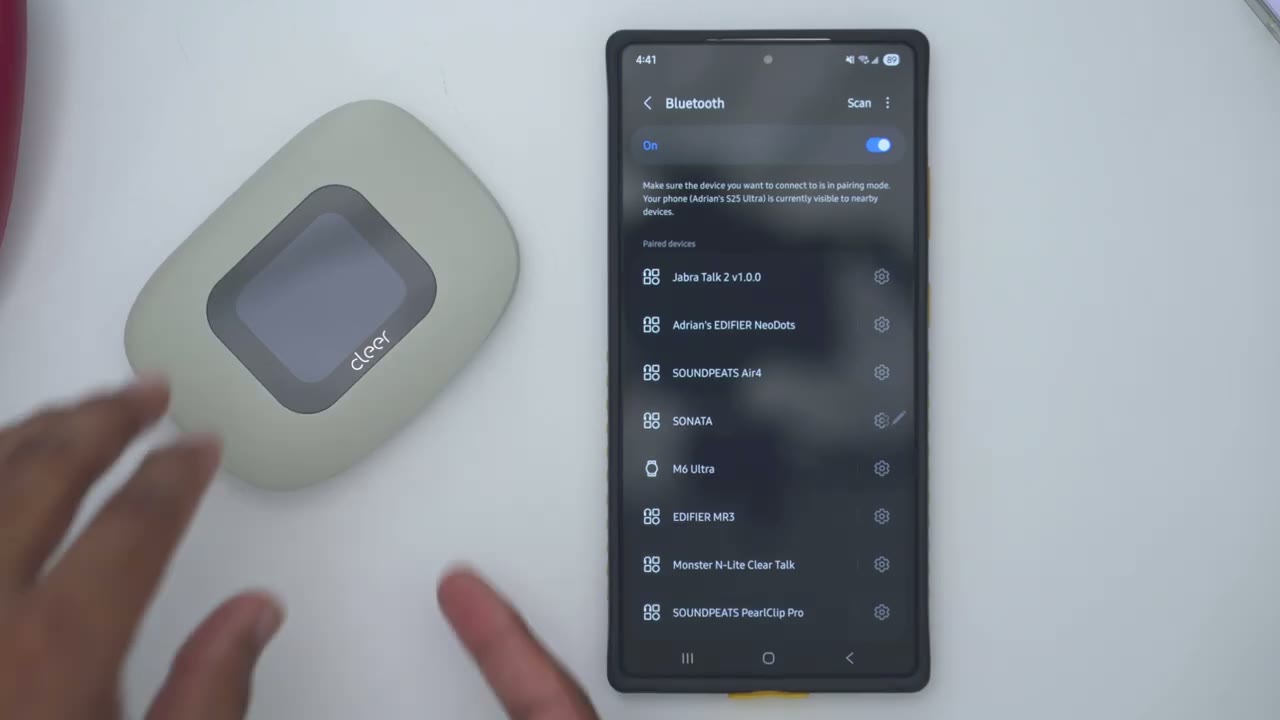
and pair the Clear R3s for the first time. So, I’ll just open the case up, take these out, and I could see that we have the flashing LEDs. So, it’s ready for pairing. So, I’ll hit scan, go down to the bottom here, I could see it clear Arc 3, tap on pair, and within a couple of seconds, it should be automatically connected. Give it a second here. And if I go to the top here, I could see we have it clear 3. Now, if I go ahead and jump into that, I can see I can connect it both for calls, for audio, and even for LE audio as
Multipoint
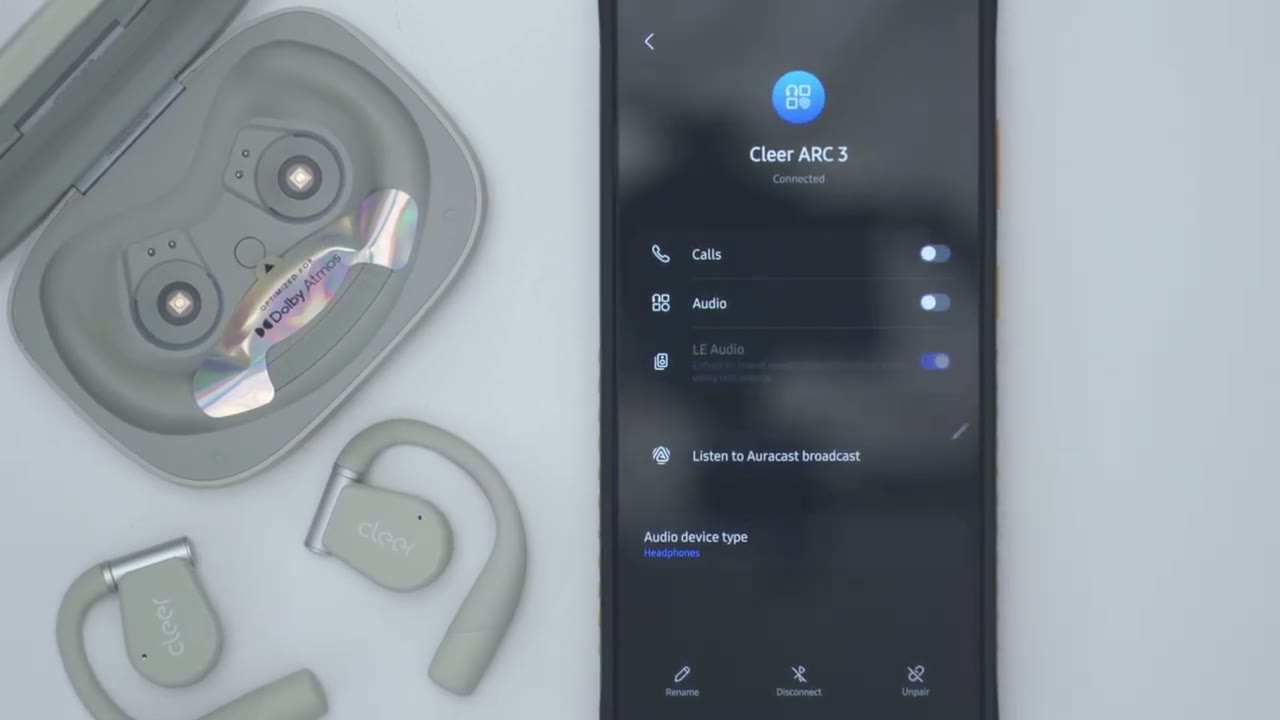
well. Here’s a demo. So, even though I tried to play on here, it just automatically pauses. And now that I’ve paused it on the previous phone, I can now play it on
Cleer+ App Settings
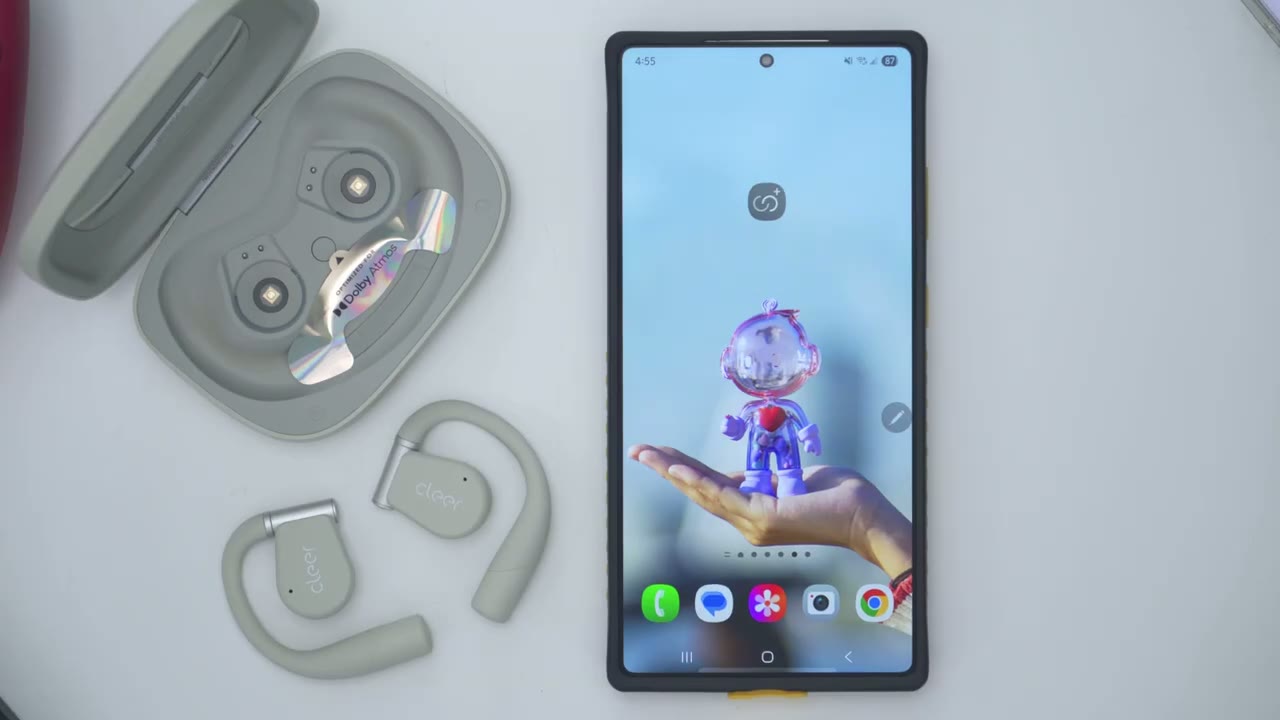
here. Let’s take a look at the Clear Plus app settings. So, as soon as you open it up, you can see the battery life for the right and left headphones. We also have the option for Dolby Atmas turned on by default, but you can go ahead and turn that on or off. Now, you can set it between this music or movie mode. I’ll leave it on music. And we also have head tracking as well. You can turn that on or off. Now, under the equalizers, it’s set to flat. You can also switch between rock, jazz, classical, pop, sport equalizer, or you can go into custom and just, you know, go ahead and make any type of custom equalizer and save it. Now, if we jump back out, there’s also an option here for smart uh sport equalizer.
If you turn that on, you can only have that on and you will have to kind of disable it before you could jump back to the other preset equalizers. Now, motion control is really cool. If I go ahead and play that, it’s showing that if you nod your head twice while wearing these, it’s actually going to answer the call. And then, if I go to the next one, shaking your head right to left is actually going to reject the calls. We also have this option here for voice control. You could turn this on or off. And you can issue audible commands. So instead of using the touch control or that headnod feature, you can just say, “Hey, play music, pause music, and it’ll react that way.” I’ll demo that as well. There’s also a step counter here. I’ll have to test that to see how accurate that is.
You can also go ahead change the volume right from the app. You can also go to previous track, forward to the next track, or play or pause music playback. If we go into the full settings up here, you can rename the device. You could check the firmware version. I’m on the current. And then for touchpad, we have independent right and left touch controls. So a single tap will play or pause or do nothing. And then double tap, you can do play or pause, next or previous track. Triple tap is previous track or nothing. And then tap and hold can actually activate the voice assistant or that Dolby Atmas feature. And you could set these independently, right or left. Now, one thing that’s missing that I’m a bit disappointed is there’s no option for volume up or volume down.
So, you’ll actually have to use the volume on your phone or just use it like in the app. Um, hopefully that could be updated in, you know, a firmware update. And now, we also have this option for automatic voice control technology. It’s just going to dynamically adjust the volume based on, I guess, external factors. If we go under feature management here, you could set the auto power off from never to 15 minutes, 30 minutes, 60 minutes. You could turn on the anti-loss reminder. The voice prompt language can be English or Chinese. And then you could turn on hearing care. I guess this is if you want to limit the maximum volume to protect your hearing. And then you can also turn LDAC on which I recommend if you want the highest possible uh audio fidelity.
Now note that you will lose the ability to use the uh Dolby Atmas functionality if you do do that. Under health management, there’s a sedentary reminder which is pretty neat. Now, Clear does have other versions of this, a sports version and a gaming version. So, there may be even more features under those. Now, under charging case, so you can actually upload custom wallpapers from your phone. Now, we can also jump into firmware, and I did have a firmware update. I just went ahead and installed it. And then under feature management, we could see this is what we can have access to on the front screen of the case. Now, one thing I noticed is while I can see the battery life for the individual headphones themselves, it doesn’t show the battery life for the actual charging case.
Now, if I tap on the screen, I can actually see the battery life there, but nowhere in the
Touch Controls
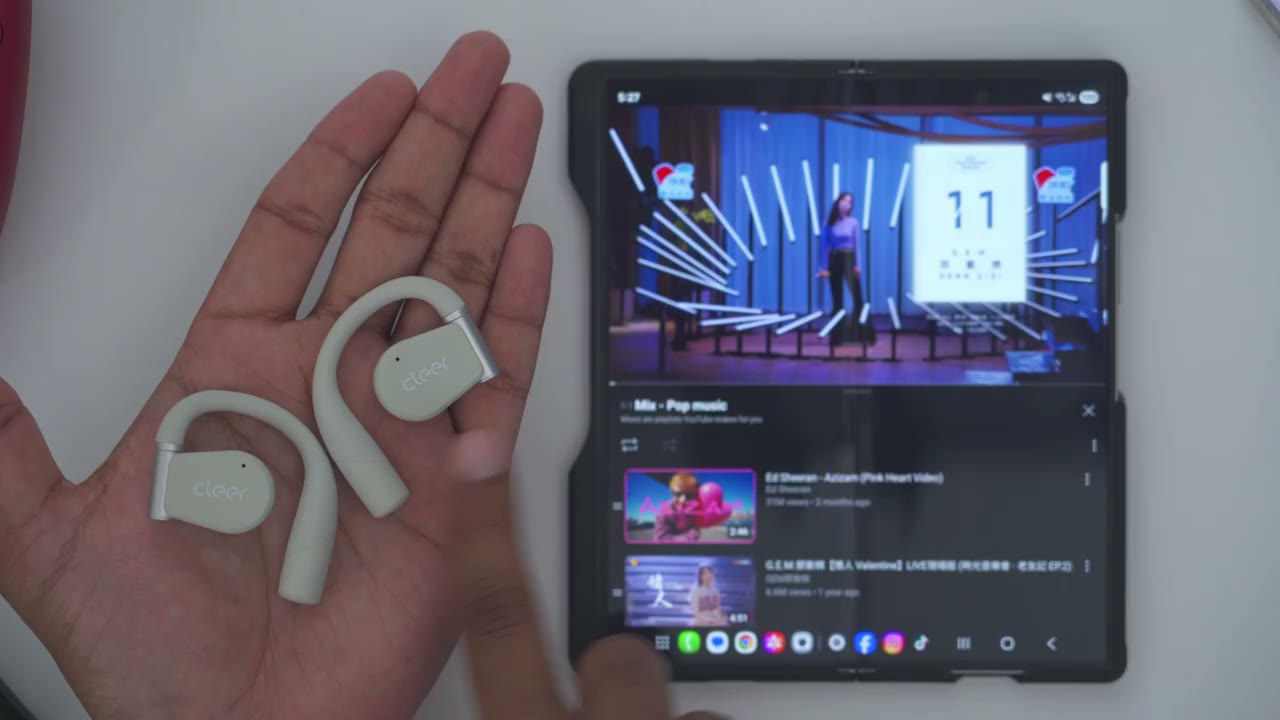
app. The touch controls are really responsive. So, a quick tap will just go ahead and pause music playback or resume music playback. You can see that’s just very accurate. Then, a double tap on either side will go ahead to the next track. And then a triple tap will go to the previous track. And of course, you can remap these. Now, if I do a long press or a press and hold, that’s going to activate that Dolby feature. And then a press and hold here is going to pull up the AI voice assistant. Now, the
Case Touch Controls
actual case is not just gimmicky. I actually found myself using this when I wanted to switch between equalizers or to change the volume because you can’t just kind of single press on here to change volume. You could use the voice control. You could use the controls on your phone or you can actually use the case to change volume. And you can see you can actually go ahead and, you know, kind of switch between tracks directly on the case. So, here we go. Just like so. You know, if you don’t want to touch your phone, you don’t want to unlock your phone, you don’t want to tap on here, you can just go ahead and just use the touch controls on the case. And you can see as I kind of just flick through here, it is super responsive.
Sound
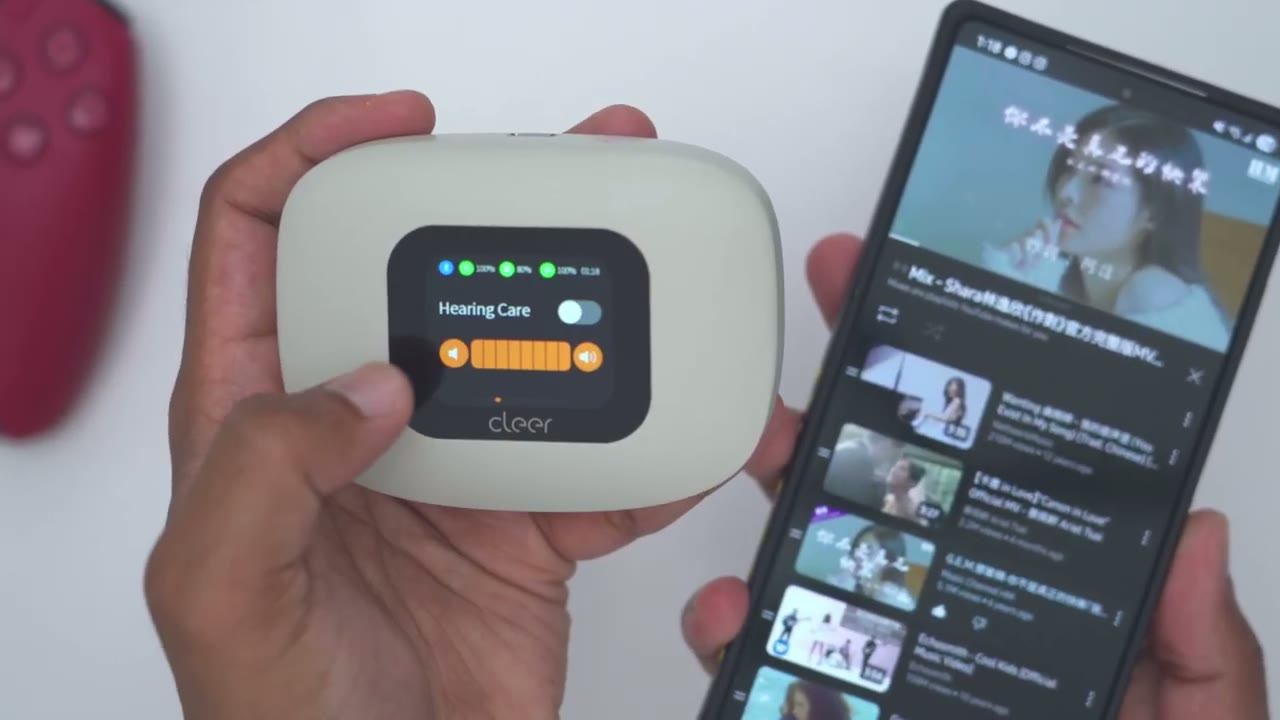
All right, let’s talk sound. And the sound coming out of these is phenomenal. Like I never thought I would actually say openear earbuds could sound as good as some in-ear ones, but here I am having experienced these. Um, it’s something you do have to hear for yourself to really, you know, understand the sound coming out of these. Now, they support a ton of different codecs. So, of course, we have the LDAC high-res uh certified audio, but they also have um Snapdragon sound and APX codecs. I’ll leave those, you know, on the screen here so you can take a look at that. And it also has Dolby Atmas optimization as well. And all of those things together, you know, you just have a ton of different, you know, audio options to get the best possible sound.
So, I mostly listened to these using the rock equalizer. That sounded best to me. And in terms of volume level, I was probably at around 40 to 50% and that was already plenty loud. I think for some of you, you could probably just listen at around maybe, you know, 20 to 40% and that may be loud enough for you. Now, if you want to crank it to 100%, no issues. You could crank it to 100%. There’s not going to be any type of distortion. But keep in mind due to the open ear nature of these, you know, if you’re in a very noisy environment, even at 100% volume, you know, you’ll still hear your music plus the ambient noise. It’s not going to completely drown it out. The bass delivery is the best that I’ve heard on any type of openear earbuds.
And like I said, it’s even better than some in-ear earbuds where that’s actually directly in your ear canal, which is really surprising because, you know, this is kind of a one-izefits-all. And I know if I kind of press it in, I could get even better bass response. But even the way it sits right now, I’m actually getting, you know, kind of that bass thump and feel coming across there. It’s not thin. It’s not hollow sounding with a lot of other open air earbuds. You’re not going to be disappointed. So yeah, the bass is not just present. It’s actually impactful. You will feel it. And if you like to listen to a lot of bass heavy songs, you will enjoy having these on for hours at a time. The mids also come through here really nice and sharp.
It’s not like some other open air earbuds where it can sound, you know, like kind of tiny. It’s just perfectly tuned on here. Again, I just can’t get over how good the sound is out of these, you know, considering it’s not in air canal. Like, it’s truly one of the best sounds I’ve heard on open air. The highs are bright. There’s good separation, no excessive sibilance, and a wide enough sound stage. It really makes for enjoyable listening. And sometimes with open air earbuds, you know, I might want to go back to in ear because I feel like I’m losing out a bit. you know, I know I’m missing out on some kind of audio fidelity. But with these easily, you know, hours at a time, I don’t feel like I’m missing out on anything at all.
So, if you’ve been disappointed by open air earbuds before, definitely give the clear R3’s a try. I really don’t think
AM PDT to 07/31/2025 11:59 PM PDT.
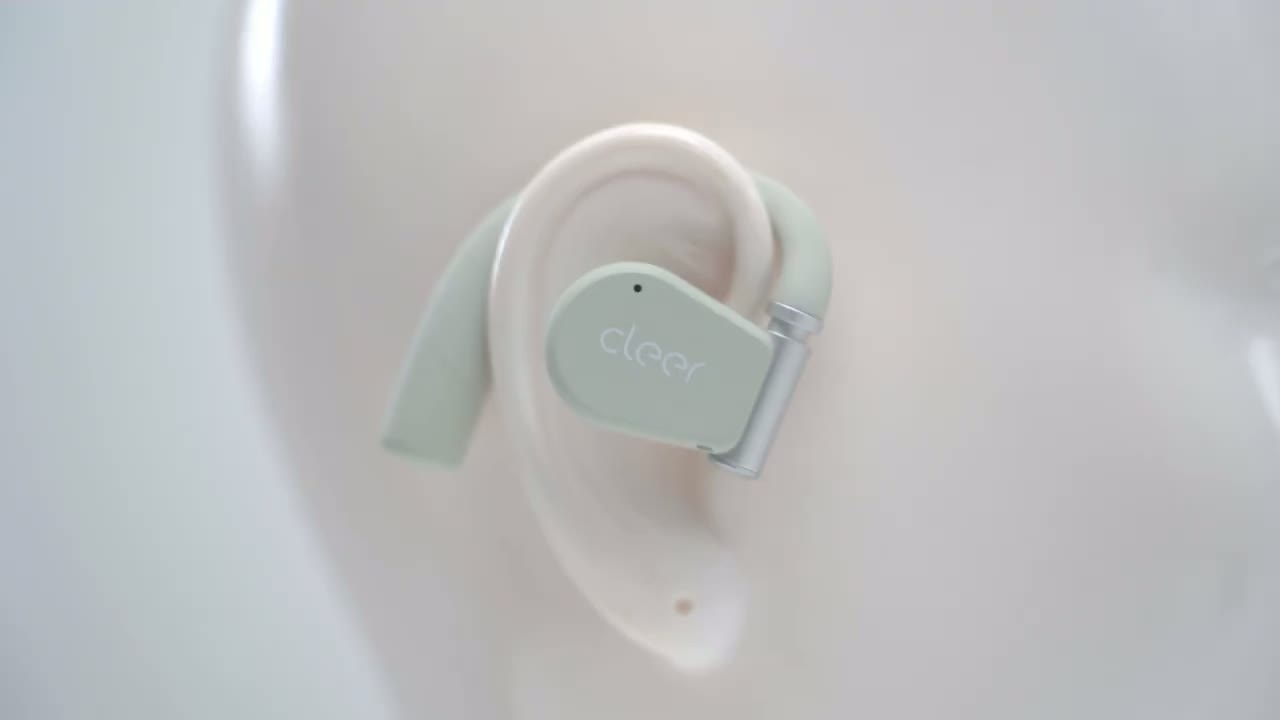
you’re going to have those type of disappointments. Here’s an example of
Mic
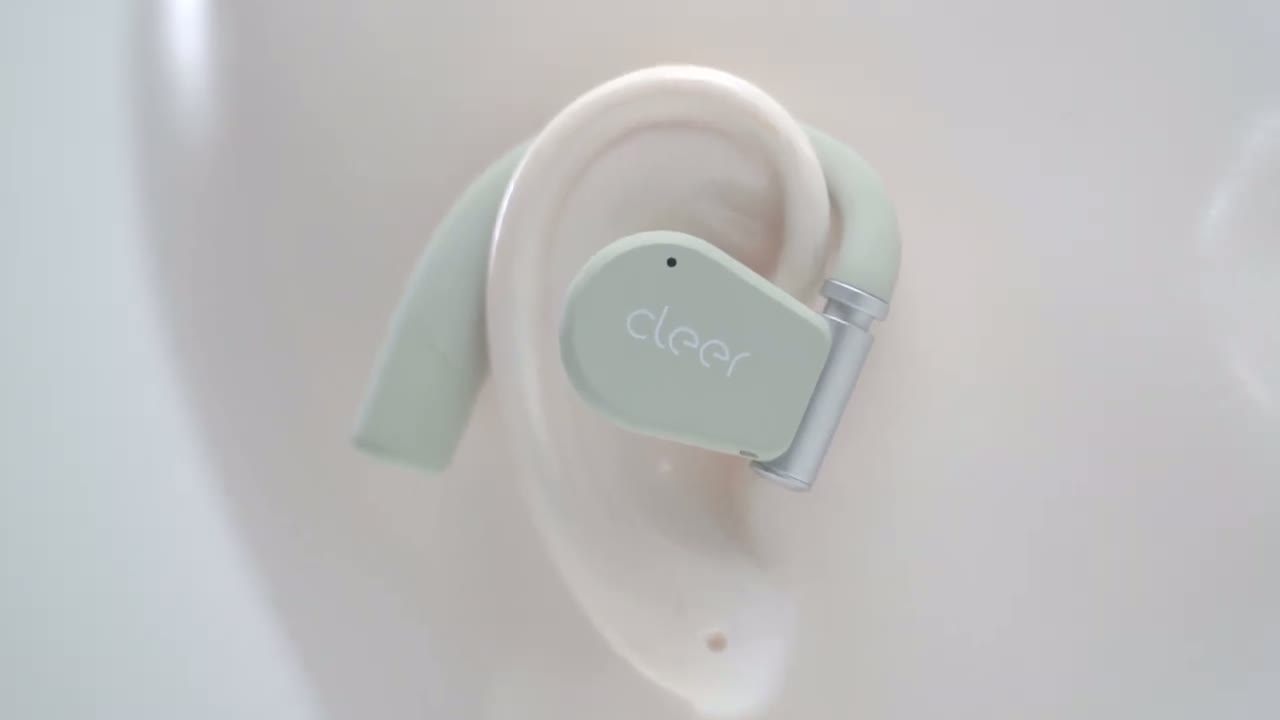
what microphone audio sounds like from the Clear R3 headphones. Here’s an example of what microphone audio sounds like from the Clear R3 microphones with a lot of background noise playing.
Sound Leak
So, you will get some sound leakage because they’re open air earbuds, but keep in mind I’m in a dead quiet room. If you were somewhere, you know, kind of semi- noisy, like on a bus, in a busy coffee shop, restaurant, or whatever, you probably wouldn’t hear much at all if you’re around, you know, the 40%
Voice Controls
mark. And check out the voice controls. something that I actually found myself using quite a bit when my hands were dirty. I didn’t want to touch my phone or the actual earbuds themselves. So, here we go. Volume up, volume up, volume up, volume down, volume down, pause music, next track, previous track. So, you can see for the most part it’s fairly responsive. So yeah, voice control, a feature that I didn’t think I needed, but now I wish it was on every
Gaming Mode
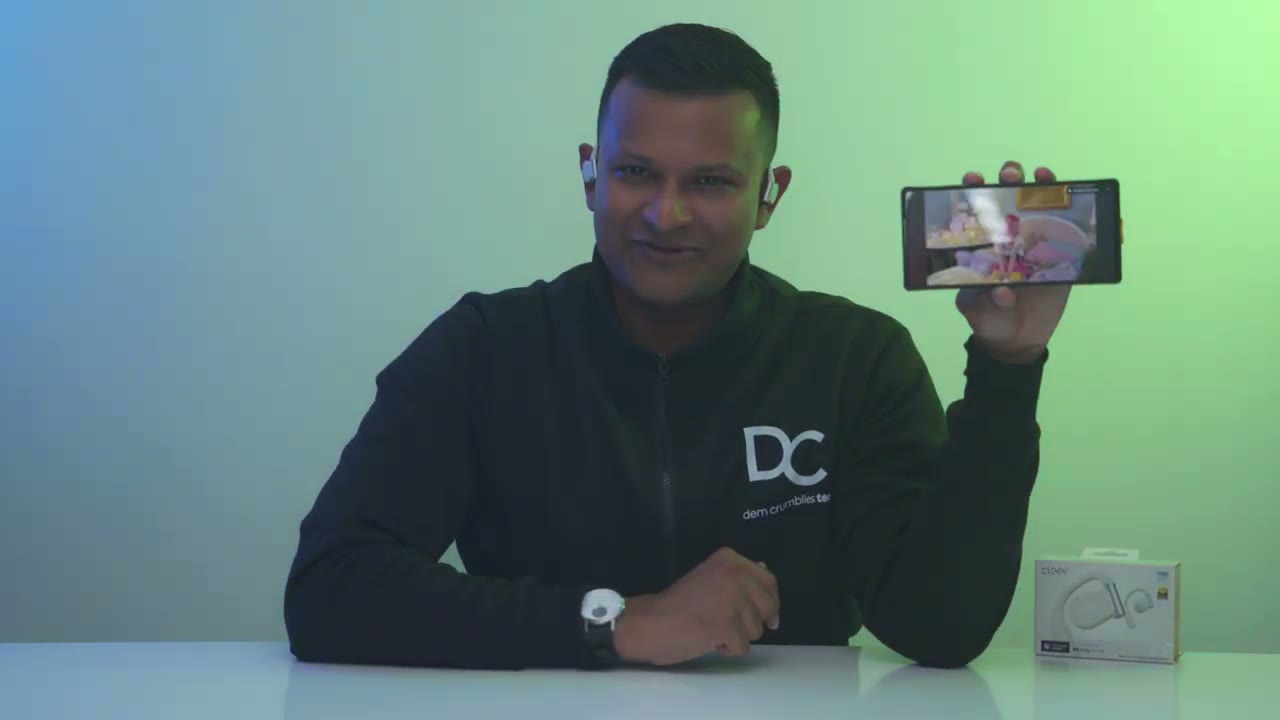
pair of earbuds. There’s no dedicated low latency gaming mode on here, but with casual mobile gaming, I really had no issues at all with this sound latency. But Clear does have an actual gaming model with lower
Battery
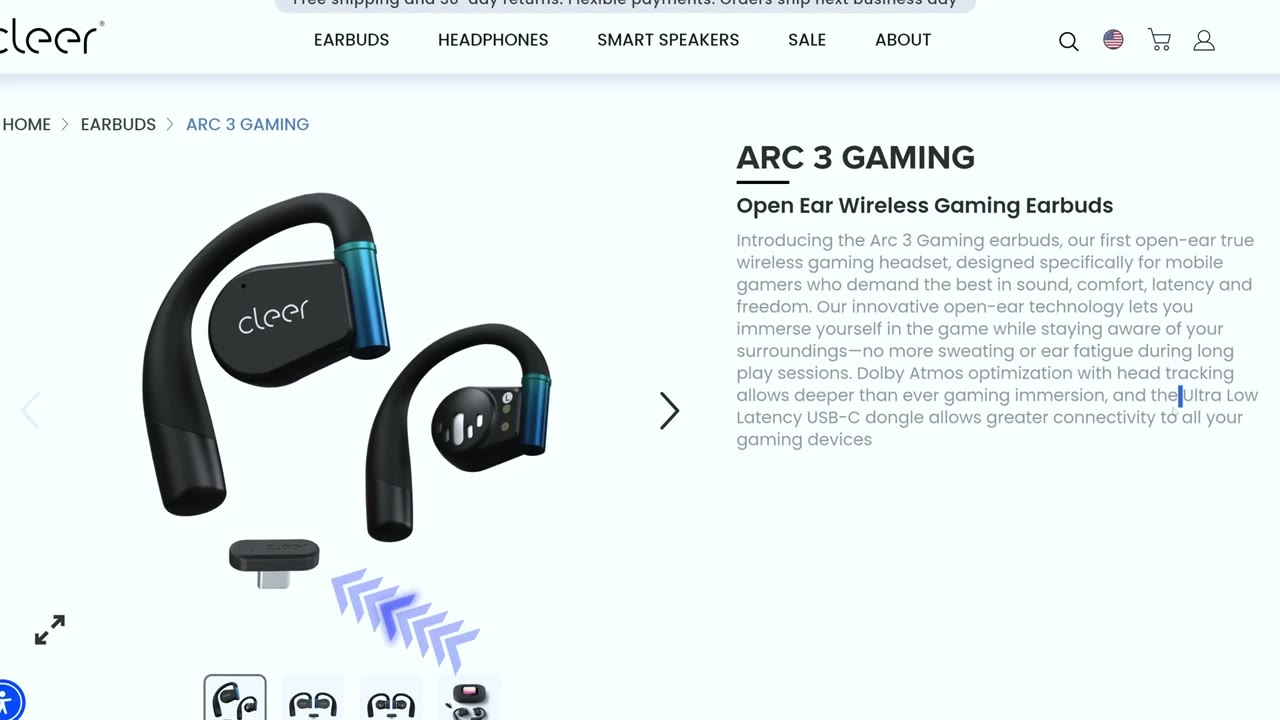
latency if that really matters to you. The battery life is fantastic on these. So, it is rated for up to 10 hours, but I was getting a little over 8 hours in my testing, and I was listening at around 50% volume, which already was plenty loud for me. I could have probably dropped it to 40, and I would get, you know, closer to that rate at 10 hours. Now, if you add in the charging case, then you’re going to get an additional 40 hours, which is going to bring it up to 50 hours. Now, when they do go dead, a quick 10-minute charge is going to give 2 and 1/2 hours of playback. And to recharge the case itself, you can use wired USBC charging or wireless charging. Again, you know,
Comfort
really handy to have. The Clear R3s are also surprisingly comfortable. So, I wear these for hours at a time with or without glasses on, I really have zero issues at all. I could feel that they’re there, but they’re not like uncomfortable. Some other open air earbuds, you know, depending on the material, you may feel like they get kind of a bit hard or you can kind of feel them a lot. Um, this material is just so soft and uh, you know, flexible and skin friendly. You never really feel it. But yeah, comfort, zero issues. This
Unique Features

also has UVC sterilization, which is a really nice touch, and I really like that they actually have a mirror on here, so you can, you know, check to make sure you don’t have breadcrumbs or something on the side of your lips. Now, it also has a step counter, but I wouldn’t bank on that. I found it to be, you know, kind of overly generous with the step counter. So, yeah, better to use your phone or a smartwatch for that. But, I’m still glad they’ve packed so many features into this. While I’ve
Improvements
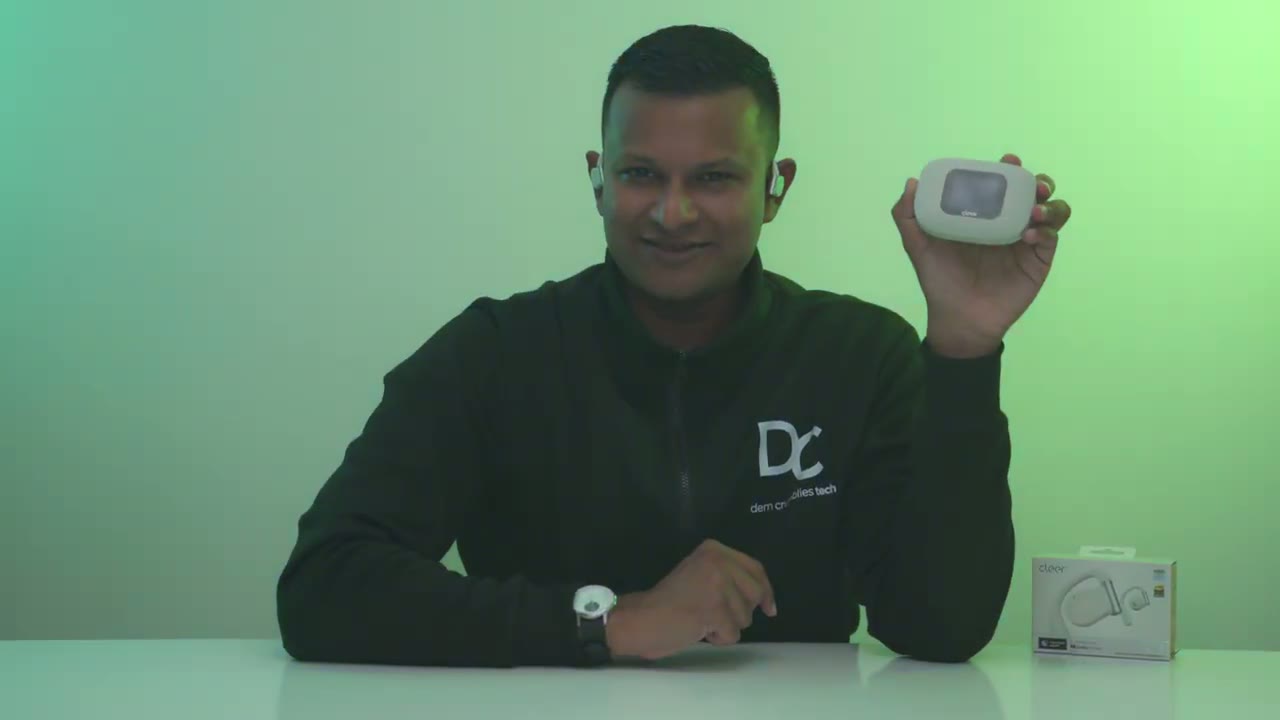
loved using the Clear R3, I would like one small change in a future firmware update, and that is the screen timeout. So, you can set it from as low as 5 seconds to 45 seconds. Now, once the screen times out, you will have to unlock the case. So, you can see if I tap on here, um, I do have to swipe to unlock. So, I’ll just swipe right now. And now it’s, you know, unlocked. I could go ahead and flick through all of the various options. But, I would like the option to just, you know, kind of disable me having to swipe to unlock.
Recommended?
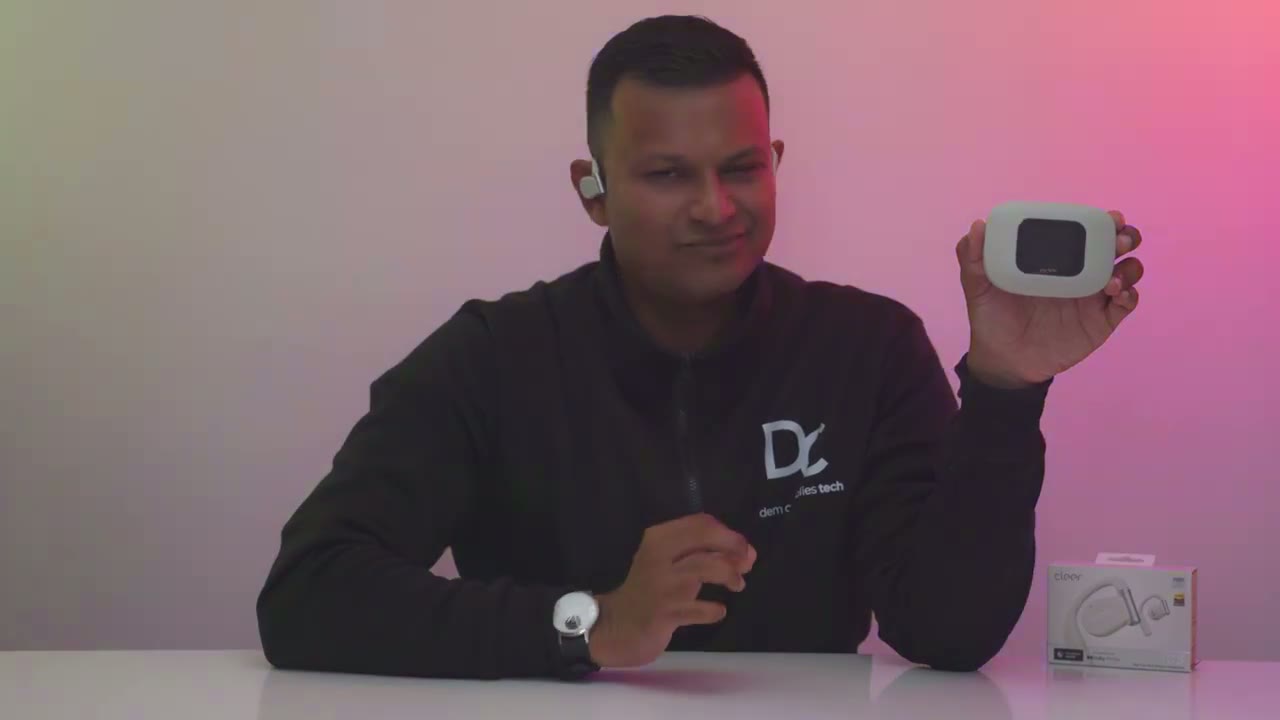
Small gripe. So, are the Clear R3s worth it? Well, these are definitely priced higher than most open air earbuds at around 220 US, but they do go on sale for 180. Now, if sound quality is your main priority, then yes, these are 100% worth the price. I’ve tried a ton of open air earbuds. None come close to the sound that these output. But when you look at the other features like the LDAC high- res support, multi-point connectivity, the IPX7 waterproof rating, the standout battery life, wireless and wired case charging, the responsive touch controls both on the headphones and the case, the UV sterilization, the handy mirror, and more, it’s a worthy pair of open air headphones.
So, if you’re interested in picking up the clear R3s, I’m going to leave links down below for you to get your very own. They come in a bunch of fantastic colors as well. Now, if you’re looking for a more affordable option for open air earbuds, it still sounds good. It’s not going to sound clear R3 good. Check out this video here. And I have a huge favor to ask. If you found this video helpful, would you mind liking and subscribing? It really does help me out as a small and growing channel. And I really do appreciate it. And while you’re at it, check out some of my other tech reviews. I review a bunch of different tech, not just headphones and earbuds. You know, gaming keyboards, laptops, mice. Really something for everyone. And I hope you’ll join me in my next video
Please note that some of the links in my video descriptions are affiliate links where I earn from qualifying purchases. As an Amazon Associate I earn from qualifying purchases.

