


☑️ Get the E-ink S24 Ultra Case on TVCMALL
Please note that some of the links in my video descriptions are affiliate links where I earn from qualifying purchases. As an Amazon Associate I earn from qualifying purchases.
Intro
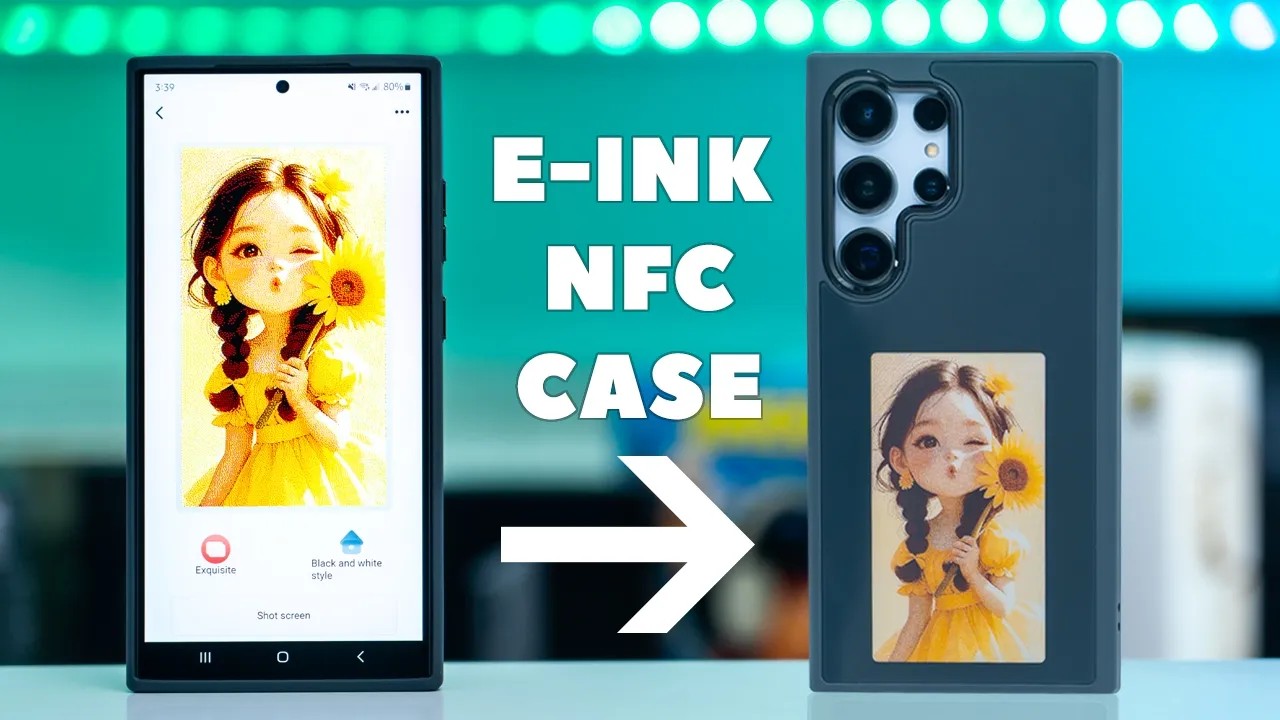
hey guys it’s Adrian and today I have a really unique case for the Samsung Galaxy s24 Ultra this is a 4C color e in NFC case that lets you customize the rear of the case with any image whether it’s a pre-made image your own Custom Creation or an AI generated image within seconds so let’s take a closer look at how well it handles wobble if Spen use is affected and a big thanks to TVC M for sending this out for review in the
Package Contents
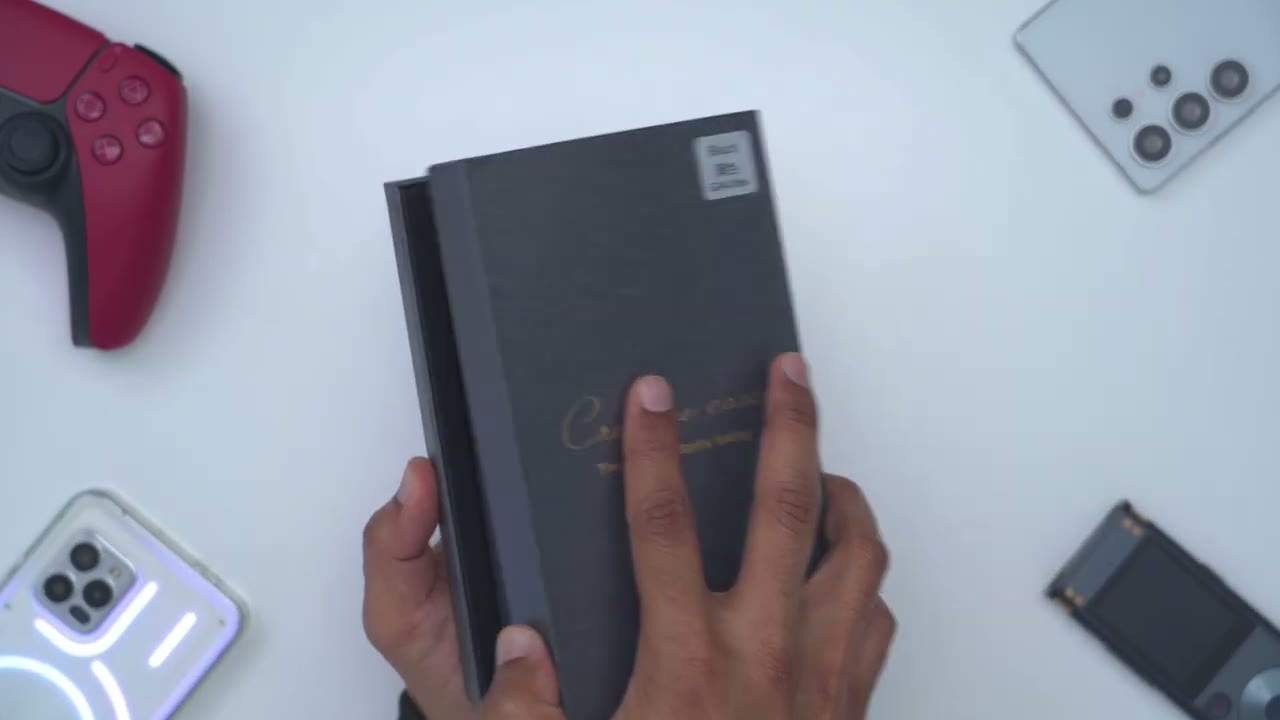
box we have the Four Color e in case for the s24 Ultra and a QR code to download the companion app to change the images
Design
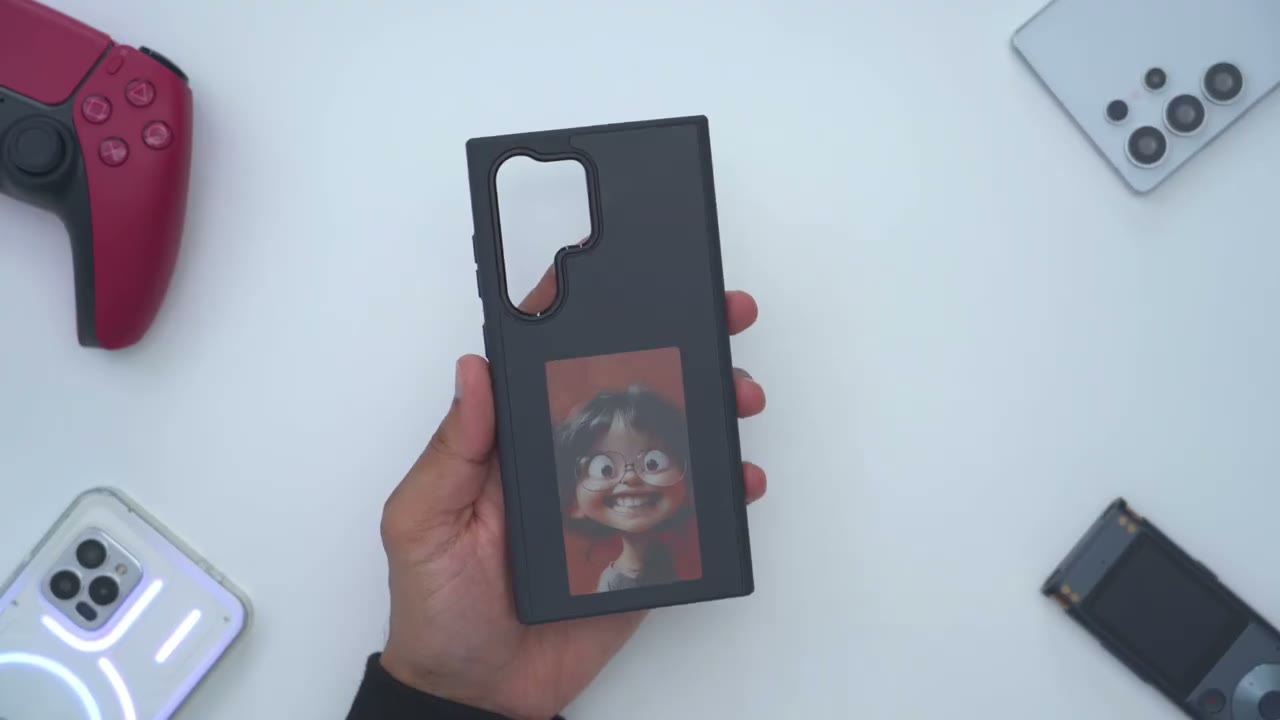
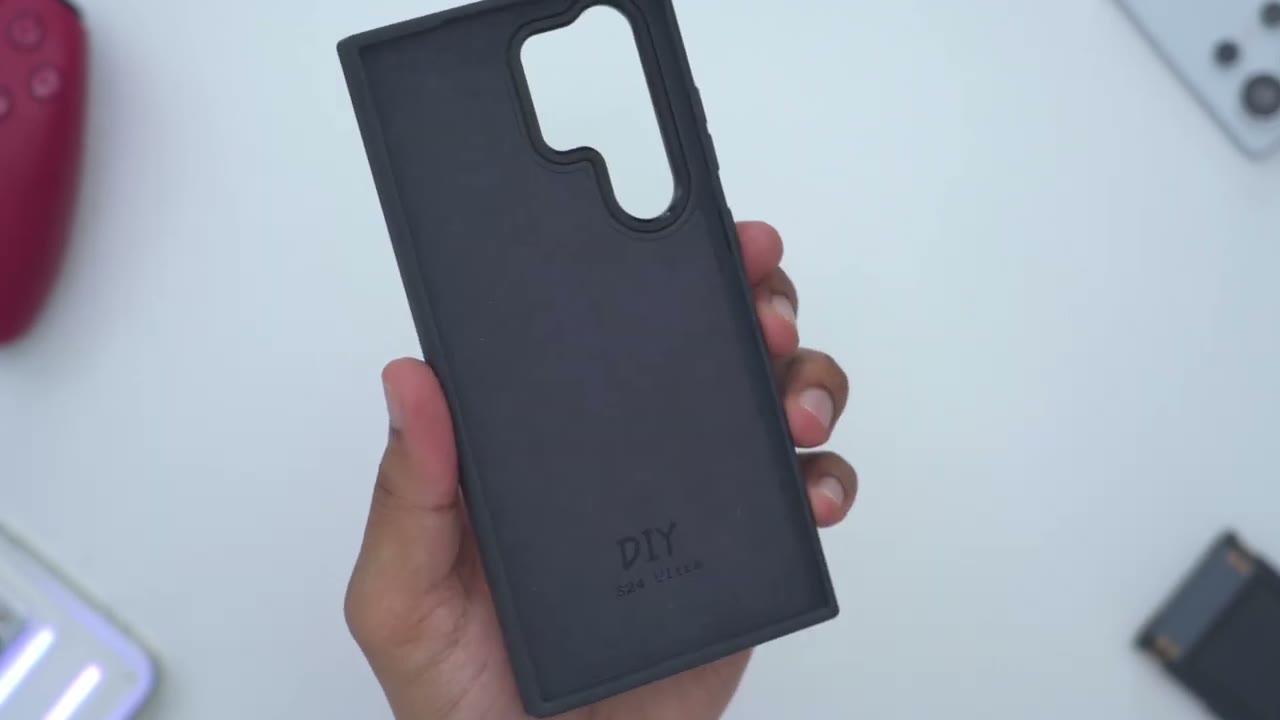
let’s take a quick look at the case before I install it on the s24 ultra so the back is this type of glossy finish to help the images pop when you customize them in the app there’s a huge camera lens cut out for the camera module and then at the very top we have cutouts for the microphone taking a look at the bottom same type of deal so cutouts for USB typ-c port the speaker Grill and access to the Spen and then on the other side we have cutouts here to attach a carrying Loop or l lyard the other side is where we have the volume control and power button and on the inside we have this very smooth soft touch type of cloth material to help protect the cases or the phone’s glass
Case Install
back so I’ll install the s24 ultra now I’ll start at the bottom and then I’ll just pop in the corners and there we go fully installed in a matter of seconds looking at the top so we have precise cutouts for the microphones the volume down and volume up are very responsive same with the power button no issues there and then looking at the bottom again fully precise cutouts for all of the ports and I can still easily remove the Spen and put it back in effortlessly
Protection
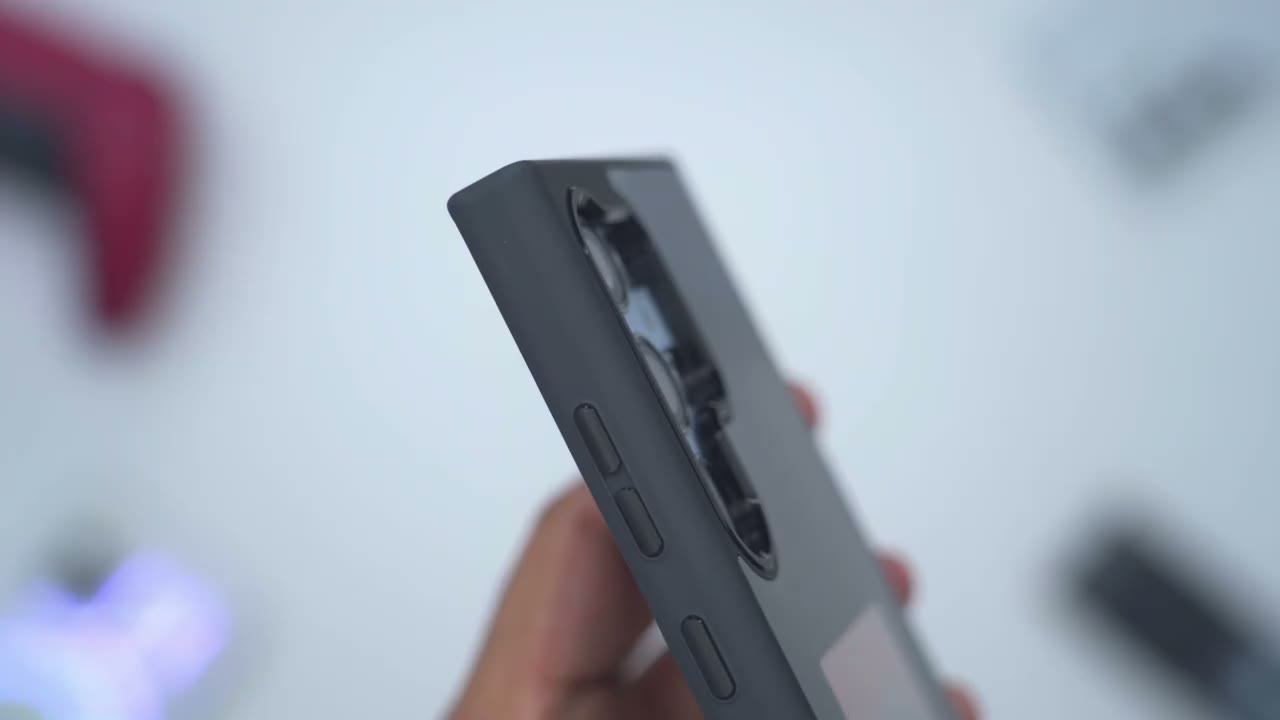
and in terms of protection you could see just how raised those bezels are compared to where the actual camera lens module sits so anytime you place the phone flat down you have no risk of the camera lens getting damag and looking at the front bezel so you could see that this top lip here actually extends out further than the screen and if we look at the bottom it’s the same thing so if you put the phone kind of flat down on a Surface you’re not going to have to worry about the actual screen getting damage now one thing to note is that if we take a look at the side on here you could see the side bezels are pretty much flush with the screen in terms of
Hand Feel
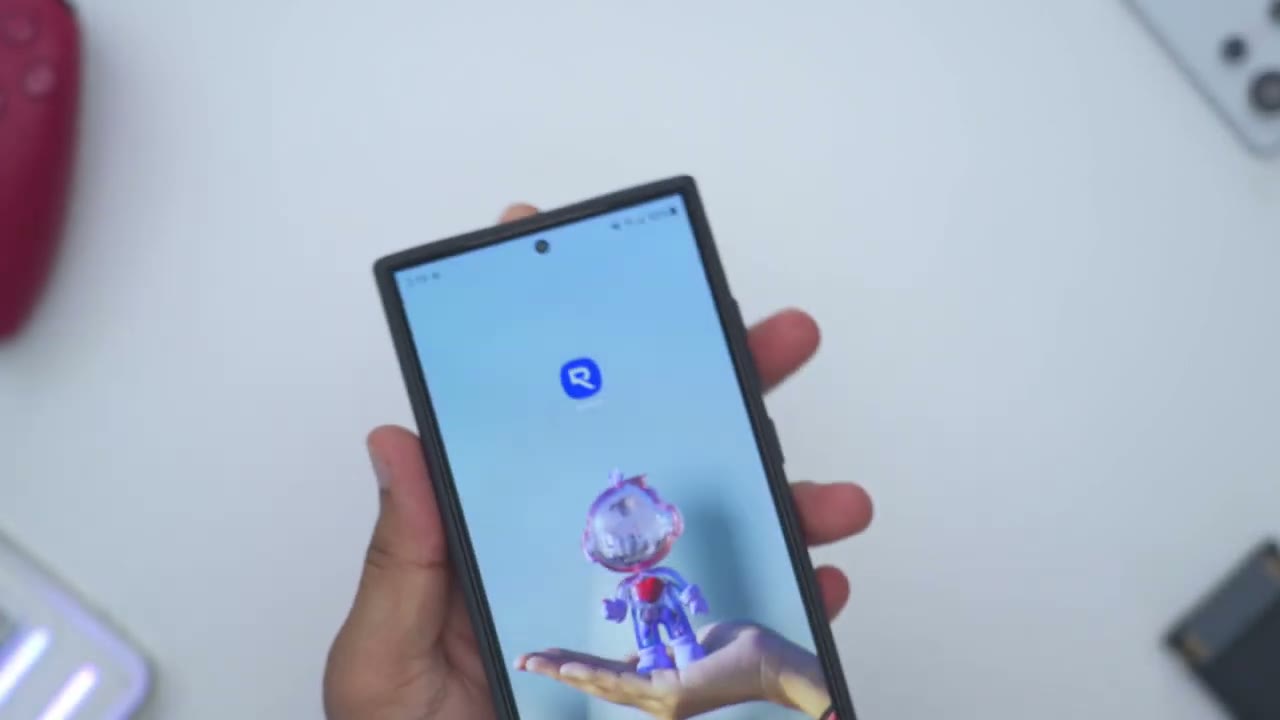
overall hand feel so the phone feels pretty planted in the hand now if I do a top down view you could see we do have these nice kind of rounded Corners that make it really easy to grip and you know just hug into the palm of your hands and with your fingers and because of the polycarbonate and silicone build on here it does have a little bit of a soft touch that makes it easier to hold in the hand and like it’s not going to just slide right out now do note that this glossy finisher is really attracting a lot of fingerprints so if you’re someone who has oily fingerprints like me that’s something you’re going to have to look out for but yeah overall the hand feel is pretty planted on here you can see I could easily just go ahead and manipulate a fairly large s24 Ultra fairly easily without any slipping and
Wobble Test
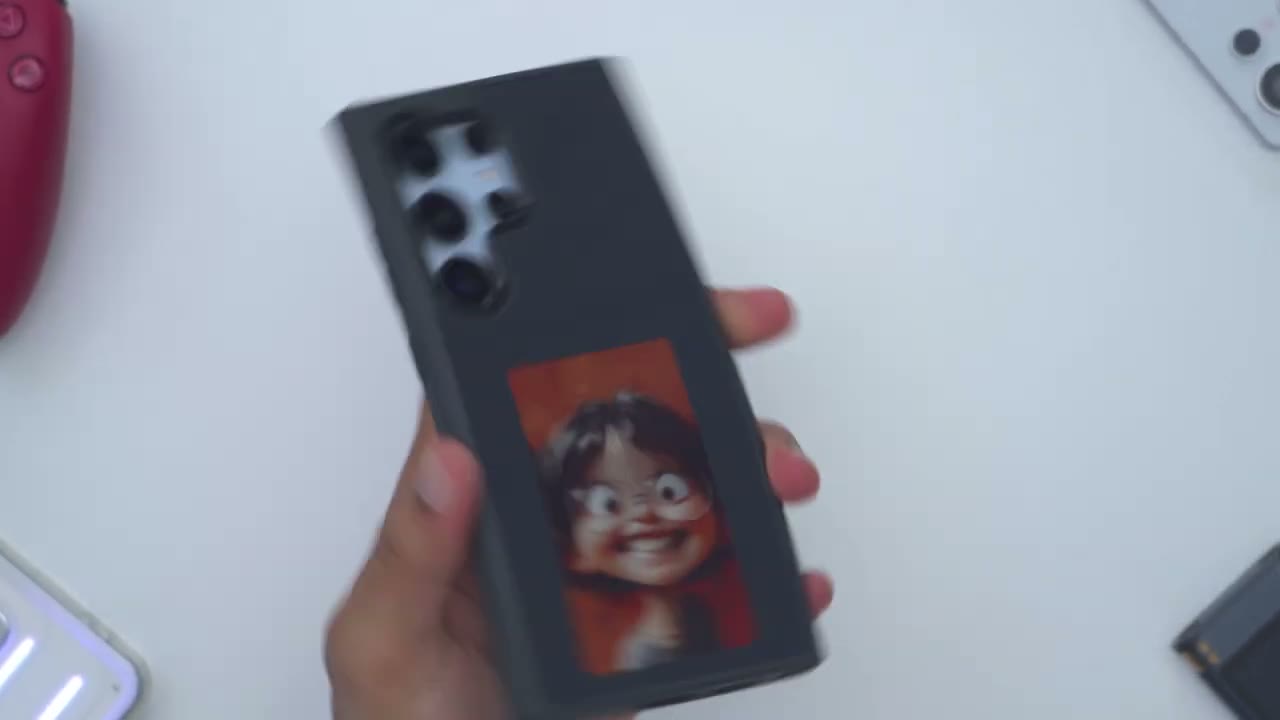
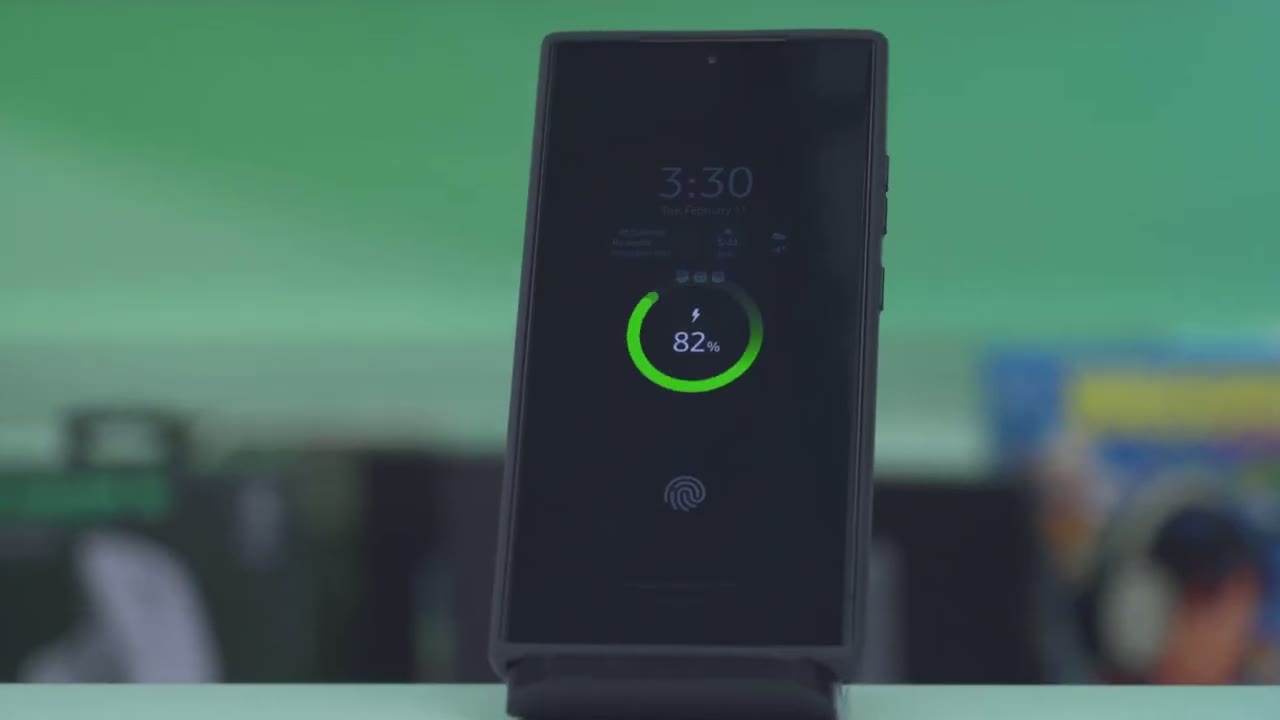
let’s do a quick wobble test so I’ll put the phone down and I’ll press on the different Corners you can see the wobble is very minimal in slight so it sits pretty much flush when you put it down on a table and just to show what the Spen use is like you can see as I’m going back and forth you know fairly aggressively and quickly the phone is not rocking in any way so it’s a fairly planted and stable experience if you use wireless charging
Qi Wireless Charging
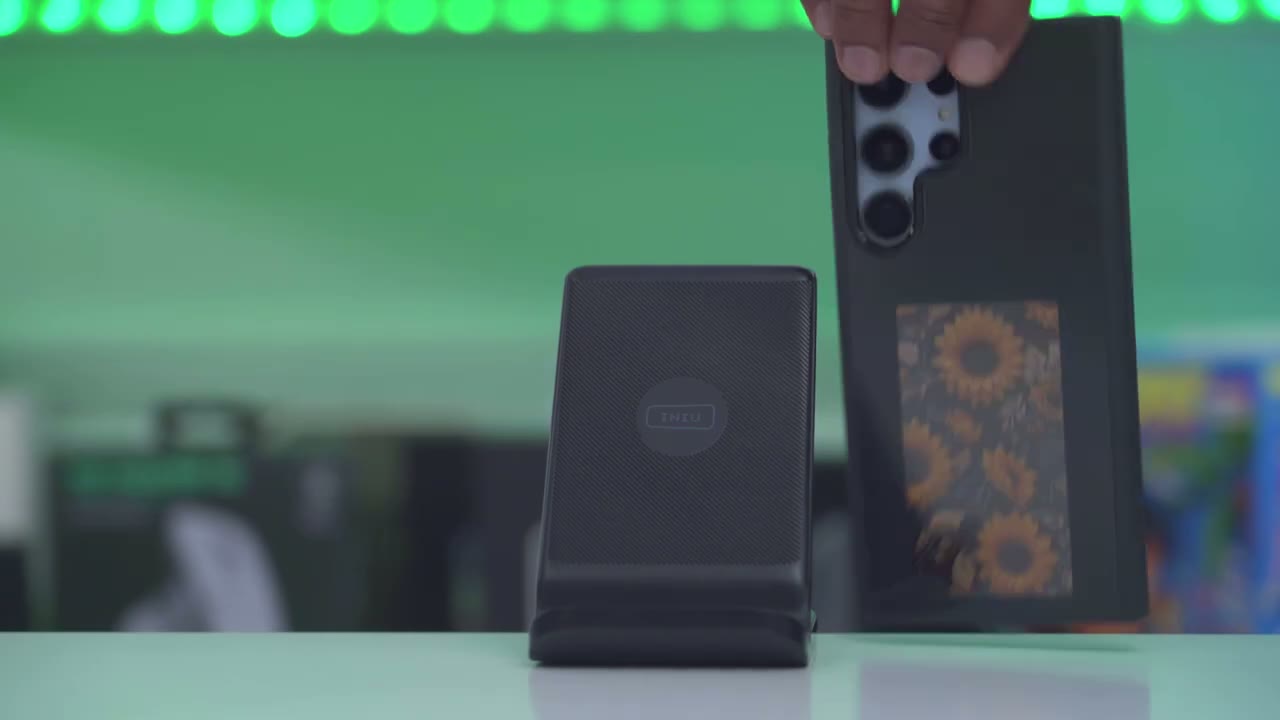
Chi wireless charging is not affected in
Set Color Images
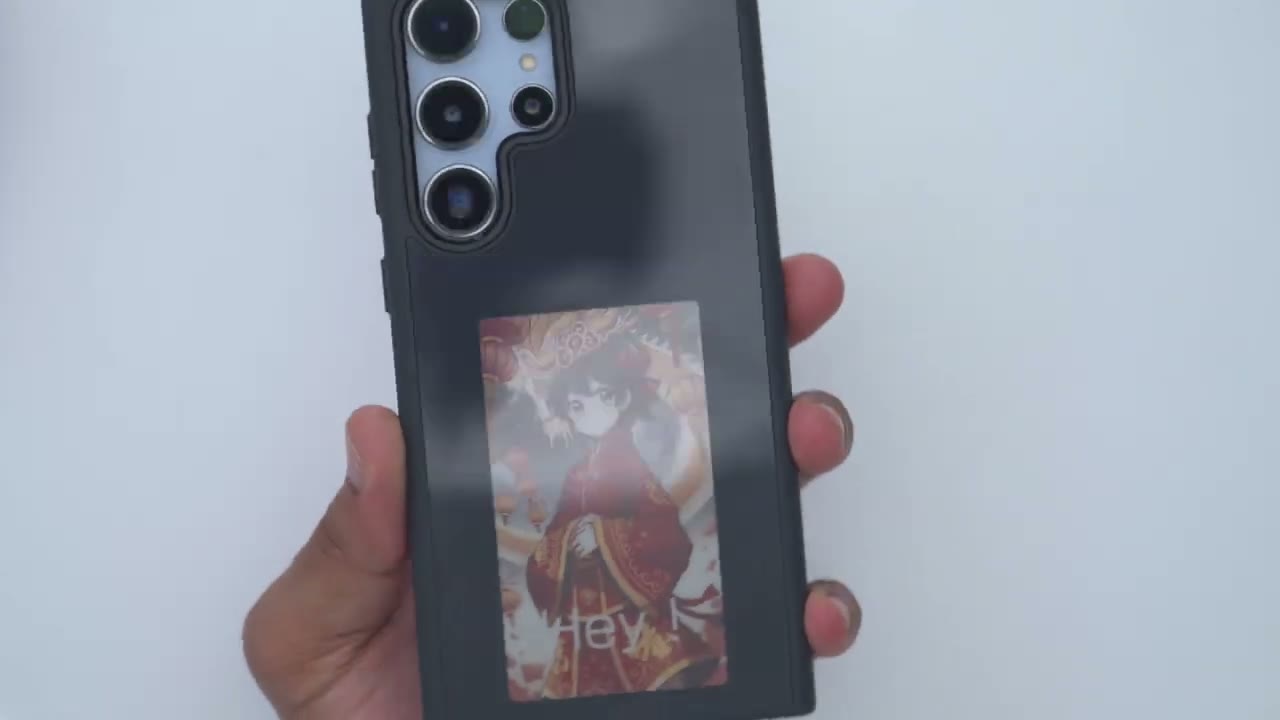
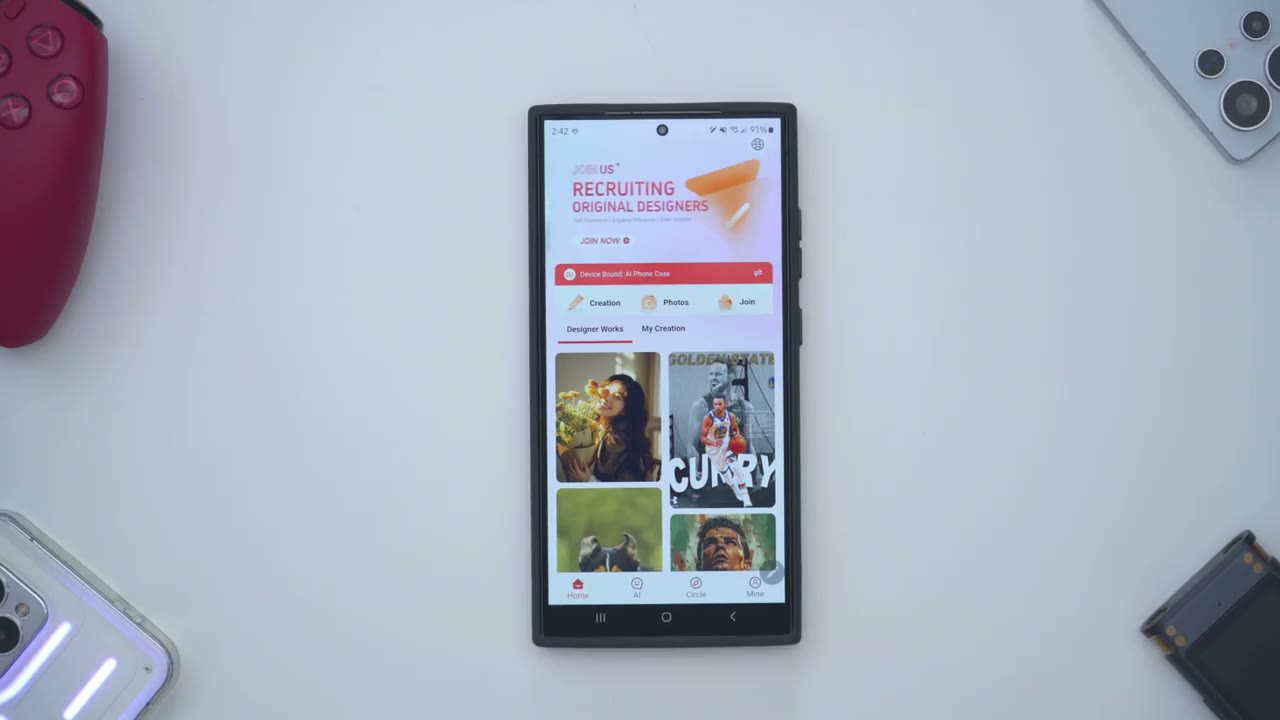
any way as well to customize the case we’ll have to download this case con app which I’ve already done and I’ve turned on NFC because you will need to have NFC on to program the case now we have this designer Works Tab and these are Creations from the community or from the company itself so for example I could go ahead and pick this image of Nica Tesla so I’ll go ahead tap on that and then instead of making any adjustments at the bottom here like adding text I’ll just go ahead and apply it as it is now we have two options Exquisite which is going to be kind of full color or this black and white version so I’ll go with exquisite and I’ll hit this option shot screen now you don’t have to worry about this notice once the case is properly installed on your phone the NFC is aligned and sensing everything so I’ll just go ahead and that’s a real time countdown so you know within a matter of seconds and if we take a look at the back in real time you could see the case design being applied so I just give that a couple couple seconds and there we go so that’s what the design looks like once it’s properly applied and you could see that actually looks really sharp considering that this is an e in type of display but let’s take a look at some of these other designs so I’ll pick something more colorful like this one has a lot of Reds on here and if I wanted to I can add text you can see it says click to enter text so for example I’ll just say say you know hey with an exclamation mark say done go to style I want this in white and I’ll go to font switch it to this one here and let’s see if I can make that larger there we go so hey I’ll just put it at the bottom there looks good to me hit next I’ll just go ahead with the Exquisite and we’ll wait for it to do its thing and there we go so everything is completely applied that looks really nice you can actually put like an image and write your own note kind of as like a reminder like hey if you need to buy something specific from the store you could just pop that image at the back here and every time you put your phone down you’re reminded hey I need to do this um so yeah I can actually see that being pretty helpful not just you know customizing this for fun it can actually
Set B&W Images
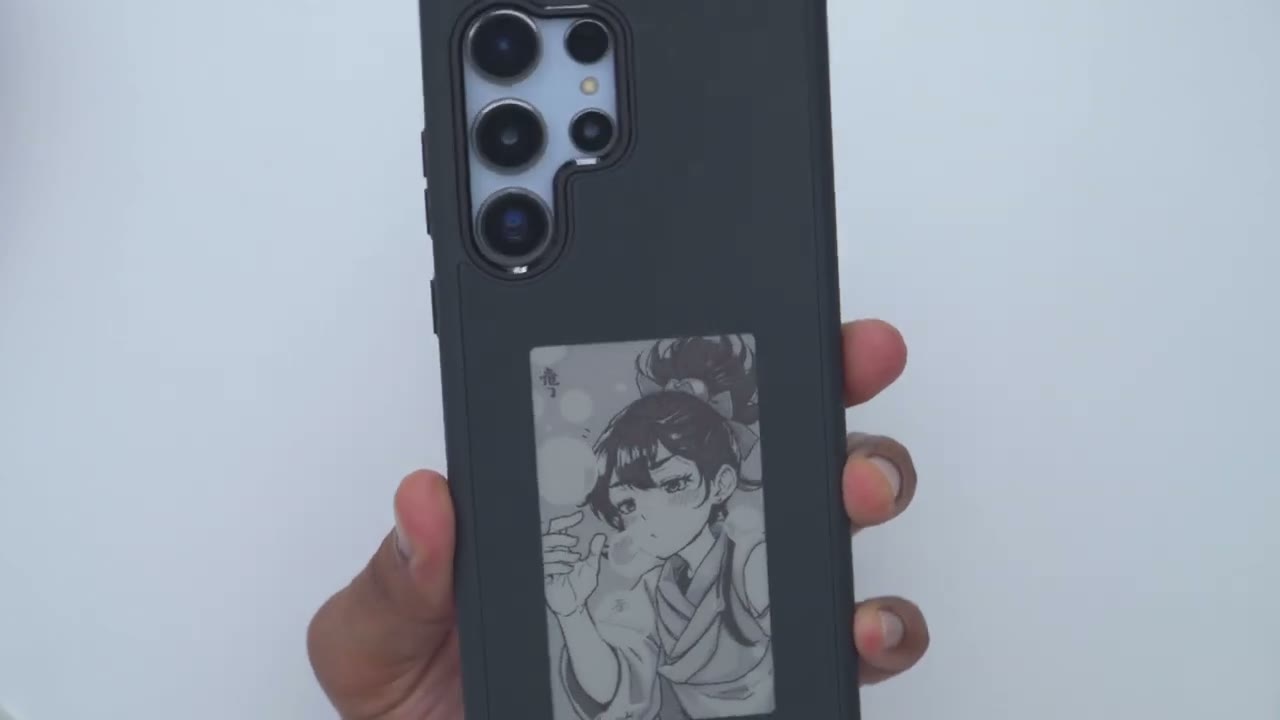
be practical and for a good measure let’s go ahead and do a black and white one so let’s go ahead and try this one so the colors are a little bit muted to begin with I’ll just go ahead hit next and I’ll just say black and white let’s do the shot screen we’ll wait for it to start kind of uploading everything so yeah here we go this is what it looks like in black and white and you know there’s enough contrast in there to actually make out what’s going
Set Custom Images
on uh I’ll just pick this image here so I took this image of a building I’ll hit done and I can actually go in here and kind of like adjust the brightness I’ll do that a little bit and then I’ll just go ahead to the next screen here and let’s see so that’s color that’s black and white I think color looks better so I’ll just go ahead do the same thing all right and there’s the finished image that I took now obviously if I took an image with you know more solid colors less going on it would look even better but that’s just a rough example of what you can do Additionally
Custom Designs
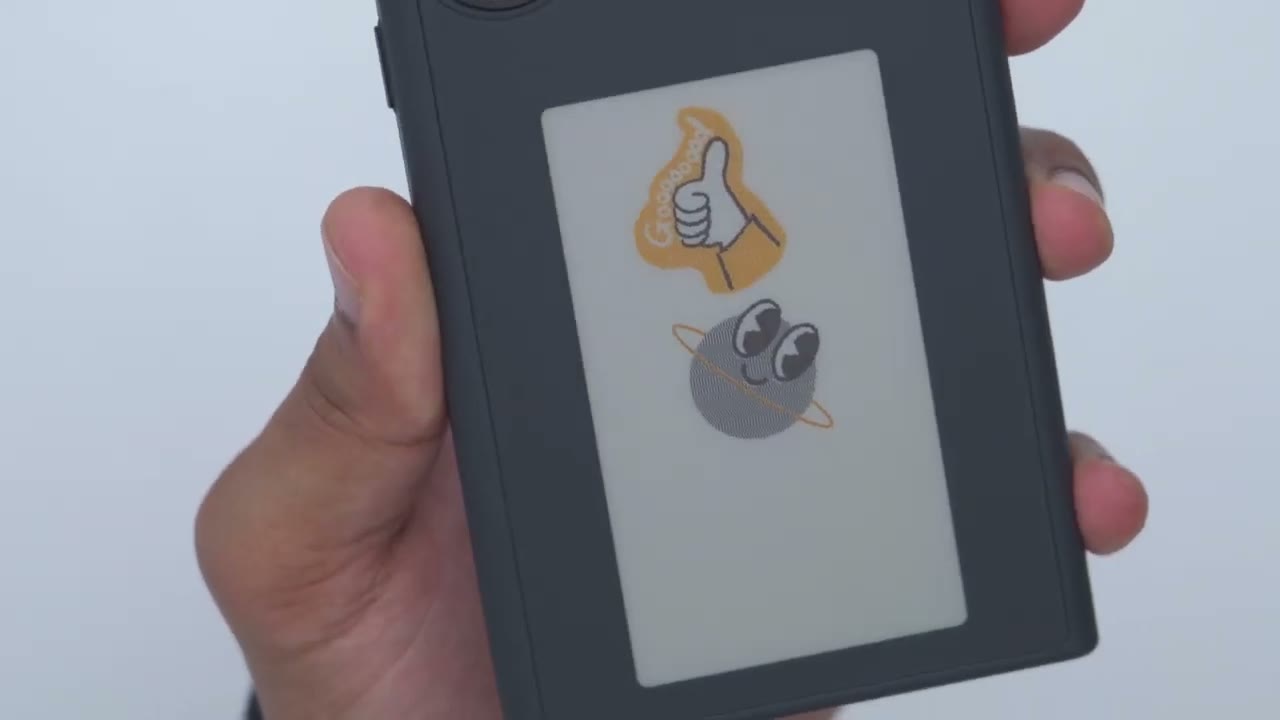
you could tap on this creation icon here and I could just go ahead and add in a sticker so I could add this planet and you know kind of scale it down I can rotate it as I like let’s add in another sticker maybe the thumbs up here add this in and I’ll just rotate that around and I’ll just go ahead to next I could also add an image to this if I wanted but I’ll just go ahead hit shot screen and then I’ll go ahead and check the back so basically you can create your own custom type of designs and you could share that with the community as well but just really quickly to show you what these two stickers look like now how
Set AI Images
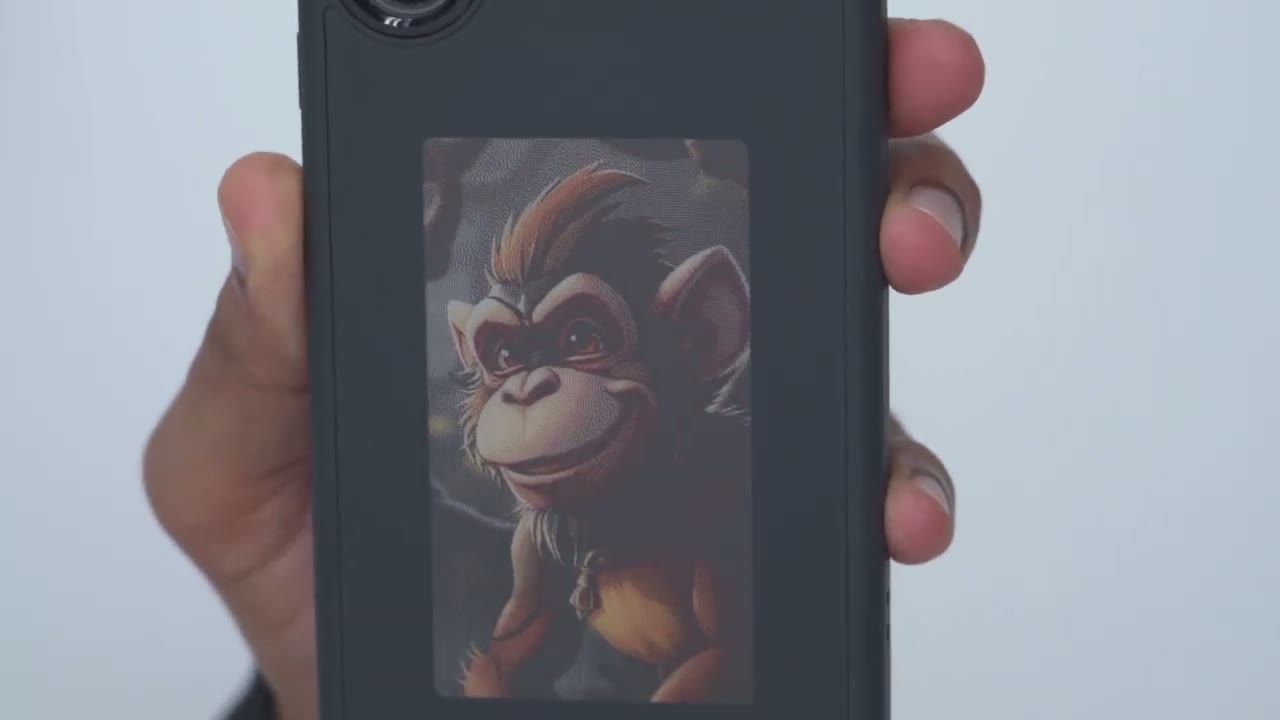
about if you don’t want to to use the preset templates on here and you don’t want to create your own image from scratch well you can use this AI prompt so if I tap in here I can say colorful image of a smiling let’s say monkey hit send and I’ll wait a few seconds to see what the AI comes up with now you can see I also tried some other prompts on here and these actually came up pretty good this cat one was really nice as well but let’s see what it comes up with so here’s the monkey image so I could just go ahead download that or save that and then let’s go ahead and just apply it now so I’ll hit the next Arrow keep it in color and yeah that turned out fantastic you can just have endless hours of customization with this case so there
Recommended?
you have it guys you can see just how easy and effortless and just how many combinations of designs you can use to customize the rear of this s24 Ultra case so if you’re interested in picking this up using any of these pre-made templates creating your own from scratch or using the AI prompt I’m going to leave links down below for you to pick it up or check it out for yourself and if you found this video helpful please consider liking it subscribing it truly does help me out as a small and growing Channel and if you like Tech in general consider checking out some of my other tech reviews I review a bunch of different things like headphones pH earbuds mechanical keyboards monitors computers I’m sure you’ll find something you like and I really hope to see you in my next video soon
☑️ Get the E-ink S24 Ultra Case on TVCMALL
Please note that some of the links in my video descriptions are affiliate links where I earn from qualifying purchases. As an Amazon Associate I earn from qualifying purchases.

