


Buy GTPlayer Ace Pro Gaming Chair on Amazon
Buy GTPlayer Ace Pro Gaming Chair w/ GTPlayer
Buy GTPlayer Ace Pro Gaming Chair w/ GTPlayer
Please note that some of the links in my video descriptions are affiliate links where I earn from qualifying purchases. As an Amazon Associate I earn from qualifying purchases.
Intro
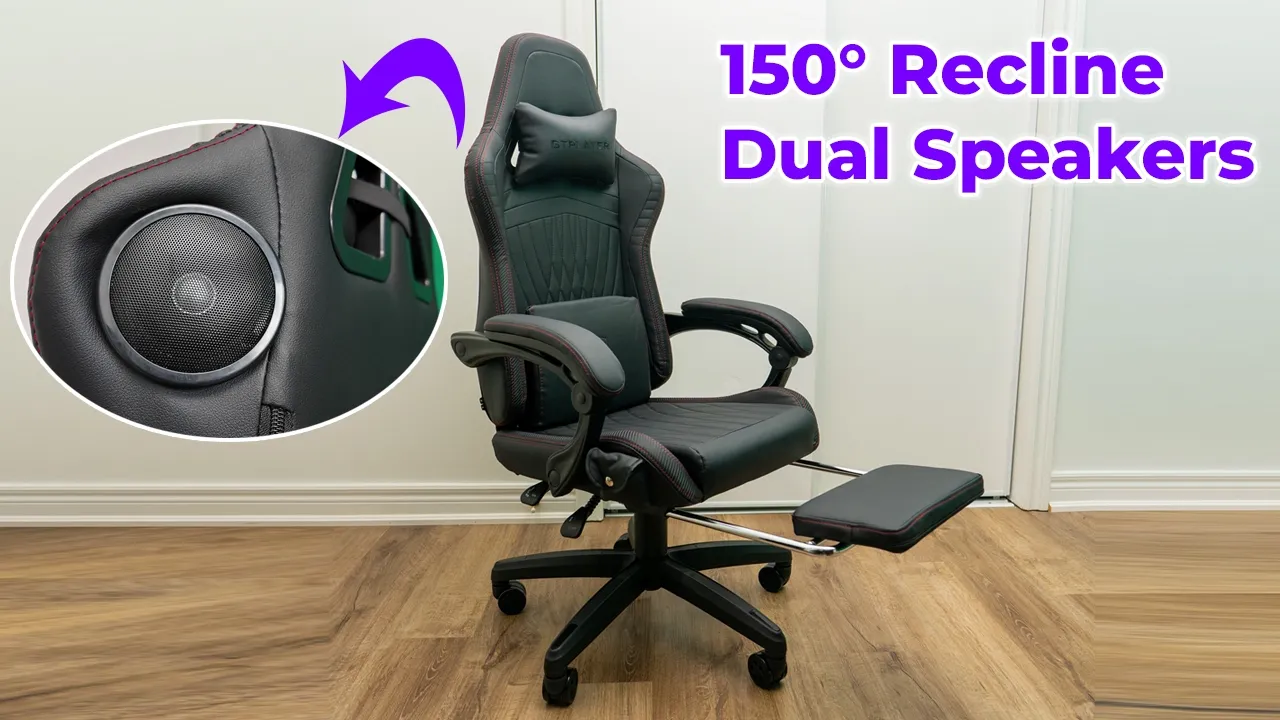
hey it’s Adrian and if you’ve been looking for a gaming chair you’re going to want to check out this Ace Pro gaming chair the Ace Pro gaming chair has a metal steel frame up to 150° recline a built-in footrest that easily stows away when you don’t need it a lumbar pillow with memory foam along with a neckrest there’s also dual Bluetooth speakers on here which is really cool and we also have Auto adjustable padded linkage armest so let’s take a closer look at just how it performs and a big thanks to GT player for sending us out for review the installation is super easy and
Installation
straightforward thanks to the manual and I was able to assemble it by myself in about say 30 to 40 minutes you know going at a casual Pace everything comes in the Box all the tools and there were spares as well so yeah very easy installation here’s a quick look at the
Specs
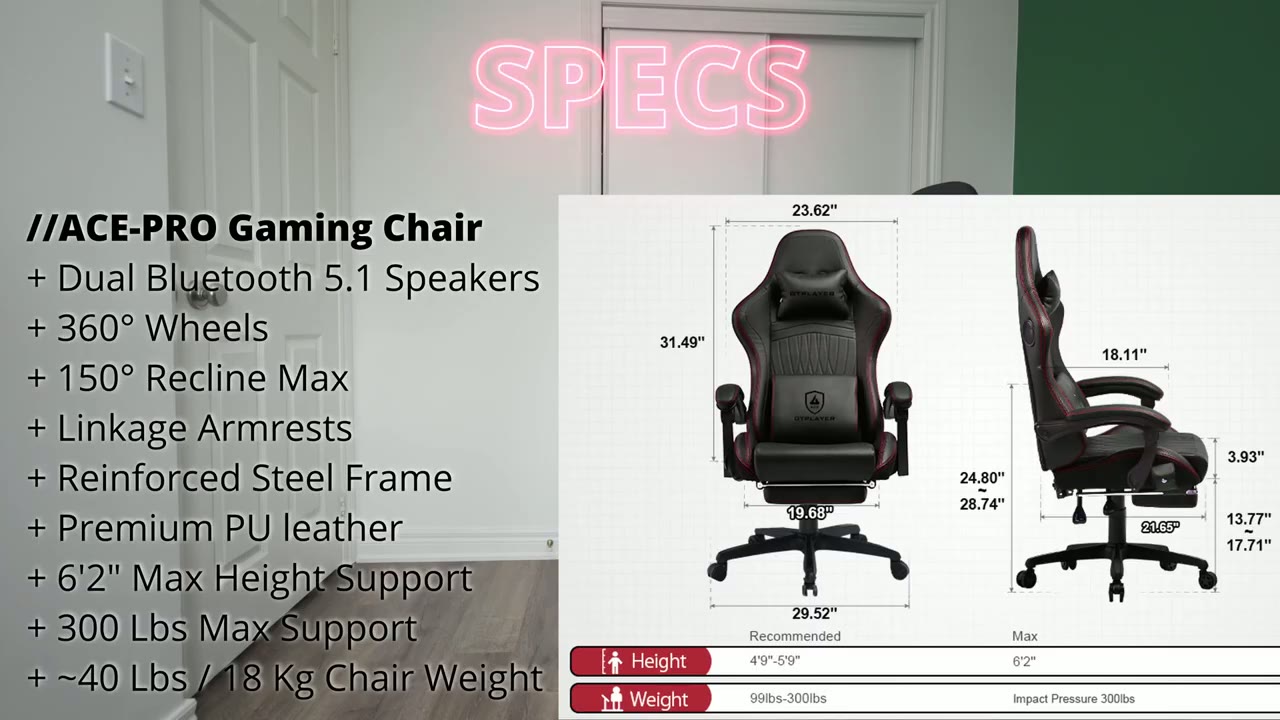
specs feel free to pause or jump ahead to the next section so the chair design
Design
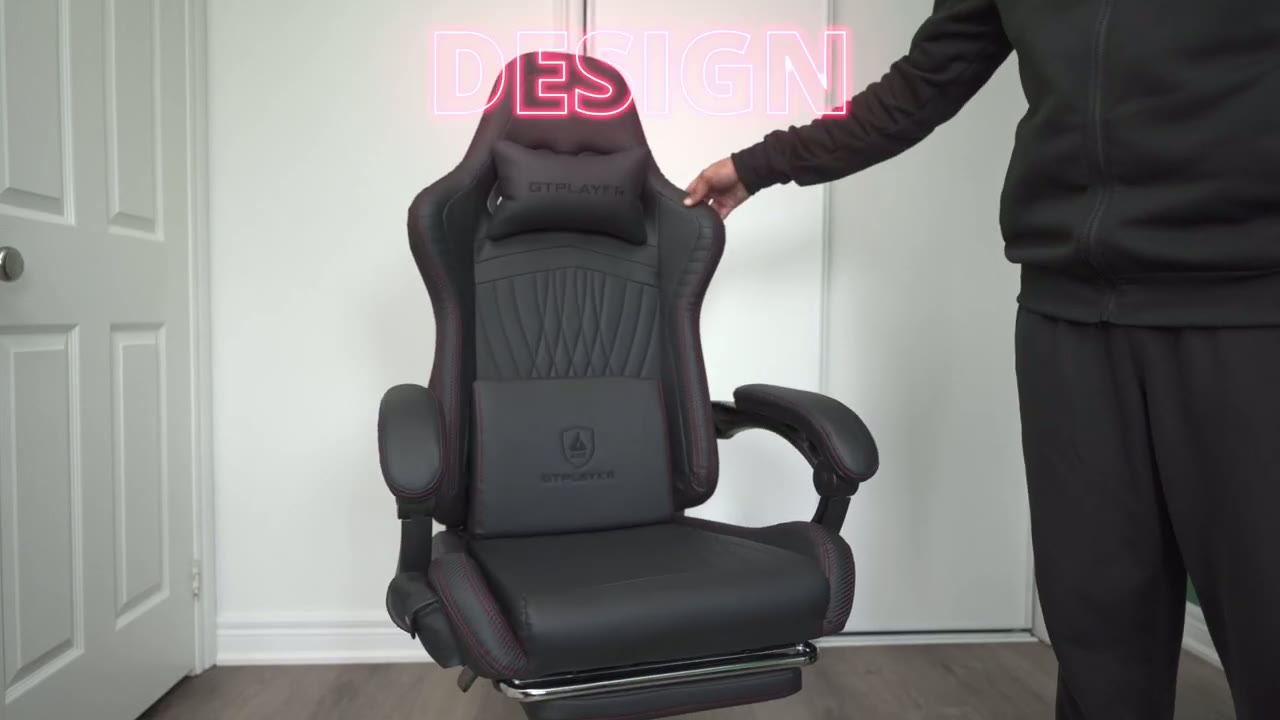
looks pretty sharp actually in this black uh combination so it’s you know pretty much this black faux type of leather material with a red accent stitching there is also a white version that looks really nice nice as well and we have a lumbar pillow you could just remove that put that back um effortlessly and of course you have the neck pillow and you can use that if you want or not and this is what the chair kind of looks like if I just you know push that down so it’s you know a cleaner look but I do like having the neck pill I actually do use that and then on the sides we have the armrest and these are the linkage armrest so they don’t actually adjust in height but as you recline the chair back you can see the armrest move with the chair at the same time so you know that makes it really handy for just uh reclining and having kind of everything you know reclined back at the same time and then here’s a back view and you could see these are the two uh built-in Bluetooth speakers and I will demo that because um these actually sound pretty decent and I’ve been using them more than I thought I would it is a handy feature to have so I think the design is good and it doesn’t feel too restrictive now I’m 511 around 175 180 lbs and this chair is very comfortable for me I have no issues you know trusting it just go ahead recline back at will and when I looked at the specs it says you know it’s recommended for Heights up to 6′ 3 in and around um 330 lb now I would say at 63 you can see my head is almost like reaching the height of that so if you’re much taller you may not be able to use the headrest but if you’re in and around my height it is going to be a wonderful chair and the bolstering is good on here like it’s not super tight where you feel restricted or it’s like hugging you too much it’s just a very nice design let’s
Adjustments
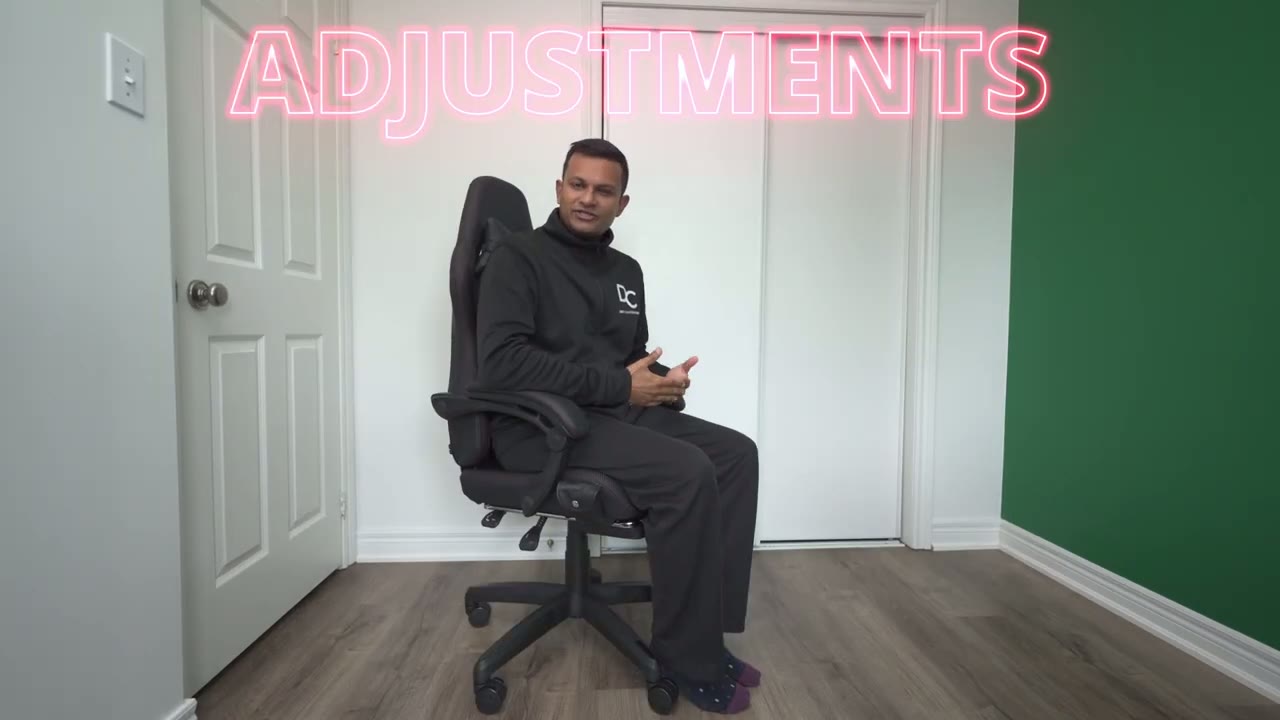
look at the adjustment and there’s two adjustments on here the vertical height of the chair and the recline angle so I’m at the highest that it can go right now if I pull up on the lever it goes all the way down and this is the lowest and you may want this you know if you want to Stow the chair away so that the armrests are under your desk because the armrests are not actually adjustable in any way they do automatically adjust when you recline the chair back you can see it moving but it doesn’t go up um or down vertically and this is the highest uh you can get the chair to go and it’s very easy to make those adjustments on the fly now the other thing is the recline angle so right now the um fixed or the lock position is off so I can just easily recline app will come back up now you can also change the recline to you know certain increments so say I want it to go like halfway just put that down and I can’t go more than that or if I know I kind of just want to be like upright uh most of the time I’ll leave it upright lock it here and I can’t go anywhere more than that so you know you do have some versatility there but you know if you kind of are you know conditioned well enough and you could stay upright then anytime you want to kick back you know you can just do that at will come right back up very easy to use all right let’s talk comfort and
Comfort
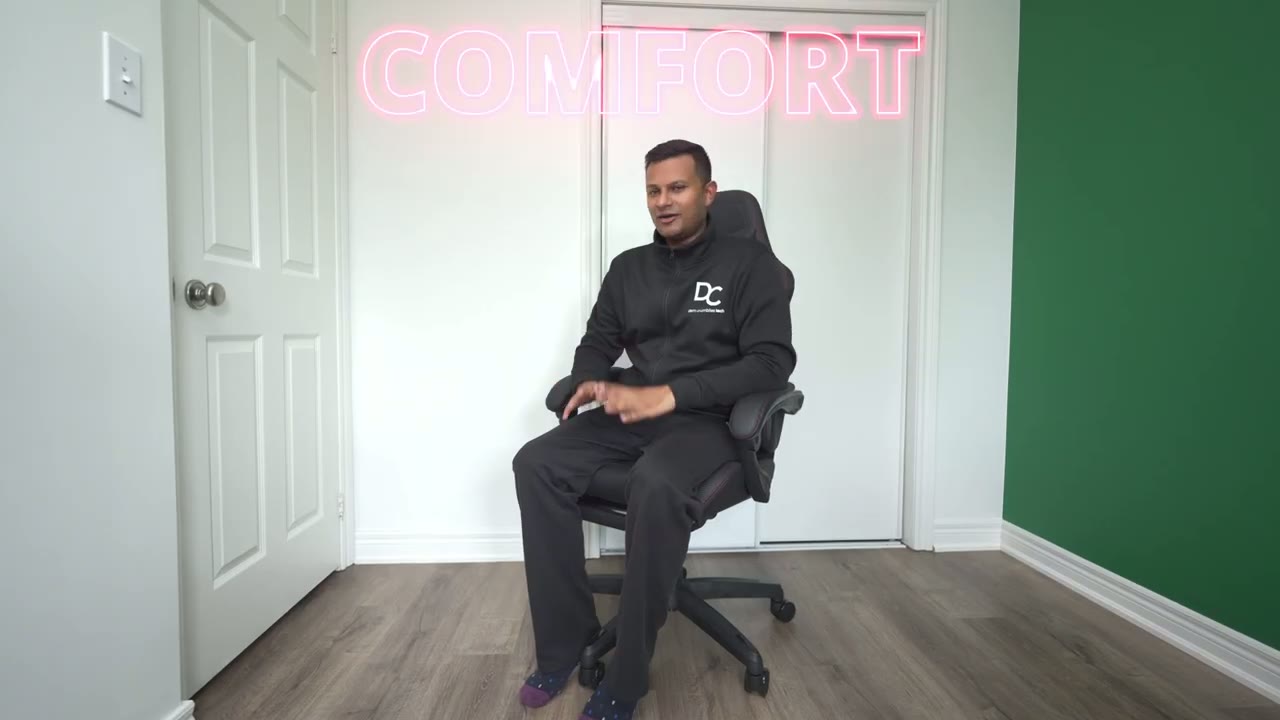
ergonomics now since this is a gaming Focus chair it’s not going to compete with just you know fully ergonomic chairs that only focus on that and comfort but this is still surprisingly Comfort at least for how I use it so I’ll sit for say 3 to 4 hours at a time you know I’ll go eat lunch get a snack make you know tea coffee whatever and I come back and I can easily use this for my entire work day and it’s comfortably enough and if I want a little bit more you know kind of added support then I’ll um add in the lumbar pillow now in terms of comfort this is actually very comfortable you know if you want to just kick back um you know watch your videos watch a movie or whatever and it’s very easy to do so right now I’ve um disable the fixed uh chair position so I can just recline app will so you know when when I’m typing upright I can be focused and then when I’m R to recline it’s just easy to fully recline back and watch something on the screen and then if I want even more Comfort I’ll just go ahead slide out the footrest you know just kind of flip this here put my legs on here and I’m good to you know just watch YouTube watch a movie whatever and if I and of course you know your legs can be tucked under your desk so you know you’re kind of cozy but you can also go ahead and just you know rest your feet on here um so you know you’re not that far back from your computer screen and you’ll still watch uh whatever you want so yeah it’s really easy to get comfy in this chair and then when you need to you know get back to work or get back into gaming or business or whatever just slide this back in and you’re good to go let’s take a look at
Speakers
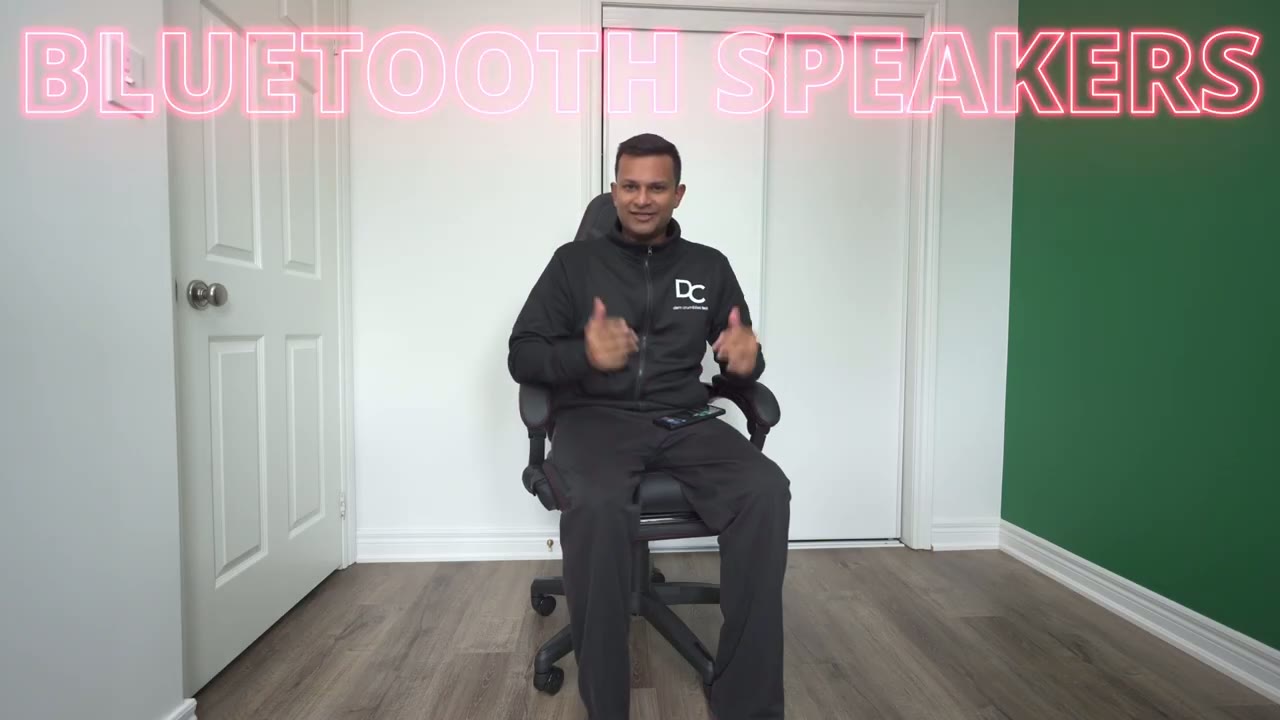
the Dual Bluetooth speakers at the back of the chair and this is a pretty cool feature so the first thing you’re going to do is you’re going to pull up this little flap here and this is the Bluetooth module here and you’re just going to press and hold the power button power on and you hear it says power on so you’re good and there is like a 3.5 mm Jack and it just connected so it’s powered on and it’s actually connected to my phone so whatever I play on YouTube or whatever it’s actually going to play through speakers so let’s do a demo of that and as I increase the volume it actually gets really loud so we’re at about half and here’s full [Music] and then about half and then you know really low maybe 30% just go ahead and pause that so even though the speakers are on the rear and their rear firing because they’re in like close proximity to your head you can still easily make that out and I’ve actually found myself using this way more than I thought because when I’m just kind of like kicking back and relaxing I’ll recline the chair I’ll play music on YouTube um on my phone while I’m using the computer and I can hear that while I’m watching say a stream or um something else on YouTube you can have this playing right next to you this is actually so worth it there’s also this super handy link app that you could use so once the chair is connected to your phone by bluetooth you could download the app and it will add the chair to the app and you have you know kind of uh play control so you can see I can go ahead press play on here it’s going to play the music I could increase it as well and pause the other thing I could do is that I don’t actually have have to turn off the Bluetooth module like how I turn it on from here I could hit this kind of shutdown button and it gives me two options for immediate shutdown or with a countdown I’ll just hit immediate power off I also saw on the website that they sell like Bluetooth speakers along with a Bluetooth module another one that kind of syncs everything so you could have the same sound plane from the back here and on your computer speaker so could be good if you want to hear like footsteps all around you maybe something to look out for and here’s how much noise the
Wheel Noise
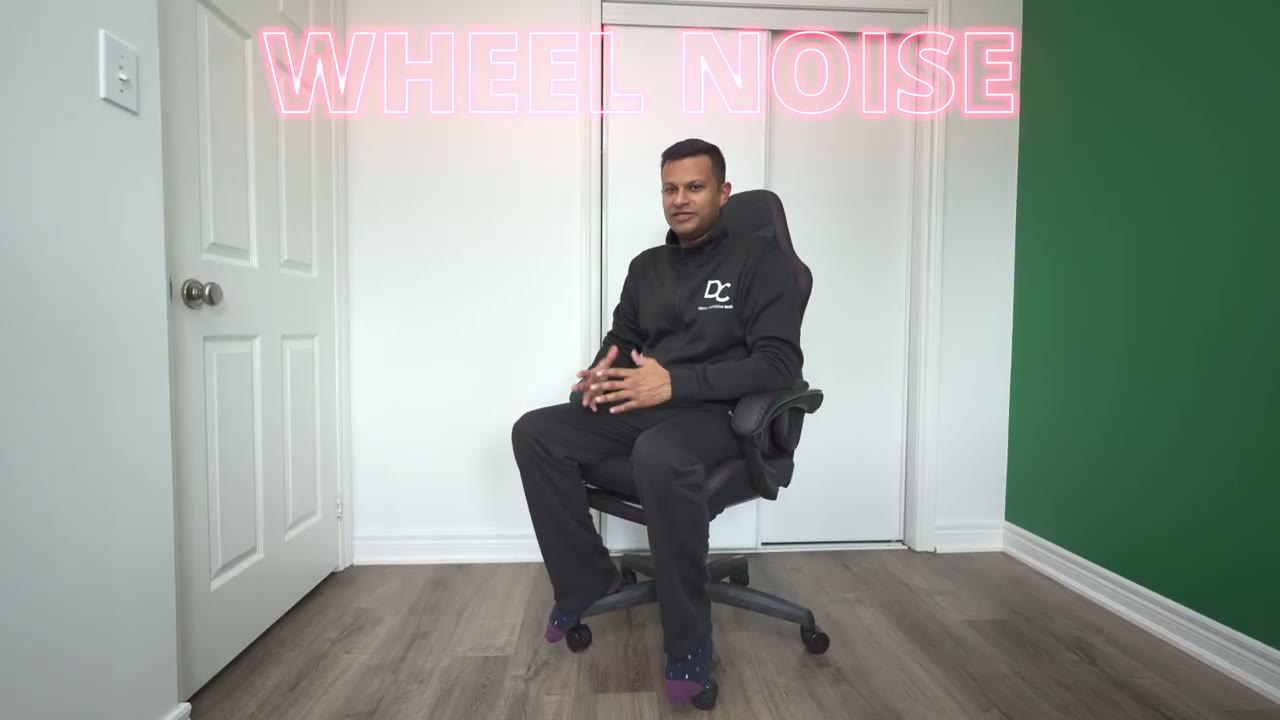
the wheel makes if you have it on a hard surface like mine so you can hear you can definitely hear that if you want no noise at all it’s better to have it on a map or if you’re going to be using it on carpet not going to be an issue at all so while the Ace Pro has been great so far
Improvements
there’s just two things I want to point out none of them are really deal breakers just something to be mindful of so one is that when I recline you can hear that makes a lot of noise and it’s only because I’m using the lumbar pillow and it’s just kind of rubbing against a chair in my clothes and creating fr now that I’ve removed it and I reclin it’s very quiet smooth and effortless so just something to be mindful there the second thing is the foot rest so this works fantastic I just wish that you know when you stowed it away here it would kind of recline a bit further in and the only reason is sometimes I have a tendency to rest my foot like on the actual um Caster legs here and you hear once I put my foot here I bump into this and it makes a bit of noise not really a problem that’s more of a me issue if you just use kind of a foot Gress that sits you know in front of your chain you have your feet on it you’re never going to touch it’s never going to be an issue like I mentioned really minor uh things that I’ve noticed so yeah I can easily
Recommended?
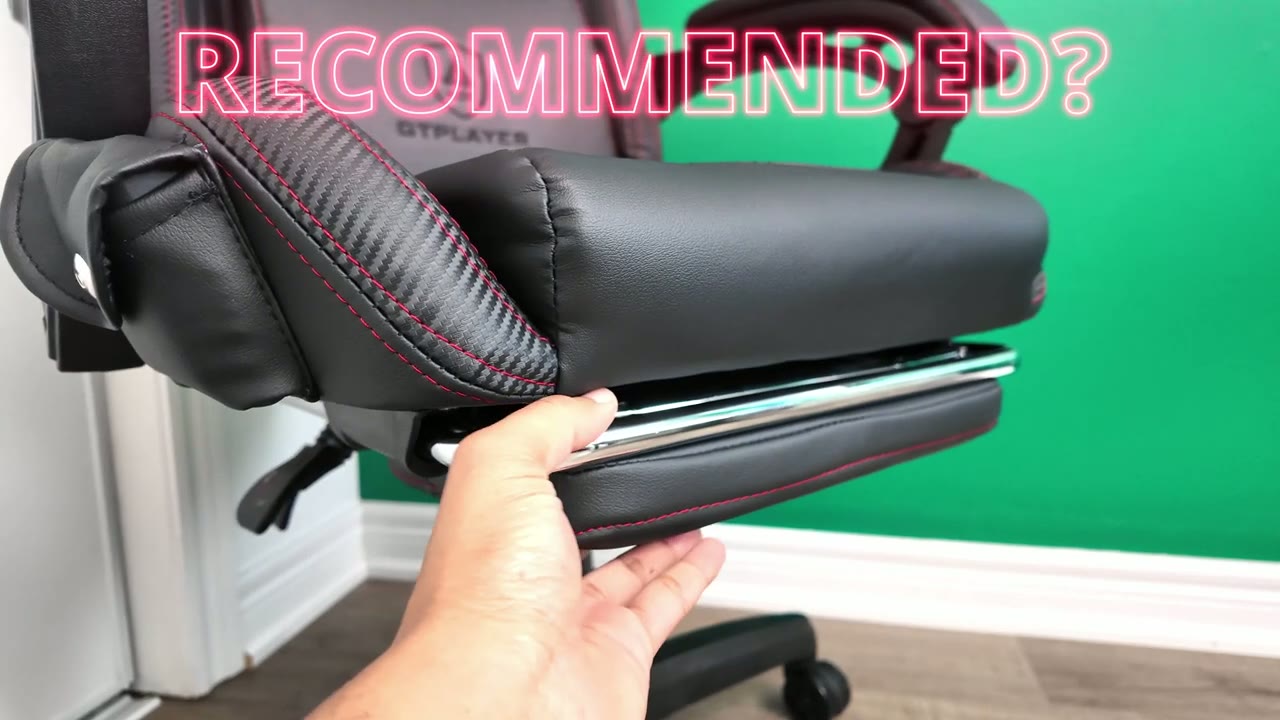
recommend the Ace Pro gaming chair if you’re looking for a gaming chair that has you know built-in Bluetooth speakers and is comfortable at the same time because you know you can be upright then quickly go into a recline you have the built-in foot rest build quality feels good you know I don’t feel like it’s going to tip over it has that uh steel metal frame the 150° incline is getting up for me I have used chairs with 180 but I don’t often ever use it so 150 is a good happy medium for me Bluetooth speakers are also actually pretty loud and they do do the job especially if you just want to kick back have a little bit of you know background music playing kind of independently of whatever you have going on in the computer that’ll work as well so if you’re interested in picking up the aceb gaming chair in this black color that I have or the ivory or I think they have a couple other colors I’m going to leave links down below for you to check it out for yourself or to learn more and if you enjoyed this video don’t forget to check out some of my other tech reviews I review a bunch of different tech for you know computer accessories the cameras headphones basically everything you think of I’m reviewing it so check it out I’m sure you’ll find something you like and as always if you find this review helpful would you mind liking and subscribing it truly does help me out a lot and I’ll see you in the next one soon
Buy GTPlayer Ace Pro Gaming Chair on Amazon
Buy GTPlayer Ace Pro Gaming Chair w/ GTPlayer
Buy GTPlayer Ace Pro Gaming Chair w/ GTPlayer
Please note that some of the links in my video descriptions are affiliate links where I earn from qualifying purchases. As an Amazon Associate I earn from qualifying purchases.

