


Buy the Edifier W820NB Plus Headphone on Amazon
Please note that some of the links in my video descriptions are affiliate links where I earn from qualifying purchases. As an Amazon Associate I earn from qualifying purchases.
Intro
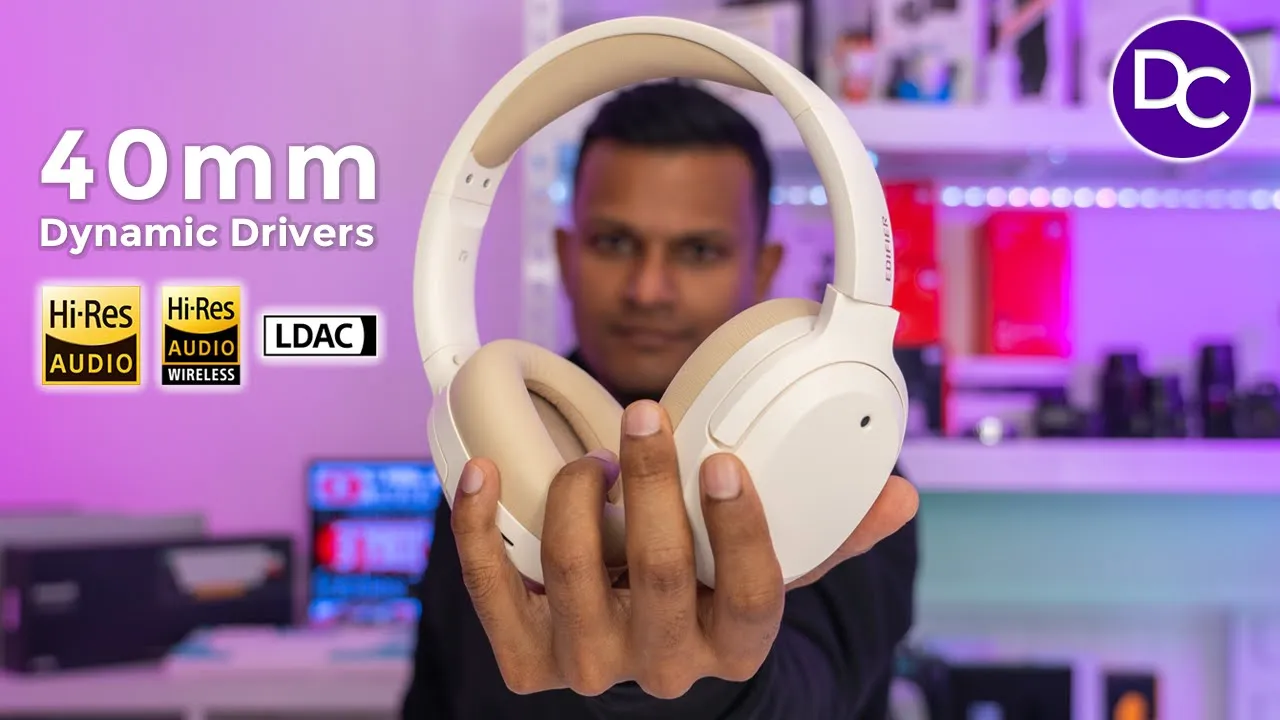
hey guys it’s Adrian and today I’m taking a look at edifier’s 820 NB plus Bluetooth active noise cancelling headphones now these have 40 mm Dynamic drivers we also have the highres L codec up to 49 hours of battery life and of course in this really nice design that super comfortable to wear I’ve also reviewed edifier’s 950 NB which are my favorite pair of headphones to date and you can see these are a much more premium looking option now which of these is best for you well the 820 NB plus comes at around half the price of the 950 NB but it does give up a couple of things to come in at that price so let’s take a closer look at the 820 NB plus to see if any of those things are deal breakers to you and a big thanks C of fire for sending these out for review
Package Contents

The Box comes with the 820 MV plus USB type A to type-c charging cable and manual I have the 850 NB Plus in this
Design
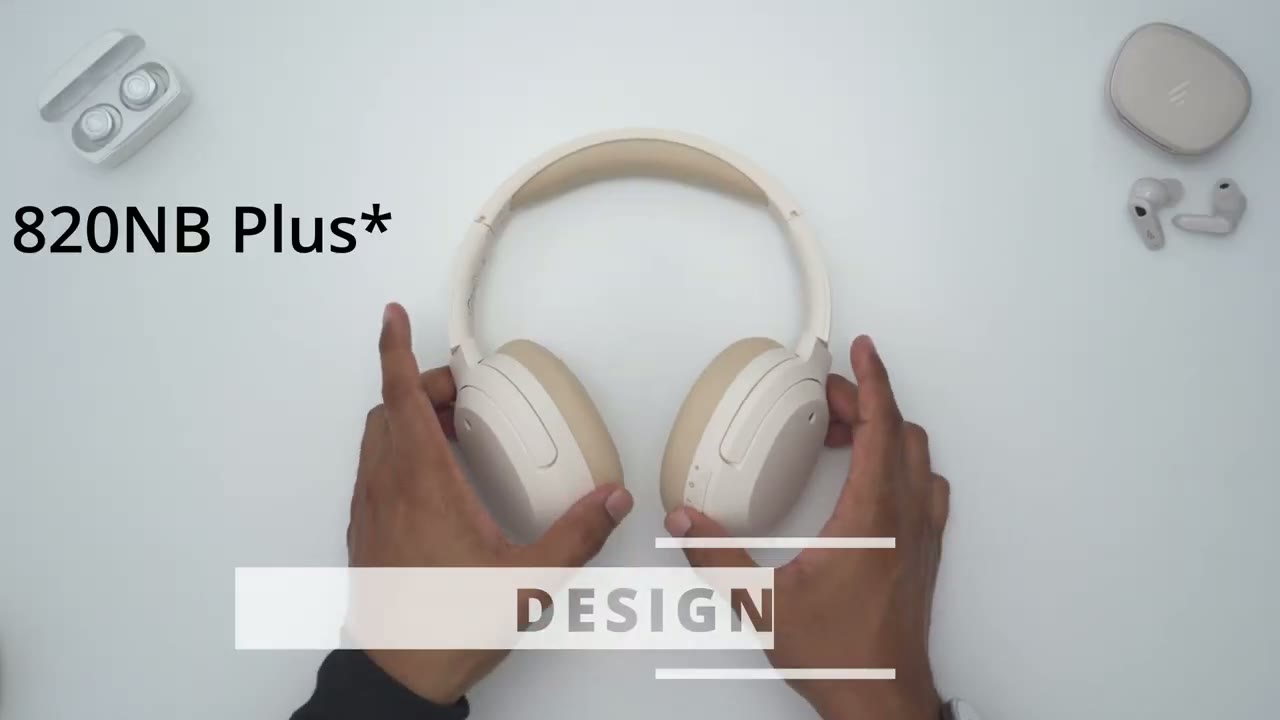
ivory color which looks really nice but I did notice they had a lot of other really nice colors too so you can check those out get something that matches your personality in terms of the design and build quality so it’s pretty much an all plastic build all the way around and that’s why this comes in a 220 G you know lighter than the 950 NB now on the side we do have the edifier logo on the right and left side and that plays really nice with the light now in terms of the ear cups the right ear cup has all of the button controls so you can see we have the plus power button and volume down now the plus and power button those are raised up maybe you can see those protruding a little bit and these are tactile you can probably hear that hopefully and then the minus button there’s no um it’s not raised up it’s just the Press so anytime your finger is on there you kind of know what you’re pressing now personally I would have liked for these to be a little bit more space out but I’ve gotten used it now there’s an LED indicator light here and then we also have a mode button again tactile as well and that lets you switch between you know normal mode a ANC on and the ambient mode and we have a USB type-c charging Port along with various uh microphone ports around there for the active noise cancellation and for two- we talk in terms of packing these up on the go so you can swivel the ear cups inwards and then you can see these just sit flat you could slide them into a backpack laptop bag what have you but they don’t actually swivel up or into the headphone body so you know it does kind of you know minimize how compact you can actually make these on the go but yeah overall very comfortable um really soft ear cups as you can see you know those go down quite a bit and it bounces back nice and slow which is what I like and then same with the top hair you know I’ve been wearing these for a couple hours no issues at all in terms of adjustability you just slide it down and you can see it’s pretty much plastic all the way around contrasting the 820 NV plus with the 950 NBS you can see these look a little bit more premium we do have you know nice accent trims going on around here which makes it look a little bit more premium it also is heavier coming at 296 G versus 22 20 G there that’s because we do have you know um metal type of elements on here now the other thing is these also swivel in but this can actually fold into the band to have it a little bit more compact but overall they’re both really nice looking designs back include 40 mm Dynamic
Specs

drivers we have ANC depth of up to 43 DB Bluetooth 5.2 is the version we have a2dp avrcp hfp it comes in around 221 G we have the ldac codak and SBC Kodak there is no AAC I’m going to connect the
Pairing
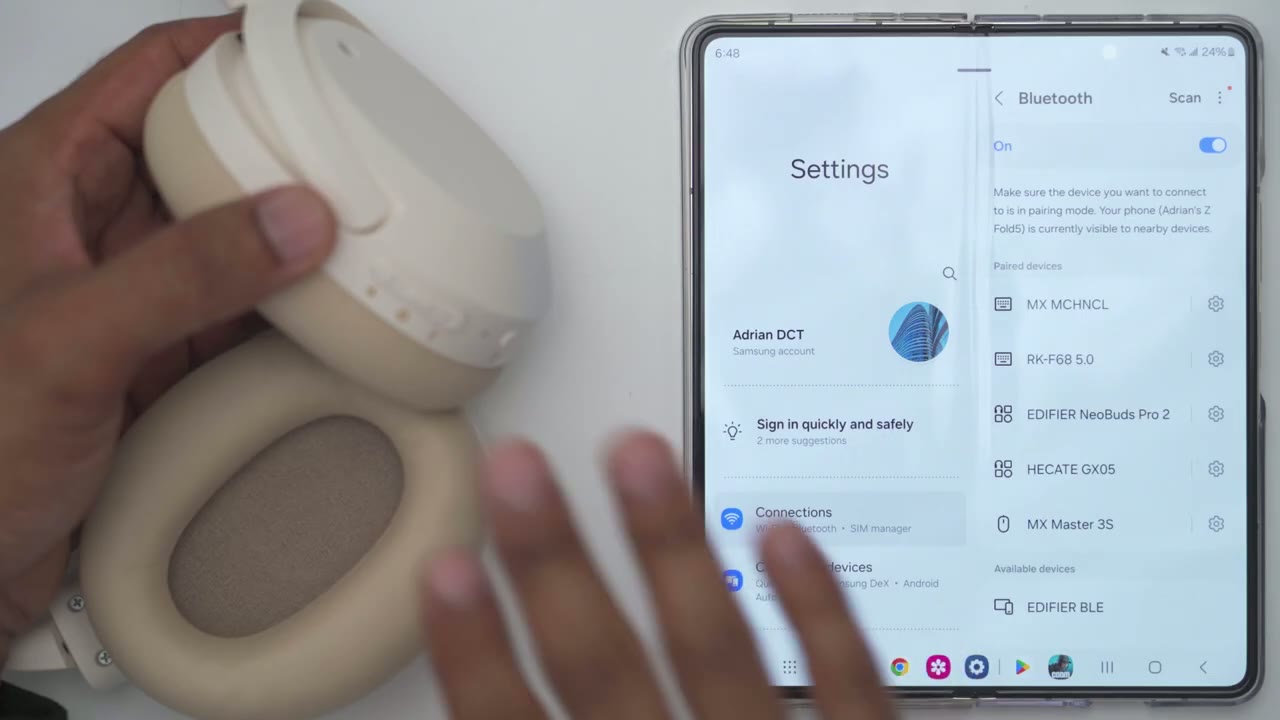
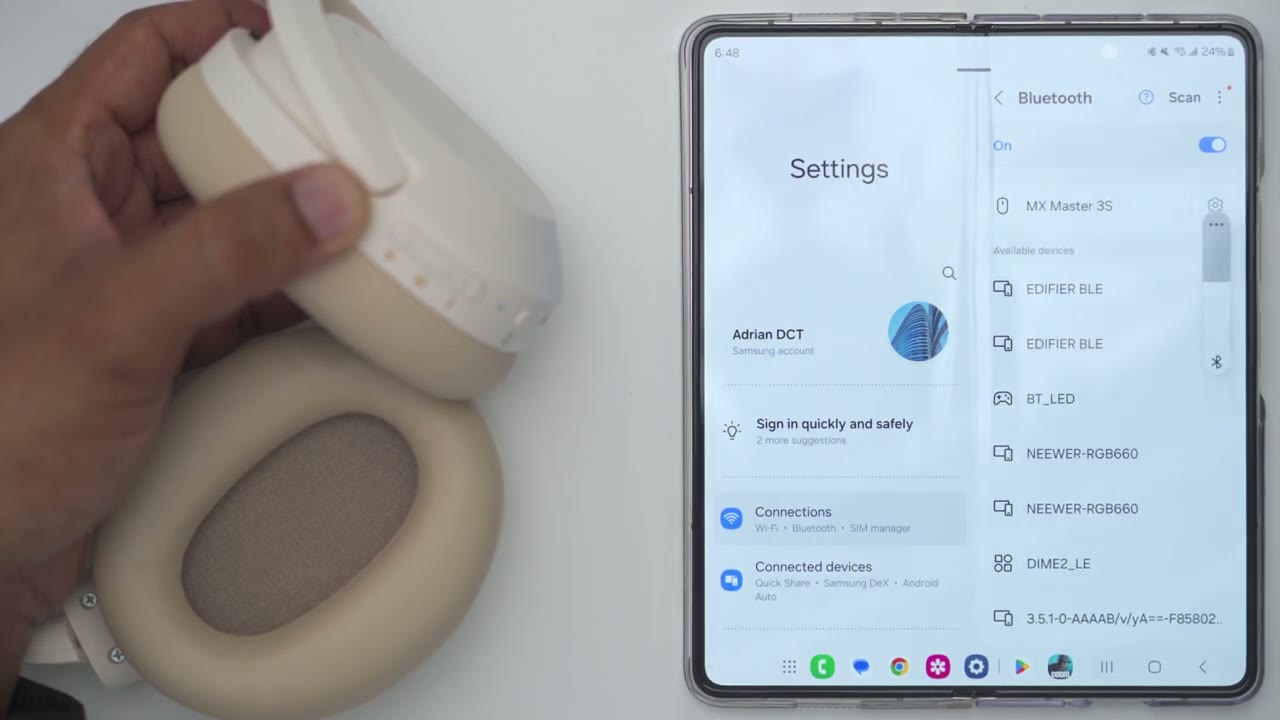
a20 NB plus to my phone so I’m just going to press and hold the power button till I hear it say pairing okay so it’s in pairing mode and you could see the flashing LED indicator light so I’m just going to hit scan on my phone I’m just going to wait for it to pop up and there we go 820 MB Plus hit pair and it’s connected and it’s that
App Settings
easy I went ahead and downloaded edifier’s Connect app which I highly recommend and you can see it’s automatically found the headphones and populated it in the app so try the battery life at 72% from here I can also switch between the three modes so noise cancellation off on or Ambient sound you know and then you can also change the strength of that right from the app so you know certain features you do have to have the app now if you go over here there’s there’s four preset equalizers I like to have it on the Rock equalizer and there is no option to create your own custom equalizer like you would find on some of their other products now if you go over you can also turn game mode on or turn it off and again all of that can also be done with the button controls on the headphones now you’ll see that highres audio is gray out and there’s a reason for that which I’ll get into later but we will activate that but let’s go into the full settings and here I could take a look at the manual look at the firmware version if I go into control settings I can actually pick what I want the mode button to cycle through so if I’m never going to use Ambient sound I can just swap or cycle through or switch between noise cancellation on or off so you have some flexibility there now if we go to ldac I can see that it is turned on now you could disable it you know if your phone doesn’t uh support ldac but mine does so I left that on you could change the prompt volume so you know just the call outs or announcements you can have that those really loud or really quiet you can also turn the headphones off from here and you can set a shutdown timer you know if you’re someone who maybe falls asleep or forgets to turn your headphones off you can set it to shut down you know after 5 minutes or just kind of never and then we could just go into the Bluetooth settings and repair or disconnect everything but let’s take a look at why the ldac is not turned on so what we have to do is just find the headphones right here go into the settings and toggle ldac and again you’re only going to have this option if your phone supports it and now we can go back to the edifier Connect app and we could see that the highres audio is enabled so it is going to be using ldoc whenever we listen to music one thing to note is that multipoint is not available so if you want to use this with more than one device you will have to manually disconnect it from the first device and then pair it on the second device by the way whenever you download The edifier Connect app you do have the option to enable it to kind of appear on top of everything and then you’re going to get this overlay where you have quick access settings to you know switch between ambient mode you can go ahead and change between the different equalizers but if you don’t like this and you feel it’s intrusive you could just disable the popup permission in the app settings the ear cup padding on the
Comfort
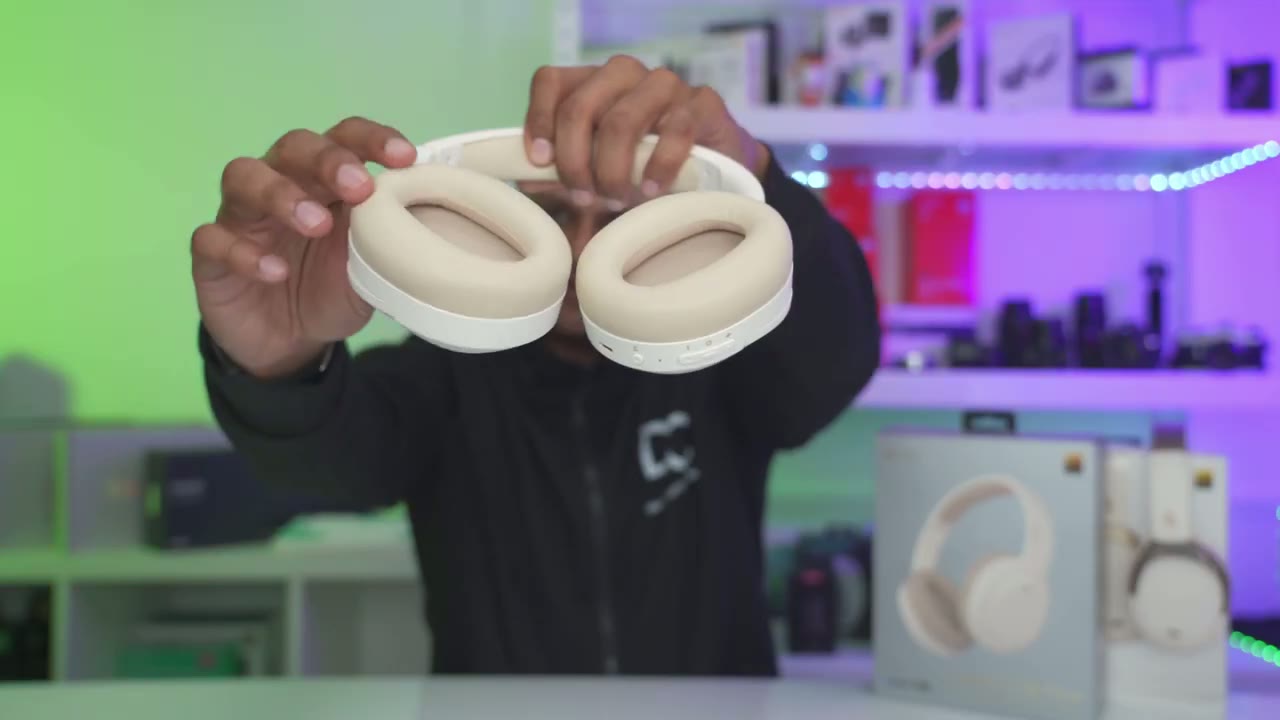
a20 NBS is super plush and you could see how soft and how nice and slowly that bounces back now I normally wear glasses most of the time when I’m working and even with these you know kind of pressing or exerting pressure on the side of my head I can wear these for hours without any issue now the airups are not as comfortable as on the 950 NBS but those are in another League anyway I’ve not felt something that plush but you know if I never use those these are plenty enough you know very comfortable no problem at all and these also come in at around 220 G and the 950 NBS come in at around 296 G so these are a lighter option as well I was really impressed
Sound
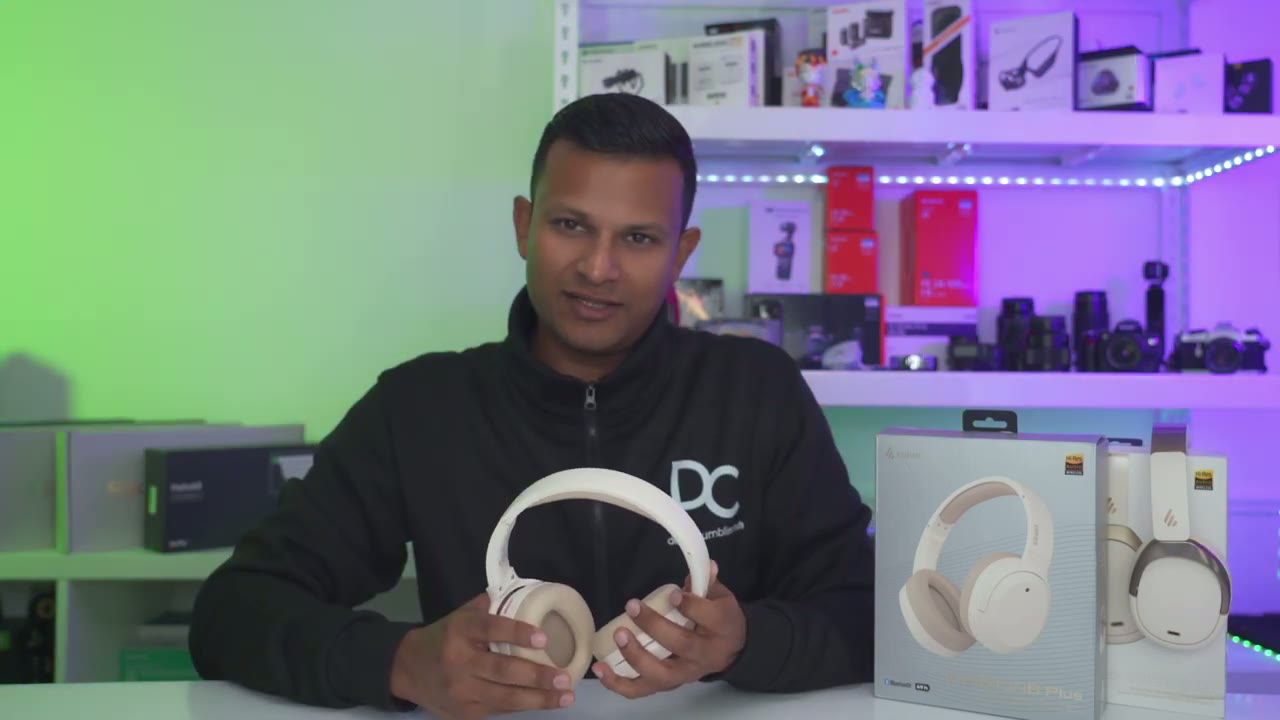
with the sound coming out of these in fact when I listen to these and the 950 NBS which cost twice as much I couldn’t really tell much of a difference and when I looked at the specs on paper a lot of things match up so they both have 40 mm Dynamic drivers they both have the ldac highres audio codec and they both have the same frequency response range so if sound is your only party you know definitely check out the 820 NBS um the sound coming out of these is just as good as on the 950 NBS at least to my ear now the first thing I did when I connected these to the edifier app is to choose the rock equalizer which is my preferred equ izer and the base coming out of these is really good it’s not like the most base heavy headphones but there’s enough base on here that when you’re listening to you know kind of Basse heavy songs you’ll feel a little bit of tremble or uh Rumble going on if you like that type of feeling which I do and then in terms of vocals You Know audio came through really clear really pristine again like I’m saying you know the audio performance on here is pretty much exactly the same as what I experienced on the 950 NBS it’s just a fantastic listening experience overall and if you like listening to your music at you know higher levels or even at max volume there wasn’t any type of noticeable Distortion all right let’s
ANC
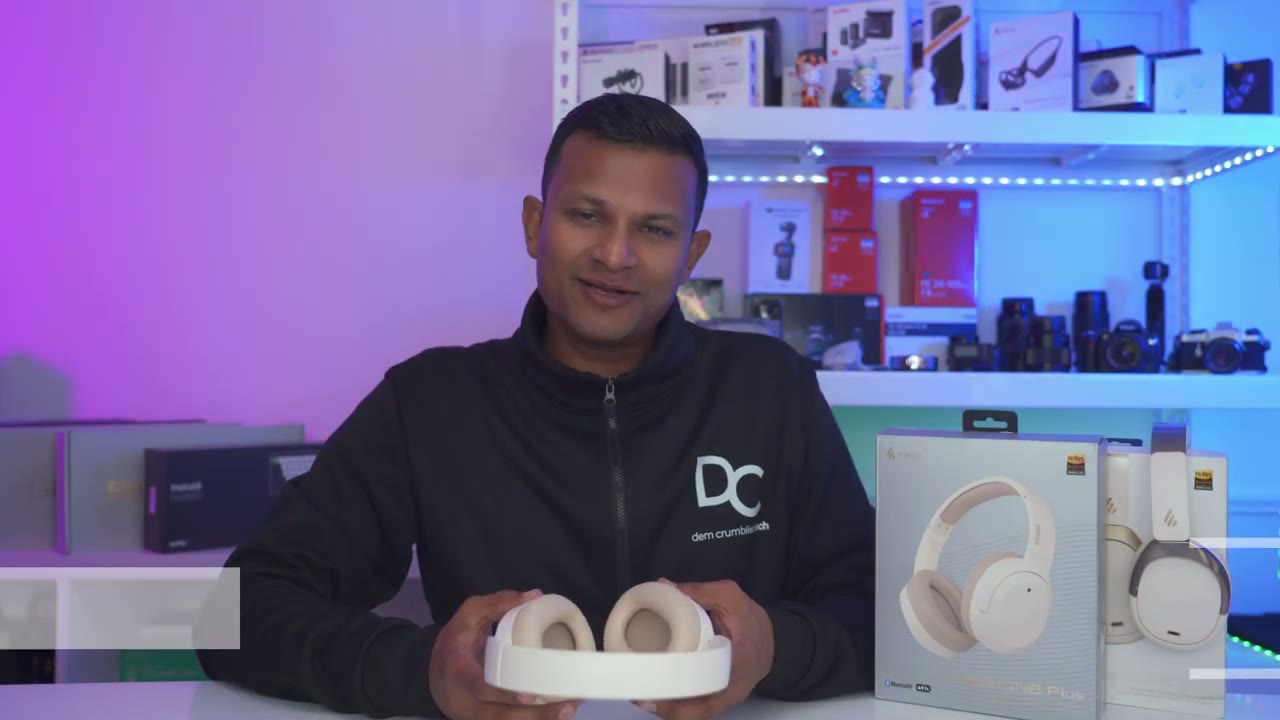
talk about the ANC performance and I found these to be really good and I think half the battle withc is just having a good seal around your ear that’s going to already block out a lot of ambient noise now when I’m working at home on my computer you know editing videos the fans on the computer get fairly loud and these do a great job I don’t need to actually crank the volume like too high I could probably keep it at around you know 50 to 60% that’s good up now when I’m out and about and walking I actually do prefer to listen to music a little bit louder in general usually like the 70 to 80 maybe even 90% range and when I’m around that range and ANC is on I really can’t hear much ambient noise at all and whenever you do need to talk to someone if you’re not a fan of just you know yanking one ear cup off of your ear there is an ambient mode that you could toggle by hitting the mode button and that allows you to just talk to anyone you know without taking the headphones off all right let’s take
Sound Leak?

a look at sound leakage so my friend here is going to help us out so you can see it’s a pretty nice seal on the side there if I take a look at the rear pretty much nicely contoured to this mannequin head of course if you have hair you know that may play a factor but yeah overall pretty good seal on here so I have the volume set to about let’s say 50% 40 to 50% and I’m sitting uh I would say about you know 14 in away and the microphone is maybe about 30 something in is away so let’s go ahead and play so from where I’m sitting I could barely hear the music I could definitely hear that there’s something playing but I can’t really make it out now I’m going to crank the volume up a bit more I would say that’s about you know 70 to 80% and now I can hear a little bit more of what’s going on you know I can hear a little bit more of what the music is um and again it is dead quiet in here I’m in a basement there’s no other noises going on here so if you were on a bus you know a plane train whatever just out and about a busy coffee shop no one you know sitting right next to you would be able to hear what’s going on I can only hear it because it’s dead quiet in here so I’m just going to crank it to the Max and I’m not sure if the overhead microphone is picking it up I could definitely hear what’s going on again I’m in a dead quiet room I’m just going to lift this closer to the microphone and that was about 12 in away so yeah I would say the sound leakage is fairly good and controlled on here again anytime you’re in any environment where there’s a bit of ambient noise no one is really going to hear this if you keep it at around say the 80% volume max especially if you know there’s a lot of talking and they’re not sitting right up next to you here’s an example of what
Mic Test
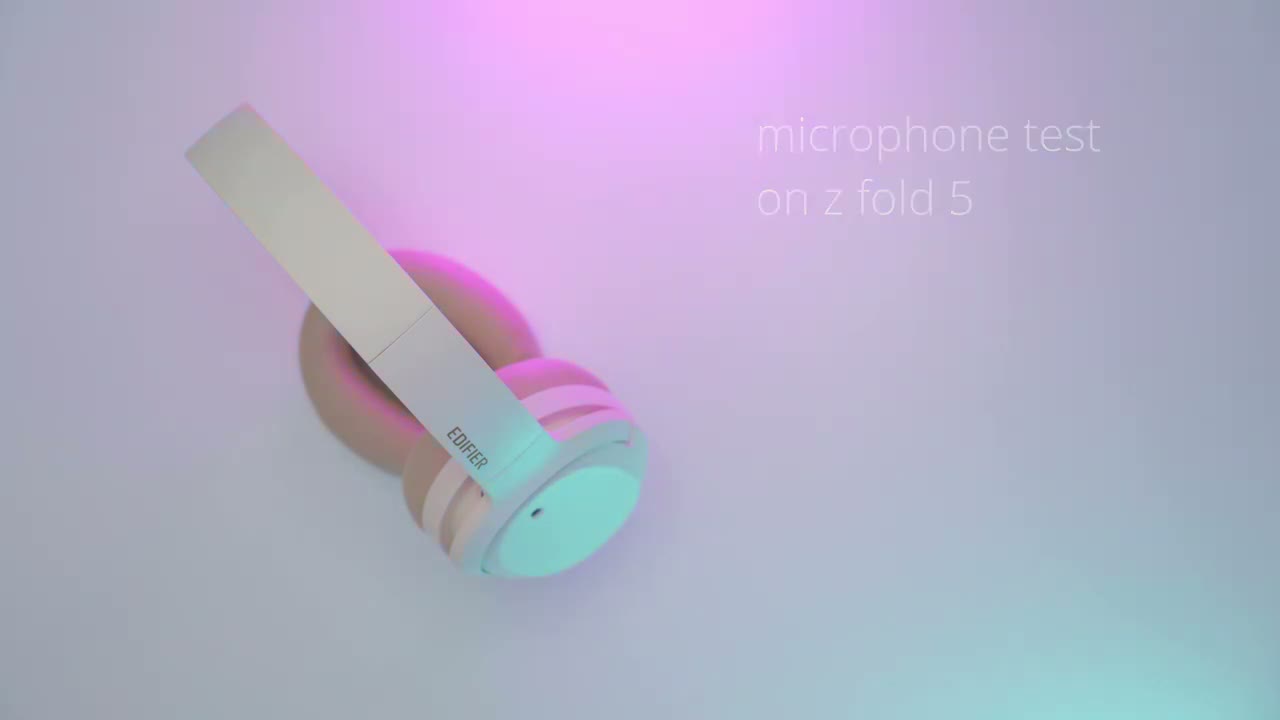
the microphone sounds like on the edifi 820 NB plus recording to my Samsung zold
Button Controls
5 let’s take a look at the button controls because they’re done perfectly on here exactly how I like but first let me just show you how loud these get so I’m just going to press the power button I quick press the resume video playback hey guys it’s Adrian and today I wanted to share my experience using the Ed new I’ll do another quick press to pause and you could probably hear that audio from my overhead microphone that’s how loud these get now I’m just going to start that back and I’ll just show you so you can lower the volume and of course increase it as you see fit now you can advance the track by long pressing on the volume up and then you can go back to the previous Track by pressing volume down and of course a quick press on the power button just you know uh plays or pauses music or video now if we take a look at the mode button here this is what we’re going to use to switch between you know an on off or the ambient mode and if you want to put it into game mode you have to do a double tap that’s going to put it into game mode and take it out of game mode you can’t access it by single press but yeah overall button controls super easy to use on here I’ve turned on
Gaming
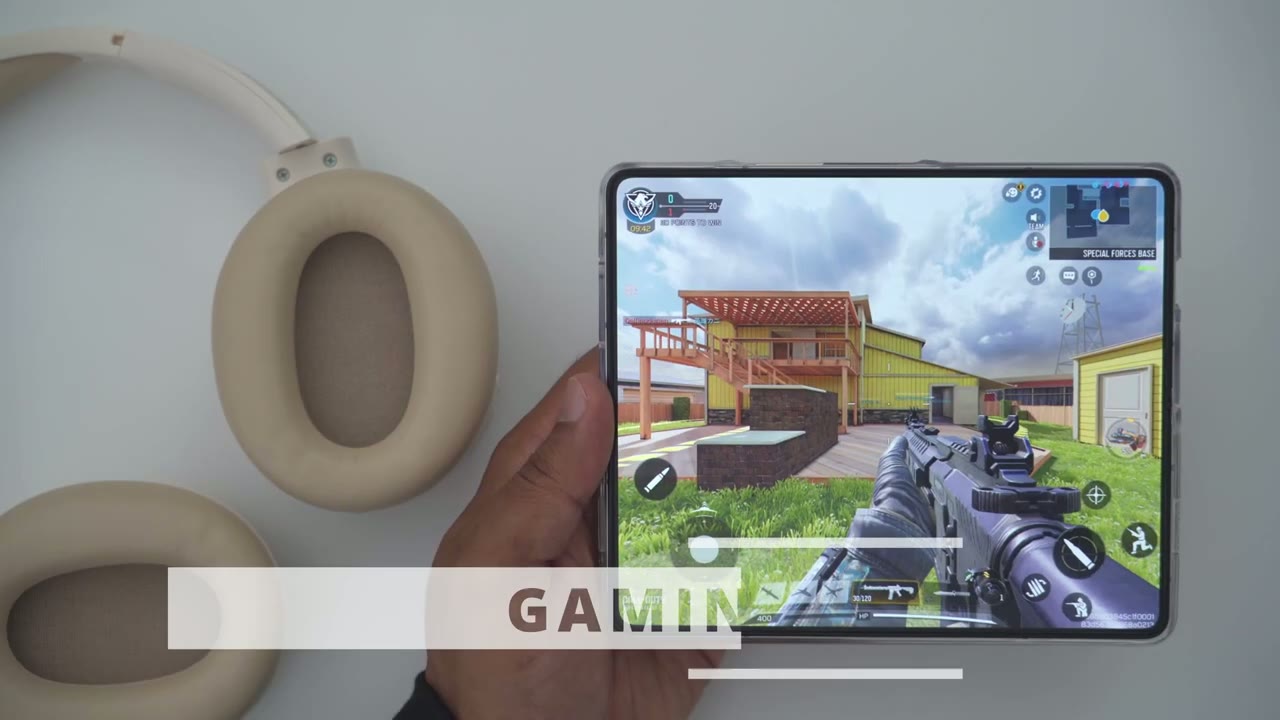
game mode so we’re going to have as low as 80 milliseconds of latency so let’s take a look at how that performs the battery life is also
Battery
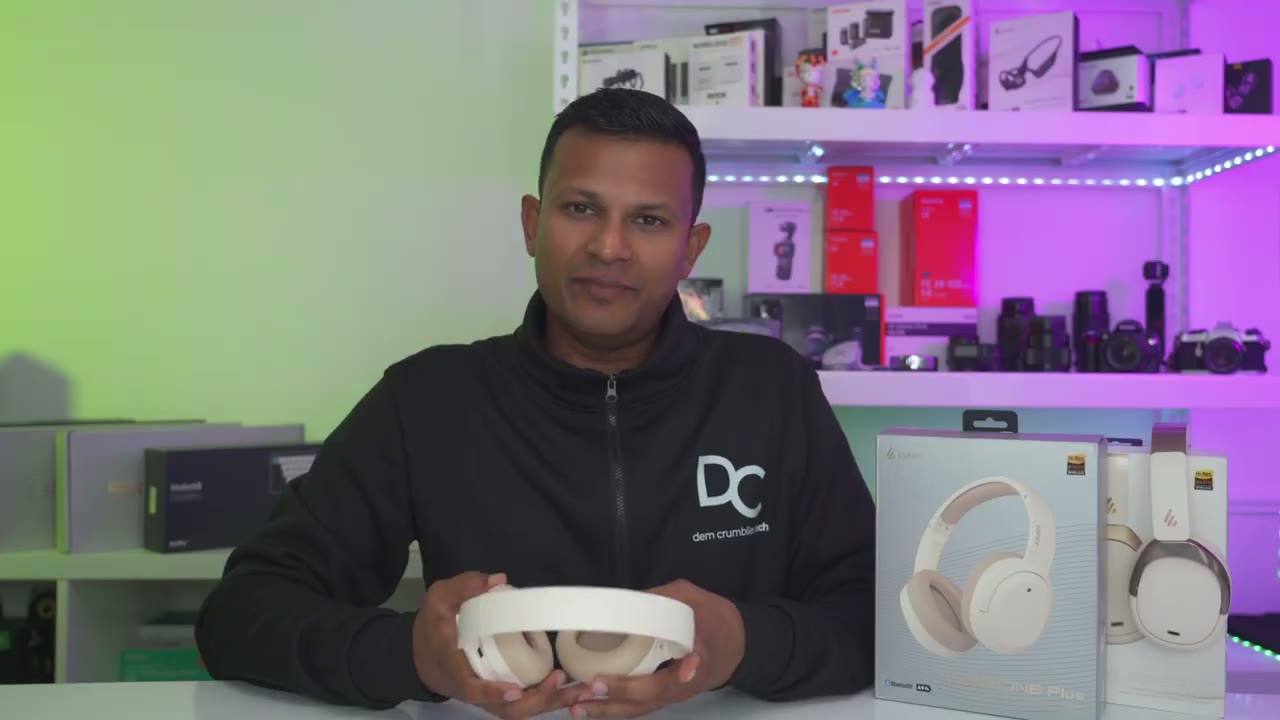
fantastic on these so these are rated for up to 49 hours without ANC and around 33 hours with ANC now I always listen withc on most of the time and with the volume set kind of high and I’m getting I would say around 30 hours if I had to estimate I’m really not charging these a lot so battery life seems in line with the claims now whenever you do need to recharge these a 10-minute charge is going to give you about 7 hours of battery life which is amazing with the fast charging on here and then to just fully top these up from zero is going to take about an hour and a half these also have a really cool feature which is that if you’re going to be using these with a laptop or your desktop you could just connect this to your computer with a USBC cable that’s going to do the audio transmission and simultaneously charge these so they’re always topped up the Bluetooth range is
Range
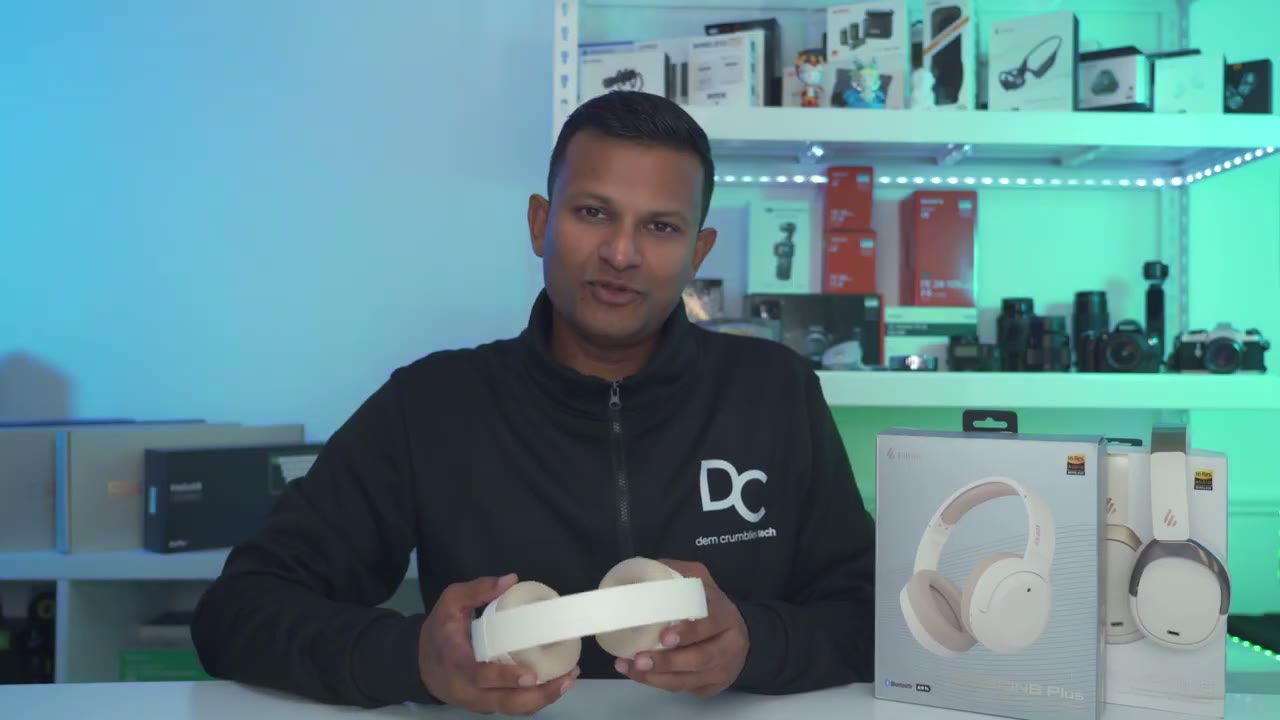
also fantastic on these I tested these at around 51 ft clear line a side now I left my phone on the ground floor I went to the room directly above and in the basement room directly below and I maintained a strong audio signal the
Recommended?
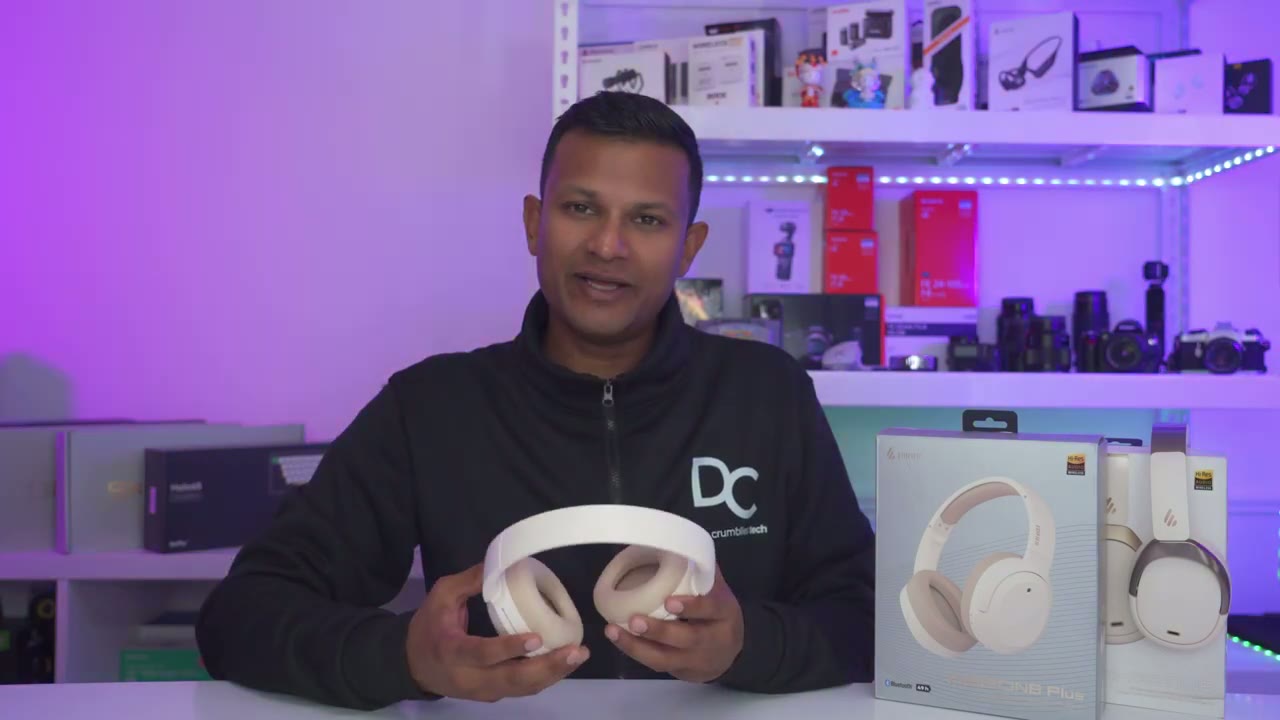
entire way so the edar 820 NB plus is a fantastic option the sound coming out of these is great thanks to those 40 mm Dynamic d drivers and the ldac highes audio codak especially if your phone can take advantage of that and of course these are super comfortable to wear especially if you wear glasses like I do and they come in at around $70 when these go on sale making these a really good value if you’re trying to decide if you should get the a20 NB Plus or the 950 NB there’s a couple of differences so the most notable difference is that the 950 NB does have multipoint the 820 NB plus does not that may be a deal breaker for you the other differences are very minor so the bluet version on the 950 NB is Bluetooth 5.3 versus 5.2 on here the ear cups are a little bit more plush on those of course and the battery life is a little bit better by about a few hours nothing game-changing that also comes with a handy traveling case but if you just care about sound and you don’t really care about multi point the 820 MB plus is a fantastic option to check out and I’m going to leave some links down below so you can pick one up for yourself or to learn a bit more and if you’re interested in checking out my review of the 950 NB I’m going to link that up here and if you’re looking looking for earbuds as well don’t forget to check out some of my other reviews and if you found this video helpful please consider liking and subscribing and I’ll see you in the next one soon
Buy the Edifier W820NB Plus Headphone on Amazon
Please note that some of the links in my video descriptions are affiliate links where I earn from qualifying purchases. As an Amazon Associate I earn from qualifying purchases.

