


Buy Edifier TWS1 Pro 2 on Amazon
Please note that some of the links in my video descriptions are affiliate links where I earn from qualifying purchases. As an Amazon Associate I earn from qualifying purchases.
Intro
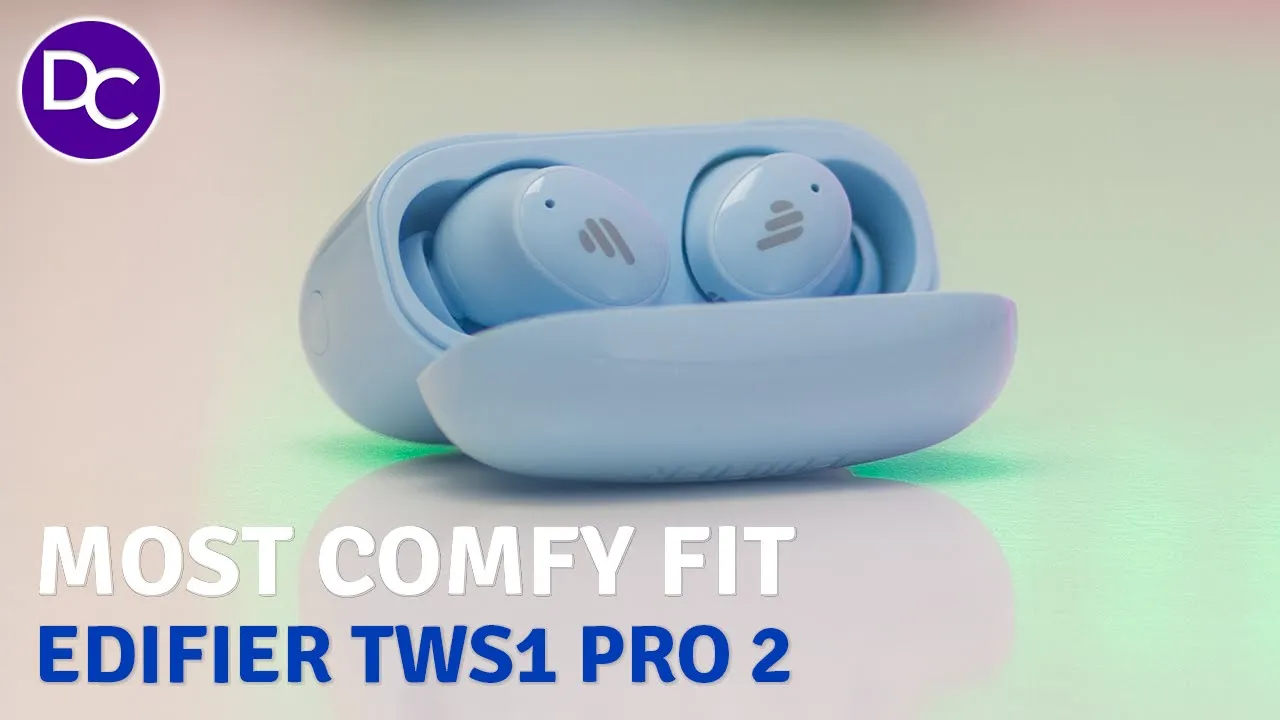
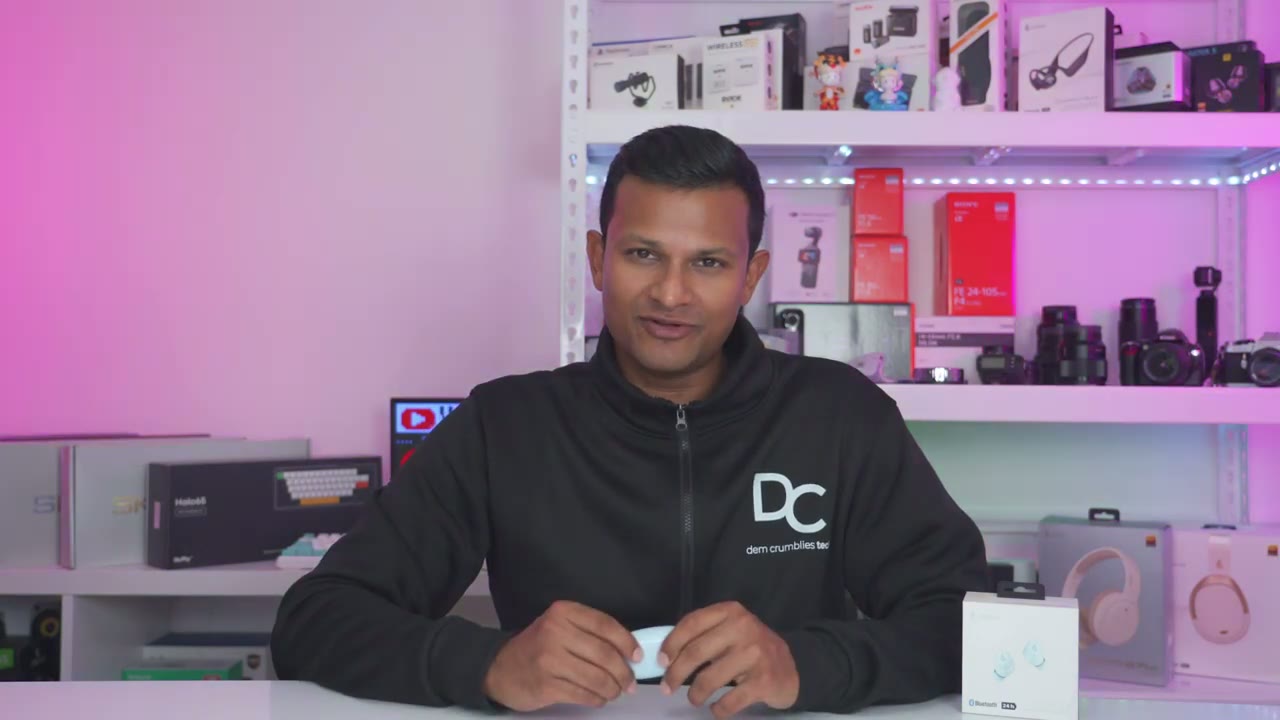
hey it’s Adrian and if you’re looking for active noise cancelling earbuds that are around the $50 Mark you’re going to want to check out these edifier tww S1 Pro 2s now these have 10 mm Dynamic drivers super fast charging in ear detection and they’re also super comfortable of course it’s going to depend on your ear however there’s a couple of sacrifices made to keep it at that price so let’s take a closer look to see if you can live with that and a big thanks to Ed fire for sending these
Package

up for review The Box comes with the twws 1 pro2 earbuds we have a manual extra ear tips and a USB type-c to type a charging cable so I have the tww S1
Design
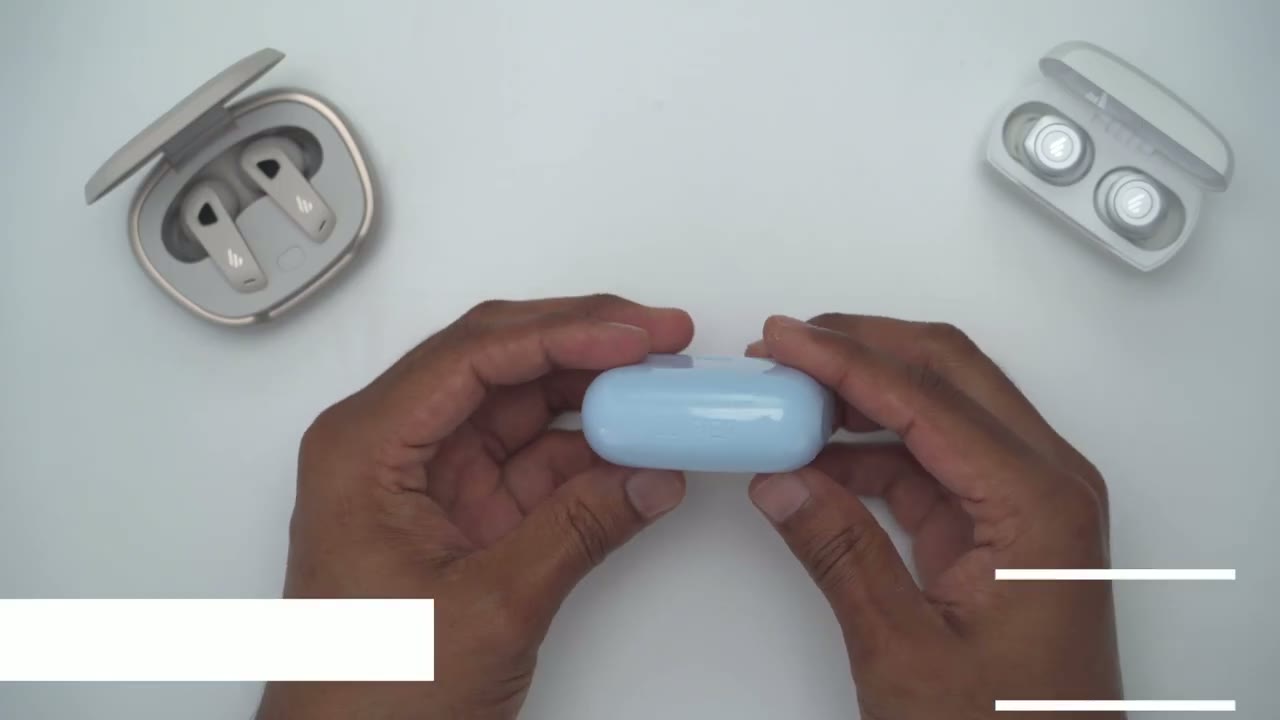
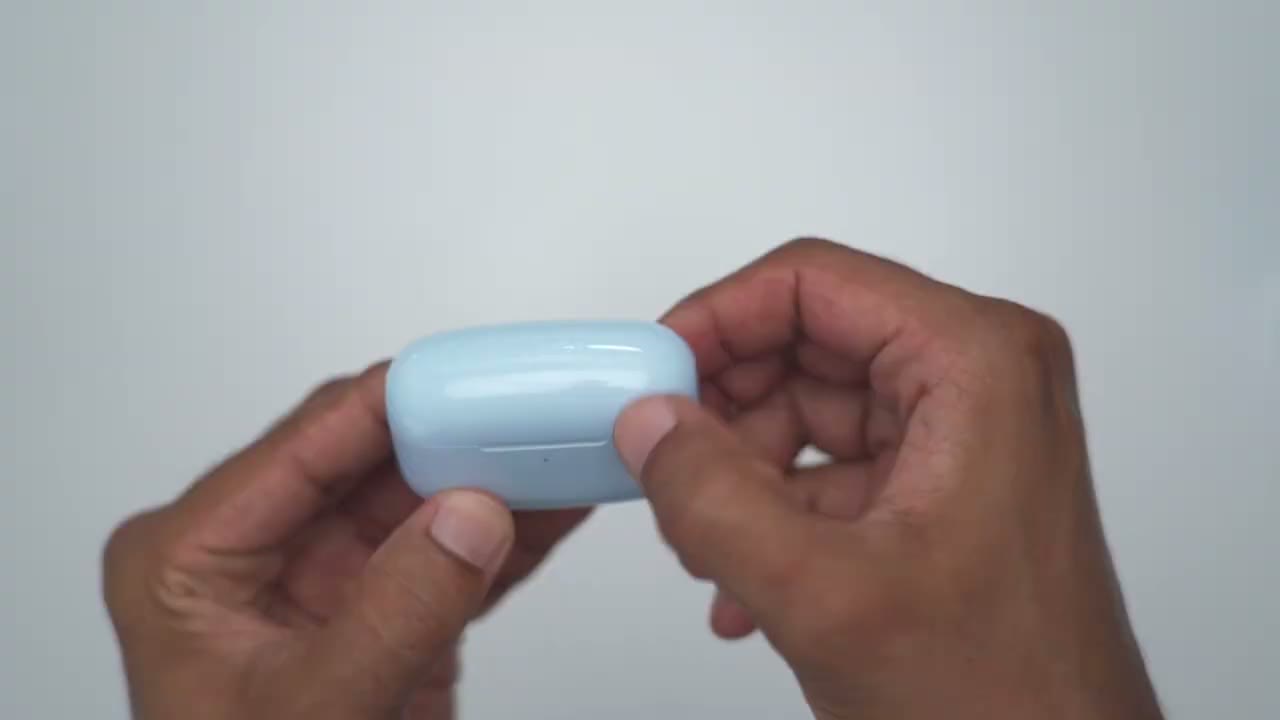
pro2 in this type of baby blue color but it does come in a bunch of other colors if you’re interested so we do have an LED light here to just show different status changes battery life Etc there’s a USB type-c port at the back to charge it and then there is a pairing button on the side now taking a look at the design so you can see it looks really nice everything is well color match and then we have the edifier logo on the top now taking these out is relatively easy you know it’s easy to grip them and put them back in because with some of these cases you know it may be difficult unless you have fingernails and of course the charging contacts but taking a look at the design of the actual earbud so we can see it shows right and left there’s the metal charging contacts and then we have some microphones around there and then the speaker Grill and of course we have the edifier logo at the top here and it’s very flush you can’t really feel it and then this is what we’ll use for the touch controls as well and one thing I really like is that there’s no really long protruding stem on these so when they’re in the air it’s a very secure and snug Fit specs include 10 mm
Specs

titanium CED Dynamic drivers Bluetooth 5.3 codex are 82 DP avrcp hfp there’s an ip54 rating the SBC codc 350 Mah hour battery in the case and 37 mAh is for the earbuds I’m going to go ahead and
Pairing
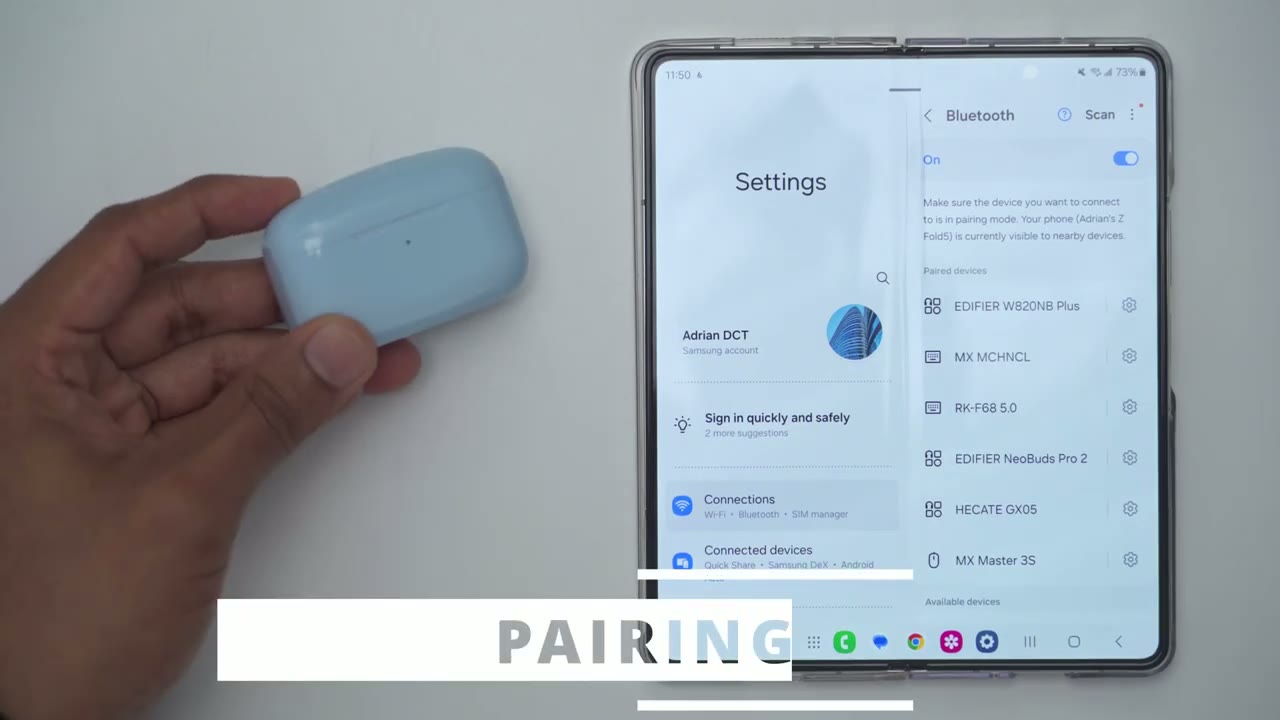
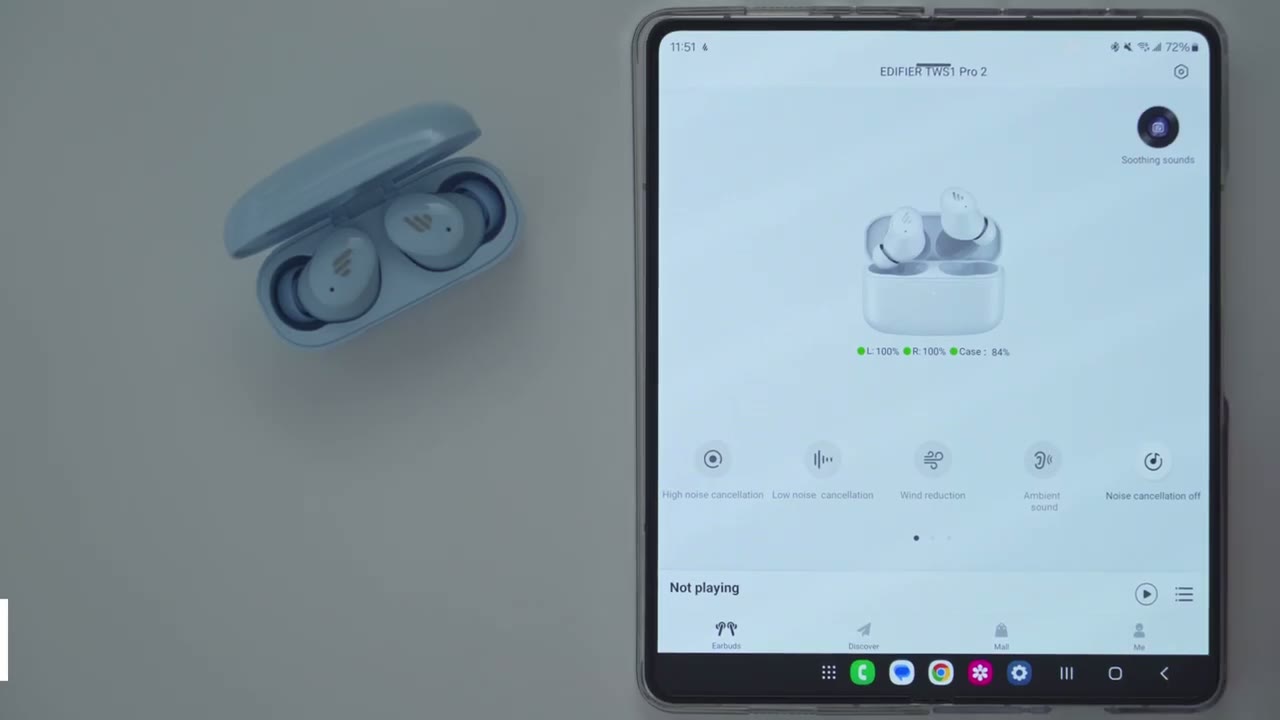
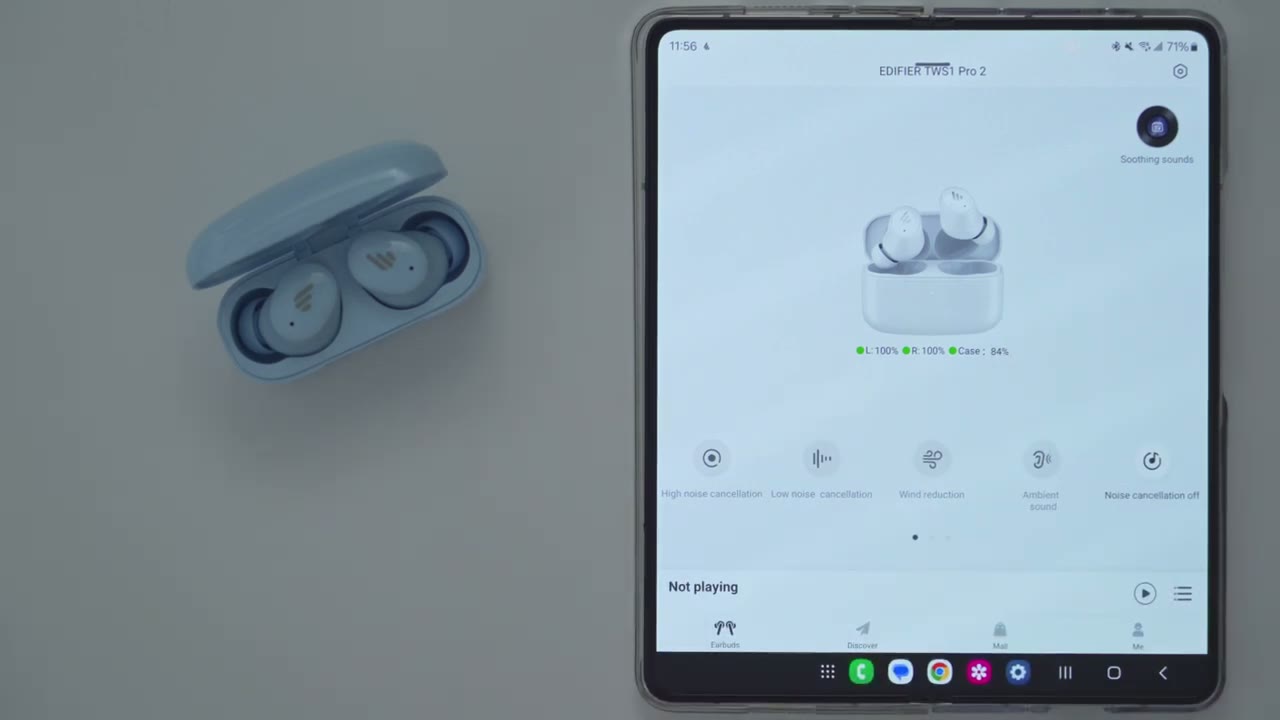
pair the twws one Pro 2 for the first time so I’m just going to open the case up press and hold the button on the side till the LED indicator start flashing there we go hit scan and then I’m just going to wait for it to pop up right there edifier tww S1 pro2 pair and it’s that easy and I could see the remaining battery life now I’ve additionally downloaded The edifier Connect app which you could see on here and I have quick access so you can see that I can turn on noise cancellation either High noise cancellation low noise cancellation wind reduction I could see the battery percentage for both the right and left and also for the case and then I could just turn noise cancellation off completely but let’s take a closer look at the full settings
App Settings
so I’m now in The edifier Connect app and you could see all of the information at a glance and like I showed earlier from just the quick toggles you have all of that access in the app as well now let’s go over and we do have options to pick from four equalizers I usually like having it on the Rock equalizer on The edifier Connect app and then if we go over again we could turn game mode on or off and of course all of these settings can be changed on the earbuds themselves you don’t need to get the app but I do recommend it for The Equalizer settings that’s the one thing that you do need the app for now let’s take a look at the full settings so we can take a look at the firmware version the user manual now let’s go into touch controls this is an area where you know it’s not that great according to my taste so you can see when I pick the left earbud these are the options I have so I have double tap and I can choose what I want the double tap to do and either you know can play pause volume up previous track Voice Assistant game mode or I can switch between these modes and of course you know you can pick um which ones you want but you can only pick two to three at a time so you know maybe I don’t want wind reduction but I want you know High noise cancellation and maybe I never um actually turn noise cancellation off so I just want you know high medium and ambient so you have those options but you’re limited to uh three at a time and then if I go into triple tap I can go ahead and set game mode or I can you know pick one of these other options like uh save volume up for a triple tap now what I don’t like about this is that there’s no options for a single tap and you know I really do prefer single tap controls and I think one of the reasons why we don’t have single tap is they’re trying to prevent like accidental M touches but I found that the sensitivity on here is already you know so high where you have to be really mindful with your presses that it’s unlikely to you know mistakenly tap that but now pay attention so you see I have volume up for the left now if I switch to the right earbud I have volume down but you can’t just go ahead and put you know volume down on left or right depending on if you had a particular preference so it is hardcoded that way and again we’re limited to double and triple tap not something I really enjoy because I like single touch controls now we can go into wearing detection and you can disable that or you could just you know pause audio when the earbuds are removed play it when it’s inserted or you can just have you know um the audio pause when the earbuds are removed and you know no action when it’s reinserted so you will have to manually play it again or you could just yeah disable that if you don’t really um like that feature now you can also use find my earbuds and this gets really loud I’ll just go ahead and um you know yank these out of here kind of position them towards the mic and you can hear that so you probably could hear that it’s quite loud you don’t want to test that while it’s in your ear you can also go ahead and change the prompt volume like whatever call outs are on here like when it switches from game mode or active noise cam cancellation and then you can power the earbuds off right from here you can set a shutdown timer you know if sometimes you fall asleep with them in your ear um or you take it out and you forget to turn them off you know you could set it to never or you know turn it off after 10 minutes to 1 and a half hours and then you could just access the Bluetooth settings to reconnect it um or to repair it one thing to note is that there’s no multi-point functionality here so if you wanted to use this with say another phone or your laptop you’d have to disconnect it from your phone or the first device and then connect it on the second device so to date these are the
Comfort
most comfortable earbuds that I’ve used and I’ve used more expensive one than these but these just fit so nice and snug in my ear and they create such a good seal that it blocks out a lot of ambient noise without me even turning on the active noise cancellation however when I do turn that on the effect is that much more better because of how good the seal is since the fit is so good on these and there’s no protruding stem it really takes you know a lot of flicking and moving around to really get these to dislodge out the excellent feel and snug fit is another reason why I found these sound quality to be so good and you probably know what I mean youve probably used earbuds and any time you push it in a bit more you can get way better base response well it’s kind of like this all the time for me because I just how good this fit is of course it’s not going to be like that for everyone who buys these everyone’s ear morphology is a little bit different so it’s going to really vary but they’ve just done a wonderful job on these and you can see there’s no stem or post or anything like that sticking out it’s just a nice and comfortable snug fit I really love the
Sound Quality
sound coming out of these and I really like to listen to music that’s a bit more on the base heavy side and thanks to The Snug fit on here they kind of like felt like it was kind of custom molded for my ear there was a lot of Base response you know really deep and resonant now when it came to vocals that was good as well but I did find the treble to be a little bit too high in certain songs for my liking even though I would cycle through the four preset equalizers so it would have been nice to have a custom type of option on there but I think for the most part for $50 you’re really going to enjoy the sound coming out of these the active noise
ANC
cancellation work really well for me and these are rated for up to 42 DB of noise cancellation now half of that battle with any type of earbuds or headphones when it comes to noise cancellation is just how well it can seal off you know ambient or background noise unfortunately for me these did a fantastic drop the best out of any earbuds I’ve used so far now whenever I listen to music say at around 60% volume with these I could still hear you know a little bit of ambient noise when I moved it up to 70% I could really barely hear anything and around maybe 75 to 80% you know there was really not much that I could hear unless it was very close up to me so for the most part I kind of only need to keep these at around maybe 80% maximum whereas on with other earbuds I would have to keep it closer to the 90% volume you know to really cancel out noise that was closer to me all right so I just want to demo how loud these get so I’m going to put these to around 12 in away from the overhead microphone so I hope you were able to hear that but these two get quite loud at max volume which they were just now the inar detection Works fantastic on
In Ear Detection
these so here’s a real world demo so you can see the song’s playing I’m going to pop this out it’s just going to automatically pause pop it back in and music resumes playback very quickly it’s one of the fastest that I’ve seen
Mic Test
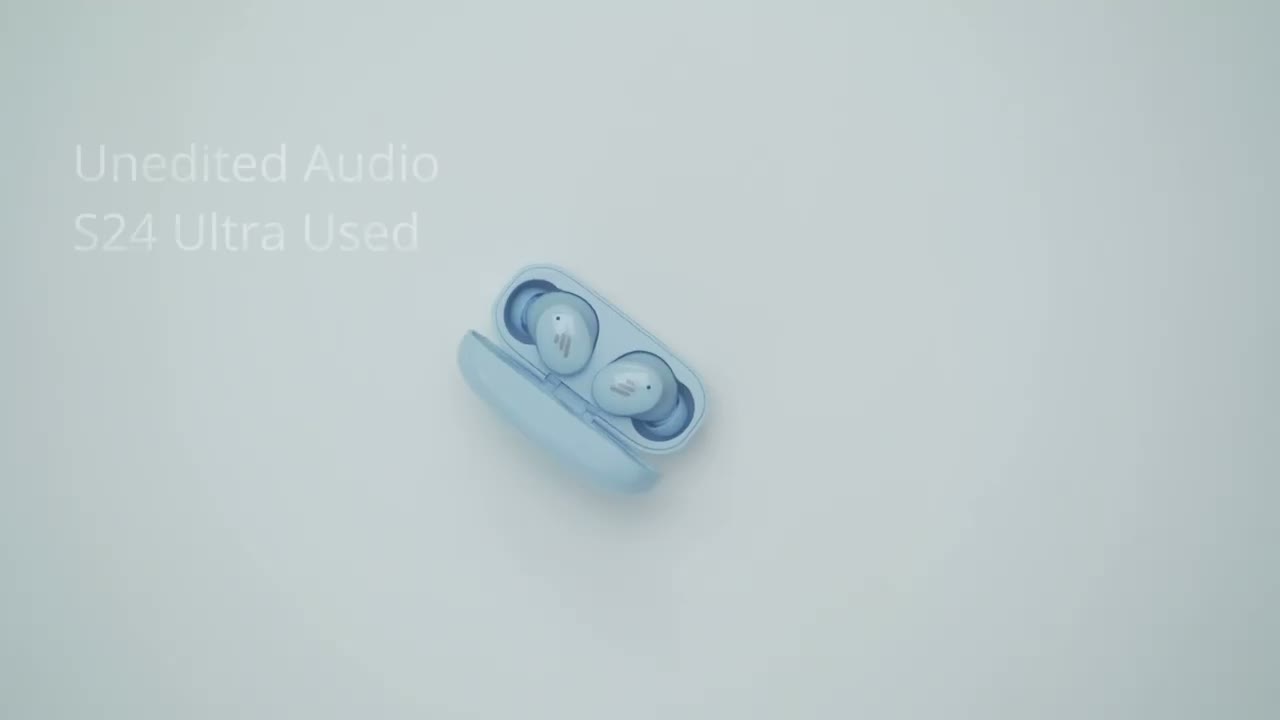
here’s a sample of what audio sounds like using the microphone on the EDR T sws1 pro2 also made phone calls and the other party reported that calls were easy to make out and easy to follow along with the conversation let’s take a
Touch Controls
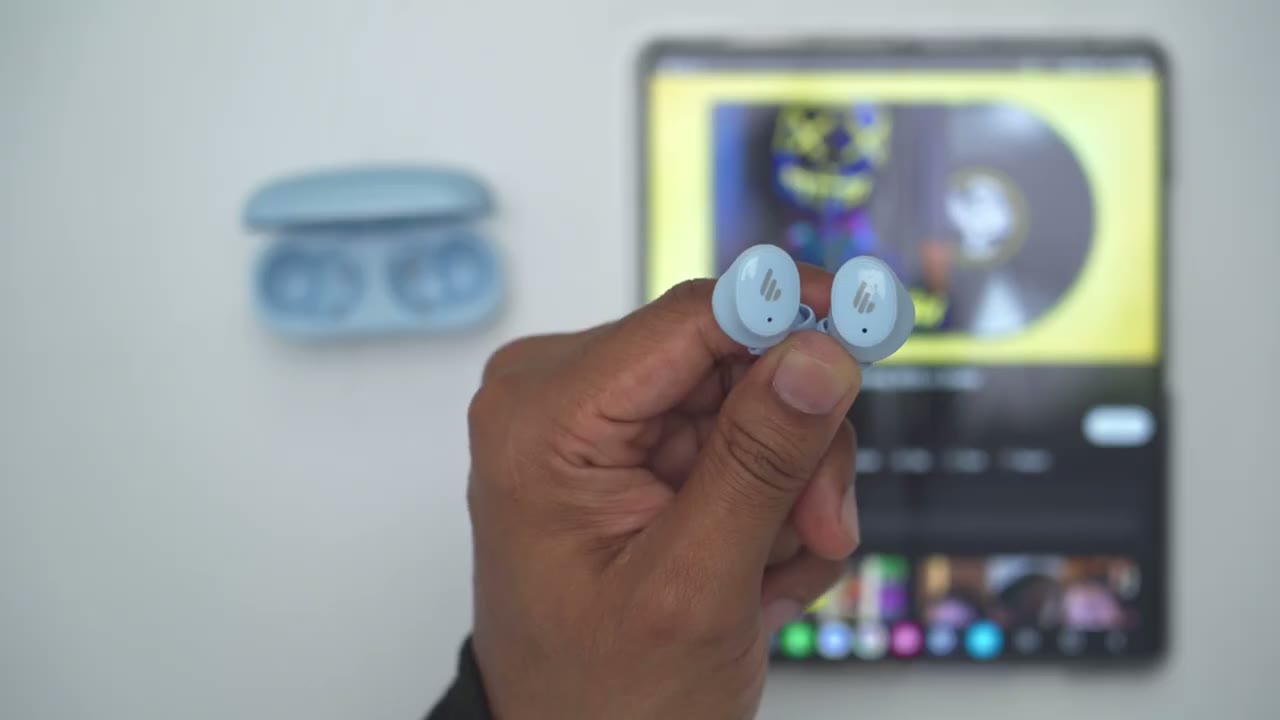
look at the touch control so I’ve set double tap to adjust volume so here we go so that’s going to adjust the volume either up or down now you could see on that second attempt it didn’t register now I’ll try it again and it does register and that’s what I mean you know I find that I have to press extra hard on these for to register the Taps I’ve also set the triple tap to advance and go to previous track so let’s try that so there we go so it’s on the forward track and then we can go back to the previous track as well so yeah I mean once you get used to pressing a little bit more forcefully it will register to touch this but you know usually I’m used to a lighter touch especially because when you do press it a little bit harder you know it’s pushing it further into your a canal
Gaming
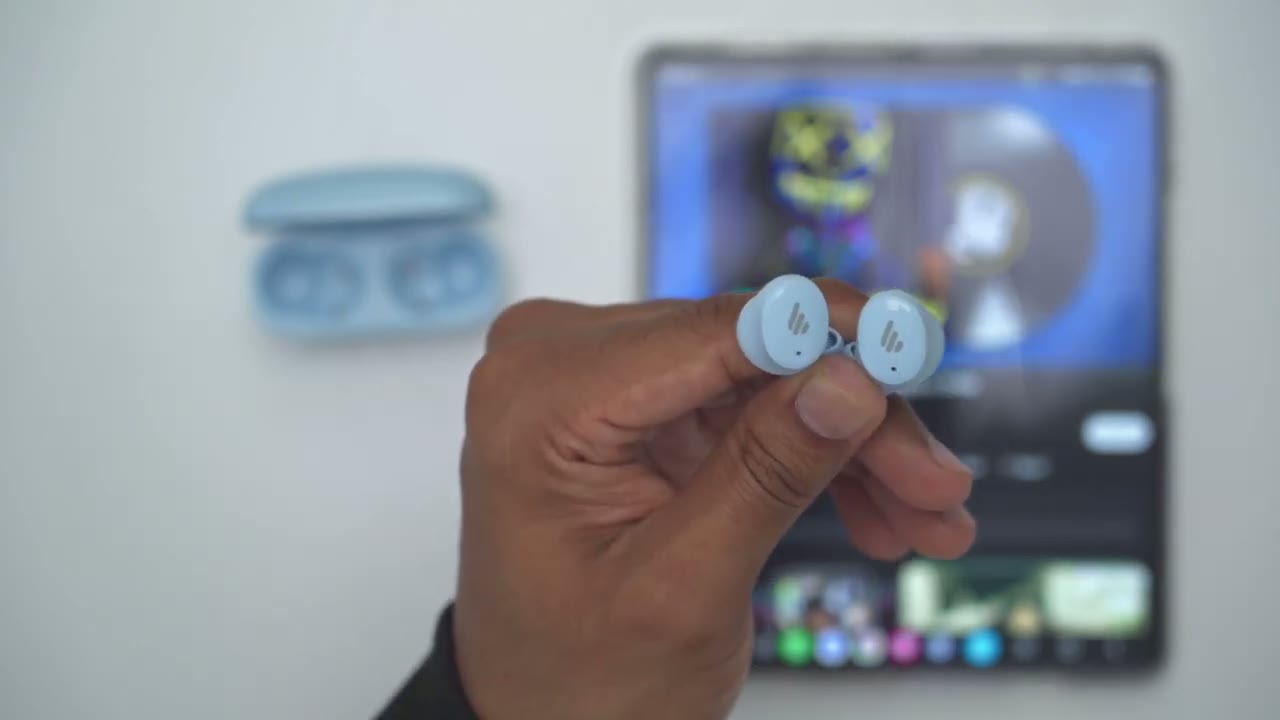
casual gaming on my phone with the earbud set to Game Mode is also really good thanks to the 80 milliseconds of latency you can get up to 24 hours of
Battery
play time under ideal conditions with the charging case now when I listened I got between 3 to 5 hours of play time with ANC on and I was dependent on the volume level I’m using and that’s going to be the same for you too now I didn’t test these with ANC off I mean if I’m getting them withc I just like to leave it on all the time now when these do deplete a 10-minute charge is going to give you about 1 hour of play time and you do also have the option to just listen to One earbud at a time while the other stays charged if you really want to conserve battery life further I was
Range
also really impressed with the Bluetooth range on these so I think the effective distance is around 10 m however with a clear line of sight I was able to get around 15 M or 51 ft and the connection still stays strong even though I was on the floor above and in the basement below so yeah really good so for around
Recommended?
$50 you’re getting great audio performance out of these especially if you like base and you can get a nice and secure fit and seal and I think you have a good chance with these the fit and seal on these is actually even better than the fit and seal on the edifier neob buts pro2 which costs far more than on the twws Pro twos so the sacrifices you’d have to live with is that there’s no multipoint with these and that may be something you use not everyone cares about multipoint the other thing is the touch controls I did have you know some problems having some Taps to register because I usually use a lighter touch but with these I have to be a bit more you know forceful or use a bit more pressure to get those to activate if you’re interested in picking up the edifier Neo butts Pro 2 I’m going to leave some links down below and if you want something a bit more premium with all the bells and whistles I’ll leave a link up above to my review of the edifier neob buts Pro 2 these do have highres audio codecs along with spatial audio and as always if you found this video helpful please help me out by liking and subscribing and I’ll see you in the next one soon
Buy Edifier TWS1 Pro 2 on Amazon
Please note that some of the links in my video descriptions are affiliate links where I earn from qualifying purchases. As an Amazon Associate I earn from qualifying purchases.

