


Buy Edifier GX05 Wireless Gaming Earbuds on Amazon
Please note that some of the links in my video descriptions are affiliate links where I earn from qualifying purchases. As an Amazon Associate I earn from qualifying purchases.
Intro
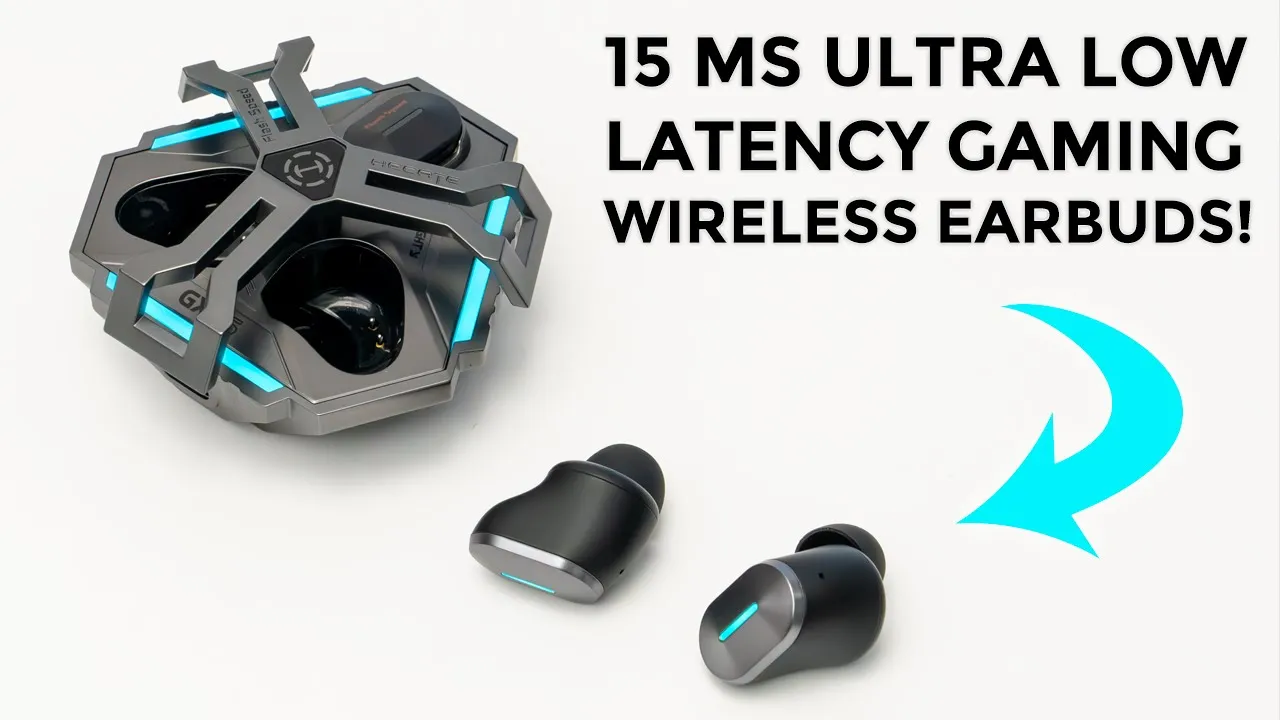
hey guys it’s Adrian and today I’m taking a look at a really unique pair of earbuds so these are edifier’s hekate gx5 ultra low latency wireless gaming earbuds all right so what makes these so special well you can have as low as 15 milliseconds of latency which is perfect for gaming and you can also connect these simultaneously by Bluetooth and 2.4 GHz wireless connection now don’t let that gaming title fool you because these are just as awesome when listening to music and I’ve listened to a lot of music on this but let’s take a closer look at the edifier gx0 five to see if these are worth it for you there is a lot to talk about now edifier did send this out to me for review but my thoughts are my own in the box we have
Package Contents
the edifier gx5 we also have this really cool leathered type of carrying pouch with the edifier logo and you could see that if I actually open this up it snaps right back into place really securely we also have additional ear tips dust plug covers for this dongle that has a USB type-c connector to type a connector a USB type-c to type a cable manual stickers and warranty card so edifier
Design
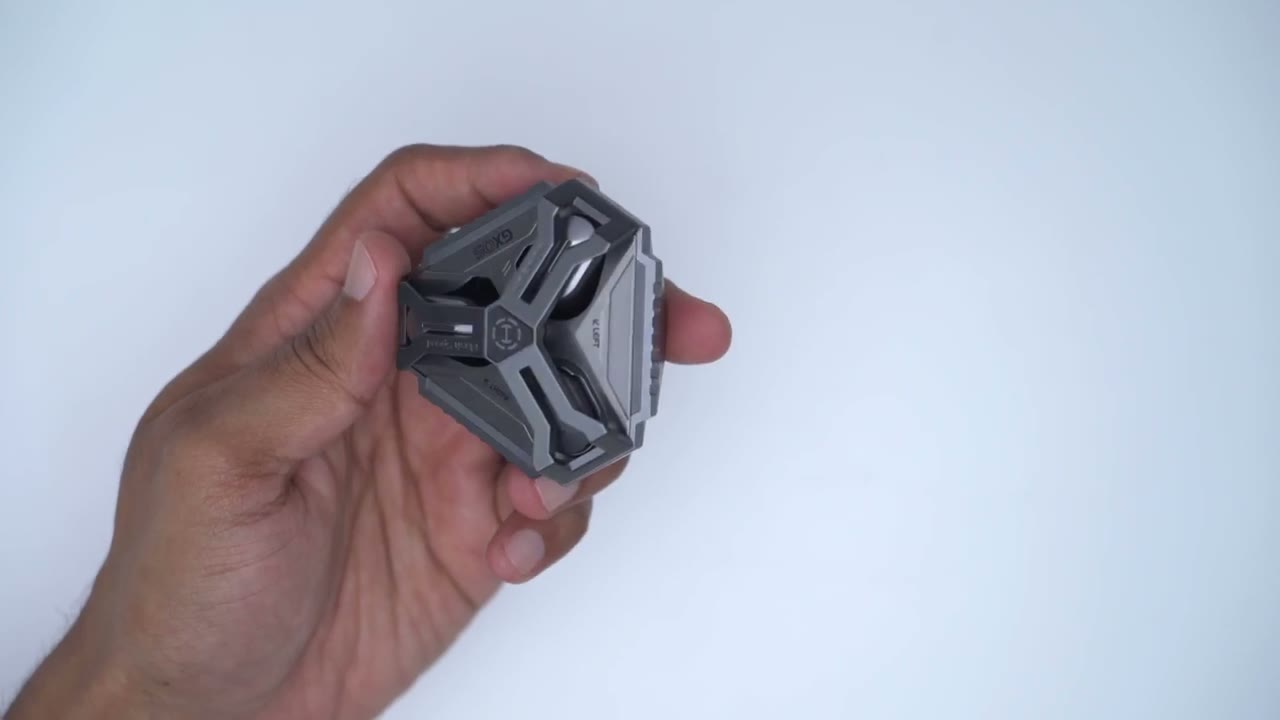
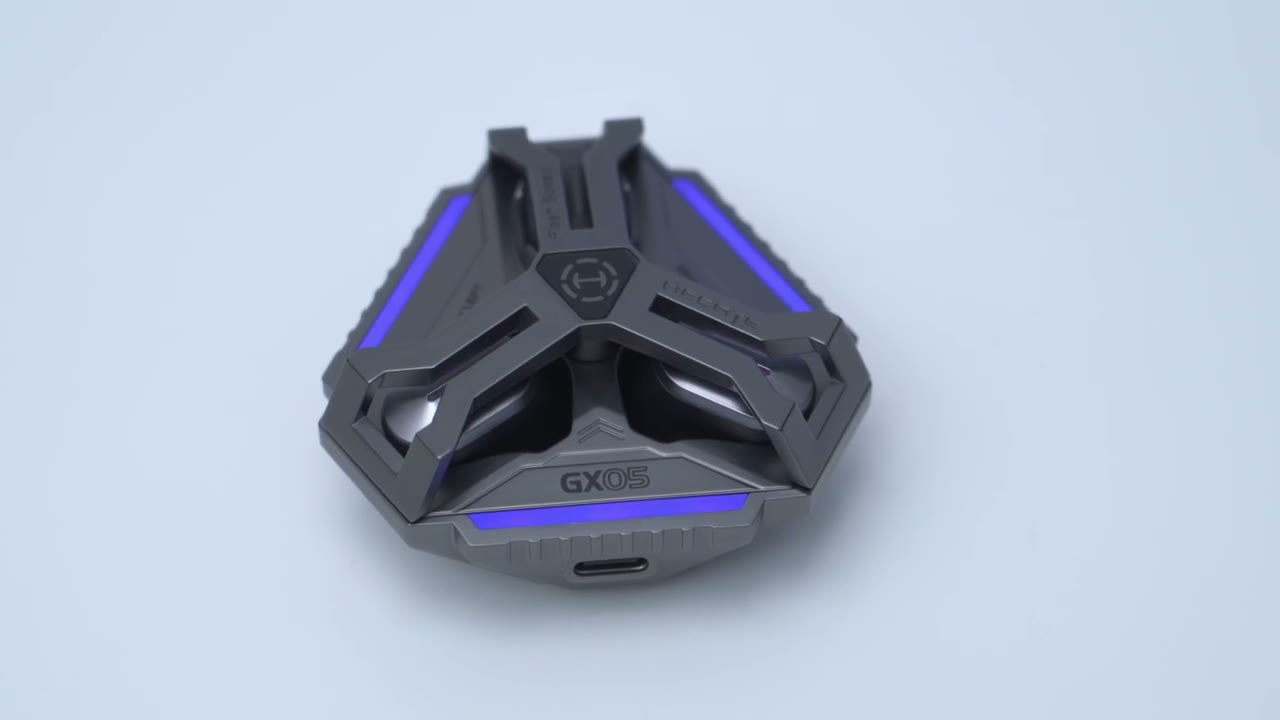
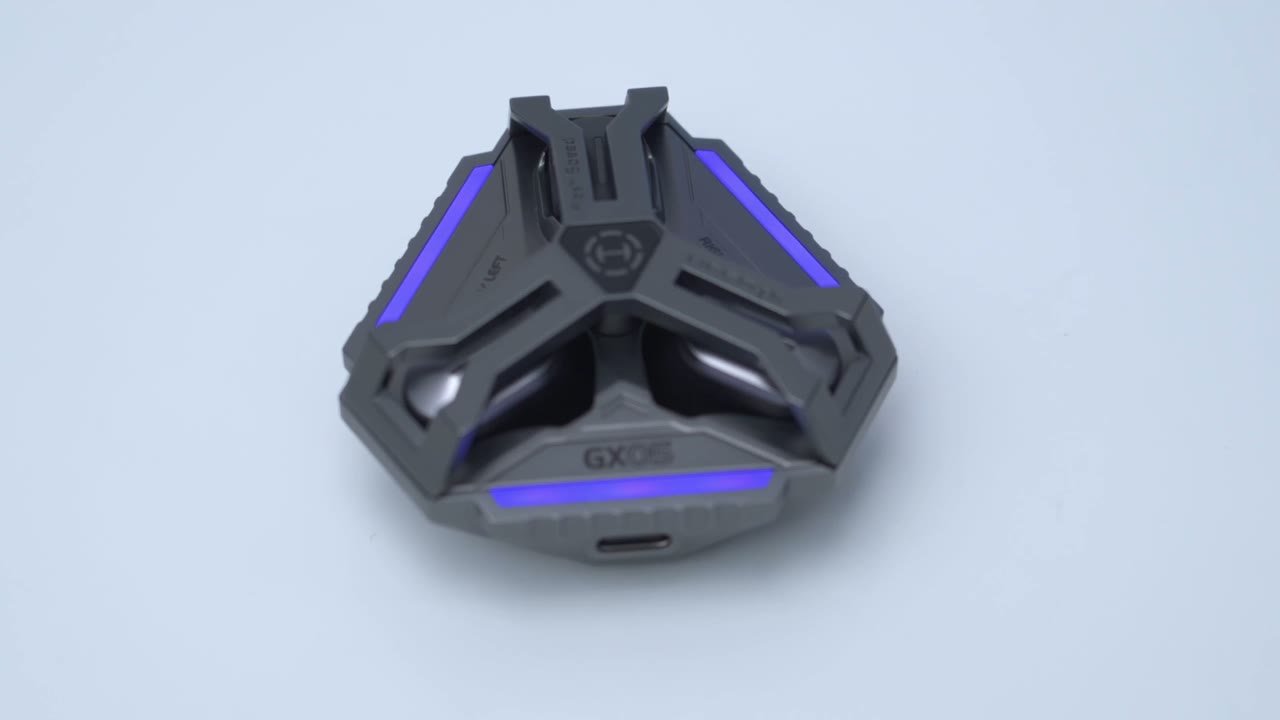
has really nailed that futuristic type of design on the gx5 so this is a zinc alloy build and you can actually feel it this comes in at a hefty 105 G so it definitely doesn’t feel cheap feels really high quality and premium in the hand now at the very top we have the edifier logo and then we have this rotary Buckle right here which I’ll open and you can hear that makes a satisfying clink type of noise and as soon as you do that that powers on the headphones they’re ready for you to just pop them out and they’ll be autom automatically paired with your device providing you’ve paired them for the first time so we have the two earbuds here right and left and then we also have this what they call a flash speed dongle so I’ll pull this out and you can see that this is a USB type-c connection now what this is is you can plug this into basically any type of device and this is going to give you audio transmission through the 2.4 GHz band and this is what the headphones prioritize this is where you’re going to get the best latency especially if you’re gaming on the rear of the charging case we have the type-c port and it has this ribed type of texture you could see here that goes on all three corners now at the very bottom this is where we have the Bluetooth connection button to parir it manually if you ever need to do that or to reset the settings and then we have the gx5 text ha with an emboss type of Double Arrow hair and of course we have this type of hollow out design on the rotary Buckle so that we could see the status lights here to show the charging status by the way if you’re someone who likes to have something in your hand or something to fidget with it is just so enjoyable to just you know rotate this buckle and hear that clink and you can see it’s not some type of soft clothes it’s you know very Audible and you know very tactile while you’re rotating it you can only rotate this in One Direction which is clockwise you can’t go backwards to remove the earbuds you’re just going to rotate the Buckle once and then you can easily just grip them and pop them out I know that’s a complaint some people have with some earbuds that they’re slippery or difficult to take out these come out really easily so you can see we have have led light indicators on the top here and these also function as the touch controls now taking a look at the body you can see this is what it looks like pretty much from you know a top and side view now it looks a little bit large but it actually doesn’t feel too uncomfortable in the ear especially if you’re only going to be listening for say 2 to 3 hours at a time and I actually find that these fit very well and the orientation of these these actually kind of sit and angle upwards in your ear versus down so a little bit of a different type of fit but it works well each earbud weighs approximately 4.9 G and take a look at how strong the magnets are holding the gx5 earbuds in place that’s not going anywhere this is what the carrying pouch looks like once the earbuds are in and it’s a pretty sealed fit you can see that’s not coming out now to open this up takes a little bit of effort it is sealed quite tight which is nice but you can see there’s actually a little bit of air in here and I can actually squeeze that out so you know pretty good seal on here there’s 10
Specs
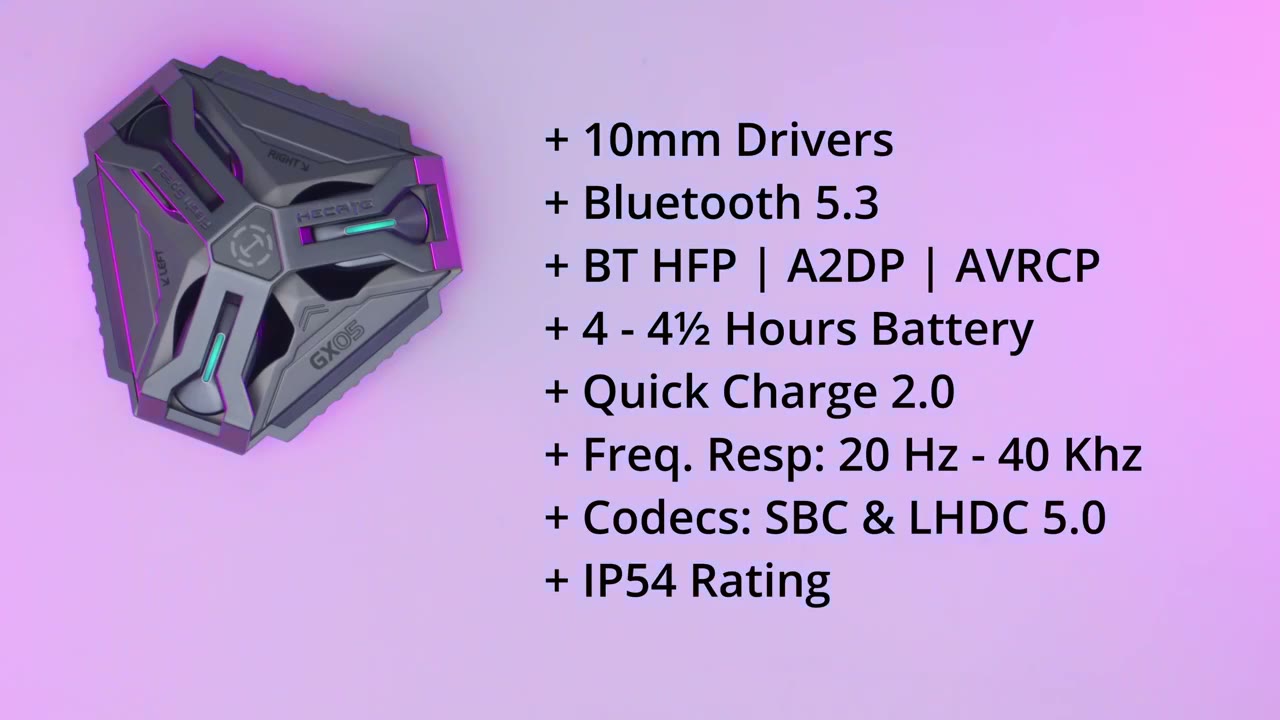
mm drivers Bluetooth version is 5.3 Bluetooth profiles are hfp a2dp avrcp we have 4 to 4 and 1/2 hours of battery life and it is capable of Quick Charge 2.0 frequency response of 20 HZ to 40 khz audio codex are SBC and lhdc 5.0 and an ip54 rating there’s two ways to
Pairing
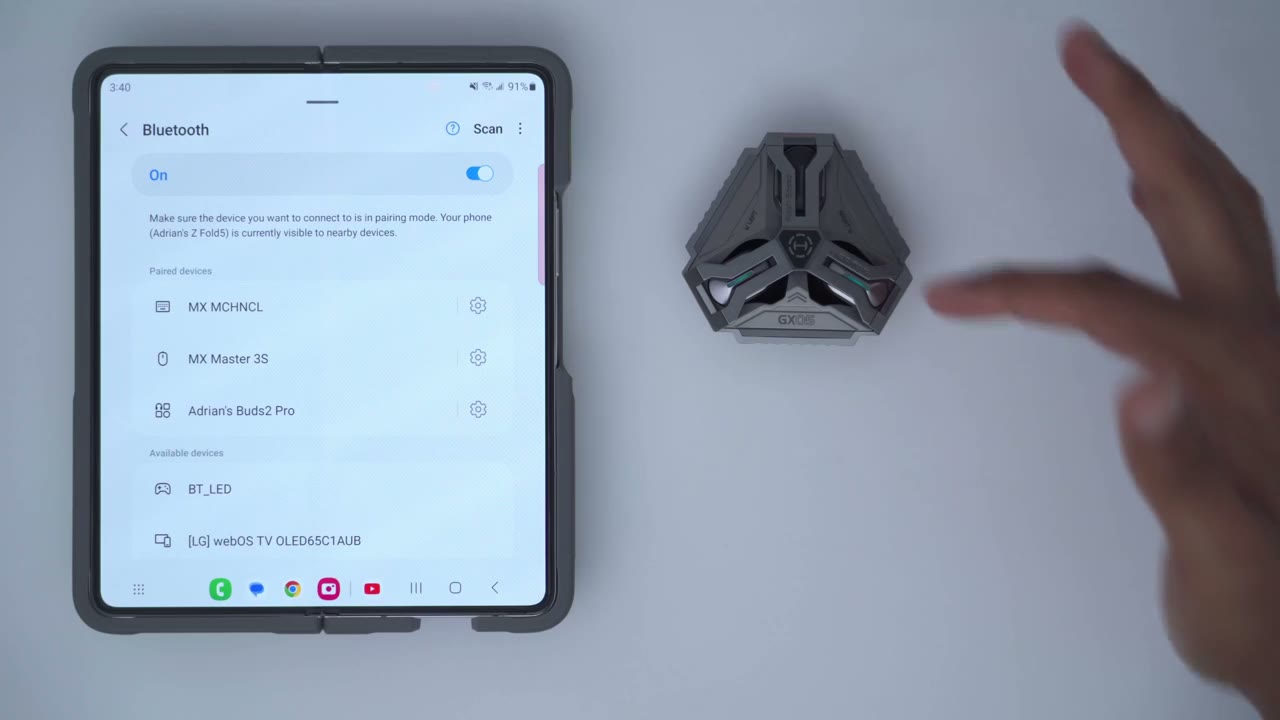
connect the gx5 one is by Bluetooth and then the other is with that 2.4 GHz dongle but let’s look at Bluetooth first so the first thing I’m going to do is rotate this rotary buckle and I’m going to press and hold the button at the bottom here and I’m going to wait until I see lights on the earbuds there we go so those are flashing I can now hit scan I’m just going to wait for the device to pop up in the bottom here here we see it right here gx5 hit pair and that’s it we’re done now that the gx0 5S are connected to my first phone by bluetooth I’m now going to connect them to my second phone here using that flash speed dongle here so this is the 2.4 4 GHz wireless dongle and you can see it’s a USB type-c connector so I’m just going to take it pop it into the bottom of my phone right here and you could see we have a green light and now it is flashing so that means it’s now paired to both of these phones simultaneously the flashing LED light on the wireless dongle indicates that it’s been successfully connected to the earbuds so again to demo that the
Multipoint Connection
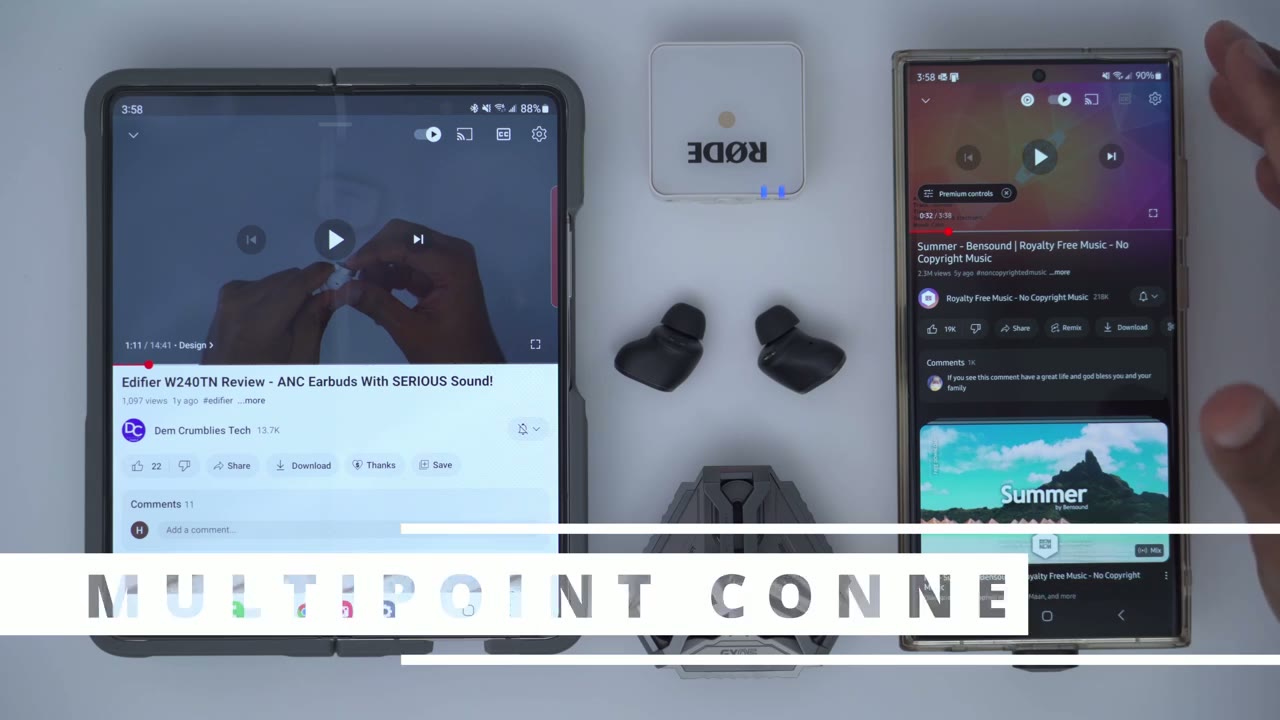
2.4 GHz connection takes party I’m going to play the audio on her it’s to kick in right there and without pausing the audio here I’m just going to start the music on this one you can now hear the audio being played from this phone now there is a little bit of you know a delay until it kicks in on this one but as soon as I pause this the audio resumes on this phone so that’s handy because you no longer have to you know pause between the is so anytime you’re looking to prioritize gaming audio you’re definitely going to want to connect this to your computer using the wireless dongle and for your phone you can use it with Bluetooth now if you’re expecting calls on your phone just note that you know the calls are not going to take party if this is connected to another device whenever you’re not gaming just go ahead and leave this connector back in the case and just connect the earbuds to your phone with Bluetooth connection because that’s going to deliver the best audio quality obviously you can get you know music on here if you connect with the 2.4 GHz connection but it’s not going to be as good as the Codex over Bluetooth take note that the USB type-c dongle is actually Factory bound to the earbud so if you lose it you’re going to have to contact edifier for help if you have an older computer or device that doesn’t have a type-c port on it well edifiers thought about that you could just take the wireless dongle pop it into the end here and then just plug in the type a connector end into your device there’s a
Lighting
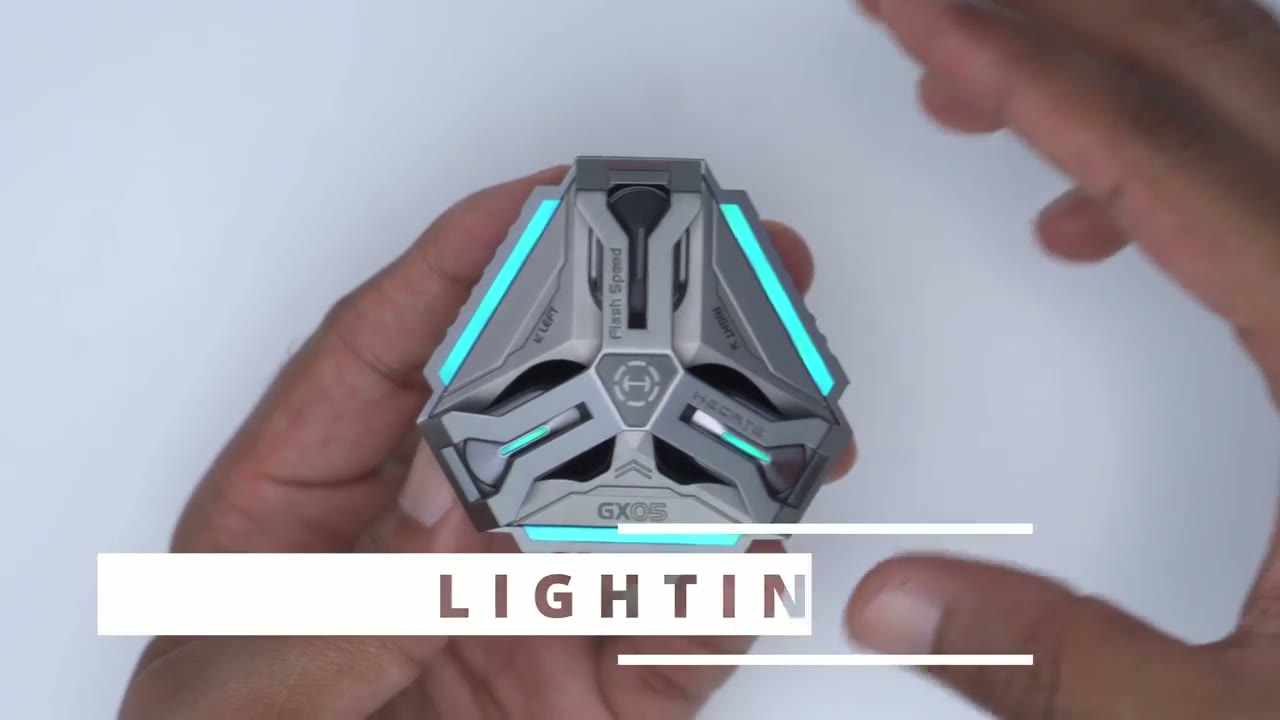
bunch of lighting effects that go on when you rotate the buckle for the first time so as soon as you rotate it the lights go clockwise and counterclockwise to show it’s powered on and then finally they flash to show the battery life which is between 67 to 100% based on all three flashing then finally we go into the lighting effects which is on now now to cycle through these we can go from this type of blue or san color to green and you can see the D stay static we have red blue purple and if I tap on that again you can see it now goes into this breeding effect so we’ll cycle back through the same color so the blue green again breathing effect red blue purple and then the last one is this type of rainbow effect and then if I tap that back again we just go back into blue and this is just a solid effect so you can easily cycle through pressing the button at the bottom if you’re not a fan of always having the RGB lights on you could just go ahead double tap the button at the bottom and you can see it cuts off the RGB lights and whenever you’re ready to enable that again just go ahead double tap it again and they come back now here are what the
Controls
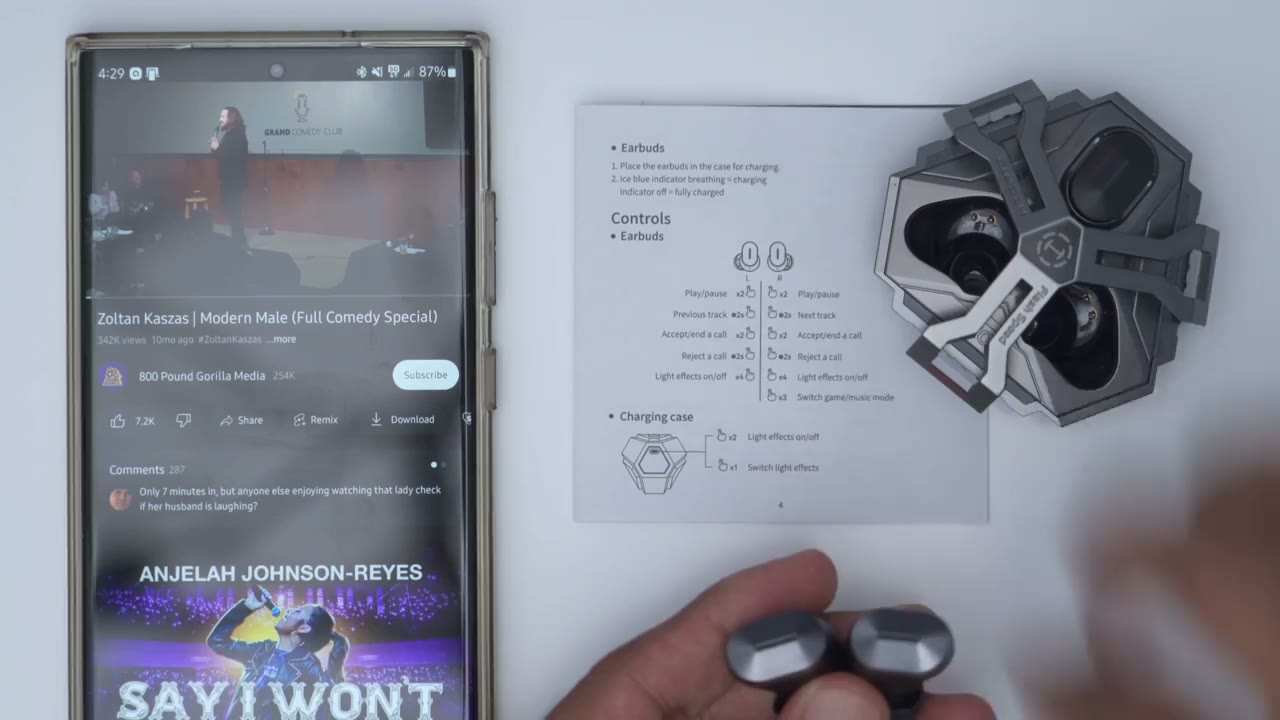
controls look like for this earbuds and for the most part they work really well so you can see if I just double tap it goes ahead and pauses double tap again to resume playing now if I long press on one of them it’ll go to the previous video and then if I long press on the other it advances now you can also turn the light effects on or off you can see if I do 1 2 3 4 it turns the light effect off and then 1 2 3 4 to turn them back on again a triple tap switches between music mode and game mode the strangest thing that I found with the earbuds is that I can’t actually increase the volume up or down not even with a single tap so it seems like a single tap actually does nothing on these and these aren’t supported in the edifier app so there’s really no way to reprogram or remap the controls while
Gaming

gaming I used the wireless dongle and just plugged it into the USBC port in my computer and I didn’t notice any type of audio delay or latency especially when compared to using wired headphones I did try to connect the USB type-c dongle to my PlayStation 5 but I was was n successful in getting the audio to play through the earbuds maybe you’ll have some luck connecting it to other consoles like the Nintendo switch but I don’t have one to test that unfortunately listening to different
Audio Quality
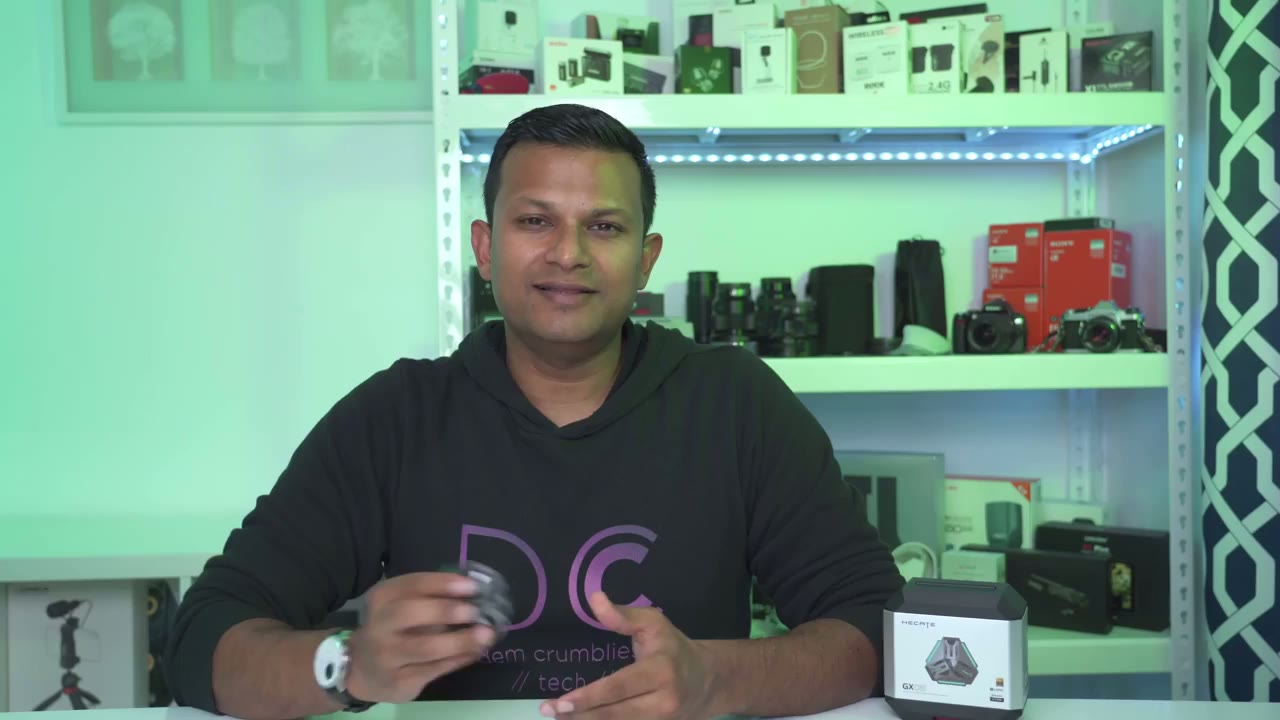
types of music on here was pretty well balanced and I didn’t feel like any specific element overpowered the other the base on here was plenty adequate providing I had the earbuds you know situated nice and securely in my ear but it’s definitely not the most you know deep resounding type of Base so if you like your you know headphones or earbuds tuned more on the Basse heavy side you know you may find these a little little bit lacking but if you’re looking for you know just really balanced you know well-rounded sound they definitely deliver vocals also sounded you know really clean and Cris bound these but keep in mind that I’m only using these with the S SPC codec on my Samsung s23 Ultra this is capable of the lhdc codec which is going to have way better audio Fidelity but a lot of the times that’s supported only on a handful of you know phones for the Asian market these also get decently loud and I didn’t notice any type of audio Distortion even at max levels and also expect a little bit of sound leakage especially if you have the volume set to the higher levels here’s
Mic Test
an example of what audio sounds like using the built-in microphones on the gx5 other callers reported that the audio was clear and without any audio dropouts or Distortion so these stayed
Comfort
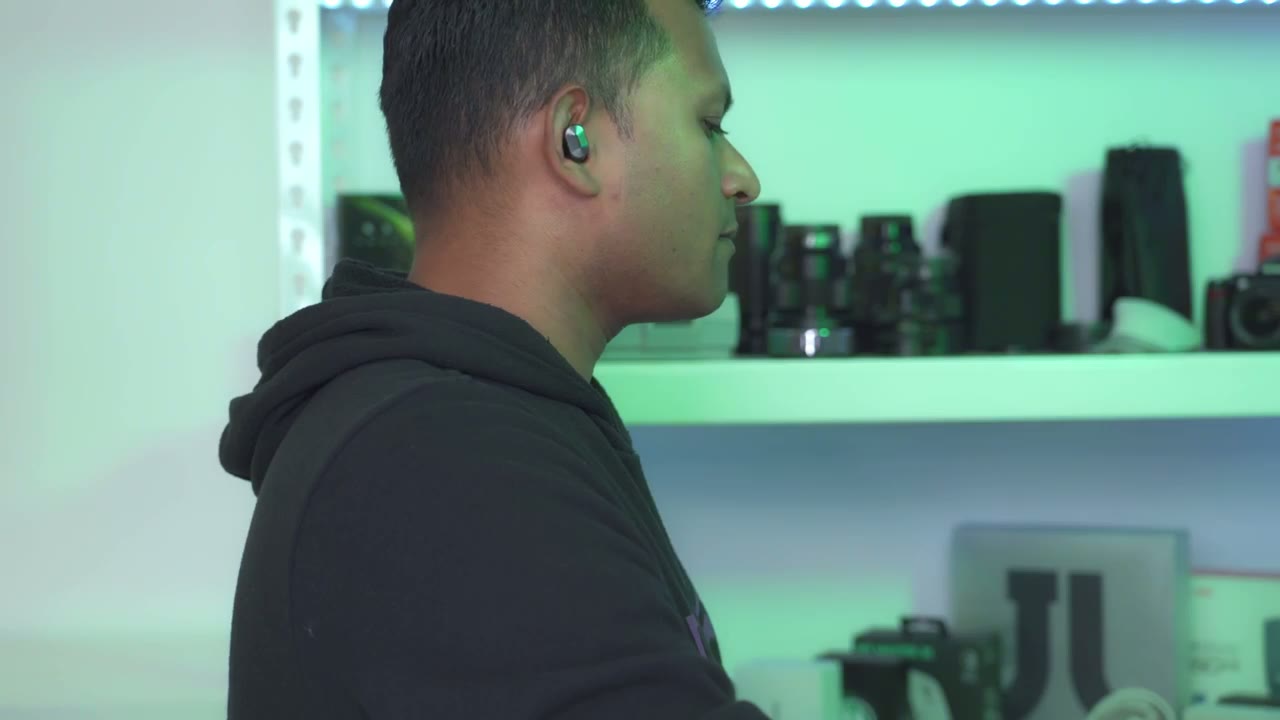
in my ear pretty easily anytime I was doing any type of brisk walking or rowing but I think if I was doing any type of intense activity there’s a chance or tendency that maybe it would get loose and fall out they were also pretty comfortable for wear for 2 or 3 hours at a time but after the 3-hour Mark I would start to kind of notice them more in the ear so the battery life
Battery Life
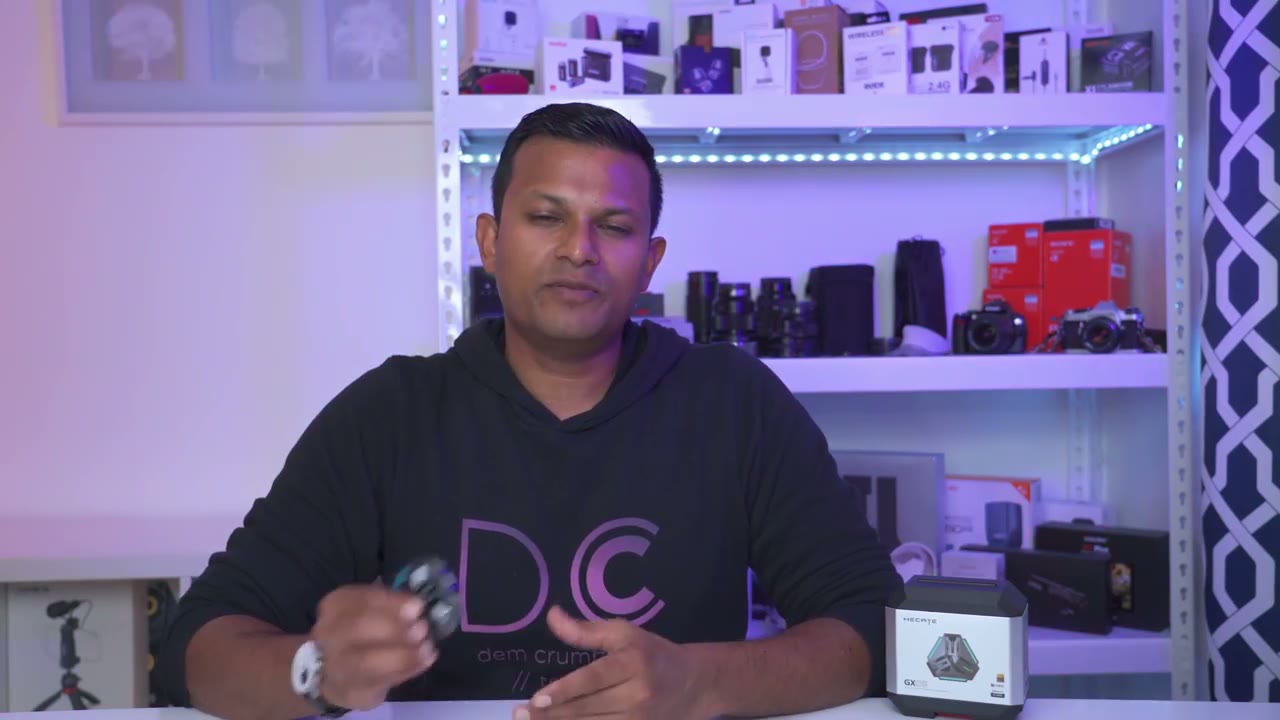
on these lasts for about 4 to 4 and 1/2 hours depending on how loud you listen to your music now it’s not the longest battery life out there but a quick 5-minute charge will give you around 30 minutes of listening time and if you charge them for an hour and a half you’ll have these fully topped up and you can charge them around three full times using the charging case whenever the earbuds or the charging case is being charged you can see we have this glowing pattern or effect going on and once everything is fully charged all of the LED indicator lights will turn off if you want to prolong the battery life on your earbuds it is possible to listen to one at a time while the other remains charging I also tested these at a range
Wireless Range
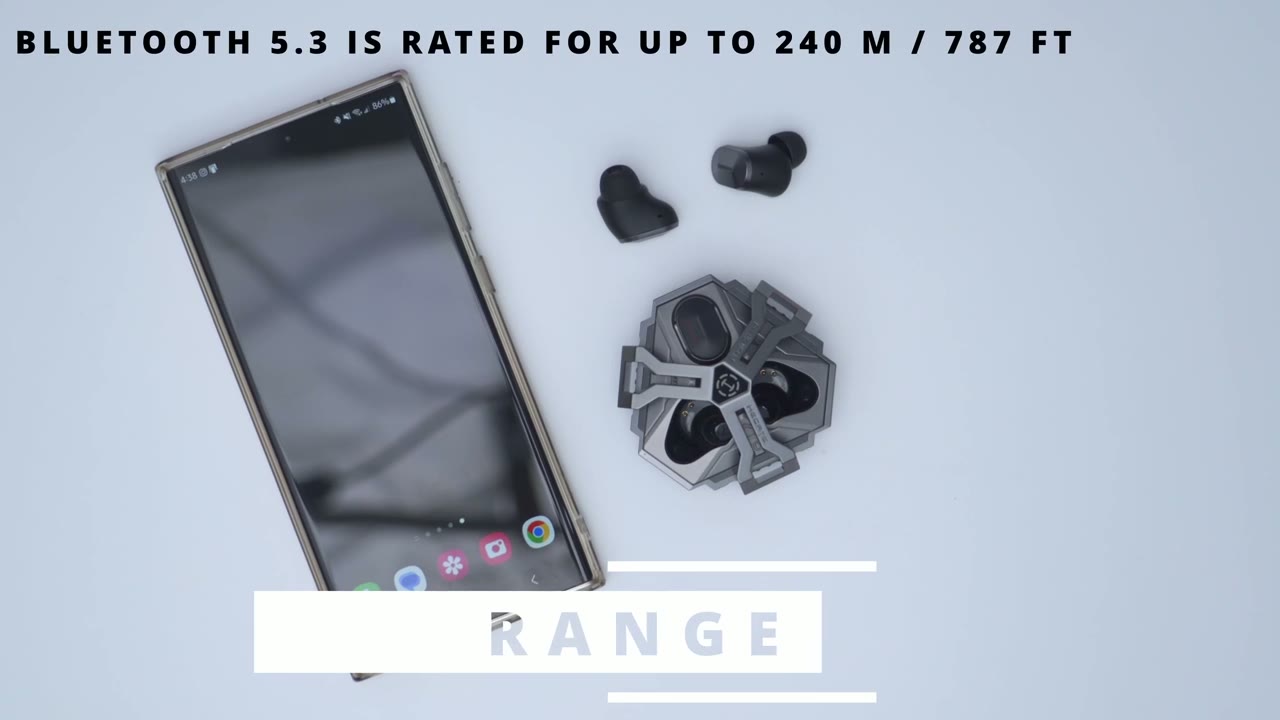
of about 40 ft away and surprisingly the connection held the entire time so if
Interested?

your first priy is Competitive Gaming or you’re getting into Competitive Gaming and you want as low a latency time as possible without having wired headphones these are one of the best options out there and they also deliver well balanced sound so you know you don’t really need to have two sets of earbuds especially if you’re on the go or traveling you know this one set will do it all so if you’re interested in picking up the edifier gx5 ultra low latency gaming earbuds I’m going to leave a link down below so you can check it out or learn a little bit more and as always if you found this video helpful please consider liking and subscribing it truly does helped me out and check out some of my other earbud and headphone reviews but I’ll see you in the next one soon
Buy Edifier GX05 Wireless Gaming Earbuds on Amazon
Please note that some of the links in my video descriptions are affiliate links where I earn from qualifying purchases. As an Amazon Associate I earn from qualifying purchases.

