


☑️ Get the Neewer 660 RGB Light on Amazon
Please note that some of the links in my video descriptions are affiliate links where I earn from qualifying purchases. As an Amazon Associate I earn from qualifying purchases.
Intro
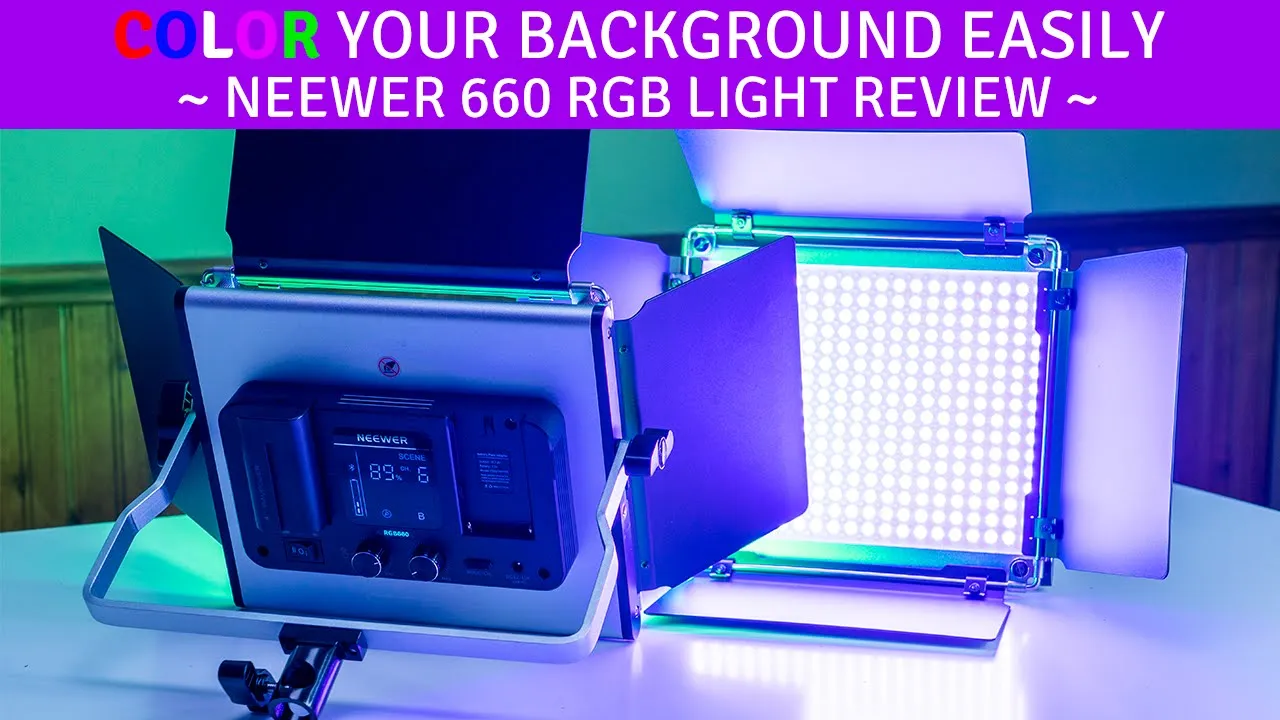
hey it’s adrian from dumb crumbly’s tech today i’m pretty excited i’m reviewing the newer 660 rgb light so there’s two of these in the package and right now for rgb lighting i just have these glowing lights here and i have two of these um pocket units this pixel g1s so you can see like in terms of a size difference it’s like massive um just like the back panel of the newer light is you know the size of this so let’s get into what this comes with uh what the like output is like you know what kind of modes it has and see if it’s worth the price okay so let’s take a look at what comes
Package Contents
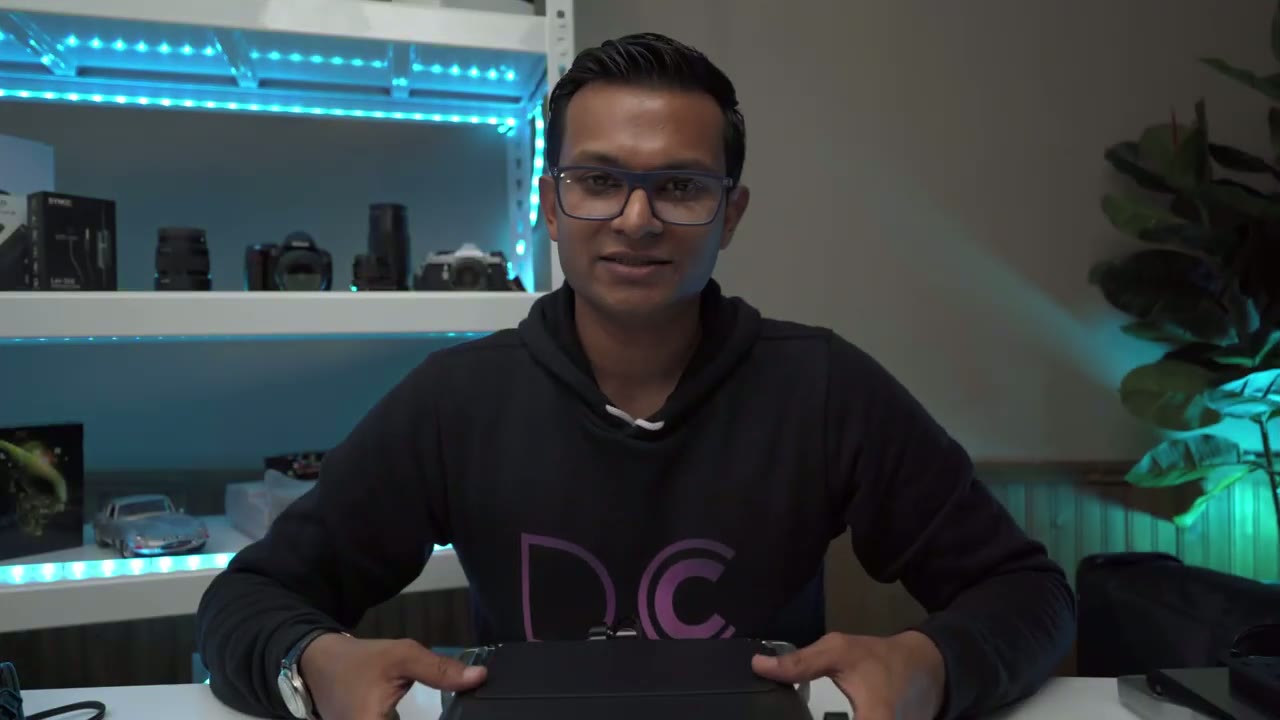
in the package so like i mentioned it’s a set of two so there’s two of everything so looking at the unit first um it comes with these barn doors pre-installed so it’s not something you have to worry about there’s also this um like map screen here just to soften the light which is a nice addition and you can also remove the barn doors if you don’t want them so you can see there’s four screws here you can remove those take the whole thing off and the unit is really well built it feel it’s pretty much all metal except for a few plastic pieces so you can see here this knob here and this knob here these are plastic however the this like bracket arm that it’s attached to this is a metal and at the bottom here this is plastic as well where it drops into the tripod and lastly these trim pieces here on the side these little strips these are plastic so this unit comes in at about 3.4 pounds so it is a decent size i’m glad it comes with the tripod to handle that and looking at the back of the unit this is where all the control is now you also have the option to pair this with the newer app on your phone but i’m just going to go through it um like if we’re going to use this just using the back control so you can power this with batteries or with the dc cable so for the batteries that takes the np 550 batteries and npf 970 batteries i have the 550s in here so you can see you have a display screen to show you you know if it’s paired um intensity output all of that you have these two knobs here and this knob is clickable to switch modes as well and then you also have a mode button here so that’s pretty much all for this um for the unit and then i’ll go into the features of it later so you also get this uh diffuser here and you can see it comes with these like kind of magnetic pieces here that you could just straighten just to give it a bit more structure and like i said um it comes with two of those this is the other one you also have the power cable which is a decent link once you unfurl that and then lastly you get the supply tripod so pretty standard um just pull these out here i have this kind of tight and then you just push it to extend it or pull it back in and then you have your adjustments here to get it as low or high as you want it so now that we’ve gone through everything that comes with i’m gonna go ahead and mount this and we’ll get into like the settings of it oh last thing i almost forgot to mention it comes with this like huge huge carrying case in case you need to pack it up and take it on location all right so before i mount
Unit Functions
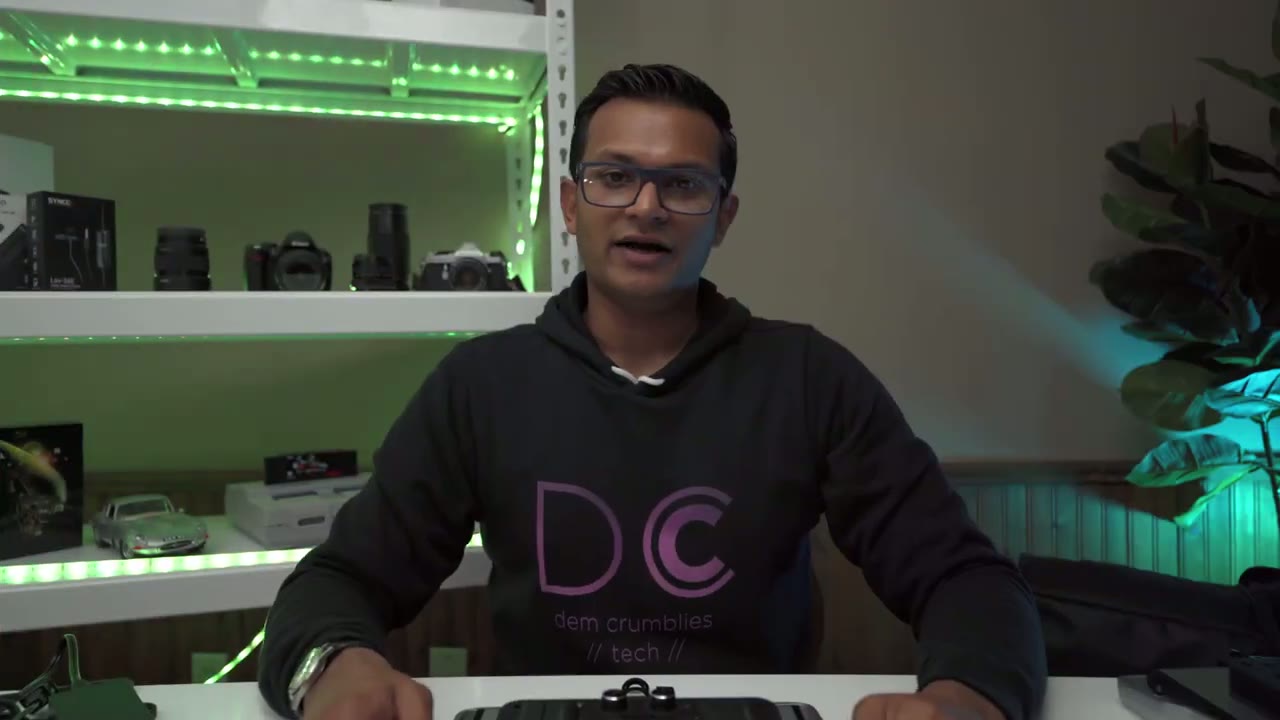
everything permanently and put it in its place i just wanted to go over how to use the unit so you can see on the back here um you have the power button here it’s right there so i’m going to put it on because i’m using battery and there you can see it’s lit up so this knob here that changes the intensity of the power output you can see the bluetooth symbol is flashing there i haven’t paired it with the phone but you can pair it with the app to control it i’m just going to keep it simple just um use the manual controls at the back so there’s this button here um which allows you to change mode or channel if you’re going to be using a ton of these so if you click that you can see this is how you would change the color temperature so you can go from 32k to 56k and then you can use this knob to change the output or the brightness so let’s go back to the mode and now this is the hsl so you can just sort of dial it into whatever color you like and then change the intensity or saturation of the color that’s that then the last mode is the scene modes where you’re changing like the lighting types so you can see here if you rotate this knob it goes through different scene modes and then the other knob here is to just change the intensity of that now if you click this button in you can see it gives you another set of scene modes so i think that’s like the ambulance or siren and then you click it in again and then you have another set of scene modes and then you click it and then you go back to the first first type and you can see you have these icons to let you know where you are and once you’re done with those say you just want you know bright clean light output you can go back to just the color temperature mode hsl and then scene mode so it’s quite easy to use the controls at the back all right i’m back and you can see that
Light Test & Demo
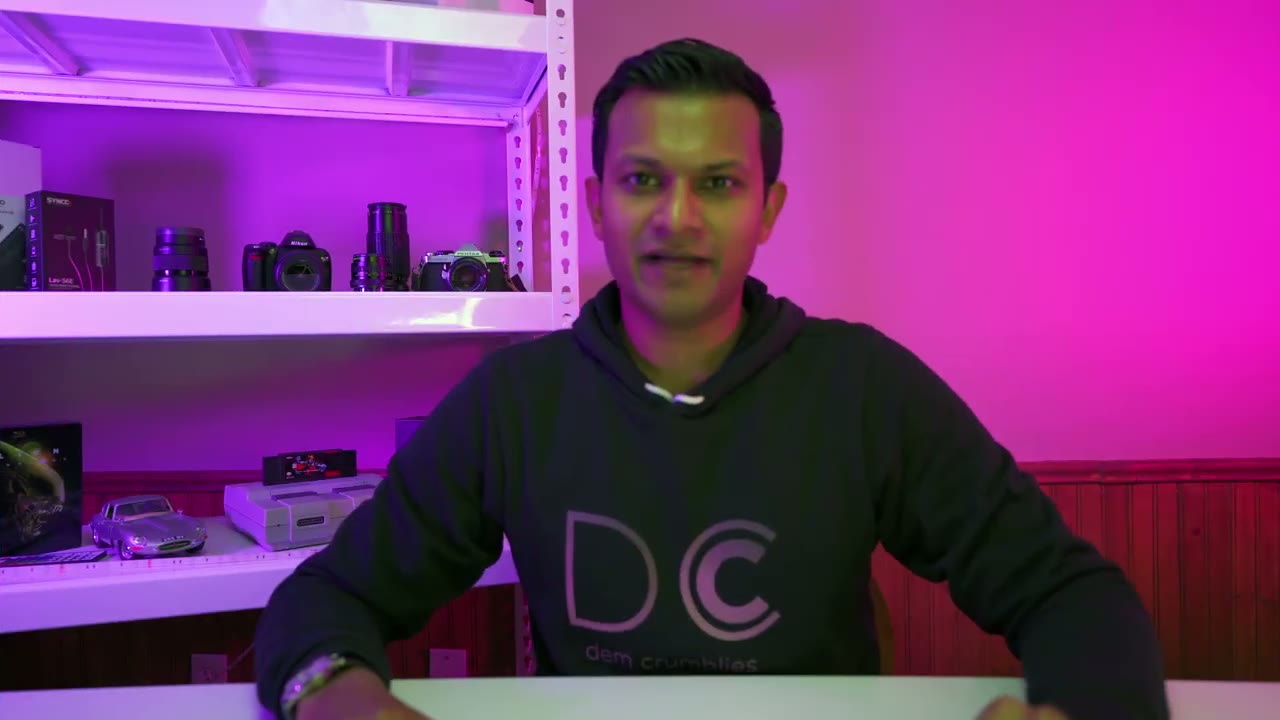
i have both lights set up so i have one on this side one on this side and they’re about three to four feet away from the wall and you can see it’s doing a pretty nice job you know coloring in the wall and blending into each other obviously if i had a solid white wall instead of this wood paneling it would look much nicer but it’s doing a really good job so i’m really impressed with the light output now um just to give you an idea of what it would look like without these you know coloring in the background this is what it would look like so pretty dull drab and then you know once you add that color and it looks really nice so i went ahead and i downloaded the newer app and it’s been pretty simple to use um so i have both lights paired in two separate channels and they’re connected by bluetooth so i can adjust the lights independently of each other because they’re in two separate groups so if i click on the first group you can see i can go through the hsl slider and it’s instant i can also change the saturation the brightness output and there’s also the color temperature slider in here so as soon as i hit that it knocks you out of hsl mode into the color temperature so you could go from 32k to 56k and once you hit the slider for the color temperature again sorry for the hsl um it takes you right back in so it’s pretty seamless in terms of um use and design so you can see i could do that for the other light too it’s just instant so i didn’t think i was going to use the app but because it is so easy to use and like the changes are pretty fluid i’m going to be using this more so you can see for yourselves um it’s a great result like it’s filled in the background really nicely the colors are blending really nicely and even though i have this huge um like metal shelf here um it’s still doing a pretty good job even with these boxes kind of blocking the light from you know really hitting the entire wall so i think this is great you know if you’re going to be doing these type of videos or doing like product photography and you want to illuminate the background so you know whatever you’re photographing pops out this is a great option um light output great really bright even you know at three to four feet away light is clean um let me just put it to 56k on both lights actually just to do a quick demo so that’s what it looks like with just pure um 56k white light um maximum brightness and i can turn this down so you can see so no light um fully illuminated um so i think for the price you know i highly recommend it super versatile it comes with everything you need and it comes in at around 410 canadian which is a maybe around 300 us maybe don’t quote me on that i’ll put it in the video what that works out to but highly recommend all right guys so
Outro
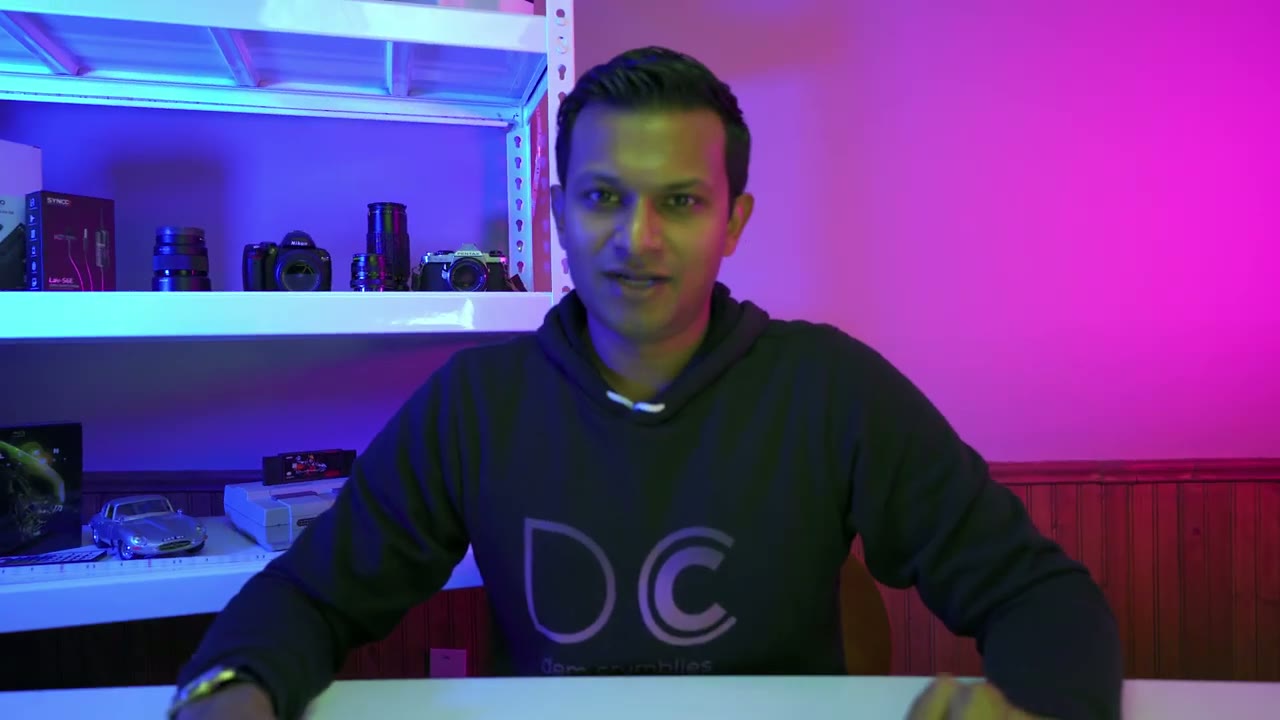
i hope this review is helpful um i really like the lights it was really easy to set up the app is easy to use and it comes with everything you need um tripod the unit power cables the softbox so it’s a complete kit i’m really going to be using it with the rgb mode but if you wanted it just as a main light you can definitely do that just set both of them to whatever color temperature you want it does come with a soft box which i didn’t test because i think that the diffusion that matte diffusion filter that they have in front of the lights that already does a good job softening the light so previously i was using this my pixel g1s which i still love really excellent build quality this only cost me about 70 us whereas like i’m saying this is 300 and 320 us there’s a much more powerful system you could see the background is completely colored in so i’m going to be using this kind of like for accent lighting when i take um products or i do b-roll but you know you can’t go wrong with these lights really good i’ve had them running the whole time they’re not even hot so you know great buy highly recommended if you have any questions about them leave it in the comments below and i’ll be happy to answer them and i’ll see you in the next video bye you
☑️ Get the Neewer 660 RGB Light on Amazon
Please note that some of the links in my video descriptions are affiliate links where I earn from qualifying purchases. As an Amazon Associate I earn from qualifying purchases.

