


Please note that some of the links in my video descriptions are affiliate links where I earn from qualifying purchases. As an Amazon Associate I earn from qualifying purchases.
Intro
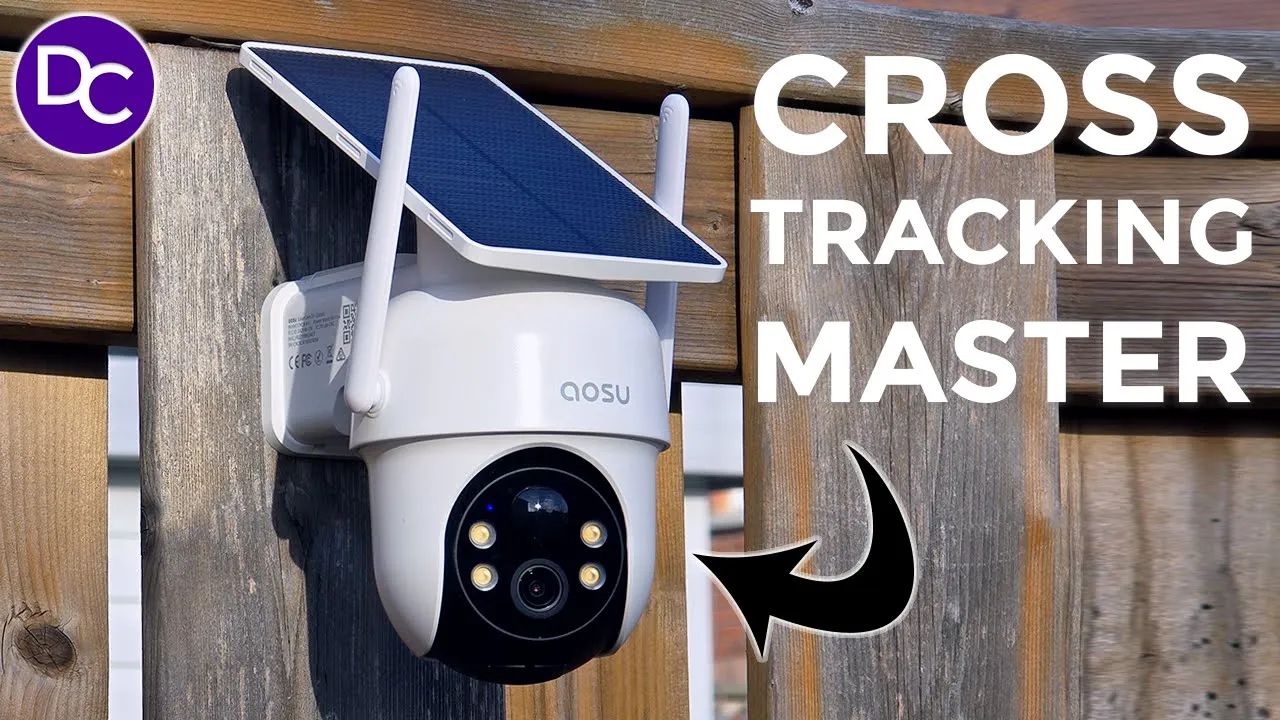
hey it’s Adrian and today I’m taking a look at asu’s solar cam classic D1 camera kit now this includes two cameras so that you can have cross tracking across your property in 2K video quality there’s also a home base with local storage so that you don’t have to pay for any monthly Cloud plans there’s AI tracking 2A audio a siren Spotlight and more so if you’re looking for a camera system that has cross tracking let’s take a closer look and a big thanks to ALU for sending us out for review the
Package Contents
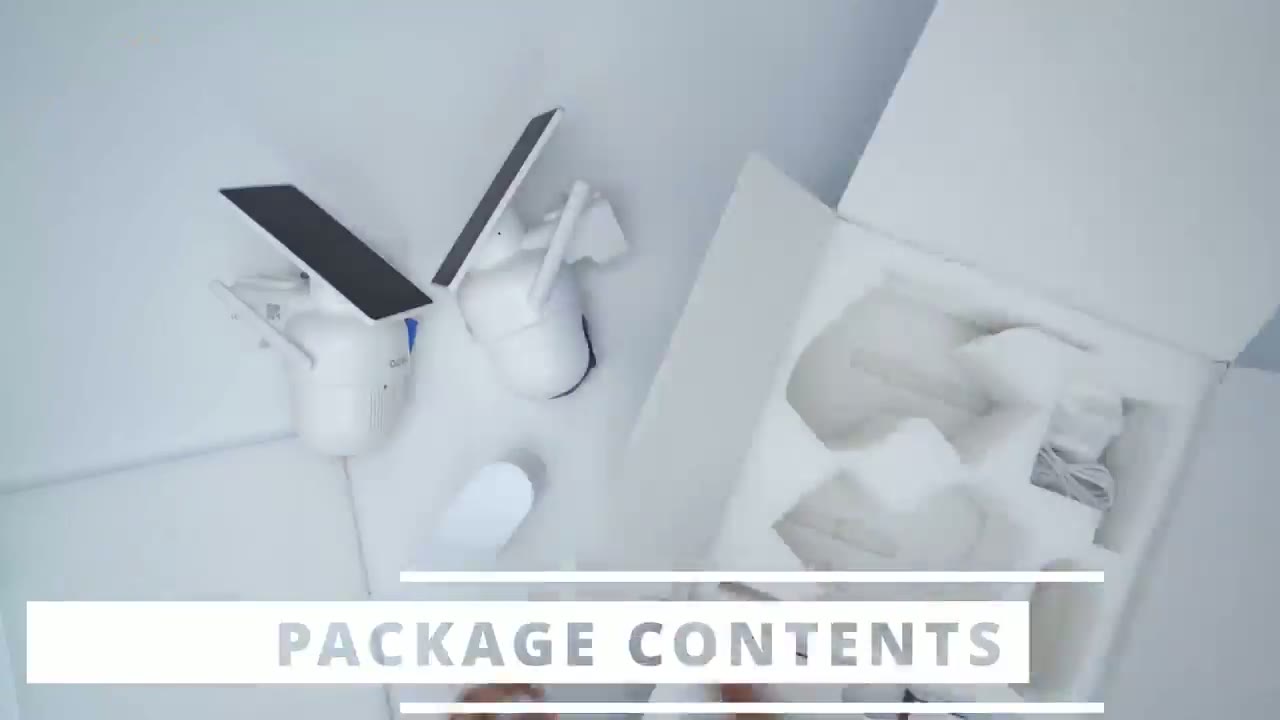
box contains two 2d1 classic cameras along with the mounts quick start got positioning stickers Hardware screws and type c to type a cables to charge these up before installation there’s also a hub power cable ethernet cable to connect to the router and security
Design
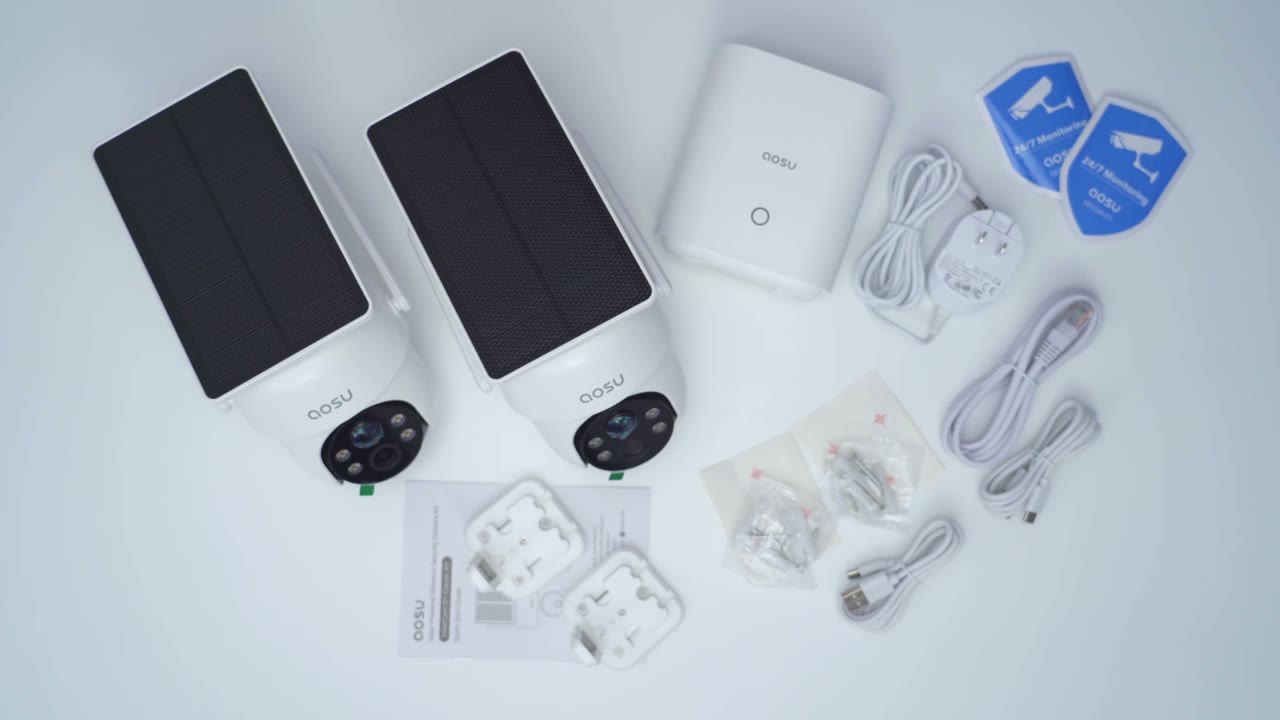
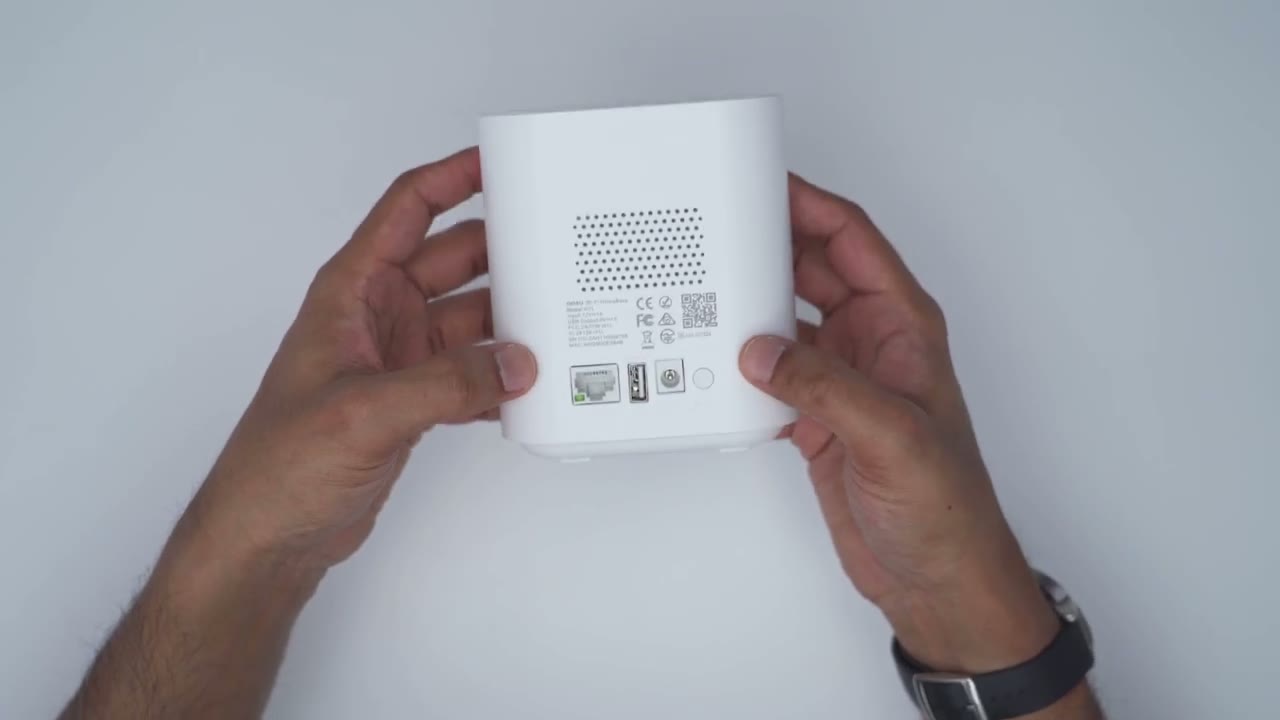
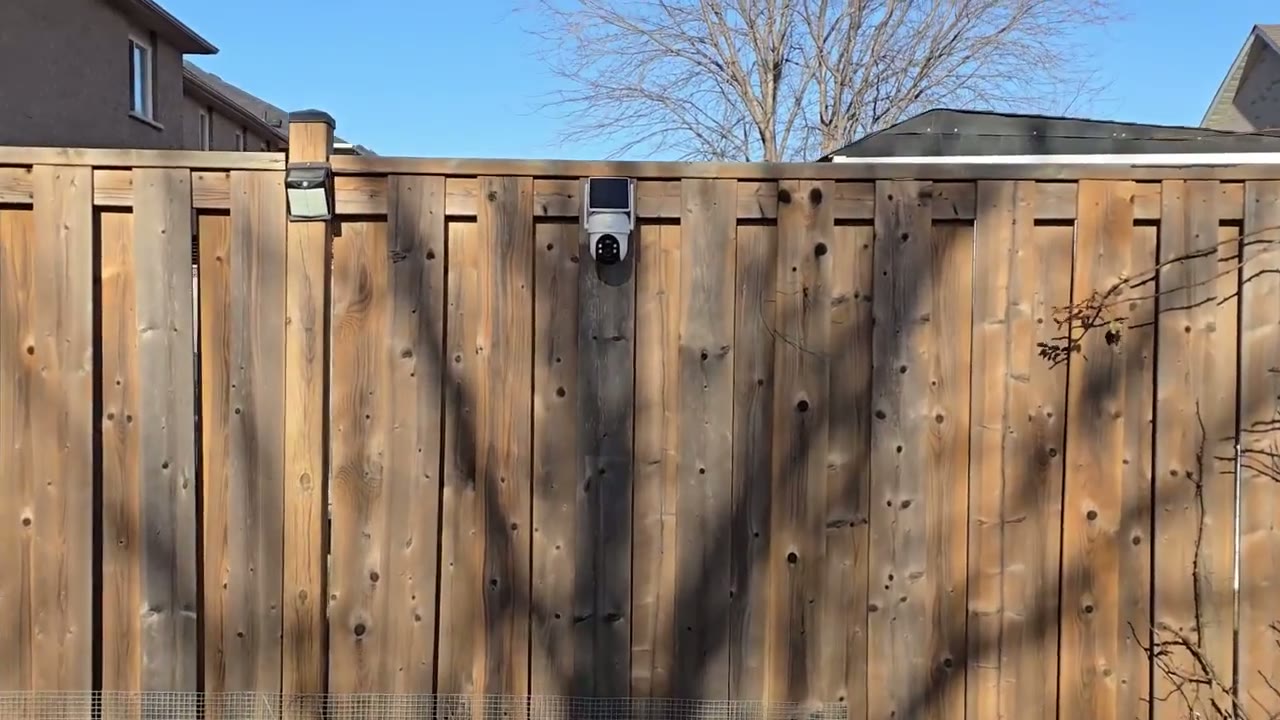
stickers the design of the ASU D1 classic is a little bit different than the D1 SE so with the classic the solar panel is actually built into the body you could see it’s one completely molded piece and it’s already angulated nice and handy the other thing is there is no micro s the card slot on the D1 classic like with the D1 SE and that’s because we’re going to utilize the existing space on the home base instead of a micro SD card but overall it’s a very compact type of design comes in at around 1.3 lb or 63 G so we do have two adjustable Wi-Fi antennas nicely friction again that solar panel already angulated and then here we have the pan and tilt functionality we also have the camera lens spotlights the IR sensor and microphone along with indicator light and then when I remove this weather sealed covering this is where we’ll find the power and reset buttons for when we’re going to you know just turn this on and pair it for the first time in the app the bottom has the speaker and of course we have the rear mount area on the underside of the mount there’s a USB type-c rubberized weatherproof cover that gives you access to USB type-c port so you can always connect a power bank to this if you know you’re having overcast days and the solar panel doesn’t charge the camera up enough you have that option and you could probably run a wire into your house if you wanted you know permanently powered installing the camera is very simple so we’re just going to take the rear mount here and we’re just going to drill three screws into the wall using the positioning sticker and once this is attached to wall we’ll just slot it in at the top here till we hear a click and we’re done the U home base or storage Hub is fairly compact not too big and very lightweight there’s an LED indicator light there speaker at the bottom and then at the very rear we have an ethernet port to connect it to our router or modem USB port there’s also the power port and a sync button and another speaker back here now there is no way to expand the storage on here it comes with 32 GB
Specs
specs include 2K video pan and tilt functionality giving you a full 360° horizontal view human Auto tracking an ip66 weather rating 2A audio a spotlight and siren
Setup
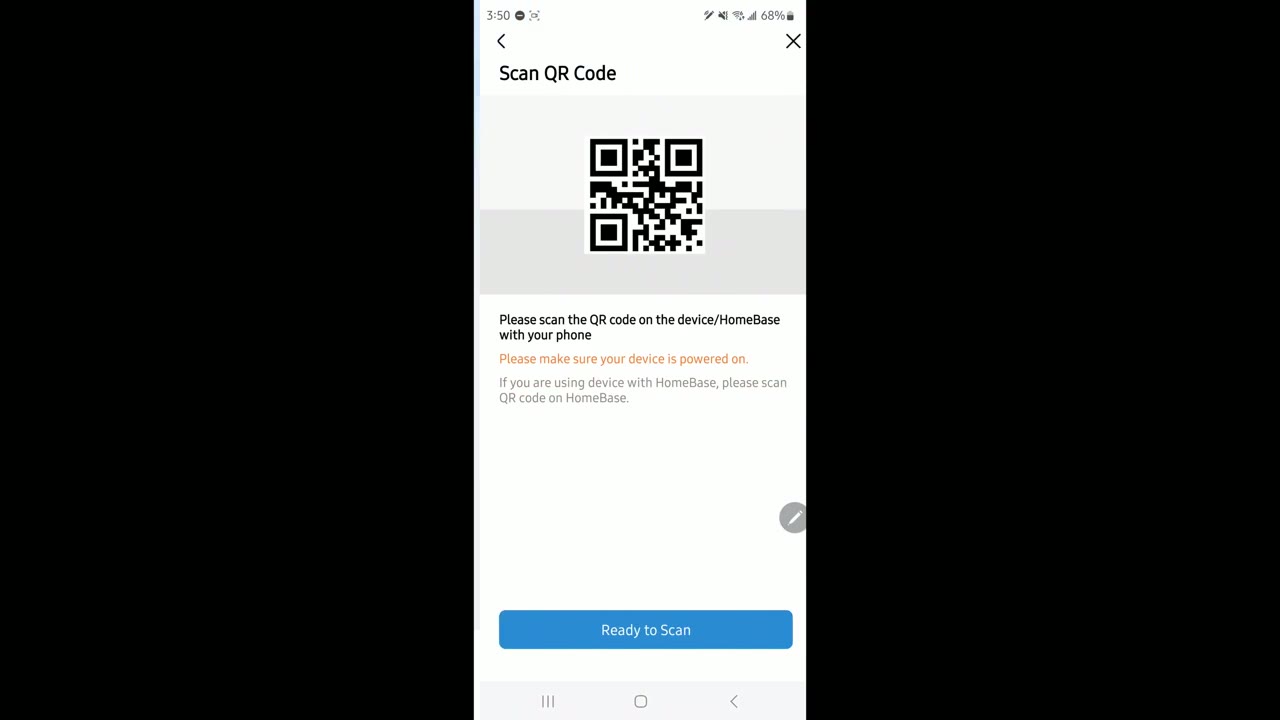
functionality okay so I’ve plugged in the home base I’m just going to scan the QR code please scan the QR code on the device or home it’s automatically founded very quickly just going to let it connect now now it’s automatically connecting and it’s waiting for a connection to the cameras now so I’m going to go to the next step next I’m going to turn on both cameras and make sure that they pair with the home base one at a time then I’m going to install any remaining updates and firmware all right so both cameras are now added to the ASU app along with the home base let’s take a
Settings
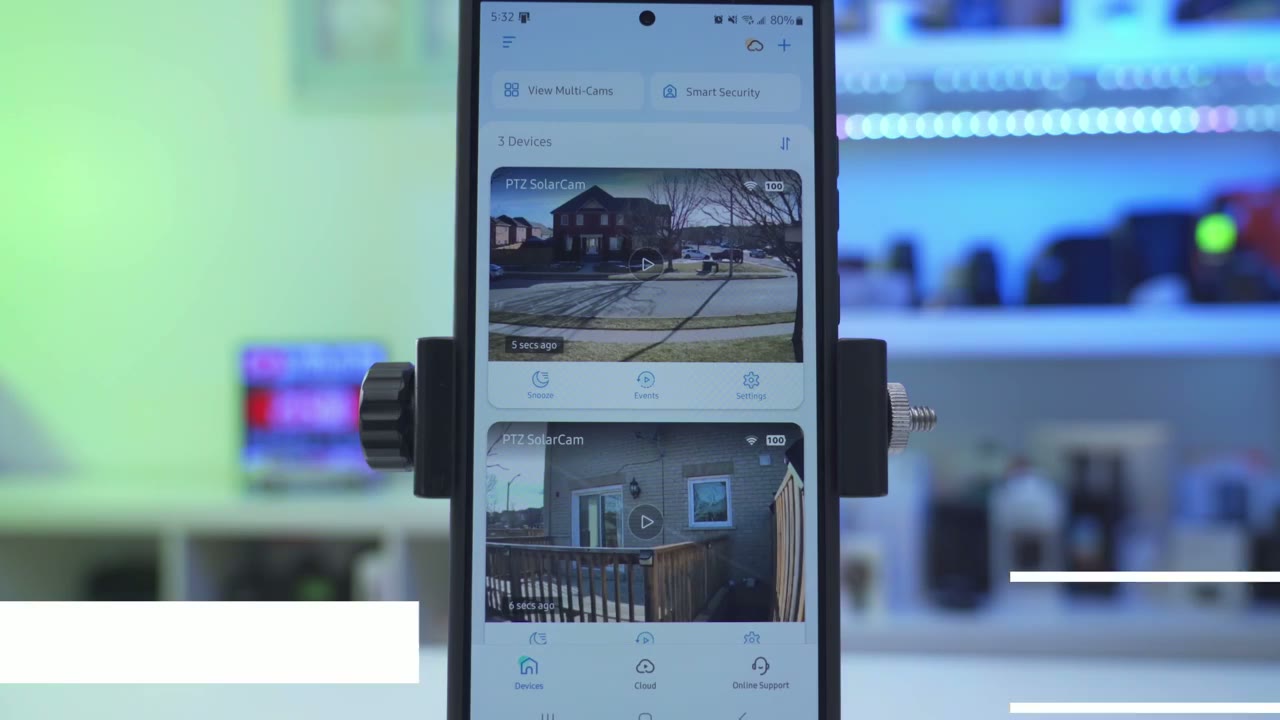
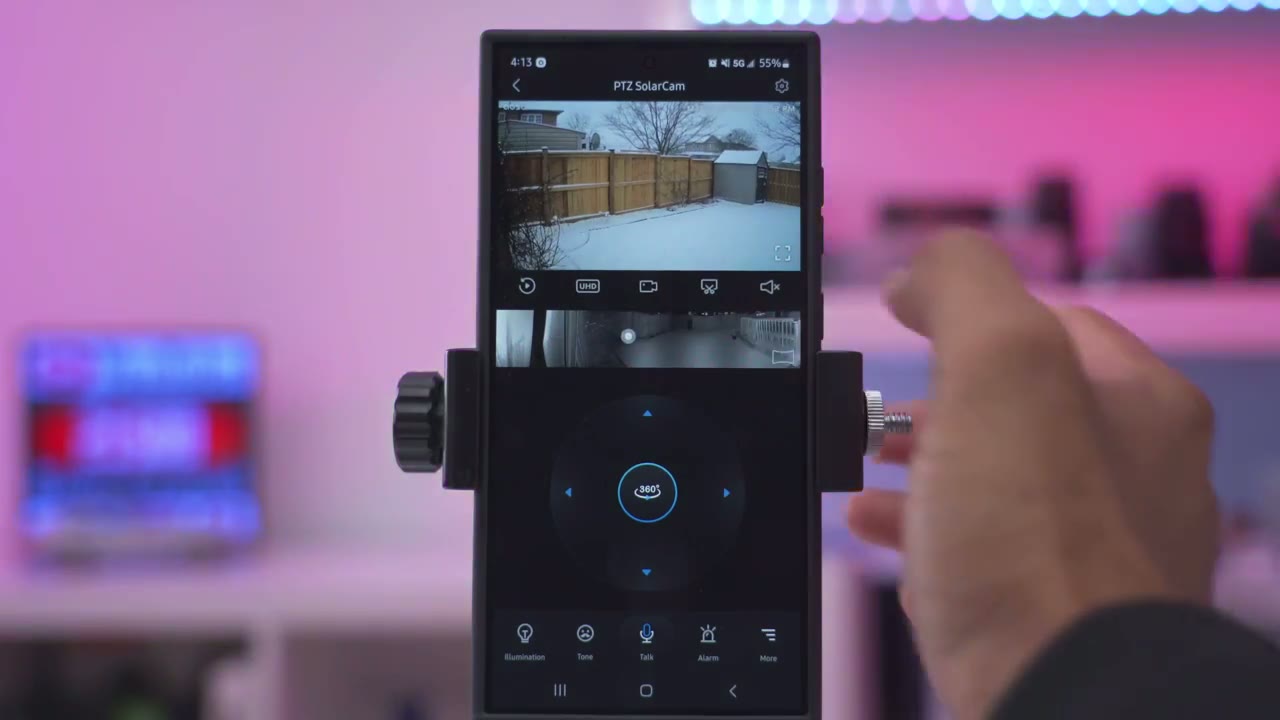
look at the app settings in the ASU app and right away as soon as you launch it one of the coolest features of the app is this view multicam so because I have two cameras here if I tap into that it’s going to actually pull up live view simultaneously for both cameras and you could see there’s a car moving by there so this is a true live view and it’s just so fast and fluid really standout feature and of course you can go ahead and put this in a horizontal configuration as well and if you added more cameras then you could even have mult multiple live view feeds going at the same time looking at the main dashboard though I can see a thumbnail preview of what both cameras captured last and I can see I have 100% battery and full Wi-Fi strength now on the camera in my backyard 100% battery but lower Wi-Fi strength since it’s further away if I tap on snooze I could snooze the camera from 30 minutes to 4 hours and if I tap on events it’s going to default to local storage because I don’t have a clout plan now I can see a break down here that this shows you know motion motion and this one says staying and you can actually see that I’m standing behind the glass and the camera is so good it can actually pick me up from behind the glass and tag it as stay really impressive and if you go into Cloud this is where you can purchase optional Cloud plants but I’ve just been using it with local storage perfectly let’s take a look at live view and it pulls up very quickly now you can see it’s set to UHD I can switch this to standard definition but what I can do is in UHD I could just go ahead zoom in on this car take a look at the cars across the street and of course I could go into full screen mode if I want a little bit more detail or to make it easier to view now what I can also do is start a manual recording you know it’s going to capture that car going by what I can also do is take a snapshot of whatever I’m looking at and I can start audio streaming from the microphone illumination turns the spotlight on or off you can change the tone whenever you’re talking to someone and you can press this icon here to start talk you can also go ahead and Trigger the alarm and that’s going to go out right now it’s going to be quite loud now if we go into more we can also send out pre-recorded voice commands which I’ll touch on later now we can also go ahead and disable tracking you can see as that person is walking the camera did pan and tilt to follow them now if you just want it fixed so you know you can only monitor one area while you could go ahead and turn that off so it’s very easy to do now one of the coolest features is that you can create a stitch panoramic image here so if I tap on this area over here it’s actually going to go over pen and tilt and if I tap down here you’ll see it’s both going to pan and tilt really quickly and effortlessly to manually pan and tilt you have full access right here so you can see it’s very responsive as I pan and tilt so it’s really a dream to use under motion detection motion detection is on and it’s set to human only it’s only going to detect humans not cars or pets and then you can also turn human tracking on or off so if you turn this on you know it’s going to impact battery life but if you just want the camera to monitor a fixed area turn that off now I’ve left it on adjust automatically for the detection sensitivity but if you want more fine control you could set it from close medium to far but adjust automatically has been working really well for me you can also set an auto alarm so you can see if I enable this it’s defaulted to all day but you could set a specific time period and you know day and time as well now I can’t have this on in the front of my house I have way too much traffic but great for a backyard area and you can also jump into motion detection to see how sensitive it is going to be when it’s triggered under notification settings we can receive push notifications and you can set it do you want to receive it all day every day or only during certain times so that you’re not bothered you know say you’re at work etc and then you can also set it to immediate mode so as soon as it detects something it’s going to send it or you could send it to intelligent mode it’s going to perform an analysis of the scene and then send it to you but I prefer to get it immediately if we go into Cloud recording I don’t don’t have a cloud plan but you could take a look at some of the prices here so this is for a two device monthly Premium plan now under video and audio I’ve set it to record in the highest resolution 2K but you can also set it to smooth if you prefer that and you want to just save on storage and then for night vision I’ve just left it on automatic switching that’s been working well but you can set it for you know Spotlight illumination or you can turn off infrared light and you could set the speaker volume and also if you want video clips to be recorded with sound battery management shows you the current status of the battery so I’m at 100% and you could set it to power saving mode so the maximum clip length is going to be 20 seconds and there is going to be you know kind of a reduction or a coold down time in between recordings or you could set it to intelligent mode where you’ll have as long as 60 seconds of recording length the camera can also be scheduled to go to sleep during certain times if you need that feature say you want specific privacy and I recommend keeping the LED status light on to let people know that it is working you have integration with Alexa and Google and if we go into about device we can take a look at the Wi-Fi signal strength we can also jump into the Homebase settings so you can see if I go into about device I can take a look at how much storage I’ve used and how much is remaining and then it is set to you know Loop record so as soon as the memory card or the storage as full it’s just going to overwrite the oldest clip and you can manually format as well if you need to while reviewing video clips if you just tap on the screen you have the option to download it directly to your phone and it does so very quickly by the way if you’re finding this video helpful please like And subscribe but let’s get back to it to review video I’m
Video Playback
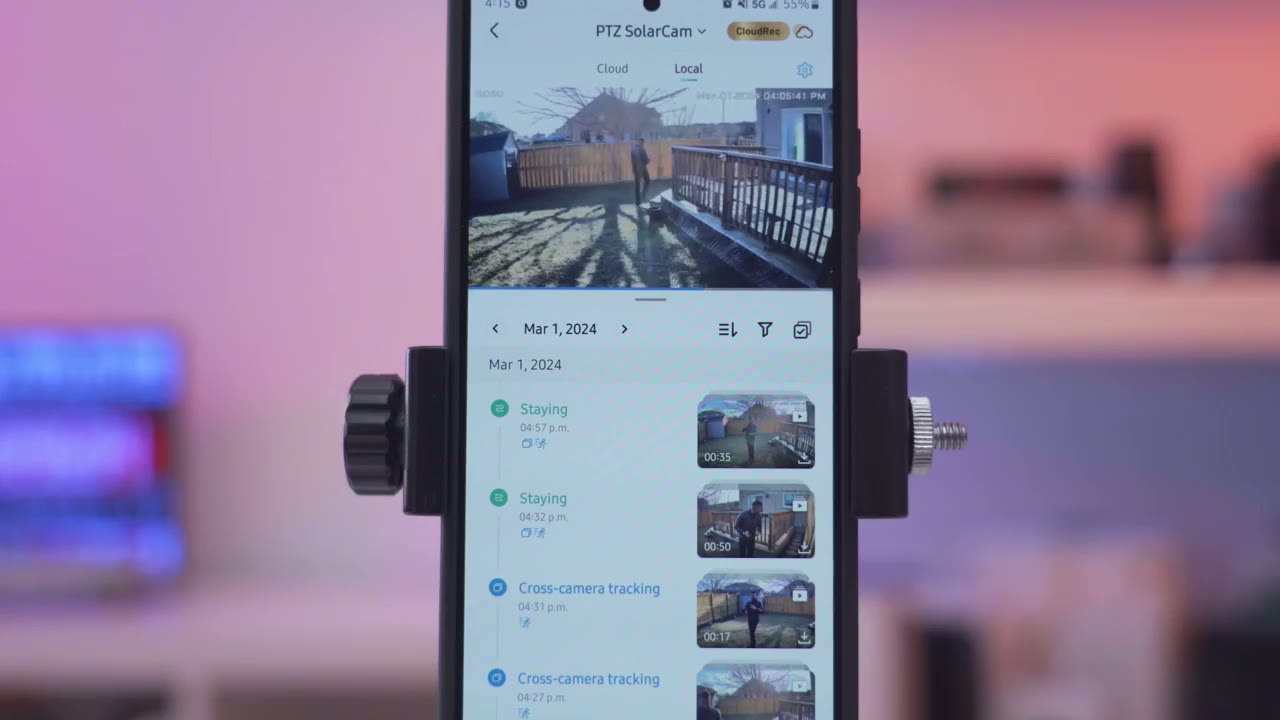
going to go into the events and I’m just going to go ahead and pick March 1st which was a very busy day for me and you could see that there’s really a ton of motion detected on here there we go so you can see it’s label it as cross tracking staying staying cross tracking and if I tap on this cross tracking notice that there’s a video clip series here and what this does is it actually shows you subject trajectory so I this is where I started I was taking some recordings and then I came to the backyard and then I got closer to the camera and you could see it just kind of labeled it as a chronological series of events one thing I noticed is that say on March 20th I have handy thumbnail preview so I know what I’m clicking into but if I go to the previous day I have a thumbnail for the first clip but not some of the clips that follow but then if I keep scrolling you know I do have thumbnails so it’s a bit Hit or Miss in terms of if you’re going to have thumbnails generated this is something that I think will be you know probably fixed or smooth out in a further firmware or software
Video Quality
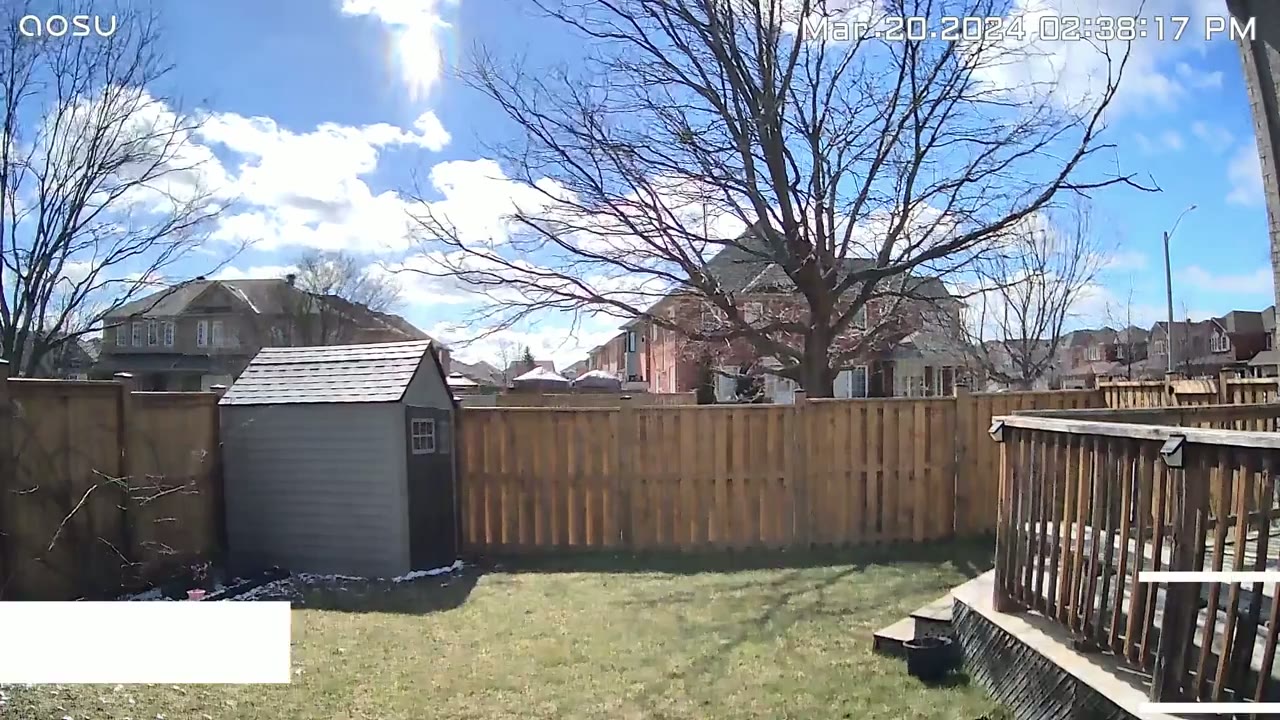
[Music] update video quality was great during the day thanks to the 2K quality and it was really easy to make out faces so in these clips I’m in the backyard close up to the camera it’s easy to see my face now I did also put one camera on the side of my house where it was further away from the sidewalk and it was still
Motion Detection & Cross Tracking
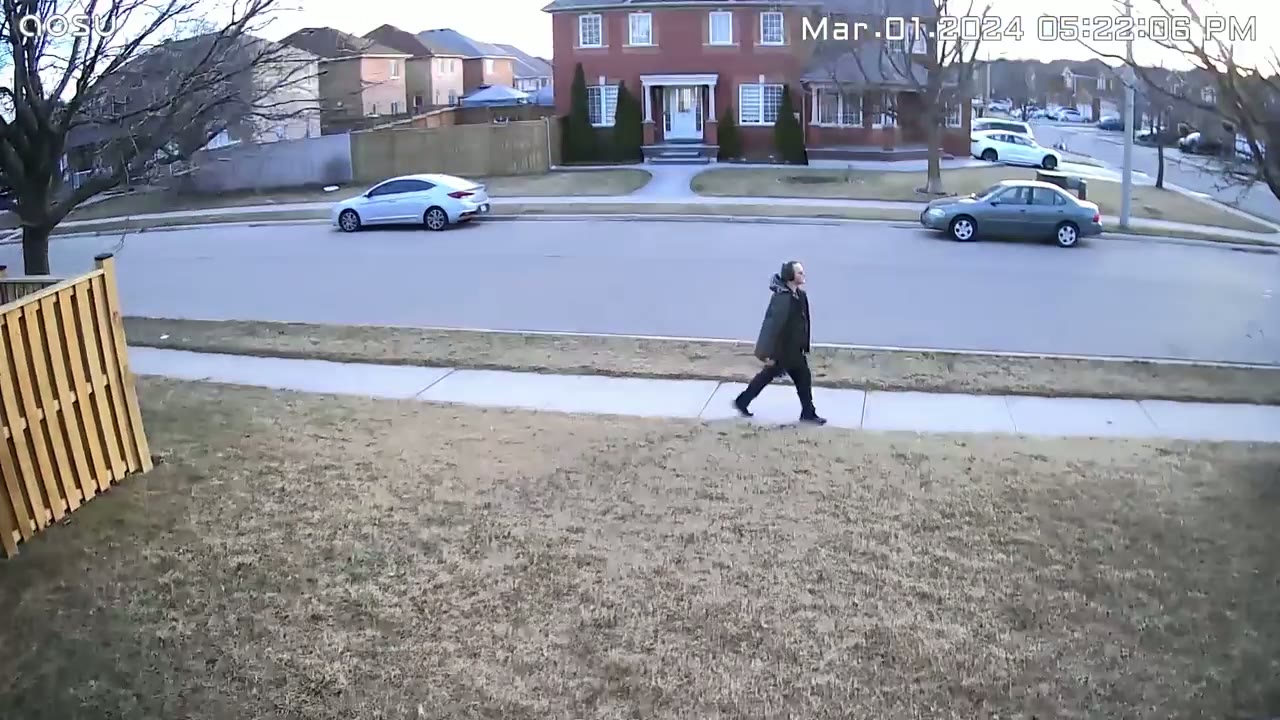
easy to make out people and cars going by even when when there was a bit of direct sunlight pointing towards the camera lens it still handled it well and the video was nicely exposed night vision was also good whether you use Black and White Night Vision or the color night vision so you can see in these clips with just the standard Black and White Night Vision it’s still easy for the camera to track and make out faces and same with color night vision you know even though it’s not the Super brightest type of Spotlight out there it still does a fairly good job with Illuminating and giving you color night vision all right so motion detection is a little bit more tricky to talk about because with a lot of camera systems where you just have one camera as soon as it detects motion boom you get the app alert and you’re like okay this was fast or it just took a long time to get that alert what I noticed with this system is because it’s a two camera system and I have the cross tracking motion option enabled what happens is a lot of the times if I’m in front of one camera and then I walk to the other camera you know I’ll get the motion alert notification way more delayed because I think it’s kind of parsing the information from both cameras analyzing it and then you know stitching the videos together to give me that cross motion kind of series of video so in that case the motion detection I guess is a little bit more delayed maybe not technically the motion detection just the speed at which you Rel uh receive the app alert is a bit delayed because it has to do so much more processing and you can see how it just stitches or kind of combines a series of videos to show you subject trajectory which is which is really cool the AI Auto tracking is also
Auto Tracking & Pan Tilt
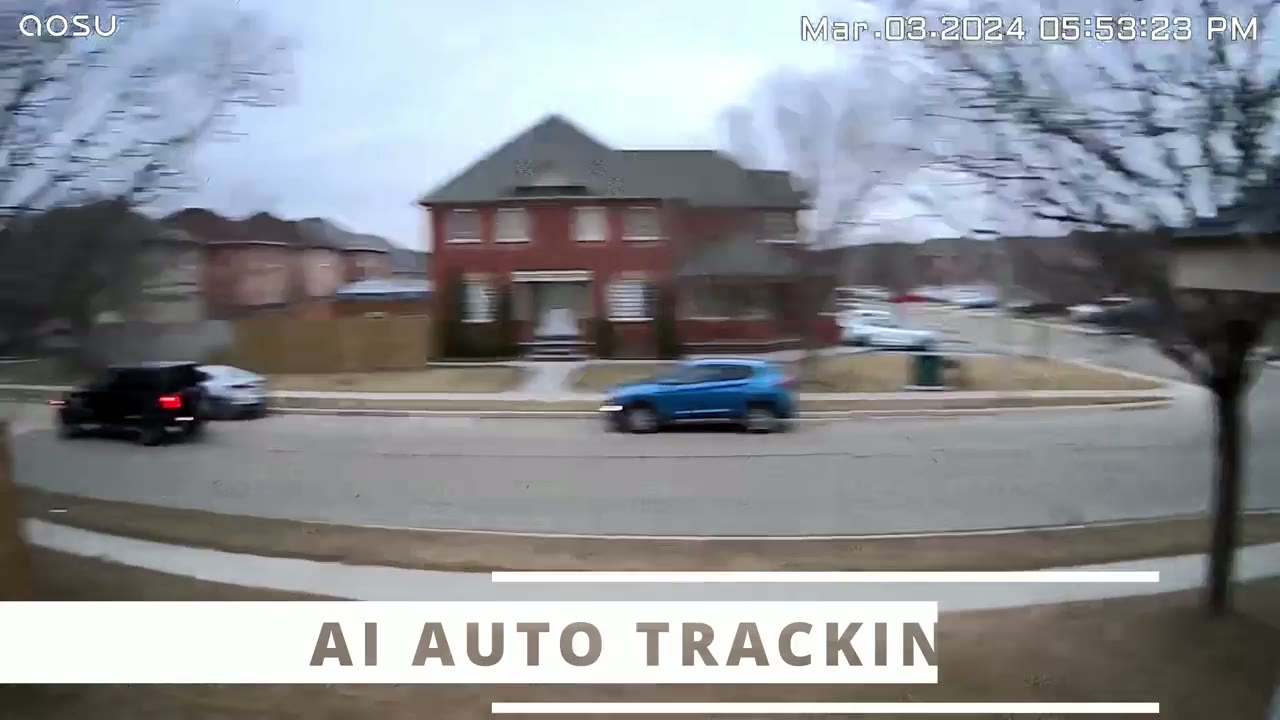
very sticky and anywhere I moved you know it was easily able to pan and tilt to follow along you can also do this manually if you like and then you also have that panel Stitch so you can just tap anywhere on that image and it’s just automatically going to jump to that area
Speaker
please get out of here now hey what are you doing here please put the package at the door thank you now the spotlight on here is not the
Spotlight
brightest because it is a spot like not a flood light but you can see it still did a fairly good job Illuminating the front of my house when it comes to
Battery
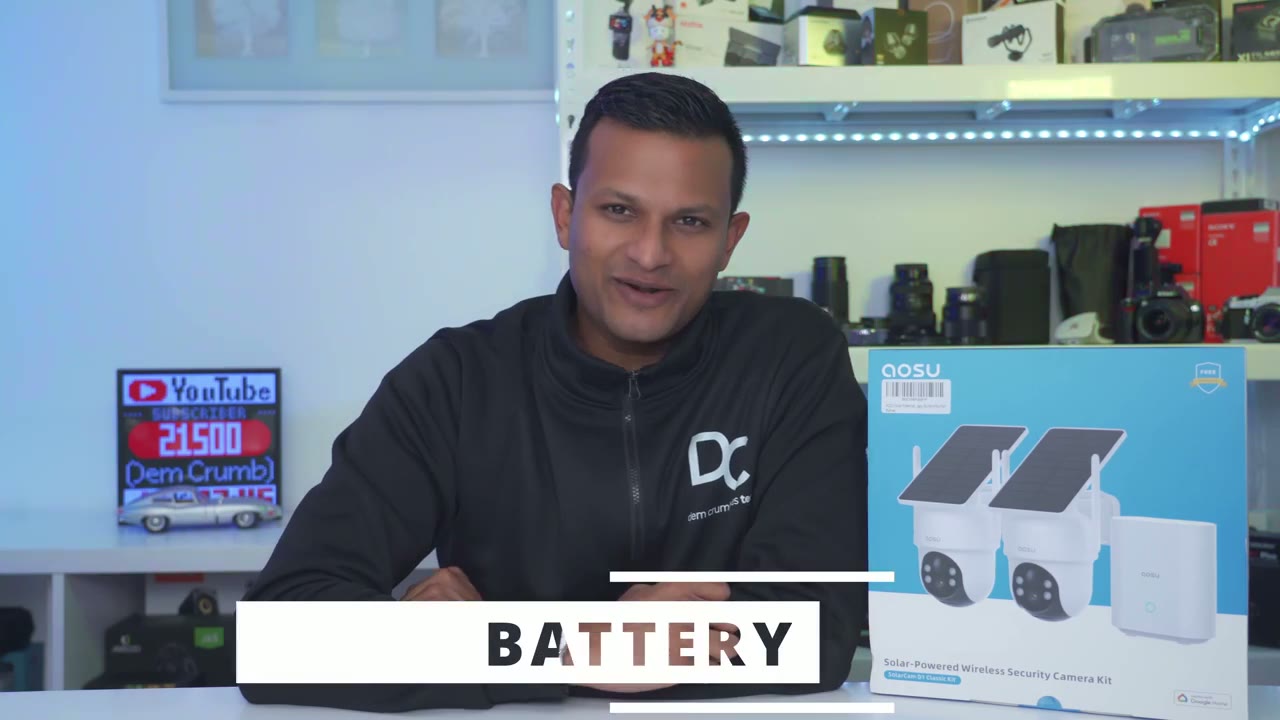
battery life I have good news and bad news so the camera mounted in my backyard where it doesn’t see too much motion although I did notice it does pick up the top of you know big moving trucks and delivery truck that stays at around 90 to 100% And this is still in a Canadian winter I’ve had you know a couple of winter storms heavy rain a lot of overcast Skies but it’s still seeing at 90 to 100% very impressive now the other camera that I’ve mounted at the side of my house that’s seeing you know way more traffic and right now the battery life is at about 16% again cold weather is going to deplete the battery more and then we’re also having you know a lot of overcast days but you know it’s definitely capable of retaining battery life if you mount it in an area where you’re mostly using it kind of for surveillance and not to actually document everything going on in your neighborhood like I am I’m expecting to
Storage
get at least 4 to 6 months of video playback history with the included 32 GB of onboard storage on the home baseer and that’s based on it recording from both cameras at 2K resolution so that’s pretty good so this is an awesome option overall if you need some type of cross tracking ability and I think this is going to be most beneficial if you have a large property you know maybe residential or commercial now for a lot of smaller houses you could just buy one camera with a really wide field of view and that should probably solve the issue but with this because you do have cross tracking you know if you really want to Monitor and track you know the subject’s trajectory around that property this is going to do an awesome job at it the build quality is also fantastic on here with the ip66 rating you know it has survived a couple of winter storms heavy rains high winds and both cameras have kept on working there’s also zero monthly fees to use this type of camera system of course there’s optional Cloud plans but you don’t need to use or pay those to get full functionality out of these so if you’re interested in picking up the U solar cam classic D1 SE camera kit I’m going to leave some links down below for you to check it out if you found this video helpful please don’t forget to check out some of my other security camera videos as well also don’t forget to like And subscribe it really does help me out as a growing Channel and I’ll see you in the next one soon
Please note that some of the links in my video descriptions are affiliate links where I earn from qualifying purchases. As an Amazon Associate I earn from qualifying purchases.

